9 Best Automated User Guidance Software Tools in 2026
Automated user guidance software helps prevent user drop-off by delivering contextual walkthroughs, tooltips, and real-time assistance at critical moments in the product journey. This roundup evaluates the 9 best tools available in 2026—from lightweight onboarding solutions to full-stack AI platforms—comparing them on implementation ease, guidance capabilities, and value for B2B SaaS teams.
 Grant CooperFounder14 min read
When users get stuck in your product, they don't always open a support ticket. They just leave. Automated user guidance software closes that gap by delivering contextual help, interactive walkthroughs, and real-time assistance exactly when and where users need it. The result: faster onboarding, fewer support escalations, and higher product adoption.
But not all tools are built the same. Some focus purely on in-app tooltips and product tours. Others layer in AI-powered support, business intelligence, and deep integrations that turn guidance into a strategic asset. This list covers the best options available in 2026, from lightweight onboarding tools to full-stack AI support platforms, so you can find the right fit for your team's maturity, budget, and goals.
We've evaluated each tool on ease of implementation, guidance capabilities, AI sophistication, integration depth, and overall value for B2B SaaS teams.
1. Halo AI
Best for: B2B SaaS teams that want AI-native user guidance and autonomous support in one platform.
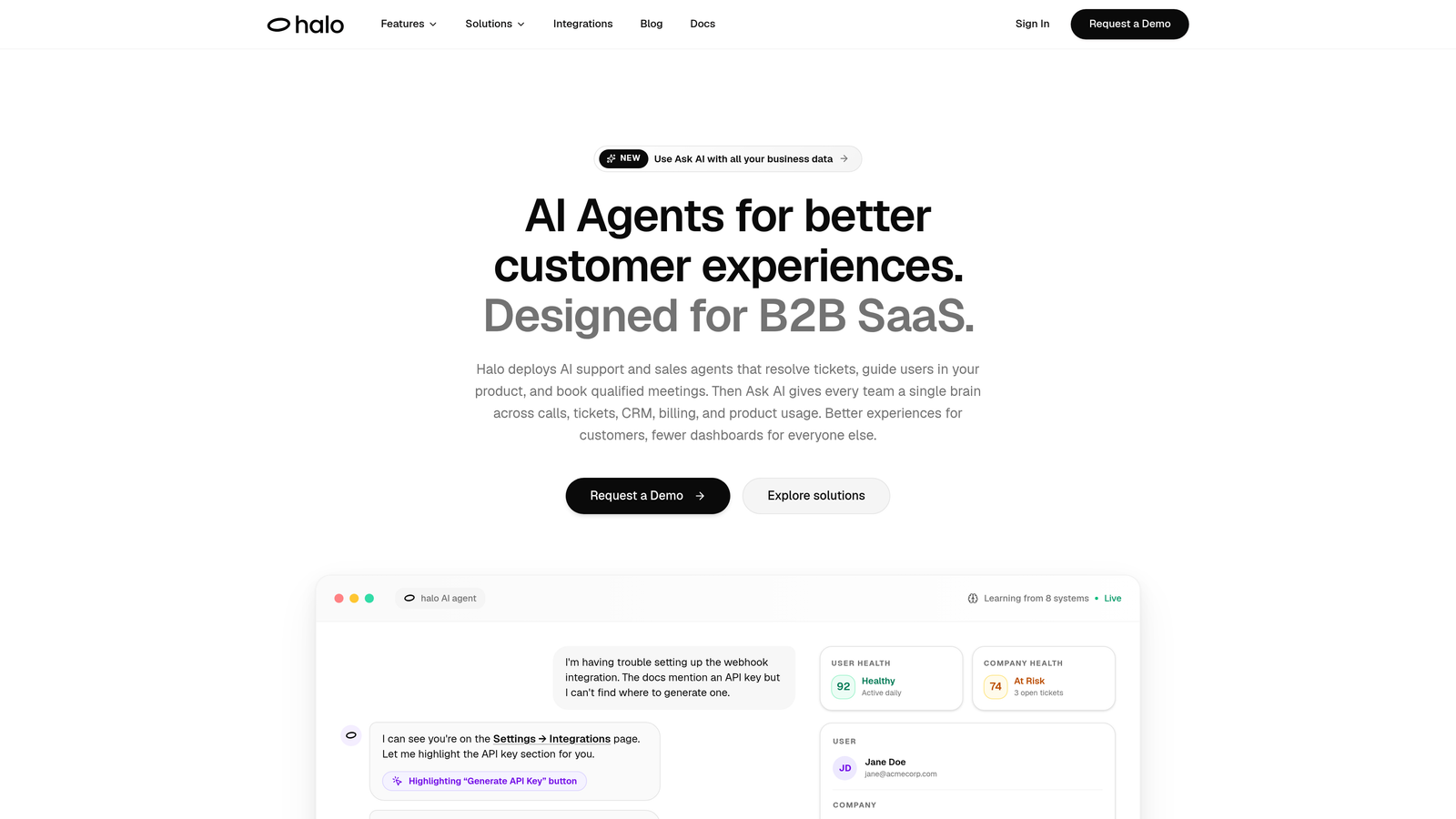
Halo AI is an AI-native customer support and user guidance platform built specifically for B2B SaaS teams who need more than tooltips and product tours.
Where This Tool Shines
Most guidance tools sit on top of your product. Halo AI operates inside the context of your product. Its page-aware chat widget actually sees what the user sees, which means it can deliver visual, step-by-step guidance that's specific to the exact screen, state, or workflow the user is currently in. That's a meaningfully different experience than a generic tooltip or a static knowledge base article.
Beyond guidance, Halo AI's AI agents autonomously resolve support tickets, escalate complex issues to live agents when needed, and automatically generate bug tickets routed to tools like Linear. The Smart Inbox goes further still, surfacing customer health signals, revenue anomalies, and usage patterns that give support and success teams a strategic view of what's happening across their customer base.
Key Features
Page-Aware Chat Widget: Understands the user's current context and delivers visual, in-product guidance tailored to their exact location in the app.
AI Ticket Resolution: Autonomous AI agents handle routine support tickets end-to-end, with intelligent handoff to live agents for issues that require human judgment.
Auto Bug Ticket Creation: Detects and logs bugs automatically, routing them to Linear or connected project management tools without manual intervention.
Smart Inbox with Business Intelligence: Analyzes support interactions to surface customer health signals, usage patterns, and revenue-relevant anomalies beyond standard support metrics.
Deep Integration Stack: Connects with Slack, HubSpot, Intercom, Stripe, Zoom, PandaDoc, and Fathom, so guidance and support data flows into the tools your team already uses.
Best For
B2B SaaS companies that want a single platform for user guidance and autonomous support resolution, particularly teams who are outgrowing basic onboarding tools and need AI that learns from every interaction. Ideal for product, support, and customer success teams working in close alignment.
Pricing
Contact Halo AI for pricing. Given the platform's depth and enterprise-grade capabilities, pricing is tailored to team size and use case.
2. Appcues
Best for: Product teams building onboarding flows and in-app experiences without engineering resources.
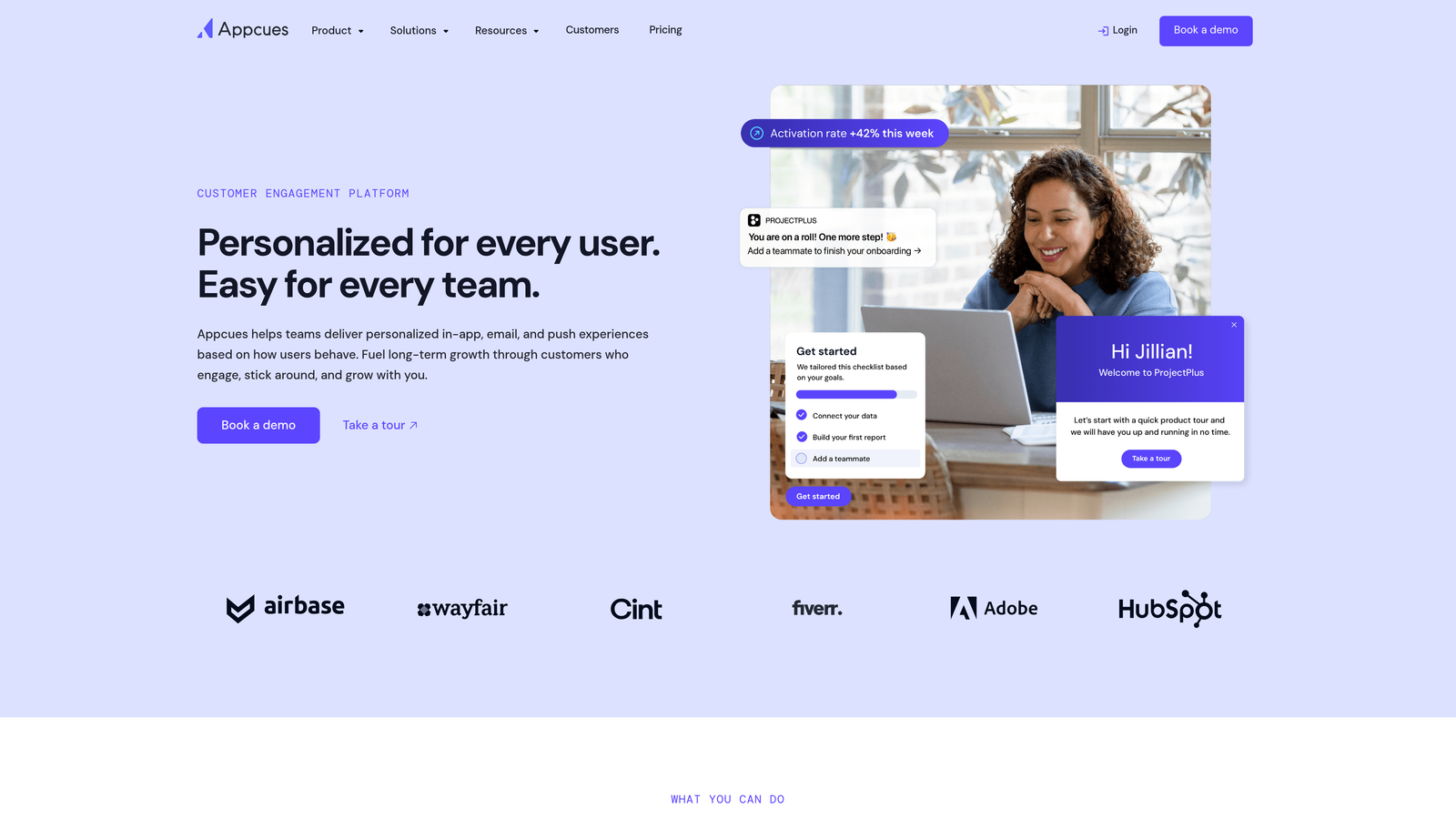
Appcues is a well-established no-code onboarding platform that gives product teams control over in-app experiences without touching code.
Where This Tool Shines
Appcues has long been a go-to for mid-market SaaS teams that need to ship onboarding improvements quickly. Its visual flow builder is genuinely intuitive, making it possible for non-technical team members to create tooltips, modals, checklists, and slideouts without filing an engineering ticket. That speed-to-launch is a real competitive advantage for product teams with limited dev bandwidth.
The platform also bakes in user research tools. NPS surveys and microsurveys can be triggered at specific points in the user journey, giving product teams a continuous feedback loop tied directly to onboarding moments rather than standalone survey blasts.
Key Features
Visual Flow Builder: Drag-and-drop creation of tooltips, modals, slideouts, and checklists with no coding required.
Audience Segmentation: Target onboarding experiences to specific user segments based on attributes, behavior, or plan type.
NPS and Microsurveys: Collect in-product feedback at contextually relevant moments without redirecting users to external forms.
Analytics Dashboard: Track flow completion rates, step-level drop-off, and engagement across onboarding experiences.
Integrations: Connects with Segment, HubSpot, Salesforce, and Mixpanel for data sync across your stack.
Best For
Mid-market SaaS product teams who want to own their onboarding experience without relying on engineering. Less suited for teams that need deep AI-powered support resolution or real-time contextual guidance beyond linear flows.
Pricing
Starts at approximately $249/month for the Essentials plan. Verify current pricing at appcues.com, as plans and tiers change regularly.
3. Pendo
Best for: Data-driven product teams that want behavioral analytics and in-app guidance in one platform.
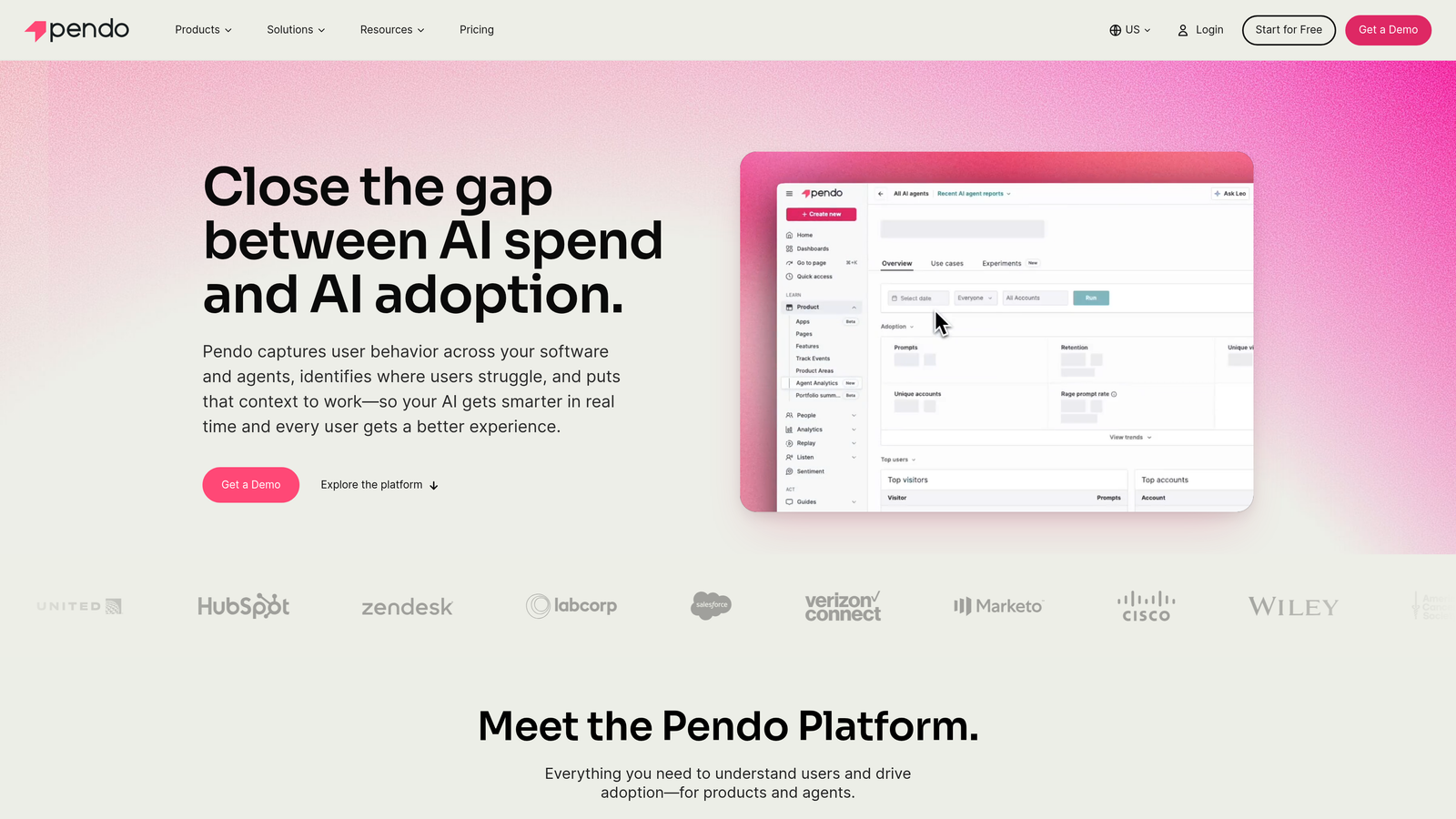
Pendo is one of the most recognized names in product analytics, combining feature usage data with in-app guidance and feedback tools.
Where This Tool Shines
Pendo's core strength is the connection between data and action. Rather than building onboarding flows based on assumptions, teams can use Pendo's behavioral analytics to identify exactly where users drop off, which features go undiscovered, and which segments are most at risk of churning. Guidance flows can then be triggered by those specific behaviors, making outreach feel timely rather than generic.
The platform has expanded over the years to include feedback collection, roadmapping, and NPS tooling, making it a broader product intelligence platform rather than a pure onboarding tool. That breadth is valuable for mature product organizations, though it also means more complexity to configure and maintain.
Key Features
Behavioral Analytics: Tracks feature usage, session data, and retention signals across your user base with granular detail.
Triggered In-App Guides: Launches guidance based on specific user actions, segments, or inactivity patterns rather than fixed timelines.
Feedback and NPS: Collects in-product user sentiment tied to specific features or workflow moments.
Roadmapping Tools: Helps product teams prioritize features based on user feedback and behavioral data.
Free Tier: Available for small teams exploring the platform before committing to an enterprise contract.
Best For
Product and growth teams at scaling SaaS companies who want to tie guidance decisions to real usage data. Implementation can be complex, so teams without dedicated product ops resources may find the learning curve steep.
Pricing
Free tier available for small teams. Paid plans are enterprise-quoted. Contact Pendo directly for pricing based on your user volume and feature needs.
4. WalkMe
Best for: Large enterprises managing complex multi-application software environments.
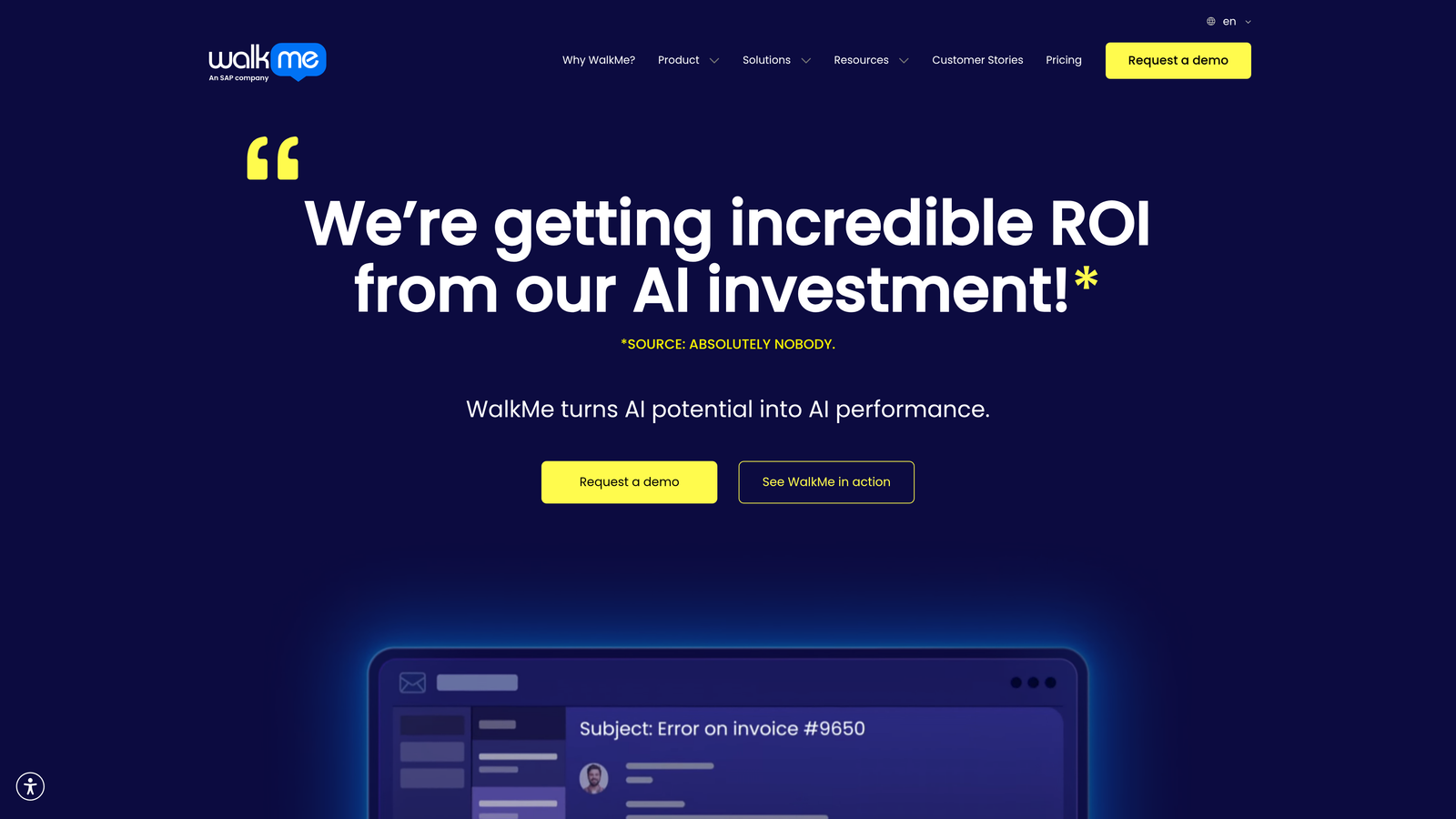
WalkMe is an enterprise Digital Adoption Platform acquired by SAP in 2023, built for organizations that need guided workflows across multiple enterprise applications simultaneously.
Where This Tool Shines
WalkMe's defining capability is cross-application guidance. Where most tools guide users through a single product, WalkMe can orchestrate walkthroughs that span multiple enterprise systems, which matters enormously in large organizations where a single business process might touch a CRM, an ERP, and a project management tool in sequence. That kind of coverage is rare and genuinely valuable at enterprise scale.
The platform also includes ActionBot, which can automate repetitive in-app tasks rather than just guiding users through them manually. For high-volume, process-heavy workflows, that automation layer reduces friction in ways that tooltip-based tools simply can't match.
Key Features
Cross-Application Guidance: Delivers walkthroughs that span multiple enterprise tools within a single guided workflow.
SmartTips and Walk-Thrus: Contextual, step-by-step in-app assistance that adapts to user actions in real time.
Insights Dashboard: Tracks adoption metrics, guidance engagement, and workflow completion across the organization.
ActionBot: Automates repetitive in-app tasks to reduce manual steps for users navigating complex processes.
Enterprise Security and Compliance: Built-in controls for large organizations with strict governance requirements.
Best For
Large enterprises, particularly those in the SAP ecosystem, managing digital adoption across complex multi-application environments. Implementation is resource-intensive, making it less practical for smaller teams or companies with simpler software stacks.
Pricing
Enterprise-quoted only. Contact WalkMe directly for pricing, as contracts are typically tailored to organization size and application scope.
5. Intercom
Best for: Teams that want unified customer messaging, in-app guidance, and AI-powered support in one platform.
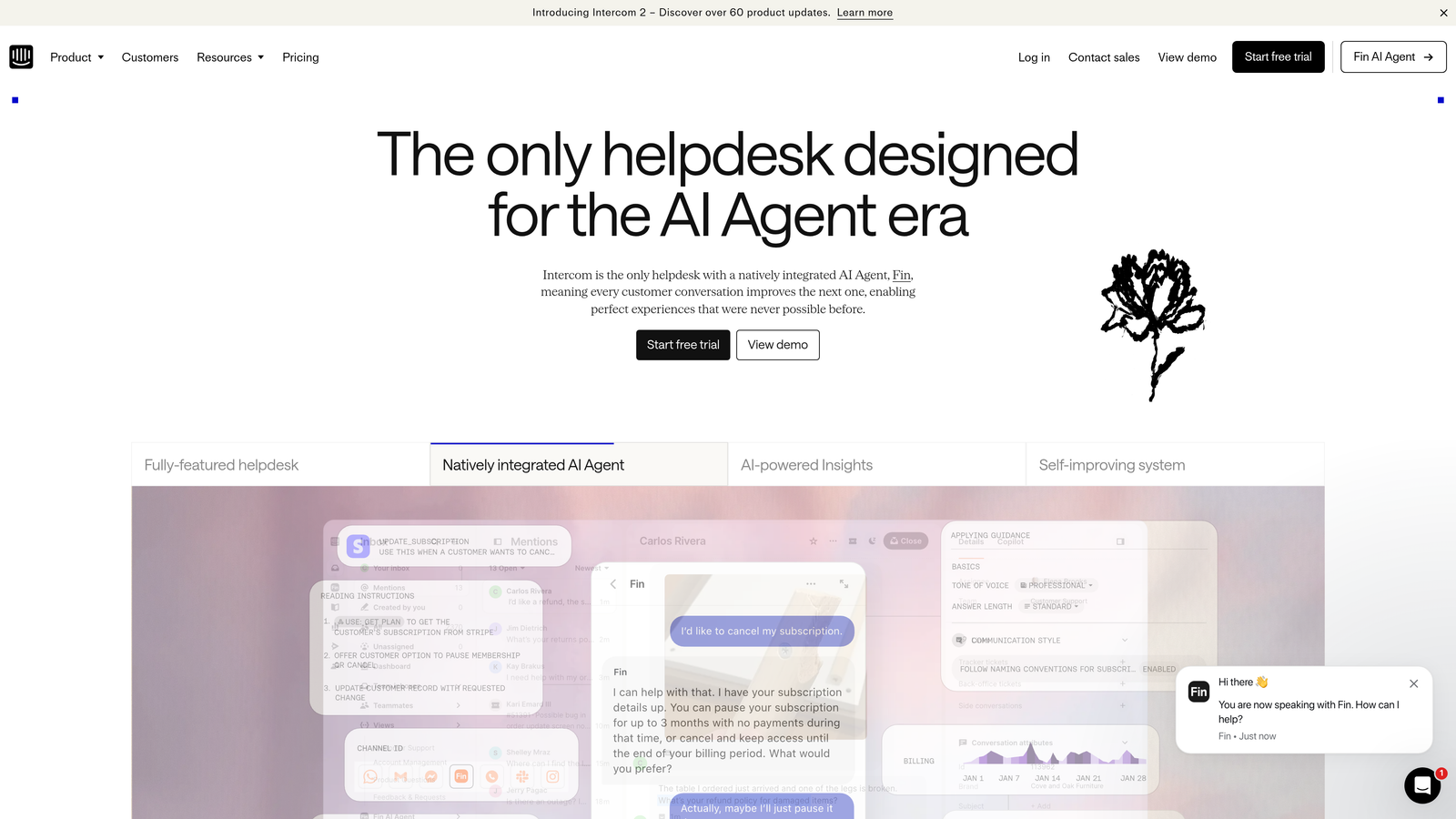
Intercom is a well-known customer communications platform that combines in-app messaging, Product Tours for guided onboarding, and the Fin AI agent for automated support resolution.
Where This Tool Shines
Intercom's strength is breadth. It covers the full customer communication lifecycle: proactive in-app messaging, reactive support via chat and email, guided onboarding through Product Tours, and AI-powered resolution through its Fin agent. For teams that want one platform managing all customer touchpoints, the consolidation value is real.
The Fin AI agent has matured considerably and can handle a meaningful share of support conversations autonomously. Combined with Intercom's behavioral segmentation and extensive integration marketplace, it's a capable platform for teams that prioritize customer communication at scale.
Key Features
Product Tours: Step-by-step in-app onboarding flows triggered by user behavior or manual campaigns.
Fin AI Agent: Automated support resolution using AI, with escalation to human agents for complex issues.
Shared Inbox: Unified inbox combining chat, email, and in-app messaging for support team collaboration.
Customer Data Platform: Behavioral segmentation based on user attributes, events, and product usage.
Integration Marketplace: Extensive library of third-party integrations across CRM, analytics, and productivity tools.
Best For
Growth-stage to enterprise SaaS companies that want a single platform for support and in-app messaging. Costs can scale quickly with seat count and feature usage, so budget-conscious teams should model total cost carefully before committing.
Pricing
Starts at approximately $39/seat/month. Pricing scales significantly with usage volume, AI resolution usage, and additional features. Verify current plans at intercom.com.
6. Userflow
Best for: Early-stage and growth-stage SaaS teams that need fast, affordable onboarding without enterprise complexity.
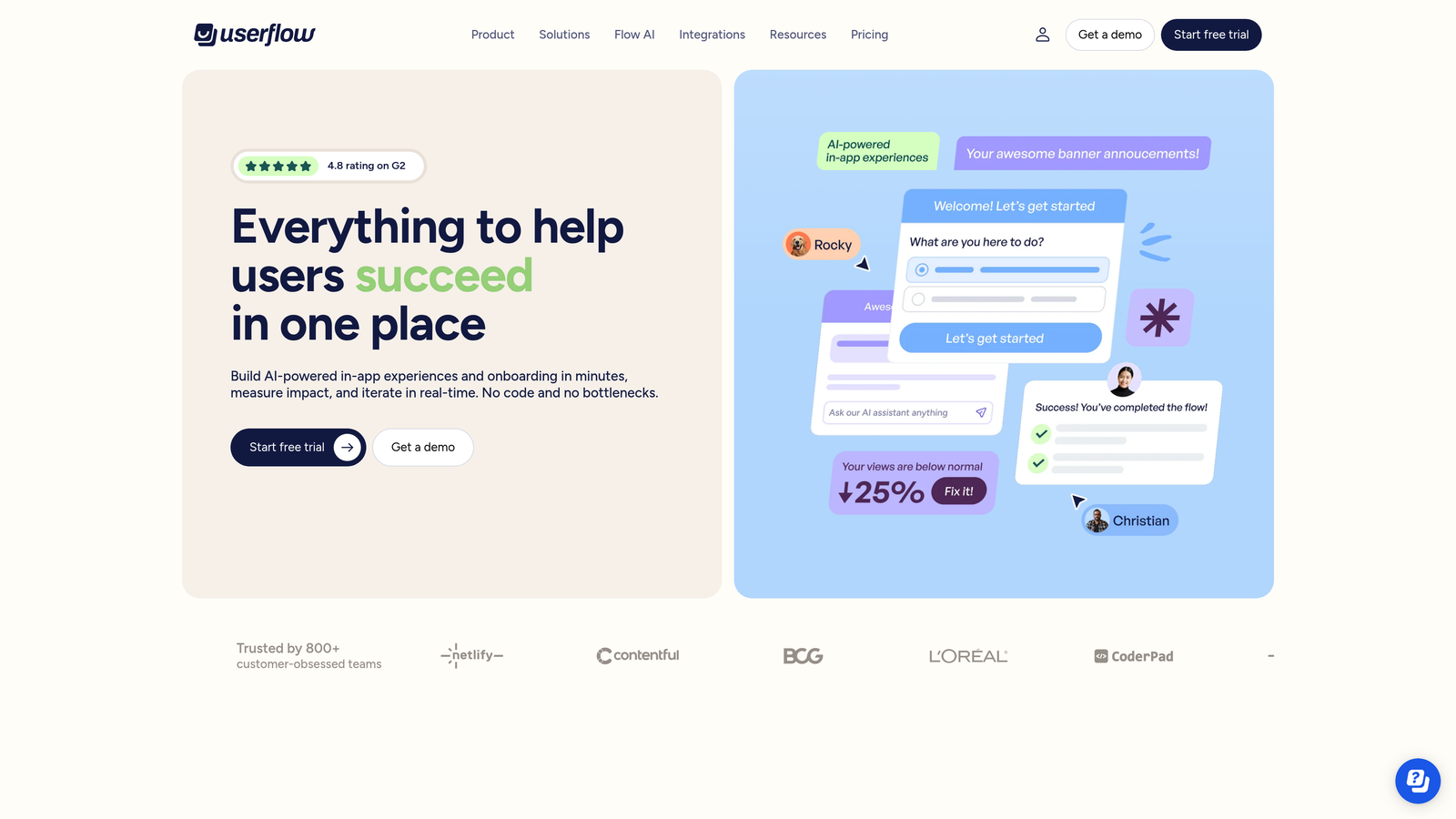
Userflow is a lightweight in-app onboarding tool built for SaaS teams who want a powerful no-code flow builder without the price tag of enterprise platforms.
Where This Tool Shines
Userflow's appeal is simplicity at speed. Implementation is handled via a JavaScript snippet, which means most teams can go from signup to live flows in a matter of hours rather than weeks. The no-code builder is clean and capable, covering the core use cases: tooltips, modals, checklists, and resource center widgets for self-serve help.
For teams that have outgrown manual onboarding calls but aren't ready to invest in a full enterprise DAP, Userflow hits a practical middle ground. The pricing is competitive compared to Appcues and Chameleon, making it a strong starting point for teams focused on getting the basics right before layering in more sophisticated tooling.
Key Features
No-Code Flow Builder: Create tooltips, modals, and checklists through a visual editor without engineering involvement.
Resource Center Widget: Embeddable self-serve help hub that surfaces relevant content based on user context.
User Segmentation: Target flows by user attributes or event-based triggers to deliver relevant experiences.
Flow Analytics: Track completion rates, step-level drop-off, and engagement across all active flows.
Fast Implementation: Single JavaScript snippet setup with minimal engineering overhead required.
Best For
Early-stage and growth-stage SaaS teams that need reliable onboarding flows quickly and affordably. Teams that need deep behavioral analytics, AI-powered support, or cross-application guidance will likely outgrow it and need a more capable platform.
Pricing
Starts at approximately $200/month. Verify current pricing and plan limits at userflow.com before committing.
7. Chameleon
Best for: Product-led growth teams that want to experiment with and optimize in-app guidance through A/B testing.
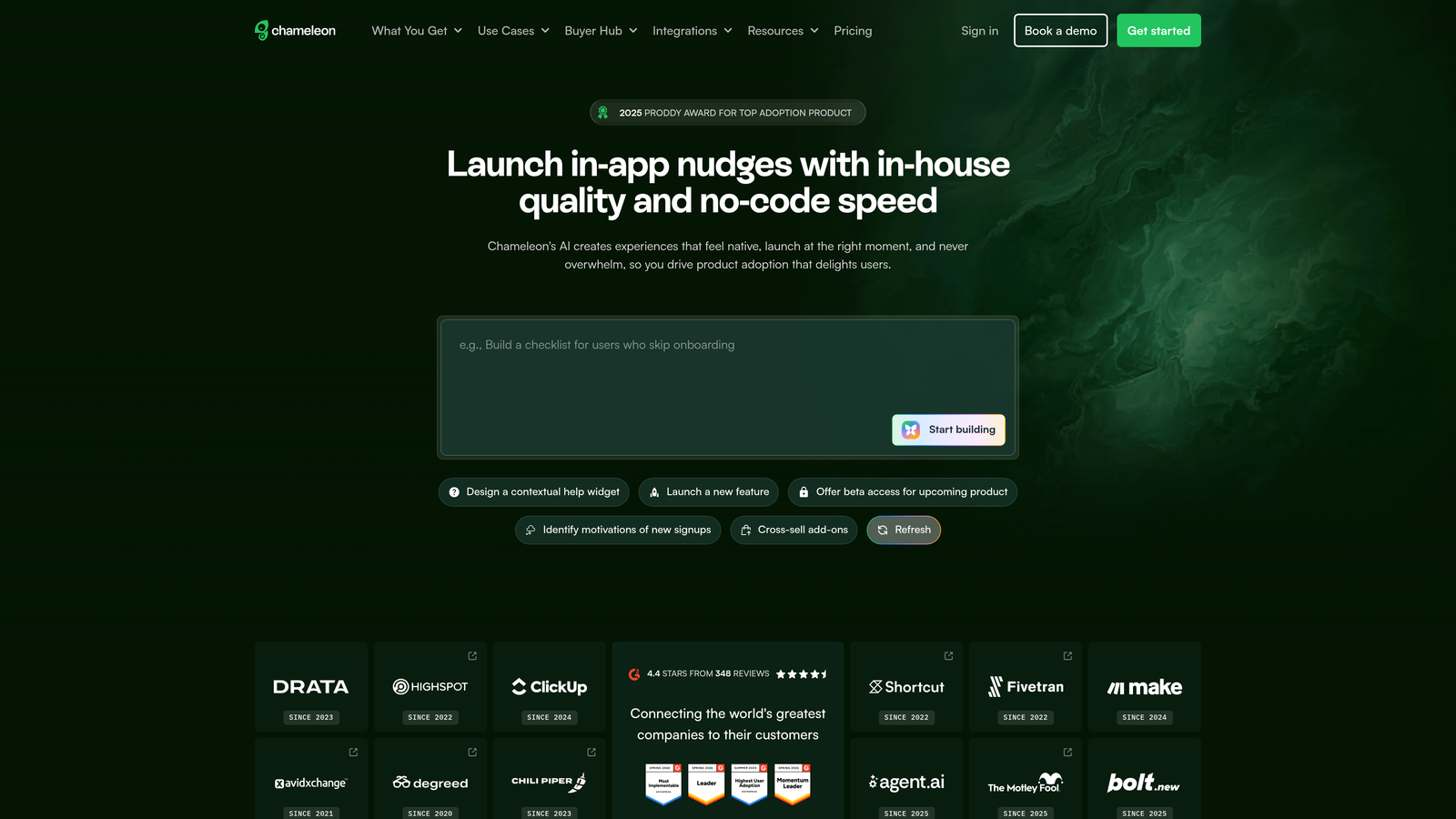
Chameleon is an in-app product experience platform that stands out for its experimentation capabilities, giving teams the ability to test guidance variations and optimize based on real user behavior.
Where This Tool Shines
If your team thinks about in-app guidance the way a growth team thinks about landing pages, Chameleon is built for you. Its A/B testing functionality lets you run controlled experiments on tooltip copy, modal timing, launcher placement, and banner messaging, so decisions are driven by data rather than gut feel. That experimentation layer is rare in this category and genuinely useful for teams iterating quickly on their onboarding and activation flows.
Chameleon also offers granular audience targeting, so you can serve different guidance experiences to different user segments simultaneously. Combined with microsurveys for collecting contextual feedback, it gives product teams a tight loop between user behavior, in-product messaging, and continuous improvement.
Key Features
A/B Testing: Run controlled experiments on guidance variations to identify what actually drives user behavior.
Granular Audience Targeting: Serve different experiences to different segments based on attributes, events, or behavioral signals.
Microsurveys: Collect contextual user feedback at specific moments in the product journey.
Launcher Widget: Self-serve help hub that users can access on demand within the product.
Best For
Product-led growth teams at SaaS companies who want to treat onboarding as an ongoing experiment rather than a one-time build. Requires a data-oriented team to get full value from the testing and segmentation capabilities.
Pricing
Starts at approximately $279/month for the Startup plan. Verify current pricing and plan details at chameleon.io.
8. Stonly
Best for: Customer success and support teams building adaptive, self-serve knowledge content.
Stonly is an interactive knowledge base and guided support platform built around branching decision trees rather than linear walkthroughs, helping users self-resolve issues through adaptive, step-by-step content.
Where This Tool Shines
Stonly's branching guide format is its clearest differentiator. Instead of presenting a single linear walkthrough, Stonly guides users through a series of questions and responses, adapting the next step based on their answers. This makes it particularly effective for troubleshooting flows, where the right guidance depends on the user's specific situation rather than a one-size-fits-all path.
For support teams trying to deflect tickets without sacrificing the quality of the help experience, Stonly's format works well. Users who reach a self-serve guide feel like they're getting personalized assistance rather than being handed a static FAQ article, which tends to improve both completion rates and satisfaction.
Key Features
Branching Interactive Guides: Adaptive, decision-tree-based content that responds to user inputs and routes them to the right resolution path.
Embeddable Knowledge Base Widget: In-app self-serve support hub that surfaces relevant guides based on context.
Support Tool Integrations: Connects with Zendesk, Intercom, Freshdesk, and HubSpot to embed guides within existing support workflows.
Analytics: Tracks guide usage, completion rates, and ticket deflection impact to measure self-serve effectiveness.
AI-Assisted Guide Creation: Speeds up content production by using AI to help draft and structure new guides.
Best For
Customer success and support teams at SaaS companies that want to build rich self-serve content without replacing their existing helpdesk. Particularly strong for teams that handle a high volume of troubleshooting requests with variable resolution paths.
Pricing
Free tier available. Paid plans start at approximately $99/month. Verify current plan details at stonly.com before making a decision.
9. Whatfix
Best for: Large organizations managing both customer-facing onboarding and internal employee software training.
Whatfix is an enterprise Digital Adoption Platform that covers both customer-facing product guidance and employee-facing software training, making it a dual-use solution for organizations managing multiple software rollouts simultaneously.
Where This Tool Shines
Whatfix's dual-use positioning is genuinely unique in this category. Most DAPs focus either on customer onboarding or employee training. Whatfix covers both from a single platform with shared content management, which matters for large organizations where the same guidance infrastructure needs to serve both external users and internal teams adopting new tools.
The platform's multi-format content capability is also worth noting. Teams can create walkthroughs, videos, and PDF exports from a single source, which reduces the overhead of maintaining guidance content across different formats and channels. For enterprise content teams managing dozens of workflows, that efficiency compounds quickly.
Key Features
Dual-Use Walkthroughs: In-app guidance and task lists that serve both customer onboarding and employee software training from one platform.
Self-Help Widget: Searchable, contextual in-app support hub that surfaces relevant guidance content on demand.
Adoption Analytics: Tracks feature adoption, guide engagement, and support deflection across customer and employee use cases.
Multi-Format Content: Generate flows, videos, and PDFs from a single content source to reduce maintenance overhead.
Enterprise Governance: Role-based access controls and content versioning for organizations with strict content management requirements.
Best For
Large enterprises that need a single platform for both customer-facing onboarding and internal digital adoption programs. Like WalkMe, implementation requires meaningful resources, so smaller teams should evaluate whether the complexity is justified for their use case.
Pricing
Enterprise-quoted only. Contact Whatfix directly for pricing based on your organization's scope, user volume, and use cases.
Which Tool Is the Right Fit for Your Team?
The right automated user guidance software depends heavily on where your team is today and where you're trying to go. Here's a quick map to help you self-select.
If you're an early-stage SaaS team that needs reliable onboarding flows fast and affordably, Userflow is the most practical starting point. Low overhead, fast implementation, and solid core functionality without the enterprise price tag.
If your team is data-driven and wants to experiment with guidance variations, Chameleon or Pendo are strong fits. Chameleon brings the A/B testing layer; Pendo brings the behavioral analytics depth.
For large enterprises managing complex multi-application environments, WalkMe and Whatfix are the natural candidates, with WalkMe particularly strong in the SAP ecosystem and Whatfix covering both customer and employee use cases from one platform.
If your priority is self-serve support and ticket deflection through adaptive content, Stonly's branching guide format is worth a serious look, especially if you're already using Zendesk, Intercom, or Freshdesk.
For teams that want unified customer messaging alongside in-app guidance, Intercom covers the most ground in a single platform, though costs can scale quickly.
And if you're looking for a platform that goes beyond guidance to deliver autonomous support resolution, page-aware contextual assistance, and business intelligence that surfaces revenue signals and customer health trends, Halo AI is the only tool on this list built from the ground up for that combination.
The real question to ask yourself is whether you need a standalone onboarding tool or a platform that turns every user interaction into actionable intelligence. For teams that are ready to make that shift, the difference in strategic value is significant.
Your support team shouldn't scale linearly with your customer base. Let AI agents handle routine tickets, guide users through your product, and surface business intelligence while your team focuses on complex issues that need a human touch. See Halo in action and discover how continuous learning transforms every interaction into smarter, faster support.