9 Best AI Ticket Management Systems in 2026
Discover the best AI ticket management system options for 2026, with nine platforms evaluated on autonomous resolution capabilities, integration depth, and scalability. This guide covers solutions ranging from AI-native platforms to AI-enhanced helpdesks, helping B2B SaaS teams—from lean startups to large enterprises—reduce support queue pressure without proportional headcount growth.
 Matt PattoliFounder14 min read
Managing a growing support queue without burning out your team is one of the defining challenges for B2B SaaS companies today. AI ticket management systems have moved well beyond simple rule-based routing: modern platforms can resolve tickets autonomously, detect patterns across conversations, and surface business intelligence that helps teams improve their product, not just their response times.
This list covers the best AI ticket management systems available in 2026, evaluated on autonomous resolution capabilities, integration depth, analytics quality, and how well they scale without requiring proportional headcount growth. Whether you're running a lean support team at a Series A startup or managing a complex enterprise helpdesk, there's a solution here that fits.
We've included tools ranging from AI-native platforms built for autonomous operation to AI-enhanced layers on top of established helpdesks, so you can find the right fit for where your team is today and where you're headed.
1. Halo AI
Best for: B2B SaaS teams that want AI-native autonomous support with deep product and business context
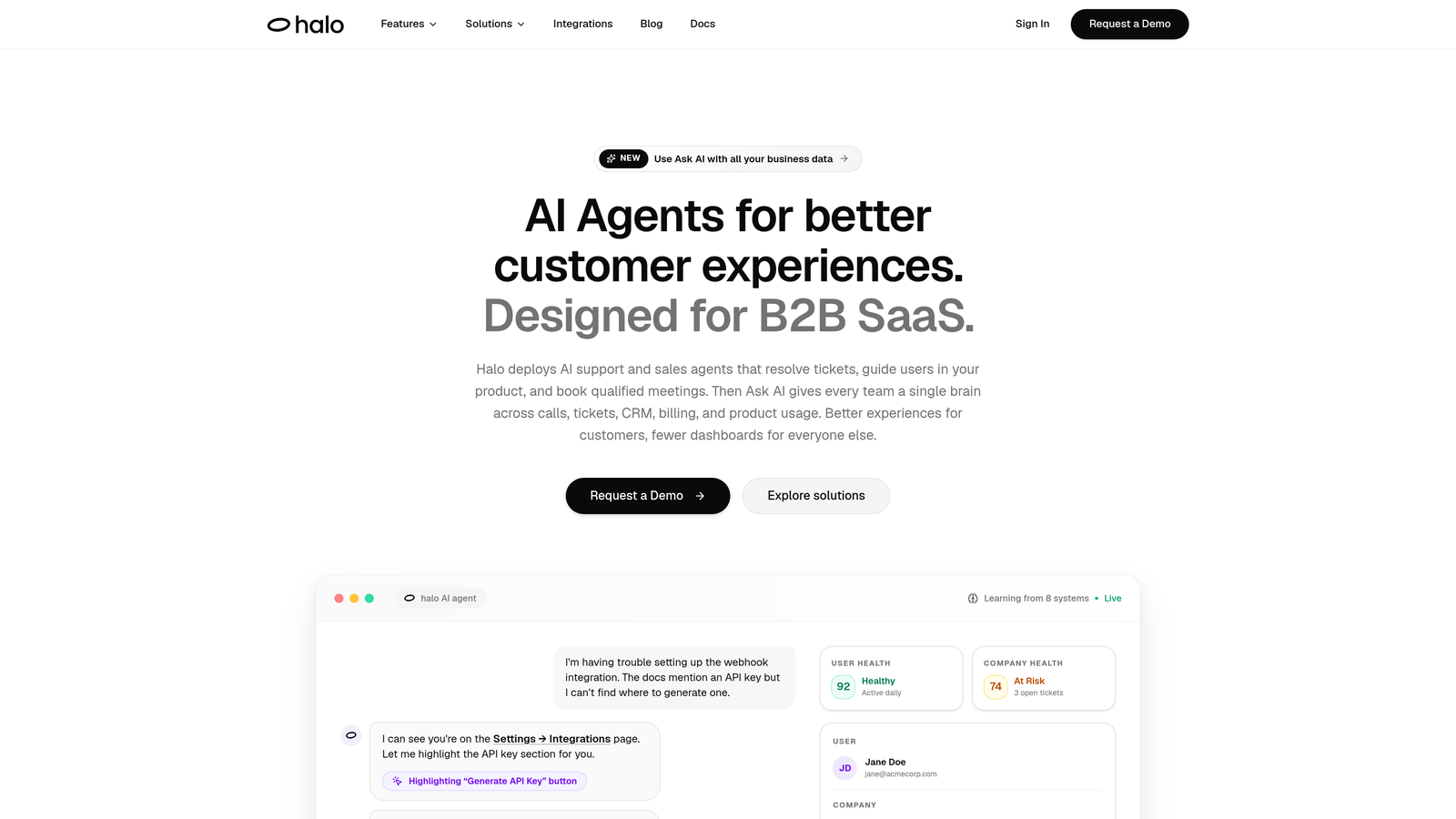
Halo AI is an AI-first customer support platform that deploys intelligent agents to resolve tickets, guide users through your product, and surface business intelligence signals — all while continuously learning from every interaction.
Where This Tool Shines
Halo is built from the ground up for autonomous operation, not as a bolt-on to an existing helpdesk. The platform's page-aware chat widget understands exactly where a user is in your product and can provide visual UI guidance in context, which means users get relevant help rather than generic answers pulled from a static FAQ.
What sets Halo apart from most competitors is what it does with support data beyond deflection. The smart inbox surfaces customer health signals, revenue intelligence, and anomaly detection, turning your support queue into a source of business intelligence. For product teams that want to understand why users are struggling, not just how fast tickets are closing, that's a meaningful difference.
Key Features
Autonomous Ticket Resolution: AI agents handle tickets end-to-end and continuously improve from every resolved interaction, so the system gets smarter over time without manual retraining.
Page-Aware Chat Widget: The widget understands where users are in your product and delivers contextually relevant guidance, including visual UI walkthroughs, rather than generic help content.
Auto Bug Ticket Creation: Halo automatically identifies and logs bug reports, connecting directly to Linear and other project management tools so engineering teams stay in the loop without manual handoffs.
Smart Inbox with Business Intelligence: The inbox goes beyond ticket management to surface customer health signals, anomaly detection for unusual patterns, and revenue intelligence derived from support conversations.
Live Agent Handoff: When tickets require human judgment, Halo hands off with full conversation context preserved so agents never start from scratch.
Deep Integrations: Connects to Linear, Slack, HubSpot, Intercom, Stripe, Zoom, PandaDoc, and Fathom, linking support data to your entire business stack.
Best For
Halo is best suited for B2B SaaS product teams that want AI to handle routine support autonomously while surfacing product and customer intelligence. It's particularly strong for teams scaling their customer base without scaling headcount proportionally, and for those who want support data to feed directly into product and revenue decisions.
Pricing
Custom pricing based on your team's needs. Contact Halo directly at haloagents.ai for a quote.
2. Zendesk AI
Best for: Enterprise teams already invested in the Zendesk ecosystem looking for AI-enhanced workflows
Zendesk AI layers intelligent automation onto one of the most widely adopted helpdesk platforms in the world, covering triage, agent assist, and self-service capabilities.
Where This Tool Shines
Zendesk's AI capabilities benefit from the platform's maturity. If your team has spent years building workflows, macros, and knowledge base content inside Zendesk, the AI features can leverage all of that existing infrastructure immediately. There's no migration cost and no learning curve on the tooling your agents already know.
The AI triage and routing features are particularly strong for high-volume teams that need tickets classified and directed quickly. Intelligent intent and sentiment detection work across large ticket volumes, and the suggested replies system helps agents respond faster without replacing their judgment entirely.
Key Features
Intelligent Ticket Triage and Routing: Automatically classifies incoming tickets by intent, topic, and priority, routing them to the right team or agent.
AI-Suggested Replies and Macros: Surfaces relevant response suggestions and macro recommendations to help agents respond faster.
Automated Intent and Sentiment Detection: Identifies customer sentiment and intent across incoming conversations to flag at-risk interactions.
AI-Powered Self-Service: Integrates with Zendesk's knowledge base to power deflection through automated answer suggestions before a ticket is created.
Advanced Reporting and Workforce Management: Robust analytics suite covering ticket volume trends, resolution time, and agent performance metrics.
Best For
Teams already running Zendesk at scale who want to layer AI capabilities onto existing workflows without platform migration. Less ideal for teams starting fresh who want AI-native architecture from day one.
Pricing
AI features are included in Suite plans starting around $55 per agent per month. Verify current pricing at zendesk.com as plans change frequently.
3. Intercom Fin
Best for: Teams using Intercom for customer communication who want AI resolution built into the same messenger experience
Intercom Fin is an LLM-powered AI agent built natively into the Intercom messenger that resolves customer queries using your existing knowledge base and support content.
Where This Tool Shines
Fin's biggest advantage is how seamlessly it fits into the Intercom experience. If your customers already interact with you through the Intercom messenger, Fin operates in that same interface without requiring any new touchpoint. The conversational resolution quality is strong, particularly for teams with well-maintained help centers and knowledge bases.
The resolution-rate analytics give teams clear visibility into how often Fin is successfully handling queries versus escalating to humans, which makes it straightforward to identify gaps in your support content and improve over time.
Key Features
Conversational AI Resolution: Handles customer queries end-to-end within the Intercom messenger using natural language understanding.
Knowledge Base and Help Center Integration: Answers from your existing content library, including custom content you configure specifically for Fin.
Seamless Human Handoff: Escalates to a live agent when Fin cannot resolve a query, with conversation context passed through automatically.
Resolution Rate Analytics: Tracks how often Fin successfully resolves queries, giving teams a clear performance baseline to optimize against.
Multi-Language Support: Handles conversations across multiple languages, useful for teams with international customer bases.
Best For
Teams already on Intercom who want AI resolution without switching platforms. The usage-based pricing model works well for teams with variable support volumes but can become expensive at high resolution volumes.
Pricing
Usage-based pricing per resolution, charged on top of your base Intercom plan. Verify current pricing at intercom.com.
4. Freshdesk Freddy AI
Best for: Growing teams that want competitive AI-powered helpdesk capabilities at accessible price points
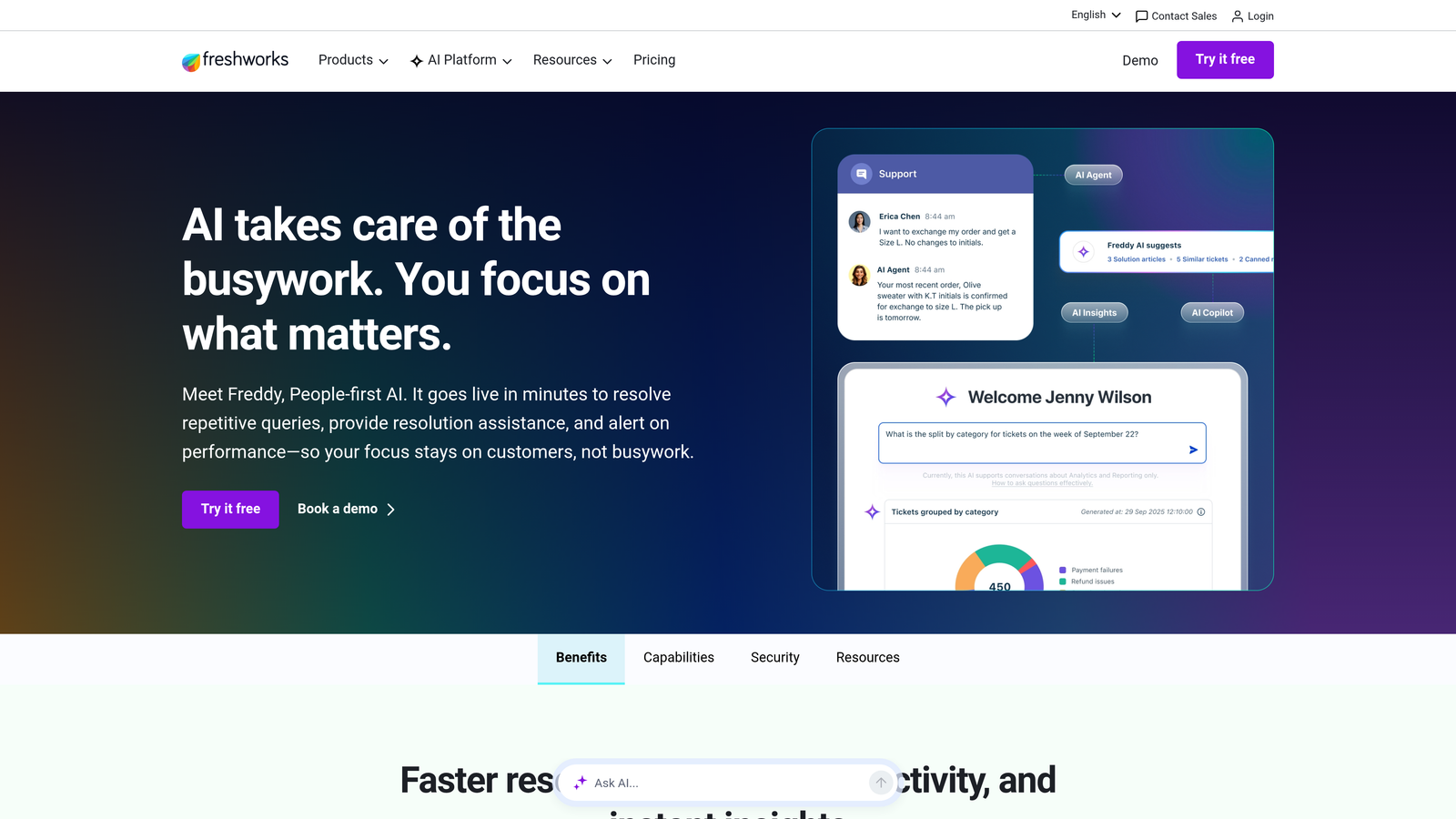
Freshdesk Freddy AI is Freshworks' AI layer across the Freshdesk platform, offering ticket automation, agent assist, and self-service capabilities that compete with enterprise tools at a lower price point.
Where This Tool Shines
Freddy's strength is breadth at a price that doesn't require enterprise-level commitment. The AI handles both the customer-facing side (self-service resolution through Freddy Self Service) and the agent-assist side (Freddy Copilot for suggested replies and ticket summaries), giving teams meaningful automation across the full support workflow.
For teams already in the Freshworks ecosystem using Freshdesk alongside Freshsales or Freshservice, Freddy AI benefits from shared data context across products, which improves the quality of automation and reporting.
Key Features
Freddy Copilot: Provides agents with AI-generated reply suggestions, ticket summaries, and next-step recommendations to speed up resolution.
Freddy Self Service: Handles customer-facing query resolution autonomously, deflecting tickets before they reach the agent queue.
Ticket Categorization and Routing: Automatically assigns categories, priorities, and routing rules to incoming tickets based on content analysis.
Sentiment Analysis: Detects customer sentiment across incoming tickets to help teams prioritize emotionally charged or at-risk conversations.
Freshworks Ecosystem Integration: Native integration with Freshsales CRM and Freshservice ITSM for teams using multiple Freshworks products.
Best For
Teams that want a well-rounded AI helpdesk without Zendesk-level pricing. Particularly strong for teams already using other Freshworks products. Less suited for teams needing deep integrations outside the Freshworks ecosystem.
Pricing
Freddy AI is available on the Growth plan and above. Freshdesk offers a free tier for basic use. Verify current plan details at freshworks.com.
5. Tidio Lyro
Best for: SMBs and e-commerce teams handling high volumes of repetitive queries who need fast deployment
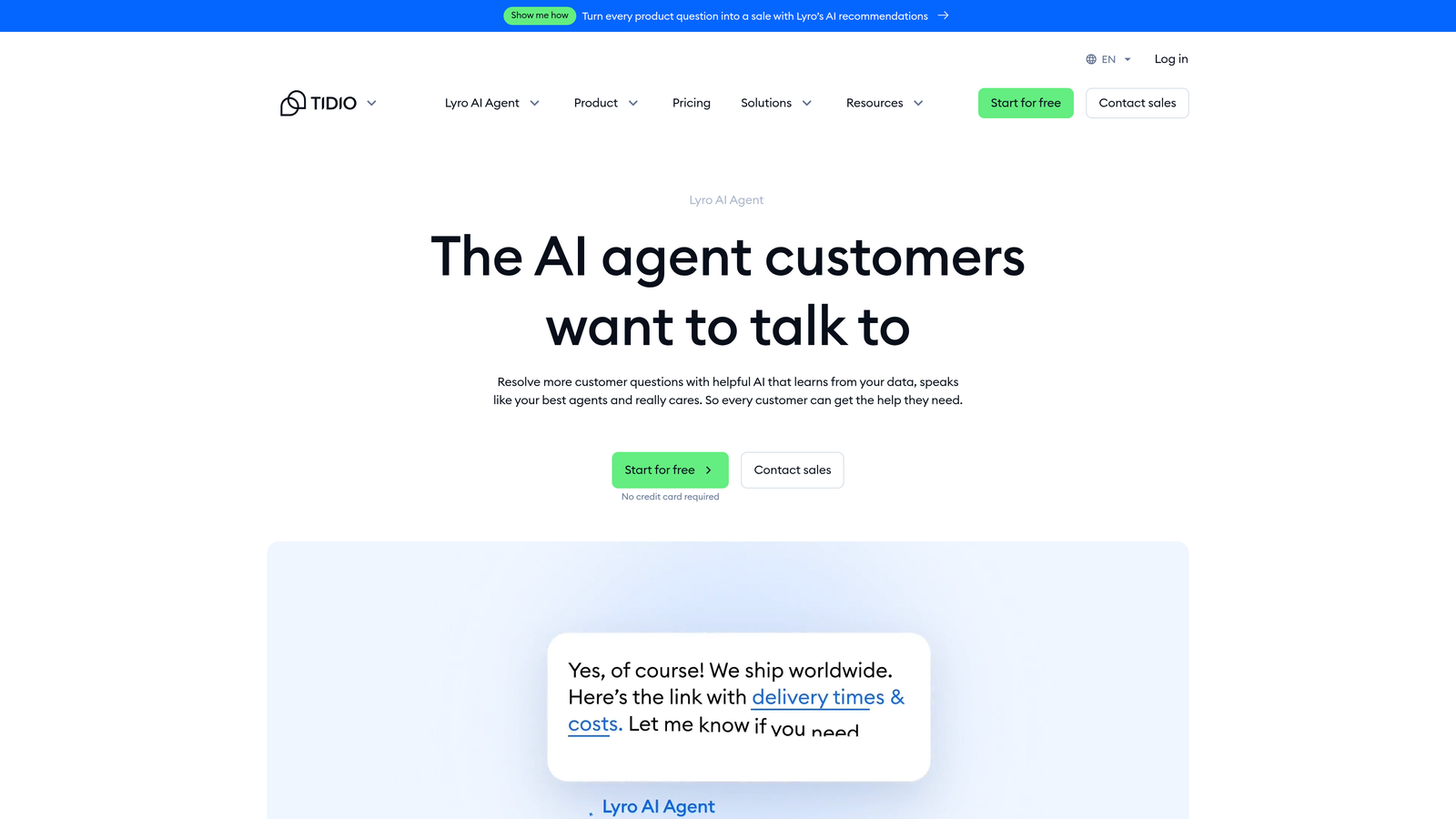
Tidio Lyro is a conversational AI agent designed for quick deployment, primarily targeting smaller teams and e-commerce businesses with predictable, high-volume support needs.
Where This Tool Shines
Lyro's defining advantage is how fast it gets up and running. Teams can train Lyro on existing FAQ content and support documentation without a long implementation cycle, which matters for small teams that don't have dedicated IT or operations resources to manage a complex rollout.
For e-commerce teams dealing with order status questions, return policies, and product FAQs at volume, Lyro handles the repetitive load reliably. The Shopify and WooCommerce integrations make it straightforward to connect Lyro to order data for more contextual responses.
Key Features
Conversational AI Trained on Your Content: Lyro learns from your FAQ and support documentation to answer queries in natural language without extensive configuration.
Fast Deployment: Minimal setup required to get Lyro live, making it accessible for teams without dedicated implementation resources.
Automatic Escalation: Hands off to live agents when Lyro reaches the limits of its knowledge, keeping customers from hitting dead ends.
E-Commerce Integrations: Native connections to Shopify and WooCommerce for order-aware support responses.
Resolution Analytics: Tracks AI resolution rates and common conversation topics to help teams identify content gaps.
Best For
SMBs and e-commerce teams with high volumes of repetitive, predictable support queries. Less suited for complex B2B SaaS workflows that require deep product context, multi-step troubleshooting, or integration with engineering and product tools.
Pricing
Lyro AI is available on paid plans. Tidio offers a free tier for basic live chat. Verify current plan details at tidio.com.
6. Help Scout AI
Best for: Teams that prioritize a personal, human support voice and want AI to assist agents rather than replace them
Help Scout AI takes a deliberately agent-assist approach, using AI to speed up human responses rather than automate them away, making it a strong fit for teams where support quality and tone are a brand priority.
Where This Tool Shines
Help Scout has always been known for its clean, intuitive interface and its philosophy that great support feels human. The AI Drafts feature generates reply drafts that agents review and edit before sending, which keeps the human judgment in the loop while significantly reducing the time it takes to compose a thoughtful response.
The AI Summarize feature is particularly useful for teams handling complex, multi-message conversations. Instead of reading through a long thread to get context, agents get an instant summary and can jump straight to resolving the issue. For teams with high handle times on complex tickets, this alone can meaningfully improve efficiency.
Key Features
AI Drafts: Generates reply drafts for agents to review, edit, and send, preserving the human voice while reducing composition time.
AI Summarize: Condenses long conversation threads into instant summaries so agents can get context quickly without reading every message.
Beacon AI: Powers self-service answer suggestions in the customer-facing Beacon widget before a conversation is started.
Shared Inbox with Collision Detection: Prevents two agents from working on the same ticket simultaneously, with internal notes for team collaboration.
Clean, Minimal Interface: Designed for agent productivity with a low-distraction layout that's easy to onboard new team members onto.
Best For
Teams where support tone and customer relationship quality are paramount, and where the goal is to make human agents faster rather than replace them. Not the right choice for teams seeking high autonomous resolution rates or deep business intelligence from support data.
Pricing
Help Scout starts around $20 per user per month, with AI features available on higher tiers. Verify current pricing at helpscout.com.
7. Salesforce Einstein for Service
Best for: Enterprise teams already on Salesforce Service Cloud who want AI powered by full CRM data context
Salesforce Einstein for Service embeds AI capabilities directly into Service Cloud, leveraging the full depth of Salesforce CRM data to power case routing, agent assist, and predictive analytics.
Where This Tool Shines
The core advantage of Einstein for Service is data richness. Because it operates inside Salesforce, it can draw on account history, deal stage, contract value, and past case data when making routing decisions or generating agent recommendations. That level of CRM context is difficult to replicate with a standalone support tool.
The predictive CSAT and escalation risk scoring features are particularly valuable for enterprise teams managing large accounts. Identifying which cases are likely to escalate before they do gives teams the ability to intervene proactively, which can meaningfully improve customer retention outcomes for high-value accounts.
Key Features
Case Classification and Routing: Uses CRM data context to route cases intelligently based on account type, history, and case content.
Einstein Copilot: Provides AI-assisted response generation and next-best-action recommendations for agents working complex cases.
Knowledge Article Recommendations: Surfaces relevant knowledge base articles based on case content to speed up agent resolution.
Predictive CSAT and Escalation Risk Scoring: Flags cases likely to result in low satisfaction or escalation so teams can intervene early.
Full Salesforce Ecosystem Integration: Native connection to Sales Cloud, Marketing Cloud, and Data Cloud for a unified view of the customer across the business.
Best For
Enterprise teams already running Salesforce as their CRM and customer data platform. The implementation complexity and cost make it a poor fit for teams not already in the Salesforce ecosystem.
Pricing
Requires a Service Cloud license; pricing varies significantly based on edition and add-ons. Verify current pricing at salesforce.com.
8. Kustomer AI
Best for: High-volume consumer brands needing a unified omnichannel customer view with AI across every channel
Kustomer AI is an omnichannel customer service platform with AI woven throughout, built around a unified customer timeline that aggregates interactions across email, chat, SMS, and social channels.
Where This Tool Shines
Kustomer's timeline-based customer view is its most distinctive feature. Rather than seeing isolated tickets, agents see a complete chronological history of every interaction a customer has had across every channel. AI-powered intent detection and routing work across that full context, which improves the quality of automated decisions significantly.
For consumer brands handling support across multiple channels simultaneously, the unified view reduces the fragmentation that typically makes omnichannel support operationally painful. Agents don't have to switch between systems or ask customers to repeat context they've already provided elsewhere.
Key Features
Unified Customer Timeline: Aggregates all customer interactions across email, chat, SMS, and social into a single chronological view for agents.
AI-Powered Intent Detection and Routing: Identifies customer intent across channels and routes conversations to the right team automatically.
Deflection Bots: Handles common query types autonomously before escalating to human agents, reducing queue volume.
AI-Assisted Agent Responses: Provides suggested replies to help agents respond faster across high-volume queues.
Customer Journey Reporting: Deep analytics on resolution patterns and customer journey data across all channels.
Best For
High-volume B2C brands with omnichannel support needs. Less commonly used in pure B2B SaaS contexts where the omnichannel breadth is less relevant and the platform's complexity may outweigh its benefits.
Pricing
Enterprise pricing model; contact Kustomer directly for a quote at kustomer.com.
9. Zoho Desk Zia
Best for: Teams embedded in the Zoho ecosystem looking for AI-powered helpdesk capabilities without adding a new vendor
Zoho Desk Zia is Zoho's AI assistant built into Zoho Desk, providing sentiment analysis, ticket tagging, response suggestions, and anomaly detection for teams already using Zoho's broader product suite.
Where This Tool Shines
Zia's primary advantage is native integration across the Zoho ecosystem. For teams using Zoho CRM, Zoho Analytics, and other Zoho products, Zia connects support data to the broader business context without requiring custom integrations or middleware. That makes it a low-friction choice for teams that have already standardized on Zoho.
The anomaly detection feature is a practical differentiator: Zia flags unusual spikes in ticket volume that might indicate a product issue or outage, giving teams early warning before a support surge becomes a crisis. Combined with sentiment analysis, it gives team leads meaningful signals about what's happening in the queue without having to manually review every conversation.
Key Features
Sentiment Analysis: Detects customer sentiment across incoming tickets to help teams prioritize frustrated or at-risk customers.
Auto-Tagging and Categorization: Automatically applies tags and categories to incoming tickets to reduce manual triage work.
AI-Suggested Knowledge Articles: Surfaces relevant knowledge base content for both agents and customers based on ticket content.
Anomaly Detection: Identifies unusual spikes in ticket volume or patterns that may indicate a product issue or external event.
Zoho Ecosystem Integration: Native connection to Zoho CRM, Zoho Analytics, and the broader Zoho suite for teams standardized on the platform.
Best For
Teams already using Zoho CRM or other Zoho products who want AI helpdesk capabilities without introducing a new vendor. Less compelling for teams not already in the Zoho ecosystem, where the integration advantage disappears.
Pricing
Zia is available on the Professional plan and above. Zoho Desk offers a free tier for basic use. Verify current pricing at zoho.com.
Which Tool Is Right for Your Team?
The right AI ticket management system depends heavily on where your team sits today and what you're optimizing for. Here's a quick-reference breakdown to help you cut through the options.
For B2B SaaS teams that want AI-native autonomous resolution with business intelligence: Halo AI is the clearest fit. Its page-aware context, continuous learning architecture, and smart inbox that surfaces customer health signals and revenue intelligence go well beyond what traditional helpdesks offer even with AI layers added on top.
For teams already on Zendesk or Freshdesk: Zendesk AI and Freshdesk Freddy AI let you layer meaningful automation onto existing infrastructure without migration. Zendesk suits larger enterprise teams; Freshdesk is more accessible for growing teams watching budget.
For teams using Intercom as their primary customer communication tool: Intercom Fin is the natural choice. The resolution quality is strong and the experience is seamless for teams already in the Intercom ecosystem.
For SMBs and e-commerce teams with repetitive, high-volume queries: Tidio Lyro deploys fast and handles the predictable load well, without requiring a complex implementation.
For teams where human support quality is a brand priority: Help Scout AI's agent-assist approach keeps humans in the loop while meaningfully improving efficiency.
For enterprise teams on Salesforce: Einstein for Service is the obvious choice, leveraging full CRM context in ways standalone tools can't match.
For high-volume omnichannel consumer brands: Kustomer's unified timeline view and AI across channels is built for that complexity.
For teams already standardized on Zoho: Zoho Desk Zia adds solid AI capabilities without introducing a new vendor relationship.
Your support team shouldn't scale linearly with your customer base. Let AI agents handle routine tickets, guide users through your product, and surface business intelligence while your team focuses on complex issues that need a human touch. See Halo in action and discover how continuous learning transforms every interaction into smarter, faster support.