9 Best Automated Helpdesk Software Tools in 2026
This guide evaluates the 9 best automated helpdesk software tools available in 2026, comparing platforms on automation depth, integration capabilities, and scalability to help B2B and SaaS support teams eliminate repetitive manual tasks like ticket triaging and routing, so agents can focus on complex customer interactions that genuinely require human expertise.
 Grant CooperFounder13 min read
If your support team is still manually triaging every ticket, routing conversations by hand, and copy-pasting the same answers dozens of times a day, there's a better way. Automated helpdesk software handles the repetitive work so your team can focus on complex, high-value interactions that actually need a human touch.
But not all helpdesk automation is created equal. Some platforms bolt automation onto a legacy ticketing system. Others are built AI-first from the ground up. The difference in performance and in what your customers actually experience is significant.
This list covers the best automated helpdesk software tools available in 2026, evaluated on depth of automation, ease of integration, scalability, and real-world usability for B2B and SaaS teams. Whether you're replacing an existing helpdesk or building your support stack from scratch, you'll find the right fit here.
1. Halo AI
Best for: B2B SaaS teams wanting AI-first ticket resolution with business intelligence built in.
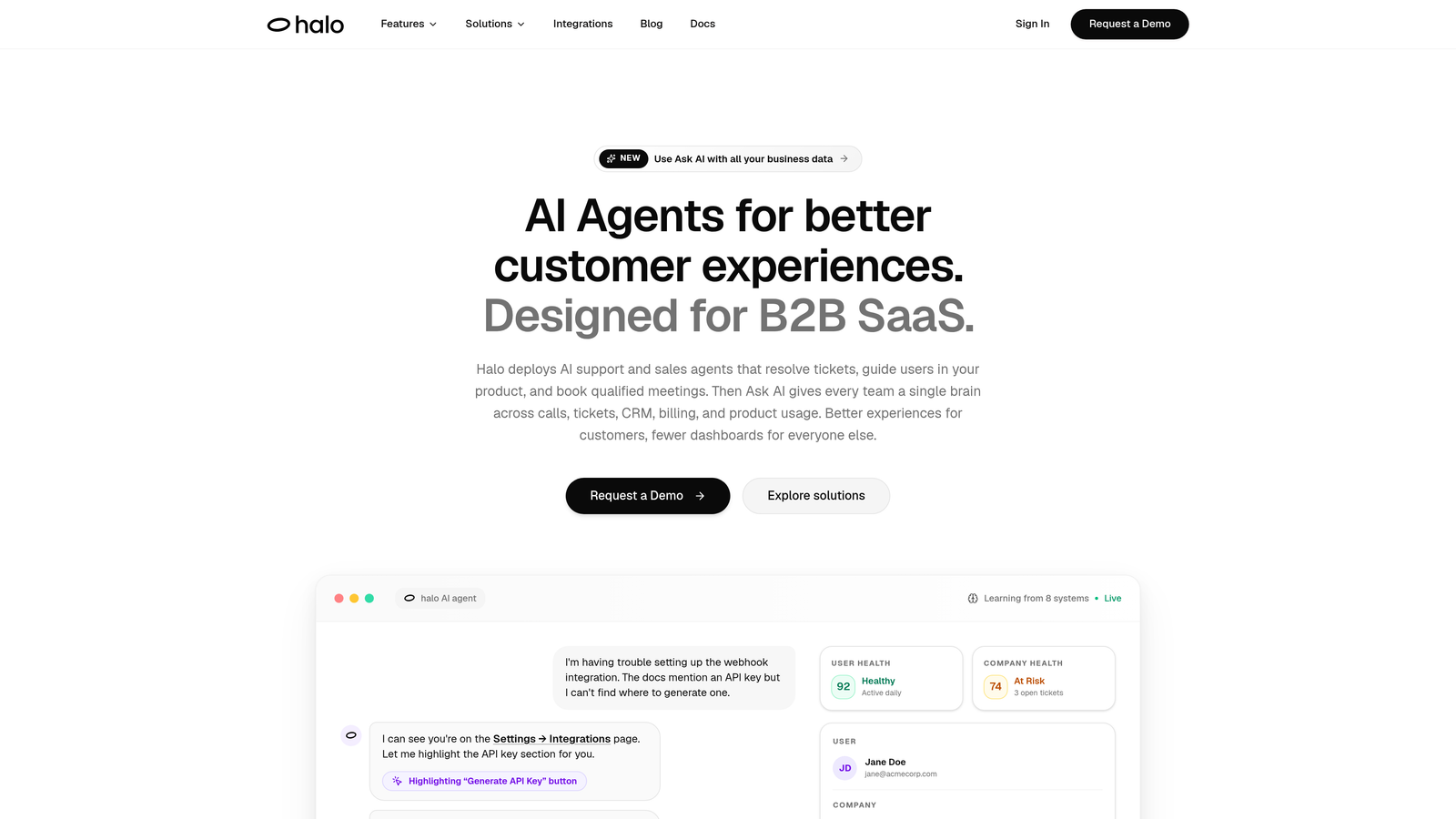
Halo AI is an AI-native customer support platform that deploys intelligent agents to resolve tickets, guide users through your product with page-aware context, and surface business signals — all while learning from every interaction.
Where This Tool Shines
Halo AI isn't a traditional helpdesk with automation bolted on. It was built AI-first, which means the entire architecture is designed around autonomous resolution rather than human-assisted triage. The platform continuously learns from every ticket it handles, which means resolution quality improves over time without manual retraining or configuration work.
The page-aware chat widget is a genuine differentiator. It knows exactly where a user is inside your product and can provide contextual UI guidance based on what they're seeing. That's a meaningful step beyond generic chatbots that respond to keywords without understanding context.
Key Features
Intelligent AI Agents: Autonomously resolve support tickets end-to-end, with continuous learning from every resolved conversation.
Page-Aware Chat Widget: Sees what users see inside your product and delivers visual UI guidance in context, not just generic answers.
Smart Inbox with Business Intelligence: Surfaces customer health signals, anomaly detection, and revenue intelligence derived from support interactions.
Automated Bug Ticket Creation: Detects product issues from support conversations and routes bug tickets directly to engineering via Linear integration.
Live Agent Handoff: Escalates complex issues to human agents with full conversation context preserved, so nothing gets repeated.
Deep Integrations: Connects with Linear, Slack, HubSpot, Intercom, Stripe, Zoom, PandaDoc, and Fathom for a unified support and business stack.
Best For
Halo AI is purpose-built for B2B SaaS teams that want more than ticket deflection. If you need AI that resolves tickets autonomously, surfaces churn signals, and connects to your engineering and revenue tools, this is the platform designed for that use case specifically.
Pricing
Contact Halo AI directly for current pricing. Given its AI-first architecture and business intelligence capabilities, it's built for teams serious about support automation at scale.
2. Zendesk
Best for: Enterprise teams needing omnichannel support with a mature, highly configurable automation layer.
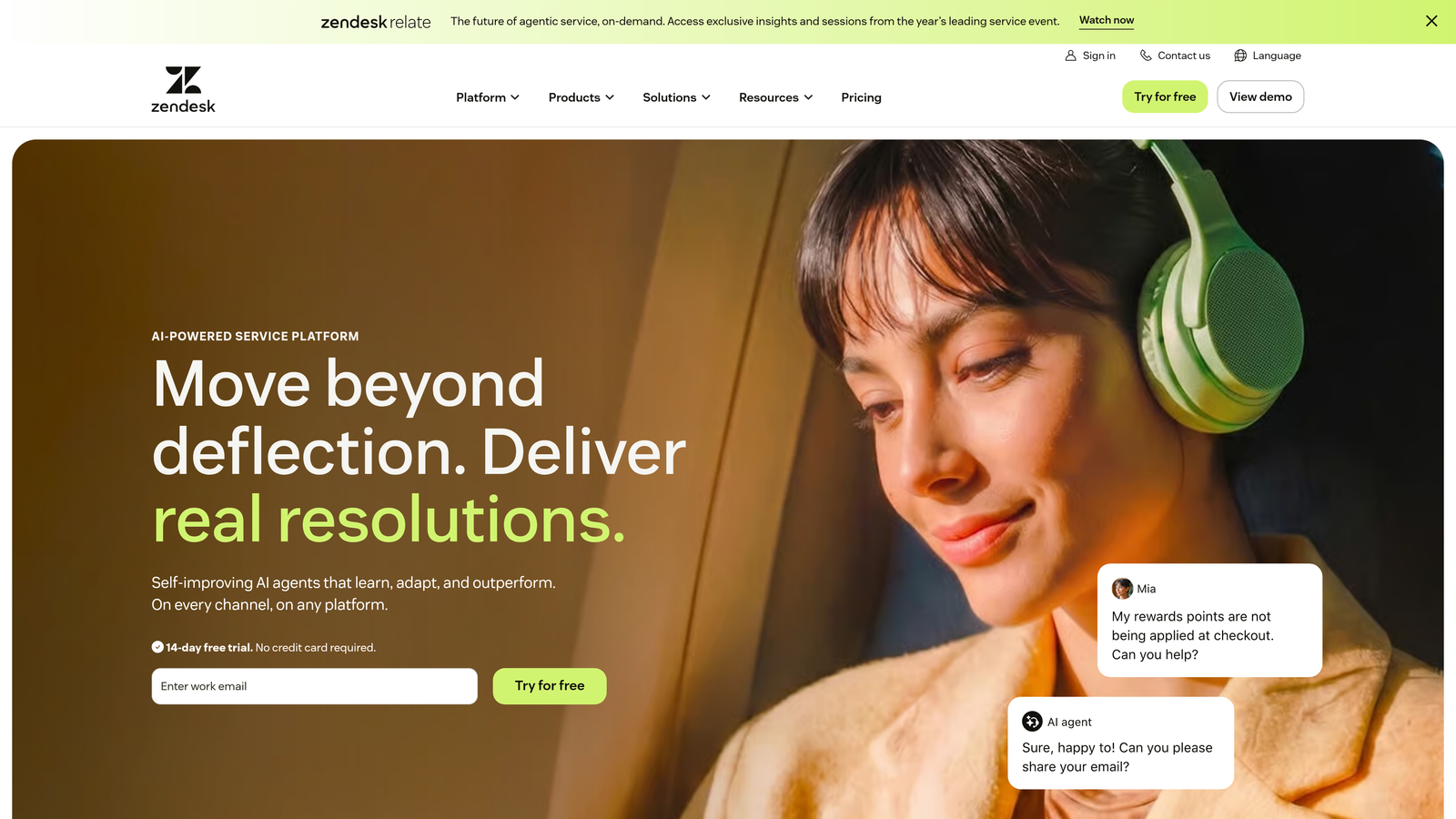
Zendesk is one of the most established helpdesk platforms, offering AI-powered routing, omnichannel support, and a vast app marketplace for enterprise-grade automation.
Where This Tool Shines
Zendesk's strength is its maturity. After years of iteration, its automation rules, triggers, and macros system is deeply configurable. For teams with complex routing logic, multiple support tiers, or strict SLA requirements, that configurability is genuinely valuable.
The Zendesk AI layer, built on an OpenAI partnership, adds intelligent triage, agent assist, and conversation summarization. It's not AI-native, but it's capable. The app marketplace with hundreds of integrations means you can connect almost anything to it.
Key Features
AI-Powered Triage: Automatically detects ticket intent, sentiment, and language to route conversations to the right team.
Omnichannel Support: Handles email, chat, voice, social, and messaging in a unified workspace.
Macros and Automation Rules: Highly configurable workflow management for routing, escalation, and SLA enforcement.
Zendesk AI Agent Assist: Surfaces suggested replies and intelligent summaries to speed up human agent responses.
App Marketplace: Hundreds of pre-built integrations with CRM, billing, analytics, and communication tools.
Best For
Zendesk is well-suited for mid-market and enterprise teams with established support operations, complex routing requirements, and the resources to configure and maintain the platform. Teams with simpler needs may find it more than they need.
Pricing
Starts at a mid-range monthly per-agent rate; enterprise plans are available. Check zendesk.com for current pricing.
3. Freshdesk
Best for: SMBs and growing teams that want solid AI automation at a competitive price point.
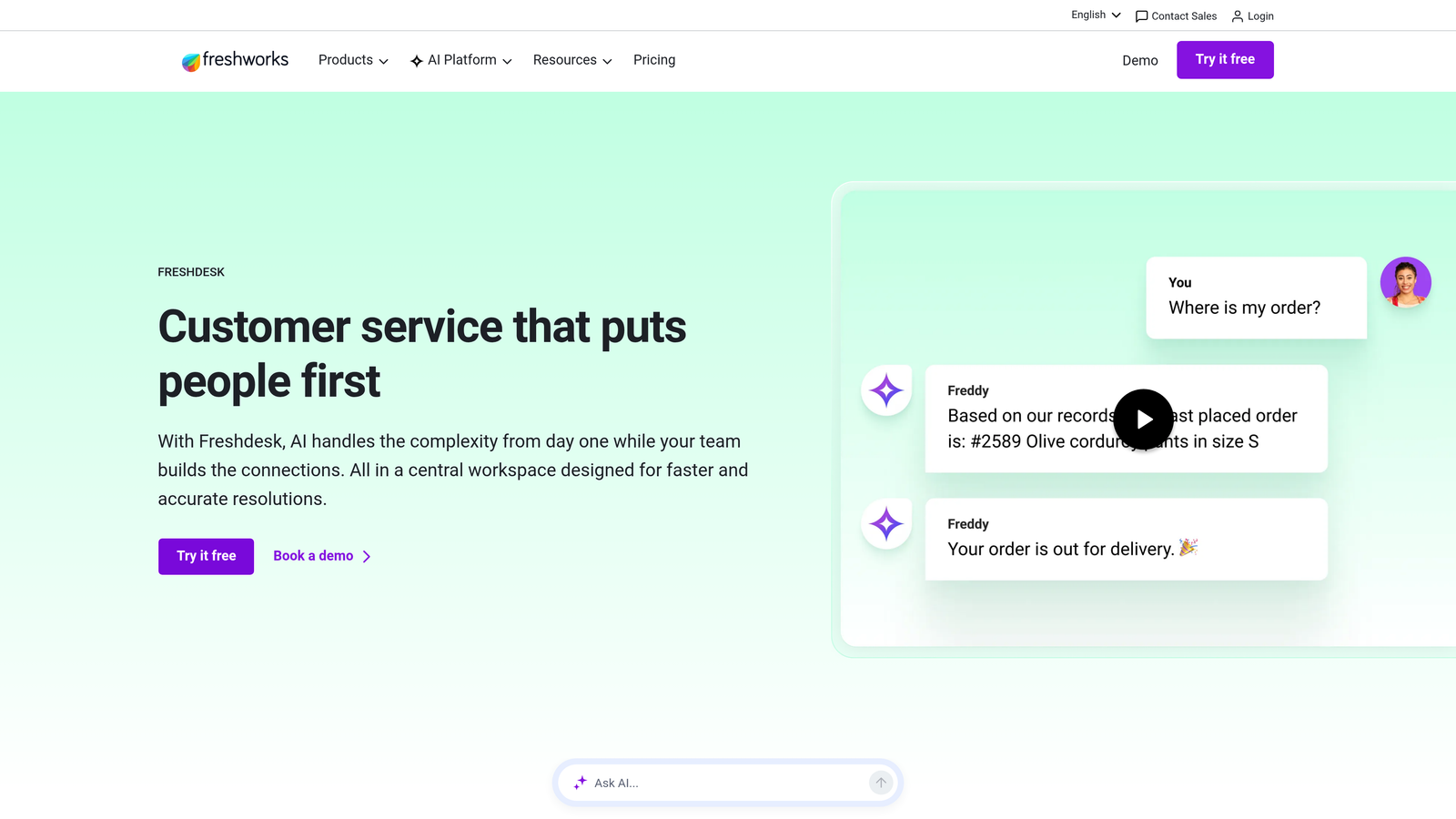
Freshdesk is Freshworks' helpdesk solution with Freddy AI built in, offering ticket automation, suggested responses, and self-service capabilities without a steep price tag.
Where This Tool Shines
Freddy AI is Freshdesk's automation engine, and it covers the essentials well: ticket classification, auto-triage, suggested replies, and self-service resolution for common queries. For teams moving off manual processes for the first time, Freddy provides a meaningful productivity lift without requiring deep configuration expertise.
The free tier is a genuine on-ramp, not a stripped-down teaser. Small teams can run real support operations before committing to a paid plan, which makes Freshdesk a low-risk starting point.
Key Features
Freddy AI Triage: Automatically classifies tickets, detects intent, and routes to the appropriate team or queue.
Freddy Self Service: Resolves common queries autonomously without agent involvement using your knowledge base content.
Collision Detection: Prevents multiple agents from working the same ticket simultaneously, reducing duplicated effort.
Canned Responses and Scenario Automations: Quick-reply templates and multi-step automation flows for common support patterns.
Free Tier: Functional free plan available for small teams getting started with helpdesk automation.
Best For
Freshdesk is a strong fit for SMBs, early-stage SaaS teams, and companies looking for capable automation at a price that scales with them. Teams already in the Freshworks ecosystem will find native integrations across CRM, sales, and IT tools especially convenient.
Pricing
Free plan available; paid plans start at a low monthly per-agent rate. Check freshdesk.com for current pricing.
4. Intercom
Best for: SaaS teams that want a unified platform for automated support, proactive messaging, and product onboarding.
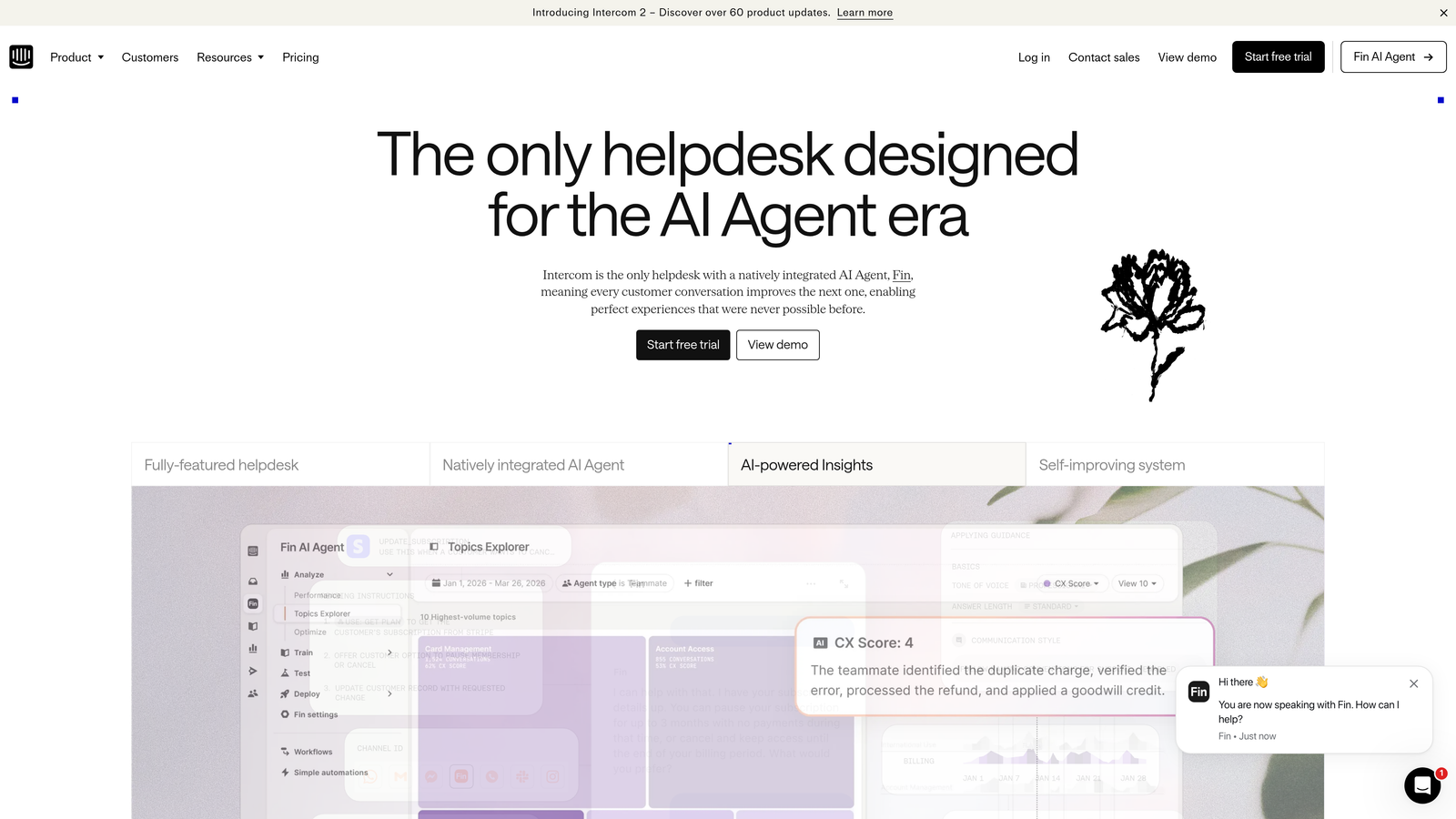
Intercom is a customer service platform combining a powerful in-app messenger, Fin AI Agent for automated resolution, and proactive messaging for support and onboarding.
Where This Tool Shines
Fin AI Agent is Intercom's headline automation feature, and it's genuinely capable. Trained on your help content, Fin can handle complex queries autonomously rather than just deflecting FAQs. For SaaS products with rich documentation, Fin's resolution rates tend to be strong.
What separates Intercom from pure helpdesk tools is its dual-purpose nature. The same platform handles inbound support and outbound proactive messaging, product tours, and onboarding flows. If you want one tool for both support and user activation, Intercom covers that ground.
Key Features
Fin AI Agent: Trained on your help content to resolve complex support queries autonomously, with usage-based pricing for AI resolutions.
In-App Messenger: Proactive and triggered messaging for support, onboarding, and feature announcements in a single widget.
AI-Assisted Inbox: Reply drafting and conversation summarization to accelerate human agent responses.
Product Tours: In-product onboarding flows built natively into the same platform as support.
Customer Data Platform: Behavioral targeting and segmentation for proactive support and messaging campaigns.
Best For
Intercom suits SaaS teams that want support and user engagement in one platform. It's particularly strong for product-led growth companies where onboarding and support overlap significantly.
Pricing
Starts at a mid-range monthly rate; Fin AI resolution pricing is usage-based. Check intercom.com for current pricing.
5. HubSpot Service Hub
Best for: Teams already using HubSpot CRM who want support automation tied directly to sales and marketing data.
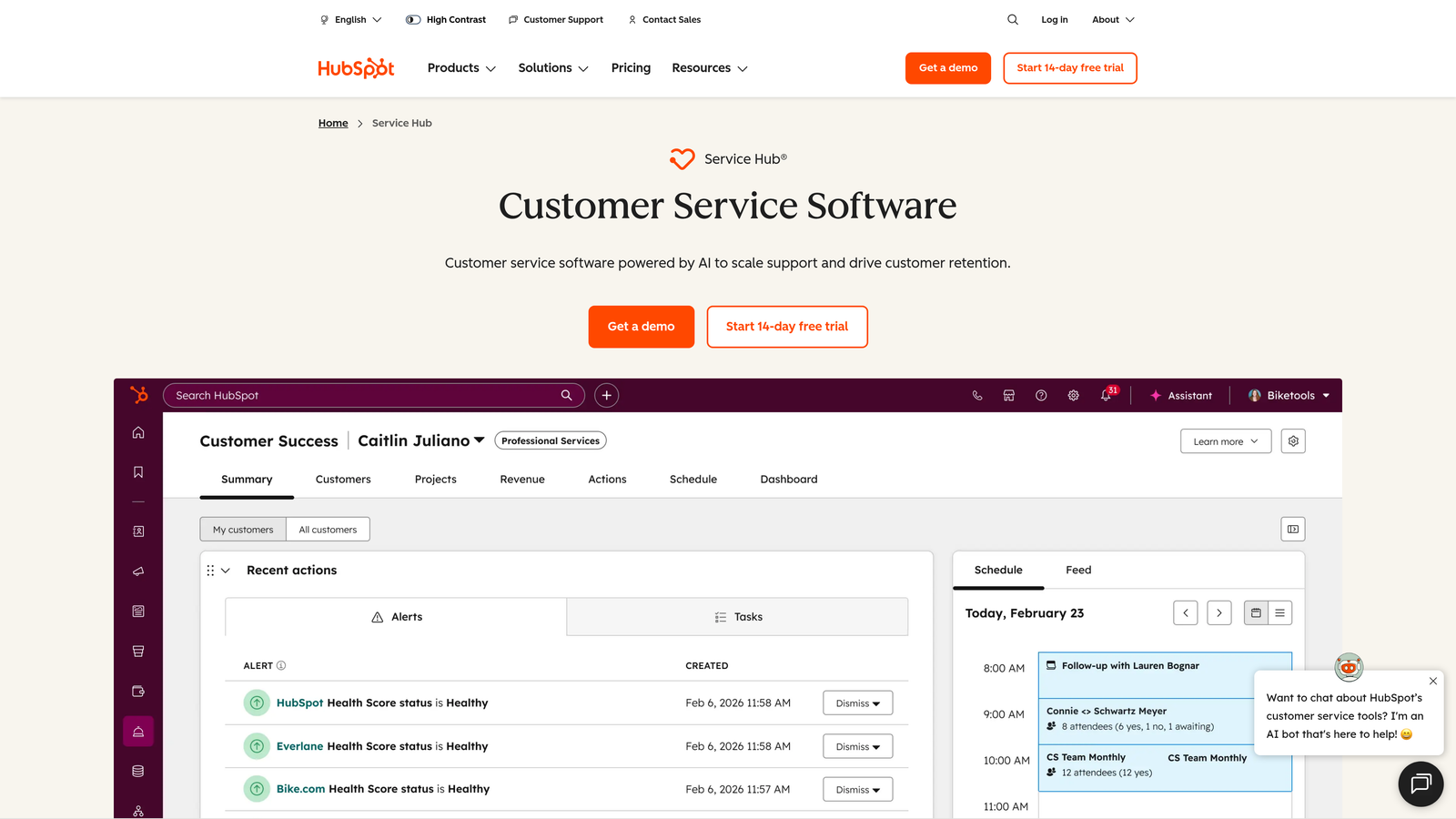
HubSpot Service Hub is HubSpot's customer service product, deeply integrated with its CRM, enabling support automation driven by contact and deal data.
Where This Tool Shines
The core advantage here is context. Because Service Hub sits inside the HubSpot CRM, every support ticket is linked to a contact record with full sales history, deal status, and marketing engagement data. Automation workflows can trigger based on CRM attributes, which means your support operations can reflect business priorities in ways that standalone helpdesks can't easily replicate.
For teams already running HubSpot for sales and marketing, adding Service Hub is a natural extension. The learning curve is minimal, and the unified data model eliminates a lot of integration overhead.
Key Features
CRM-Linked Ticketing: Every ticket is tied to a HubSpot contact record, giving agents full customer history at a glance.
Workflow Automation: Trigger support actions based on CRM data, deal stage, or contact properties.
AI Conversation Tools: Summarization and suggested reply drafts to speed up agent responses.
Customer Portal: Self-service ticket tracking and status updates for customers without agent involvement.
SLA Management: Built-in SLA tracking and reporting dashboards for team performance visibility.
Best For
HubSpot Service Hub delivers the most value for teams already invested in the HubSpot ecosystem. If you're managing sales, marketing, and support in separate tools, the CRM-native approach may be reason enough to consolidate here.
Pricing
Free tier available; paid tiers scale with CRM usage and feature requirements. Check hubspot.com for current pricing.
6. Zoho Desk
Best for: Zoho-centric businesses that want AI-powered helpdesk automation with deep native integrations across the Zoho suite.
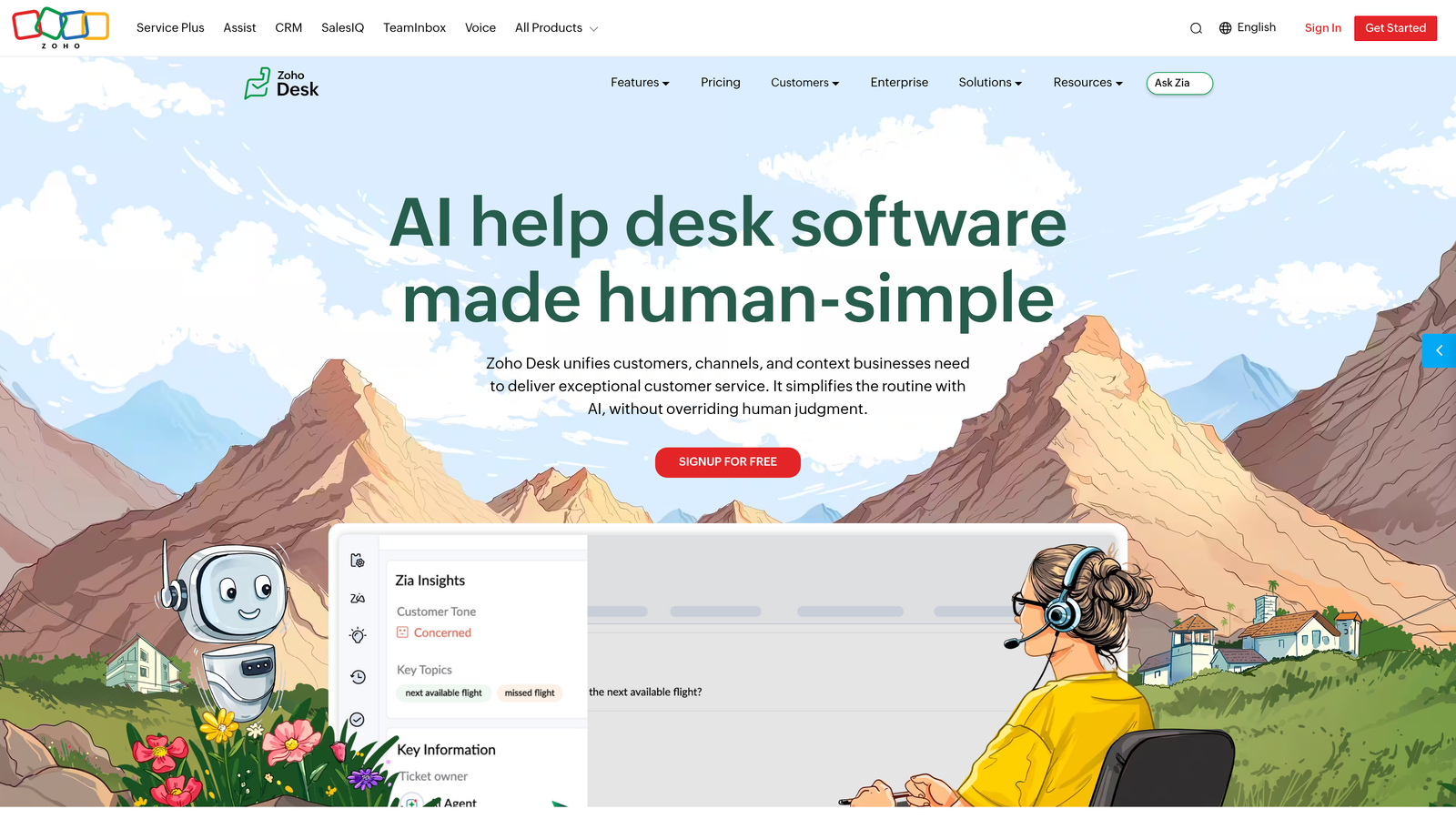
Zoho Desk is a context-aware helpdesk platform with Zia AI built in, offering strong automation and native integration across the Zoho product ecosystem.
Where This Tool Shines
Zia, Zoho's AI assistant, handles the kind of tasks that eat up agent time: sentiment analysis, ticket tagging, and response suggestions. The Blueprint workflow automation tool stands out for multi-step ticket processes, letting teams define structured workflows with conditional logic without writing code.
For businesses running Zoho CRM alongside their support operations, the native integration provides a level of context that requires significant configuration work in non-native tools. That ecosystem coherence is Zoho Desk's primary competitive advantage.
Key Features
Zia AI: Handles sentiment analysis, automatic ticket tagging, and reply suggestions based on ticket content and history.
Blueprint Automation: Visual workflow builder for multi-step, conditional ticket processes with defined stages and owners.
Zoho CRM Integration: Native sync with Zoho CRM for full customer context without third-party connectors.
Multi-Channel Support: Email, chat, social, and phone managed from a single interface.
Self-Service Portal: Knowledge base and community forums for customer-driven issue resolution.
Best For
Zoho Desk is the natural choice for businesses already using Zoho CRM, Zoho Analytics, or other Zoho products. Teams outside the Zoho ecosystem will find the value proposition less compelling relative to alternatives.
Pricing
Free plan for up to 3 agents; paid plans at a low monthly per-agent rate. Check zoho.com/desk for current pricing.
7. Help Scout
Best for: Teams that want automation without losing the personal, human feel of customer communication.
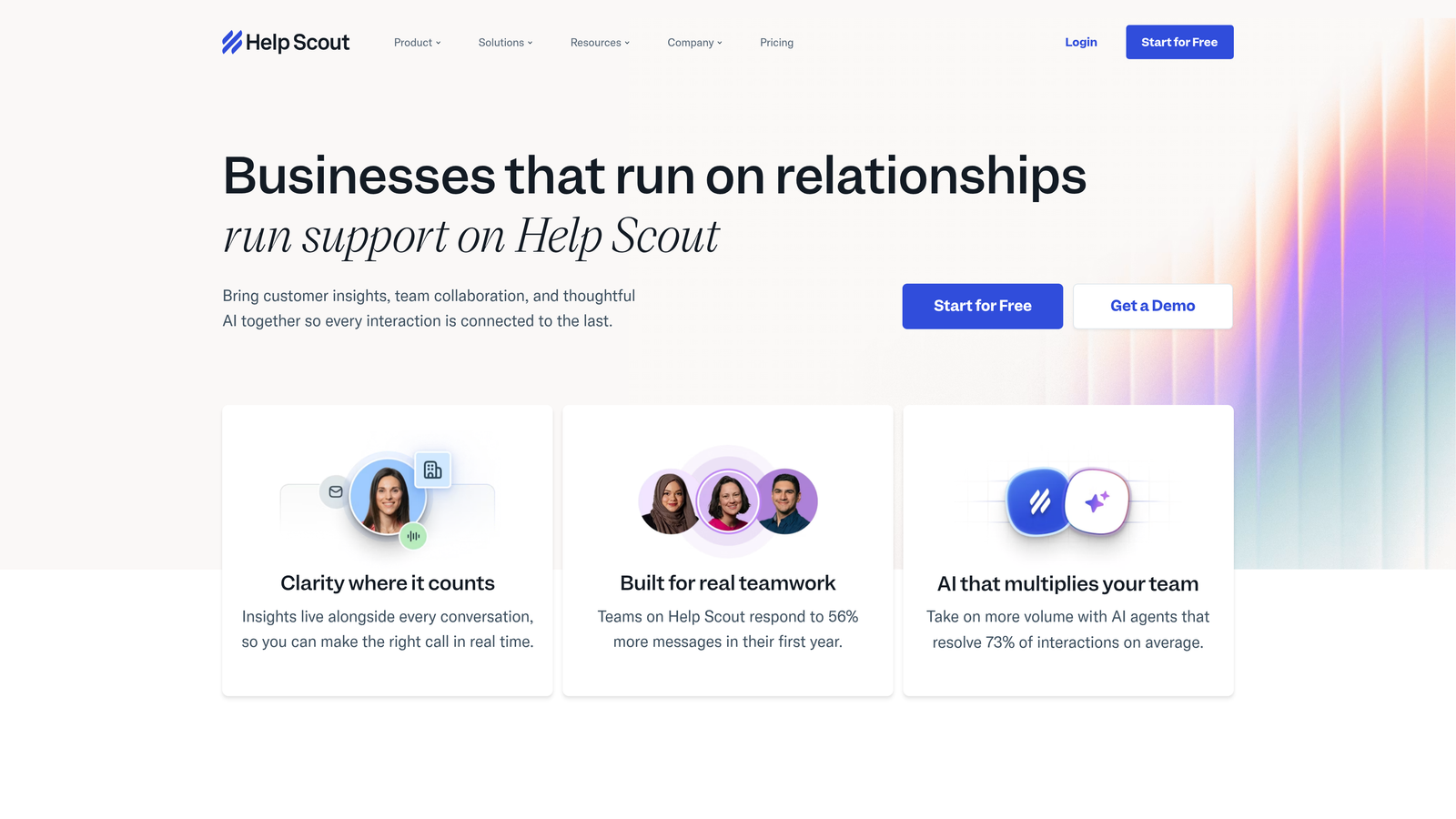
Help Scout is a shared inbox platform that layers AI assistance onto a clean, email-like interface, keeping the customer experience warm even when automation is doing the heavy lifting.
Where This Tool Shines
Help Scout's design philosophy is intentional: automation should feel invisible to the customer. AI Drafts generates reply suggestions that agents can review and send, rather than firing off automated responses that feel robotic. That human-in-the-loop approach is exactly what some teams need, particularly in industries where relationship quality matters as much as resolution speed.
The interface requires almost no training. New agents can be productive quickly, which reduces onboarding overhead for teams with frequent turnover or seasonal scaling needs.
Key Features
AI Drafts: Generates contextual reply suggestions based on the conversation, which agents review before sending.
AI Summarize: Condenses long email threads into a concise summary so agents can get up to speed instantly.
Beacon Widget: In-app self-service and live chat widget that surfaces knowledge base content before escalating to an agent.
Automated Workflows: Rules-based automation for tagging, routing, and follow-up actions without manual intervention.
Email-Like Interface: Familiar UX that minimizes training time and feels natural for agents coming from email-based support.
Best For
Help Scout suits teams in customer-centric industries where communication tone matters: SaaS, professional services, and e-commerce brands that compete on relationship quality rather than just resolution speed.
Pricing
Starts at a low-to-mid monthly per-user rate. Check helpscout.com for current pricing.
8. Tidio
Best for: Small businesses and e-commerce teams that need fast chatbot automation with minimal setup time.
Tidio is a lightweight live chat and chatbot platform featuring Lyro AI, designed for teams that need automation running quickly without a complex implementation process.
Where This Tool Shines
Lyro AI handles FAQ-style queries conversationally, which covers a large percentage of common customer questions without any agent involvement. The pre-built chatbot flow templates accelerate setup significantly: teams can have automated flows running in hours rather than weeks.
The Shopify and WooCommerce integrations give e-commerce teams order context inside the chat window, which is a practical differentiator for retail support. For B2B SaaS teams with complex workflows, Tidio may feel limited, but for its target audience it delivers fast time-to-value.
Key Features
Lyro AI Chatbot: Handles automated FAQ resolution and conversational support queries without agent involvement.
Pre-Built Flow Templates: Ready-to-use chatbot flows for common support scenarios that reduce setup time significantly.
Live Chat with Agent Takeover: Agents can step into any automated conversation instantly when human judgment is needed.
Unified Inbox: Email and Messenger conversations managed alongside live chat in one interface.
E-Commerce Integrations: Native Shopify and WooCommerce connections for order-aware support conversations.
Best For
Tidio is a strong fit for small businesses, e-commerce brands, and early-stage teams that need chatbot automation without a lengthy implementation. It's less suited for complex B2B support operations with multi-tier routing requirements.
Pricing
Free plan available; Lyro AI features are available on paid tiers. Check tidio.com for current pricing.
9. Kustomer
Best for: High-volume support teams that need a full customer timeline view and conversation-based pricing.
Kustomer is a CRM-style customer service platform that unifies every customer interaction in a single timeline, with AI-powered resolution and a pricing model built for volume.
Where This Tool Shines
Kustomer's unified customer timeline is its defining feature. Every interaction, across every channel, is presented chronologically for a given customer. Agents don't need to piece together context from multiple views; it's all in one place. For high-touch support operations handling complex, multi-interaction customer relationships, that context density is genuinely valuable.
The conversation-based pricing model is worth noting for high-volume teams. Rather than paying per agent seat, you pay per conversation, which can be more cost-effective when you're handling large volumes with a lean team or significant AI deflection.
Key Features
Unified Customer Timeline: Complete interaction history across all channels in a single chronological view per customer.
KIQ AI Agent: Automated ticket resolution and deflection using AI trained on your support content and customer data.
Conversation-Based Pricing: Pay per conversation rather than per agent seat, which can reduce costs for high-volume, AI-deflected operations.
Intelligent Routing: Routes conversations based on customer history, attributes, and business rules rather than simple queue logic.
Deep Workflow Automation: Custom business logic for complex, multi-step support processes with conditional branching.
Best For
Kustomer suits high-volume support operations, particularly direct-to-consumer brands and companies where customer history and relationship context are central to every interaction. Teams with simpler support needs may not need the full CRM-style infrastructure.
Pricing
Conversation-based pricing model; contact Kustomer directly for current rates.
Which Tool Is Right for Your Team
The right automated helpdesk software depends on where your team is today and where you need to be in twelve months. Here's a quick reference to cut through the noise.
If you're a B2B SaaS team that wants AI-first ticket resolution, business intelligence from support data, and deep integration with your engineering and revenue stack, Halo AI is the purpose-built choice. It's the only platform on this list that combines autonomous resolution with page-aware context and signals like customer health and anomaly detection.
If you're enterprise-scale with complex routing requirements and a need for omnichannel coverage, Zendesk's maturity and configurability make it a reliable choice. If you're an SMB looking for capable automation at a lower price point, Freshdesk or Zoho Desk offer strong value, particularly if you're already in their respective ecosystems.
For SaaS teams that want support and user onboarding in one platform, Intercom's Fin AI Agent and proactive messaging capabilities make it worth evaluating. If you're already running HubSpot for sales and marketing, Service Hub is the natural extension. And if your team prioritizes communication tone and a human-feeling experience, Help Scout delivers automation without the robotic edge.
E-commerce and small business teams with straightforward FAQ-heavy support will find Tidio's fast setup and Lyro AI a practical fit. High-volume teams managing complex, multi-channel customer relationships should look closely at Kustomer's timeline view and conversation-based pricing.
Your support team shouldn't scale linearly with your customer base. Let AI agents handle routine tickets, guide users through your product, and surface business intelligence while your team focuses on complex issues that need a human touch. See Halo in action and discover how continuous learning transforms every interaction into smarter, faster support.