9 Best Automated Support Solutions for B2B Teams in 2026
When your B2B support queue outpaces your team's capacity, the best automated support solutions handle routine inquiries while preserving human expertise for complex issues. This 2026 guide evaluates nine platforms on AI accuracy, integration capabilities, continuous learning, and pricing transparency to help SaaS and enterprise teams find automation that scales with their workflow without compromising response quality.
 Grant CooperFounder13 min read
When your support queue grows faster than your headcount, automation becomes essential—not optional. B2B companies face a unique challenge: customers expect instant, knowledgeable responses, but hiring and training support agents takes months. The right automated support solution bridges this gap, handling routine inquiries while freeing your team for complex issues that require human judgment.
This guide evaluates nine platforms based on real-world criteria that matter: AI accuracy, integration depth, learning capabilities, and transparent pricing. Whether you're scaling a SaaS product or managing enterprise support operations, you'll find a solution that fits your workflow.
1. Halo AI
Best for: B2B teams wanting AI that learns continuously and integrates across their entire business stack
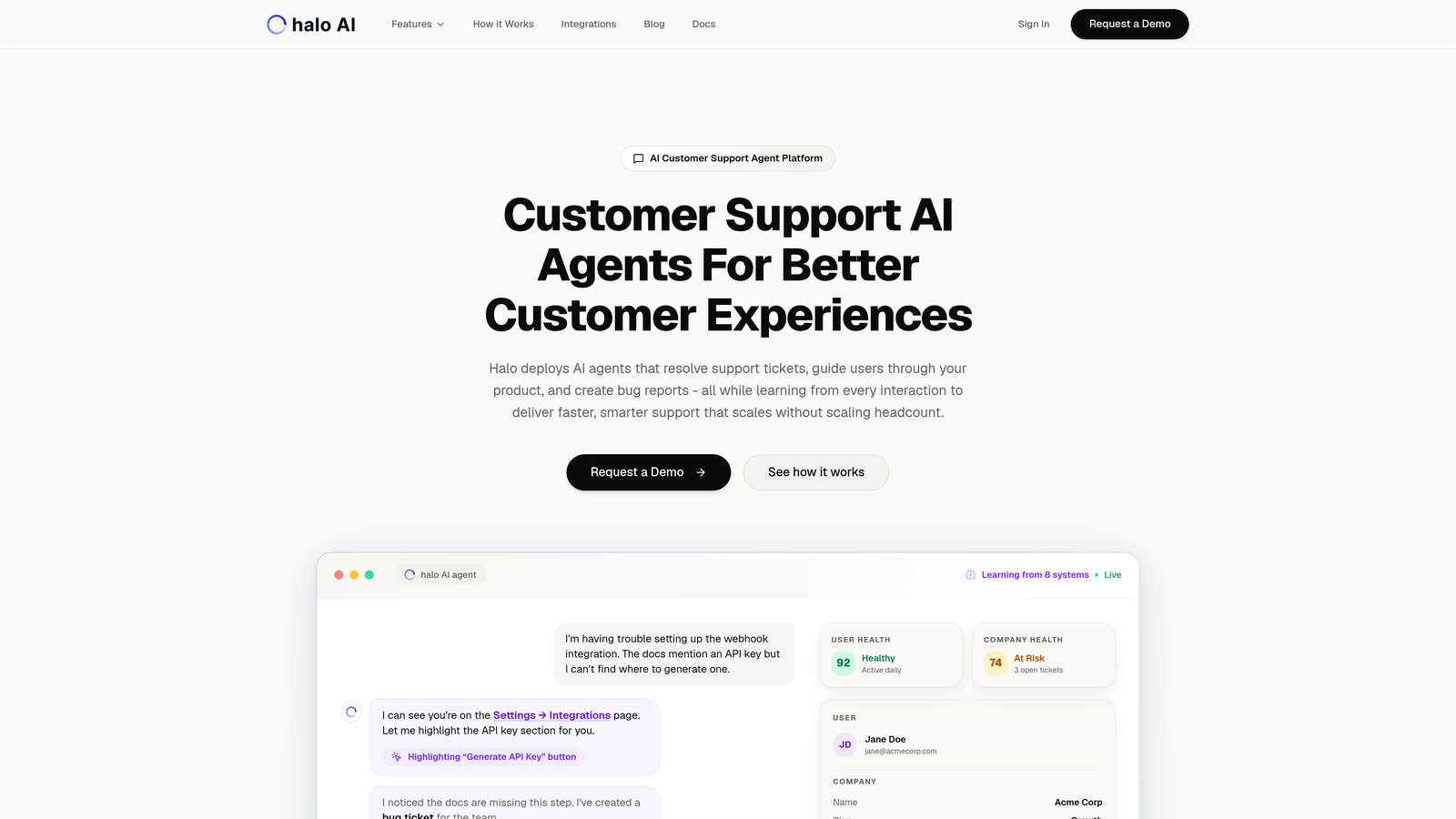
Halo AI is an AI-first customer support platform where intelligent agents resolve tickets, guide users through products, and create bug reports while learning from every interaction.
Where This Tool Shines
Unlike helpdesk platforms that bolted AI onto existing systems, Halo was built from the ground up as an AI-native architecture. This matters because the system doesn't just respond to tickets—it understands context from what users see on their screens, learns patterns from every resolution, and surfaces business intelligence that goes beyond support metrics.
The page-aware capability stands out immediately. When a user asks for help, Halo's AI sees exactly what they're looking at in your product. This eliminates the back-and-forth of "What page are you on?" and enables the AI to provide visual guidance that references specific UI elements.
Key Features
Page-Aware Chat Widget: The AI sees what users see, enabling precise visual guidance and eliminating confusion about UI locations.
Continuous Learning Architecture: Every resolved ticket trains the AI, making it smarter with each interaction rather than relying on static knowledge bases.
Auto Bug Ticket Creation: When the AI identifies product issues, it automatically creates detailed bug reports in Linear with context and reproduction steps.
Smart Inbox with Business Intelligence: Beyond support metrics, the platform surfaces customer health signals, revenue intelligence, and anomaly detection across your business.
Multi-System Integrations: Connects to your entire tech stack including Linear, Slack, HubSpot, Intercom, Stripe, Zoom, PandaDoc, and Fathom for unified operations.
Best For
SaaS companies and product teams who want AI that gets smarter over time rather than remaining static. Particularly valuable for teams using multiple tools across their stack who need unified intelligence rather than siloed support data.
Pricing
Contact for pricing based on resolution volume. The scalable approach means you pay for what you use rather than committing to per-seat fees regardless of actual usage.
2. Intercom Fin
Best for: Teams already using Intercom who want native AI without switching platforms
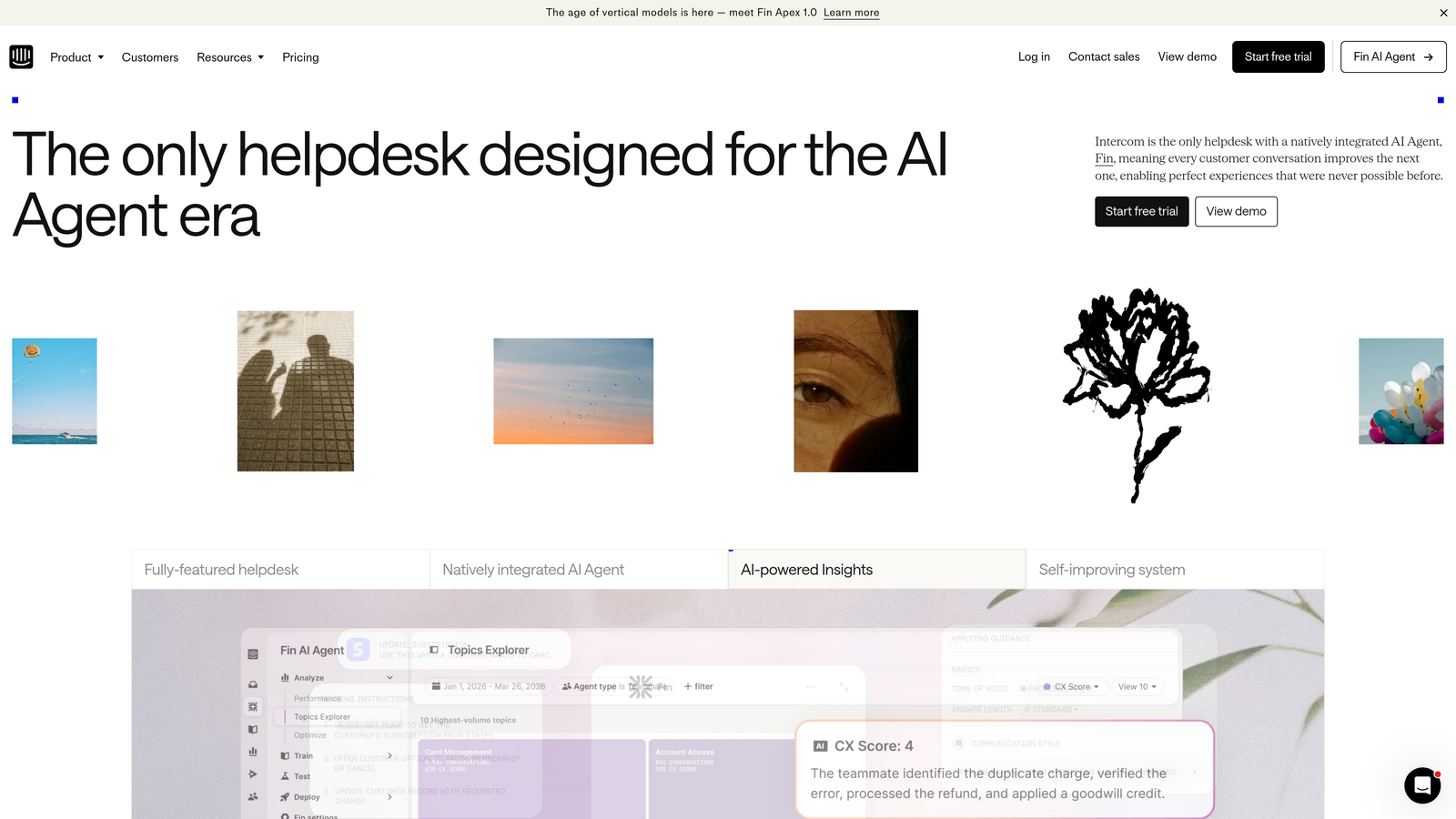
Intercom Fin is an AI agent built directly into the Intercom ecosystem, designed to resolve customer conversations using your existing help center and conversation history.
Where This Tool Shines
If you're already invested in Intercom, Fin offers the smoothest path to automation. The AI trains on your existing help articles and past conversations without requiring data migration or new workflows. Your team continues working in the familiar Intercom interface while AI handles an increasing percentage of incoming queries.
The customization options let you shape Fin's personality to match your brand voice. Whether you want formal and professional or casual and friendly, the AI adapts its tone consistently across conversations.
Key Features
Native Ecosystem Integration: Works seamlessly within Intercom's existing inbox, messenger, and help center without requiring separate logins or interfaces.
Help Center Learning: Automatically trains on your knowledge base articles and improves answers as you update documentation.
Customizable AI Personality: Adjust tone, formality, and communication style to match your brand guidelines and customer expectations.
Automatic Human Handoff: Recognizes when conversations exceed AI capabilities and smoothly transfers to available agents with full context.
Multi-Language Support: Handles conversations in multiple languages without requiring separate configurations for each market.
Best For
Companies already using Intercom who want to add AI capabilities without the complexity of integrating a separate platform. The native approach works well for teams prioritizing simplicity over advanced customization.
Pricing
Starts at $0.99 per resolution, but requires an active Intercom subscription. Calculate potential costs by estimating your monthly resolution volume to understand total investment.
3. Zendesk AI
Best for: Enterprise teams with complex support operations needing intelligent triage and routing
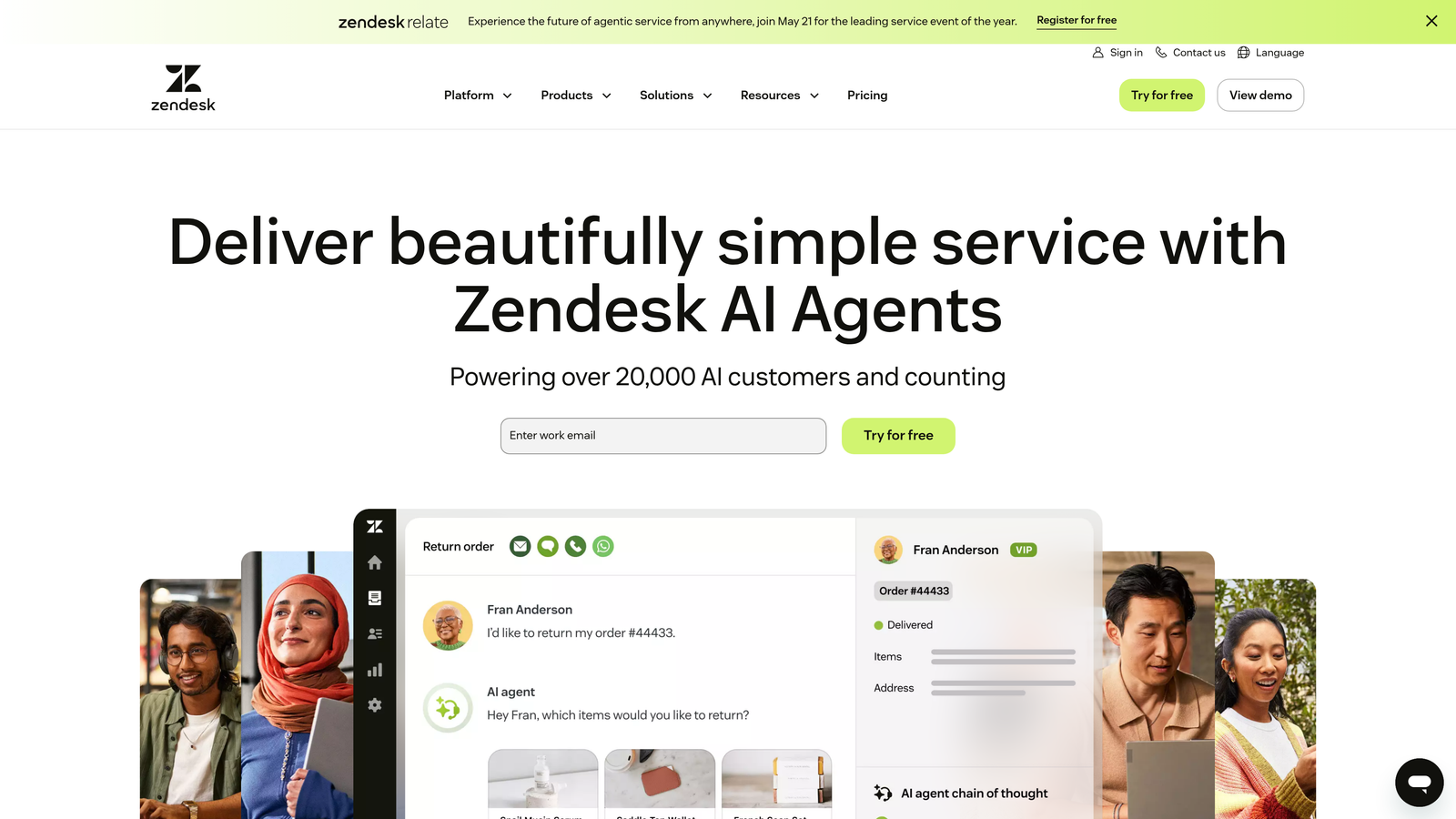
Zendesk AI provides enterprise-grade AI capabilities layered into the Zendesk Suite, offering intelligent triage, agent assistance, and automated responses at scale.
Where This Tool Shines
Zendesk's AI excels at the unglamorous but critical work of ticket management. The intelligent routing analyzes incoming requests and directs them to the right team based on content, urgency, and agent expertise. For large support organizations handling thousands of daily tickets, this organizational intelligence prevents bottlenecks before they form.
The agent assist features boost productivity by suggesting responses based on similar past tickets. Your team spends less time crafting answers from scratch and more time personalizing AI-generated drafts to specific customer situations.
Key Features
Intelligent Ticket Routing: Analyzes content and context to automatically assign tickets to the most qualified team or agent.
Agent Assist with Suggested Responses: Provides AI-generated response drafts based on similar resolved tickets, reducing agent response time.
Pre-Trained Industry Intents: Comes with built-in understanding of common support scenarios across industries, requiring less initial training.
Deep Zendesk Integration: Accesses the full Zendesk ecosystem including ticketing, knowledge base, and customer data for comprehensive context.
Advanced Analytics Dashboard: Tracks AI performance, resolution rates, and identifies patterns in customer issues for continuous improvement.
Best For
Enterprise support teams managing high ticket volumes across multiple departments. The investment makes sense when organizational efficiency gains outweigh the premium pricing.
Pricing
Included in Suite Professional plans and above. Advanced AI capabilities require an additional add-on; contact Zendesk for enterprise pricing details.
4. Freshdesk Freddy AI
Best for: Mid-sized teams wanting AI assistance without enterprise-level complexity or cost
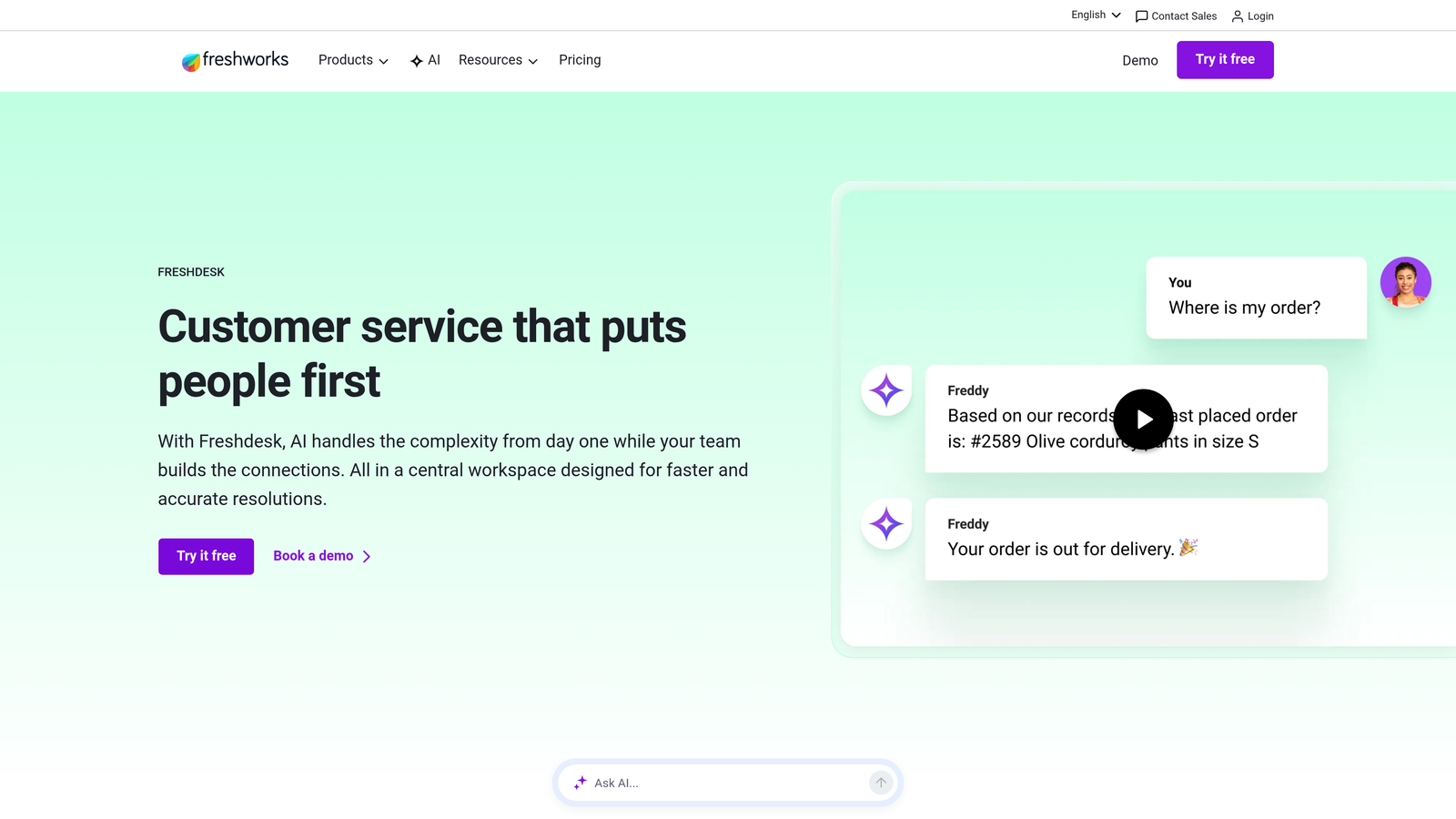
Freshdesk Freddy AI is an AI-powered assistant within the Freshdesk ecosystem that handles routine queries, suggests solutions, and helps agents respond faster.
Where This Tool Shines
Freddy AI hits a sweet spot between capability and accessibility. The platform offers genuine AI automation without requiring data science expertise or extensive configuration. The visual chatbot builder lets support managers create automated workflows through a drag-and-drop interface rather than writing code.
The sentiment analysis feature adds valuable context to ticket prioritization. When Freddy detects frustration or urgency in customer messages, it flags those conversations for immediate human attention rather than letting them languish in the queue.
Key Features
AI-Powered Chatbot Builder: Visual interface for creating automated conversation flows without coding knowledge or technical dependencies.
Auto-Triage and Classification: Automatically categorizes incoming tickets by type, urgency, and department for faster routing.
Canned Response Suggestions: Recommends pre-written responses to agents based on ticket content, maintaining consistency while saving time.
Self-Service Portal Automation: Powers the knowledge base with AI-driven article suggestions that improve as customers search and interact.
Sentiment Analysis: Detects emotional tone in customer messages to prioritize urgent or frustrated customers appropriately.
Best For
Growing companies that need more than basic chatbots but aren't ready for enterprise-level investments. Teams who want to start with AI assistance and scale capabilities as they grow.
Pricing
Freddy AI features are included in the Pro plan at $49 per agent per month and above. The pricing structure makes it accessible for teams with 5-20 support agents.
5. Ada
Best for: High-volume support operations needing no-code automation across multiple channels
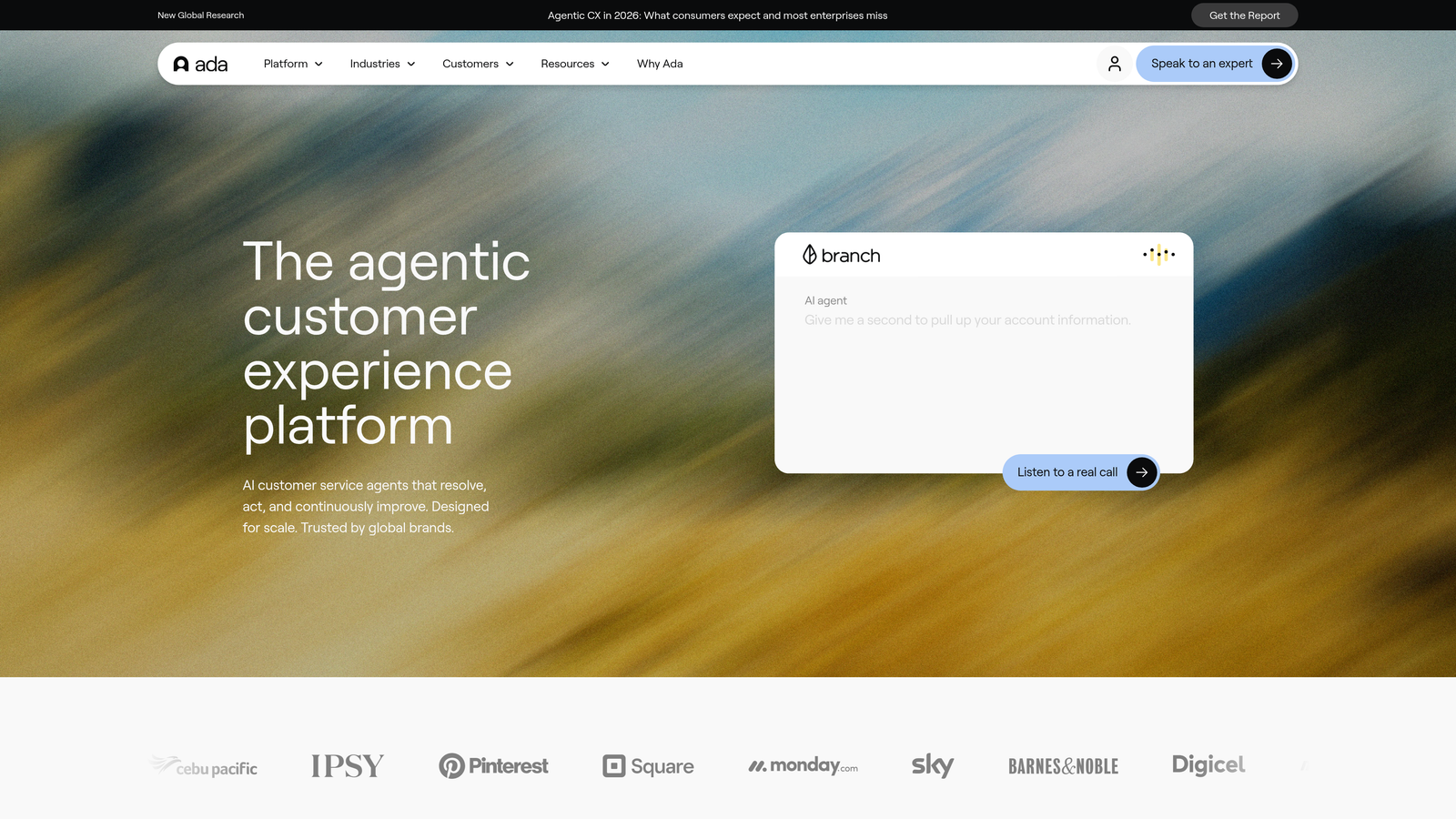
Ada is a conversational AI platform designed for brands handling thousands of daily support interactions, enabling teams to build and deploy AI agents without coding.
Where This Tool Shines
Ada's no-code builder democratizes AI automation. Marketing managers and support leads can create sophisticated conversation flows without waiting for engineering resources. The visual interface maps out conversation paths clearly, making it easy to update responses as products change or new issues emerge.
The platform's 50+ language support matters for global operations. Rather than maintaining separate bots for each market, Ada handles multilingual conversations within a single deployment, reducing maintenance overhead significantly.
Key Features
No-Code Bot Builder: Visual interface lets non-technical teams create complex conversation flows with branching logic and integrations.
50+ Language Support: Handles conversations in dozens of languages without requiring separate configurations or maintenance for each market.
Major Platform Integrations: Connects to leading CRMs, helpdesks, and business tools for unified customer data and seamless handoffs.
Proactive Messaging: Initiates conversations based on user behavior, preventing issues before customers need to ask for help.
Detailed Conversation Analytics: Tracks conversation paths, drop-off points, and resolution rates to continuously optimize bot performance.
Best For
Consumer-facing brands and e-commerce companies handling high conversation volumes across multiple channels and languages. The platform scales effectively from thousands to millions of monthly interactions.
Pricing
Custom pricing based on conversation volume. Contact Ada's sales team for quotes specific to your expected usage and integration requirements.
6. Tidio
Best for: Small businesses and startups needing affordable AI chat without long-term commitments
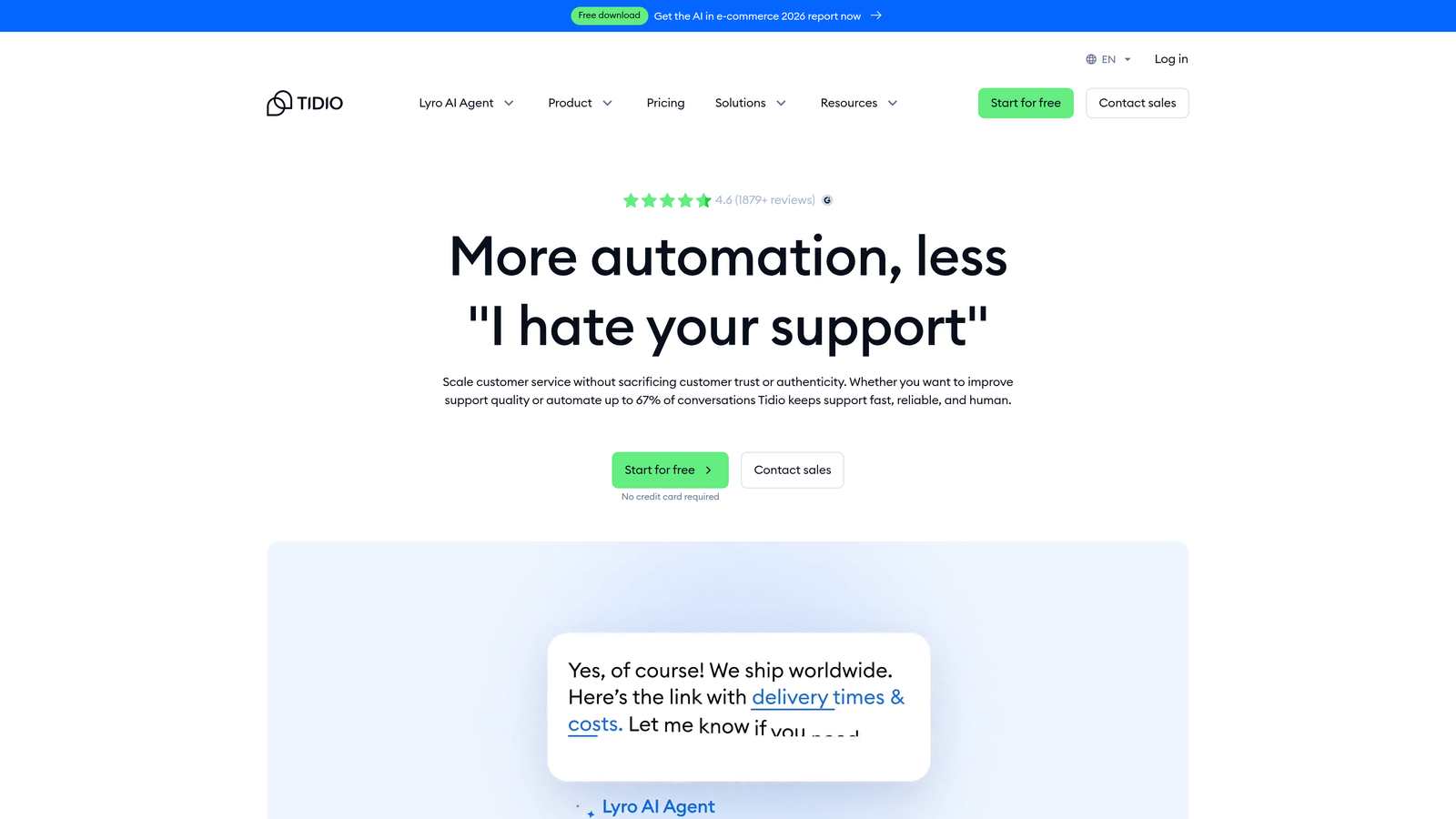
Tidio combines live chat and chatbot capabilities with AI automation, designed specifically for small to mid-sized businesses with limited budgets.
Where This Tool Shines
Tidio removes the barrier to entry for AI-powered support. The free tier provides genuine functionality rather than just a trial period, letting small teams test automated support without financial risk. The pre-built templates address common scenarios like order tracking, FAQ responses, and lead qualification, so you're not starting from scratch.
The Lyro AI feature represents a recent upgrade that brings conversational AI capabilities to the platform. While not as sophisticated as enterprise solutions, it handles straightforward customer questions effectively at a fraction of the cost.
Key Features
Pre-Built Chatbot Templates: Ready-made conversation flows for common scenarios like order status, business hours, and product information.
Visual Chatbot Builder: Drag-and-drop interface for customizing bot behavior without coding knowledge or technical support.
Live Chat with Visitor Tracking: See what pages visitors view in real-time, enabling proactive support based on browsing behavior.
Email and Messenger Integration: Manages conversations from website chat, email, and Facebook Messenger in a unified inbox.
Lyro AI Conversations: AI-powered responses to common questions, learning from your knowledge base and past interactions.
Best For
Startups and small businesses with limited support staff who need to provide 24/7 coverage without hiring night shifts. The accessible pricing makes it viable even for bootstrapped companies.
Pricing
Free tier available with basic features. Paid plans start at $29 per month, making it one of the most accessible options for budget-conscious teams.
7. Kustomer IQ
Best for: B2C brands needing unified customer context across all support channels
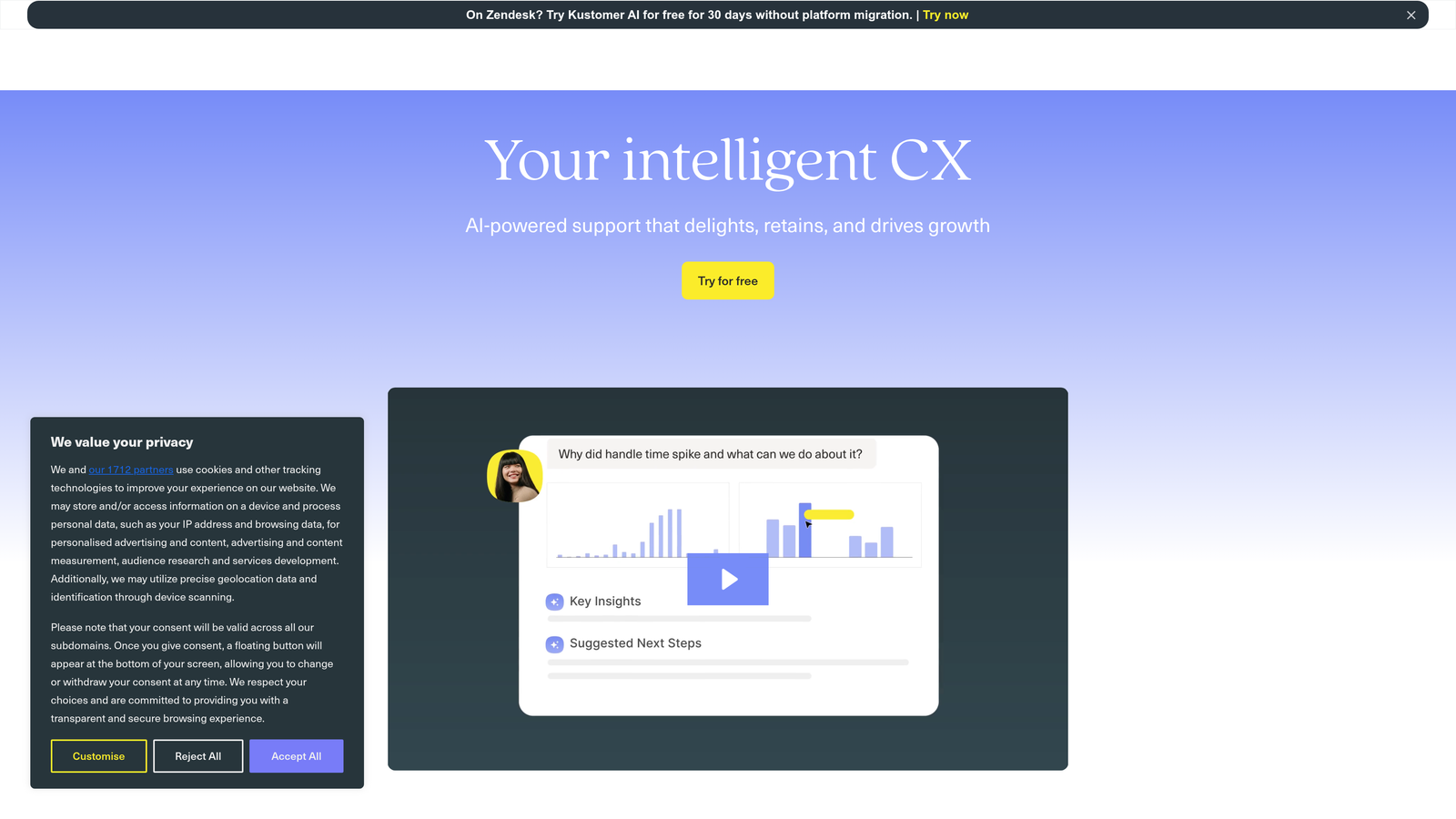
Kustomer IQ provides an AI layer for the Kustomer CRM platform, delivering intelligent automation with a comprehensive view of each customer's history and context.
Where This Tool Shines
Kustomer's timeline approach changes how agents view customer interactions. Instead of seeing isolated tickets, they see a chronological story of every touchpoint—purchases, previous support conversations, product usage, and social media interactions. The AI uses this complete context to route conversations intelligently and suggest responses that account for the customer's full history.
The proactive support triggers represent forward-thinking automation. The system identifies patterns that typically precede support requests and reaches out before customers encounter problems, reducing inbound volume while improving satisfaction.
Key Features
Unified Customer Timeline: Displays all interactions across channels in chronological order, giving agents complete context before responding.
AI-Powered Conversation Classification: Automatically categorizes and tags conversations by topic, sentiment, and urgency without manual sorting.
Intelligent Context-Based Routing: Assigns conversations to appropriate agents based on customer history, issue complexity, and agent expertise.
Proactive Support Triggers: Identifies patterns that predict customer issues and initiates outreach before problems escalate.
Agent Productivity Tools: Provides suggested responses, knowledge base articles, and relevant customer data within the conversation interface.
Best For
Retail, e-commerce, and consumer brands managing complex customer journeys across multiple touchpoints. The unified view matters most when customer relationships extend beyond single transactions.
Pricing
IQ features require the Enterprise plan. Contact Kustomer for pricing based on your conversation volume and integration requirements.
8. Help Scout AI
Best for: Teams prioritizing human connection who want AI to assist agents rather than replace them
Help Scout integrates AI features into its shared inbox platform, designed to enhance agent capabilities while maintaining a human-first support philosophy.
Where This Tool Shines
Help Scout takes a deliberately different approach to AI. Rather than aiming for full automation, the platform focuses on making human agents more effective. The AI drafts responses for agents to review and personalize rather than sending automated replies directly to customers. This maintains the personal touch that builds customer relationships while reducing the time agents spend on routine responses.
The conversation summarization feature helps with handoffs between agents or shifts. Instead of reading through long conversation threads, agents get AI-generated summaries highlighting key points and current status, enabling faster context switching.
Key Features
AI Drafts for Agent Review: Generates response suggestions that agents can edit and personalize before sending, maintaining human oversight.
Conversation Summarization: Creates concise summaries of long conversation threads for quick context when picking up existing tickets.
Smart Saved Replies: Suggests relevant pre-written responses based on conversation content, speeding up common scenarios.
Beacon Widget for Self-Service: Embedded help widget provides AI-powered article suggestions before customers contact support.
Clean Interface Design: Distraction-free inbox focuses agents on conversations without overwhelming them with unnecessary features.
Best For
Companies that view support as a relationship-building function rather than a cost center. Teams who want efficiency gains without sacrificing the personal connection that differentiates their service.
Pricing
AI features are available in the Plus plan at $40 per user per month and above. The pricing reflects the platform's positioning as a premium, human-focused support solution.
9. Drift
Best for: Sales-focused teams wanting to qualify leads while handling support inquiries
Drift is a conversational AI platform that aligns sales and support operations, using AI to qualify leads and handle support questions within a revenue-focused workflow.
Where This Tool Shines
Drift recognizes that not all website conversations are support requests. The AI distinguishes between potential customers asking pre-sale questions and existing customers needing help, routing each to appropriate teams. This dual-purpose approach prevents sales leads from getting lost in support queues and ensures support issues don't languish in sales pipelines.
The meeting scheduling automation eliminates the email ping-pong of finding mutually available times. When the AI identifies a qualified lead, it can book meetings directly on sales reps' calendars based on availability, reducing friction in the sales process.
Key Features
AI-Powered Lead Qualification: Asks qualifying questions and scores leads before routing to sales, ensuring reps focus on high-potential opportunities.
Revenue-Focused Conversation Routing: Distinguishes between sales inquiries and support requests, directing each to appropriate teams automatically.
Meeting Scheduling Automation: Books sales meetings directly on rep calendars based on availability, eliminating scheduling back-and-forth.
Account-Based Targeting: Customizes conversation experiences based on company size, industry, and other firmographic data.
Sales Tool Integration: Connects with CRMs, sales engagement platforms, and marketing automation tools for unified revenue operations.
Best For
B2B companies where the line between marketing, sales, and support blurs. Organizations that view website chat as a revenue channel rather than purely a support function.
Pricing
Custom pricing based on conversation volume and feature requirements. Contact Drift's sales team for quotes specific to your business size and needs.
Making the Right Choice
Choosing the right automated support solution depends on your team's specific needs and current infrastructure. For SaaS companies wanting AI that learns and adapts continuously, Halo AI offers an architecture built from the ground up for intelligent automation that improves with every interaction. The page-aware capabilities and business intelligence features extend value beyond basic ticket resolution.
Enterprises already invested in Zendesk or Intercom may prefer their native AI tools for seamless integration. The familiarity of existing workflows combined with AI capabilities often provides the smoothest implementation path. Smaller teams can start with Tidio's accessible pricing and free tier, while high-volume operations benefit from Ada's scalability and no-code flexibility.
The best approach? Map your current pain points—response times, ticket volume, integration needs, learning capabilities—then match them to a platform's strengths. Consider whether you want AI to assist human agents or handle conversations autonomously. Evaluate how well each solution connects to your existing tech stack, because isolated tools create more problems than they solve.
Most solutions offer free trials or demos. Test the platforms with your actual support scenarios rather than hypothetical examples. Pay attention to setup complexity, ongoing maintenance requirements, and how quickly the AI improves with your data.
Your support team shouldn't scale linearly with your customer base. Let AI agents handle routine tickets, guide users through your product, and surface business intelligence while your team focuses on complex issues that need a human touch. See Halo in action and discover how continuous learning transforms every interaction into smarter, faster support.