9 Best Automated Support Ticketing Systems in 2026
This guide ranks nine of the best automated support ticketing systems in 2026, evaluating each on AI capability, automation depth, integration flexibility, and scalability. Whether you run a fast-growing SaaS team or an enterprise support operation, it pinpoints the right platform to eliminate manual triage and resolve tickets faster.
 Matt PattoliFounder13 min read
If your support team is still manually triaging tickets, routing requests, and copy-pasting responses, you're leaving serious efficiency on the table. Automated support ticketing systems have evolved well beyond simple rule-based routing. Today's platforms use AI to resolve tickets outright, detect patterns, and surface business intelligence your team can actually act on.
But not all systems are built the same. Some bolt AI onto legacy helpdesk infrastructure. Others are built AI-first from the ground up. The right choice depends on your team's size, your existing tech stack, and how much of the support workflow you actually want to automate.
This list covers nine of the best automated support ticketing systems available in 2026, evaluated on automation depth, integration flexibility, AI capability, and scalability. Whether you're a fast-growing SaaS company or an enterprise team looking to modernize, there's a fit here for you.
1. Halo AI
Best for: SaaS teams that want AI agents to resolve tickets autonomously, not just assist agents
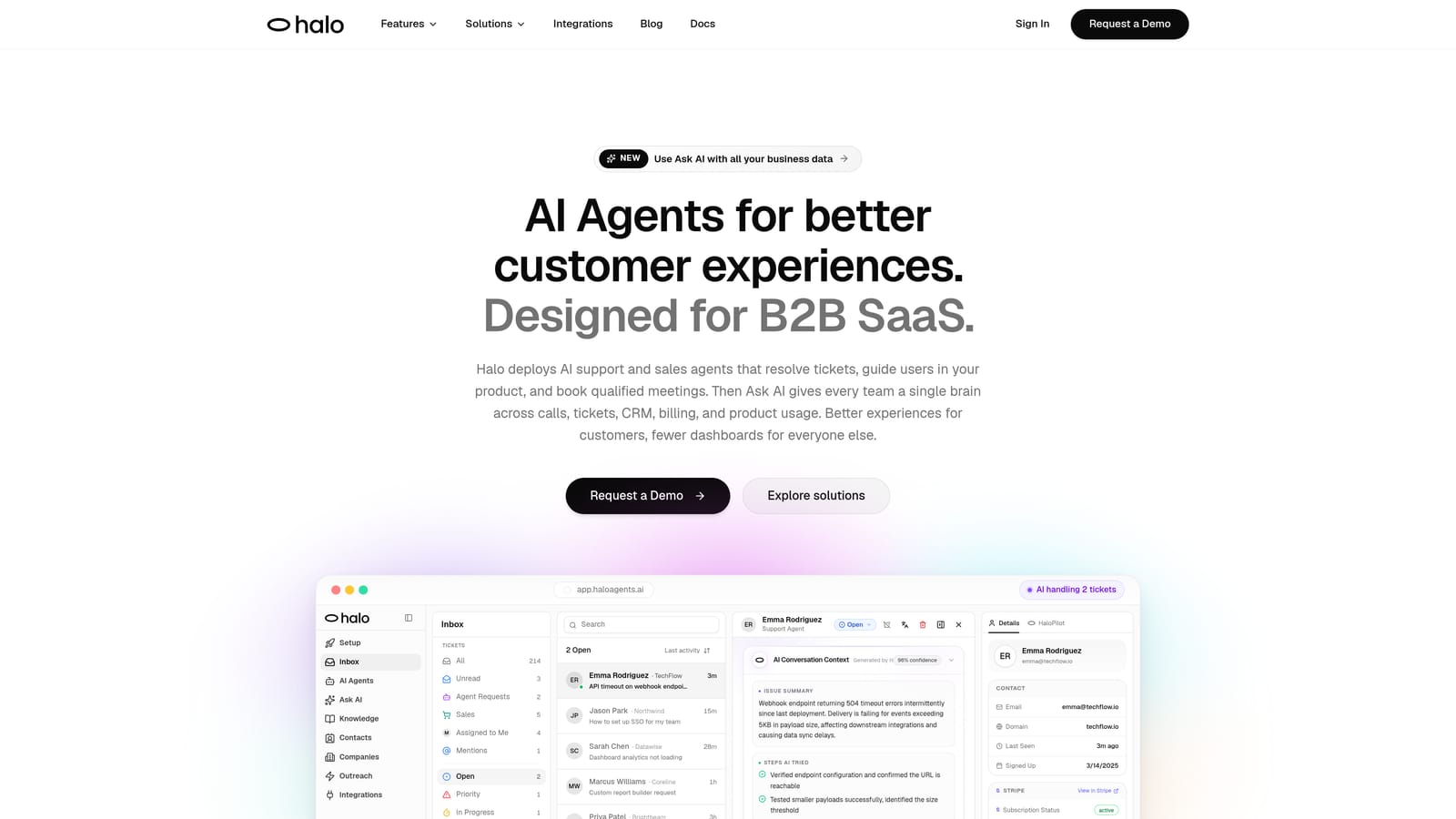
Halo AI is an AI-native customer support platform that deploys intelligent agents to resolve tickets end-to-end, guide users through your product with page-aware context, and surface business intelligence from every support interaction.
Where This Tool Shines
Most tools on this list started as helpdesks and added AI later. Halo AI was built the other way around: autonomous resolution is the core function, not a feature layer. Its agents don't just suggest replies for a human to approve. They read the ticket, understand context, resolve it, and learn from the outcome.
What sets Halo apart from other AI-forward tools is the page-aware chat widget. The agent can see what the user sees in your product, which means guidance is contextual and specific rather than generic. Combined with a smart inbox that surfaces customer health signals, revenue anomalies, and usage patterns, Halo functions as more than a support tool. It becomes a source of business intelligence.
Key Features
Autonomous Ticket Resolution: AI agents handle tickets end-to-end without requiring human review for routine issues.
Page-Aware Chat Widget: The agent understands which page the user is on and provides contextual, visual guidance accordingly.
Smart Inbox with Business Intelligence: Surfaces customer health signals, revenue anomalies, and support pattern detection beyond standard ticket metrics.
Auto Bug Ticket Creation: Automatically identifies bugs from support conversations and routes them directly to Linear or your engineering workflow.
Live Agent Handoff: Escalates complex issues to human agents with full conversation context preserved.
Broad Integration Suite: Connects with Slack, HubSpot, Intercom, Stripe, Zoom, PandaDoc, Fathom, and Linear.
Best For
B2B SaaS companies that want to scale support without scaling headcount. Particularly valuable for product teams that need both customer-facing resolution and engineering-side bug visibility from a single platform. If you're already using HubSpot or Intercom, the native integrations make adoption significantly smoother.
Pricing
Contact for pricing. A demo is available at haloagents.ai.
2. Zendesk
Best for: Mid-market and enterprise teams needing mature workflow customization and omnichannel coverage
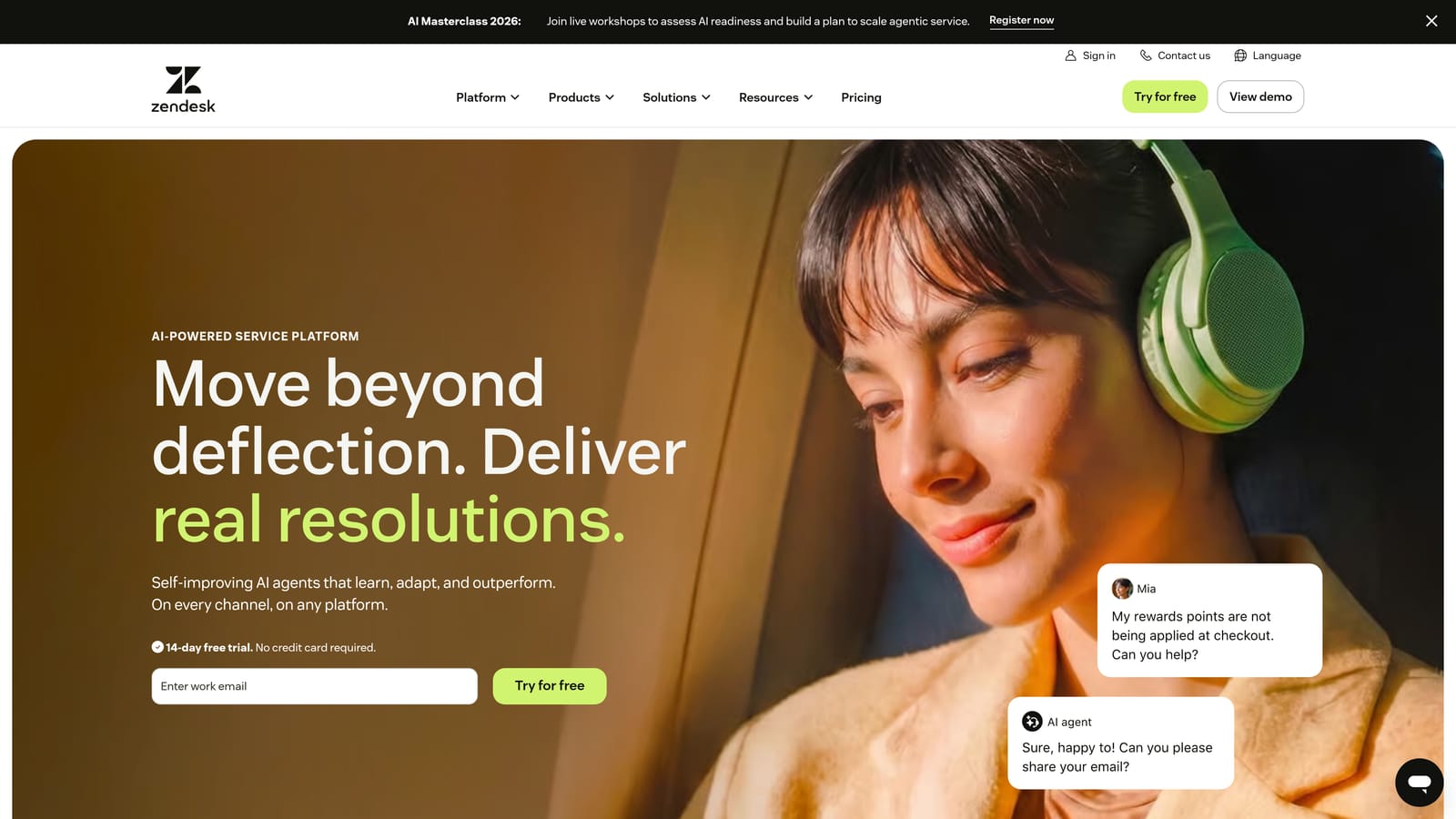
Zendesk is one of the most established helpdesk platforms available, with a broad feature set, a massive integration marketplace, and AI capabilities layered on top of its mature ticket management foundation.
Where This Tool Shines
Zendesk's strength is depth. Its workflow customization, SLA management, and reporting infrastructure are genuinely mature, built over years of iteration with enterprise customers. For teams with complex routing logic, multi-tier support structures, or strict compliance requirements, that maturity matters.
Zendesk AI, powered by their acquisition of Ultimate.ai, adds bot-based automation and intelligent triage on top of this foundation. It's a capable layer, though it functions more as an enhancement to the existing ticket system than a rethinking of how support works. Teams comfortable with traditional helpdesk models will find Zendesk familiar and powerful.
Key Features
Zendesk AI: Bot and automation capabilities for suggested replies, intent detection, and ticket deflection.
Customizable Workflows: Highly flexible routing rules, triggers, and SLA policies.
App Marketplace: Hundreds of integrations covering CRM, e-commerce, analytics, and developer tools.
Advanced Reporting: Detailed dashboards for ticket volume, agent performance, and CSAT trends.
Omnichannel Support: Handles email, chat, voice, and social from a unified inbox.
Best For
Mid-market and enterprise teams with established support operations who need robust workflow control and a wide integration ecosystem. Also strong for teams with dedicated Zendesk admins who can manage the configuration overhead.
Pricing
Suite Team starts around $55/agent/month. Enterprise pricing available on request. Costs can escalate meaningfully at higher tiers.
3. Freshdesk
Best for: SMBs and growing teams that need omnichannel support at a competitive price point
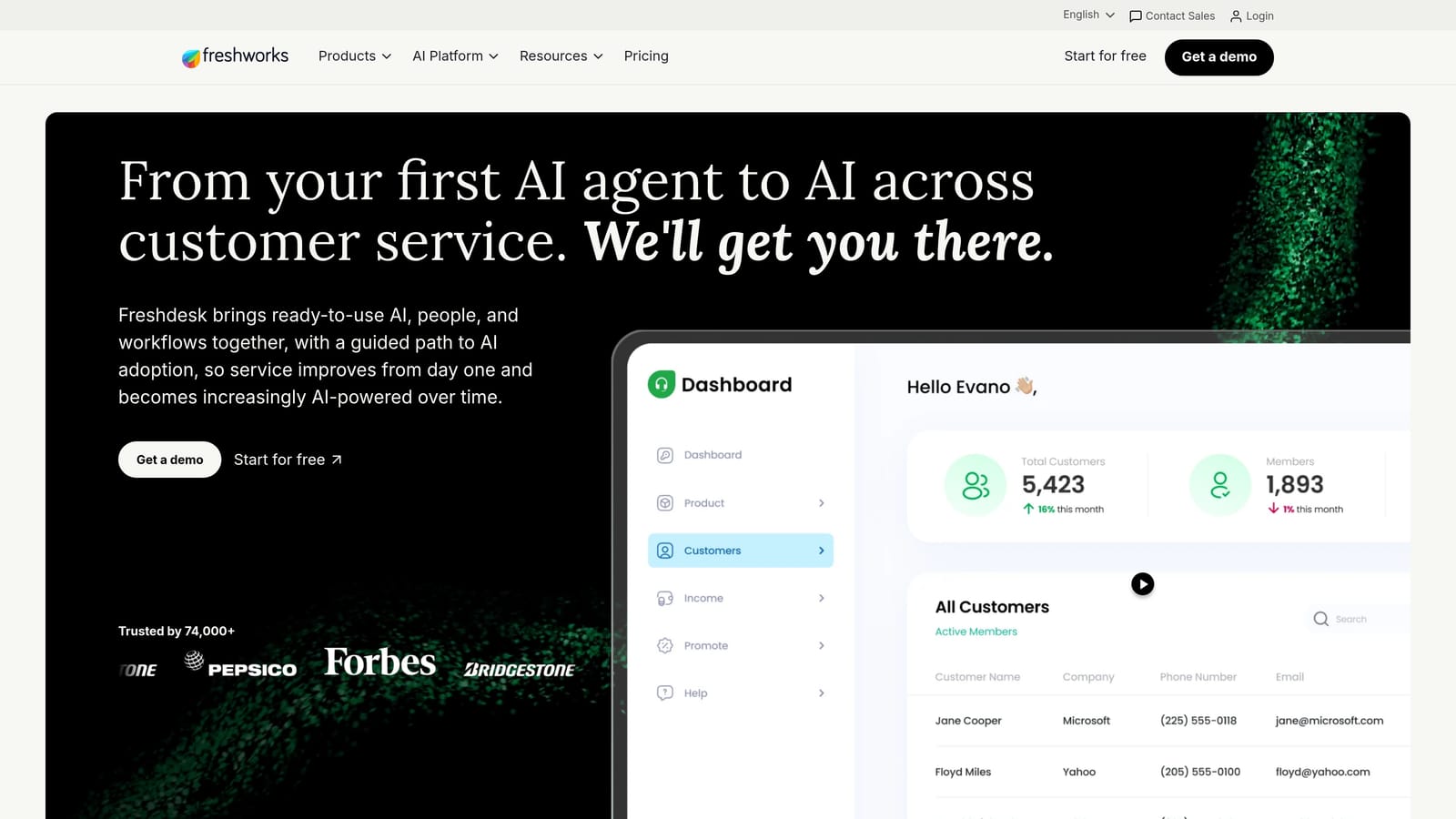
Freshdesk is a popular helpdesk platform from Freshworks offering omnichannel ticket management, Freddy AI for automated assistance, and pricing that makes it genuinely accessible for smaller teams.
Where This Tool Shines
Freshdesk hits a strong value-to-feature ratio, particularly for teams transitioning from basic email support. The free tier is a real free tier, not a heavily gated trial, which makes it easy for small teams to get started without a procurement process.
Freddy AI handles suggested replies, ticket summarization, and some autonomous resolution, though it's more of an agent-assist tool than a fully autonomous resolver. Freshdesk's collision detection feature is genuinely useful for teams where multiple agents might touch the same ticket, preventing duplicated effort without complex configuration.
Key Features
Freddy AI: Suggested replies, ticket summarization, and limited autonomous resolution for common queries.
Omnichannel Inbox: Email, chat, phone, social, and WhatsApp managed from one view.
Collision Detection: Alerts agents when another team member is already working on the same ticket.
Automation Rules: Routing, tagging, and escalation based on ticket properties and conditions.
Free Plan: Available for small teams with core helpdesk functionality included.
Best For
SMBs, early-stage SaaS teams, and growing support operations that need solid omnichannel coverage without enterprise-level pricing. Also a good fit for teams already using other Freshworks products like Freshsales or Freshservice.
Pricing
Free plan available. Paid plans start around $15/agent/month, scaling up based on features and team size.
4. Intercom
Best for: SaaS companies that prioritize real-time chat and in-product messaging alongside ticket resolution
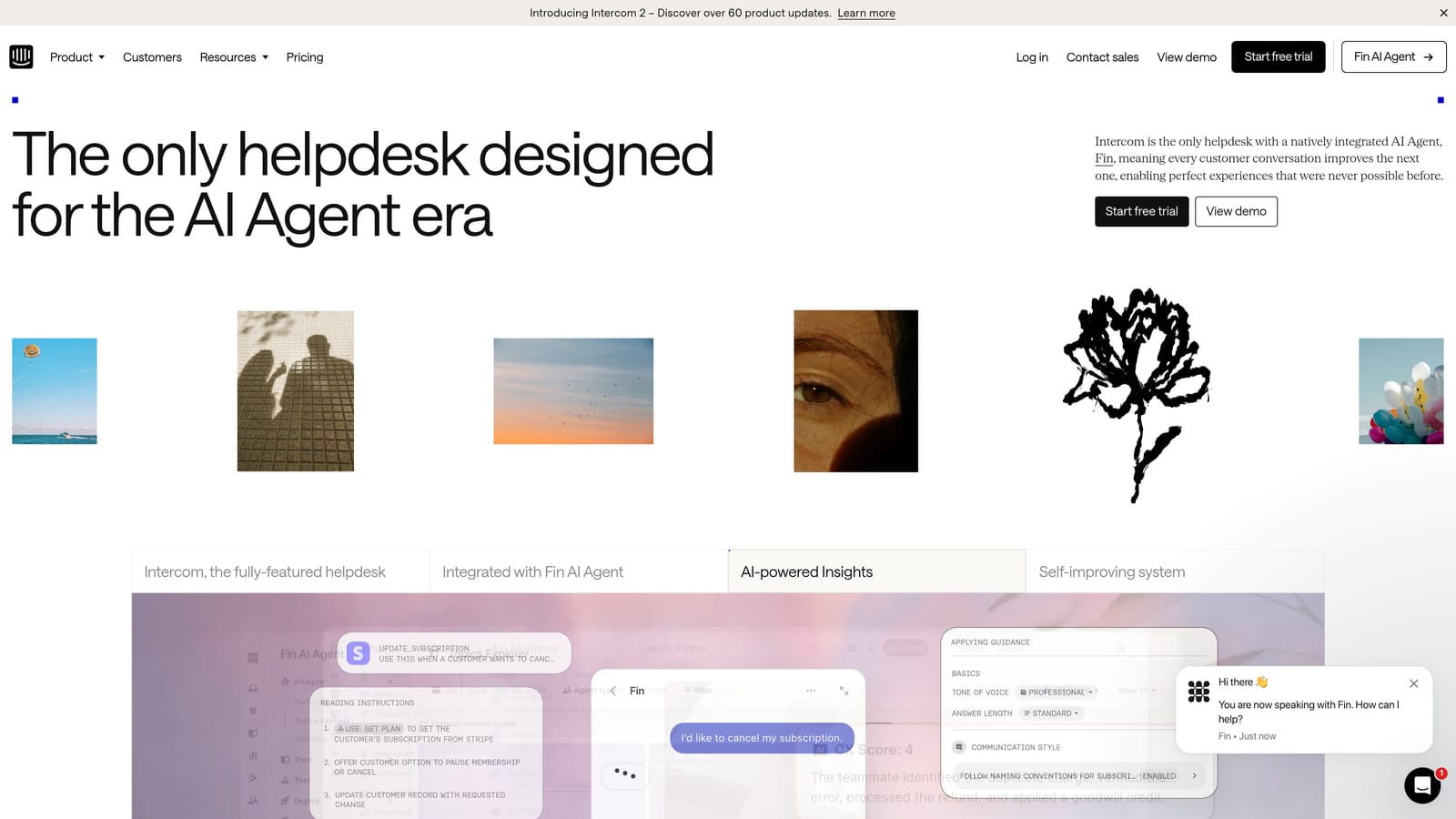
Intercom is a conversational support platform built around real-time chat and messaging, with its Fin AI agent handling autonomous ticket resolution and a strong in-product messaging suite tailored to SaaS companies.
Where This Tool Shines
Intercom's Fin AI agent can autonomously resolve a meaningful portion of common support queries, making it one of the more capable AI resolvers among traditional helpdesk-adjacent platforms. The conversation-first design is a genuine differentiator: tickets, chat, and shared inbox feel unified rather than bolted together.
For SaaS companies, Intercom's in-product messaging, onboarding tours, and proactive support tools add value well beyond reactive ticket handling. It's a platform that can span the full customer lifecycle, from onboarding through ongoing support. Worth noting: Halo AI integrates directly with Intercom, so teams using both can combine Intercom's messaging layer with Halo's autonomous resolution and business intelligence.
Key Features
Fin AI Agent: Autonomous resolution of common support queries without human intervention.
Conversation-First Design: Real-time chat, tickets, and shared inbox in a single unified view.
In-Product Messaging: Onboarding tours, product announcements, and proactive support built in.
Automated Workflows: Routing, tagging, and escalation based on conversation data and user attributes.
Resolution Reporting: Detailed metrics on resolution rates, CSAT, and response times.
Best For
SaaS companies that want a platform covering both customer support and in-product engagement. Particularly strong for product-led growth companies where the line between onboarding and support is intentionally blurred.
Pricing
Starts around $39/seat/month. Fin AI usage is billed per resolution, so costs scale with volume.
5. HubSpot Service Hub
Best for: Teams already on HubSpot CRM that want support tightly connected to contact and deal data
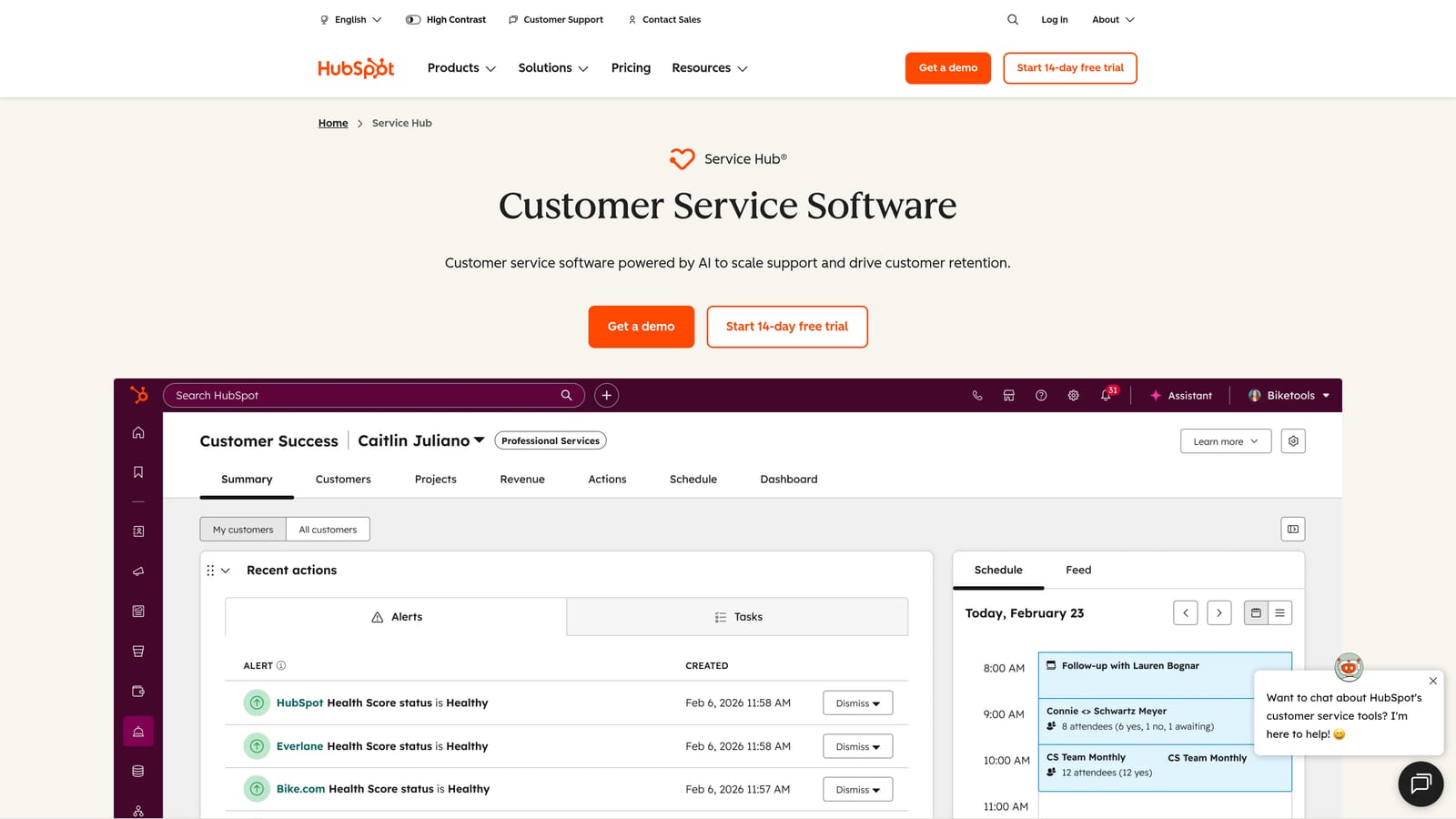
HubSpot Service Hub is HubSpot's customer service product that connects ticketing directly to its CRM, giving support teams full contact and deal context on every conversation.
Where This Tool Shines
If your team is already living in HubSpot, Service Hub is a natural extension. Tickets are natively linked to contact records, company records, and open deals, which means a support agent can see a customer's full history without switching tools. That context often changes how a ticket gets handled, especially for accounts with renewal risk or expansion potential.
The automation layer runs on the same workflow engine used across HubSpot's marketing and sales products, so teams with existing HubSpot expertise can build support automations without a steep learning curve. Halo AI also integrates with HubSpot, allowing teams to layer autonomous AI resolution on top of HubSpot's CRM data.
Key Features
CRM-Native Tickets: Every ticket is linked to HubSpot contacts, companies, and deals automatically.
AI Conversation Summaries: Automatically summarizes long threads and suggests replies for agents.
Shared Inbox: Unified view for email, chat, and form submissions across the team.
HubSpot Workflows: Automation using CRM data as triggers for routing, escalation, and follow-up.
Customer Portal: Self-service portal where customers can track and manage their own tickets.
Best For
Companies already using HubSpot for sales or marketing who want to unify their customer data without adding another platform. Less compelling as a standalone purchase if you're not already in the HubSpot ecosystem.
Pricing
Free tools available. Starter from $15/month. Professional from $90/seat/month.
6. Zoho Desk
Best for: Teams in the Zoho ecosystem that need strong automation at a lower price point
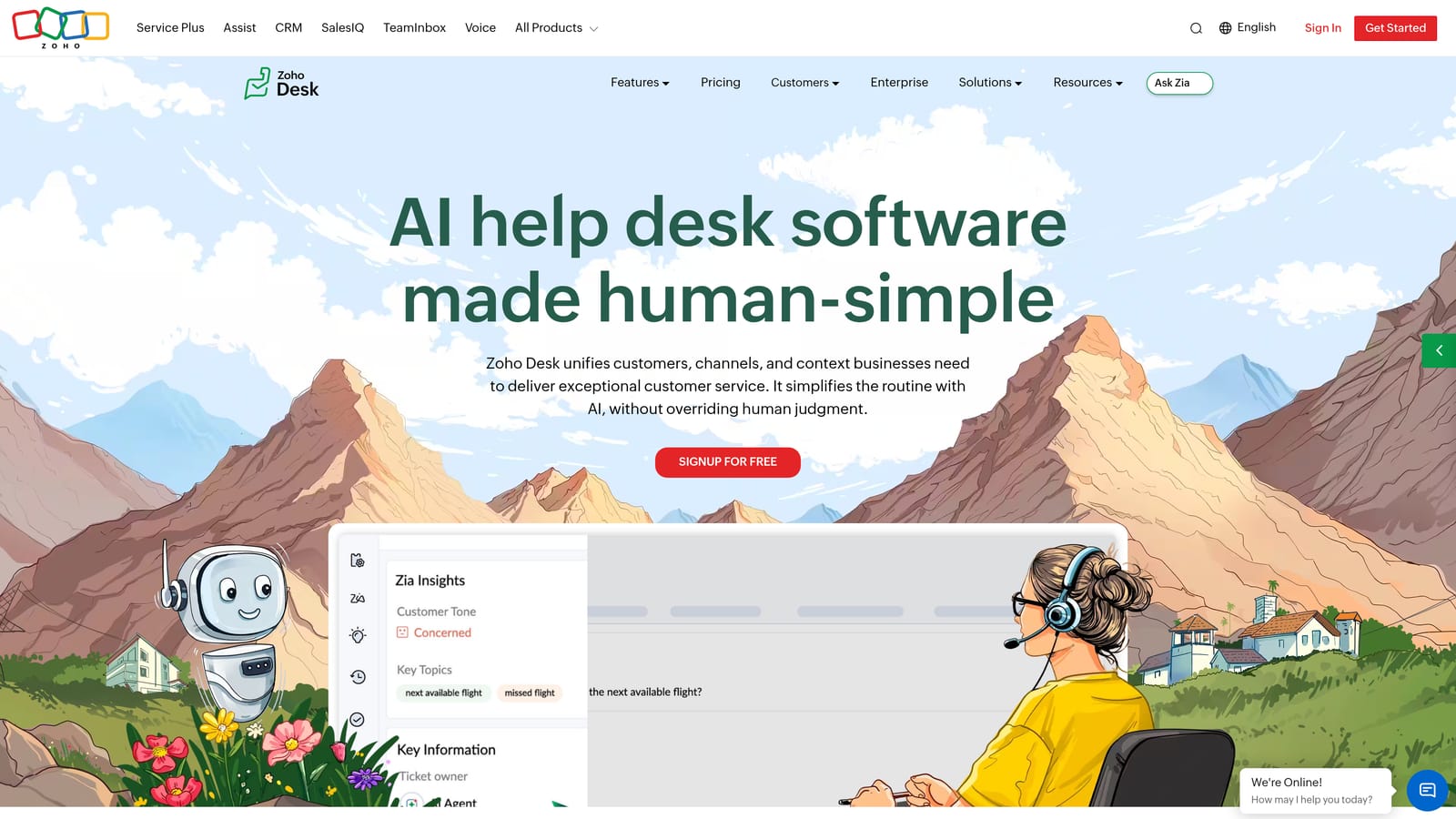
Zoho Desk is a feature-rich helpdesk platform offering strong automation, Zia AI assistance, and deep integration with the broader Zoho product suite at pricing that competes well against larger alternatives.
Where This Tool Shines
Zoho Desk's Blueprint feature is a standout. It allows teams to build no-code, multi-step workflow automation for complex ticket processes, including conditional branching, mandatory fields at each stage, and time-based escalations. For teams with structured support processes, this level of workflow control is genuinely useful without requiring developer involvement.
Zia, Zoho's AI assistant, adds sentiment analysis, anomaly detection, and response suggestions on top of the workflow foundation. It's not the most autonomous AI on this list, but the combination of Blueprint and Zia gives operations-minded teams a lot to work with, particularly at Zoho Desk's price point.
Key Features
Zia AI: Sentiment analysis, ticket tagging, anomaly detection, and suggested responses.
Blueprint Automation: No-code, multi-step workflow builder for complex ticket processes.
Multi-Channel Support: Email, chat, phone, social, and web forms in one platform.
Zoho Ecosystem Integration: Tight native connections to Zoho CRM, Zoho Analytics, and other Zoho apps.
Customizable Help Center: Self-service knowledge base and community forums included.
Best For
Teams already using Zoho CRM or other Zoho products, and organizations that want strong workflow automation without paying enterprise-tier pricing. Also a solid choice for teams that prioritize process structure over AI autonomy.
Pricing
Free plan for up to 3 agents. Paid plans start around $14/agent/month.
7. Jira Service Management
Best for: IT and engineering teams that need ITSM-aligned workflows and dev-side ticket visibility
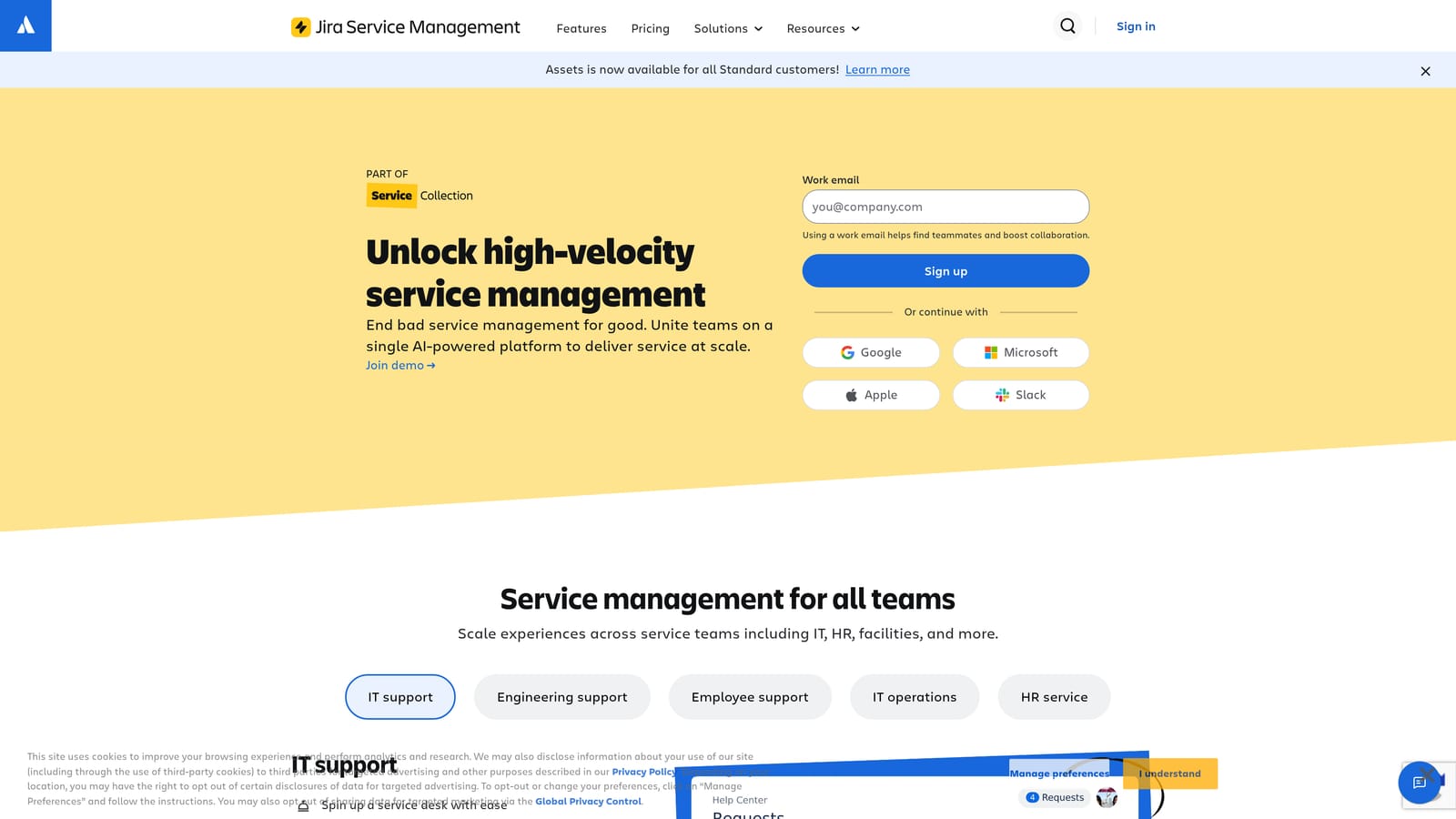
Jira Service Management is Atlassian's ITSM-focused service desk platform, purpose-built for IT and engineering teams who need ITIL-aligned workflows and tight integration with Jira Software.
Where This Tool Shines
Jira Service Management is in a different category from most tools on this list. It's not primarily a customer-facing support platform. It's an IT service management tool designed for internal teams handling incidents, change requests, and configuration management. If that's your use case, it's hard to beat.
The native integration with Jira Software is the core value proposition: a support issue can be linked directly to a development ticket without any manual handoff or copy-paste. The Virtual Agent for Slack also handles internal ticket resolution conversationally, which reduces friction for IT teams who live in Slack. Worth noting: Halo AI integrates with Linear, which serves a similar dev-workflow audience for teams that prefer Linear over Jira.
Key Features
ITIL-Aligned Workflows: Structured processes for incident, change, and problem management.
Virtual Agent: Slack-based internal ticket resolution without leaving the messaging tool.
Jira Software Integration: Native linking between service requests and development tickets.
Asset Management: Built-in CMDB for tracking assets and configuration items.
AI Classification: Automated ticket classification and routing based on request content.
Best For
IT departments, DevOps teams, and engineering organizations that need ITSM capabilities. Not the right fit for external customer support teams, but excellent for internal service desks already in the Atlassian ecosystem.
Pricing
Free plan for up to 3 agents. Standard plan from $17.65/agent/month.
8. Help Scout
Best for: Small teams that want a simple, email-first support experience without heavy configuration
Help Scout is a deliberately simple, email-first support platform designed to feel like a shared inbox rather than a traditional ticket system, with AI features layered in to help small teams move faster.
Where This Tool Shines
Help Scout's biggest strength is its intentional simplicity. There's no ticket number visible to customers, no complex queue management, and no steep learning curve for new agents. It feels like email, which means support teams can get productive quickly and customers get responses that feel personal rather than automated.
The recently added AI Summarize and AI Assist features help agents get up to speed on long threads and draft replies faster, though these are agent-assist tools rather than autonomous resolvers. For small teams that don't need heavy automation, this is often exactly the right level of AI involvement.
Key Features
Shared Inbox Design: Feels like email, reducing agent onboarding time and customer friction.
AI Summarize: Condenses long conversation threads so agents can catch up instantly.
AI Assist: Drafts reply suggestions based on conversation context.
Beacon Widget: In-product help center and chat widget for proactive support.
Light Automation: Saved replies, workflows, tagging, and customer satisfaction ratings built in.
Best For
Small teams, early-stage startups, and companies that prioritize simplicity and a human feel over automation depth. If your primary channel is email and you have a small agent team, Help Scout is genuinely pleasant to use. It's less suited for teams that need complex routing or high-volume automation.
Pricing
Starts at $50/month for up to 3 users. Standard plan around $20/user/month.
9. Salesforce Service Cloud
Best for: Large enterprises already on Salesforce that need deep CRM integration and complex case management
Salesforce Service Cloud is Salesforce's enterprise customer service platform, offering deep CRM integration, Einstein AI for intelligent case management, and the full breadth of the Salesforce ecosystem for organizations with complex support needs.
Where This Tool Shines
For enterprises already running on Salesforce, Service Cloud is the natural choice. The integration between support cases, CRM records, sales pipeline, and marketing data is genuinely seamless in a way that third-party integrations rarely replicate. Einstein AI adds case classification, routing, and next-best-action recommendations on top of that data foundation.
The honest caveat is that Salesforce Service Cloud requires real implementation investment. It's highly customizable, but that customizability comes with configuration complexity, admin overhead, and a total cost of ownership that can climb quickly. Teams without dedicated Salesforce administrators often find it difficult to extract full value from the platform.
Key Features
Einstein AI: Case classification, intelligent routing, and next-best-action recommendations.
Omni-Channel Routing: Distributes work across email, chat, phone, social, and field service.
Salesforce CRM Integration: Native connection to Sales Cloud, Marketing Cloud, and the full Salesforce platform.
Knowledge Management: AI-suggested knowledge articles to help agents resolve cases faster.
Flow Automation: Highly customizable automation using Salesforce Flow and AppExchange integrations.
Best For
Large enterprises with dedicated Salesforce administrators, complex support workflows, and an existing Salesforce investment. The platform delivers significant value in the right environment, but smaller teams or those new to Salesforce should carefully evaluate the implementation cost before committing.
Pricing
Starter Suite from $25/user/month. Enterprise plans from $165/user/month. Implementation costs vary significantly based on customization requirements.
Which Tool Is Right for Your Team?
The right automated support ticketing system depends on one honest question: how much of your support workflow do you actually want to automate, and how much do you want to assist humans doing it manually?
If you want AI agents that resolve tickets autonomously, learn continuously, and surface business intelligence beyond ticket counts, Halo AI is the strongest fit, particularly for B2B SaaS teams already using tools like HubSpot, Intercom, or Linear. Its AI-first architecture means you're not working around a helpdesk to get autonomous resolution. That's the core product.
If you need mature workflow customization, enterprise-grade SLA management, and a wide integration marketplace, Zendesk and Salesforce Service Cloud are proven choices, especially for teams with dedicated platform administrators and complex routing requirements. They're not AI-native, but they're deeply capable in the right hands.
For teams prioritizing value and simplicity, Freshdesk and Zoho Desk offer solid automation at competitive price points. HubSpot Service Hub is the obvious choice if your team is already running on HubSpot CRM. Intercom fits SaaS companies that want both in-product messaging and AI resolution in one place. Jira Service Management is purpose-built for IT and engineering service desks. And Help Scout serves small teams that want a support experience that feels human and stays simple.
Before committing to any platform, run a real trial with your actual ticket volume and support scenarios. Most platforms offer free plans or trial periods. The difference between how a tool looks in a demo and how it performs under real workload is often significant.
Your support team shouldn't scale linearly with your customer base. Let AI agents handle routine tickets, guide users through your product, and surface business intelligence while your team focuses on complex issues that need a human touch. See Halo in action and discover how continuous learning transforms every interaction into smarter, faster support.