9 Best Automated Ticketing Systems for B2B Support Teams in 2026
The best automated ticketing system for B2B support teams goes beyond logging issues—this guide evaluates nine top platforms for 2026, covering AI-driven ticket routing, workflow automation, and autonomous resolution capabilities. From enterprise helpdesks to AI-first agents, each tool is assessed on real functionality, ideal use cases, and pricing to help support teams replace manual processes with scalable, intelligent systems.
 Grant CooperFounder14 min read
Manual ticket routing, missed follow-ups, and agents drowning in repetitive requests aren't growing pains. They're symptoms of a support stack that hasn't kept up with how modern B2B teams actually operate. The best automated ticketing systems don't just log issues; they resolve them, route them intelligently, surface business insights, and escalate only when human judgment is genuinely needed.
This guide covers nine platforms worth considering in 2026, from AI-first agents that autonomously close tickets to enterprise helpdesks with deep workflow automation. Whether you're a SaaS team managing product-related support, a scaling startup outgrowing shared inboxes, or an operations lead evaluating alternatives to your current stack, there's a meaningful difference between these tools.
Each entry covers what the tool actually does well, who it's best for, and honest pricing context so you can match the right system to your team's actual workflow rather than a vendor's best-case demo.
1. Halo AI
Best for: SaaS and B2B product teams wanting AI-first autonomous ticket resolution
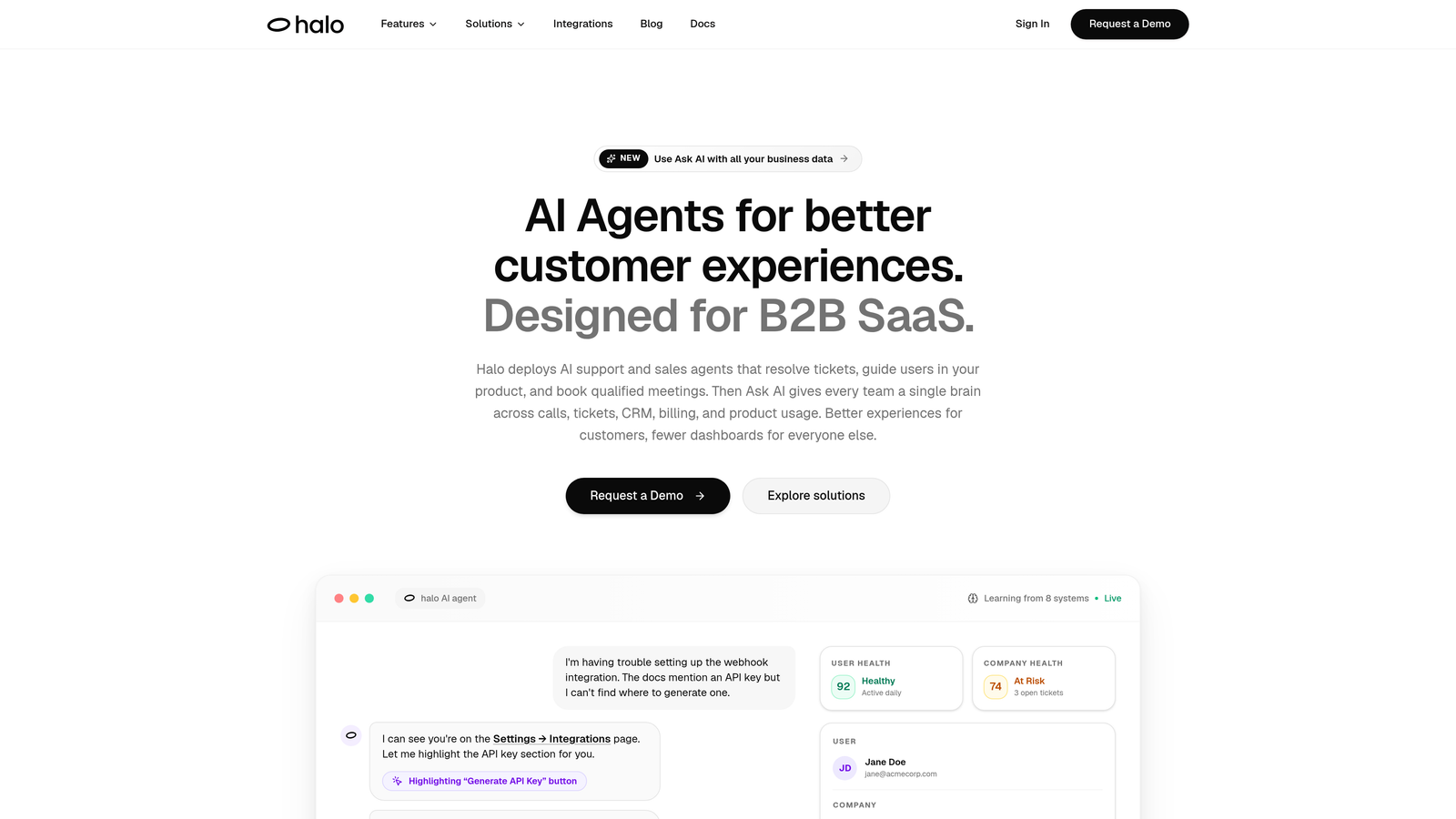
Halo AI is an AI-native customer support platform that autonomously resolves tickets, guides users through your product with page-aware context, and surfaces business intelligence from every support interaction.
Where This Tool Shines
Most ticketing tools were built as routing and logging systems, with AI added later as a layer on top. Halo AI is architected the other way around: the AI agent is the core, not the add-on. It attempts to resolve tickets autonomously first, escalating to a human only when the issue genuinely requires judgment that the system can't confidently handle.
What separates Halo from conversational chatbots is the page-aware context engine. The chat widget understands what the user is currently viewing inside your product, enabling it to provide specific, relevant guidance rather than generic FAQ responses. Combined with auto bug ticket creation that routes issues directly into engineering workflows, it closes the loop between customer support and product development in a way most helpdesks simply don't.
Key Features
Intelligent AI Agents: Autonomous ticket resolution that learns from every interaction, continuously improving response accuracy over time without manual retraining.
Page-Aware Chat Widget: Understands the user's current product context to deliver targeted, step-by-step guidance rather than generic answers.
Auto Bug Ticket Creation: Automatically identifies and routes product issues into engineering workflows, connecting support directly to development.
Smart Inbox with Business Intelligence: Goes beyond support metrics to surface customer health signals, revenue anomalies, and trend detection from ticket data.
Live Agent Handoff: Seamless escalation to human agents when complexity exceeds what the AI can confidently resolve.
Deep Integrations: Connects natively with Linear, Slack, HubSpot, Intercom, Stripe, Zoom, PandaDoc, and Fathom for full-stack orchestration.
Best For
B2B SaaS teams that want support to function as a business intelligence layer, not just a ticket queue. Particularly strong for product teams where support issues need to feed directly into engineering backlogs and customer health monitoring.
Pricing
Visit haloagents.ai for current pricing details. Pricing structures vary based on team size and feature requirements.
2. Zendesk
Best for: Large support organizations needing mature automation rules and enterprise-grade SLA management
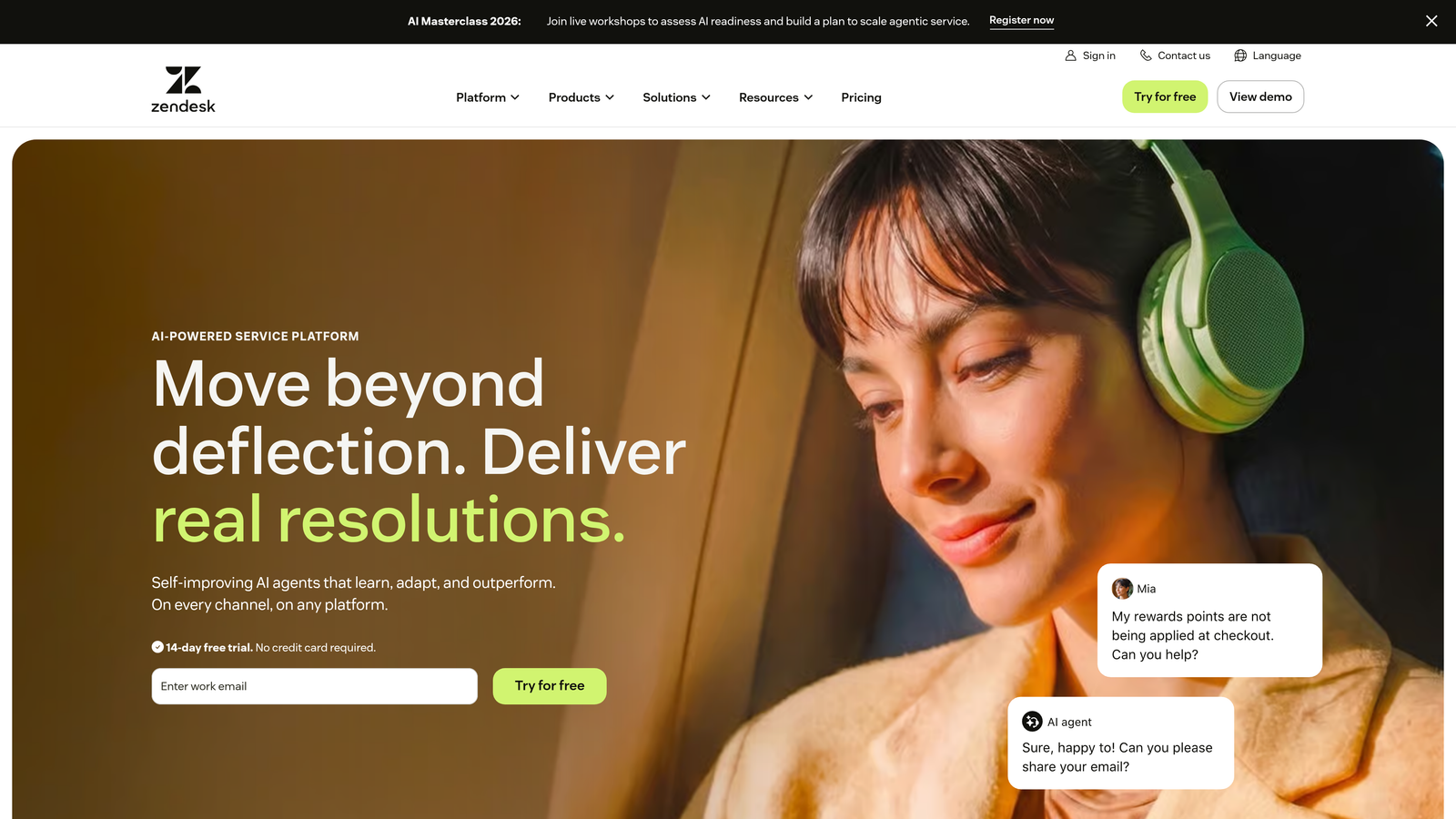
Zendesk is the industry-standard enterprise helpdesk with a highly mature automation engine, the largest app marketplace in the category, and robust tooling for complex support operations.
Where This Tool Shines
Zendesk's automation engine is genuinely powerful. Triggers, automations, and macros can handle sophisticated rule-based routing scenarios that most teams will never exhaust. For organizations managing high ticket volumes across multiple channels with strict SLA requirements, it's one of the most battle-tested platforms available.
The app marketplace is a real differentiator: with over a thousand integrations, Zendesk connects to virtually any tool in your stack. That said, the platform's pricing can escalate quickly as you move up feature tiers, and teams seeking AI-first autonomous resolution may find the AI capabilities feel more additive than foundational.
Key Features
Triggers, Automations, and Macros: Sophisticated rule-based routing, assignment, and response automation built for complex support workflows.
Zendesk AI: AI-powered triage, suggested responses, and ticket summarization layered onto the core platform.
Omnichannel Support: Email, chat, voice, social, and messaging channels unified in a single workspace.
App Marketplace: 1,000+ integrations covering CRMs, analytics tools, communication platforms, and more.
Advanced SLA Management: Granular SLA policies, escalation rules, and reporting dashboards for enterprise compliance.
Best For
Large support organizations with complex routing logic, multiple channels, and strict SLA requirements. Also a strong choice for teams that need extensive third-party integrations out of the box.
Pricing
Suite plans typically start around $55 to $69 per agent per month, though pricing varies by tier and feature set. Verify current pricing at zendesk.com/pricing.
3. Freshdesk
Best for: SMB and growth-stage teams looking for accessible automation without a steep price or learning curve
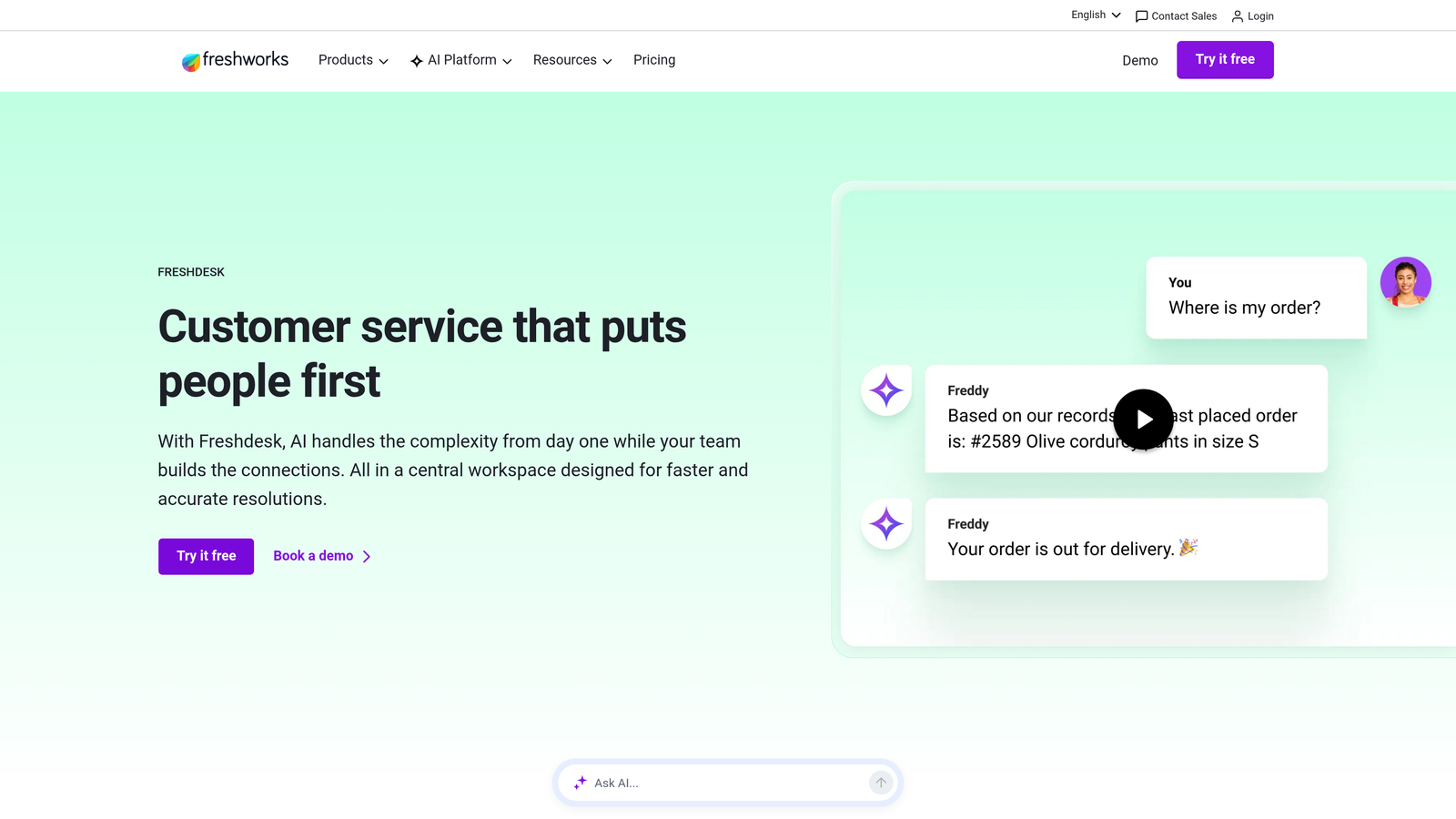
Freshdesk is a multi-channel helpdesk platform with Freddy AI automation and a generous free tier, designed for teams scaling beyond shared email inboxes without the complexity of enterprise tools.
Where This Tool Shines
Freshdesk's biggest advantage is its low barrier to entry. The free tier is genuinely functional for small teams, and the onboarding experience is significantly more approachable than Zendesk. Freddy AI handles auto-tagging, response suggestions, and ticket summarization without requiring deep configuration to get value from it.
For teams new to ticketing automation, Freshdesk provides a practical introduction to rule-based workflows: auto-assignment, priority setting, and follow-up reminders without overwhelming complexity. It's a strong choice for teams that need to move fast and don't have a dedicated support operations specialist to manage the platform.
Key Features
Freddy AI: Automated ticket tagging, response suggestions, and conversation summaries to reduce manual handling.
Automation Rules: Ticket assignment, priority setting, and follow-up workflows triggered by ticket properties and events.
Multi-Channel Inbox: Email, chat, phone, and social media unified in a single support workspace.
Canned Responses and Scenario Automations: Pre-built responses and multi-step automations for common, repeatable request types.
Free Tier: A functional entry point for small teams before committing to paid plans.
Best For
SMBs, early-stage startups, and teams transitioning from shared email inboxes who want structured ticketing without heavy implementation overhead. Also a good fit for budget-conscious teams evaluating Zendesk alternatives.
Pricing
A free tier is available; Growth plan pricing is typically around $15 to $18 per agent per month. Verify current pricing at freshworks.com.
4. Intercom
Best for: Product-led SaaS companies wanting AI-driven resolution tightly integrated with in-app messaging and customer lifecycle data
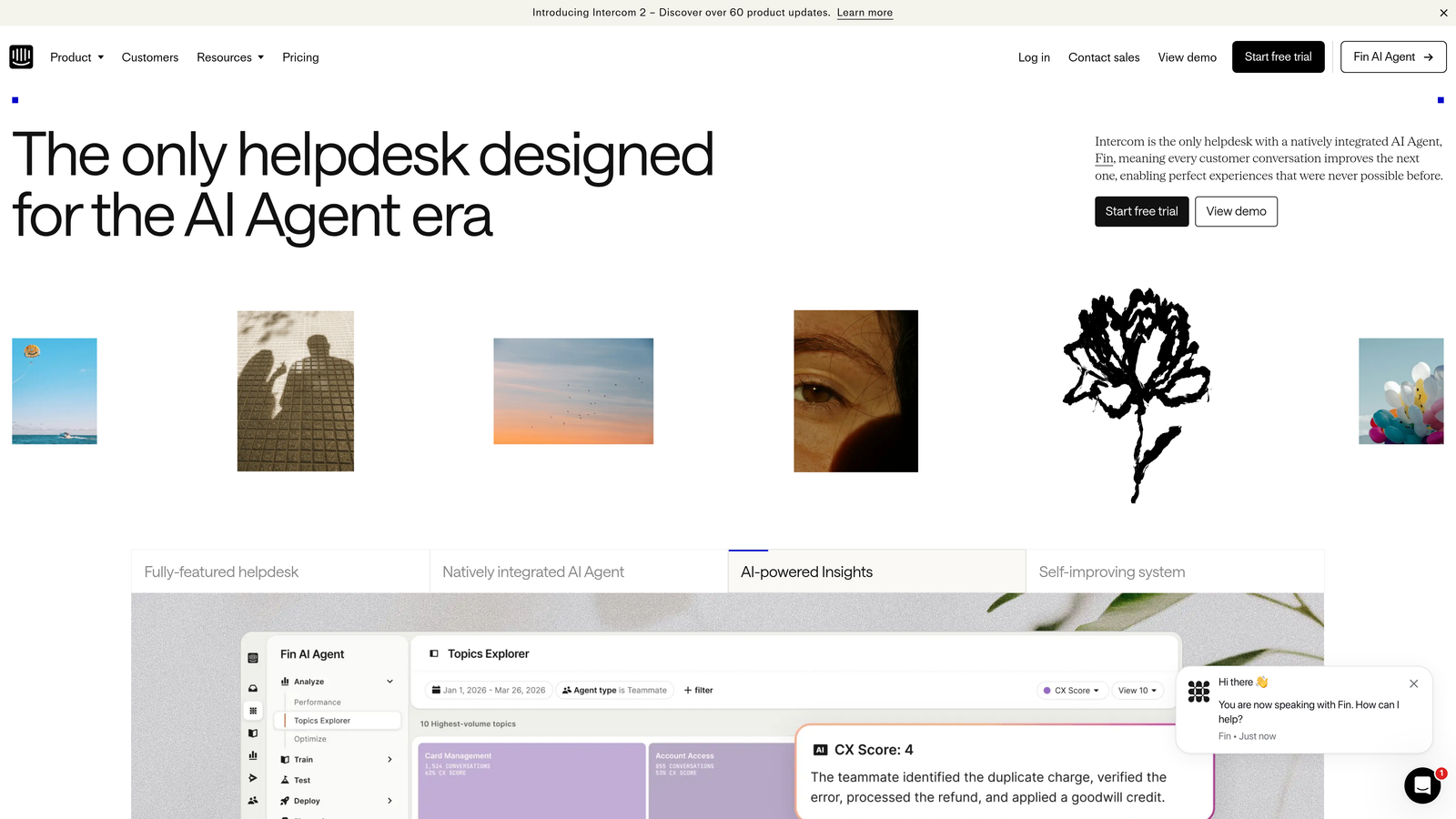
Intercom is a conversational support platform combining in-app messaging, the Fin AI agent for autonomous resolution, and customer lifecycle context for product-led growth teams.
Where This Tool Shines
Intercom's Fin AI agent is one of the more capable autonomous resolution tools in the category, handling tickets across chat and email with contextual awareness of customer attributes and product usage data. For product-led SaaS companies, this integration between support and lifecycle data is genuinely valuable: routing logic can factor in whether a user is on a trial, their plan tier, or their recent product activity.
The in-app messenger is tightly woven into onboarding and engagement flows, making Intercom more than a support tool for teams that use it across the customer journey. The trade-off is pricing unpredictability: Fin AI charges per resolution in addition to the base platform fee, which can make costs harder to forecast at scale.
Key Features
Fin AI Agent: Autonomous ticket resolution across chat and email, trained on your help content and product documentation.
Attribute-Based Routing: Conversation routing logic driven by customer properties, plan data, and product usage behavior.
In-App Messenger: Deeply integrated with onboarding, engagement, and product announcement flows.
Shared Inbox: Collision detection, internal notes, and team assignment for human agents handling escalations.
Performance Reporting: Resolution rates, CSAT scores, and team performance dashboards built in.
Best For
Product-led SaaS companies where support, onboarding, and customer engagement overlap. Strongest when Intercom is already part of the product experience rather than being adopted purely as a helpdesk.
Pricing
Base platform fee plus per-resolution pricing for Fin AI. Costs can vary significantly based on resolution volume. Verify current pricing at intercom.com/pricing.
5. HubSpot Service Hub
Best for: Teams already in the HubSpot ecosystem who want support tickets connected directly to CRM and sales pipeline data
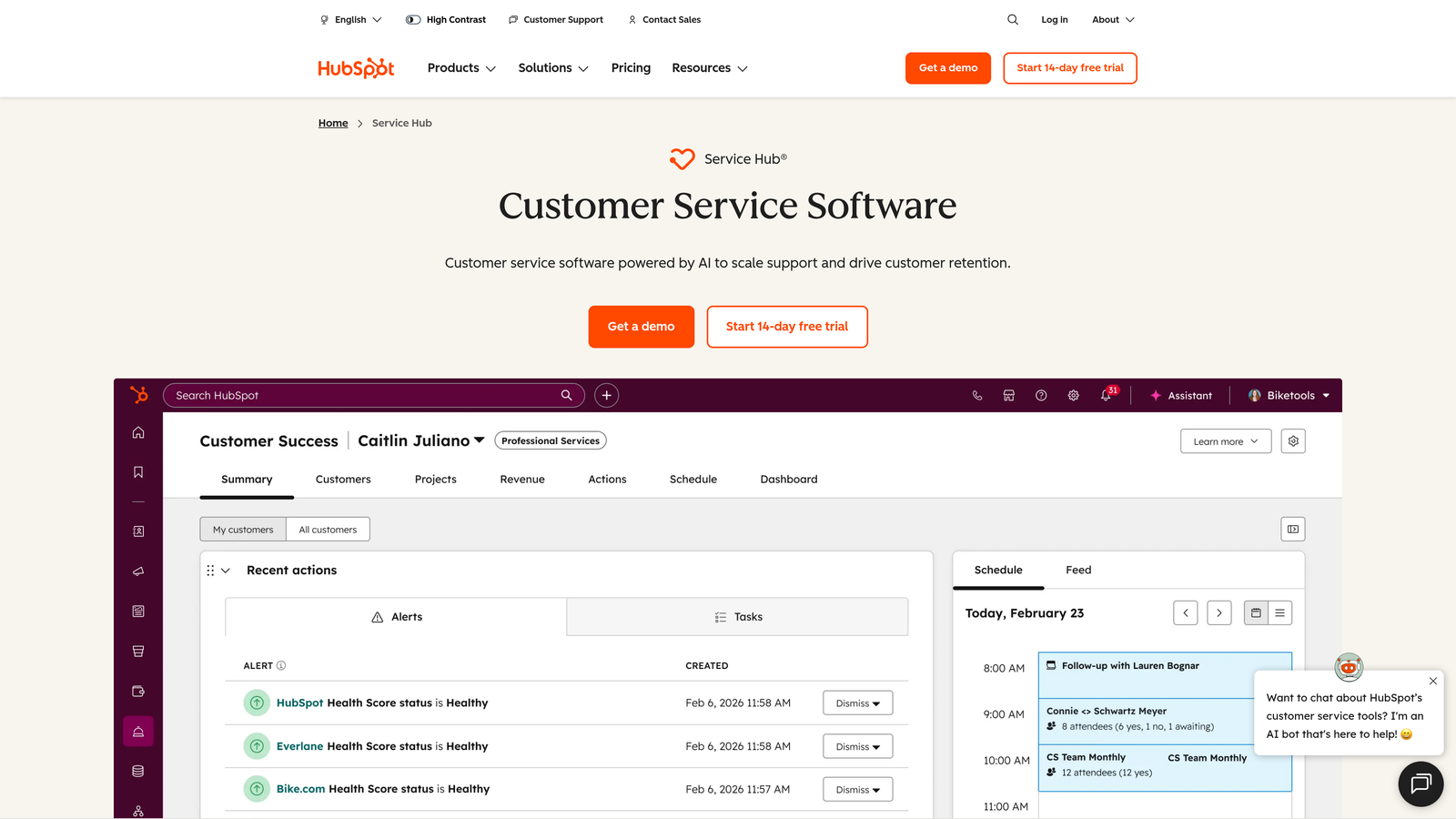
HubSpot Service Hub is a CRM-native ticketing platform that links support tickets directly to contact records, deal pipelines, and HubSpot automation workflows.
Where This Tool Shines
The core value proposition of Service Hub is context: every ticket is connected to a full CRM record, so support agents can see deal stage, contact history, and company revenue without switching tools. For teams where support outcomes directly affect renewals or upsells, this visibility is genuinely useful and not easily replicated by standalone helpdesks.
Automation workflows in Service Hub can trigger on ticket properties and CRM data together, which enables more sophisticated escalation logic than most pure-play helpdesks. Outside the HubSpot ecosystem, however, it functions as a capable but not exceptional ticketing tool. It's best evaluated as part of a broader HubSpot investment rather than as a standalone support platform.
Key Features
CRM-Native Tickets: Every ticket linked to HubSpot contacts, companies, and deal records for full customer context.
CRM-Triggered Automation: Workflows that fire based on ticket properties combined with contact or deal data.
Knowledge Base Builder: SEO-optimized help content creation integrated with the support workflow.
Customer Feedback Surveys: NPS, CSAT, and CES surveys built natively into the platform.
Shared Inbox and Live Chat: Unified inbox with bot handoff capabilities for front-line deflection.
Best For
Revenue-focused support teams already using HubSpot CRM, Marketing Hub, or Sales Hub who want a unified view of the customer across support, sales, and marketing without building custom integrations.
Pricing
Starter plans are typically around $15 to $20 per seat per month; Professional tier is significantly higher. Verify current pricing at hubspot.com/pricing.
6. Jira Service Management
Best for: Internal IT teams and engineering-adjacent support workflows that need native integration with Jira Software
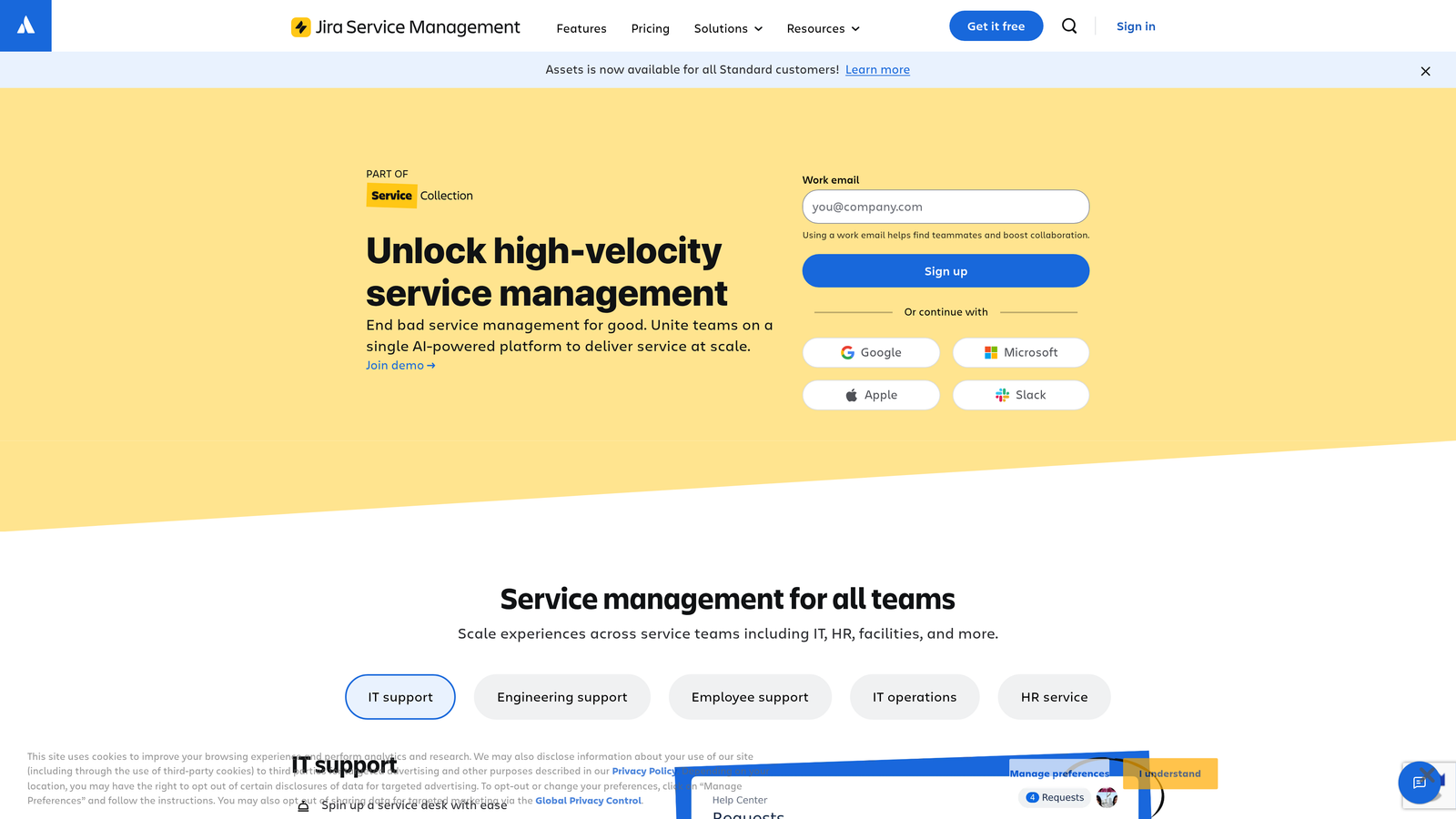
Jira Service Management is Atlassian's ITSM-focused ticketing platform, linking support and IT requests directly to development workflows in Jira Software.
Where This Tool Shines
For IT teams and DevOps-adjacent support functions, the native two-way link between service requests and Jira Software issues is a genuine workflow accelerator. An IT ticket can be escalated to a sprint backlog without manual re-entry, and developers can see the customer-facing impact of issues they're working on. This is the primary reason teams choose Jira Service Management over general-purpose helpdesks.
The platform also covers the full ITSM framework: incident management, change management, problem management, and SLA tracking. For organizations that need structured ITSM processes rather than just ticket routing, it provides a mature, well-documented framework. It's less suited for high-volume external customer support at scale, where its ITSM heritage can feel more rigid than helpful.
Key Features
Native Jira Integration: Two-way linking between service tickets and Jira Software issues, epics, and sprints.
ITSM Modules: Incident, change, problem, and request management with structured workflows and approval gates.
SLA Tracking: Configurable SLA policies with escalation rules and breach notifications.
AI Virtual Agent: Common IT request deflection through an AI-powered virtual agent for self-service.
Asset Management: CMDB and configuration management for IT asset tracking within the same platform.
Best For
Internal IT teams, DevOps organizations, and engineering support functions where tickets need to flow seamlessly into development backlogs. Less ideal for customer-facing external support teams without an ITSM context.
Pricing
Free for up to three agents; Standard plans are typically around $17 to $22 per agent per month. Verify current pricing at atlassian.com.
7. Zoho Desk
Best for: Teams already in the Zoho ecosystem seeking strong AI-assisted automation at competitive price points
Zoho Desk is a context-aware multi-channel helpdesk with Zia AI for sentiment analysis and intelligent ticket tagging, offering strong value within the broader Zoho product suite.
Where This Tool Shines
Zia, Zoho's AI layer, brings sentiment detection and anomaly alerts to the ticketing workflow, flagging tickets where a customer appears frustrated before the conversation escalates. This proactive signal is useful for teams that want to prioritize based on customer emotion rather than just ticket age or priority level.
Blueprint, Zoho Desk's process automation feature, allows teams to define standardized ticket workflows with required fields, approval steps, and conditional transitions. For organizations that need consistency across agents and ticket types, this is a meaningful differentiator. The trade-off is that the interface can feel dated compared to newer entrants, and the full value of the platform is most accessible when you're already using Zoho CRM or other Zoho products.
Key Features
Zia AI: Sentiment detection, auto-tagging, and anomaly alerts that surface at-risk conversations proactively.
Blueprint Process Automation: Standardized ticket workflows with required fields, approvals, and conditional routing.
Multi-Channel Inbox: Email, phone, chat, social, and web forms managed in a unified workspace.
Zoho Ecosystem Integration: Native connections to Zoho CRM, Zoho Analytics, and the broader Zoho product suite.
Advanced Analytics: Customer happiness ratings, team performance dashboards, and trend reporting built in.
Best For
Teams already using Zoho CRM or other Zoho products who want a tightly integrated helpdesk without paying enterprise-tier prices. Also a good fit for teams that prioritize structured, process-driven ticket workflows over freeform routing.
Pricing
Standard plans are typically around $14 to $20 per agent per month. Verify current pricing at zoho.com/desk/pricing.
8. Help Scout
Best for: Small SaaS and e-commerce teams prioritizing clean UX and human-feeling support over complex automation
Help Scout is a shared inbox platform with a knowledge base, Beacon widget, and lightweight automation workflows designed for smaller teams where simplicity and low onboarding friction matter most.
Where This Tool Shines
Help Scout's defining characteristic is intentional simplicity. The interface is clean, the onboarding is fast, and the platform avoids the configuration overhead that comes with enterprise helpdesks. For small teams, this means agents can be productive in hours rather than days, and the tool doesn't require a dedicated admin to maintain it.
The Docs knowledge base integrates directly with the Beacon widget, enabling self-service deflection without sending users to a separate help center. Conversations feel like email rather than ticket numbers, which some teams and customers genuinely prefer. The trade-off is that Help Scout is intentionally not built for complex enterprise routing or high-volume AI-driven automation. If that's what you need, you'll hit its limits quickly.
Key Features
Shared Inbox: Collision detection, private internal notes, and team assignment without the complexity of a full ticketing system.
Docs Knowledge Base: Integrated help content builder connected to the Beacon widget for in-app self-service.
Workflow Automation: Rule-based tagging, assignment, and follow-up reminders for common request patterns.
Customer Satisfaction Ratings: Built-in CSAT collection on every conversation without third-party survey tools.
Minimal Onboarding Friction: Clean UI designed for fast adoption without dedicated admin setup or training.
Best For
Small SaaS teams, e-commerce businesses, and founder-led companies that want organized, human-feeling support without the overhead of enterprise helpdesk configuration. Not the right choice for teams anticipating high-volume automation needs.
Pricing
Starting around $20 to $25 per user per month. Verify current pricing at helpscout.com/pricing.
9. ServiceNow
Best for: Large enterprises managing cross-department service operations at significant organizational scale
ServiceNow is the enterprise ITSM platform with end-to-end process automation, the Now Assist AI virtual agent, and cross-department service management spanning IT, HR, legal, and facilities.
Where This Tool Shines
ServiceNow operates at a different scale than most tools in this list. It's designed for large organizations where service management spans multiple departments and where compliance, audit trails, and enterprise-grade security are non-negotiable requirements. The Now Assist AI layer brings generative AI responses and virtual agent deflection to the platform's already comprehensive ITSM framework.
The platform's cross-department workflow capability is genuinely differentiated: a single service request can span IT provisioning, HR onboarding, and facilities management without leaving the platform. For the right organization, this eliminates significant process friction. For most customer-facing SaaS support teams, however, ServiceNow's implementation complexity and cost structure make it overkill. It's worth evaluating only if you're managing enterprise-scale internal service operations or have compliance requirements that demand it.
Key Features
Now Assist AI: Virtual agent deflection and generative AI-powered responses across the ITSM workflow.
Full ITSM Suite: Incident, change, problem, and request management with structured ITIL-aligned processes.
Cross-Department Workflows: Service management spanning IT, HR, legal, and facilities in a unified platform.
Advanced Analytics: Performance dashboards and service operations reporting for large-scale operations teams.
Enterprise Security and Compliance: Highly configurable with enterprise-grade access controls and compliance frameworks.
Best For
Large enterprises with complex, cross-departmental service management needs and dedicated platform administrators. Not a practical choice for most customer-facing support teams or companies without significant IT operations infrastructure.
Pricing
Custom enterprise pricing based on organizational scope and modules. Contact ServiceNow directly for a quote via servicenow.com.
Matching the Right Tool to Your Team
The right automated ticketing system depends on three things: how much autonomous resolution you want versus simple routing and assignment, what your existing tech stack looks like, and whether support data needs to feed back into product or revenue workflows.
Here's a quick-reference guide based on team type:
SaaS and B2B product teams wanting AI-first resolution: Halo AI is the strongest fit. Its AI-first architecture, page-aware context, auto bug ticket creation, and business intelligence layer are purpose-built for teams where support, product, and revenue intersect. The integration depth with tools like Linear, Slack, HubSpot, and Stripe reflects how modern SaaS teams actually operate.
Enterprise support organizations with complex routing needs: Zendesk remains the benchmark. Its automation rules engine, SLA management, and marketplace depth are unmatched for large teams with sophisticated workflow requirements.
SMBs and budget-conscious teams: Freshdesk offers the most accessible entry point, with a functional free tier and Freddy AI that delivers genuine value without heavy configuration overhead.
Product-led SaaS companies: Intercom is the natural fit when support is embedded in the product experience and customer lifecycle data needs to inform routing and resolution logic. Just model out the per-resolution pricing before committing at scale.
Internal IT and DevOps teams: Jira Service Management is the clear choice when tickets need to flow directly into engineering backlogs. For enterprise-scale ITSM spanning multiple departments, ServiceNow is the platform of record.
Teams in the Zoho or HubSpot ecosystem: Zoho Desk and HubSpot Service Hub both deliver their best value when you're already invested in their respective platforms. Evaluated in isolation, neither is the strongest standalone helpdesk.
Small teams prioritizing simplicity: Help Scout's clean UX and fast onboarding make it the right choice for teams that want organized support without the overhead of enterprise configuration.
Your support team shouldn't scale linearly with your customer base. See Halo in action and discover how AI agents that resolve tickets autonomously, guide users through your product, and surface business intelligence can transform every support interaction into smarter, faster outcomes, while your team stays focused on the complex issues that genuinely need a human touch.