9 Best Context-Aware Support Software for Smarter Customer Interactions in 2026
Discover the best context-aware support software of 2026 with this comprehensive breakdown of nine platforms that help support teams access customer history, real-time behavior, and CRM data before the first message is sent. Each tool is evaluated on contextual depth, AI capabilities, integrations, and pricing to help you choose the right solution for smarter, faster customer interactions.
 Matt PattoliFounder13 min read
Support that starts from scratch every time isn't really support. It's just a slower version of a FAQ page. Context-aware support software changes that equation entirely: these tools understand who your customer is, what they're looking at, what they've already tried, and what their history with your product looks like before a single word is typed.
The result is faster resolutions, fewer "can you repeat that?" moments, and customers who actually feel like they're talking to someone who gets it. But not all platforms handle context the same way. Some excel at real-time page awareness, others at pulling CRM and billing data into agent workflows, and others at using AI to synthesize signals across channels.
We evaluated these platforms based on depth of contextual awareness, AI capabilities, integration breadth, ease of deployment, and pricing transparency. Here are the top context-aware support tools leading the way in 2026.
1. Halo AI
Best for: B2B SaaS teams that want AI agents resolving tickets autonomously with full product and page context.
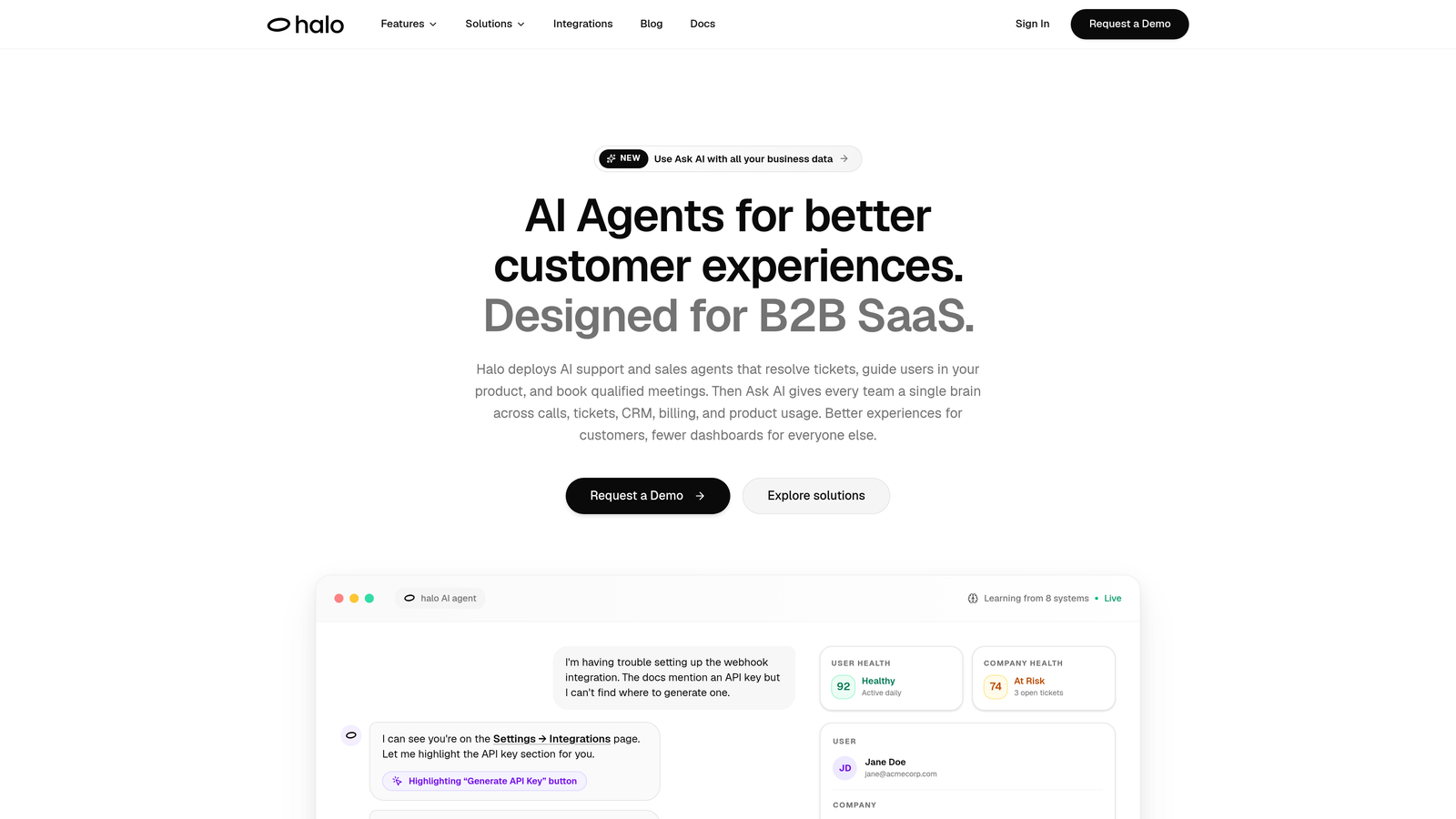
Halo AI is an AI-first support platform where agents see what users see, resolve tickets without human intervention, and turn every interaction into business intelligence.
Where This Tool Shines
What separates Halo from most support tools is that context isn't a feature added on top of a helpdesk. It's baked into the architecture. The page-aware chat widget means the AI agent knows exactly which part of your product the user is looking at, which lets it offer visual UI guidance that's actually relevant rather than generic step-by-step instructions that may not match what's on screen.
Beyond resolving individual tickets, Halo's smart inbox surfaces business intelligence signals from support conversations: customer health indicators, anomaly detection, and revenue-relevant patterns that would otherwise get buried in ticket queues. For product and support teams that want support to inform the broader business, that's a meaningful distinction.
Key Features
Page-Aware Chat Widget: The AI agent detects which page or product feature the user is on and delivers contextually relevant guidance, including visual UI walkthroughs.
Autonomous Ticket Resolution: AI agents resolve support tickets end-to-end and continuously learn from each interaction to improve future responses.
Smart Inbox with Business Intelligence: Goes beyond ticket management to surface anomaly detection, customer health signals, and revenue intelligence from support data.
Auto Bug Ticket Creation: Automatically generates bug reports from support conversations and routes them to engineering tools like Linear, reducing manual handoff work.
Deep Integration Ecosystem: Connects with Linear, Slack, HubSpot, Intercom, Stripe, Zoom, PandaDoc, Fathom, and more for full business-stack context.
Best For
Halo is built for B2B SaaS companies and product teams that want to move beyond reactive ticket management. It's especially well-suited for teams already using tools like Zendesk, Freshdesk, or Intercom who want an AI-first layer that connects support to the rest of the business stack.
Pricing
Contact for pricing. Halo offers plans for both growing teams and enterprise organizations, with options tailored to resolution volume and integration requirements.
2. Intercom
Best for: Product-led growth teams that want contextual messaging tied to user behavior and product events.
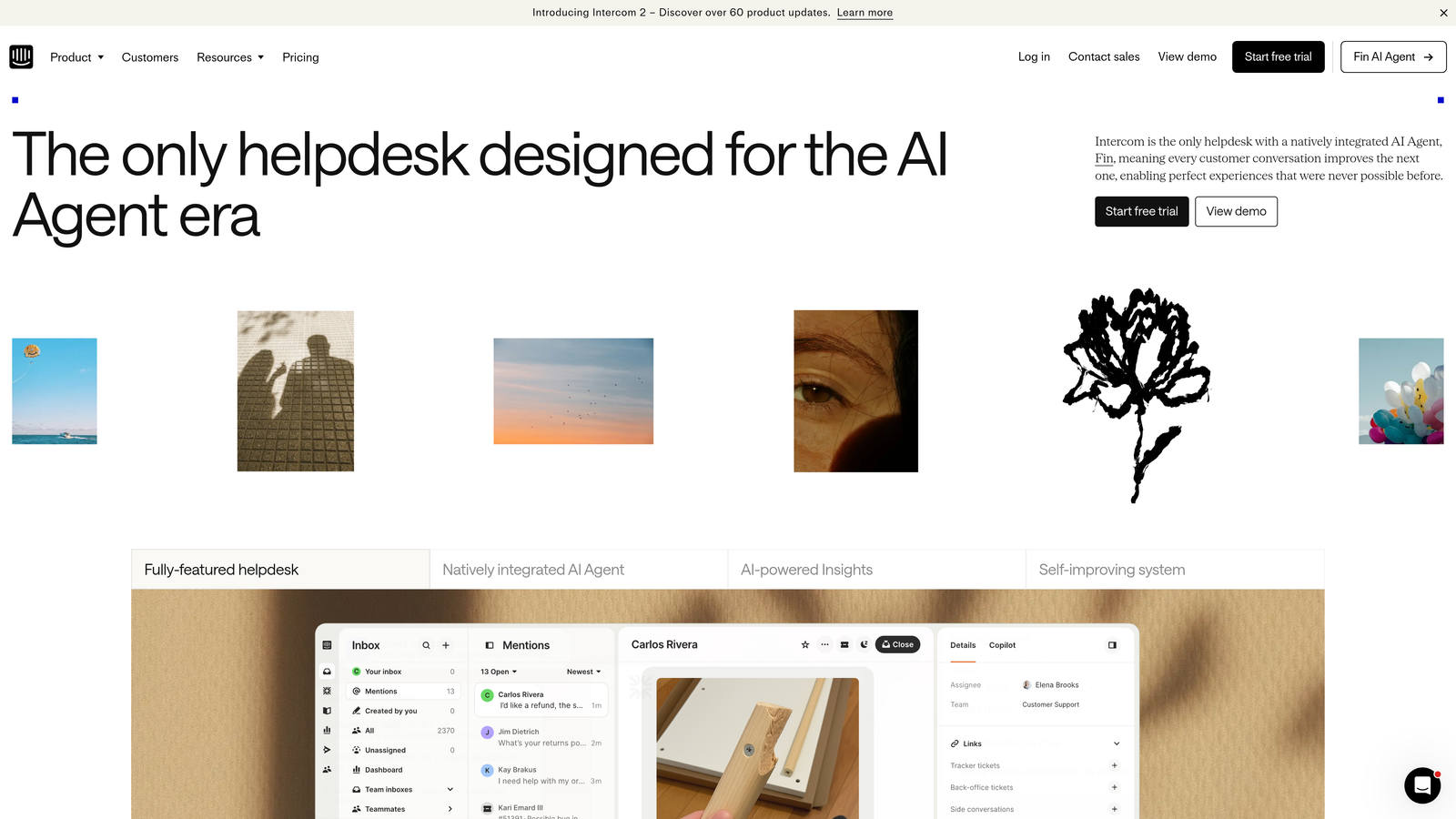
Intercom is a conversational support platform with Fin AI agent capabilities that leverage product usage data and conversation history for personalized interactions.
Where This Tool Shines
Intercom's strength is the depth of user-level context it can store and act on. Custom attributes, event tracking, and conversation history all feed into how Fin AI responds, which means a user who just upgraded their plan gets a different experience than someone who's been on a free trial for two weeks. That granularity is hard to replicate without a platform purpose-built for product-led teams.
Product tours and contextual tooltips extend support beyond reactive conversations into proactive in-app guidance, making Intercom useful not just for resolving issues but for preventing them in the first place.
Key Features
Fin AI Agent: Uses knowledge base content and conversation history to resolve queries with contextual accuracy, escalating to humans when needed.
Custom Attributes and Event Tracking: Store and act on user properties and behavioral events to personalize every interaction.
Product Tours and Tooltips: Deliver in-app contextual guidance that responds to where users are in their journey.
Multi-Channel Messaging: Covers in-app, email, and SMS with consistent context across channels.
API and Integration Ecosystem: Extensive developer tools and third-party integrations for connecting customer data sources.
Best For
Product-led SaaS companies, especially those with self-serve onboarding flows, will get the most out of Intercom's event-driven personalization. It's less suited for teams that need deep helpdesk workflow management alongside conversational support.
Pricing
Starts at $39/seat/month. Fin AI usage is billed separately per resolution, so costs can scale with support volume.
3. Zendesk (with Advanced AI)
Best for: Enterprise support teams that need AI-powered triage, routing, and agent assistance across high-volume ticket queues.
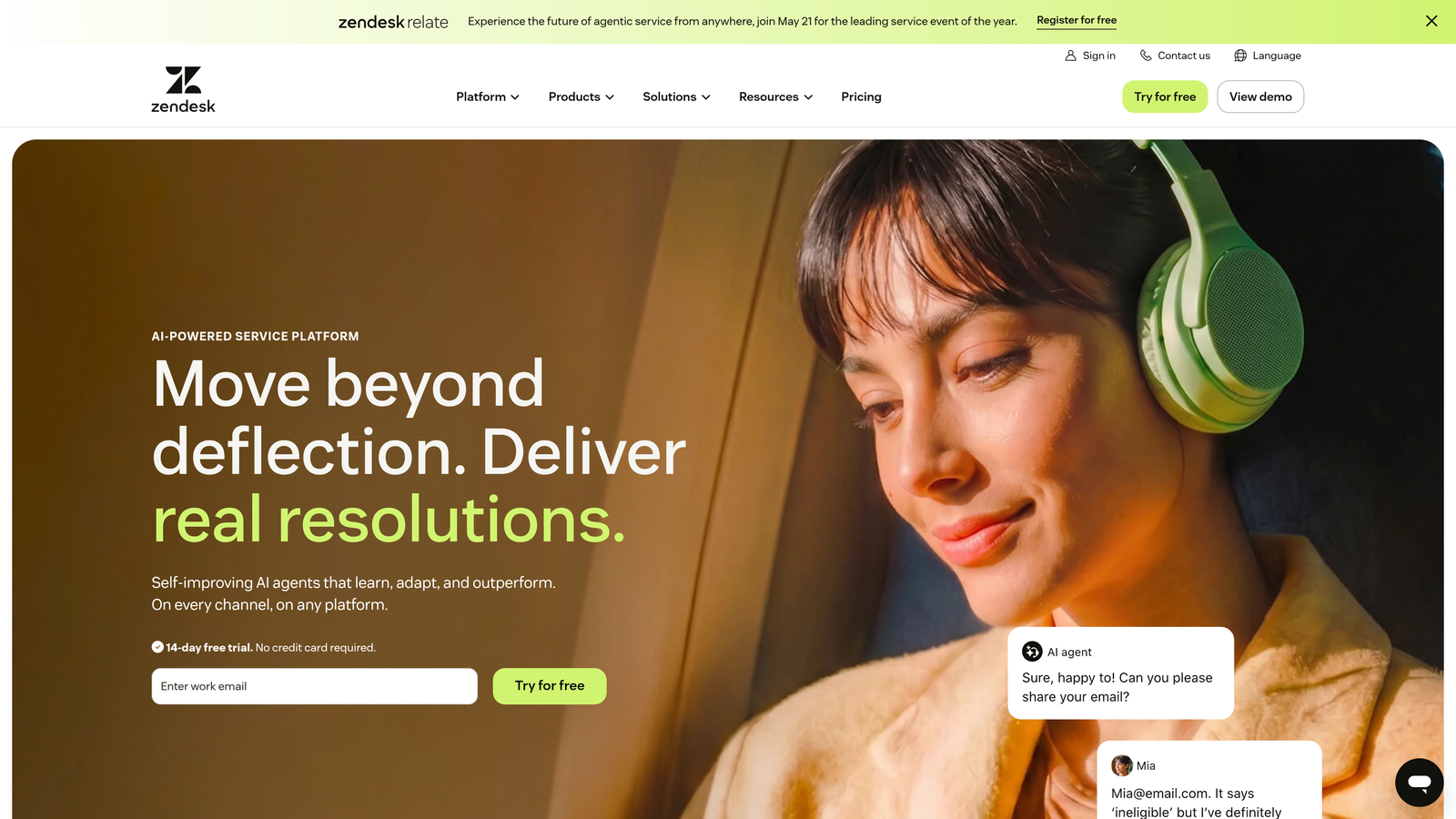
Zendesk is an enterprise-grade helpdesk platform with AI-powered intent detection, sentiment analysis, and contextual ticket enrichment across every support channel.
Where This Tool Shines
Zendesk's Advanced AI layer adds genuine contextual intelligence to an already robust helpdesk foundation. Intent detection and sentiment analysis happen automatically on incoming tickets, which means agents aren't starting from zero. By the time a ticket reaches a human, it's already been classified, enriched with customer data, and routed based on context and agent expertise.
The breadth of its integration marketplace is also a practical advantage. With over 1,500 integrations, pulling in CRM data, billing history, and product usage signals into the ticket context is achievable without heavy custom development.
Key Features
AI-Powered Intent and Sentiment Detection: Automatically classifies incoming tickets by topic and urgency, giving agents immediate context before they open a conversation.
Contextual Ticket Enrichment: Pulls in customer data from connected integrations to give agents a fuller picture alongside each ticket.
Intelligent Routing: Routes tickets based on detected context, priority, and individual agent expertise rather than simple round-robin assignment.
Generative AI for Agent Assist: Suggests contextually relevant reply drafts to speed up agent responses without replacing human judgment.
1,500+ Marketplace Integrations: Connects with virtually every major business tool for comprehensive data context.
Best For
Large enterprise support teams managing high ticket volumes across multiple channels. Smaller teams may find the cost and configuration overhead difficult to justify relative to lighter-weight alternatives.
Pricing
Suite plans start at $55/agent/month. Advanced AI is a separate paid add-on, so enterprise-level contextual capabilities come at a meaningfully higher total cost.
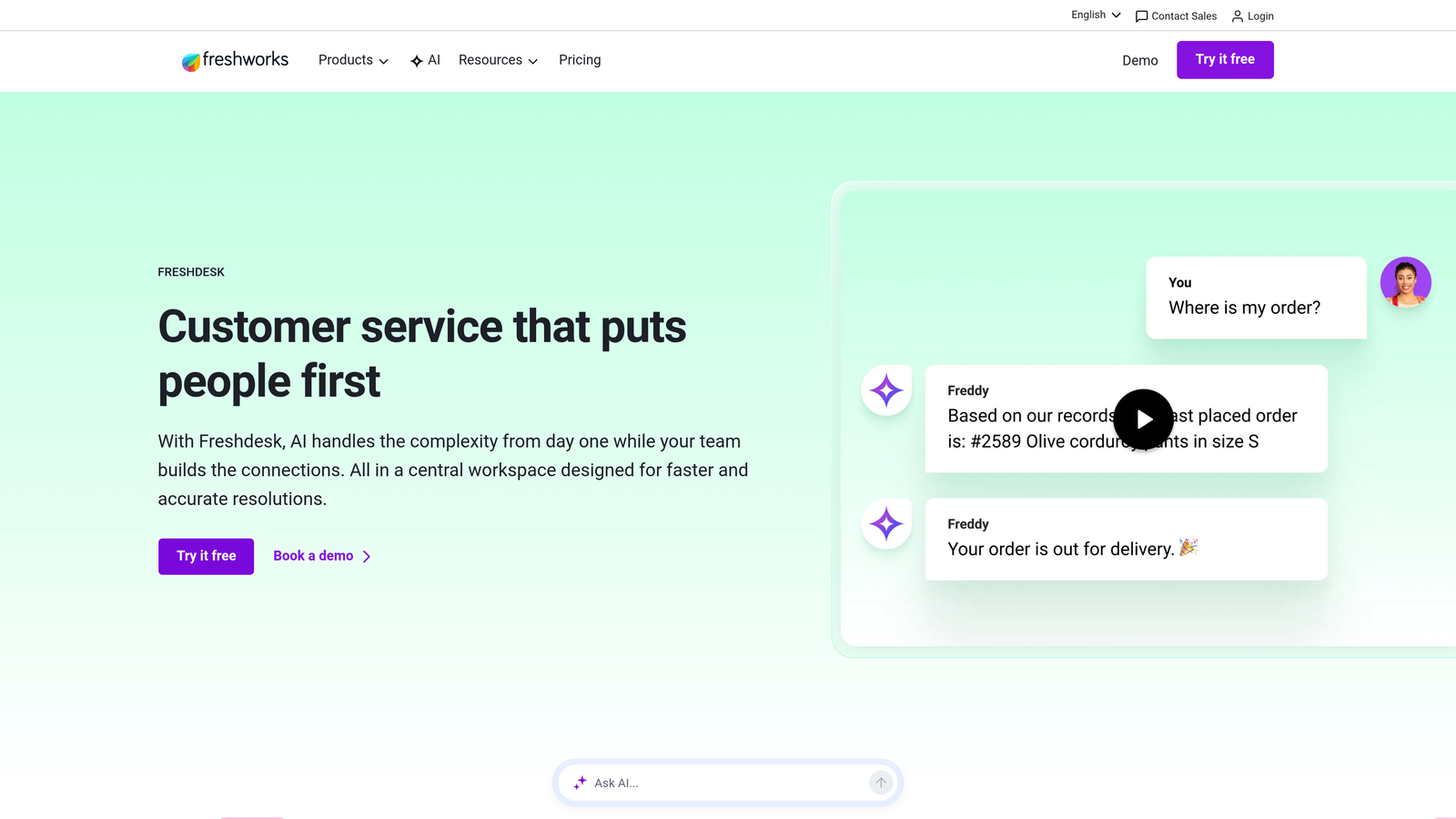
4. Freshdesk (Freddy AI)
Best for: Growing teams that need contextual AI triage and suggested responses without a large budget or complex setup.
Freshdesk is an affordable helpdesk platform with Freddy AI providing contextual auto-triage, knowledge base-powered suggestions, and customer interaction timelines.
Where This Tool Shines
Freshdesk punches above its price point when it comes to contextual AI features. Freddy AI learns from historical ticket patterns to auto-triage incoming requests, which means new tickets are categorized and routed based on what's worked before rather than static rules. That's a meaningful efficiency gain for teams that don't have bandwidth to manually configure complex routing logic.
The customer timeline view consolidates interaction history across channels into a single view, giving agents the context they need without switching between systems. For SMBs and mid-market teams, this combination of affordability and contextual capability is genuinely hard to beat.
Key Features
Freddy AI Auto-Triage: Analyzes incoming tickets against historical patterns and context to categorize and route automatically.
AI-Suggested Responses: Draws from knowledge base content and past ticket resolutions to draft contextually relevant replies.
Customer Timeline: Aggregates interaction history across email, chat, phone, and social into a single chronological view.
Contextual Routing Automations: Rule-based and AI-assisted automations for routing, SLA management, and escalation.
Free Tier: A functional free plan makes it accessible for small teams just getting started with structured support.
Best For
Small to mid-market teams that need solid contextual AI features without enterprise-level pricing. The free plan works well for early-stage teams, while paid tiers scale reasonably as volume grows.
Pricing
Free plan available for up to 10 agents. Paid plans start at $15/agent/month, making it one of the most accessible options in this category.
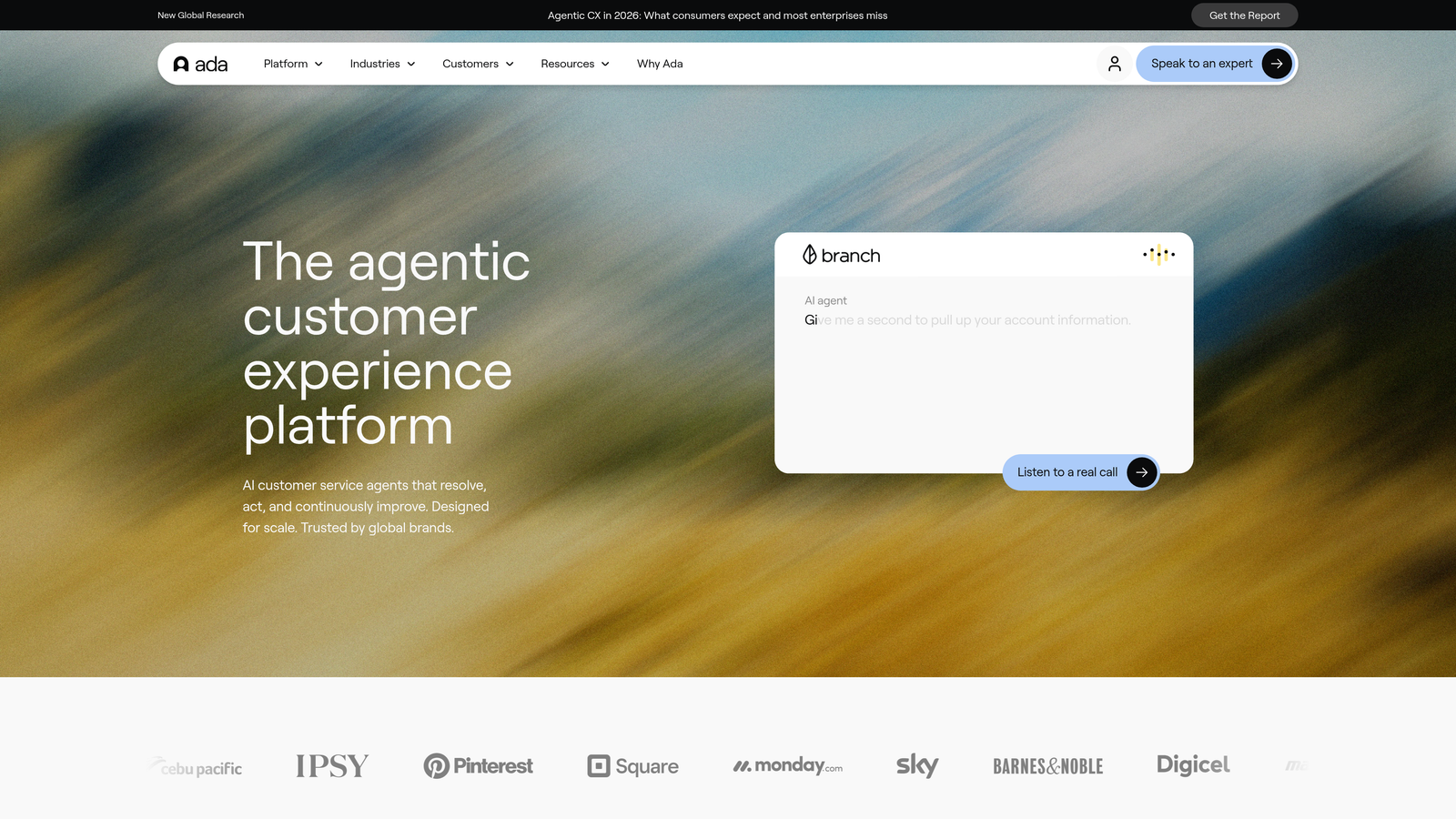
5. Ada
Best for: Teams that need AI agents to retrieve real-time context from backend systems like order management, billing, and account data.
Ada is an AI-first customer service automation platform that resolves complex queries by pulling live context from backend systems through API integrations.
Where This Tool Shines
Ada's differentiator is its ability to connect to the systems where customer context actually lives: order management platforms, billing systems, account databases, and more. Rather than relying solely on conversation history or a knowledge base, Ada's AI agents retrieve real-time data mid-conversation to answer questions that require live account lookups. That's a significant capability for teams in e-commerce, fintech, or subscription businesses where accurate, account-specific answers matter.
The no-code builder also means non-technical teams can configure sophisticated, multi-step conversation flows without engineering support, which lowers the deployment barrier considerably.
Key Features
No-Code AI Agent Builder: Configure complex conversation flows and API integrations without writing code, accessible to non-technical teams.
Real-Time Context Retrieval: Pulls live data from order, billing, and account systems mid-conversation for accurate, personalized responses.
Multi-Step Resolution: Handles complex, multi-turn queries that require sequential data lookups without defaulting to human handoff.
Multilingual Support: Supports conversations in 50+ languages, useful for global customer bases.
Resolution Analytics: Dashboard tracks resolution rates, drop-off points, and optimization opportunities.
Best For
Mid-market to enterprise teams in industries where support requires real-time account or order data lookups. Particularly strong for e-commerce, fintech, and subscription businesses with high query volumes.
Pricing
Custom pricing based on resolution volume. Contact Ada's sales team for a quote tailored to your use case and scale.
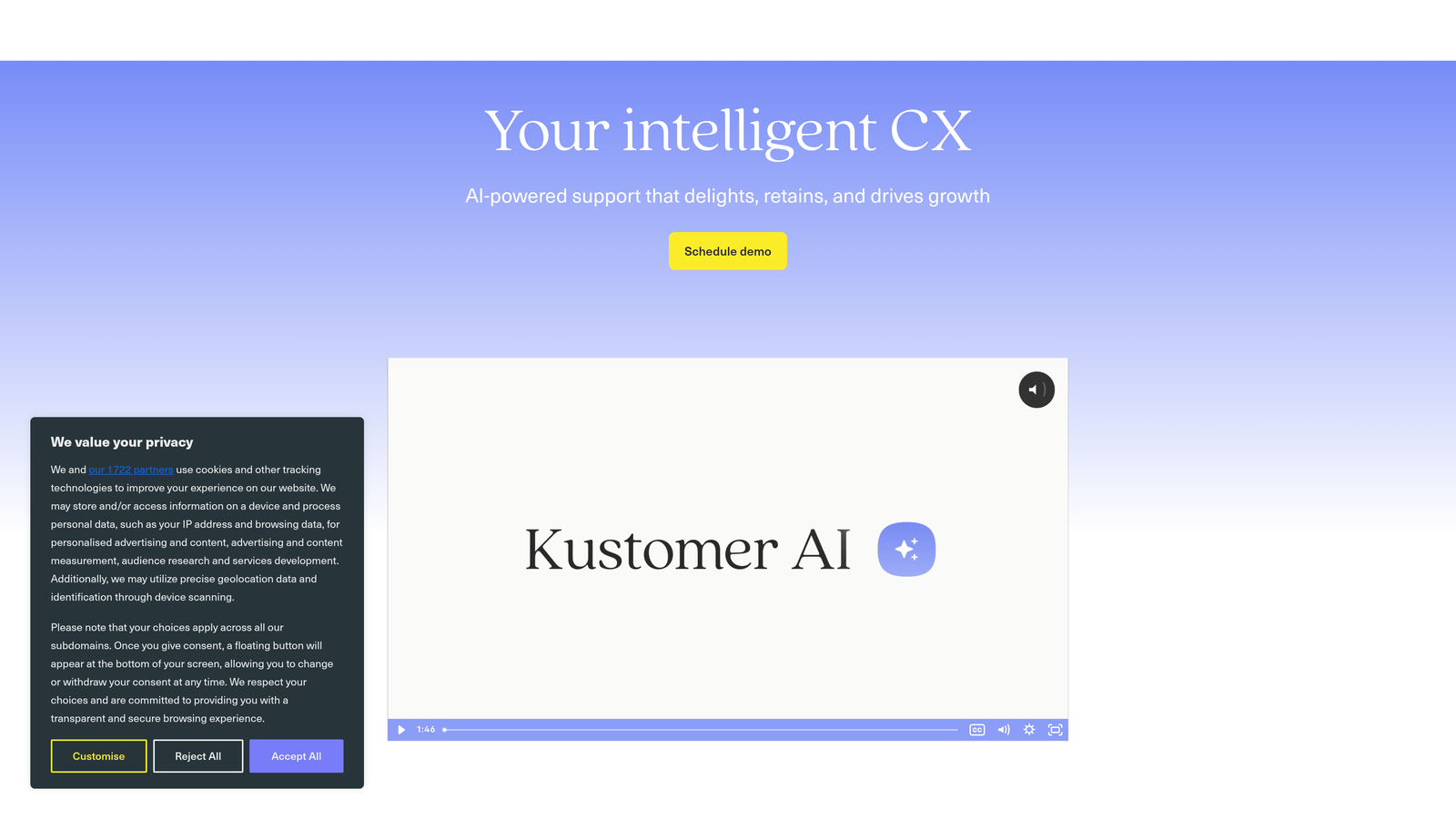
6. Kustomer
Best for: Support teams that want a built-in CRM with a unified customer timeline as the foundation for every interaction.
Kustomer is a CRM-native customer service platform that consolidates every customer interaction into a single timeline for fully contextualized support.
Where This Tool Shines
Most support tools require you to integrate an external CRM to get full customer context. Kustomer eliminates that dependency entirely by building the CRM into the platform itself. Every email, chat, social message, and phone call appears in a single chronological timeline, alongside purchase history, account details, and behavioral signals. Agents never need to switch tabs to understand who they're talking to.
The proactive support triggers are another standout capability. Kustomer can detect customer behavior signals and initiate outreach before a ticket is even submitted, shifting support from reactive to genuinely proactive.
Key Features
Unified Customer Timeline: Aggregates all channels, interactions, and data points into one chronological view per customer.
AI-Powered Suggestions: Recommends responses and next actions based on the complete customer journey visible in the timeline.
Built-In CRM: Eliminates the need for a separate customer data tool, with native storage of account, purchase, and behavioral data.
Proactive Support Triggers: Detects behavioral signals and initiates outreach or automated responses before customers escalate.
Omnichannel Inbox: Manages email, chat, social media, and SMS from a single unified interface.
Best For
Mid-market and enterprise teams in retail, e-commerce, or subscription businesses where rich customer history and omnichannel coverage are essential to quality support.
Pricing
Starts at $89/user/month for the Enterprise plan. Pricing reflects the CRM-inclusive model, which can represent savings compared to separate helpdesk and CRM subscriptions.
7. Help Scout
Best for: Small to mid-size teams that want clean, straightforward support with AI drafts and a contextual customer sidebar.
Help Scout is a streamlined support platform with AI-generated reply drafts, a real-time customer sidebar, and the Beacon widget for lightweight in-app self-service.
Where This Tool Shines
Help Scout's appeal is its balance of simplicity and genuine contextual capability. The customer sidebar pulls live data from connected apps and displays it alongside every conversation, so agents see relevant account information without hunting for it. It's not as deep as a full CRM integration, but for most SMB support workflows, it covers the essentials without adding complexity.
The Beacon widget brings contextual self-service into the product itself, surfacing relevant knowledge base articles based on what page the user is on. It's a lighter-touch version of in-app guidance that works well for teams that don't need the full sophistication of an AI-driven widget.
Key Features
AI Drafts: Generates reply suggestions using knowledge base content and the current conversation context to speed up agent responses.
Customer Sidebar: Displays real-time data from integrated apps (Shopify, Stripe, HubSpot, etc.) alongside every conversation.
Beacon Widget: Provides contextual in-app self-service by surfacing relevant articles based on the user's current page.
Collision Detection: Prevents two agents from drafting replies to the same conversation simultaneously.
Simple Setup: Minimal engineering requirements make it deployable quickly without dedicated technical resources.
Best For
Small to mid-size teams, particularly in SaaS or e-commerce, that want a clean support experience with AI assistance and contextual customer data without the overhead of a complex enterprise platform.
Pricing
Starts at $50/user/month on the Standard plan. Pricing is straightforward with no per-resolution billing surprises.
8. Guru
Best for: Support teams that need verified, context-relevant knowledge surfaced directly inside the tools agents already use.
Guru is an AI-powered knowledge management platform that delivers verified, contextually relevant answers to agents inside Slack, Zendesk, and their browser.
Where This Tool Shines
Guru takes a different approach to context-aware support: rather than managing customer-facing interactions directly, it makes sure agents always have the right information at the right moment. Its AI surfaces knowledge cards inside the tools agents are already working in, which means there's no context-switching to find answers. The knowledge is verified, which addresses one of the most common failure modes in support: agents giving outdated or incorrect information.
Knowledge triggers add another layer of contextual intelligence, delivering relevant content automatically based on what an agent is working on rather than requiring them to search for it.
Key Features
AI-Powered Knowledge Surfacing: Delivers relevant knowledge cards inside Slack, Zendesk, and the browser based on what the agent is working on.
Verified Knowledge Cards: Content is reviewed and approved by subject matter experts, ensuring agents always have accurate information.
Context-Aware Search: Understands the intent behind agent queries rather than just matching keywords.
Knowledge Triggers: Automatically delivers relevant content based on workflow context without requiring agents to initiate a search.
Usage Analytics: Tracks which knowledge is being used, by whom, and where content gaps exist.
Best For
Support teams with complex or frequently changing product knowledge where accuracy matters. Works best as a complement to an existing helpdesk rather than a standalone support platform.
Pricing
Free plan available. Paid plans start at $15/user/month, making it accessible for teams of most sizes.
9. Forethought
Best for: Enterprise teams that need AI triage and resolution powered by deep historical ticket analysis.
Forethought is an enterprise AI platform using SupportGPT to triage, resolve, and route tickets based on historical ticket context and detected customer intent.
Where This Tool Shines
Forethought's core advantage is what it does with your existing ticket history. SupportGPT trains on your historical support data, which means its understanding of context is shaped by how your specific customers communicate, what issues come up most frequently, and how your team has resolved them in the past. That institutional knowledge becomes a live asset rather than sitting unused in a database.
The intent-based triage goes beyond simple keyword matching, categorizing and routing tickets based on what the customer actually needs rather than surface-level topic tags. For high-volume enterprise teams, that distinction translates into meaningfully better routing accuracy.
Key Features
SupportGPT: Trains on your historical ticket data to generate contextually accurate responses grounded in your team's actual resolution patterns.
Intelligent Triage: Categorizes and routes tickets based on detected intent and urgency rather than keyword rules alone.
AI-Generated Responses: Handles both common and complex queries with responses informed by historical ticket context.
Contextual Workflow Automations: Triggers automated actions based on signals detected in incoming tickets.
Helpdesk Integrations: Connects with Zendesk, Salesforce Service Cloud, and other major enterprise helpdesks.
Best For
Enterprise support organizations with large ticket history datasets and complex routing needs. Less suitable for early-stage teams without sufficient historical data for SupportGPT to train on effectively.
Pricing
Custom enterprise pricing. Contact Forethought's sales team for a quote based on your ticket volume and integration requirements.
How to Choose the Right Context-Aware Support Platform
The right choice here depends on where your biggest context gap actually lives. Are agents missing customer history? Do users have to repeat themselves across channels? Is your AI resolving tickets or just suggesting replies? Each of those problems points to a different kind of solution.
If you need the deepest level of contextual intelligence, with an AI that understands what page a user is on, connects to your entire business stack, and gets smarter with every interaction, Halo AI is built for exactly that. It's the right fit for B2B SaaS teams that want support to do more than close tickets.
For enterprise-scale helpdesk workflows: Zendesk with Advanced AI or Forethought give you the depth of AI triage and routing that high-volume teams need, with integrations that connect to existing enterprise infrastructure.
For product-led growth and in-app messaging: Intercom's event-driven personalization and Fin AI agent are purpose-built for teams where the product is the primary support surface.
For CRM-native context: Kustomer's unified timeline is the strongest option for teams where rich customer history across channels is the foundation of every interaction.
For budget-conscious teams: Freshdesk and Help Scout both deliver meaningful contextual AI at price points that work for SMBs and growing teams without sacrificing core functionality.
For knowledge-layer context: Guru is the natural complement to any helpdesk where agent accuracy is the primary concern, surfacing verified answers inside the tools agents already use.
Your support team shouldn't scale linearly with your customer base. AI agents can handle routine tickets, guide users through your product, and surface business intelligence while your team focuses on complex issues that genuinely need a human touch. See Halo in action and discover how continuous learning transforms every interaction into smarter, faster support.