9 Best Helpdesk AI Tools for Faster, Smarter Support in 2026
Discover the best helpdesk AI tools of 2026, evaluated across autonomous resolution capability, integration depth, and scalability. This guide covers nine solutions—from AI-first platforms to AI-enhanced traditional helpdesks—helping support teams reduce ticket volume, handle repetitive queries automatically, and scale operations without adding headcount, whether you're a lean startup or an enterprise.
 Matt PattoliFounder13 min read
If your support team is drowning in tickets, spending hours on repetitive questions, or struggling to scale without adding headcount, AI-powered helpdesk tools have moved from nice-to-have to genuinely essential. The market has matured significantly in recent years, and the gap between basic chatbots and truly intelligent support agents is now enormous.
The tools in this guide were evaluated on autonomous resolution capability, integration depth, ease of deployment, and how well they actually learn over time. Whether you're running a lean SaaS startup or managing enterprise-scale support operations, there's a solution here that fits your workflow, stack, and growth stage.
We've covered the full spectrum: AI-first platforms built specifically for autonomous support, and AI layers added onto established helpdesk systems. Here are the top helpdesk AI tools worth your attention in 2026.
1. Halo AI
Best for: B2B SaaS teams that want autonomous ticket resolution with deep cross-stack integrations and business intelligence.
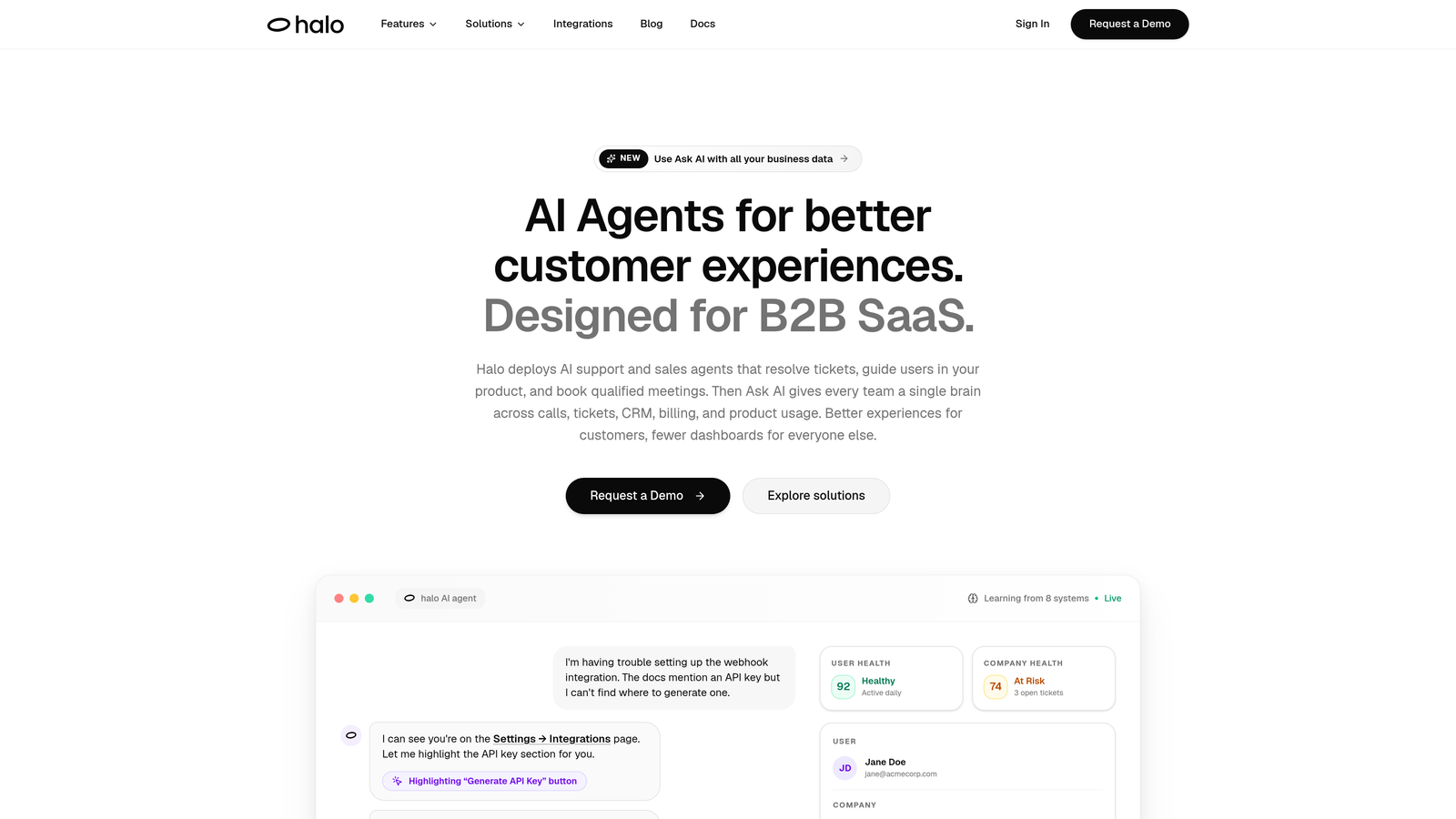
Halo AI is an AI-first customer support platform that deploys intelligent agents to resolve tickets autonomously, guide users through your product, and surface business intelligence from every interaction.
Where This Tool Shines
What sets Halo apart from bolt-on AI tools is its page-aware context engine. The AI agent can actually see what the user sees within your product, enabling it to provide visual UI guidance and contextual help rather than generic knowledge base answers. This is a meaningful distinction when your users are stuck mid-workflow and need precise, in-context direction.
Halo also goes beyond reactive support. Its smart inbox surfaces customer health signals, revenue anomalies, and churn indicators derived from support interactions, turning your helpdesk data into a genuine business intelligence layer. Every resolved conversation feeds back into the model, improving resolution quality over time without manual retraining.
Key Features
Page-Aware AI Agents: Agents see the user's current screen context and deliver visual UI guidance specific to where they are in your product.
Autonomous Ticket Resolution: AI handles tickets end-to-end with smart escalation to live agents when complexity requires a human touch.
Auto Bug Ticket Creation: Automatically generates and routes bug reports directly to engineering tools like Linear, closing the loop between support and product teams.
Smart Inbox with Business Intelligence: Surfaces customer health signals, revenue risk indicators, and anomaly detection from support conversation patterns.
Deep Cross-Stack Integrations: Connects to Slack, HubSpot, Intercom, Stripe, Zoom, PandaDoc, and Fathom — not just your helpdesk.
Continuous Learning: Improves resolution quality from every interaction without requiring manual model retraining or ongoing configuration.
Best For
B2B SaaS companies and product-led growth teams that want an AI-first support platform rather than an AI add-on. Particularly well-suited for teams that care about connecting support data to broader business signals like churn risk and revenue health.
Pricing
Contact for pricing at haloagents.ai. Custom pricing based on team size and integration requirements.
2. Zendesk AI
Best for: Teams already invested in the Zendesk ecosystem who want native AI without a platform migration.
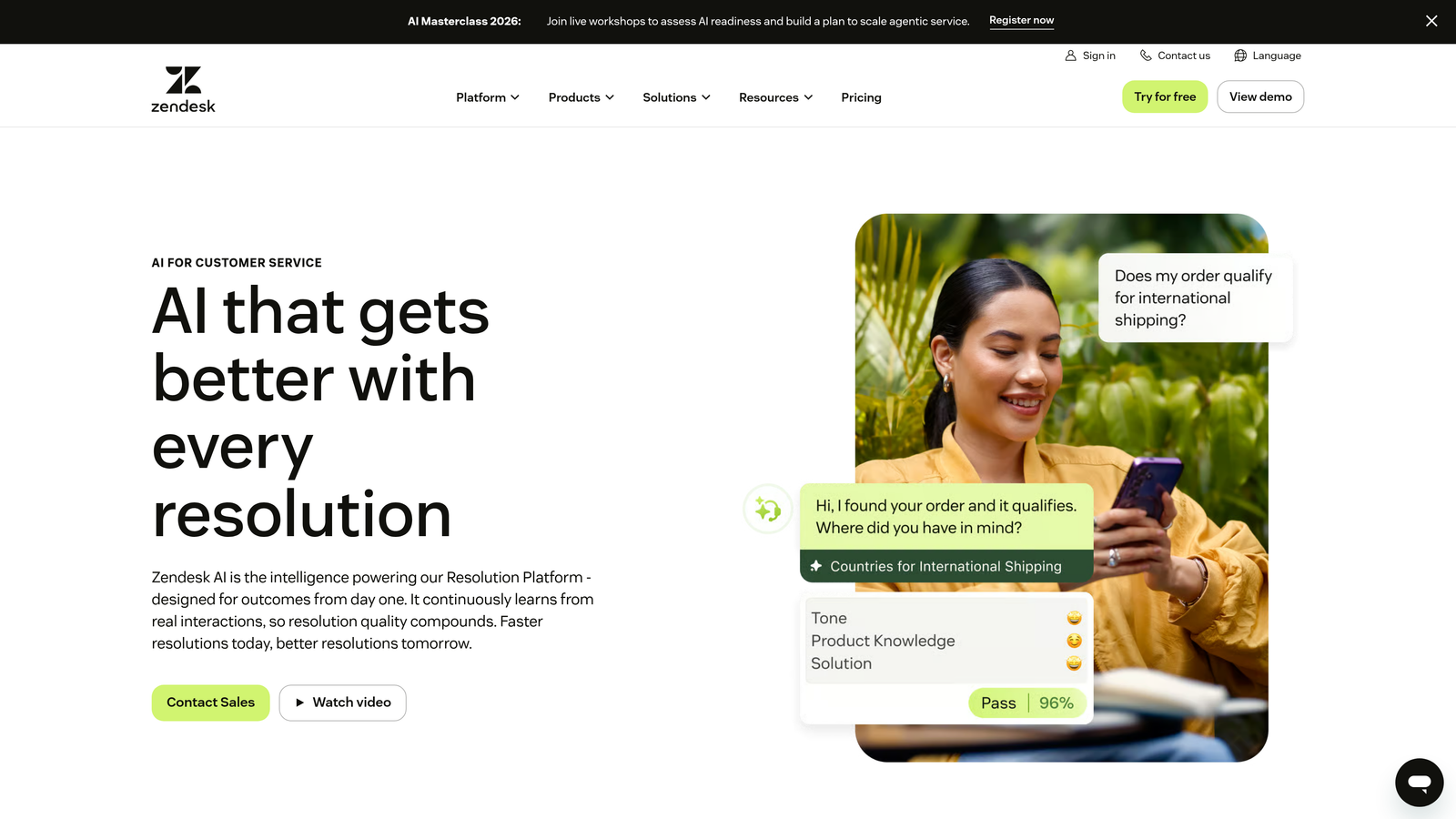
Zendesk AI is the native AI layer built into the Zendesk Suite, offering intelligent triage, agent copilot suggestions, automated routing, and macro recommendations.
Where This Tool Shines
The strongest argument for Zendesk AI is zero switching friction. If your team is already living in Zendesk, the AI features activate within your existing workflows rather than requiring a new platform to learn. Agent Copilot in particular is well-executed, surfacing real-time reply suggestions and next-best-action guidance directly in the ticket view.
Zendesk AI also handles quality assurance at scale, generating CSAT summaries and automated QA scoring that would otherwise require manual review. For larger teams with high ticket volumes, this alone can justify the add-on cost.
Key Features
AI-Powered Triage and Routing: Classifies incoming tickets by intent and sentiment and routes them to the right team automatically.
Agent Copilot: Provides real-time reply suggestions and next-best-action guidance within the agent workspace.
Macro and Workflow Recommendations: Suggests automations based on patterns in your ticket history.
AI-Generated QA Scoring: Automatically evaluates conversation quality and generates CSAT summaries at scale.
Full Suite Integration: Works natively across Zendesk Guide, Talk, and Sell without additional connectors.
Best For
Mid-market and enterprise teams already running Zendesk as their primary support platform who want to layer in AI without migrating. Less compelling for teams not already in the Zendesk ecosystem, given the platform dependency and add-on pricing structure.
Pricing
AI features are available as an add-on to Zendesk Suite plans; Suite starts at $55/agent/month. Verify current AI add-on pricing at zendesk.com.
3. Intercom Fin
Best for: SaaS teams using Intercom's messenger who want LLM-powered end-to-end conversation resolution.
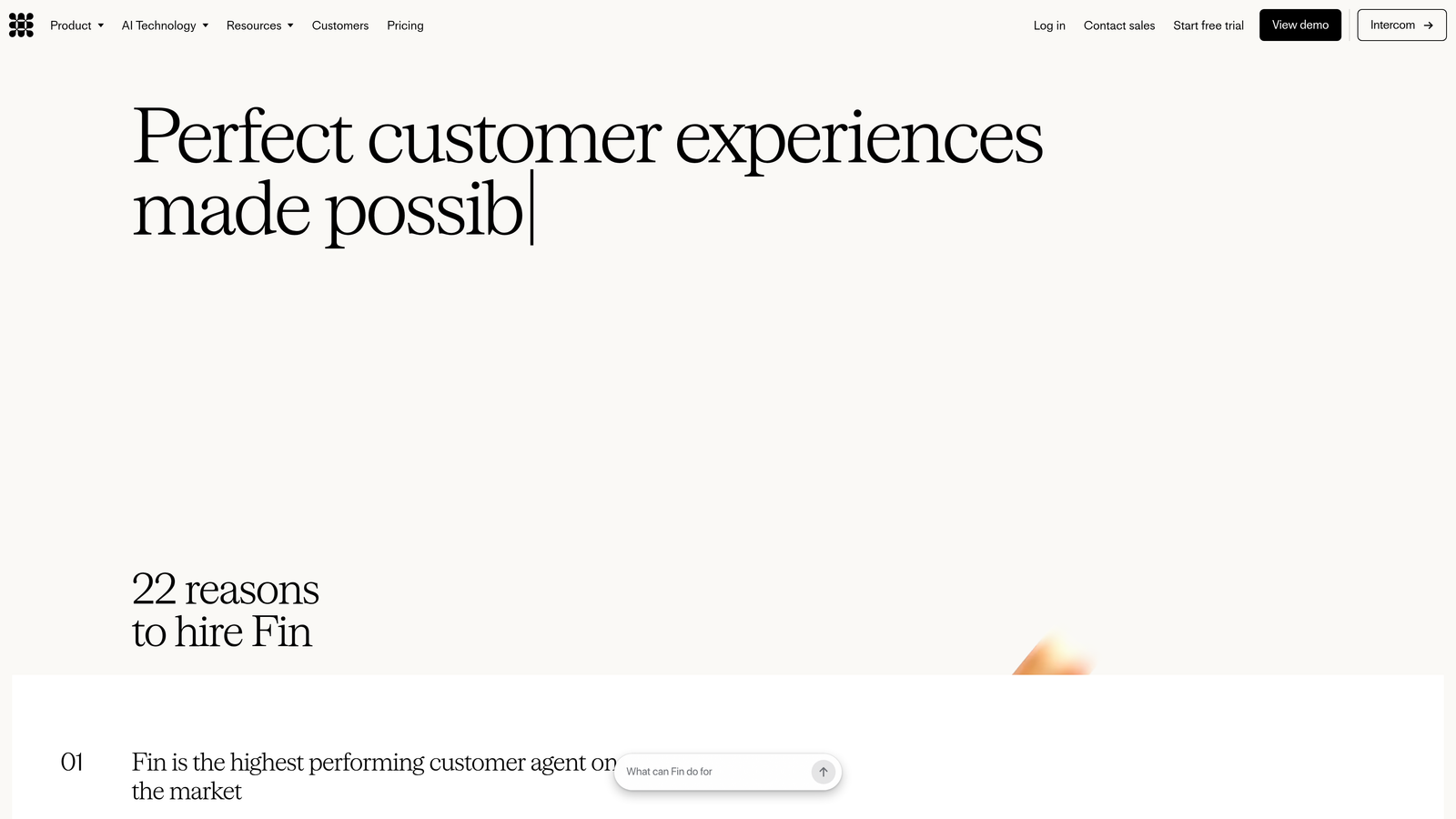
Intercom Fin is Intercom's LLM-powered AI agent that handles customer conversations from start to finish, trained on your help center content and capable of managing complex, multi-turn interactions.
Where This Tool Shines
Fin's core strength is conversational depth. Unlike earlier chatbot-style tools that matched keywords to canned responses, Fin uses large language models to understand nuanced questions and generate contextually appropriate answers from your existing documentation. This means you can deploy it without writing a single new script.
The Fin Insights dashboard gives teams clear visibility into resolution rates, conversation quality, and where Fin is reaching its limits — which makes ongoing optimization straightforward rather than a guessing game.
Key Features
LLM-Based Conversational AI: Trained on your help center articles to handle complex, multi-turn support conversations naturally.
Multi-Source Knowledge Ingestion: Pulls from help center content, PDFs, and external URLs to build its knowledge base.
Graceful Human Handoff: Escalates to human agents seamlessly when conversations exceed Fin's resolution capability.
Fin Insights Dashboard: Tracks resolution rates, conversation analytics, and areas where Fin needs additional knowledge coverage.
Messenger Platform Integration: Works natively within Intercom's full messenger and inbox environment.
Best For
SaaS companies already using Intercom as their primary customer messaging platform. The per-resolution pricing model can be cost-effective for teams with high deflection rates but should be modeled carefully for high-volume operations.
Pricing
Per-resolution pricing model on top of a base Intercom plan. Check current rates at intercom.com.
4. Freshdesk Freddy AI
Best for: Teams using multiple Freshworks products who want unified AI across support, CRM, and ITSM.
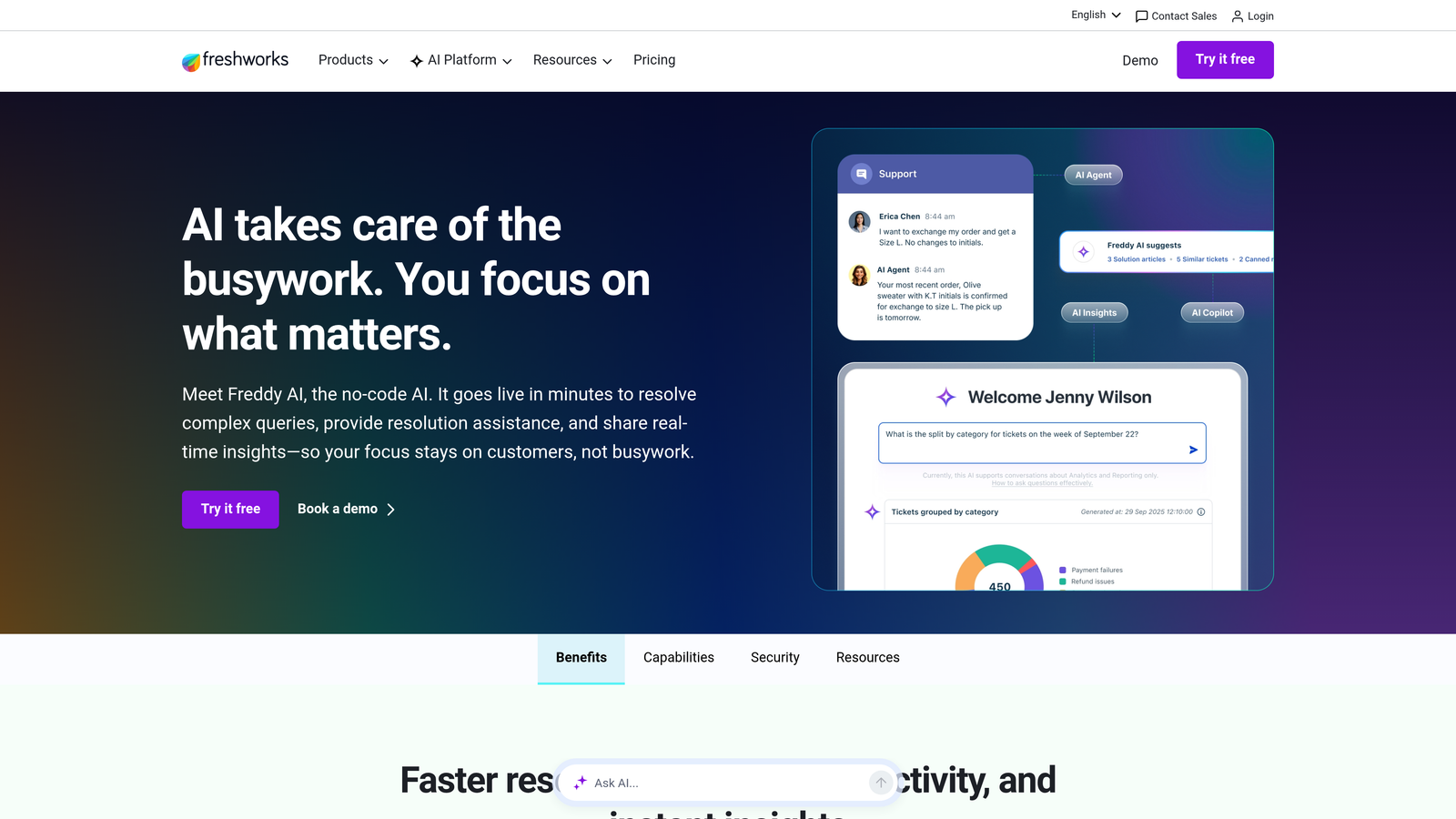
Freshdesk Freddy AI is Freshworks' AI layer that spans their entire product suite, from Freshdesk for support to Freshsales for CRM and Freshservice for ITSM.
Where This Tool Shines
Freddy's biggest advantage is breadth. If your organization has adopted Freshworks across multiple functions, Freddy AI creates a unified intelligence layer that connects support, sales, and IT operations rather than siloing AI within a single product. This cross-suite coherence is genuinely useful for teams that want consistent AI behavior across departments.
Freddy Insights adds anomaly detection and analytics across support operations, giving team leads early visibility into emerging ticket patterns before they become volume spikes.
Key Features
Freddy Self Service: AI-powered bot that deflects common questions before they reach an agent.
Freddy Copilot: Agent-assist tool providing suggested replies and ticket summaries in real time.
Freddy Insights: Analytics and anomaly detection across support operations with proactive alerts.
Cross-Suite AI: Consistent AI features spanning Freshdesk, Freshsales, and Freshservice workflows.
Multilingual and Omnichannel Coverage: Handles support across languages and channels including email, chat, and social.
Best For
Organizations already using two or more Freshworks products who want AI without managing multiple vendor relationships. Less compelling as a standalone choice if you're not already in the Freshworks ecosystem.
Pricing
Freddy AI Copilot is available as an add-on; Freshdesk plans start at $15/agent/month. Verify current AI add-on pricing at freshworks.com.
5. Tidio Lyro
Best for: SMBs and e-commerce teams that want fast AI deployment without enterprise complexity or pricing.
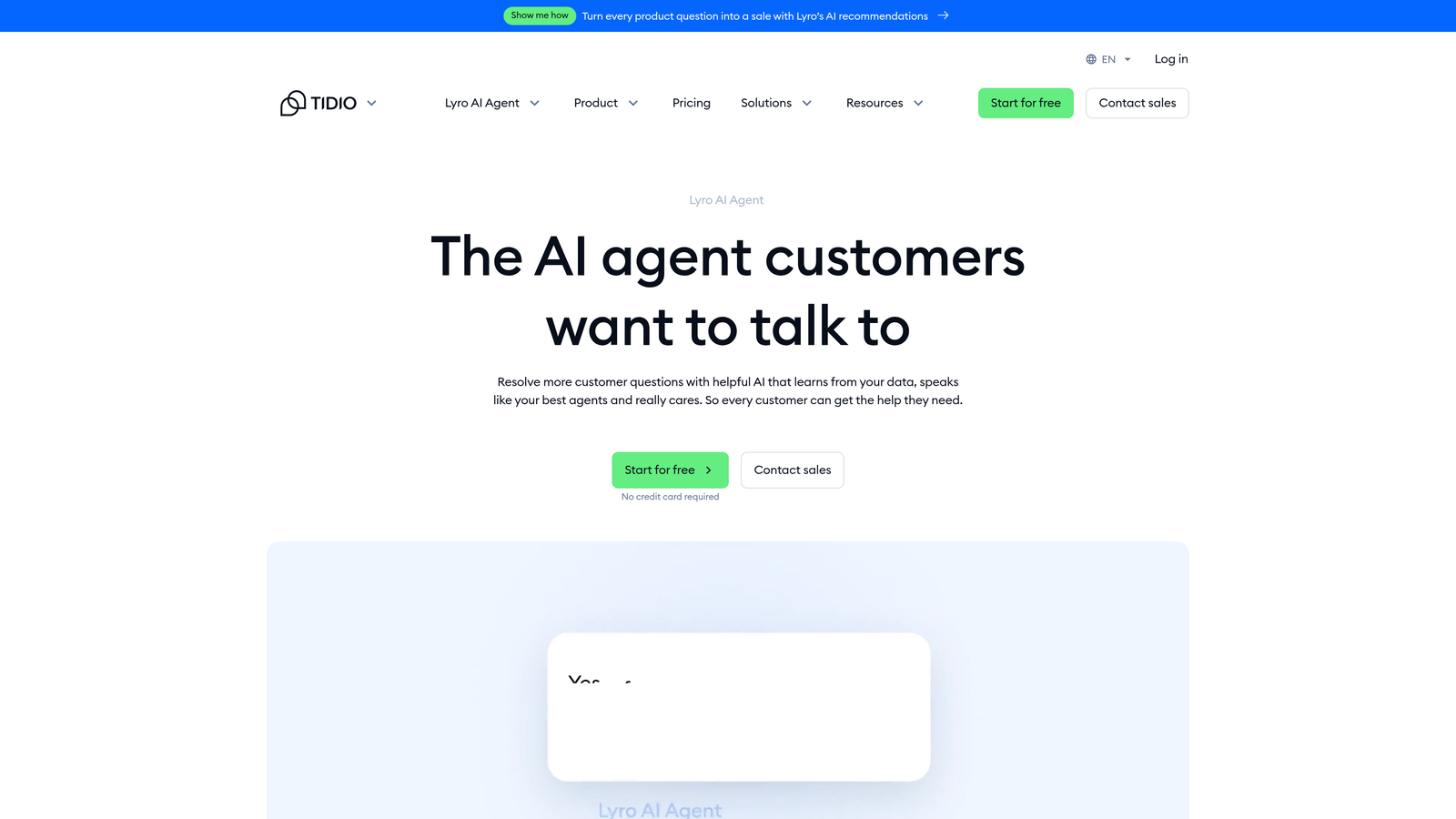
Tidio Lyro is Tidio's conversational AI agent designed specifically for smaller teams, offering automatic training on your support content and affordable pricing that makes AI accessible at any scale.
Where This Tool Shines
Lyro's standout quality is how fast you can go from sign-up to a functioning AI agent. It trains automatically on your FAQ and support content without requiring manual configuration, which removes the biggest barrier for smaller teams that lack dedicated ops resources. For e-commerce teams in particular, the Shopify and WooCommerce integrations mean Lyro can handle order status questions, return policies, and product inquiries right out of the box.
The handoff to live chat agents is smooth and clearly triggered, so customers aren't left in an awkward loop when Lyro reaches the edge of its knowledge.
Key Features
Automatic Content Training: Trains on your existing FAQ and support content with no manual setup required.
Multi-Turn Conversational AI: Handles complex, back-and-forth customer questions rather than just single-response lookups.
Live Agent Handoff: Escalates seamlessly to human agents when Lyro reaches its resolution limits.
E-Commerce Integrations: Native connections with Shopify and WooCommerce for order and product support.
Resolution Analytics: Dashboard showing Lyro's resolution rates and conversation quality over time.
Best For
Small to mid-sized e-commerce businesses and SMBs that want accessible AI without the implementation overhead of enterprise platforms. Teams with straightforward, high-frequency support questions will see the fastest return.
Pricing
Lyro is available on Tidio's paid plans starting around $29/month. Verify current tiers at tidio.com.
6. Help Scout AI
Best for: Teams that prioritize human-centric support and want AI to assist agents rather than replace them.
Help Scout AI takes a deliberately different philosophy: rather than autonomous resolution, it focuses on making human agents faster, clearer, and more effective.
Where This Tool Shines
Help Scout's approach is refreshingly honest about what AI is good at. Instead of promising full automation, it targets the specific friction points that slow agents down: long email threads that need summarizing, replies that need drafting from scratch, and knowledge base articles that agents have to hunt for manually. Each AI feature addresses one of these pain points directly.
The tone adjustment and clarity suggestions for outgoing messages are a subtle but genuinely useful feature, particularly for teams where response quality and brand voice consistency matter.
Key Features
AI Drafts: Generates reply suggestions based on conversation context and your knowledge base content.
AI Summarize: Condenses long email threads into a brief, actionable summary for agents picking up a conversation.
AI Answers: Surfaces relevant help center articles before agents write a reply, reducing duplicate effort.
Tone and Clarity Suggestions: Recommends adjustments to outgoing messages for clarity and appropriate tone.
Human-in-the-Loop Design: All AI features are designed to keep agents in control rather than operating autonomously.
Best For
Customer support teams where human judgment and empathetic communication are central to the brand experience. Particularly well-suited for teams handling sensitive, complex, or high-value customer relationships where full automation would feel inappropriate.
Pricing
AI features included in Plus and Pro plans; starts at $40/month for small teams. Verify current pricing at helpscout.com.
7. Kustomer AI
Best for: High-volume omnichannel support teams that need AI operating on full customer history, not just the current ticket.
Kustomer AI is built on a CRM-native architecture, meaning its AI operates on a complete customer timeline including purchase history, past interactions, and sentiment trends rather than treating every ticket as a standalone event.
Where This Tool Shines
The CRM-native approach changes how AI routing and recommendations work. Instead of classifying a ticket purely on its content, Kustomer's AI factors in who the customer is, what they've purchased, how they've interacted before, and what their predicted sentiment is. This produces more intelligent routing decisions and enables proactive interventions before a situation escalates.
For omnichannel operations spanning email, chat, SMS, social, and voice, the unified inbox keeps all of this context in one place, which dramatically reduces the "explain your issue again" frustration that plagues multi-channel support.
Key Features
CRM-Native AI Context: AI operates on full customer history rather than just the current conversation.
Intelligent Routing: Routes based on customer history, agent skills, and predicted conversation complexity.
CSAT Prediction and Proactive Triggers: Identifies at-risk conversations before they result in poor satisfaction scores.
Omnichannel Unified Inbox: Consolidates email, chat, SMS, social, and voice into a single agent workspace.
Workflow Automation Builder: AI-driven branching logic for automating complex, multi-step resolution paths.
Best For
Enterprise and mid-market teams running high-volume omnichannel support where customer context is critical to resolution quality. The implementation complexity is higher than simpler tools, so it's best suited for teams with dedicated ops resources.
Pricing
Enterprise pricing; contact Kustomer for current rates at kustomer.com.
8. Forethought Solve
Best for: Enterprise teams that need AI triage and deflection without migrating away from their existing helpdesk platform.
Forethought Solve is an AI layer designed to sit on top of your existing helpdesk, adding intelligent triage, deflection, and routing to Zendesk, Salesforce Service Cloud, or ServiceNow without requiring a platform change.
Where This Tool Shines
The core value proposition is straightforward: your organization has invested years in a helpdesk platform, migration is politically and operationally difficult, but you still need AI capabilities. Forethought solves this by integrating at the point of ticket submission, classifying intent before the ticket even enters your queue and deflecting resolvable issues with relevant knowledge base content.
The reporting on deflection rates and resolution time impact gives operations teams the data they need to quantify AI ROI, which is often a prerequisite for continued investment in enterprise environments.
Key Features
Point-of-Submission Triage: Classifies ticket intent and sentiment at the moment of submission, before it enters the queue.
Automated Deflection: Surfaces relevant knowledge base content to resolve issues before a ticket is formally created.
Multi-Platform Integration: Works natively with Zendesk, Salesforce Service Cloud, ServiceNow, and other major helpdesks.
Workflow AI: Automates repetitive resolution paths with AI-driven workflow logic.
Deflection and Productivity Reporting: Tracks deflection rates, resolution time impact, and agent productivity metrics.
Best For
Large enterprises running established helpdesk platforms that cannot migrate but need meaningful AI capabilities quickly. Also useful for organizations that want to pilot AI impact before committing to a full platform change.
Pricing
Enterprise pricing; contact Forethought for current rates at forethought.ai.
9. Dixa
Best for: Teams ready to replace a legacy helpdesk with a modern, conversation-first platform with AI built in from the ground up.
Dixa is a conversation-first support platform that positions itself as a genuine Zendesk alternative, with AI woven into routing, the agent workspace, and quality management rather than bolted on afterward.
Where This Tool Shines
Dixa's Conversation Engine handles intelligent routing based on real-time intent recognition and agent availability, which means customers reach the right person faster without manual queue management. The unified agent workspace across email, chat, phone, and social channels is genuinely well-designed, reducing the context-switching that fragments agent attention across multi-channel operations.
For teams frustrated with the complexity and cost of legacy helpdesk platforms, Dixa's no-code workflow builder and built-in CSAT prediction offer a compelling combination of power and accessibility.
Key Features
AI-Powered Conversation Routing: Routes conversations based on intent recognition and real-time agent availability.
Unified Omnichannel Workspace: Single agent interface spanning email, chat, phone, and social channels.
AI-Suggested Responses: Surfaces relevant knowledge and suggested replies within the agent interface.
CSAT Prediction and Automated QA: Identifies at-risk conversations and scores quality automatically.
No-Code Workflow Builder: Automates common resolution paths without engineering involvement.
Best For
Mid-market teams actively looking to move off legacy helpdesks like older Zendesk configurations or Salesforce Service Cloud. Strong fit for teams that want modern AI capabilities without the complexity of enterprise-tier platforms.
Pricing
Starts at $39/agent/month; verify current pricing at dixa.com.
Which Tool Is Right for Your Team?
The right choice here depends less on feature lists and more on where your team sits today and where you want to go.
If you're building or scaling a B2B SaaS product and want an AI-first platform that goes beyond ticket deflection to surface business intelligence and guide users through your product in real time, Halo AI is the most differentiated option on this list. Its page-aware context, continuous learning, and cross-stack integrations make it genuinely distinct from tools that simply add AI to an existing helpdesk.
For teams already deeply invested in a specific ecosystem, the native options are hard to beat on friction: Zendesk AI if you're in Zendesk, Intercom Fin if you're in Intercom, Freddy AI if you're running multiple Freshworks products. The tradeoff is platform dependency and pricing that scales with your existing subscription.
Help Scout AI is the right call for teams where human judgment is non-negotiable and AI should assist rather than replace. Tidio Lyro is the most accessible entry point for SMBs and e-commerce teams. Forethought Solve solves the enterprise migration problem elegantly. And Dixa is worth a serious look if you're ready to replace a legacy platform entirely.
Your support team shouldn't scale linearly with your customer base. Let AI agents handle routine tickets, guide users through your product, and surface business intelligence while your team focuses on complex issues that need a human touch. See Halo in action and discover how continuous learning transforms every interaction into smarter, faster support.