9 Best Helpdesk Alternatives for Automation in 2026
Traditional helpdesks can't keep up with modern automation demands, leaving teams buried in repetitive tickets and slow response times. We tested the best helpdesk alternatives for automation based on AI capabilities, ticket deflection rates, and integration depth to find platforms that autonomously resolve issues and scale efficiently without adding staff.
 Grant CooperFounder11 min read
Traditional helpdesks weren't built for the automation-first era. If you're drowning in repetitive tickets, watching response times climb, or manually routing conversations that should handle themselves, your current system is holding you back. The best helpdesk alternatives for automation don't just add AI as an afterthought—they're architected from the ground up to resolve tickets autonomously, learn from every interaction, and scale without scaling headcount.
We evaluated dozens of platforms on their automation depth, AI capabilities, integration ecosystems, and real-world ticket deflection. Here are the top tools that actually deliver on the automation promise.
1. Halo AI
Best for: Companies seeking AI-native support that learns continuously and resolves tickets autonomously
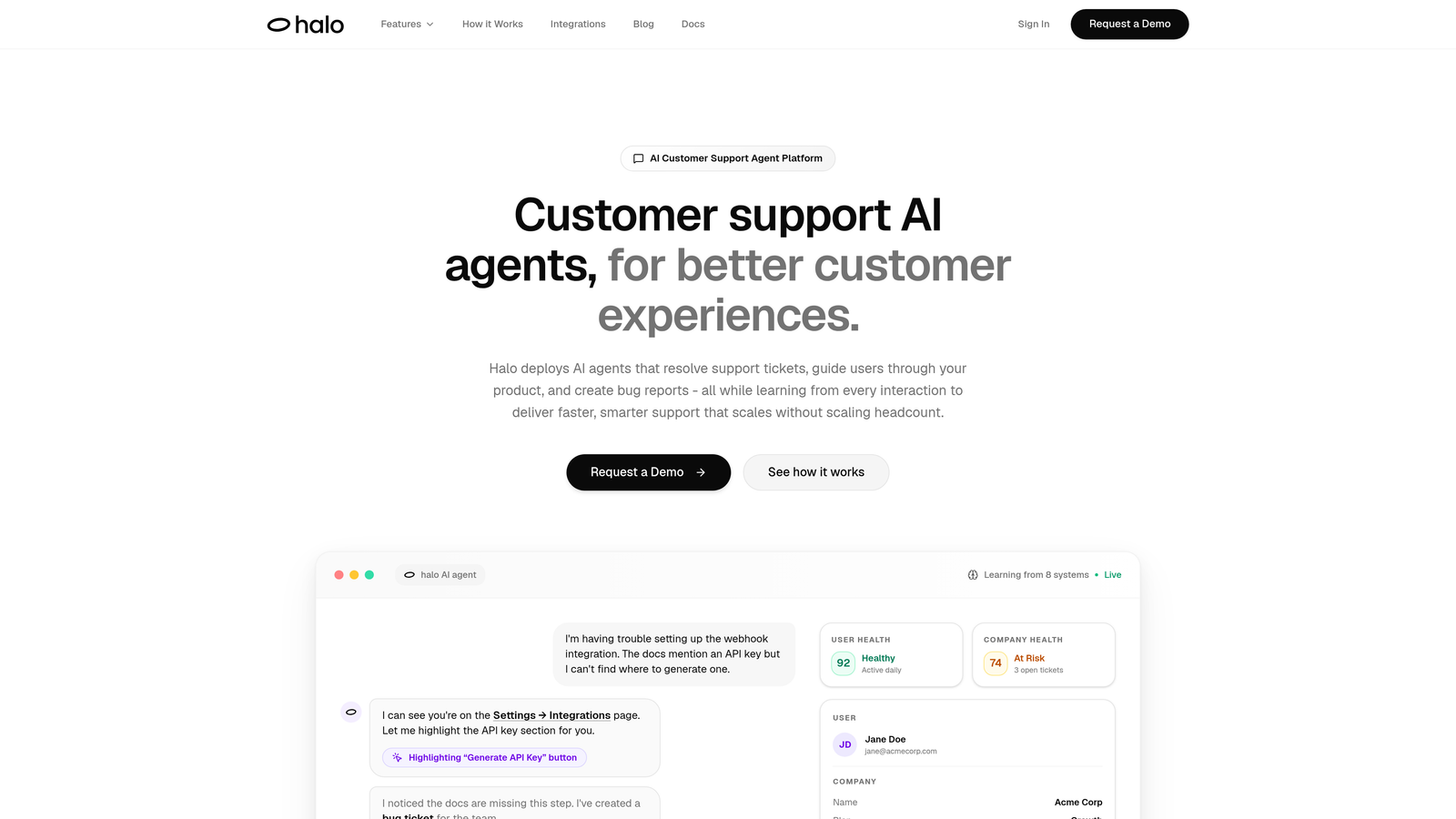
Halo AI represents a fundamentally different approach to customer support automation—built AI-first rather than retrofitting automation onto legacy helpdesk architecture.
Where This Tool Shines
Unlike platforms that bolt AI onto traditional ticket systems, Halo deploys intelligent agents that actually resolve support tickets without human intervention. The platform sees what your users see through page-aware context, enabling it to provide visual guidance and troubleshooting that understands the exact UI state causing confusion.
What sets Halo apart is continuous learning. Every interaction—whether resolved by AI or escalated to humans—trains the system to handle similar issues better next time. This creates a compounding effect where your support gets smarter and faster without additional configuration work.
Key Features
Autonomous AI Agents: Resolve tickets end-to-end without human intervention, handling everything from password resets to technical troubleshooting.
Page-Aware Context: Sees exactly what users see in your product, enabling precise visual guidance and UI-specific troubleshooting.
Auto Bug Ticket Creation: Automatically creates Linear tickets when issues require engineering attention, with full context and reproduction steps.
Business Intelligence Analytics: Surfaces customer health signals, revenue intelligence, and anomaly detection beyond basic support metrics.
Smart Escalation: Seamlessly hands off complex issues to human agents with full conversation context and AI-suggested solutions.
Best For
B2B SaaS companies and product teams who need support that scales without scaling headcount. Particularly valuable for teams already using tools like Zendesk, Freshdesk, or Intercom who want deeper automation and continuous improvement from their support system.
Pricing
Contact for pricing; demo available to see the platform in action with your specific use cases.
2. Intercom
Best for: Conversational support with proactive messaging and AI-powered customer engagement
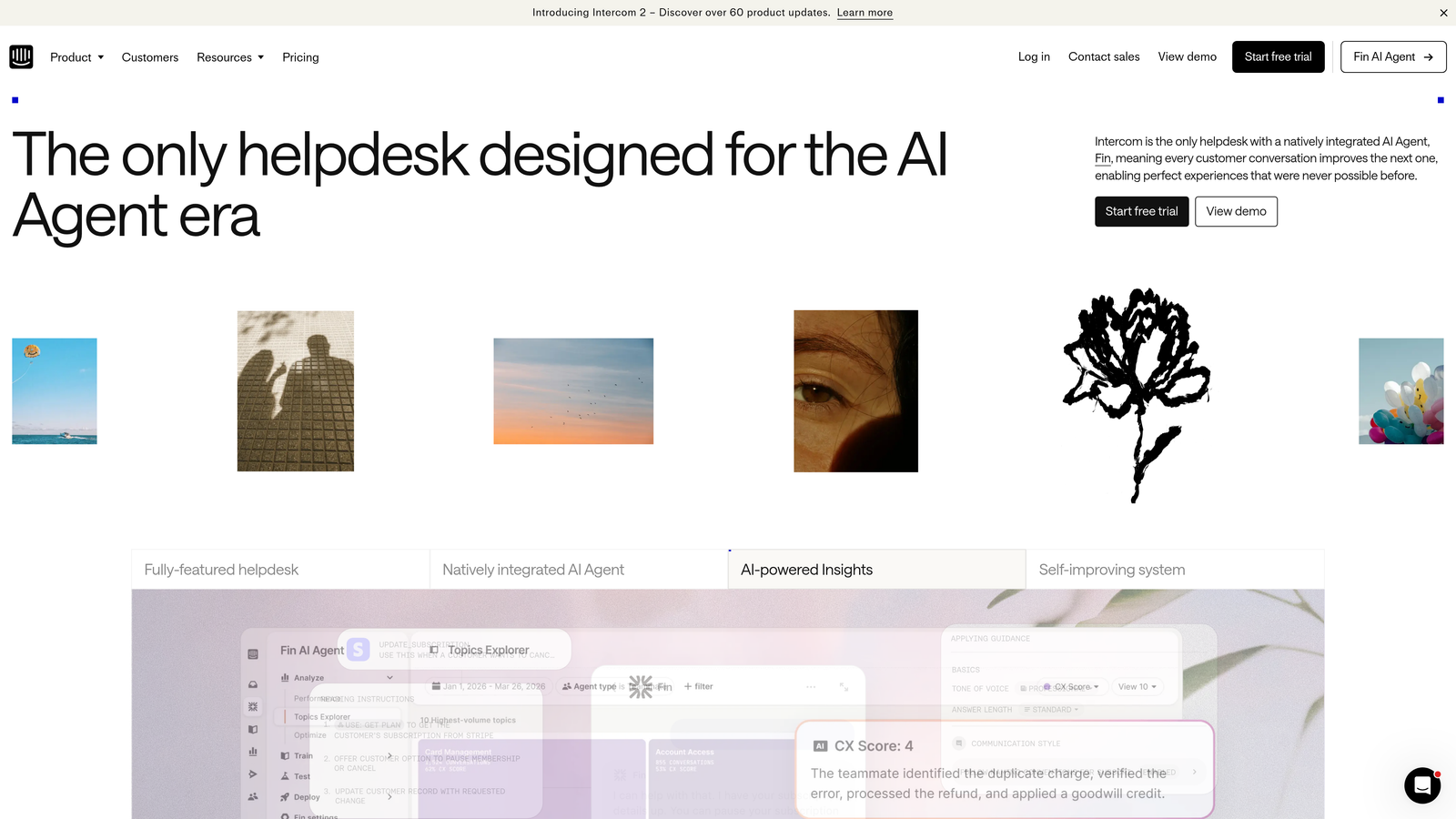
Intercom pioneered the shift from reactive helpdesk to proactive customer messaging, now enhanced with Fin AI for autonomous conversation handling.
Where This Tool Shines
Intercom excels at blending automation with human conversation. Fin AI handles routine inquiries autonomously, while custom bots guide users through specific workflows. The platform's strength lies in proactive engagement—triggering conversations based on user behavior, product usage patterns, or lifecycle stage.
The product tour and in-app messaging capabilities mean you can reduce support volume by guiding users before they encounter issues. This preventative approach complements reactive ticket resolution.
Key Features
Fin AI Agent: Autonomous conversation handling that resolves customer questions using your knowledge base and product documentation.
Custom Bots: Build conversation flows with branching logic for specific use cases like onboarding or feature adoption.
Product Tours: In-app guidance that reduces support volume by teaching users proactively.
Resolution Bot: Instant answers to common questions before escalating to human agents.
Omnichannel Support: Unified inbox across chat, email, and social media with consistent automation.
Best For
SaaS companies prioritizing customer engagement and proactive support. Teams that want to blend automated conversations with targeted messaging campaigns will find Intercom's approach particularly valuable.
Pricing
Starts at $39 per seat per month; Fin AI priced separately per resolution, which can add up for high-volume support teams.
3. Freshdesk
Best for: Mid-market teams seeking comprehensive automation at accessible pricing
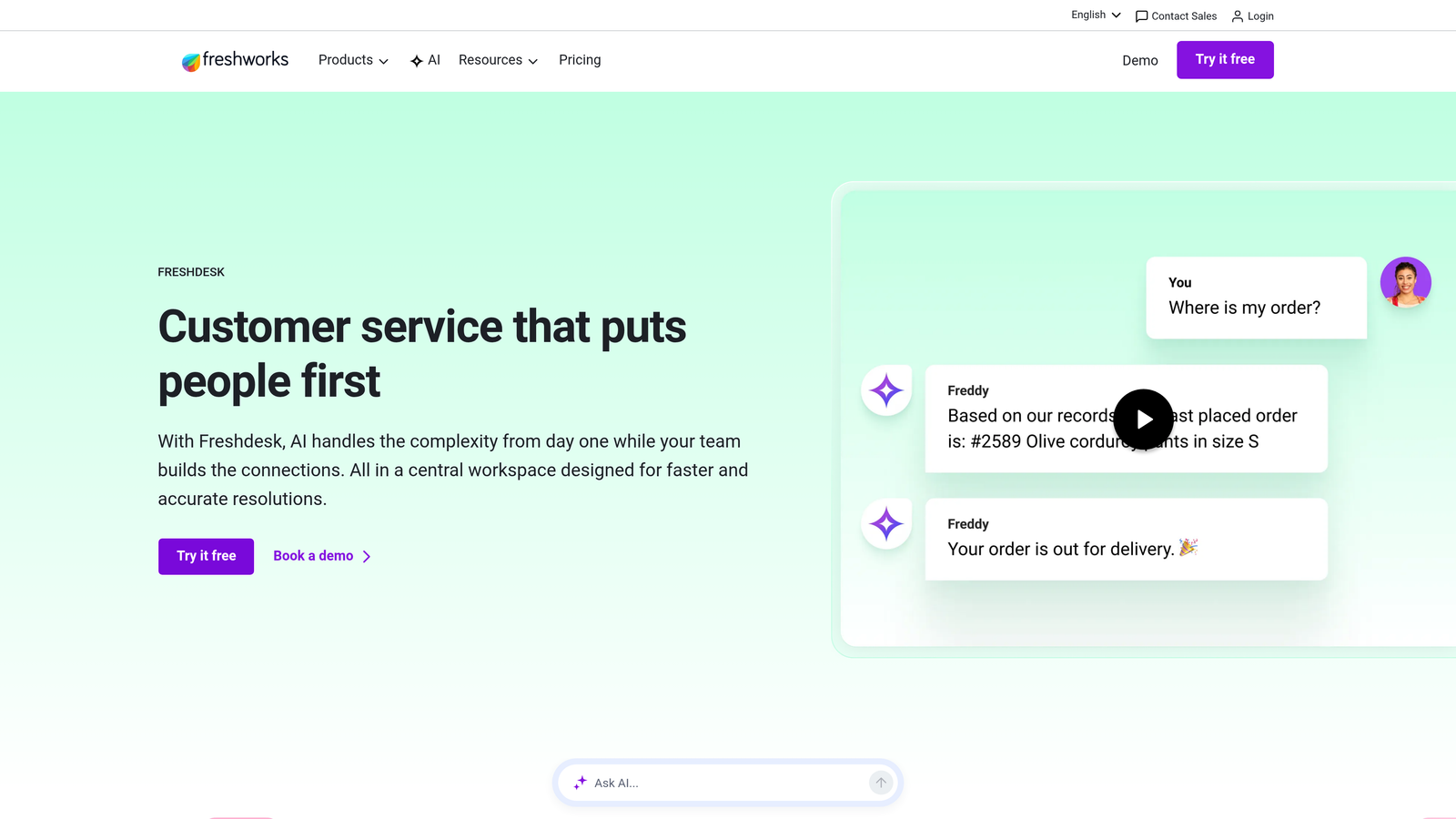
Freshdesk delivers enterprise-grade automation capabilities without enterprise-level complexity or cost, powered by Freddy AI for intelligent ticket handling.
Where This Tool Shines
Freshdesk strikes a balance between powerful automation and ease of use. Freddy AI provides ticket suggestions, auto-triage, and intelligent routing without requiring extensive setup. The scenario automation builder lets you create complex workflows through a visual interface rather than code.
The platform's marketplace offers over 1,000 integrations, making it easy to connect your entire support stack. This integration depth means your automation can pull context from CRM, billing, product analytics, and other systems to make smarter routing decisions.
Key Features
Freddy AI: Suggests responses, auto-categorizes tickets, and predicts customer satisfaction before tickets close.
Scenario Automations: Visual workflow builder for complex multi-step automations triggered by ticket conditions.
SLA Management: Automated escalations and reminders based on priority and response time requirements.
Knowledge Base: AI-powered article suggestions that surface relevant help content during ticket creation.
Integration Marketplace: Over 1,000 pre-built integrations for connecting your business tools.
Best For
Growing companies that need robust automation without overwhelming complexity. Teams transitioning from basic helpdesks to more sophisticated support systems will appreciate the gradual learning curve.
Pricing
Free tier available for small teams; paid plans start at $15 per agent per month, making it accessible for budget-conscious teams.
4. Zendesk
Best for: Enterprise teams requiring deep customization and extensive automation capabilities
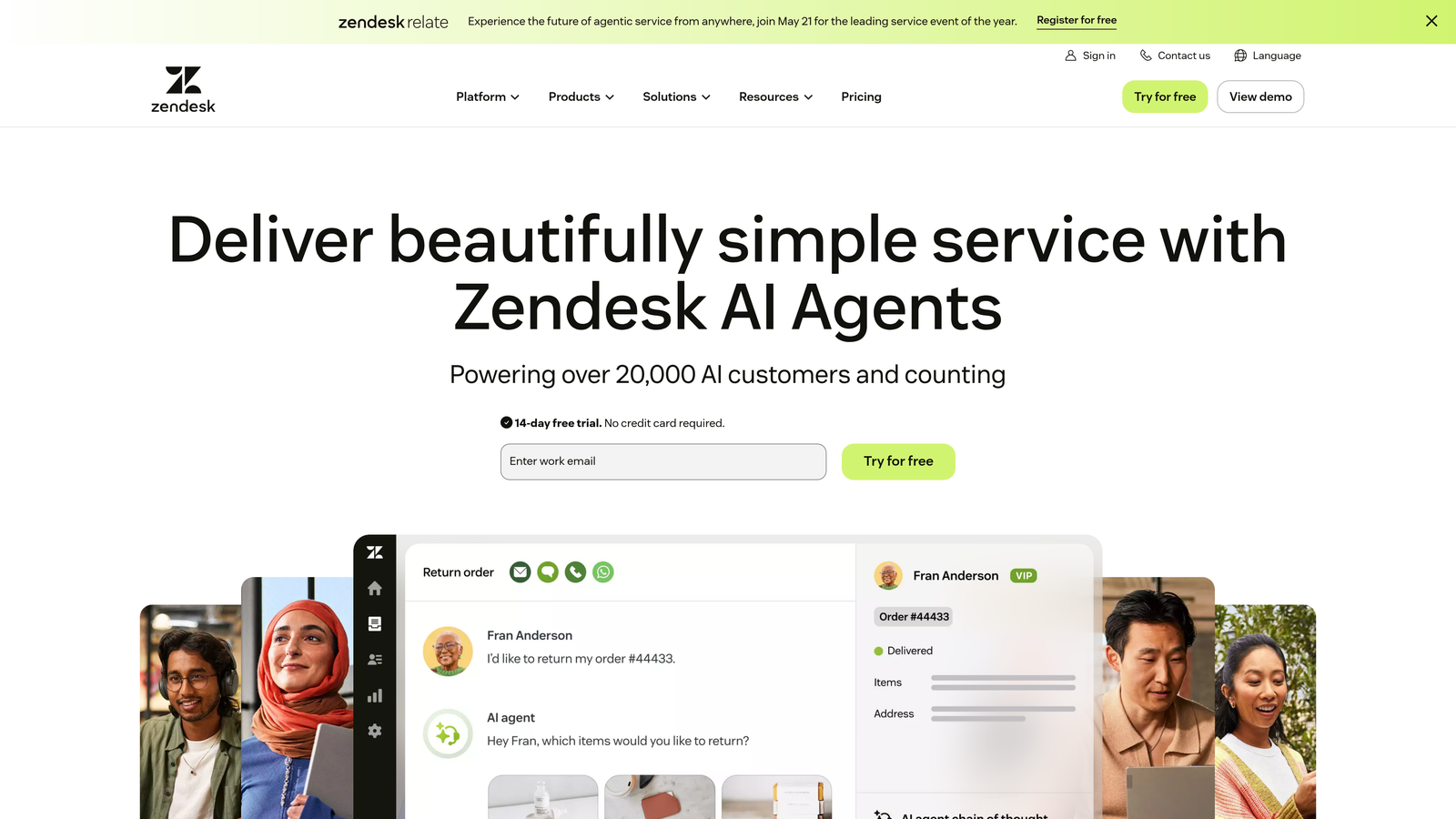
Zendesk remains the enterprise standard for customer support, now enhanced with AI agents and advanced automation that scales to handle millions of tickets.
Where This Tool Shines
Zendesk's automation depth is unmatched for complex enterprise requirements. The triggers and automation system handles intricate conditional logic, while AI agents resolve common inquiries before they reach human queues. Answer Bot deflects tickets by suggesting knowledge base articles with impressive accuracy.
The platform's marketplace contains over 1,500 apps and integrations, enabling connections to virtually any business system. This extensibility means you can build highly customized automation workflows that fit your exact processes.
Key Features
AI Agents: Automated ticket resolution using machine learning trained on your historical ticket data.
Advanced Routing: Sophisticated triggers that route tickets based on complex conditions, customer data, and business rules.
Answer Bot: Self-service automation that suggests relevant articles and resolves tickets without agent involvement.
Extensive Marketplace: 1,500+ apps and integrations for connecting every part of your business.
Enterprise Analytics: Deep reporting and dashboards for tracking automation performance and ticket trends.
Best For
Large enterprises with complex support operations, multiple product lines, and sophisticated routing requirements. Teams with dedicated support operations staff to manage and optimize automation rules.
Pricing
Suite Team starts at $55 per agent per month; enterprise pricing varies significantly based on volume and customization needs.
5. HubSpot Service Hub
Best for: Teams leveraging unified CRM data for context-aware support automation
HubSpot Service Hub connects support automation directly to your sales and marketing data, enabling workflows that understand the complete customer journey.
Where This Tool Shines
The power of Service Hub lies in CRM integration. Your automation workflows can access deal stage, marketing engagement, product usage, and sales history to make intelligent routing and response decisions. This unified context means support tickets aren't handled in isolation—they're informed by everything you know about the customer.
Conversational bots use branching logic to qualify issues before routing, while the knowledge base integrates with AI search to surface relevant content. The unified timeline shows every customer interaction across departments, giving agents complete context.
Key Features
CRM-Powered Workflows: Automation that leverages customer data from sales, marketing, and service for intelligent routing.
Conversational Bots: Branching logic bots that qualify issues and collect information before human handoff.
Unified Customer Timeline: Complete interaction history across all touchpoints for full context.
AI-Enhanced Knowledge Base: Smart search that surfaces relevant articles based on customer queries.
Customer Feedback Automation: Automated surveys and feedback collection tied to ticket resolution.
Best For
Companies already using HubSpot for sales or marketing who want seamless data flow across teams. Particularly valuable when support needs visibility into deal stage, marketing campaigns, or customer lifecycle.
Pricing
Free tools available for basic support; Starter plans begin at $45 per month for two users, scaling up for advanced automation features.
6. Gorgias
Best for: E-commerce businesses automating order-related support inquiries
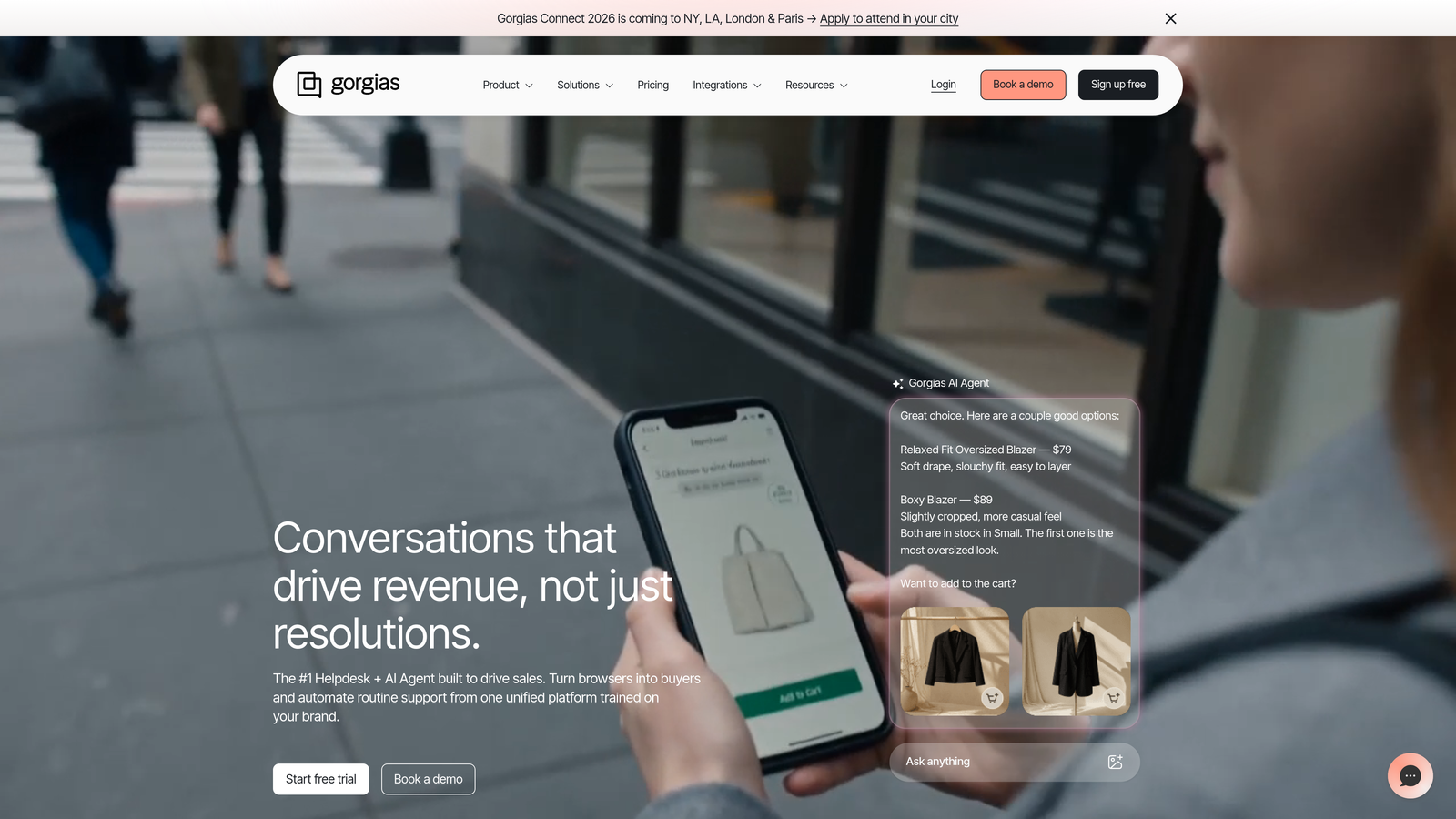
Gorgias specializes in e-commerce support automation with deep platform integrations that understand order status, shipping, and customer purchase history.
Where This Tool Shines
Gorgias transforms e-commerce support by connecting directly to Shopify, BigCommerce, and Magento. Automation rules can pull order details, shipping status, and customer purchase history to resolve common queries like "Where is my order?" without human intervention. Macros use dynamic variables to personalize responses with specific order information.
The platform tracks revenue attributed to support interactions, showing which conversations lead to additional purchases. This revenue intelligence helps justify support investments and optimize for customer lifetime value.
Key Features
Deep E-commerce Integration: Native connections to Shopify, BigCommerce, Magento with access to order and customer data.
Dynamic Macros: Automated responses that insert order-specific variables like tracking numbers and delivery dates.
Rules-Based Automation: Handle common e-commerce queries about shipping, returns, and order modifications automatically.
Revenue Tracking: Connect support interactions to purchase behavior and attribute revenue to support conversations.
Social and SMS Automation: Unified automation across Instagram, Facebook, SMS, and email channels.
Best For
E-commerce brands handling high volumes of order-related inquiries. Teams that need to connect support performance to revenue metrics and customer lifetime value.
Pricing
Starts at $10 per month for 50 tickets; pricing scales based on ticket volume, making it accessible for small stores while supporting enterprise e-commerce operations.
7. Help Scout
Best for: Teams balancing automation efficiency with personal customer relationships
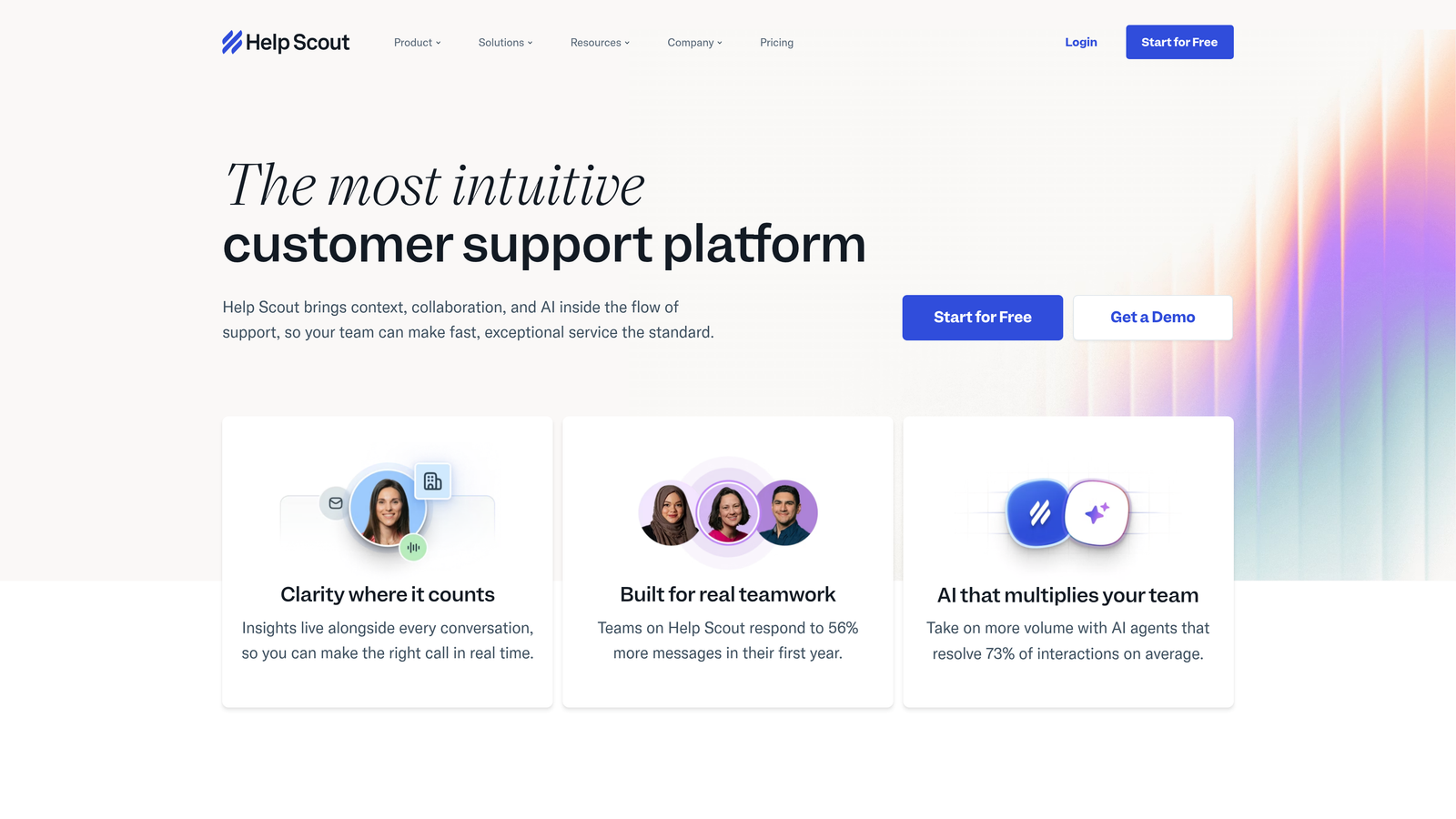
Help Scout approaches automation thoughtfully, using AI to enhance human agents rather than replace them, while maintaining a personal touch in every interaction.
Where This Tool Shines
Help Scout's AI drafts and conversation summarization help agents respond faster without sacrificing quality. The platform suggests responses based on similar past conversations, but keeps humans in the loop for final approval. This assisted approach works well for teams that value personal relationships but need efficiency gains.
Automated workflows handle routing and tagging without complexity. The Beacon widget embeds help articles and chat directly in your product, reducing ticket volume through self-service while maintaining your brand experience.
Key Features
AI Drafts: Suggested responses based on conversation context and historical interactions.
Conversation Summarization: AI-generated summaries of long conversation threads for quick agent handoffs.
Automated Workflows: Simple routing and tagging rules without overwhelming complexity.
Beacon Widget: Embedded help widget with knowledge base search and chat for proactive self-service.
Smart Saved Replies: Template responses with variables that personalize automatically based on customer data.
Best For
Customer-centric teams that prioritize relationship quality alongside efficiency. Companies that want automation benefits without losing the human touch in their support interactions.
Pricing
Standard plan starts at $20 per user per month, positioning it as an affordable option for small to mid-sized teams focused on quality over volume.
8. Front
Best for: Team-based support workflows requiring collaboration on customer messages
Front reimagines the shared inbox with automation designed for team collaboration, turning email and messaging into a coordinated workflow rather than individual silos.
Where This Tool Shines
Front excels when multiple team members need to collaborate on customer conversations. The shared inbox shows who's working on what, prevents duplicate responses, and enables internal comments without cluttering customer-facing threads. AI-powered tagging automatically categorizes incoming messages, while rules route them to the right team or individual.
The platform integrates with CRM systems to surface customer context directly in the inbox. SLA tracking and automated reminders ensure nothing falls through the cracks during team handoffs.
Key Features
Shared Inbox: Team collaboration on customer messages with visibility into who's handling what.
AI-Powered Tagging: Automatic categorization of incoming messages for routing and reporting.
Rules Engine: Automated routing based on sender, content, or custom conditions.
Team Collaboration: Internal comments, assignment, and handoffs without exposing coordination to customers.
CRM Integrations: Pull customer context from Salesforce, HubSpot, and other CRMs directly into conversations.
Best For
Teams managing shared email addresses or support queues where multiple people need visibility and coordination. Particularly valuable for sales and account management teams handling customer communications collaboratively.
Pricing
Starter plan begins at $19 per seat per month, making it accessible for small teams while scaling to support larger collaborative support operations.
9. Kustomer
Best for: Customer journey automation with timeline-based views and AI intent detection
Kustomer organizes support around customer timelines rather than individual tickets, enabling automation that understands the full context of customer relationships and interactions.
Where This Tool Shines
Kustomer's timeline view shows every customer interaction, purchase, support request, and product usage event in chronological order. This context enables smarter automation—workflows can trigger based on customer journey stage, purchase history, or interaction patterns rather than just ticket content.
AI-powered intent detection analyzes incoming messages to understand what customers actually need, routing conversations appropriately even when the stated problem differs from the underlying issue. Business process automation handles complex workflows that span multiple systems and touchpoints.
Key Features
Customer Timeline View: Complete interaction history organized chronologically rather than by individual tickets.
AI Intent Detection: Analyzes message content to understand true customer needs and route appropriately.
Business Process Automation: Complex workflows that span multiple systems and trigger based on customer journey events.
Proactive Outreach: Automated messaging triggered by customer behavior, usage patterns, or lifecycle stage.
Omnichannel Management: Unified automation across email, chat, social, SMS, and voice channels.
Best For
Enterprise companies with complex customer journeys and multiple touchpoints. Teams that need support automation informed by the complete customer relationship, not just individual ticket content.
Pricing
Enterprise pricing model; contact for quotes. Positioned as an enterprise solution with pricing to match the sophistication of features.
Making the Right Choice
The right helpdesk alternative depends on your automation priorities and existing tech stack. If you're seeking AI-native support that learns continuously and resolves tickets autonomously, Halo AI delivers the deepest automation with page-aware context and business intelligence beyond basic metrics. For teams already invested in HubSpot's ecosystem, Service Hub provides seamless CRM integration that informs every support interaction.
E-commerce businesses handling high volumes of order-related inquiries will find Gorgias's specialized automation and revenue tracking invaluable. Enterprise teams with complex routing requirements and extensive customization needs should consider Zendesk's depth, while mid-market companies seeking balance between power and simplicity often gravitate toward Freshdesk or Intercom.
The common thread among these platforms? They all recognize that automation isn't about replacing human agents—it's about amplifying their impact. The best systems handle routine inquiries autonomously, surface intelligent suggestions for complex issues, and ensure humans focus on conversations that genuinely require empathy, creativity, or strategic thinking.
Your support team shouldn't scale linearly with your customer base. Let AI agents handle routine tickets, guide users through your product, and surface business intelligence while your team focuses on complex issues that need a human touch. See Halo in action and discover how continuous learning transforms every interaction into smarter, faster support.