9 Best Support Automation Platforms for B2B Teams in 2026
Overwhelmed B2B support teams drowning in repetitive tickets need the best support automation platforms to scale efficiently without expanding headcount. This comprehensive evaluation examines AI-native solutions versus legacy helpdesk systems retrofitted with automation, comparing platforms based on AI capabilities, integration depth, implementation complexity, and real-world B2B value to help you choose the right tool for instant, accurate customer responses.
 Grant CooperFounder13 min read
Your support team just hit 10,000 tickets this month. Again. Half are "How do I reset my password?" and "Where's my invoice?" Your agents are burned out answering the same questions while complex customer issues sit in the queue for days. Meanwhile, your customers expect instant, accurate responses—not tomorrow, not in an hour, right now.
Support automation has shifted from a nice-to-have efficiency tool to an essential survival strategy for B2B teams. The question isn't whether to automate anymore—it's which platform will actually deliver on the promise of scaling support without scaling headcount.
We evaluated platforms based on AI capabilities, integration depth, implementation complexity, scalability, and real value for B2B use cases. What we found: the market has split between AI-native platforms built for automation from the ground up and established helpdesk systems retrofitting AI onto legacy infrastructure. Here are the top support automation platforms that actually move the needle in 2026.
1. Halo AI
Best for: B2B teams wanting AI-native intelligence that learns continuously and provides business insights beyond ticket resolution
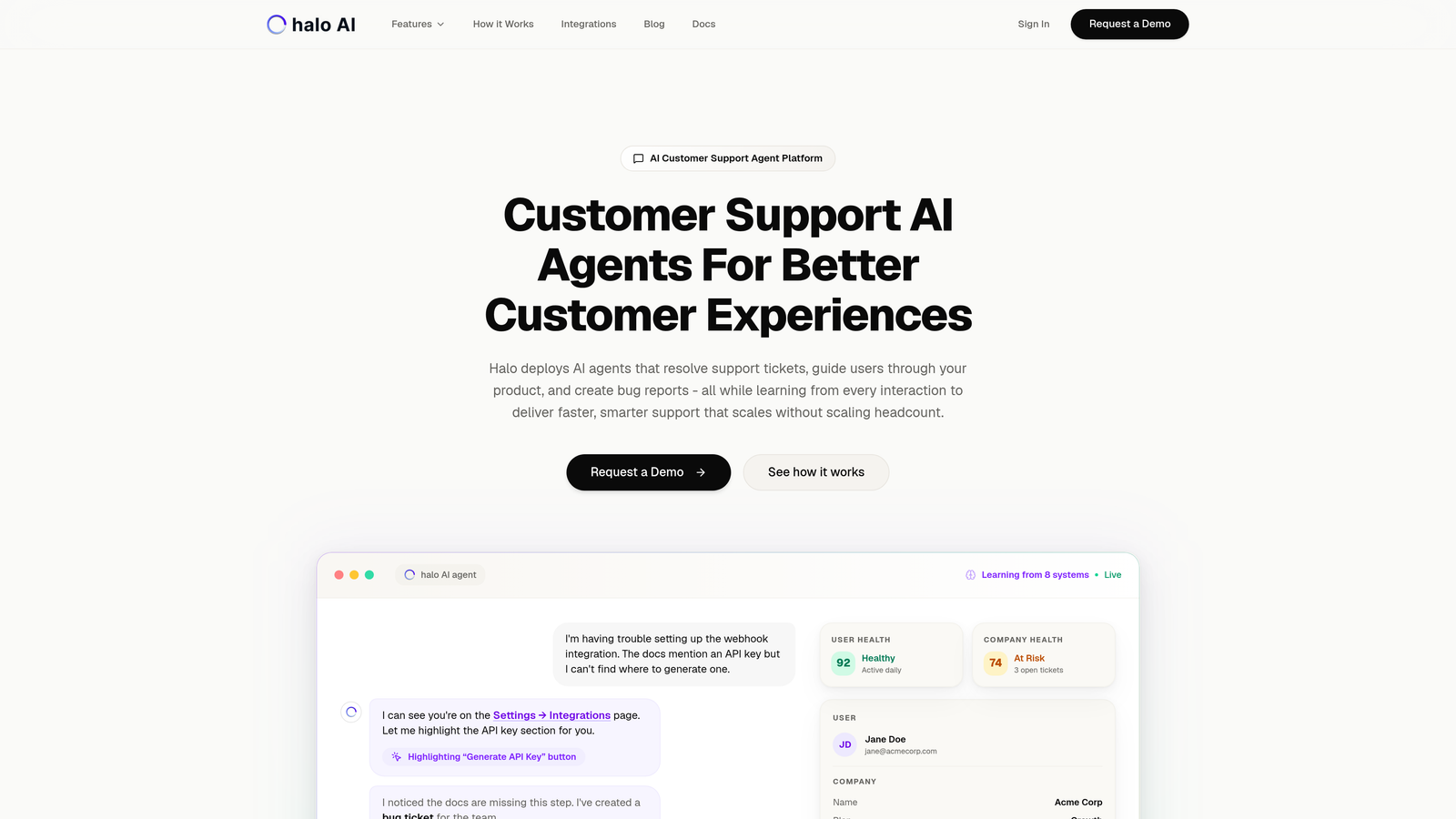
Halo AI represents the AI-native approach to support automation—built from the ground up around intelligent agents rather than bolting AI onto traditional helpdesk architecture.
Where This Tool Shines
The platform deploys AI agents that don't just respond to tickets—they understand product context by seeing what users see on their screens. This page-aware capability means agents can guide users through your actual interface, not generic instructions that might be outdated.
What sets Halo apart is continuous learning architecture. Every interaction trains the system, making responses smarter over time without manual rule updates. The platform also surfaces business intelligence from support conversations—customer health signals, revenue risks, product friction points—turning your support data into strategic insights.
Key Features
Continuously Learning AI Agents: System improves from every interaction without manual training or rule updates.
Page-Aware Chat Widget: AI sees your product interface in real-time to provide visual guidance and contextual help.
Smart Inbox with Business Intelligence: Surface customer health signals, revenue intelligence, and anomaly detection alongside ticket resolution.
Auto Bug Ticket Creation: Automatically generates detailed bug reports in Linear when issues are detected, complete with context and reproduction steps.
Seamless Live Agent Handoff: Complex issues escalate smoothly to human agents with full conversation context and customer history.
Best For
B2B SaaS companies and product teams currently using helpdesk systems like Zendesk, Freshdesk, or Intercom who want deeper automation without sacrificing quality. Particularly valuable for teams where support interactions reveal business-critical signals about customer health, product issues, or revenue opportunities.
Pricing
Contact for custom pricing based on ticket volume and integration requirements.
2. Intercom
Best for: Product-led growth companies wanting to combine marketing, sales, and support automation in one platform
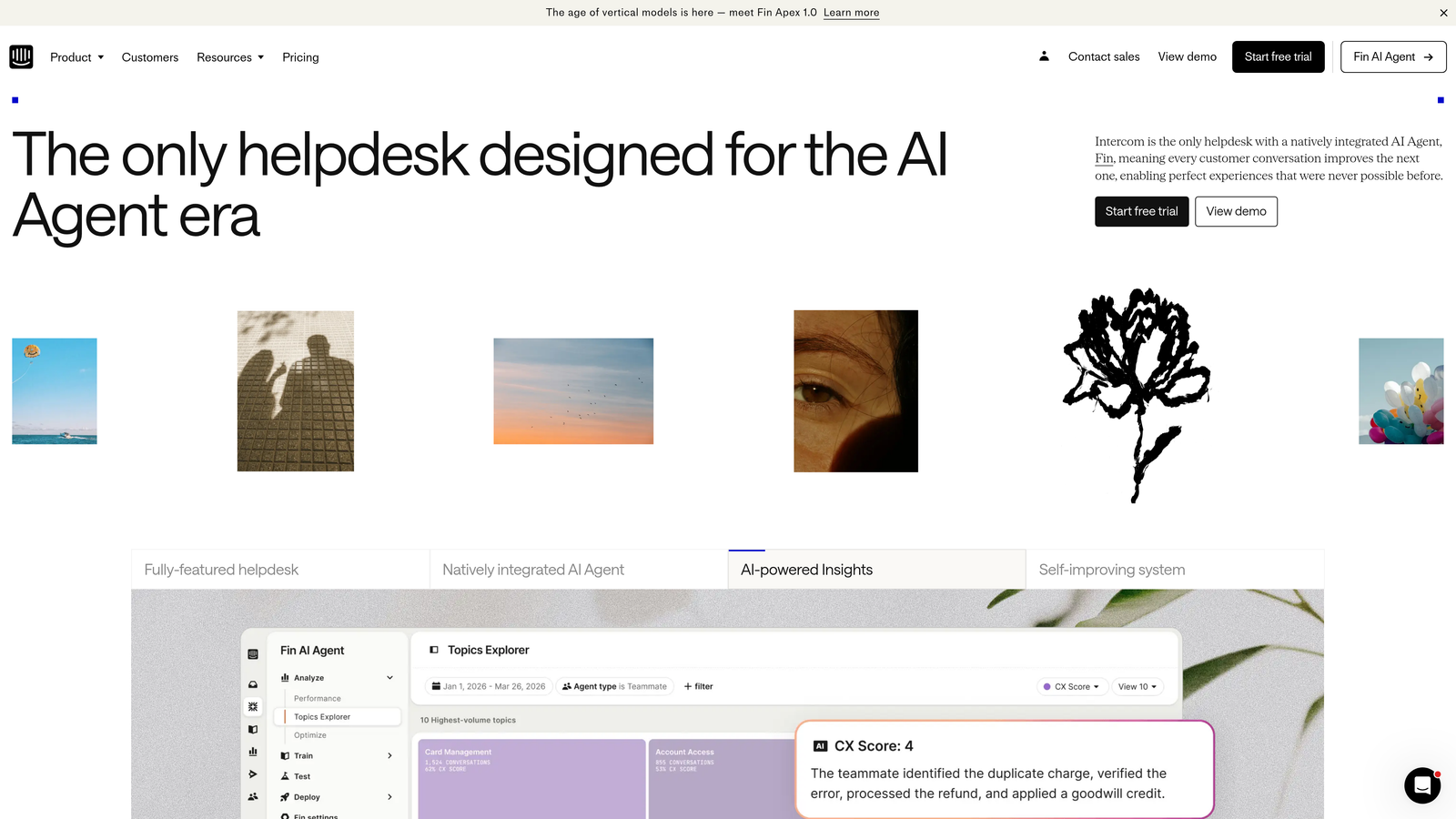
Intercom evolved from a messaging platform into a comprehensive customer communication system with Fin AI agent handling automated conversations.
Where This Tool Shines
Intercom excels at the intersection of product, marketing, and support. You can trigger automated onboarding tours, capture leads, and resolve support queries all from the same interface. This unified approach works particularly well for product-led growth models where the lines between marketing touchpoints and support interactions blur.
The Fin AI agent can resolve common queries autonomously, pulling answers from your knowledge base and past conversations. When it can't resolve something, handoff to human agents includes full context. The custom bot builder lets you create workflows without code, though truly sophisticated automation still requires technical setup.
Key Features
Fin AI Agent: Autonomous conversational AI that resolves common queries by understanding intent and pulling from knowledge base content.
Product Tours and Onboarding: Automated in-app messaging sequences to guide new users through product features and workflows.
Unified Inbox Across Channels: Manage conversations from chat, email, and social media in one interface with shared team context.
Custom Bots and Workflow Builder: Visual builder for creating automated conversation flows and qualification sequences without coding.
Rich Customer Data Platform: Track user behavior, segment audiences, and trigger automations based on product usage patterns.
Best For
SaaS companies with product-led growth strategies who want to automate across the entire customer journey, not just support. Teams that value having marketing, sales, and support tools in one ecosystem rather than managing multiple point solutions.
Pricing
Starts at $39 per seat per month for essential features. Fin AI charged separately based on resolution volume, which can add significant cost at scale.
3. Zendesk
Best for: Enterprise teams needing extensive customization, multi-brand support, and deep workflow control
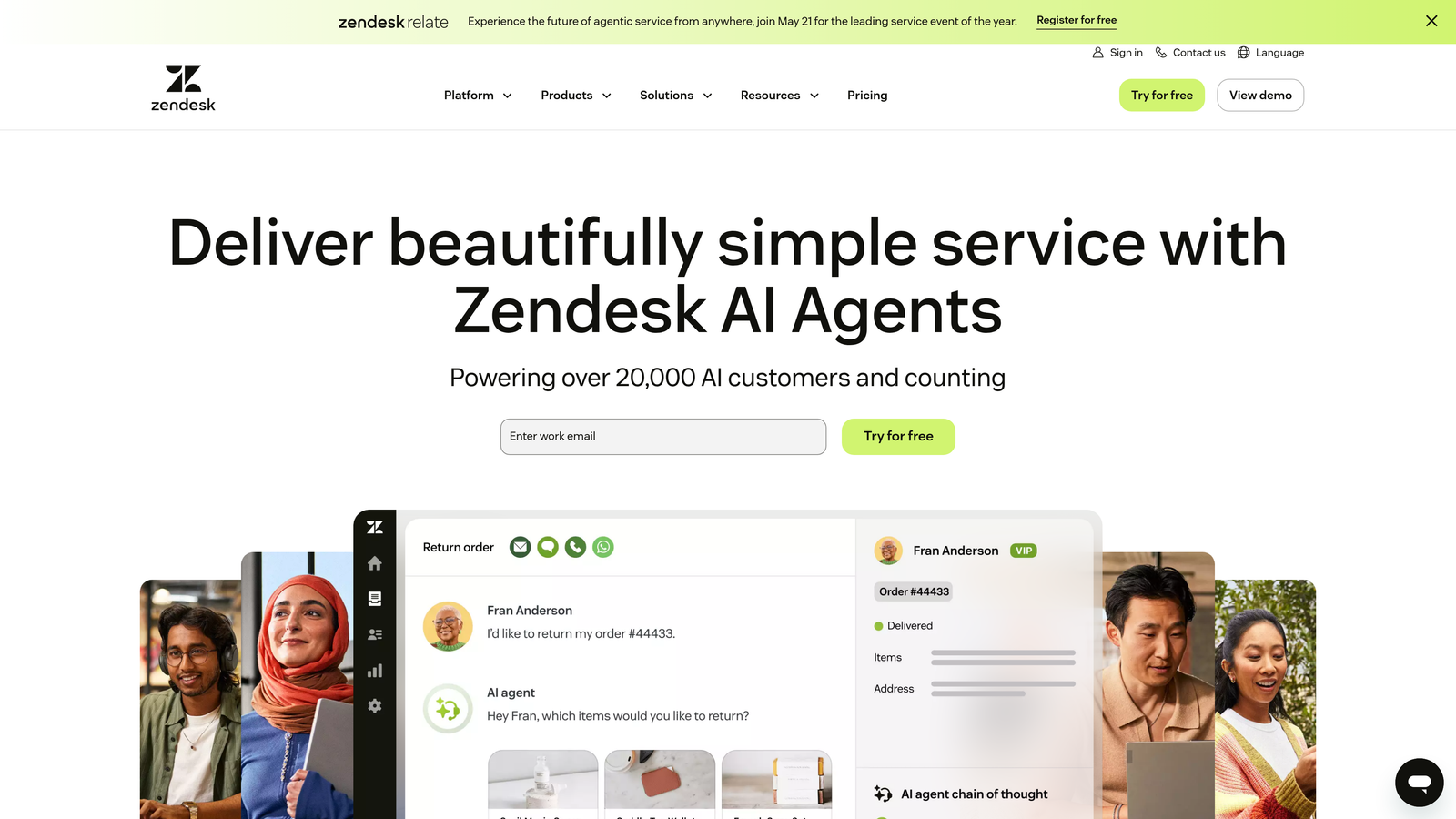
Zendesk remains the enterprise standard for helpdesk platforms, with AI capabilities added through Answer Bot and agent assist features.
Where This Tool Shines
Zendesk's strength lies in its maturity and flexibility. You can customize virtually every aspect of ticket workflows, views, and automation rules. The extensive app marketplace provides integrations with nearly any business tool you use, from niche project management systems to specialized CRMs.
For organizations supporting multiple brands or operating across many languages and regions, Zendesk handles complexity that would break simpler platforms. The reporting and analytics capabilities run deep, letting you slice data in countless ways. The tradeoff: this flexibility comes with implementation complexity and a steeper learning curve for new team members.
Key Features
Highly Customizable Ticket Workflows: Configure routing, escalation, and assignment rules with granular control over every step.
Extensive App Marketplace: Over 1,000 integrations available for connecting Zendesk to your existing business tools and workflows.
Advanced Reporting and Analytics: Build custom dashboards, track SLAs, and analyze support metrics across teams and time periods.
Multi-Brand and Multi-Language Support: Manage separate help centers and ticket workflows for different brands or regions from one instance.
AI-Powered Answer Bot and Agent Assist: Automated responses from knowledge base content and AI suggestions to help agents respond faster.
Best For
Enterprise organizations with complex support requirements, multiple brands, or global operations. Teams that have the technical resources to invest in proper implementation and customization to unlock the platform's full potential.
Pricing
Suite Team starts at $55 per agent per month. AI features require additional add-ons, and total cost can climb significantly with necessary integrations and customizations.
4. Freshdesk
Best for: Growing support teams wanting intuitive helpdesk features with AI capabilities at accessible price points
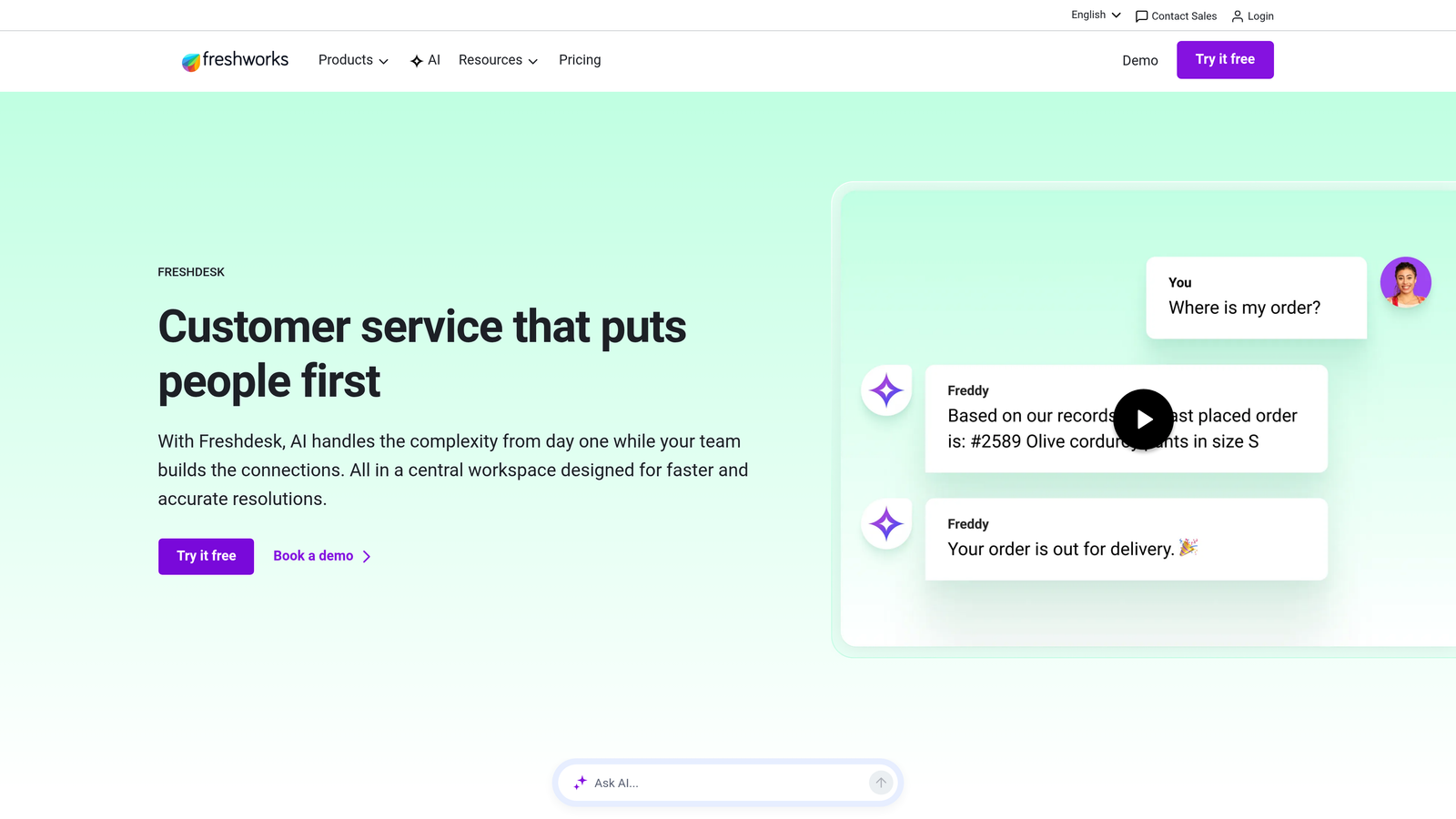
Freshdesk positions itself as the user-friendly alternative to Zendesk, offering Freddy AI capabilities without enterprise complexity or pricing.
Where This Tool Shines
Freshdesk delivers solid helpdesk fundamentals with an interface that new team members can learn in hours, not weeks. Freddy AI handles intelligent ticket routing, suggests responses to agents, and can automate simple query resolution. The built-in knowledge base integrates seamlessly with ticket deflection.
The pricing structure makes it accessible for smaller teams while still scaling to enterprise needs. You get automation rules, SLA management, and multi-channel support without breaking the budget. The platform won't match Zendesk's customization depth, but many teams find they don't need that complexity anyway.
Key Features
Freddy AI for Routing and Suggestions: Machine learning-powered ticket classification, priority assignment, and response recommendations for agents.
Intuitive Ticket Management: Clean interface for managing conversations across email, chat, phone, and social media channels.
Built-In Knowledge Base: Create and maintain help articles that integrate with ticket deflection and self-service workflows.
Automation Rules and SLA Management: Set up time-based triggers, assignment rules, and SLA policies without technical complexity.
Affordable Pricing Tiers: Free tier for small teams with paid plans that scale gradually as needs grow.
Best For
Growing B2B companies that need professional helpdesk capabilities without enterprise complexity or pricing. Teams that prioritize quick implementation and ease of use over extensive customization options.
Pricing
Free tier available for up to 10 agents with basic features. Growth plan starts at $15 per agent per month, making it one of the most budget-friendly options with solid AI capabilities.
5. HubSpot Service Hub
Best for: Teams already using HubSpot CRM who want unified customer data across marketing, sales, and support
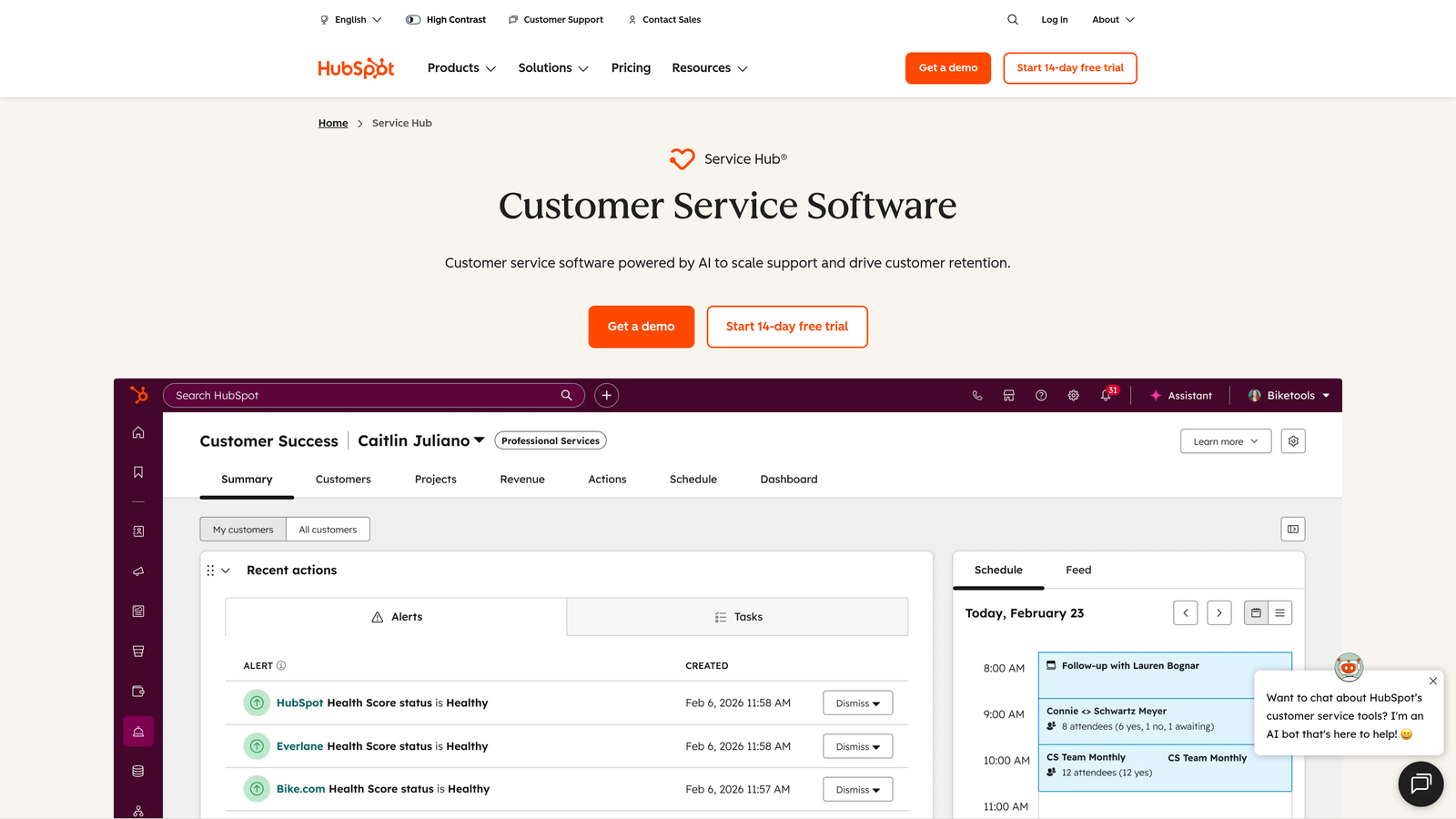
HubSpot Service Hub extends the HubSpot ecosystem into customer service, offering deep integration with the CRM platform many B2B teams already use.
Where This Tool Shines
If you're already in the HubSpot ecosystem, Service Hub provides unmatched context. Support agents see the complete customer journey—every marketing touchpoint, sales conversation, and previous support interaction—without switching tools or manually searching for information.
The conversational bots and live chat integrate with HubSpot's automation workflows, letting you trigger support sequences based on customer lifecycle stage, deal value, or behavior patterns. Customer feedback surveys flow directly into the CRM, connecting satisfaction scores to revenue data. The knowledge base includes SEO tools, turning support content into organic traffic drivers.
Key Features
Native CRM Integration: Complete customer context including marketing interactions, sales deals, and support history in one unified timeline.
Conversational Bots and Live Chat: Automated chat workflows that qualify issues, route to appropriate teams, and escalate to live agents when needed.
Customer Feedback Surveys: NPS, CSAT, and custom surveys that connect satisfaction data directly to customer records and revenue metrics.
Knowledge Base with SEO Tools: Create help articles optimized for search engines, turning support content into lead generation channels.
Cross-Journey Automation: Trigger support workflows based on marketing engagement, sales stage, or product usage patterns tracked in the CRM.
Best For
B2B companies already using HubSpot for marketing and sales who want to extend that unified data model into customer service. Teams that value having one source of truth for all customer interactions over best-in-class point solutions.
Pricing
Free tools available with limited features. Starter plan at $20 per month per seat includes essential automation and ticketing capabilities.
6. Kustomer
Best for: Teams wanting timeline-based customer views and omnichannel support with strong e-commerce integrations
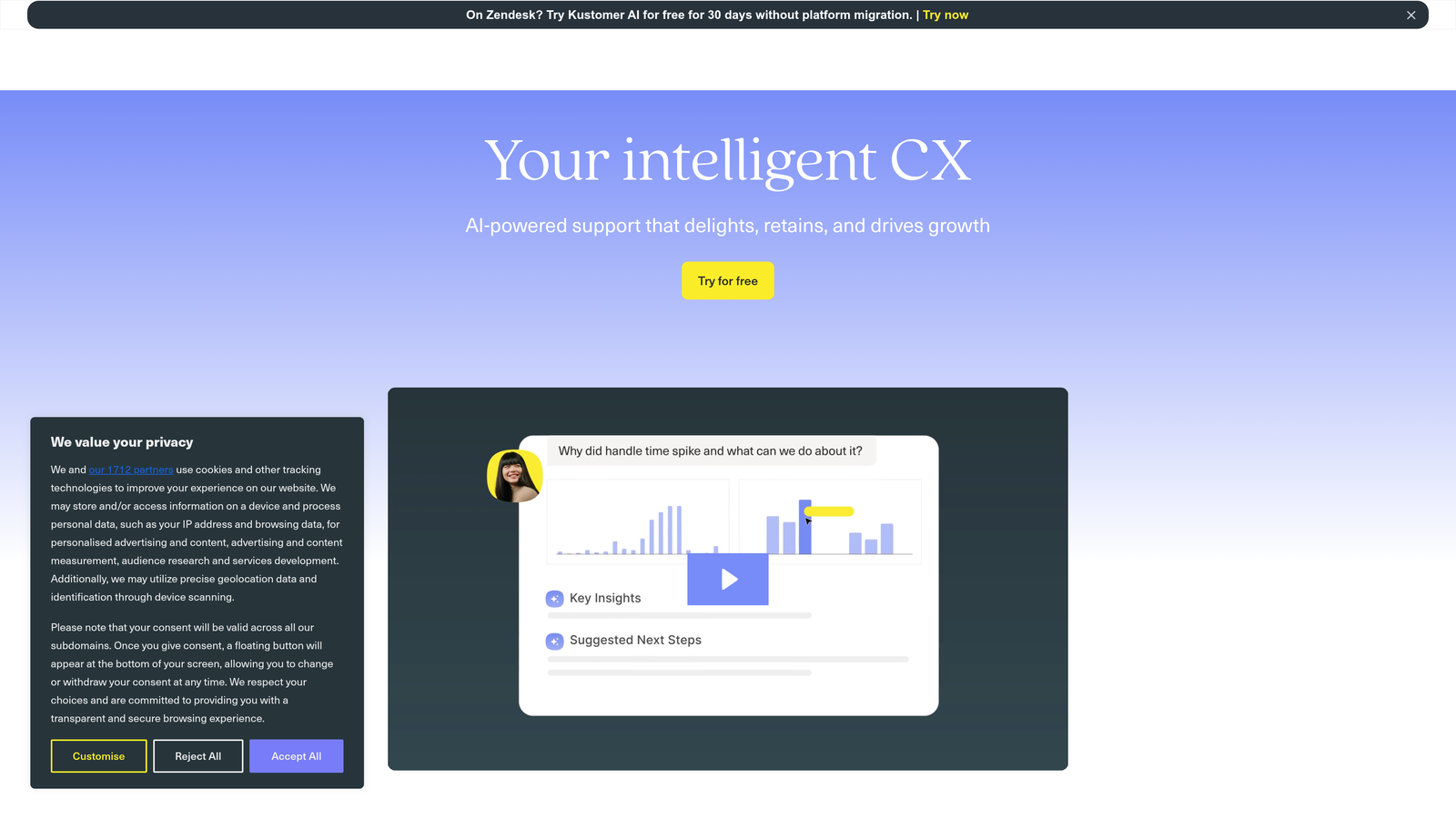
Kustomer approaches support differently than traditional ticket-based systems, organizing conversations around customer timelines rather than isolated tickets.
Where This Tool Shines
The timeline view shows every interaction with a customer chronologically, making it easy to understand context without digging through multiple tickets. This customer-centric approach works particularly well for complex B2B relationships where support issues connect to broader account history.
Kustomer's AI handles classification and routing intelligently, learning from how your team actually resolves issues. The business process automation goes beyond simple if-then rules, letting you build sophisticated workflows that span multiple channels and touchpoints. Being part of the Meta ecosystem provides strong integrations with Facebook and Instagram for social commerce support.
Key Features
Timeline View of Customer History: Chronological display of all interactions, purchases, and touchpoints organized around the customer, not individual tickets.
Omnichannel Conversation Management: Handle email, chat, SMS, social media, and voice conversations in one unified interface.
AI-Powered Classification and Routing: Machine learning that categorizes issues and assigns to appropriate teams based on content and historical patterns.
Business Process Automation: Build complex workflows that automate multi-step processes across channels and systems.
E-Commerce Integrations: Deep connections to Shopify, Magento, and other platforms for order management within support conversations.
Best For
E-commerce companies and B2B businesses with complex customer relationships where understanding the full account history matters more than managing individual ticket queues. Teams that handle support across many channels and need true omnichannel unification.
Pricing
Enterprise-focused pricing model. Contact Kustomer for custom quotes based on conversation volume and integration requirements.
7. Ada
Best for: Teams focused on maximizing automated resolution rates with intelligent chatbots that handle queries without human intervention
Ada specializes in building AI-powered chatbots designed to resolve customer queries autonomously, with success measured by containment rates rather than agent efficiency.
Where This Tool Shines
Ada's no-code bot builder lets non-technical team members create sophisticated conversation flows using generative AI for natural language understanding. The platform focuses relentlessly on automated resolution—every feature aims to increase the percentage of queries handled without human escalation.
The analytics dashboard tracks containment rates, deflection metrics, and resolution accuracy, giving clear visibility into automation performance. Multi-language support works genuinely well, not as an afterthought. Ada positions itself as the automation layer that sits in front of your existing helpdesk, handling the high-volume simple queries so human agents can focus on complex issues.
Key Features
No-Code AI Chatbot Builder: Visual interface for creating conversation flows and training AI responses without technical expertise.
Generative AI for Natural Conversations: Modern language models that understand intent and context, not just keyword matching.
Automated Resolution Tracking: Detailed analytics on containment rates, successful deflections, and resolution accuracy by query type.
Multi-Language Support: Native support for conversations in 50+ languages with consistent quality across all supported languages.
Containment and Deflection Analytics: Measure exactly how many queries the bot resolves versus escalating to human agents.
Best For
Companies with high volumes of repetitive queries where automated resolution directly impacts cost savings. Teams that want to layer intelligent automation on top of existing helpdesk systems rather than replacing their entire support infrastructure.
Pricing
Custom pricing based on resolution volume and conversation complexity. Pricing model aligns with the value of automated resolutions rather than per-seat costs.
8. Help Scout
Best for: Small teams prioritizing personal customer relationships and simplicity over automation complexity
Help Scout takes a deliberately human-focused approach, offering clean helpdesk fundamentals without overwhelming teams with enterprise features they don't need.
Where This Tool Shines
The interface feels like email, not a complex ticketing system. This familiarity means new team members start contributing immediately without extensive training. Collision detection prevents multiple agents from responding to the same customer, while saved replies and workflows automate repetitive tasks without feeling robotic.
The included Docs knowledge base integrates smoothly with the Beacon widget, which provides contextual help inside your product. Customer satisfaction ratings connect directly to conversations, making it easy to track which types of issues create friction. Help Scout won't scale to massive enterprise operations, but many small teams find that limitation freeing rather than limiting.
Key Features
Clean, Distraction-Free Inbox: Email-like interface that feels familiar and requires minimal training for new team members.
Docs Knowledge Base Included: Create and maintain help articles that integrate with self-service workflows and in-app help widgets.
Beacon Widget for In-App Help: Contextual help that appears inside your product, surfacing relevant articles based on user location.
Collision Detection: Prevents multiple agents from responding to the same conversation, with real-time indicators showing who's viewing what.
Customer Satisfaction Ratings: Simple thumbs up/down ratings that connect directly to conversations for tracking support quality.
Best For
Small to medium B2B teams that value personal customer relationships and want helpdesk simplicity without sacrificing professionalism. Companies that prefer focusing on human connection over maximizing automation metrics.
Pricing
Standard plan at $22 per user per month includes core features. No free tier, but straightforward pricing without hidden costs for basic functionality.
9. Gorgias
Best for: E-commerce companies needing deep Shopify and BigCommerce integrations with support automation built for online retail
Gorgias purpose-built their platform for e-commerce support, with features designed specifically around order management, product questions, and retail customer service patterns.
Where This Tool Shines
Gorgias pulls order data, customer purchase history, and product information directly into support conversations. Agents can process refunds, update shipping addresses, and modify orders without leaving the ticket interface. Macros handle common e-commerce queries like "Where's my order?" or "How do I return this?" with automated responses that pull real order status.
The platform tracks revenue attribution, showing which support interactions led to purchases or prevented cancellations. Social media channel support works seamlessly, important for retail brands managing Instagram and Facebook commerce. The automation focuses specifically on e-commerce patterns rather than generic support workflows.
Key Features
Deep Shopify and BigCommerce Integration: Order data, customer history, and product information visible directly in support conversations.
Order Management Within Tickets: Process refunds, update shipping, modify orders, and handle returns without switching to separate systems.
Macros for E-Commerce Queries: Pre-built automated responses for common retail questions that pull real-time order and shipping data.
Revenue Attribution Tracking: Connect support interactions to purchases, showing which conversations drive revenue or prevent churn.
Social Media Channel Support: Unified management of support conversations from Instagram, Facebook, and other social commerce platforms.
Best For
E-commerce companies, particularly those on Shopify or BigCommerce, where support teams need to manage order-related queries efficiently. Retail brands that handle significant support volume through social media channels.
Pricing
Starter plan at $10 per month for up to 50 tickets, then scales based on ticket volume rather than seat count, which can be cost-effective for small teams handling moderate volumes.
Making the Right Choice
The right support automation platform depends less on feature checklists and more on how you actually want to scale support. Here's how to think about your options:
For AI-native intelligence that learns continuously and surfaces business insights beyond ticket resolution, Halo AI delivers automation built from the ground up around intelligent agents rather than retrofitted onto legacy helpdesk architecture. The page-aware capabilities and business intelligence make it particularly valuable when support interactions reveal strategic signals about customer health and product issues.
Enterprise teams managing multiple brands or complex global operations will find Zendesk's customization depth and mature ecosystem worth the implementation investment. Product-led growth companies wanting to unify marketing, sales, and support automation should look at Intercom's comprehensive platform approach.
Budget-conscious growing teams get solid helpdesk fundamentals with AI capabilities from Freshdesk without enterprise complexity or pricing. E-commerce companies need Gorgias's purpose-built retail features and deep Shopify integration. Teams already in the HubSpot ecosystem gain massive efficiency from Service Hub's unified customer data model.
The critical decision factors: How deep do your integrations need to go with existing business tools? Do you want AI that learns continuously or rule-based automation you control manually? Are you optimizing for maximum automated resolution rates or maintaining personal customer relationships? What's your actual total cost of ownership including implementation, customization, and ongoing management?
Your support team shouldn't scale linearly with your customer base. Let AI agents handle routine tickets, guide users through your product, and surface business intelligence while your team focuses on complex issues that need a human touch. See Halo in action and discover how continuous learning transforms every interaction into smarter, faster support.