9 Best Support Software for Scaling Teams in 2026
Scaling teams need support software that handles exponential growth without sacrificing quality. This guide evaluates the best support software for scaling teams based on automation capabilities, scalability architecture, and integration ecosystems, featuring nine platforms that help growing organizations deliver exceptional customer service while managing increased ticket volumes efficiently.
 Grant CooperFounder13 min read
When your team doubles in size but your support queue triples, you know something needs to change. Scaling teams face a unique challenge: maintaining the personalized, responsive support that built your reputation while handling exponentially more tickets, conversations, and customer touchpoints.
The right support software doesn't just manage this growth: it amplifies your team's capabilities, automates repetitive tasks, and provides the intelligence needed to make strategic decisions. We evaluated dozens of platforms based on scalability architecture, automation capabilities, integration ecosystems, and real-world performance under high-volume conditions.
Here are nine tools that consistently help growing teams deliver exceptional support without burning out.
1. Halo AI
Best for: Teams wanting AI agents that actually resolve tickets autonomously and learn continuously
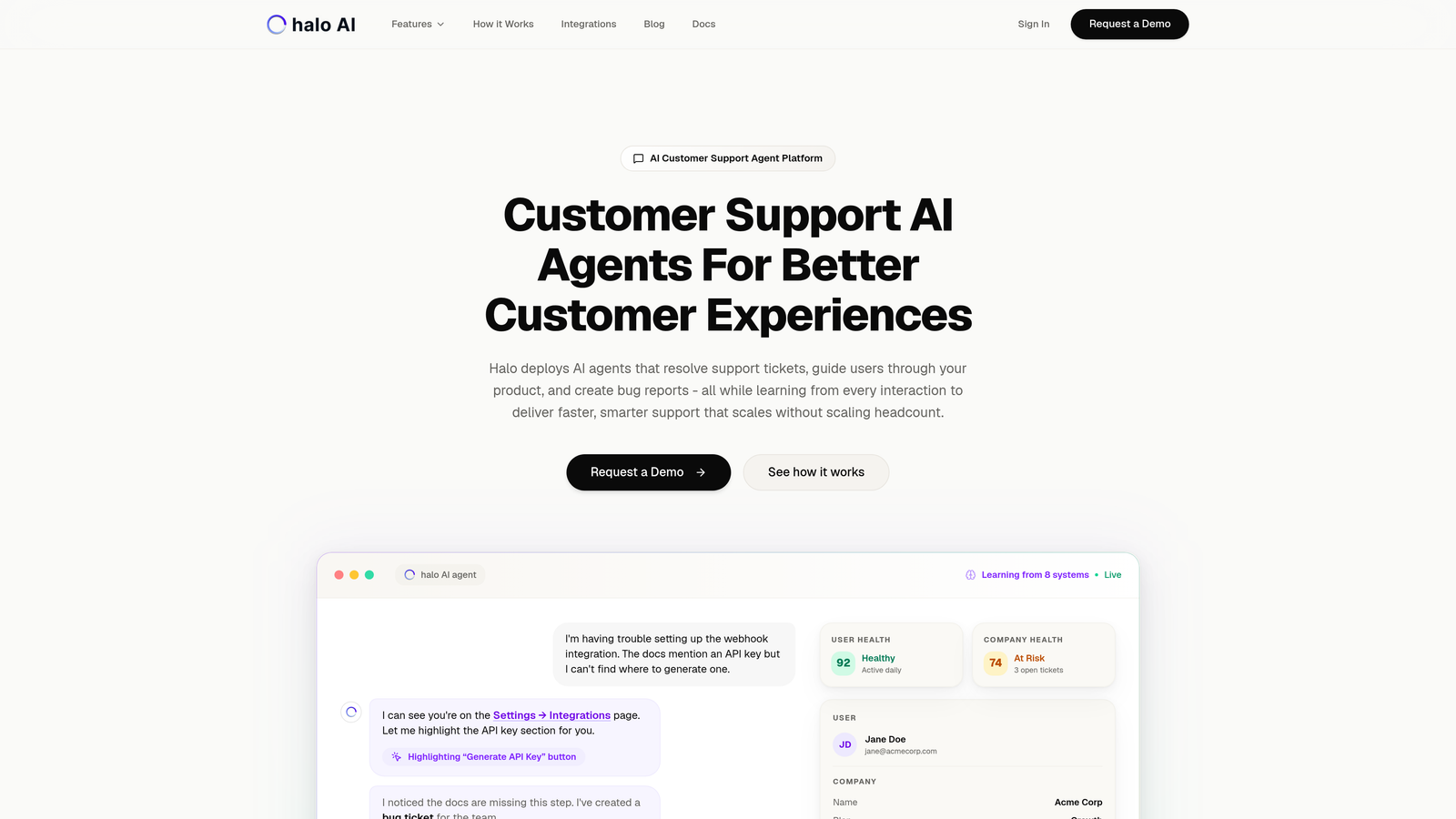
Halo AI is an AI-native customer support platform built from the ground up for autonomous operation rather than bolted onto traditional helpdesk architecture.
Where This Tool Shines
Unlike traditional support platforms that added AI features later, Halo was designed with AI agents as the core architecture. These agents don't just suggest answers or deflect to knowledge bases. They actually resolve tickets, create bug reports in Linear, and guide users through your product with visual context that sees what users see on their screens.
The platform's continuous learning capability means every interaction makes the system smarter. Your AI agents improve their resolution accuracy over time, learning from successful resolutions and adapting to your product's evolution without requiring constant retraining.
Key Features
Autonomous AI Agents: Resolve tickets without human intervention while escalating complex issues that need human expertise.
Page-Aware Chat Widget: Provides visual guidance by seeing exactly what users see, enabling contextual help that references specific UI elements.
Smart Inbox with Business Intelligence: Surfaces customer health signals, revenue intelligence, and anomaly detection beyond basic support metrics.
Auto Bug Ticket Creation: Automatically generates detailed bug reports in Linear when issues are identified, connecting support directly to product development.
Comprehensive Integration Ecosystem: Connects to Slack, HubSpot, Stripe, Intercom, Zoom, PandaDoc, Fathom, and your entire business stack for complete customer context.
Best For
Scaling B2B companies and product teams that want to reduce support headcount growth while improving resolution speed. Particularly valuable for teams using helpdesk systems like Zendesk or Freshdesk who want genuinely autonomous AI rather than basic chatbot deflection.
Pricing
Contact for pricing. The platform is designed specifically for scaling teams, with pricing that aligns with business growth rather than linear agent headcount increases.
2. Zendesk
Best for: Enterprise teams needing maximum customization and a mature integration marketplace
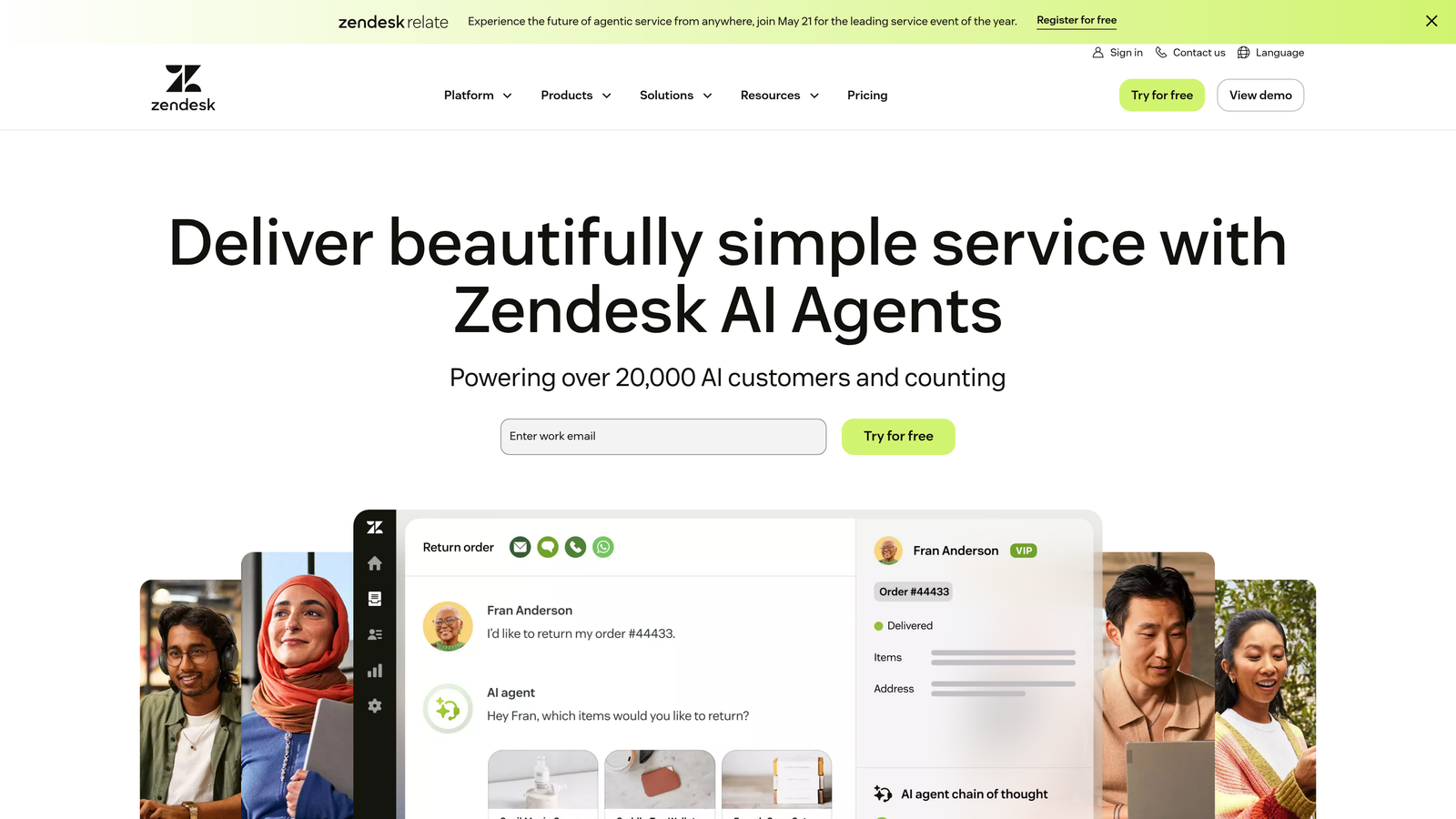
Zendesk is the enterprise-grade customer service platform with extensive customization options and an ecosystem built over more than a decade.
Where This Tool Shines
Zendesk's greatest strength is its maturity and flexibility. The platform has been refined through thousands of enterprise deployments, resulting in deep customization capabilities that let you build exactly the workflows your team needs. The marketplace offers over 1,500 integrations, meaning you can connect virtually any business tool to your support operations.
For scaling teams with complex requirements or unique processes, Zendesk's customization depth is difficult to match. You can create custom ticket fields, build intricate automation triggers, and design reporting dashboards that surface exactly the metrics your leadership needs.
Key Features
Omnichannel Support: Unified interface for email, chat, phone, social media, and messaging apps with consistent customer context across channels.
Extensive App Marketplace: Over 1,500 pre-built integrations plus APIs for custom connections to proprietary systems.
Advanced Reporting: Customizable dashboards with granular metrics on team performance, SLA compliance, and customer satisfaction trends.
Workflow Automation: Trigger-based automation for ticket routing, escalation, field updates, and notifications based on complex conditional logic.
Answer Bot: AI-powered deflection tool that suggests knowledge base articles to customers before tickets reach agents.
Best For
Enterprise teams with complex support requirements, multiple product lines, or highly specialized workflows. Companies that need extensive customization and have the resources to configure and maintain sophisticated systems.
Pricing
Starts at $55 per agent per month for Suite Team plan. Enterprise plans with advanced features available at higher price points. Costs can scale significantly with large teams.
3. Intercom
Best for: Product-led companies prioritizing in-app messaging and proactive customer engagement
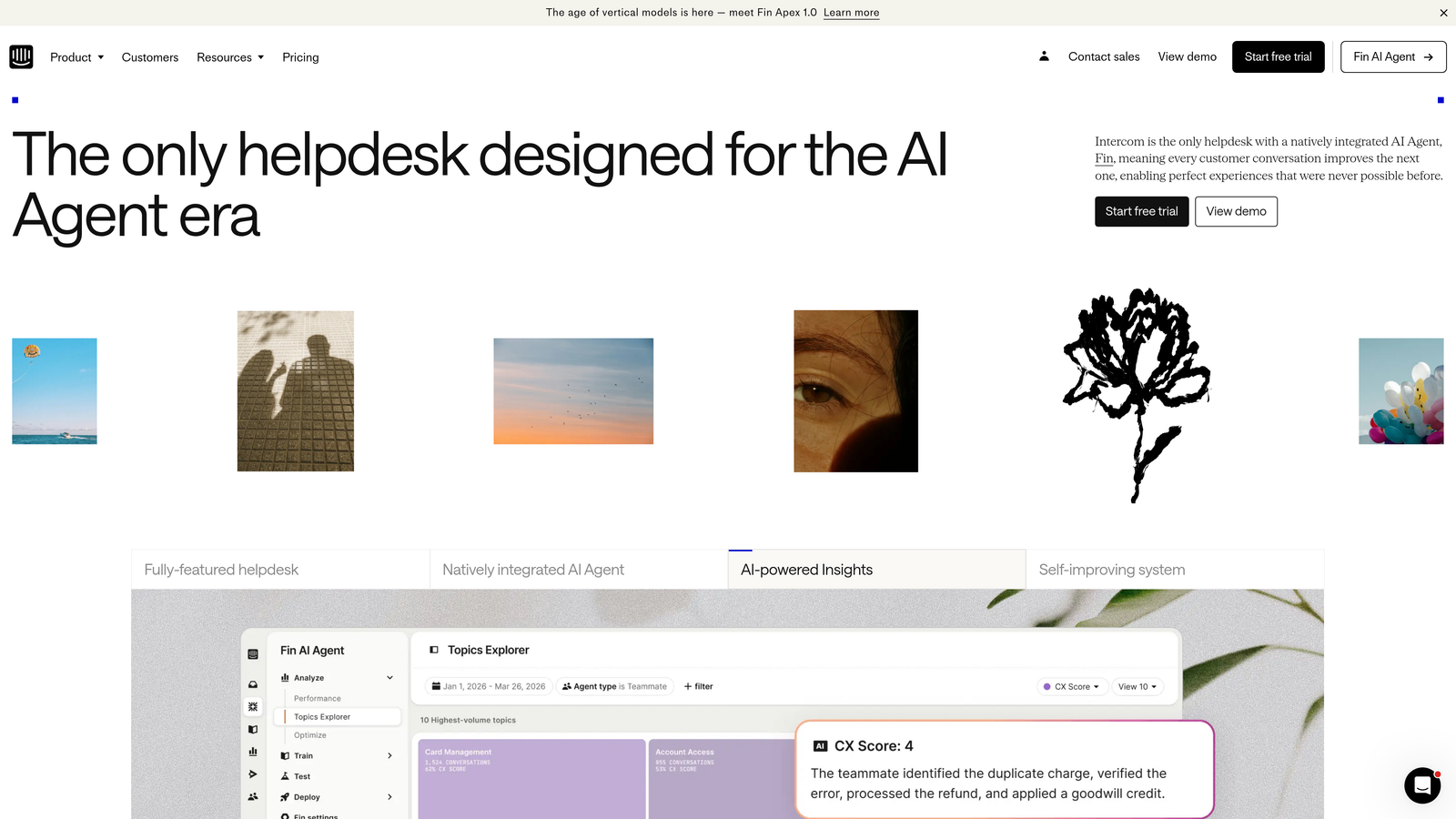
Intercom is a modern customer communication platform focused on conversation-first support experiences embedded directly in your product.
Where This Tool Shines
Intercom excels at proactive engagement and in-app support. Rather than waiting for customers to email or call, you can reach users at critical moments in their product journey with targeted messages, product tours, and contextual help. This proactive approach often prevents support tickets from forming in the first place.
The Fin AI agent represents Intercom's push into autonomous resolution, handling common questions and routing complex issues to human agents. For product-led growth companies, the ability to blend marketing, onboarding, and support in a single conversation interface creates seamless customer experiences.
Key Features
In-App Messenger: Embedded chat widget with targeted messaging campaigns based on user behavior, page location, and customer attributes.
Product Tours: Interactive onboarding flows that guide new users through key features with tooltips and walkthroughs.
Fin AI Agent: Autonomous AI that resolves customer questions using your knowledge base and product data, with per-resolution pricing.
Custom Bots: No-code bot builder for automating common workflows like qualification, routing, and information gathering.
Unified Inbox: Centralized workspace for managing conversations across in-app chat, email, and social channels with complete customer context.
Best For
SaaS companies with product-led growth strategies that want to blend support, onboarding, and customer engagement in a single platform. Teams that value proactive communication over reactive ticket management.
Pricing
Starts at $39 per seat per month for the base platform. Fin AI is charged separately based on resolutions (typically $0.99 per resolution). Costs can increase significantly with high AI usage.
4. Freshdesk
Best for: Budget-conscious teams wanting strong automation without enterprise pricing
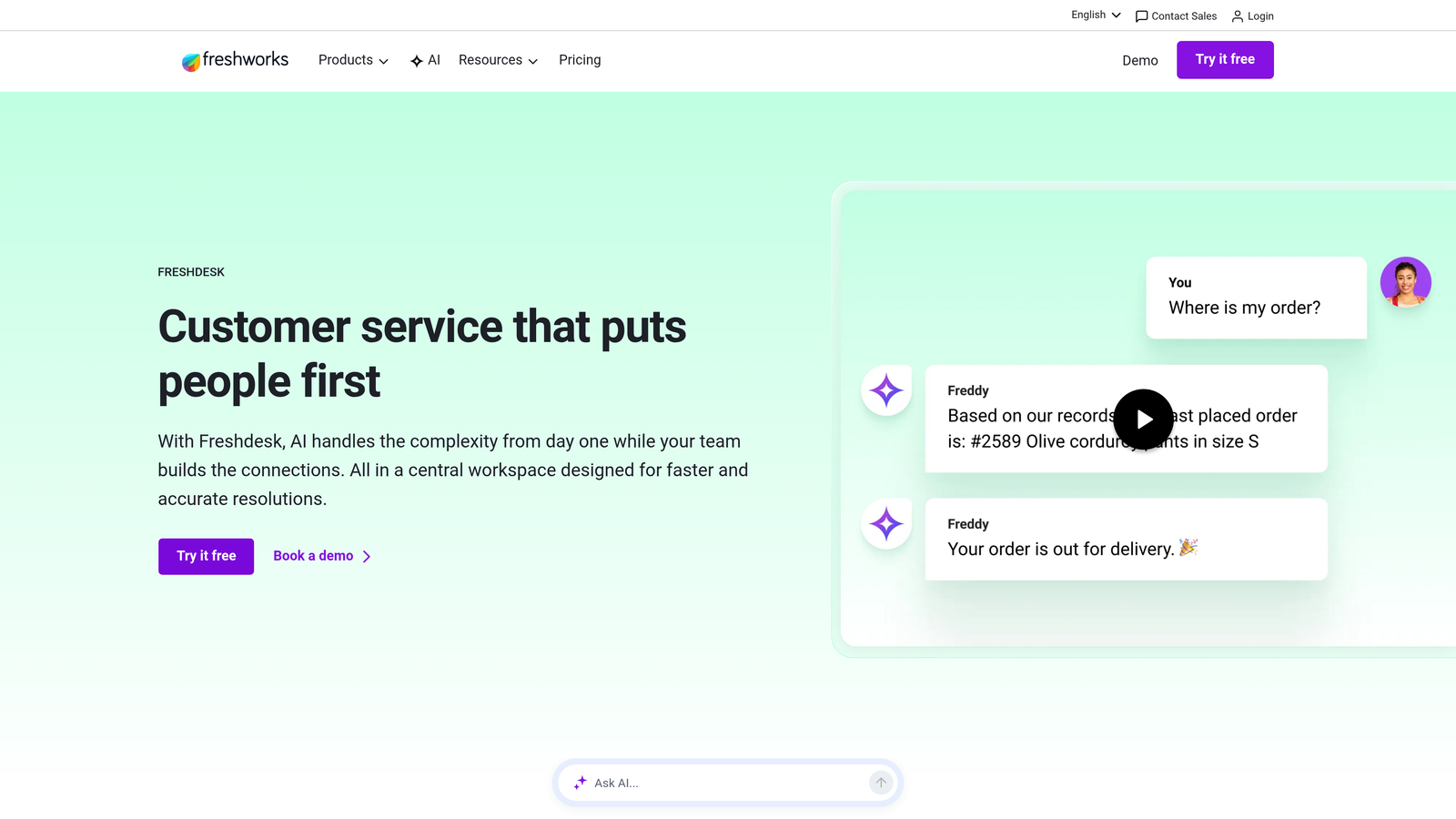
Freshdesk is an intuitive helpdesk solution offering robust automation, multi-channel support, and competitive pricing that scales with growing teams.
Where This Tool Shines
Freshdesk delivers remarkable value for its price point. The platform includes automation capabilities that rival enterprise tools at a fraction of the cost, making it popular with startups and mid-market companies experiencing rapid growth. The scenario-based workflow automation lets you create sophisticated routing and escalation rules without technical expertise.
Freddy AI provides both agent assistance and customer self-service capabilities, though it's not as autonomous as AI-native platforms. The built-in knowledge base and community forums mean you don't need separate tools for self-service content.
Key Features
Ticket Automation: Scenario-based workflows that automatically route, prioritize, assign, and escalate tickets based on customizable conditions.
Freddy AI: AI assistant that suggests responses to agents and powers chatbot deflection for customers seeking help.
Team Collaboration: Team Huddle feature for internal discussions on complex tickets without cluttering the customer-facing thread.
Knowledge Base and Forums: Built-in self-service tools with SEO-friendly articles and community discussion boards for peer-to-peer support.
SLA Management: Track and enforce service level agreements with automatic escalations and performance dashboards.
Best For
Growing teams that need professional helpdesk capabilities without enterprise budgets. Companies scaling from 5-50 support agents who want automation and multi-channel support at accessible price points.
Pricing
Free tier available with basic features. Paid plans start at $15 per agent per month, with higher tiers adding automation, reporting, and AI capabilities. Strong value proposition for the feature set.
5. HubSpot Service Hub
Best for: Teams already using HubSpot CRM who want unified customer data across departments
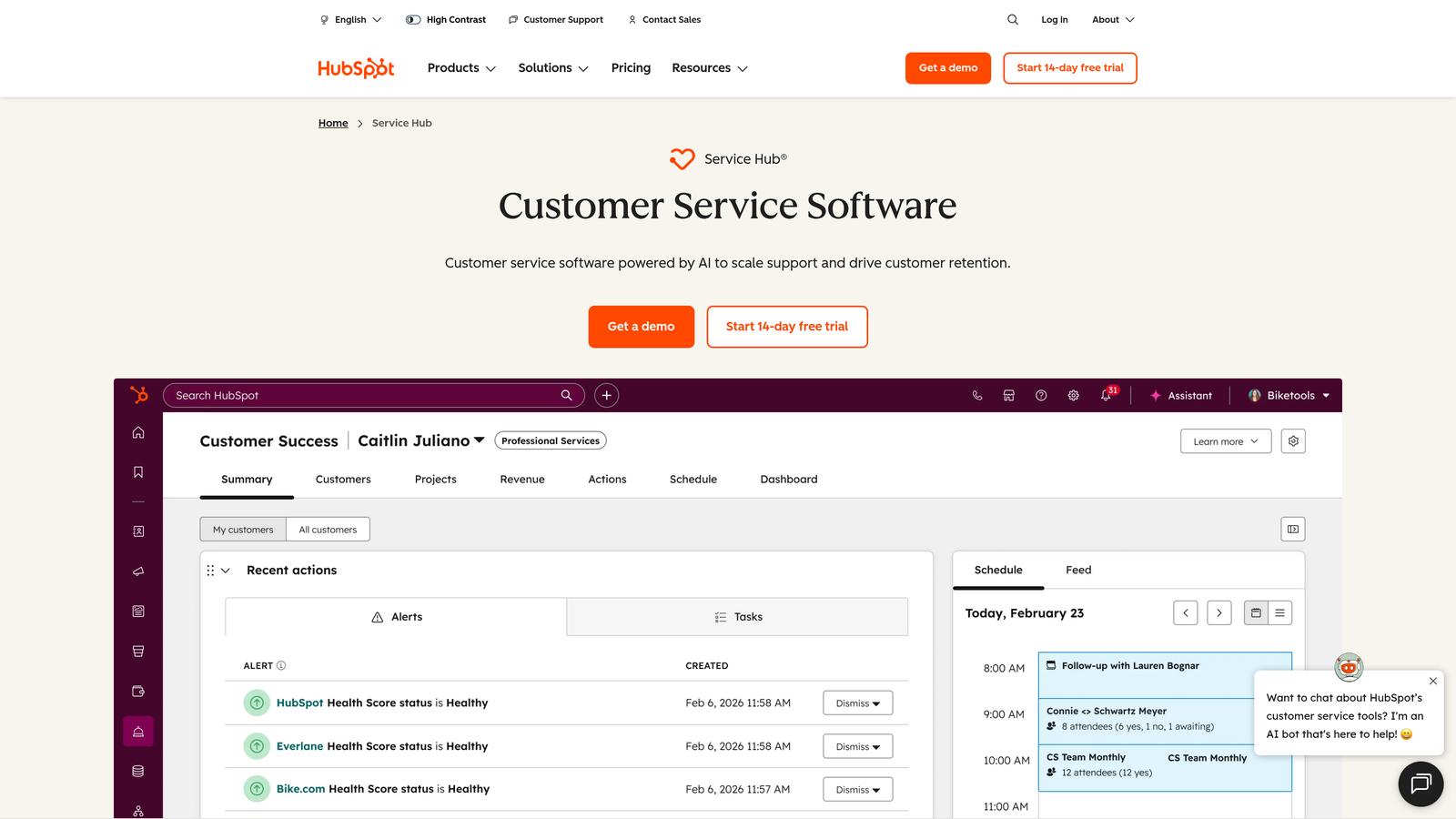
HubSpot Service Hub is customer service software that integrates seamlessly with HubSpot's CRM, providing complete customer visibility across marketing, sales, and support.
Where This Tool Shines
If your company already uses HubSpot for marketing or sales, Service Hub offers unmatched integration. Every support interaction automatically updates the customer record, giving your entire organization a unified view of each customer's journey. Support agents see marketing campaign engagement, sales deal history, and product usage data in one interface.
The customer portal feature lets customers track their own tickets and find answers independently, reducing repetitive "what's the status?" inquiries. The feedback surveys and NPS tracking connect support quality directly to customer satisfaction metrics.
Key Features
Unified CRM: Complete customer timeline showing marketing touchpoints, sales interactions, support tickets, and product usage in a single view.
Customer Portal: Self-service interface where customers track ticket status, view knowledge base articles, and manage their own information.
Knowledge Base: SEO-optimized help center with analytics on article performance and search queries that reveal content gaps.
Conversational Tools: Live chat and chatbot capabilities with routing based on customer attributes and conversation context.
Customer Feedback: Built-in NPS surveys, customer satisfaction ratings, and feedback collection tied directly to support interactions.
Best For
Companies already invested in the HubSpot ecosystem who want to extend that unified data approach to customer support. Teams that value alignment between marketing, sales, and support departments.
Pricing
Free tools available with limited features. Starter plan from $20 per month (not per user). Professional plan from $100 per month adds automation and reporting. Pricing scales with contact database size.
6. Help Scout
Best for: Teams prioritizing personal, human-centered interactions with clean collaboration
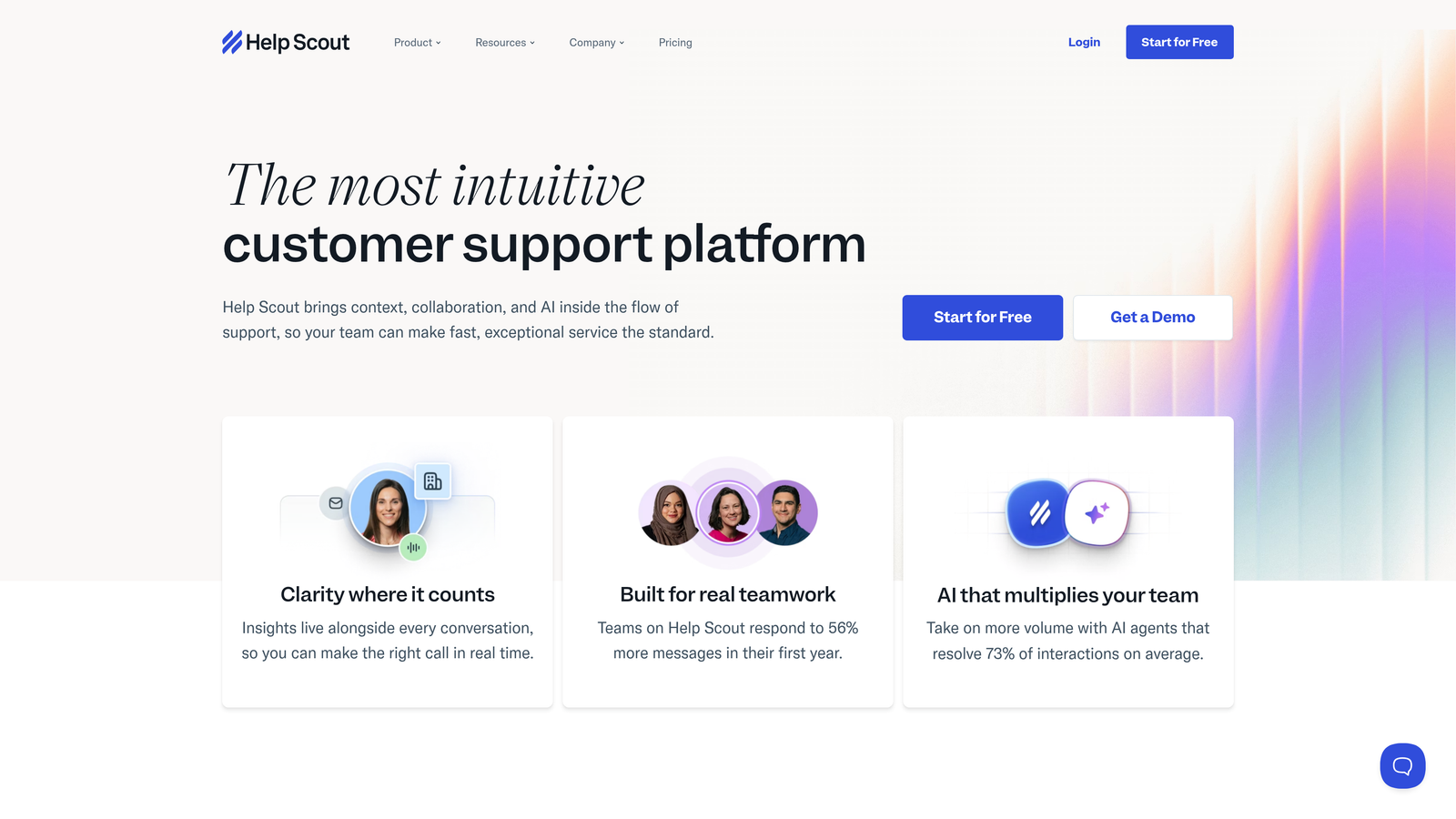
Help Scout is a customer support platform designed for teams that value maintaining personal connections even as they scale.
Where This Tool Shines
Help Scout's philosophy centers on keeping support human and personal. The interface feels more like email than a traditional ticketing system, which helps agents write natural, conversational responses rather than templated replies. The collision detection feature prevents multiple agents from accidentally working on the same conversation, a common pain point in shared inbox systems.
The Beacon widget elegantly combines knowledge base search, messaging, and live chat in a single embedded interface. Customers can search for answers first, then escalate to chat or email if needed, all without leaving your product.
Key Features
Shared Inbox: Email-like interface with collision detection that shows when teammates are viewing or replying to conversations.
Beacon Widget: Embeddable help widget that combines knowledge base search, contact forms, and live chat in a unified experience.
Docs Knowledge Base: Clean, searchable help center with instant answers surfaced as customers type their questions.
Customer Profiles: Complete conversation history and custom fields that give context about each customer's needs and history.
Workflows: Automated routing, tagging, and assignment rules that organize incoming conversations without complex configuration.
Best For
Small to mid-sized teams (5-50 agents) that want to maintain a personal touch as they grow. Companies whose brand identity emphasizes human connection and personalized service.
Pricing
Starts at $25 per user per month for the Standard plan. Plus plan at $50 per user per month adds advanced features. Straightforward per-user pricing with no hidden costs.
7. Gorgias
Best for: E-commerce brands needing order management directly within support conversations
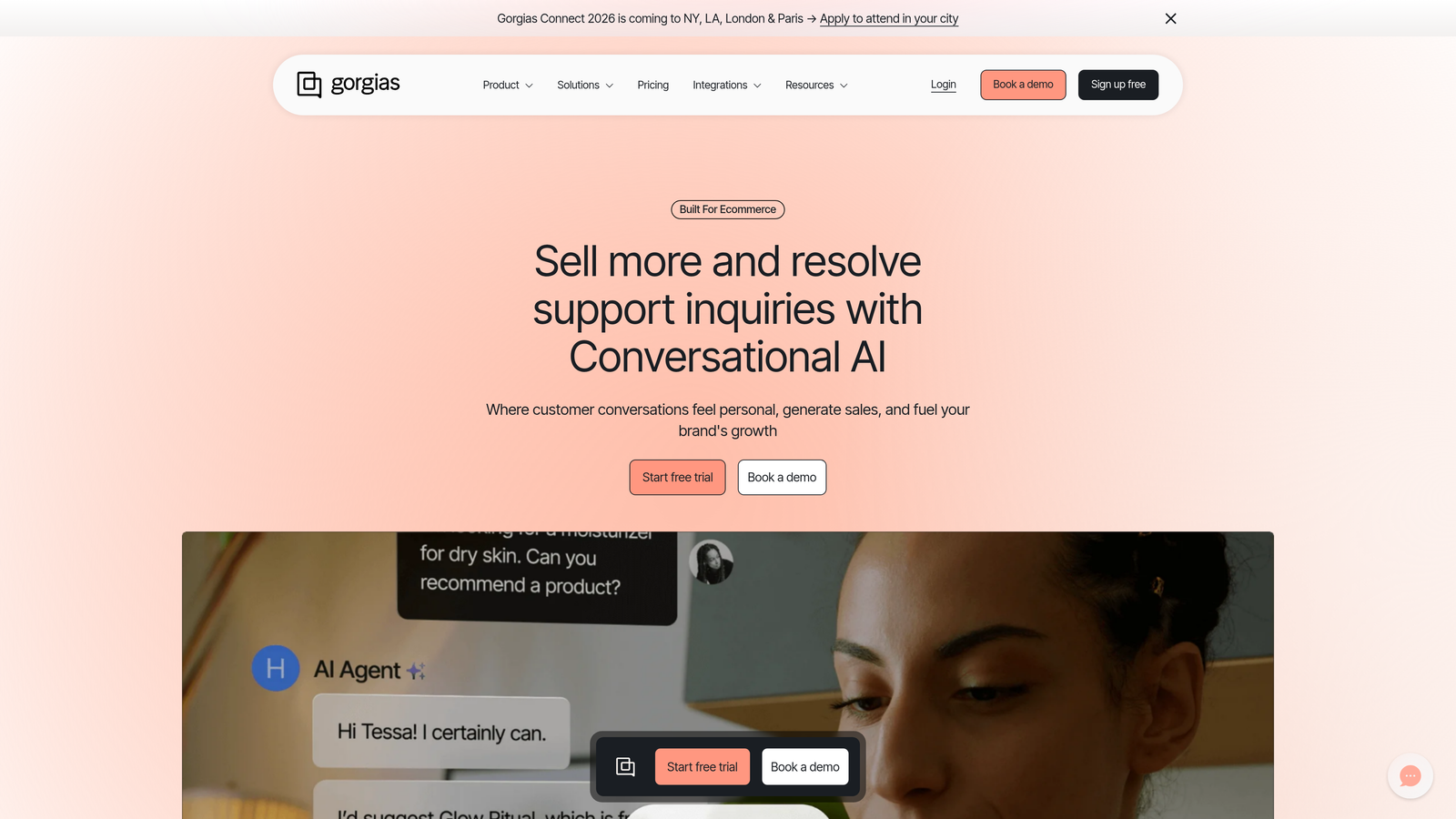
Gorgias is a helpdesk built specifically for e-commerce, with deep integrations into Shopify, BigCommerce, and Magento that bring order data into every conversation.
Where This Tool Shines
Gorgias transforms e-commerce support by eliminating the constant tab-switching between your helpdesk and your e-commerce platform. Agents can process refunds, cancel orders, modify shipping addresses, and update order details with single clicks directly from the support conversation. This dramatically reduces resolution time for the most common e-commerce inquiries.
The revenue attribution feature tracks which support interactions lead to purchases, helping you understand support's impact on your bottom line. Macros can pull dynamic data from order records, personalizing responses with specific product names, order numbers, and shipping details automatically.
Key Features
One-Click Order Actions: Process refunds, cancellations, address changes, and order modifications without leaving the conversation interface.
Revenue Statistics: Track support's impact on sales with attribution showing which conversations led to purchases and revenue generated.
Dynamic Macros: Template responses that automatically populate with customer-specific data like order numbers, product names, and tracking information.
Multi-Channel Support: Manage email, live chat, social media messages, and SMS conversations in a unified inbox.
Rules-Based Automation: Automatically tag, route, and respond to common requests like "where is my order" based on order status data.
Best For
E-commerce brands on Shopify, BigCommerce, or Magento experiencing growth in order volume. Direct-to-consumer companies where order inquiries dominate support volume.
Pricing
Starts at $10 per month for up to 50 tickets. Pricing scales with ticket volume rather than agent count, which can be advantageous for small teams handling high volumes.
8. Front
Best for: Teams wanting collaborative email management with powerful team features
Front is a collaborative inbox platform that brings email, SMS, and social messages into a shared workspace designed for team collaboration.
Where This Tool Shines
Front reimagines email as a team sport. The platform lets multiple people manage shared email addresses (like support@, sales@, info@) while maintaining individual accountability. Internal comments and @mentions let team members discuss customer issues privately within the same interface where they handle external communication.
The rules engine automatically routes incoming messages to the right person or team based on sender, content, or other attributes. Analytics provide visibility into response times, workload distribution, and individual performance without requiring separate reporting tools.
Key Features
Shared Inboxes: Manage team email addresses while preserving individual sending identities and accountability for responses.
Internal Comments: Discuss customer issues privately with @mentions and threaded conversations attached to external messages.
Rules and Workflows: Automatic routing, tagging, and assignment based on message content, sender, or custom conditions.
Performance Analytics: Track response times, resolution rates, and workload distribution across team members with built-in dashboards.
Extensive Integrations: Connect to CRM systems, project management tools, and business applications to add context to conversations.
Best For
Teams that primarily use email for customer communication but need better collaboration and accountability. Companies transitioning from individual email accounts to shared team inboxes.
Pricing
Starts at $19 per seat per month for the Starter plan. Growth plan at $59 per seat per month adds advanced automation and analytics. Clear per-seat pricing structure.
9. Kustomer
Best for: High-touch support scenarios requiring complete customer timelines and omnichannel coordination
Kustomer is a CRM-first customer service platform providing unified customer views and omnichannel support for complex, relationship-driven scenarios.
Where This Tool Shines
Kustomer organizes everything around the customer rather than the ticket. Instead of seeing individual support requests in isolation, agents view a complete timeline of every interaction: purchases, support conversations, website visits, and product usage. This customer-centric approach is particularly valuable for high-touch scenarios where understanding the full relationship matters more than resolving isolated issues quickly.
The platform's custom objects let you model your specific business data, whether that's subscriptions, devices, projects, or accounts. This flexibility makes Kustomer adaptable to complex business models that don't fit traditional ticketing paradigms.
Key Features
Unified Customer Timeline: Complete chronological view of every customer interaction across all channels, purchases, and product usage.
AI-Powered Assistance: Chatbots for deflection and agent assistance tools that suggest responses and surface relevant customer information.
Business Process Automation: Custom objects and workflows that model your specific business processes beyond standard ticketing.
Sentiment Analysis: Automatic detection of customer emotion and satisfaction to prioritize at-risk conversations and identify escalation needs.
Proactive Outreach: Trigger customer communications based on behavior, milestones, or custom events to prevent issues before they arise.
Best For
Enterprise teams with complex customer relationships, subscription businesses, or high-touch support models. Companies where understanding the complete customer context is critical to resolution quality.
Pricing
Contact for pricing. Typically starts around $89 per user per month for enterprise plans. Higher price point reflects the platform's enterprise focus and customization capabilities.
Making the Right Choice
Choosing the right support software depends on where your team sits in its growth journey and what friction points you're trying to eliminate.
For teams wanting AI-first automation that continuously improves, Halo AI offers autonomous resolution with genuine learning capabilities that get smarter with every interaction. The platform's ability to see what users see and connect across your entire business stack makes it particularly valuable for product-focused companies scaling support without scaling headcount proportionally.
Enterprise teams needing maximum customization will find Zendesk's ecosystem unmatched, though the complexity and cost require dedicated resources to manage. Product-led companies benefit from Intercom's in-app engagement and proactive messaging, while e-commerce brands should look closely at Gorgias for its order management integration.
Budget-conscious teams scaling quickly often thrive with Freshdesk's balance of features and value. Companies already using HubSpot should seriously consider Service Hub for the unified data benefits. Teams prioritizing human connection will appreciate Help Scout's approach, while email-centric operations may find Front's collaborative inbox exactly what they need.
The key is matching the platform's strengths to your specific scaling challenges, whether that's ticket volume, channel complexity, or the need for deeper customer intelligence. Consider not just where your team is today, but where you'll be in 12-24 months. The right platform scales with you, amplifying your team's capabilities rather than just managing their workload.
Your support team shouldn't scale linearly with your customer base. Let AI agents handle routine tickets, guide users through your product, and surface business intelligence while your team focuses on complex issues that need a human touch. See Halo in action and discover how continuous learning transforms every interaction into smarter, faster support.