9 Best Ticket Resolution Automation Tools in 2026
This guide evaluates the 9 best ticket resolution automation tools in 2026, comparing AI-first platforms on resolution quality, integration depth, and scalability. Whether you run a lean startup support team or manage enterprise-level ticket volume, it identifies the right fit to help you autonomously resolve repetitive tickets and free agents for complex work.
 Grant CooperFounder14 min read
Support teams are drowning in repetitive tickets. The same password reset questions, the same billing inquiries, the same onboarding confusion — handled manually, one by one, by agents who could be solving genuinely complex problems instead. Ticket resolution automation changes that equation entirely.
The right platform can autonomously resolve a significant portion of incoming tickets, route the rest intelligently, and give your team the context they need to close what remains — fast. But not all automation tools are built the same. Some bolt AI onto legacy helpdesk infrastructure. Others are built AI-first from the ground up. Some focus purely on deflection; others deliver business intelligence alongside resolution.
This guide covers the top ticket resolution automation tools in 2026, evaluated on resolution quality, integration depth, learning capabilities, and how well they scale with growing support demand. Whether you're running a lean startup support team or managing enterprise-scale ticket volume, there's a fit here for you.
1. Halo AI
Best for: B2B SaaS teams that want AI-first resolution with business intelligence built in
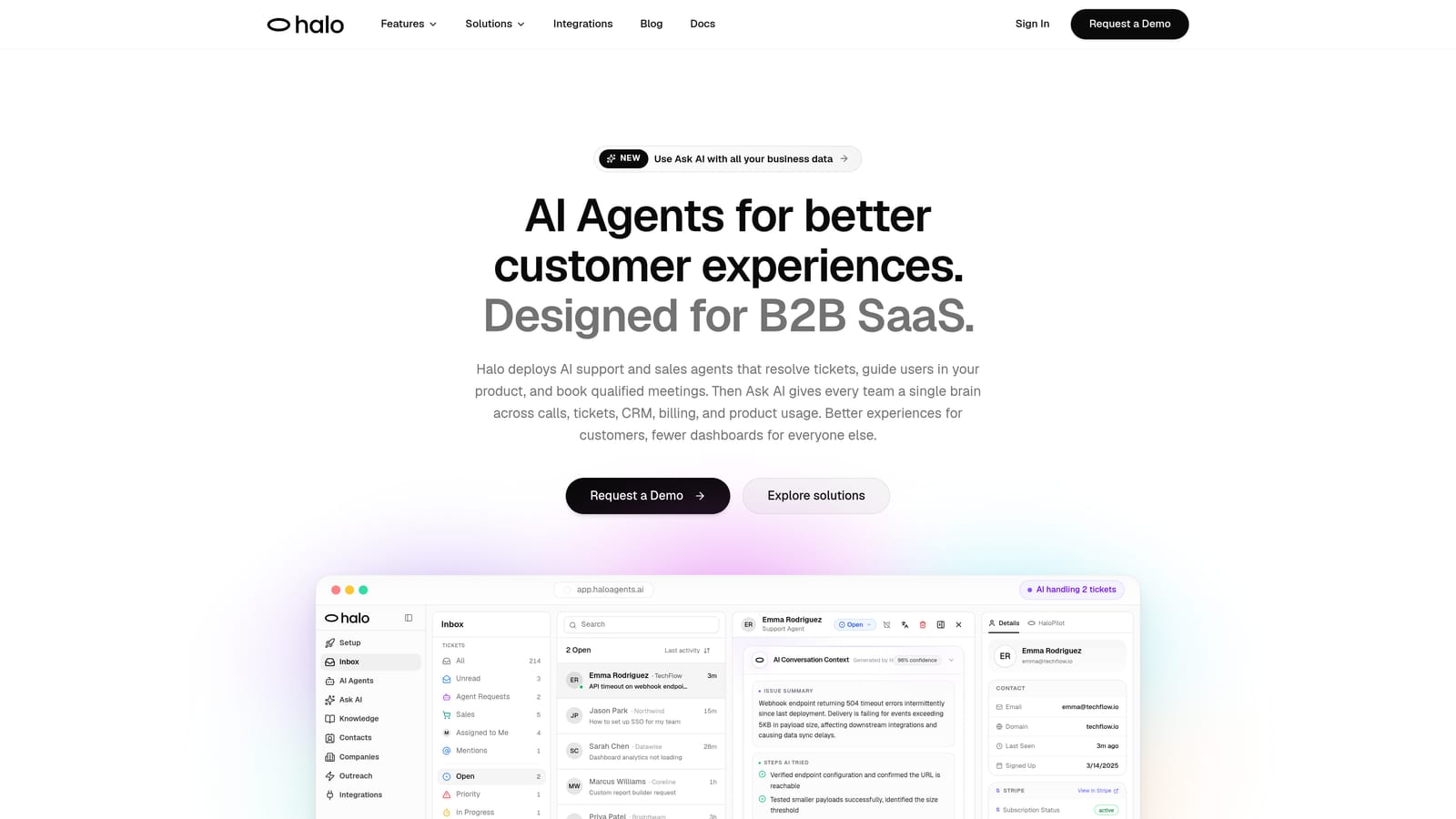
Halo AI is an AI-first customer support platform that resolves tickets autonomously, guides users through your product with page-aware context, and surfaces business intelligence from every support interaction.
Where This Tool Shines
Most automation tools answer tickets. Halo AI does something more interesting: it understands what your user is looking at inside your product when they reach out, so responses are grounded in actual context rather than generic knowledge base answers. That page-aware capability is a meaningful differentiator for SaaS teams where user confusion is often screen-specific.
The other standout is the intelligence layer. Halo doesn't just resolve and move on — it surfaces customer health signals, revenue anomalies, and churn indicators from ticket patterns. Your support inbox becomes a source of business insight, not just a queue to drain.
Key Features
Page-Aware Chat Widget: Understands what users are viewing in your product, enabling contextually accurate guidance rather than generic responses.
Autonomous Ticket Resolution: AI agents handle tickets end-to-end with continuous learning from every resolved interaction, improving over time without manual retraining.
Auto Bug Ticket Creation: Automatically creates and routes bug reports to Linear or your issue tracker directly from support conversations.
Smart Inbox with Business Intelligence: Surfaces customer health signals, revenue anomalies, and churn indicators from ticket data — turning support into a strategic data source.
Live Agent Handoff: Escalates to human agents with full conversation context preserved, so nothing gets lost in the transition.
Deep Integration Stack: Connects natively with Linear, Slack, HubSpot, Intercom, Stripe, Zoom, PandaDoc, and Fathom.
Best For
B2B SaaS companies and product teams that want more than deflection from their support automation. Particularly strong for teams already using tools like HubSpot, Linear, or Stripe who want their support layer to communicate with the rest of their stack.
Pricing
Contact for pricing. Given the enterprise-grade intelligence layer and integration depth, Halo is positioned for SaaS teams with meaningful ticket volume and a need for strategic insights alongside resolution.
2. Intercom (Fin AI Agent)
Best for: Teams already running support operations inside the Intercom ecosystem
Intercom Fin is Intercom's native AI agent, built to resolve customer queries using connected knowledge sources within the Intercom messenger experience.
Where This Tool Shines
Fin's biggest advantage is how seamlessly it fits into existing Intercom workflows. If your team already lives in the Intercom inbox, there's essentially no migration friction — Fin layers on top of what you have. Resolution quality is solid for teams with well-maintained help content, since Fin draws directly from connected knowledge sources to generate accurate answers.
The handoff experience is also clean. When Fin can't resolve a query, the conversation transfers to a human agent within the same thread, preserving full context. For teams prioritizing a smooth customer experience over the seams between AI and human, this matters.
Key Features
Conversational AI Resolution: Resolves queries using your help content and knowledge base with natural, conversational responses.
Native Intercom Integration: Works directly within the Intercom inbox and workflow tooling — no separate setup required.
Seamless Human Handoff: Escalates within the same conversation thread, keeping context intact for both agent and customer.
Multi-Source Knowledge Retrieval: Pulls from multiple connected knowledge sources to improve answer accuracy.
Per-Resolution Pricing: Usage-based model that aligns cost with actual AI activity rather than seat count.
Best For
Companies already using Intercom as their primary support platform who want to add autonomous resolution without switching tools. Less compelling as a standalone choice if you're not already in the Intercom ecosystem.
Pricing
Per-resolution pricing model. Costs can scale quickly at high ticket volumes, so model your expected usage before committing. Check Intercom.com for current rates.
3. Zendesk AI
Best for: Large enterprises with established Zendesk workflows seeking to augment agent performance
Zendesk AI embeds intelligent capabilities across the Zendesk Suite, including triage, intent detection, agent copilot suggestions, and automated ticket routing.
Where This Tool Shines
Zendesk AI is most powerful for organizations that have already invested deeply in the Zendesk platform. The intent detection, sentiment analysis, and intelligent routing capabilities reduce the manual triage burden significantly at scale. For large teams handling thousands of tickets daily, even incremental routing improvements translate into real time savings.
The agent copilot feature is genuinely useful for complex tickets that still need human handling — it surfaces relevant macros, suggests responses, and provides real-time guidance so agents can close tickets faster without sacrificing quality.
Key Features
Intelligent Triage: Detects intent, sentiment, and language on incoming tickets to route them accurately without manual sorting.
AI-Powered Macro Suggestions: Recommends relevant macros and response templates to agents based on ticket content.
Automated Routing: Classifies tickets and routes them to the right team or queue based on AI-detected topic and urgency.
Agent Copilot: Provides real-time guidance during live conversations to help agents respond accurately and efficiently.
Advanced AI Add-On: Extended AI capabilities available as an add-on to existing Zendesk Suite plans.
Best For
Enterprise support teams with high ticket volume already operating within the Zendesk Suite. The AI layer is augmentative rather than fully autonomous, so it works best for teams that want to accelerate agents rather than replace them entirely.
Pricing
Advanced AI is an add-on to Zendesk Suite plans. Check Zendesk.com for current rates, as pricing varies by plan tier.
4. Freshdesk Freddy AI
Best for: SMBs that want both autonomous resolution and agent-assist without enterprise-level pricing
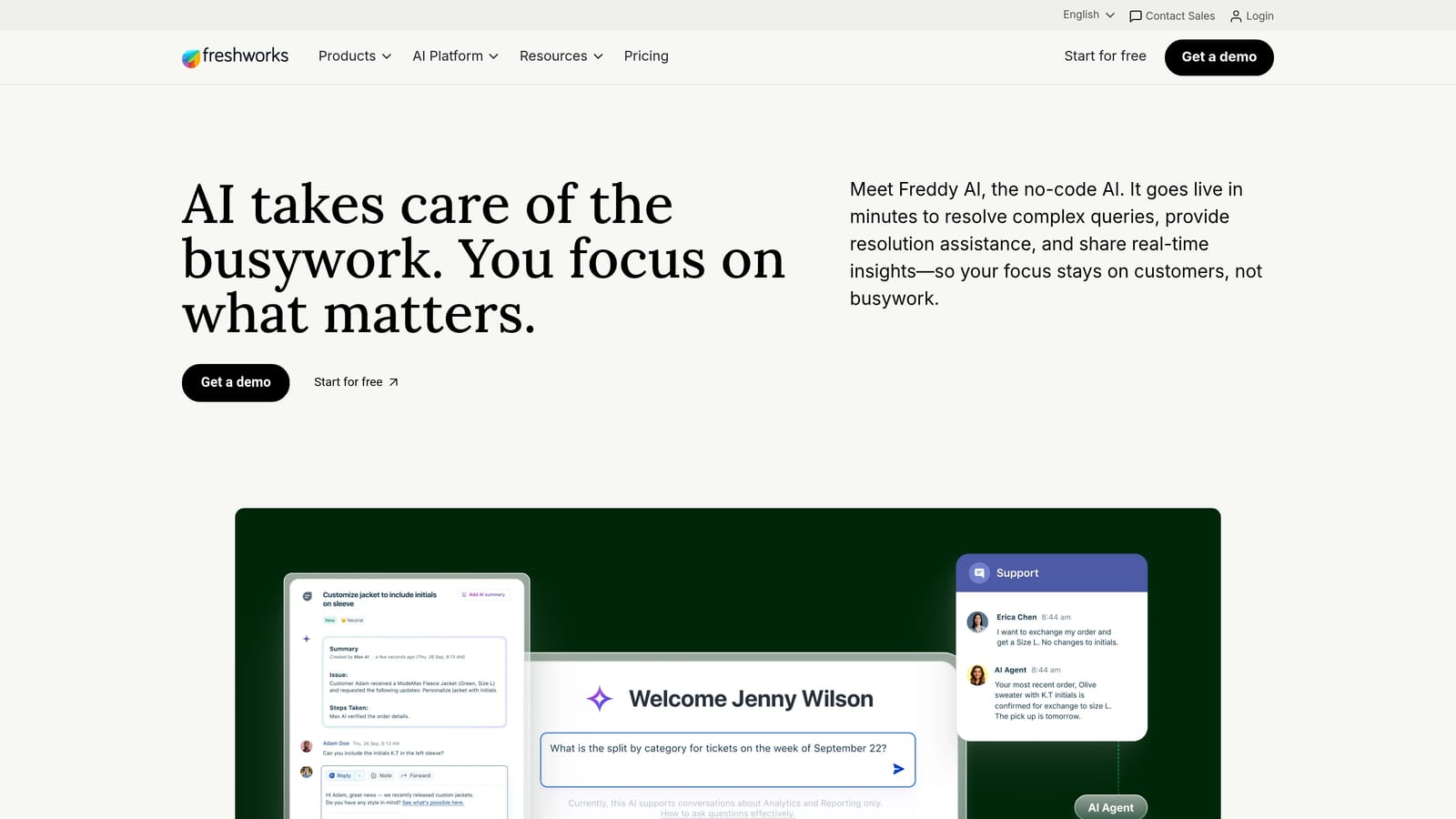
Freshdesk Freddy AI is Freshworks' AI layer for Freshdesk, combining a self-service agent for autonomous resolution with a copilot mode that assists human agents in real time.
Where This Tool Shines
Freddy AI offers two distinct modes that serve different needs without requiring separate tools. Freddy Self Service handles common queries autonomously, while Freddy Copilot assists agents on more complex tickets with suggestions, summaries, and canned response recommendations. For growing teams that need both capabilities, this dual-mode approach reduces tool sprawl.
The pricing accessibility is also notable. Freshdesk's AI features are included in higher plan tiers rather than priced as a separate add-on, which makes the total cost of ownership more predictable for SMBs managing tighter budgets.
Key Features
Freddy Self Service: Autonomously handles common queries without human involvement, reducing ticket volume at the front line.
Freddy Copilot: Assists agents with response suggestions, ticket summaries, and canned reply recommendations during live handling.
Ticket Summarization: Generates concise summaries to speed up agent context-gathering on complex or long-running tickets.
Canned Response Recommendations: Surfaces relevant pre-written responses based on ticket content to reduce agent typing time.
Accessible Pricing Tier: AI features included within existing Freshdesk plan tiers rather than sold as a separate add-on.
Best For
SMBs and mid-market teams using Freshdesk who want a balanced mix of autonomous resolution and agent productivity tools without committing to enterprise pricing. Complex multi-system workflows may still require human handling.
Pricing
Included in higher Freshdesk plan tiers. Check Freshworks.com for current plan details and tier availability.
5. Tidio Lyro AI
Best for: Small businesses and e-commerce teams that need fast deployment with minimal setup
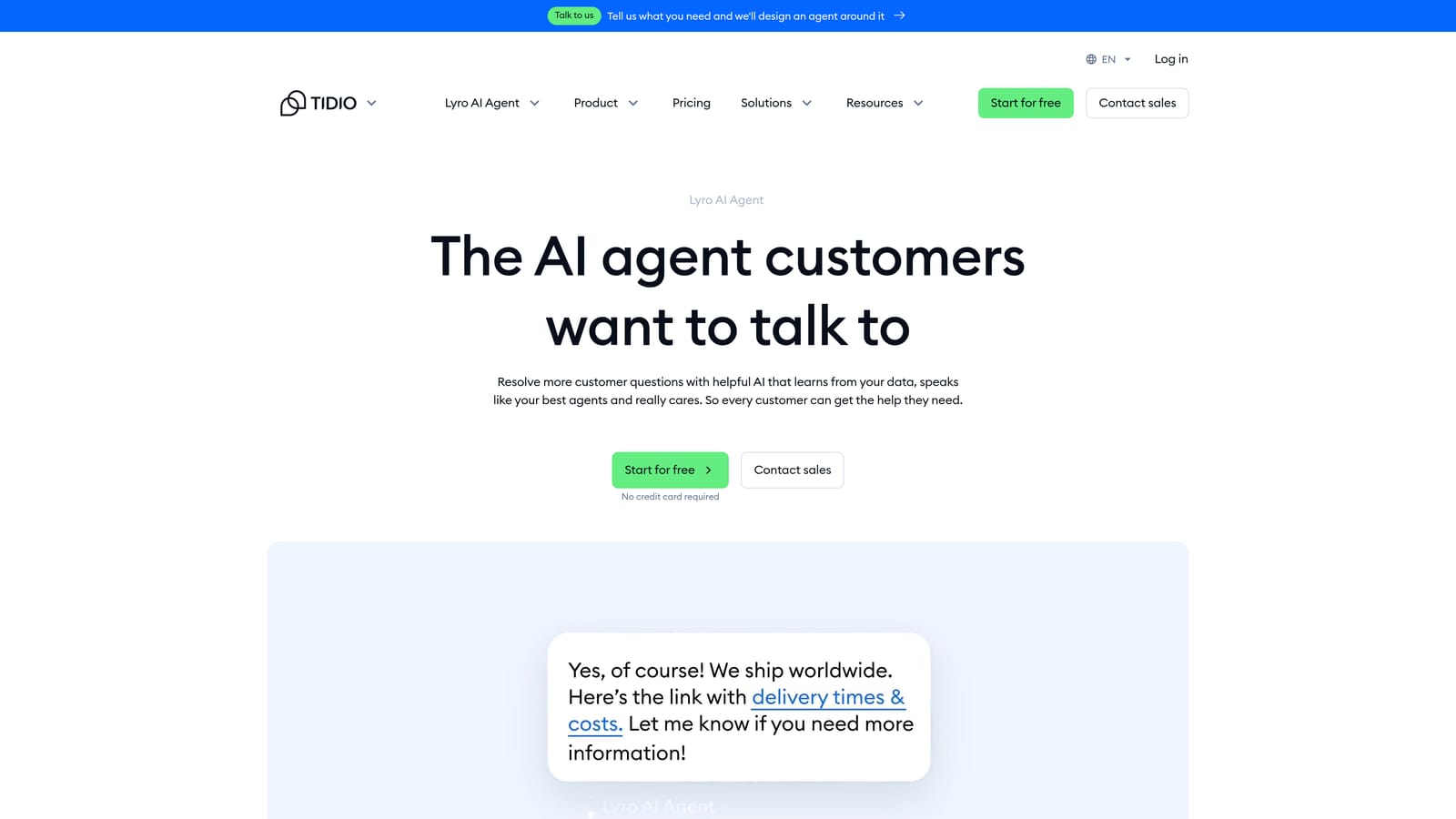
Tidio Lyro is a conversational AI agent designed for fast deployment, trained on your existing help content to autonomously handle common customer queries.
Where This Tool Shines
Lyro's strongest selling point is speed to value. No-code setup means teams can go from installation to live AI resolution in hours rather than weeks. For small businesses without dedicated technical resources, that frictionless onboarding is genuinely meaningful. Lyro also stays within clearly defined scope boundaries — it answers what it knows and hands off what it doesn't, which reduces the risk of AI hallucination frustrating customers.
The conversation-based pricing model with a free tier makes it accessible for teams just starting with automation, allowing you to test resolution quality before scaling spend.
Key Features
No-Code Setup: Trained on your help content without technical configuration, enabling rapid deployment for non-technical teams.
Conversational Resolution: Handles common queries autonomously within your defined knowledge scope.
Clear Scope Boundaries: Lyro stays within your defined knowledge base rather than attempting to answer outside its training data.
Human Handoff: Routes to a human agent when queries exceed AI capability, maintaining a smooth customer experience.
Free Tier Available: Conversation-based pricing with a free entry point suitable for small teams testing the capability.
Best For
Small businesses, e-commerce teams, and consumer-facing support operations that want fast, reliable AI resolution without complex configuration. Less suited to B2B SaaS workflows with multi-step or technically complex support scenarios.
Pricing
Conversation-based pricing with a free tier available. Check Tidio.com for current conversation limits and plan details.
6. Forethought AI
Best for: Teams that want AI-powered triage and enrichment layered on top of an existing helpdesk
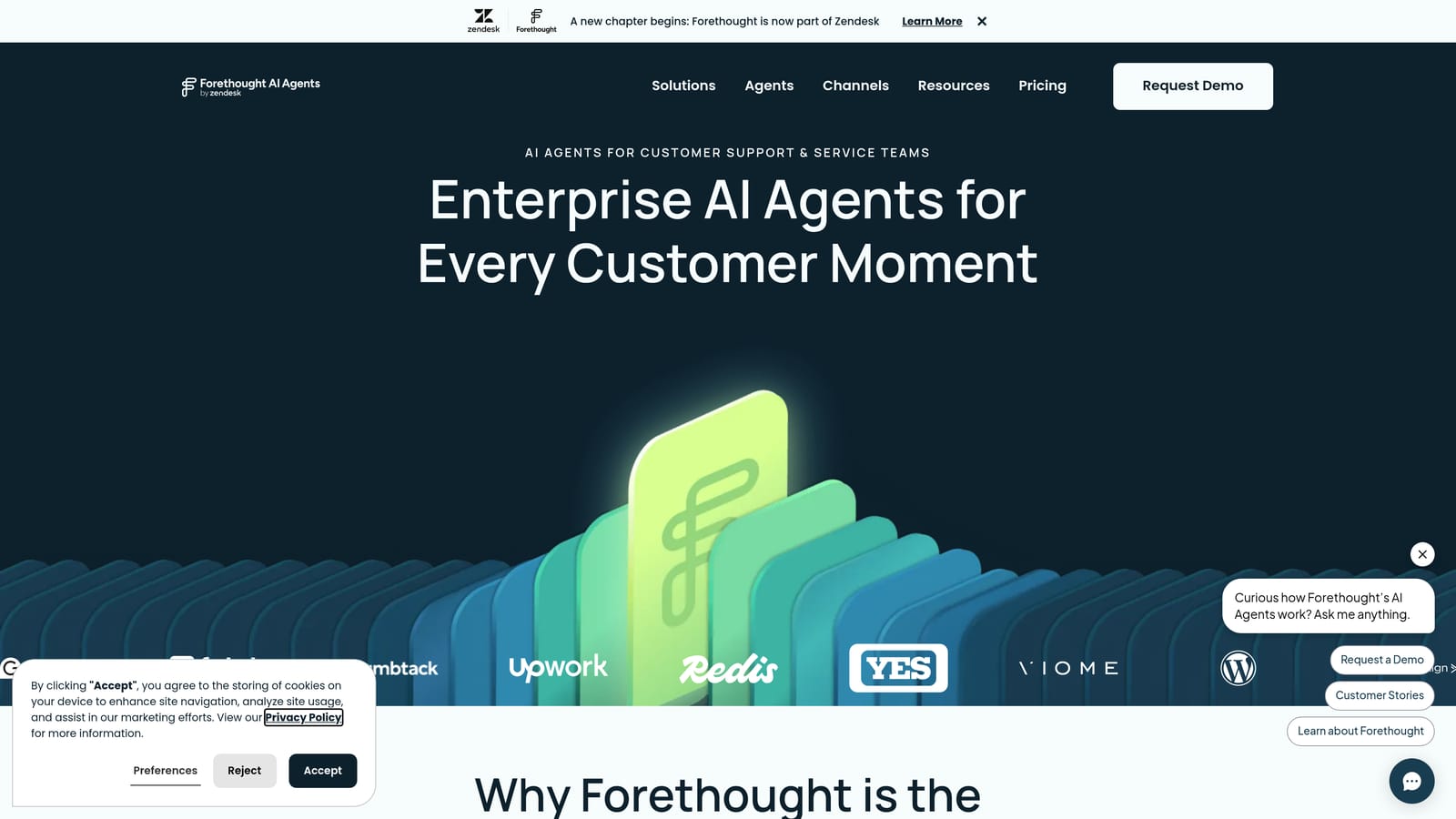
Forethought AI is an AI platform focused on intelligent triage, ticket enrichment, and resolution workflows that layer on top of existing helpdesks like Zendesk and Salesforce.
Where This Tool Shines
Forethought's approach is additive rather than replacement-oriented. If your team has invested in a helpdesk like Zendesk or Salesforce and isn't ready to migrate, Forethought enhances what you already have. The intent detection and ticket enrichment capabilities mean agents receive tickets pre-classified and pre-contextualized, reducing the time spent on triage before they can actually start resolving.
The resolution suggestion engine, which pulls from both your knowledge base and historical resolved tickets, improves over time as your ticket history grows. This makes Forethought increasingly valuable the longer you use it.
Key Features
AI-Powered Intent Detection: Accurately classifies incoming tickets by topic and intent before they reach an agent queue.
Ticket Enrichment: Pre-populates tickets with relevant context and classification data before agent review to reduce handle time.
Automated Routing: Routes tickets based on predicted topic and urgency without manual intervention.
Resolution Suggestions: Surfaces relevant answers from your knowledge base and past resolved tickets to accelerate agent responses.
Multi-Helpdesk Integrations: Works with Zendesk, Salesforce, ServiceNow, and other major helpdesk platforms.
Best For
Support teams with established helpdesk investments who want to add AI intelligence without replacing their existing platform. Particularly strong for teams where triage accuracy and handle time reduction are the primary goals.
Pricing
Contact for pricing. Check Forethought.ai for current information on plans and packages.
7. Salesforce Einstein for Service
Best for: Enterprise teams with Salesforce as their primary CRM and service platform
Salesforce Einstein for Service is Salesforce's native AI layer for Service Cloud, using CRM data to deliver personalized, context-rich ticket resolutions and agent recommendations.
Where This Tool Shines
Einstein's core advantage is CRM-native context. When your entire customer relationship history lives in Salesforce, AI resolutions and recommendations are informed by purchase history, account status, past cases, and relationship data — not just the current ticket. That personalization depth is difficult to replicate with tools that don't have the same CRM access.
Einstein Copilot brings this context directly into the agent experience with real-time guidance, next-best-action recommendations, and AI-generated case summaries. For complex B2B accounts where relationship context matters, this is a genuine differentiator.
Key Features
CRM-Native Context: Personalizes resolutions and recommendations using full customer history from Salesforce CRM.
AI Case Summaries: Generates concise case summaries and next-best-action recommendations to guide agent decisions.
Automated Case Classification: Classifies and routes cases within Service Cloud based on AI-detected topic and priority.
Einstein Copilot: Provides real-time guidance to agents during active cases, drawing on CRM data for relevant context.
Full Salesforce Platform Integration: Works across the entire Salesforce ecosystem including Sales Cloud, Marketing Cloud, and Commerce Cloud.
Best For
Large enterprises with Salesforce already embedded as the single source of truth for customer data. Implementation complexity and cost make this less practical for teams without an existing Salesforce footprint or dedicated admin resources.
Pricing
Add-on to Salesforce Service Cloud plans. Check Salesforce.com for current pricing, as costs vary significantly by edition and add-on configuration.
8. Help Scout AI
Best for: Small teams that want AI-assisted speed without committing to full autonomous resolution
Help Scout AI brings AI-powered productivity features into Help Scout's shared inbox, focused on speeding up agents with drafts, summaries, and AI-generated answers rather than fully autonomous ticket handling.
Where This Tool Shines
Help Scout AI is deliberately human-first. Rather than attempting full autonomy, it makes each agent faster: AI Drafts generate reply suggestions based on conversation context, AI Answers surface relevant knowledge base articles automatically, and conversation summaries help agents get up to speed on long threads in seconds. For teams that aren't ready to hand full resolution control to AI, this is a sensible middle ground.
The fact that these features are included in standard Help Scout plans — with no separate AI add-on required — removes the pricing complexity that often comes with AI-enhanced tools.
Key Features
AI Drafts: Generates reply suggestions based on the full conversation context, giving agents a strong starting point for each response.
Conversation Summarization: Produces concise summaries of long threads for faster agent handoffs and context review.
AI Answers: Automatically surfaces relevant knowledge base articles within the agent view based on ticket content.
Tone and Clarity Suggestions: Offers improvements to outgoing replies for consistency and professionalism.
Included in Standard Plans: No separate AI pricing tier required — features are available within existing Help Scout subscriptions.
Best For
Small to mid-sized teams using Help Scout who want measurable productivity gains without the operational risk of full automation. Best suited to teams with a human-first support philosophy that values AI as an assistant rather than a replacement.
Pricing
Included in Help Scout plans at no additional AI add-on cost. Check HelpScout.com for current plan details.
9. Zoho Desk Zia AI
Best for: Teams operating within the Zoho ecosystem who want AI insights alongside basic automation
Zoho Desk Zia is Zoho's AI assistant embedded in Zoho Desk, offering sentiment analysis, anomaly detection, response suggestions, and automatic ticket tagging within the Zoho ecosystem.
Where This Tool Shines
Zia's sentiment analysis and anomaly detection capabilities are genuinely useful for teams that want early warning signals rather than reactive support management. Flagging frustrated customers before they escalate, or surfacing unusual ticket volume spikes before they become a crisis, gives support managers a proactive tool rather than just a reactive one.
When combined with Zoho CRM, Zia gains access to fuller customer context, making its response suggestions and ticket classification more accurate. The competitive pricing within the Zoho ecosystem makes it an attractive option for teams already invested in the Zoho stack.
Key Features
Sentiment Analysis: Detects sentiment on incoming tickets to flag urgent or frustrated customers for priority handling.
Anomaly Detection: Surfaces unusual ticket volume spikes and patterns before they escalate into larger issues.
Automated Response Suggestions: Recommends relevant responses based on ticket content and historical resolution data.
Intelligent Ticket Tagging: Automatically classifies and tags tickets for accurate routing and reporting.
Zoho CRM Integration: Works alongside Zoho CRM to enrich ticket context with full customer relationship data.
Best For
Teams already using Zoho Desk and Zoho CRM who want AI-driven insights and basic automation without adding external tools. Less compelling for teams outside the Zoho ecosystem, where the integration advantages largely disappear.
Pricing
Included in the Zoho Desk Enterprise plan. Check Zoho.com for current plan pricing and feature availability by tier.
Which Tool Is Right for Your Team?
The right ticket resolution automation tool depends on two things: where you are today and where you're trying to go. Before you evaluate any platform, audit your current ticket volume, resolution rate (fully closed without human touch), and the percentage of tickets that are genuinely repetitive. That baseline shapes everything.
Here's a practical way to think about the options covered in this guide:
For B2B SaaS teams that want AI-first resolution with business intelligence: Halo AI is the standout choice. The page-aware context, continuous learning, and smart inbox intelligence layer make it more than a support tool — it becomes a source of product and revenue insight.
For teams already deep in Intercom or Zendesk: Fin AI Agent and Zendesk AI are the natural fits. Switching costs are low, integration is native, and the capabilities are solid for teams with mature helpdesk workflows.
For SMBs watching budget closely: Freshdesk Freddy AI and Tidio Lyro both offer accessible entry points. Freddy works well for teams that want both autonomous and agent-assist modes; Lyro is the faster path to deployment for simpler support scenarios.
For enterprises with Salesforce as the center of gravity: Einstein for Service is the logical choice, especially where CRM context drives resolution quality. Forethought is worth considering if you want AI intelligence layered on top of an existing helpdesk without a full platform migration.
For teams that want AI speed without full automation: Help Scout AI and Zoho Desk Zia both take a more measured approach, enhancing agent productivity rather than pursuing full autonomy.
One principle worth holding onto as you evaluate: the best automation tool isn't the one that deflects the most tickets. It's the one that learns from every interaction and gets measurably better over time. Deflection is a short-term metric. Resolution quality and continuous improvement are what scale.
Your support team shouldn't scale linearly with your customer base. Let AI agents handle routine tickets, guide users through your product, and surface business intelligence while your team focuses on complex issues that need a human touch. See Halo in action and discover how continuous learning transforms every interaction into smarter, faster support.