9 Best Zendesk Alternatives for Automation in 2026
If Zendesk's automation requires too much configuration or costly add-ons to deliver intelligent ticket resolution, these nine best Zendesk alternatives for automation offer more powerful solutions. This guide evaluates platforms that provide autonomous AI ticket resolution, smart routing, and workflow automation that genuinely reduces support team workload—not just shuffles tickets faster—helping B2B teams handle growing support queues without proportionally expanding headcount.
 Grant CooperFounder12 min read
When your support queue grows faster than your team, automation becomes essential—not optional. While Zendesk has long dominated the helpdesk space, many B2B teams find its automation capabilities require extensive configuration, costly add-ons, or simply don't deliver the intelligent ticket resolution they need. Whether you're frustrated by Zendesk's pricing tiers, limited AI capabilities, or rigid workflow builders, the right alternative can transform your support operation.
This guide evaluates nine platforms specifically through the lens of automation power—from AI agents that resolve tickets autonomously to smart routing that eliminates manual triage. We've prioritized tools that reduce human workload while maintaining quality, not just those that shuffle tickets faster.
1. Halo AI
Best for: B2B SaaS teams seeking autonomous AI ticket resolution that learns continuously
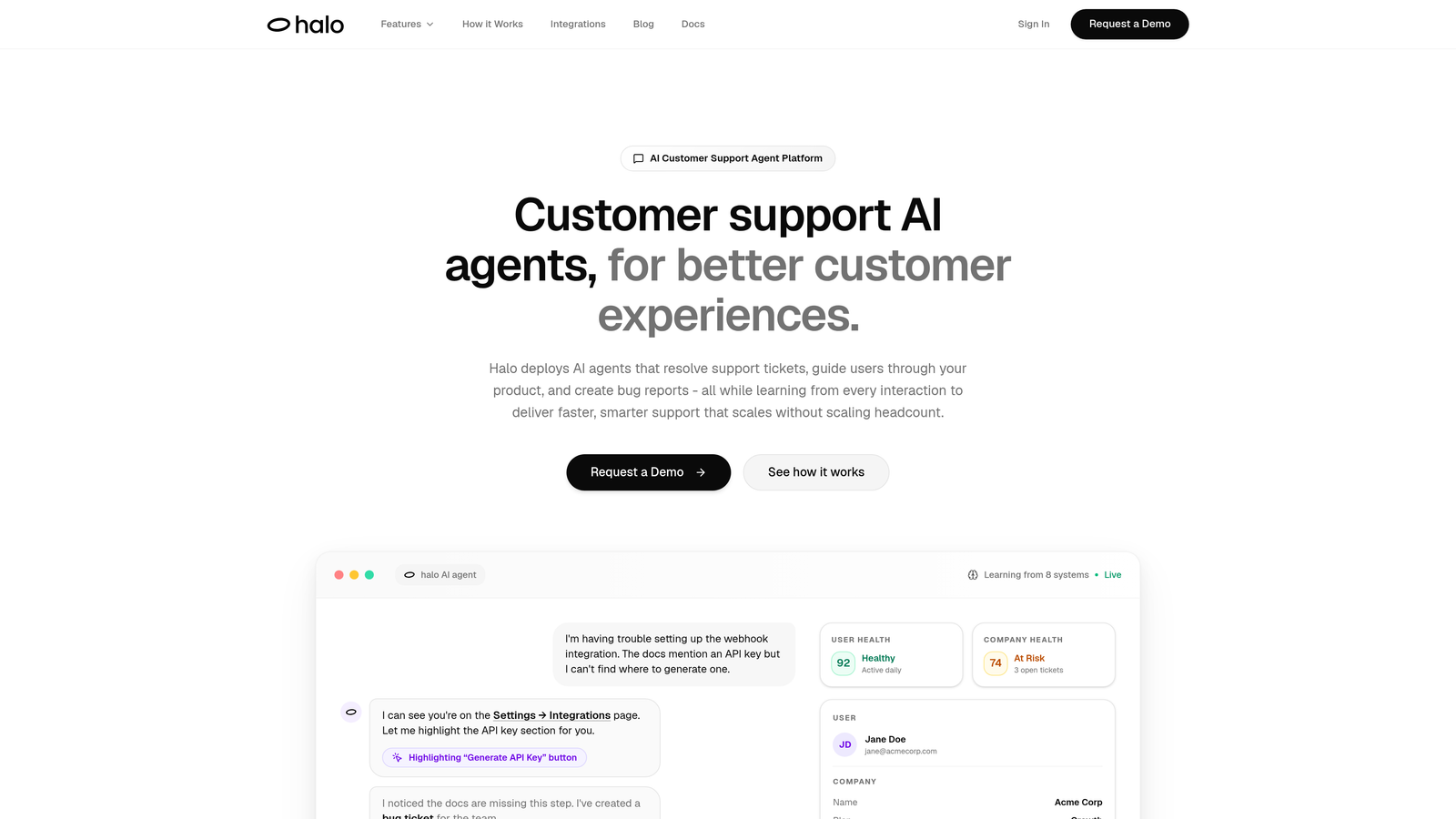
Halo AI represents a fundamentally different approach to support automation—built AI-first rather than bolting intelligence onto traditional helpdesk architecture.
Where This Tool Shines
Unlike platforms where AI merely suggests responses for agents to review, Halo deploys autonomous agents that resolve tickets independently. The system sees what your users see through page-aware context, enabling visual guidance that traditional chat widgets can't match.
The continuous learning architecture means every resolved ticket makes the system smarter. While other platforms require manual retraining or content updates, Halo's AI improves automatically from every interaction, building institutional knowledge that compounds over time.
Key Features
Autonomous AI Agents: Resolve tickets without human intervention, handling routine queries end-to-end while escalating complex issues intelligently.
Page-Aware Chat Widget: Sees your product interface alongside users, providing visual guidance and context-aware responses traditional chatbots can't deliver.
Business Intelligence Integration: Connects across your entire stack—Linear, Slack, HubSpot, Intercom, Stripe, Zoom—surfacing customer health signals and revenue intelligence beyond basic support metrics.
Auto Bug Ticket Creation: Automatically creates engineering tickets in Linear when identifying product issues, eliminating the manual handoff between support and development.
Smart Inbox Analytics: Provides anomaly detection, customer health scoring, and business intelligence that transforms support from a cost center into a strategic data source.
Best For
B2B product teams tired of support scaling linearly with customer growth. Particularly valuable for companies with complex products where visual context matters, and those wanting AI that operates autonomously rather than just assisting human agents.
Pricing
Contact for pricing. Designed specifically for B2B SaaS teams prioritizing automation-first support architecture.
2. Intercom
Best for: Product-led companies wanting conversational AI across the entire customer journey
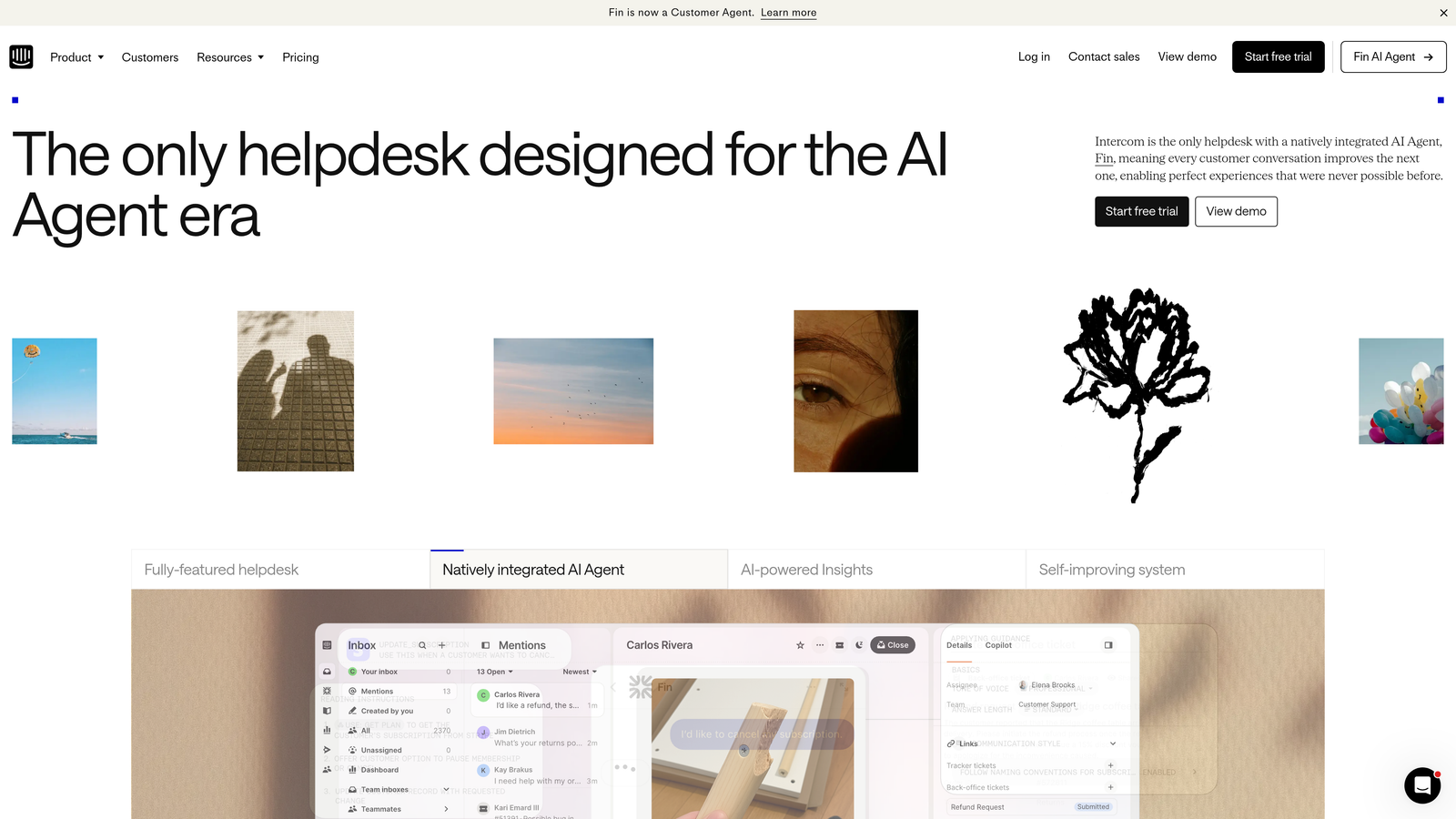
Intercom has evolved from a simple chat widget into a comprehensive conversational platform with Fin, their AI agent for automated customer interactions.
Where This Tool Shines
Intercom excels at blending support with product adoption. The platform doesn't just handle tickets—it drives onboarding through product tours, triggers contextual messages based on user behavior, and maintains conversation history across every touchpoint.
Fin AI trains on your existing help content, creating a conversational layer that feels natural while deflecting routine questions. The unified inbox consolidates chat, email, and social channels, giving teams complete context regardless of where customers reach out.
Key Features
Fin AI Agent: Trained on your help documentation to provide conversational resolution, with transparency about confidence levels and seamless handoff to human agents when needed.
Product Tours and Messages: Automate onboarding and feature adoption with targeted in-app messaging triggered by user behavior or account attributes.
Custom Bot Builder: Visual workflow builder for creating conversation flows without coding, handling qualification, routing, and data collection automatically.
Unified Inbox: Consolidates conversations from chat, email, social media, and SMS into a single interface with full customer context.
Resolution Bot: Suggests relevant help articles during conversations, learning which content resolves specific query types most effectively.
Best For
Companies where support intersects heavily with product adoption and customer success. Ideal for SaaS businesses wanting to automate both reactive support and proactive engagement through a single platform.
Pricing
Starts at $39 per seat monthly. Fin AI priced separately per resolution, which can add up quickly for high-volume teams.
3. Freshdesk
Best for: Budget-conscious teams needing solid automation without enterprise pricing
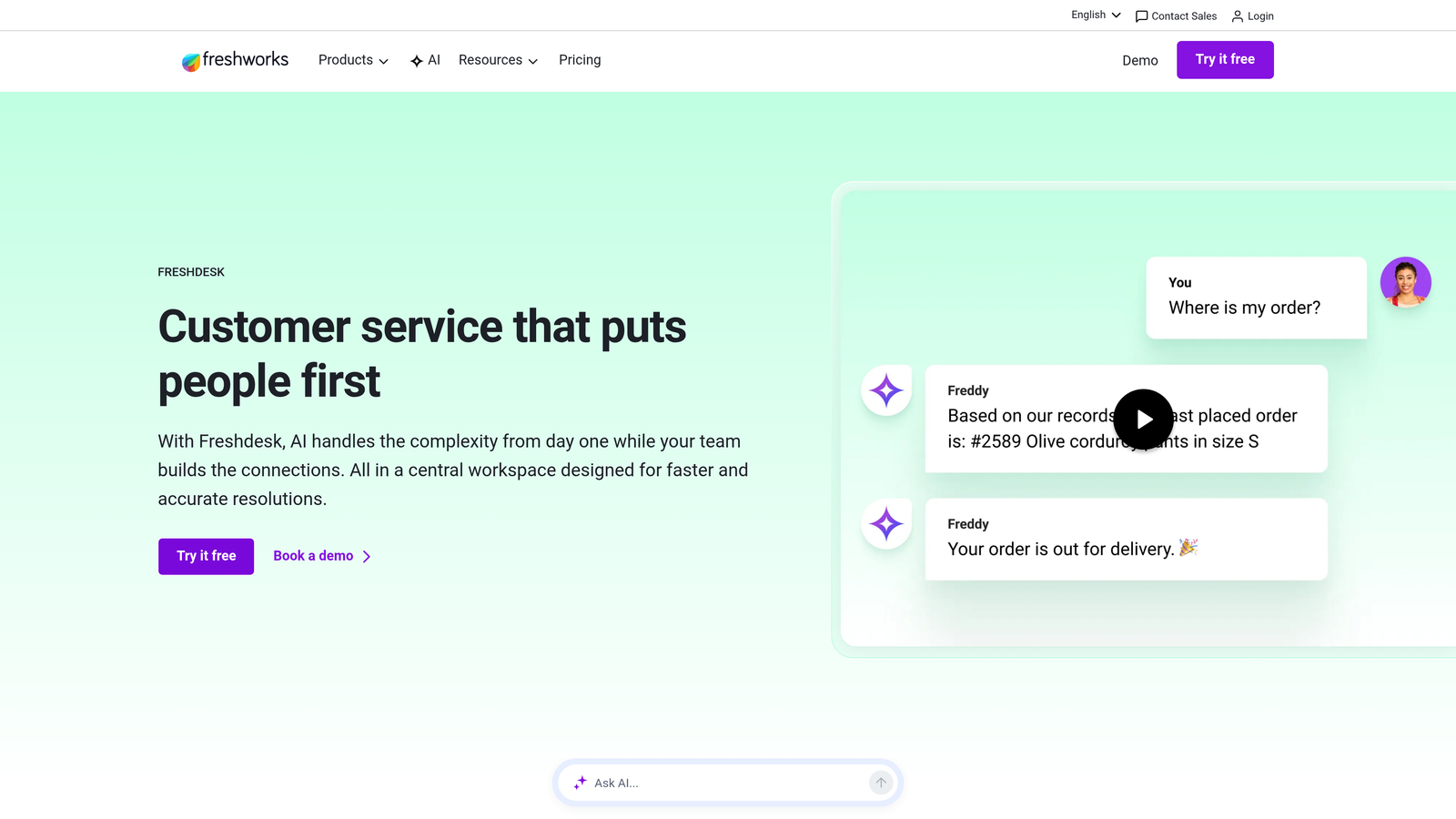
Freshdesk delivers surprisingly robust automation capabilities at accessible price points, including a genuinely useful free tier for small teams.
Where This Tool Shines
Freddy AI handles the intelligent categorization and prioritization that typically requires manual agent work. The system automatically tags incoming tickets, assigns them to appropriate teams, and flags urgent issues based on content analysis.
Scenario automations allow multi-step workflows triggered by specific conditions. Think beyond simple auto-replies—you can build sequences that reassign tickets after timeouts, escalate based on customer tier, or trigger different actions depending on sentiment detection.
Key Features
Freddy AI Categorization: Automatically analyzes ticket content to assign categories, priority levels, and appropriate agent groups without manual triage.
Scenario Automations: Create multi-condition workflows with time-based triggers, handling complex ticket lifecycles without agent intervention.
Canned Responses with Variables: Template library with dynamic placeholders pulling customer data, order details, or account information for personalized automation.
Collision Detection: Prevents duplicate work by alerting agents when multiple team members access the same ticket simultaneously.
Parent-Child Ticketing: Automatically links related tickets, useful for automating responses to widespread issues affecting multiple customers.
Best For
Growing teams that need automation depth without Zendesk's pricing escalation. The free tier genuinely works for small teams, while paid tiers remain affordable as you scale.
Pricing
Free tier includes basic automation for up to 10 agents. Paid plans start at $15 per agent monthly, with Freddy AI available on higher tiers.
4. Help Scout
Best for: Teams balancing automation efficiency with maintaining personal customer relationships
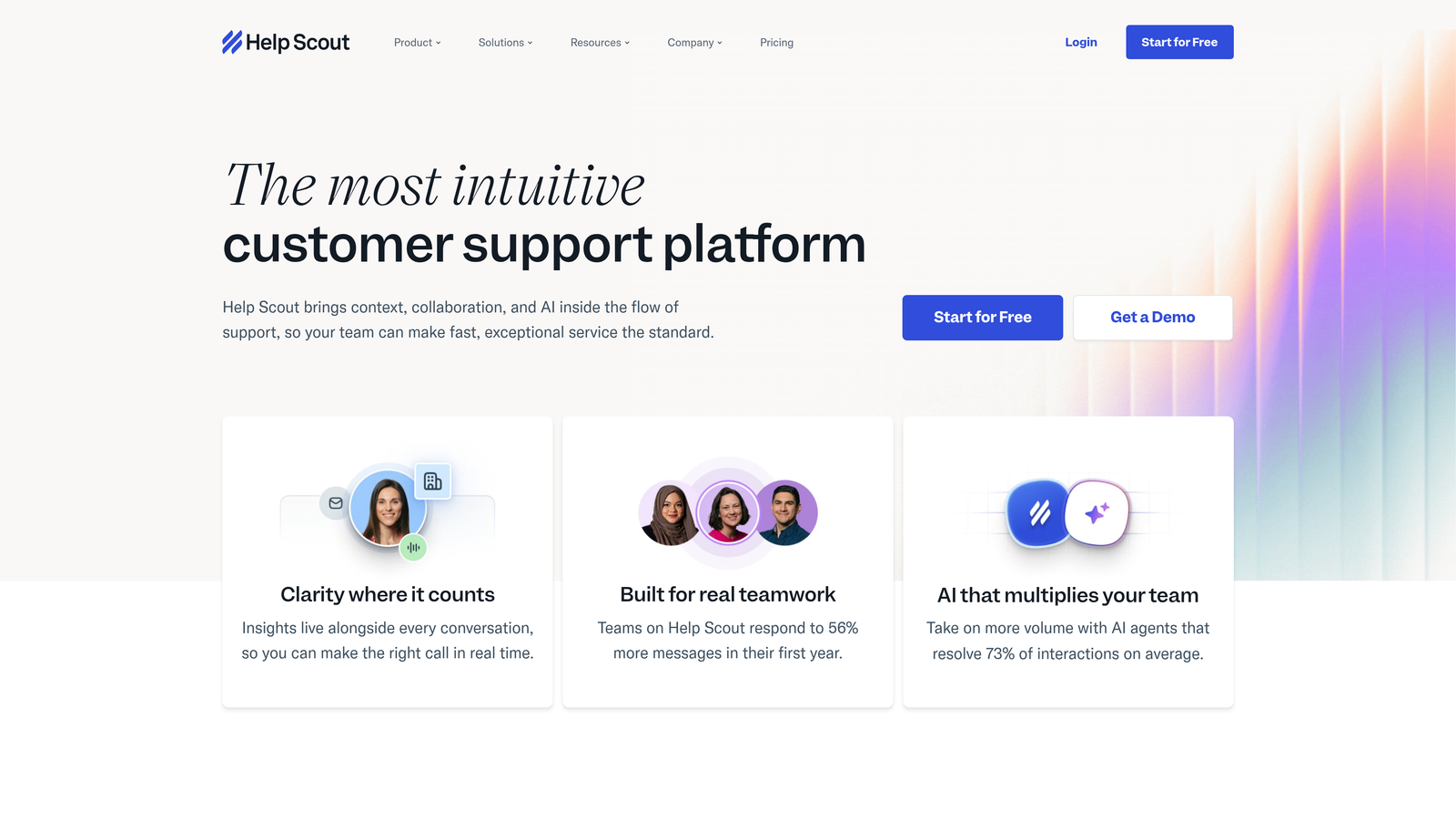
Help Scout takes a deliberately human-centered approach to automation, focusing on tools that enhance agent capabilities rather than replacing them entirely.
Where This Tool Shines
AI Drafts represent a middle ground between full automation and manual responses. The system suggests complete reply drafts based on ticket content and your knowledge base, but agents review and personalize before sending—maintaining quality while accelerating response times.
The workflow engine handles routing, tagging, and assignment automatically, while collision detection prevents the awkward situation of multiple agents drafting responses to the same customer. It's automation that removes friction without removing the human element.
Key Features
AI Drafts: Generates suggested responses for agent review and editing, learning from your team's actual replies to match tone and style.
Workflow Automation: Automatically routes tickets based on content, tags conversations by topic, assigns to specific agents, and triggers follow-up sequences.
Beacon Widget: Embeddable help widget with self-service search, automatic article suggestions, and seamless escalation to live chat when needed.
Saved Replies: Template system with keyboard shortcuts and placeholders, making common responses fast without feeling robotic.
Collision Detection: Real-time alerts when teammates are viewing or drafting responses to the same conversation, eliminating duplicate work.
Best For
Companies where brand voice and personal relationships matter deeply. Particularly suited to B2B businesses where customers expect thoughtful, individualized support rather than rapid-fire automated responses.
Pricing
Starts at $20 per user monthly. All plans include core automation features without artificial tier restrictions.
5. Gorgias
Best for: E-commerce brands needing order-aware automation with deep Shopify integration
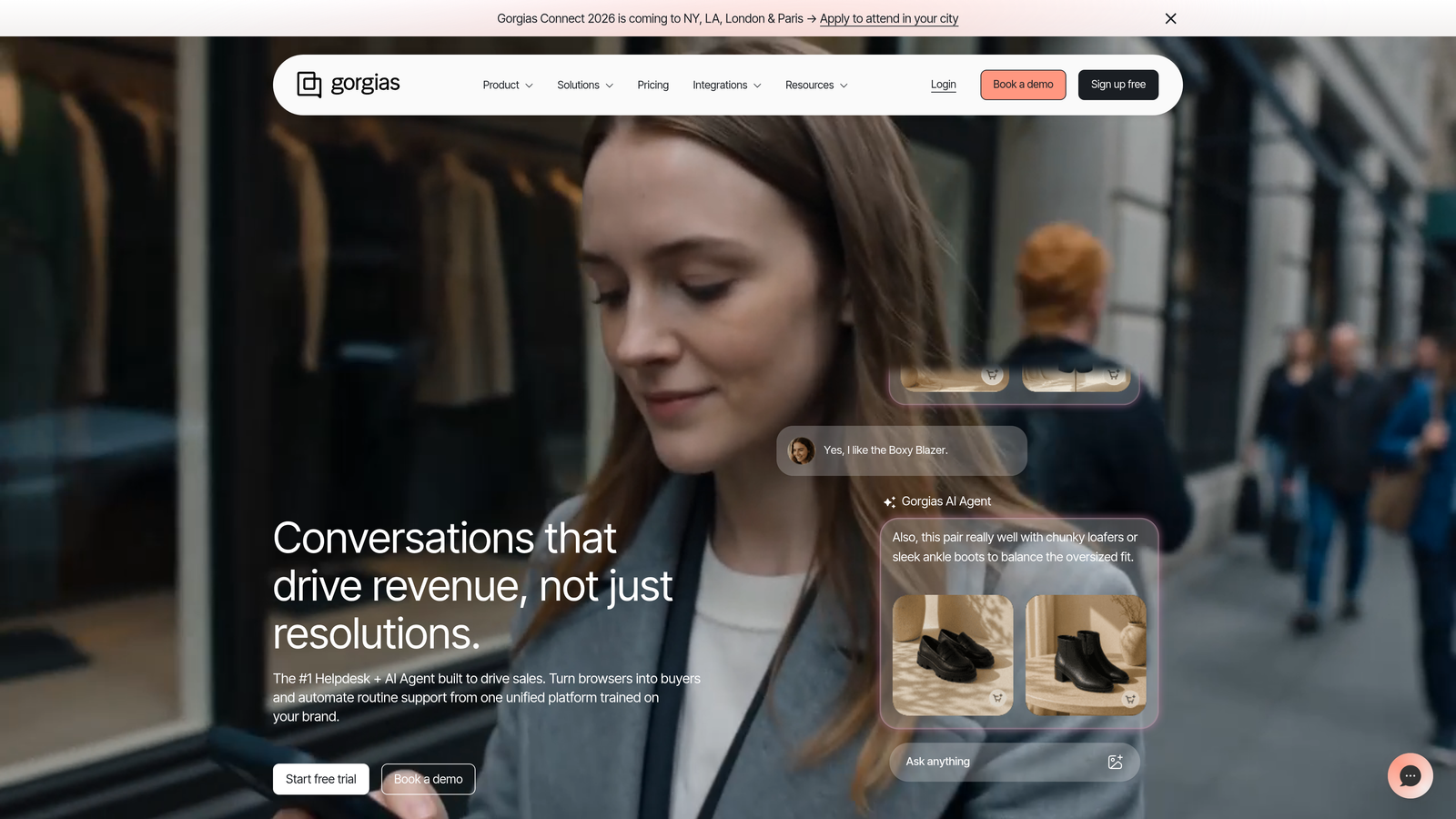
Gorgias specializes in e-commerce support automation, with capabilities specifically designed around order management, shipping queries, and return handling.
Where This Tool Shines
The platform's order-aware automation pulls real-time data from Shopify, Magento, or BigCommerce, enabling responses that reference specific order details, shipping status, or product information automatically. Macros can include dynamic variables like tracking numbers, delivery dates, or order totals without manual lookup.
Intent detection identifies common e-commerce queries—"Where is my order?", "I want to return this", "Change my shipping address"—and either resolves them automatically or surfaces one-click actions for agents. The revenue attribution feature connects support interactions to sales, proving ROI.
Key Features
Order-Aware Macros: Template responses that automatically populate with customer order data, shipping status, and product details from your e-commerce platform.
Intent Detection: Identifies common e-commerce queries and triggers appropriate automations or surfaces relevant quick actions for agents.
One-Click Order Actions: Refund, cancel, edit, or track orders directly within tickets without switching to your e-commerce admin panel.
Revenue Statistics: Tracks which support interactions lead to purchases, quantifying support's impact on revenue rather than treating it purely as cost.
Social Media Integration: Manages Instagram, Facebook, and SMS conversations alongside email and chat, centralizing all customer touchpoints.
Best For
Direct-to-consumer e-commerce brands handling high volumes of order status, shipping, and return inquiries. The vertical focus means features actually match your workflows rather than requiring customization.
Pricing
Starts at $10 monthly for 50 tickets, scaling based on ticket volume rather than agent seats—potentially more cost-effective for small teams handling high volumes.
6. Front
Best for: Teams prioritizing collaborative workflows and intelligent workload distribution
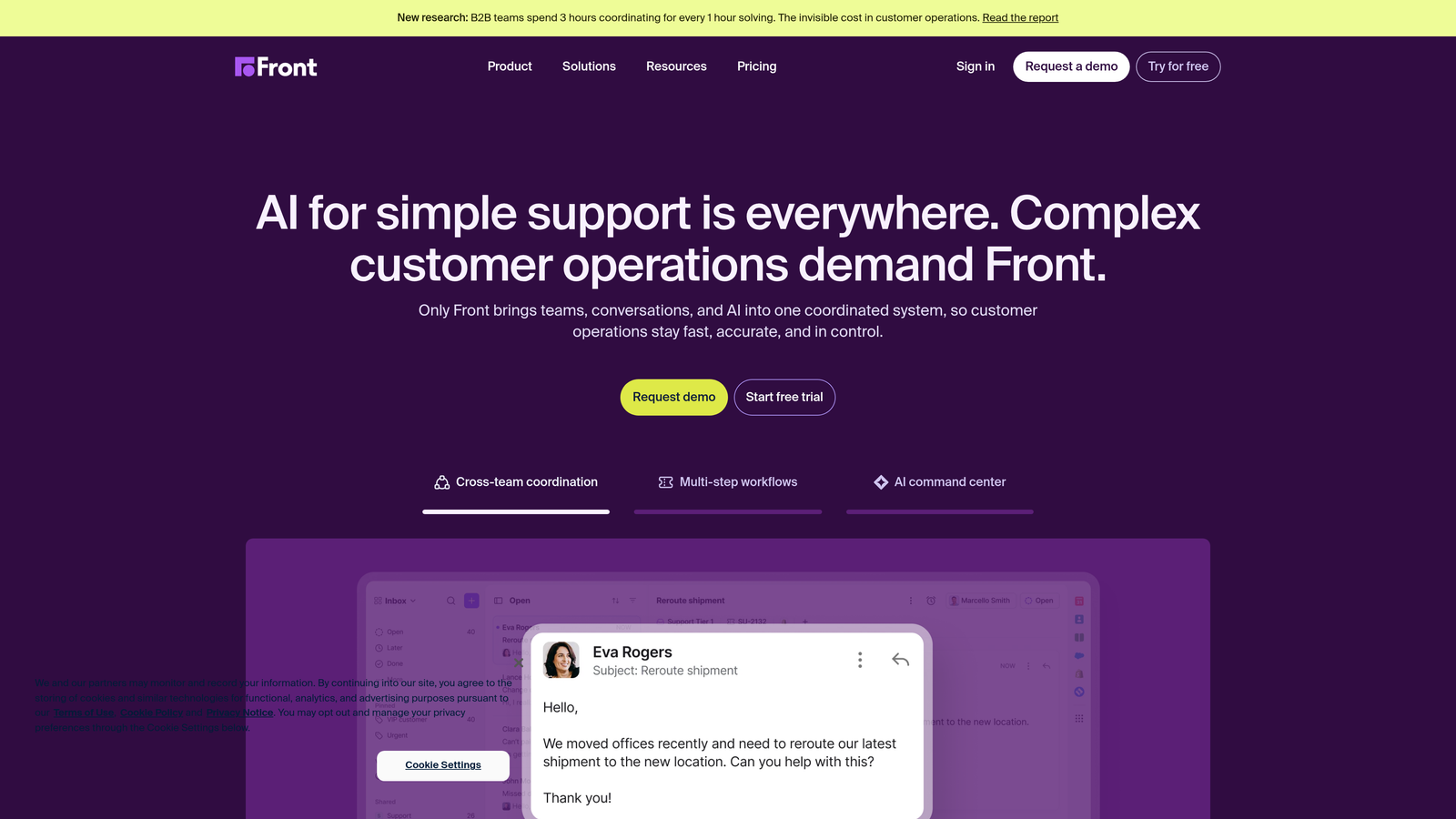
Front reimagines the shared inbox with automation focused on team coordination, workload balancing, and collaborative ticket resolution.
Where This Tool Shines
The rules engine handles sophisticated routing logic—automatically assigning tickets based on content, customer tier, agent availability, or current workload. Load balancing ensures no single agent gets overwhelmed while others sit idle.
SLA automation tracks response and resolution times, automatically escalating tickets approaching breach thresholds. The collaboration features—shared drafts, internal comments, and teammate mentions—mean automation handles distribution while humans handle complex problem-solving together.
Key Features
Intelligent Routing Rules: Automatically assigns conversations based on content analysis, customer attributes, agent skills, and current workload distribution.
Load Balancing: Distributes incoming tickets evenly across available team members, preventing burnout and ensuring consistent response times.
SLA Automation: Tracks service level agreements with automatic escalation, reassignment, or manager alerts when approaching breach thresholds.
Shared Drafts: Multiple teammates can collaborate on complex responses before sending, with version history and comment threads.
Analytics Automation: Automatically tags conversations by topic, sentiment, and outcome, generating insights without manual categorization.
Best For
Teams where multiple people collaborate on complex customer issues, or companies with specialized agents needing intelligent routing based on expertise rather than simple round-robin assignment.
Pricing
Starts at $19 per seat monthly. Core automation features available across all tiers without artificial restrictions.
7. Kustomer
Best for: Enterprise teams needing CRM-style customer timelines with cross-department automation
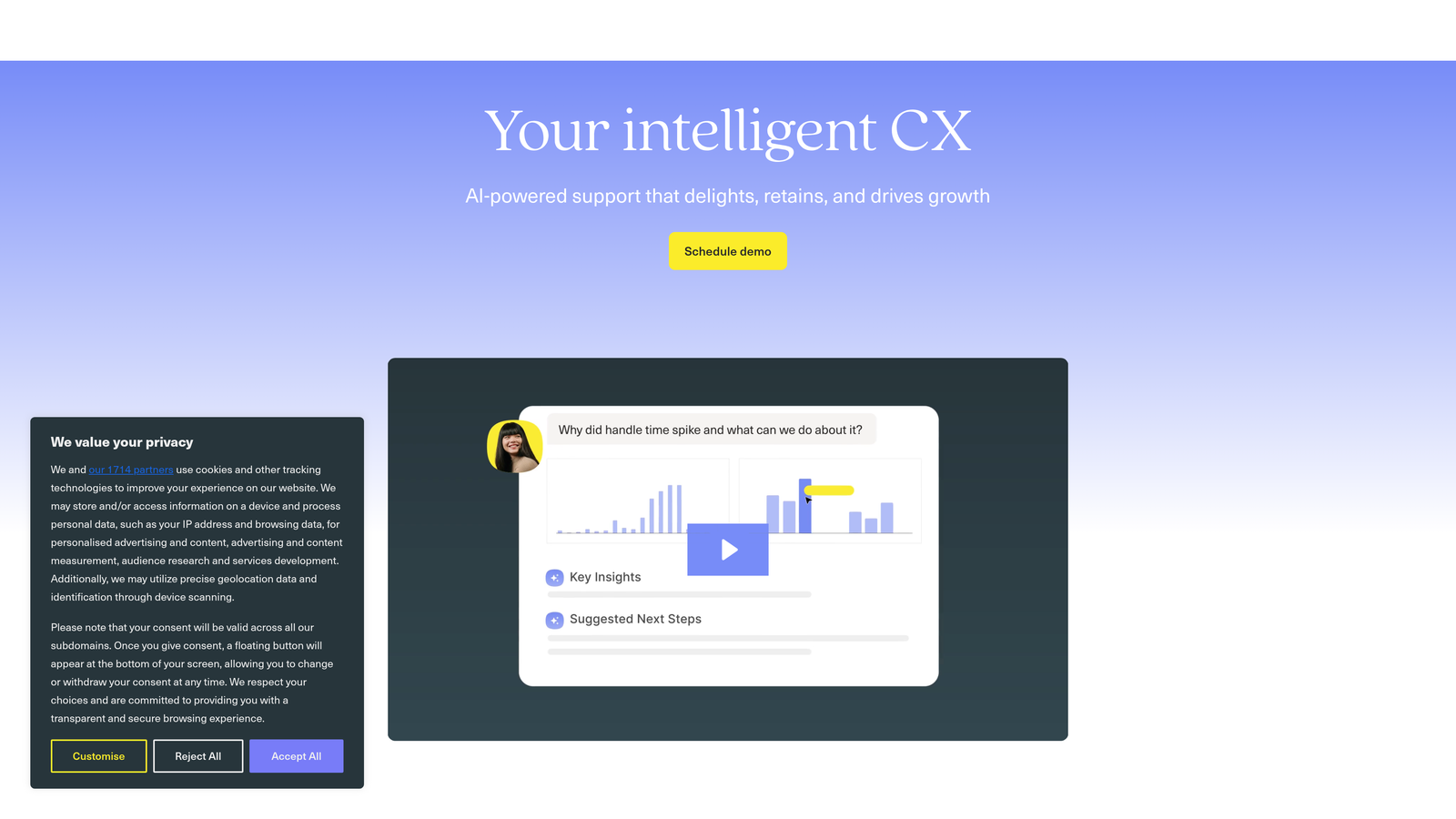
Kustomer approaches support automation through a CRM lens, maintaining unified customer timelines that trigger contextual automation across departments.
Where This Tool Shines
The unified customer timeline consolidates every interaction—support tickets, sales calls, billing events, product usage—into a single view that triggers intelligent automation. When a high-value customer submits a ticket, the system can automatically alert account managers, prioritize routing, and pull relevant context from past interactions.
Business process automation extends beyond support into sales, success, and operations workflows. Custom objects allow modeling complex business logic that traditional ticket systems can't handle, enabling automation that reflects your actual processes rather than forcing you into rigid categories.
Key Features
Unified Customer Timeline: Consolidates support, sales, billing, and product interactions into a single chronological view triggering contextual automation.
Business Process Automation: Creates workflows spanning multiple departments, automatically coordinating handoffs between support, sales, and success teams.
AI Sentiment Routing: Analyzes message sentiment to automatically prioritize frustrated customers or route positive feedback to appropriate teams.
Custom Objects: Model complex business entities beyond standard tickets, enabling automation for subscriptions, projects, or custom workflows specific to your business.
Omnichannel Automation: Maintains conversation context across email, chat, SMS, phone, and social media with automated channel-specific routing.
Best For
Enterprise companies where support intersects heavily with sales and customer success, requiring automation that coordinates across departments rather than operating in isolation.
Pricing
Enterprise pricing model—contact for quotes. Positioned for larger organizations with complex automation requirements and budget for comprehensive platforms.
8. Zoho Desk
Best for: Companies already using Zoho ecosystem or seeking maximum value per dollar
Zoho Desk delivers enterprise-grade automation capabilities at SMB-friendly pricing, particularly powerful when integrated with the broader Zoho suite.
Where This Tool Shines
Zia AI handles sentiment analysis, anomaly detection, and automatic tagging with surprising sophistication for the price point. The system identifies unusual ticket patterns, flags potential escalations based on emotional tone, and learns categorization from your team's manual tagging over time.
Blueprint automation enforces process compliance—creating structured workflows that guide agents through required steps, collect necessary information, and trigger appropriate actions at each stage. The deep Zoho CRM integration means support automation can trigger sales workflows and vice versa.
Key Features
Zia AI Assistant: Provides sentiment analysis, response suggestions, anomaly detection in ticket patterns, and automatic tag recommendations based on content.
Blueprint Workflows: Creates structured process automation with required steps, conditional logic, and approval gates ensuring consistent handling of complex scenarios.
Zoho Ecosystem Integration: Deep connections with Zoho CRM, Analytics, Projects, and other suite products, enabling cross-platform automation without custom development.
Answer Bot: Self-service automation that suggests help articles during conversations and can resolve simple queries without agent involvement.
Multi-Department Routing: Automatically routes tickets across support, sales, and other departments based on content analysis and customer attributes.
Best For
Companies seeking maximum automation capability per dollar spent, or those already invested in the Zoho ecosystem where integration depth provides compounding value.
Pricing
Free tier supports up to 3 agents with basic automation. Paid plans start at $14 per agent monthly, with Zia AI available on higher tiers.
9. Tidio
Best for: Small businesses wanting visual chatbot building without technical complexity
Tidio makes support automation accessible to non-technical teams through visual builders and pre-built templates, with Lyro AI handling conversational resolution.
Where This Tool Shines
The drag-and-drop chatbot builder lets you create automation flows visually—no coding required. Pre-built templates for common scenarios (lead qualification, FAQ deflection, appointment booking) get you started immediately rather than facing a blank canvas.
Lyro AI provides conversational ticket resolution that feels natural, learning from your help content to answer questions in context. Live visitor tracking enables proactive chat triggers—automatically reaching out when visitors spend time on pricing pages, abandon carts, or show other high-intent behaviors.
Key Features
Lyro Conversational AI: Handles customer questions conversationally, learning from your knowledge base to provide contextual answers without rigid decision trees.
Visual Chatbot Builder: Drag-and-drop interface for creating conversation flows, collecting information, and routing to appropriate teams without coding.
Pre-Built Templates: Ready-made automation scenarios for common use cases like FAQ handling, lead capture, and appointment scheduling.
Live Visitor Tracking: Monitors website visitor behavior in real-time, triggering proactive chat based on page visits, time spent, or browsing patterns.
Multi-Channel Inbox: Manages conversations from website chat, Facebook Messenger, Instagram, and email in a unified interface.
Best For
Small businesses and solopreneurs wanting automation without technical overhead or enterprise complexity. Particularly suited to companies prioritizing website chat over traditional ticket systems.
Pricing
Free tier available with basic features. Paid plans start at $29 monthly, scaling based on features rather than agent seats.
Making the Right Choice
The shift toward automation-first support isn't about replacing human agents—it's about directing their expertise where it matters most. The platforms above represent fundamentally different philosophies about what automation should accomplish.
For teams seeking maximum autonomous resolution with minimal configuration, Halo AI delivers AI agents that handle tickets independently while learning continuously from every interaction. The page-aware context and business intelligence integration transform support from a reactive function into a strategic data source.
Intercom suits product-led companies where support intersects heavily with onboarding and adoption. The conversational approach works across the customer journey, not just ticket resolution. Budget-conscious teams should explore Freshdesk's generous free tier or Zoho Desk's ecosystem value—both deliver sophisticated automation without enterprise pricing.
E-commerce brands will find Gorgias's order-aware automation transformative, eliminating the constant context-switching between helpdesk and e-commerce admin. Help Scout balances automation with maintaining personal relationships, ideal when brand voice matters deeply. Front excels at team collaboration and intelligent workload distribution across multiple agents.
The best choice depends on your integration needs, ticket volume, and philosophical approach to automation. Do you want AI that assists human agents, or AI that handles routine work independently? Are you optimizing for speed, personalization, or cost efficiency? Does support operate in isolation, or must it coordinate tightly with sales and success teams?
Your support team shouldn't scale linearly with your customer base. Let AI agents handle routine tickets, guide users through your product, and surface business intelligence while your team focuses on complex issues that need a human touch. See Halo in action and discover how continuous learning transforms every interaction into smarter, faster support.