8 Best Zendesk Alternatives with AI for B2B Support Teams
Discover the eight best Zendesk alternatives with AI designed for B2B support teams that need more than bolt-on automation, including platforms built for autonomous ticket resolution, deep integrations, and scalable support without growing headcount. This guide evaluates each option across key criteria to help teams find the right fit based on company size, complexity, and AI customization needs.
 Matt PattoliFounder15 min read
Zendesk has long been the default choice for customer support teams, but as AI-native platforms emerge, many B2B companies are discovering that bolt-on AI features don't match the capabilities of platforms built with intelligence at their core. Whether your team is frustrated by Zendesk's pricing tiers, limited AI customization, or the complexity of managing a legacy helpdesk that wasn't designed for autonomous resolution, the alternatives have matured significantly.
This guide breaks down the eight best Zendesk alternatives with AI, evaluating each on what matters most to modern support teams: autonomous ticket resolution, contextual awareness, integration depth, and the ability to scale support without scaling headcount.
Each option serves a different use case. We've structured this guide to help you match the right platform to your team's specific situation, whether you're a lean startup that needs fast deployment, a mid-market SaaS company managing complex product workflows, or an enterprise team that needs deep business intelligence layered on top of support operations.
1. Halo AI — Best for AI-First Autonomous Resolution
The Challenge It Solves
Most support platforms treat AI as a helpful assistant sitting alongside your agents. The problem is that when AI is a supplement rather than the engine, your ticket volume still scales with your customer base. Teams end up hiring more agents to manage growth rather than letting intelligent automation absorb the load. For B2B SaaS companies managing increasingly complex product surfaces, that model breaks down quickly.
The Strategy Explained
Halo AI takes a fundamentally different architectural approach. Rather than adding AI features to a traditional helpdesk, Halo is built around intelligent agents that resolve tickets autonomously, guide users through your product with page-aware context, and continuously learn from every interaction.
The page-aware chat widget is a standout capability: the AI sees exactly what the user sees on their current screen, enabling contextual guidance that feels like having a knowledgeable colleague looking over the user's shoulder rather than a generic FAQ bot. When support interactions surface bugs, Halo automatically creates structured tickets in Linear or GitHub, closing the loop between customer signals and your engineering team without manual intervention.
Beyond ticket resolution, Halo's smart inbox surfaces business intelligence: customer health signals, anomaly detection, and revenue insights that help you understand not just what customers are asking, but what those questions signal about product health and churn risk. The integration stack connects to Linear, Slack, HubSpot, Intercom, Stripe, Zoom, PandaDoc, and Fathom, making Halo a connective layer across your entire business stack rather than an isolated support tool.
Implementation Steps
1. Audit your current ticket categories to identify the highest-volume, most repetitive request types that are strong candidates for autonomous resolution.
2. Connect Halo to your existing stack, prioritizing your CRM, project management tool, and communication channels to enable full-context awareness from day one.
3. Deploy the page-aware chat widget across your product, starting with the pages where users most frequently encounter friction or submit support requests.
4. Monitor the smart inbox's business intelligence signals weekly to identify patterns that go beyond support metrics, such as feature confusion clusters or churn-risk signals.
Pro Tips
Don't treat Halo as a replacement for your human agents on complex issues. The live agent handoff capability is designed for exactly those moments. Let the AI handle the predictable volume, and your team will have more capacity and better context when they do step in. Every interaction the AI handles also trains the system, so early adoption compounds over time.
2. Intercom — Best for Conversational Engagement at Scale
The Challenge It Solves
Product-led growth companies often need support that feels like a natural extension of the product experience rather than a separate help center. When customers are mid-flow in your product, routing them to a ticket form creates friction. The challenge is delivering fast, contextual responses at scale without overwhelming your support team with inbound volume.
The Strategy Explained
Intercom is a strong choice for companies that prioritize in-product messaging, proactive outreach, and conversational support flows. Fin, Intercom's AI agent, handles a portion of inbound queries by drawing on your knowledge base and product documentation. The platform excels at proactive messaging, allowing you to trigger conversations based on user behavior, which can deflect tickets before they're ever submitted.
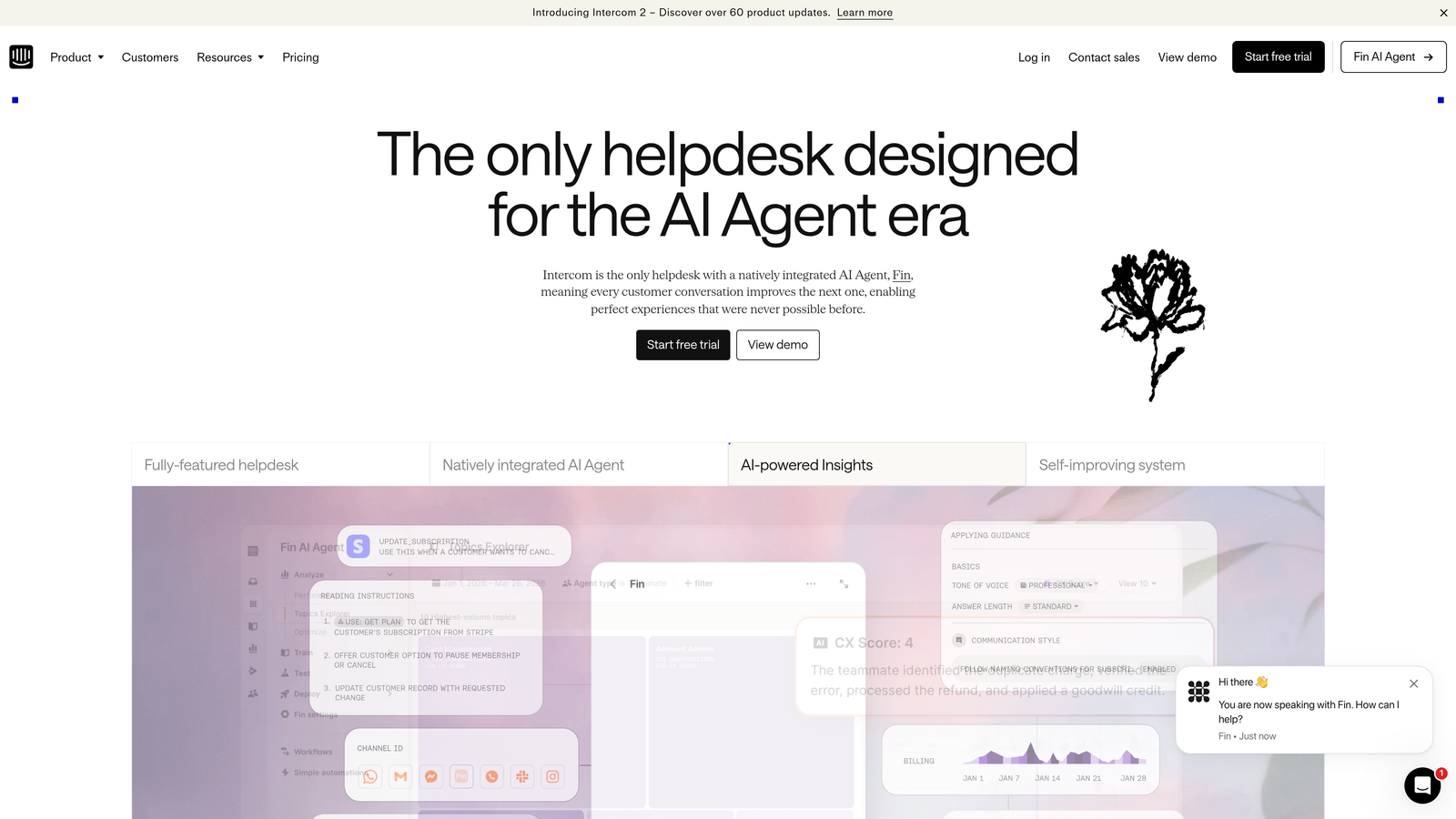
It's worth noting that Intercom's AI is more reactive than fully autonomous. Fin answers questions well when the answer exists in your documentation, but it requires well-maintained content to perform effectively. Teams that invest in keeping their knowledge base current will see better AI performance; teams with sparse documentation will find the AI's coverage limited.
Intercom also integrates natively with a wide range of tools and has a robust API, making it a reasonable fit for companies already using the platform for marketing or sales engagement who want to consolidate their customer communication stack. Teams evaluating Intercom AI alternatives often find that more autonomous platforms better match their deflection goals.
Implementation Steps
1. Audit and update your knowledge base before deploying Fin AI, since the quality of your documentation directly determines how effectively the AI resolves queries.
2. Configure proactive messaging triggers based on user behavior patterns where support requests are most common, such as users who spend extended time on a billing or configuration page.
3. Set clear escalation rules so that Fin hands off to human agents on queries that fall outside documented coverage, avoiding frustrating loops for customers.
Pro Tips
Intercom's pricing scales with usage and contact volume, which can become significant as your customer base grows. Model out your expected contact volume before committing, and evaluate whether the conversational engagement features justify the cost relative to more focused support platforms.
3. Freshdesk — Best Budget-Friendly Alternative with AI Add-Ons
The Challenge It Solves
Many growing teams need a structured helpdesk with ticket management, SLA tracking, and multi-channel support, but can't justify Zendesk's pricing as they scale. The challenge is finding a platform that delivers reliable core helpdesk functionality without the enterprise price tag, while still offering enough AI capability to reduce manual agent work.
The Strategy Explained
Freshdesk offers a more accessible price point than Zendesk while delivering solid traditional helpdesk infrastructure. Freddy AI, Freshdesk's AI layer, handles suggested replies, ticket categorization, sentiment analysis, and basic automation workflows. For teams that primarily need AI to assist agents rather than resolve tickets autonomously, Freddy covers the fundamentals effectively.
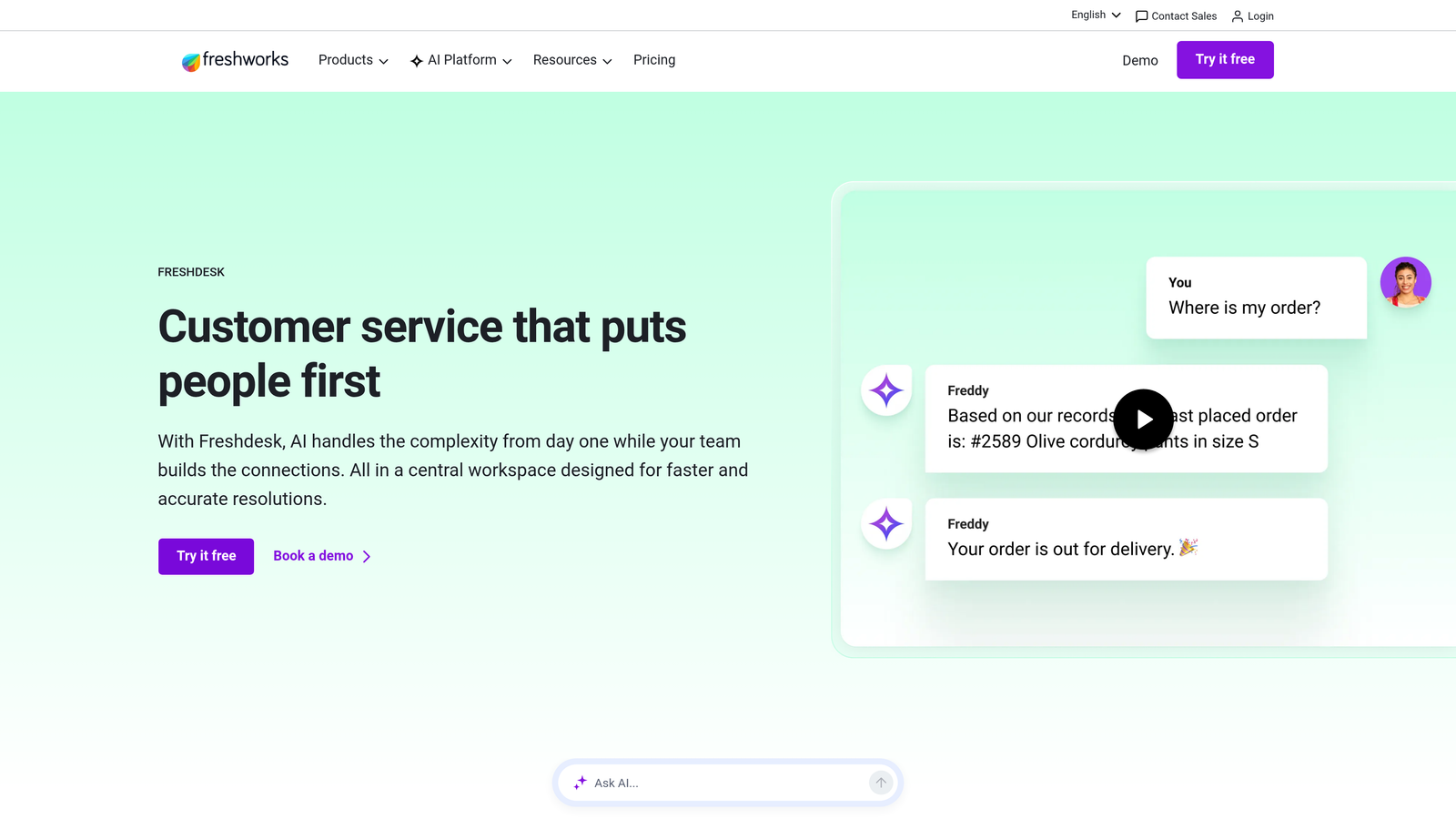
The platform supports email, phone, chat, and social channels, making it a reasonable omnichannel option for teams managing diverse inbound streams. Freshdesk's marketplace also offers a wide range of integrations, though depth varies by connector.
The honest caveat: Freddy AI is an augmentation tool, not an autonomous resolution engine. It helps agents work faster, but it doesn't meaningfully reduce the number of agents you need as volume grows. Teams specifically evaluating platforms for Freshdesk alternatives with AI will find more capable autonomous resolution options available.
Implementation Steps
1. Map your ticket categories and configure Freddy's categorization rules to match your actual support taxonomy before go-live.
2. Enable suggested replies for your highest-volume ticket types first, training agents to accept or modify AI suggestions so the system improves over time.
3. Set up automation workflows for routine tasks like ticket assignment, priority tagging, and SLA alerts to reduce administrative overhead on your team.
Pro Tips
Freshdesk is a strong fit for teams transitioning from email-only support who need helpdesk structure without a steep learning curve. If you anticipate significant growth in ticket volume, build in a re-evaluation point at 12-18 months to assess whether Freddy's AI capabilities are keeping pace with your automation needs.
4. Help Scout — Best for Human-First Teams Adding AI Gradually
The Challenge It Solves
Some support teams, particularly those serving enterprise clients or managing high-stakes B2B relationships, prioritize the quality and warmth of human interaction over automation speed. The challenge is reducing the administrative burden on agents, like drafting repetitive responses and summarizing long threads, without making the experience feel robotic or impersonal.
The Strategy Explained
Help Scout is built around the agent experience, with a clean, focused interface that minimizes distraction and keeps conversations central. The platform has added AI drafting and summarization capabilities that meaningfully reduce handle time without removing human judgment from the equation. Agents get a draft to review and personalize rather than a bot response that goes out automatically.
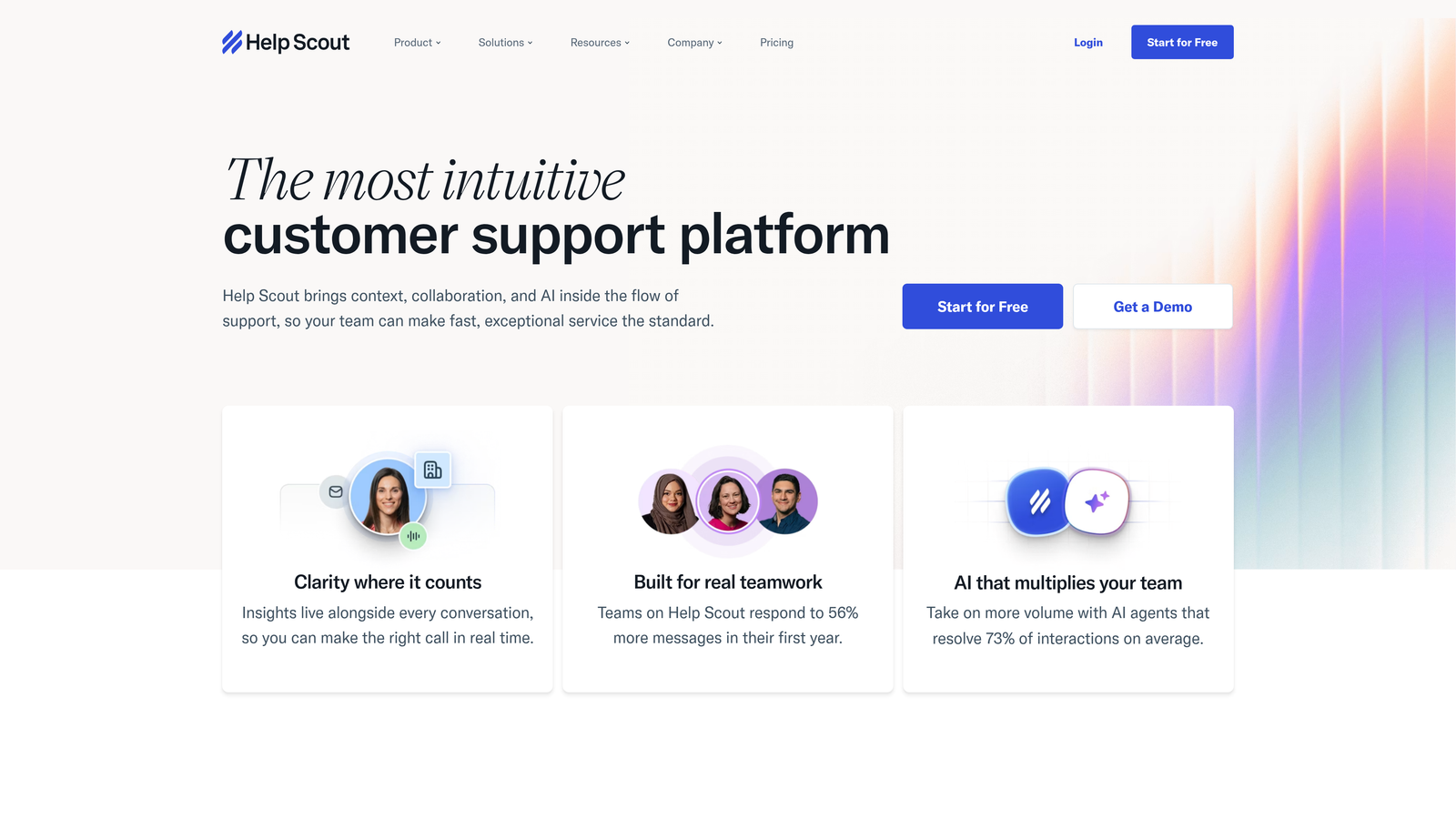
This approach is genuinely different from autonomous AI resolution. Help Scout's philosophy is that AI should make agents better, not replace them. For teams managing complex, relationship-driven support where the customer relationship is part of the value, this framing resonates.
Help Scout also offers a knowledge base product and a customer-facing chat widget, giving teams a lightweight self-service layer. The platform's simplicity is both its strength and its limitation: it's easy to deploy and maintain, but it won't surface the kind of business intelligence from support automation or autonomous resolution that AI-first platforms deliver.
Implementation Steps
1. Enable AI drafting for your most common reply types and establish a team norm that agents always personalize drafts before sending, maintaining the relationship-driven tone your customers expect.
2. Use AI summarization for long or complex threads so that agents picking up a conversation mid-stream have immediate context without reading every message.
3. Build out your knowledge base to support self-service deflection, which reduces inbound volume even without autonomous AI resolution.
Pro Tips
Help Scout works best when your team genuinely values the human-first philosophy rather than treating it as a stepping stone to full automation. If your roadmap includes significant AI-driven deflection in the next 12-24 months, evaluate whether Help Scout's AI trajectory aligns with where you want to be, or whether starting on a more AI-native platform makes more sense long term.
5. Gorgias — Best for E-Commerce Support with AI Automation
The Challenge It Solves
E-commerce support teams face a specific challenge: extremely high volumes of predictable, transactional queries around orders, shipping, returns, and refunds. These queries are ideal candidates for automation, but they require deep integration with order management systems to resolve effectively rather than just acknowledge.
The Strategy Explained
Gorgias is purpose-built for e-commerce with deep native integrations into Shopify, WooCommerce, Magento, and BigCommerce. Its AI automation handles order status inquiries, return initiations, and refund requests by pulling live order data directly from your store, enabling it to resolve transactional queries without agent involvement.
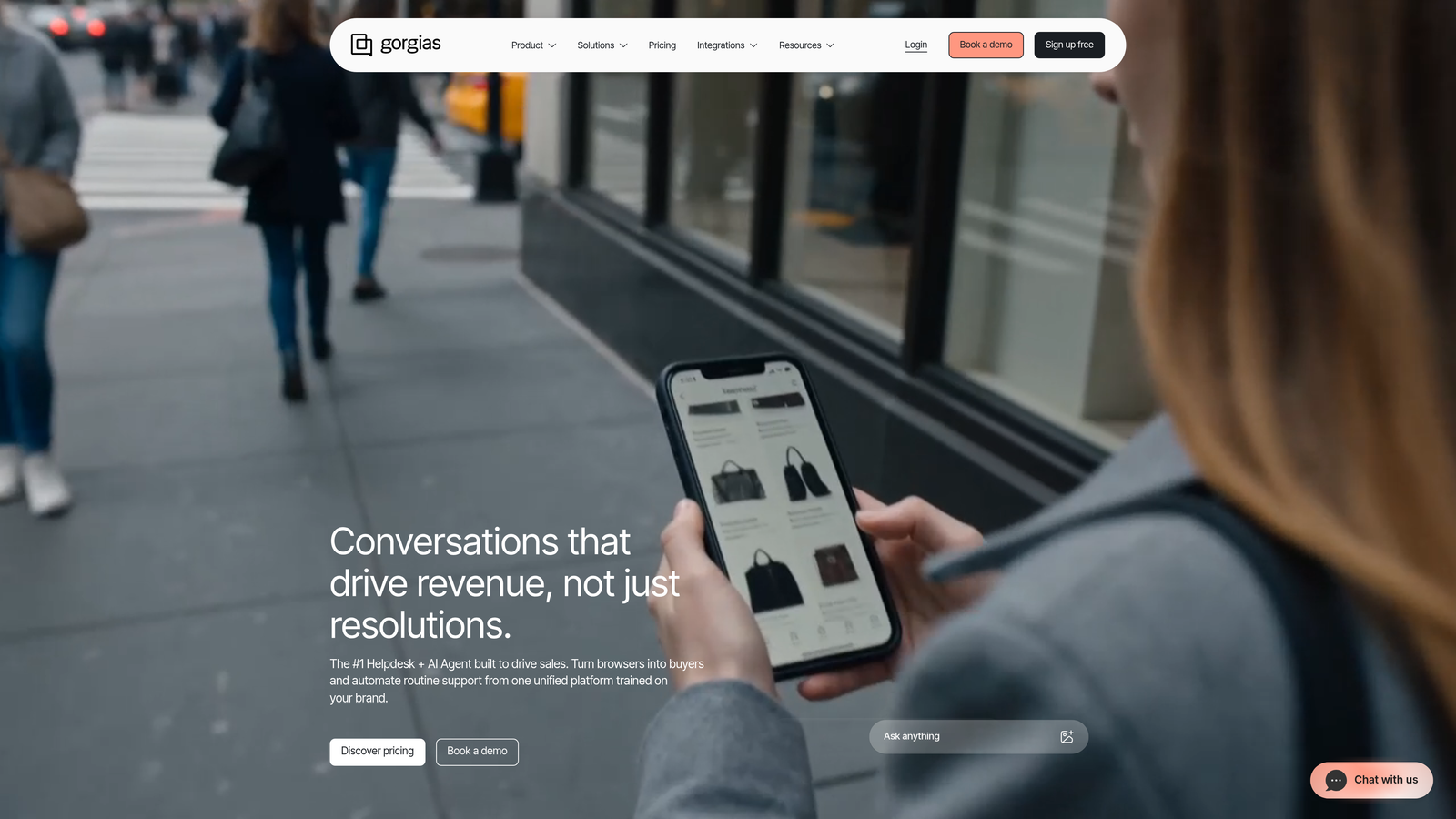
For e-commerce teams, this is genuinely powerful. The combination of deep platform integration and AI automation means a significant portion of inbound volume can be handled without human intervention, which directly impacts staffing costs during peak seasons.
However, Gorgias is explicitly designed for commerce workflows. B2B SaaS companies, software teams, or any business where support queries involve product configuration, billing disputes, or technical troubleshooting will find Gorgias's automation less applicable. Teams looking to reduce support costs with automation in a SaaS context should evaluate platforms designed for software support workflows instead.
Implementation Steps
1. Connect Gorgias to your e-commerce platform and verify that order data is flowing correctly before configuring any automated responses, since automation quality depends entirely on data accuracy.
2. Identify the top five query types by volume, typically order status, tracking, returns, refunds, and product questions, and build automated flows for each.
3. Configure escalation rules for queries that fall outside automated coverage, ensuring customers with complex issues reach a human agent quickly.
Pro Tips
If you're a B2B SaaS company evaluating Gorgias because of its AI automation reputation, redirect your evaluation toward platforms designed for software support workflows. Gorgias's AI is impressive within its intended context, but it won't translate effectively to SaaS support use cases.
6. Kustomer — Best for High-Volume Teams Needing Unified Customer Timelines
The Challenge It Solves
High-volume support teams often struggle with fragmented customer context. When an agent picks up a ticket, they may have no visibility into previous interactions, purchase history, or ongoing issues, forcing customers to repeat themselves and slowing resolution time. The challenge is unifying customer data across channels and systems into a single, actionable view.
The Strategy Explained
Kustomer takes a CRM-first approach to customer support, organizing interactions around the customer timeline rather than individual tickets. Every touchpoint, whether email, chat, phone, or social, appears in a unified view alongside customer data pulled from connected systems. This gives agents immediate context when handling any interaction.
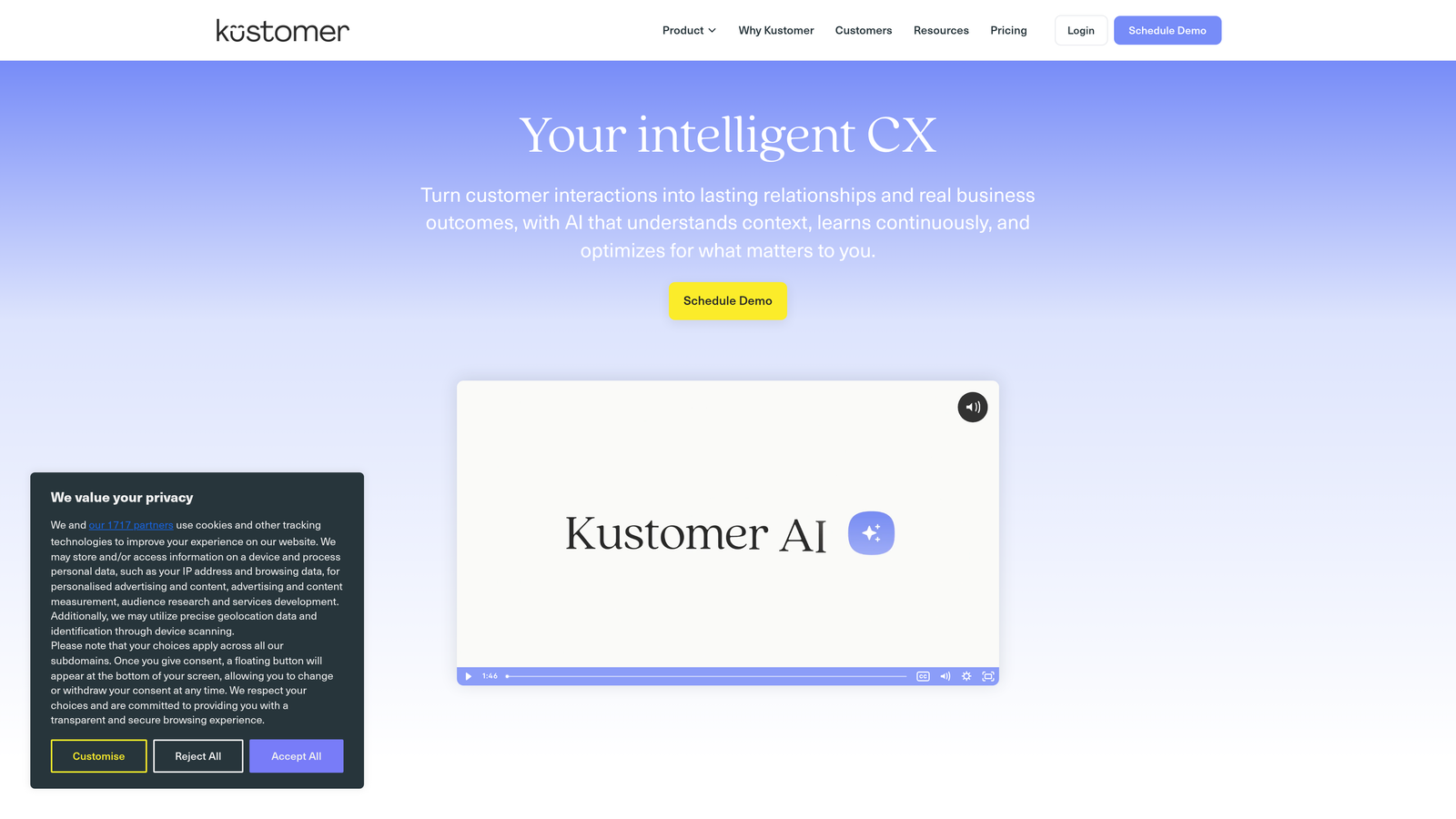
Kustomer's AI capabilities focus on workflow automation, intelligent routing, and suggested responses. The platform can automate multi-step workflows based on customer attributes and interaction history, which is particularly useful for teams with complex escalation paths or tiered support structures.
It's worth noting that Kustomer was acquired by Meta, which has influenced its development roadmap and enterprise positioning. Implementation complexity is a real consideration, particularly for smaller teams. The platform's depth is a strength for organizations with the resources to configure it properly, but it can be overkill for lean teams that need fast deployment. Teams evaluating support software with CRM integration will find several alternatives with a lighter implementation lift.
Implementation Steps
1. Map your customer data sources before implementation and prioritize connecting the systems that contain the most relevant context for your support team, such as your CRM, billing platform, and product database.
2. Configure the unified timeline view to surface the data points your agents actually need during a conversation, avoiding information overload.
3. Build automated workflows for your most common escalation paths, testing each workflow thoroughly before enabling it for live customer interactions.
Pro Tips
Kustomer's implementation timeline is typically longer than simpler helpdesk tools. Build in adequate time for data integration, agent training, and workflow configuration before your go-live date. Teams that rush the setup often underutilize the platform's capabilities and end up with a complex tool delivering basic results.
7. Front — Best for Teams Managing Support Through Email Workflows
The Challenge It Solves
Many B2B support teams, particularly those supporting enterprise accounts, operate primarily through email. The challenge is adding structure, accountability, and AI assistance to email-based support without forcing customers or agents into a ticket portal that doesn't fit the relationship dynamic. Traditional helpdesks often feel like overkill for teams where personal, email-based communication is a feature rather than a limitation.
The Strategy Explained
Front brings helpdesk structure to email workflows without changing the customer-facing experience. Customers continue to email your team directly; internally, Front adds assignment, routing, SLA tracking, and collaboration features that make shared inboxes manageable at scale.
Front's AI features focus on drafting, summarization, and smart routing. Agents get AI-generated draft replies that they can review and send, conversation summaries that reduce ramp-up time when picking up a thread, and routing logic that directs conversations to the right team member based on content and customer attributes.
For account management-heavy B2B teams where the support relationship is also a retention relationship, Front's model of enhancing rather than replacing email communication is genuinely well-suited. The platform also integrates with CRM tools, making it possible to surface account context alongside support conversations. Teams that need more autonomous resolution alongside email workflows may want to explore helpdesk alternatives built for automation.
Implementation Steps
1. Migrate shared inboxes into Front and configure team assignments so that every incoming conversation has a clear owner from the moment it arrives.
2. Enable AI drafting for your highest-volume reply types and establish a review process so agents maintain quality and personalization.
3. Connect your CRM to surface account data alongside conversations, giving agents the context they need to handle support interactions with awareness of the broader customer relationship.
Pro Tips
Front works best when your entire customer-facing team is using it, not just support. When account management, customer success, and support all operate from the same shared inbox environment, the collaboration and routing features deliver their full value. Partial adoption tends to create coordination gaps.
8. Drift (Salesloft) — Best for Revenue-Aligned Support and Sales Handoffs
The Challenge It Solves
For some B2B companies, the line between support and sales is genuinely blurry. Inbound conversations may include a mix of technical questions, renewal discussions, upgrade inquiries, and new business interest. Routing all of these through a traditional support queue means revenue opportunities get handled by agents who aren't equipped to capture them, and sales-qualified conversations get delayed.
The Strategy Explained
Drift, now part of Salesloft, is conversational AI designed for teams where support and sales motions overlap. Its AI handles inbound routing and qualification, directing conversations to the right team based on account attributes, conversation content, and intent signals. Account-based routing ensures that high-value accounts are flagged and prioritized appropriately.
Drift's AI is particularly strong at the top of the funnel: qualifying inbound interest, booking meetings, and routing conversations to sales reps in real time. For support use cases, it functions more as a triage and routing layer than an autonomous resolution engine. Technical support queries that require deep product knowledge will typically escalate to human agents.
The platform's integration with Salesloft's broader revenue engagement suite makes it a natural fit for organizations already using Salesloft for sales outreach, creating a unified view of customer engagement across both sales and support touchpoints. For teams whose primary need is support with revenue intelligence, dedicated platforms that combine autonomous resolution with business signals may deliver stronger outcomes.
Implementation Steps
1. Define clear routing rules that distinguish between support queries, renewal conversations, and new business interest so that the AI directs each type to the appropriate team from the start.
2. Connect Drift to your CRM so that account attributes, deal stage, and customer health data inform routing and prioritization decisions in real time.
3. Establish a feedback loop between your support and sales teams to continuously refine routing logic as conversation patterns evolve.
Pro Tips
Drift is a strong fit when your primary challenge is routing and qualification at scale, not autonomous ticket resolution. If your support volume is high and resolution efficiency is your primary metric, evaluate whether Drift's capabilities align with that goal or whether a more support-focused AI platform would deliver better outcomes.
Putting It All Together: Choosing the Right Platform for Your Team
Choosing the right Zendesk alternative comes down to one foundational question: do you want AI layered onto a traditional helpdesk, or do you want a platform where AI is the engine?
Most alternatives on this list offer AI as an enhancement to existing workflows. Intercom's Fin answers questions from your knowledge base. Freshdesk's Freddy suggests replies for agents to approve. Help Scout drafts responses for humans to personalize. Front routes and summarizes email conversations. These are genuinely useful capabilities, and for teams where human judgment is central to the support experience, they're the right fit.
Halo AI takes a different approach: autonomous agents that resolve tickets, guide users through your product with page-aware context, automatically create bug reports, and surface business intelligence that goes far beyond support metrics. For teams where a significant portion of tickets follow predictable patterns, an AI-first platform delivers the highest return on investment over time, because every interaction the system handles also makes it smarter.
Before you make a final decision, audit three things. First, your current ticket resolution rate and how much of your volume is genuinely repetitive versus complex. Second, your integration requirements and whether the platforms you're evaluating connect to the tools your team already depends on. Third, your growth trajectory and whether the platform you choose today will scale with your volume without requiring proportional headcount increases.
The market has moved well beyond chatbots that answer FAQs. The best platforms today learn from every interaction, connect to your entire business stack, and help you understand not just what customers are asking, but what those questions signal about product health, churn risk, and revenue opportunity.
Your support team shouldn't scale linearly with your customer base. Let AI agents handle routine tickets, guide users through your product, and surface business intelligence while your team focuses on complex issues that need a human touch. See Halo in action and discover how continuous learning transforms every interaction into smarter, faster support.