9 Best AI Support Automation Tools to Buy in 2026
This guide evaluates 9 of the best AI support automation tools available in 2026, covering the full spectrum from autonomous AI-first agents to helpdesk bolt-ons, so SaaS teams and enterprise support orgs alike can make a confident, well-informed purchase decision. Each tool is assessed on core capabilities, ideal team fit, and pricing transparency.
 Grant CooperFounder14 min read
If you're evaluating AI support automation tools, you're likely weighing a familiar set of trade-offs: resolution quality versus setup complexity, cost versus capability, and bolt-on chatbots versus purpose-built AI agents. The market has matured significantly, and the gap between basic rule-based bots and genuinely intelligent support agents has never been wider.
This guide cuts through the noise with tools that represent the real spectrum of what's available today. From AI-first platforms built around autonomous resolution to helpdesk add-ons that layer automation onto existing workflows, each option here is evaluated on core capabilities, ideal fit, and pricing transparency. Whether you're a lean SaaS team handling growing ticket volume or an enterprise support org looking to scale without adding headcount, there's a clear option for your situation.
1. Halo AI
Best for: AI-first SaaS teams that want autonomous ticket resolution with deep business intelligence
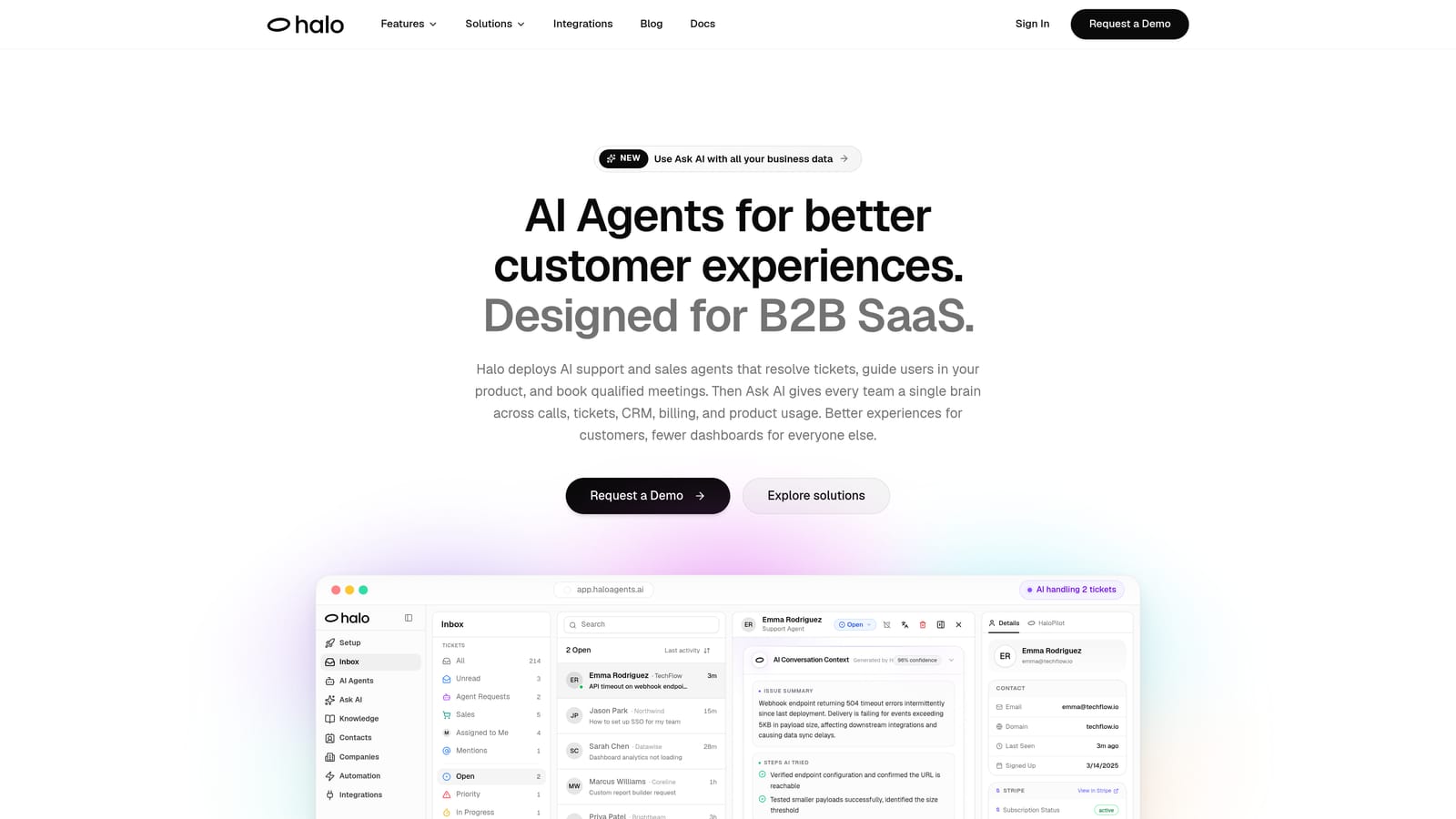
Halo AI is an AI-native customer support platform that deploys autonomous agents to resolve tickets, guide users through your product with page-aware context, and surface business intelligence signals — all while learning from every interaction.
Where This Tool Shines
Halo AI is built from the ground up around autonomous resolution, not retrofitted onto an existing helpdesk. The most distinctive capability is its page-aware chat widget: the AI agent sees what the user is currently looking at in your product and provides contextual UI guidance in real time. That's a meaningful difference from generic chatbots that respond to keywords without understanding where a user is in their journey.
Beyond support, Halo's smart inbox surfaces business intelligence signals that most support platforms simply don't touch: customer health scoring, revenue signals, and anomaly detection. For B2B SaaS teams, this transforms the support function from a cost center into a source of actionable product and revenue intelligence.
Key Features
Page-Aware Chat Widget: The AI agent understands the user's current screen context and delivers step-by-step UI guidance specific to where they are in your product.
Autonomous AI Agents with Live Handoff: Agents resolve tickets end-to-end and escalate to human agents seamlessly when complexity requires it, with full conversation context preserved.
Smart Inbox with Business Intelligence: Goes beyond support metrics to surface customer health scores, revenue signals, and anomaly detection directly in the support workflow.
Auto Bug Ticket Creation: Automatically generates bug reports and routes them to Linear, removing manual steps between support conversations and engineering queues.
Broad Integration Stack: Connects natively with Slack, HubSpot, Intercom, Stripe, Zoom, PandaDoc, and Fathom, making it a connective layer across your entire business stack.
Continuous Learning Architecture: Every resolved interaction improves the AI's accuracy and resolution capability over time, compounding value as usage grows.
Best For
Halo AI is an excellent fit for B2B SaaS companies and product teams that want AI-first support from day one rather than layering automation onto a legacy helpdesk. It's particularly well-suited for teams that want support intelligence to feed back into product development and customer success workflows.
Pricing
Visit haloagents.ai for current pricing plans. Pricing details are available directly from the Halo team.
2. Intercom
Best for: Teams already on Intercom who want native AI resolution without switching platforms
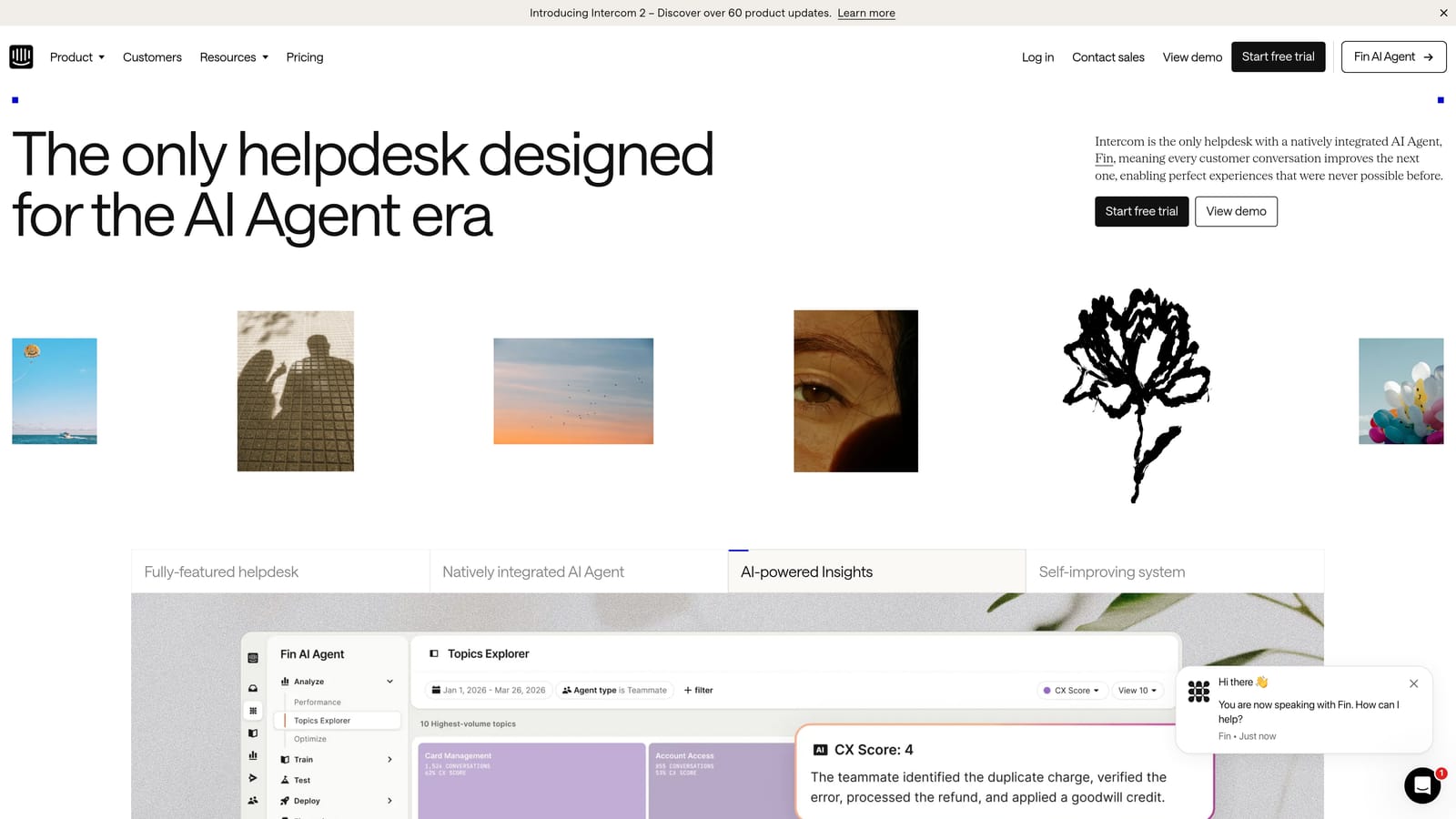
Intercom is a mature customer messaging platform with Fin, its AI agent, built natively into the product for autonomous support resolution across chat and email.
Where This Tool Shines
Intercom's strength is its depth of messaging infrastructure. Fin AI Agent sits on top of years of conversation data architecture, omnichannel routing, and a robust integration ecosystem. For teams already using Intercom as their primary support and CRM tool, enabling Fin is a natural next step rather than a platform migration.
Fin handles autonomous resolution across multiple channels and passes complex conversations to human agents with full context. The shared inbox also provides AI-generated reply suggestions for agents handling escalations, which keeps resolution quality high even on the human side of the workflow.
Key Features
Fin AI Agent: Autonomous resolution across chat and email with natural language understanding and context retention across conversations.
Omnichannel Messaging: Unified support across chat, email, WhatsApp, and SMS from a single platform.
AI-Generated Reply Suggestions: Human agents in the shared inbox receive AI-drafted replies to speed up response times on escalated tickets.
Extensive App Marketplace: Hundreds of integrations covering CRM, billing, analytics, and productivity tools.
Built-In Reporting: Conversation analytics and resolution tracking built directly into the platform.
Best For
Teams that are already deeply embedded in the Intercom ecosystem and want to add autonomous AI resolution without migrating to a new platform. Also a strong choice for product-led growth companies that use Intercom for both marketing messaging and support.
Pricing
Intercom uses usage-based pricing; Fin AI Agent is billed per resolution. Costs can scale significantly at high ticket volumes. See intercom.com for current plan details.
3. Zendesk AI
Best for: Large enterprises with existing Zendesk infrastructure looking to add AI capabilities
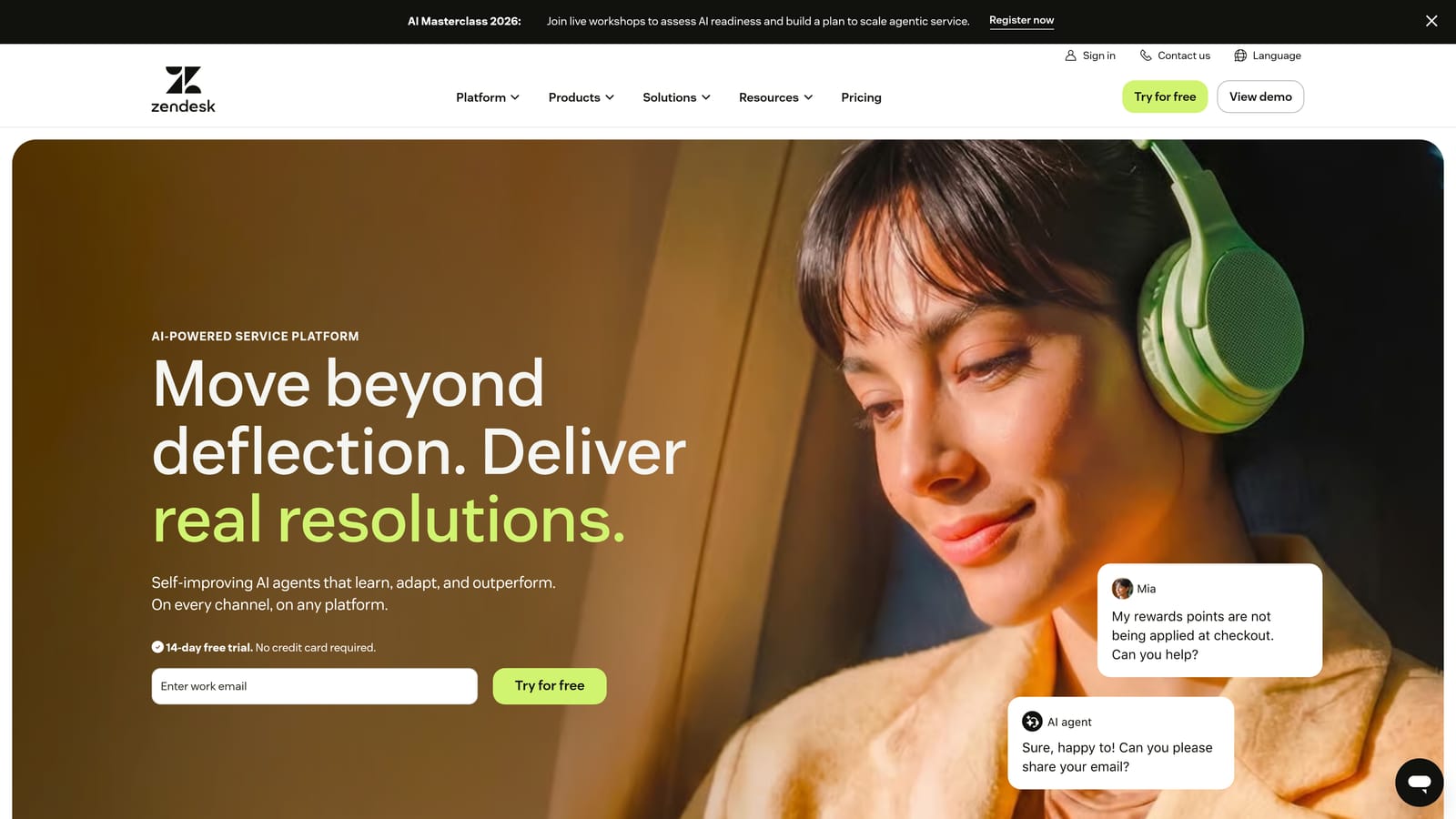
Zendesk AI layers intelligent triage, automated replies, and agent copilot features directly into Zendesk's enterprise-grade ticketing and helpdesk platform.
Where This Tool Shines
Zendesk's AI capabilities are most powerful for organizations already running Zendesk Suite at scale. Intelligent triage and intent detection automatically classify and route incoming tickets before a human agent ever sees them, which meaningfully reduces first-response time in high-volume environments. The generative AI reply drafting gives agents a starting point on every ticket, compressing handle time on complex issues.
The knowledge base AI suggestions are particularly useful for self-service deflection: the system surfaces relevant articles to customers before they submit a ticket, reducing inbound volume without any manual curation effort from the support team.
Key Features
AI-Powered Triage and Intent Detection: Automatically classifies incoming tickets by intent, sentiment, and priority before routing to the appropriate queue or automation.
Generative AI Reply Drafting: Agents receive AI-generated draft replies based on ticket context and knowledge base content, reducing handle time.
Automated Workflow Engine: Triggers, macros, and AI-powered routing rules handle repetitive workflow steps without manual agent intervention.
Knowledge Base AI Suggestions: Surfaces relevant self-service articles to customers at the point of ticket submission to drive deflection.
Advanced Analytics Suite: Comprehensive reporting on ticket volume, resolution rates, agent performance, and AI deflection metrics.
Best For
Enterprise support organizations already invested in the Zendesk ecosystem that want to incrementally add AI without a platform change. Less suited for teams starting fresh or those looking for AI-first architecture from the ground up.
Pricing
AI features are available on Suite Professional and Enterprise plans. See zendesk.com for current pricing tiers.
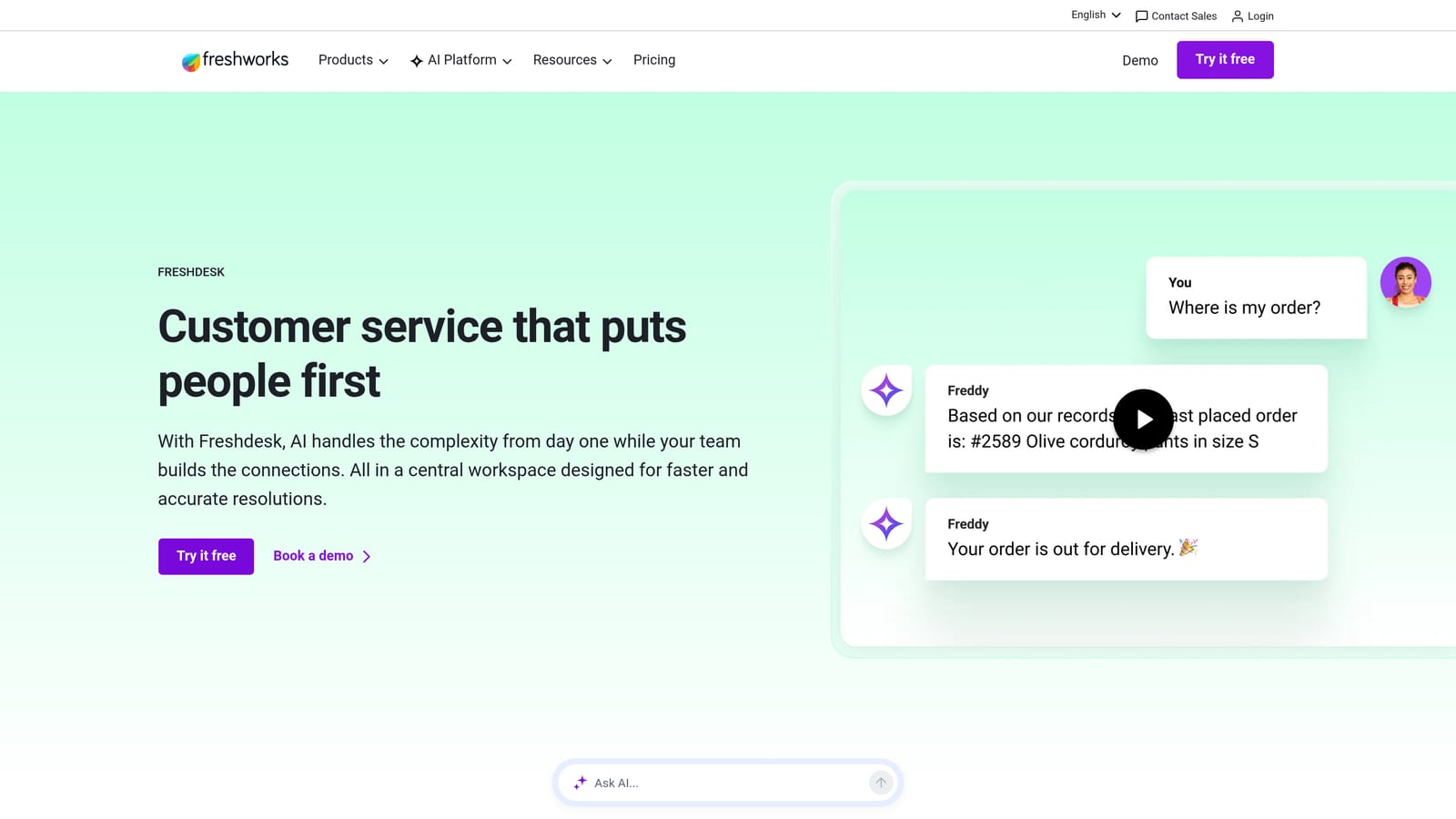
4. Freshdesk Freddy AI
Best for: SMBs on the Freshworks ecosystem that want affordable AI automation across self-service, agent assist, and analytics
Freshdesk's Freddy AI spans self-service automation, agent assist, and analytics across the Freshworks support suite, making it a comprehensive AI layer for teams already in that ecosystem.
Where This Tool Shines
Freddy AI is structured across three distinct layers, which is useful for teams that want to adopt AI incrementally. Freddy Self Service handles customer-facing deflection through an AI chatbot. Freddy Copilot assists agents in the inbox with reply drafting and conversation summarization. Freddy Insights generates analytics and surfaces trends without requiring manual report building.
The entry-level pricing relative to Zendesk or Intercom makes Freddy a genuinely accessible option for growing SMBs. Teams already using Freshworks for CRM, ITSM, or sales will find the integration between Freddy and the broader Freshworks suite particularly smooth.
Key Features
Freddy Self Service: AI-powered chatbot for customer-facing query deflection, trained on your knowledge base content.
Freddy Copilot: In-inbox AI assist for reply drafting, ticket summarization, and next-step recommendations for human agents.
Freddy Insights: AI-generated analytics that surface trends, anomalies, and performance signals without manual report configuration.
Omnichannel Support: Covers email, chat, phone, and social channels from a unified inbox.
Accessible Entry-Level Pricing: Freddy AI features are available at lower price points than most enterprise alternatives, making the ROI case easier for smaller teams.
Best For
SMBs and mid-market teams already on Freshworks that want AI automation without the cost or complexity of enterprise platforms. Also a good fit for teams that want a modular AI rollout rather than a full platform switch.
Pricing
Freddy AI features are available on the Growth plan and above. See freshdesk.com for current pricing details.
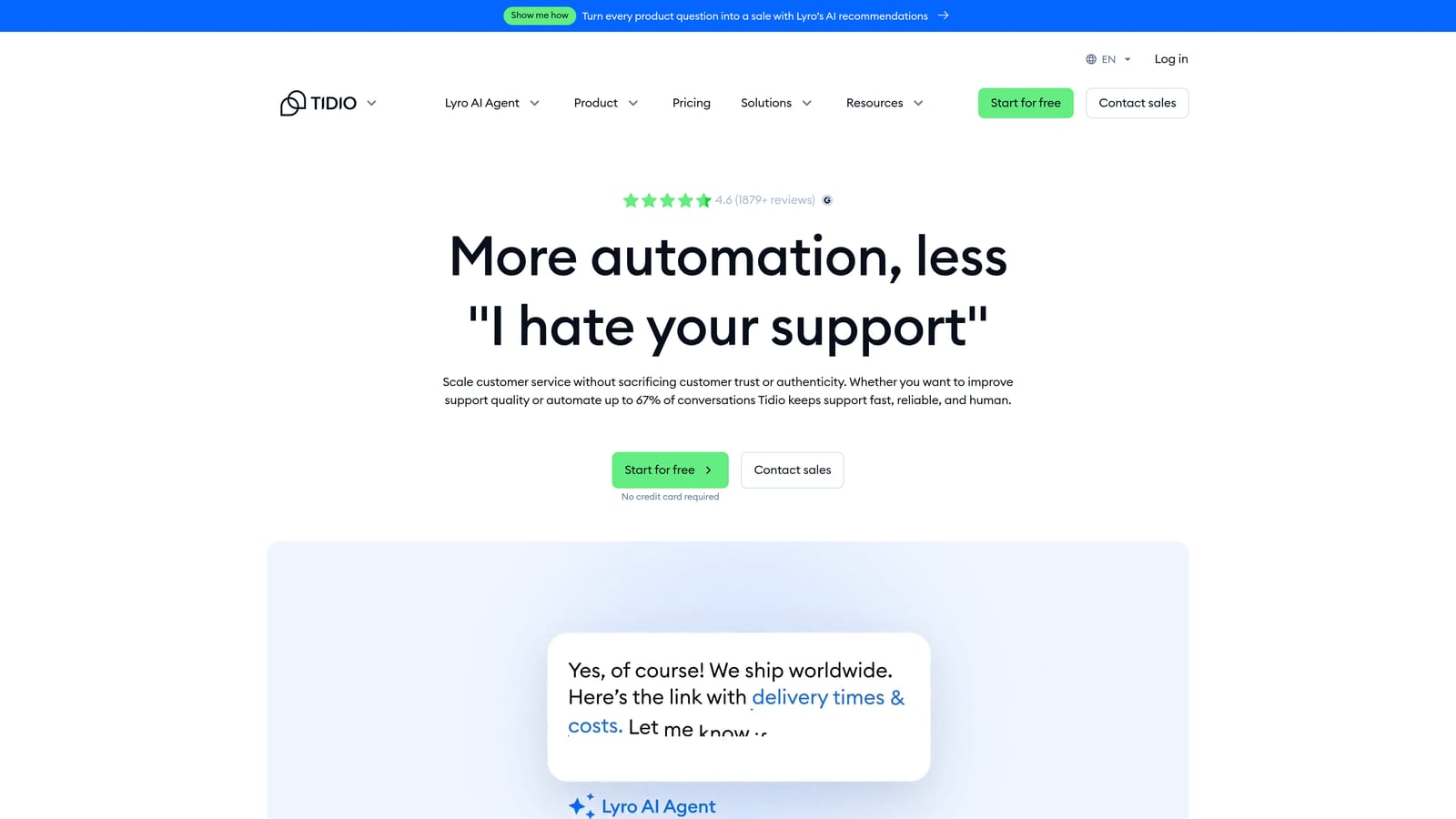
5. Tidio
Best for: Small e-commerce businesses and consumer brands that need fast AI chatbot deployment with minimal setup
Tidio is a live chat and AI chatbot platform built for small businesses and e-commerce, featuring the Lyro AI chatbot for automated customer query resolution.
Where This Tool Shines
Tidio's standout quality is speed of deployment. Teams can typically get Lyro up and running without developer resources, which is a real advantage for small businesses without dedicated engineering support. The Lyro AI chatbot handles common support queries conversationally and falls back to a live agent when it can't resolve an issue autonomously.
Native integrations with Shopify and WooCommerce make Tidio a natural fit for e-commerce operations where order status, returns, and product questions make up the bulk of support volume. The free tier also makes it accessible for very low-volume teams testing AI automation for the first time.
Key Features
Lyro AI Chatbot: Conversational AI that handles common support queries autonomously, with natural language understanding tuned for customer service use cases.
Fast No-Code Setup: Deployable without developer resources, typically within hours rather than weeks.
E-Commerce Integrations: Native connections with Shopify, WooCommerce, and other e-commerce platforms for order-aware support automation.
Live Chat Fallback: Seamless agent takeover when Lyro reaches the limits of its resolution capability.
Free Tier Available: Low-volume teams can get started without a paid commitment.
Best For
Small e-commerce businesses and consumer brands that need a fast, affordable AI chatbot without complex implementation. Less suited for B2B SaaS teams with nuanced product support needs or enterprise-scale ticket volumes.
Pricing
Free plan available; paid plans start at accessible price points for small businesses. See tidio.com for current tiers.
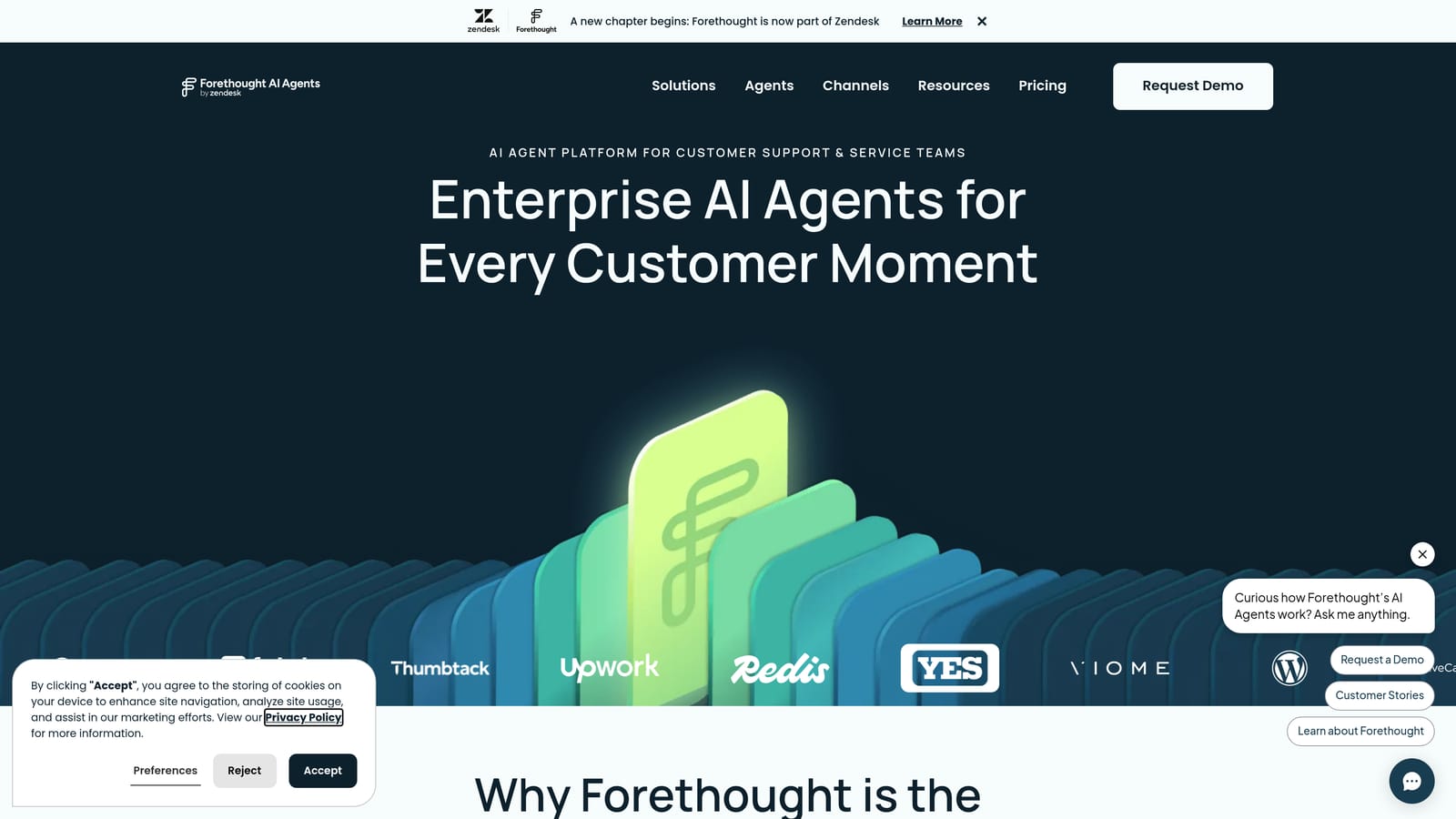
6. Forethought
Best for: Enterprise teams that want AI-powered triage and agent assist layered onto an existing helpdesk without replacing it
Forethought is an AI platform focused on intelligent ticket triage, routing, and agent assist, designed to work alongside existing helpdesks rather than replace them.
Where This Tool Shines
Forethought's core value proposition is intelligent ticket classification. Its Triage AI product is particularly strong at reading incoming ticket intent and routing to the right team, automation, or escalation path. For large support operations handling high volumes across multiple product lines or customer segments, accurate triage is often the highest-leverage automation investment.
The Assist AI product works inside the agent's existing inbox to surface relevant knowledge and suggest responses in real time. Because Forethought integrates with platforms like Zendesk, Salesforce, and ServiceNow rather than replacing them, it's a lower-risk adoption path for enterprises with significant helpdesk infrastructure already in place.
Key Features
Solves AI: Autonomous resolution layer for common, repeatable support queries before they reach a human agent.
Triage AI: Intent classification and smart routing that directs tickets to the right queue, team, or automation based on content and context.
Assist AI: In-app knowledge retrieval and response suggestions for live agents handling escalated tickets.
Sentiment and Priority Scoring: Automatically flags high-priority or high-risk tickets based on sentiment analysis.
Helpdesk Integrations: Works natively with Zendesk, Salesforce, ServiceNow, and other enterprise platforms.
Best For
Enterprise support organizations that want to add AI intelligence to an existing helpdesk without a full platform migration. Particularly strong for teams where ticket routing accuracy and agent productivity are the primary pain points.
Pricing
Enterprise pricing; contact Forethought directly for a custom quote via forethought.ai.
7. Kustomer
Best for: High-volume consumer support teams that need a unified CRM and omnichannel support platform with AI automation
Kustomer is a CRM-native support platform that combines unified customer timelines, omnichannel messaging, and AI automation in a single interface.
Where This Tool Shines
The defining feature of Kustomer is its unified customer timeline view. Every interaction a customer has had across every channel is visible in a single chronological view when an agent opens a conversation. For consumer brands handling high volumes of repeat customers, this context dramatically reduces handle time and improves resolution quality because agents never need to ask a customer to repeat themselves.
The business rules engine gives operations teams significant control over automation logic without requiring engineering involvement. Combined with AI-powered routing and suggested responses, Kustomer handles a meaningful share of repetitive resolution work while keeping human agents well-equipped for complex cases.
Key Features
Unified Customer Timeline: Complete interaction history across all channels displayed in a single view for every customer conversation.
AI-Powered Routing and Suggested Responses: Intelligent ticket routing and AI-generated reply suggestions that reduce agent effort on common cases.
Omnichannel Support: Covers chat, email, SMS, social, and voice from a single platform.
Business Rules Engine: Flexible workflow automation builder for routing, escalation, tagging, and SLA management.
CRM Data in Every Conversation: Customer purchase history, account data, and prior interactions are embedded directly in the support interface.
Best For
High-volume consumer support operations, particularly in e-commerce, retail, and direct-to-consumer brands. Less suited for B2B SaaS teams with complex product support needs where ticket intelligence and business signals matter more than CRM timeline depth.
Pricing
Enterprise pricing; see kustomer.com for plan details.
8. Ada
Best for: Large consumer brands that need scalable, multilingual AI automation with enterprise governance controls
Ada is a no-code enterprise AI bot builder designed for large brands that need scalable, multilingual automated customer experiences with strong governance and compliance controls.
Where This Tool Shines
Ada's multilingual support is a genuine differentiator. For global consumer brands supporting customers across dozens of languages, Ada handles that complexity natively without requiring separate bot configurations per language. The no-code builder also means support operations teams can own bot design and updates without routing every change through engineering.
Enterprise governance features, including permission controls, conversation review workflows, and compliance reporting, make Ada a viable option for regulated industries where AI deployment requires audit trails and oversight. Containment rate reporting gives leadership clear visibility into what percentage of conversations the AI is resolving without human intervention.
Key Features
No-Code AI Bot Builder: Drag-and-drop flow design that support operations teams can manage without developer involvement.
Multilingual Support: Native support across dozens of languages without separate bot configurations per locale.
Enterprise Security and Compliance Controls: Permission management, audit trails, and compliance reporting for regulated industries.
Helpdesk and CRM Integrations: Connects with major helpdesk and CRM platforms to pull context into automated conversations.
Containment Rate Reporting: Clear analytics on what percentage of conversations are fully resolved by the AI without human escalation.
Best For
Large consumer brands and enterprises operating across multiple languages and geographies that need strong governance controls over their AI deployment. Less suited for small teams or B2B SaaS companies with complex, context-dependent support scenarios.
Pricing
Enterprise pricing; contact Ada for a demo and quote via ada.cx.
9. Capacity
Best for: Organizations that need a single AI automation platform for both internal helpdesk (IT, HR) and external customer support
Capacity is an AI-powered support automation platform that serves both internal teams and external customer support from a unified knowledge base.
Where This Tool Shines
Capacity's dual-use architecture is its clearest differentiator. Most support automation tools are built exclusively for external customer-facing use cases. Capacity covers internal IT and HR helpdesk alongside customer support, all powered by the same knowledge base. For mid-market companies that want to consolidate their internal and external support tooling under one platform, that's a meaningful operational simplification.
The workflow automation builder allows non-technical teams to create multi-step automation flows that connect support conversations to actions in other business systems. Live agent escalation preserves full conversation context so agents picking up from the AI don't need to ask customers to re-explain their issue.
Key Features
Unified Knowledge Base: A single knowledge source powers both internal (IT, HR) and external (customer) support automation, reducing duplication and maintenance overhead.
AI Chatbot with Workflow Automation: Handles common queries autonomously and triggers multi-step workflows in connected business tools.
Internal Helpdesk Ticketing: Purpose-built ticketing for IT and HR use cases alongside customer support, from one platform.
Business Tool Integrations: Connects with popular communication and productivity platforms to extend automation beyond the support inbox.
Live Agent Escalation with Context: Full conversation history is passed to human agents on escalation, eliminating the need for customers to repeat themselves.
Best For
Mid-market and enterprise organizations that want to consolidate internal helpdesk and external customer support automation under one platform. Also a strong fit for companies where IT and HR teams are looking to reduce manual ticket handling alongside customer support.
Pricing
Tiered plans from SMB to enterprise; see capacity.com for current pricing.
Which Tool Is Right for Your Team?
The right AI support automation tool depends less on feature lists and more on where you're starting from and what you're optimizing for.
If you're building an AI-first support operation from the ground up, particularly as a B2B SaaS company, Halo AI is the strongest option. The page-aware context, continuous learning architecture, and business intelligence layer make it genuinely different from tools that simply bolt AI onto a traditional helpdesk.
If you're a large enterprise already running Zendesk at scale, Zendesk AI is the lowest-friction path to adding AI capabilities without a platform migration. Similarly, if your team lives in Freshworks, Freddy AI delivers solid automation at a more accessible price point than enterprise alternatives.
For e-commerce teams and small businesses that need something deployed quickly without engineering resources, Tidio remains one of the fastest paths to live AI support. And for global consumer brands that need multilingual automation with enterprise governance, Ada is built precisely for that complexity.
One practical note: most of these platforms offer trials or demos before you commit. The gap between a vendor demo and real-world resolution quality can be significant, so it's worth running a pilot on a representative sample of your actual ticket volume before making a final decision.
Your support team shouldn't scale linearly with your customer base. Let AI agents handle routine tickets, guide users through your product, and surface business intelligence while your team focuses on complex issues that need a human touch. See Halo in action and discover how continuous learning transforms every interaction into smarter, faster support.