9 Best Contextual Help Tools for SaaS Products in 2026
Contextual help for SaaS products delivers page-aware, intent-driven support at the exact moment users get stuck — reducing churn and support overhead. This guide ranks the 9 best tools available in 2026, covering the full spectrum from lightweight no-code onboarding builders to AI-first platforms capable of autonomous ticket resolution, so teams at any stage can find the right fit.
 Grant CooperFounder13 min read
When users get stuck inside your SaaS product, a generic FAQ page won't save them. They need help that knows exactly where they are, what they're trying to do, and why they're confused. That's the promise of contextual help: support that's page-aware, intent-aware, and delivered at the moment of friction rather than after the user has already churned.
For product and support teams, choosing the right contextual help tool means balancing in-app guidance, AI-driven resolution, and seamless escalation without bolting on a dozen disconnected systems. The tools below represent the best options available in 2026, spanning the full spectrum from lightweight no-code onboarding builders to AI-first support platforms capable of autonomous ticket resolution.
Whether you're a lean startup looking to reduce time-to-value or a scaling B2B product team managing thousands of support interactions daily, there's a fit here for your stage and support model.
1. Halo AI
Best for: B2B SaaS teams that want AI-first, page-aware contextual support with autonomous resolution.
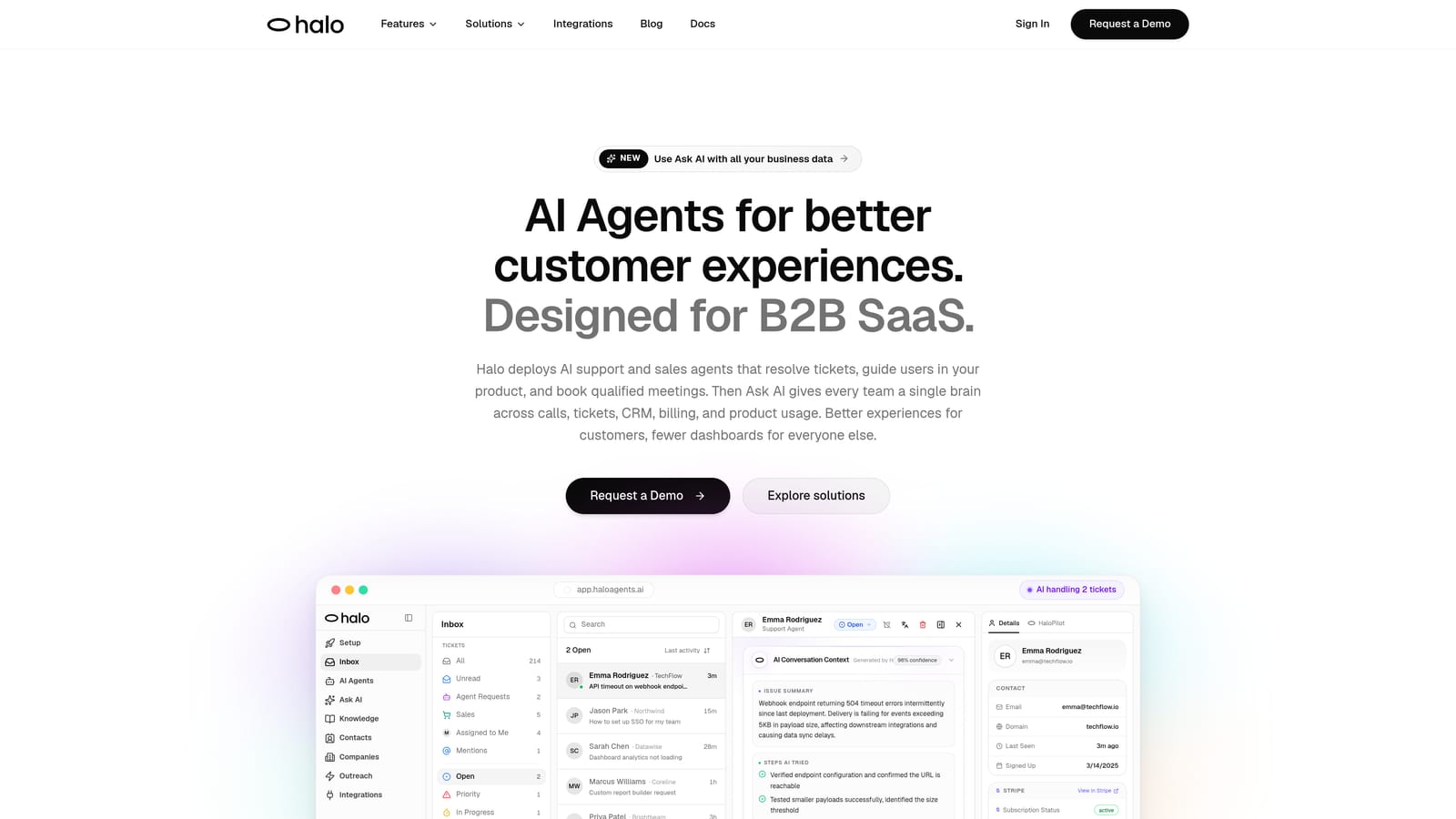
Halo AI is an AI-native customer support platform with a page-aware chat widget that sees what users see and resolves tickets without human intervention.
Where This Tool Shines
Most contextual help tools know which page a user is on. Halo AI goes further: its chat widget understands the user's current screen and can provide visual UI guidance specific to that exact context. When a user gets stuck on a billing settings page, Halo doesn't surface a generic article — it responds to what's actually visible on screen.
What separates Halo from bolted-on AI features is its architecture. It was built AI-first rather than retrofitted onto an existing helpdesk. Every resolved ticket, every escalation, every user interaction feeds a continuous learning loop that makes the system progressively smarter. For support teams tired of static playbooks that go stale, this is a meaningful distinction.
Key Features
Page-Aware Chat Widget: Understands the user's current screen context and delivers visual UI guidance relevant to what they're actually looking at.
Autonomous Ticket Resolution: AI agents handle routine tickets end-to-end, with continuous learning from every interaction to improve resolution accuracy over time.
Auto Bug Ticket Creation: Automatically generates and routes bug reports to engineering tools like Linear, eliminating manual handoffs between support and product teams.
Live Agent Handoff: Escalates to human agents with full conversation context preserved, so users never have to repeat themselves.
Smart Inbox with Business Intelligence: Goes beyond support metrics to surface customer health signals, revenue anomalies, and product usage patterns that inform broader business decisions.
Deep Integrations: Connects natively with Linear, Slack, HubSpot, Intercom, Stripe, Zoom, PandaDoc, and Fathom — not just your helpdesk.
Best For
Product and support teams at B2B SaaS companies that want more than a chatbot — specifically those who need autonomous resolution, structured escalation, and business intelligence signals beyond ticket counts. Particularly strong for teams already using modern toolstacks (Linear, HubSpot, Slack) who want their support layer to connect across the entire stack.
Pricing
Contact for pricing via a demo-first model. Visit haloagents.ai to book a demo and discuss your team's specific requirements.
2. Intercom
Best for: Teams that want a mature, all-in-one customer messaging platform with AI and in-app chat.
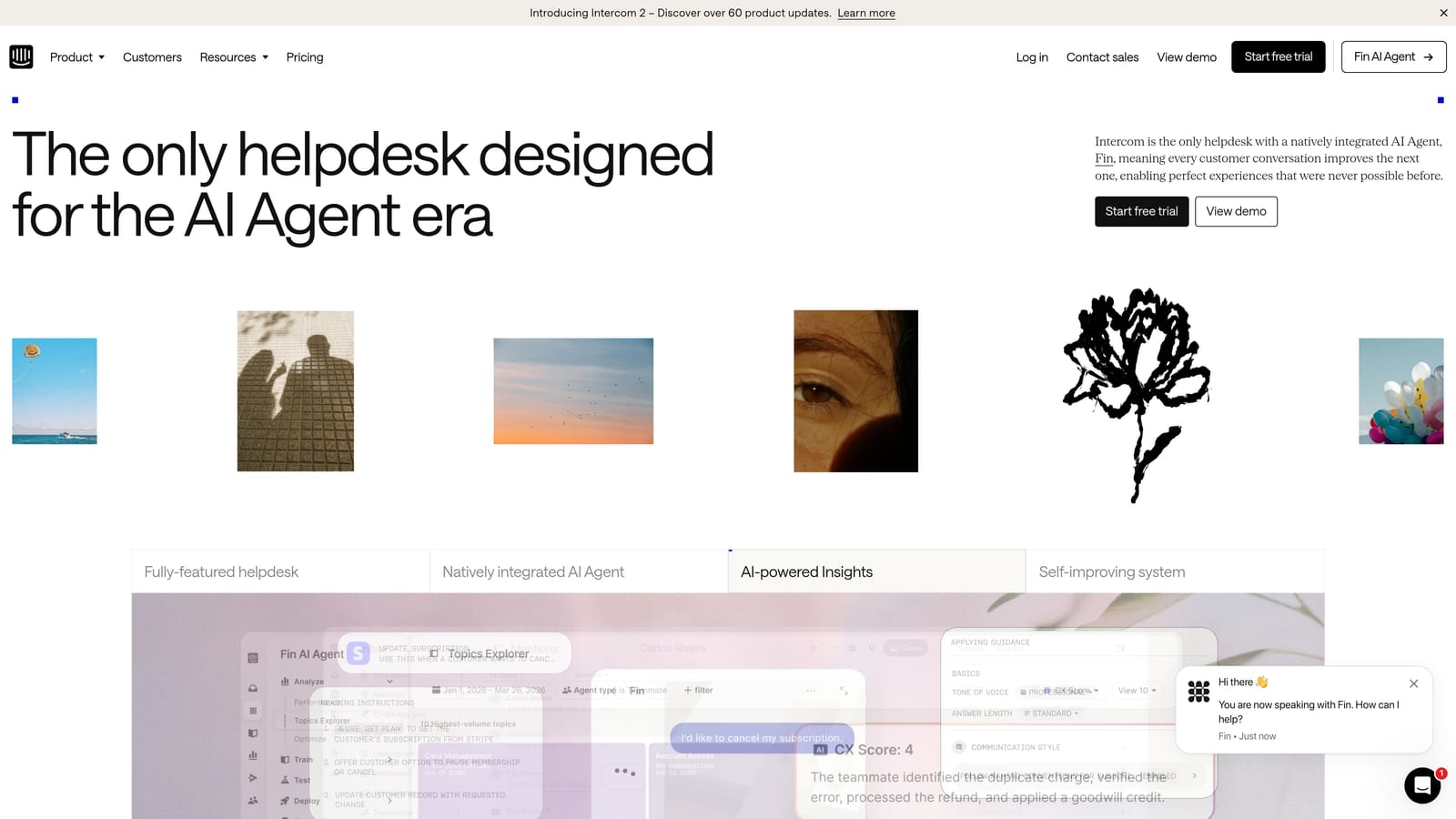
Intercom is a well-established customer messaging platform combining contextual in-app chat, an AI agent called Fin, and a unified inbox for support teams.
Where This Tool Shines
Intercom's strength is its maturity. It's been a category-defining tool for in-app messaging for over a decade, and that shows in the depth of its messenger UX, its integration ecosystem, and the reliability of its workflows. Fin, its AI agent, uses your existing knowledge base to answer queries automatically, which means teams with well-maintained documentation can see meaningful deflection without starting from scratch.
The unified inbox — combining chat, email, and ticketing — is a genuine operational advantage for support teams managing multiple channels. Proactive in-app messages and product tours add a guidance layer on top of the reactive support foundation.
Key Features
Fin AI Agent: Resolves customer queries automatically using your knowledge base, with escalation to human agents when needed.
Contextual In-App Messenger: Triggered by user behavior or page context, delivering relevant support at the right moment.
Unified Inbox: Combines chat, email, and ticket workflows into a single interface for support teams.
Product Tours and In-App Messages: Proactive guidance tools for onboarding and feature adoption.
App Marketplace: Extensive integrations with CRMs, analytics tools, and third-party services.
Best For
Mid-market and enterprise teams that want a proven, all-in-one messaging and support platform. Also well-suited for teams with existing knowledge bases who want to add AI deflection without a full platform migration.
Pricing
Starter plans begin at approximately $39/seat/month; Fin AI pricing varies by resolution volume. Verify current pricing at intercom.com.
3. Pendo
Best for: Product teams that want to combine contextual in-app guidance with deep feature adoption analytics.
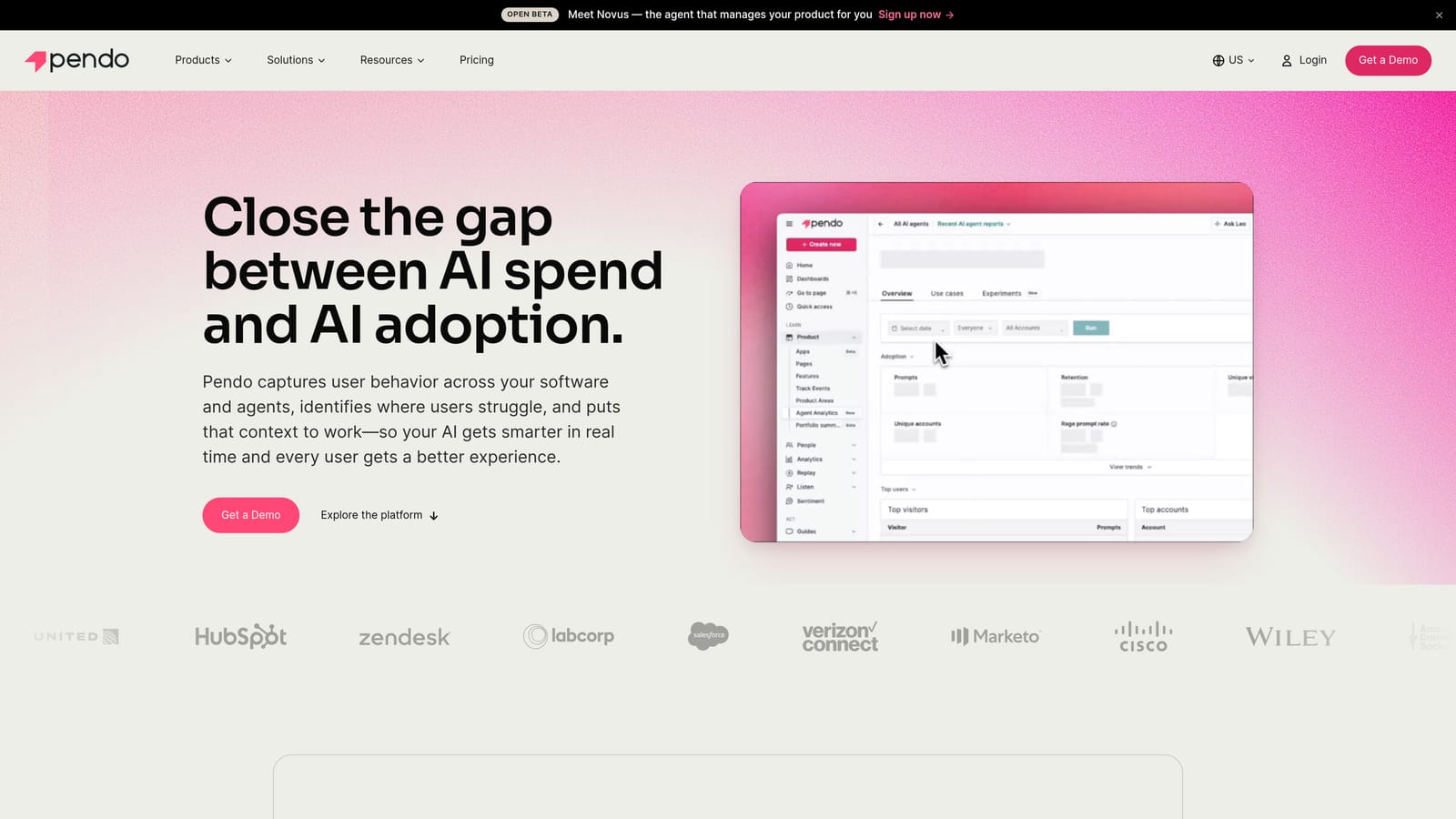
Pendo is a product experience platform that pairs in-app guides — tooltips, walkthroughs, banners — with robust product analytics to understand and improve feature adoption.
Where This Tool Shines
Pendo's real differentiator is the combination of guidance and analytics in a single platform. Most contextual help tools can show you what guidance you've deployed; Pendo shows you whether it's working, where users drop off, and which features are going undiscovered. For product teams running adoption campaigns, that feedback loop is invaluable.
The resource center — an embedded self-service hub inside your product — allows users to access help content without leaving their workflow. Pendo's contextual targeting, triggered by page, user segment, or behavioral events, means guidance reaches the right users at the right moment rather than blanketing everyone with the same onboarding flow.
Key Features
Contextual In-App Guides: Triggered by page, user segment, or behavior for precise, relevant delivery.
Product Analytics: Reveals where users struggle, which features go unused, and where drop-off occurs in key workflows.
Tooltips, Lightboxes, and Banners: Multiple guide formats for different contextual help scenarios.
NPS and In-App Surveys: Collects user sentiment at key moments in the product journey.
Resource Center: Embedded self-service content hub accessible directly within the product interface.
Best For
Product-led growth companies and product managers who need visibility into adoption alongside the ability to act on it. Less suited for teams primarily focused on reactive support rather than proactive product guidance.
Pricing
A free tier is available; paid plans are custom-quoted. Verify current pricing at pendo.io.
4. Appcues
Best for: Non-technical teams that need to build contextual onboarding flows quickly without engineering sprints.
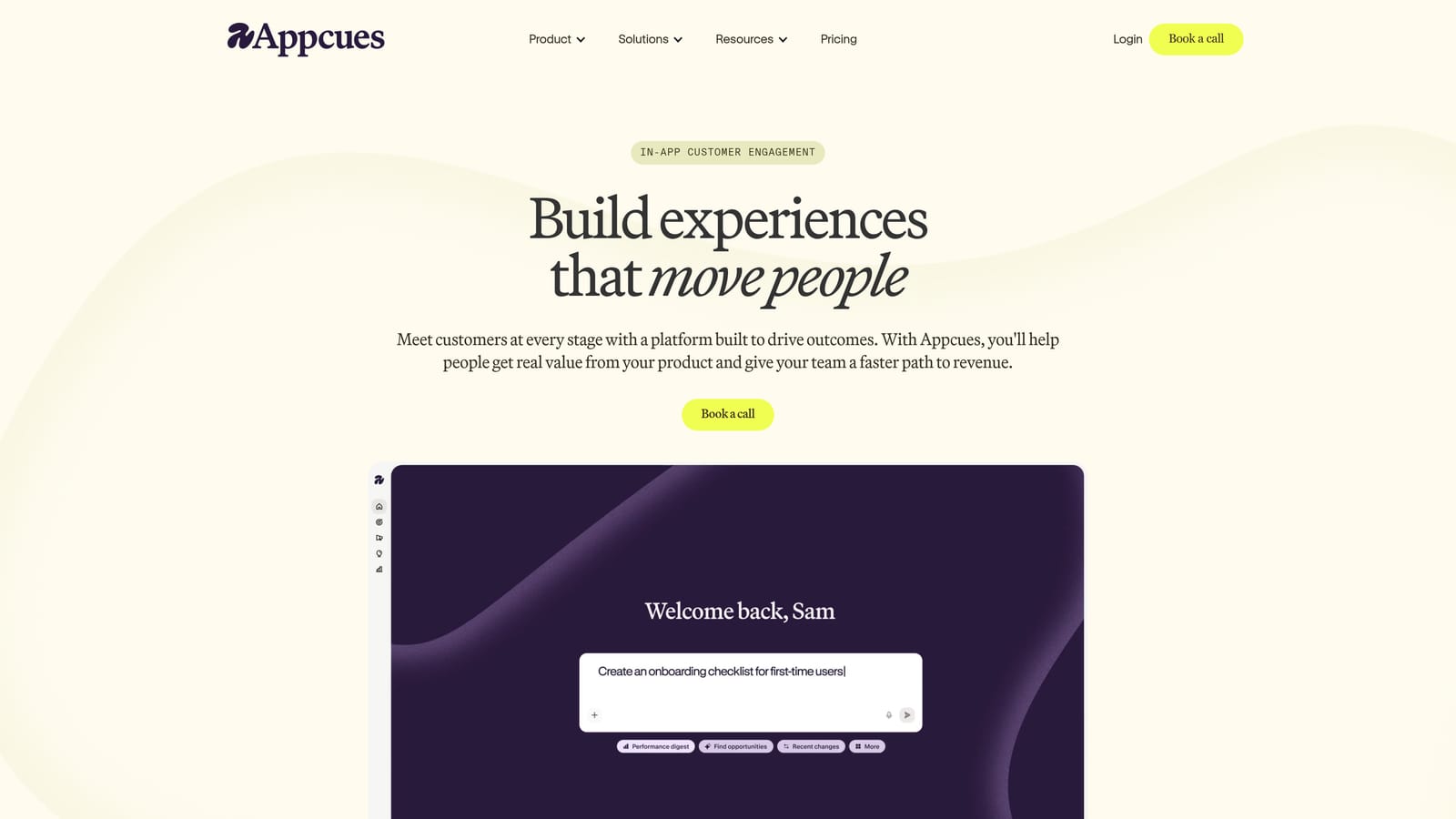
Appcues is a no-code platform for building contextual in-app onboarding flows, checklists, and tooltips without requiring developer involvement.
Where This Tool Shines
Appcues is built for speed. Its visual no-code builder lets product managers and customer success teams create and iterate on onboarding flows without waiting for engineering cycles. If your team has a backlog of in-app guidance ideas that never make it into sprints, Appcues is designed to unblock exactly that problem.
The contextual targeting — by page, user property, or behavioral event — ensures that flows reach the right users rather than creating noise for everyone. A/B testing for guide variations adds a layer of optimization that many competing tools at this price point don't offer.
Key Features
Visual No-Code Builder: Create flows, slideouts, and hotspots without writing code, directly in your product interface.
Contextual Targeting: Trigger guides by page, user property, or event for precise delivery.
Onboarding Checklists: Progress-tracked checklists that guide users through key activation steps.
A/B Testing: Test guide variations to optimize completion rates and user response.
Analytics and CRM Integrations: Connects with tools like Segment, Mixpanel, Salesforce, and HubSpot.
Best For
Early-stage and growth-stage SaaS teams where product managers or customer success leads own onboarding, and where engineering bandwidth for in-app guidance is limited. Less focused on reactive support than on proactive activation.
Pricing
Starts at approximately $249/month. Verify current pricing at appcues.com.
5. Chameleon
Best for: PLG teams that need granular segmentation and flexible in-app experience building.
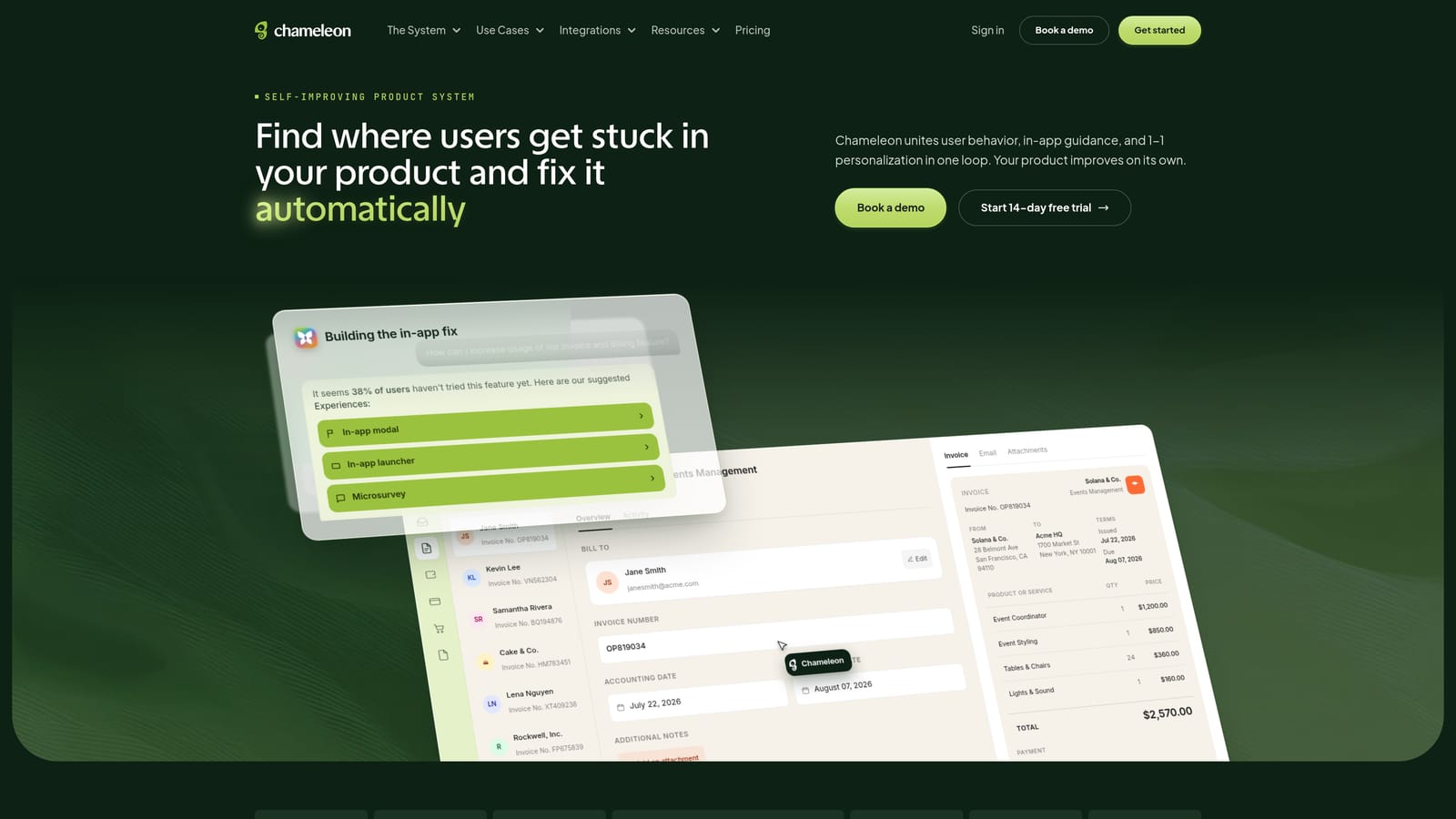
Chameleon is a highly flexible in-app experience builder supporting product tours, microsurveys, launchers, and tooltips with strong user segmentation capabilities.
Where This Tool Shines
Chameleon's standout capability is its segmentation engine. You can target contextual help experiences with granular precision — by user role, account plan, feature usage, lifecycle stage, or custom attributes passed from your data warehouse. For product teams that have outgrown one-size-fits-all onboarding, that level of targeting control is a significant upgrade.
The HelpBar is a distinctive feature worth calling out: it's a command palette that users can invoke inside your product to search for help, navigate to features, or trigger actions. It brings a developer-tool-style UX to self-service support, which resonates particularly well with technical user bases.
Key Features
Granular User Segmentation: Precise contextual targeting by role, plan, behavior, or custom data attributes.
Microsurveys: Collect in-product feedback at specific moments in the user journey without interrupting workflow.
HelpBar: A command palette for in-app search, help access, and feature navigation.
Launchers and Checklists: Self-directed onboarding tools for users who prefer to explore at their own pace.
Analytics Integrations: Native connections with Segment, Mixpanel, HubSpot, and other data tools.
Best For
Product-led growth teams that need precise control over who sees what guidance and when. Also a strong fit for products with technical user bases who would appreciate the HelpBar's command palette approach to self-service.
Pricing
Starts at approximately $279/month. Verify current pricing at chameleon.io.
6. Stonly
Best for: Teams that want personalized, decision-tree-driven self-service without deploying a full AI agent.
Stonly is an interactive guide platform that uses decision-tree logic to deliver personalized, step-by-step contextual help adapted to each user's specific situation.
Where This Tool Shines
Stonly occupies an interesting middle ground. It's more interactive and personalized than a static knowledge base, but it doesn't require the setup complexity or cost of a full AI agent deployment. Its decision-tree guides branch based on user responses — so a user troubleshooting a billing issue sees a different path than one troubleshooting an integration error, even if they started from the same entry point.
For support teams with well-documented troubleshooting workflows that currently live in tribal knowledge or lengthy articles, Stonly provides a structured way to make that knowledge interactive and embeddable directly inside the product.
Key Features
Decision-Tree Guides: Guides adapt based on user responses, making self-service feel personalized rather than generic.
Embedded Widget: Deploys directly inside your product as a widget or inline component without redirecting users to an external help center.
AI-Powered Guide Creation: Generates guides from existing documentation to reduce manual authoring effort.
Completion Analytics: Shows where users exit or complete guides, revealing friction points in your self-service flows.
Helpdesk Integrations: Connects with Zendesk, Intercom, and Freshdesk for teams that want to extend existing support infrastructure.
Best For
Support teams with structured troubleshooting workflows who want to make self-service more interactive without a full AI deployment. Also well-suited for teams already using Zendesk or Intercom who want to add an interactive guide layer.
Pricing
A free tier is available; paid plans start at approximately $99/month. Verify current pricing at stonly.com.
7. Helpjuice
Best for: Documentation-heavy support teams that want intelligent search and embedded knowledge base access inside the product.
Helpjuice is a knowledge base platform with intelligent search and analytics, designed to be embedded inside SaaS products for contextual article delivery.
Where This Tool Shines
Helpjuice's competitive edge is its search intelligence. Rather than a basic keyword match, it surfaces contextually relevant articles based on what the user is searching for and where they are in the product. The analytics layer is equally valuable: it reveals which searches return no results, which articles aren't resolving questions, and where users give up on self-service — giving content teams a data-driven roadmap for documentation improvements.
For teams where the primary contextual help challenge is "users can't find the right article," rather than "users need interactive guidance," Helpjuice is a focused and effective solution.
Key Features
Intelligent Search: Surfaces contextually relevant articles rather than relying on exact keyword matching.
Embeddable Widget: Provides in-product knowledge base access without redirecting users to an external help center.
Search Gap Analytics: Reveals which questions users are asking that your documentation doesn't currently answer.
Customizable Branding: Matches the knowledge base UI to your product's design system.
Integrations: Connects with Slack, Salesforce, and Zendesk for teams managing support across multiple platforms.
Best For
Teams with substantial existing documentation who want to make that content more discoverable inside the product. Best suited for support models where self-service article deflection is the primary goal rather than interactive walkthroughs or AI resolution.
Pricing
Starts at approximately $120/month. Verify current pricing at helpjuice.com.
8. UserGuiding
Best for: Startups and SMBs that need affordable no-code onboarding and contextual help without enterprise-tier pricing.
UserGuiding is an accessible no-code onboarding and contextual help platform combining product tours, checklists, hotspots, and a resource center at a price point designed for early-stage SaaS products.
Where This Tool Shines
UserGuiding's primary advantage is accessibility — both in terms of price and ease of setup. For teams that are just starting to build out their in-app guidance layer and don't yet need the advanced segmentation of Chameleon or the analytics depth of Pendo, UserGuiding delivers the core functionality without the enterprise overhead.
The in-app resource center is a particularly useful feature at this price tier, giving users a persistent self-service hub they can access at any point in their workflow. Hotspots for highlighting new or underused features add a lightweight proactive guidance option that doesn't require building full walkthroughs.
Key Features
No-Code Product Tours: Build contextual walkthroughs and tooltips without developer involvement.
Onboarding Checklists: Progress indicators that guide users through activation steps at their own pace.
In-App Resource Center: A persistent self-service hub embedded directly inside your product.
Hotspots: Lightweight callouts to draw attention to new or underused features.
NPS Surveys and Basic Analytics: Collect user sentiment and track guide performance without needing a separate survey tool.
Best For
Early-stage SaaS teams and SMBs that need to ship in-app guidance quickly and affordably. Teams that have outgrown basic onboarding emails but aren't yet ready for the investment of Pendo or Chameleon.
Pricing
Starts at approximately $89/month. Verify current pricing at userguiding.com.
9. Zendesk (Guide + Web Widget)
Best for: Enterprise teams that need deep ticket management, compliance, and contextual knowledge base delivery in a single platform.
Zendesk is an enterprise support platform that delivers contextual help inside SaaS products via its Web Widget, surfacing relevant knowledge base articles and AI-powered answer suggestions based on the user's current page.
Where This Tool Shines
Zendesk's strength is its depth as an enterprise support infrastructure. The Web Widget's contextual article suggestions — driven by the user's current page URL — provide a solid foundation for in-product self-service without requiring a separate tool. The AI-powered Answer Bot deflects tickets before they're submitted by surfacing relevant articles at the moment a user starts typing their question.
For organizations that need SLA tracking, advanced reporting, compliance certifications, and a mature integration ecosystem, Zendesk provides a level of operational infrastructure that lighter-weight tools can't match. The tradeoff is configuration complexity: smaller teams often find Zendesk's full feature set more than they need, at least initially.
Key Features
Web Widget with Contextual Suggestions: Embeds in your product and surfaces relevant knowledge base articles based on the user's current page.
AI-Powered Answer Bot: Deflects tickets automatically by presenting relevant articles before users submit a support request.
Deep Ticket Management: SLA tracking, routing rules, custom views, and enterprise-grade reporting.
Zendesk Guide: A structured knowledge base platform for building and maintaining help content at scale.
Enterprise Compliance and Security: Certifications and controls required by larger organizations operating in regulated industries.
Best For
Enterprise SaaS companies and larger support teams that need a full-featured support operations platform alongside contextual help delivery. Less well-suited for startups or lean teams that want lightweight setup and modern AI-first architecture.
Pricing
Suite plans start at approximately $55/agent/month. Verify current pricing at zendesk.com.
Which Tool Is Right for Your Stage and Support Model?
The contextual help landscape in 2026 spans a wide range, and the right choice depends heavily on what problem you're actually trying to solve. Here's a quick-reference guide to help you self-select.
If you need AI-first, autonomous support with page-aware context: Halo AI is the standout option. Its architecture was built for this use case from the ground up, not adapted from a messaging tool or helpdesk. The continuous learning loop and business intelligence signals make it the strongest choice for B2B SaaS teams that want support to compound in value over time.
If you want a proven all-in-one messaging and AI platform: Intercom is the mature choice. It has the deepest ecosystem, the most established UX patterns, and Fin AI handles deflection well for teams with solid knowledge bases already in place.
If proactive product guidance and adoption analytics are the priority: Pendo and Chameleon are the strongest options. Pendo wins on analytics depth; Chameleon wins on targeting flexibility and the HelpBar's self-service UX.
If you need no-code onboarding flows without engineering involvement: Appcues and UserGuiding are built for this. Appcues offers more features and A/B testing; UserGuiding is the more affordable entry point for teams at an earlier stage.
If interactive self-service without full AI complexity is the goal: Stonly's decision-tree approach delivers personalized guidance at a reasonable price, especially for teams already using Zendesk or Intercom.
If documentation discoverability is the core challenge: Helpjuice's intelligent search and gap analytics are purpose-built for this problem.
If enterprise ticket management and compliance are non-negotiable: Zendesk remains the category standard for operational depth, though teams should weigh the configuration investment against their support team's capacity.
Your support team shouldn't scale linearly with your customer base. Let AI agents handle routine tickets, guide users through your product, and surface business intelligence while your team focuses on complex issues that need a human touch. See Halo in action and discover how continuous learning transforms every interaction into smarter, faster support.