9 Best AI Support Software Tools and What They Actually Cost in 2026
This guide breaks down the true cost of AI support software across nine leading platforms, exposing hidden fees, usage-based tiers, and add-ons that vendors often obscure behind "contact sales" forms. It helps B2B SaaS teams and helpdesk buyers identify which tools deliver genuine value at scale and which become expensive fast.
 Grant CooperFounder15 min read
Understanding the true cost of AI support software is harder than it looks. Most vendors bury their pricing behind "contact sales" forms, usage-based tiers, and add-on fees that only appear after you've signed a contract. Whether you're a B2B SaaS team evaluating your first AI support tool or looking to replace an existing helpdesk setup, this guide cuts through the noise.
We've broken down nine leading AI customer support platforms, covering base pricing, what's actually included, and where costs tend to creep up. We'll also flag which tools offer genuine value at scale versus those that get expensive fast. If you're also weighing the broader build-vs-buy decision, our guides on automated customer support and AI support platform features can help frame the conversation before you start comparing price tags.
1. Halo AI
Best for: B2B SaaS teams that want AI to resolve tickets, guide users, and surface business intelligence
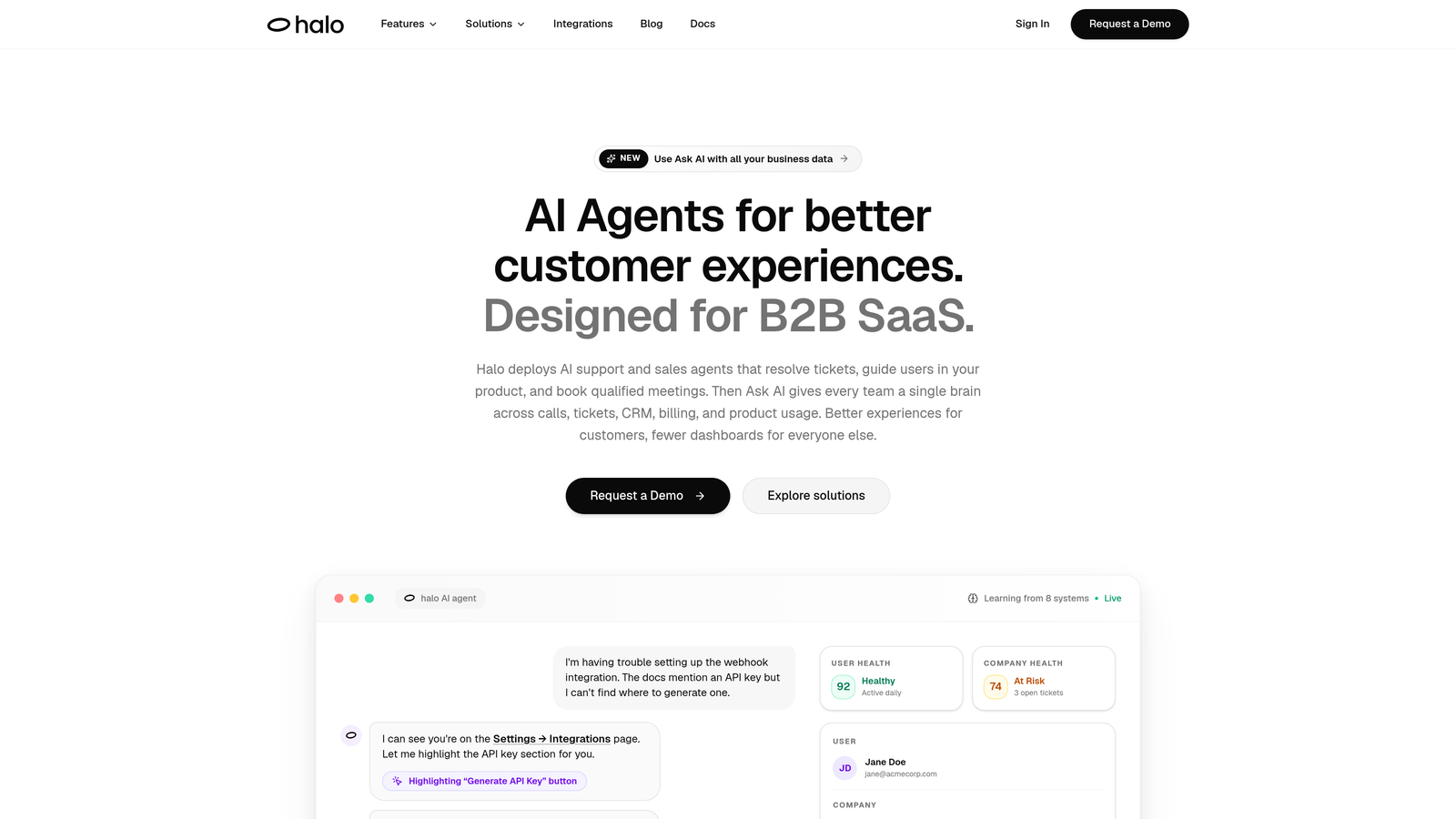
Halo AI is an AI-native customer support platform built specifically for B2B SaaS teams that want autonomous resolution, not just deflection.
Where This Tool Shines
Most AI support tools are chatbots bolted onto existing helpdesks. Halo is built AI-first from the ground up, which means the entire architecture is designed around autonomous resolution rather than routing tickets to humans slightly faster. That distinction matters when you're trying to scale support without scaling headcount.
What sets Halo apart is the combination of page-aware context and continuous learning. The chat widget sees what the user sees, which allows it to provide visual UI guidance rather than generic instructions. And because it learns from every interaction automatically, the system gets smarter over time without requiring manual retraining cycles from your team.
Key Features
Autonomous Ticket Resolution: AI agents handle support tickets end-to-end with live agent handoff when a conversation genuinely needs a human.
Page-Aware Chat Widget: The widget understands the user's current page context and delivers visual UI guidance specific to where they are in your product.
Smart Inbox with Business Intelligence: Goes beyond support metrics to surface customer health signals, revenue intelligence, and anomaly detection across your customer base.
Auto Bug Ticket Creation: Automatically generates and routes bug reports to engineering tools like Linear, closing the loop between support and product teams.
Deep Integration Stack: Connects with Slack, HubSpot, Intercom, Stripe, Zoom, PandaDoc, and Fathom, so Halo plugs into your existing business stack rather than replacing it.
Continuous Learning: Every resolved interaction improves the model without manual retraining, meaning resolution quality compounds over time.
Best For
SaaS product teams and B2B companies that want AI to do real support work, not just answer FAQs. Particularly strong for teams that need their support layer to connect to CRM, billing, and engineering tools simultaneously. Less suited for e-commerce or consumer support use cases.
Pricing
Contact Halo AI for current pricing. The AI-first architecture means pricing reflects autonomous resolution capability rather than per-seat agent costs. Visit haloagents.ai for details.
2. Intercom
Best for: Teams already using Intercom's messenger who want to add AI resolution on top
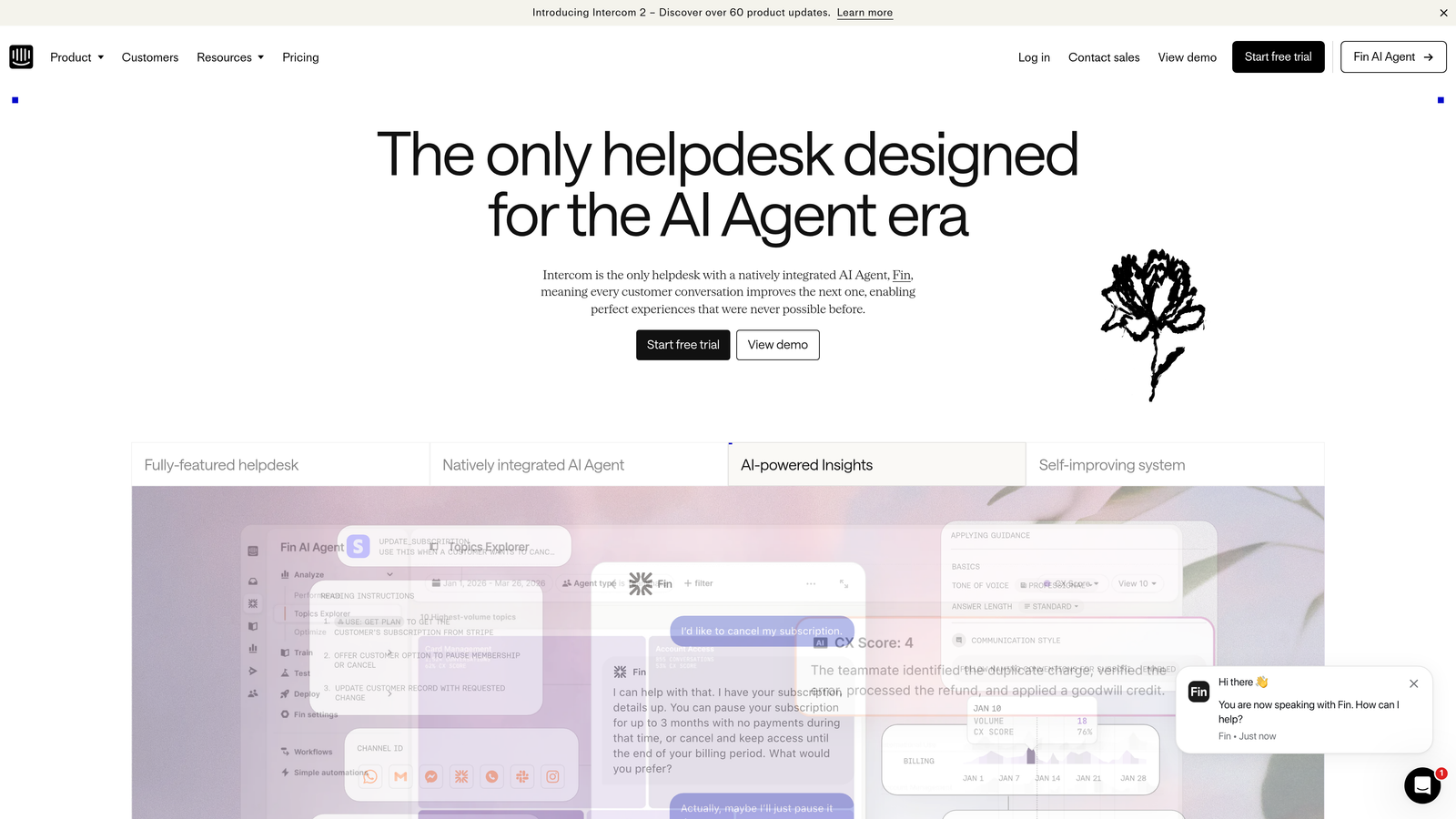
Intercom is a customer messaging platform with Fin, its AI agent, built on top of its established messenger and inbox infrastructure.
Where This Tool Shines
Intercom's strength is its messenger experience. If your team is already running customer conversations through Intercom, adding Fin AI feels like a natural extension rather than a platform migration. The integration is tight, and Fin can draw on your existing help center content to handle common queries without additional setup.
The resolution-based pricing model is worth understanding carefully. You pay per AI-resolved conversation rather than per seat, which can be cost-effective at low volume but scales up quickly as your support load grows. Teams with predictably high ticket volume should model this out before committing.
Key Features
Fin AI Agent: Handles common customer queries using your help center content with resolution-based pricing per conversation resolved.
AI Copilot: Assists human agents with suggested replies, summaries, and context during live conversations.
Messenger and Inbox Integration: Fin works natively within Intercom's existing messenger and ticketing infrastructure.
Handoff Management: Smooth escalation from Fin to human agents when conversations exceed AI capability.
Resolution Reporting: Analytics on AI resolution rates, handoff patterns, and conversation outcomes.
Best For
Teams already invested in the Intercom ecosystem. Also a strong fit for companies that want resolution-based pricing and have relatively predictable, lower-volume support needs. High-volume teams should model the per-resolution cost carefully before scaling.
Pricing
Base plans from approximately $39/month. Fin AI is priced per resolution on top of base plan costs, meaning total spend scales with conversation volume. Verify current pricing at intercom.com.
3. Zendesk AI
Best for: Enterprise teams that need robust ticketing infrastructure with AI layered across the workflow
Zendesk is an enterprise-grade helpdesk with AI capabilities layered across ticketing, triage, bots, and quality assurance.
Where This Tool Shines
Zendesk's biggest advantage is breadth. It covers the full support workflow from initial ticket creation through resolution and QA, and its AI features touch every stage of that process. For large support organizations that need compliance, security certifications, and a mature integration marketplace, Zendesk is often the default choice.
The complexity comes with a cost. AI features at Zendesk are frequently add-ons or reserved for higher-tier plans, and enterprise pricing requires a custom quote. Teams often find that the platform they evaluated at $55/agent/month ends up significantly more expensive once AI capabilities, advanced reporting, and integrations are included.
Key Features
AI-Powered Triage: Automatically detects intent and routes incoming tickets based on content and urgency.
Answer Bot: Provides automated self-service deflection by surfacing relevant knowledge base articles before a ticket is created.
Advanced AI Add-On: Includes intelligent triage, agent copilot functionality, and QA automation as a separate purchasable add-on.
Enterprise Compliance: Broad security certifications and compliance features for regulated industries.
Integration Marketplace: Extensive library of pre-built integrations with CRM, billing, and productivity tools.
Best For
Large enterprise support teams with complex workflows, compliance requirements, and the budget to match. Less suited for lean SaaS teams that want AI-first resolution without significant per-seat overhead.
Pricing
Suite plans from approximately $55 to $115+ per agent per month. Advanced AI is an additional add-on cost. Enterprise pricing is custom. Verify current pricing at zendesk.com.
4. Freshdesk (Freddy AI)
Best for: SMBs and growing teams looking for accessible helpdesk pricing with AI capabilities available as add-ons
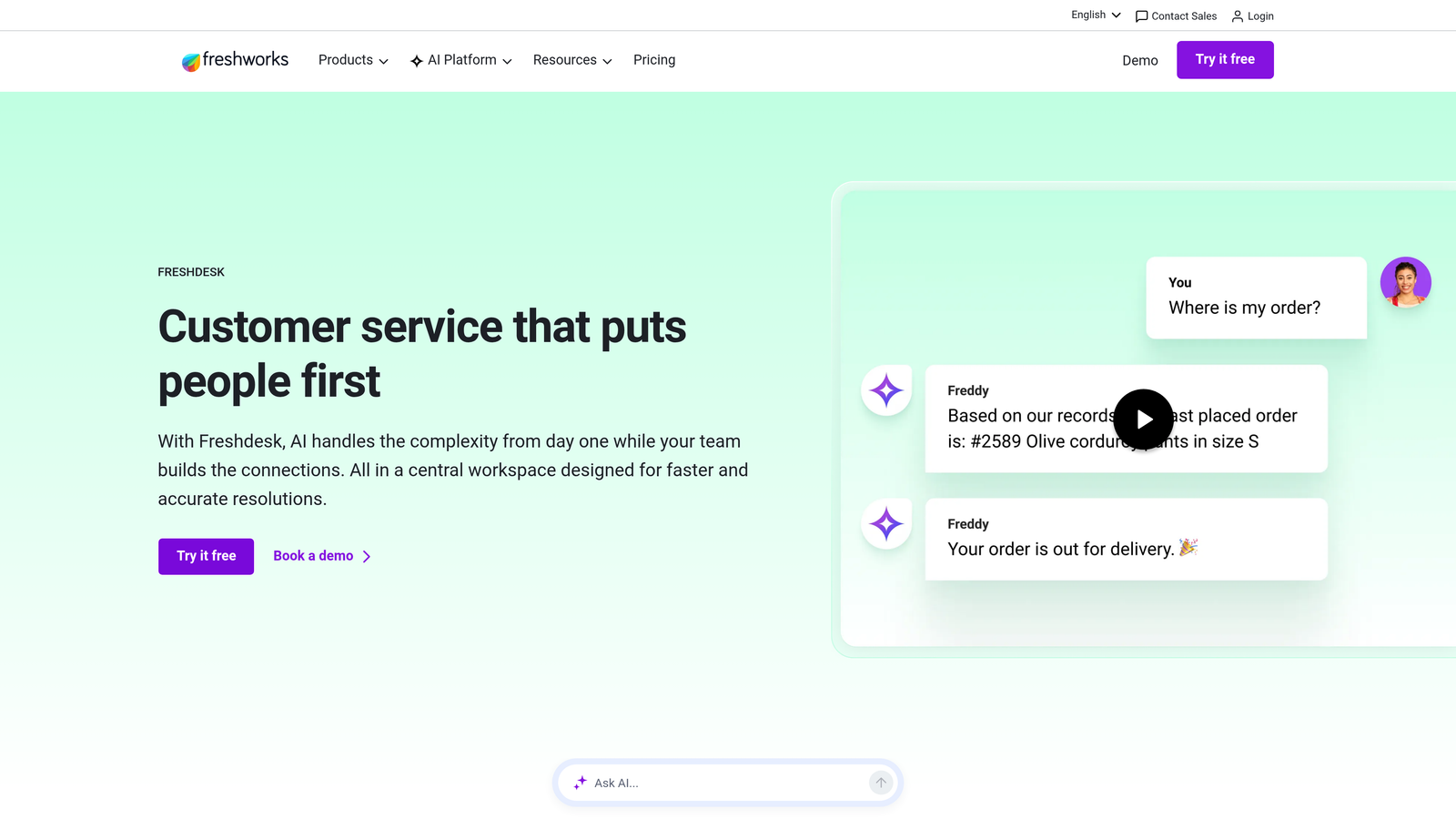
Freshdesk is a helpdesk platform with Freddy AI embedded across its product suite, offering more accessible pricing than enterprise alternatives.
Where This Tool Shines
Freshdesk occupies a useful middle ground: more capable than lightweight chatbot tools, but more affordable than Zendesk or Kustomer. The free plan makes it easy to start, and the tiered pricing structure means teams can grow into AI capabilities without a major upfront commitment.
Freddy AI covers both agent assist and autonomous resolution, but these are separate add-ons with their own pricing. This modularity is a plus for teams that want to start with copilot features and expand later, but it also means the final cost depends heavily on which Freddy components you actually enable.
Key Features
Freddy AI Copilot: Assists human agents with suggested replies, ticket summaries, and contextual information during live support.
Freddy AI Agent: Handles autonomous ticket resolution for common queries without human involvement.
Omnichannel Support: Covers email, chat, phone, and social channels within a unified inbox.
Freddy Insights: AI-driven reporting with anomaly detection and trend analysis across your support data.
Free Plan: Basic helpdesk functionality available at no cost, making it easy to evaluate before committing.
Best For
SMBs and mid-market teams that want a full helpdesk with AI features at a more accessible price point. Teams with omnichannel support needs across email, chat, and social will find the coverage comprehensive.
Pricing
Paid plans from approximately $15 to $79 per agent per month. Freddy AI Copilot and Freddy AI Agent are separate add-ons with additional costs. Verify current pricing at freshdesk.com.
5. Tidio
Best for: Small businesses and e-commerce teams that want an easy-to-deploy AI chatbot without technical complexity
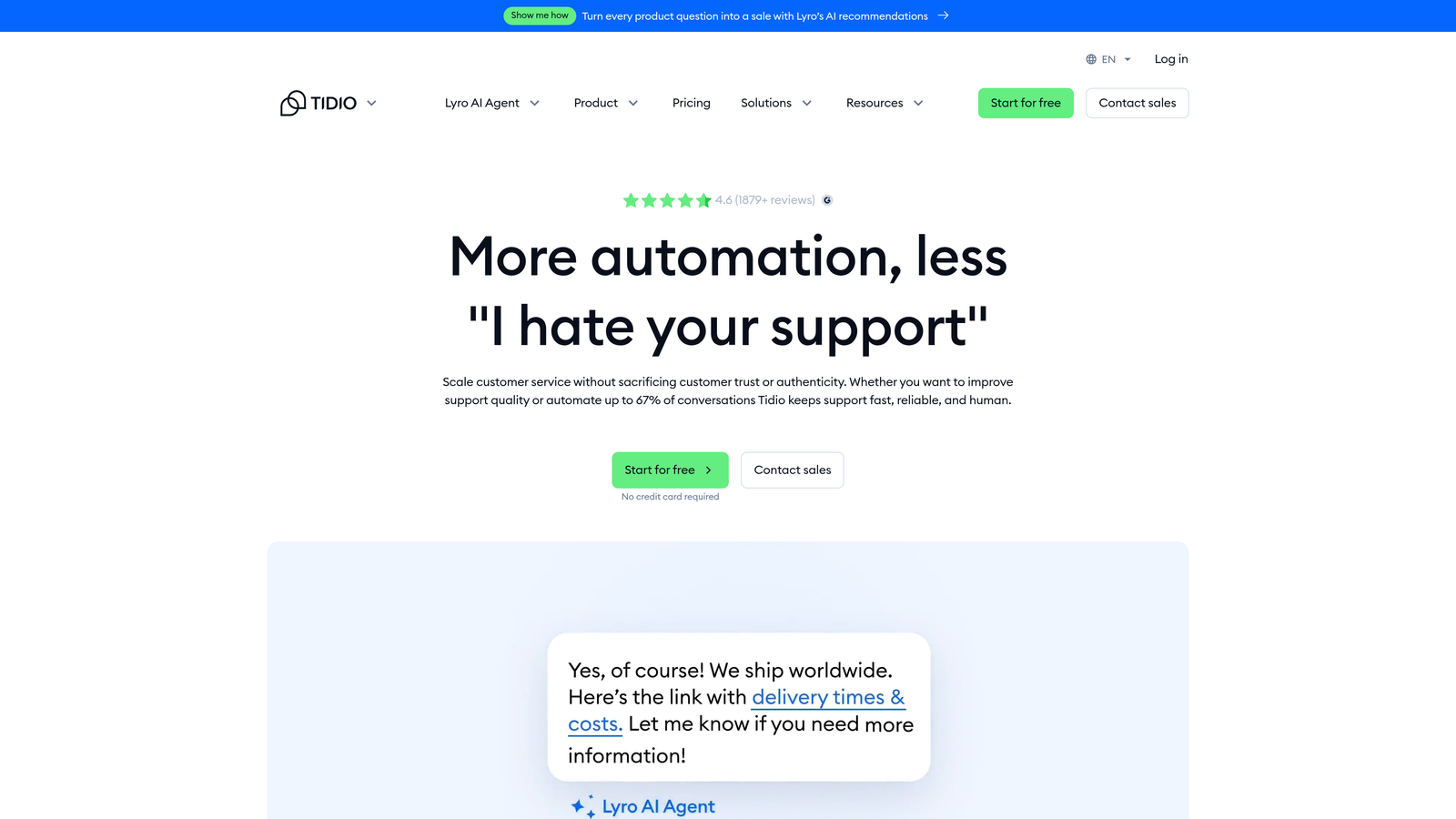
Tidio is an accessible AI chat platform with its Lyro AI chatbot, aimed at small businesses and e-commerce teams that need fast deployment over deep customization.
Where This Tool Shines
Tidio's primary advantage is simplicity. Setup is fast, the interface requires no technical expertise, and the combination of live chat and AI in one tool means small teams don't need to manage multiple platforms. For e-commerce businesses handling common questions about orders, shipping, and returns, Lyro can handle a meaningful share of inbound volume.
The conversation-based pricing tiers are predictable at low volume, which makes budgeting straightforward for smaller teams. The trade-off is that Tidio doesn't offer the depth of integrations, business intelligence, or customization that B2B SaaS teams typically need.
Key Features
Lyro AI Chatbot: Handles common customer questions using your existing content with minimal setup required.
Unified Live Chat and AI: Both live chat and AI-powered chat operate from the same interface, simplifying team workflows.
E-Commerce Integrations: Pre-built connections with Shopify and WooCommerce for order and product context.
Conversation-Based Pricing: Tiered pricing based on conversation volume makes costs predictable at lower usage levels.
No-Code Setup: Deploy a working AI chatbot without developer involvement using an accessible visual interface.
Best For
Small businesses, early-stage startups, and e-commerce teams that need a functional AI chatbot quickly without engineering resources. Not well-suited for B2B SaaS teams that need deep product integrations or business intelligence capabilities.
Pricing
Lyro AI available from approximately $29/month for limited conversations, with higher tiers for increased volume. Verify current pricing at tidio.com.
6. Drift (Salesloft)
Best for: Revenue-focused teams that need AI chat to serve both sales qualification and support routing
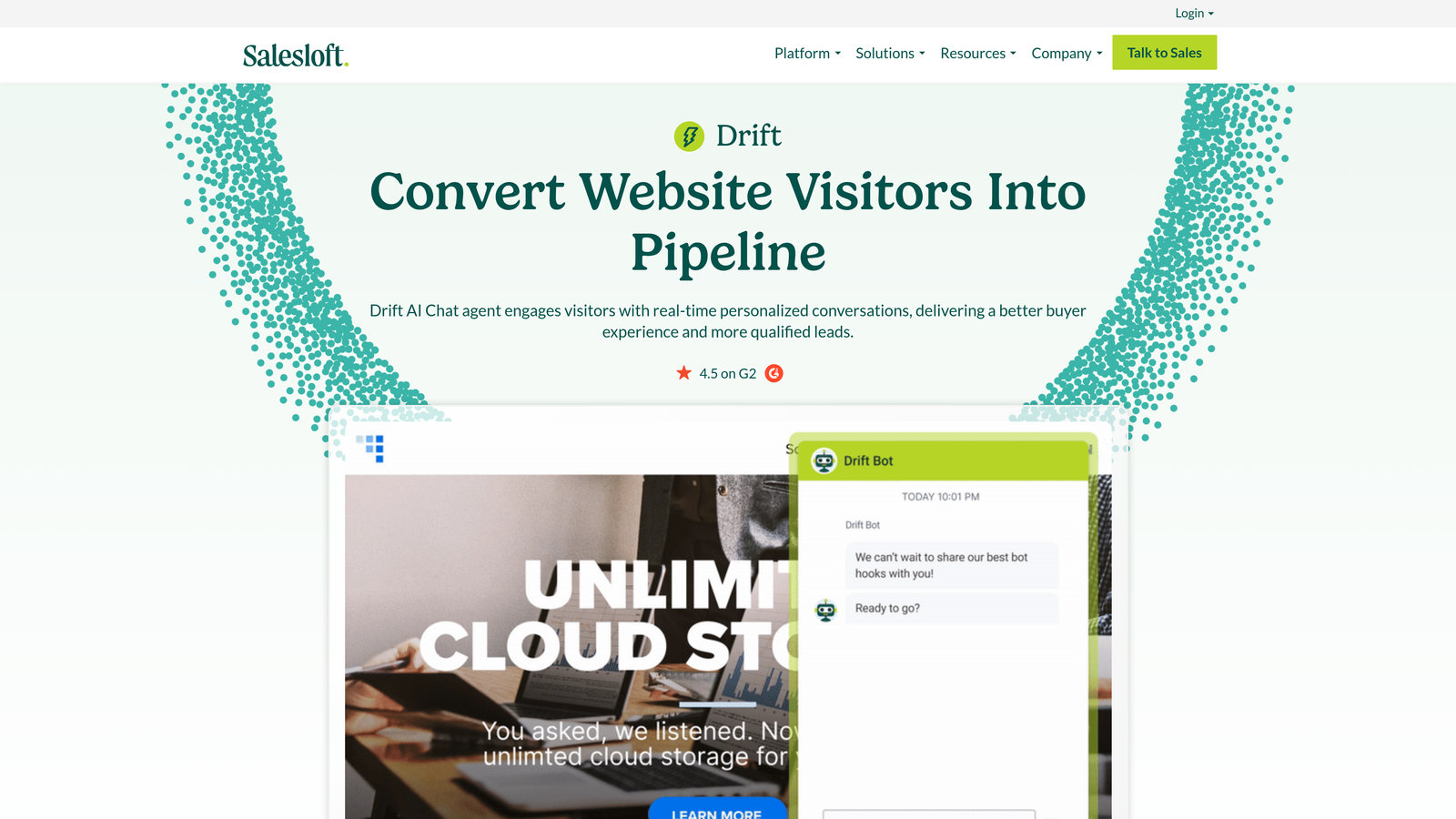
Drift is a conversational marketing and sales platform with AI features that overlap into support, now part of the Salesloft revenue platform.
Where This Tool Shines
Drift occupies a distinct category: it's not primarily a support tool. Its AI is designed to qualify website visitors, route them to the right sales or support resource, and book meetings. For revenue teams that want a single platform handling both inbound sales and support conversations, that overlap can be genuinely useful.
The acquisition by Salesloft has pushed Drift further toward enterprise revenue teams. If your primary need is customer support automation rather than pipeline generation, Drift is likely more capability than you need at a price point that reflects its sales-focused positioning.
Key Features
AI-Powered Visitor Qualification: Automatically identifies, qualifies, and routes website visitors based on behavior and intent signals.
Bionic Chatbots: Blend AI and human conversation flows for more natural interactions across sales and support scenarios.
CRM and Sales Tool Integration: Deep connections with Salesforce and other revenue tools for pipeline-aware conversations.
Meeting Scheduling: Built-in calendar booking and live chat handoff for sales-to-human transitions.
Revenue Impact Reporting: Analytics focused on pipeline contribution and revenue outcomes rather than support metrics.
Best For
Mid-market and enterprise revenue teams where sales and support conversations overlap significantly. Not the right fit for teams focused purely on support automation or those looking for transparent, accessible pricing.
Pricing
Custom enterprise pricing. Not transparent on the website and requires a sales conversation to obtain. Verify current options at drift.com.
7. Kustomer
Best for: High-volume consumer support teams that need omnichannel coverage with deep CRM context
Kustomer is a CRM-style customer service platform with AI automation across omnichannel conversations, particularly strong for high-volume consumer support operations.
Where This Tool Shines
Kustomer's defining feature is the unified customer timeline. Rather than treating each conversation as an isolated ticket, Kustomer surfaces the full history of a customer's interactions across every channel in a single view. For support teams handling complex customer relationships with purchase history, prior issues, and multiple contact points, that context is genuinely valuable.
The AI layer in Kustomer handles routing, tagging, and deflection, but the platform's real strength is the CRM foundation underneath. Teams that need AI to work on top of rich customer data will find Kustomer more capable than pure-play support tools.
Key Features
Unified Customer Timeline: Aggregates all customer interactions across channels into a single chronological view for agents.
Kustomer IQ: Provides AI-powered deflection for common queries and agent assist features during live conversations.
Omnichannel Coverage: Handles email, chat, SMS, social media, and voice from a unified platform.
AI Routing and Tagging: Automatically categorizes and routes incoming conversations based on content and customer attributes.
Deep CRM Capabilities: Customer data, purchase history, and custom attributes available in context at every touchpoint.
Best For
Consumer brands and high-volume support operations where customer relationship context matters as much as resolution speed. The per-user pricing makes it a significant investment for larger teams.
Pricing
Approximately $89 to $139 per user per month depending on tier, with AI features included at higher plans. Verify current pricing at kustomer.com.
8. Chatbase
Best for: Teams that need a simple GPT-powered chatbot deployed quickly from existing documentation
Chatbase is a lightweight AI chatbot builder that lets teams deploy a GPT-powered support bot quickly using their existing knowledge base content.
Where This Tool Shines
Chatbase is the fastest path from zero to a working AI chatbot. You ingest your docs, URLs, or PDFs, and the chatbot is ready to answer questions based on that content. For teams that want to test AI support deflection without a significant time or budget investment, Chatbase removes almost all the friction from getting started.
The trade-off is depth. Chatbase is a chatbot builder, not a support platform. It lacks the ticketing infrastructure, business intelligence, integration depth, and continuous learning capabilities that growing SaaS teams typically need. It's a useful starting point or a useful comparison when evaluating what "lightweight" actually costs versus a full platform.
Key Features
Fast Content Ingestion: Train your chatbot by uploading documents, pasting URLs, or importing PDFs with minimal setup time.
Embeddable Chat Widget: Deploy the chatbot on any website with a simple embed code.
Conversation History: Access logs of past chatbot conversations with basic analytics on usage patterns.
API Access: Available on higher tiers for teams that want to integrate Chatbase into custom workflows.
Multiple Chatbot Projects: Higher-tier plans support managing several distinct chatbot instances from one account.
Best For
Small teams, solo operators, or companies at the earliest stage of AI support adoption. Useful as a proof-of-concept before committing to a full platform. Not suited for teams that need ticketing, escalation, or deep integrations.
Pricing
Free tier available. Paid plans from approximately $19 to $49/month. Limited enterprise capability. Verify current pricing at chatbase.co.
9. Help Scout
Best for: Support teams that want AI to assist agents rather than replace them, with clean and simple tooling
Help Scout is a human-first customer support platform with AI assist features designed to enhance agents rather than automate them out of the workflow.
Where This Tool Shines
Help Scout takes a deliberately different philosophy from most tools on this list. Rather than maximizing AI resolution rates, it focuses on making human agents faster and more effective. The AI features summarize long threads, draft replies, and surface relevant knowledge base content, but a human stays in the loop throughout.
That approach has real advantages for teams where relationship quality matters more than deflection volume. The interface is clean, the learning curve is minimal, and AI features are included in standard plans rather than gated behind add-ons. The pricing is also among the most transparent on this list.
Key Features
AI Summarize: Condenses long conversation threads into concise summaries so agents can get up to speed quickly.
AI Drafts: Suggests reply drafts based on conversation context, which agents can edit and send.
AI Answers: Provides self-service deflection via the Docs knowledge base before a customer needs to contact support.
Shared Inbox and Collaboration: Team-focused inbox tools with assignment, notes, and collision detection for concurrent agents.
Clean Interface: Minimal learning curve with a well-designed UI that doesn't require extensive onboarding.
Best For
Teams that value human-led support and want AI to reduce agent effort rather than remove agents from the equation. Strong fit for companies where customer relationships are high-touch and tone matters. Less suited for teams looking to maximize autonomous resolution rates.
Pricing
Plans from approximately $22 to $44 per user per month with AI features included at plan level. Verify current pricing at helpscout.com.
Hidden Costs Worth Knowing Before You Sign
The list price is rarely the full price. Across all of these platforms, a few cost variables consistently catch teams off guard.
Resolution-based overages: Tools like Intercom's Fin charge per resolved conversation. At low volume this is predictable. At scale, a spike in support demand translates directly into a billing spike. Model your worst-case ticket volume before committing to this pricing structure.
Integration and implementation fees: More capable platforms often require professional services or developer time to connect your CRM, billing system, and product tools properly. This cost rarely appears in the pricing page.
AI retraining and maintenance: Some platforms require manual retraining as your product evolves. Factor in the ongoing time cost of keeping AI models current, particularly if your product ships frequently. This is one area where continuous learning architectures like Halo's have a practical advantage.
Analytics and reporting add-ons: Several platforms gate advanced reporting behind higher tiers or separate purchases. If business intelligence matters to your team, confirm what's included at your target plan before signing.
Seat minimums on enterprise plans: Enterprise contracts often include seat minimums that can inflate costs significantly for smaller or leaner support teams.
Data storage and retention: Long-term conversation history, compliance exports, and extended data retention can trigger additional fees depending on the platform and your contractual requirements.
Which Tool Is Right for Your Team
The right choice depends on what you're actually trying to solve and how much AI autonomy you need from day one.
If you're a B2B SaaS team that wants AI to genuinely resolve tickets, guide users through your product, and surface business intelligence signals, Halo AI is built for exactly that use case. The AI-first architecture and continuous learning model mean you're not bolting AI onto a legacy helpdesk; you're deploying a platform designed around autonomous resolution from the ground up.
For teams already embedded in the Intercom ecosystem, Fin AI is a natural extension worth evaluating, though resolution-based pricing warrants careful volume modeling. Zendesk remains the default for large enterprise support organizations with complex compliance requirements and the budget to match. Freshdesk offers a more accessible entry point for SMBs that want helpdesk depth without enterprise pricing.
If you need a lightweight proof of concept, Chatbase gets you to a working chatbot faster than anything else on this list. Help Scout is the right call when human-led support is a deliberate choice rather than a limitation. And if your support and sales motions are deeply intertwined, Drift's revenue-focused positioning may be worth the enterprise price tag.
The bottom line: don't evaluate AI support tools on list price alone. Model your conversation volume, count your integrations, and ask every vendor directly what's included at your target tier before you start a trial. The tools that look affordable upfront often aren't once you've added the capabilities you actually need.
Your support team shouldn't scale linearly with your customer base. Let AI agents handle routine tickets, guide users through your product, and surface business intelligence while your team focuses on complex issues that need a human touch. See Halo in action and discover how continuous learning transforms every interaction into smarter, faster support.