9 Best Customer Experience Automation Software Tools in 2026
Customer experience automation software transforms B2B support by intelligently routing inquiries, delivering instant personalized responses, and learning from each interaction to continuously improve service quality. This comprehensive guide evaluates nine leading platforms based on AI sophistication, integration capabilities, implementation ease, and real-world scalability to help product teams select the right solution for their support workflow and tech stack.
 Matt PattoliFounder11 min read
Customer expectations have evolved beyond simple ticket resolution—today's B2B buyers demand seamless, personalized interactions across every touchpoint. Customer experience automation software bridges this gap by intelligently routing inquiries, providing instant responses, and learning from each interaction to continuously improve. But with dozens of platforms claiming AI capabilities, finding the right fit for your tech stack and support workflow requires cutting through the noise.
We evaluated these top tools based on AI sophistication, integration depth, ease of implementation, and real-world scalability for B2B product teams.
1. Halo AI
Best for: B2B teams wanting autonomous AI agents that learn from every support interaction
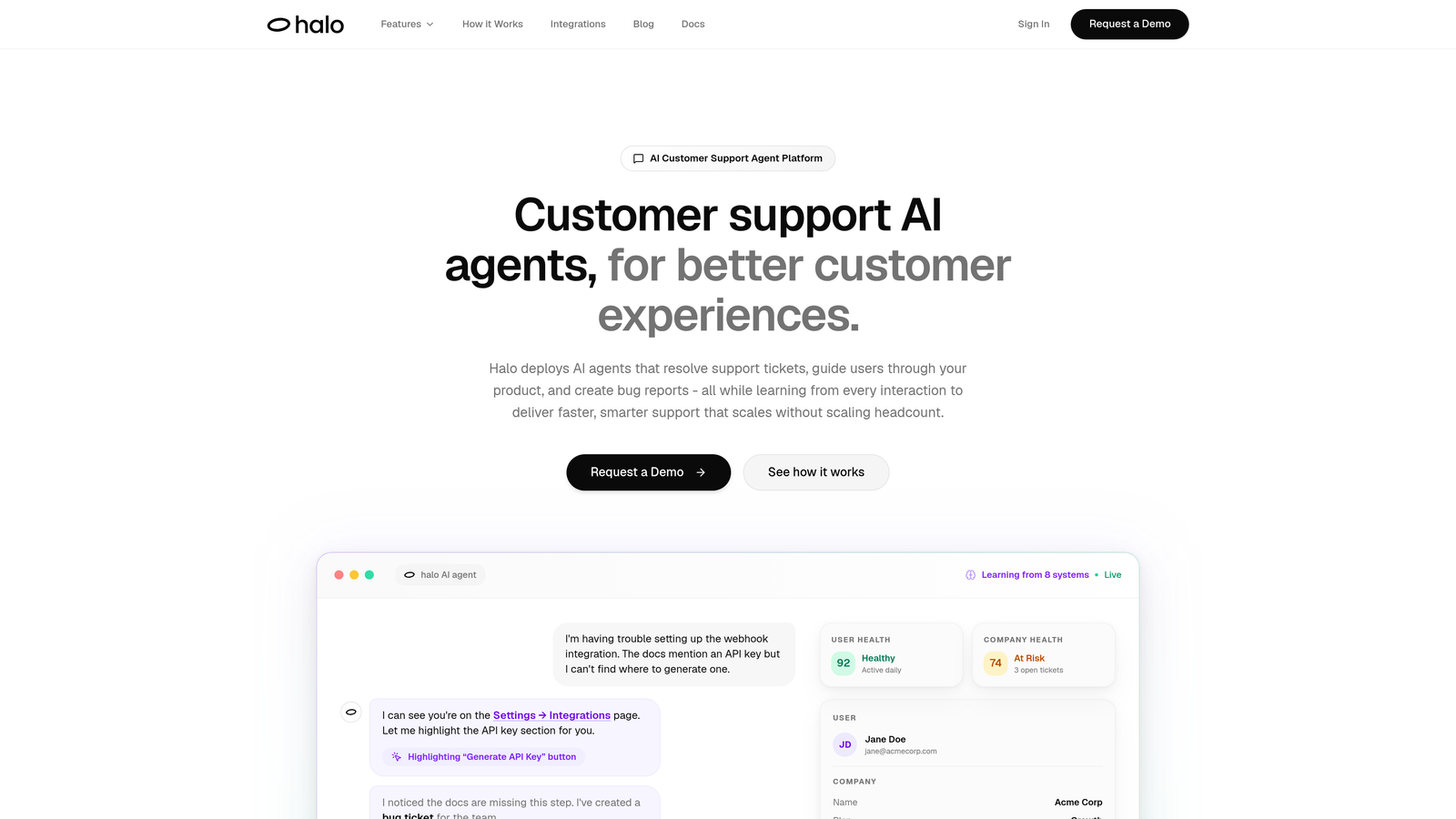
Halo AI is an AI-first customer support platform built for autonomous ticket resolution and continuous improvement.
Where This Tool Shines
Unlike traditional helpdesks with AI bolted on, Halo was architected from the ground up for autonomous operation. Its page-aware chat widget sees exactly what users see on screen, enabling contextual guidance that goes beyond generic responses.
The platform learns from every interaction, continuously improving its resolution accuracy. It connects directly to your entire business stack—Linear for bug tickets, Slack for team notifications, HubSpot for customer context, Stripe for billing intelligence—creating a support system that understands your business, not just your tickets.
Key Features
Page-Aware Chat Widget: Sees user screens to provide visual guidance and contextual help based on what customers are actually viewing.
Autonomous Ticket Resolution: Handles routine inquiries independently while escalating complex issues to human agents with full context.
Auto Bug Ticket Creation: Automatically creates detailed bug reports in Linear when issues are detected, connecting support to product development.
Business Intelligence Analytics: Surfaces customer health signals, revenue intelligence, and anomaly detection beyond traditional support metrics.
Deep Stack Integrations: Native connections to Slack, HubSpot, Intercom, Stripe, Zoom, PandaDoc, and Fathom for complete business context.
Best For
B2B product teams using modern tech stacks who want support that scales without adding headcount. Particularly valuable for companies with complex products requiring visual guidance and teams that need support data connected to product development workflows.
Pricing
Contact for pricing; demo available to see the platform in action with your specific use cases.
2. Intercom
Best for: Teams wanting unified messaging across chat, email, and in-app with strong bot capabilities
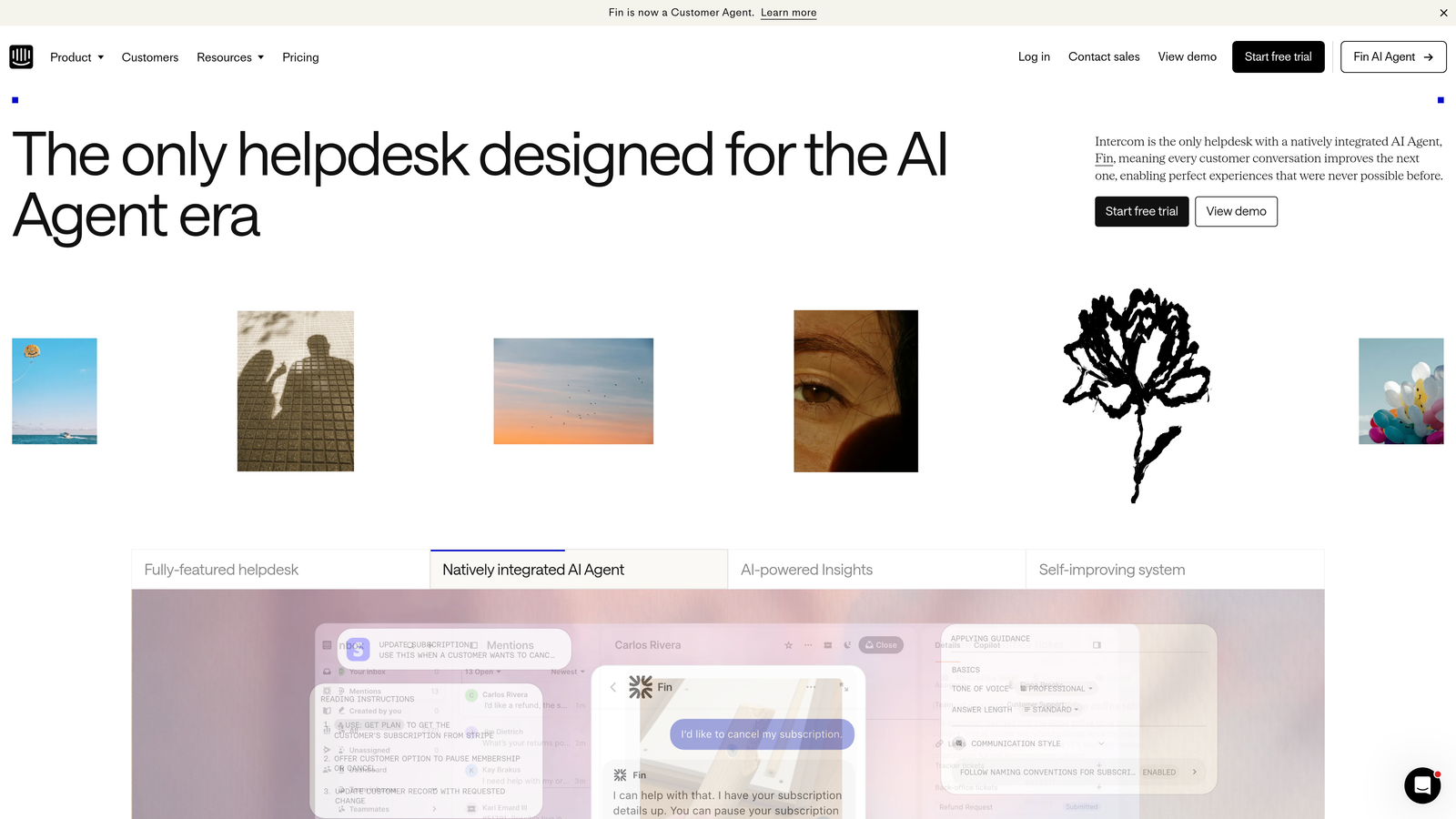
Intercom is a customer messaging platform combining live chat, automation, and help center tools in one interface.
Where This Tool Shines
Intercom excels at conversational support across multiple channels. Its Fin AI agent handles common questions automatically, while the visual bot builder lets you create custom workflows without coding.
The platform's product tour capabilities help automate onboarding, reducing support volume before tickets even arrive. The unified inbox brings together conversations from chat, email, and social channels, giving agents complete context regardless of how customers reach out.
Key Features
Fin AI Agent: Automated response system that learns from your help center content to answer customer questions.
Custom Bot Builder: Visual workflow creator for building automated conversation paths tailored to your business logic.
Product Tours: In-app guidance automation that walks users through features, reducing support inquiries.
Unified Inbox: Single interface for managing conversations across chat, email, and social media channels.
Outbound Messaging: Proactive campaigns to reach customers based on behavior triggers and lifecycle stage.
Best For
SaaS companies prioritizing conversational support and proactive engagement. Works well for teams that want to blend automated responses with human conversation seamlessly.
Pricing
Starts at $39 per seat per month for essential features. AI capabilities require additional fees on top of base plans.
3. Zendesk Suite
Best for: Enterprise teams needing omnichannel support with extensive customization and marketplace integrations
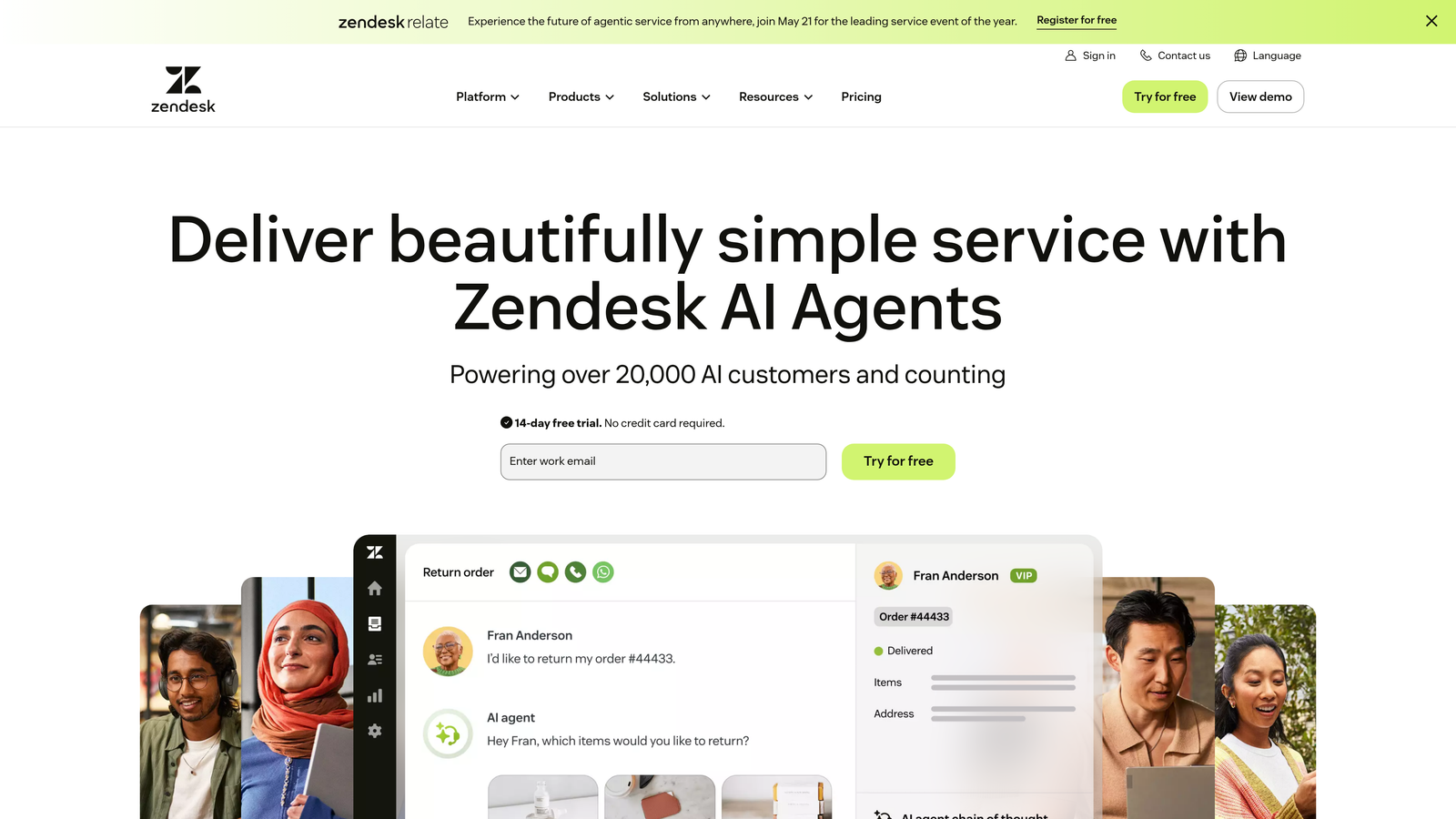
Zendesk Suite is an enterprise-grade platform managing support tickets across email, chat, phone, and social channels.
Where This Tool Shines
Zendesk's strength lies in its maturity and ecosystem. The platform handles complex enterprise workflows with sophisticated automation triggers, macros, and routing rules that experienced teams can configure precisely to their needs.
Its marketplace offers thousands of integrations, making it adaptable to virtually any tech stack. The AI-powered intelligent triage system learns from historical ticket data to route inquiries to the right agents automatically, reducing manual sorting overhead.
Key Features
Omnichannel Ticket Management: Unified system for handling inquiries from email, chat, phone, social media, and messaging apps.
Advanced Automation: Triggers, macros, and business rules for automating repetitive workflows and routing logic.
AI-Powered Triage: Machine learning system that categorizes and routes tickets based on content and historical patterns.
Extensive Marketplace: Thousands of pre-built integrations and apps for connecting to your existing tools.
Custom Analytics: Flexible reporting system for tracking SLAs, agent performance, and customer satisfaction metrics.
Best For
Large enterprises with complex support operations spanning multiple channels and requiring deep customization. Best suited for teams with technical resources to configure and maintain the platform.
Pricing
Suite Team starts at $55 per agent per month. Enterprise plans with advanced features require custom pricing.
4. Freshdesk
Best for: Growing teams wanting AI-powered automation at accessible pricing with intuitive interface
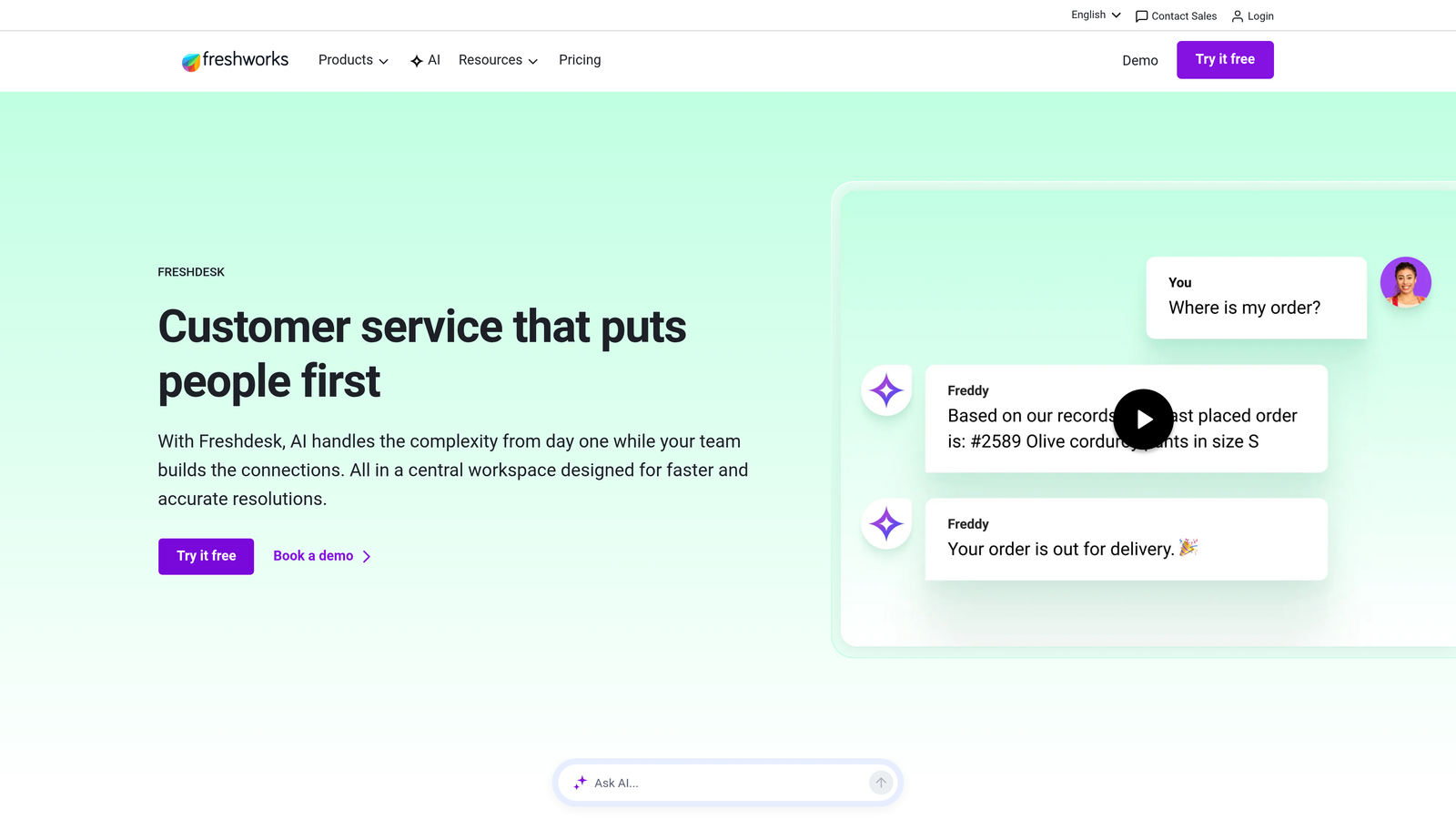
Freshdesk is a helpdesk platform featuring Freddy AI for intelligent ticket routing and workflow automation.
Where This Tool Shines
Freshdesk delivers sophisticated automation capabilities at price points accessible to smaller teams. Freddy AI handles intelligent ticket categorization and routing without requiring extensive setup or training data.
The scenario automation builder lets you create complex multi-step workflows triggered by specific conditions. The platform includes a built-in knowledge base and even offers field service management as an add-on, making it surprisingly comprehensive for its cost.
Key Features
Freddy AI: Intelligent system for automatic ticket routing, categorization, and suggested agent responses.
Scenario Automations: Visual builder for creating complex multi-condition workflows that handle repetitive tasks.
Built-in Knowledge Base: Self-service portal with SEO-friendly articles and analytics on search performance.
Ticket Dispatch: Smart assignment rules that distribute work based on agent skills, workload, and availability.
Field Service Add-on: Optional module for managing on-site service appointments and technician scheduling.
Best For
Small to mid-sized teams that need enterprise-level automation features without enterprise pricing. Particularly valuable for companies just starting to scale their support operations.
Pricing
Free tier available for basic needs. Growth plan at $15 per agent per month includes AI features and automation.
5. HubSpot Service Hub
Best for: Teams already using HubSpot CRM wanting native support integration with sales and marketing data
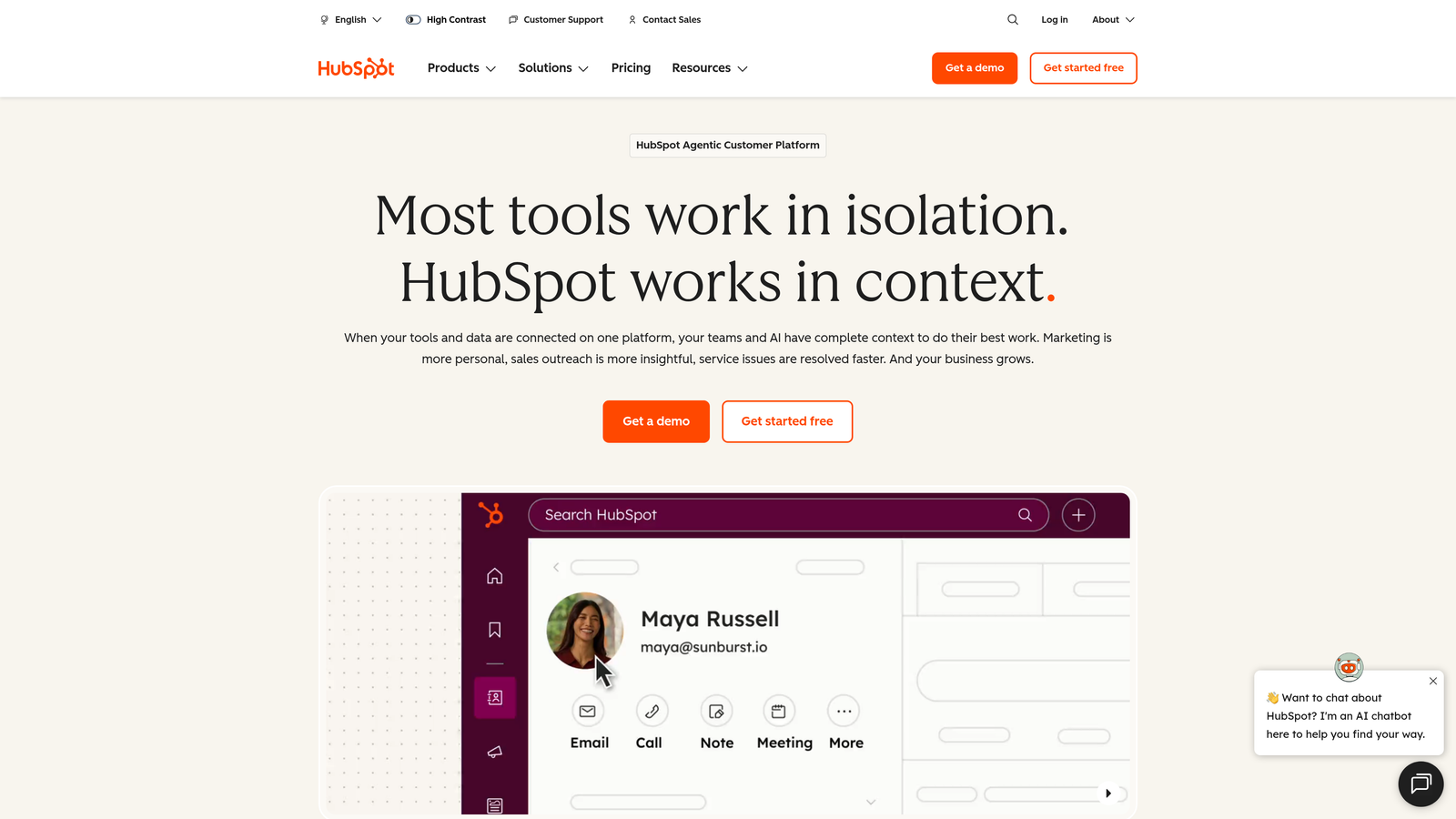
HubSpot Service Hub is a customer service platform built directly into the HubSpot CRM ecosystem.
Where This Tool Shines
Service Hub's killer advantage is native CRM integration. Support agents see complete customer context—past purchases, marketing interactions, sales conversations—without switching tools or searching multiple systems.
The platform automatically routes tickets based on customer properties stored in the CRM. Customer feedback surveys integrate directly with contact records, creating a closed loop between support experiences and customer health scoring that marketing and sales teams can act on.
Key Features
Native CRM Integration: Complete customer context including deal history, email opens, and website behavior visible during support conversations.
Automated Routing: Smart ticket assignment based on CRM properties, agent availability, and custom business rules.
Customer Feedback: Built-in NPS and CSAT surveys that automatically update contact records and trigger workflows.
Knowledge Base: Self-service portal with analytics showing which articles reduce ticket volume and where gaps exist.
Conversation Intelligence: AI-powered insights from support conversations that surface trends and coaching opportunities.
Best For
Companies already invested in HubSpot's marketing and sales tools. Ideal for teams that want support data seamlessly connected to revenue operations and customer lifecycle management.
Pricing
Free tools available for basic ticketing. Starter plan at $45 per month for two users includes automation and reporting.
6. Salesforce Service Cloud
Best for: Enterprise organizations with Salesforce CRM needing predictive AI and field service capabilities
Salesforce Service Cloud is an enterprise service platform with Einstein AI for predictive case management.
Where This Tool Shines
Service Cloud leverages the full power of the Salesforce ecosystem. Einstein AI doesn't just route tickets—it predicts case escalation likelihood, suggests next-best actions, and identifies knowledge gaps based on case patterns.
The omni-channel routing engine handles complex scenarios across phone, email, chat, and social media. Field Service Lightning extends support to on-site service, managing technician schedules, parts inventory, and mobile workforce coordination from the same platform.
Key Features
Einstein AI: Predictive case classification, automatic routing, and intelligent recommendations based on historical data patterns.
Omni-Channel Routing: Sophisticated engine that distributes work across channels based on agent skills, capacity, and customer priority.
Field Service Lightning: Complete mobile workforce management including scheduling, dispatch, and inventory tracking.
Salesforce Integration: Deep native connection to Sales Cloud, Marketing Cloud, and the entire Salesforce ecosystem.
Custom Objects: Unlimited flexibility to model your specific business processes and data structures.
Best For
Large enterprises already using Salesforce CRM that need sophisticated service operations. Particularly valuable for companies with both digital and field service requirements.
Pricing
Starter at $25 per user per month for basic features. Enterprise at $165 per user per month includes Einstein AI and advanced automation.
7. Kustomer
Best for: Teams wanting complete customer journey visibility with timeline-based conversation management
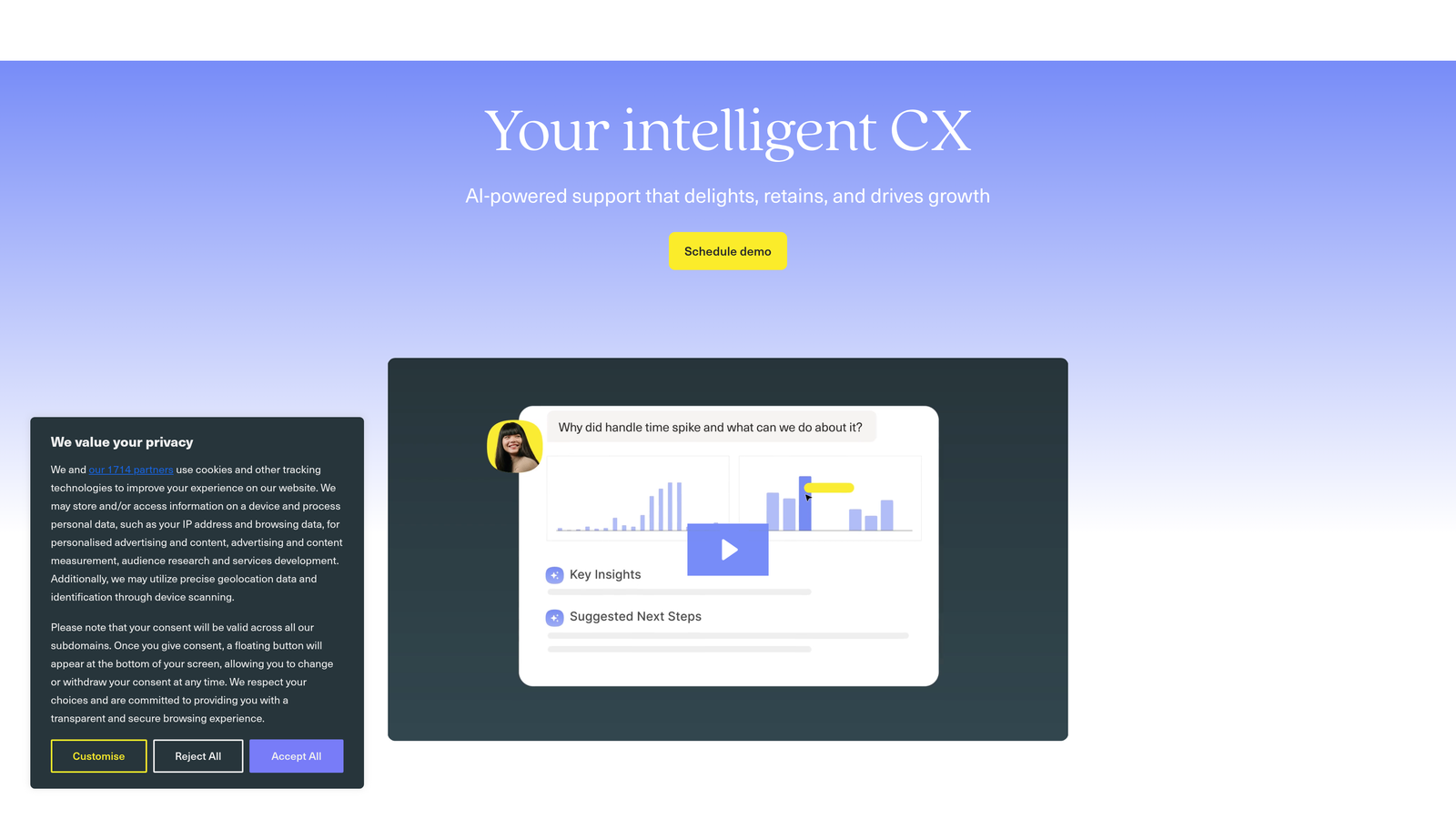
Kustomer is a CRM platform providing unified customer timelines with business process automation.
Where This Tool Shines
Kustomer organizes everything around the customer, not the ticket. Its timeline view shows every interaction, purchase, and behavior in chronological order, giving agents complete context instantly.
Business process automation goes beyond simple triggers—you can build sophisticated workflows that handle complex scenarios involving multiple systems and decision points. The AI-powered sentiment analysis helps prioritize urgent issues before they escalate, while proactive outreach capabilities let you reach customers based on behavior patterns.
Key Features
Unified Customer Timeline: Chronological view of all interactions, transactions, and behaviors across every channel and touchpoint.
Business Process Automation: Advanced workflow builder for automating complex multi-step processes across systems.
AI Sentiment Analysis: Automatic detection of customer frustration and urgency to prioritize critical conversations.
Proactive Outreach: Trigger-based messaging to reach customers before they contact support based on behavior signals.
Custom Objects: Flexible data modeling to track any business entity relevant to your customer relationships.
Best For
Mid-market and enterprise companies that prioritize relationship continuity over ticket volume metrics. Works well for brands with high customer lifetime value where context matters.
Pricing
Contact for pricing. Platform is enterprise-focused with pricing reflecting sophisticated capabilities and customization.
8. Gladly
Best for: Brands prioritizing relationship-driven support with lifelong conversation threads per customer
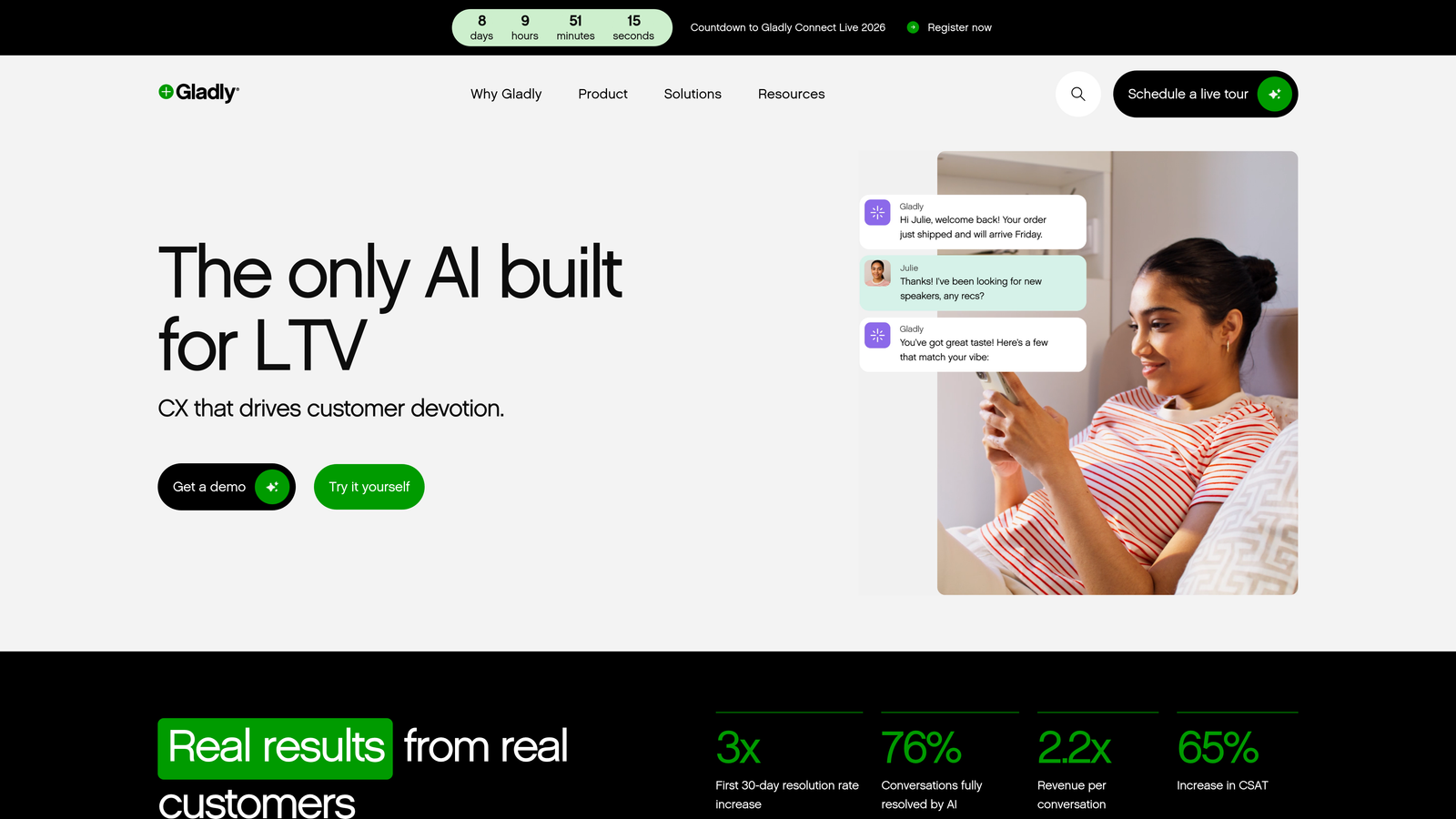
Gladly is a people-centered platform maintaining single conversation histories across all channels.
Where This Tool Shines
Gladly takes a radically different approach—conversations are organized by person, not ticket number. When a customer reaches out via email, then calls, then chats, it's all one continuous thread.
This eliminates the frustration of customers repeating themselves across channels. The People Match feature assigns customers to the same agents when possible, building actual relationships. Built-in voice and IVR capabilities mean phone support lives in the same system as digital channels.
Key Features
Lifelong Conversation History: Single thread per customer across all channels and time periods, eliminating context switching.
Channel-Agnostic Routing: Seamless handoffs between email, chat, SMS, voice, and social without creating new tickets.
Built-in Voice and IVR: Native phone system integrated directly into the platform with call routing and recording.
People Match: Intelligent agent assignment that routes returning customers to agents they've worked with before.
Customer Cards: Customizable profiles showing purchase history, preferences, and notes visible during every interaction.
Best For
Consumer brands and retail companies where customer relationships drive loyalty. Particularly effective for companies with high repeat contact rates and multiple channel preferences.
Pricing
Contact for pricing. Positioned for mid-market and enterprise brands focused on customer experience differentiation.
9. Front
Best for: Teams managing email-based support collaboratively with shared inboxes and internal workflows
Front is a collaborative inbox platform transforming email support with team workflows and automation.
Where This Tool Shines
Front turns email into a team sport. Shared inboxes let multiple people manage support@ or sales@ addresses without stepping on each other's toes—collision detection shows when someone else is replying.
Internal comments and @mentions enable team collaboration directly within email threads without forwarding or CC'ing. Automated routing rules assign incoming messages based on content, sender, or custom criteria. The analytics dashboard tracks response times and SLA compliance across your team.
Key Features
Shared Inbox: Team access to email accounts with collision detection preventing duplicate responses.
Automated Routing: Rules-based assignment of incoming messages to specific team members or groups.
Internal Comments: @mention teammates and discuss responses privately within email threads.
Analytics and SLAs: Track response times, resolution rates, and team performance against service level agreements.
Integrations: Connect to Salesforce, HubSpot, Asana, and other tools to sync customer data and create tasks.
Best For
Small to mid-sized teams primarily handling support via email who want better collaboration without adopting a full helpdesk platform. Works well for companies transitioning from personal inboxes to team-based support.
Pricing
Starter at $19 per seat per month for basic shared inbox features. Growth at $59 per seat per month includes automation and analytics.
Matching Your Stack to the Right Platform
The right customer experience automation platform depends less on feature lists and more on how you actually work. If your team lives in Salesforce, Service Cloud's native integration eliminates data silos. If support conversations happen primarily over email, Front's collaborative inbox might be all you need.
For teams prioritizing relationship continuity, Gladly's person-centric approach and Kustomer's timeline view keep context front and center. If you're already using HubSpot or need CRM-native support, Service Hub connects support directly to your revenue operations.
The more interesting question is whether you want AI bolted onto an existing helpdesk or a platform built AI-first from the ground up. Traditional platforms like Zendesk and Freshdesk added AI capabilities to ticket-centric architectures. Newer solutions were designed for autonomous operation, learning from every interaction rather than just routing tickets faster.
Consider your integration requirements carefully. Does your support team need to create bug tickets in Linear? Surface customer health signals in Slack? Connect billing issues to Stripe data? The depth of integration with your actual workflow tools often matters more than the breadth of a marketplace with hundreds of shallow connections.
Your support team shouldn't scale linearly with your customer base. Let AI agents handle routine tickets, guide users through your product, and surface business intelligence while your team focuses on complex issues that need a human touch. See Halo in action and discover how continuous learning transforms every interaction into smarter, faster support.