9 Best Customer Issue Tracking Systems for Support Teams in 2026
A customer issue tracking system prevents support tickets from falling through the cracks by centralizing requests, automating workflows, and surfacing recurring problems before they escalate. This guide reviews nine platforms—from lightweight tools to enterprise solutions—evaluated on setup simplicity, automation features, reporting capabilities, and scalability to help support teams choose the right fit for their volume and complexity needs.
 Grant CooperFounder12 min read
When customer issues slip through the cracks, trust erodes fast. A scattered inbox, missed follow-ups, and frustrated customers asking "did anyone even see my message?" are symptoms of a tracking problem—not a people problem. The right customer issue tracking system centralizes every ticket, surfaces patterns before they become crises, and keeps your team aligned without constant status meetings.
But with dozens of options ranging from lightweight bug trackers to enterprise service desks, finding the right fit matters more than finding the most features. We evaluated these nine platforms based on ease of setup, automation capabilities, reporting depth, and how well they scale with growing support volumes.
1. Halo AI
Best for: Teams wanting AI agents that autonomously resolve tickets and learn from every interaction
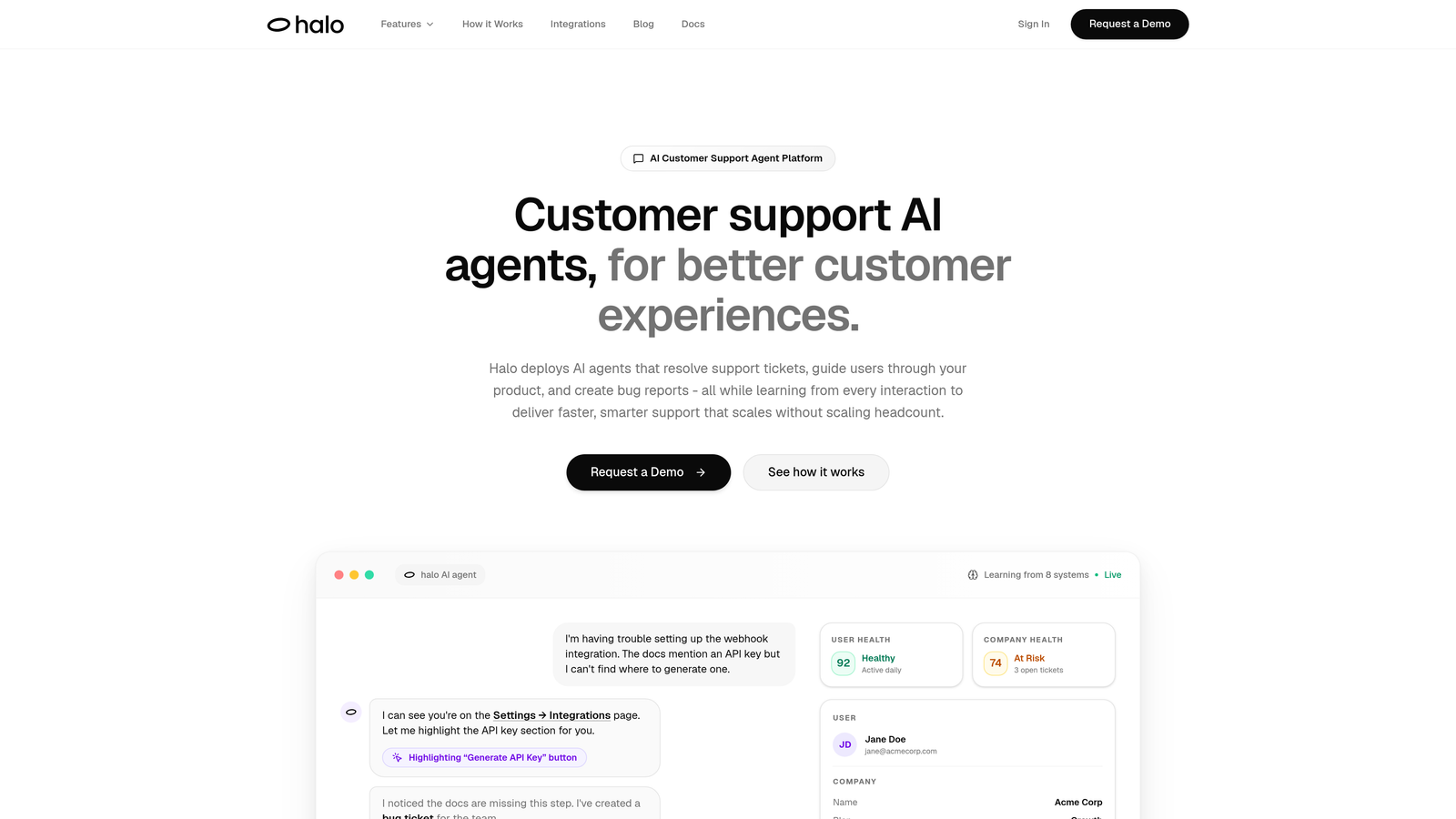
Halo AI represents a fundamentally different approach to customer support—instead of helping humans work faster, it deploys AI agents that handle tickets autonomously from start to finish.
Where This Tool Shines
Halo's AI agents don't just suggest responses—they resolve tickets independently, escalating to humans only when complexity demands it. The platform's page-aware chat widget sees exactly what your users see, eliminating the "can you send a screenshot?" back-and-forth that wastes everyone's time.
What sets Halo apart is continuous learning. Every resolved ticket, every escalation, every customer interaction trains the system to handle similar issues better next time. This means your support gets smarter automatically, without manual workflow updates or constant rule tweaking.
Key Features
Autonomous AI Agents: Resolve support tickets end-to-end without human intervention, handling everything from password resets to billing questions.
Page-Aware Context: Chat widget captures visual context of what users see, providing agents with precise information for accurate issue resolution.
Auto Bug Ticket Creation: Automatically generates bug reports in Linear and other development tools when issues require engineering attention.
Smart Inbox with Business Intelligence: Surfaces customer health signals, revenue intelligence, and anomaly detection beyond basic ticket metrics.
Live Agent Handoff: Seamlessly escalates complex issues to human agents with full context and conversation history intact.
Best For
B2B companies and product teams with growing support volumes who want to scale without scaling headcount. Particularly valuable for teams using helpdesk systems like Zendesk or Freshdesk who need intelligent automation that actually resolves issues rather than just routing them.
Pricing
Contact for pricing. Designed for scaling teams where the cost of AI agents becomes significantly lower than hiring additional support staff as volume grows.
2. Zendesk
Best for: Enterprise organizations needing comprehensive omnichannel support with extensive customization
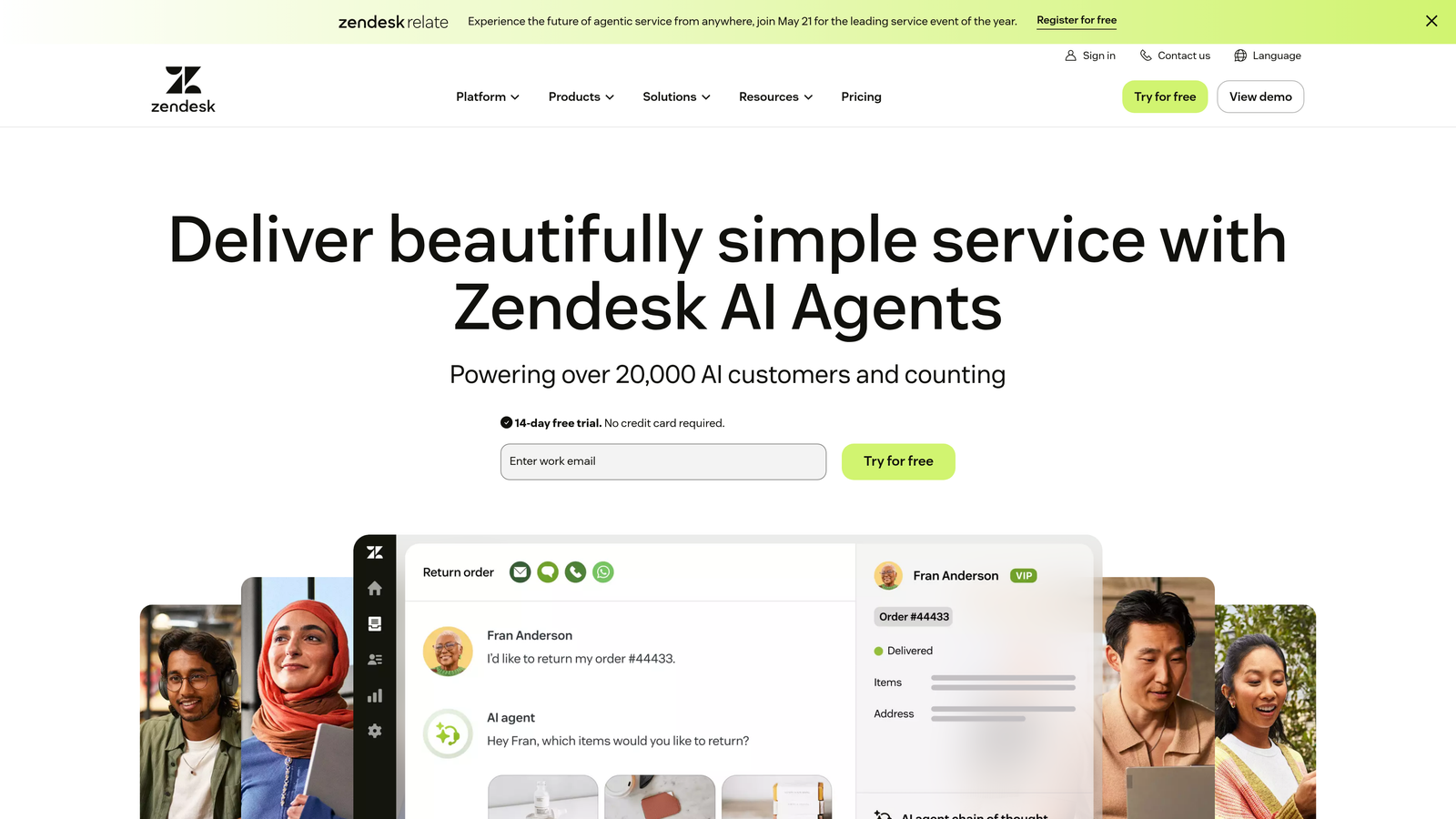
Zendesk remains the heavyweight champion of customer service platforms, offering depth that few competitors can match.
Where This Tool Shines
Zendesk excels when support complexity demands serious infrastructure. Companies managing thousands of daily tickets across email, chat, phone, and social channels need the kind of robust workflow automation and SLA management that Zendesk has refined over years.
The platform's app marketplace with over 1,000 integrations means you can connect virtually any tool in your stack. This extensibility makes Zendesk adaptable to unique business requirements that off-the-shelf solutions can't address.
Key Features
Omnichannel Ticket Management: Unified inbox consolidates customer conversations from email, chat, phone, social media, and messaging apps.
Advanced Workflow Automation: Triggers and macros handle complex routing, auto-responses, and ticket updates based on customizable conditions.
Robust SLA Management: Comprehensive service level agreement tracking with automatic escalation when tickets approach breach thresholds.
Extensive App Marketplace: Over 1,000 integrations and custom apps extend functionality to match specific business needs.
Custom Reporting Dashboards: Build detailed analytics views tracking any metric combination your team needs to monitor.
Best For
Large enterprises with complex support operations, multiple departments, and diverse channel requirements. Teams that need deep customization and have the resources to configure and maintain sophisticated workflows.
Pricing
Starts at $55 per agent per month for Suite Team. Enterprise pricing scales significantly higher but provides advanced features like custom roles and sandbox environments.
3. Freshdesk
Best for: Growing support teams wanting powerful features without overwhelming complexity
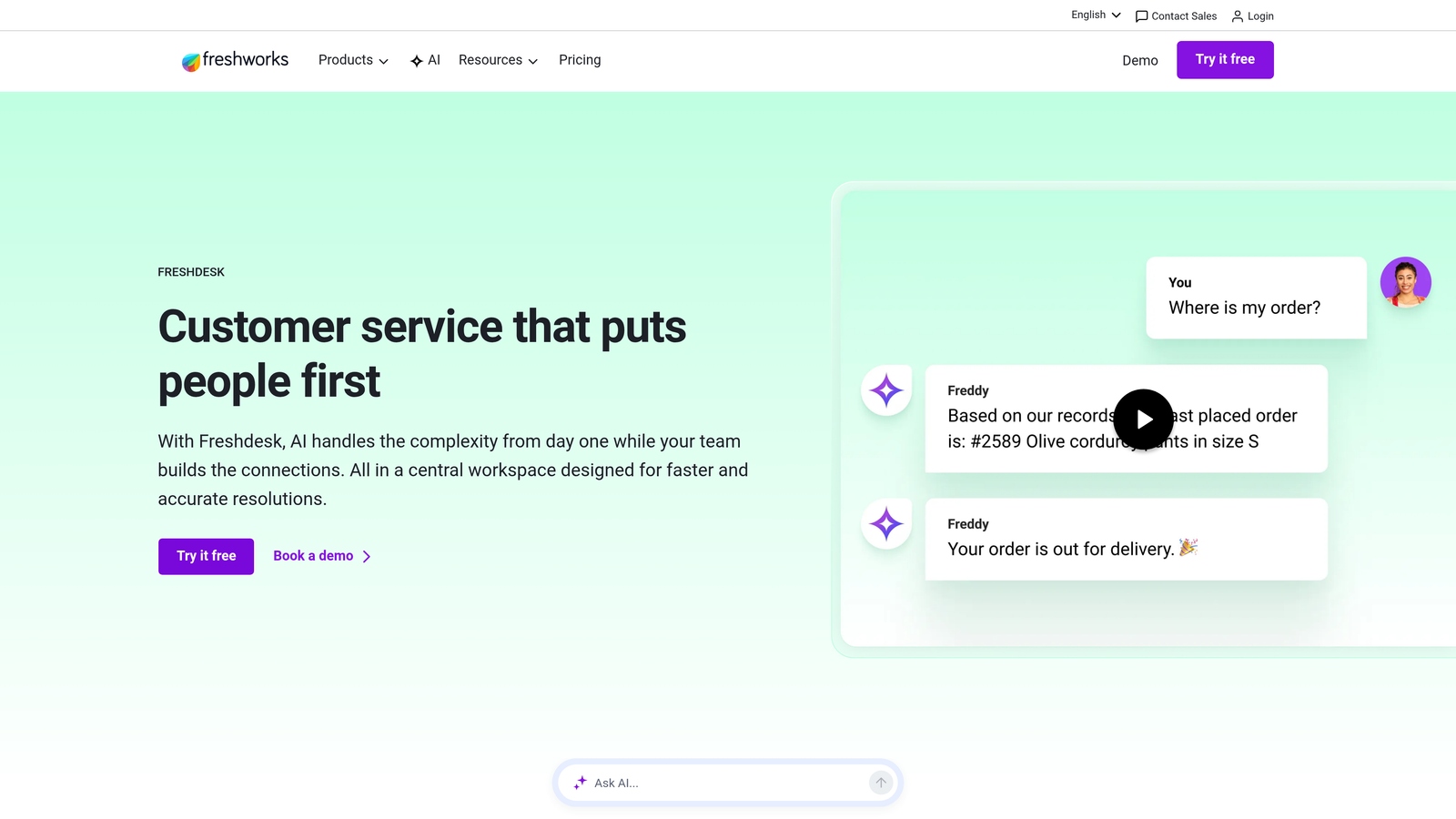
Freshdesk strikes the sweet spot between capability and usability, making it popular with mid-market companies.
Where This Tool Shines
Freshdesk's interface feels intuitive from day one, reducing the training time that plagues more complex platforms. New agents become productive quickly, which matters when you're scaling a support team rapidly.
The platform's ticket collision detection prevents the embarrassing scenario where multiple agents respond to the same customer. Combined with scenario automations that handle multi-step workflows, Freshdesk delivers enterprise-grade functionality at a fraction of the complexity.
Key Features
Ticket Collision Detection: Alerts agents when someone else is viewing or responding to a ticket, preventing duplicate responses.
Scenario Automations: Create complex multi-step workflows that trigger based on time, events, or ticket properties without coding.
Gamification Features: Boost agent engagement with leaderboards, badges, and performance competitions that make support work more motivating.
Parent-Child Ticketing: Link related tickets together for complex issues that span multiple conversations or departments.
Built-In Time Tracking: Monitor how long agents spend on tickets and track SLA compliance automatically.
Best For
Mid-sized companies with 10-100 support agents who need robust functionality but don't want the configuration burden of enterprise platforms. Ideal for teams prioritizing quick deployment and ease of use.
Pricing
Free tier available for up to 10 agents with basic features. Paid plans start at $15 per agent per month, making it accessible for budget-conscious teams.
4. Jira Service Management
Best for: Technical teams needing tight integration between support and development workflows
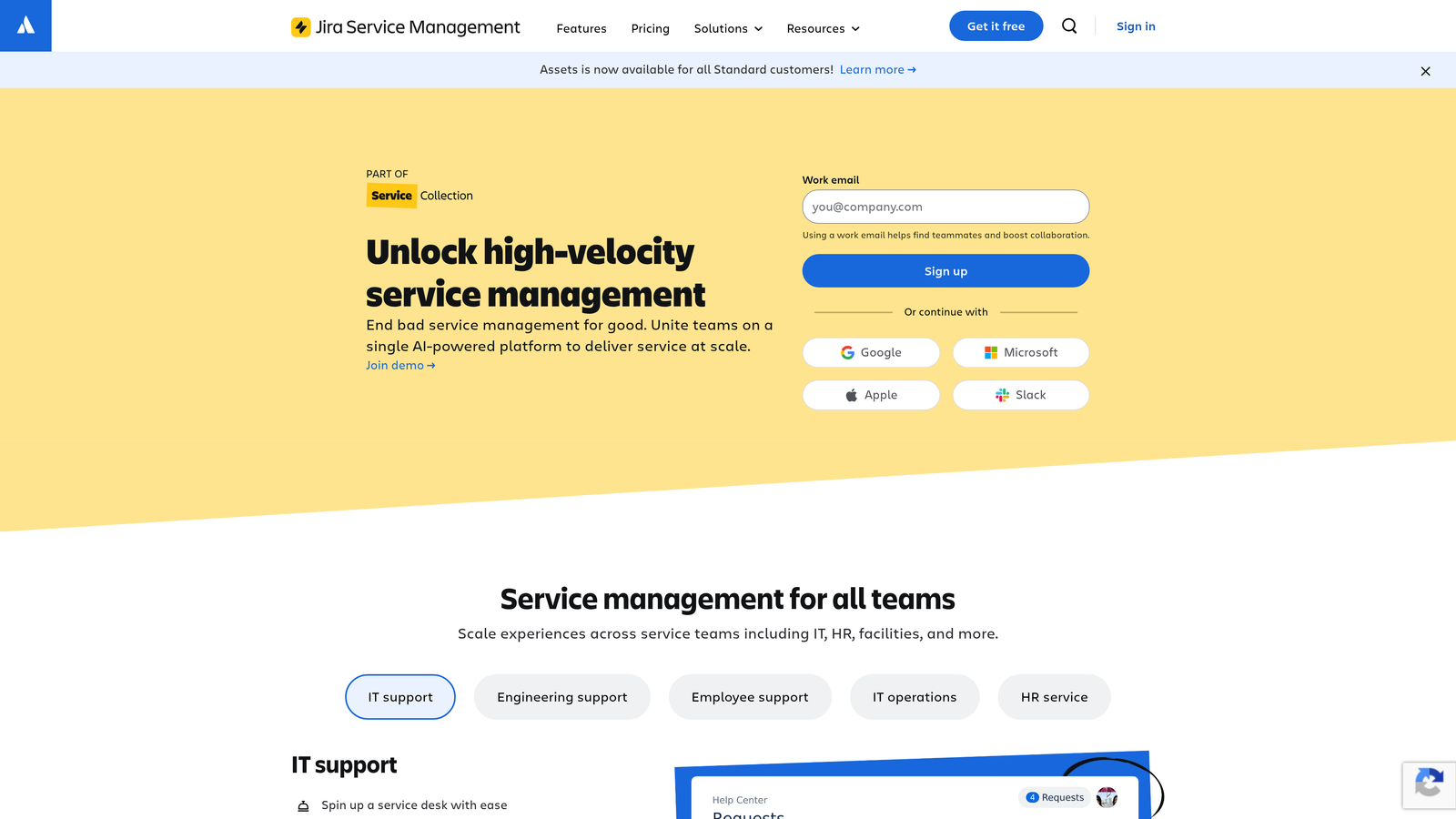
Jira Service Management transforms Atlassian's project management powerhouse into a full-fledged service desk.
Where This Tool Shines
If your team already lives in Jira Software, Service Management eliminates the friction between customer-reported issues and development work. Support agents can create bug tickets that flow directly into engineering sprints without manual handoffs or context loss.
The platform's ITIL-certified workflows make it particularly strong for IT service management, handling change requests, incident management, and asset tracking with enterprise-grade rigor.
Key Features
Native Jira Software Integration: Customer issues become development tickets seamlessly, with full bidirectional sync and status updates.
ITIL-Certified Workflows: Pre-built processes for change management, incident response, and problem tracking that meet enterprise compliance standards.
Confluence Knowledge Base: Integrate documentation directly into your service desk, surfacing relevant articles as agents respond to tickets.
Asset and Configuration Management: Track hardware, software licenses, and infrastructure dependencies alongside support tickets.
No-Code Automation Builder: Create workflow rules using visual builders without writing scripts or code.
Best For
Technical teams, IT departments, and product organizations already using Atlassian tools. Particularly valuable when support issues frequently require engineering involvement or when managing internal IT service requests.
Pricing
Free for up to 3 agents. Standard plan costs $22.05 per agent per month, with Premium and Enterprise tiers adding advanced automation and SLA features.
5. Intercom
Best for: Product-led companies wanting conversational support embedded directly in their application
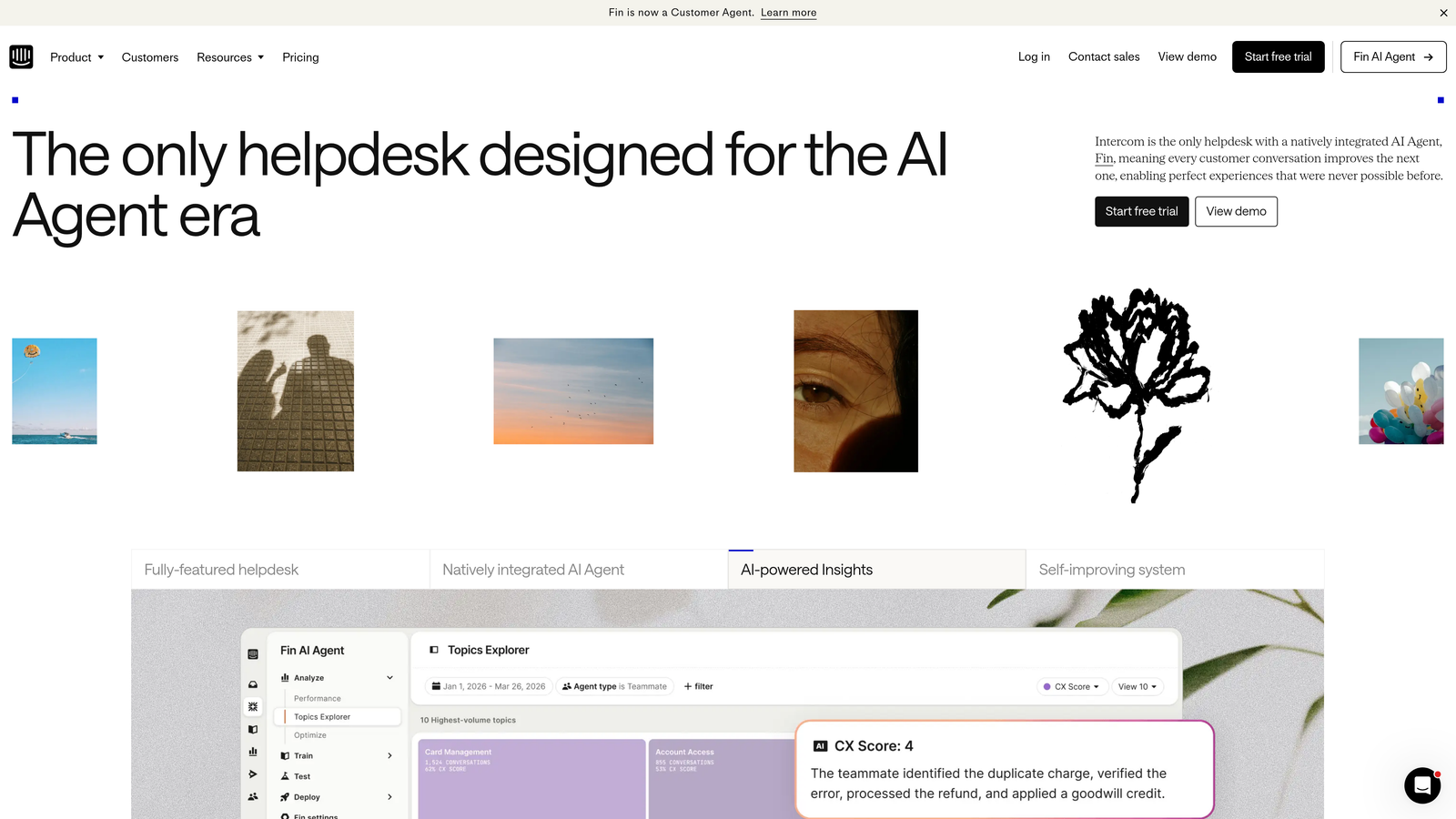
Intercom pioneered the messenger-first approach to customer support, treating conversations as ongoing relationships rather than isolated tickets.
Where This Tool Shines
Intercom's messenger feels native to your product, creating a support experience that doesn't pull users away from what they're doing. The platform tracks user behavior and product usage, letting agents see exactly where customers are stuck before they even ask for help.
Resolution Bot handles common questions automatically, but unlike basic chatbots, it learns from your actual support conversations to improve responses over time. This combination of automation and human support scales efficiently as your user base grows.
Key Features
Messenger-Based Ticketing: Support conversations happen in a chat interface embedded directly in your product, maintaining context across sessions.
Resolution Bot: Automated responses to common questions using your knowledge base content, with graceful handoff to human agents when needed.
Product Tours and In-App Messaging: Proactively guide users through features and send targeted messages based on behavior patterns.
Customer Data Platform: Track user events, properties, and product usage to give agents full context during support conversations.
Team Collaboration Features: Agents can assign conversations, leave internal notes, and collaborate on complex issues without leaving the inbox.
Best For
SaaS companies with web or mobile applications who want support tightly integrated with their product experience. Especially valuable for teams that view support as a growth channel, not just a cost center.
Pricing
Starts at $39 per seat per month for the Essential plan. Pricing scales with features and conversation volume, making it important to estimate usage accurately.
6. HubSpot Service Hub
Best for: Companies using HubSpot CRM who want unified customer journey visibility across teams
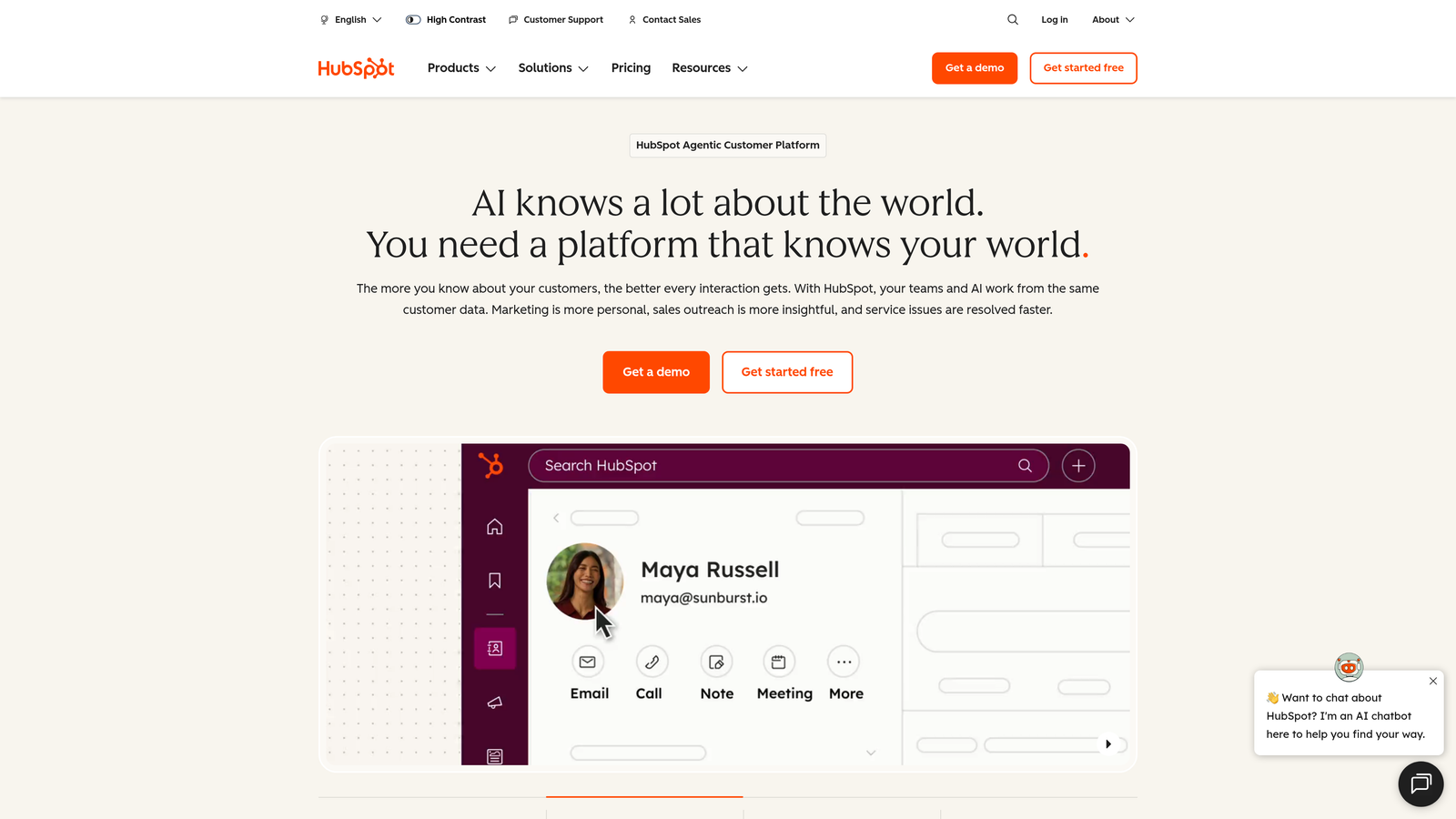
HubSpot Service Hub extends the company's CRM platform into customer service, creating a single source of truth for every customer interaction.
Where This Tool Shines
Service Hub's power lies in its unified customer timeline. Support agents see every marketing email, sales call, and previous support conversation without switching tools. This context eliminates the "let me look up your account" delays that frustrate customers.
The customer portal feature lets clients track their own tickets, reducing "what's the status?" inquiries that consume agent time. Combined with knowledge base tools and feedback surveys, HubSpot creates a complete service ecosystem.
Key Features
Unified Customer Timeline: View marketing interactions, sales activities, and support history in one chronological feed for complete context.
Automatic Routing and Prioritization: Tickets route to the right team or agent based on issue type, customer properties, or custom rules.
Customer Portal: Self-service interface where customers check ticket status, browse knowledge base articles, and submit new requests.
Knowledge Base with SEO: Build searchable help documentation that ranks in Google, deflecting support volume before tickets are created.
Customer Feedback Surveys: Automated NPS, CSAT, and custom surveys collect feedback at key journey moments.
Best For
Companies already invested in HubSpot's marketing and sales tools who want to extend that ecosystem into service. Particularly valuable for organizations prioritizing customer retention and expansion revenue.
Pricing
Free tools available with limited features. Starter plan begins at $20 per month per seat, with Professional and Enterprise tiers adding automation and advanced reporting.
7. Linear
Best for: Product teams managing customer-reported bugs with developer-focused speed and efficiency
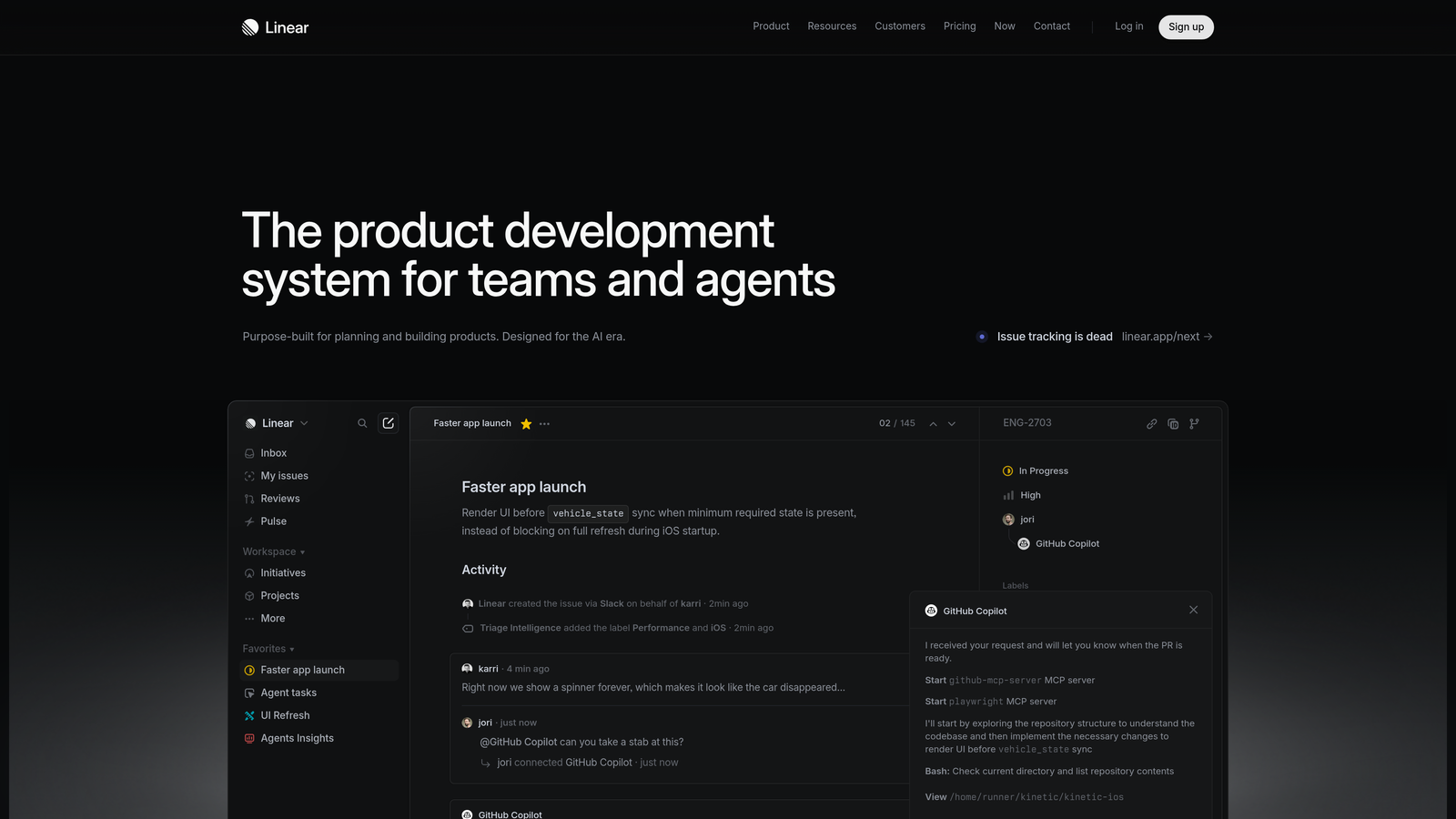
Linear reimagined issue tracking from the ground up, prioritizing speed and keyboard-driven workflows that developers love.
Where This Tool Shines
Linear's interface responds in under 50 milliseconds, making it feel instantaneous compared to traditional project management tools. This performance matters when triaging dozens of customer-reported issues daily—the tool never slows you down.
The keyboard-first design means power users can create, assign, and update issues without touching their mouse. Combined with cycles for sprint planning and deep GitHub integration, Linear bridges customer feedback and development work seamlessly.
Key Features
Sub-50ms Interface Performance: Lightning-fast response times make triaging and updating issues feel instantaneous, eliminating tool friction.
Keyboard-First Design: Comprehensive keyboard shortcuts let power users navigate and manage issues without using a mouse.
Cycles and Projects: Organize work into sprint cycles and larger project milestones, tracking progress toward shipping customer-requested features.
GitHub and GitLab Integration: Link issues directly to pull requests and commits, automatically updating status when code merges.
Triage Queue: Dedicated view for incoming customer issues that need prioritization and assignment before entering development workflows.
Best For
Product and engineering teams who receive customer bug reports and feature requests that need to flow into development sprints. Ideal for technical teams who value speed and efficiency over extensive customization options.
Pricing
Free for small teams with basic features. Standard plan costs $8 per user per month, with Plus and Enterprise tiers adding advanced roadmapping and security features.
8. Help Scout
Best for: Small teams prioritizing personal customer relationships over high-volume ticket processing
Help Scout proves that help desk software doesn't need to feel like help desk software—to customers, it looks like regular email.
Where This Tool Shines
Help Scout's shared inbox approach means customer emails arrive in a collaborative environment, but responses come from personal email addresses rather than generic support@ addresses. This maintains the human touch that builds customer loyalty.
The Beacon widget embeds help and contact options directly in your product or website, surfacing relevant knowledge base articles before customers submit tickets. This proactive approach reduces support volume while keeping the experience friendly and accessible.
Key Features
Shared Inbox: Team collaboration on customer emails that appear as personal responses rather than generic support tickets to customers.
Beacon Widget: Embedded help interface provides knowledge base search, contact forms, and live chat in a single, customizable widget.
Saved Replies: Template responses for common questions that agents can personalize before sending, maintaining efficiency without sacrificing authenticity.
Customer Profiles: Complete conversation history and customer data in one view, eliminating the need to search for previous interactions.
Docs Knowledge Base: Built-in documentation platform with powerful search helps customers find answers before contacting support.
Best For
Small to mid-sized teams who view support as a relationship-building opportunity rather than a cost to minimize. Particularly popular with consumer-facing companies where brand personality matters.
Pricing
Starts at $25 per user per month for the Standard plan. Plus plan adds advanced reporting and integrations at $50 per user per month.
9. Zoho Desk
Best for: Budget-conscious teams wanting AI capabilities and extensive features at accessible price points
Zoho Desk delivers enterprise-grade functionality at small business prices, making it a compelling option for cost-sensitive organizations.
Where This Tool Shines
Zoho's Zia AI assistant analyzes ticket sentiment, suggests responses, and identifies anomalies in support patterns—features typically reserved for expensive enterprise platforms. This AI layer helps smaller teams punch above their weight without hiring additional analysts.
The platform's multi-department ticketing handles complex organizational structures, while Blueprint workflow automation creates sophisticated routing without coding. Deep integration with Zoho's broader ecosystem means companies using Zoho CRM or other Zoho tools get seamless data flow.
Key Features
Zia AI Assistant: Sentiment analysis on tickets, automated response suggestions, and anomaly detection to surface unusual support patterns.
Multi-Department Management: Separate ticket queues, workflows, and reporting for different departments or product lines within one account.
Blueprint Workflow Automation: Visual workflow builder creates complex multi-step processes with conditional logic and approvals.
Telephony Integration: Built-in call logging and recording connects phone support with ticket history for complete customer context.
Zoho Ecosystem Integration: Native connections to Zoho CRM, Books, Analytics, and other Zoho products create unified business operations.
Best For
Small to mid-sized businesses wanting comprehensive features at competitive prices, especially those already using other Zoho products. Ideal for teams needing AI capabilities without enterprise budgets.
Pricing
Free for up to 3 agents with basic features. Standard plan starts at $20 per agent per month, with Professional and Enterprise tiers adding advanced AI and customization.
Making the Right Choice
The best customer issue tracking system is the one your team will actually use consistently. For AI-first teams wanting autonomous resolution with intelligent escalation, Halo AI offers a fundamentally different approach where agents handle tickets end-to-end rather than just assisting humans. Enterprise organizations with complex omnichannel needs will find Zendesk's depth hard to match, though that power comes with corresponding complexity.
Technical teams embedded in Atlassian should explore Jira Service Management's seamless dev integration—the ability to turn support tickets into sprint work without manual handoffs eliminates significant friction. Growing startups often thrive with Freshdesk's balance of power and simplicity, while Help Scout remains the gold standard for small teams prioritizing customer relationships over ticket volume metrics.
Consider your integration requirements carefully. If you're already invested in HubSpot, Service Hub's unified customer timeline provides context that standalone tools can't match. Product teams receiving customer bug reports should evaluate Linear's speed-optimized interface alongside traditional help desks. Budget-conscious teams get surprising AI capabilities with Zoho Desk at price points that won't strain startup finances.
Whatever you choose, prioritize a system that surfaces patterns—because tracking issues is only valuable if it helps you prevent them. The most effective teams use their issue tracking data to identify recurring problems, measure resolution times, and spot customer health signals before accounts churn.
Your support team shouldn't scale linearly with your customer base. Let AI agents handle routine tickets, guide users through your product, and surface business intelligence while your team focuses on complex issues that need a human touch. See Halo in action and discover how continuous learning transforms every interaction into smarter, faster support.