9 Best Customer Onboarding Automation Tools in 2026
Discover the 9 best customer onboarding automation tools in 2026, evaluated for ease of setup, automation depth, and scalability to help SaaS and enterprise teams guide users from signup to success faster. Whether you're reducing time-to-value or eliminating repetitive support tickets, this guide breaks down the right solution for your team's specific needs and tech stack.
 Grant CooperFounder14 min read
Customer onboarding sets the tone for every relationship that follows. When it's slow, confusing, or manual, you lose users before they ever experience your product's value. The good news: a new generation of onboarding automation tools can guide users from signup to success without burning out your support team.
This list covers the best customer onboarding automation tools available in 2026, evaluated on ease of setup, depth of automation, integration flexibility, and how well they scale with growing teams. Whether you're a SaaS startup looking to reduce time-to-value or an enterprise team trying to eliminate repetitive support tickets, there's a tool here for your situation.
A quick note on methodology: tools were selected based on feature depth, real-world usability for B2B teams, and how well they complement modern support and product stacks.
1. Halo AI
Best for: B2B SaaS teams needing intelligent, context-aware support throughout the onboarding journey
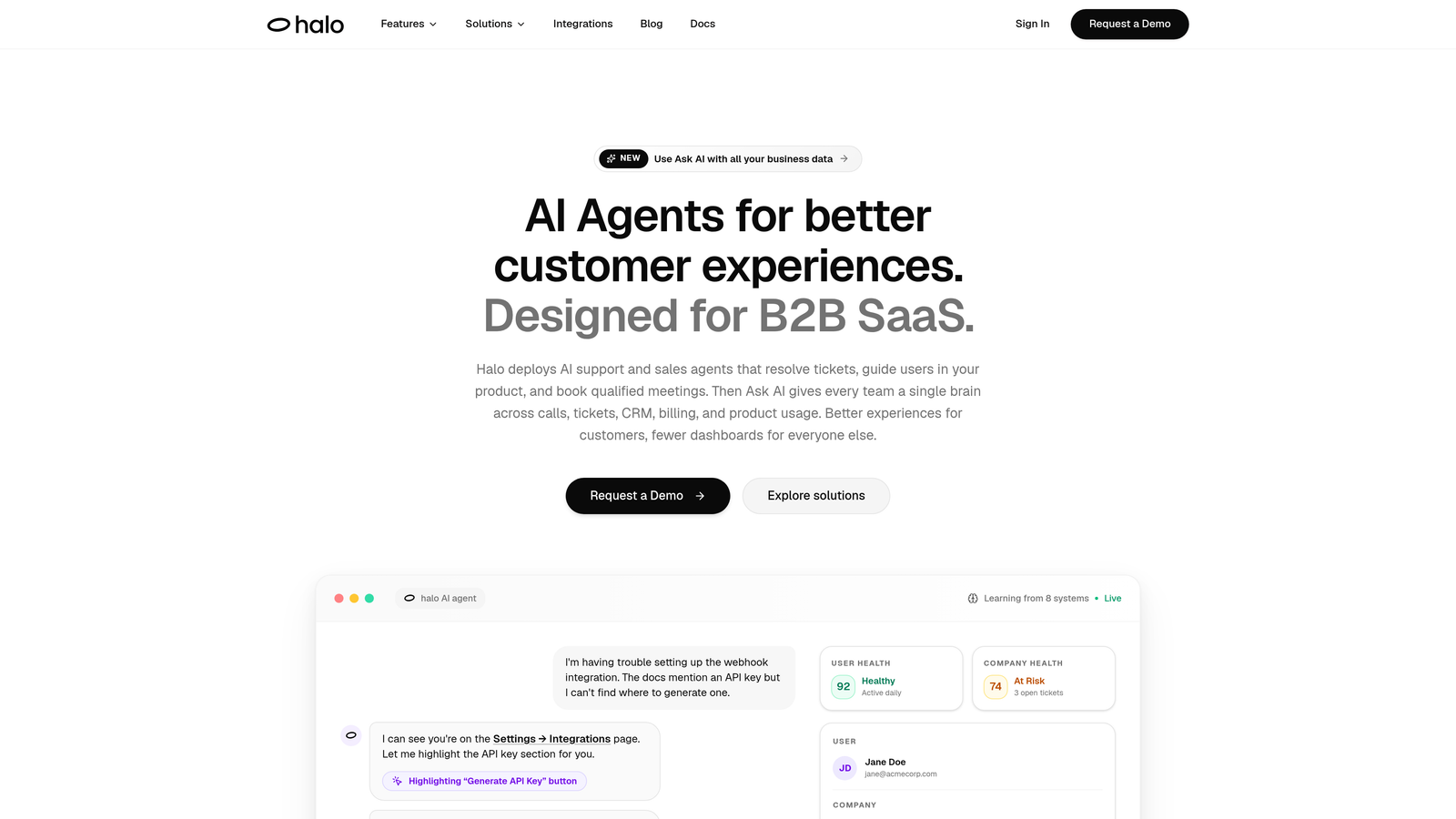
Halo AI is an AI-native customer support platform built to resolve onboarding questions, guide users through your product in real time, and surface business intelligence as your customer base grows.
Where This Tool Shines
What separates Halo from most onboarding tools is its page-aware architecture. The chat widget doesn't just respond to questions in isolation; it understands what screen the user is currently on and delivers contextual UI guidance tailored to that exact moment. Think of it as having a knowledgeable support agent looking over the user's shoulder, without the overhead.
Halo also improves over time. Every resolved ticket, every escalation, every user interaction feeds back into the system, making onboarding support progressively smarter. For teams dealing with high ticket volume during onboarding sprints, that continuous learning loop is a genuine differentiator.
Key Features
Page-Aware Chat Widget: Detects the user's current screen and delivers contextual guidance specific to that UI state, reducing generic back-and-forth.
Intelligent AI Agents: Resolve common onboarding questions automatically and escalate complex issues to live agents with full context preserved.
Auto Bug Ticket Creation: When onboarding errors are detected, Halo automatically creates bug tickets, so nothing slips through the cracks during critical first-use moments.
Continuous Learning: The system learns from every interaction, improving resolution quality and reducing repeat questions over time.
Deep Integrations: Connects with HubSpot, Intercom, Slack, Linear, Stripe, Zoom, PandaDoc, and Fathom, making it a central node in your existing stack rather than another silo.
Best For
B2B SaaS teams that want an AI-first support layer during onboarding, particularly those already using tools like HubSpot, Intercom, or Linear who need intelligent agent capabilities without rebuilding their entire stack. Also well-suited for product teams who want onboarding support that gets smarter without manual maintenance.
Pricing
Contact Halo AI directly for pricing. Given the enterprise integration depth and AI-native architecture, pricing is customized based on team size and usage needs.
2. Appcues
Best for: Product teams building personalized in-app onboarding flows without engineering dependencies
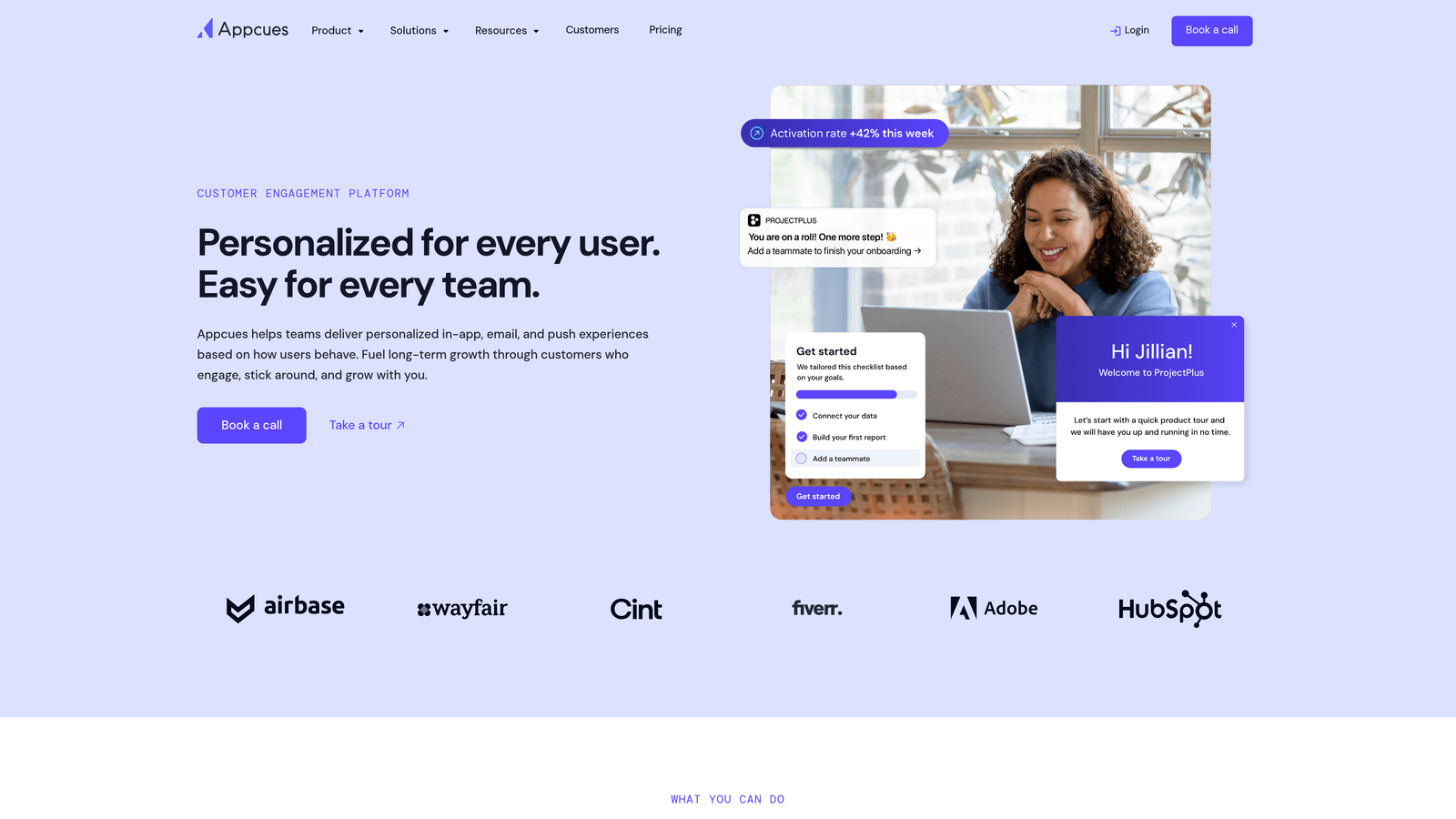
Appcues is a well-established no-code product adoption platform for creating in-app flows, modals, checklists, and product tours.
Where This Tool Shines
Appcues has earned its reputation by making in-app onboarding genuinely accessible to non-technical teams. The visual flow builder lets product managers and customer success teams build and iterate on onboarding experiences without filing engineering tickets. That speed matters when you're trying to improve activation rates quickly.
The segmentation capabilities are another strong point. You can create entirely different onboarding paths based on user role, pricing plan, or any property you pass in, so a power user and a casual user don't see the same experience.
Key Features
Visual No-Code Builder: Build and publish onboarding flows, modals, and tooltips without writing a single line of code.
User Segmentation: Personalize onboarding paths by role, plan, company size, or any custom attribute.
Onboarding Checklists: Native checklist components with progress tracking to guide users through key activation steps.
A/B Testing: Test different onboarding flows against each other to find what drives better completion rates.
Flow Analytics: Track completion rates, drop-off points, and step-level engagement for every onboarding experience.
Best For
Product-led growth teams and customer success managers who need to build and iterate on in-app onboarding without relying on engineering. Works best for SaaS products with a self-serve or hybrid onboarding model.
Pricing
Starts at approximately $249/month for the Essentials plan. Higher tiers unlock advanced features and higher user volumes. Pricing is on the steeper end for smaller teams.
3. Intercom
Best for: Teams wanting onboarding automation layered into an existing customer communications platform
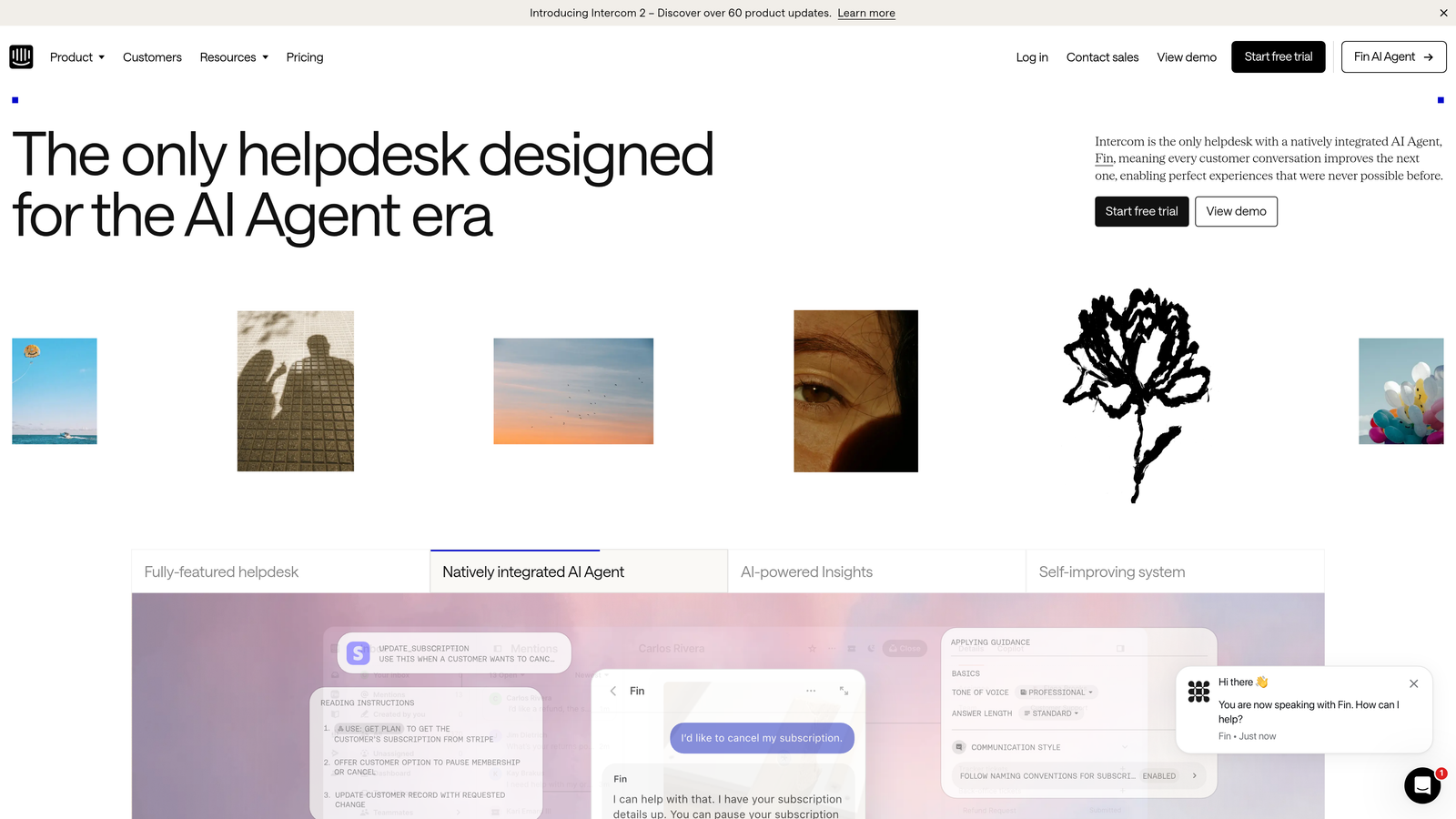
Intercom is a broad customer communications platform with dedicated onboarding features including automated message sequences, in-app messaging, and AI-powered query resolution.
Where This Tool Shines
For teams already using Intercom for support, adding onboarding automation is a natural extension rather than a new tool adoption. The Series feature lets you build multi-step onboarding sequences that span email, in-app messages, and push notifications from a single workflow, which reduces the coordination overhead of managing separate platforms.
The Fin AI agent adds another layer: it can handle common onboarding questions automatically, freeing your team to focus on complex cases. The tradeoff is that Intercom's onboarding features are part of a broader platform, so teams with very specific onboarding needs may find dedicated tools offer more depth.
Key Features
Series Automation: Build multi-step onboarding sequences combining email, in-app, and push messages with branching logic.
Fin AI Agent: Automatically resolves common onboarding questions using AI, with human handoff for complex issues.
Product Tours Add-On: Guided in-app walkthroughs to orient new users during their first sessions.
Multi-Channel Messaging: Reach users across email, in-app chat, and push from one unified platform.
CRM and Helpdesk Integrations: Connects with major CRM and support tools to keep onboarding data in sync.
Best For
Teams already in the Intercom ecosystem who want to extend their existing setup into onboarding automation rather than add a separate tool. Also good for companies that want AI-assisted query resolution alongside their onboarding messaging.
Pricing
Starts at $39/seat/month. Product Tours and advanced automation features are available at higher tiers. Costs can scale quickly as contact counts and seat counts grow.
4. Userflow
Best for: Teams wanting fast deployment, lightweight performance, and strong native checklist functionality
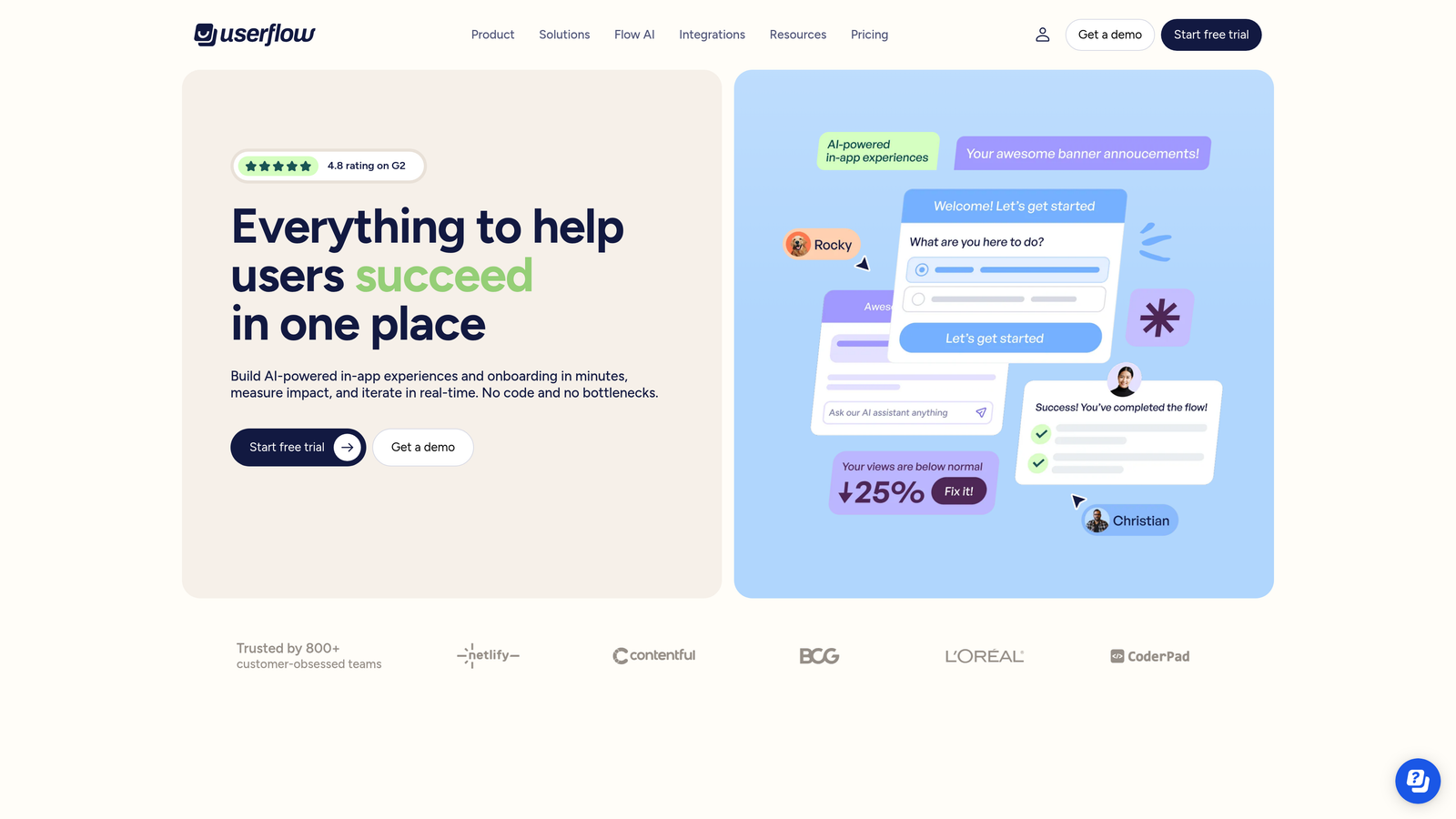
Userflow is a product onboarding platform known for its quick implementation, native checklists, and clean analytics without the performance overhead of heavier tools.
Where This Tool Shines
Userflow has built a strong reputation among teams who tried heavier platforms and found them slow to implement or hard to maintain. The SDK is lightweight by design, so adding Userflow to your product doesn't noticeably affect load times. For teams where performance is a non-negotiable, that matters.
The native checklist component is a genuine standout. Rather than bolting on a third-party widget, Userflow's checklist feels like a natural part of your product and tracks completion in a way that feeds directly into the analytics dashboard.
Key Features
Native Onboarding Checklists: Built-in checklist component with completion tracking, designed to feel native rather than like an overlay.
No-Code Flow Builder: Build guided flows and tooltips visually with minimal performance impact on your product.
Resource Center: Embeddable self-serve help widget that gives users access to onboarding content without leaving the product.
Event-Based Triggering: Show contextual guidance based on specific user actions or product events.
Analytics Dashboard: Clean funnel view tracking onboarding step completion and drop-off rates.
Best For
SaaS teams that want a capable, fast-to-deploy onboarding platform without the complexity or price tag of enterprise-tier tools. A strong Appcues alternative for teams where budget and performance are key considerations.
Pricing
Starts at $240/month for the Startup plan, scaling with monthly active users. Generally more affordable than comparable platforms at similar feature levels.
5. Pendo
Best for: Enterprise and mid-market teams who want behavioral analytics driving their onboarding strategy
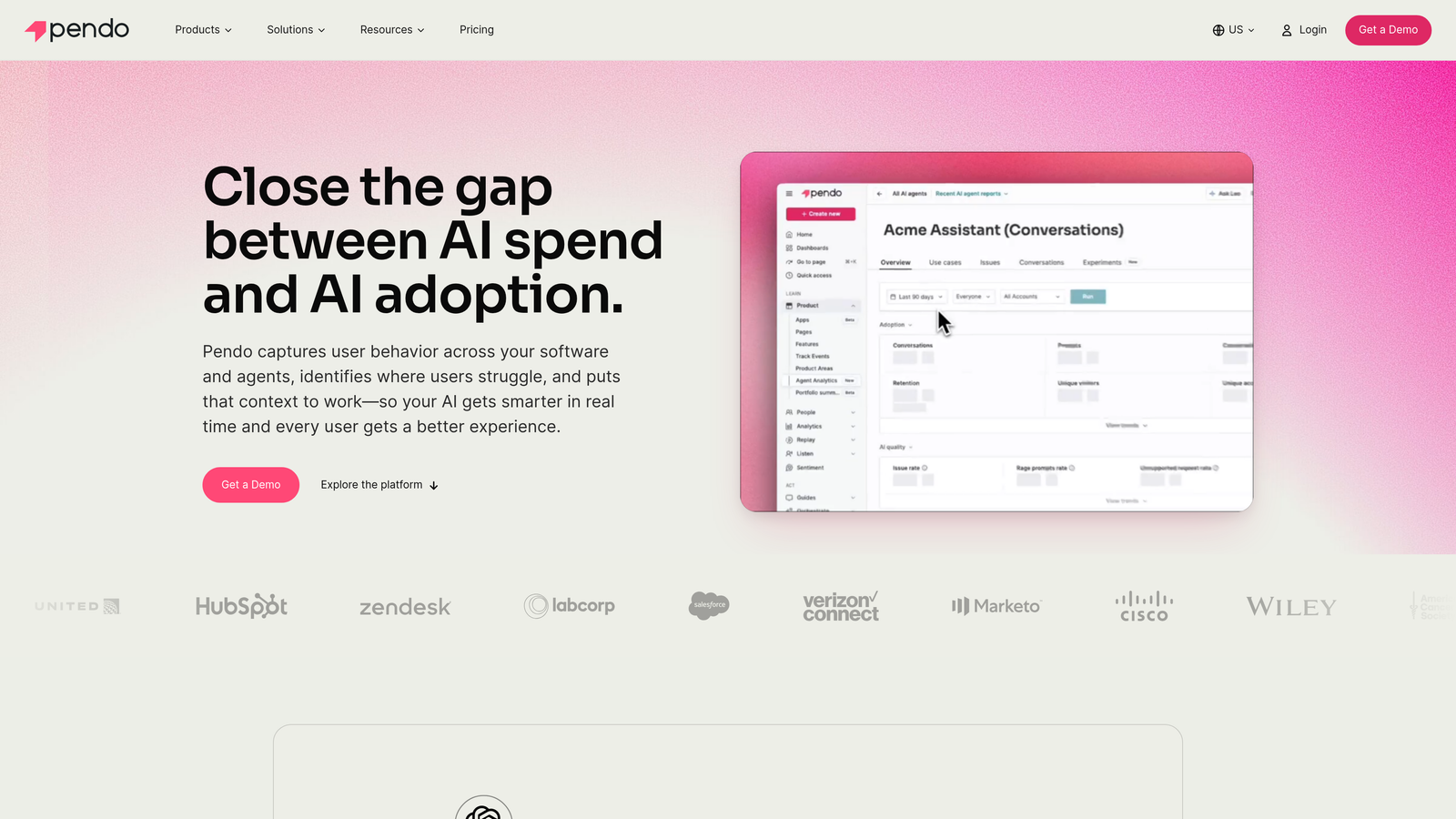
Pendo is an enterprise product analytics and in-app guidance platform that uses deep usage data to trigger and optimize onboarding experiences.
Where This Tool Shines
Pendo's real differentiator isn't the in-app guides themselves; it's the analytics underneath them. The platform captures detailed product usage data that lets teams identify exactly where users are getting stuck during onboarding, then trigger targeted guidance at those precise moments. That data-first approach makes onboarding optimization more systematic and less guesswork.
The NPS and in-app feedback collection features also make Pendo useful beyond onboarding. Teams can collect sentiment data during the onboarding window and feed that back into product planning, which is valuable for product teams who want a single source of truth on user experience.
Key Features
Product Usage Analytics: Detailed behavioral data showing exactly where users drop off during onboarding and which features drive activation.
Behavior-Triggered Guides: In-app tooltips, walkthroughs, and modals triggered by specific user actions or inaction.
NPS and Feedback Collection: Collect user sentiment directly within the product during and after onboarding.
Account-Level Segmentation: Segment onboarding experiences by account type, plan, or usage patterns.
Roadmap and Feedback Tools: Built-in features for product teams to collect and prioritize feedback from onboarding users.
Best For
Mid-market and enterprise product teams who need analytics depth alongside in-app guidance. Best suited for organizations where data-driven onboarding optimization is a strategic priority and budget reflects that.
Pricing
Free tier available for basic analytics. Paid plans are custom-quoted and typically positioned at mid-market to enterprise price points. Expect to negotiate based on user volume and feature needs.
6. Customer.io
Best for: Developer-friendly teams building sophisticated behavior-triggered onboarding email and SMS campaigns
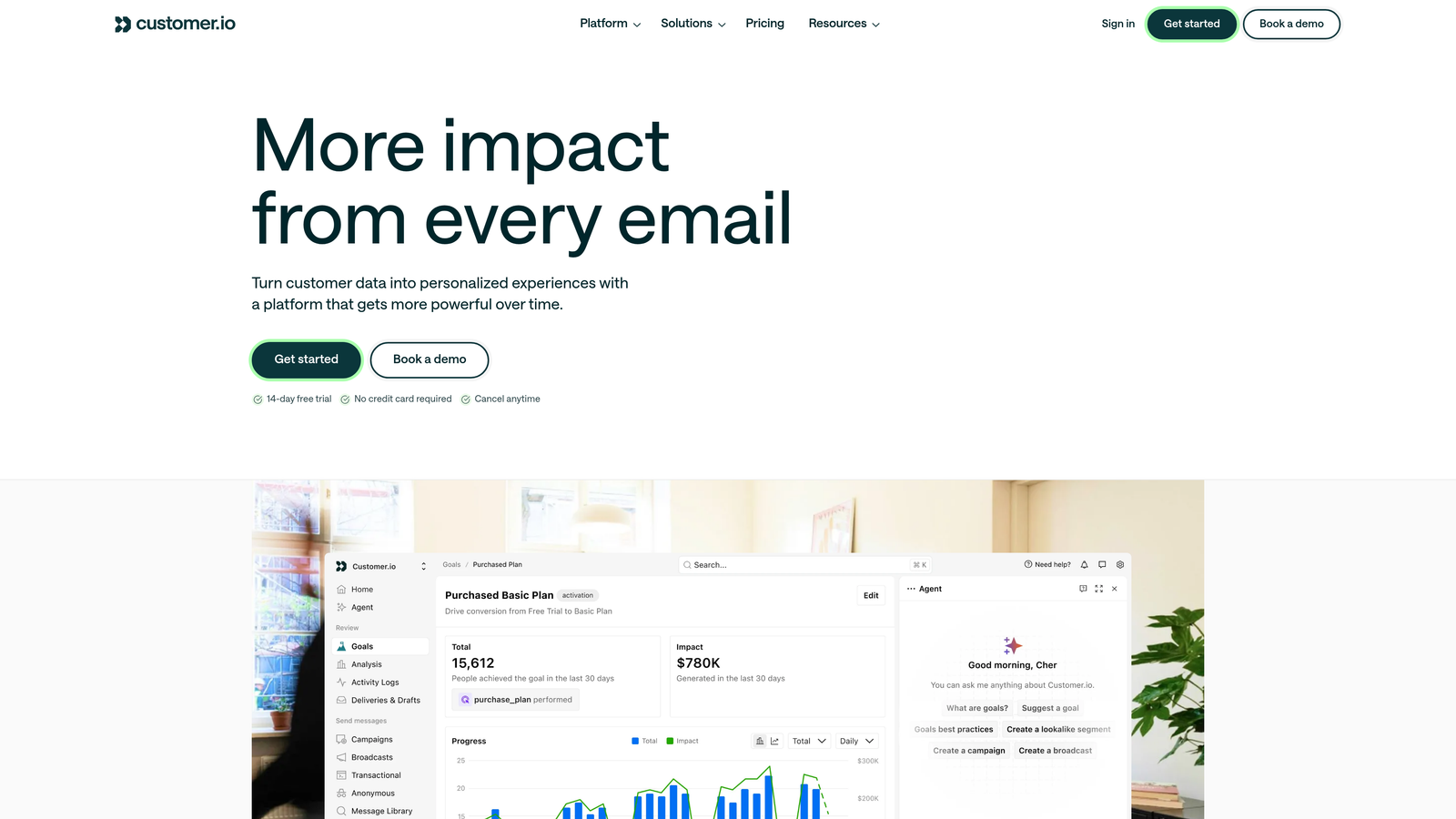
Customer.io is a lifecycle messaging platform designed for event-driven onboarding sequences across email, SMS, push notifications, and more.
Where This Tool Shines
Customer.io is built for teams who want precise control over their messaging logic. The event-driven architecture means you can trigger onboarding messages based on exactly what a user did or didn't do in your product, not just time-based drip sequences. That specificity leads to more relevant messaging and better engagement.
It's worth noting that Customer.io is not an in-app tool. It lives in the messaging layer, making it a natural complement to in-app platforms like Appcues or Userflow rather than a standalone onboarding solution. Teams who pair it with an in-app tool typically get strong coverage across both the product experience and the email channel.
Key Features
Event-Driven Segmentation: Trigger and personalize onboarding sequences based on real user behavior events from your product.
Multi-Channel Messaging: Reach users via email, SMS, push notifications, in-app messages, and Slack from one workflow.
Visual Workflow Builder: Build complex branching onboarding sequences visually, with conditional logic at each step.
Liquid Templating: Personalize message content dynamically using user attributes and event data.
Delivery and Engagement Analytics: Detailed reporting on open rates, click rates, and conversion events tied to onboarding sequences.
Best For
Technical teams and growth engineers who need fine-grained control over onboarding messaging logic. Works best as part of a stack that includes an in-app onboarding tool, not as a standalone solution.
Pricing
Starts at $100/month for the Essentials plan, scaling with message volume and contact count. One of the more accessible entry points in this category.
7. Chameleon
Best for: Teams where brand consistency and UI design quality in onboarding experiences are a top priority
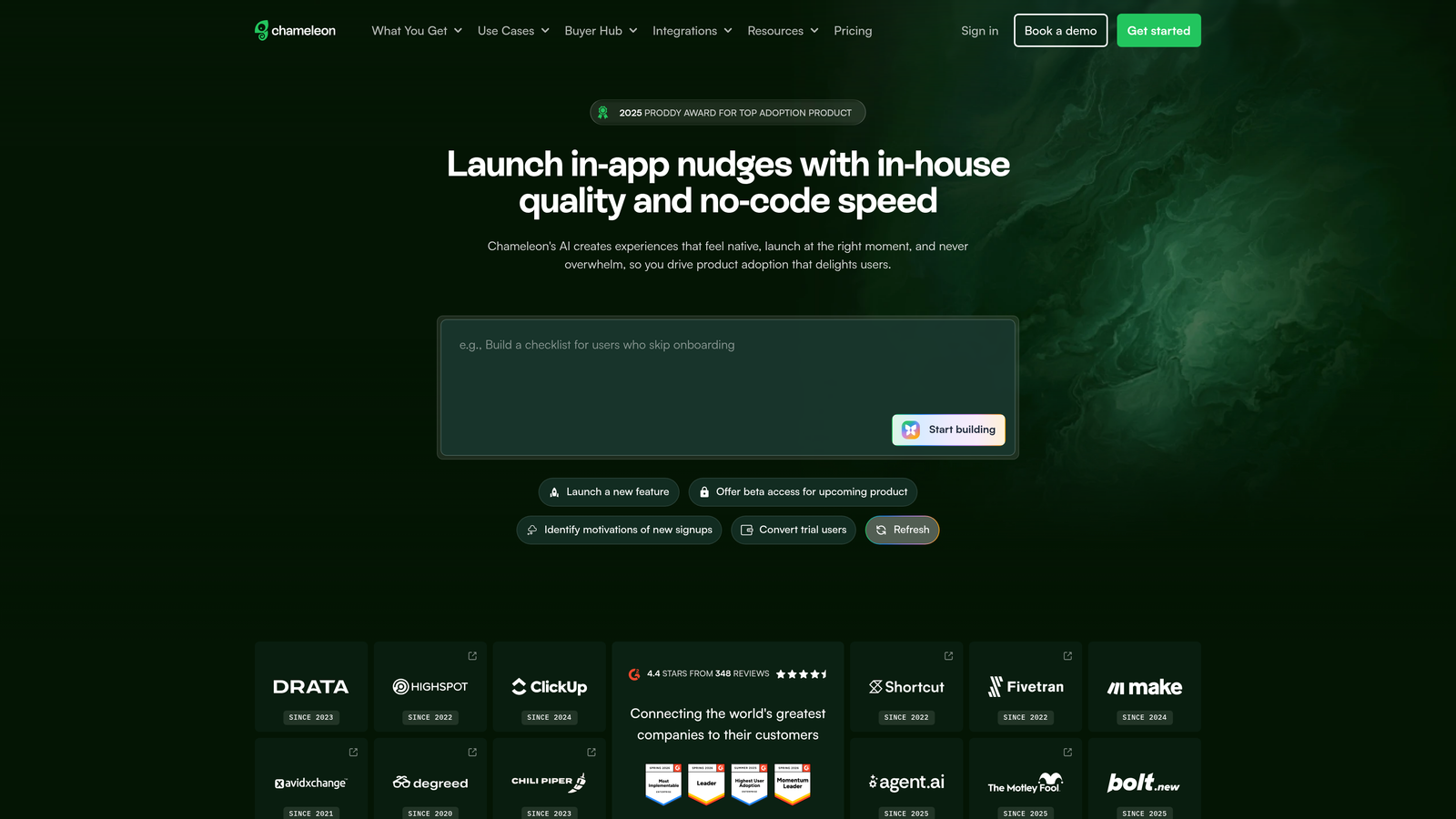
Chameleon is an in-app onboarding platform focused on delivering highly customizable tooltips, product tours, launchers, and microsurveys that match your product's design system.
Where This Tool Shines
Most in-app onboarding tools look like overlays. Chameleon is built to look like part of your product. The level of UI customization available, from colors and fonts to animation and positioning, is notably deeper than most competitors. For teams where the onboarding experience needs to feel seamless rather than bolted on, that matters.
The microsurvey and NPS features embedded directly into onboarding flows are also well-executed. You can collect user feedback at specific moments in the onboarding journey without interrupting the flow, giving you signal on what's working and what isn't without a separate survey tool.
Key Features
Highly Customizable UI Components: Match your product's exact design system with deep control over the visual appearance of all onboarding elements.
Launcher Widget: Self-serve access point giving users on-demand access to onboarding content and product tours.
Embedded Microsurveys and NPS: Collect user feedback at specific onboarding moments without redirecting users out of the product.
HubSpot, Segment, and Salesforce Integrations: Sync onboarding data with your CRM and analytics stack.
A/B Testing and Analytics: Test onboarding variations and track performance with built-in reporting.
Best For
Product and design teams at companies where the quality and consistency of the in-product experience is a brand priority. Also a good fit for teams that want to collect onboarding feedback without adding a separate survey tool.
Pricing
Starts at $279/month for the Startup plan. Growth and enterprise tiers are custom-priced. Positioned at the higher end of the in-app onboarding category.
8. Stonly
Best for: Teams wanting interactive, decision-tree style onboarding guides that adapt to individual user responses
Stonly is an interactive guide and knowledge base platform that uses decision-tree walkthroughs to personalize onboarding without complex setup.
Where This Tool Shines
Stonly sits in an interesting position between a traditional knowledge base and a full product adoption platform. The decision-tree format means users aren't handed a one-size-fits-all walkthrough; they answer a few questions and get a path tailored to their situation. It feels personalized without requiring the segmentation infrastructure that other tools demand.
The embeddable widget makes it easy to surface relevant guides at the right moment in your product, and the integrations with Zendesk, Intercom, and Freshdesk mean support agents can also pull up Stonly guides when helping users through onboarding manually.
Key Features
Decision-Tree Guides: Onboarding paths that branch based on user answers, delivering a personalized experience without complex configuration.
Embeddable Widget: Surface interactive guides directly within your product for in-context self-serve help.
Interactive Knowledge Base: Step-by-step articles that go beyond static documentation with guided, interactive elements.
Helpdesk Integrations: Connects with Zendesk, Intercom, Freshdesk, and HubSpot for use alongside support workflows.
Guide Analytics: Track which guides are used, where users complete steps, and where they drop off.
Best For
Teams looking for a self-serve onboarding layer that's more interactive than a knowledge base but simpler to set up than a full product tour platform. Particularly useful for products with multiple user types who need different onboarding paths.
Pricing
Free plan available for getting started. Paid plans begin at approximately $99/month, making it one of the more accessible options in this list.
9. HubSpot (Workflows)
Best for: B2B teams running sales-assisted or high-touch onboarding models tied to CRM data
HubSpot Workflows is a CRM-native automation tool for orchestrating onboarding tasks, email sequences, and customer success handoffs using live CRM data as the trigger layer.
Where This Tool Shines
HubSpot Workflows isn't a dedicated onboarding tool, but for teams already running their customer relationships through HubSpot, it's a powerful way to automate the coordination layer of onboarding. You can trigger onboarding tasks, assign CS team actions, and send nurture emails based on deal stage, contact properties, or custom events, all without leaving the CRM.
For high-touch B2B onboarding where a human is involved at multiple stages, this kind of CRM-native orchestration is often more practical than a product tour platform. The tradeoff is that it requires a HubSpot Professional or Enterprise subscription, which is a significant investment if you're not already in the ecosystem.
Key Features
CRM-Native Workflow Automation: Trigger onboarding actions based on deal stage, contact properties, or custom CRM events.
Email Sequence Builder: Build multi-step onboarding nurture campaigns tied directly to contact and account data.
Task Assignment and Reminders: Automatically assign onboarding tasks to CS team members at the right stage.
CS Handoff Automation: Orchestrate handoffs between sales and customer success based on CRM triggers.
Onboarding Pipeline Reporting: Track time-to-activation and onboarding progress across your customer base.
Best For
B2B companies with a sales-assisted or enterprise onboarding model where a CS team is actively involved. Best for teams already using HubSpot as their CRM who want to automate the coordination and communication layer without adding another platform.
Pricing
Workflows are available on the Professional plan at $800/month and the Enterprise plan at $3,600/month. A significant investment, but often justified for teams already committed to the HubSpot ecosystem.
Which Tool Is Right for Your Team?
The right onboarding automation tool depends entirely on where your biggest friction lives. Here's a quick decision guide to help you match tool to situation.
If you need intelligent, context-aware support during onboarding: Halo AI is the strongest choice. Its page-aware architecture means users get guidance specific to their current screen, and the continuous learning loop means your onboarding support improves over time without manual effort. It's particularly well-suited for B2B SaaS teams who want AI to handle routine onboarding tickets while live agents focus on complex cases.
If you need in-app product tours and checklists without engineering: Appcues and Userflow are both strong options. Appcues offers more mature segmentation; Userflow wins on performance and price. Chameleon is the right call if design quality and brand consistency are non-negotiable.
If you need behavior-triggered messaging across email and SMS: Customer.io is built for exactly this use case. Pair it with an in-app tool for full coverage.
If analytics are driving your onboarding strategy: Pendo's behavioral data depth is hard to match, particularly for mid-market and enterprise teams who need to understand drop-off at a granular level.
If you're running high-touch, sales-assisted onboarding in HubSpot: HubSpot Workflows will handle the coordination layer without adding new tools to your stack.
It's also worth noting that many teams layer these tools. A common pattern is an in-app tour platform like Appcues or Userflow handling the guided walkthrough layer, Customer.io running the email sequences, and an AI support agent like Halo handling the questions that inevitably arise when users get stuck. That combination covers the full onboarding surface without any single tool having to do everything.
Your support team shouldn't scale linearly with your customer base. Let AI agents handle routine tickets, guide users through your product, and surface business intelligence while your team focuses on complex issues that need a human touch. See Halo in action and discover how continuous learning transforms every interaction into smarter, faster support.