9 Best Customer Service AI Tools With Free Trials in 2026
Explore the 9 best customer service AI tools offering meaningful free trials in 2026, so teams can evaluate resolution quality, integrations, and ROI before committing. This guide covers top platforms with trial periods ranging from 7 to 30 days, helping businesses find the right customer service AI trial that fits their workflow and scales with growth.
 Grant CooperFounder12 min read
Committing to an AI customer service platform without testing it first is a bit like hiring a support agent without an interview. The stakes are high, the options are many, and the wrong choice costs real time and money. Fortunately, the market has matured to the point where most leading platforms now offer trial periods ranging from 7 to 30 days, giving teams a genuine window to evaluate resolution quality, integration fit, and actual ROI before signing anything.
To build this list, we focused on tools that offer meaningful trial access, not just a watered-down demo. Selection criteria included trial availability and length, depth of AI capability, integration ecosystem, ease of setup, and scalability for growing teams. Whether you're running ai customer service for the first time or replacing an underperforming setup, this list covers the tools worth your attention in 2026.
If you're also exploring automated customer support more broadly, these platforms represent the strongest options across a range of use cases, team sizes, and budgets.
1. Halo AI
Best for: B2B product teams wanting an AI-first support platform with continuous learning and deep integrations.
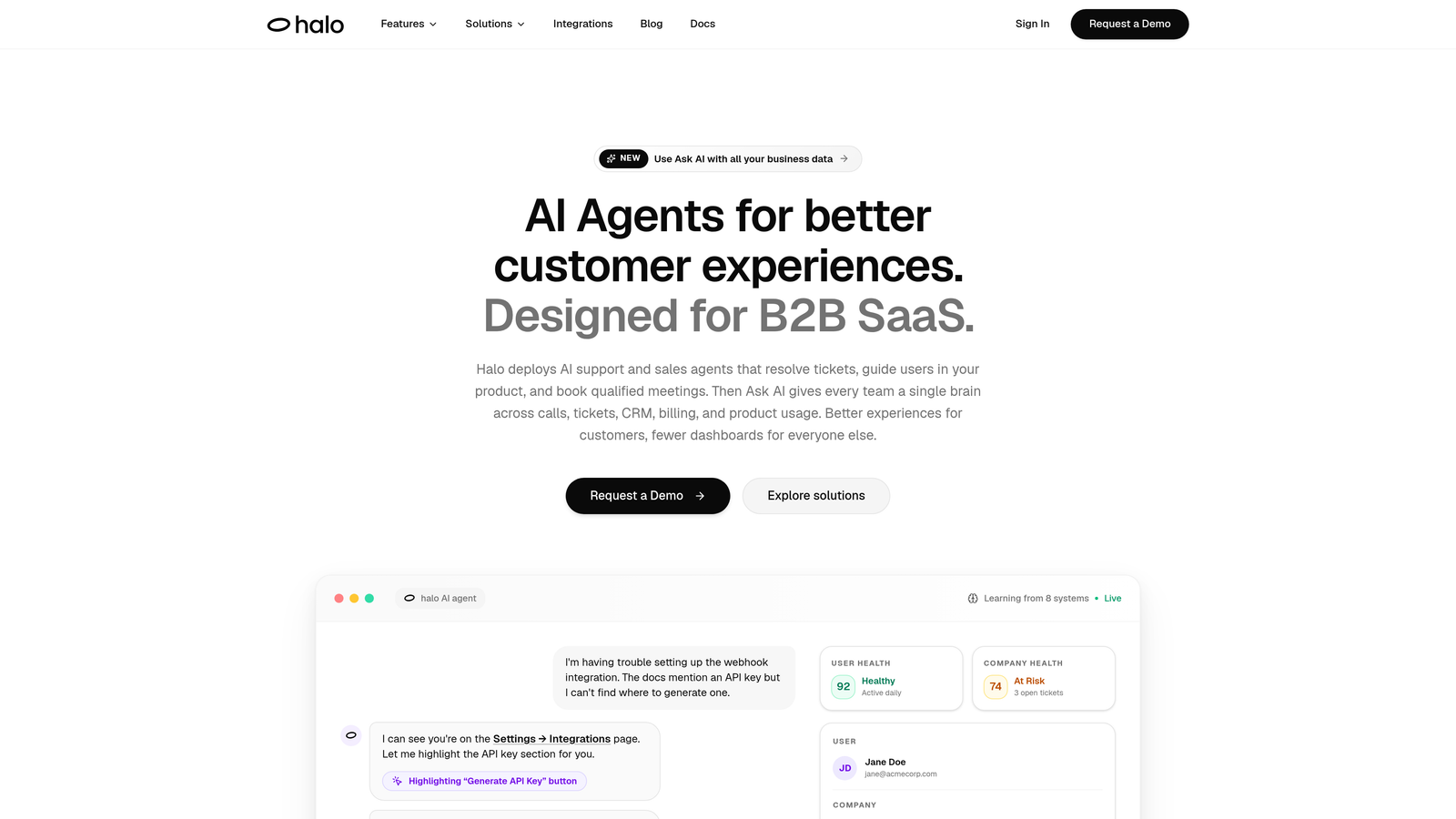
Halo AI is an AI-native customer support platform built around autonomous agents that resolve tickets, guide users visually, and surface business intelligence from every interaction.
Where This Tool Shines
Most AI support tools are add-ons layered onto existing helpdesks. Halo is built differently: AI is the core architecture, not a feature bolted on afterward. That distinction matters when you're evaluating resolution quality, because the system is designed from the ground up to handle tickets autonomously, escalate intelligently, and improve continuously with every interaction.
One standout capability is the page-aware chat widget. Instead of generic responses, Halo's agents can see what users are actually looking at on your product and provide contextual, visual UI guidance. For SaaS teams dealing with onboarding questions and feature confusion, this is a meaningful differentiator.
Key Features
Page-Aware Chat Widget: Understands the user's current page context and delivers visual UI guidance relevant to what they're experiencing.
Autonomous AI Agents: Resolve tickets end-to-end and escalate to human agents when complexity warrants it, with clean handoff context.
Auto Bug Ticket Creation: Automatically generates and routes bug reports to Linear, Slack, and other dev tools without manual intervention.
Smart Inbox with Business Intelligence: Goes beyond support metrics to surface customer health signals, revenue intelligence, and anomaly detection.
Broad Integration Stack: Connects natively with Intercom, Stripe, HubSpot, Zoom, PandaDoc, Fathom, and more, so it fits into your existing workflow rather than replacing it.
Best For
B2B SaaS companies and product teams that want AI agents handling real ticket resolution, not just deflection. Particularly well-suited for teams already using tools like Intercom, HubSpot, or Slack who want a support layer that connects their entire stack and provides intelligence beyond basic reporting.
Pricing
Free trial available. Pricing is customized based on usage and team size. Contact Halo directly at haloagents.ai for details.
2. Intercom Fin
Best for: Teams already using Intercom who want native AI resolution without switching platforms.
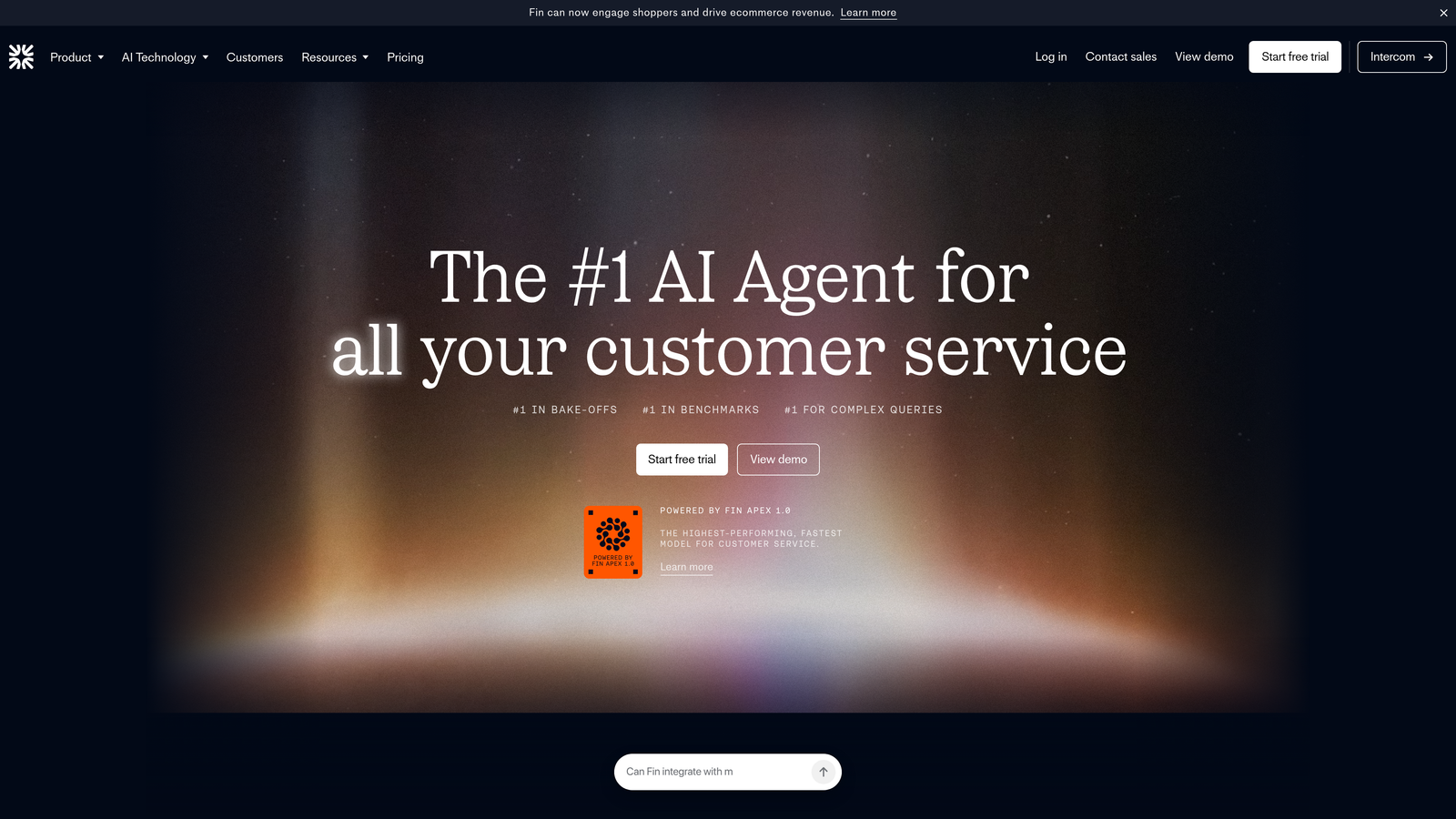
Intercom Fin is Intercom's native AI agent that resolves customer questions using existing help center content and conversation history.
Where This Tool Shines
If your team is already running Intercom as your primary messenger and inbox, Fin is the path of least resistance to adding AI resolution. There's no new platform to onboard, no separate integration to configure. Fin plugs directly into the workflows your team already uses, which makes the trial period genuinely representative of day-to-day performance.
Fin's training approach is also practical: it learns from your existing help center articles and past conversations, meaning teams with mature knowledge bases can get meaningful resolution rates relatively quickly during a trial.
Key Features
Help Center Training: Fin learns from your existing articles and past conversation data, reducing setup time significantly.
Native Intercom Integration: Works directly within the Intercom messenger, inbox, and workflow automation tools.
Customizable Guardrails: Allows teams to set tone, define answer boundaries, and control what Fin will and won't respond to.
Multilingual Support: Handles customer inquiries across 40+ languages without additional configuration.
Best For
Companies already invested in the Intercom ecosystem who want to add AI resolution without introducing a new vendor. Less ideal for teams looking for AI-first architecture or business intelligence capabilities beyond support metrics.
Pricing
14-day free trial available. Fin is billed per resolution starting at $0.99 per resolved conversation, with costs scaling based on volume.
3. Zendesk AI
Best for: Existing Zendesk customers wanting to add AI capabilities across their current support stack.
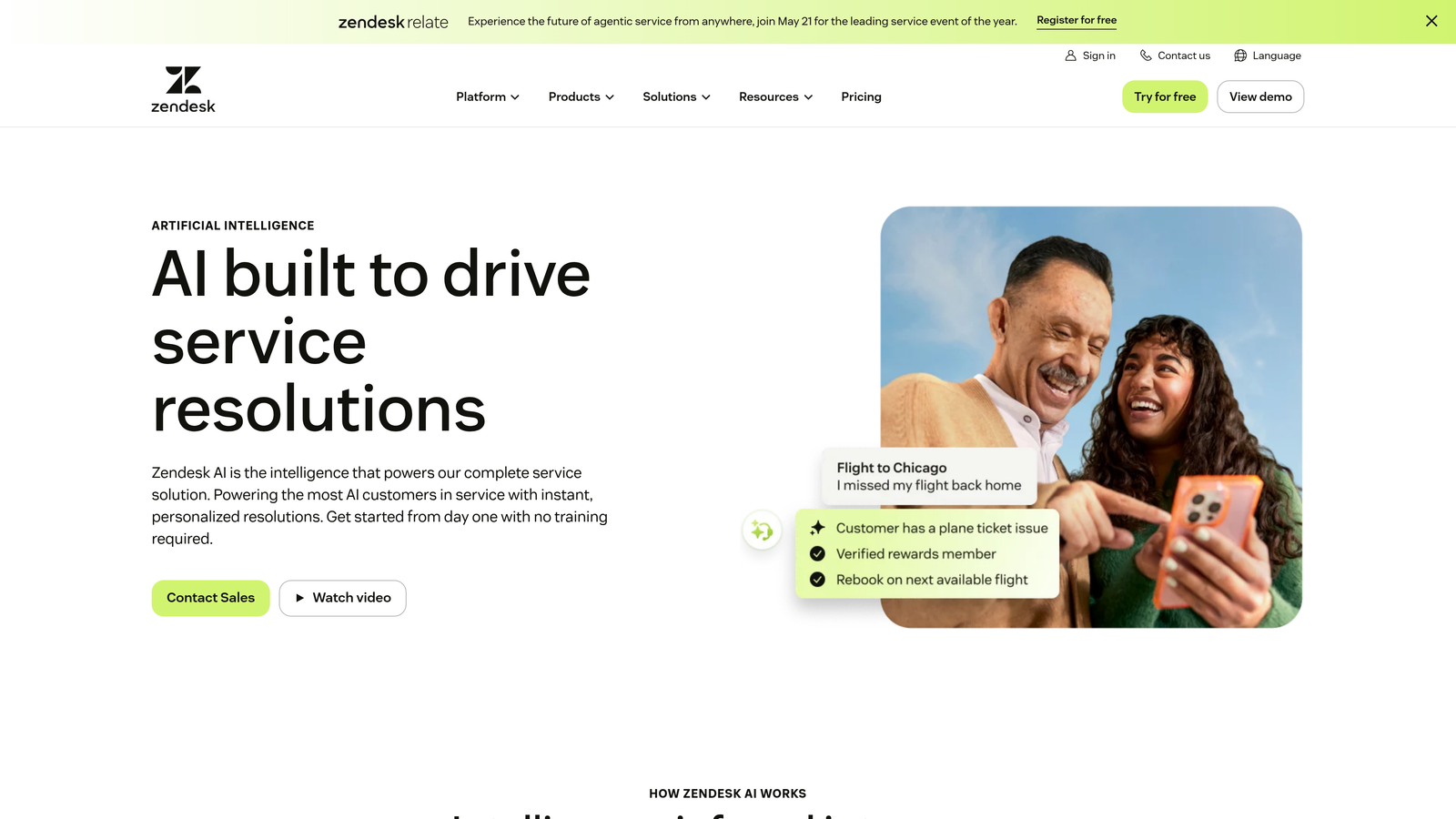
Zendesk AI is a suite of AI capabilities layered into the Zendesk platform, covering automated resolution, intelligent triage, and agent copilot tools.
Where This Tool Shines
Zendesk has trained its AI on a substantial dataset of customer service interactions, which translates to faster time-to-value during the trial period. Teams don't need to build AI behavior from scratch. The triage capabilities in particular stand out: automatically classifying ticket intent, language, and sentiment before routing means agents spend less time on manual sorting and more time on actual resolution.
The agent copilot layer also adds value for teams that aren't ready to go fully autonomous. Suggested replies and next-best actions help human agents work faster without removing them from the loop entirely.
Key Features
AI Agents: Handle automated ticket resolution across email, chat, and messaging channels.
Intelligent Triage: Classifies incoming tickets by intent, language, and sentiment automatically.
Agent Copilot: Provides suggested replies and next-best action recommendations for human agents.
Pre-Trained Models: Built on extensive customer service data for faster deployment and better out-of-the-box accuracy.
Best For
Teams with existing Zendesk investments who want to add AI without migrating platforms. The AI add-on pricing structure means costs can escalate depending on your plan tier, so evaluate total cost carefully during the trial.
Pricing
Free trial available on Zendesk Suite plans. AI add-on pricing varies depending on the Zendesk plan tier you're on.
4. Freshdesk Freddy AI
Best for: Budget-conscious teams wanting a full-featured helpdesk with AI capabilities at accessible price points.
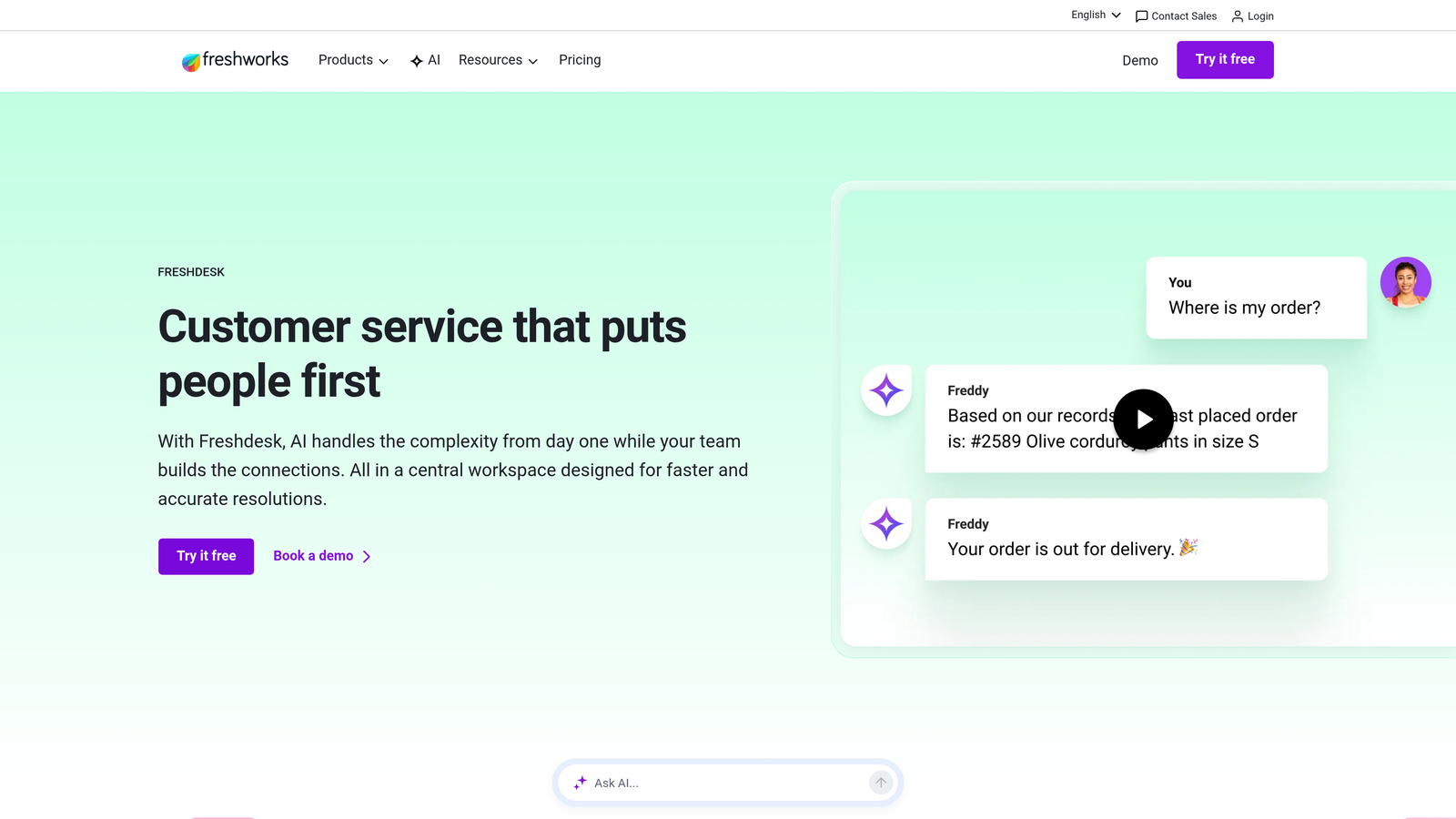
Freshdesk Freddy AI is Freshworks' AI layer for Freshdesk, combining a customer-facing AI bot with an agent-side copilot inside an affordable helpdesk platform.
Where This Tool Shines
Freshdesk's pricing structure is one of the most accessible in the market, with a free plan and paid tiers starting at $15 per agent per month. For smaller teams or those earlier in their support maturity, this makes meaningful AI capabilities financially realistic without a large upfront commitment.
The dual-layer approach, with Freddy AI Agent handling customer-facing resolution and Freddy Copilot assisting human agents, gives teams flexibility to automate where it makes sense while keeping humans in the loop where it doesn't.
Key Features
Freddy AI Agent: Handles customer self-service resolution using knowledge base content and trained responses.
Freddy Copilot: Assists human agents with reply suggestions, ticket summarization, and next-step recommendations.
Freshworks Ecosystem: Connects with Freshworks CRM and ITSM tools for teams using the broader platform.
Accessible Pricing: Free plan available with paid tiers that include progressively more AI capabilities.
Best For
Small to mid-size teams looking for a cost-effective entry into AI-assisted support. Also a strong choice for companies already using other Freshworks products who want a unified ecosystem.
Pricing
14-day free trial available. Free plan included. Paid plans start at $15 per agent per month, with Freddy AI features available at higher tiers.
5. Ada
Best for: High-volume support teams prioritizing automated resolution at scale with multilingual requirements.
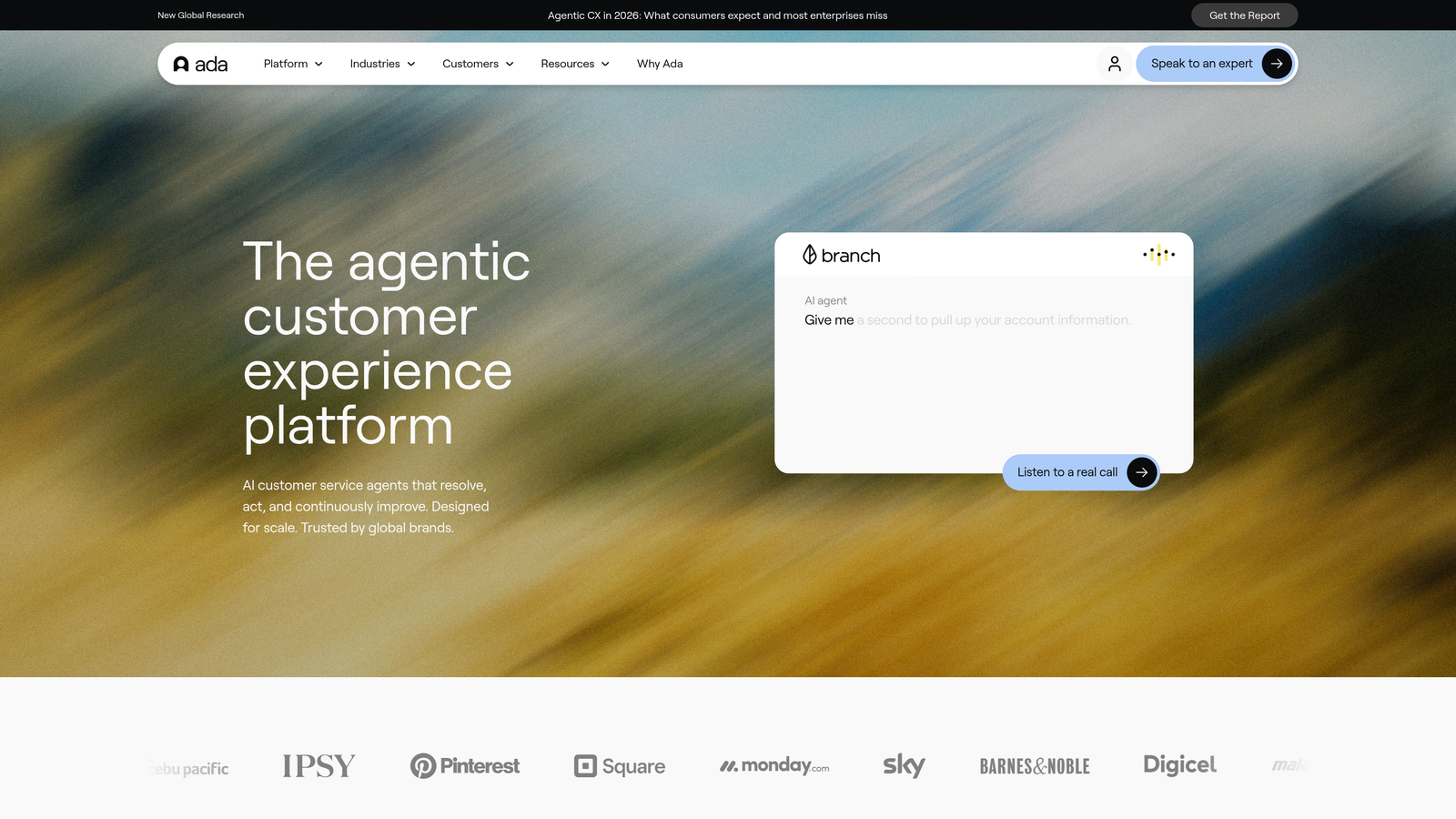
Ada is an automation-first AI platform built for brands that need to resolve large volumes of customer inquiries across channels with minimal human intervention.
Where This Tool Shines
Ada's design philosophy centers on resolution, not just deflection. The platform is built to handle multi-step queries through a reasoning engine that can work through more complex customer journeys, not just simple FAQ matching. For teams dealing with high inquiry volumes, this distinction matters significantly.
The multilingual support across 50+ languages also makes Ada a practical choice for global support operations where maintaining separate knowledge bases or agent teams for different regions isn't scalable.
Key Features
Resolution-Focused AI Agent: Built to resolve inquiries autonomously rather than simply deflect or route them.
Reasoning Engine: Handles multi-step customer queries that require more than a single knowledge base lookup.
Multilingual Coverage: Supports 50+ languages for global customer bases.
CRM and Helpdesk Integrations: Connects with major platforms to pull relevant customer data into conversations.
Best For
Enterprise and high-growth teams with large support volumes who need autonomous resolution at scale. Ada's custom pricing model is better suited to organizations with significant inquiry volumes where per-resolution economics make sense.
Pricing
Demo and trial access available upon request. Pricing is custom based on usage and organization size.
6. Tidio
Best for: Small businesses and e-commerce stores wanting fast AI chatbot deployment without technical complexity.
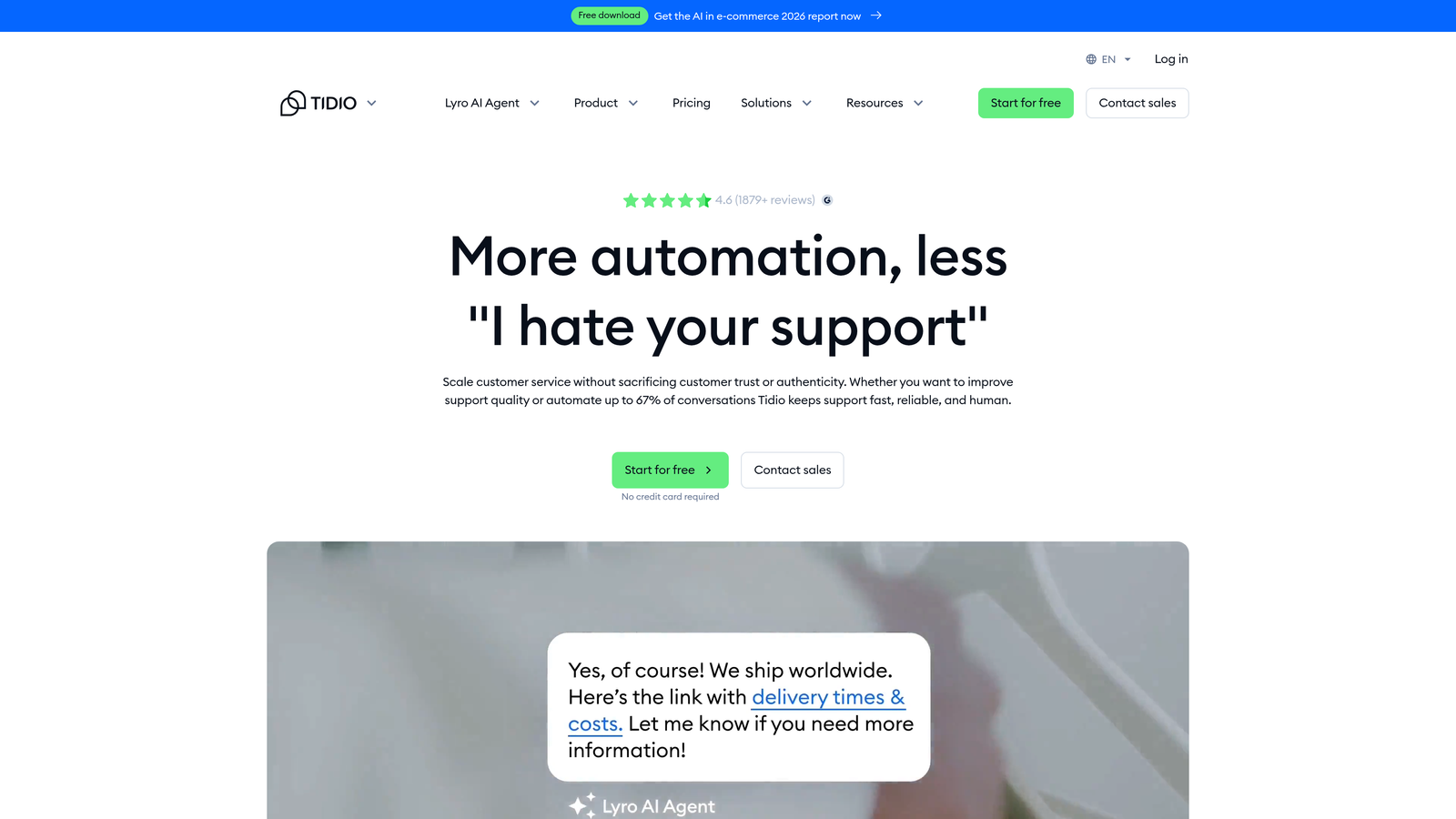
Tidio is an accessible AI chatbot platform featuring Lyro AI, designed for teams that need quick deployment and a visual builder rather than complex configuration.
Where This Tool Shines
Tidio's setup experience is genuinely fast. The visual drag-and-drop builder means non-technical users can configure chatbot flows without developer involvement, which matters a lot for small business owners who are also managing everything else. Lyro AI trains directly from FAQ and knowledge base content, so there's no need to build conversation logic from scratch.
The free tier with up to 50 Lyro AI conversations per month also makes it easy to test with real customer interactions before committing to a paid plan, which is a practical advantage for teams with limited budgets.
Key Features
Lyro AI: Learns from existing FAQ and knowledge base content to answer customer questions autonomously.
Visual Chatbot Builder: Drag-and-drop interface for building conversation flows without coding.
E-Commerce Integrations: Native connections with Shopify, WordPress, and Wix.
Free Tier: Includes up to 50 Lyro AI conversations per month at no cost.
Best For
Small businesses, e-commerce stores, and early-stage teams that need an affordable, fast-to-deploy AI chatbot. Less suited to enterprise teams needing deep integrations or advanced business intelligence.
Pricing
Free plan available. Paid plans start at $29 per month. Premium tiers include a 7-day free trial.
7. Drift (Salesloft)
Best for: Revenue teams that need AI to serve both support and pipeline acceleration simultaneously.
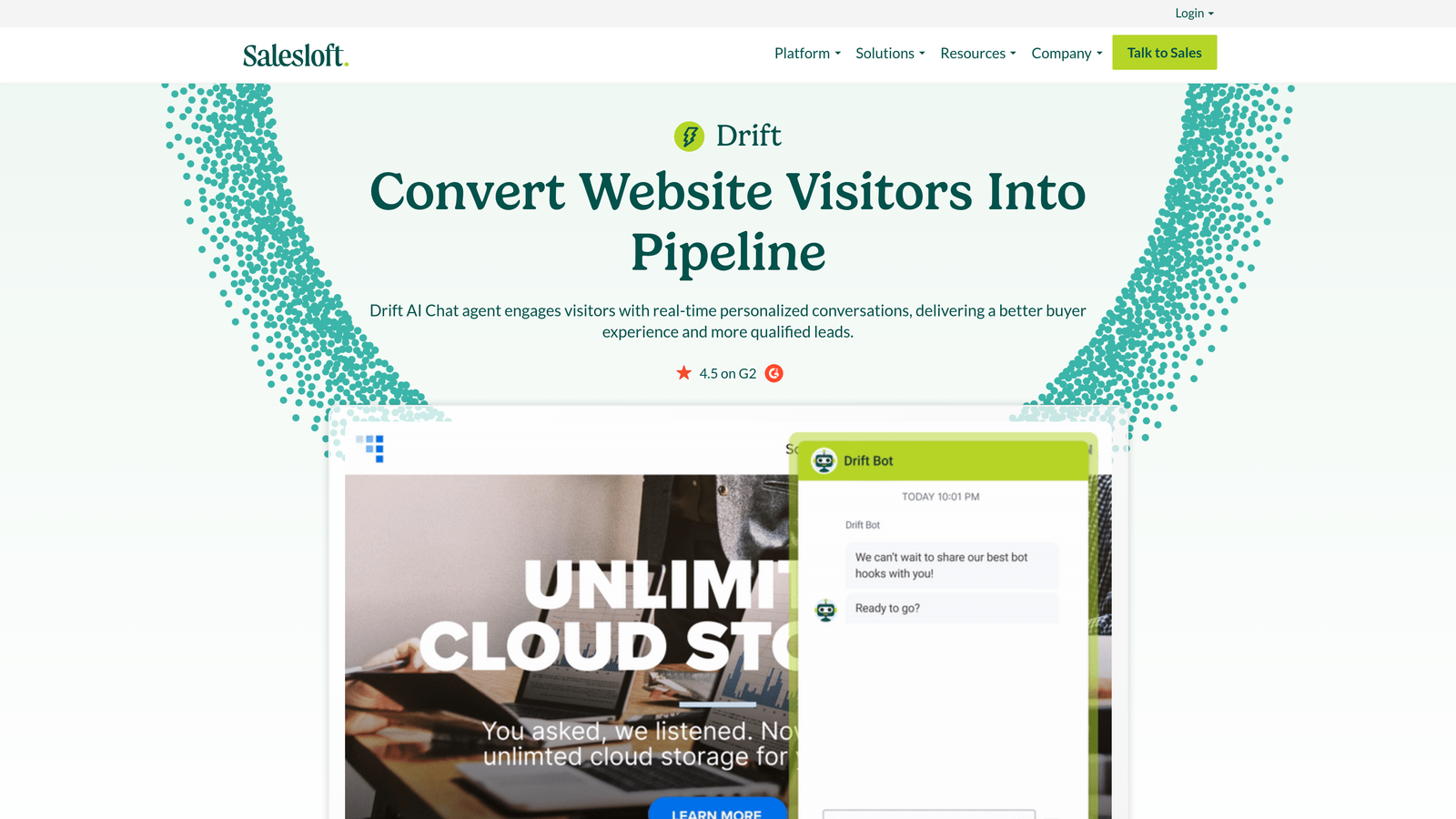
Drift, now part of Salesloft, is a conversational AI platform that blends customer support chatbot capabilities with buyer engagement and sales pipeline tools.
Where This Tool Shines
Drift occupies an interesting position in this list: it's not purely a support tool. If your team needs a single platform that handles both inbound support conversations and sales engagement, Drift's combination of AI chatbot, real-time buyer intent signals, and meeting scheduling creates a unified experience that dedicated support platforms can't replicate.
The integration with Salesforce and HubSpot means that support conversations can feed directly into CRM records, giving revenue teams visibility into customer interactions without manual data transfer.
Key Features
AI Chatbot for Support and Sales: Handles both customer support inquiries and sales engagement conversations in a single platform.
Buyer Intent Signals: Identifies and routes high-intent visitors in real time.
CRM Integrations: Native connections with Salesforce, HubSpot, and other major CRM platforms.
Meeting Scheduling: Enables prospects and customers to book meetings directly from the chat interface.
Best For
B2B companies where support and sales functions overlap significantly, particularly those using Salesforce or HubSpot as their CRM. Teams looking for a pure support automation platform may find Drift's feature set broader than needed.
Pricing
Demo and trial available upon request. Pricing is custom based on usage and team configuration.
8. Forethought
Best for: Enterprise support teams focused on intelligent triage, ticket routing, and agent assist at scale.
Forethought is an enterprise AI platform offering SupportGPT for generative AI-powered ticket resolution, triage automation, and real-time agent assistance.
Where This Tool Shines
Forethought is built for operations where ticket volume is high and routing accuracy is critical. The intelligent triage capability predicts ticket priority and routes to the right team or agent automatically, which reduces the manual overhead that typically slows enterprise support operations at scale.
The agent assist layer is also well-developed: real-time knowledge suggestions appear as agents are working tickets, reducing the time spent searching documentation and improving response consistency across large teams.
Key Features
SupportGPT: Generative AI-powered ticket resolution that handles complex customer inquiries autonomously.
Intelligent Triage: Predicts ticket priority and routes automatically based on content and context.
Agent Assist: Surfaces relevant knowledge base content in real time as agents work tickets.
Enterprise Integrations: Connects with Zendesk, Salesforce, and ServiceNow for large-scale deployments.
Best For
Large support operations running Zendesk, Salesforce, or ServiceNow that need AI to improve triage accuracy and agent efficiency at scale. Forethought's enterprise focus means it's less accessible for smaller teams evaluating simpler use cases.
Pricing
Free pilot or trial available upon request. Pricing is custom and enterprise-focused.
9. HubSpot Service Hub AI
Best for: Companies running HubSpot CRM who want service AI natively connected to their marketing and sales data.
HubSpot Service Hub embeds AI-powered service tools directly into HubSpot's CRM platform, including chatbot builders, ticket automation, and AI-assisted knowledge base management.
Where This Tool Shines
The core advantage of Service Hub AI is context. Because it lives inside HubSpot CRM, every support interaction is automatically connected to the full customer record: marketing history, sales activity, deal stage, and previous service interactions. For support teams that need this unified view, building it from scratch with separate integrations is a significant effort that Service Hub eliminates entirely.
Breeze AI, HubSpot's copilot layer, handles ticket summarization and reply drafting in a way that feels native to the platform rather than bolted on, which makes adoption easier for teams already comfortable in HubSpot.
Key Features
AI Chatbot Builder: Creates chatbot flows connected directly to HubSpot CRM data for personalized conversations.
Breeze AI Copilot: Assists agents with ticket summarization, reply drafting, and next-step suggestions.
Unified CRM View: Connects support interactions with marketing, sales, and service data in a single platform.
AI Knowledge Base: Suggests relevant articles to customers and agents based on ticket content.
Best For
Teams already using HubSpot for marketing and sales who want service AI that leverages their existing CRM data. Less compelling for teams not in the HubSpot ecosystem, where the platform's value proposition depends heavily on that unified data layer.
Pricing
Free tools available. Service Hub Starter from $20 per seat per month. A 14-day trial is available on the Professional tier.
Making the Right Choice for Your Team
The tools on this list serve genuinely different needs, and the right choice depends heavily on where your team is starting from. Here's a quick way to think through it.
AI-first architecture with continuous learning: Halo AI is the strongest option for teams that want purpose-built AI agents rather than an add-on layer. The page-aware context, business intelligence outputs, and autonomous resolution capability make it particularly well-suited to B2B SaaS teams managing complex customer relationships.
Existing helpdesk investments: If your team is already running Zendesk or Intercom, the path of least resistance is Zendesk AI or Intercom Fin. Both integrate natively into their respective platforms, which means the trial period reflects realistic deployment conditions rather than an idealized setup.
Budget-conscious teams: Tidio and Freshdesk Freddy AI offer the most accessible entry points. Tidio's free tier is particularly useful for small businesses that want to test AI resolution with real conversations before committing to any cost.
Enterprise triage at scale: Forethought is the strongest option for large operations running Zendesk, Salesforce, or ServiceNow where intelligent routing and agent assist matter more than autonomous resolution.
Sales and support overlap: Drift's combination of AI chatbot and pipeline tools is worth evaluating if your support and revenue functions share significant overlap.
Regardless of which platform you're evaluating, use the trial period with real tickets, not synthetic test cases. That's the only way to get an honest read on resolution accuracy, integration fit, and the quality of analytics you'll actually be working with day to day.
Your support team shouldn't scale linearly with your customer base. Let AI agents handle routine tickets, guide users through your product, and surface business intelligence while your team focuses on complex issues that need a human touch. See Halo in action and discover how continuous learning transforms every interaction into smarter, faster support.