9 Best Customer Service Automation Strategies (and the Tools That Power Them) in 2026
This guide explores nine proven customer service automation strategies for B2B teams struggling with rising ticket volumes and flat headcount budgets, pairing each approach with the best tool to execute it. From simple routing rules to fully autonomous AI agents, support leaders will find practical, scalable solutions to reduce backlog and meet growing customer expectations without expanding their teams.
 Grant CooperFounder13 min read
Customer service teams are caught in a familiar bind: ticket volumes keep climbing, customer expectations keep rising, and headcount budgets stay stubbornly flat. Automation has moved from a nice-to-have to a core operational strategy — but "automation" covers a wide spectrum. At one end, you have simple canned responses and routing rules. At the other, fully autonomous AI agents that resolve issues end-to-end without a human ever touching the ticket.
This guide breaks down nine proven customer service automation strategies, each paired with the best tool to execute it. Whether you're a B2B SaaS team looking to reduce ticket backlog, a product team wanting to deflect repetitive how-to questions, or a support leader trying to scale without hiring, you'll find a practical path forward here.
Tools were selected based on depth of automation capability, integration ecosystem, ease of deployment, and real-world fit for B2B teams. Halo AI leads the list because it genuinely covers the broadest range of these strategies in a single platform — but every tool here earns its place.
1. Halo AI
Best for: B2B SaaS teams wanting end-to-end AI automation across tickets, in-product guidance, and business intelligence
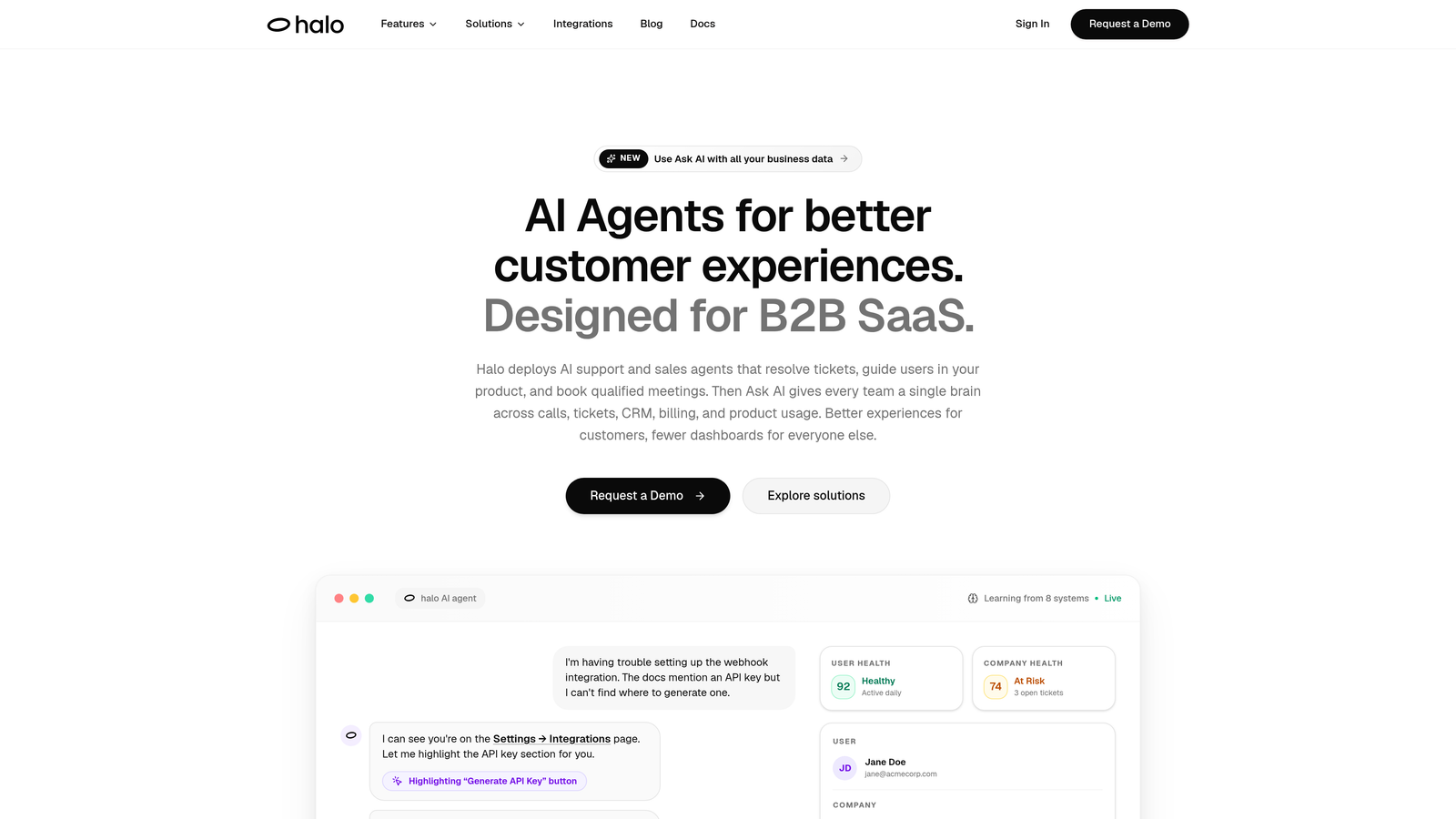
Halo AI is an AI-first customer support platform that deploys autonomous agents to resolve tickets, guide users through your product, and surface business intelligence — all from one system.
Where This Tool Shines
Most support automation tools started as helpdesks or chat widgets and bolted AI on later. Halo AI was built AI-first, which means the intelligence layer isn't an add-on — it's the foundation. That distinction matters when you're trying to automate complex, multi-step support interactions rather than just routing tickets to the right queue.
The standout differentiator is page-aware context. Halo's chat widget sees exactly what the user sees in your product, enabling it to deliver visual UI guidance specific to the page they're on. Combined with continuous learning from every resolved interaction, the system gets meaningfully smarter over time rather than staying static.
Key Features
Autonomous AI Agents: Resolves support tickets end-to-end without requiring human intervention, handling the full conversation from first message to resolution.
Page-Aware Chat Widget: Detects which page or feature the user is on and delivers contextual, visual UI guidance — not generic help center links.
Smart Inbox with Business Intelligence: Goes beyond ticket management to surface customer health signals, revenue intelligence, and anomaly detection directly in the support workflow.
Auto Bug Ticket Creation: Automatically generates and routes bug reports to Linear or Jira when recurring product issues are detected, closing the loop between support and engineering.
Live Agent Handoff: Escalates complex or sensitive issues to human agents seamlessly, with full conversation context preserved.
Native Integrations: Connects to Linear, Slack, HubSpot, Intercom, Stripe, Zoom, PandaDoc, and Fathom out of the box.
Best For
B2B SaaS teams and product-led companies that want a single platform covering ticket resolution, in-product guidance, workflow automation, and business intelligence. Particularly valuable for teams where support data should be informing product and revenue decisions, not just living in a helpdesk silo.
Pricing
Contact for pricing. Halo AI is designed for B2B SaaS teams — visit haloagents.ai for details.
2. Intercom
Best for: Product-led SaaS teams needing conversational support, in-app messaging, and lifecycle automation in one suite
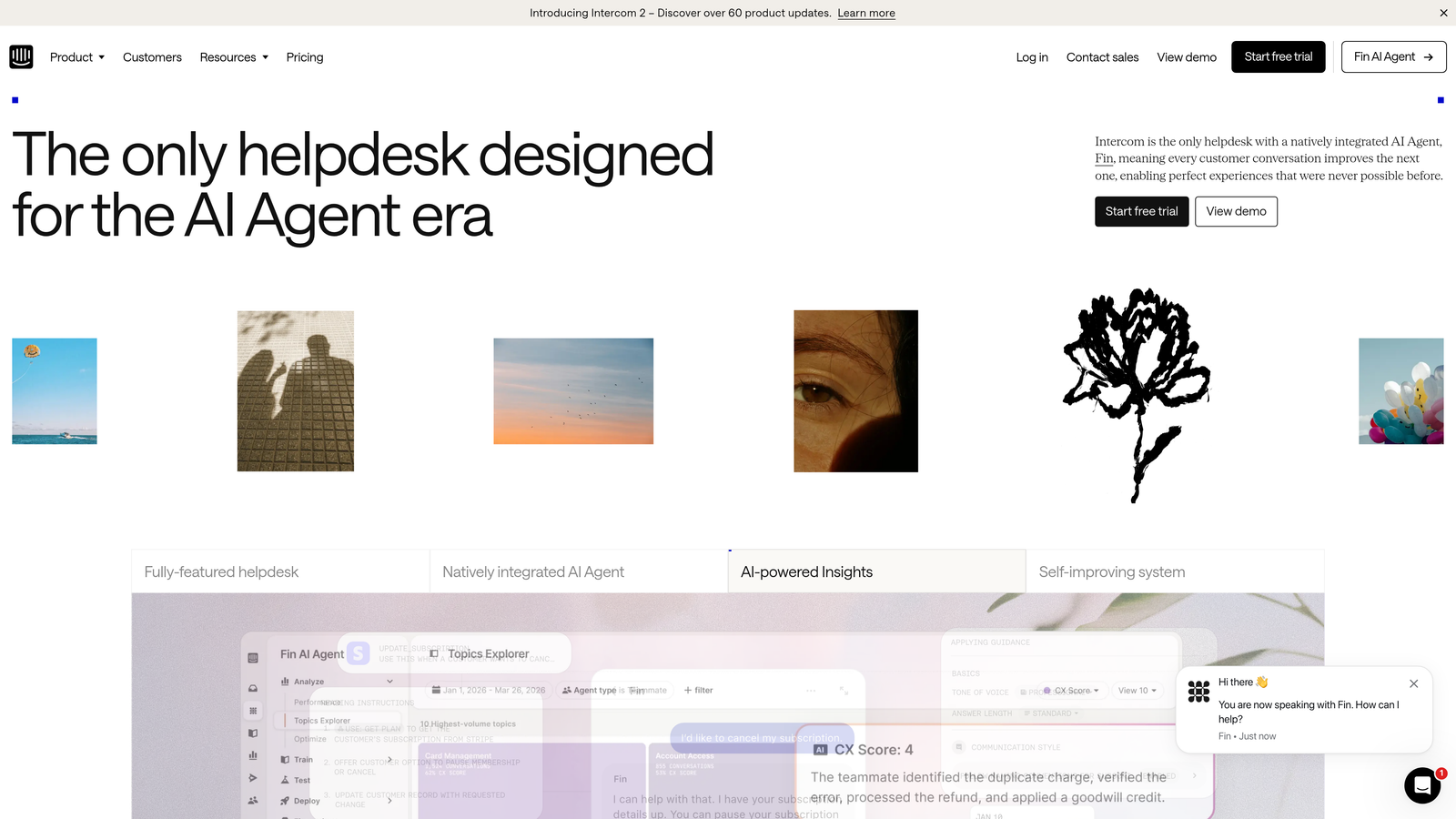
Intercom is a mature conversational support platform with Fin AI agent capabilities layered on top of its messaging, product tours, and lifecycle automation suite.
Where This Tool Shines
Intercom's real strength is breadth across the customer lifecycle. It's not just a support tool — it's a platform that handles onboarding messages, product tours, proactive outreach, and reactive support in a unified system. For teams that want to automate across the entire user journey, not just the ticket queue, that's a compelling proposition.
Fin, Intercom's AI agent, can autonomously resolve common queries in chat. It draws on your help center content and conversation history, and escalates to a human when it can't confidently resolve an issue. The platform's customer data layer also enables personalized automation based on user attributes, plan type, or behavior.
Key Features
Fin AI Agent: Handles autonomous chat resolution by drawing on existing help content and conversation history.
In-App Messaging and Product Tours: Automates user onboarding and feature adoption without support team involvement.
Conversation Routing: Assignment rules direct tickets to the right team or agent based on content, channel, or customer data.
Customer Data Platform: Enables personalized automation triggers based on user attributes, plan, or in-app behavior.
Broad Integrations: Connects to CRMs, helpdesks, and data tools across the modern SaaS stack.
Best For
Product-led SaaS companies that want unified messaging, onboarding automation, and AI-powered support in a single platform. Less suited to teams with complex B2B workflows that need deep backend integrations beyond the messaging layer.
Pricing
Starts at approximately $39/month; AI features are available on higher tiers. Check intercom.com for current pricing.
3. Zendesk
Best for: High-volume support operations needing enterprise-grade triage, routing, and SLA automation
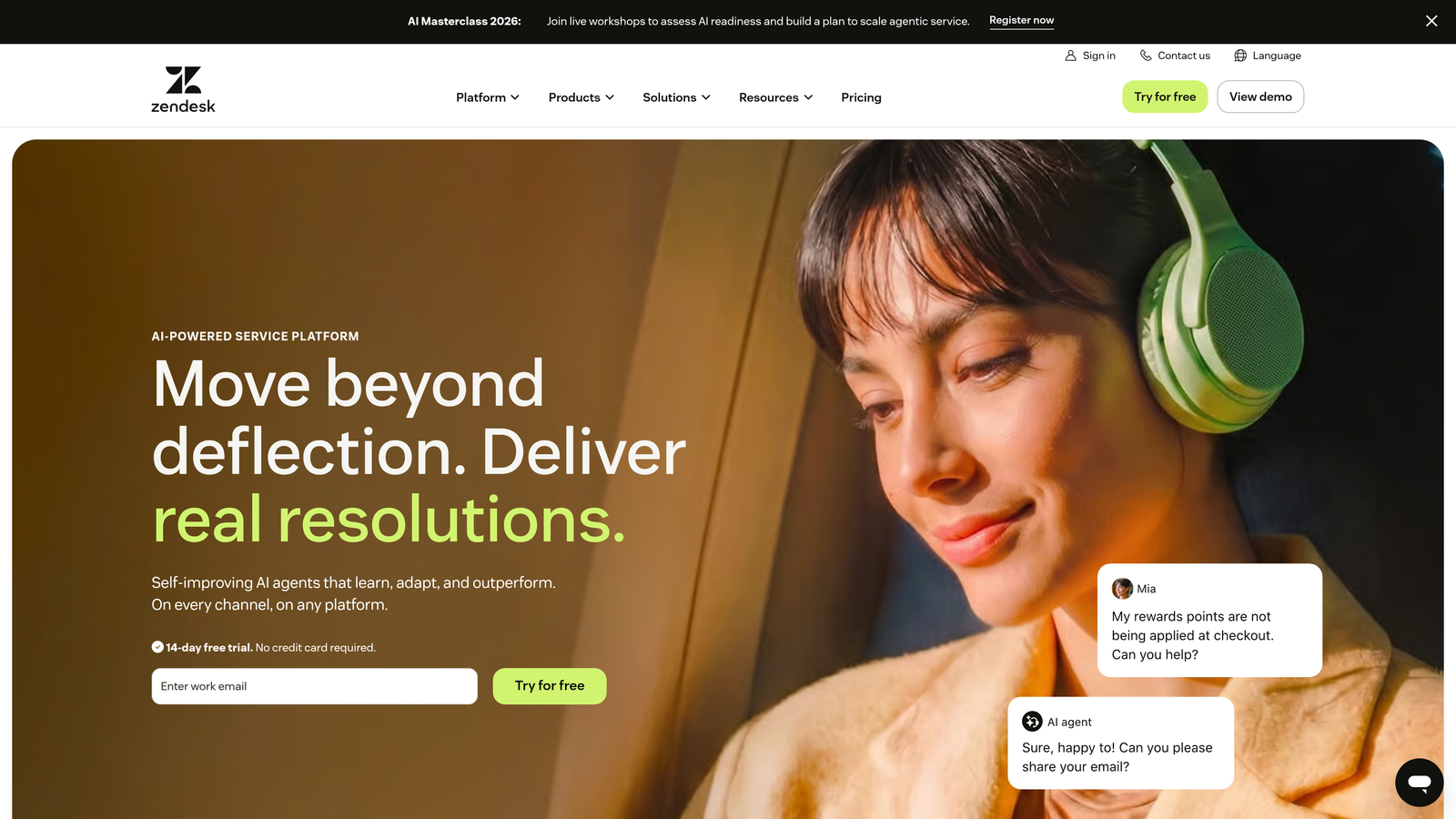
Zendesk is an enterprise-grade helpdesk platform with a powerful trigger and automation rule engine, AI triage, and generative AI features built for high-volume support operations.
Where This Tool Shines
Zendesk's automation engine is one of the most mature in the industry. Triggers fire instantly when ticket conditions are met; automations run on time-based logic. Together, they enable sophisticated routing, escalation, and SLA enforcement without custom code. For large teams managing thousands of tickets across multiple channels, this rule-based backbone is hard to beat.
Zendesk has also added AI triage and intent detection, helping teams automatically classify incoming tickets and route them to the right queue before an agent ever touches them. The app marketplace adds hundreds of integrations for teams with complex tech stacks.
Key Features
Triggers and Automations: Condition-based and time-based rules handle routing, tagging, escalation, and notifications automatically.
Macros: One-click agent responses for common scenarios, reducing handle time on repetitive ticket types.
AI-Powered Triage: Intent detection and ticket classification that routes issues to the right team without manual sorting.
SLA Management: Automated escalation when response or resolution time thresholds are breached.
App Marketplace: Extensive ecosystem of integrations for CRM, billing, analytics, and engineering tools.
Best For
Enterprise and mid-market teams with high ticket volumes, complex routing requirements, and multiple support channels. The platform's depth can be overkill for smaller teams, but it's well-suited to organizations where support operations are a significant business function.
Pricing
Suite plans start at approximately $55/agent/month. Check zendesk.com for current pricing.
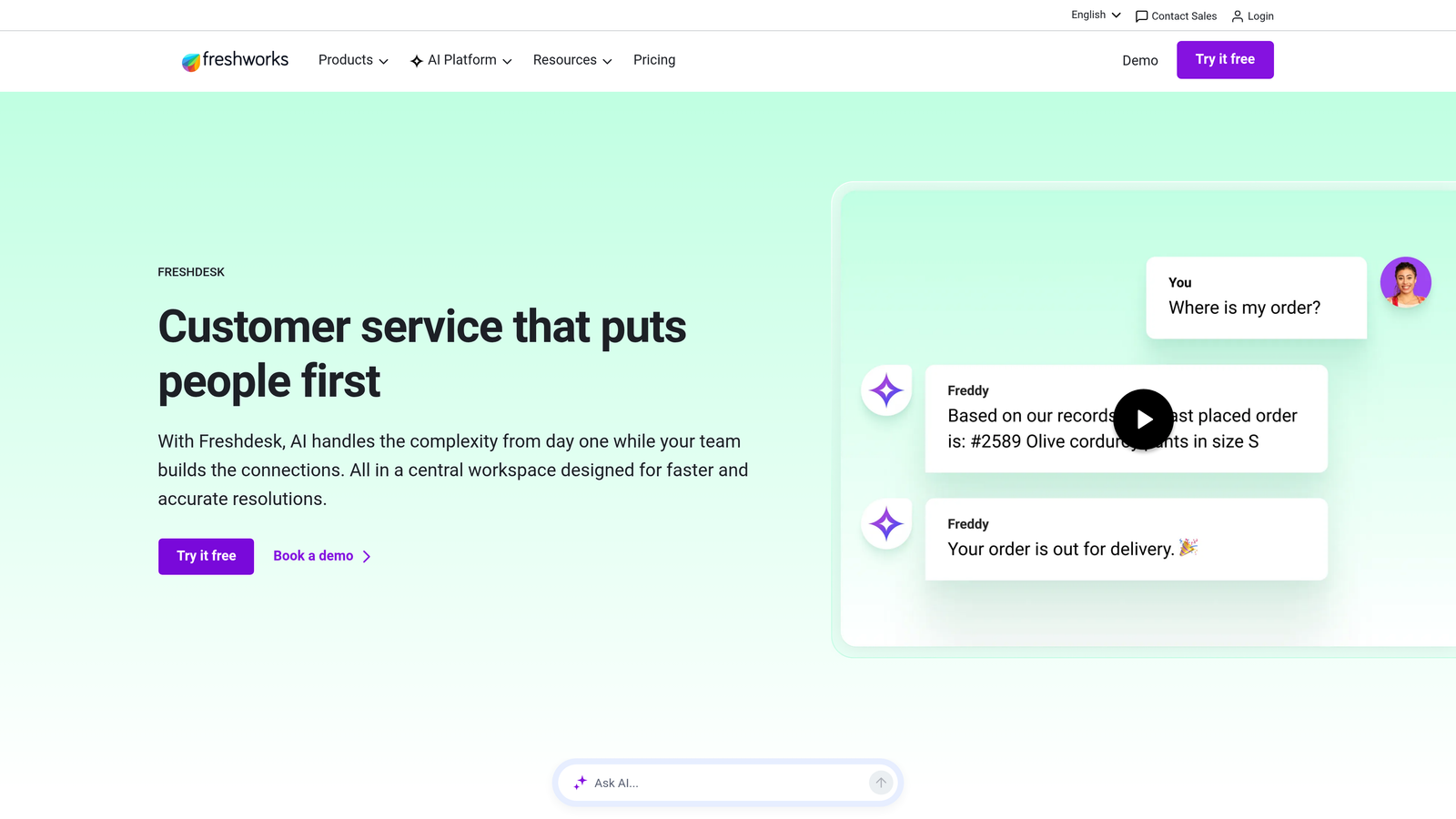
4. Freshdesk
Best for: Growing teams that need intelligent automation without enterprise pricing or complexity
Freshdesk is a helpdesk platform with Freddy AI built in, offering automated ticket classification, suggested responses, and intelligent assignment at accessible price points.
Where This Tool Shines
Freshdesk hits a sweet spot between capability and accessibility. Freddy AI handles the automation tasks that matter most for growing teams: classifying incoming tickets, suggesting responses to agents, and auto-assigning tickets based on agent skills and availability. These aren't flashy features, but they meaningfully reduce manual overhead as ticket volume scales.
The scenario automation builder lets teams create multi-step workflows without writing code — useful for common sequences like escalating unresolved tickets, notifying managers, or triggering follow-ups. The omnichannel setup means these automations work across email, chat, and phone from a single interface.
Key Features
Freddy AI Classification: Automatically categorizes and assigns incoming tickets based on content and agent capacity.
AI-Suggested Responses: Recommends reply options to agents during live tickets, reducing time-to-response.
Scenario Automations: Multi-step workflow automation triggered by ticket events, without requiring code.
Self-Service Portal: AI-powered article suggestions help customers find answers before submitting a ticket.
Omnichannel Automation: Consistent automation rules across email, chat, and phone channels.
Best For
Growing B2B and B2C teams that need meaningful automation capabilities without the cost or complexity of enterprise platforms. A strong choice for teams moving off manual email-based support for the first time.
Pricing
Free plan available; paid plans start at approximately $15/agent/month. Check freshworks.com for current pricing.
5. Tidio
Best for: Smaller teams wanting fast, no-code chatbot deployment with conversational AI
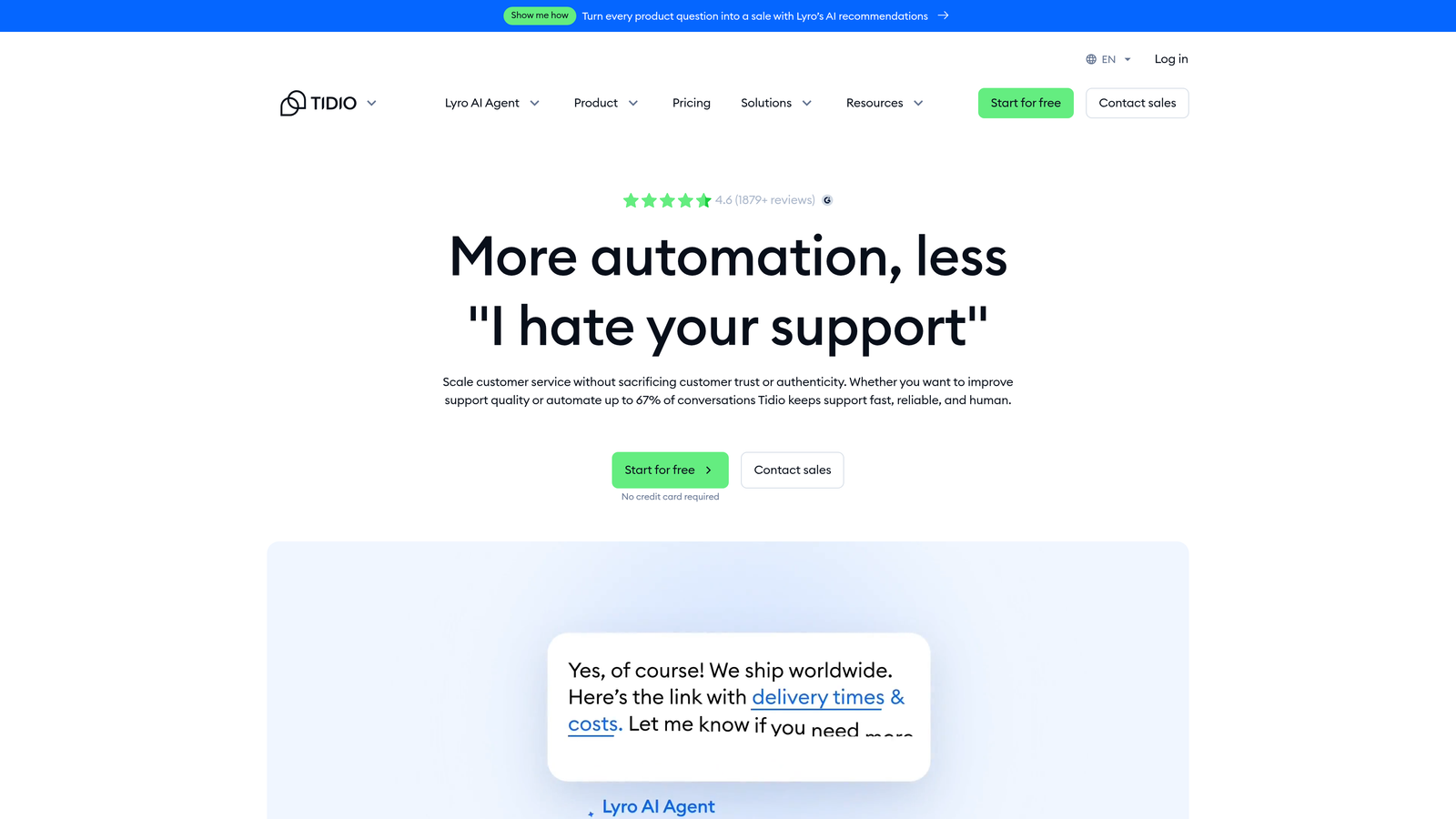
Tidio is a no-code chatbot and live chat platform with Lyro AI for conversational resolution, designed for fast deployment and teams without dedicated technical resources.
Where This Tool Shines
Tidio's core advantage is speed to value. The visual drag-and-drop chatbot builder lets non-technical teams create conversation flows in hours, not weeks. Pre-built templates for common scenarios — order status, refund requests, FAQ deflection — mean you're not starting from scratch.
Lyro, Tidio's AI layer, handles conversational resolution for common queries without requiring a human to jump in. When Lyro can't resolve an issue, the fallback to live chat is smooth. For smaller teams that need to be available across channels without being available around the clock, that combination is genuinely useful.
Key Features
Lyro AI: Autonomous conversational support that resolves common queries without human involvement.
Visual Chatbot Builder: Drag-and-drop flow creation with no coding required.
Live Chat Fallback: Seamless handoff to human agents when AI can't resolve the issue.
Pre-Built Templates: Ready-made automation flows for the most common support scenarios.
E-commerce and CRM Integrations: Connects to popular platforms for context-aware conversations.
Best For
Smaller support teams, early-stage companies, or businesses with straightforward, high-frequency query types. Less suited to complex B2B support environments where tickets require multi-system context or nuanced resolution logic.
Pricing
Free plan available; Lyro AI is available on paid plans. Check tidio.com for current pricing.
6. Gorgias
Best for: Revenue-driven support teams that need automation triggered by transactional and order data
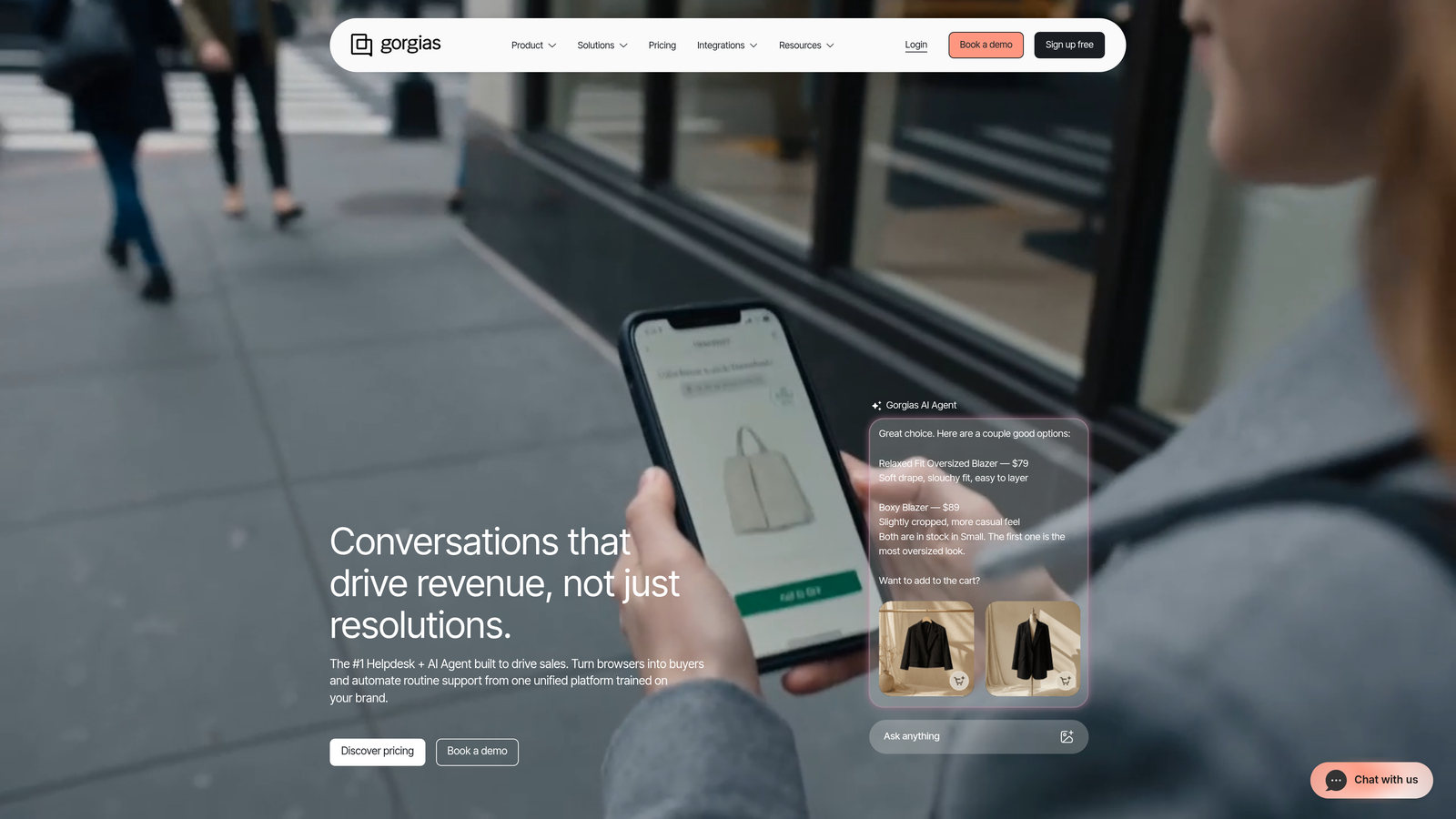
Gorgias is a support platform built for teams where support directly touches revenue, with automation rules that connect to order data, billing events, and transactional workflows.
Where This Tool Shines
Gorgias approaches automation differently from most helpdesks. Instead of routing tickets by content alone, its rules can trigger on transactional data — a refund status change, a shipping event, an order cancellation. That means automation can be genuinely contextual rather than just keyword-based.
The revenue statistics layer ties support interactions directly to revenue outcomes, giving teams visibility into which conversations are driving or protecting revenue. For teams where support is a revenue function — not just a cost center — that framing matters. It's particularly well-suited to e-commerce but the transactional automation model applies to any subscription or commerce-driven SaaS business.
Key Features
Transaction-Triggered Automation: Rules that fire based on order status, shipping events, or billing data — not just ticket content.
Auto-Close and Auto-Respond: Handles common transactional queries without agent involvement.
Revenue Statistics: Ties support interactions to revenue impact for performance visibility.
Commerce Integrations: Deep integrations with Shopify and other commerce platforms for order context.
Dynamic Macros: Personalized automated replies using variables pulled from order and customer data.
Best For
E-commerce brands and commerce-driven SaaS businesses where support teams handle high volumes of transactional queries and where revenue attribution matters. Less relevant for pure SaaS teams with complex, non-transactional support workflows.
Pricing
Starts at approximately $10/month for small teams. Check gorgias.com for current pricing.
7. Guru
Best for: Teams where knowledge fragmentation is slowing resolution time and creating inconsistent answers
Guru is an AI-powered knowledge management platform that proactively surfaces relevant knowledge cards to agents during live tickets, eliminating manual knowledge hunting.
Where This Tool Shines
One of the most overlooked bottlenecks in support operations isn't routing or response time — it's agents spending minutes hunting for the right answer across Confluence, Notion, Slack threads, and a dozen other places. Guru solves this by bringing the knowledge to the agent in context, surfacing relevant cards automatically as a ticket comes in.
The automated verification workflow is a practical differentiator: knowledge cards have owners and expiry dates, so the system prompts content owners to review and update information before it becomes stale. For teams where outdated documentation causes inconsistent answers, that's a meaningful operational improvement.
Key Features
AI-Powered Knowledge Suggestions: Surfaces relevant knowledge cards automatically during active support tickets.
Browser Extension: Gives agents in-context knowledge access without leaving their current tool.
Automated Verification Workflows: Keeps knowledge current by prompting owners to review content on a schedule.
Helpdesk and Slack Integrations: Embeds knowledge access directly into the tools agents already use.
Knowledge Gap Analytics: Identifies where agents are searching but not finding answers, highlighting content gaps.
Best For
Support teams with distributed or fast-changing knowledge bases, particularly those where agent onboarding time and answer consistency are active problems. Works well as a layer on top of existing helpdesks rather than replacing them.
Pricing
Free plan for small teams; paid plans from approximately $10/user/month. Check getguru.com for current pricing.
8. Zapier
Best for: Teams needing to connect support events to downstream systems without custom engineering work
Zapier is a no-code workflow automation platform that connects support tools to the rest of the business stack, enabling automated handoffs between support, CRM, billing, and engineering systems.
Where This Tool Shines
Zapier isn't a support tool — it's the connective tissue that makes your support stack work as a system. Think of it as the automation layer between tools: when a ticket is closed in Zendesk, update the contact record in HubSpot; when a bug tag is applied in Freshdesk, create a task in Linear; when a high-value customer submits a ticket, ping the account manager in Slack. These cross-system handoffs typically require custom engineering without Zapier.
The addition of AI steps in recent years has made Zaps meaningfully smarter. Conditional logic, data transformation, and AI-powered classification steps mean you're not just moving data between systems — you're applying intelligence to it along the way.
Key Features
Thousands of App Integrations: Connects Zendesk, Freshdesk, HubSpot, Slack, Linear, and hundreds of other tools without code.
AI Steps: Adds conditional logic, data transformation, and classification intelligence within multi-step workflows.
Multi-Step Zaps: Chains complex cross-system workflows triggered by a single support event.
Ticket Event Triggers: Fires automations on ticket creation, tag application, status change, or resolution.
No-Code Interface: Accessible to non-technical team members, with advanced options available for technical users.
Best For
Any support team that uses multiple tools and wants them to communicate without custom development. Particularly valuable for teams where support events should trigger actions in CRM, billing, project management, or communication tools.
Pricing
Free plan available; paid plans from approximately $19.99/month. Check zapier.com for current pricing.
9. Assembled
Best for: Support operations leaders needing to automate scheduling, forecasting, and capacity planning
Assembled is a workforce management platform for support teams that automates scheduling, demand forecasting, and capacity planning based on real ticket volume data.
Where This Tool Shines
Most automation conversations focus on ticket deflection and resolution — but the operational side of running a support team is just as automation-worthy. Assembled addresses the question that keeps support leaders up at night: "Do we have the right people in the right place at the right time?" It answers that question with data rather than gut feel.
The AI-driven forecasting engine uses historical ticket volume patterns to predict future demand, then generates schedules that match staffing to that predicted load. Real-time adherence tracking shows whether agents are following their schedules, and scenario modeling lets you plan for hiring decisions, seasonal spikes, or new product launches before they happen.
Key Features
AI-Driven Forecasting: Predicts ticket volume based on historical patterns to inform staffing decisions.
Automated Scheduling: Generates agent schedules aligned to forecasted demand, reducing manual planning time.
Real-Time Adherence Tracking: Monitors whether agents are following their scheduled activities.
Helpdesk Integrations: Connects to Zendesk, Salesforce, and other platforms to pull live ticket data.
Scenario Modeling: Lets leaders model staffing scenarios for hiring plans, seasonal changes, or team restructuring.
Best For
Mid-market and enterprise support operations with enough team size that scheduling inefficiency creates real cost. Particularly valuable for teams with variable ticket volume, multiple shifts, or complex coverage requirements across time zones.
Pricing
Contact for pricing. Check assembledhq.com for current details.
Which Strategy Is Right for Your Team?
The nine strategies above map to different layers of the support automation stack. Here's a quick guide to help you prioritize.
If you want end-to-end AI automation from a single platform: Start with Halo AI. It covers autonomous ticket resolution, in-product guidance, workflow automation, and business intelligence without stitching together multiple tools.
If you need enterprise-grade triage and routing: Zendesk's trigger and automation engine is one of the most mature available, and it scales well for high-volume operations.
If you're a growing team on a budget: Freshdesk gives you Freddy AI's classification and response suggestions at accessible price points, with room to grow.
If in-app messaging and lifecycle automation matter: Intercom's unified platform handles onboarding, proactive messaging, and support in one place.
If knowledge fragmentation is your biggest bottleneck: Guru surfaces the right answer to agents in context, without requiring them to hunt across systems.
If you need cross-system workflow automation: Zapier connects your support stack to CRM, engineering, and billing tools without custom development work.
If workforce planning is creating operational drag: Assembled automates the forecasting and scheduling side of support operations that most tools ignore entirely.
The most effective support automation stacks layer these strategies intentionally. You don't need all nine tools — you need the right combination for your team's current constraints and growth stage.
Your support team shouldn't scale linearly with your customer base. Let AI agents handle routine tickets, guide users through your product, and surface business intelligence while your team focuses on complex issues that need a human touch. See Halo in action and discover how continuous learning transforms every interaction into smarter, faster support.