9 Best Tools for Tracking Customer Service Response Time Metrics in 2026
Nine tools evaluated for tracking customer service response time metrics—including AI-native platforms and advanced analytics layers—are reviewed across criteria like real-time reporting depth, integration breadth, and ability to drive measurable improvements in first response time and resolution speed, making this guide useful for support teams of any size.
 Matt PattoliFounder12 min read
Customer service response time metrics are among the most scrutinized KPIs in any support operation, and for good reason. First response time, average handle time, and time-to-resolution directly shape how customers perceive your brand. But tracking these metrics accurately, and actually acting on them, requires more than a basic helpdesk dashboard.
This list covers nine tools that genuinely move the needle on response time visibility and improvement. The range spans AI-native platforms that eliminate response lag at the source, to analytics layers that surface exactly where bottlenecks live. Whether you're running a lean startup support team or managing enterprise-scale ticket volume, there's a tool here built for your situation.
Tools were evaluated on depth of response time reporting, real-time versus historical analytics, integration breadth, ease of setup, and ability to drive actionable improvements, not just surface numbers.
1. Halo AI
Best for: Teams that want to shrink response times, not just measure them
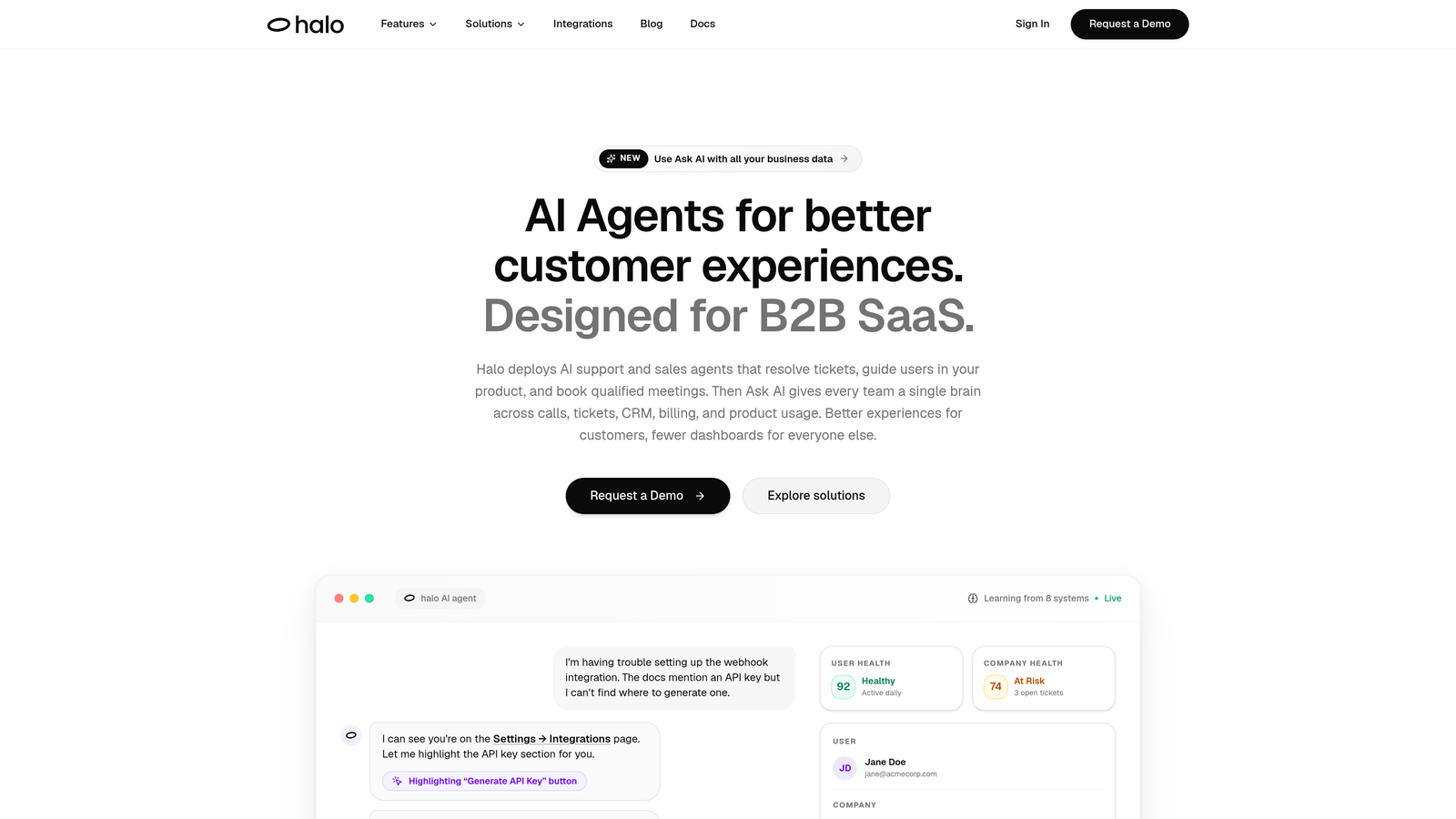
Halo AI is an AI-native customer support platform that actively reduces response times through autonomous ticket resolution, smart inbox business intelligence, and page-aware AI agents.
Where This Tool Shines
Most tools on this list tell you how slow your team is. Halo does something fundamentally different: it deploys AI agents that resolve tickets autonomously, which means your first response time and time-to-resolution shrink at the source rather than getting reported after the fact.
The smart inbox goes beyond a standard helpdesk dashboard. It surfaces response time patterns, anomaly detection, and customer health signals, giving support leaders business intelligence that connects support performance to broader revenue and product signals. That context is rare in a support tool.
Key Features
Smart Inbox Analytics: Business intelligence layer covering response time patterns, anomaly detection, and customer health signals in a single view.
Autonomous AI Agents: AI resolves tickets end-to-end, directly reducing FRT and TTR rather than waiting for a human to pick up the queue.
Page-Aware Context: The AI understands exactly what a user is looking at in your product, enabling faster and more accurate responses without back-and-forth clarification.
Auto Bug Ticket Creation and Live Handoff: Complex or technical issues are automatically escalated with full context, so human agents aren't starting from scratch.
Deep Integration Stack: Connects with Zendesk, Freshdesk, Intercom, Linear, Slack, HubSpot, Stripe, Zoom, PandaDoc, and Fathom.
Best For
B2B SaaS teams and product-led companies that want AI to handle routine ticket volume while surfacing intelligence that helps the whole business. Particularly valuable for teams already using Zendesk, Freshdesk, or Intercom who want an AI layer on top without ripping out their existing stack.
Pricing
Contact for pricing at haloagents.ai. Given the platform's AI-first architecture and business intelligence capabilities, pricing is tailored to team size and use case.
2. Zendesk Explore
Best for: Mid-market and enterprise teams already running on Zendesk
Zendesk Explore is the native analytics add-on for Zendesk, offering deep pre-built and custom dashboards covering every standard response time metric including FRT, TTR, SLA compliance, and agent-level performance.
Where This Tool Shines
If your team lives in Zendesk, Explore is the natural analytics home. The pre-built dashboards are genuinely well-constructed, covering the metrics support leaders care about most without requiring a BI background to interpret them.
The custom report builder is where Explore earns its keep for more sophisticated teams. You can slice response time data by channel, ticket type, agent, or time period, and combine those dimensions in ways that surface real operational insights rather than vanity numbers.
Key Features
Pre-Built Dashboards: Ready-to-use views for first reply time, full resolution time, and SLA breach rate.
Custom Report Builder: Drag-and-drop report creation for bespoke response time views tailored to your team's structure.
Agent and Team Breakdowns: Individual and group-level performance data for coaching and capacity planning.
Historical Trend Analysis: Long-term response time trend visibility alongside real-time monitoring.
Native Zendesk Integration: Zero setup friction for existing Zendesk users; data flows automatically.
Best For
Teams already on Zendesk Suite who want to go deeper than the standard reporting tab. Especially useful for operations managers who need to present response time trends to leadership or run SLA compliance reviews.
Pricing
Included in Zendesk Suite plans; Explore Pro is available as an add-on. Verify current pricing at zendesk.com.
3. Freshdesk
Best for: SMBs that want solid response time analytics without enterprise pricing
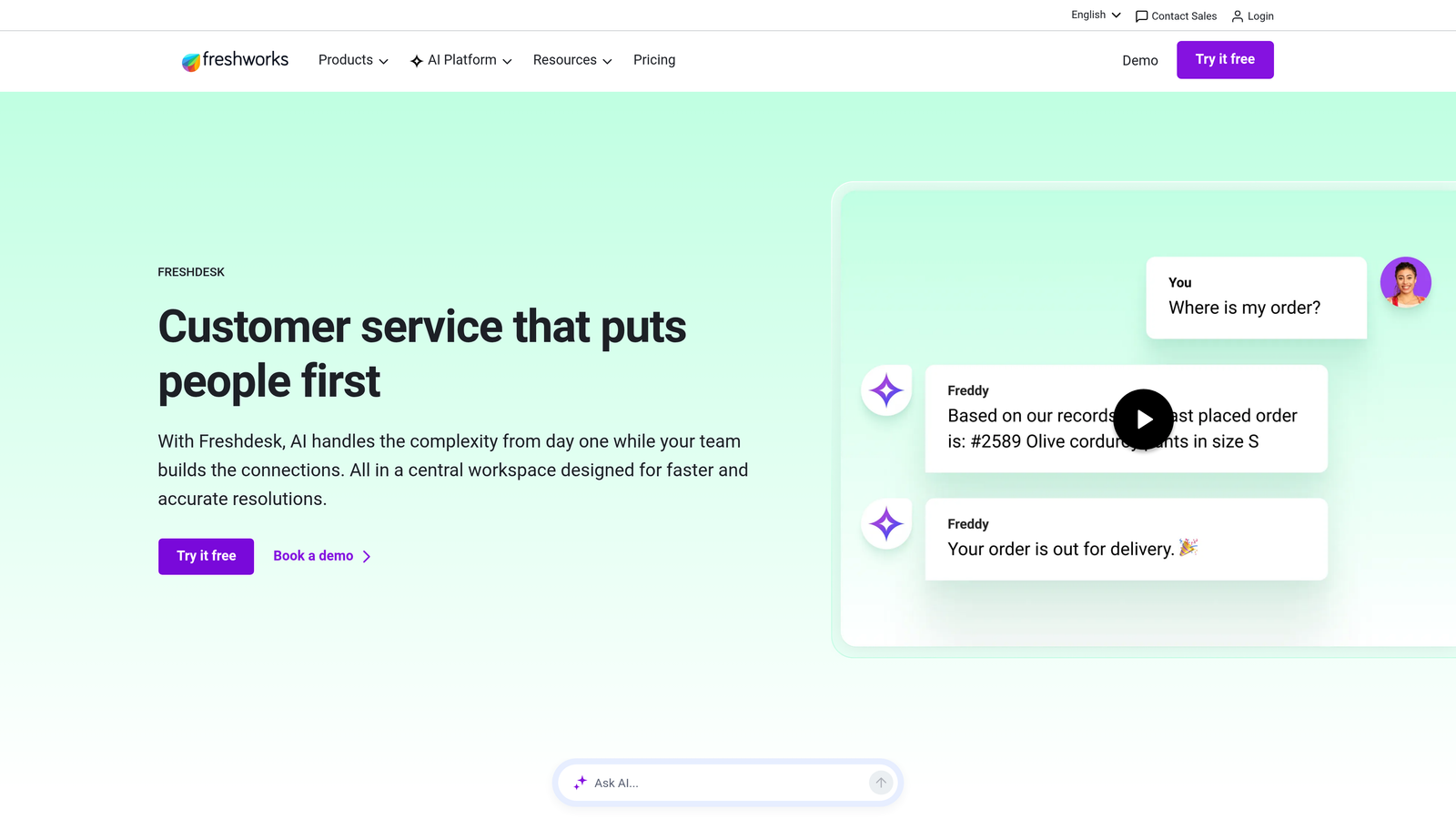
Freshdesk is an all-in-one helpdesk with built-in analytics covering standard response time KPIs, with Freddy AI Insights on higher tiers adding predictive SLA breach warnings.
Where This Tool Shines
Freshdesk's reporting is accessible without being shallow. Out of the box, you get first response time, resolution time, and SLA performance without needing to configure a separate analytics tool or connect a BI layer.
The Freddy AI Insights feature, available on higher-tier plans, adds a predictive dimension that most helpdesks in this price range don't offer. Being warned about a likely SLA breach before it happens is meaningfully different from finding out after.
Key Features
Built-In Response Time Reports: FRT, resolution time, and SLA performance available without additional setup.
Freddy AI Insights: Predictive SLA breach detection on higher-tier plans to get ahead of performance dips.
Agent and Team Breakdowns: Granular performance data at individual and group levels.
Scheduled Report Delivery: Automated report distribution to keep stakeholders informed without manual exports.
Custom Dashboard Creation: Flexible dashboard builder for teams that need views beyond the defaults.
Best For
Growing SMBs and mid-market teams looking for a capable helpdesk with strong built-in analytics. Particularly well-suited to teams that don't want to pay for a separate BI tool on top of their helpdesk.
Pricing
Free plan available; paid plans start at approximately $15/agent/month. Verify current pricing at freshworks.com.
4. Intercom
Best for: SaaS companies with tiered support models and differentiated customer segments
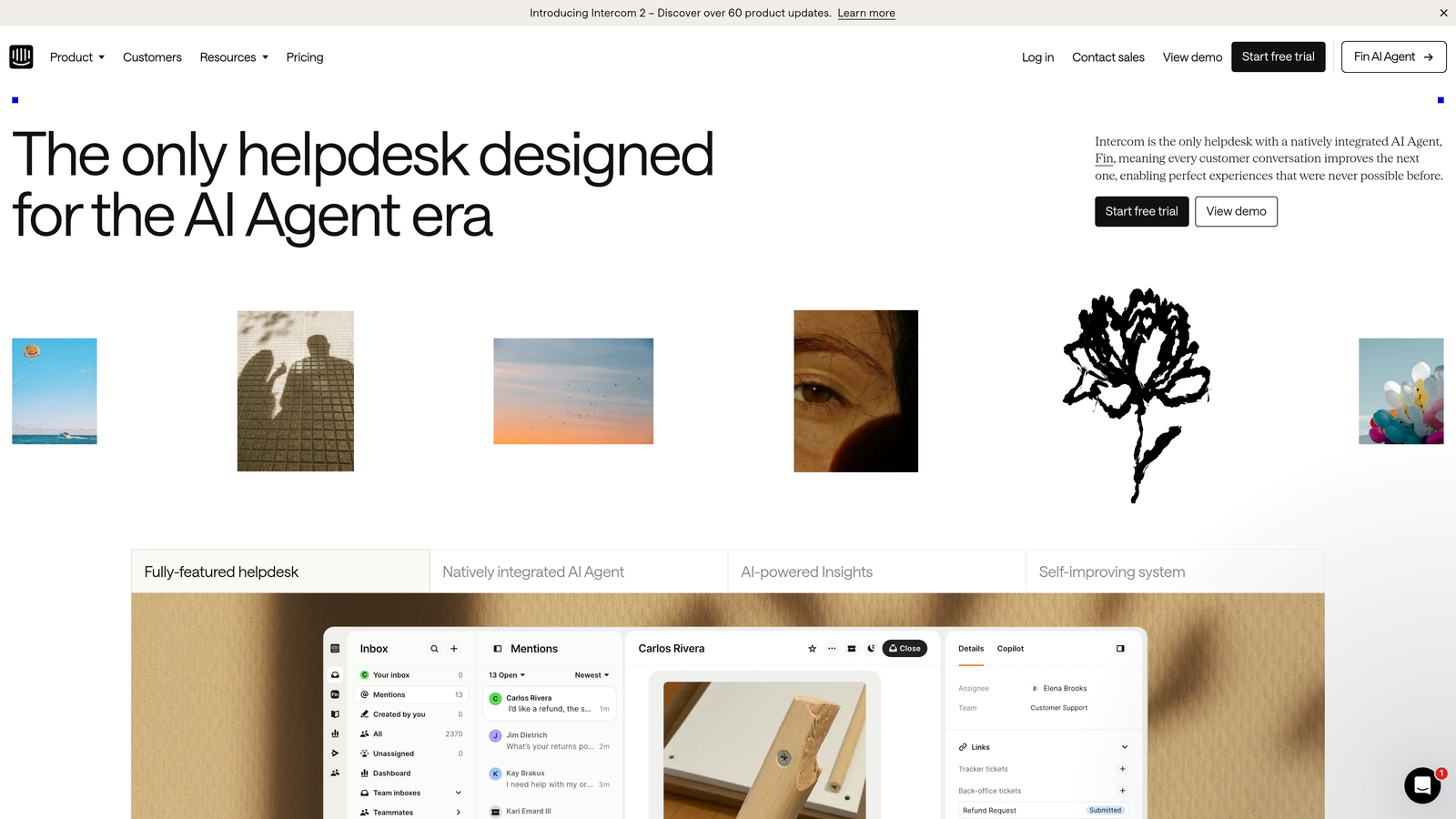
Intercom is a conversational support platform with response time analytics that can be segmented by customer lifecycle stage, plan tier, or user segment, making it particularly valuable for SaaS companies managing differentiated support tiers.
Where This Tool Shines
Intercom's real advantage in response time analytics isn't raw reporting depth, it's context. You can see whether your enterprise customers are waiting longer than your SMB customers, or whether a specific lifecycle stage correlates with slower resolution times. That segmentation capability is genuinely useful for SaaS support leaders making prioritization decisions.
The AI-assisted response features can also meaningfully reduce handle time in practice, which makes Intercom one of the few tools where the analytics and the improvement mechanism live in the same platform.
Key Features
Segmented Response Time Analytics: Slice conversation-level response data by customer type, plan tier, or lifecycle stage.
Team Inbox Performance Metrics: Median response time and workload visibility across team inboxes.
SLA Rules and Breach Tracking: Configurable SLA policies with breach alerts for tiered support models.
AI-Assisted Responses: Suggested replies and automation features that can reduce average handle time.
Multi-Channel Analytics: Response time data across in-app chat, email, and ticket channels in one view.
Best For
SaaS companies with multiple customer segments or support tiers who need response time analytics that reflect their actual customer structure, not just aggregate averages.
Pricing
Starts at approximately $39/seat/month. Verify current pricing at intercom.com.
5. Gorgias
Best for: E-commerce and DTC brands that want to connect response speed to revenue
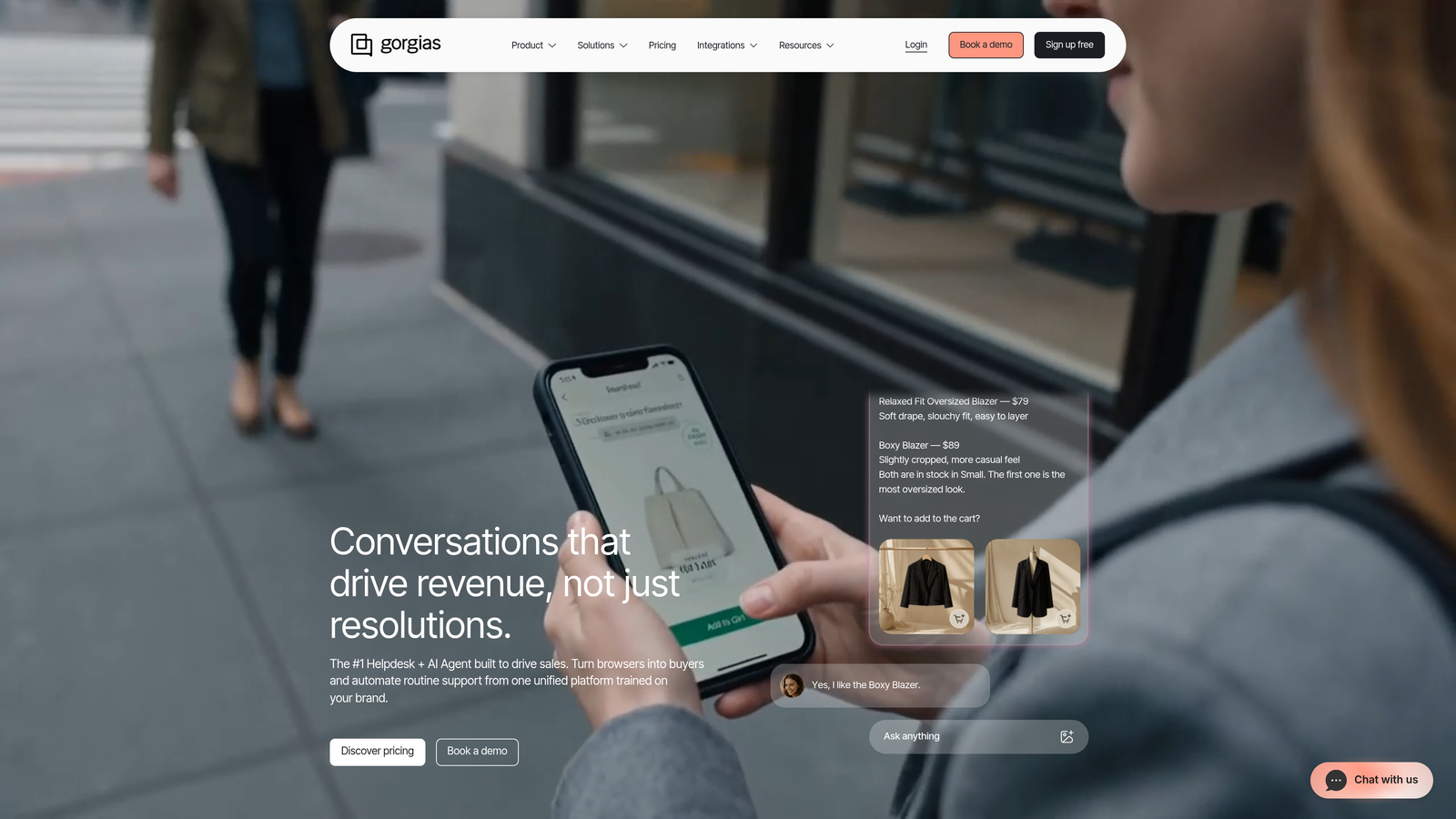
Gorgias is an e-commerce-focused helpdesk with response time reporting that includes revenue attribution, showing the direct relationship between response speed and customer lifetime value.
Where This Tool Shines
Gorgias does something most helpdesks don't: it connects response time data to order value and revenue impact. For a DTC brand, knowing that faster responses correlate with higher conversion rates is a business case, not just an operational metric. That framing makes it much easier to justify investment in support staffing or tooling.
The Shopify integration is tight enough that agents see full order context inside every conversation, which reduces the back-and-forth that inflates handle time in the first place.
Key Features
Revenue-Attributed Response Metrics: Response time data linked to order value and revenue impact for business case reporting.
Multi-Channel Tracking: Unified response time visibility across email, chat, social media, and SMS.
SLA Monitoring and Alerts: Breach alerts to keep teams on track across high-volume periods.
Agent Performance Dashboards: Individual response time breakdowns for coaching and accountability.
Deep E-Commerce Integration: Native Shopify and Magento integration with order context in every ticket view.
Best For
E-commerce and DTC brands on Shopify or Magento that want response time metrics connected to business outcomes, not just support KPIs in isolation.
Pricing
Starts at approximately $10/month for basic plans. Verify current pricing at gorgias.com.
6. Help Scout
Best for: Smaller teams that want clean, actionable reporting without enterprise complexity
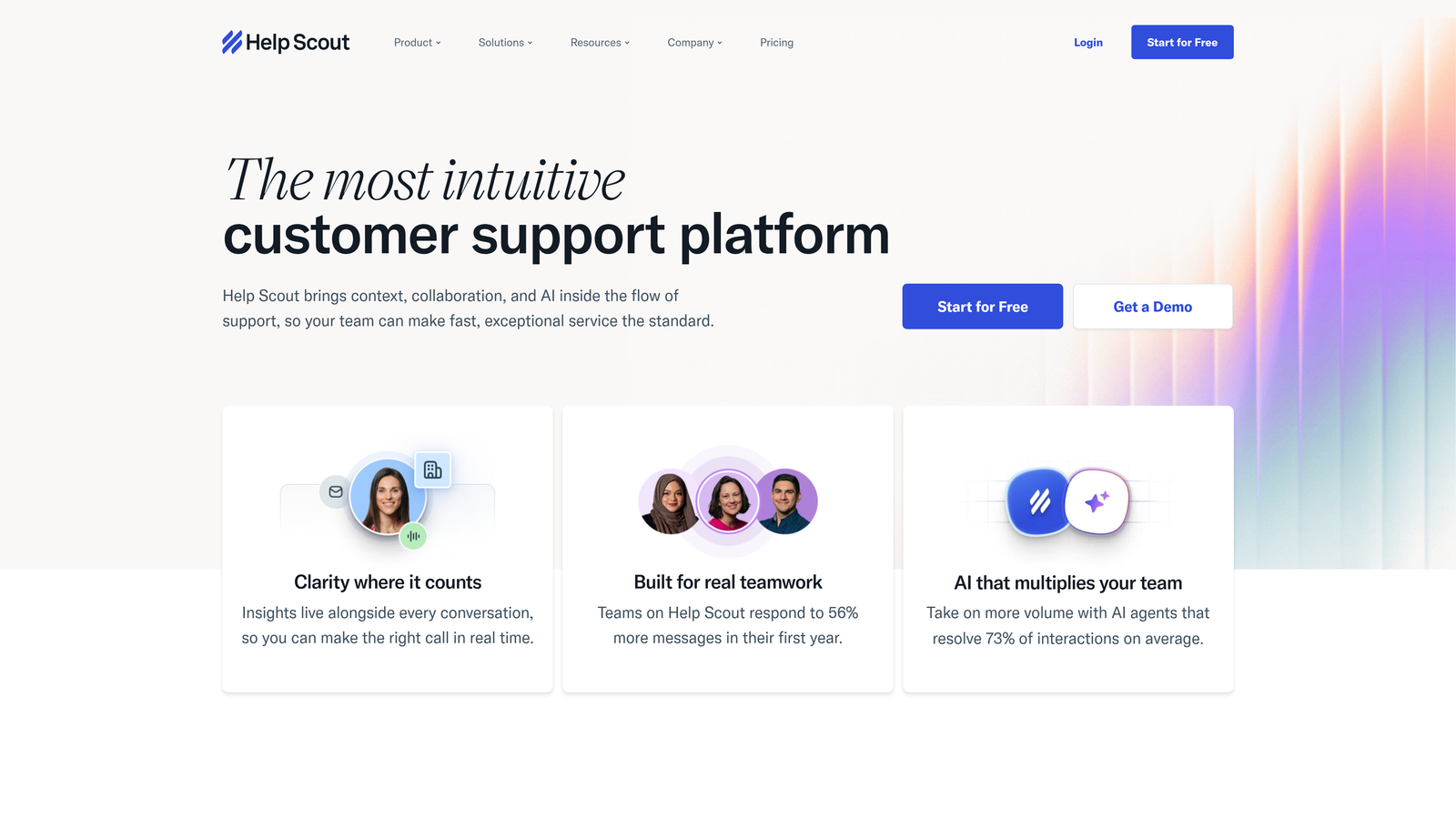
Help Scout is a clean, approachable helpdesk with straightforward response time reporting designed for teams that want actionable data without the complexity of enterprise BI tools.
Where This Tool Shines
Help Scout earns its place on this list through simplicity done well. The reporting covers first response time and resolution time out of the box, with individual and team-level breakdowns that are easy to interpret and act on. There's no configuration maze to navigate before you can see meaningful data.
The customer happiness ratings overlaid on response time data are a subtle but useful feature. Seeing that faster responses correlate with higher satisfaction scores at the conversation level gives teams a direct feedback loop without needing a separate CSAT tool.
Key Features
Core Response Time Tracking: First response time and resolution time available immediately without complex setup.
Team and Individual Comparisons: Side-by-side performance data for agent coaching and workload balancing.
Happiness Ratings Overlay: Customer satisfaction data surfaced alongside response time metrics for direct correlation.
Conversation Volume Trends: Volume context to explain response time changes during busy periods.
Minimal Setup Required: Clean UI that gets teams to useful data quickly without a dedicated admin.
Best For
Small to mid-sized teams, particularly in SaaS or professional services, that prioritize ease of use and want solid response time reporting without paying for features they'll never use.
Pricing
Starts at approximately $22/user/month. Verify current pricing at helpscout.com.
7. Datadog
Best for: Technical support teams managing infrastructure-dependent products
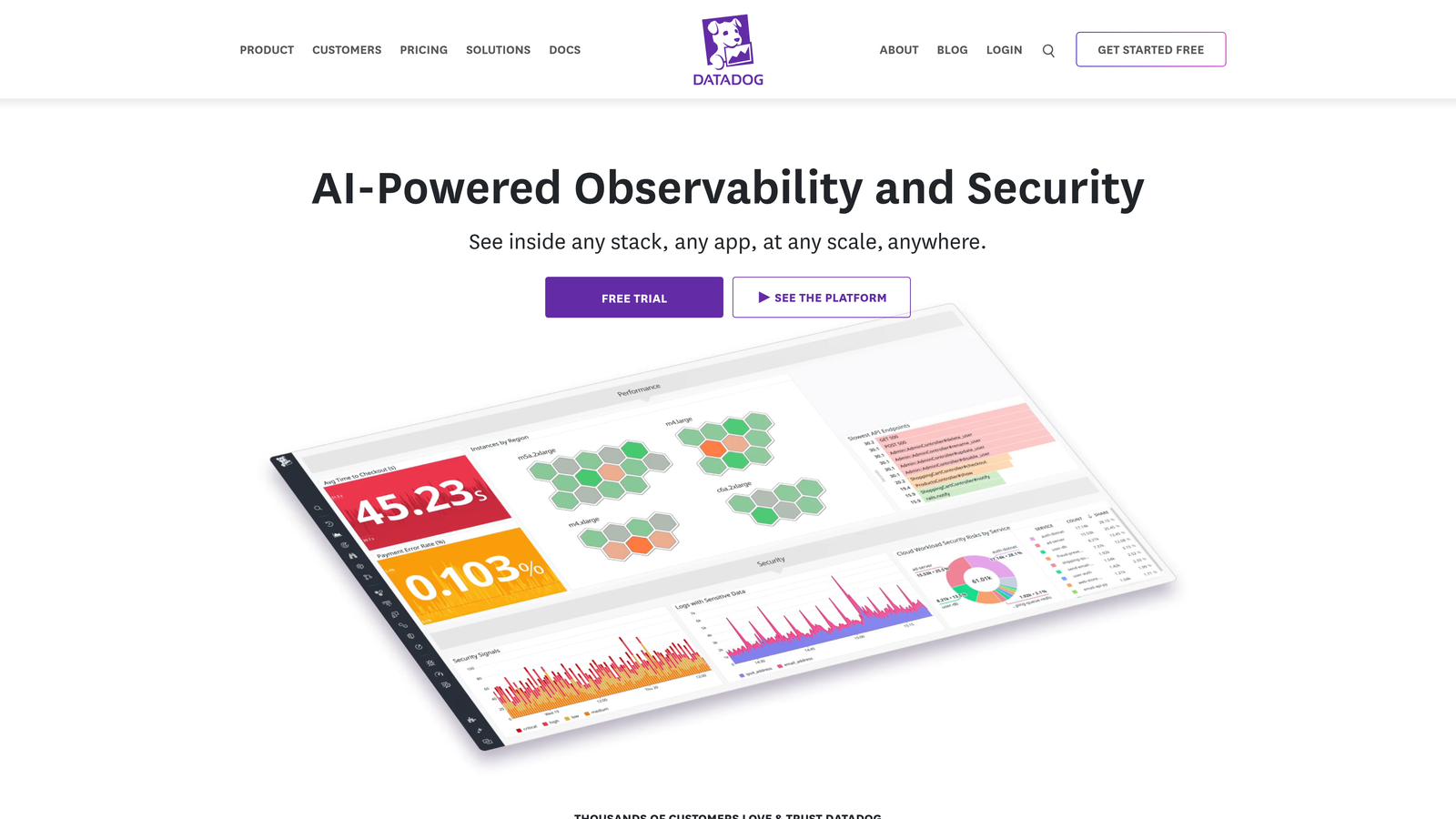
Datadog is an observability platform increasingly used by technical support teams to correlate support response time degradation with underlying infrastructure events in a single unified dashboard.
Where This Tool Shines
Datadog isn't a helpdesk, and it doesn't try to be. Its value in a response time context is correlation: when ticket volume spikes and response times degrade, Datadog can surface whether a system incident is the underlying cause. That connection is invisible in any helpdesk-only view.
For engineering-adjacent support teams managing technical products, this is a meaningful capability. Understanding that a response time spike at 2pm was caused by an API degradation, not an understaffed queue, changes how you respond to it and how you report it to leadership.
Key Features
Infrastructure-to-Support Correlation: Connect ticket volume spikes and response time slowdowns to system incidents in a single view.
Custom Dashboards: Pull from helpdesk integrations and infrastructure data sources simultaneously.
Anomaly Detection and Alerting: Automated alerts on response time KPI deviations tied to configurable thresholds.
Helpdesk API Integrations: Connects with Zendesk, Jira, and other support tools via API.
Powerful Visualization Layer: Flexible charting and dashboard options for complex multi-source data.
Best For
Technical support teams and DevOps-adjacent support functions at SaaS or infrastructure companies where system health and support response time are directly linked.
Pricing
Infrastructure monitoring starts at approximately $15/host/month. Verify current pricing at datadoghq.com.
8. Plecto
Best for: In-office support teams motivated by real-time visibility and friendly competition
Plecto is a real-time KPI dashboard and gamification platform that connects to your helpdesk and displays live response time metrics on screens, designed to motivate support teams through visibility and friendly competition.
Where This Tool Shines
Plecto occupies a distinct niche: motivational analytics. Rather than deep historical analysis, it focuses on making live performance visible in a way that drives behavior in the moment. Live leaderboards showing response time rankings, badges for hitting targets, and team contests around SLA compliance create accountability without management overhead.
The TV dashboard mode is the signature feature. Mounting a live response time dashboard in a support bullpen creates a shared awareness of team performance that's difficult to replicate with email reports or weekly reviews.
Key Features
Live Response Time Leaderboards: Real-time individual and team rankings updated continuously throughout the day.
Gamification Features: Badges, contests, and achievement tracking built around response time KPIs.
Pre-Built Helpdesk Integrations: Native connections to Zendesk, Freshdesk, and Intercom without custom development.
TV Dashboard Mode: Full-screen display optimized for office screens and shared team visibility.
Individual and Team Tracking: Granular metric tracking at both levels in real time.
Best For
In-office or hybrid support teams where real-time visibility and team motivation are as important as analytical depth. Works well alongside a more analytics-focused tool rather than as a standalone reporting solution.
Pricing
Starts at approximately $200/month for small teams. Verify current pricing at plecto.com.
9. Klipfolio
Best for: Teams with fragmented support stacks that need one unified metrics view
Klipfolio is a BI dashboard tool that connects to virtually any helpdesk, CRM, or data source via API, enabling teams with fragmented support stacks to unify response time metrics in a single custom view.
Where This Tool Shines
The core problem Klipfolio solves is data fragmentation. If your support operation spans Zendesk for tickets, Intercom for chat, and a custom CRM, no single native analytics tool will give you a unified response time picture. Klipfolio's pre-built connectors and API flexibility make it practical to pull those sources together without a full data engineering project.
The custom metric formula builder is particularly useful for teams that track composite KPIs, like a blended response time that weights different channels differently. That kind of flexibility is rare in helpdesk-native analytics tools.
Key Features
Pre-Built Helpdesk Connectors: Native integrations with Zendesk, Freshdesk, Intercom, and many others to speed up setup.
Custom Metric Formulas: Build composite response time KPIs that reflect your team's actual measurement approach.
Shareable Leadership Dashboards: Clean, shareable views designed for executive reporting without raw data exposure.
Historical Data Blending: Combine historical response time data across multiple support tools in one analysis.
Flexible Visualization Options: Charts, gauges, and trend lines adaptable to different reporting needs.
Best For
Support operations teams and analytics-minded managers at companies with multiple support tools or complex reporting requirements that outgrow native helpdesk dashboards.
Pricing
Starts at approximately $99/month. Verify current pricing at klipfolio.com.
Which Tool Is Right for Your Team?
The right choice depends less on feature lists and more on where your actual problem lives. Here's a quick orientation by team type.
If you're on Zendesk or Freshdesk and need deeper analytics than the default reporting tab, Zendesk Explore and Freshdesk's built-in reports are the natural starting points. They require minimal setup and cover the core response time KPIs without additional cost at most plan levels.
If you're a SaaS company with tiered customers and differentiated support expectations, Intercom's segmented analytics or Help Scout's clean reporting give you the right level of visibility without over-engineering your stack.
If you're in e-commerce, Gorgias is purpose-built for your context. The revenue attribution angle makes response time a business metric, not just an operational one.
If your support stack is fragmented across multiple tools, Klipfolio gives you a unified view. If you want to motivate your in-office team through live visibility, Plecto earns its place. If you're a technical team where infrastructure and support performance are linked, Datadog is the logical bridge.
But if your goal is to actually reduce response times rather than report on them more accurately, that's where Halo AI sits in a different category entirely. The AI agents resolve tickets autonomously, the smart inbox surfaces anomalies before they become SLA breaches, and the page-aware context means fewer back-and-forth exchanges inflating your handle time. Your support team shouldn't scale linearly with your customer base. See Halo in action and discover how continuous learning transforms every interaction into smarter, faster support.