9 Best Tools to Help an Overwhelmed Customer Service Team in 2026
When your customer service team is overwhelmed by rising ticket volume, hiring more agents isn't always the answer. This guide covers 9 purpose-built tools for 2026 that help support teams resolve tickets faster through AI automation, smarter knowledge bases, and analytics—reducing agent burnout while keeping customer satisfaction high without scaling headcount.
 Grant CooperFounder13 min read
When your customer service team is drowning in tickets, everything downstream suffers. Response times slip, agents burn out, and customers who can't get answers start looking elsewhere. The frustrating part is that hiring more agents rarely solves the problem at scale. It's expensive, slow, and the volume always seems to outpace headcount.
The right tools change that equation. Whether you need an AI agent that resolves tickets autonomously, a smarter knowledge base that deflects common questions before they reach your team, or analytics that help you understand why volume is spiking in the first place, there are purpose-built solutions for every part of the problem. Here are the top tools that actually move the needle for overwhelmed support teams.
1. Halo AI
Best for: B2B SaaS and product teams that want autonomous ticket resolution with business intelligence built in.
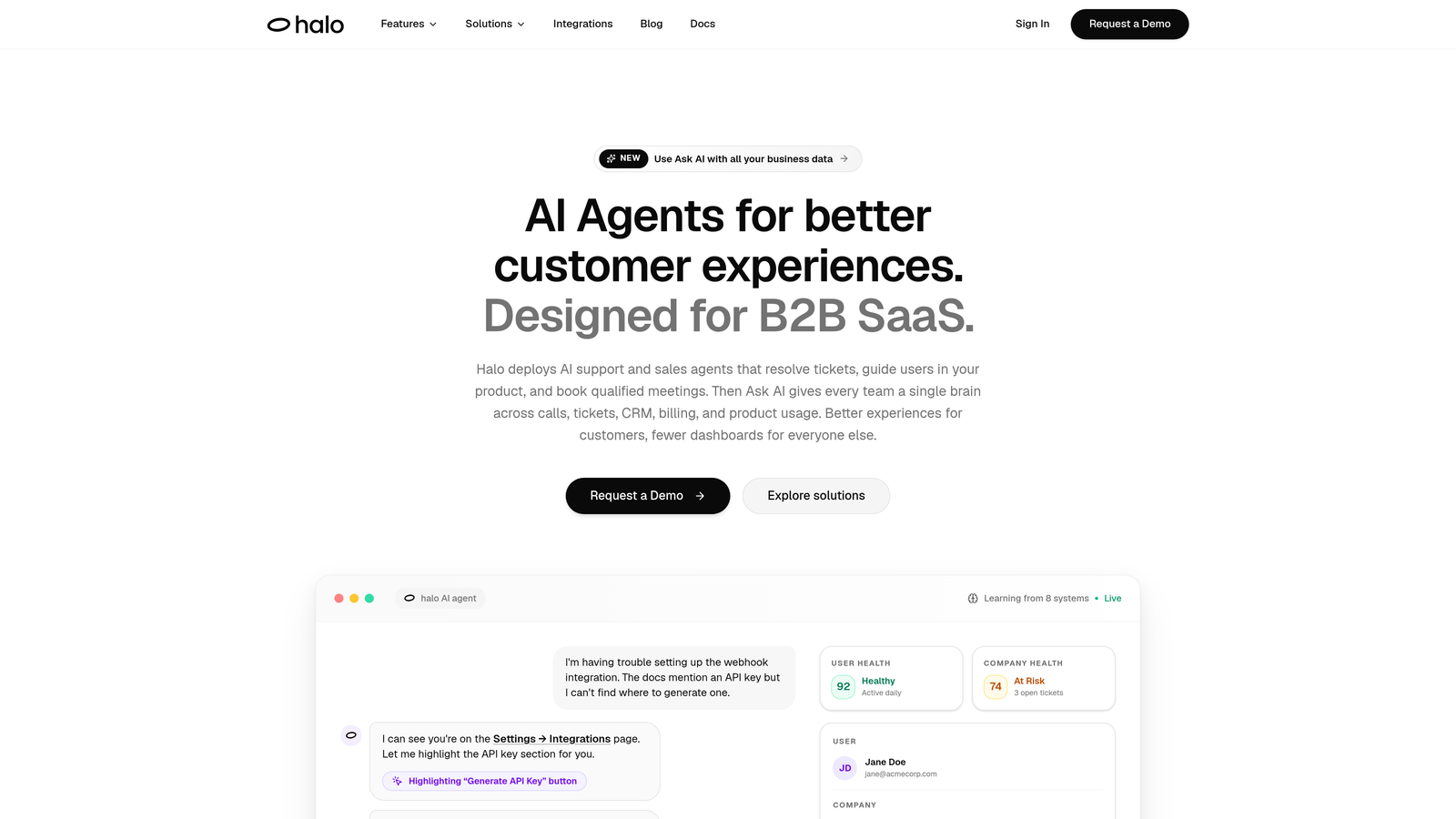
Halo AI is an AI-first customer support platform that deploys autonomous agents to resolve tickets, guide users through your product, and surface intelligence your whole business can act on.
Where This Tool Shines
Most AI support tools are bolt-ons to existing helpdesks. Halo is built AI-first, which means the architecture is designed around autonomous resolution rather than just assisting agents with suggestions. The agents learn from every interaction, so the system gets meaningfully smarter over time rather than staying static.
What genuinely sets Halo apart is its page-aware context. The chat widget can see what a user is currently viewing inside your product, which allows it to deliver guidance that's actually relevant to where someone is stuck. Combined with a smart inbox that surfaces customer health signals, anomaly detection, and revenue intelligence, Halo operates more like a business intelligence layer than a traditional support tool.
Key Features
Autonomous ticket resolution: AI agents resolve tickets end-to-end, not just draft replies for agents to approve.
Page-aware chat widget: The widget sees what the user is viewing and delivers contextual, in-product guidance accordingly.
Smart inbox with business intelligence: Surfaces customer health signals, anomaly detection, and revenue intelligence alongside support data.
Auto bug ticket creation: Automatically generates and routes bug reports to Linear or your preferred issue tracker.
Live agent handoff: Escalates complex issues to human agents with full conversation context preserved, so nothing gets repeated.
Deep integrations: Connects with Slack, HubSpot, Intercom, Stripe, Zoom, PandaDoc, and Fathom.
Best For
SaaS companies and product teams that want to reduce ticket volume without growing headcount, particularly those who value understanding the business impact of support interactions. The page-awareness feature makes it especially strong for product-led growth companies where in-app guidance is critical.
Pricing
Pricing details are available directly at haloagents.ai. Contact the team for a plan tailored to your team size and use case.
2. Intercom
Best for: Teams that want a mature, full-featured messaging platform with a capable AI agent built in.
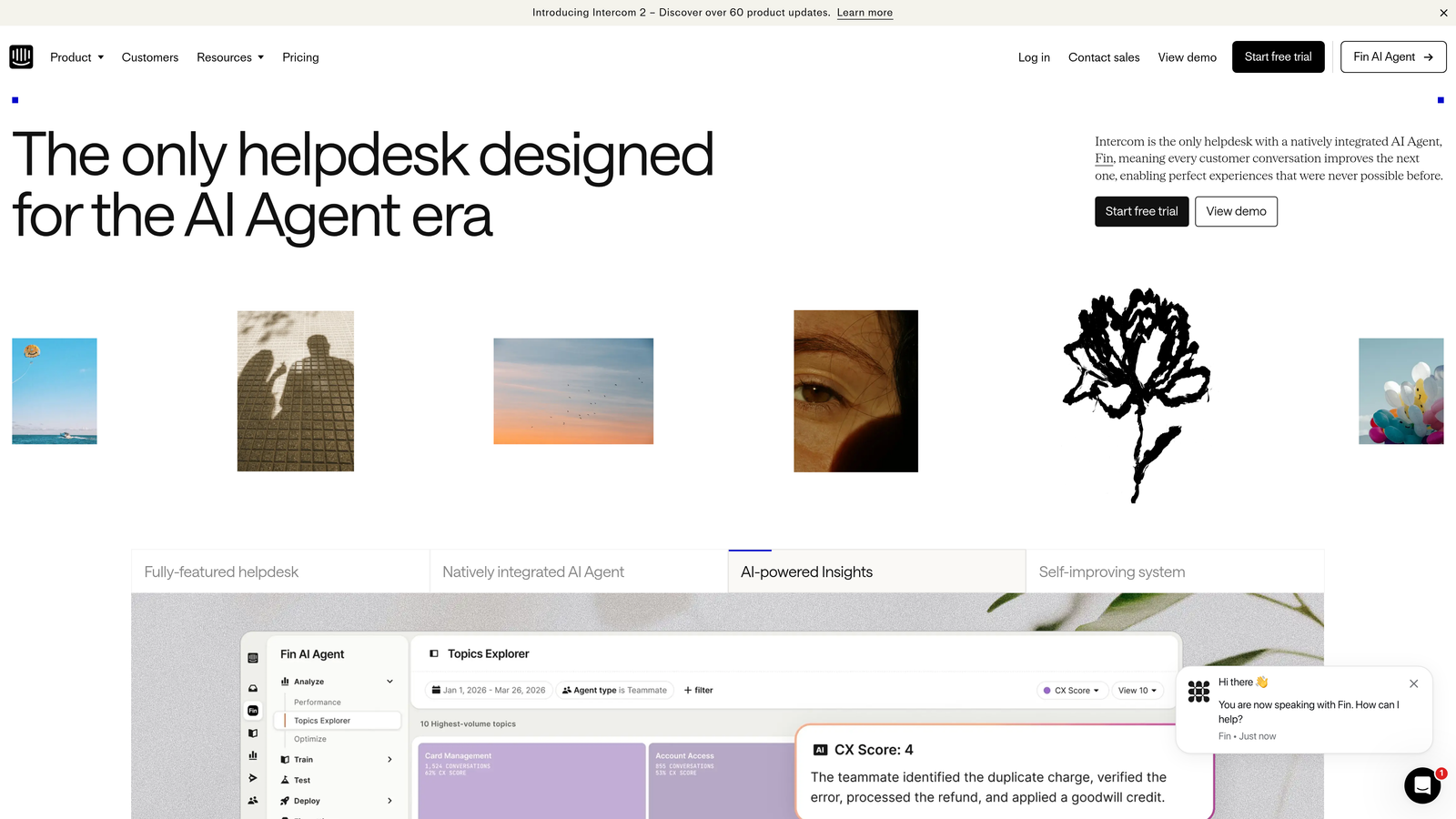
Intercom is a customer messaging platform with Fin, an AI agent built to handle support conversations autonomously using your existing help content.
Where This Tool Shines
Intercom has been in the customer messaging space long enough to build a genuinely polished product. Fin, its AI agent, can handle a meaningful portion of inbound queries without human intervention by drawing on your existing knowledge base and help articles. The platform's strength is in the richness of customer data it surfaces alongside conversations, giving agents real context when they do need to step in.
The unified inbox that combines chat, email, and social channels in one place is a real operational win for teams juggling multiple support channels. Proactive messaging and product tours also give you tools to reduce inbound volume by getting ahead of common questions.
Key Features
Fin AI agent: Resolves common queries autonomously using your help content, without routing to a human.
Unified inbox: Combines chat, email, and social support channels into a single workspace.
Customer data context: Rich customer profiles and behavioral data surface automatically in every conversation.
Proactive messaging: Reach users with targeted messages and product tours before they need to contact support.
Reporting and CSAT: Robust analytics and customer satisfaction tracking built into the platform.
Best For
Mid-market and enterprise teams that want a well-established platform with a broad feature set. Particularly strong for companies already using Intercom for sales or marketing who want to consolidate tooling.
Pricing
Base plans start at $39/seat/month. Fin AI usage is billed per resolution, so costs scale with how much the AI handles.
3. Zendesk
Best for: Enterprise support teams that need a battle-tested ticketing system with advanced routing and SLA management.
Zendesk is the industry-standard enterprise helpdesk platform with AI-powered triage, routing, and agent-assist features built into its ticketing system.

Where This Tool Shines
Zendesk's strength is its maturity. It's been the default choice for enterprise support teams for years, and that longevity shows in the depth of its feature set, the size of its integration marketplace, and the sophistication of its SLA management tools. If your team needs to manage complex escalation workflows across multiple channels and regions, Zendesk handles it.
The AI features, while not as autonomous as dedicated AI-first platforms, are genuinely useful for high-volume teams. Intelligent ticket triage and macro suggestions meaningfully reduce the cognitive load on agents who are processing dozens of tickets per hour.
Key Features
AI-powered triage and routing: Automatically classifies and routes incoming tickets to the right team or agent.
Agent-assist tools: Macro suggestions and AI-generated reply drafts help agents respond faster without sacrificing quality.
Omnichannel support: Handles email, chat, voice, and social from a unified platform.
SLA management: Sophisticated SLA tracking and breach alerting for teams with strict response commitments.
Integration marketplace: One of the largest ecosystems of third-party integrations available for any helpdesk.
Best For
Enterprise teams and larger organizations with complex support workflows, multiple channels, and strict SLA requirements. Less ideal for small teams where the pricing and complexity may be overkill.
Pricing
Suite plans start at $55/agent/month billed annually. Costs scale significantly with advanced features and higher agent counts.
4. Freshdesk
Best for: Growing teams that want AI-assisted helpdesk capabilities at a more accessible price point.
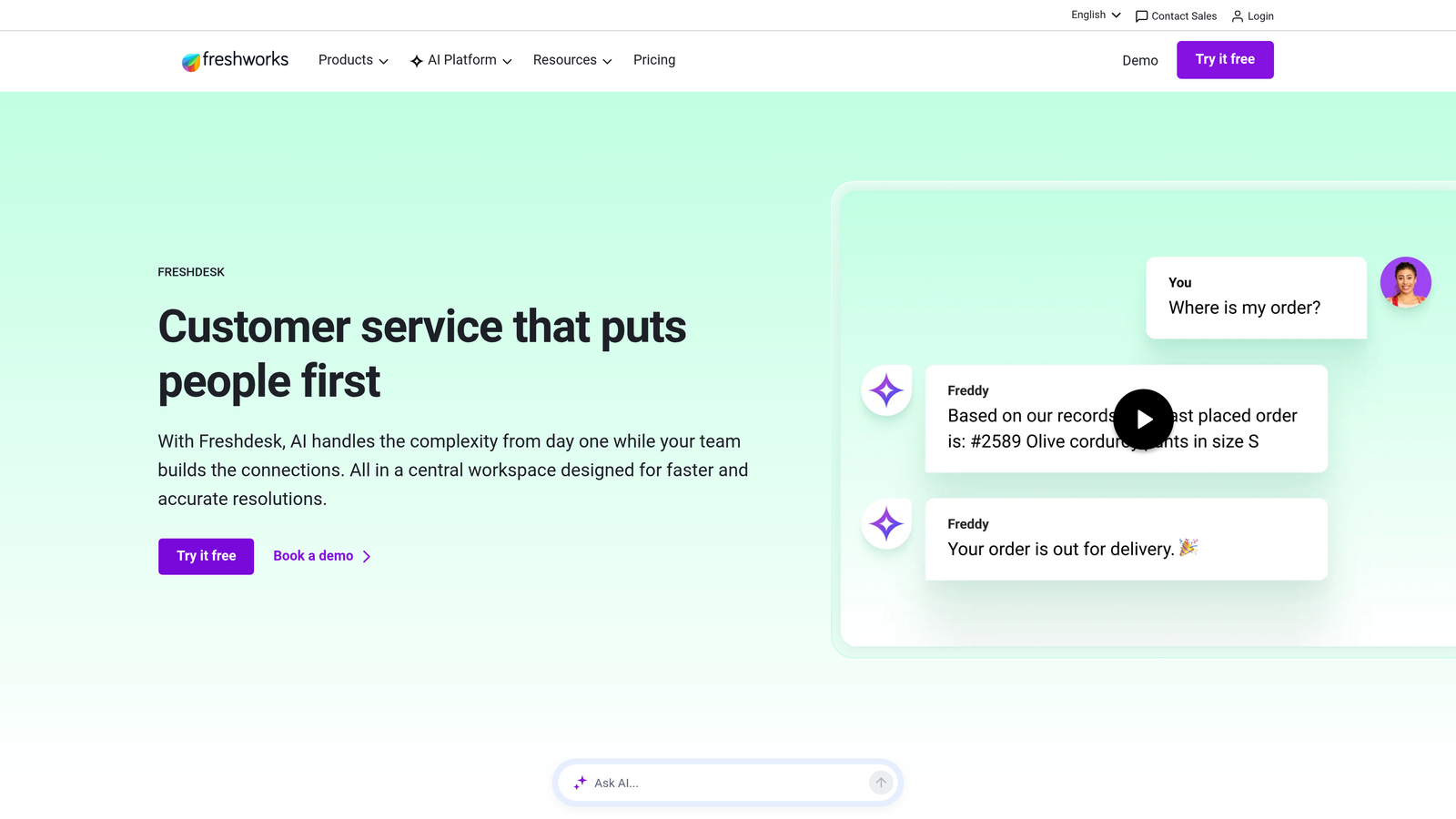
Freshdesk is a cloud-based helpdesk with Freddy AI for ticket summarization, suggested replies, and sentiment analysis, positioned as a more affordable alternative to enterprise-tier platforms.
Where This Tool Shines
Freshdesk hits a useful middle ground: it's feature-rich enough for teams that have outgrown basic shared inboxes, but accessible enough in price and complexity that smaller teams don't need a dedicated admin to manage it. Freddy AI does a solid job of reducing the mechanical work, handling auto-triage, summarizing long threads, and suggesting replies so agents spend less time on repetitive tasks.
The collision detection feature is a small but genuinely impactful addition for overwhelmed teams. When multiple agents are looking at the same ticket, the system flags it, preventing the awkward (and time-wasting) situation of two people writing duplicate responses.
Key Features
Freddy AI: Handles auto-triage, ticket summarization, reply suggestions, and sentiment analysis.
Collision detection: Alerts agents when someone else is already working on a ticket to prevent duplicate responses.
Built-in knowledge base: Create and manage help articles and community forums directly within Freshdesk.
Automation rules: Configure routing, escalation, and assignment rules without engineering support.
Free tier: A functional free plan makes it accessible for early-stage teams testing the waters.
Best For
SMBs and mid-market teams that want a capable AI-assisted helpdesk without enterprise pricing. The free plan makes it a natural first step for startups building out their support function.
Pricing
Free plan available for unlimited agents with basic features. Paid plans start at $15/agent/month, with AI features available on higher tiers.
5. Guru
Best for: Support teams losing time to tab-switching and knowledge hunting during live conversations.
Guru is an AI-powered knowledge management platform that surfaces the right answer to agents inside their existing workflow, without requiring them to leave the tool they're already in.

Where This Tool Shines
A surprisingly large portion of agent handle time is spent searching for information rather than actually responding to customers. Guru attacks that problem directly. Its browser extension and Slack integration mean agents can get answers surfaced in context, whether they're working in Zendesk, Intercom, or a browser tab, without breaking their flow.
The knowledge verification workflow is worth highlighting. Unlike a static wiki that quietly becomes outdated, Guru prompts subject matter experts to periodically verify that articles are still accurate. For support teams, this is the difference between agents confidently using knowledge base content and quietly ignoring it because they don't trust it.
Key Features
AI-powered search: Finds relevant answers across all company knowledge instantly, even with imprecise queries.
Browser extension and Slack integration: Surfaces answers in-context without requiring agents to switch tools.
Verification workflows: Assigns content owners and prompts regular review to keep knowledge accurate over time.
Usage analytics: Shows which articles are being used, which are being ignored, and where knowledge gaps exist.
Helpdesk integrations: Connects with Zendesk, Intercom, Freshdesk, and Salesforce.
Best For
Support teams of any size where agents are spending meaningful time searching for answers, especially teams with complex products or frequent policy updates. Strong fit for companies already using Zendesk or Intercom.
Pricing
Starts at $10/user/month with a free trial available. Pricing scales with team size and advanced features.
6. Gorgias
Best for: E-commerce support teams handling high volumes of order-related queries.
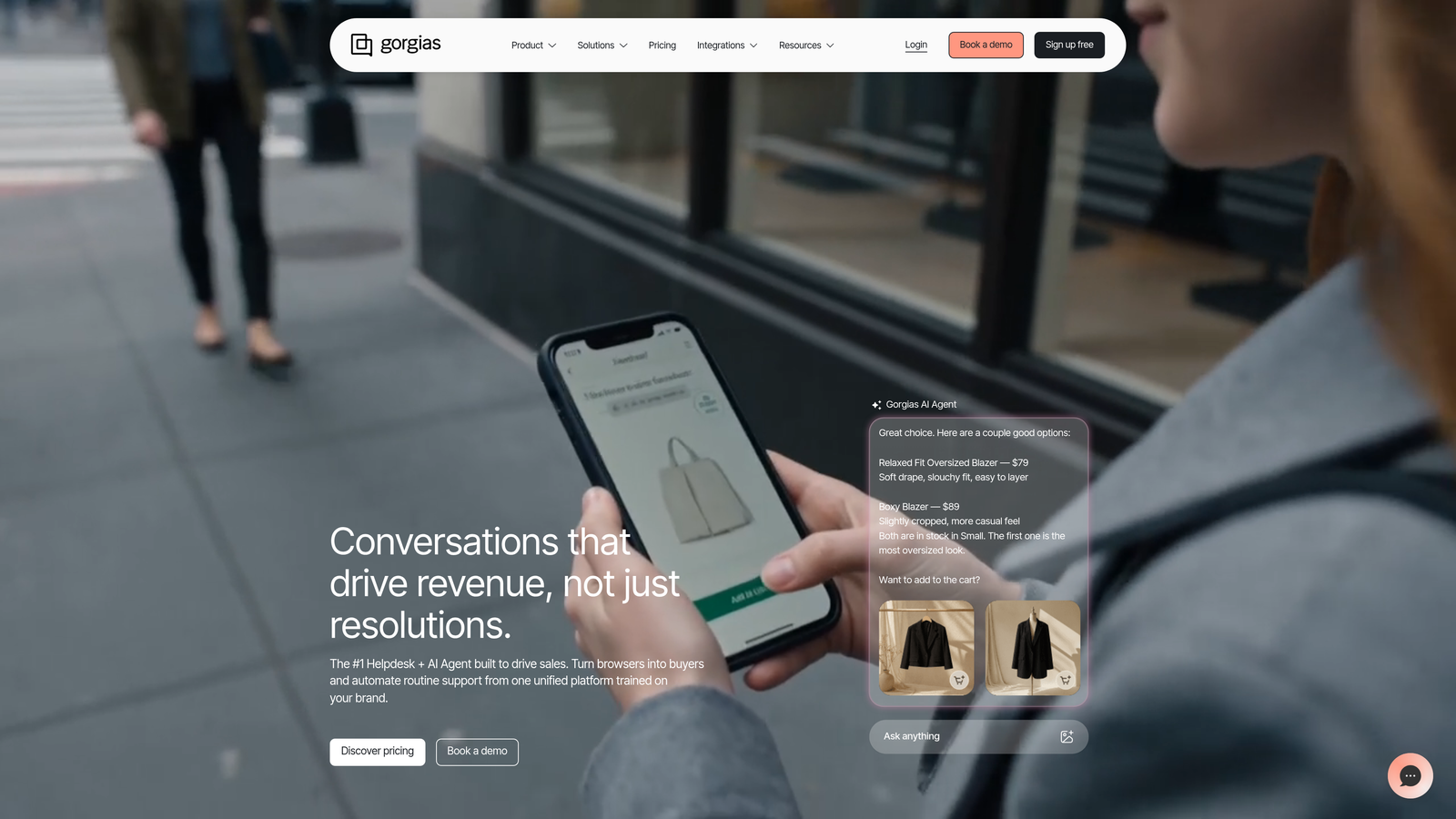
Gorgias is a helpdesk built specifically for e-commerce brands, with deep Shopify and BigCommerce integrations that let agents and AI act on orders directly from the support thread.
Where This Tool Shines
If you're running an e-commerce operation, a large percentage of your inbound support volume is probably "where is my order," "can I return this," and "can you change my address." Gorgias is built around automating exactly those queries. Its AI auto-responder handles repetitive order-status and return questions, and agents can issue refunds, cancel orders, and edit shipping details without ever leaving the ticket.
The revenue tracking feature is a genuinely useful addition. Gorgias ties support interactions to actual conversion data, so you can see which support conversations are driving purchases and make a business case for your team's impact beyond ticket close rates.
Key Features
One-click order actions: Agents can refund, cancel, or edit orders directly from the support ticket without switching to Shopify.
AI auto-responder: Automatically handles repetitive order-status, return, and shipping queries.
Revenue tracking: Links support interactions to sales data to measure the revenue impact of your support team.
Dynamic macros: Response templates auto-populate with live order data, cutting response time significantly.
E-commerce integrations: Deep native integrations with Shopify, BigCommerce, Klaviyo, and other e-commerce platforms.
Best For
E-commerce brands on Shopify or BigCommerce that are overwhelmed by order-related support volume. Less relevant for SaaS or service businesses without transactional support queries.
Pricing
Starts at $10/month with ticket-based pricing. Costs scale with support volume rather than seat count, which works well for smaller teams with high ticket volume.
7. Help Scout
Best for: Teams that want a clean, human-feeling shared inbox with AI drafts and built-in self-service.
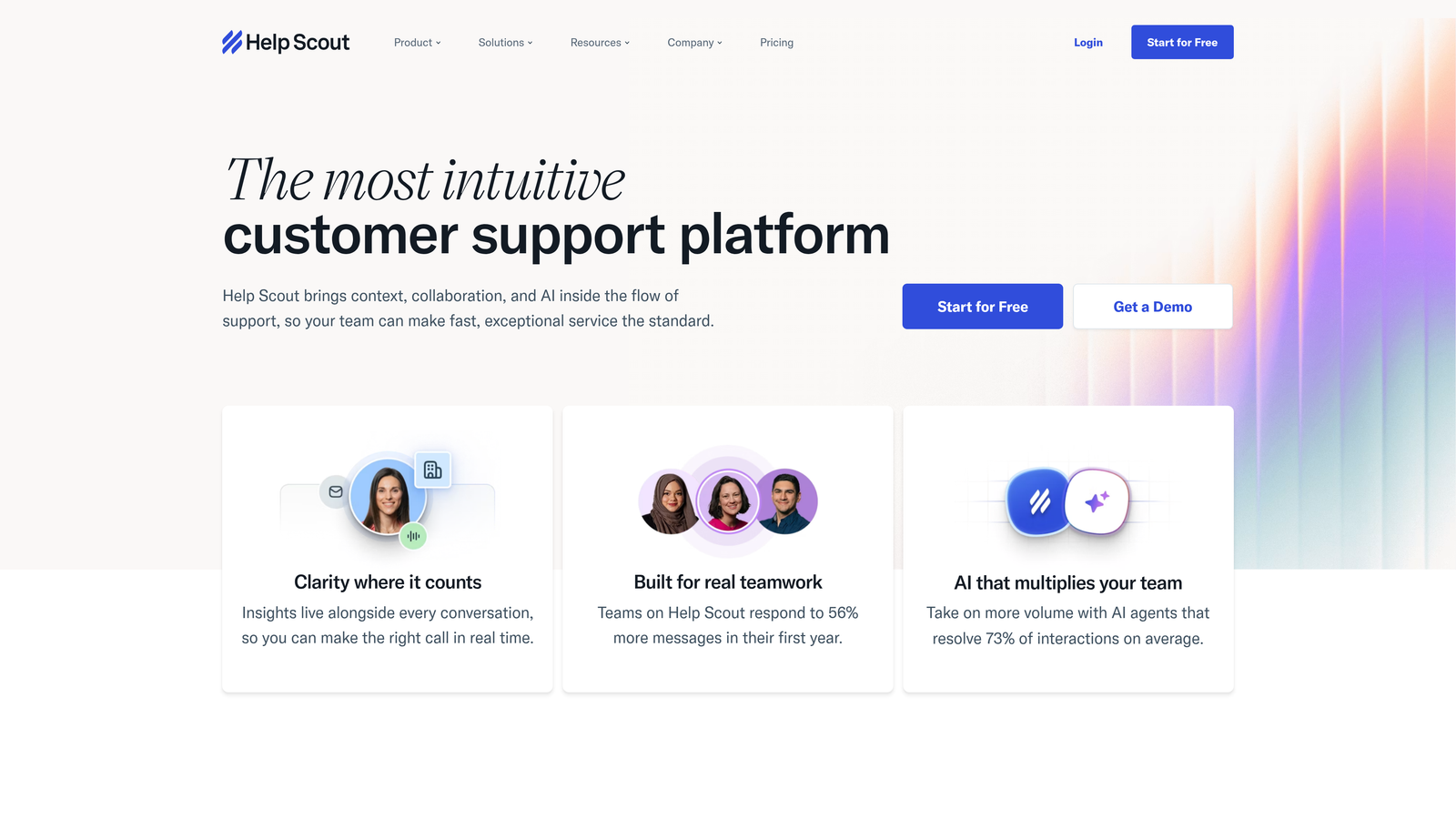
Help Scout is a shared inbox platform designed to make support feel human, with AI-drafted replies, a built-in knowledge base, and a deliberate absence of ticket numbers.
Where This Tool Shines
Help Scout occupies a specific niche: teams that find traditional helpdesks too impersonal or complex, but have outgrown a basic shared Gmail inbox. The interface is intentionally clean and email-like, which tends to reduce onboarding friction for new agents significantly. The AI Drafts feature suggests replies based on the conversation context, which helps agents respond faster without feeling like they're working from a script.
The built-in Docs knowledge base integrates directly with the Beacon chat widget, so you can surface relevant self-service articles to customers before they submit a request. For overwhelmed teams, deflection at this stage is often the highest-leverage move available.
Key Features
AI Drafts: Suggests contextually relevant reply drafts based on the conversation, saving agents time without removing their voice.
Built-in Docs knowledge base: Create and manage self-service articles that integrate directly with the chat widget.
Collision detection and private notes: Prevents duplicate responses and allows internal team communication within threads.
Customer profiles: Full conversation history and customer data visible alongside every new message.
Beacon chat widget: Embeddable in-app widget that surfaces Docs content and escalates to live support when needed.
Best For
Small to mid-sized teams, particularly in SaaS or professional services, that prioritize a clean agent experience and human-feeling customer interactions over enterprise feature depth.
Pricing
Starts at $50/month for up to 3 users. Additional seats and features available on higher-tier plans.
8. Tidio
Best for: Small teams and early-stage companies that need AI-powered chat without a large budget or technical setup.
Tidio is a live chat and AI chatbot platform with Lyro, an AI agent that handles customer conversations autonomously using your support content, designed specifically for teams with limited resources.
Where This Tool Shines
Lyro, Tidio's AI agent, is notable for how little it takes to get running. It doesn't require you to build out complex conversation flows or manually train it on every possible query. It learns from your existing support content and handles multi-turn conversations naturally, which makes it accessible for teams that don't have a dedicated ops person to manage a chatbot configuration.
The combination of a meaningful free tier and a low-cost Lyro plan makes Tidio one of the most accessible AI support tools on the market. For a startup handling its first wave of customer volume, it can buy significant breathing room without a significant budget commitment.
Key Features
Lyro AI agent: Handles multi-turn conversations autonomously using your support content, without manual flow building.
Live chat with mobile app: Agents can respond from their phone when away from a desktop.
Visual chatbot builder: Build custom automation flows for more specific use cases without writing code.
Multi-channel support: Handles email and Messenger alongside live chat from one interface.
Free plan: Includes meaningful functionality for early-stage teams before they need to upgrade.
Best For
Startups, small e-commerce businesses, and early-stage SaaS teams that need to automate basic support interactions quickly and affordably. Less suited for enterprise teams with complex routing and reporting requirements.
Pricing
Free plan available with core live chat features. Lyro AI starts at $29/month, making it one of the more affordable AI agent options available.
9. Notion AI (for Internal Knowledge Management)
Best for: Support teams that need a flexible, AI-searchable internal wiki for runbooks and escalation guides.
Notion AI transforms your existing team wiki into a searchable, AI-assisted knowledge hub, ideal for support teams that rely on internal documentation to handle complex or escalated issues.
Where This Tool Shines
Notion isn't a helpdesk, and it's not trying to be. What it does well is give support teams a flexible, well-organized internal knowledge layer that agents can search with natural language questions. For teams with detailed escalation guides, troubleshooting runbooks, or product SOPs, Notion AI makes that content actually findable in the moment it's needed.
The AI writing assistant also reduces the friction of keeping documentation current. Agents can draft or update a runbook in plain language and let the AI clean it up, which means documentation stays accurate rather than becoming the thing everyone knows is outdated but no one has time to fix.
Key Features
AI search and Q&A: Ask natural language questions and get answers drawn from across your entire Notion workspace.
AI writing assistant: Helps agents draft, update, and improve SOPs and escalation guides quickly.
Flexible database structure: Organize runbooks, escalation trees, and product documentation in whatever structure fits your team.
Shareable pages: Easily share specific docs across teams or with new agents during onboarding.
Integrations: Connects with Slack, GitHub, Jira, and other tools via the Notion API.
Best For
Support teams that already use Notion for internal documentation and want to make that knowledge more accessible, or teams looking to consolidate runbooks, SOPs, and escalation guides in one searchable place. Works best alongside a dedicated helpdesk rather than as a standalone support solution.
Pricing
Notion AI is available as an add-on at $10/member/month. Base Notion plans start at $12/member/month, so the full cost with AI runs approximately $22/member/month.
Which Tool Is Right for Your Team?
The honest answer is that no single tool solves every part of the overwhelmed-team problem. The most effective setups typically combine an AI resolution layer with a solid helpdesk and a reliable knowledge base, each handling a different part of the workload.
That said, here's a quick reference based on team type:
B2B SaaS teams that want autonomous resolution with business intelligence: Start with Halo AI. The page-aware context and smart inbox intelligence make it purpose-built for product-led companies where support and product experience are tightly connected.
E-commerce brands drowning in order queries: Gorgias is the clear fit. The Shopify integration and one-click order actions alone will reclaim significant agent time.
Enterprise teams with complex workflows and SLA requirements: Zendesk remains the standard for a reason. The depth of its routing and reporting capabilities is hard to match at scale.
Smaller teams on a tight budget: Freshdesk's free tier or Tidio's Lyro plan can get you meaningful AI coverage without a large monthly commitment.
Teams where agent knowledge-hunting is the bottleneck: Guru or Notion AI can cut handle time significantly by making internal knowledge instantly accessible.
Your support team shouldn't scale linearly with your customer base. Let AI agents handle routine tickets, guide users through your product, and surface business intelligence while your team focuses on complex issues that need a human touch. See Halo in action and discover how continuous learning transforms every interaction into smarter, faster support.