9 Best Customer Support AI Software Options and What They Actually Cost in 2026
Customer support AI software pricing is notoriously difficult to compare, with hidden fees, per-seat costs, and overage charges obscuring true costs. This guide evaluates nine leading platforms—breaking down actual pricing tiers, included features, and which solutions deliver the best value for startups and scaling B2B SaaS teams before you commit to a demo.
 Matt PattoliFounder13 min read
Pricing for customer support AI software is notoriously opaque. Vendors bury costs behind "contact sales" buttons, per-seat fees stack up fast, and what looks affordable at first glance often balloons once you factor in resolution limits, integration add-ons, and overage charges.
This guide cuts through the noise. We've evaluated nine leading platforms on what they actually cost, what's included at each tier, and which types of teams get the best value. Whether you're a lean startup looking for your first AI support tool or a scaling B2B team ready to replace a legacy helpdesk, this breakdown gives you a clear picture before you book a single demo.
Selection criteria: native AI capabilities (not just chatbot wrappers), transparent pricing structures, integration depth, and suitability for B2B SaaS teams. Here are the top customer support AI software options worth your attention in 2026.
1. Halo AI
Best for: B2B SaaS product teams that want autonomous AI support with business intelligence built in.
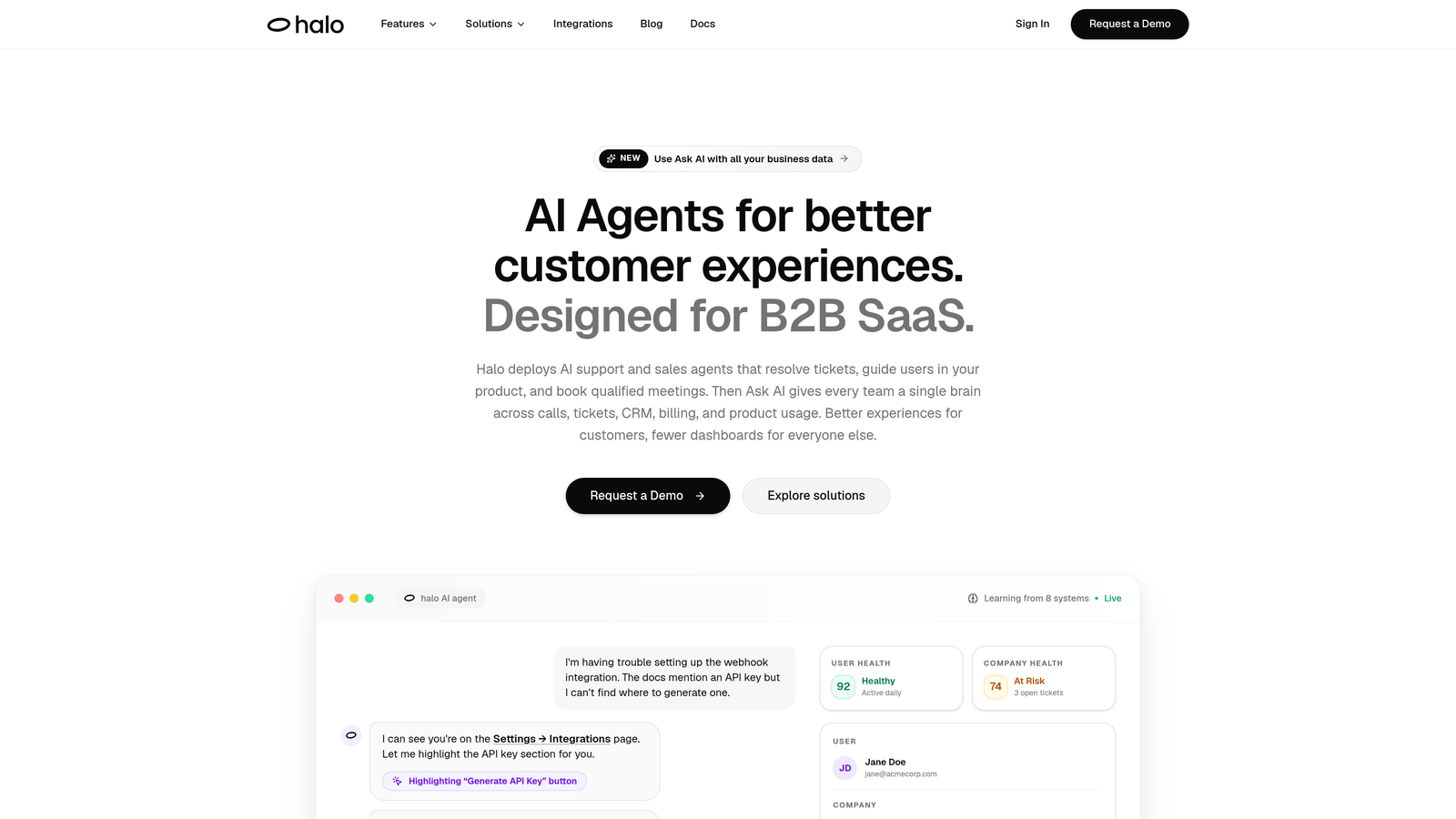
Halo AI is an AI-first customer support platform built from the ground up for B2B SaaS teams, not retrofitted onto a legacy helpdesk.
Where This Tool Shines
Halo's core differentiator is its page-aware context. The AI agent actually sees what the user is looking at in your product, which means it can provide guidance that's specific to the current screen, not generic help center answers. That's a meaningful leap beyond most chat widgets that respond to keywords without any awareness of product state.
Beyond ticket resolution, Halo surfaces business intelligence signals from support interactions: customer health indicators, anomaly detection, and revenue intelligence. For product and customer success teams, that turns the support inbox from a cost center into a source of strategic insight.
Key Features
Autonomous ticket resolution: AI agents handle tickets end-to-end with smart escalation to human agents when complexity requires it.
Page-aware chat widget: The AI understands what the user is currently viewing in your product, enabling contextual guidance rather than generic responses.
Smart inbox with business intelligence: Customer health signals, anomaly detection, and revenue intelligence surface directly from support data.
Auto bug ticket creation: Automatically generates bug reports connected to Linear when recurring issues are detected.
Deep integration stack: Connects with Slack, HubSpot, Intercom, Stripe, Zoom, PandaDoc, and Fathom out of the box.
Continuous learning: Every resolved interaction improves the AI's future performance, compounding value over time.
Best For
B2B SaaS companies that want AI to do more than deflect tickets. Halo is particularly well-suited for product-led teams where support intersects with onboarding, product adoption, and customer health. If you want your support layer to feed intelligence back into your product and revenue teams, Halo is worth a close look.
Pricing
Pricing is not publicly listed. Contact Halo AI directly at haloagents.ai for current pricing details tailored to your team's size and use case.
2. Intercom Fin
Best for: Teams already on Intercom who want to add AI resolution without switching platforms.
Intercom Fin is Intercom's native AI agent, handling customer queries autonomously with a per-resolution pricing model that aligns cost directly with outcomes.
Where This Tool Shines
Fin's biggest advantage is its native integration with the Intercom ecosystem. If your team already uses Intercom for inbox management, workflows, and CRM, Fin slots in without any migration headache. The per-resolution pricing model is also genuinely interesting: you pay for tickets the AI actually resolves, not for seats or conversations.
The catch is that total cost of ownership can be higher than it initially appears. You're paying an Intercom base plan plus per-resolution Fin charges on top. As resolution volume grows, that stacks up. Teams should model their expected resolution volume carefully before committing.
Key Features
Per-resolution pricing: You pay for outcomes, not seats or conversations, which aligns costs with actual AI value delivered.
Native Intercom integration: Works seamlessly within Intercom's existing inbox, workflows, and customer data.
Knowledge source flexibility: Trains on help center content and custom knowledge sources you define.
Smooth human handoff: Escalates to live agents within the Intercom interface when needed.
Multilingual support: Handles customer queries across multiple languages without separate configuration.
Best For
Teams already invested in the Intercom platform who want to layer in AI resolution without changing their support infrastructure. Less compelling if you're not already an Intercom customer, given the base plan requirement.
Pricing
Requires an Intercom base plan (Starter from approximately $39/seat/month) plus per-resolution Fin charges on top. Verify current rates at intercom.com as pricing updates frequently.
3. Zendesk AI
Best for: Large organizations already running on Zendesk Suite who want AI without a platform migration.
Zendesk AI spans triage, intelligent routing, agent assist, and customer-facing bots, built directly into the Suite platform that many enterprise support teams already rely on.
Where This Tool Shines
For organizations deeply embedded in Zendesk, the AI layer is the path of least resistance. There's no new platform to learn, no migration to plan, and the AI features connect directly to your existing ticket data, macros, and workflows. Agent Copilot in particular is useful for teams with high ticket volume, surfacing suggested replies and next-best-action recommendations inline.
The challenge is pricing complexity. The Advanced AI add-on adds meaningful cost per agent per month on top of already substantial Suite fees. Buyers frequently report that the total per-agent cost is higher than initial estimates once all add-ons are factored in.
Key Features
AI triage and intent detection: Automatically classifies and routes incoming tickets based on intent and topic.
Agent Copilot: Surfaces suggested replies and next-best-action recommendations directly in the agent interface.
Self-service bots: Automated customer-facing bots for deflection before tickets reach agents.
Advanced AI add-on: Deeper automation capabilities available at higher Suite tiers for an additional per-agent fee.
No separate platform: Everything lives within the Zendesk Suite environment your team already knows.
Best For
Large enterprise support teams already on Zendesk Suite with the budget to add the Advanced AI layer. Not the most cost-effective entry point for teams starting fresh, given the per-agent costs at scale.
Pricing
Suite Team from approximately $55/agent/month; Advanced AI add-on approximately $50/agent/month additional. Verify current rates at zendesk.com as pricing is updated frequently.
4. Freshdesk Freddy AI
Best for: SMB and mid-market teams looking for accessible AI-assisted support without enterprise pricing.
Freshdesk Freddy AI is Freshworks' AI layer across Freshdesk, offering both agent-assist and autonomous resolution at price points that are more accessible than most enterprise alternatives.
Where This Tool Shines
Freddy AI's value proposition is accessibility. The base Freshdesk plans are competitively priced, and some AI features are available at lower tiers than you'd find with Zendesk or enterprise alternatives. For teams that need to show AI support value without a large upfront commitment, Freshdesk is a reasonable starting point.
Freddy AI Copilot handles agent-side assist: suggested replies, conversation summarization, and tone adjustment. Freddy AI Agent handles autonomous customer-facing resolution. Having both in the same platform gives teams flexibility to start with assist and graduate to autonomous as confidence grows.
Key Features
Freddy AI Copilot: Agent-side assist with suggested replies, conversation summaries, and tone adjustment tools.
Freddy AI Agent: Autonomous customer-facing resolution for common support queries.
Tiered access: Some AI features available at lower price points, with more advanced capabilities at higher tiers.
Omnichannel support: Covers email, chat, and social channels within a single platform.
Free plan available: Basic Freshdesk functionality accessible without a paid commitment to start.
Best For
SMB teams and growing companies that want to start with AI-assisted support without committing to enterprise-level pricing. Also suitable for teams that want to trial AI assist before moving to full autonomous resolution.
Pricing
Freshdesk plans range from free to approximately $79/agent/month at Enterprise tier. Freddy AI Agent is available as an add-on or at higher tiers. Verify current rates at freshdesk.com.
5. Tidio Lyro
Best for: Small businesses and e-commerce teams wanting a fast, affordable entry into AI support.
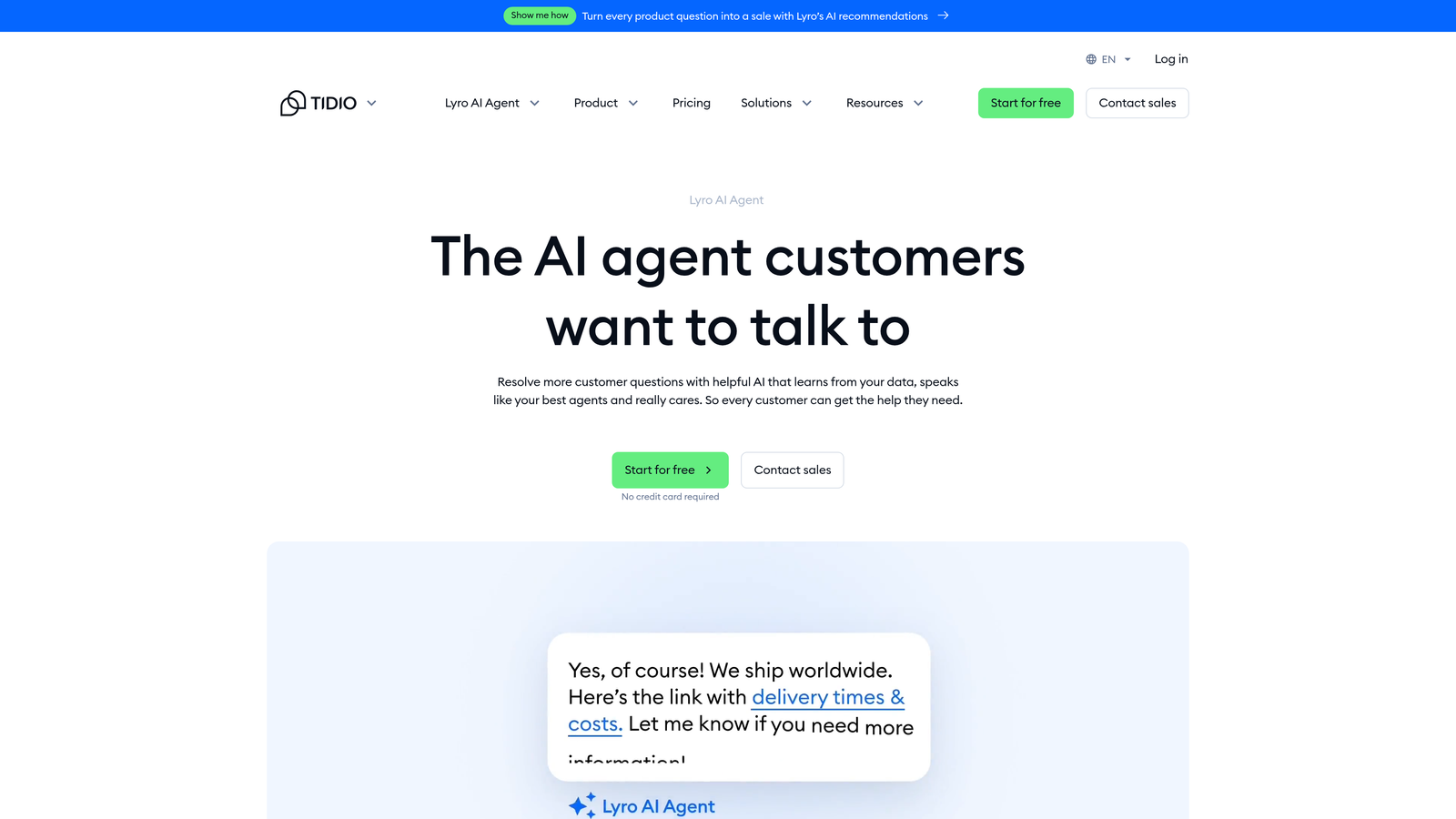
Tidio Lyro is Tidio's conversational AI product, designed for fast deployment with conversation-based pricing that makes it one of the most accessible entry points in the market.
Where This Tool Shines
Lyro's setup speed is genuinely impressive. It trains on your existing help content automatically, which means teams can go from signup to a working AI agent without engineering involvement. For small teams with limited technical resources, that matters a lot.
The conversation-based pricing model also makes costs predictable at lower volumes. A free tier with limited Lyro conversations lets teams test the product before committing, which is a low-risk way to evaluate AI support for the first time.
Key Features
Conversation-based pricing: Costs scale with conversation volume rather than seats, with a free tier to start.
Automatic training: Trains on your existing help content without manual configuration or engineering work.
Live chat fallback: Smooth handoff to human agents when the AI can't resolve a query.
No-code setup: Deployable without engineering resources, typically in hours rather than days.
E-commerce integrations: Native connections with Shopify and WooCommerce for retail-focused teams.
Best For
Small businesses, e-commerce teams, and anyone new to AI support looking for a low-cost, low-friction starting point. Less suited to complex B2B support environments where deep product context and CRM integration are required.
Pricing
Free tier available; paid Lyro plans scale by conversation volume. Tidio's base plans start around $29/month. Check tidio.com for current tier limits and conversation allowances.
6. Drift (Salesloft)
Best for: B2B revenue teams where sales, marketing, and support overlap on the same website experience.
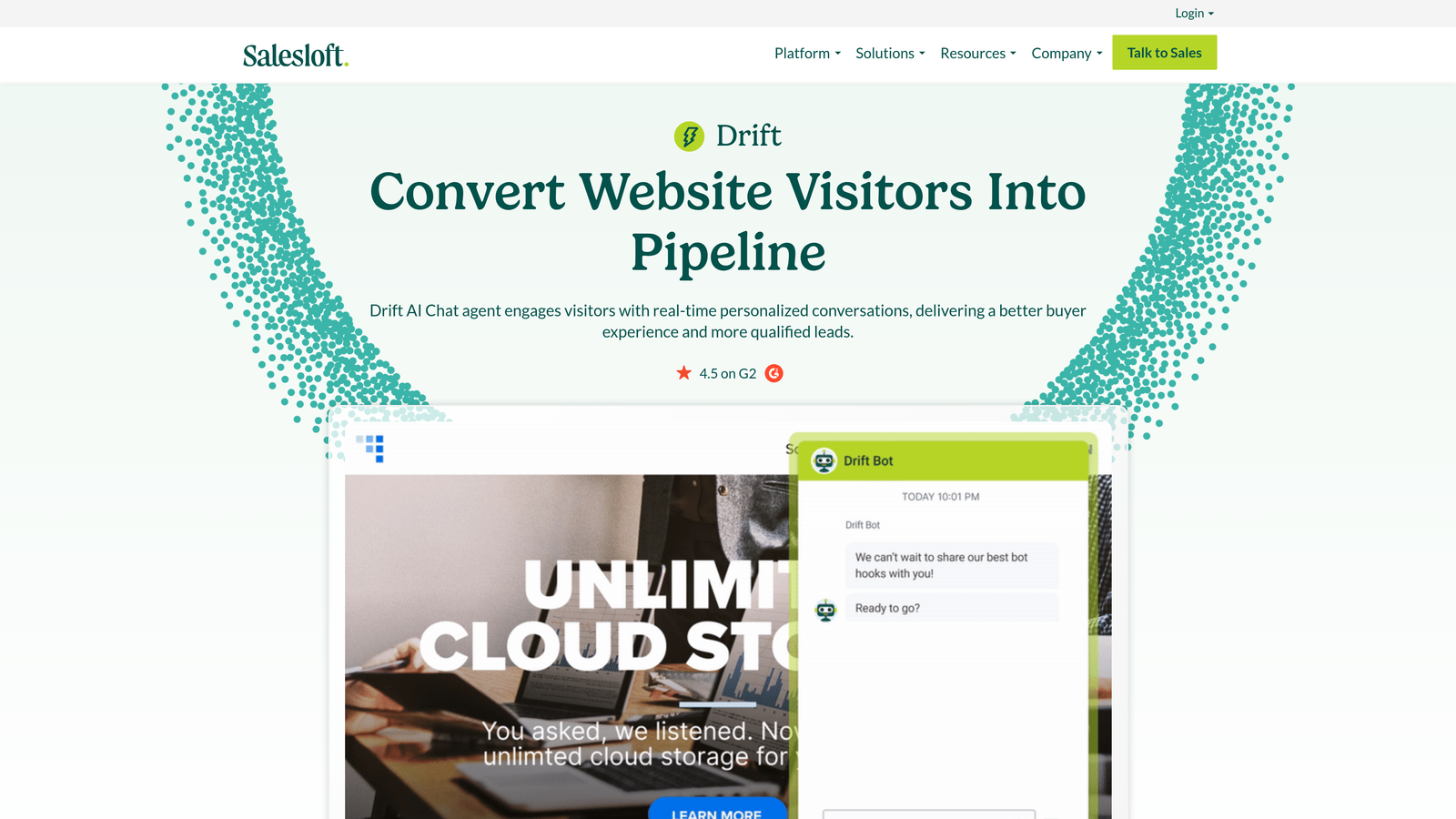
Drift, now part of the Salesloft revenue platform, uses conversational AI to qualify, route, and engage website visitors at the intersection of support, marketing, and sales.
Where This Tool Shines
Drift isn't really a pure support tool. It's better understood as a revenue conversation platform that happens to handle support-adjacent interactions. For B2B teams where the website is a primary pipeline channel, Drift's ability to route visitors based on buyer intent and account data is genuinely powerful.
The integration with Salesloft's broader revenue intelligence platform gives sales teams real-time context on who's engaging and what they're interested in. If your support and sales motions are tightly connected, that unified view has real value.
Key Features
Buyer intent routing: AI routes visitors based on intent signals, account data, and engagement history.
Personalized playbooks: Conversation flows adapt based on visitor identity and behavior in real time.
Salesloft integration: Deep connection with Salesloft's revenue intelligence and sales engagement platform.
Meeting scheduling: Built-in calendar booking and pipeline acceleration directly within conversations.
Account-based targeting: Identifies and personalizes experiences for named target accounts.
Best For
B2B revenue teams at mid-market and enterprise scale where website conversations need to serve both support and pipeline goals simultaneously. Not the right fit for teams that need transparent self-serve pricing or a pure support-focused solution.
Pricing
Custom pricing with no public rates. Enterprise-focused with required sales engagement. Contact Drift or Salesloft directly at drift.com for a quote.
7. Help Scout AI
Best for: Teams that want AI-accelerated human support without moving to full automation.
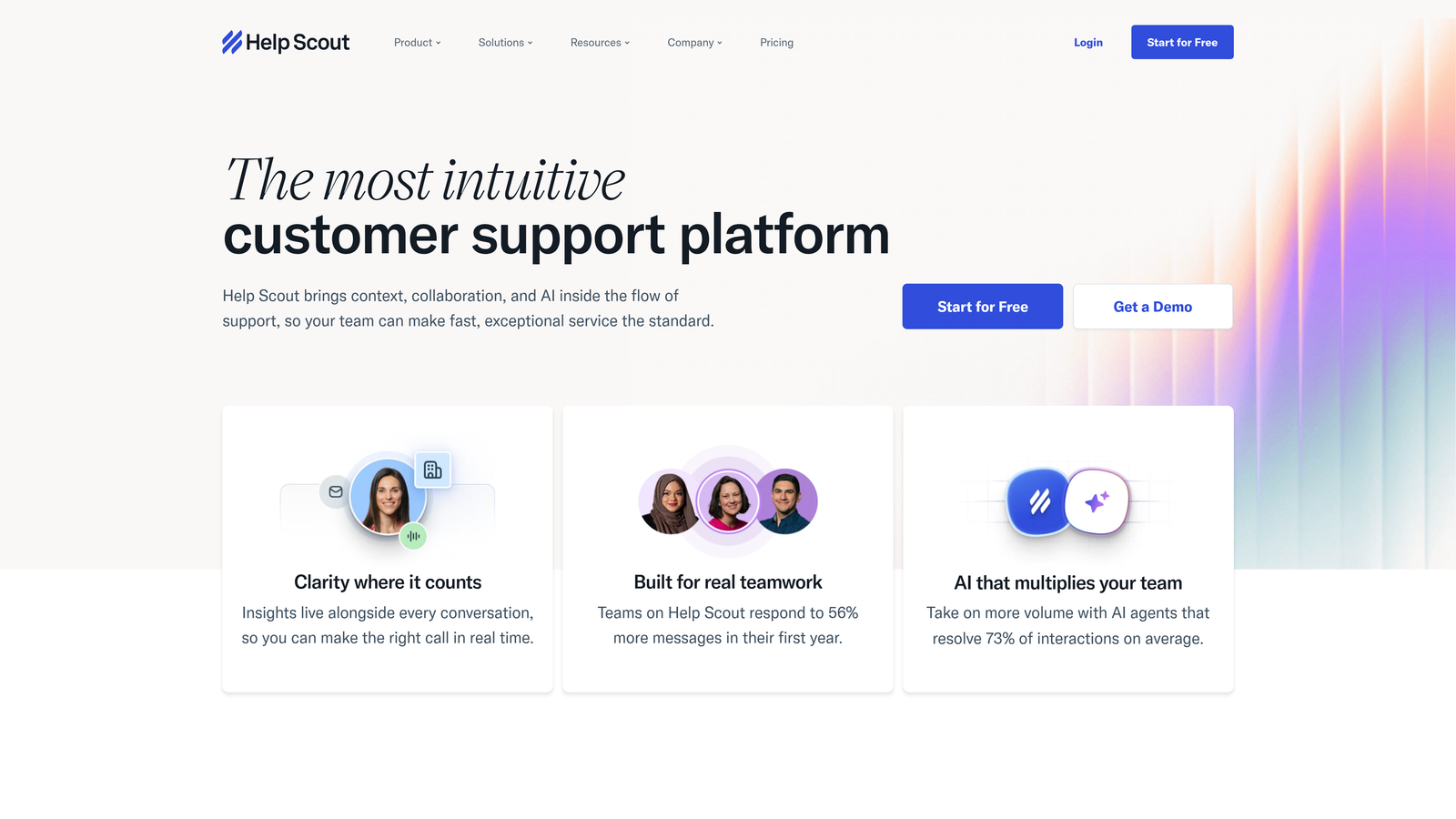
Help Scout takes a human-first approach, embedding AI assist features directly into its clean inbox interface rather than replacing agents with autonomous bots.
Where This Tool Shines
Help Scout's pricing model is refreshingly simple: AI features are included in standard plans rather than charged as a separate add-on. That's a meaningful differentiator in a market where AI capabilities often come with significant per-agent surcharges layered on top of base plan costs.
The AI features themselves are practical rather than flashy. AI Summarize gives agents instant context on long conversation threads. AI Drafts accelerates reply composition. AI Assist helps with tone and clarity. None of these replace agents, but they meaningfully reduce the time each ticket takes to handle.
Key Features
AI Summarize: Instantly surfaces conversation context so agents don't have to read full thread histories.
AI Drafts: Generates draft replies for agents to review, edit, and send, reducing composition time.
AI Assist: Improves tone, clarity, and professionalism of agent-written replies before sending.
Included in plans: AI features are not a separate add-on, which simplifies budgeting considerably.
Unified workspace: Shared inbox, docs, and live chat in a single clean interface.
Best For
Teams that want to keep humans in the loop while using AI to reduce handle times and improve reply quality. Particularly well-suited to companies where support quality and tone are brand-critical and full automation feels premature.
Pricing
Standard approximately $22/user/month; Plus approximately $44/user/month; Pro at custom pricing. AI features included across plans. Verify at helpscout.com.
8. Kustomer
Best for: High-volume omnichannel teams that need a unified CRM timeline alongside AI-powered support.
Kustomer is a CRM-native customer service platform that embeds AI across omnichannel conversations, giving support teams a unified customer view with AI-powered intent detection and workflow automation.
Where This Tool Shines
Kustomer's CRM-first architecture sets it apart from helpdesk-first tools. Rather than treating each conversation in isolation, Kustomer builds a complete customer timeline across every channel, and the AI operates on top of that full context. Intent classification and conversation summaries are more accurate when the AI has access to the customer's full history rather than just the current ticket.
For teams managing high volumes across email, chat, social, SMS, and voice simultaneously, the omnichannel unification alone justifies evaluation. The AI automation layer then helps manage that volume without proportional headcount growth.
Key Features
Unified CRM timeline: Full customer history across all channels in a single view, not siloed by conversation.
AI conversation summaries: Automatic summaries and intent classification powered by full customer context.
Automated workflows: Triggered by customer behavior, history, and intent signals across channels.
True omnichannel: Email, chat, social, SMS, and voice managed within a single platform.
CRM-native intelligence: AI decisions informed by the full customer record, not just the current ticket.
Best For
High-volume B2C and hybrid B2B teams that need omnichannel coverage with a CRM foundation. The price point reflects the enterprise positioning, so it's less suited to early-stage teams or those with primarily single-channel support needs.
Pricing
Enterprise-focused, typically in the approximately $89 to $139/user/month range. Verify current rates at kustomer.com.
9. Forethought
Best for: Enterprise teams that want to add AI capabilities without replacing their existing helpdesk infrastructure.
Forethought is an AI layer that installs on top of existing helpdesks like Zendesk and Salesforce Service Cloud, letting large teams add AI without a platform migration.
Where This Tool Shines
Forethought solves a specific and common enterprise problem: you've got a deeply embedded helpdesk with years of historical data, trained agents, and complex workflows, and ripping it out isn't realistic. Forethought layers AI capabilities on top of that existing infrastructure rather than replacing it.
The three-product structure (Solve for deflection, Triage for routing, Assist for agent recommendations) lets teams adopt incrementally. You can start with AI deflection at the front of the queue, add intelligent routing, and layer in agent assist over time without a big-bang implementation.
Key Features
Solve: AI deflection that answers tickets before they reach an agent, reducing inbound volume directly.
Triage: Automatic intent classification and routing to the right team or queue without manual rules.
Assist: AI-recommended responses surfaced to agents during ticket handling to speed resolution.
Helpdesk-agnostic: Works alongside Zendesk, Salesforce Service Cloud, and other major platforms.
No migration required: Adds AI value to existing infrastructure without disrupting current workflows.
Best For
Large enterprise teams with established helpdesk investments that can't migrate but need AI capabilities quickly. Less relevant for teams starting fresh who could choose an AI-native platform from the beginning.
Pricing
Custom enterprise pricing with no public rates. Contact Forethought directly at forethought.ai for a quote.
Which Tool Is Right for Your Team?
The right choice depends heavily on where you are today and what you're optimizing for. Here's a quick framework for cutting through the options.
Starting fresh with AI support: Tidio Lyro offers the lowest barrier to entry for small teams. Help Scout is the better pick if you want AI-assisted humans rather than autonomous resolution from day one.
Already on a legacy helpdesk: Zendesk AI and Freshdesk Freddy AI are natural upgrades if you're already embedded in those platforms. Forethought is worth evaluating if you're on Salesforce or need to avoid a migration entirely.
Revenue and support overlap: Drift makes sense if your website conversations need to serve both pipeline and support goals simultaneously. Kustomer is the better fit if omnichannel CRM is the priority.
B2B SaaS teams that want AI to do more than deflect tickets: Halo AI is built specifically for this. Page-aware context, business intelligence from support interactions, auto bug ticket creation, and continuous learning from every resolved interaction make it a fundamentally different kind of platform. Your support data shouldn't just close tickets; it should inform your product roadmap, flag at-risk accounts, and surface revenue signals.
Your support team shouldn't scale linearly with your customer base. Let AI agents handle routine tickets, guide users through your product, and surface business intelligence while your team focuses on complex issues that need a human touch. See Halo in action and discover how continuous learning transforms every interaction into smarter, faster support.