9 Best Customer Support Analytics Software Tools in 2026
This guide reviews nine customer support analytics software tools for 2026, evaluating each on analytics depth, AI capabilities, integrations, and scalability. Whether your goal is reducing ticket volume, improving CSAT scores, or surfacing product friction before it becomes churn, this breakdown helps B2B SaaS teams find the right fit.
 Grant CooperFounder12 min read
Customer support teams generate enormous amounts of data every day: ticket volumes, resolution times, agent performance, customer sentiment. Yet most teams only scratch the surface of what that data can tell them. The right customer support analytics software doesn't just report on what happened; it helps you understand why it happened and what to do next.
This list covers nine tools worth considering in 2026, from AI-native platforms that surface business intelligence automatically to established helpdesk analytics suites built for large enterprise teams. Whether you're trying to reduce ticket volume, improve CSAT scores, or identify product friction before it becomes churn, there's a tool here for your use case.
Selection criteria: depth of analytics, ease of integration, AI capabilities, scalability, and value for B2B SaaS teams.
1. Halo AI
Best for: B2B SaaS teams that want support analytics connected to product and revenue intelligence
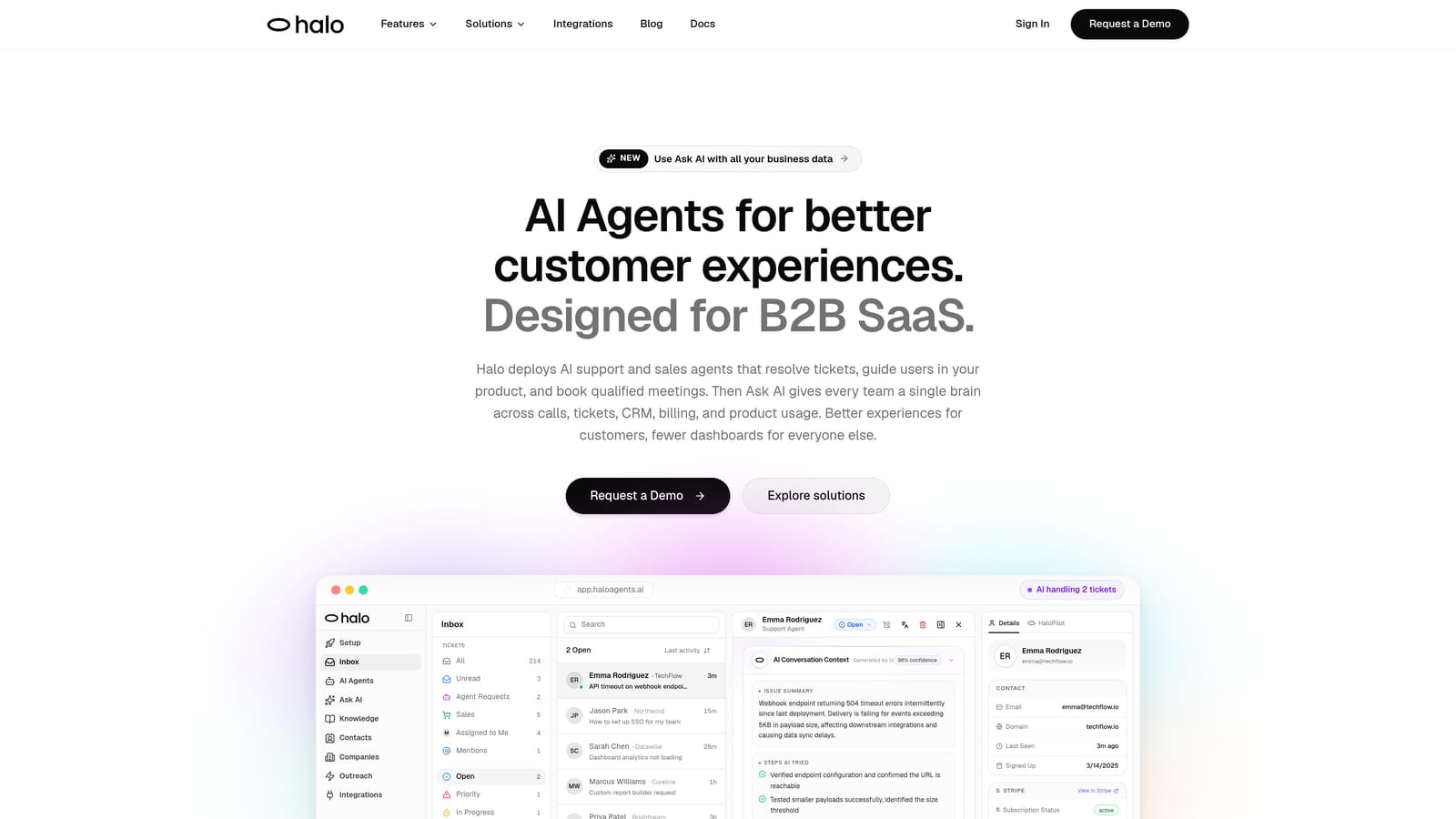
Halo AI is an AI-native customer support platform whose smart inbox surfaces business intelligence automatically from every support interaction.
Where This Tool Shines
Most analytics tools tell you how many tickets came in and how fast your team resolved them. Halo AI goes a layer deeper. Its smart inbox doesn't just collect tickets; it reads them for signals that matter to your business: a customer mentioning they're evaluating competitors, a billing issue that correlates with churn, a recurring bug that engineering hasn't heard about yet.
The page-aware context is genuinely differentiated. The AI sees what the user is looking at when they reach out, which means issue diagnosis is more accurate and resolutions are faster. Rather than asking a customer to describe their screen, Halo already knows where they are in your product. For B2B SaaS teams, that context transforms support from a reactive function into a proactive intelligence layer.
Key Features
Smart Inbox with Business Intelligence: Automatically surfaces churn signals, revenue anomalies, and customer health indicators from support conversations without requiring manual tagging or report-building.
Page-Aware Context: The AI understands where a user is in your product when they initiate a conversation, enabling more precise diagnosis and faster resolution.
Auto Bug Ticket Creation: Detected product issues are automatically routed to engineering tools like Linear, closing the loop between support and product teams.
Anomaly Detection: Identifies unusual patterns in support volume or conversation content before they escalate into larger problems.
Broad Integration Stack: Connects with HubSpot, Slack, Stripe, Intercom, Zoom, PandaDoc, and Fathom, so support intelligence flows into the tools your team already uses.
Best For
B2B SaaS companies that want their support data to inform product decisions and customer success strategy, not just measure ticket throughput. Particularly strong for teams where support, product, and CS functions need to stay aligned.
Pricing
Contact for pricing. Halo AI is positioned for B2B SaaS teams and enterprise buyers; pricing is customized based on team size and use case.
2. Zendesk Explore
Best for: Teams already invested in the Zendesk ecosystem who need robust custom reporting
Zendesk Explore is Zendesk's native analytics product offering pre-built dashboards and a custom report builder for teams deep in the Zendesk ecosystem.
Where This Tool Shines
If your team lives in Zendesk, Explore is the natural first stop for analytics. The pre-built dashboards cover the metrics most support leaders care about right out of the box, and the custom report builder gives experienced analysts enough flexibility to build tailored views without needing a separate BI tool.
The real-time reporting capability is useful for operations teams monitoring high-volume queues. That said, Explore has a reputation for a steeper learning curve when you move beyond the pre-built dashboards into custom query building. Teams with dedicated ops or analytics resources will get more out of it than small teams looking for quick answers.
Key Features
Pre-Built Dashboards: Ready-to-use views covering ticket volume, agent performance, and CSAT with no setup required.
Custom Report Builder: Drag-and-drop interface for creating tailored reports across Zendesk data.
Real-Time and Historical Reporting: Monitor live queue status alongside trend analysis over time.
Agent Performance Tracking: Individual and team-level metrics including handle time, resolution rate, and satisfaction scores.
Best For
Support operations teams already using Zendesk Suite who need comprehensive reporting without adding another tool. Less compelling if your team uses multiple support platforms or needs data outside the Zendesk ecosystem.
Pricing
Included in Zendesk Suite Professional and above. Available as a paid add-on on lower tiers. Check Zendesk's current pricing page for the latest plan details.
3. Freshdesk Analytics
Best for: Freshdesk users who want solid reporting with minimal setup friction
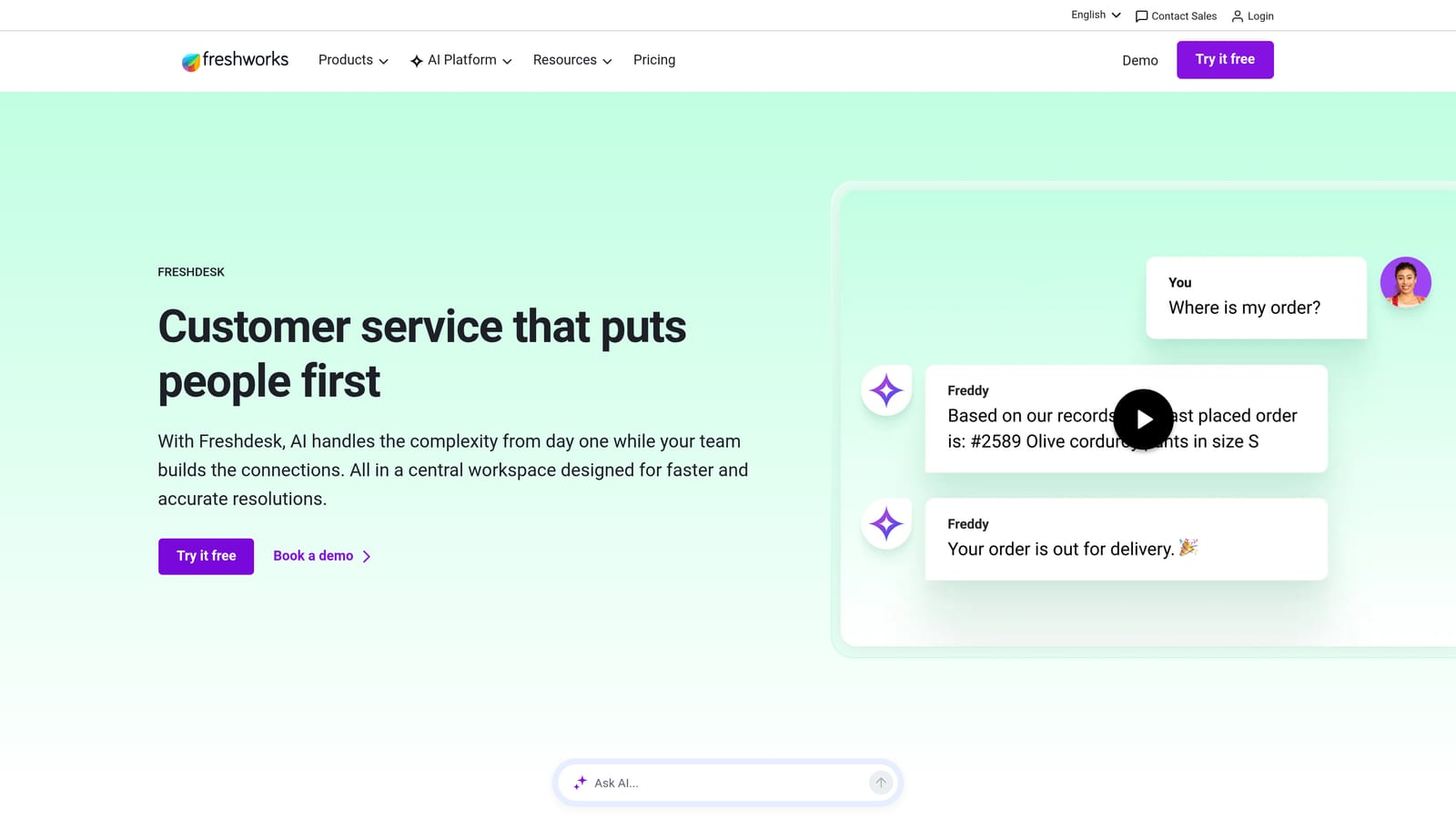
Freshdesk Analytics is built-in reporting for Freshdesk users covering ticket trends, agent productivity, and customer satisfaction.
Where This Tool Shines
Freshdesk Analytics earns points for accessibility. The canned reports cover the most common support KPIs, and the custom report builder is generally considered more approachable than Zendesk Explore for teams without a dedicated analyst. If you need to get reporting up and running quickly without a steep learning curve, this is a practical option.
The CSAT and NPS tracking integrates cleanly with Freshdesk's ticketing workflow, so satisfaction data shows up alongside resolution data without requiring extra configuration. It's a solid all-in-one option for teams that don't need to pull data from outside the Freshdesk environment.
Key Features
Canned Reports: Pre-built views for the most common support KPIs, ready to use from day one.
Custom Report Builder: Flexible report creation for teams that need views beyond the defaults.
CSAT and NPS Tracking: Customer satisfaction measurement built directly into the ticketing workflow.
Agent and Group Dashboards: Performance metrics at both the individual and team level.
Best For
Teams already on Freshdesk who want reliable reporting without adding complexity. Works well for mid-size support teams that need standard KPI coverage and occasional custom views.
Pricing
Included in Freshdesk plans. Advanced analytics features are available on the Growth plan and above. Verify current pricing on the Freshworks website.
4. Intercom Reports
Best for: Product-led growth companies connecting support performance to customer lifecycle data
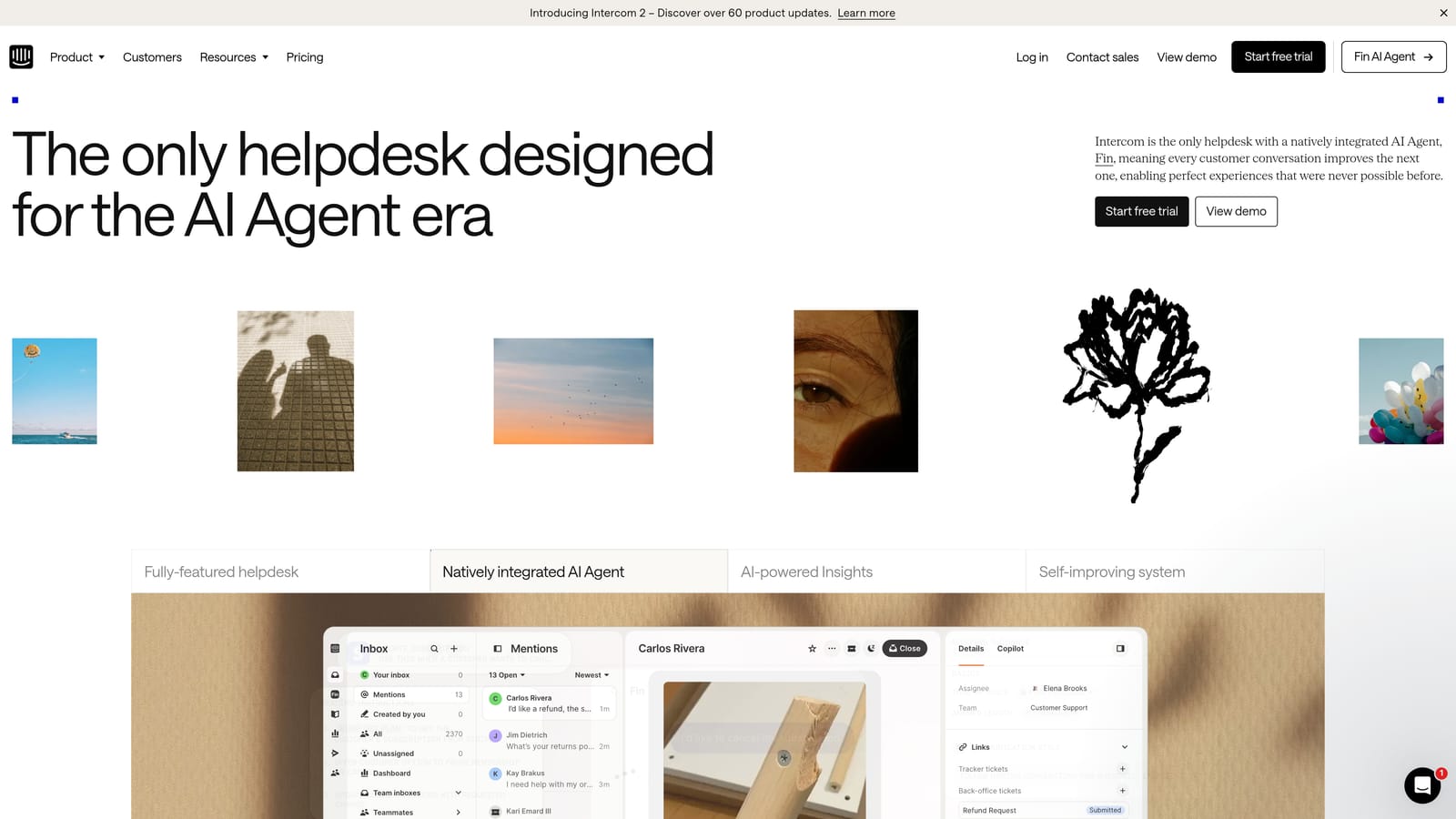
Intercom Reports is conversation and customer analytics built into Intercom, connecting support performance to customer lifecycle data for product-led teams.
Where This Tool Shines
Intercom's analytics strength is context. Because Intercom sits at the intersection of product, marketing, and support, its reporting can connect conversation data to user behavior in ways that pure helpdesk tools can't. Deflection rates, bot performance, and resolution metrics sit alongside customer segment data, which is genuinely useful for PLG teams trying to understand where users are getting stuck.
The automation and bot performance analytics are particularly well-developed. If you're running Intercom's AI features alongside human support, the reporting helps you understand which automated flows are working and where handoffs are happening most often.
Key Features
Conversation Resolution and Deflection Tracking: Measures how often issues are resolved without human intervention, and where deflection breaks down.
Bot and Automation Performance Analytics: Detailed reporting on automated conversation flows and their effectiveness.
CSAT Measurement: Customer satisfaction scores captured within conversation threads.
Team Inbox Performance Metrics: Volume, response time, and resolution data at the team and individual level.
Best For
PLG SaaS companies using Intercom as their primary support and messaging platform. Especially valuable for teams that want to connect support data to product usage and customer lifecycle stages.
Pricing
Included in Intercom plans. Pricing starts at $39/month on the Essential plan. Advanced reporting features are available on higher tiers.
5. Gorgias Analytics
Best for: E-commerce brands connecting support ticket data to revenue metrics
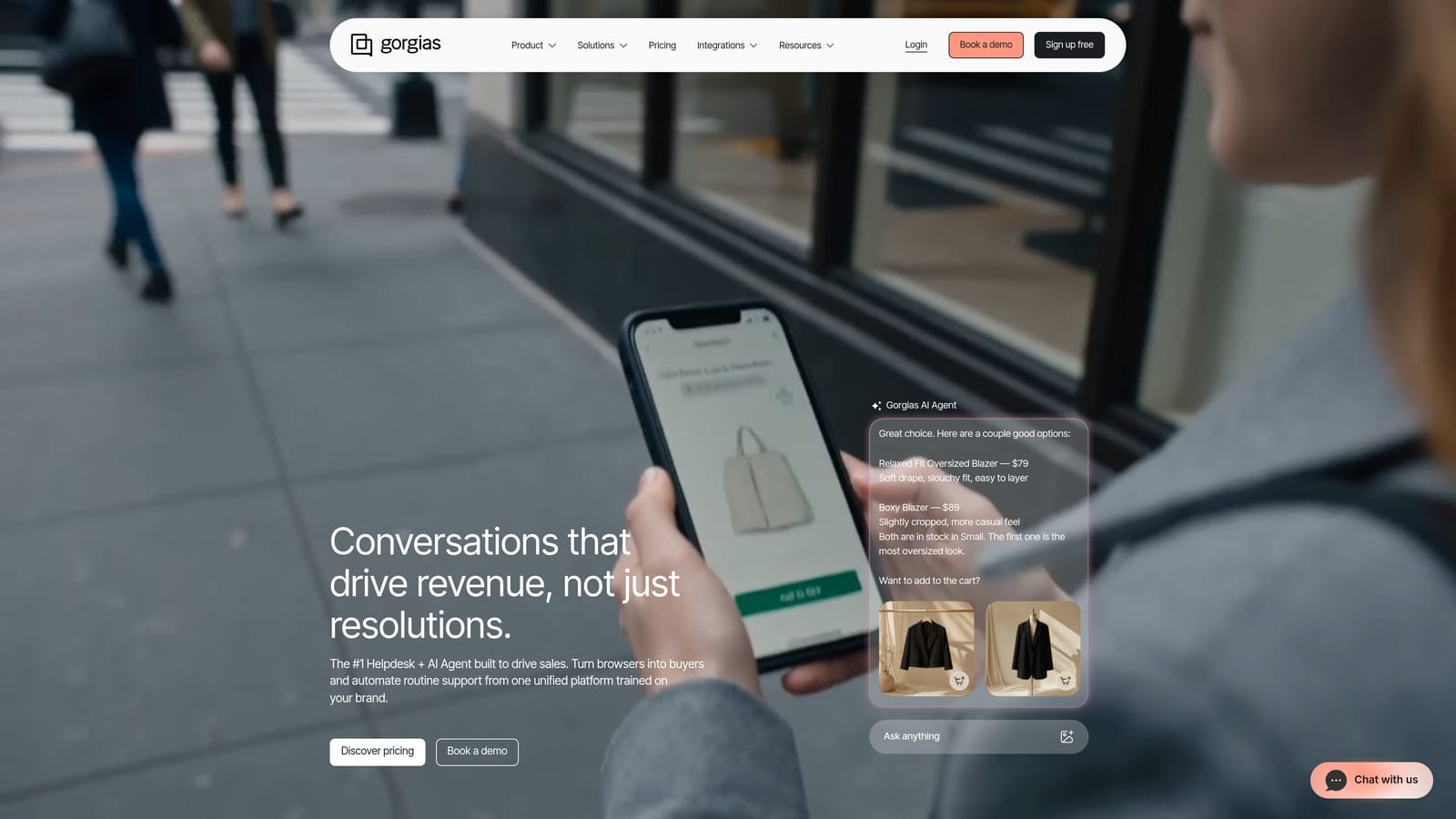
Gorgias Analytics is support analytics purpose-built for e-commerce, connecting ticket data directly to Shopify and BigCommerce revenue metrics.
Where This Tool Shines
Gorgias does something most helpdesk analytics tools don't: it connects support conversations to revenue. You can see which tickets influenced a purchase, how much revenue your support team generated or saved, and how automation is performing against those same revenue metrics. For DTC and e-commerce brands, this reframes support as a revenue function rather than a cost center.
The Shopify and BigCommerce integrations are deep, pulling order data directly into the support context. This means agents and analytics dashboards both have access to order history, return status, and purchase data alongside ticket metrics.
Key Features
Revenue Per Ticket Tracking: Connects support interactions to purchase data to show revenue influenced by support conversations.
Shopify and BigCommerce Integration: Order data surfaces directly within support analytics and agent views.
Agent Performance Dashboards: Response time, resolution rate, and productivity metrics for individual agents and teams.
Automation Effectiveness Reporting: Tracks how macros and automated responses are performing against key metrics.
Best For
E-commerce and DTC brands running on Shopify or BigCommerce who want to measure the revenue impact of their support function. Less relevant for pure B2B SaaS teams.
Pricing
Starts at $10/month for low ticket volumes. Pricing scales with ticket volume. Check Gorgias's current pricing page for the latest tier details.
6. Zoho Desk Reports
Best for: Teams in the Zoho ecosystem looking for broad metric coverage at a competitive price
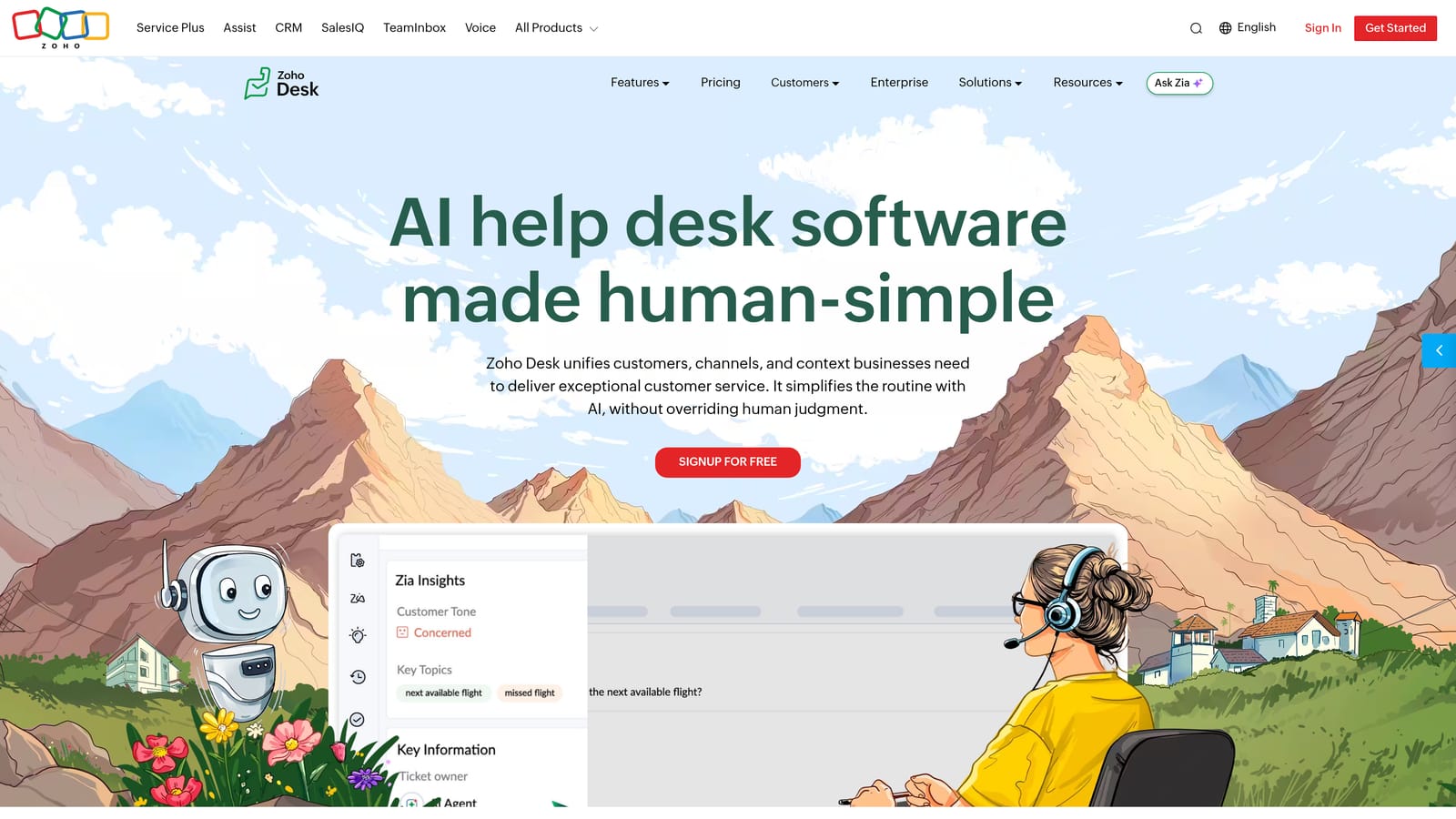
Zoho Desk Reports is comprehensive reporting built into Zoho Desk, offering broad metric coverage at a competitive price point.
Where This Tool Shines
Zoho Desk's reporting covers the full range of standard support metrics without requiring a premium add-on for basic functionality. For teams already using Zoho CRM or other Zoho products, the integration with Zoho Analytics opens up more advanced BI capabilities without switching platforms entirely.
The price-to-feature ratio is a genuine strength. Teams that need solid reporting without enterprise-level spend will find Zoho Desk covers most bases at a lower cost than comparable tools in the Zendesk or Freshdesk tiers.
Key Features
Pre-Built and Custom Report Templates: Standard reports available out of the box, with customization options for teams that need tailored views.
Agent and Team Performance Tracking: Individual and group metrics including response time, resolution rate, and workload distribution.
Customer Happiness Reporting: CSAT tracking integrated into the ticketing workflow.
Zoho Analytics Integration: Connect Zoho Desk data to Zoho's dedicated BI tool for more advanced analysis and cross-platform reporting.
Best For
Small to mid-size teams already in the Zoho ecosystem, or teams looking for comprehensive reporting at a lower price point than the major helpdesk platforms.
Pricing
Reports included across Zoho Desk plans. Advanced analytics available in the Professional plan at $23/agent/month and above.
7. Help Scout Reports
Best for: Small teams that want clear, actionable metrics without enterprise complexity
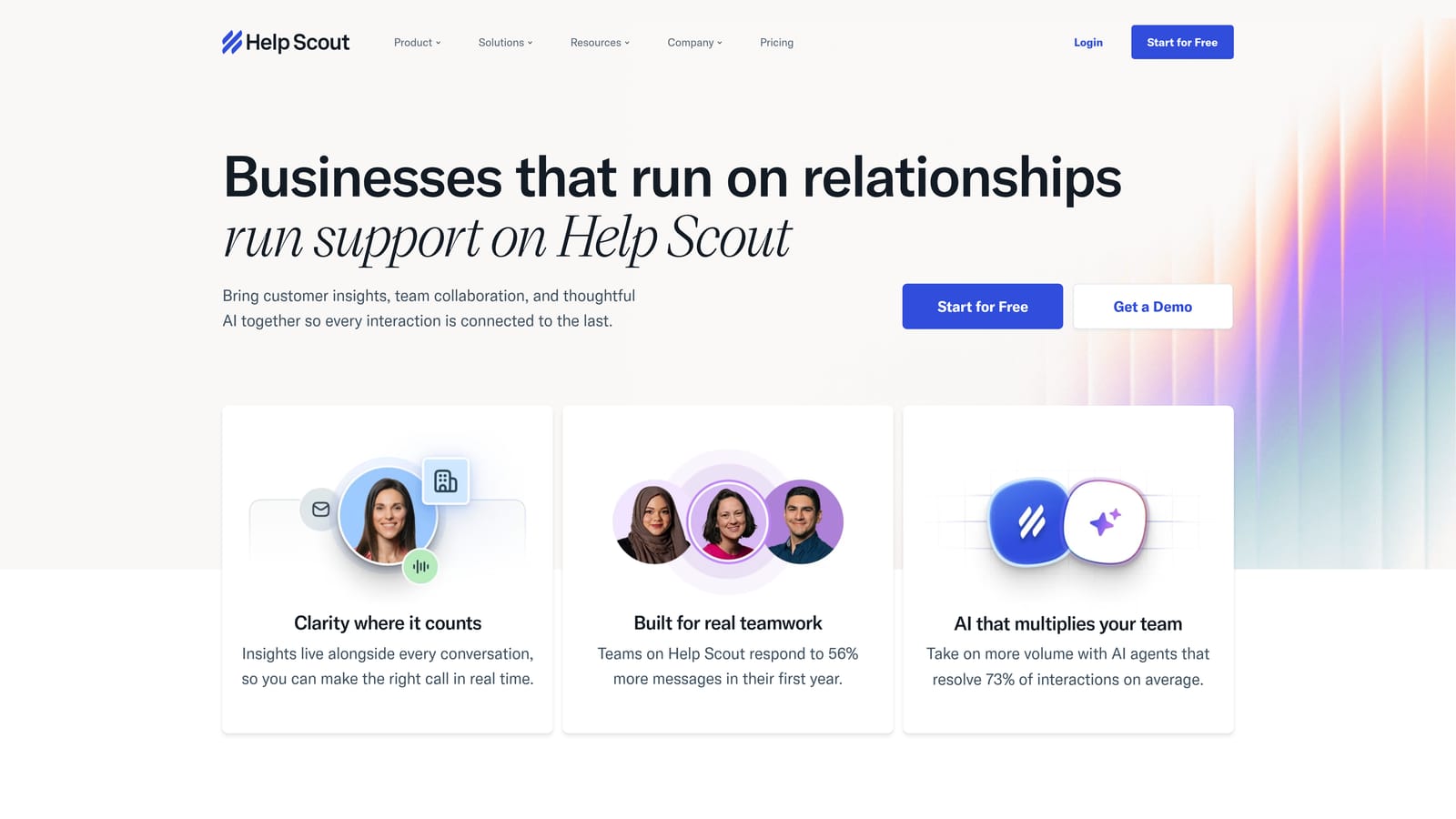
Help Scout Reports is simple, opinionated reporting focused on the metrics that matter most: volume, response time, and customer satisfaction.
Where This Tool Shines
Help Scout's reporting philosophy is refreshingly direct: show teams the metrics that actually drive decisions, and don't bury them in dashboards they'll never use. The result is reporting that small teams can actually act on without needing a dedicated analyst to interpret it.
The CSAT surveys are well-integrated, appearing naturally within conversation threads and feeding directly into the reporting dashboard. For teams that want a clear, honest picture of how their support is performing without spending hours configuring custom reports, Help Scout delivers that without friction.
Key Features
Clean Volume and Response Time Dashboards: Core metrics presented clearly without unnecessary complexity.
Built-In CSAT Surveys: Customer satisfaction tracking with results surfaced directly in the reporting dashboard.
Team and Individual Productivity Metrics: Performance data at both the team and agent level.
Exportable Reports: Easy export options for sharing metrics with leadership or stakeholders outside the platform.
Best For
Small support teams and startups that prioritize clarity over configurability. If your team needs simple, reliable reporting without a learning curve, Help Scout is a strong fit.
Pricing
Starts at $20/user/month on the Standard plan. Verify current pricing on the Help Scout website.
8. Kustomer IQ Analytics
Best for: Enterprise teams managing high-volume, omnichannel support across email, chat, social, and voice
Kustomer IQ Analytics is an AI-powered analytics layer within Kustomer's enterprise CX platform, providing unified omnichannel analytics across all customer channels.
Where This Tool Shines
Kustomer's core strength is unification. For enterprise teams managing customer interactions across email, chat, social media, and voice, having a single analytics view that spans all channels is genuinely valuable. The unified customer timeline means you're not reconciling data from four different tools to understand a customer's full history.
The IQ layer adds AI-powered classification and tagging across that conversation data, which helps large teams identify patterns at scale without manual categorization. For support operations leaders managing hundreds of agents across multiple channels, that automated intelligence layer can surface trends that would otherwise be invisible.
Key Features
Unified Customer Timeline Analytics: A single view of customer interactions across all channels, enabling holistic analysis without data silos.
AI-Powered Conversation Classification: Automatic tagging and categorization of conversations to identify patterns at scale.
Agent and Team Performance Reporting: Detailed metrics across individual agents and teams in a high-volume environment.
Custom Enterprise Dashboards: Flexible dashboard creation for complex reporting needs across large organizations.
Best For
Enterprise support teams managing high volumes across multiple channels who need a unified analytics view. Best suited for organizations with dedicated support operations resources to configure and maintain the platform.
Pricing
Enterprise pricing. Contact Kustomer directly for a quote based on team size and requirements.
9. Playvox Workforce Analytics
Best for: Support operations leaders focused on QA scoring, agent coaching, and workforce performance
Playvox is a QA-focused analytics platform combining quality scoring, agent coaching, and workforce performance tracking for support operations teams.
Where This Tool Shines
Playvox occupies a distinct niche: it's not trying to replace your helpdesk's native reporting. Instead, it layers QA and workforce analytics on top of your existing stack, giving support ops leaders tools that helpdesk-native analytics rarely provide. Custom QA scorecards, automated evaluation workflows, and structured coaching programs are all built into the platform.
The workforce management analytics, covering scheduling, adherence, and capacity planning, are particularly useful for larger teams where operational efficiency is as important as ticket metrics. The integrations with Zendesk, Salesforce, Intercom, and Kustomer mean it fits into most enterprise support stacks without requiring a platform switch.
Key Features
QA Scorecard Creation: Custom quality evaluation frameworks with automated scoring workflows for consistent agent assessment.
Agent Coaching and Performance Tracking: Structured improvement plans tied directly to QA results and performance data.
Workforce Management Analytics: Scheduling, adherence, and capacity planning metrics for operations leaders.
Helpdesk Integrations: Connects with Zendesk, Salesforce, Intercom, and Kustomer to pull conversation data into the QA workflow.
Best For
Support operations and QA leaders at mid-size to enterprise companies who need structured quality management and workforce analytics beyond what helpdesk-native tools provide.
Pricing
Contact for pricing. Playvox is positioned for mid-market and enterprise support operations teams.
Which Tool Is Right for Your Team?
The right customer support analytics software depends heavily on where you are, what you're trying to measure, and how much of your decision-making you want the tool to do for you.
Here's a quick guide by use case:
AI-native intelligence for B2B SaaS: Halo AI. If you want your support data to surface churn signals, product bugs, and revenue anomalies automatically, not just count tickets, Halo's smart inbox is built for exactly that.
Already on Zendesk: Zendesk Explore. It's the natural fit for teams invested in the Zendesk ecosystem, particularly those with ops resources to build custom reports.
Conversational or PLG support: Intercom Reports. The connection between conversation data and customer lifecycle stages makes it uniquely useful for product-led growth companies.
E-commerce brands: Gorgias Analytics. The revenue-per-ticket tracking and Shopify integration make it the clear choice for DTC and e-commerce support teams.
QA and agent coaching focus: Playvox. If structured quality management and workforce analytics are your priority, Playvox fills a gap that helpdesk-native tools don't address.
Small team, simple needs: Help Scout Reports. Clear, actionable metrics without enterprise overhead.
The best customer support analytics software is the one your team will actually use and act on. Start by identifying the one or two metrics that most directly connect to your business goals, whether that's ticket deflection rate, CSAT, time to resolution, or churn signals, and choose a tool that makes those metrics impossible to ignore.
If you're a B2B SaaS team looking for analytics that go beyond support KPIs into product intelligence and revenue signals, See Halo in action and discover how continuous learning transforms every interaction into smarter, faster support that scales without scaling headcount.