9 Best Customer Support Chatbot Platforms in 2026
This guide compares the 9 best customer support chatbot platforms for 2026, helping B2B SaaS and mid-market teams evaluate AI resolution quality, helpdesk integrations, live agent handoff, and analytics to find the right solution without growing support headcount unnecessarily.
 Grant CooperFounder13 min read
The gap between a rule-based chatbot that frustrates users and an AI agent that actually resolves issues is wider than ever in 2026. For B2B product teams, choosing the wrong platform doesn't just mean slower support — it means missed signals, unhappy customers, and a support team that keeps growing headcount instead of capability.
This list focuses on platforms built for SaaS product teams, mid-market B2B companies, and enterprises already running helpdesks like Zendesk, Freshdesk, or Intercom. Each tool was evaluated on AI resolution quality, integration depth with dev and revenue tools, live agent handoff smoothness, analytics beyond basic CSAT, and realistic time-to-value. If you're exploring the broader landscape, our guides on AI customer support agents, helpdesk automation, and live agent handoff best practices cover related ground worth reading alongside this.
Here are the top customer support chatbot platforms worth considering right now.
1. Halo AI
Best for: SaaS and B2B teams that want an AI-first support platform with business intelligence built in
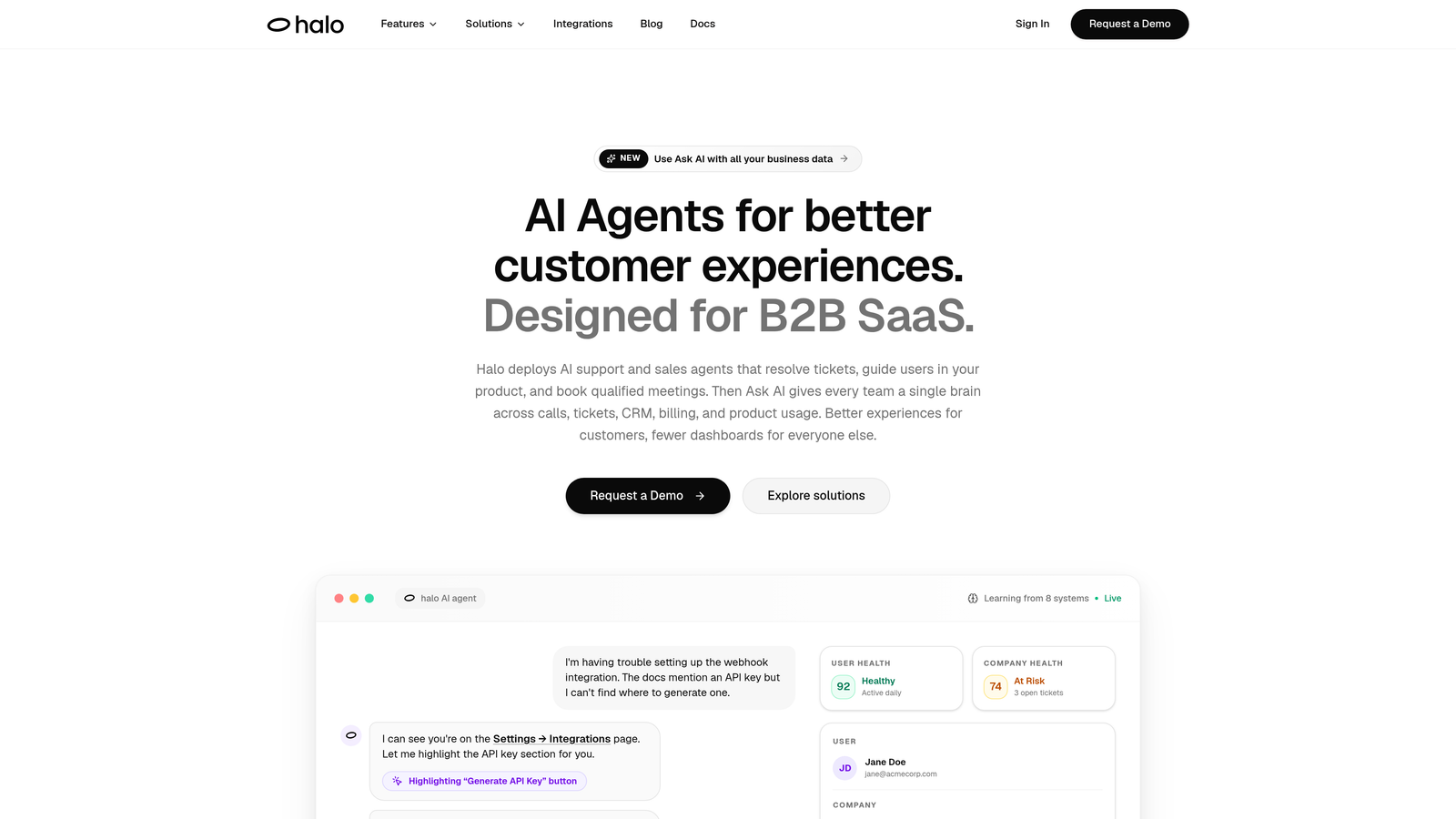
Halo AI is an AI-native customer support platform that resolves tickets, guides users visually through your product, auto-creates bug reports, and surfaces business intelligence signals — all while learning from every interaction.
Where This Tool Shines
What makes Halo genuinely different is page-awareness. The AI agent sees what the user sees on their screen, which means it can provide contextual, visual guidance rather than generic text instructions. This is a meaningful upgrade for SaaS teams where users are often stuck on a specific UI element or workflow step.
Beyond resolution, Halo's smart inbox surfaces customer health signals, revenue anomalies, and support trend data — turning your support queue into a source of business intelligence rather than just a ticket backlog. It's not a bolt-on to an existing helpdesk; the architecture is AI-first from the ground up.
Key Features
Page-Aware AI Agent: Sees the user's current screen context to deliver precise, visual guidance rather than generic answers.
Continuous Learning: Every resolved and escalated interaction feeds back into the model, improving resolution quality over time without manual retraining.
Auto Bug Ticket Creation: Automatically identifies product issues from support conversations and routes them directly to Linear or equivalent dev tools.
Smart Inbox with Business Intelligence: Surfaces customer health signals, revenue anomalies, and emerging trends alongside standard support metrics.
Live Agent Handoff: Escalates to human agents with full conversation context preserved — no repetitive re-explaining for the customer.
Deep Integrations: Connects natively with Slack, HubSpot, Intercom, Stripe, Zoom, PandaDoc, Fathom, and Linear.
Best For
SaaS product teams and mid-market B2B companies that want more than deflection from their support platform. Particularly strong for teams that need the support layer to feed signals into product, engineering, and revenue workflows rather than operating as a silo.
Pricing
Contact for pricing — tailored to SaaS and B2B team size. Pricing is not published publicly, so direct outreach is required to get a quote.
2. Intercom
Best for: Teams wanting a mature AI agent with strong proactive messaging and a large app ecosystem
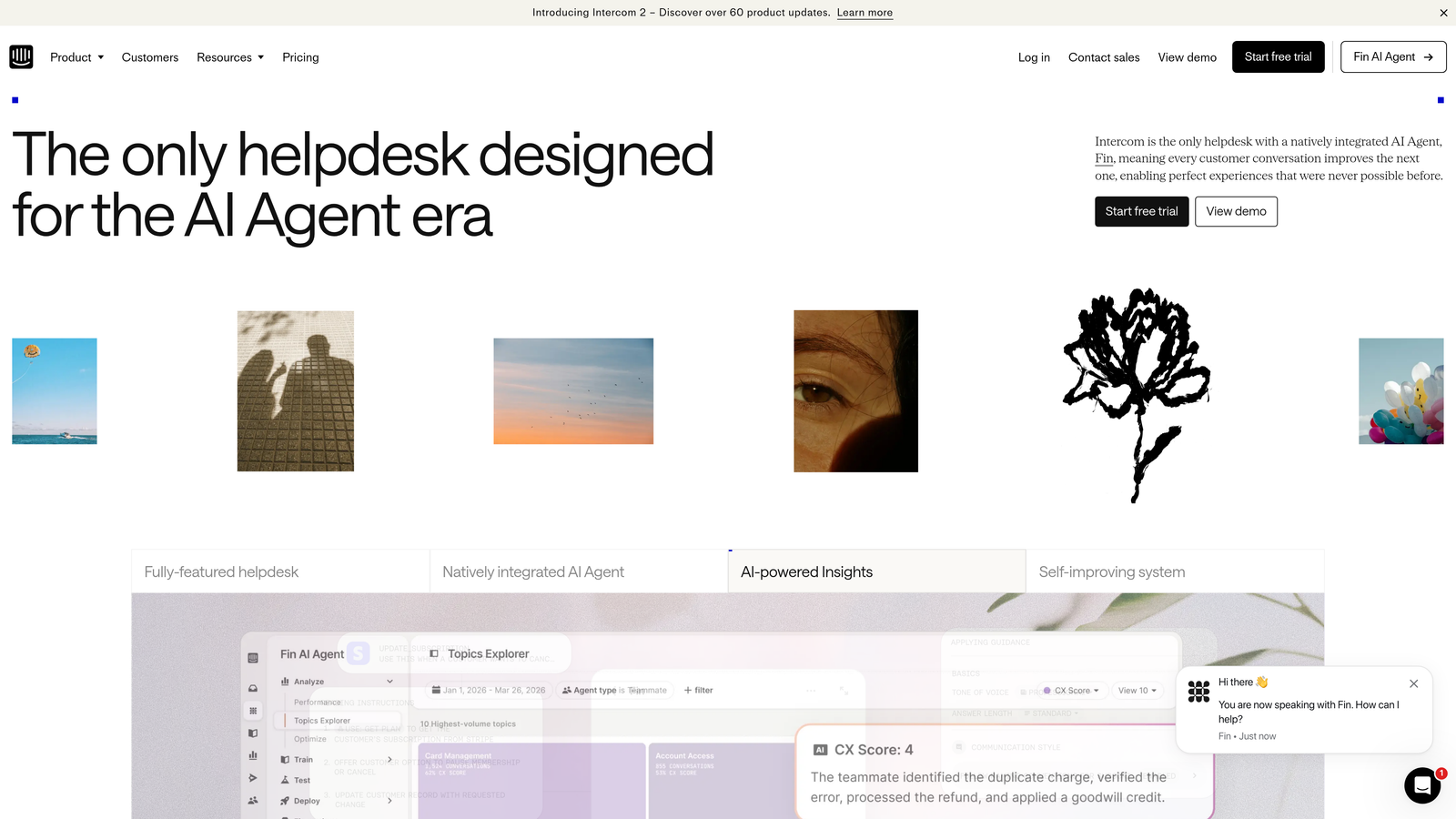
Intercom is a widely-deployed customer messaging platform whose Fin AI agent uses large language models to resolve support queries from help center content.
Where This Tool Shines
Fin is one of the most battle-tested AI agents in the market. It reads your existing help center content and handles queries conversationally, which means teams with well-maintained documentation can see meaningful deflection without extensive configuration. The escalation path to human agents is clean and well-documented.
Intercom also goes beyond reactive support. Proactive messaging, product tours, and in-app announcements all live in the same platform, making it a strong choice for teams that want to blend support with onboarding and engagement in a single tool.
Key Features
Fin AI Agent: LLM-powered resolution from help center content with configurable escalation thresholds.
Proactive Messaging and Product Tours: Engage users before they hit a support wall, reducing inbound volume proactively.
Shared Inbox with AI Assistance: Agent replies get AI-suggested responses and summaries to speed up human handling.
Third-Party App Ecosystem: Hundreds of integrations via native connectors and webhooks.
Resolution and CSAT Reporting: Tracks resolution rates, satisfaction scores, and Fin performance over time.
Best For
Teams already invested in Intercom's messaging ecosystem, or those wanting a proven AI agent with strong documentation and a large community. Less ideal for teams that need deep dev-tool integrations or business intelligence beyond support metrics.
Pricing
Starts at approximately $39 per seat per month; Fin AI is billed on a usage-based model per resolution, which can add up at higher volumes. Pricing is worth modeling carefully before committing.
3. Zendesk AI
Best for: Teams already on Zendesk Suite looking for an AI upgrade without switching platforms
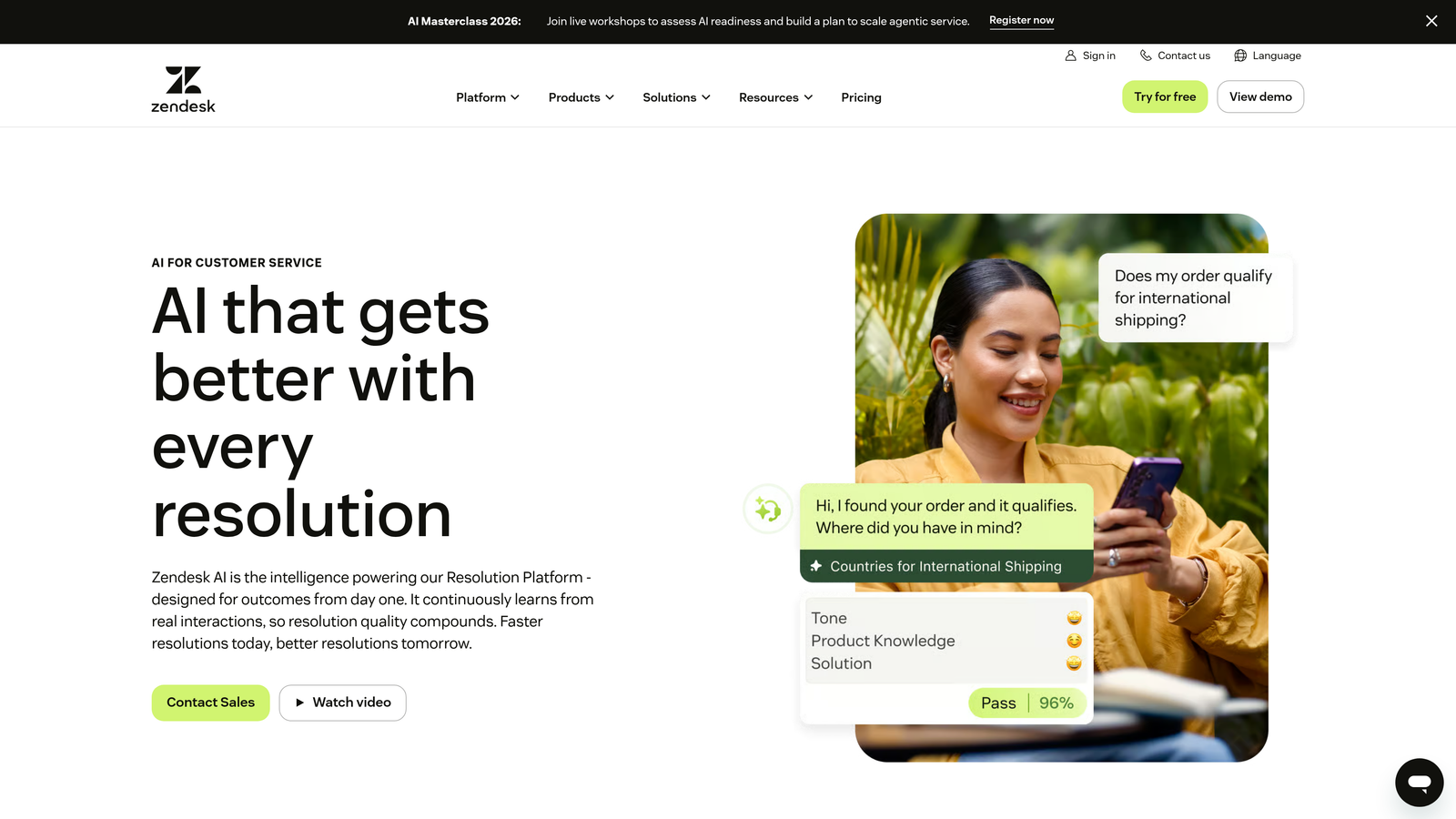
Zendesk AI layers intelligent triage, Answer Bot, and an agent copilot directly into the established Zendesk Suite, making it the lowest-friction AI path for existing Zendesk customers.
Where This Tool Shines
If your team is already running on Zendesk, the AI features slot into existing workflows without a migration or integration project. Intelligent triage routes tickets by intent, sentiment, and language automatically — reducing the manual sorting that burns agent time in high-volume queues.
The agent copilot is particularly useful for teams handling complex or lengthy tickets. It summarizes long threads and suggests replies based on past resolutions, which shortens average handle time without requiring agents to change how they work.
Key Features
Intelligent Triage: Routes tickets automatically based on intent, sentiment, and detected language.
Answer Bot: Deflects common queries before they reach the agent queue using knowledge base content.
Agent Copilot: Suggests replies and summarizes long threads in real time during agent handling.
Enterprise Compliance and Security: Audit logging, data residency options, and enterprise-grade access controls.
Omnichannel Coverage: Works across email, chat, voice, and social channels within a single platform.
Best For
Mid-market and enterprise teams already paying for Zendesk Suite who want to add AI capability without switching vendors. Less compelling for teams not already on Zendesk, since the AI features are not designed to stand alone.
Pricing
Zendesk Suite starts at approximately $55 per agent per month; AI features are available on higher-tier plans. Verify current tier structure at time of evaluation as pricing has shifted frequently.
4. Freshdesk Freddy AI
Best for: SMB and growth-stage teams on Freshdesk wanting AI deflection and agent assistance at an accessible price
Freshdesk Freddy AI covers three layers of AI support: self-service deflection, in-app agent assistance, and analytics insights — all native to the Freshdesk helpdesk environment.
Where This Tool Shines
Freddy's three-layer structure is well thought out. Freddy Self Service handles inbound queries before they reach agents. Freddy Copilot assists agents with reply suggestions and conversation summaries. Freddy Insights surfaces trends and anomalies in support data. Each layer adds value independently, and together they cover the full support workflow without requiring a separate AI tool.
For teams already on Freshdesk, there's no integration overhead — Freddy activates within the existing environment, which meaningfully reduces implementation time compared to bringing in a third-party AI platform.
Key Features
Freddy Self Service: AI-powered chatbot that handles common queries conversationally before escalation.
Freddy Copilot: Suggests replies and generates summaries for agents handling open tickets.
Freddy Insights: Surfaces support trends, anomalies, and emerging patterns in ticket data.
Native Freshdesk Integration: No additional setup for existing Freshdesk users — AI features activate within the same environment.
Accessible Entry Pricing: AI features unlock on Growth plan and above, with a free tier available to start.
Best For
SMB and growth-stage B2B teams already using Freshdesk who want AI capability without switching platforms or increasing complexity. Less suited for teams needing deep business intelligence outputs or complex multi-system integrations.
Pricing
Free tier available; Freddy AI features unlock from the Growth plan at approximately $15 per agent per month. One of the more affordable entry points in this category.
5. Drift (Salesloft)
Best for: Revenue teams where support, sales, and pipeline overlap in a single customer conversation
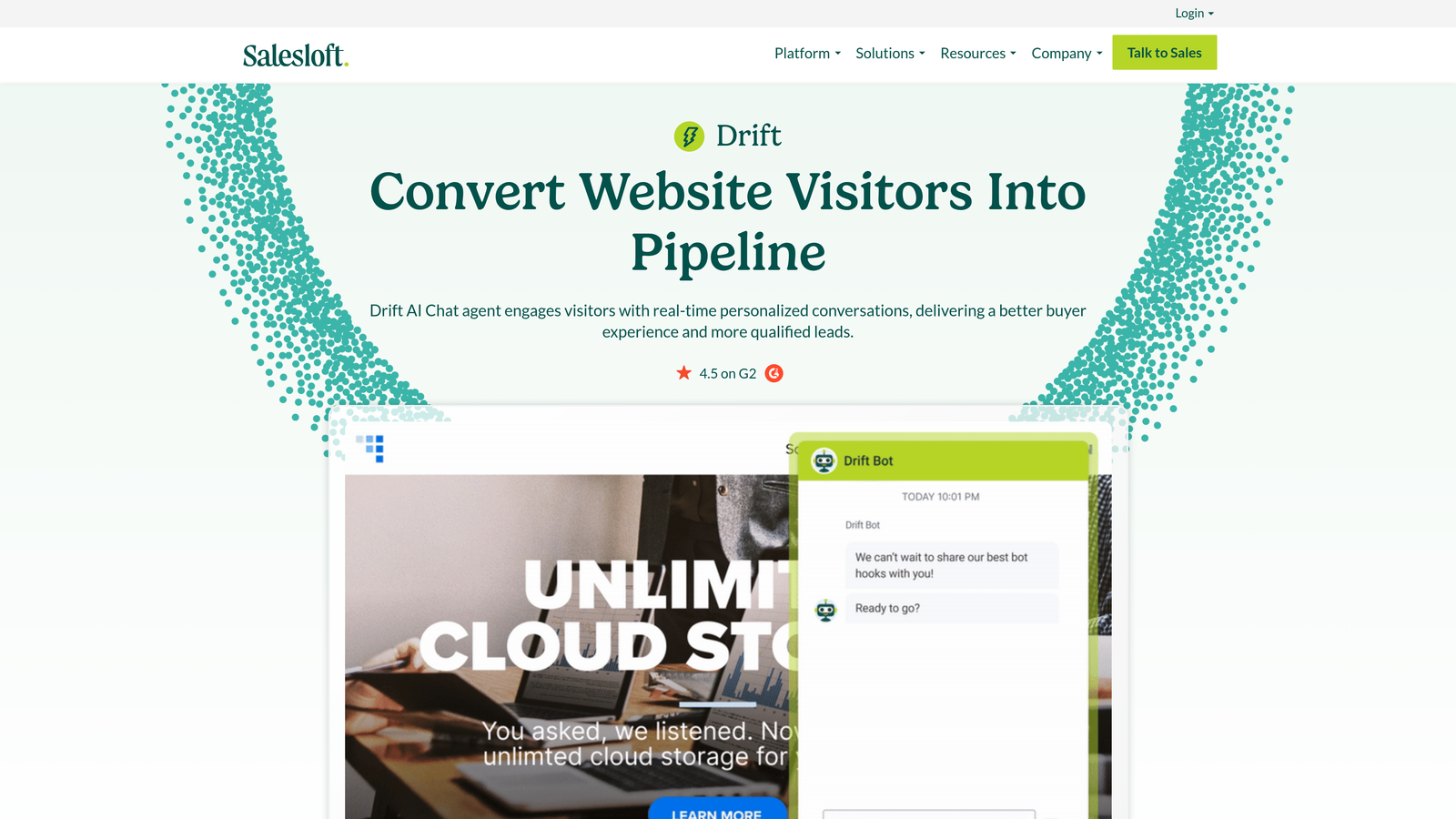
Drift is a conversational platform originally built for marketing and sales that has expanded into AI-powered support, now integrated into the Salesloft revenue platform.
Where This Tool Shines
Drift's real strength is the boundary between support and pipeline. AI playbooks can qualify a website visitor, answer a product question, and book a meeting with a sales rep — all in the same conversation thread. For teams where the line between support and sales is intentionally blurry, this is a genuine advantage.
The Salesloft integration adds sales engagement context to conversations, so revenue teams can see the full picture of an account's activity without switching tools. Real-time notifications for high-value accounts visiting the site also give sales teams an engagement signal that pure support platforms don't provide.
Key Features
AI Playbooks: Automatically qualify, route, and support website visitors based on configurable logic.
Meeting Booking and Pipeline Handoff: Books meetings and routes conversations to sales reps directly from chat.
Salesloft Integration: Surfaces full revenue team context within chat conversations for high-value accounts.
Account-Based Targeting: Personalizes conversations by company segment, intent, or account tier.
Real-Time Notifications: Alerts sales or support reps when target accounts are active on the site.
Best For
Teams with a revenue motion where support conversations frequently convert to pipeline opportunities. Less focused on deep ticket resolution or technical support workflows — better suited to commercial and growth-stage B2B teams.
Pricing
Contact sales for pricing — mid-market and enterprise focused. No public pricing is available; expect a discovery call before receiving a quote.
6. Tidio
Best for: Small businesses and early-stage teams that need fast deployment without a long implementation cycle
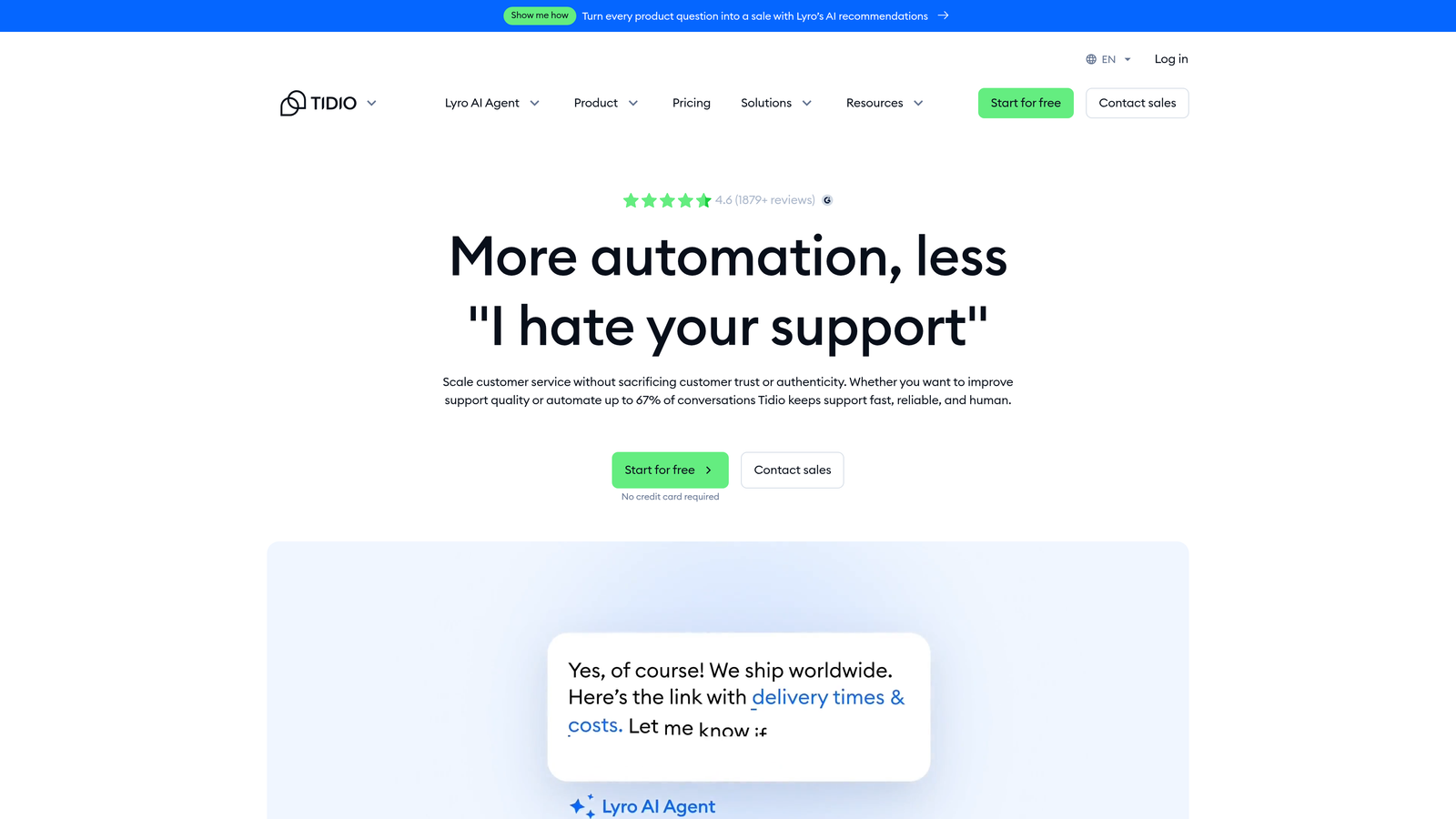
Tidio is a lightweight customer support platform featuring Lyro, its AI chatbot, alongside live chat — designed for teams that need results quickly without dedicated implementation resources.
Where This Tool Shines
Tidio's setup speed is genuinely impressive. Teams can have Lyro handling FAQ-level queries within hours rather than weeks. The visual chatbot flow builder requires no technical background, and the live chat fallback ensures no conversation gets dropped when the AI reaches its limits.
For e-commerce and small business contexts, the built-in Shopify and WordPress integrations remove a common friction point. Tidio occupies a clear niche: fast, affordable, and approachable for teams that aren't running complex B2B SaaS support workflows.
Key Features
Lyro AI Chatbot: Handles FAQs and common queries conversationally using the team's existing content.
Live Chat Fallback: Seamlessly passes conversations to human agents when AI resolution isn't sufficient.
E-Commerce Integrations: Native connections to Shopify, WordPress, and common e-commerce platforms.
Visual Flow Builder: Non-technical teams can configure chatbot logic without writing code.
Mobile App: Agents can respond to live conversations from a mobile device.
Best For
Small businesses, early-stage startups, and e-commerce teams that need affordable AI-assisted chat without the complexity of enterprise-grade platforms. Not the right fit for complex B2B SaaS support workflows or teams needing deep CRM and dev-tool integrations.
Pricing
Free tier available; Lyro AI starts at approximately $29 per month. One of the most transparent and accessible pricing structures in this list.
7. Kustomer
Best for: High-volume consumer brands needing a unified customer timeline with AI automation layered across it
Kustomer is a CRM-first customer service platform that aggregates every customer interaction into a unified timeline and layers AI automation across that full record.
Where This Tool Shines
The unified customer timeline is Kustomer's defining feature. Before an agent — or the AI — responds to a customer, it already has full context: every past purchase, conversation, complaint, and resolution in a single view. This context-richness makes AI automation more accurate and human agent responses more informed.
Kustomer handles omnichannel volume well, pulling in email, chat, SMS, social, and voice into the same timeline. For brands managing large customer bases with complex interaction histories, this is meaningfully better than platforms that treat each channel as a separate silo.
Key Features
Unified Customer Timeline: Every interaction across all channels aggregated into a single customer record.
AI Automation: Handles routing, tagging, and response suggestions across the full interaction history.
Omnichannel Support: Email, chat, SMS, social, and voice managed in one platform.
Custom Workflow Builder: Configure complex support logic without engineering involvement.
Subscription and DTC Fit: Particularly strong for brands with rich, recurring customer histories and high interaction volume.
Best For
High-volume consumer brands, subscription businesses, and DTC companies where customer history is dense and context-rich. Less commonly adopted in pure B2B SaaS environments where CRM depth matters less than dev-tool integrations.
Pricing
Contact sales for pricing — enterprise-focused with no public rate card. Expect a consultative sales process before receiving a proposal.
8. Ada
Best for: Large enterprises needing an AI agent that executes actions, not just retrieves answers
Ada is an enterprise-grade, no-code AI agent platform designed to go beyond answering questions — it can execute transactions like processing refunds or updating account details autonomously.
Where This Tool Shines
Most AI support tools retrieve information. Ada acts on it. The ability to process a refund, update a subscription, or modify account details within a chat conversation — without routing to a human agent — is a meaningful capability gap between Ada and lighter-weight platforms. For large organizations with high volumes of transactional support requests, this translates directly into containment rate improvement.
Multilingual support across dozens of languages is also a genuine strength, not an afterthought. For global enterprises handling support across multiple regions, Ada's language coverage removes a common limitation of AI-first platforms.
Key Features
Action-Oriented AI: Executes transactions like refunds and account updates, not just retrieves answers from documentation.
No-Code Builder: Non-technical teams can configure AI workflows, escalation paths, and action logic without engineering support.
Multilingual Support: Handles conversations in dozens of languages out of the box.
Pre-Built Integrations: Native connections to Salesforce, Zendesk, Shopify, and other enterprise systems.
Containment Rate Analytics: Tracks what percentage of conversations the AI resolves without human escalation.
Best For
Large enterprises with high-volume, transactional support needs across multiple languages and regions. The no-code builder makes it accessible to non-technical teams, but the implementation investment and enterprise pricing make it less suited to early-stage or mid-market teams.
Pricing
Contact sales for enterprise pricing; implementation support is included. No public pricing is available — expect a structured onboarding process as part of the engagement.
9. Chatbase
Best for: Technical founders and developers building GPT-powered support directly into their own products
Chatbase lets technical teams build custom AI chatbots trained on their own documentation, URLs, or uploaded files — an API-first tool for embedding AI support natively into a product.
Where This Tool Shines
Chatbase gives developers full control. You train the chatbot on your own data — PDFs, URLs, text files, or sitemaps — and embed it anywhere via API. This flexibility makes it popular with technical founders who want AI support that feels native to their product rather than a third-party widget bolted on.
White-label options mean agencies and product teams can deploy branded AI chatbots for clients without Chatbase branding visible. The analytics layer tracks which sources the AI used to answer queries and flags unanswered questions — useful for identifying gaps in documentation.
Key Features
Custom Data Training: Train on PDFs, URLs, plain text, or sitemaps — the chatbot answers from your specific content.
API-First Architecture: Embed the chatbot into any product, website, or application via a clean API.
White-Label Options: Deploy fully branded chatbots for agencies or product teams without platform attribution.
Configurable LLM Behavior: Choose from multiple model options and tune response behavior to match your use case.
Conversation Analytics: Tracks sources used, unanswered queries, and conversation patterns to surface documentation gaps.
Best For
Technical founders, developers, and agencies building AI support into their own products. Less suited for non-technical teams or companies needing out-of-the-box helpdesk features, live agent handoff, or CRM integrations without custom development. For a direct comparison, Halo AI's blog covers Chatbase alternatives in more detail.
Pricing
Free tier available; paid plans start at approximately $19 per month. One of the most affordable starting points for developer-focused AI chatbot tooling.
Which Platform Is Right for Your Team?
The honest answer is: it depends on where you sit on two axes. The first is whether you want an AI-first platform or an AI upgrade to a helpdesk you already use. The second is whether support is a standalone function or something that feeds directly into product, engineering, and revenue workflows.
Here's a quick way to think through the decision:
If you're a SaaS or B2B product team that wants support to feed signals into engineering and revenue: Halo AI is purpose-built for this. The page-aware context, auto bug ticket creation, and smart inbox business intelligence go well beyond what helpdesk-add-on AI can provide.
If you're already on Zendesk or Freshdesk and want AI without switching: Zendesk AI and Freddy AI are the lowest-friction paths. The AI quality is solid for most use cases, and the integration overhead is essentially zero.
If you need enterprise-grade action-oriented AI at global scale: Ada is the strongest option, particularly for multilingual, transactional support at volume.
If support and sales pipeline overlap in your customer conversations: Drift inside the Salesloft ecosystem is the natural fit for revenue teams.
If you're a developer building AI support into your own product: Chatbase offers the most flexibility at the lowest entry cost.
Before making a final call, ask yourself three questions: Does this platform surface business intelligence beyond resolved tickets? How smooth is the live agent handoff when the AI reaches its limits? And what does the pricing model look like at three times your current support volume?
Your support team shouldn't scale linearly with your customer base. Let AI agents handle routine tickets, guide users through your product, and surface business intelligence while your team focuses on complex issues that need a human touch. See Halo in action and discover how continuous learning transforms every interaction into smarter, faster support.