9 Best Customer Support Efficiency Tools in 2026
Discover nine customer support efficiency tools in 2026 that help teams shift from reactive firefighting to proactive customer service. This comprehensive guide evaluates AI-powered ticket resolution, knowledge management systems, and workflow automation platforms designed to reduce response times, automate repetitive inquiries, and provide agents with better context—with options suitable for various team sizes and budgets.
 Matt PattoliFounder11 min read
Every minute your support team spends on repetitive tasks is a minute they're not solving complex customer problems. As ticket volumes grow and customer expectations rise, the right efficiency tools can mean the difference between a team that's constantly firefighting and one that's proactively delighting customers.
This guide covers nine tools that tackle different aspects of support efficiency—from AI-powered ticket resolution to knowledge management and workflow automation. Whether you're looking to reduce first response times, automate routine inquiries, or give your agents better context, you'll find options here that fit various team sizes and budgets.
1. Halo AI
Best for: Teams wanting AI agents that autonomously resolve tickets while continuously learning from interactions.
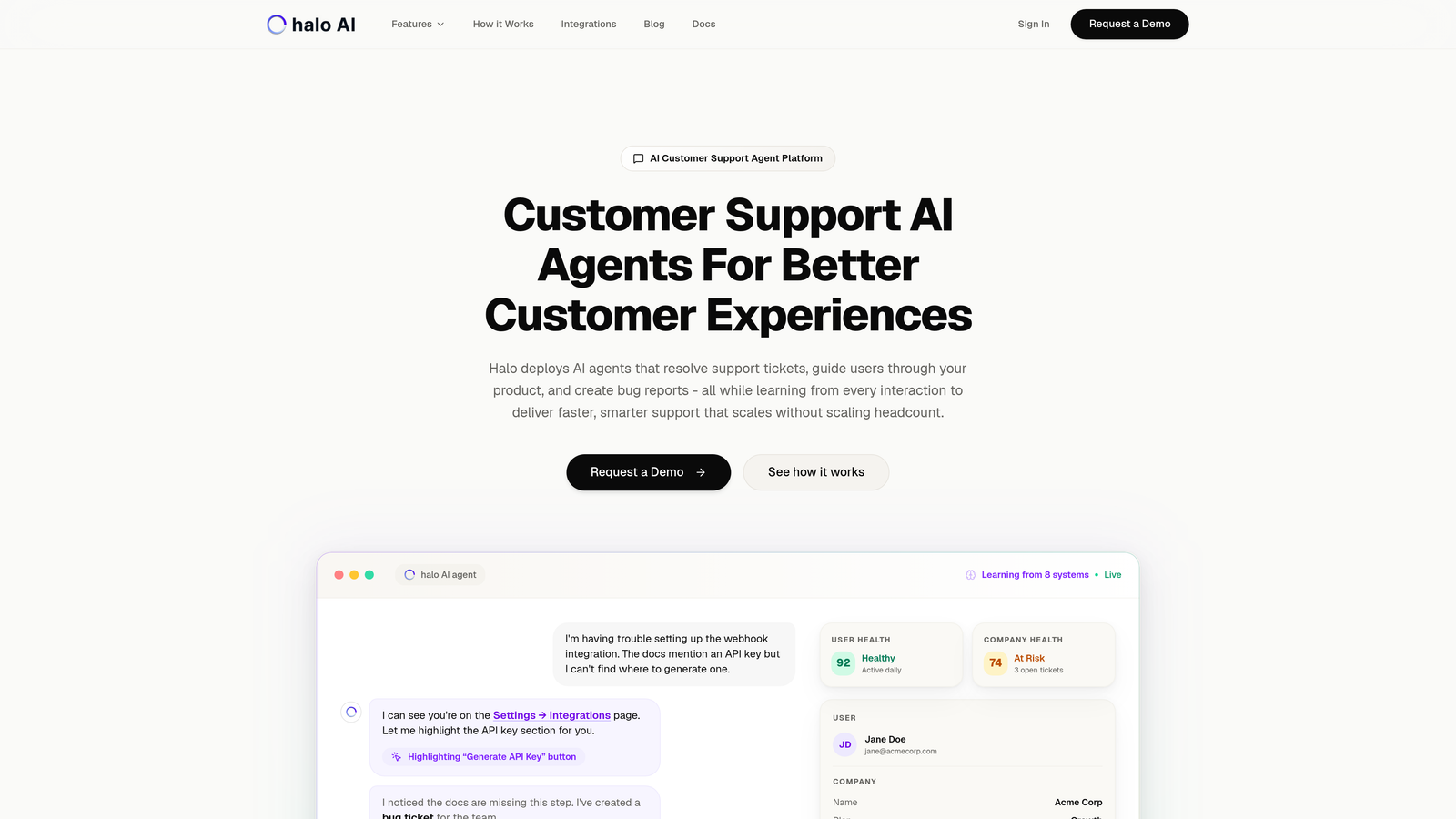
Halo AI is an AI-first customer support platform that deploys intelligent agents to handle ticket resolution, guide users through your product, and create bug reports automatically.
Where This Tool Shines
Unlike traditional helpdesk systems with AI bolted on, Halo is built from the ground up around autonomous agents that learn from every interaction. The platform sees what your users see through page-aware context, enabling it to provide visual guidance directly within your product interface.
The continuous learning architecture means your AI agents get smarter over time without manual retraining. They connect to your entire business stack—Linear, Slack, HubSpot, Intercom, Stripe, and more—giving them the context needed to resolve issues that typically require human intervention.
Key Features
Autonomous AI Agents: Handle ticket resolution end-to-end, escalating to humans only when complexity requires it.
Page-Aware Chat Widget: Provides visual UI guidance based on what users are actually seeing in your product.
Smart Inbox with Business Intelligence: Surfaces customer health signals, revenue intelligence, and anomaly detection beyond basic support metrics.
Auto Bug Ticket Creation: Automatically generates properly formatted bug reports in Linear with relevant context and reproduction steps.
Live Agent Handoff: Seamlessly transfers complex issues to human agents with full conversation context preserved.
Best For
B2B SaaS companies and product teams that want support to scale without scaling headcount. Particularly valuable for teams currently using Zendesk, Freshdesk, or Intercom who need more intelligent automation than traditional helpdesks provide.
Pricing
Contact for pricing. The platform is designed for teams serious about AI-powered support transformation rather than incremental automation.
2. Zendesk
Best for: Enterprise teams managing high-volume omnichannel support across email, chat, phone, and social.
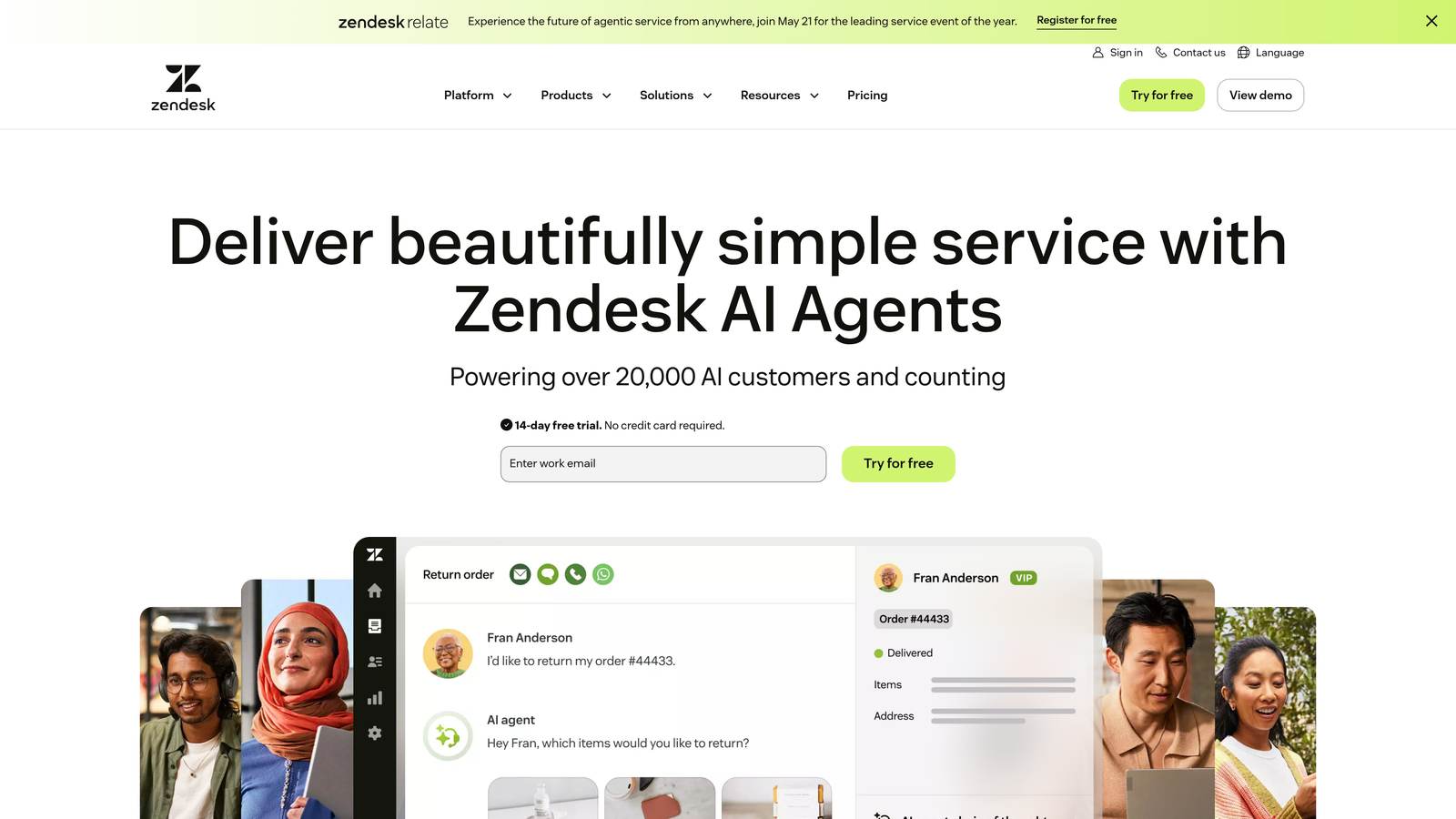
Zendesk is the comprehensive helpdesk platform that's become synonymous with enterprise customer support operations.
Where This Tool Shines
Zendesk excels when you need to manage support at scale across multiple channels. The platform handles everything from email and live chat to phone support and social media monitoring in one unified system.
The extensive marketplace offers hundreds of integrations, and the reporting capabilities let you slice support data dozens of ways. For large teams with complex workflows, Zendesk's maturity shows in features like advanced trigger logic, custom ticket fields, and role-based permissions.
Key Features
Omnichannel Ticketing: Unified inbox for email, chat, phone, social media, and messaging apps.
Advanced Automation: Complex trigger workflows and macros that handle sophisticated routing and response scenarios.
Integration Marketplace: Thousands of pre-built integrations plus API access for custom connections.
Custom Reporting: Detailed analytics with customizable dashboards and scheduled report delivery.
Answer Bot: AI-powered suggestions that surface relevant help articles before agents respond.
Best For
Large support organizations with 20+ agents handling diverse channel types. Companies that need enterprise-grade security, compliance features, and the ability to customize extensively.
Pricing
Starts at $55 per agent per month for Suite Team. Enterprise features require higher-tier plans, with costs scaling significantly for larger teams.
3. Intercom
Best for: SaaS companies prioritizing in-app engagement and proactive messaging over traditional ticketing.
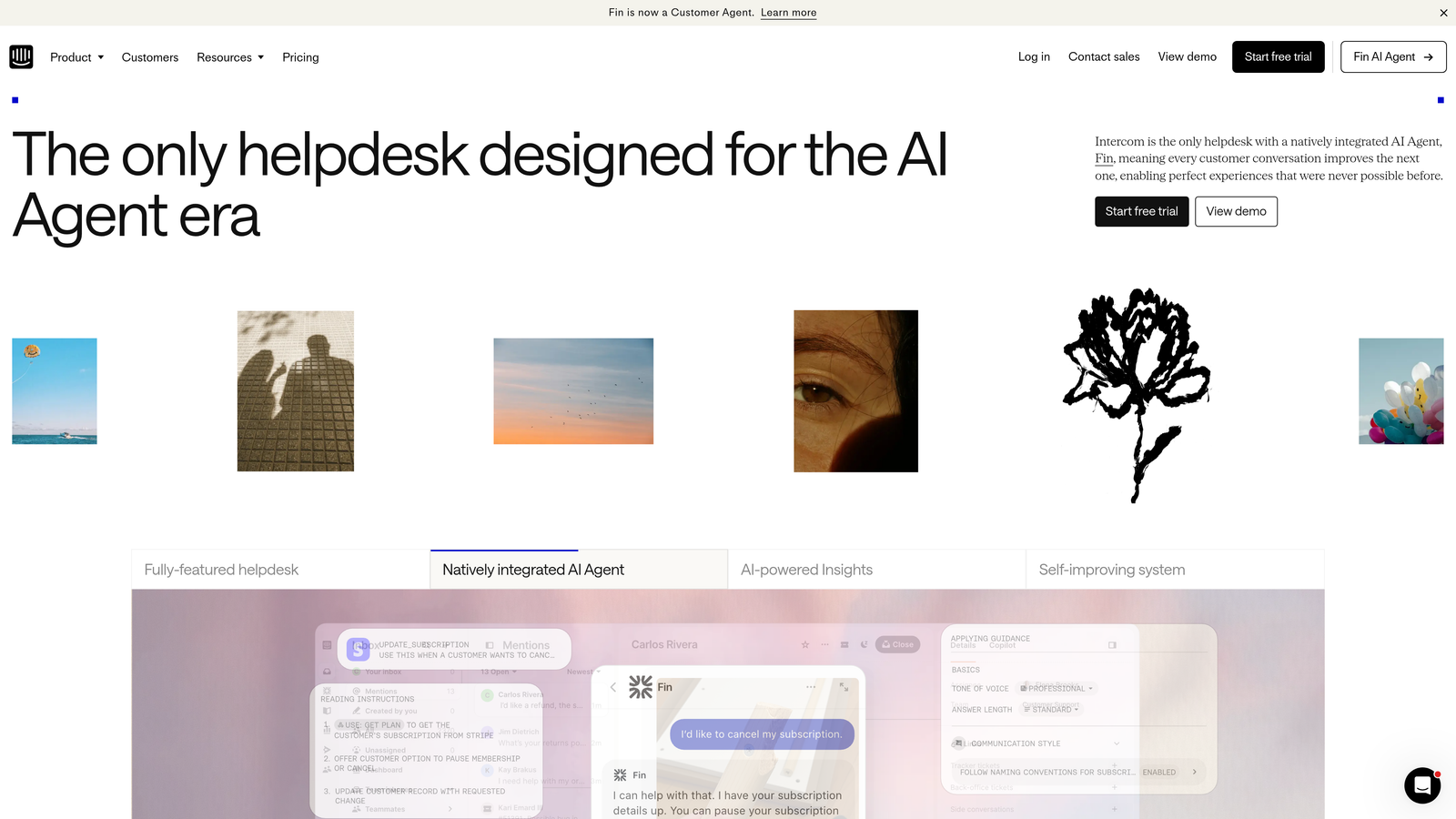
Intercom is a conversational support platform that combines live chat, chatbots, and targeted messaging for seamless in-product experiences.
Where This Tool Shines
Intercom treats support as part of the broader customer journey rather than just ticket resolution. The platform excels at proactive engagement—reaching out to users based on behavior triggers rather than waiting for them to submit tickets.
Product tours and in-app messaging let you guide users through features before confusion turns into support requests. The customer data platform integration means your support team sees the full context of who they're helping, from trial status to feature usage patterns.
Key Features
Customizable Chatbots: Build resolution workflows that handle common questions without human involvement.
Product Tours: Create in-app walkthroughs that reduce support volume by educating users proactively.
Unified Inbox: All conversations—chat, email, social—in one place with team collaboration features.
Customer Data Platform: Rich user profiles showing product usage, account details, and conversation history.
Behavioral Targeting: Trigger messages based on user actions, page visits, or account attributes.
Best For
Product-led SaaS companies that want to blend support with onboarding and customer success. Teams that view support as relationship-building rather than just problem-solving.
Pricing
Starts at $39 per seat per month for Essential. Advanced features like product tours and series messaging require higher tiers.
4. Freshdesk
Best for: Growing support teams that need powerful features without enterprise complexity or pricing.
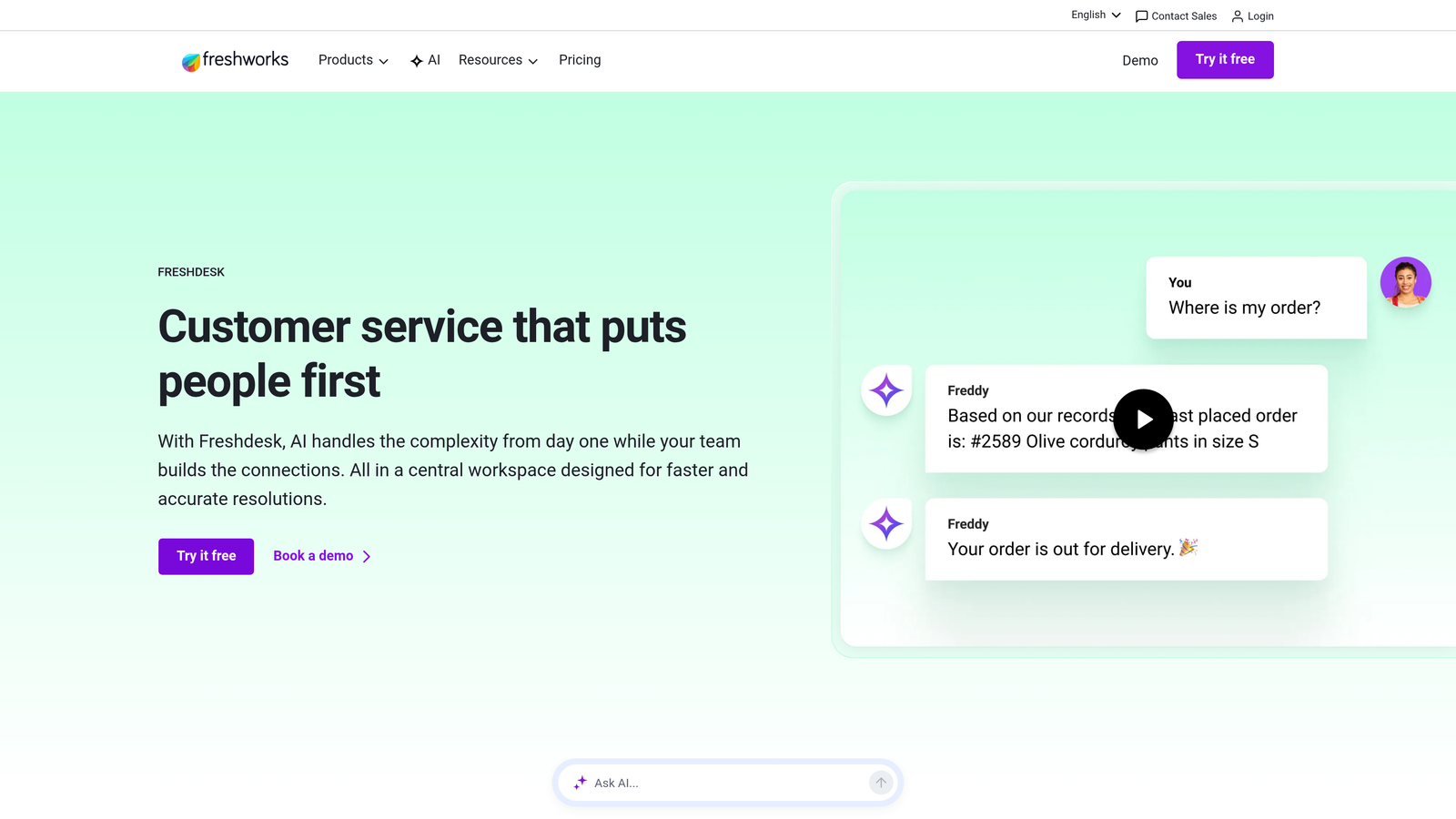
Freshdesk is an intuitive helpdesk solution that balances capability with ease of use, designed for mid-market teams.
Where This Tool Shines
Freshdesk hits the sweet spot between feature richness and simplicity. The interface feels modern and approachable, making onboarding new agents faster than traditional enterprise helpdesks.
Scenario automations let you handle bulk actions intelligently—like automatically escalating tickets that mention specific keywords or haven't been updated in 24 hours. The self-service portal and knowledge base features are surprisingly robust for the price point, and Freddy AI provides agent assistance without requiring expensive add-ons.
Key Features
Ticket Dispatch: Intelligent routing based on agent skills, workload, and SLA requirements.
Scenario Automations: Bulk actions triggered by conditions like time-based rules or keyword detection.
Team Collaboration: Shared ticket ownership, internal notes, and parent-child ticket relationships.
Self-Service Portal: Branded help center with knowledge base, community forums, and ticket submission.
Freddy AI: Agent assist that suggests responses and surfaces relevant articles during conversations.
Best For
Teams of 5-50 agents who've outgrown basic tools but aren't ready for enterprise complexity. Companies that value quick implementation and intuitive workflows.
Pricing
Free tier available for basic needs. Paid plans start at $15 per agent per month, making it accessible for budget-conscious teams.
5. Help Scout
Best for: Teams that prioritize authentic customer relationships over support metrics and want shared inbox simplicity.
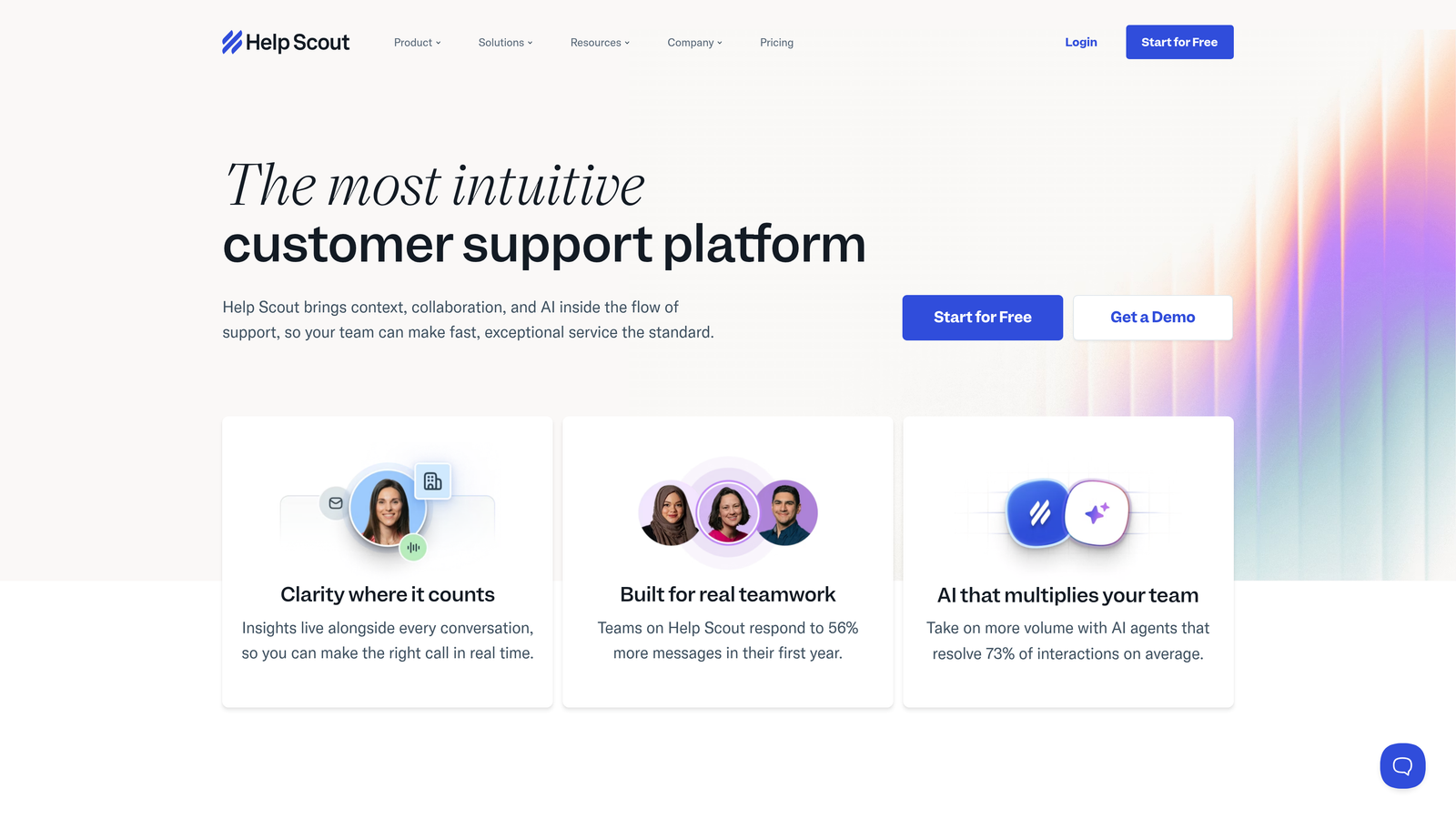
Help Scout is a human-focused support platform designed for teams that view support as relationship-building rather than ticket processing.
Where This Tool Shines
Help Scout deliberately avoids the complexity of traditional helpdesks, focusing instead on making customer conversations feel personal. The shared inbox approach with collision detection prevents duplicate responses without requiring rigid ticket assignment workflows.
The Beacon widget embeds help directly into your product, letting customers search your knowledge base before starting a conversation. Customer profiles show conversation history and custom attributes, giving agents context without overwhelming them with data. The platform feels more like enhanced email than a traditional ticketing system, which some teams find refreshing.
Key Features
Shared Inbox: Email-like interface with collision detection that prevents agents from stepping on each other.
Beacon Widget: Embedded help that surfaces knowledge base articles and enables in-app messaging.
Docs: Knowledge base creation with search analytics showing what customers are looking for.
Customer Profiles: Conversation history and custom fields without CRM-level complexity.
Workflows: Automated routing, tagging, and assignment based on conversation attributes.
Best For
Small to mid-sized teams that value simplicity and personal touch over advanced automation. Companies whose brand identity centers on authentic customer relationships.
Pricing
Starts at $20 per user per month for Standard. No free tier, but the pricing is straightforward without surprise add-ons.
6. Guru
Best for: Teams struggling with knowledge access where agents spend too much time searching for answers.
Guru is a knowledge management platform that surfaces verified information directly in agent workflows, reducing search time and improving accuracy.

Where This Tool Shines
Guru solves the fundamental problem of knowledge being scattered across Google Docs, Notion pages, Slack threads, and institutional memory. The browser extension brings verified answers directly into whatever tool your agents are using—whether that's Zendesk, Intercom, or Salesforce.
The verification workflow ensures knowledge stays current. Cards have owners who receive reminders to review content, preventing the knowledge rot that plagues most internal wikis. AI-powered suggestions surface relevant cards as agents type, often answering questions before agents need to search.
Key Features
AI-Powered Suggestions: Surfaces relevant knowledge cards based on what agents are typing in tickets.
Browser Extension: Access verified answers directly within your helpdesk, CRM, or other tools.
Verification Workflows: Automated reminders ensure knowledge owners keep content current and accurate.
Usage Analytics: Track which knowledge gets used most and identify gaps in documentation.
Multi-Tool Integration: Works inside Slack, Zendesk, Salesforce, Chrome, and dozens of other platforms.
Best For
Support teams where knowledge is spread across multiple systems and agents waste time hunting for answers. Companies with complex products requiring frequent knowledge updates.
Pricing
Free tier available for basic knowledge management. Paid plans start at $10 per user per month for advanced features like verification workflows.
7. Gorgias
Best for: E-commerce brands needing deep Shopify integration with order management directly in support tickets.
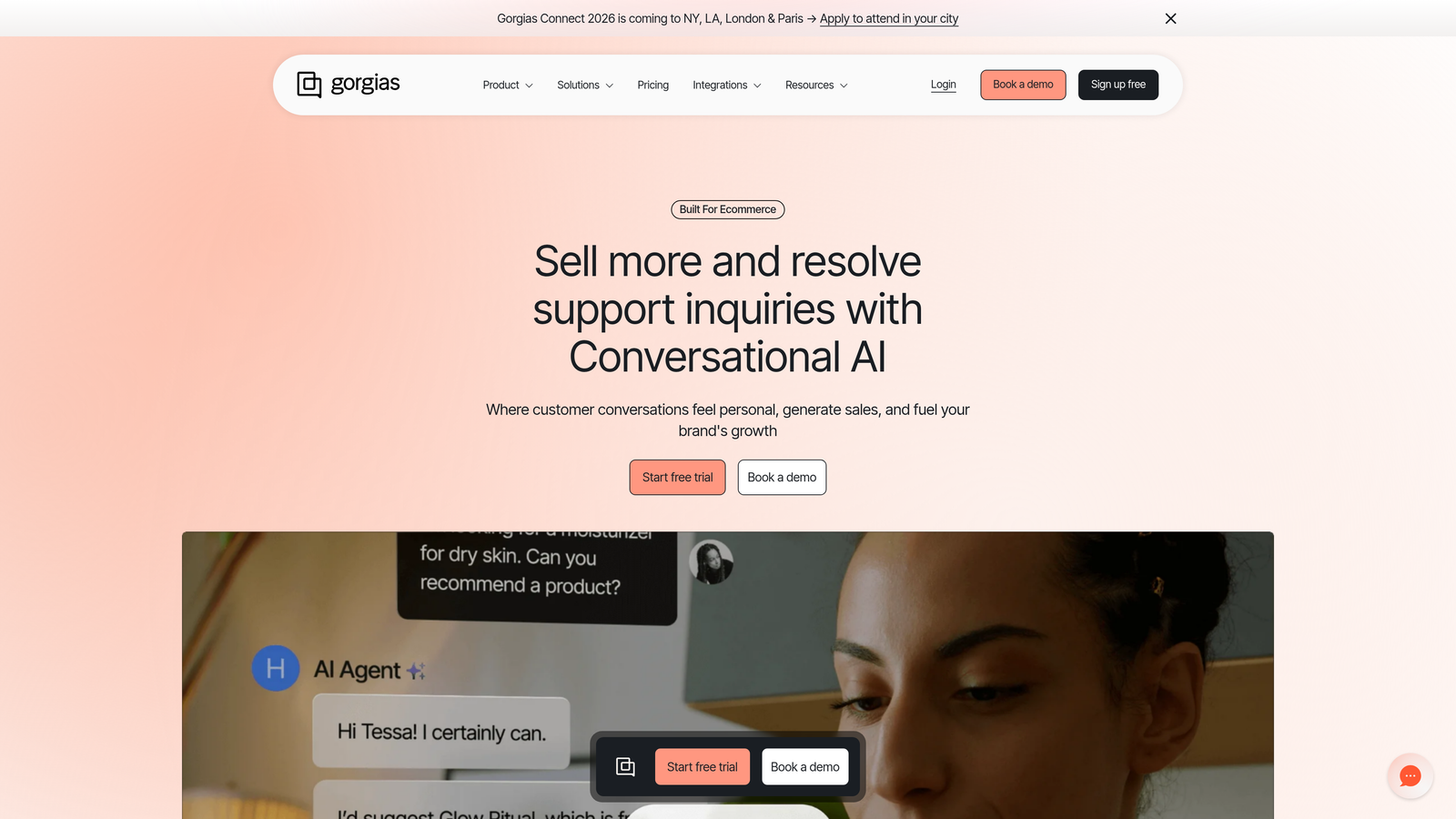
Gorgias is an e-commerce-focused helpdesk that treats order data as a first-class citizen in support workflows.
Where This Tool Shines
Gorgias was built specifically for e-commerce, and it shows in the details. Agents can view order history, modify orders, process refunds, and update shipping addresses without leaving the ticket interface or switching to Shopify admin.
Macros support dynamic variables pulled from order data, so responses automatically include tracking numbers, order totals, or product names. Revenue attribution shows which support interactions led to purchases, helping you measure support's impact on the bottom line. The platform handles social media and SMS channels natively, recognizing that e-commerce support happens across multiple touchpoints.
Key Features
Native E-commerce Integrations: Deep connections to Shopify, BigCommerce, Magento with order actions in ticket sidebar.
Order Management: Process refunds, cancel orders, modify shipping addresses directly from support tickets.
Dynamic Macros: Templates that automatically pull customer name, order number, tracking info, and product details.
Revenue Attribution: Track which support conversations lead to purchases and measure support's ROI.
Multi-Channel Support: Handle email, live chat, Facebook, Instagram, and SMS in one unified inbox.
Best For
E-commerce brands on Shopify or BigCommerce where most support inquiries relate to orders, shipping, or returns. Teams that need to take action on orders without switching tools.
Pricing
Starts at $10 per month for 50 tickets, scaling based on ticket volume rather than agent seats. Pricing becomes significant for high-volume stores.
8. Zapier
Best for: Teams wanting to connect support tools with other business systems without developer involvement.
Zapier is a no-code automation platform that connects support tools with thousands of apps, enabling custom workflows without technical expertise.
Where This Tool Shines
Zapier bridges the gap between your support tools and everything else in your business stack. When a high-value customer submits a ticket, automatically notify the account manager in Slack. When a bug report comes in, create a Linear issue with all the relevant details. When a ticket is marked as solved, update the customer record in your CRM.
The multi-step workflow builder handles conditional logic and filtering, so you can create sophisticated automations without writing code. Tables provide lightweight data storage for tracking information across automations, and the 6,000+ app connections mean you can integrate virtually any business tool.
Key Features
6,000+ App Connections: Integrate support tools with CRMs, project management, communication, and analytics platforms.
Multi-Step Workflows: Chain multiple actions together with conditional logic and data transformation.
Filters and Logic: Only trigger actions when specific conditions are met, preventing noise and irrelevant automations.
Scheduled Automations: Run workflows on a schedule, not just in response to triggers.
Tables: Store and lookup data across automations without needing a full database.
Best For
Teams with unique workflow requirements that can't be met by out-of-the-box integrations. Companies wanting to connect support data with sales, product, and operations systems.
Pricing
Free tier available for basic automations. Paid plans start at $19.99 per month, with costs scaling based on the number of tasks (automation runs) you need.
9. Notion
Best for: Teams wanting maximum flexibility for internal documentation, runbooks, and knowledge bases.
Notion is a flexible workspace for creating internal documentation, support runbooks, and knowledge bases with highly customizable structure.
Where This Tool Shines
Notion's strength is its blank-canvas approach to documentation. Unlike rigid knowledge base tools, you can structure information exactly how your team thinks about it—whether that's databases, wikis, hierarchical pages, or custom views.
The collaborative editing experience makes it easy for multiple team members to contribute to runbooks and documentation simultaneously. AI writing assistance helps draft and refine content faster, while linked databases let you create relationships between different types of documentation. Public page sharing enables you to publish select documentation externally without needing a separate help center.
Key Features
Customizable Databases: Create structured knowledge with custom properties, filters, and views tailored to your needs.
Collaborative Editing: Real-time co-editing with comments, mentions, and change tracking.
Wiki-Style Linking: Connect related documentation with bidirectional links and backlinks.
AI Writing Assistance: Generate drafts, improve clarity, and format content with AI help.
Public Sharing: Publish documentation externally with custom domains and access controls.
Best For
Teams that need maximum flexibility in how they organize internal knowledge. Companies already using Notion for other purposes who want to consolidate documentation in one platform.
Pricing
Free for individuals. Team plans start at $8 per user per month, making it affordable for documentation-focused use cases.
Making the Right Choice
Choosing the right efficiency tool depends on where your biggest bottlenecks live. For AI-powered autonomous resolution that learns from every interaction, Halo AI handles the heavy lifting while keeping humans in the loop for complex issues. The platform's page-aware context and business intelligence capabilities go beyond basic ticket automation to transform how support scales.
Enterprise teams with omnichannel needs often gravitate toward Zendesk's comprehensive platform, while SaaS companies focused on in-app experiences find Intercom's conversational approach compelling. Mid-market teams balancing features with budget appreciate Freshdesk's flexibility, and those prioritizing relationship-driven support love Help Scout's simplicity.
For knowledge management specifically, Guru keeps your team's expertise accessible right where agents work, while Notion offers maximum customization for internal documentation. E-commerce brands should look closely at Gorgias for its Shopify-native capabilities, and Zapier remains the go-to for connecting everything together.
Start by identifying your primary efficiency gap—whether that's ticket volume, agent context, knowledge access, or workflow automation—then evaluate tools that directly address that challenge. The best solution isn't necessarily the one with the most features, but the one that solves your specific bottleneck most effectively.
Your support team shouldn't scale linearly with your customer base. Let AI agents handle routine tickets, guide users through your product, and surface business intelligence while your team focuses on complex issues that need a human touch. See Halo in action and discover how continuous learning transforms every interaction into smarter, faster support.