9 Best Customer Support Integration Tools in 2026
Customer support integration tools connect your helpdesk with CRM, communication, and product systems to give agents complete customer context without switching between platforms. This guide reviews the nine best integration tools in 2026 based on setup ease, AI capabilities, integration depth, and scalability—helping support teams reduce tab-switching, eliminate lost context, and deliver faster, more personalized responses across Zendesk, HubSpot, Slack, and other essential business tools.
 Matt PattoliFounder12 min read
Your support team juggles tickets across Zendesk, customer data in HubSpot, bug reports in Linear, and conversations in Slack—all while trying to deliver fast, personalized responses. Without the right integration tools, context gets lost, agents waste time switching tabs, and customers feel the friction.
Customer support integration tools connect your helpdesk with CRM, communication, billing, and product systems so your team has complete context in one place. We evaluated dozens of platforms based on integration depth, ease of setup, AI capabilities, and real-world scalability.
Here are the top tools that stand out for connecting your support stack in 2026.
1. Halo AI
Best for: AI-native support that learns from every interaction and connects across your entire business stack
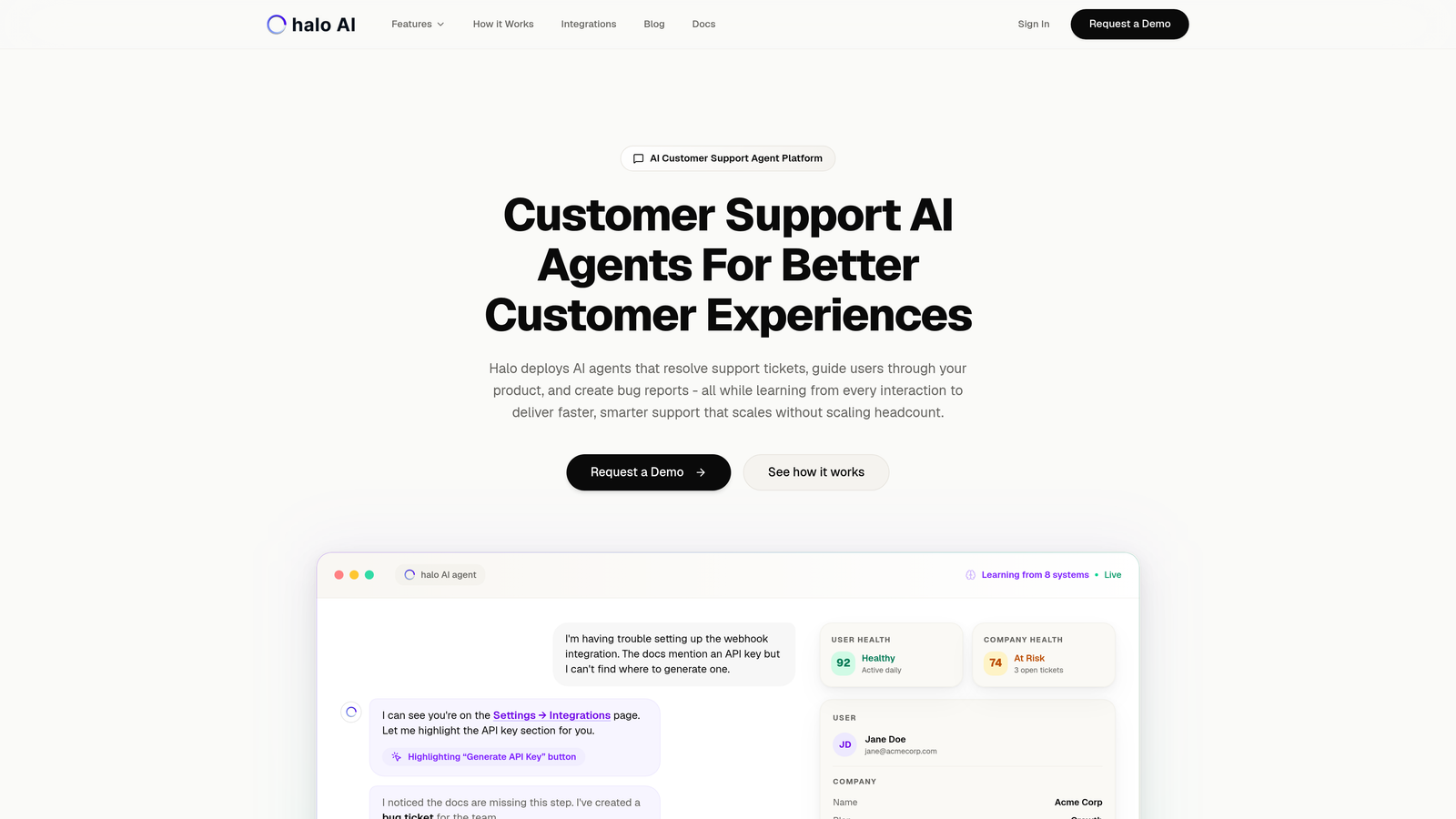
Halo AI is an AI-powered customer support platform built from the ground up to integrate with your business systems and continuously improve through machine learning.
Where This Tool Shines
Unlike traditional helpdesks where integrations feel bolted on, Halo treats system connectivity as core functionality. The platform sees what your users see through its page-aware chat widget, automatically creating bug tickets in Linear when issues surface and pulling relevant customer data from HubSpot or Stripe without manual lookups.
What sets Halo apart is its learning architecture. Every resolved ticket, every customer interaction, every piece of feedback trains the AI to handle similar situations more effectively. Your support quality improves over time rather than staying static.
Key Features
Page-Aware Context: The chat widget understands which page users are viewing, providing visual guidance and contextual help based on their exact location in your product.
Auto Bug Creation: When support conversations reveal product issues, Halo automatically generates detailed bug tickets in Linear with conversation context and user environment data.
Business Intelligence Layer: Beyond basic support metrics, Halo surfaces customer health signals, revenue intelligence, and anomaly detection across your connected systems.
Multi-System Integration: Native connections to Linear, Slack, HubSpot, Intercom, Stripe, Zoom, PandaDoc, and Fathom create a unified support operation.
Continuous Learning: The AI agent improves its responses and routing decisions based on every interaction, escalating complex issues to human agents when needed.
Best For
B2B SaaS companies and product teams who want AI-first support that gets smarter over time. Particularly valuable for teams currently using multiple tools like Zendesk, Intercom, or Freshdesk who need deeper integration and intelligence across their stack.
Pricing
Contact Halo for custom pricing based on your team size and integration requirements.
2. Zendesk
Best for: Enterprise teams needing extensive marketplace integrations and robust API flexibility
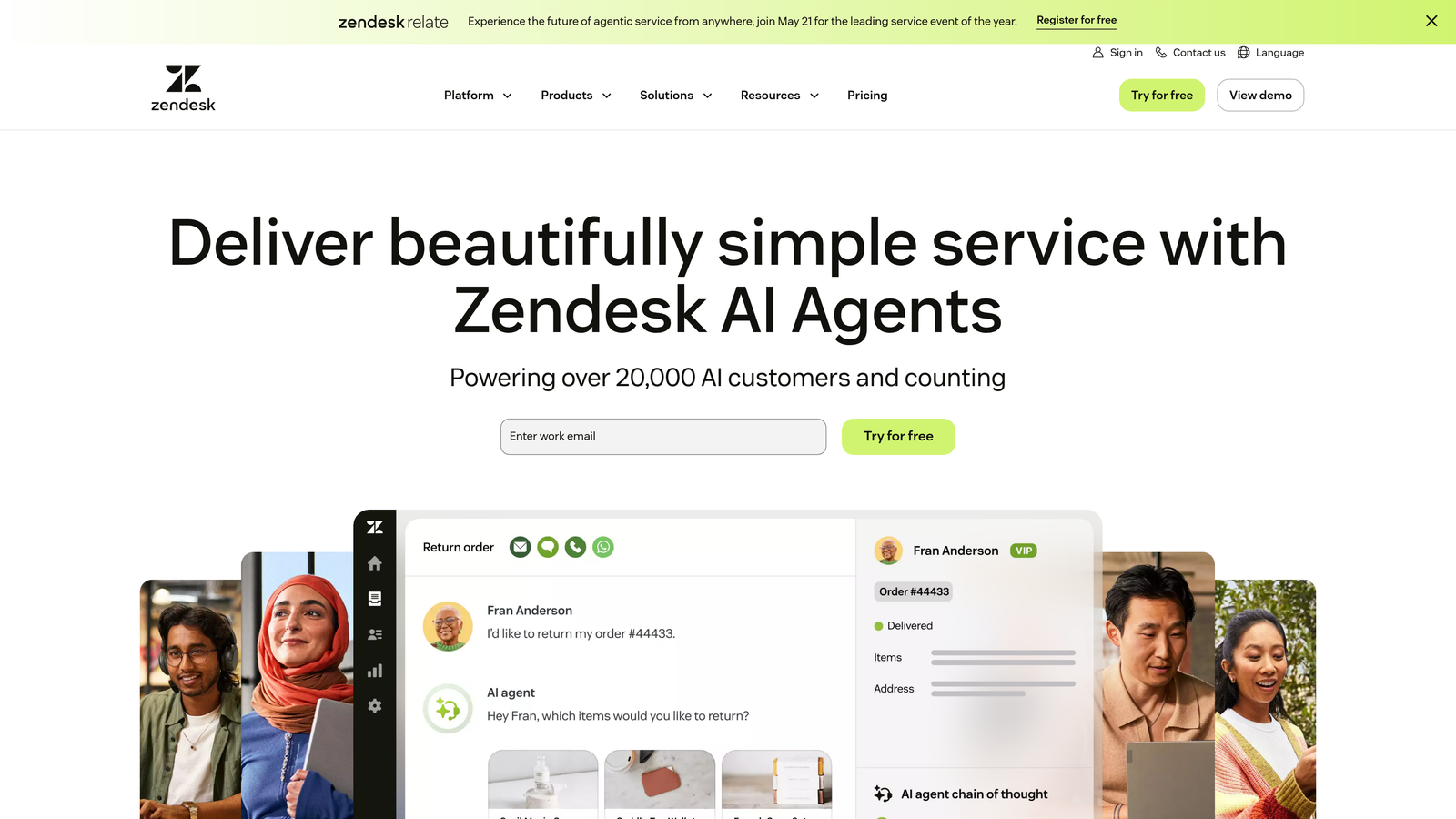
Zendesk is an enterprise-grade helpdesk platform with one of the largest integration ecosystems in customer support.
Where This Tool Shines
Zendesk's marketplace offers over 1,500 pre-built integrations, covering everything from major CRM platforms to niche industry tools. The Sunshine platform provides a flexible foundation for custom integrations when marketplace apps don't meet your needs.
For teams with complex workflows spanning multiple departments, Zendesk's two-way CRM sync with Salesforce and HubSpot ensures customer data stays current across systems. Webhook support and comprehensive APIs let developers build exactly the workflows their organization requires.
Key Features
Massive App Marketplace: Over 1,500 pre-built integrations covering CRM, e-commerce, analytics, communication, and productivity tools.
Sunshine Platform: Custom integration framework with APIs, webhooks, and data modeling for building tailored workflows.
Bidirectional CRM Sync: Real-time data synchronization with Salesforce and HubSpot keeps customer information consistent across platforms.
Workflow Automation: Triggers, automations, and macros that span multiple integrated systems for complex multi-step processes.
Developer-Friendly APIs: RESTful APIs with comprehensive documentation for building custom integrations and extensions.
Best For
Enterprise organizations with complex integration requirements and development resources. Teams who need extensive customization options and already use Salesforce or other enterprise platforms.
Pricing
Suite Team starts at $55 per agent per month. Higher tiers unlock advanced features and increased API limits.
3. Intercom
Best for: Product-led companies needing in-app messaging with strong CRM connections
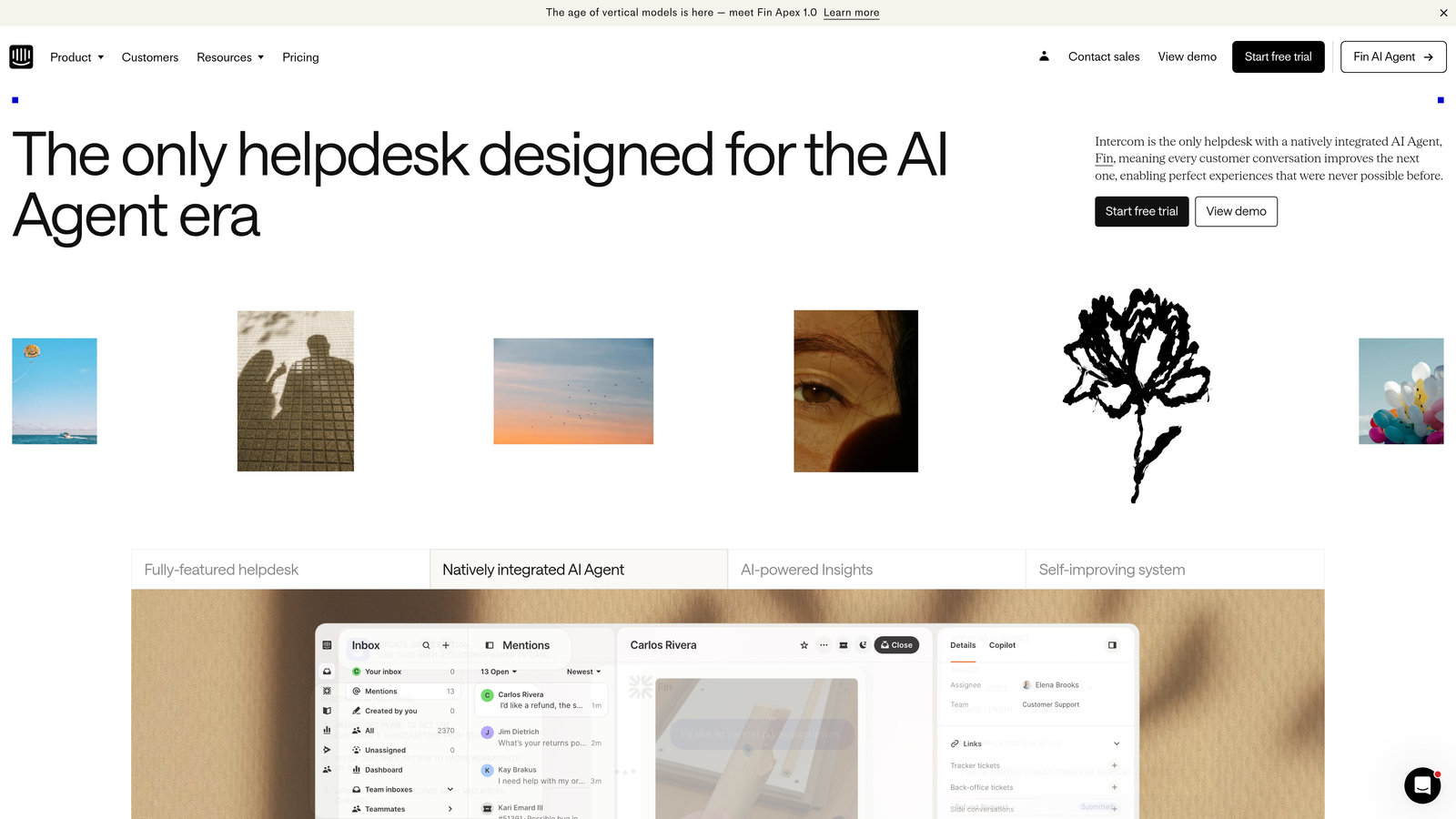
Intercom is a customer messaging platform built specifically for product-led growth companies.
Where This Tool Shines
Intercom excels at connecting support conversations with product usage data. The in-app messenger doesn't just handle support tickets—it ties into product tours, feature announcements, and onboarding flows, all while maintaining connections to your CRM.
The customer data platform creates unified profiles that combine support history, product behavior, and CRM information. Fin AI leverages this connected data to provide smarter automated responses that understand both the customer's question and their product context.
Key Features
Native CRM Integration: Deep connections with Salesforce and HubSpot that sync customer data, deal stages, and support interactions automatically.
In-App Messenger: Embedded chat widget that integrates with product tours, feature announcements, and contextual help based on user behavior.
Unified Customer Profiles: Combined view of support history, product usage, CRM data, and custom attributes in one interface.
Fin AI Agent: AI-powered assistant that understands context from connected systems to provide relevant automated responses.
Series Automation: Behavior-based messaging that triggers support outreach based on product usage patterns and CRM data.
Best For
SaaS companies with product-led growth strategies who need tight integration between support, product, and sales. Particularly strong for teams using HubSpot or Salesforce who want in-app support capabilities.
Pricing
Essential plan starts at $39 per seat per month. Advanced features and higher message volumes require higher-tier plans.
4. Freshdesk
Best for: Mid-market teams wanting native Freshworks ecosystem integration and AI automation
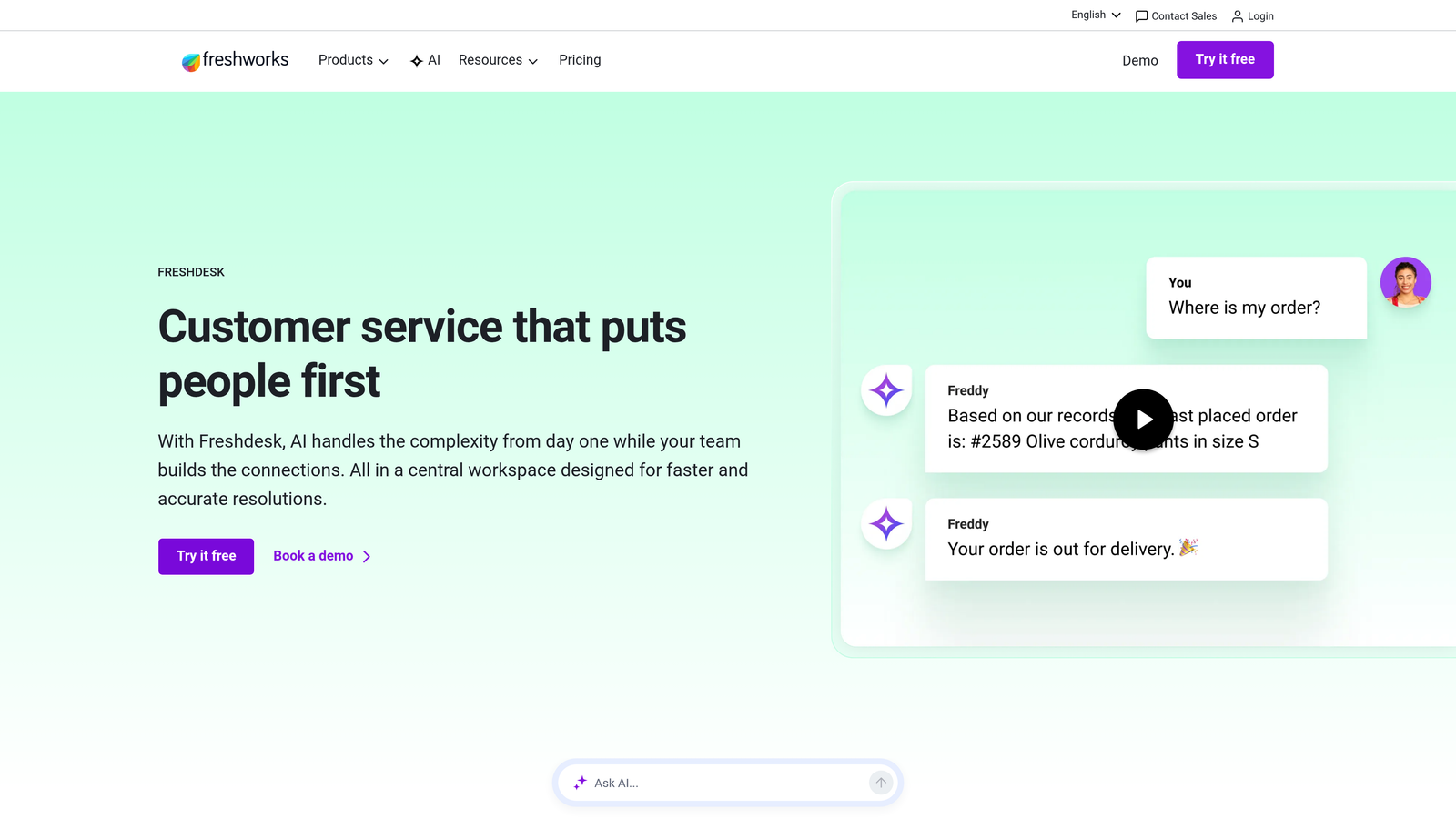
Freshdesk is a helpdesk solution that integrates seamlessly with the broader Freshworks suite of business tools.
Where This Tool Shines
If you're already using Freshworks CRM, Freshmarketer, or other Freshworks products, Freshdesk provides native integration that requires minimal setup. Data flows automatically between systems, creating a unified customer view across sales, marketing, and support.
Freddy AI handles intelligent ticket routing based on agent skills, workload, and past performance. The marketplace offers over 500 integrations beyond the Freshworks ecosystem, with a custom app development framework for building proprietary connections.
Key Features
Freshworks Suite Integration: Native connections to Freshsales CRM, Freshmarketer, and Freshservice ITSM with automatic data synchronization.
Freddy AI Automation: Intelligent ticket routing, response suggestions, and automated workflows that learn from agent actions.
Marketplace Integrations: Over 500 pre-built apps connecting to popular business tools across categories.
Custom App Framework: Developer platform for building proprietary integrations using APIs and SDKs.
Omnichannel Support: Unified inbox connecting email, chat, phone, social media, and messaging apps with integrated customer context.
Best For
Growing businesses already invested in the Freshworks ecosystem. Teams who want AI-powered automation without enterprise complexity or pricing.
Pricing
Free tier available for small teams. Paid plans start at $15 per agent per month with increasing features at higher tiers.
5. HubSpot Service Hub
Best for: Existing HubSpot users wanting seamless CRM and marketing integration
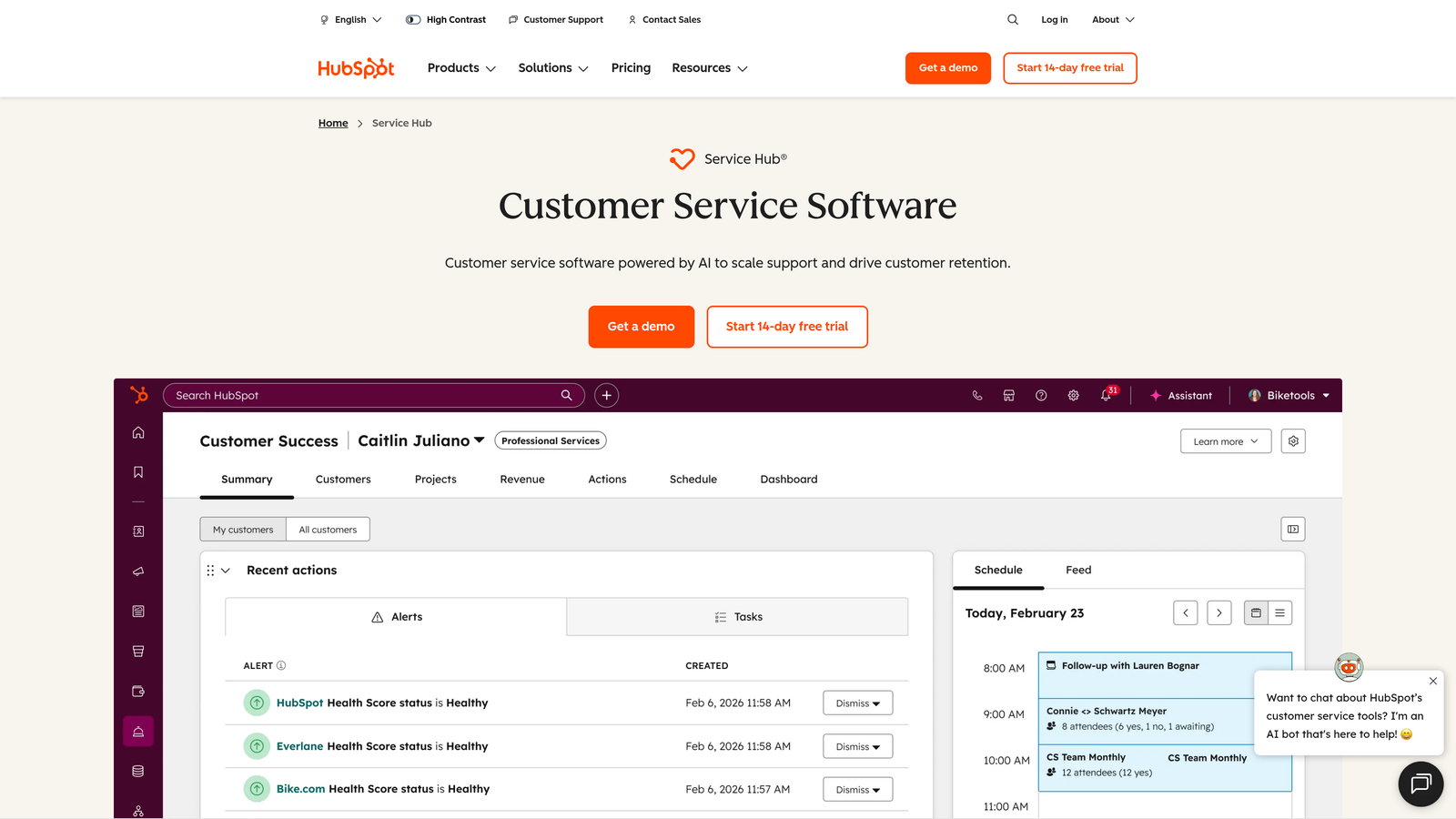
HubSpot Service Hub is customer service software that connects directly into the HubSpot CRM and marketing platform.
Where This Tool Shines
For companies already using HubSpot for sales or marketing, Service Hub eliminates data silos by operating on the same database. Support agents see every marketing email, sales call, and website visit in a unified customer timeline without configuring complex integrations.
Conversation intelligence automatically logs support interactions to customer records, making that context available to sales and marketing teams. Custom workflows can trigger actions across hubs—like creating tasks for account managers when support tickets reveal upsell opportunities.
Key Features
Native CRM Integration: Built on the same database as HubSpot CRM and Marketing Hub, eliminating data synchronization issues entirely.
Unified Customer Timeline: Complete view of every customer interaction across sales, marketing, and support in chronological order.
Cross-Hub Workflows: Automation that spans Service Hub, Sales Hub, and Marketing Hub for coordinated customer experiences.
Conversation Intelligence: Automatic logging of support conversations to CRM records with sentiment analysis and topic extraction.
Knowledge Base Integration: Help center content that appears contextually in chat conversations and connects to CRM data for personalization.
Best For
Companies already using HubSpot CRM or Marketing Hub who want to add support capabilities. Teams prioritizing alignment between sales, marketing, and support functions.
Pricing
Free tier available with basic features. Starter plan begins at $45 per month for two users, with Professional and Enterprise tiers for advanced needs.
6. Salesforce Service Cloud
Best for: Enterprise organizations needing deep CRM integration and complex system orchestration
Salesforce Service Cloud is an enterprise service platform built on the Salesforce ecosystem.
Where This Tool Shines
Service Cloud provides complete integration with Salesforce CRM, giving support teams instant access to opportunity data, account hierarchies, and sales history. For enterprises with complex integration needs, MuleSoft Anypoint enables connectivity to legacy systems, custom databases, and third-party applications.
Einstein AI leverages data across the entire Salesforce ecosystem to provide intelligent case routing, next-best-action recommendations, and predictive analytics. The AppExchange marketplace offers thousands of pre-built integrations specifically designed for Salesforce environments.
Key Features
Complete Salesforce Integration: Native access to all CRM data including accounts, contacts, opportunities, and custom objects without separate integration setup.
MuleSoft Connectivity: Enterprise integration platform for connecting legacy systems, databases, and complex application landscapes.
Einstein AI: Cross-cloud intelligence that uses data from sales, marketing, and service to power predictions and recommendations.
AppExchange Marketplace: Thousands of pre-built applications and integrations designed specifically for Salesforce environments.
Omni-Channel Routing: Intelligent work distribution across channels using skills-based routing and capacity management.
Best For
Large enterprises already invested in the Salesforce ecosystem. Organizations with complex integration requirements spanning multiple departments and legacy systems.
Pricing
Essentials starts at $25 per user per month. Professional, Enterprise, and Unlimited tiers provide increasing capabilities and customization options.
7. Zapier
Best for: No-code automation connecting thousands of apps without developer resources
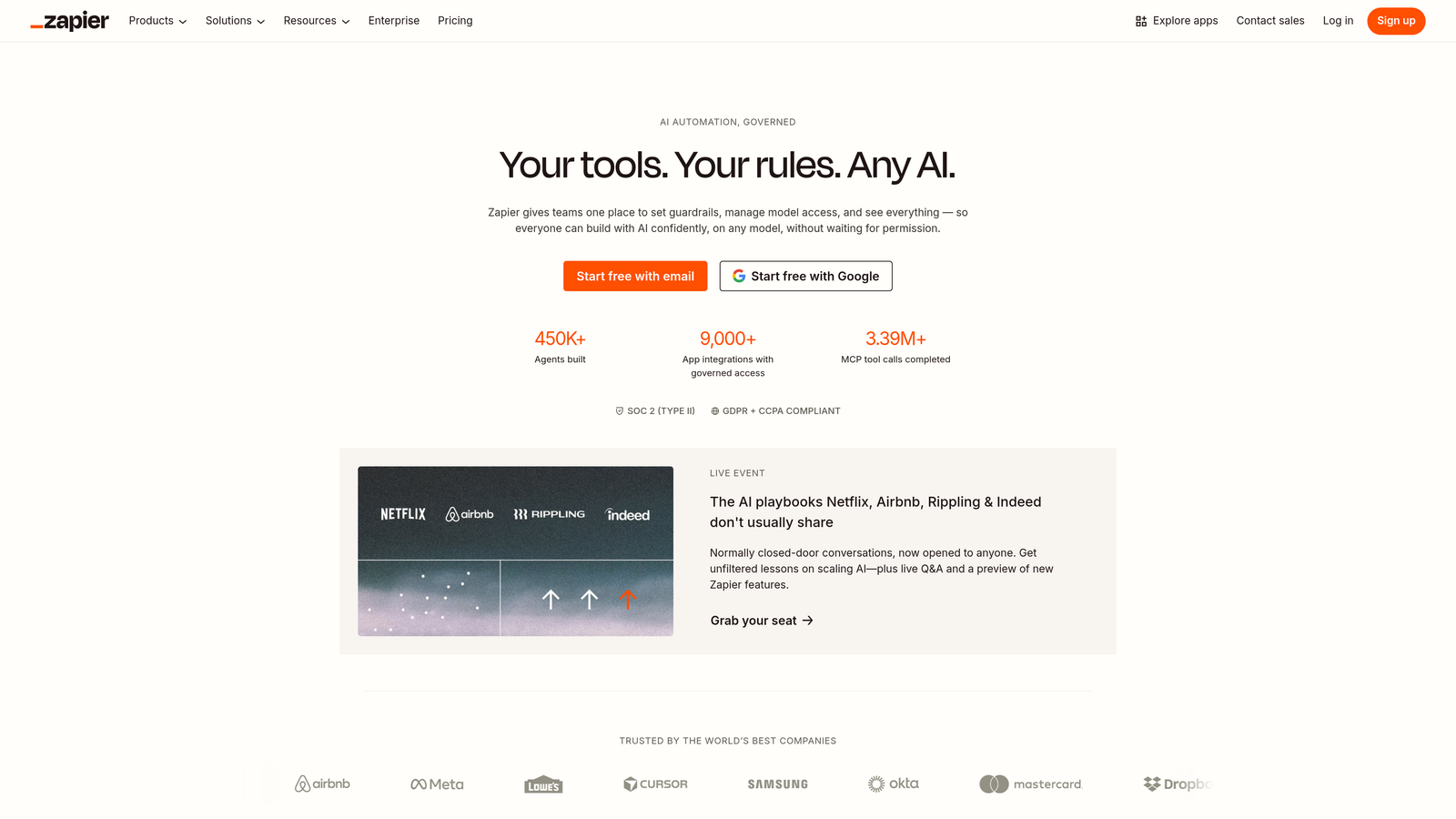
Zapier is a no-code automation platform that connects over 7,000 applications through simple workflow builders.
Where This Tool Shines
Zapier democratizes integration by letting non-technical team members build connections between support tools and other business systems. The visual workflow builder makes it simple to create multi-step automations—like automatically creating Slack notifications when high-priority tickets arrive, or adding new customers to email sequences after their first support interaction.
For teams without dedicated developers, Zapier provides a fast path to integration that doesn't require API documentation or coding skills. The platform handles authentication, error handling, and data transformation through an intuitive interface.
Key Features
7,000+ App Connections: Massive library of pre-built integrations covering support, CRM, project management, communication, and analytics tools.
Multi-Step Zaps: Complex workflows with multiple triggers, actions, and conditional logic without writing code.
Filters and Logic: Conditional branching that routes data differently based on ticket priority, customer type, or other criteria.
Tables Feature: Lightweight database for storing and referencing data across workflows without external databases.
Error Handling: Automatic retry logic and error notifications when integrations encounter issues.
Best For
Small to mid-sized teams without dedicated development resources. Organizations that need quick integration setup and value ease of use over deep customization.
Pricing
Free tier available for basic workflows. Paid plans start at $19.99 per month with increasing task limits and features at higher tiers.
8. Tray.io
Best for: Enterprise teams needing visual workflow automation with AI assistance
Tray.io is an enterprise integration platform combining low-code workflow building with AI-powered automation suggestions.
Where This Tool Shines
Tray.io bridges the gap between no-code simplicity and enterprise complexity. The visual workflow builder lets business users create sophisticated integrations while providing the depth IT teams need for security and governance. Merlin AI analyzes your workflows and suggests optimizations or identifies patterns that could be automated.
Real-time data synchronization ensures customer information stays current across systems without batch processing delays. The platform handles high-volume integrations that would overwhelm simpler tools, making it suitable for enterprises processing thousands of support tickets daily.
Key Features
Visual Low-Code Builder: Drag-and-drop interface for creating complex workflows without extensive coding knowledge.
Merlin AI Assistant: AI-powered suggestions for workflow improvements, automation opportunities, and error resolution.
Enterprise Security: SOC 2 Type II compliance, role-based access controls, and audit logging for regulated industries.
Real-Time Sync: Immediate data propagation across systems without batch processing delays.
Advanced Error Handling: Sophisticated retry logic, dead letter queues, and monitoring for mission-critical integrations.
Best For
Mid-market to enterprise organizations that need more power than Zapier but want to avoid pure-code integration platforms. Teams with some technical resources who value visual workflow building.
Pricing
Contact Tray.io for enterprise pricing based on workflow complexity and data volume requirements.
9. Workato
Best for: Enterprise automation requiring IT governance and security controls
Workato is an enterprise automation platform combining integration capabilities with strict governance controls.
Where This Tool Shines
Workato addresses the challenge enterprises face when business teams need integration flexibility but IT requires security oversight. Pre-built recipes provide tested workflows for common support scenarios, while governance controls let IT teams set guardrails around what integrations can be created and what data can flow between systems.
Workbot brings conversational automation to Slack and Microsoft Teams, letting support agents trigger workflows or retrieve customer data through chat commands. The platform's enterprise focus includes SOC 2 compliance, single sign-on, and detailed audit trails that meet regulatory requirements.
Key Features
Pre-Built Recipes: Library of tested workflows for common support scenarios like ticket escalation, customer data sync, and notification routing.
IT Governance Controls: Centralized policies for data access, integration permissions, and workflow approval processes.
Enterprise Security: SOC 2 Type II compliance, SSO integration, and granular access controls for regulated industries.
Workbot Automation: Conversational interface in Slack and Teams for triggering workflows and retrieving data through chat.
Recipe Lifecycle Management: Version control, testing environments, and deployment pipelines for managing automation at scale.
Best For
Large enterprises with strict security and compliance requirements. Organizations where IT governance is essential but business teams need integration flexibility.
Pricing
Contact Workato for enterprise pricing tailored to your organization's size and integration complexity.
Making the Right Choice
The right customer support integration tool depends on your current stack, team size, and whether you need AI-powered intelligence or just data connectivity.
Halo AI stands out for teams wanting AI-first support that continuously learns and improves. The platform's page-aware context and automatic bug creation eliminate manual work while surfacing business intelligence that traditional helpdesks miss. If you're looking for support that gets smarter over time rather than staying static, Halo's learning architecture delivers compounding value.
For enterprises already invested in specific ecosystems, native platform integrations provide the deepest connectivity. Zendesk suits organizations with complex requirements and development resources. HubSpot Service Hub makes perfect sense for existing HubSpot users who want unified customer data across sales, marketing, and support. Salesforce Service Cloud delivers unmatched integration depth for Salesforce-centric enterprises.
Teams without technical resources should consider no-code platforms. Zapier provides the fastest path to basic integrations, while Tray.io and Workato offer more sophistication when you outgrow simple automation. Workato particularly shines when IT governance matters—giving business teams flexibility within secure guardrails.
Product-led companies benefit from Intercom's tight connection between support conversations and product usage. The in-app messenger integrates naturally with onboarding and feature adoption, making it more than just a support tool.
Think about integration depth versus integration count. A platform with 1,500 marketplace apps sounds impressive, but shallow connections that only sync basic data provide limited value. Deep integrations that enable workflow automation, provide contextual intelligence, and eliminate context-switching deliver far more impact.
Your support team shouldn't scale linearly with your customer base. Let AI agents handle routine tickets, guide users through your product, and surface business intelligence while your team focuses on complex issues that need a human touch. See Halo in action and discover how continuous learning transforms every interaction into smarter, faster support.