9 Best Customer Support KPI Tracking Software in 2026
Modern customer support KPI tracking software eliminates manual reporting and transforms raw support data into actionable insights that drive better team performance. This comprehensive guide evaluates nine leading platforms that automate metric collection—from response times to CSAT scores—helping support leaders of all team sizes choose the right solution to replace spreadsheets with intelligent, real-time analytics that inform data-driven decisions.
 Grant CooperFounder12 min read
Tracking the right customer support metrics separates teams that merely survive from those that thrive. But spreadsheets and manual reporting drain hours that could go toward actually helping customers. Modern KPI tracking software automates data collection, surfaces actionable insights, and helps support leaders make decisions backed by real numbers—not gut feelings.
This guide covers nine platforms built to monitor everything from first response time to customer satisfaction scores, each with distinct strengths for different team sizes and tech stacks.
1. Halo AI
Best for: AI-forward support teams wanting intelligence built into their workflow, not bolted on afterward.
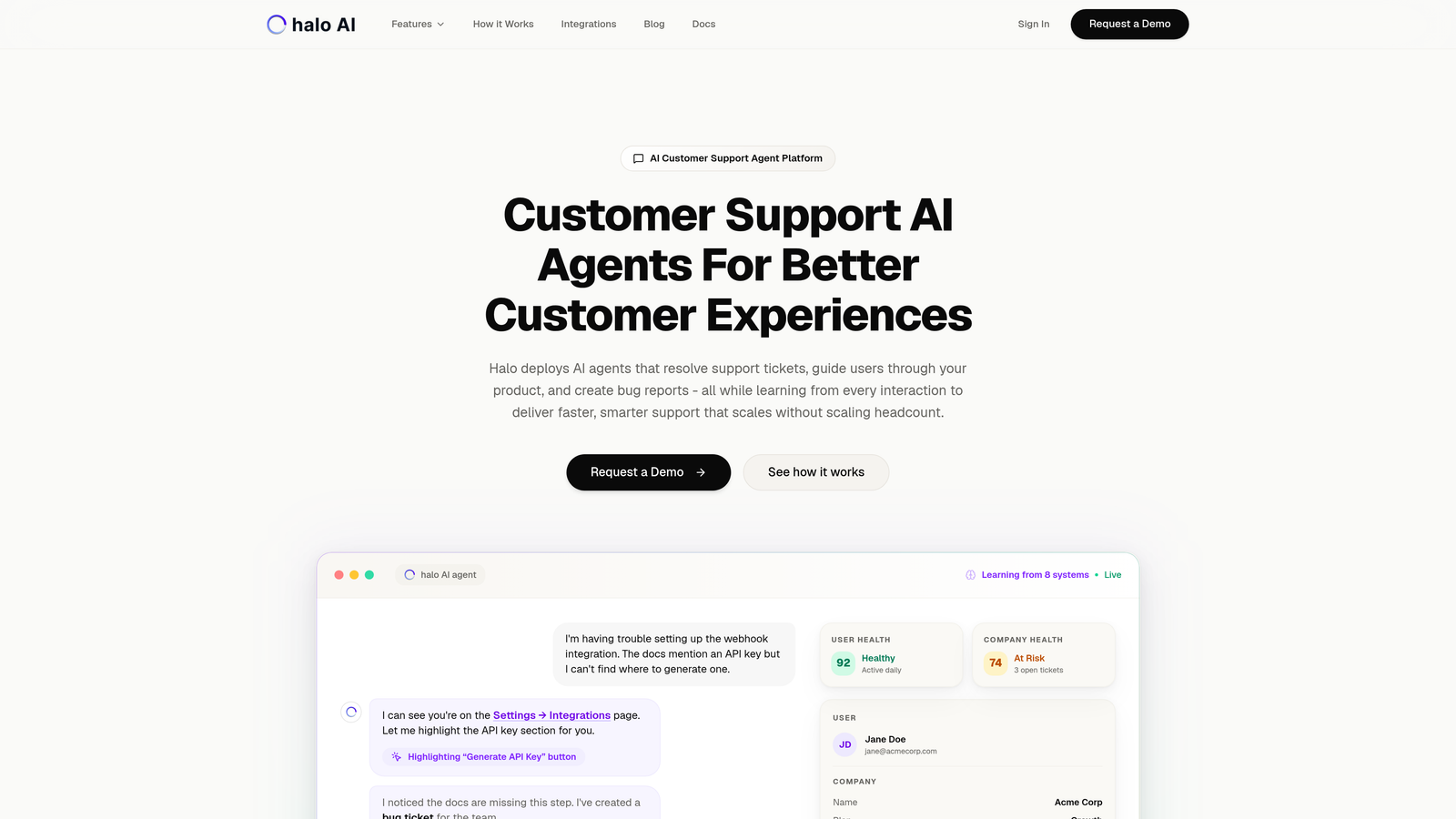
Halo AI approaches KPI tracking differently than traditional helpdesk analytics—it treats metrics as part of an intelligent support system rather than a reporting afterthought.
Where This Tool Shines
The platform's smart inbox doesn't just display numbers—it learns from every interaction to surface patterns that matter. When ticket volume spikes unexpectedly, anomaly detection alerts you before customers start complaining about wait times. Customer health scoring connects support data with revenue signals from your CRM and payment systems, so you know which accounts need proactive outreach.
What sets Halo apart is how it connects your entire business stack. Pull data from Zendesk, Intercom, Slack, HubSpot, Stripe, and other tools into unified dashboards that show the full picture. You're not just tracking support metrics—you're understanding how support performance affects customer retention and revenue.
Key Features
Real-Time KPI Dashboards: Monitor first response time, resolution rates, and ticket volume without manual report building.
Customer Health Scoring: Combines support interactions with product usage and payment data to identify at-risk accounts.
Revenue Intelligence: Connects support metrics to business outcomes, showing which issues affect expansion or churn.
Anomaly Detection: Automatically flags unusual patterns in ticket volume, response times, or sentiment before they become crises.
Multi-System Integration: Pulls data from helpdesks, CRMs, communication tools, and payment platforms into unified views.
Best For
B2B SaaS companies and product teams who want AI-powered insights that go beyond basic support metrics. Particularly valuable if you're already using multiple tools and need intelligence that connects the dots between support performance and business outcomes.
Pricing
Contact for pricing. Implementation includes setup of integrations and custom dashboard configuration based on your tech stack.
2. Zendesk Explore
Best for: Existing Zendesk customers wanting native analytics without adding another vendor to the stack.
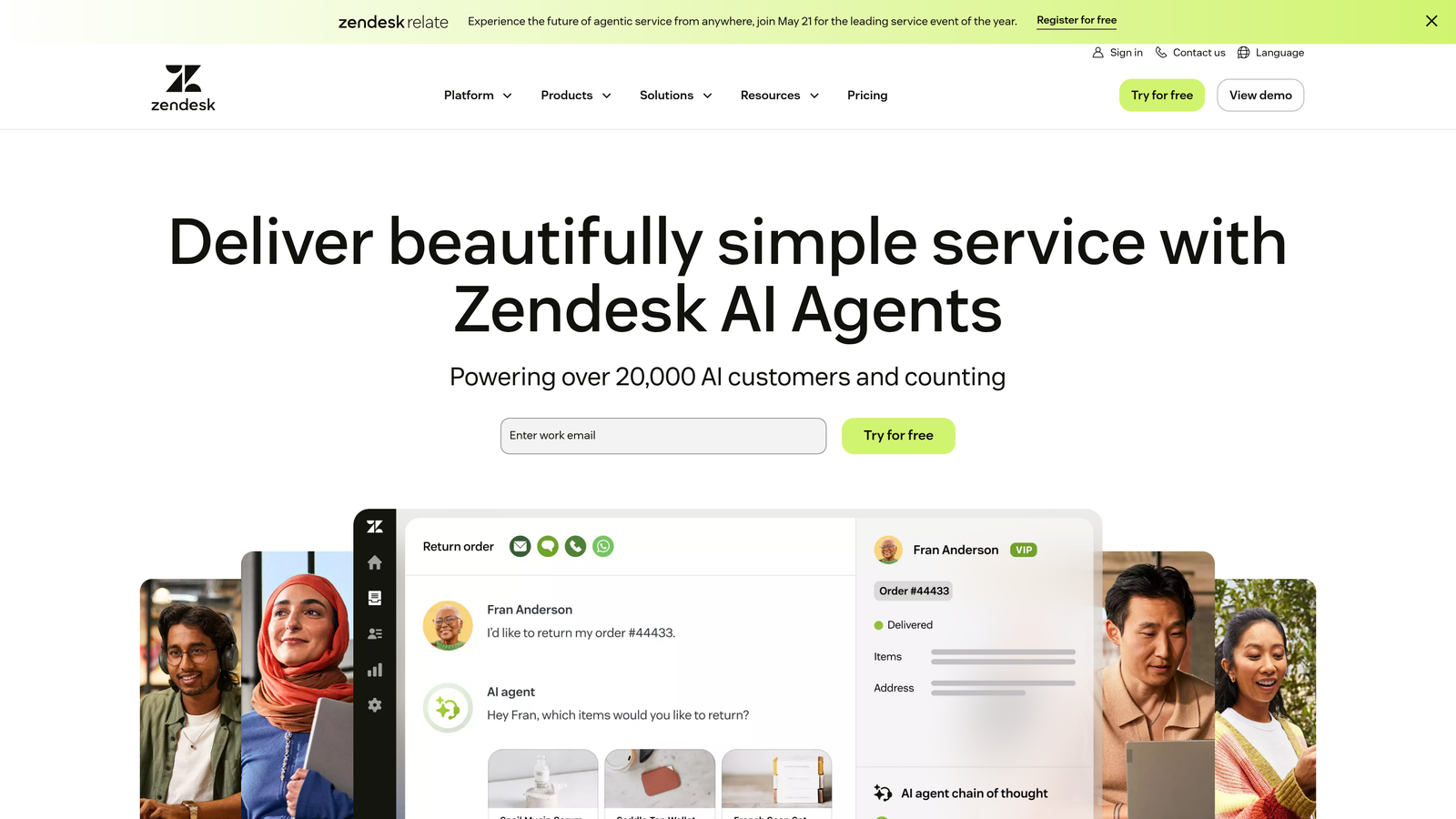
Zendesk Explore is the analytics layer built directly into Zendesk, offering pre-configured dashboards and a custom report builder for teams already invested in the ecosystem.
Where This Tool Shines
If you're already running Zendesk Support, Chat, or Talk, Explore pulls data from all channels automatically. No API configuration or data syncing required—everything flows directly from your existing workflow. The pre-built dashboard library covers common use cases like agent performance, ticket trends, and SLA compliance, so you can start tracking immediately without building reports from scratch.
The custom report builder uses a drag-and-drop interface that doesn't require SQL knowledge. Filter by ticket properties, agent attributes, or time periods, then save reports for scheduled delivery to stakeholders who don't need full dashboard access.
Key Features
Pre-Built Dashboard Library: Instant access to templates for agent performance, customer satisfaction, and channel analytics.
Cross-Channel Reporting: Unified metrics across email, chat, phone, and social media support channels.
Custom Report Builder: Drag-and-drop interface for creating specific views without technical expertise.
Scheduled Report Delivery: Automatically email reports to stakeholders on daily, weekly, or monthly schedules.
Benchmark Comparisons: Compare your metrics against industry averages based on company size and sector.
Best For
Teams already using Zendesk who want analytics that integrate seamlessly with their existing workflow. Particularly useful for mid-sized teams that need robust reporting without the complexity of standalone BI tools.
Pricing
Included with Zendesk Suite plans. Standalone pricing starts at $9 per agent per month for teams using legacy Zendesk products.
3. Freshdesk Analytics
Best for: Growing support teams using Freshdesk who need curated reports without extensive customization.
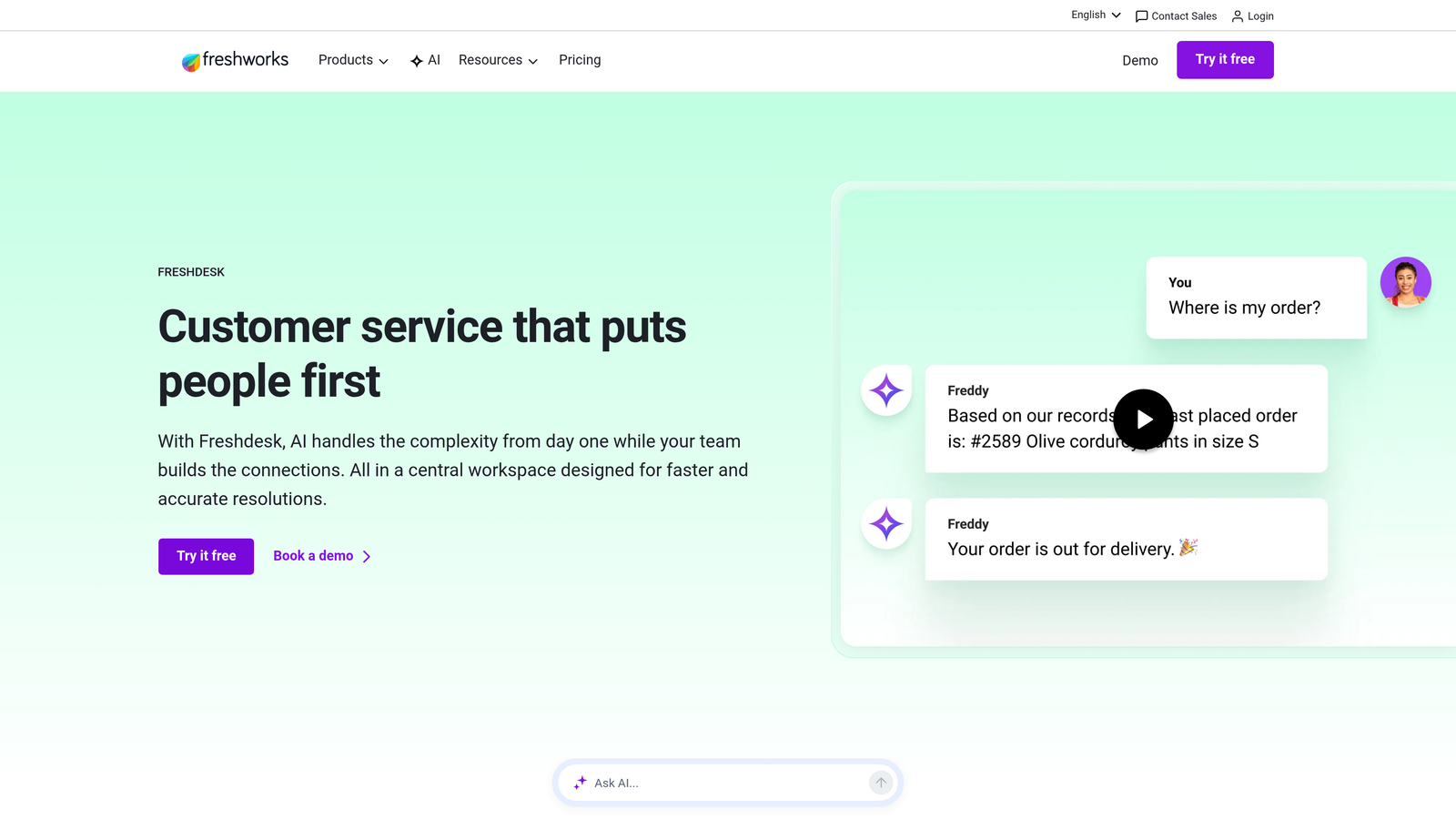
Freshdesk Analytics provides a curated library of reports designed for common support scenarios, with drill-down capabilities for investigating trends.
Where This Tool Shines
The report library organizes metrics by category—helpdesk productivity, agent performance, customer satisfaction, and SLA compliance. Each report includes contextual help explaining what the metrics mean and why they matter, which helps newer support leaders understand what to track. Agent performance scorecards break down individual contributions without requiring manual data compilation.
SLA tracking includes breach alerts that notify managers when tickets approach deadline violations. The system calculates business hours correctly across time zones, so distributed teams get accurate compliance metrics even when agents and customers operate in different regions.
Key Features
Curated Report Library: Pre-built reports organized by use case, with explanations for interpreting each metric.
Agent Performance Scorecards: Individual dashboards showing tickets resolved, response times, and customer ratings per agent.
SLA Breach Alerts: Proactive notifications when tickets approach deadline violations, with escalation workflows.
Trend Analysis: Compare current performance against previous periods to identify improvement or degradation.
Export Capabilities: Download reports as CSV or PDF for presentations and stakeholder distribution.
Best For
Teams using Freshdesk who want solid analytics without building custom dashboards. Works well for support managers who need quick insights rather than deep data exploration.
Pricing
Basic analytics included with all Freshdesk plans. Advanced analytics features available in Pro tier at $49 per agent per month.
4. Intercom Reporting
Best for: Conversational support teams tracking both human agent and bot performance in one system.
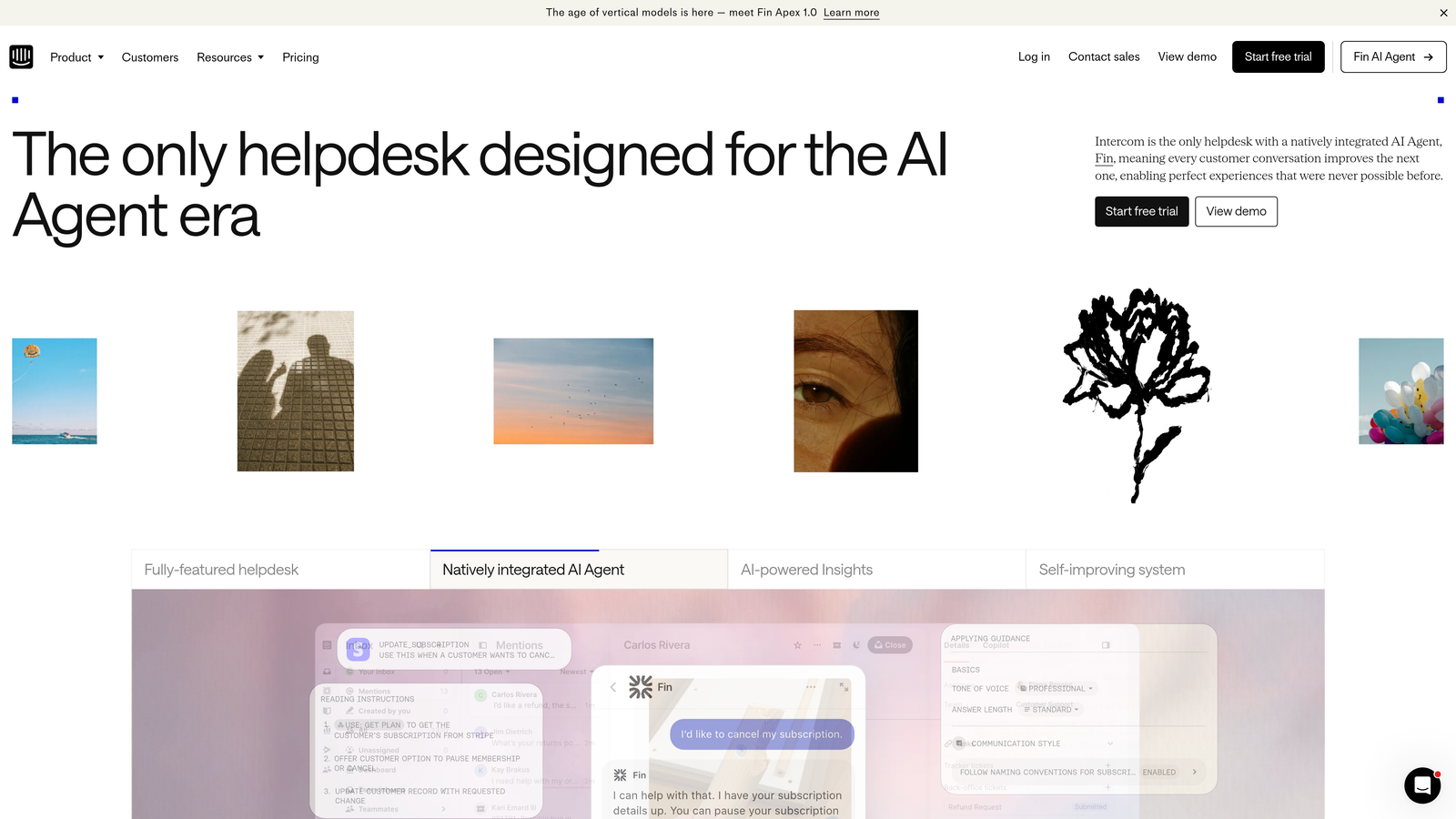
Intercom Reporting focuses on conversation-based metrics, monitoring how quickly teams respond, how effectively bots resolve issues, and where handoffs happen.
Where This Tool Shines
The platform tracks bot resolution rates separately from human agent metrics, so you can measure automation effectiveness without inflating agent performance numbers. Conversation volume trends show when customers prefer self-service versus reaching out for help, which informs content strategy and bot training priorities.
Real-time dashboards update as conversations happen, giving managers immediate visibility into queue depth and response time performance. The custom report builder allows filtering by conversation properties, customer attributes, or team assignments, then exports data to external BI tools for deeper analysis.
Key Features
Bot Resolution Tracking: Separate metrics for automated resolutions versus human-handled conversations.
Real-Time Performance Metrics: Live dashboard showing current queue depth, active conversations, and response times.
Conversation Volume Trends: Historical analysis of message patterns by channel, time, and customer segment.
Custom Report Builder: Filter and segment data by conversation properties for targeted analysis.
BI Tool Integration: Export data to Tableau, Looker, or other analytics platforms for advanced reporting.
Best For
Teams using Intercom's conversational support platform who need unified reporting across bots and human agents. Particularly valuable for companies investing heavily in automation and wanting to measure its impact.
Pricing
Reporting included with Intercom plans. Pricing starts at $39 per seat per month, with higher tiers offering advanced analytics features.
5. Klaus (Zendesk QA)
Best for: Quality-obsessed teams prioritizing conversation excellence over volume metrics.
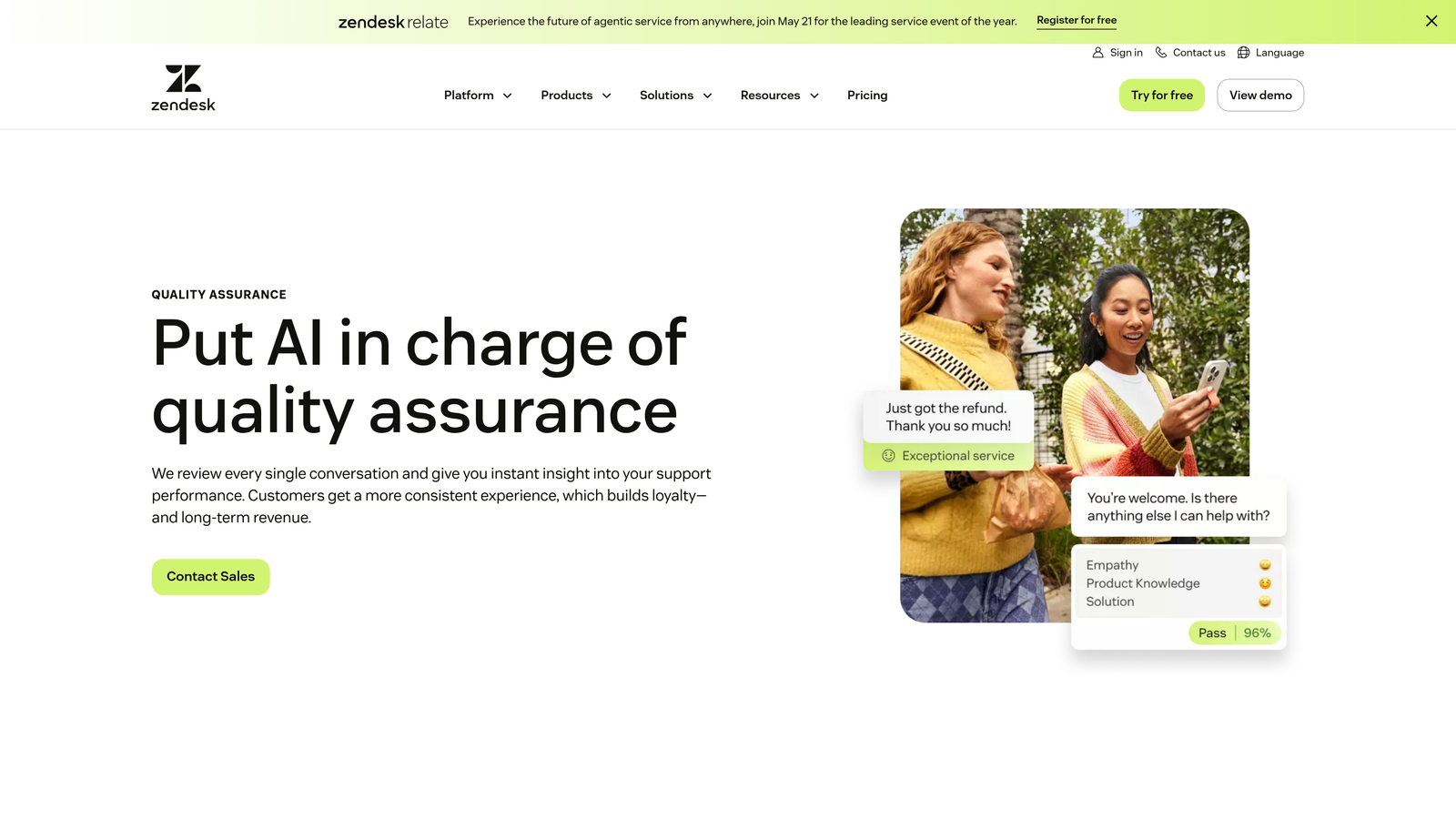
Klaus approaches KPI tracking through the lens of quality assurance, focusing on conversation reviews, coaching workflows, and CSAT improvement rather than pure efficiency metrics.
Where This Tool Shines
The platform automates conversation scoring based on customizable rubrics, so managers can review quality at scale without manually reading every ticket. Automated sampling selects representative conversations across agents and issue types, ensuring reviews cover the full support experience. Quality scorecards connect conversation ratings to CSAT scores, revealing which interaction patterns drive customer satisfaction.
Coaching workflows built into the platform let managers leave feedback directly on reviewed conversations, then track whether agents implement suggested improvements. The system integrates with major helpdesks, pulling conversations automatically without requiring agents to change their workflow.
Key Features
Automated Conversation Scoring: Machine learning evaluates tickets against quality rubrics, flagging conversations for human review.
Customizable Quality Scorecards: Define what excellent support looks like for your team with flexible evaluation criteria.
Agent Coaching Workflows: Leave feedback on specific conversations and track improvement over time.
CSAT Correlation Analysis: Identify which conversation qualities predict higher customer satisfaction scores.
Multi-Helpdesk Integration: Works with Zendesk, Intercom, Front, and other major support platforms.
Best For
Support teams where quality matters more than speed, particularly in industries with complex products or high customer expectations. Valuable for companies trying to reduce churn through better support experiences.
Pricing
Contact for pricing. Klaus was acquired by Zendesk in 2024, and integration with Zendesk products continues to deepen.
6. Geckoboard
Best for: Teams wanting always-visible KPI displays for office TVs and shared spaces.
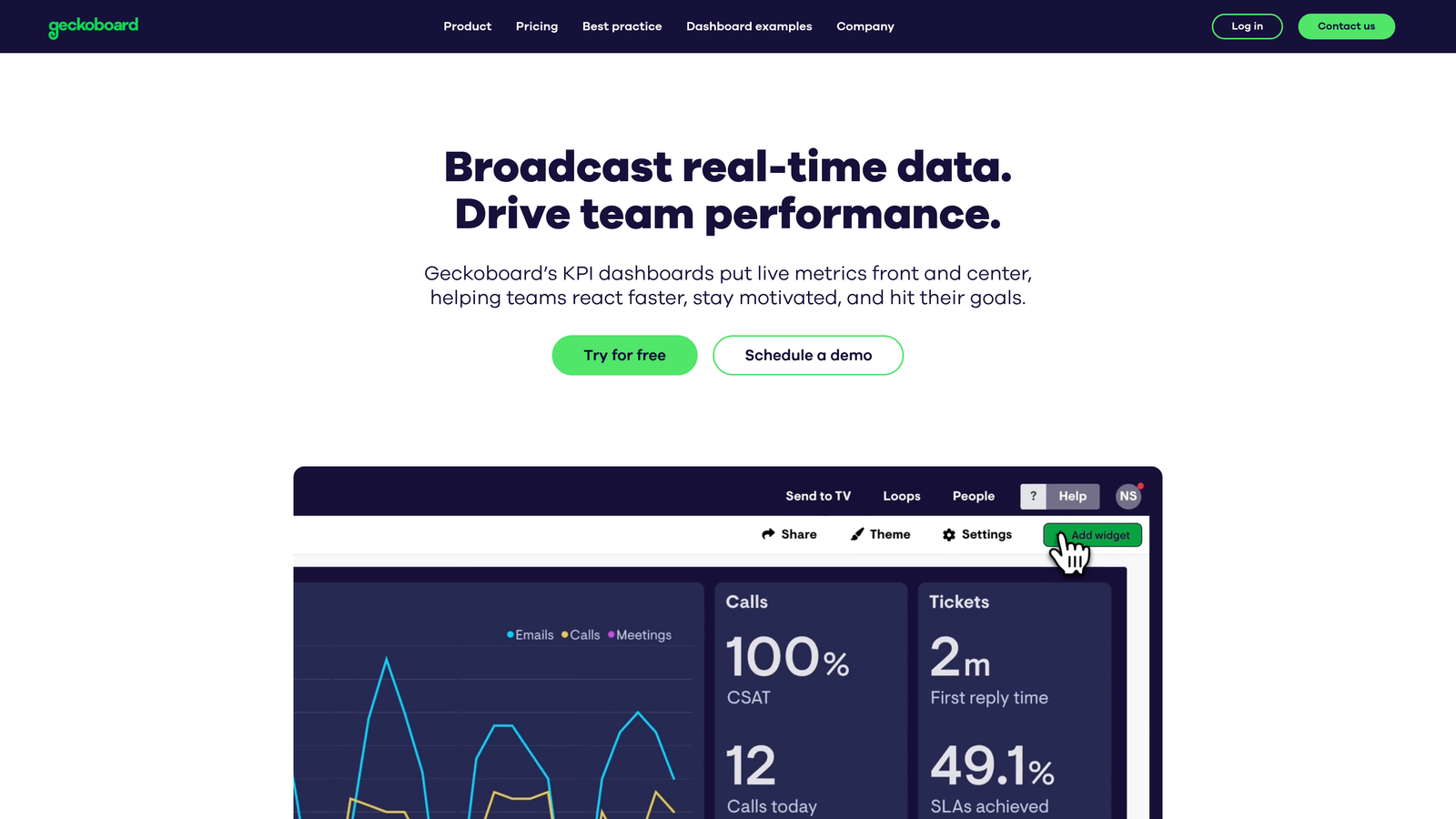
Geckoboard specializes in real-time dashboards designed for TV displays, making support metrics visible to everyone without requiring them to log into reporting tools.
Where This Tool Shines
The TV mode optimizes dashboards for large screens and distant viewing, with high-contrast visualizations that remain readable across the office. Goal tracking shows progress toward targets with color-coded indicators—green when you're on track, red when performance slips. This constant visibility creates natural accountability without managers needing to send report emails.
The platform integrates with over 80 data sources including all major helpdesks, so you can combine support metrics with sales, marketing, or product data on unified dashboards. Shareable dashboard links let remote team members view the same metrics without needing separate accounts.
Key Features
TV Mode Optimization: Dashboards designed specifically for large displays and distant viewing angles.
80+ Integrations: Connect data from Zendesk, Freshdesk, Intercom, Google Analytics, Stripe, and more.
Goal Tracking: Set targets for key metrics with visual progress indicators and color-coded status.
Shareable Dashboard Links: Distribute view-only access without requiring additional user accounts.
Mobile-Friendly Views: Access dashboards from phones or tablets when away from the office.
Best For
Teams with physical office spaces who want metrics visible to everyone, or remote teams needing simple dashboard sharing. Works well for companies tracking multiple departments on unified screens.
Pricing
Starts at $39 per month for a single dashboard. Additional dashboards available at volume discounts.
7. Klipfolio
Best for: Data-savvy teams building custom KPI dashboards from multiple sources with advanced formulas.
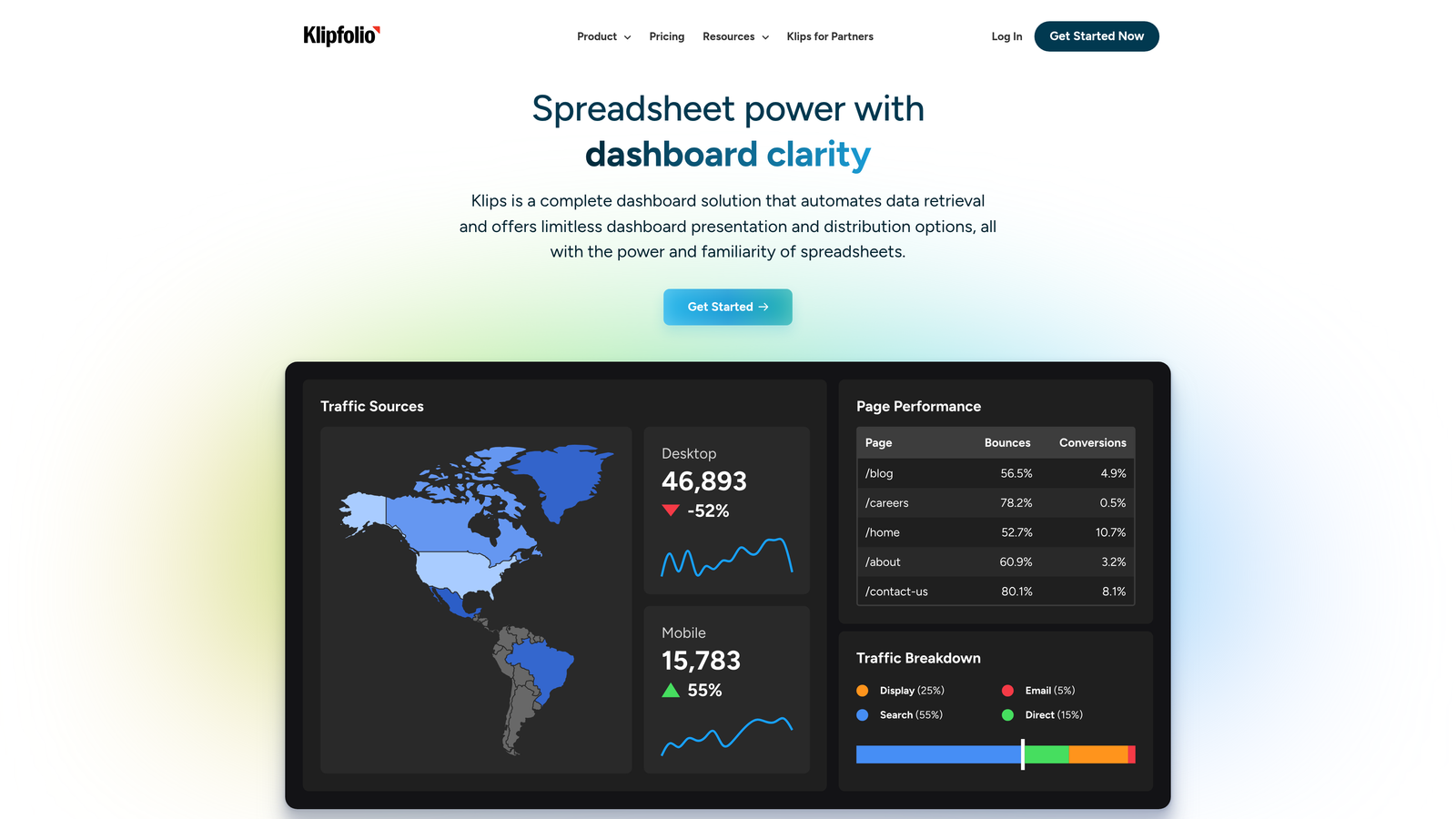
Klipfolio provides maximum flexibility for teams that want complete control over how metrics are calculated, displayed, and shared.
Where This Tool Shines
The platform connects to virtually any data source through pre-built connectors, REST APIs, or direct database queries. The advanced formula editor lets you create custom metrics that combine data from multiple systems—calculate customer lifetime value using support ticket history, product usage, and payment data, for example. White-label dashboards allow agencies or SaaS companies to share branded analytics with clients.
PowerMetrics, Klipfolio's newer product, offers a catalog of standardized KPI definitions that ensure everyone calculates metrics consistently. Automated data refresh keeps dashboards current without manual updates, and version control tracks changes to formulas over time.
Key Features
Universal Data Connectivity: Connect to databases, APIs, spreadsheets, and 100+ pre-built integrations.
Advanced Formula Editor: Create custom metrics using functions, conditional logic, and cross-source calculations.
White-Label Dashboards: Share branded analytics with clients or external stakeholders.
Automated Data Refresh: Schedule updates from hourly to monthly based on data source requirements.
PowerMetrics KPI Catalog: Standardized metric definitions for consistent reporting across teams.
Best For
Teams with technical resources who need custom analytics that standard reporting tools can't provide. Particularly valuable for agencies managing multiple clients or companies with complex data architectures.
Pricing
Klipfolio starts at $125 per month for basic plans. PowerMetrics offers a free tier with paid plans based on user count and data sources.
8. Playvox
Best for: Larger support organizations needing workforce management alongside performance tracking.
Playvox combines KPI tracking with agent scheduling, quality management, and coaching tools in a unified platform for enterprise contact centers.
Where This Tool Shines
The workforce scheduling module forecasts support volume based on historical patterns, then generates optimal shift schedules that match agent availability to expected demand. This prevents both understaffing during peak periods and overstaffing during slow times. Quality management scorecards evaluate agent performance across multiple dimensions—not just speed metrics, but also adherence to processes and customer interaction quality.
Gamification features create friendly competition around performance goals, with leaderboards and achievement badges that motivate agents without heavy-handed management. The learning management integration connects performance gaps to training resources, so agents can improve specific skills identified through quality reviews.
Key Features
Workforce Scheduling: Forecast support volume and generate optimal agent schedules based on predicted demand.
Quality Management Scorecards: Multi-dimensional performance evaluation covering speed, accuracy, and customer experience.
Agent Motivation Tools: Gamification with leaderboards, badges, and performance challenges.
Performance Dashboards: Real-time visibility into individual and team metrics across all channels.
Learning Management Integration: Connect performance gaps to relevant training content and track completion.
Best For
Enterprise support organizations with 50+ agents who need comprehensive workforce management beyond basic KPI tracking. Particularly valuable for contact centers with shift-based operations and complex scheduling requirements.
Pricing
Contact for pricing. Playvox uses modular pricing based on which features you need—workforce management, quality assurance, or the full suite.
9. Databox
Best for: Support leaders reporting upward who need mobile access and automated executive scorecards.
Databox takes a mobile-first approach to KPI tracking, with push notifications for goal progress and performance alerts that keep you informed without opening a laptop.
Where This Tool Shines
The mobile app delivers notifications when metrics cross thresholds you define—ticket backlog exceeds 100, average response time climbs above two hours, or CSAT drops below your target. Goal tracking shows progress toward monthly or quarterly targets with visual indicators that make it obvious whether you're on pace. Automated performance scorecards compile key metrics into executive summaries that stakeholders can review in minutes.
Benchmark groups let you compare performance against similar companies in your industry and size category, providing context for whether your metrics are competitive. The platform includes 70+ one-click integrations that connect data sources without custom development.
Key Features
Mobile App with Push Notifications: Stay informed about metric changes without checking dashboards constantly.
Goal Tracking: Set targets for key metrics and receive alerts about progress toward goals.
70+ One-Click Integrations: Connect helpdesks, analytics tools, and business systems without technical setup.
Benchmark Groups: Compare your performance against industry peers based on company size and sector.
Automated Performance Scorecards: Generate executive summaries that compile key metrics for stakeholder review.
Best For
Support leaders who report to executives and need mobile-friendly dashboards with automated summaries. Works well for teams that want benchmark comparisons to justify resource requests or demonstrate competitive performance.
Pricing
Free tier available with limited data sources. Paid plans start at $47 per month with expanded integrations and user seats.
Making the Right Choice
Your ideal KPI tracking software depends heavily on your existing tech stack and team priorities. AI-forward teams benefit most from Halo AI's intelligent analytics that connect support metrics to business outcomes. If you're already invested in Zendesk or Freshdesk, their native reporting tools provide solid analytics without adding another vendor relationship.
Quality-obsessed teams should prioritize Klaus for conversation reviews and coaching workflows that improve customer interactions. Data teams wanting full customization will appreciate Klipfolio's formula editor and universal connectivity. For office-based teams, Geckoboard's TV displays create constant visibility without requiring anyone to log into reporting tools.
Most platforms offer trials or free tiers—test two or three against your actual workflow before committing. Pay attention to how easily each tool pulls data from your existing systems and whether the dashboards surface insights you can actually act on. The best KPI tracking software doesn't just display numbers—it helps you understand what those numbers mean and what to do about them.
Your support team shouldn't scale linearly with your customer base. Let AI agents handle routine tickets, guide users through your product, and surface business intelligence while your team focuses on complex issues that need a human touch. See Halo in action and discover how continuous learning transforms every interaction into smarter, faster support.