9 Best Customer Support Platforms with Analytics in 2026
Discover the 9 best customer support platforms with analytics in 2026, evaluated across B2B SaaS, mid-market, and enterprise use cases to help teams move beyond raw data and surface actionable insights. From AI-driven intelligence to agent performance tracking and trend detection, this guide identifies the right platform whether you're scaling a lean team, replacing a legacy helpdesk, or upgrading to smarter, automation-ready analytics.
 Matt PattoliFounder13 min read
Customer support teams are drowning in data but starving for insight. Ticket volumes, resolution times, CSAT scores — the numbers pile up fast, but knowing what to do with them is a different challenge entirely. The best customer support platforms don't just log interactions; they surface patterns, flag anomalies, and help teams make smarter decisions in real time.
This list focuses on platforms that combine strong support operations with meaningful analytics, whether that's AI-driven business intelligence, agent performance tracking, customer health signals, or trend detection. We've evaluated tools across B2B SaaS, mid-market, and enterprise use cases, with particular attention to teams already using or considering automation.
Whether you're scaling a lean support team, replacing a legacy helpdesk, or looking for analytics that go beyond basic dashboards, one of these platforms should fit your needs.
1. Halo AI
Best for: B2B SaaS teams that want business intelligence, not just ticket metrics
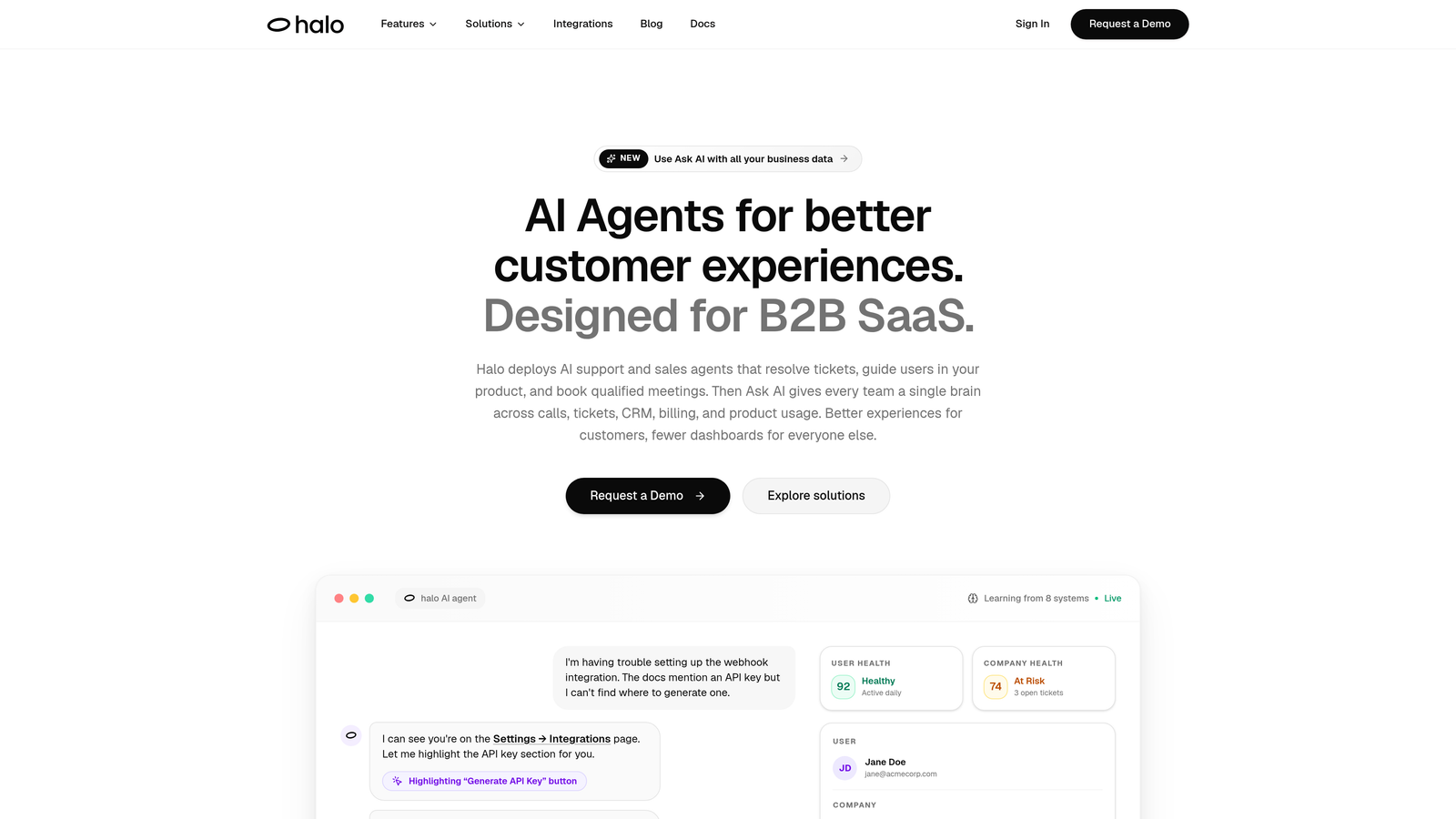
Halo AI is an AI-native customer support platform that resolves tickets, guides users through your product, and surfaces business intelligence — all from a single system.
Where This Tool Shines
Most support platforms tell you what happened. Halo AI tells you what it means. The smart inbox goes beyond ticket queues to surface customer health signals, revenue anomalies, and product usage patterns that would otherwise stay buried in your data. For SaaS teams, that's the difference between reacting to churn and seeing it coming.
The page-aware chat widget is another standout feature. It sees what your users see, delivering contextual UI guidance based on exactly where someone is in your product. Combined with AI agents that continuously learn from every resolved interaction, the platform gets smarter over time without requiring manual retraining.
Key Features
Smart Inbox with Business Intelligence: Surfaces customer health signals, revenue anomalies, and product usage patterns alongside ticket management, giving support teams visibility that extends well beyond standard helpdesk reporting.
Page-Aware Chat Widget: Understands the user's current location in the product and delivers contextual guidance, reducing generic responses and improving first-contact resolution.
Autonomous AI Agents with Live Handoff: AI agents resolve routine tickets independently and escalate complex issues to human agents with full context preserved, keeping response quality consistent across both paths.
Auto Bug Ticket Creation: Automatically routes product issues to engineering tools like Linear, eliminating manual triage between support and development teams.
Deep Integrations: Connects with Slack, HubSpot, Intercom, Stripe, Zoom, PandaDoc, and Fathom, meaning support intelligence flows into the tools your broader team already uses.
Continuous Learning: Every resolved interaction improves the AI's accuracy, so resolution rates improve over time without additional configuration effort.
Best For
B2B SaaS companies and product-led growth teams that want support analytics tied to customer health, revenue signals, and product behavior — not just ticket counts. Particularly well-suited for teams replacing legacy helpdesks or adding AI-native capabilities on top of existing tools like Intercom or HubSpot.
Pricing
Contact for pricing at haloagents.ai. Pricing is tailored to team size and use case.
2. Zendesk
Best for: Enterprise teams needing deep, customizable analytics at scale
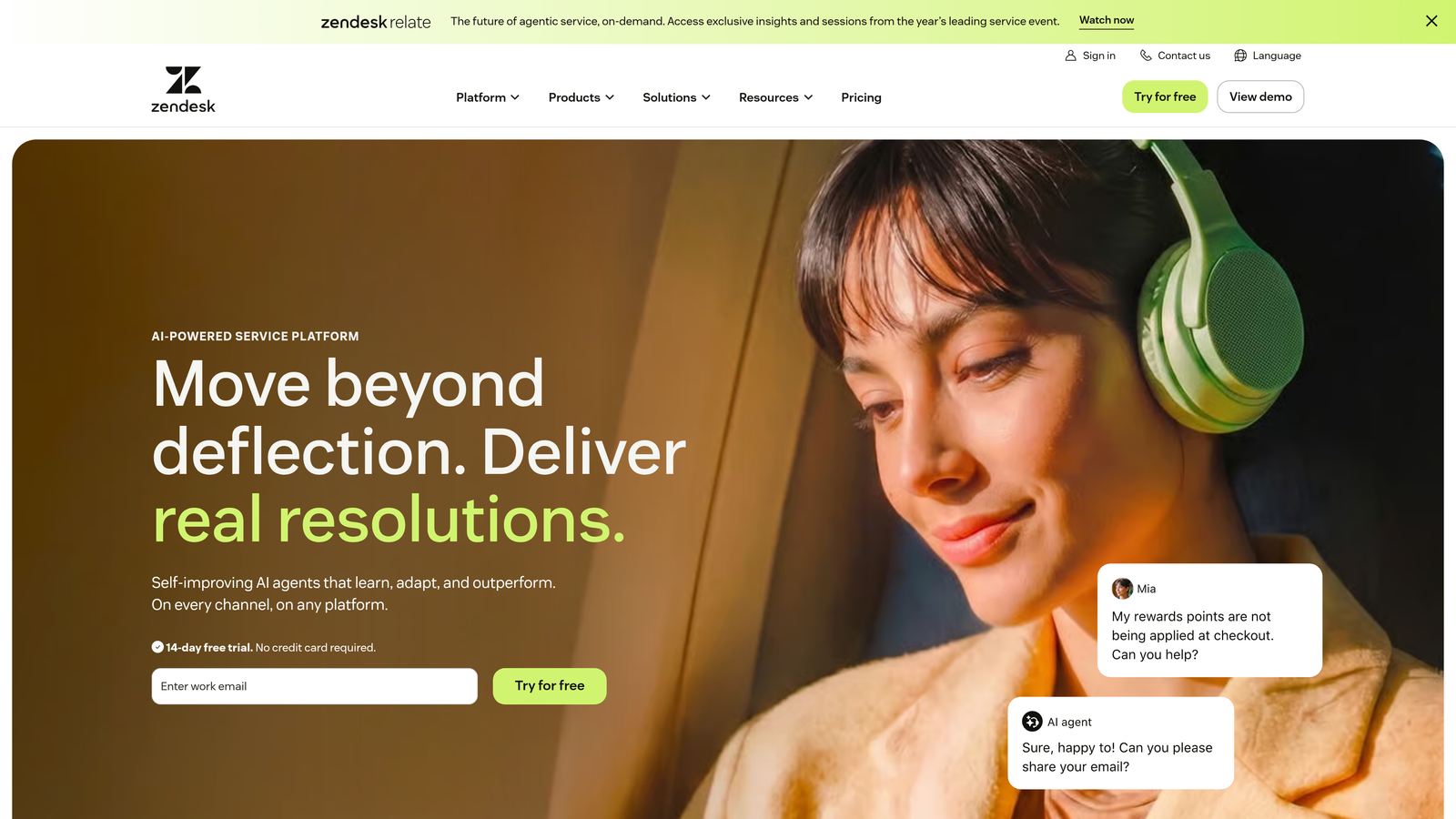
Zendesk is the industry-standard enterprise helpdesk, built for organizations managing high ticket volumes across multiple channels.
Where This Tool Shines
Zendesk Explore, the platform's analytics engine, is one of the most powerful reporting tools in the support category. It offers pre-built dashboards for common use cases alongside a flexible custom report builder that lets analysts go deep on historical trends, SLA compliance, and agent performance.
For omnichannel teams handling email, chat, voice, and social simultaneously, Zendesk's unified analytics view is genuinely valuable. The tradeoff is complexity: getting the most from Explore requires real configuration effort, and pricing escalates quickly at enterprise tiers.
Key Features
Zendesk Explore: Custom and pre-built dashboards covering support performance, SLA tracking, and historical trend analysis with considerable depth.
Omnichannel Analytics: Unified reporting across email, chat, voice, and social channels in a single view.
SLA Tracking and Breach Forecasting: Monitors service level agreements in real time and flags at-risk tickets before breaches occur.
Agent Performance Reporting: Tracks individual and team workload, resolution rates, and response times with granular detail.
AI-Powered Ticket Triage Analytics: Provides visibility into how AI suggestions and automations are affecting ticket routing and resolution.
Best For
Enterprise support organizations with dedicated analytics resources and complex, multi-channel operations. Less ideal for smaller teams who find the setup overhead outweighs the reporting benefits.
Pricing
Suite Team starts at $55/agent/month. Zendesk Explore is included in higher-tier plans. Enterprise pricing is available on request.
3. Intercom
Best for: SaaS teams wanting support analytics tied to product usage data
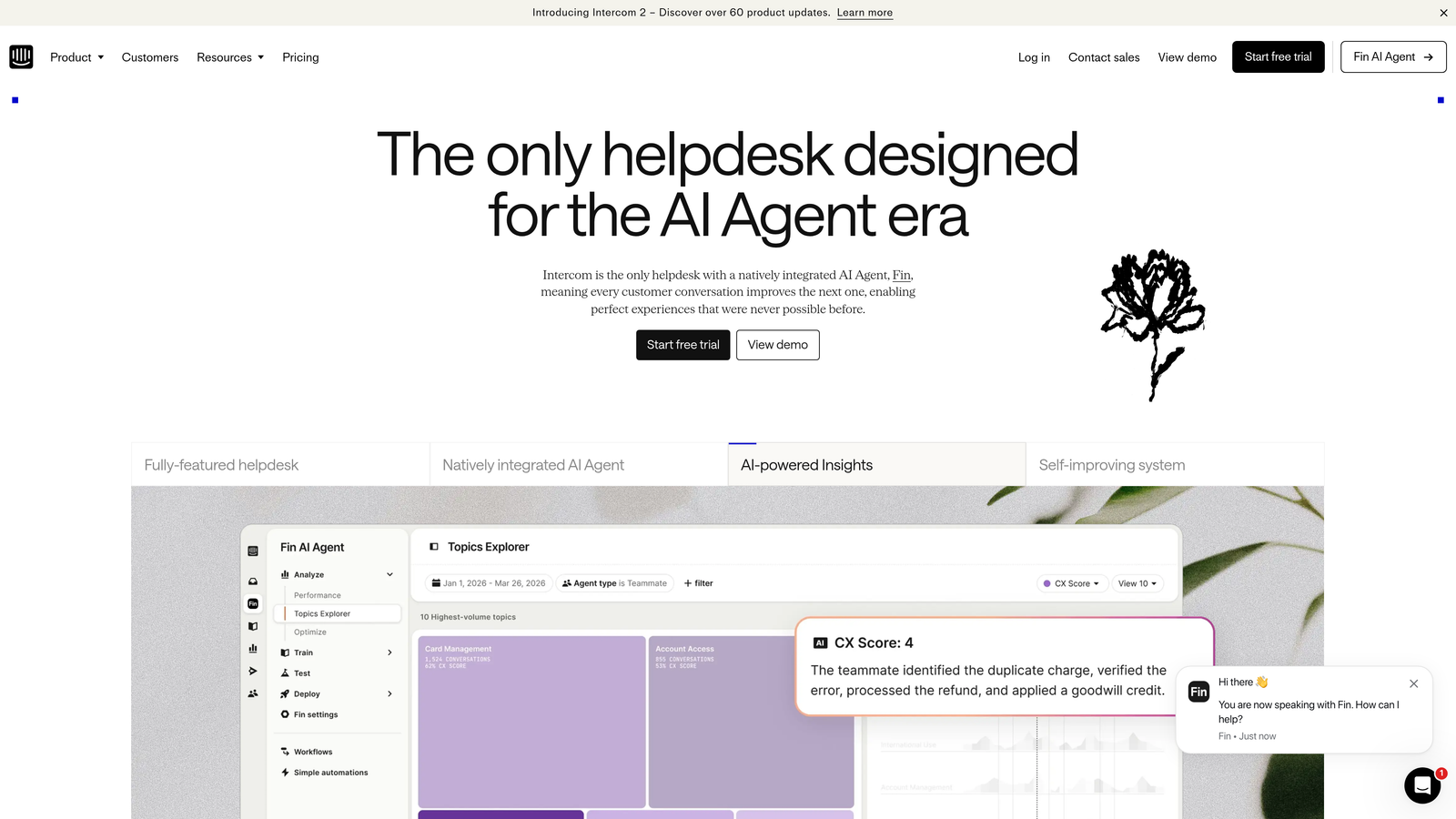
Intercom is a conversational support platform that connects ticket-level analytics with user behavior and product engagement data.
Where This Tool Shines
Where Intercom separates itself is the connection between support history and product usage. You can see not just how many tickets a user submitted, but what they were doing in the product when they reached out. For SaaS teams, that context makes support analytics considerably more actionable.
The Fin AI agent has its own performance analytics layer, covering resolution rates, handoff rates, and topic breakdowns. This makes it easier to understand where AI deflection is working and where it's creating friction before users escalate.
Key Features
Fin AI Performance Analytics: Tracks resolution rate, handoff rate, and topic-level breakdowns for the AI agent, giving teams clear visibility into automation effectiveness.
Product Engagement Integration: Connects user behavior and product usage data to support history, adding context that pure helpdesks can't provide.
Conversation Volume and CSAT Trends: Monitors satisfaction scores and volume patterns over time with trend-level reporting.
Inbox Performance Dashboards: Tracks team workload, response times, and assignment patterns across the support inbox.
Custom Reports Builder: Flexible reporting interface for teams that need to go beyond pre-built dashboards.
Best For
SaaS companies, particularly product-led growth teams, that want support analytics integrated with user behavior data. Strong fit for teams already using Intercom for in-app messaging who want to consolidate their support analytics in one place.
Pricing
Essential plan starts at $29/seat/month. Advanced analytics features are available in higher-tier plans.
4. Freshdesk
Best for: Mid-market teams that want solid analytics without enterprise complexity
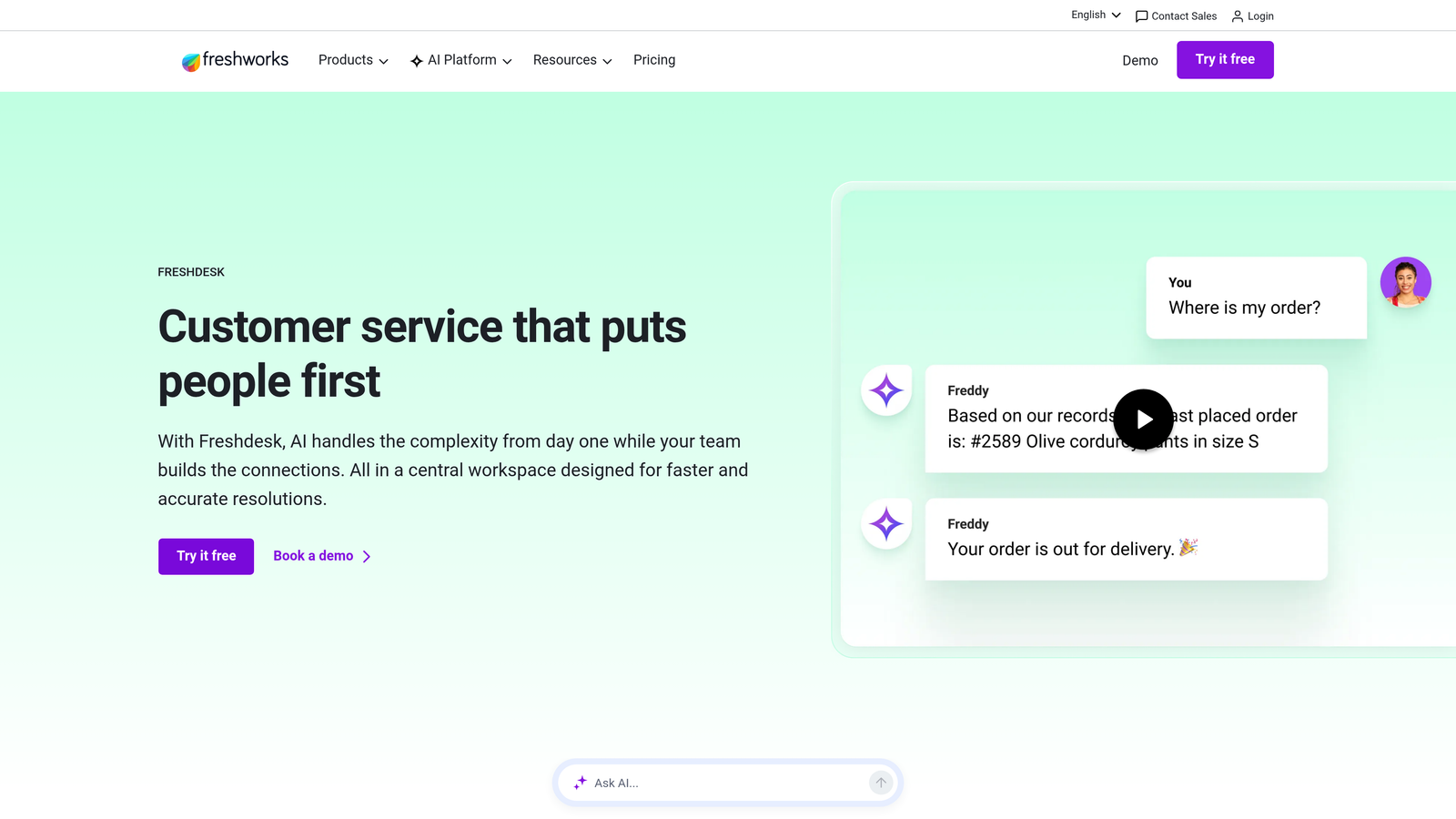
Freshdesk is a mid-market helpdesk that pairs accessible reporting with Freddy AI analytics for teams that need meaningful insights without a steep learning curve.
Where This Tool Shines
Freshdesk hits a useful middle ground: more reporting depth than basic helpdesks, without the configuration overhead of Zendesk Explore or Salesforce Einstein. The Freddy AI layer adds trend detection and ticket classification insights that help smaller teams spot patterns they might otherwise miss.
Scheduled report delivery via email is a simple but genuinely useful feature for team leads who want regular visibility without logging in daily. The platform's pricing structure also makes it one of the more accessible options for growing teams watching costs.
Key Features
Pre-Built and Custom Reports: Covers tickets, agent performance, and SLA compliance with both out-of-the-box dashboards and a custom report builder.
Freddy AI Trend Detection: Identifies emerging ticket topics and classification patterns, helping teams get ahead of volume spikes before they escalate.
CSAT Tracking: Monitors customer satisfaction scores with response-level detail and trend analysis over time.
Team Performance Scorecards: Provides individual and team-level performance summaries for managers reviewing agent output.
Scheduled Report Delivery: Automatically emails reports to stakeholders on a set schedule, reducing manual reporting overhead.
Best For
Growing SMB and mid-market teams that want reliable, accessible analytics without dedicated analytics resources. A strong alternative to Zendesk for teams that find enterprise tooling unnecessarily complex for their current scale.
Pricing
Free plan available. Paid plans start at $15/agent/month. Analytics features are included in the Growth tier and above.
5. Salesforce Service Cloud
Best for: Enterprise teams already in the Salesforce ecosystem needing revenue-connected support analytics
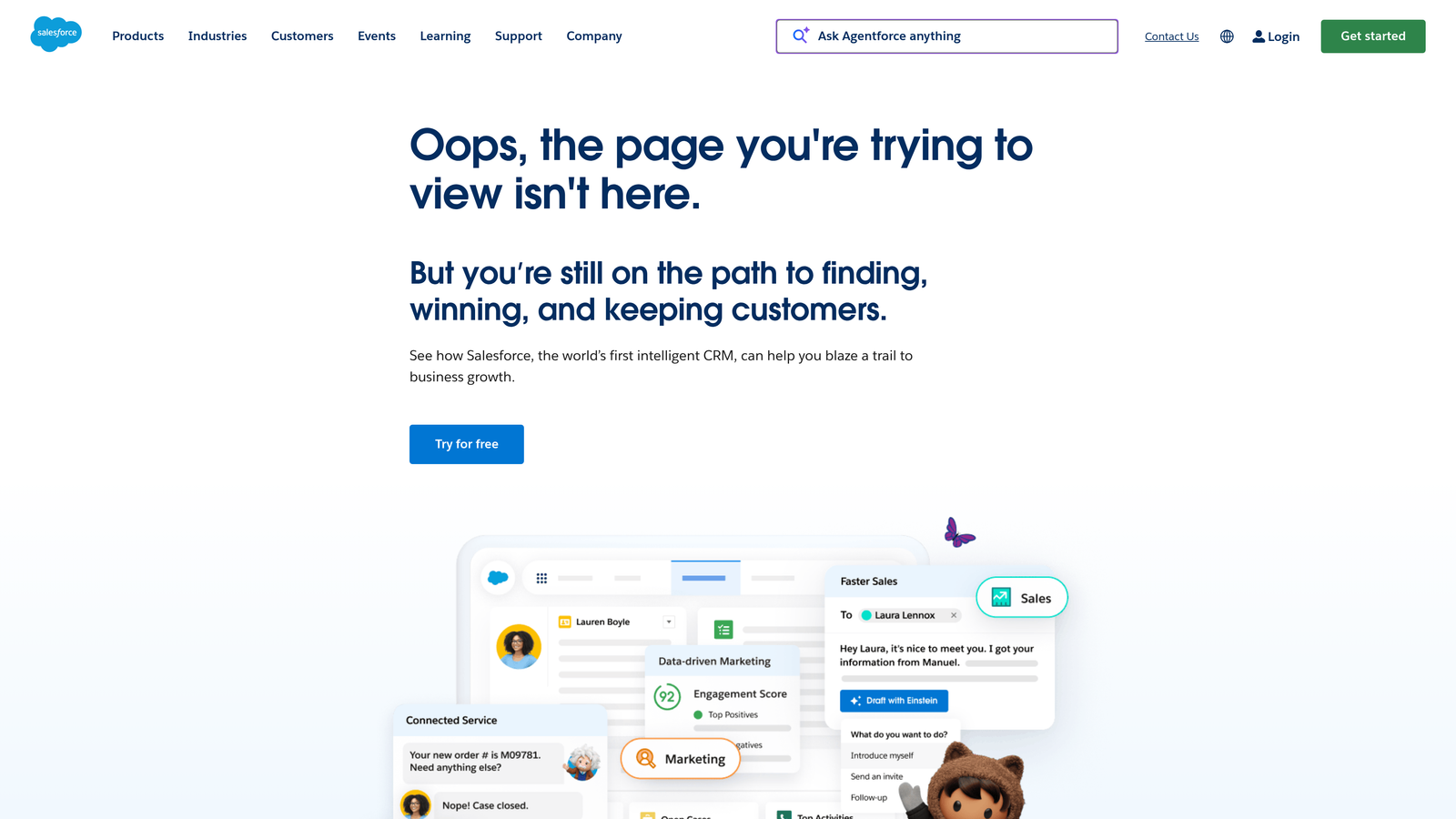
Salesforce Service Cloud is an enterprise support platform that connects case management directly to CRM data, account health, and revenue outcomes through Einstein Analytics.
Where This Tool Shines
The core advantage of Service Cloud is its native CRM integration. Support data doesn't live in a separate silo — it connects directly to account records, opportunity pipelines, and customer health data that the rest of the business already tracks in Salesforce. For enterprise teams where support outcomes affect renewals and expansion, that connection is genuinely powerful.
Tableau integration extends the analytics capabilities further, allowing teams to build sophisticated custom dashboards that pull from both support and business data. The tradeoff is cost and implementation complexity: Service Cloud is one of the more expensive options on this list, and getting full value from Einstein Analytics typically requires dedicated Salesforce admin resources.
Key Features
Einstein Analytics: AI-powered reporting layer that surfaces trends, predictions, and performance insights across support operations.
Native CRM Integration: Connects support case data directly to account records, opportunity data, and customer health scores within Salesforce.
Omni-Channel Analytics: Tracks routing efficiency and workload distribution across all support channels.
Tableau Integration: Enables advanced custom dashboards combining support and business data for enterprise reporting needs.
SLA Compliance Tracking: Monitors case management against defined service level agreements with breach alerting.
Best For
Large enterprises already running Salesforce CRM that want support analytics integrated with account health and revenue data. Less practical for teams outside the Salesforce ecosystem given the implementation investment required.
Pricing
Starter Suite from $25/user/month. Einstein Analytics requires higher-tier plans. Enterprise pricing available on request.
6. HubSpot Service Hub
Best for: Teams that want cross-functional reporting spanning support, marketing, and sales
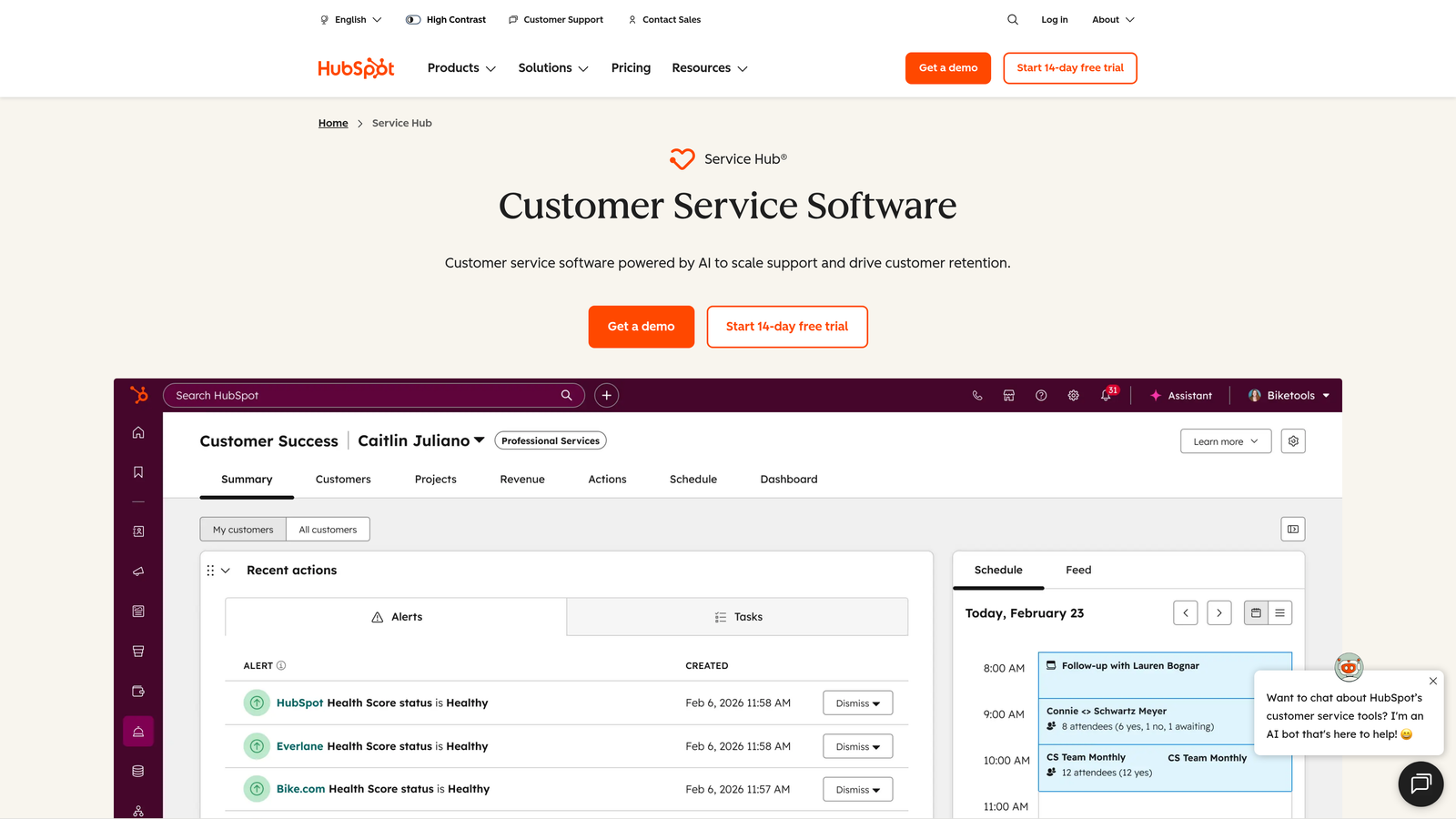
HubSpot Service Hub is a support platform built inside the HubSpot CRM ecosystem, offering unified reporting across the full customer lifecycle.
Where This Tool Shines
HubSpot Service Hub's differentiation is cross-functional visibility. Because it lives inside the same platform as HubSpot Marketing and Sales, you can build reports that span the entire customer journey — from first marketing touch through deal close and into ongoing support. For revenue teams that want to understand how support trends correlate with churn or expansion, that unified view is hard to replicate elsewhere.
The custom report builder with full CRM data access is particularly useful for teams that want to go beyond standard support metrics. The main limitation is that Service Hub's analytics depth lags behind dedicated support platforms like Zendesk Explore for teams with complex, high-volume operations.
Key Features
Unified Cross-Functional Reporting: Combines support, marketing, and sales data in a single reporting environment, enabling full customer lifecycle analysis.
Ticket Pipeline Analytics: Tracks ticket progression, SLA compliance, and pipeline health across support workflows.
NPS and Customer Feedback Reporting: Monitors Net Promoter Score and customer satisfaction survey results with trend analysis.
Rep Performance Dashboards: Tracks individual agent metrics including response times, ticket volume, and resolution rates.
Custom Report Builder: Flexible reporting interface with access to the full HubSpot CRM data set for advanced analysis.
Best For
Teams already using HubSpot for marketing or sales that want to add support analytics without introducing a separate platform. Strong for revenue-focused teams that want to connect support performance to pipeline and customer health data.
Pricing
Free tools available. Starter plans from $15/seat/month. Advanced reporting features are available in the Professional tier.
7. Gorgias
Best for: E-commerce brands that want support analytics tied directly to revenue outcomes
Gorgias is an e-commerce-focused support platform with revenue-per-ticket analytics that connects support activity to actual sales results.
Where This Tool Shines
Gorgias solves a specific problem that general helpdesks ignore: proving the revenue impact of support. The revenue-per-ticket reporting links individual support conversations to e-commerce conversions, giving teams a concrete way to demonstrate that good support drives sales, not just satisfaction scores.
The depth of Shopify, WooCommerce, and Magento integration means agents see full order history, shipping status, and purchase data directly within the ticket view. That context improves both response quality and the accuracy of revenue attribution in reporting.
Key Features
Revenue-Per-Ticket Reporting: Links support interactions to e-commerce conversion data, quantifying the direct revenue impact of support activity.
Native E-Commerce Integrations: Deep connections with Shopify, WooCommerce, and Magento bring order data directly into the support interface.
First Response and Resolution Time Analytics: Tracks response speed and resolution efficiency with channel-level breakdowns.
Automation Performance Reporting: Monitors macro and rule usage to show how much volume automation is deflecting and where it's falling short.
Agent Performance Dashboards: Tracks individual agent workload, response times, and resolution metrics.
Best For
Direct-to-consumer e-commerce brands, particularly those on Shopify, that want to measure support's contribution to revenue. Less suited for B2B SaaS teams where ticket-to-revenue attribution works differently.
Pricing
Starter plan from $10/month for up to 3 agents. Pricing scales by ticket volume rather than seat count at higher tiers.
8. Kustomer
Best for: High-volume consumer support teams needing full customer history in analytics
Kustomer is a CRM-style support platform that builds analytics around unified customer timelines, factoring in full interaction history and lifetime value alongside ticket data.
Where This Tool Shines
Kustomer's approach to analytics starts from the customer, not the ticket. Every conversation, purchase, and interaction is consolidated into a single timeline per customer, which means analytics reflect the full relationship rather than isolated support events. For teams supporting high-value customers where history matters, that context changes how you interpret performance data.
Customer lifetime value and segment-level analytics make it possible to understand whether your highest-value customers are receiving proportionally better support, and where service gaps exist by segment. This is a level of analysis that standard helpdesks simply don't surface.
Key Features
Unified Customer Timeline: Merges all interaction history, purchases, and support data into a single customer record that informs analytics at every level.
Customer Lifetime Value Analytics: Tracks CLV and segment-level support performance, connecting service quality to customer value.
Multi-Channel Conversation Analytics: Covers resolution performance and conversation trends across all support channels.
AI Routing and Deflection Reporting: Tracks how AI-powered routing and automation are performing, including deflection rates and escalation patterns.
Custom Dashboards and Scheduled Reports: Flexible reporting tools with scheduled delivery for regular stakeholder updates.
Best For
Consumer brands and high-volume support operations where customer history and lifetime value are central to how support performance is evaluated. The pricing reflects enterprise positioning, making it less accessible for smaller teams.
Pricing
Enterprise plan from $89/user/month. Ultimate plan from $139/user/month.
9. Help Scout
Best for: Smaller teams that want clear, actionable reporting without complexity
Help Scout is a clean, focused helpdesk with straightforward reporting designed for teams that want useful insights without navigating complex analytics infrastructure.
Where This Tool Shines
Help Scout earns its place on this list not through analytical depth, but through usability. The reporting interface is genuinely intuitive — team leads can find what they need without training or dedicated analytics support. For smaller teams where the person checking reports is also handling tickets, that simplicity has real value.
The happiness score feature provides CSAT tracking at the individual response level, which gives more actionable feedback than aggregate scores alone. Email digest reports for team leads are a small but practical touch that keeps performance visibility in the workflow rather than requiring a separate login.
Key Features
Happiness Score Tracking: Monitors customer satisfaction at the response level, providing granular feedback that aggregate CSAT scores can miss.
Team and Individual Performance Reports: Clean dashboards covering response times, resolution rates, and workload distribution across the team.
Conversation Volume Trends: Tracks volume patterns over time and identifies busiest periods to support staffing decisions.
First Response and Resolution Time Tracking: Core speed metrics presented in a straightforward, easy-to-read format.
Email Digest Reports: Automatically delivers performance summaries to team leads on a regular schedule, reducing manual reporting effort.
Best For
Small to mid-sized teams that prioritize ease of use over analytical depth. A strong fit for teams moving off email-based support that want professional reporting without enterprise complexity or pricing.
Pricing
Standard plan from $22/user/month. Plus plan from $44/user/month.
Which Platform Fits Your Needs?
The right choice depends on where your analytics gaps actually are. There's a meaningful difference between needing better ticket metrics, needing customer health visibility, and needing to connect support outcomes to revenue — and not every platform addresses all three.
Here's a quick way to think through the options by use case:
AI-native intelligence with business signals: Halo AI is the standout here. If you want analytics that go beyond tickets to surface customer health, revenue anomalies, and product usage patterns, it's the only platform on this list built around that kind of intelligence from the ground up.
Enterprise scale and reporting depth: Zendesk Explore and Salesforce Service Cloud both deliver serious analytical horsepower. Zendesk is the stronger choice for teams outside the Salesforce ecosystem; Service Cloud wins if you're already running Salesforce CRM and want support data connected to account and revenue records.
SaaS growth teams: Intercom's product usage integration makes it uniquely suited for product-led growth companies. HubSpot Service Hub is the better fit if cross-functional reporting across marketing, sales, and support is a priority.
E-commerce: Gorgias is purpose-built for this use case. The revenue-per-ticket reporting alone justifies the evaluation for any Shopify-first team.
Simplicity first: Help Scout and Freshdesk both deliver accessible, practical reporting without the overhead of enterprise tooling. Freshdesk has more depth at a similar price point; Help Scout wins on pure usability.
The broader trend worth noting: analytics in support platforms are moving from descriptive to predictive. Knowing what happened last week is useful. Knowing which customers are at risk, which product areas are generating friction, and which tickets signal a revenue opportunity — that's where the category is heading.
Your support team shouldn't scale linearly with your customer base. Let AI agents handle routine tickets, guide users through your product, and surface business intelligence while your team focuses on complex issues that need a human touch. See Halo in action and discover how continuous learning transforms every interaction into smarter, faster support.