11 Best Customer Support Software Compared for 2026
This customer support software comparison evaluates 11 leading platforms for 2026, categorizing them into traditional helpdesks with added AI, conversational chat-focused tools, and AI-native systems built for automation. The analysis examines each solution's AI capabilities, integration options, scalability, pricing transparency, and time-to-value to help you identify which platform matches your specific needs—whether that's autonomous ticket resolution, seamless tech stack integration, or industry-specialized features.
 Grant CooperFounder14 min read
Choosing customer support software in 2026 means navigating a crowded marketplace where every platform claims to be "AI-powered" and "easy to use." The reality? Most tools fall into one of three camps: traditional helpdesks bolting on AI features, conversational platforms focused on chat experiences, or truly AI-native systems built from the ground up for automation.
The best choice depends on what you actually need: autonomous ticket resolution that scales without adding headcount, deep integrations with your existing tech stack, transparent pricing that won't surprise you at renewal, or specialized features for your industry. This comparison cuts through the marketing noise to show you exactly what each platform delivers, where it excels, and who it's built for.
We've evaluated these tools based on AI capabilities, integration depth, scalability, pricing transparency, and time-to-value. Here are the top customer support platforms compared for 2026.
1. Halo AI
Best for: B2B SaaS teams seeking autonomous AI agents that learn and improve continuously
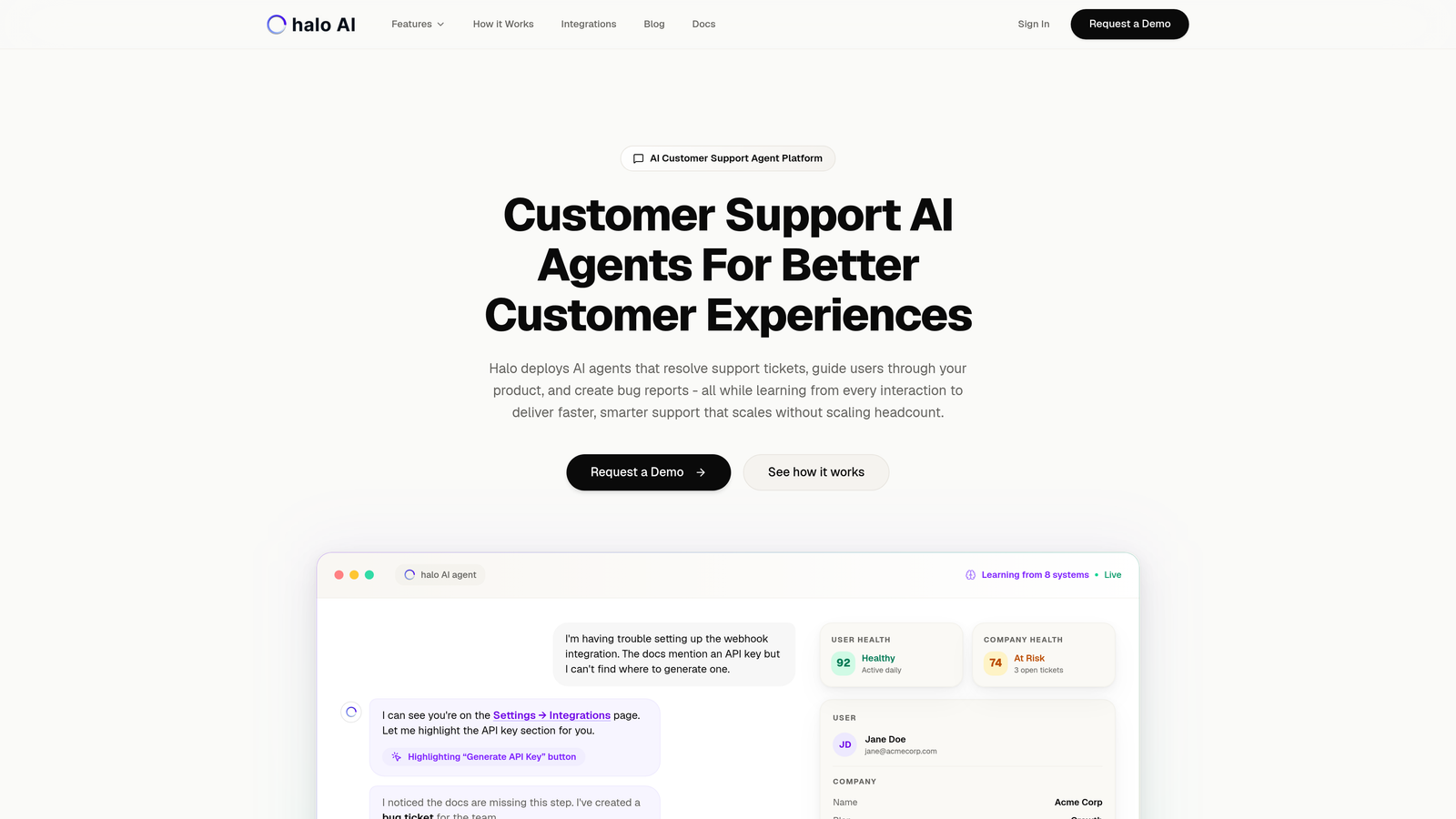
Halo AI is an AI-native customer support platform that deploys autonomous agents to resolve tickets, guide users with page-aware context, and continuously learn from every interaction.
Where This Tool Shines
Unlike traditional helpdesks that added AI as an afterthought, Halo was built from the ground up for autonomous operation. Its agents don't just suggest responses—they resolve tickets independently, escalating to humans only when complexity demands it.
The page-aware chat widget sees exactly what users see in your product, enabling visual guidance that goes beyond generic troubleshooting. When a user struggles with a specific feature, Halo's agent can reference the exact UI elements they're viewing, making support contextual and precise.
Key Features
Autonomous AI Agents: Resolve tickets without human intervention, learning from every interaction to improve resolution accuracy over time.
Page-Aware Context: Chat widget sees what users see for visual UI guidance and contextual troubleshooting.
Smart Inbox with Business Intelligence: Surface customer health signals, revenue intelligence, and anomaly detection beyond basic support metrics.
Auto Bug Ticket Creation: Automatically create tickets in Linear, Slack, and developer tools when issues are identified.
Live Agent Handoff: Seamlessly transfer complex issues to human agents with full context preservation and conversation history.
Best For
B2B SaaS companies using helpdesk systems like Zendesk, Freshdesk, or Intercom who want to reduce support headcount while improving response quality. Particularly valuable for product teams that need support insights to inform development priorities.
Pricing
Contact for pricing. Designed for B2B SaaS teams with custom implementation based on ticket volume and integration requirements.
2. Zendesk
Best for: Enterprise teams needing mature omnichannel support with extensive third-party integrations
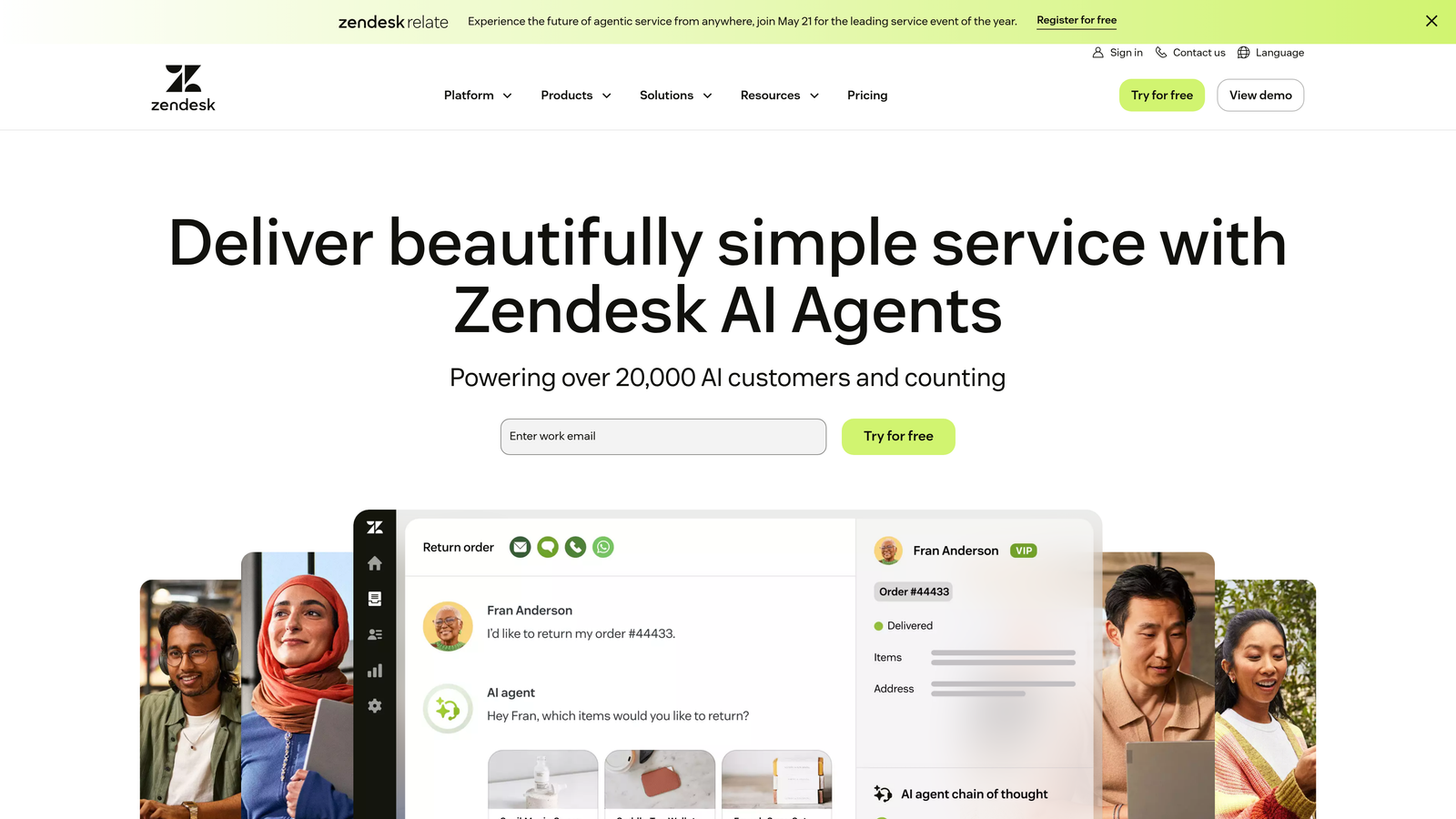
Zendesk is an enterprise-grade omnichannel support platform with extensive marketplace integrations and mature reporting capabilities.
Where This Tool Shines
Zendesk's strength lies in its maturity and ecosystem. With thousands of marketplace apps, you can connect virtually any tool in your tech stack. The platform handles email, chat, phone, and social media channels in a unified interface.
Advanced analytics and custom reporting dashboards give managers visibility into team performance, SLA compliance, and customer satisfaction trends. For large enterprises with complex support operations spanning multiple departments and regions, Zendesk offers the infrastructure and governance tools needed.
Key Features
Omnichannel Ticketing: Manage conversations across email, chat, phone, and social media in one unified workspace.
App Marketplace: Access thousands of integrations and custom apps to extend platform functionality.
Advanced Analytics: Build custom reporting dashboards with granular metrics on team performance and customer trends.
Answer Bot: AI-powered self-service deflection that suggests help articles before tickets reach agents.
Multi-Brand Support: Manage multiple brands or products with separate help centers and workflows from one account.
Best For
Enterprise organizations with high ticket volumes, complex routing requirements, and established support teams. Companies that need robust reporting for compliance or quality assurance will appreciate the depth of analytics.
Pricing
Starts at $19/agent/month for basic ticketing. Suite plans with omnichannel support begin at $55/agent/month. Enterprise pricing available for advanced features and customization.
3. Intercom
Best for: Product-led growth companies prioritizing in-app messaging and conversational experiences
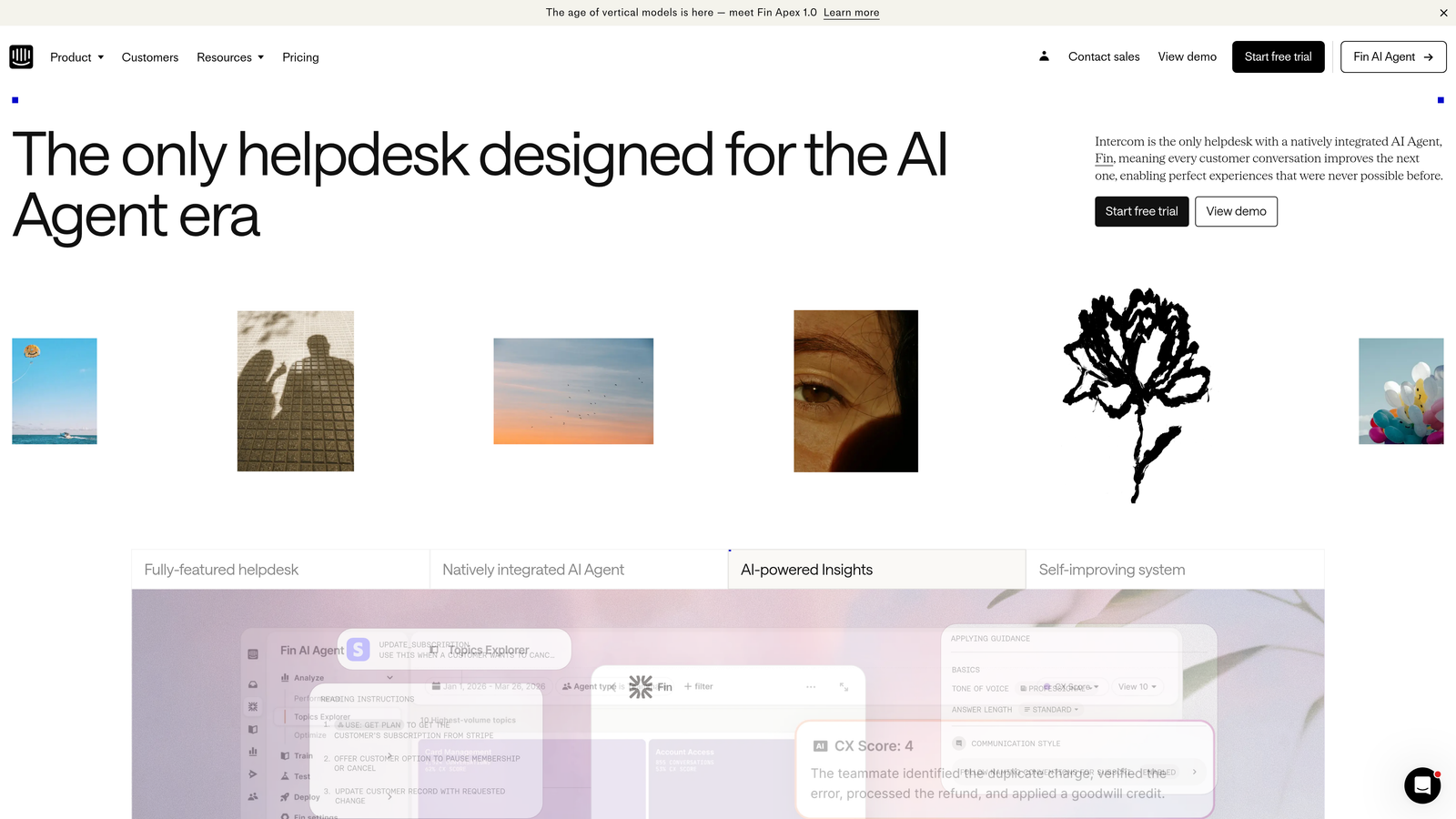
Intercom is a conversational support platform built around a modern messenger experience with strong product tour and in-app messaging capabilities.
Where This Tool Shines
Intercom excels at proactive, in-app support that feels native to your product. The messenger-first approach creates conversational experiences that feel less like "submitting a ticket" and more like chatting with a helpful colleague.
Product tours and targeted messaging let you guide users through onboarding, announce new features, or provide contextual help based on user behavior. Fin AI handles routine conversations autonomously, while custom bot builders let you create specialized workflows without coding.
Key Features
Messenger-First Support: Customizable chat widget that integrates seamlessly into your product interface.
Product Tours: Create in-app onboarding flows and feature announcements triggered by user behavior.
Fin AI Agent: Autonomous conversation handling with natural language understanding and resolution tracking.
Custom Bot Builder: Visual workflow builder for creating specialized bots without coding knowledge.
Outbound Messaging: Send targeted messages to user segments based on behavior, attributes, or lifecycle stage.
Best For
SaaS companies with product-led growth strategies who want to blend support, onboarding, and product education in a unified conversational experience. Teams that value proactive engagement over reactive ticket resolution.
Pricing
Starts at $39/seat/month for core messaging and inbox features. Fin AI is priced per resolution, typically adding significant cost for high-volume automated conversations.
4. Freshdesk
Best for: Growing teams transitioning from email to structured helpdesk workflows on a budget
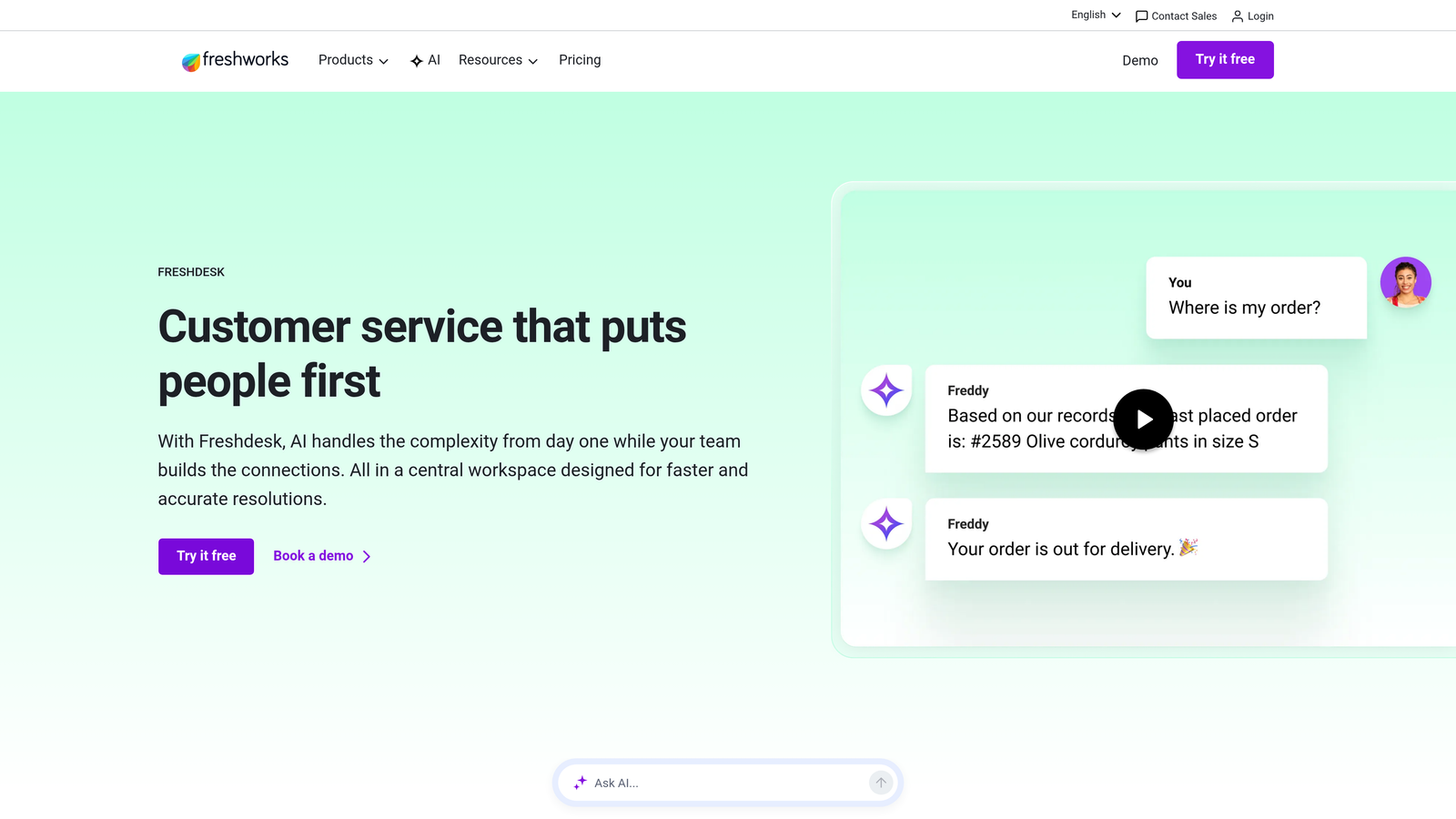
Freshdesk is intuitive helpdesk software with a generous free tier, making it accessible for growing teams transitioning from basic email support.
Where This Tool Shines
Freshdesk removes the financial barrier to adopting proper helpdesk software. The free tier supports up to 10 agents with core ticketing features, letting small teams escape chaotic shared inboxes without budget approval battles.
The interface prioritizes simplicity over complexity. New agents can start resolving tickets within minutes, not days. Freddy AI assists with ticket classification and response suggestions, helping teams work faster even without extensive training.
Key Features
Free Tier: Support up to 10 agents with email ticketing, knowledge base, and basic automation at no cost.
Ticket Dispatch: Automatic routing based on keywords, agent availability, and workload distribution.
SLA Management: Set response and resolution time targets with escalation rules for missed deadlines.
Freddy AI: Ticket classification, agent assist with response suggestions, and customer sentiment analysis.
Team Collaboration: Shared ticket ownership, internal notes, and collision detection when multiple agents view the same ticket.
Best For
Small to mid-sized companies making their first move from email to structured support. Teams that need basic helpdesk functionality without the complexity or cost of enterprise platforms.
Pricing
Free tier available for up to 10 agents. Paid plans start at $15/agent/month for additional features like automation, time tracking, and custom roles.
5. Help Scout
Best for: Teams prioritizing personal, human-centered support experiences over automation
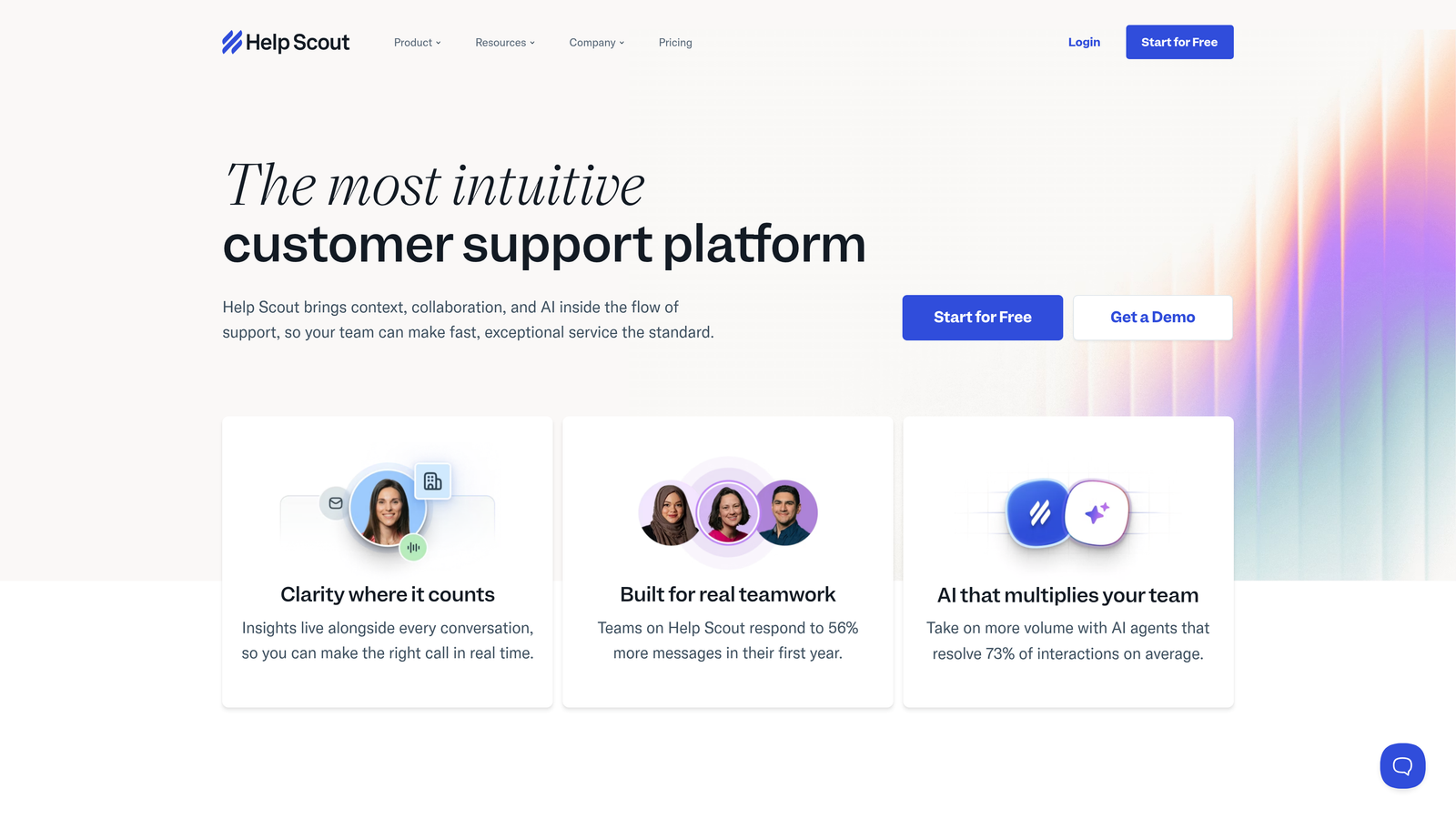
Help Scout is a human-centered helpdesk focused on delivering personal, email-like support experiences without losing the benefits of shared inbox collaboration.
Where This Tool Shines
Help Scout deliberately avoids feeling like "support software." The shared inbox looks and works like personal email, making it natural for agents to write conversational, personalized responses instead of templated replies.
Customer profiles automatically compile conversation history, purchase data, and context from integrations, giving agents everything they need without switching tools. The Beacon widget embeds help articles and chat into your product, letting users self-serve before reaching out.
Key Features
Shared Inbox: Collaborative email management that maintains the personal feel of individual inboxes.
Beacon Widget: Embedded help center and chat that adapts to user context and page location.
Docs Knowledge Base: Self-service help center with built-in search and article suggestions based on conversation content.
Customer Profiles: Automatic compilation of conversation history, custom fields, and integration data in one view.
Collision Detection: Alerts when multiple agents view the same conversation to prevent duplicate responses.
Best For
Companies that compete on customer experience quality rather than speed or scale. Teams that want technology to enhance human support rather than replace it with automation.
Pricing
Starts at $20/user/month for the Standard plan with unlimited mailboxes and basic features. Plus plan at $40/user/month adds advanced workflows and reporting.
6. HubSpot Service Hub
Best for: HubSpot CRM users wanting unified customer data across sales, marketing, and support
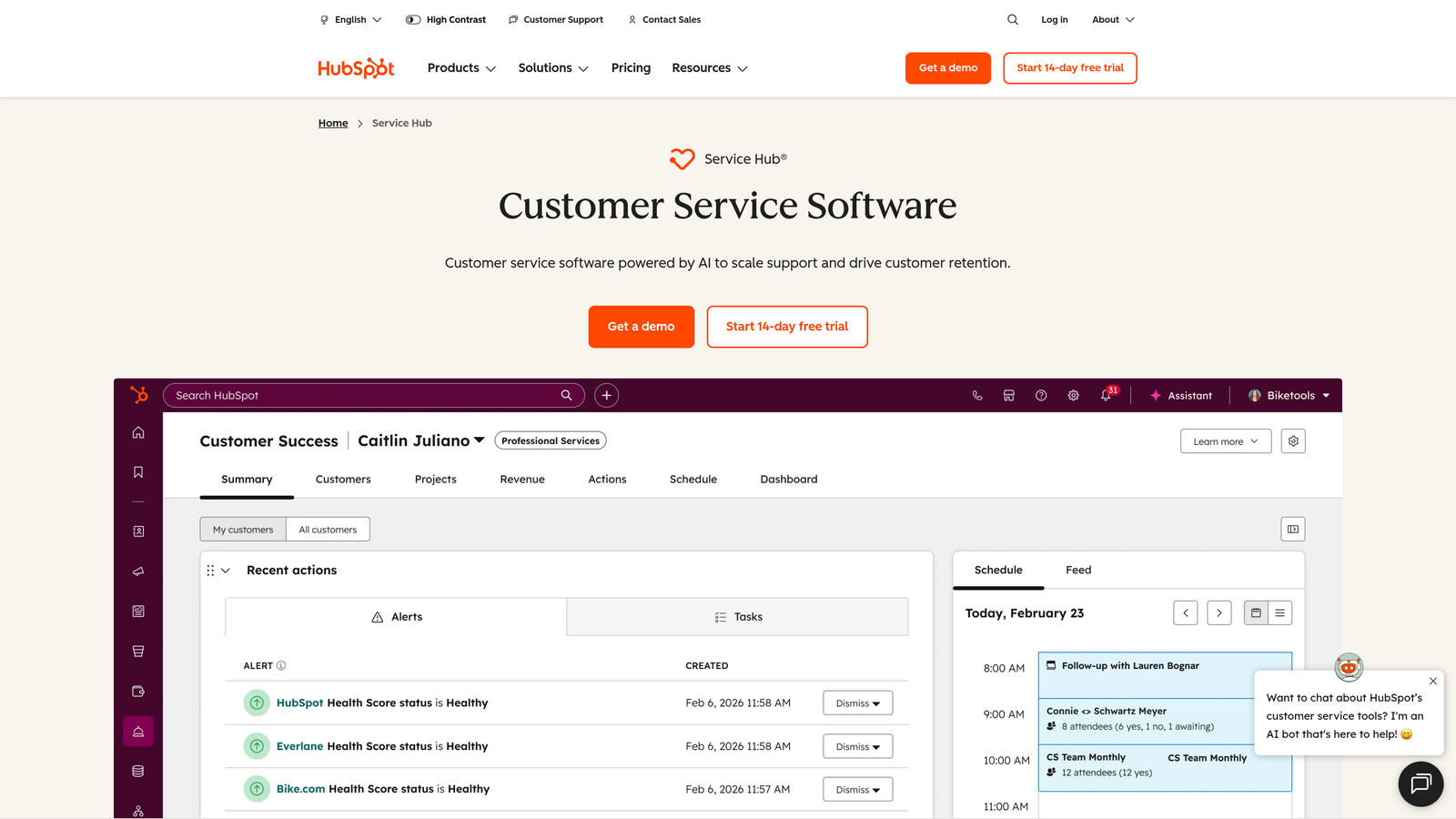
HubSpot Service Hub is a support solution natively integrated with HubSpot CRM, connecting service data with sales and marketing for unified customer views.
Where This Tool Shines
If you already use HubSpot for sales or marketing, Service Hub eliminates data silos. Every support interaction appears on the customer timeline alongside sales calls, marketing emails, and deal stages. Agents see the complete relationship history without switching platforms.
The native CRM integration enables sophisticated workflows: automatically create support tickets when deals close, trigger marketing sequences based on support interactions, or route high-value customer tickets to senior agents. Knowledge base articles integrate with HubSpot's SEO tools, turning support content into organic traffic sources.
Key Features
Native CRM Integration: Complete customer timeline showing sales, marketing, and support interactions in one unified view.
Automatic Routing: Ticket assignment based on agent availability, expertise, customer value, or custom properties.
Knowledge Base: Self-service help center with SEO optimization and integration with HubSpot's content strategy tools.
Customer Feedback: In-app surveys, NPS tracking, and feedback collection tied to customer records.
Conversation Intelligence: Analyze support interactions for trends, sentiment, and improvement opportunities.
Best For
Companies already invested in HubSpot's ecosystem who want to unify customer data across departments. Organizations where sales, marketing, and support need to collaborate on customer relationships.
Pricing
Free tools include basic ticketing and live chat. Starter plan begins at $45/month for two users. Professional and Enterprise tiers scale with additional features and user seats.
7. Gorgias
Best for: E-commerce businesses needing order management integrated directly into support tickets
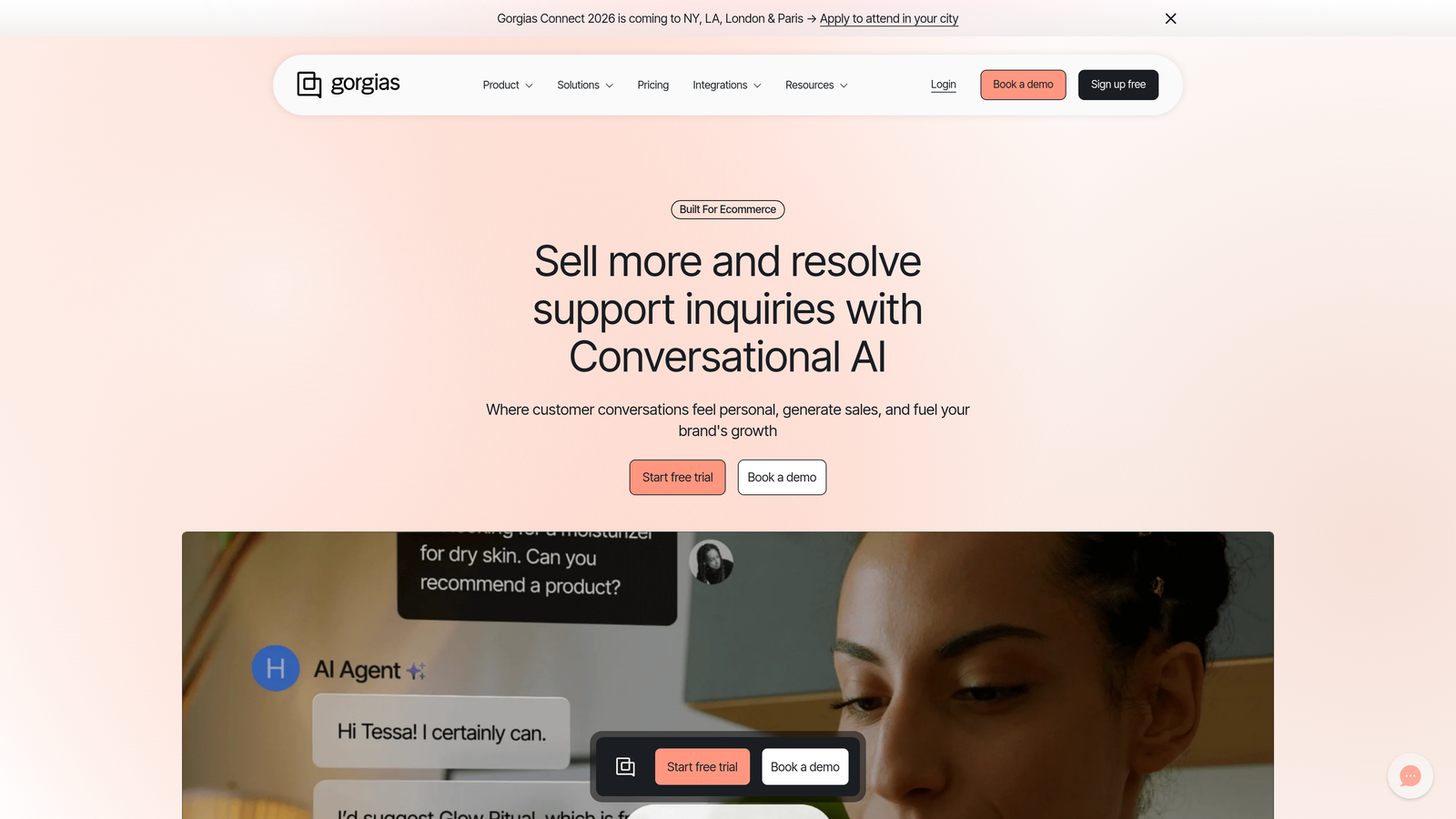
Gorgias is an e-commerce-focused helpdesk with deep Shopify and BigCommerce integrations, enabling agents to manage orders directly within tickets.
Where This Tool Shines
Gorgias transforms support tickets into e-commerce command centers. Agents can view order history, process refunds, update shipping addresses, and modify subscriptions without leaving the conversation. This eliminates the constant tab-switching between helpdesk and admin panels.
Revenue statistics tie support interactions to actual sales impact. See which agents drive the most upsells, which macros convert browsers to buyers, or which support topics correlate with refund requests. Macros with dynamic order variables let agents insert customer-specific details automatically.
Key Features
Deep E-commerce Integrations: Native connections to Shopify, BigCommerce, and Magento with order data in every ticket.
Order Management Actions: Process refunds, cancel orders, update shipping, and modify subscriptions directly from tickets.
Revenue Statistics: Track support team's impact on sales, upsells, and customer lifetime value.
Dynamic Macros: Automated responses that insert order numbers, tracking links, and customer-specific details automatically.
Social Media Integration: Manage Instagram and Facebook comments as support tickets with full order context.
Best For
E-commerce brands on Shopify, BigCommerce, or Magento who handle high volumes of order-related inquiries. Companies where support agents need to take immediate action on orders without admin access.
Pricing
Starts at $10/month for 50 tickets, scaling by ticket volume. Most e-commerce businesses land in the $300-900/month range depending on monthly ticket count.
8. Front
Best for: Teams managing customer communication across email, SMS, and social in collaborative workflows
Front is a collaborative inbox platform that combines shared inbox functionality with personal email workflows for team-based communication.
Where This Tool Shines
Front bridges the gap between personal email and shared team inboxes. Each conversation can be assigned, tagged, and discussed internally without losing the natural feel of email communication. Internal comments and @mentions let teams collaborate on responses without forwarding or CC chains.
Multi-channel support extends beyond email to SMS, social media, and chat, all managed in the same interface. Analytics track individual and team performance on response times, resolution rates, and workload distribution, helping managers identify bottlenecks.
Key Features
Shared Inboxes: Team collaboration on email with assignment, tagging, and status tracking while maintaining email's familiar interface.
Internal Comments: Discuss responses privately with @mentions before sending, keeping context within the conversation.
Multi-Channel Support: Manage email, SMS, social media messages, and live chat from one unified workspace.
Analytics Dashboard: Track response times, resolution rates, and team performance with customizable metrics.
Rules and Automation: Automatically route, tag, or assign messages based on sender, content, or channel.
Best For
Teams that live in email but need collaboration features beyond basic shared mailboxes. Companies managing customer communication across multiple channels who want a unified workspace.
Pricing
Starts at $19/seat/month for core shared inbox features. Growth plan at $59/seat/month adds advanced analytics and automation.
9. Zoho Desk
Best for: Companies using Zoho's business suite seeking integrated support with AI assistance
Zoho Desk is a context-aware helpdesk with Zia AI assistant, designed to work seamlessly within the broader Zoho business suite.
Where This Tool Shines
Zoho Desk's Zia AI goes beyond basic automation to provide sentiment analysis, response suggestions, and anomaly detection. The AI learns from your ticket history to predict customer satisfaction, identify urgent issues, and recommend relevant knowledge base articles.
Native integration with Zoho CRM, Books, and other suite applications creates a unified business platform. Support data flows automatically to sales teams, finance sees support costs tied to specific customers, and marketing can trigger campaigns based on support interactions.
Key Features
Zia AI Assistant: Sentiment analysis, response suggestions, ticket tagging, and anomaly detection powered by machine learning.
Zoho Suite Integration: Native connections to Zoho CRM, Books, Analytics, and other business applications.
Work Modes: Prioritize tickets by due time, status, or custom criteria with focused work views.
Blueprint Automation: Visual workflow builder for complex, multi-stage support processes with conditional logic.
Multi-Department Support: Separate help centers, workflows, and SLAs for different departments or brands.
Best For
Small to mid-sized businesses already using Zoho's ecosystem who want support data integrated with CRM, finance, and operations. Teams that value AI assistance without switching to entirely AI-native platforms.
Pricing
Free tier available for up to 3 agents with basic features. Paid plans start at $14/agent/month, scaling to $40/agent/month for Enterprise features.
10. Kustomer
Best for: Enterprises needing timeline-based customer views that unify all interaction history
Kustomer is a CRM-powered support platform with timeline-based customer views that unify conversation history across all channels.
Where This Tool Shines
Kustomer's timeline view shows every customer interaction chronologically, regardless of channel. Email conversations, chat messages, phone calls, and social media interactions appear in one continuous thread. Agents see the complete customer journey without piecing together information from multiple tools.
Custom objects let you model data specific to your business. Track subscriptions, devices, projects, or any entity relevant to your customer relationships. This flexibility makes Kustomer adaptable to complex business models beyond standard ticketing.
Key Features
Timeline View: Chronological display of all customer interactions across channels in one unified conversation thread.
Omnichannel Conversations: Email, chat, SMS, social media, and voice managed as single continuous conversations.
AI-Powered Chatbots: Automated conversation handling with agent assist for complex inquiries.
Custom Objects: Model business-specific data like subscriptions, devices, or projects within customer records.
Workflow Automation: Build complex routing, escalation, and response rules based on customer data and conversation context.
Best For
Enterprise companies with complex customer relationships spanning multiple channels and touchpoints. Organizations that need flexible data modeling beyond standard ticket attributes.
Pricing
Enterprise pricing model with custom quotes based on agent count, feature requirements, and integration needs. Contact sales for specific pricing.
11. Tidio
Best for: Small businesses and startups adding live chat and basic chatbots quickly
Tidio is an accessible live chat and chatbot platform designed for small businesses and startups looking to add conversational support quickly.
Where This Tool Shines
Tidio removes technical barriers to launching live chat. The widget installs with a single code snippet, and the visual chatbot builder lets non-technical users create automated conversation flows using pre-built templates.
Lyro AI handles common customer questions automatically, learning from your website content and previous conversations. For small teams without dedicated support staff, this automation handles routine inquiries while routing complex questions to available team members.
Key Features
Easy Installation: One-click integrations for Shopify and WordPress, simple code snippet for other platforms.
Visual Chatbot Builder: Drag-and-drop interface with templates for common use cases like lead capture and FAQ automation.
Lyro AI: Conversational AI that learns from your content to answer customer questions automatically.
E-commerce Integration: Connect to Shopify for order tracking, product recommendations, and cart recovery.
Mobile Apps: Respond to chats from iOS and Android apps with push notifications for new messages.
Best For
Small businesses, solopreneurs, and early-stage startups that need live chat functionality without complex setup or high costs. E-commerce stores on Shopify looking for basic chat and automation.
Pricing
Free tier includes basic live chat and one chatbot. Paid plans start at $29/month for additional chatbots and conversation volume.
Making the Right Choice
The best customer support software depends on where you are and where you're headed. For AI-first automation that scales without adding headcount, Halo AI delivers autonomous agents that continuously learn and improve. Zendesk and Kustomer serve enterprise teams needing mature omnichannel infrastructure. Freshdesk and Tidio help budget-conscious teams escape email chaos without significant investment.
If you're already invested in an ecosystem, lean into it: HubSpot Service Hub for CRM users, Zoho Desk for Zoho suite customers, Gorgias for Shopify merchants. Intercom and Front excel at conversational experiences, though with different philosophies—Intercom for product-led growth, Front for email-centric teams.
The critical question isn't which platform has the longest feature list. It's which one solves your actual bottleneck. Are you drowning in routine tickets that don't need human judgment? Look for autonomous AI capabilities. Struggling with context-switching between tools? Prioritize integration depth. Building a team from scratch? Consider learning curve and time-to-value.
Most platforms offer free trials. Test the workflows that matter to your team: ticket routing, integration setup, reporting, or AI accuracy. Pay attention to what frustrates you during trial—those friction points compound over years of daily use.
Your support team shouldn't scale linearly with your customer base. Let AI agents handle routine tickets, guide users through your product, and surface business intelligence while your team focuses on complex issues that need a human touch. See Halo in action and discover how continuous learning transforms every interaction into smarter, faster support.