9 Best Customer Support Software Packages for Growing Teams in 2026
Discover the top customer support software packages that help growing B2B teams handle increasing ticket volumes without expanding headcount. This comprehensive guide evaluates nine platforms based on AI automation capabilities, integration options, and scalability, comparing AI-native solutions against traditional helpdesks retrofitted with automation to help you choose the right tool for delivering exceptional support efficiently.
 Grant CooperFounder12 min read
Your support queue is growing faster than your team can handle. Customers expect instant responses, but hiring more agents isn't always the answer—especially when the right software can multiply your existing team's capacity.
The customer support software landscape has evolved dramatically. AI-native platforms now handle complex inquiries that once required senior agents, while traditional helpdesks scramble to retrofit automation features. The difference? Some tools treat AI as an add-on, while others build intelligence into their foundation.
This guide highlights top customer support software packages that actually deliver results for B2B teams. We've evaluated each based on automation capabilities, integration depth, scalability, and real-world performance. Whether you're drowning in tickets or planning for growth, these platforms offer distinct approaches to the same challenge: delivering exceptional support without burning out your team.
1. Halo AI
Best for: B2B teams ready to embrace AI-native support that learns and improves continuously
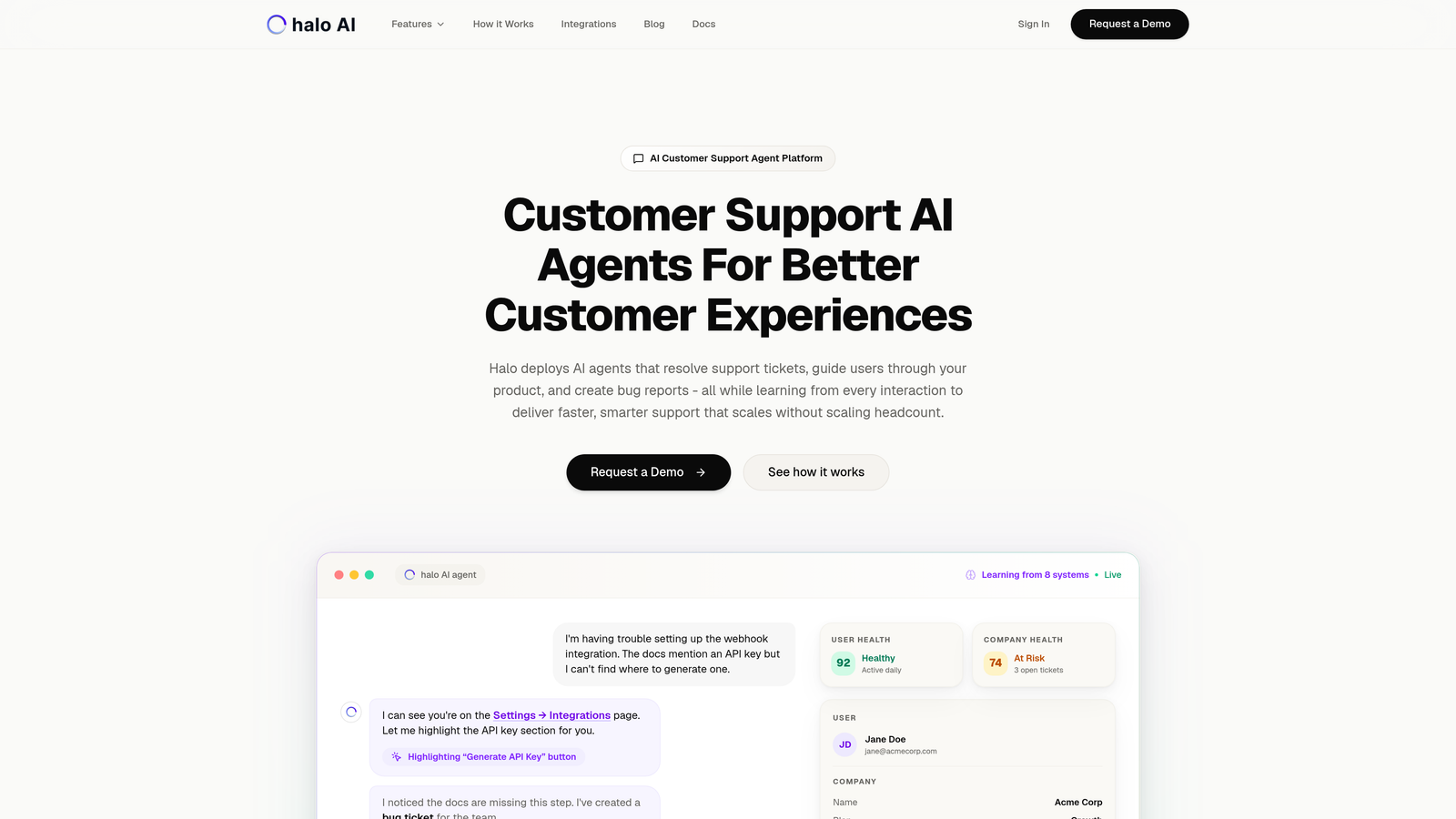
Halo AI represents a fundamentally different approach to customer support—it's built AI-first rather than bolting automation onto traditional helpdesk workflows.
Where This Tool Shines
Halo deploys intelligent agents that don't just route tickets—they resolve them autonomously. The platform's page-aware chat widget sees exactly what users see in your product, enabling contextual guidance that traditional chatbots can't match. When a customer asks "How do I do this?" the AI agent understands their current screen state and provides visual, step-by-step guidance.
What sets Halo apart is continuous learning. Every interaction trains the system, making it smarter over time. The platform connects to your entire business stack—Linear for bug tracking, Slack for team communication, HubSpot for CRM context, Stripe for billing inquiries. This depth of integration means AI agents have complete context before responding, not just isolated ticket history.
Key Features
Autonomous AI Agents: Resolve support tickets without human intervention, escalating only complex issues that require judgment calls.
Page-Aware Context: Chat widget understands user's current location in your product, providing visual guidance based on what they're actually seeing.
Business Intelligence Layer: Smart inbox surfaces customer health signals, revenue intelligence, and anomaly detection beyond basic support metrics.
Auto Bug Ticket Creation: Automatically generates detailed bug reports in Linear when issues are identified, complete with reproduction steps and user context.
Live Agent Handoff: Seamless transition to human agents for complex scenarios, with full conversation context preserved.
Best For
B2B companies and product teams using helpdesk systems like Zendesk, Freshdesk, or Intercom who want to reduce support load without adding headcount. Particularly valuable for SaaS companies with complex products where context matters—subscription tiers, usage patterns, account configurations all influence the right support response.
Pricing
Contact for pricing. The platform's value proposition centers on reducing per-ticket costs through automation rather than traditional per-agent seat pricing models.
2. Zendesk
Best for: Enterprise teams needing robust omnichannel support with extensive integration options
Zendesk is the established enterprise player with mature capabilities across every support channel.
Where This Tool Shines
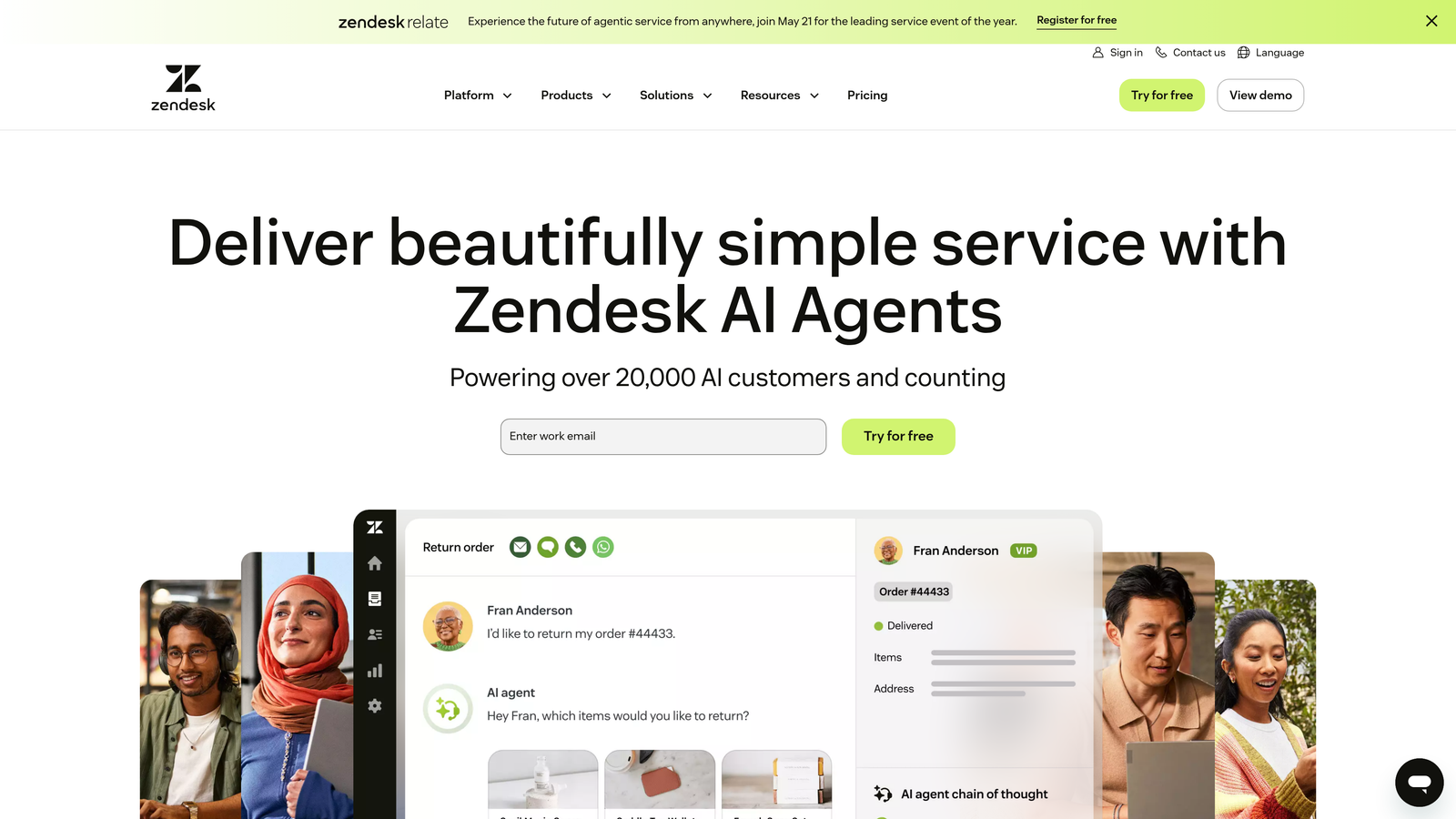
Zendesk's strength lies in its comprehensiveness. The platform unifies email, chat, phone, social media, and messaging apps into a single agent workspace. No channel switching, no context loss—everything flows into one interface.
The marketplace ecosystem is unmatched with over 1,500 integrations. Need to connect your support data to a specialized tool? Zendesk probably has an app for it. This extensibility makes it the safe choice for complex enterprise environments where support touches multiple systems.
Key Features
Omnichannel Inbox: Unified workspace handling email, live chat, phone calls, WhatsApp, Facebook Messenger, and more from a single interface.
Extensive Marketplace: Over 1,500 pre-built integrations and apps covering CRM, analytics, e-commerce, productivity, and specialized business tools.
Advanced Analytics: Custom dashboards with granular reporting on team performance, SLA compliance, customer satisfaction, and operational metrics.
Answer Bot Automation: AI-powered deflection that suggests help articles and handles routine inquiries before they become tickets.
SLA Management: Robust service level agreement tracking with automated escalations and priority routing based on business rules.
Best For
Enterprise organizations with high ticket volumes across multiple channels. Teams that need extensive customization, complex routing rules, and deep integration with legacy systems. Companies where compliance and audit trails matter.
Pricing
Starts at $55/agent/month for Suite Team plan. Enterprise pricing scales significantly higher but includes advanced features like custom roles, sandbox environments, and dedicated support.
3. Intercom
Best for: Product-led companies prioritizing in-app messaging and proactive customer engagement
Intercom blurs the line between support and product experience with its in-app messenger approach.
Where This Tool Shines
Intercom excels at proactive support—reaching customers before they reach out. The platform lets you trigger targeted messages based on user behavior, product usage patterns, or lifecycle stage. A user stuck on a feature? Send contextual help before they submit a ticket.
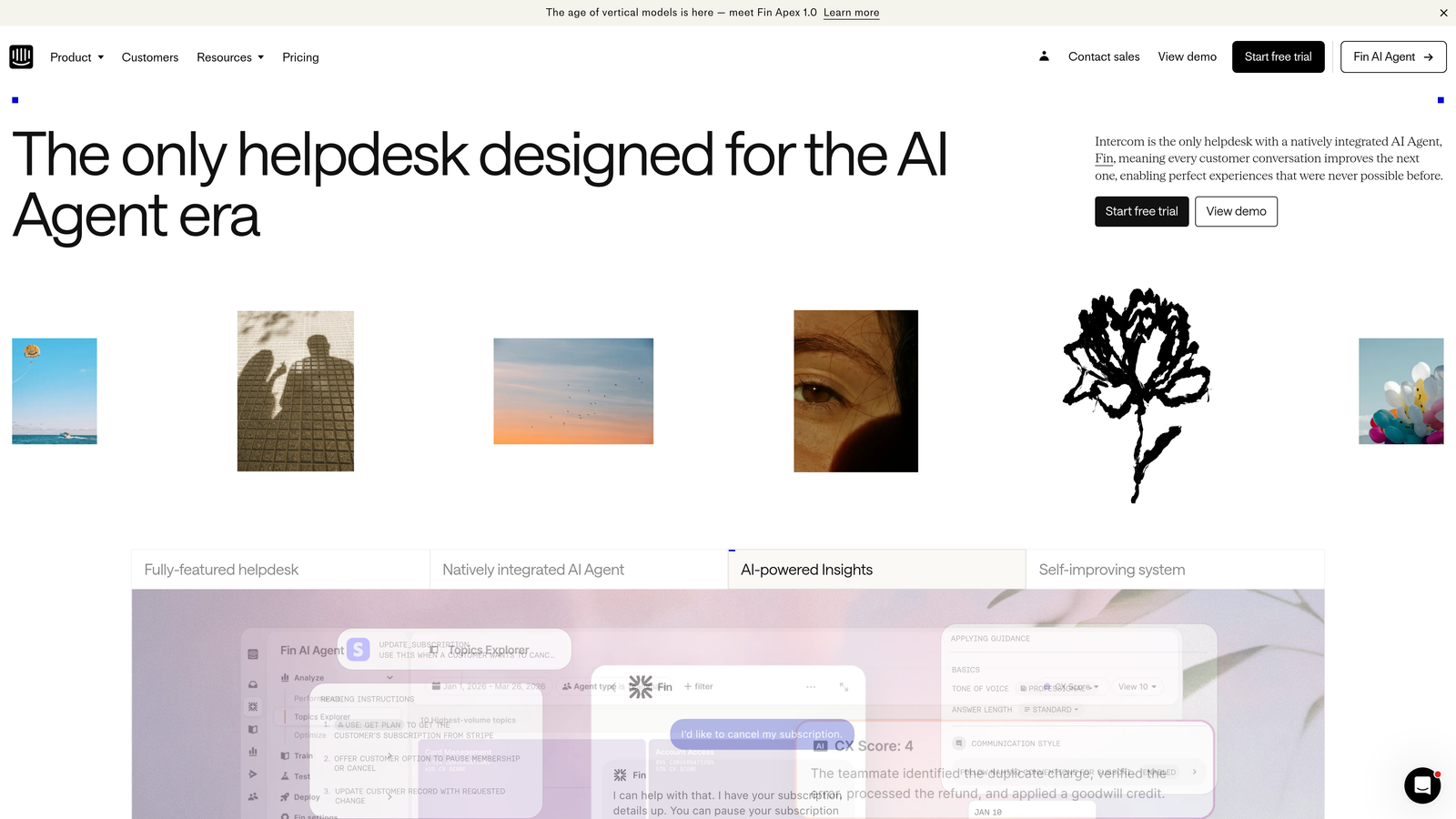
The Fin AI agent handles resolution with surprising sophistication, learning from your knowledge base and past conversations. Unlike basic chatbots, Fin understands context and can handle multi-turn conversations that feel genuinely helpful rather than scripted.
Key Features
In-App Messenger: Native chat widget embedded in your product with customizable appearance and behavior based on user context.
Fin AI Agent: Advanced conversational AI that resolves inquiries autonomously, with natural language understanding and knowledge base integration.
Proactive Messaging: Trigger targeted messages based on user behavior, product events, or custom attributes to prevent issues before they escalate.
Product Tours: Build guided onboarding flows and feature announcements directly in your product interface.
Custom Chatbot Workflows: Visual builder for creating branching conversation paths that qualify leads, collect information, or resolve common issues.
Best For
SaaS companies with web or mobile applications where support happens inside the product. Product-led growth teams that want to blend support with user education and feature adoption. Companies prioritizing self-service before human intervention.
Pricing
Starts at $39/seat/month for Essential plan. Fin AI agent pricing is separate and based on resolution volume, which can significantly impact total costs for high-traffic implementations.
4. Freshdesk
Best for: Growing support teams seeking quick implementation and competitive pricing
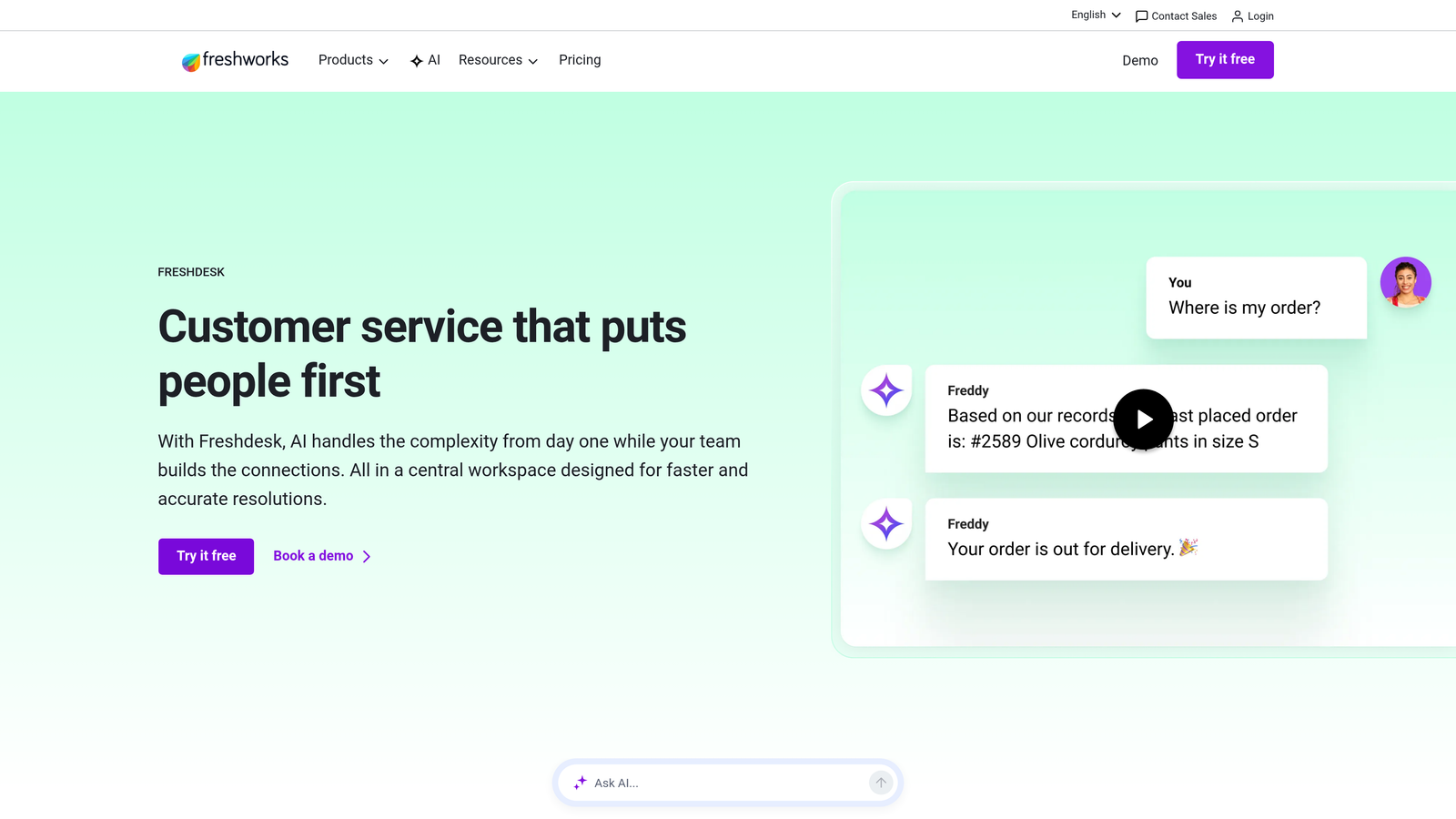
Freshdesk delivers core helpdesk functionality with an intuitive interface that reduces training time.
Where This Tool Shines
Freshdesk's biggest advantage is simplicity without sacrificing capability. New agents get productive quickly thanks to an interface that feels familiar and logical. The ticket management workflow just makes sense—no weeks of training required.
Freddy AI provides intelligent ticket classification and agent suggestions without the complexity of enterprise AI systems. It's automation that works out of the box rather than requiring extensive configuration and training periods.
Key Features
Intuitive Ticket Management: Clean interface with drag-and-drop organization, bulk actions, and logical workflow that minimizes clicks and confusion.
Freddy AI Assistant: Automatic ticket categorization, priority assignment, and suggested responses based on historical patterns and knowledge base content.
Team Collaboration Tools: Parent-child ticket relationships, shared ownership, internal notes, and collision detection when multiple agents view the same ticket.
Self-Service Portal: Branded customer portal with knowledge base, community forums, and ticket submission forms that reduce inbound volume.
Field Service Management: Optional add-on for teams managing on-site service appointments, technician dispatch, and work order tracking.
Best For
Small to mid-sized support teams that need to get operational quickly without extensive IT resources. Budget-conscious organizations that want modern helpdesk capabilities without enterprise pricing. Teams transitioning from email-based support to structured ticket management.
Pricing
Free tier available for up to 10 agents with basic features. Paid plans start at $15/agent/month, making it one of the most accessible options for growing teams.
5. Help Scout
Best for: Teams prioritizing personal customer relationships and collaborative ticket handling
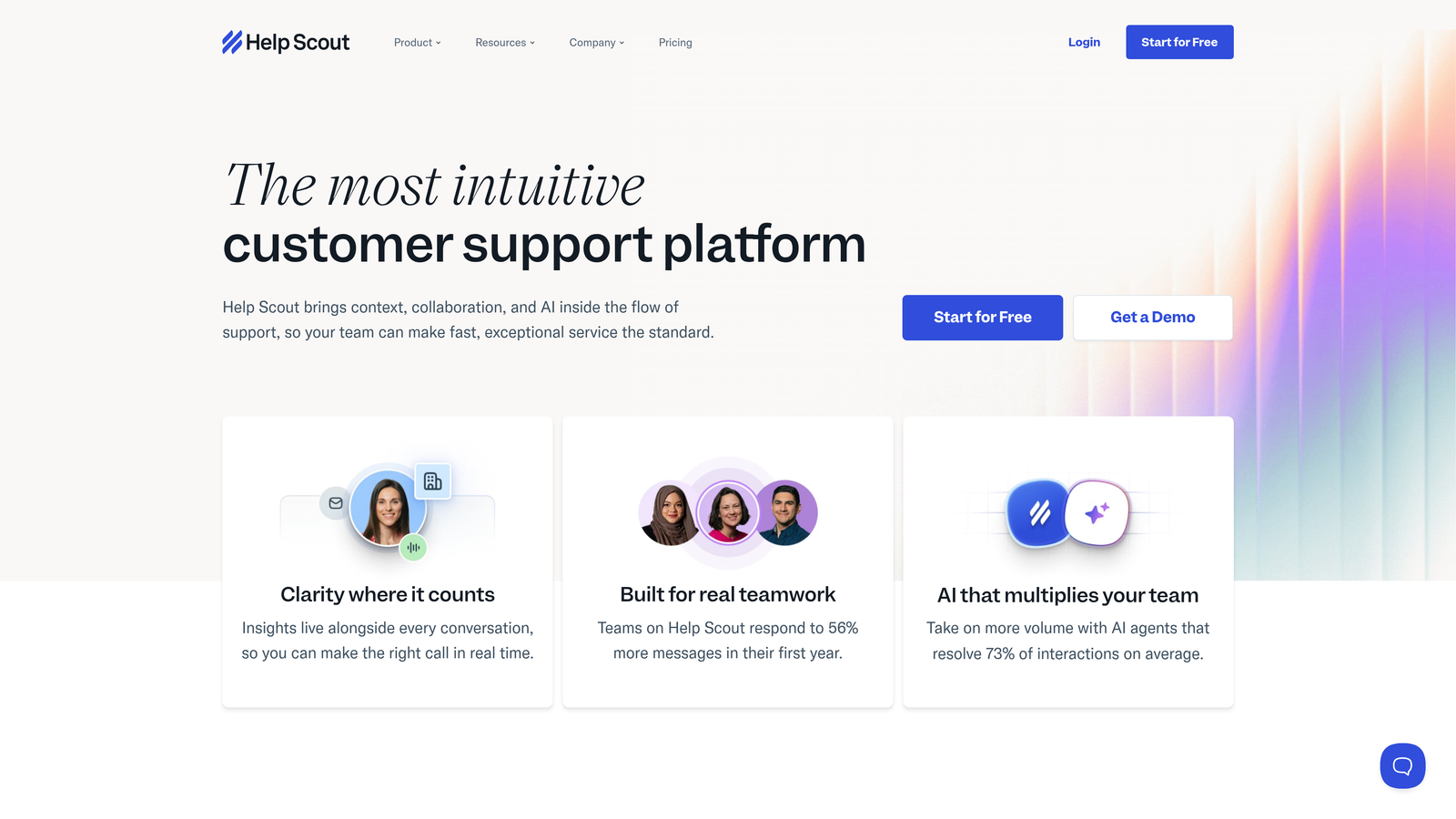
Help Scout emphasizes human-centered support that maintains personal connections at scale.
Where This Tool Shines
Help Scout's shared inbox feels like email but works like a helpdesk. This familiar interface reduces friction for teams transitioning from shared Gmail accounts or group email addresses. Agents work in an environment that feels natural rather than learning complex ticketing systems.
The collision detection feature prevents duplicate responses—when two agents open the same conversation, Help Scout alerts them immediately. This simple feature eliminates embarrassing duplicate replies and wasted effort on high-volume queues.
Key Features
Shared Inbox: Email-style interface with conversation threading, assignment, and status tracking that feels familiar to any email user.
Docs Knowledge Base: Integrated help center with article management, SEO optimization, and Beacon widget that embeds search into your product.
Saved Replies: Template library for common responses with variable insertion, reducing typing while maintaining personalization.
Customer Profiles: Complete conversation history and custom data fields providing context before agents respond.
Satisfaction Ratings: One-click CSAT surveys embedded in email responses with trend reporting and agent performance tracking.
Best For
Small to medium support teams that value personal customer relationships over ticket volume metrics. Companies where brand voice and thoughtful responses matter more than raw speed. Teams that want powerful features without overwhelming complexity.
Pricing
Starts at $20/user/month for Standard plan. No free tier, but the pricing includes all core features without artificial limitations or upgrade pressure.
6. HubSpot Service Hub
Best for: Companies using HubSpot CRM seeking unified customer data across sales, marketing, and support
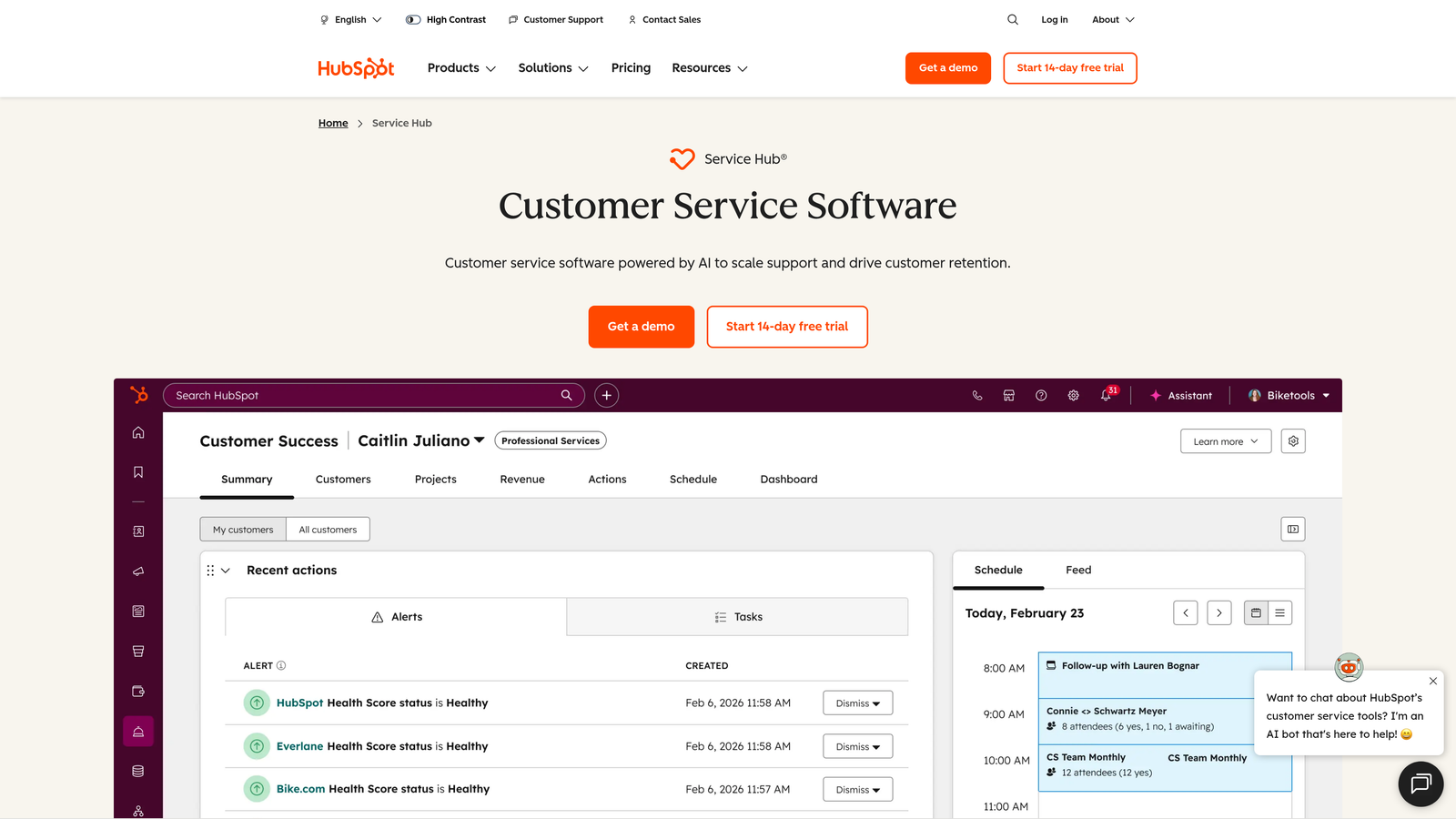
HubSpot Service Hub connects support interactions to the complete customer journey.
Where This Tool Shines
Service Hub's killer feature is native CRM integration. Support agents see the full customer context—sales conversations, marketing emails, website behavior, deal history—before responding to tickets. This visibility transforms support from reactive problem-solving to strategic customer relationship management.
The customer portal gives users self-service access to their tickets, knowledge base articles, and account information. This reduces "What's the status of my ticket?" inquiries while empowering customers to find answers independently.
Key Features
Native CRM Integration: Complete customer timeline showing sales interactions, marketing touches, support history, and product usage in unified interface.
Customer Portal: Self-service hub where customers view ticket status, browse knowledge base, and manage their account details.
Knowledge Base: SEO-optimized help center with analytics on article performance, search terms, and content gaps.
Automated Routing: Ticket assignment based on agent skills, workload, customer tier, or custom properties from CRM data.
Feedback Surveys: NPS, CSAT, and custom surveys with response tracking and automated follow-up workflows.
Best For
Companies already invested in HubSpot's CRM, Marketing Hub, or Sales Hub. Organizations where support, sales, and marketing need shared visibility into customer relationships. Teams that want support data influencing sales priorities and marketing campaigns.
Pricing
Free tools available with basic ticketing and knowledge base. Starter plan at $45/month for two users includes automation and reporting. Professional and Enterprise tiers scale with advanced features and user counts.
7. Zoho Desk
Best for: Organizations using Zoho business suite seeking context-aware support with AI assistance
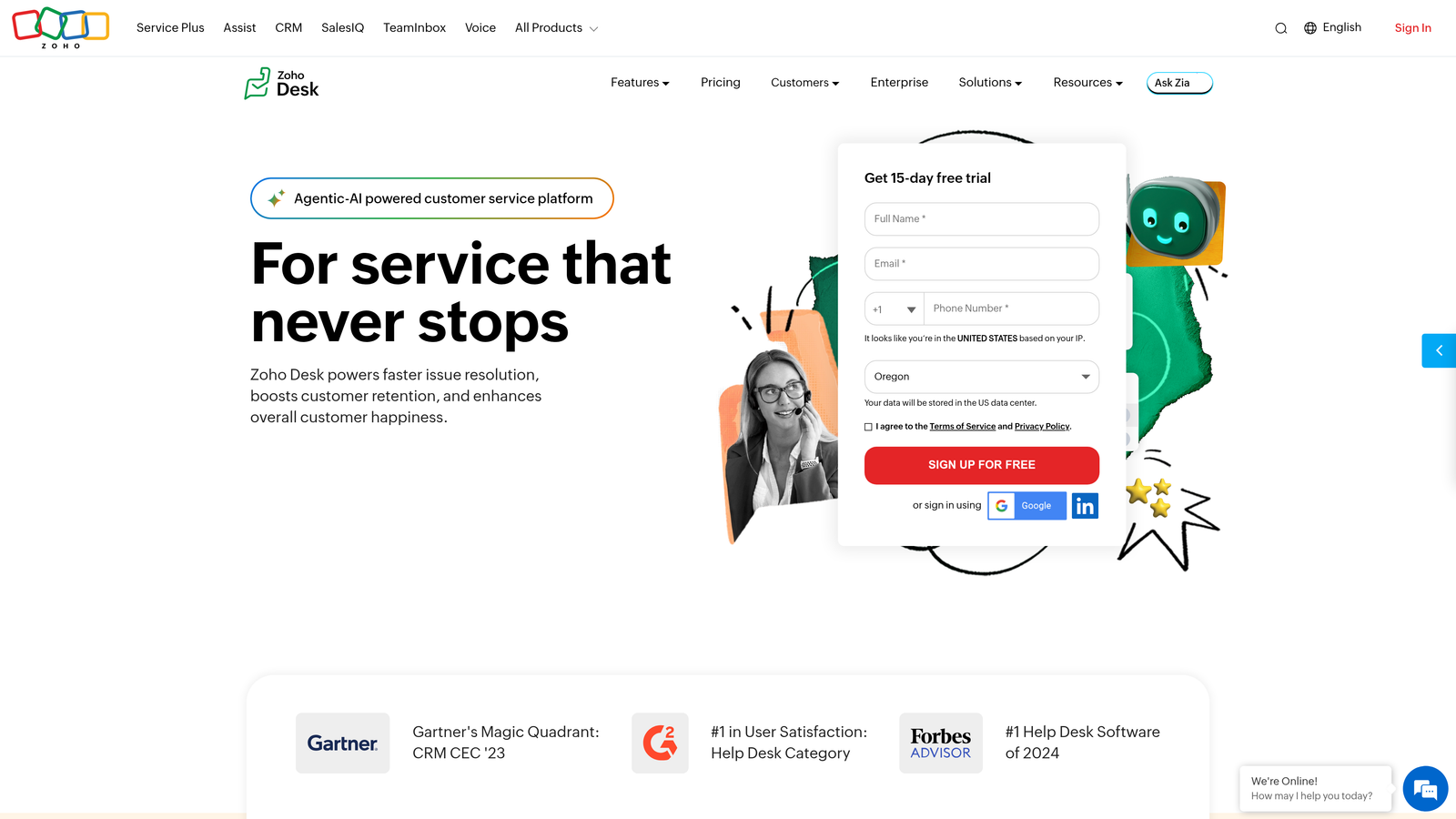
Zoho Desk provides intelligent helpdesk capabilities with deep integration across Zoho's ecosystem.
Where This Tool Shines
Zia, Zoho's AI assistant, brings sophisticated capabilities to mid-market pricing. The AI analyzes sentiment in customer messages, suggests relevant articles, and predicts ticket properties like priority and category. This intelligence layer helps agents respond more effectively without manual classification work.
Blueprint workflow automation lets teams design complex ticket lifecycles without coding. Map out your exact support process—approvals, escalations, handoffs—and Zoho Desk enforces it automatically. This structure ensures consistency even as teams grow.
Key Features
Zia AI Assistant: Sentiment analysis, response suggestions, anomaly detection, and predictive ticket tagging based on content and patterns.
Multi-Department Management: Separate help centers, ticket routing, and SLAs for different departments or product lines within single instance.
Blueprint Workflows: Visual process builder for designing ticket lifecycles with conditional logic, approvals, and automated actions.
Zoho Ecosystem Integration: Native connections to Zoho CRM, Books, Projects, and 40+ other Zoho apps for complete business context.
Customization Without Code: Modify layouts, create custom fields, build reports, and design workflows through point-and-click interfaces.
Best For
Companies using multiple Zoho products seeking unified business operations. Mid-sized organizations that need enterprise features without enterprise complexity or cost. Teams wanting AI capabilities at accessible price points.
Pricing
Free for up to 3 agents with basic features. Standard plan at $14/agent/month includes Zia AI and automation. Professional and Enterprise tiers add advanced customization and multi-department support.
8. Front
Best for: High-volume support teams needing collaborative inbox with internal communication features
Front combines shared email management with team collaboration tools for efficient ticket handling.
Where This Tool Shines
Front transforms shared inboxes into collaborative workspaces. The internal comments feature lets agents discuss tickets privately using @mentions and threads—like Slack conversations attached to customer emails. This keeps context centralized rather than scattered across multiple communication tools.
The rules engine automates repetitive workflows without requiring technical skills. Route tickets based on keywords, assign to specific agents, add tags, send auto-responses—all configured through intuitive if-then logic that anyone can manage.
Key Features
Shared Inboxes: Team email addresses that maintain personal email feel while enabling assignment, tagging, and collaboration features.
Internal Comments: Private discussions on customer threads using @mentions, allowing team consultation without external visibility.
Rules Engine: Automated workflows triggered by message content, sender, channel, or custom conditions to route and process tickets.
Multi-Channel Support: Unified handling of email, SMS, social media messages, and live chat from single interface.
Performance Analytics: Team and individual metrics tracking response times, resolution rates, message volume, and workload distribution.
Best For
Support teams handling high email volumes where collaboration matters. Companies that want powerful automation without complex helpdesk learning curves. Teams transitioning from basic shared email to structured support management.
Pricing
Starts at $19/seat/month for Starter plan with basic features. Growth and Scale tiers add advanced automation, analytics, and API access at higher price points.
9. Gorgias
Best for: E-commerce businesses with Shopify, BigCommerce, or Magento stores
Gorgias is purpose-built for e-commerce support with deep platform integrations.
Where This Tool Shines
Gorgias treats e-commerce support as fundamentally different from general helpdesk needs. Agents manage orders, process refunds, and update shipping addresses directly within tickets—no platform switching required. This integration eliminates the "let me check another system" delays that frustrate customers.
The revenue statistics feature connects support interactions to business outcomes. See which conversations led to purchases, track support's impact on customer lifetime value, and identify high-value customers in the queue. Support becomes a revenue center, not just a cost center.
Key Features
Native E-commerce Integration: Direct connections to Shopify, BigCommerce, and Magento enabling order management within support tickets.
Order Management: View order details, process refunds, update shipping addresses, and modify orders without leaving the support interface.
Revenue Intelligence: Track which support interactions drive sales, monitor customer lifetime value, and measure support's impact on conversion rates.
Dynamic Macros: Template responses with variables that auto-populate customer names, order numbers, tracking links, and custom data.
Social and SMS Support: Unified inbox handling Instagram, Facebook, SMS, and email alongside traditional support channels.
Best For
E-commerce businesses using Shopify, BigCommerce, or Magento as their primary platform. Online retailers where support inquiries center on orders, shipping, and product questions. Companies that want support metrics tied to revenue outcomes.
Pricing
Starts at $10/month for 50 tickets. Pricing scales with ticket volume rather than agent seats—$60/month for 300 tickets, $360/month for 2,000 tickets. This model works well for seasonal businesses with fluctuating support needs.
Finding Your Best Fit
The right customer support software depends on where you are and where you're heading. AI-first automation seekers ready to embrace continuous learning should start with Halo AI. Its page-aware context and autonomous resolution capabilities represent the future of support—intelligence that improves with every interaction.
Enterprise teams needing omnichannel robustness and extensive integrations will find Zendesk's mature ecosystem hard to beat. Product-led companies thrive with Intercom's proactive in-app messaging. Budget-conscious teams get surprising value from Freshdesk's accessible pricing and quick implementation.
If you're already invested in HubSpot, Service Hub's CRM integration provides unmatched customer context. E-commerce operations benefit from Gorgias's revenue-focused approach and native Shopify integration. Teams prioritizing collaboration find Front's shared inbox model eliminates communication silos.
The fundamental question isn't which platform has the most features—it's whether you're ready to embrace AI-native support or prefer traditional helpdesk workflows with automation layered on top. Your integration requirements, team size, and growth trajectory should drive the decision more than feature checklists.
Your support team shouldn't scale linearly with your customer base. Let AI agents handle routine tickets, guide users through your product, and surface business intelligence while your team focuses on complex issues that need a human touch. See Halo in action and discover how continuous learning transforms every interaction into smarter, faster support.