9 Best Customer Support Software Pricing Plans Compared in 2026
We've compared customer support software pricing from nine leading platforms to help you find a solution that fits your budget and scales with your business. This breakdown covers pricing tiers, hidden costs, and value propositions across AI-first and traditional helpdesk platforms—from startup-friendly options handling dozens of tickets monthly to enterprise solutions processing thousands daily—so you can choose the right pricing model without unexpected costs derailing your growth.
 Matt PattoliFounder11 min read
Finding the right customer support software isn't just about features—it's about finding a pricing model that scales with your business without draining your budget. Whether you're a startup handling 50 tickets a month or an enterprise processing thousands daily, the pricing structure you choose can mean the difference between sustainable growth and unexpected costs that spiral out of control.
We've analyzed nine leading customer support platforms, breaking down their pricing tiers, hidden costs, and value propositions to help you make an informed decision. From AI-first solutions to traditional helpdesk platforms, here's what you'll actually pay in 2026.
1. Halo AI
Best for: Teams seeking AI-native support that scales without adding headcount
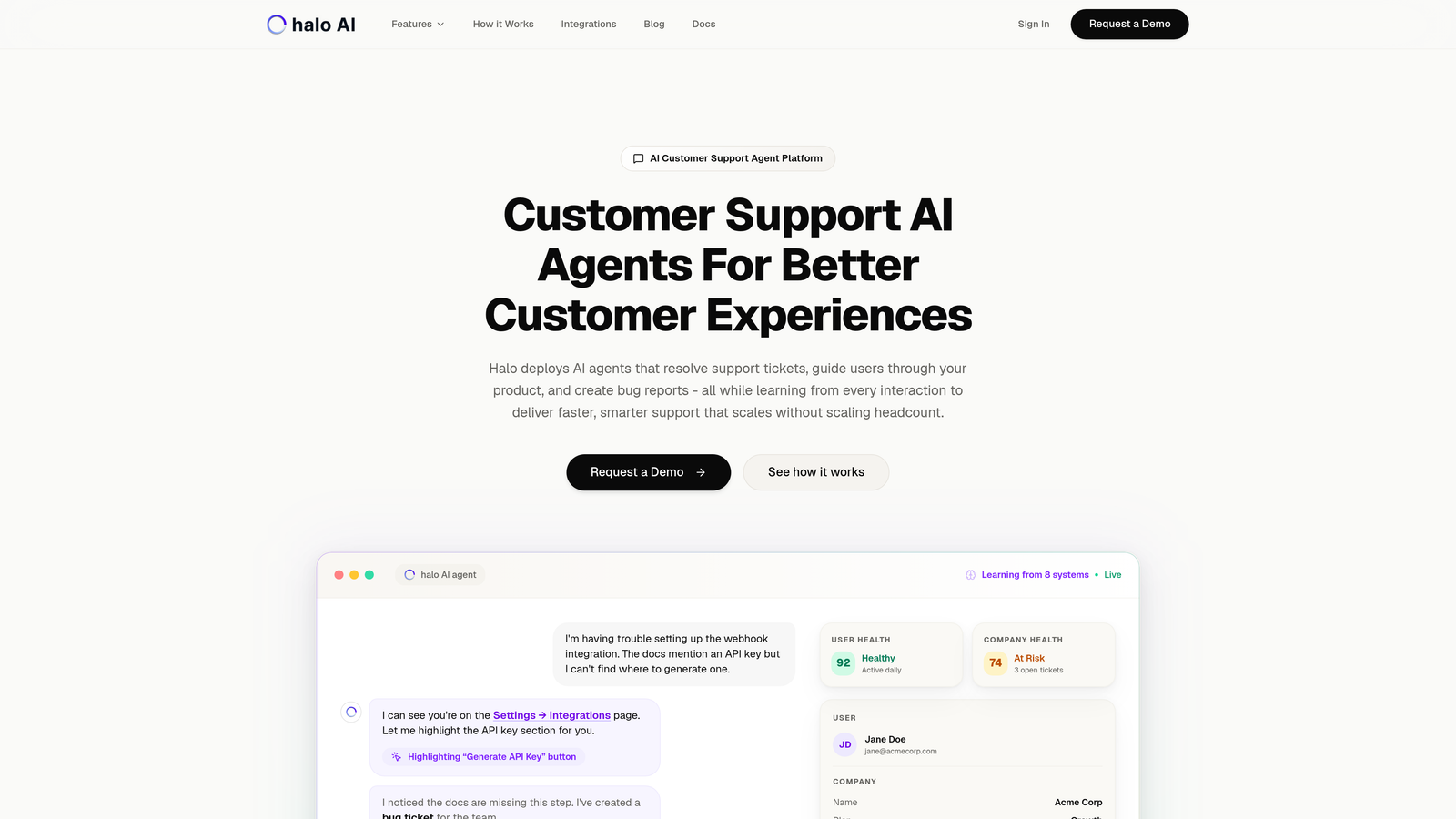
Halo AI represents a fundamental shift in how customer support software is priced and delivered.
Where This Tool Shines
Unlike traditional helpdesks that charge per agent seat, Halo operates on a usage-based model tied to actual resolutions. This means your costs align with the value delivered rather than team size. The platform's AI agents don't just route tickets—they resolve them autonomously while learning from every interaction.
The page-aware chat widget understands exactly what users see on your product, providing contextual guidance that reduces ticket volume at the source. This isn't bolted-on AI—it's an intelligence-first architecture that connects to your entire business stack.
Key Features
Autonomous AI Agents: Resolve support tickets without human intervention, handling routine queries while escalating complex issues intelligently.
Page-Aware Context: Chat widget sees what users see, providing visual UI guidance that reduces confusion and ticket creation.
Business Intelligence Integration: Connects with Linear, Slack, HubSpot, Intercom, Stripe, and more to provide context beyond support tickets.
Continuous Learning: Every interaction trains the system, making responses smarter and faster over time without manual configuration.
Smart Inbox Analytics: Surfaces customer health signals, revenue intelligence, and anomaly detection alongside ticket management.
Best For
B2B SaaS companies and product teams that want support costs tied to outcomes rather than headcount. Particularly valuable for teams currently using Zendesk, Freshdesk, or Intercom who want to reduce resolution time without expanding their support roster.
Pricing
Usage-based pricing model with custom quotes based on resolution volume. Contact for specific pricing tailored to your ticket load and integration requirements.
2. Zendesk
Best for: Enterprise teams needing comprehensive omnichannel support at scale
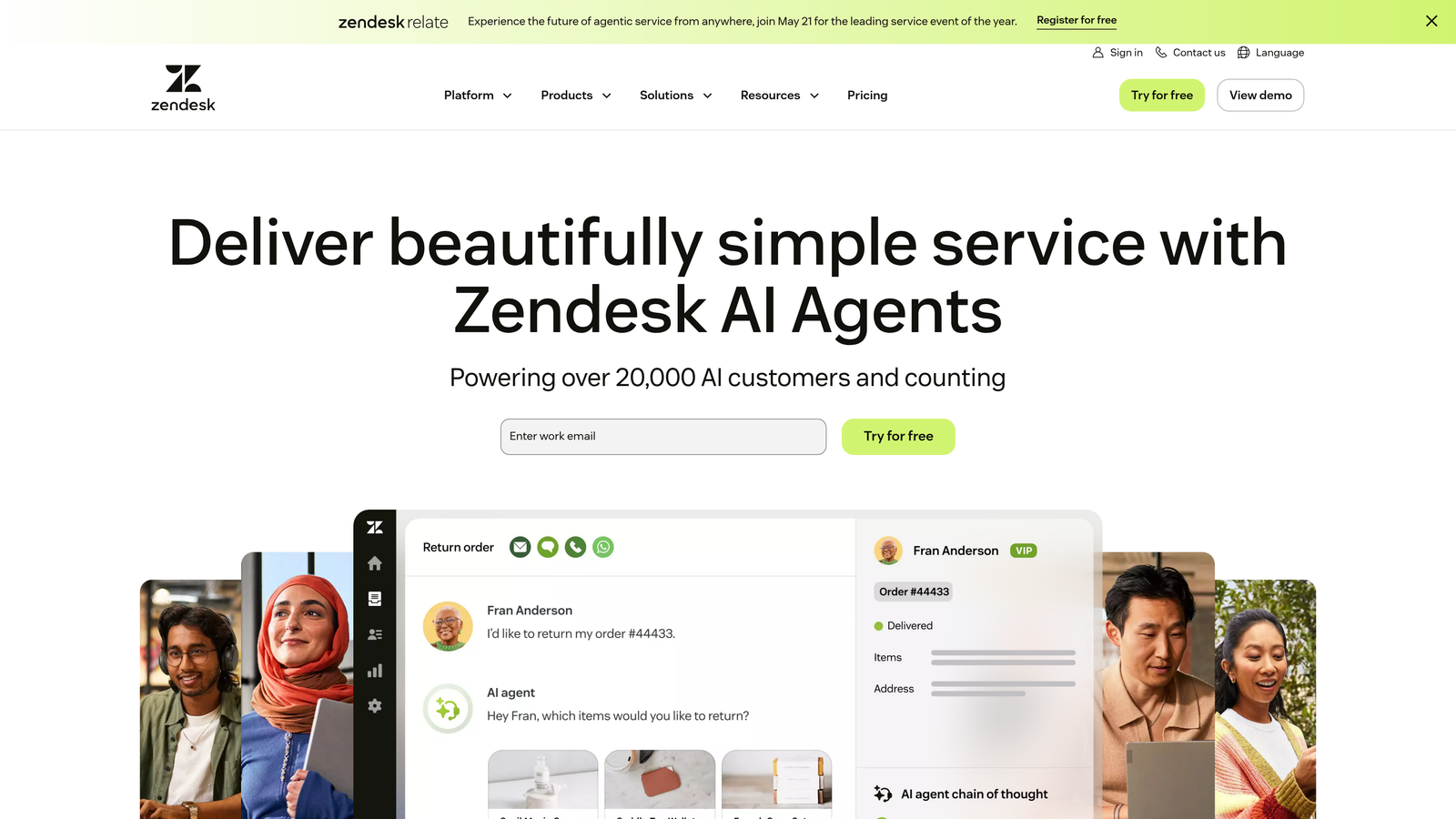
Zendesk is the established heavyweight in customer support software, offering enterprise-grade capabilities across every communication channel.
Where This Tool Shines
Zendesk's strength lies in its maturity and breadth. You get omnichannel ticketing that unifies email, chat, phone, and social media into a single view. The platform's marketplace features over 1,000 integrations, meaning it connects with virtually any tool in your stack.
The analytics and reporting capabilities are particularly robust, giving you deep visibility into team performance, customer satisfaction, and operational bottlenecks. For large teams with complex workflows, this level of insight becomes essential.
Key Features
Omnichannel Ticketing: Manage conversations from email, chat, phone, and social media in one unified interface.
Advanced Analytics: Custom dashboards and reporting that track everything from first response time to customer satisfaction trends.
Extensive Marketplace: Over 1,000 integrations covering CRMs, e-commerce platforms, productivity tools, and specialized applications.
AI Answer Bot: Automated responses powered by machine learning, though these require significant training and content management.
Multi-Brand Support: Manage multiple brands or product lines from a single account with separate branding and workflows.
Best For
Mid-sized to enterprise companies with dedicated support teams handling high ticket volumes across multiple channels. Works best when you have resources for implementation and ongoing optimization.
Pricing
Suite Team starts at $55/agent/month, Suite Professional at $115/agent/month, and Suite Enterprise at $169/agent/month when billed annually. Costs scale linearly with team size.
3. Freshdesk
Best for: Growing teams wanting enterprise features without enterprise pricing
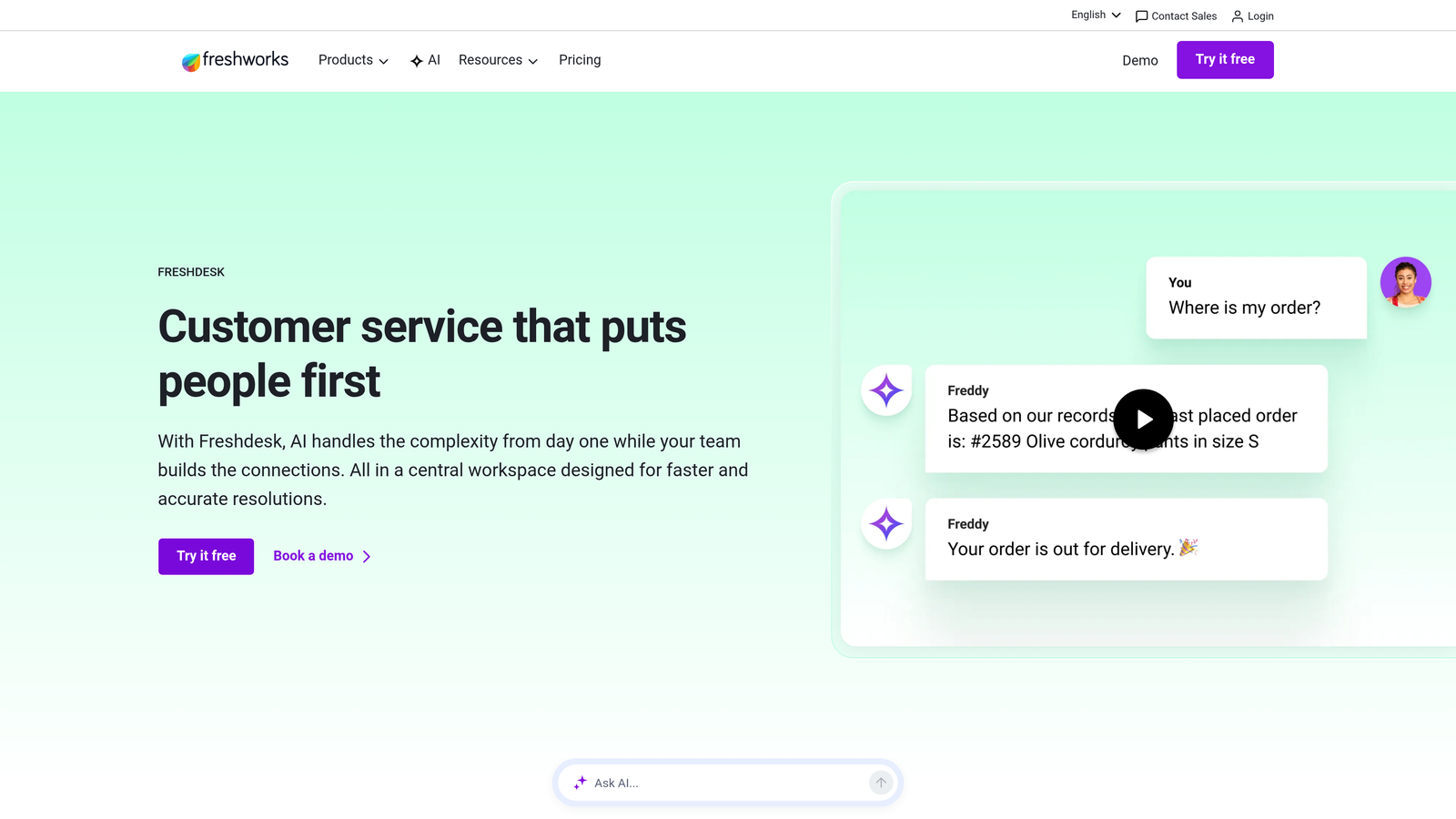
Freshdesk offers one of the most generous free tiers in the industry while providing clear upgrade paths as your needs evolve.
Where This Tool Shines
The free tier supports up to 10 agents with core ticketing features, making it ideal for startups testing support workflows before committing budget. The interface is remarkably intuitive—new team members get productive quickly without extensive training.
Freddy AI, Freshdesk's automation engine, provides intelligent ticket routing and suggested responses. The collaboration features like team inbox and internal notes keep everyone aligned without switching tools.
Key Features
Generous Free Tier: Up to 10 agents with email ticketing, knowledge base, and basic automation at zero cost.
Freddy AI Assistant: Suggests responses, predicts ticket fields, and automates routine tasks based on historical patterns.
SLA Management: Set and track service level agreements with automatic escalations when deadlines approach.
Team Collaboration: Shared ownership, internal notes, and collision detection prevent duplicate work on the same ticket.
Multi-Channel Support: Email, phone, chat, social media, and messaging apps consolidated into one platform.
Best For
Startups and small businesses that need professional support tools without upfront investment, plus growing teams that want predictable per-agent pricing as they scale.
Pricing
Free tier available for up to 10 agents. Growth at $15/agent/month, Pro at $49/agent/month, and Enterprise at $79/agent/month when billed annually.
4. Intercom
Best for: Product-led companies prioritizing conversational support and in-app messaging
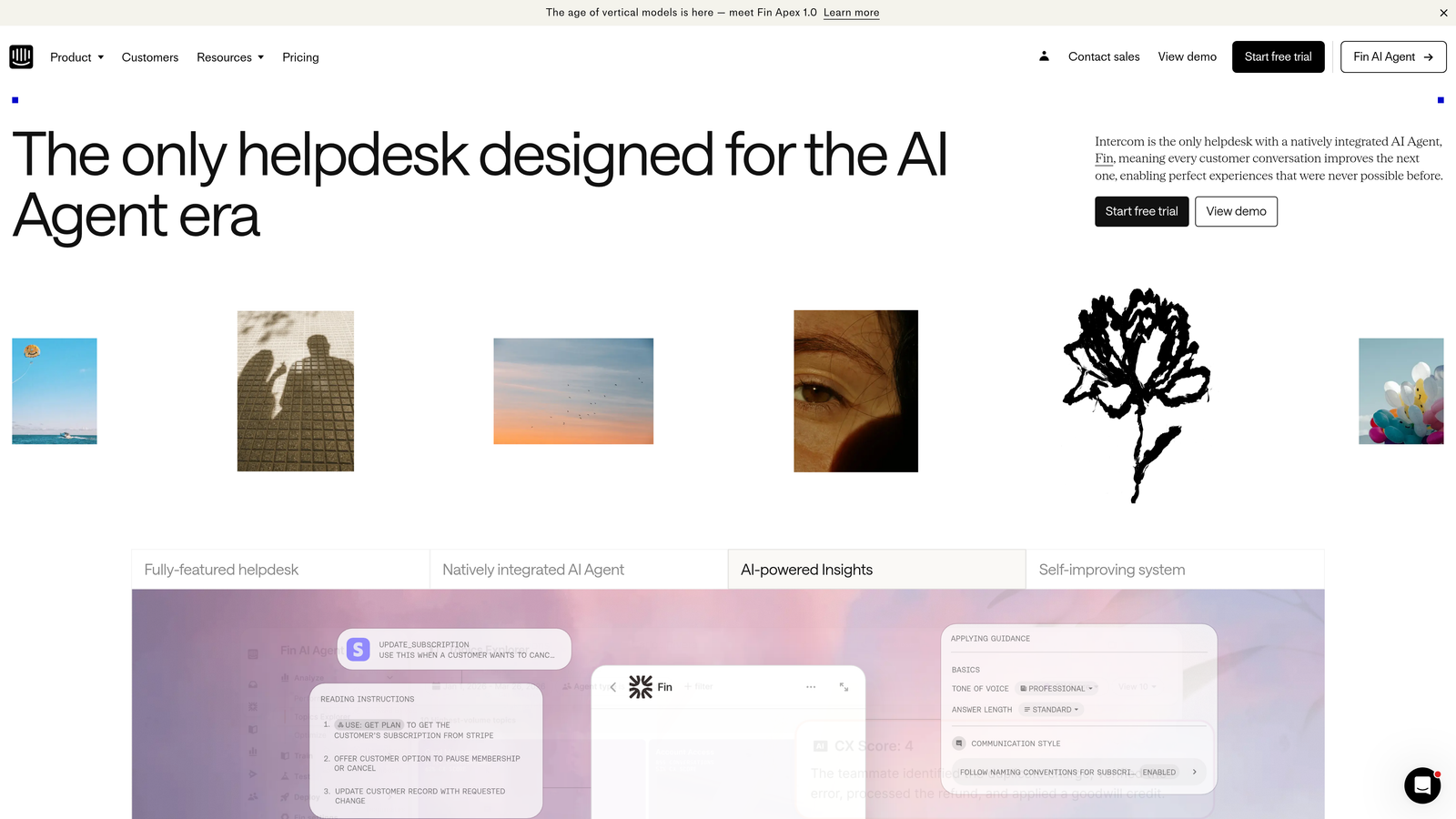
Intercom built its platform around the Business Messenger, creating a conversational support experience that feels native to modern web applications.
Where This Tool Shines
Intercom excels at proactive customer engagement. Product tours guide users through features, reducing support tickets before they happen. The messenger interface feels less like "opening a ticket" and more like chatting with a team member.
Fin, Intercom's AI agent, handles resolution autonomously and charges per successful resolution rather than per seat. This creates interesting economics—if Fin resolves 60% of your conversations, you're paying for outcomes rather than maintaining a larger team.
Key Features
Business Messenger: Customizable chat widget that integrates seamlessly into your product interface with contextual messaging.
Fin AI Agent: Autonomous resolution of customer queries with separate per-resolution pricing that scales with usage.
Product Tours: Interactive walkthroughs and in-app messages that reduce confusion and support volume.
Conversation Routing: Intelligent assignment based on team skills, availability, and conversation context.
Customer Data Platform: Rich user profiles that combine behavioral data with conversation history for personalized support.
Best For
SaaS companies and digital products where in-app messaging feels natural, especially those wanting to blend marketing, sales, and support in one conversational platform.
Pricing
Essential starts at $39/seat/month, Advanced at $99/seat/month, and Expert at $139/seat/month. Fin AI is charged separately per resolution, with pricing based on volume.
5. HubSpot Service Hub
Best for: Companies already using HubSpot CRM who want unified customer data
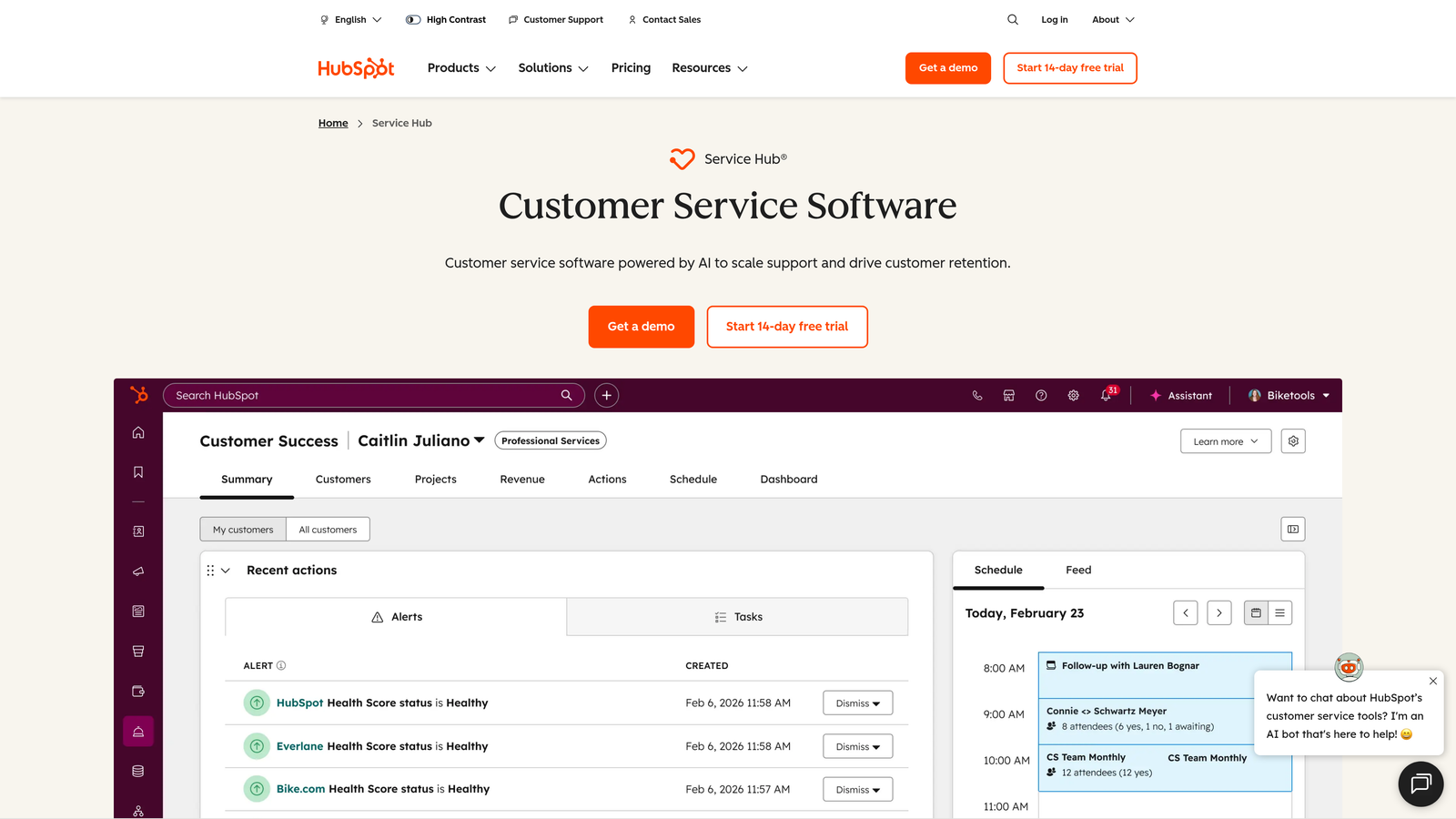
HubSpot Service Hub integrates customer service directly into HubSpot's ecosystem, creating continuity from first marketing touch through ongoing support.
Where This Tool Shines
The native CRM integration means support agents see complete customer context—every marketing interaction, sales conversation, and previous support ticket in one timeline. This eliminates the context-switching that plagues teams using separate systems.
HubSpot's free tools provide surprising functionality for teams just starting out. The upgrade path is clear, and you're not locked into annual contracts at lower tiers.
Key Features
Native CRM Integration: Complete customer timeline showing marketing, sales, and support interactions without third-party connectors.
Ticketing Automation: Workflow triggers based on ticket properties, customer attributes, or CRM data for intelligent routing.
Knowledge Base: SEO-optimized help articles that reduce ticket volume while improving search visibility.
Customer Portal: Self-service area where customers track tickets, browse documentation, and submit requests.
Feedback Surveys: CSAT and NPS surveys that automatically trigger after ticket resolution with results tied to customer records.
Best For
Companies using HubSpot for marketing or sales who want unified customer data, or teams that value the flexibility of starting free and scaling up incrementally.
Pricing
Free tools available with basic ticketing and forms. Starter at $20/month for the account, Professional at $100/seat/month, and Enterprise at $150/seat/month.
6. Help Scout
Best for: Teams prioritizing email support with a focus on personal customer relationships
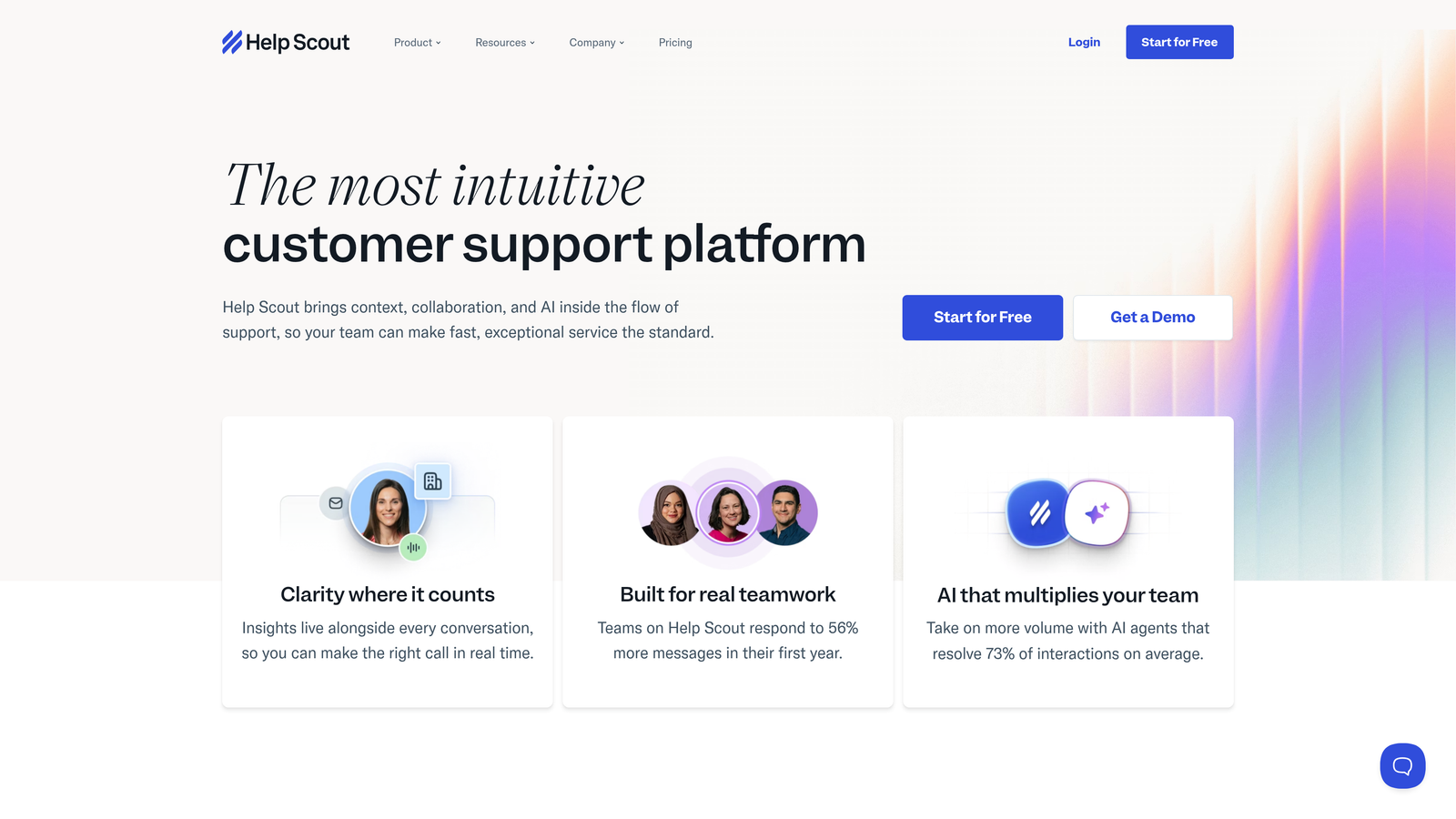
Help Scout strips away complexity to focus on what many teams need most—excellent email-based support with a clean, distraction-free interface.
Where This Tool Shines
Help Scout's shared inbox feels like using a well-designed email client rather than learning enterprise software. Collision detection prevents two agents from responding to the same customer, while internal notes keep team communication organized.
The Beacon help widget embeds knowledge base articles directly in your product, reducing support volume by surfacing answers contextually. Pricing is refreshingly transparent—no hidden fees for additional mailboxes or channels.
Key Features
Shared Inbox: Team email management with collision detection, saved replies, and conversation assignment.
Docs Knowledge Base: SEO-friendly help documentation with analytics on article effectiveness and search terms.
Beacon Widget: In-app help that shows relevant articles based on the page users are viewing.
Customer Profiles: Complete conversation history and custom properties for personalized support.
Workflows: Automation for repetitive tasks like tagging, assignment, and follow-up reminders.
Best For
Small to mid-sized teams where email is the primary support channel, particularly those who value simplicity and don't need extensive omnichannel capabilities.
Pricing
Standard at $25/user/month and Plus at $50/user/month. Unlimited mailboxes included, with costs scaling linearly as you add team members.
7. Zoho Desk
Best for: Budget-conscious teams wanting enterprise features with Zoho ecosystem integration
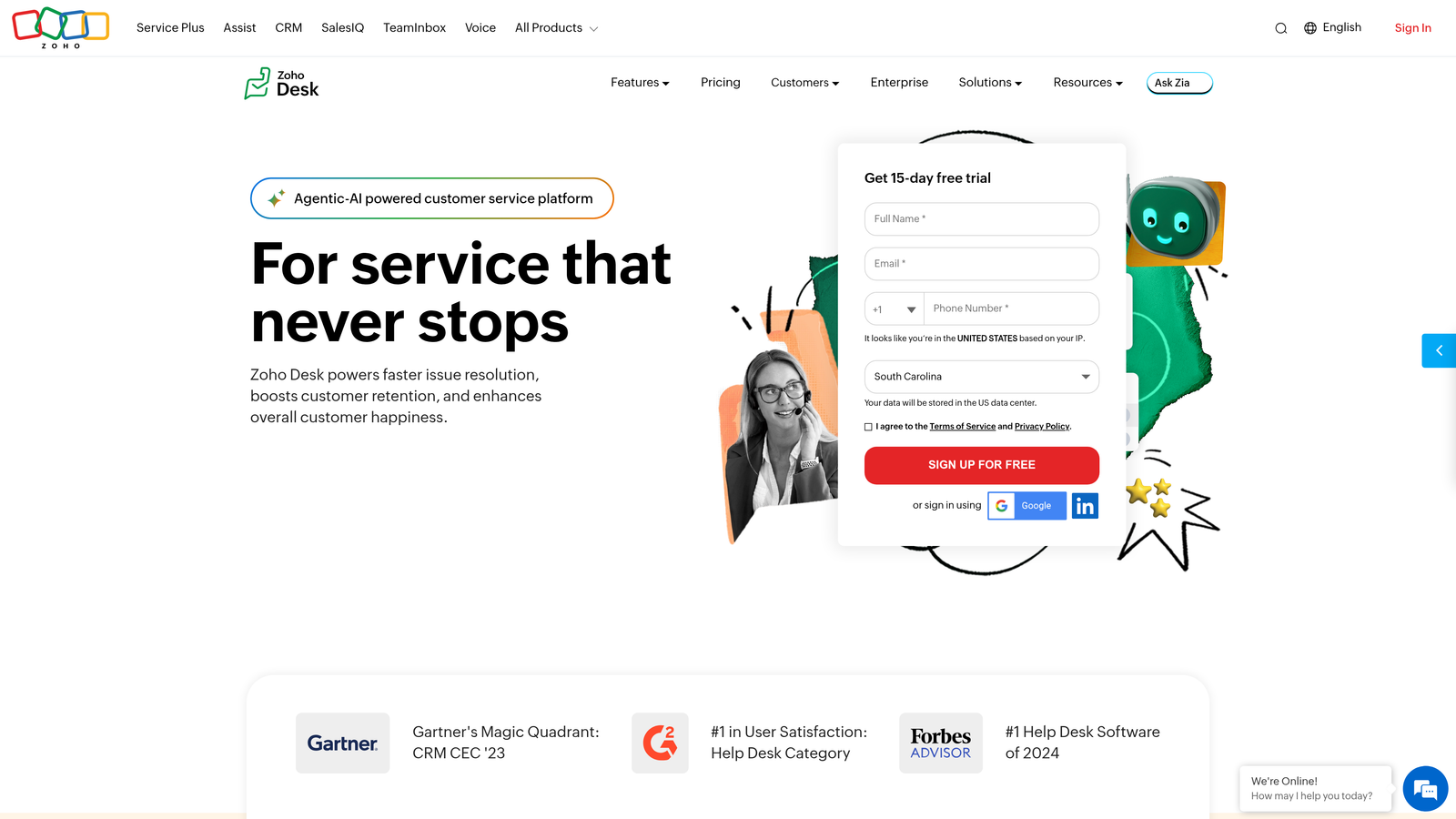
Zoho Desk delivers context-aware help desk capabilities at price points that undercut most competitors while integrating deeply with Zoho's extensive business suite.
Where This Tool Shines
Zoho Desk's pricing makes enterprise features accessible to smaller teams. The free tier supports three agents—perfect for testing workflows before committing budget. Zia, the AI assistant, provides sentiment analysis and response suggestions that improve over time.
For companies already using Zoho CRM, Books, or other Zoho products, the integration is seamless. Blueprint workflows let you design complex support processes without custom development.
Key Features
Multi-Channel Ticketing: Consolidate email, phone, chat, social media, and web forms into unified ticket management.
Zia AI Assistant: Sentiment analysis, response suggestions, and anomaly detection powered by machine learning.
Blueprint Workflows: Visual process design for complex support scenarios with conditional logic and approvals.
Self-Service Portal: Branded customer portal with knowledge base, community forums, and ticket submission.
Zoho Integration: Native connections to Zoho CRM, Analytics, Projects, and 40+ other Zoho applications.
Best For
Cost-conscious teams needing robust features, especially those already invested in the Zoho ecosystem or wanting to consolidate business tools under one vendor.
Pricing
Free tier for three agents. Standard at $14/agent/month, Professional at $23/agent/month, and Enterprise at $40/agent/month with annual billing.
8. Front
Best for: Teams managing shared inboxes where collaboration matters more than traditional ticketing
Front reimagines the shared inbox as a collaborative workspace where email, apps, and team communication converge without the formality of traditional ticketing systems.
Where This Tool Shines
Front treats every message as a conversation rather than a ticket, making it feel natural for teams handling sales inquiries, partnerships, and support in the same inbox. Internal comments let team members discuss responses privately before sending.
The omnichannel view brings SMS, social media, and chat alongside email without forcing everything into rigid ticket structures. Analytics track both team performance and individual contributions, helping managers identify coaching opportunities.
Key Features
Shared Team Inbox: Collaborative email management with internal comments, assignments, and conversation threading.
Omnichannel Messaging: SMS, social media, chat, and email consolidated in one interface without separate queues.
Workflow Automation: Rules for automatic tagging, routing, and follow-up based on message content or sender attributes.
Performance Analytics: Team and individual metrics on response time, resolution time, and message volume.
App Integrations: Connect CRM, project management, and communication tools directly in the inbox interface.
Best For
Teams where support blends with sales, account management, or partnerships, particularly those who find traditional ticketing systems too rigid for their workflow.
Pricing
Starter at $19/seat/month, Growth at $59/seat/month, Scale at $99/seat/month, and Premier at $229/seat/month with annual billing.
9. Gorgias
Best for: E-commerce merchants on Shopify, BigCommerce, or Magento needing order-aware support
Gorgias built its helpdesk specifically for e-commerce, integrating order management directly into support workflows rather than treating it as an add-on feature.
Where This Tool Shines
Gorgias shows order details, shipping status, and customer purchase history directly in the ticket interface. Agents can process refunds, update addresses, or cancel orders without switching to your e-commerce admin panel.
The pricing model charges per ticket rather than per agent seat, which works well for small teams handling variable volumes. Macros with dynamic variables pull customer data automatically, turning complex responses into one-click actions.
Key Features
Deep E-commerce Integration: Native connections to Shopify, BigCommerce, and Magento with order management inside tickets.
Order Actions: Process refunds, cancel orders, update shipping addresses, and modify subscriptions without leaving the helpdesk.
Dynamic Macros: Automated responses that pull customer name, order number, tracking info, and other variables automatically.
Revenue Attribution: Track which support interactions lead to purchases, measuring the revenue impact of your support team.
Social Commerce: Manage Instagram and Facebook comments with the same tools you use for email and chat support.
Best For
E-commerce businesses where most support questions involve orders, shipping, returns, or product information, particularly Shopify merchants wanting seamless integration.
Pricing
Starter at $10/month for 50 tickets, Basic at $60/month for 300 tickets, Pro at $360/month for 2,000 tickets, and Advanced at $900/month for 5,000 tickets.
Making the Right Choice
The customer support software landscape in 2026 presents a fundamental choice: traditional per-seat licensing or newer outcome-based models. This decision shapes not just your monthly invoice but how your support operation scales.
Per-seat pricing creates a predictable linear cost structure—add an agent, add a fixed monthly fee. This works well when you can forecast team growth accurately. Zendesk, Freshdesk, and Help Scout follow this model, making budgeting straightforward but potentially expensive as you scale.
Usage-based pricing ties costs to activity rather than headcount. Gorgias charges per ticket, Intercom's Fin charges per resolution, and Halo AI prices based on resolution volume. These models reward efficiency—if AI handles more conversations, your per-conversation cost drops rather than requiring more agent seats.
For budget-conscious teams, Freshdesk's free tier and Zoho Desk's low entry pricing provide enterprise features without enterprise costs. HubSpot offers surprising functionality in its free tools, particularly valuable if you're already using their CRM.
E-commerce teams should seriously consider Gorgias—the order management integration alone saves hours of context-switching daily. Product-led SaaS companies often find Intercom's conversational approach feels more natural than traditional ticketing.
Teams seeking AI-first approaches face a choice between bolt-on automation and intelligence-native platforms. Many traditional helpdesks added AI features to existing architectures, requiring extensive configuration and content management. Platforms built with AI as the foundation, like Halo, learn continuously from interactions without manual training.
Hidden costs deserve attention during evaluation. Premium support tiers, advanced reporting, additional communication channels, and API access limits can significantly increase your effective price. Ask about implementation fees, data migration costs, and minimum contract terms before committing.
Your support team shouldn't scale linearly with your customer base. Let AI agents handle routine tickets, guide users through your product, and surface business intelligence while your team focuses on complex issues that need a human touch. See Halo in action and discover how continuous learning transforms every interaction into smarter, faster support.