9 Best Customer Support Software with Analytics in 2026
Choosing the right customer support software with analytics turns raw ticket data into strategic insights about resource allocation, customer pain points, and team performance. This 2026 guide compares nine platforms based on analytics depth, usability, and business impact—from basic dashboards to AI-powered predictive intelligence that identifies trends, scores customer health, and delivers real-time performance tracking to give support teams a competitive edge.
 Grant CooperFounder12 min read
Data-driven support teams don't guess—they measure. The right customer support software with analytics transforms raw ticket data into actionable insights: which issues drain the most resources, where customers get stuck, and how your team actually performs under pressure. But not all analytics are created equal. Some platforms offer surface-level dashboards while others deliver predictive intelligence that shapes business strategy.
This guide evaluates nine customer support platforms based on their analytics depth, ease of use, and ability to turn support data into competitive advantage. Whether you need real-time performance tracking, customer health scoring, or AI-powered trend detection, you'll find the right fit here.
1. Halo AI
Best for: Teams wanting AI-native analytics that connect support data to broader business intelligence
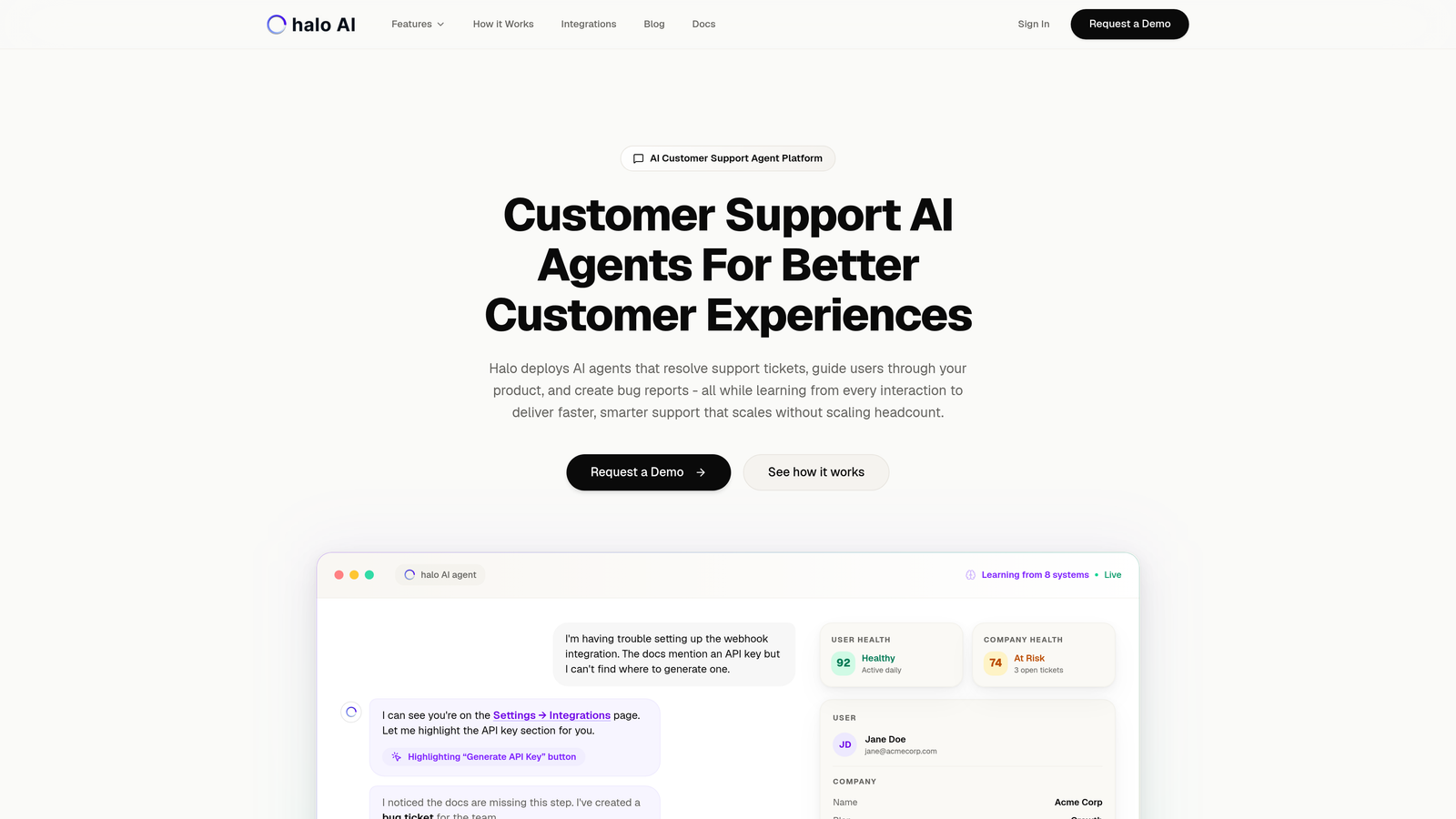
Halo AI isn't a traditional helpdesk with analytics bolted on—it's built from the ground up as an AI-first platform where every interaction feeds a continuously learning intelligence system.
Where This Tool Shines
Halo's analytics go beyond typical support metrics to deliver genuine business intelligence. The platform captures page-aware context—seeing exactly what users see when they need help—which means your analytics include visual journey data that most platforms miss entirely.
The smart inbox surfaces patterns that traditional dashboards bury: revenue signals from support conversations, customer health indicators that predict churn before it happens, and anomaly detection that flags emerging issues while they're still manageable. This isn't reactive reporting—it's predictive intelligence that shapes strategy.
Key Features
Business Intelligence Integration: Analytics connect directly to Linear, Slack, HubSpot, Intercom, Stripe, Zoom, and other critical business systems for unified insights.
Customer Health Signals: AI identifies at-risk customers and expansion opportunities by analyzing support interaction patterns against broader account data.
Revenue Intelligence: Track how support conversations correlate with revenue outcomes, turning your support team into a measurable revenue function.
Anomaly Detection: Machine learning flags unusual patterns—sudden spikes in specific issue types, unexpected drops in resolution rates—before they become crises.
Continuous Learning: Every resolved ticket, every user interaction, every bug report trains the system to deliver smarter insights over time.
Best For
B2B SaaS companies and product teams who need analytics that inform product development, sales strategy, and customer success—not just support operations. Particularly valuable for teams currently using Zendesk, Freshdesk, or Intercom who want deeper intelligence without managing multiple analytics tools.
Pricing
Contact for pricing. Enterprise-focused with custom deployment based on team size and integration requirements.
2. Zendesk
Best for: Enterprise teams needing highly customizable analytics dashboards and extensive reporting capabilities
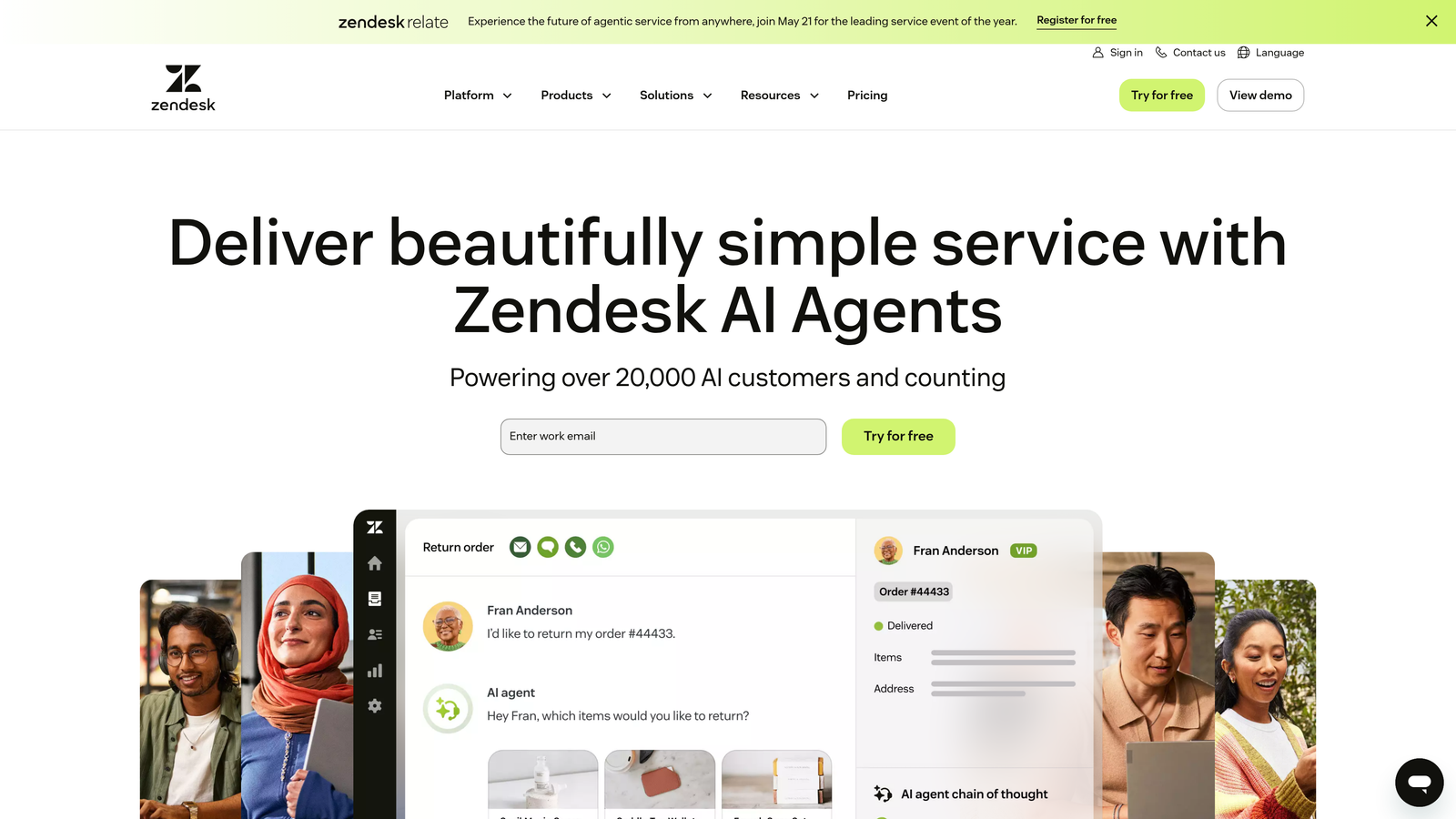
Zendesk offers one of the most mature analytics ecosystems in customer support, centered around Zendesk Explore—a dedicated analytics product with enterprise-grade reporting.
Where This Tool Shines
Zendesk Explore gives you the raw materials to build virtually any report you can imagine. The custom dashboard builder lets you slice data dozens of ways, combining metrics across channels, teams, time periods, and custom fields you've defined.
For large support organizations with complex reporting needs—multiple product lines, regional teams, tiered support structures—Zendesk's depth is hard to match. The platform handles massive data volumes without breaking, and the API access means your data team can pull everything into your existing BI stack.
Key Features
Custom Dashboard Builder: Drag-and-drop interface for creating tailored views that match your specific KPIs and organizational structure.
Pre-Built Report Library: Hundreds of templates covering common support metrics, from first response time to customer satisfaction trends.
Cross-Channel Analytics: Unified reporting across email, chat, phone, social media, and self-service channels in a single view.
Historical Analysis: Deep historical data retention with the ability to analyze trends over extended periods.
API Integration: Full API access for pulling Zendesk data into Tableau, Power BI, or custom analytics platforms.
Best For
Enterprise support teams with dedicated analytics resources who need maximum flexibility in reporting. Companies with complex organizational structures requiring segmented views across multiple dimensions.
Pricing
Suite Team starts at $55 per agent per month. Zendesk Explore is included in Suite Professional and above, or available as an add-on for lower tiers starting around $50 per agent per month.
3. Intercom
Best for: Product teams tracking user engagement patterns alongside traditional support metrics
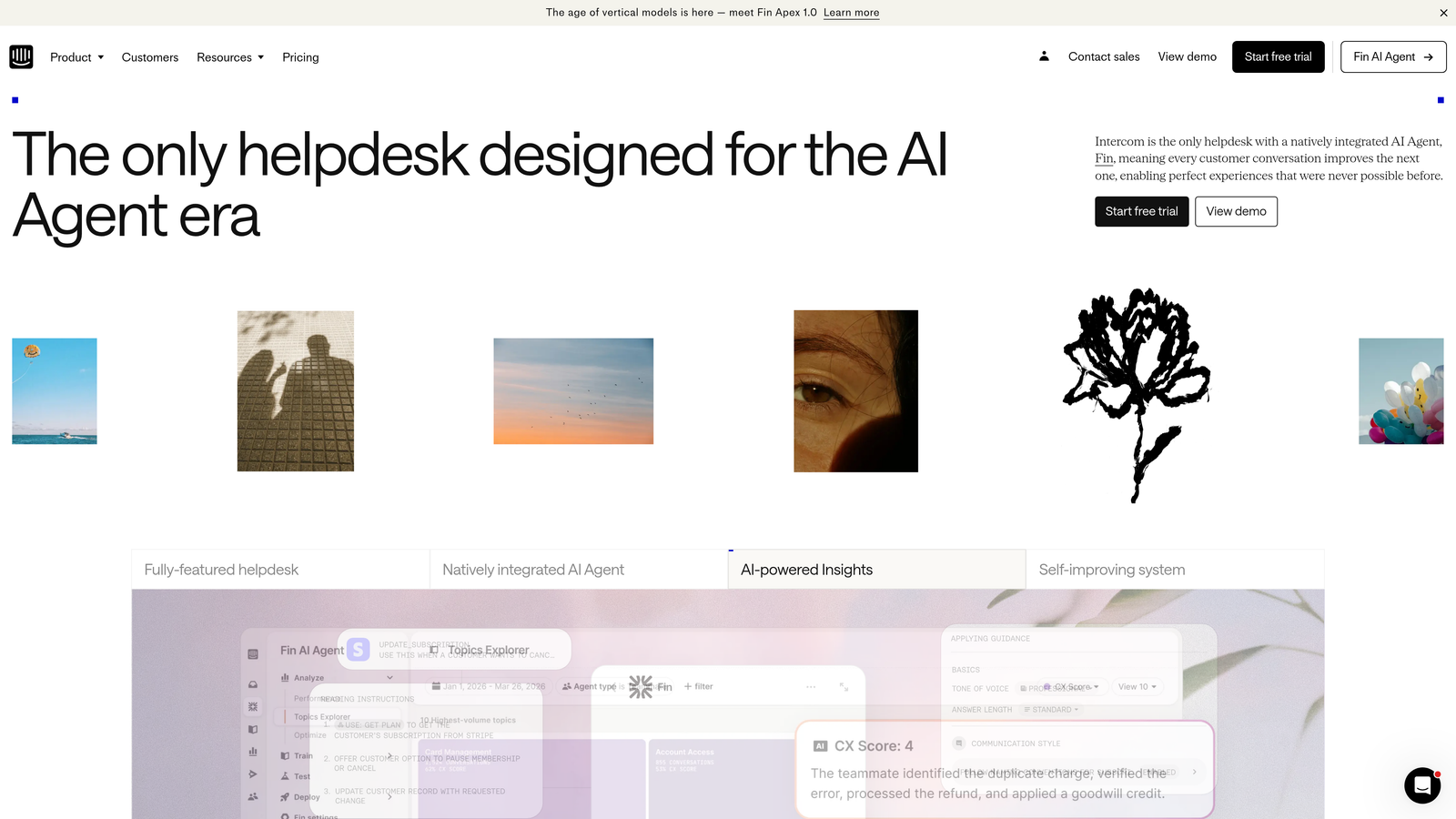
Intercom approaches analytics from a product-centric angle, emphasizing how support conversations connect to user behavior, feature adoption, and product engagement.
Where This Tool Shines
Intercom's analytics tell you not just how support is performing, but how users are experiencing your product. You can see which features generate the most questions, where users get stuck in onboarding flows, and how support interactions correlate with product adoption milestones.
The bot performance tracking is particularly strong—showing exactly where automated responses succeed and where human intervention becomes necessary. This makes it easier to optimize your automation strategy based on actual conversation data rather than guesswork.
Key Features
Conversation Analytics: Track resolution rates, response times, and conversation quality with drill-down into specific interaction patterns.
User Engagement Metrics: See how support interactions affect user retention, feature adoption, and overall product engagement.
Bot Performance Dashboards: Detailed analytics on automation effectiveness, showing resolution rates and common escalation triggers.
Team Performance Views: Individual and team-level metrics with customizable goals and benchmarks.
Custom Report Builder: Create specific reports and export data for deeper analysis in external tools.
Best For
SaaS product teams who view support as part of the user experience rather than a separate function. Companies using Intercom's full platform for messaging, engagement, and support benefit from unified analytics across all touchpoints.
Pricing
Essential plan starts at $39 per seat per month. Advanced analytics features appear in higher-tier plans, with Advanced starting around $99 per seat per month.
4. Freshdesk
Best for: Growing teams wanting AI-powered insights without enterprise complexity or pricing
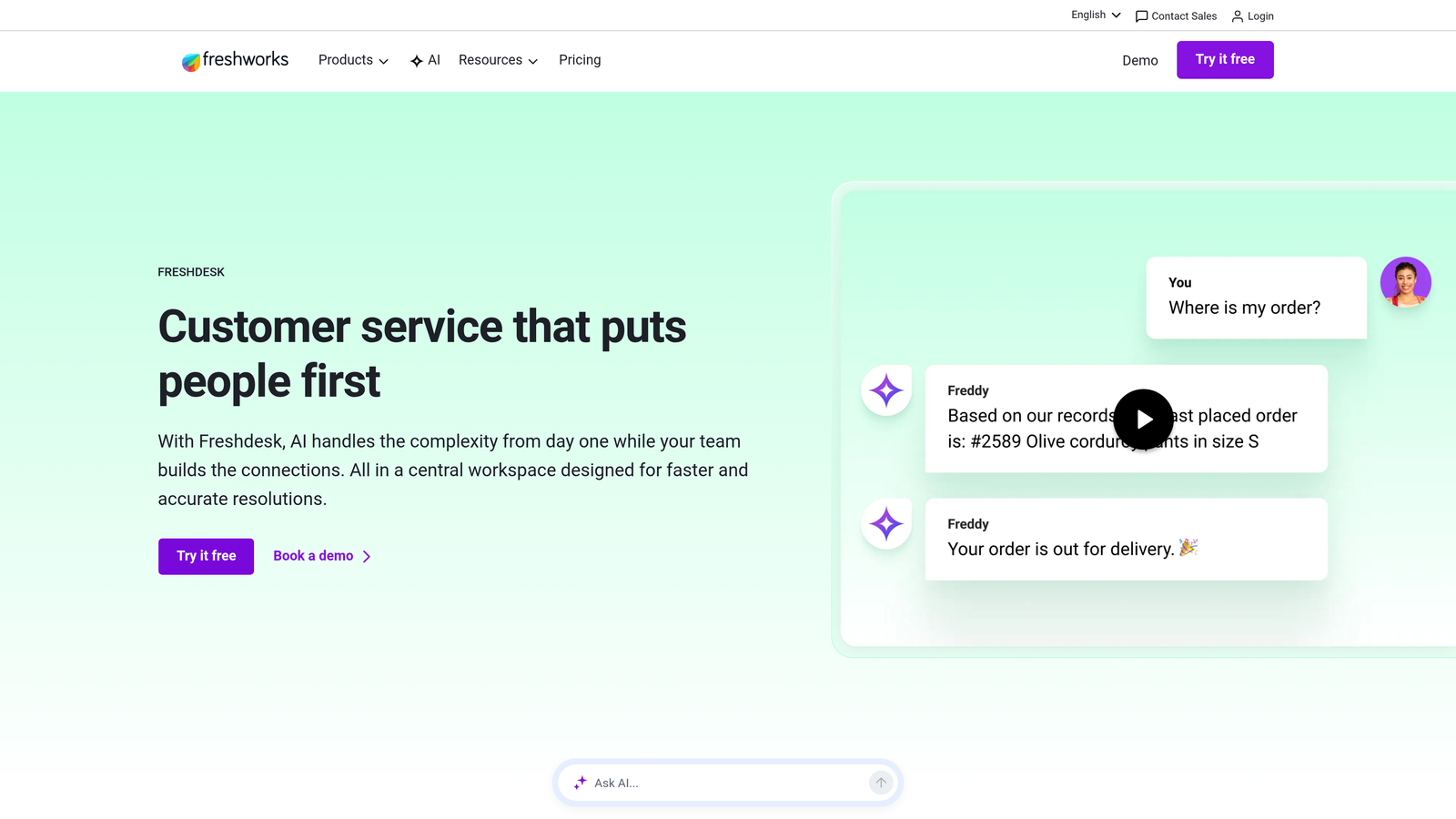
Freshdesk balances accessibility with sophistication, offering curated analytics that surface important patterns without overwhelming smaller teams with too many options.
Where This Tool Shines
Freddy AI—Freshdesk's intelligence layer—does the heavy lifting of identifying trends you might miss in raw dashboards. It flags unusual ticket volume spikes, detects sentiment shifts in customer conversations, and suggests which issues deserve immediate attention based on impact prediction.
The curated reports approach means you get meaningful insights without spending hours building custom dashboards. Freshdesk has already figured out which metrics matter most for typical support operations and surfaces them in clean, actionable formats.
Key Features
Freddy AI Insights: Automated trend detection that highlights emerging issues, sentiment changes, and performance anomalies.
Curated Report Library: Pre-configured reports for essential helpdesk metrics, ready to use without customization.
SLA Compliance Tracking: Detailed analytics on service level agreement performance with breach predictions.
Agent Productivity Analytics: Individual and team performance metrics with workload distribution insights.
CSAT Tracking: Customer satisfaction scoring with trend analysis and correlation to specific agents or issue types.
Best For
Small to mid-sized support teams who want intelligent analytics without hiring a data analyst. Companies prioritizing ease of use and quick time-to-value over infinite customization options.
Pricing
Free tier available for basic use. Pro plan at $49 per agent per month includes Freddy AI insights and advanced analytics. Enterprise tier adds custom reporting and API access.
5. Help Scout
Best for: Customer-focused teams prioritizing happiness metrics and relationship quality over volume efficiency
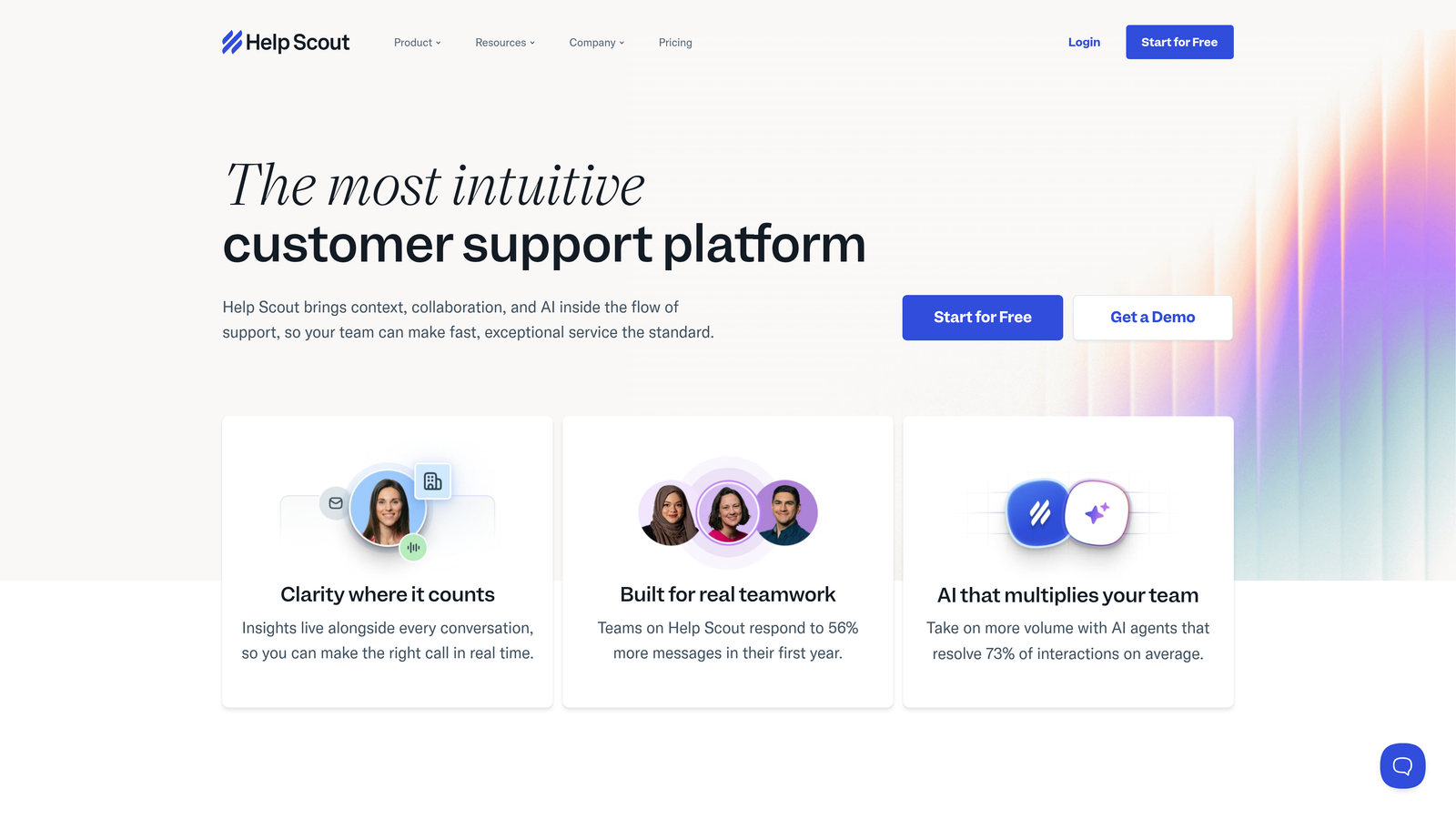
Help Scout keeps analytics human-centered, emphasizing customer satisfaction and team wellness alongside traditional productivity metrics.
Where This Tool Shines
Help Scout's happiness ratings system gives you qualitative feedback at scale. Instead of just tracking resolution time, you see how customers actually felt about their support experience. The platform makes it easy to correlate satisfaction scores with specific agents, issue types, or time periods.
The saved views feature lets teams create custom report filters without technical knowledge—essentially bookmarking specific data slices you check regularly. This makes routine analytics checks fast and consistent across team members.
Key Features
Happiness Ratings: Customer satisfaction tracking with detailed feedback collection and trend analysis over time.
Conversation Reports: Drill-down analytics showing resolution patterns, response times, and conversation volume by channel or tag.
Saved Views: Create and save custom report configurations for quick access to frequently monitored metrics.
Team Performance Metrics: Individual and team-level analytics balancing productivity with quality indicators.
Docs Analytics: Knowledge base performance tracking showing which articles help customers and which need improvement.
Best For
Support teams who measure success by customer happiness rather than ticket closure speed. Companies with strong customer-centric cultures who want analytics that reinforce relationship quality.
Pricing
Standard plan at $20 per user per month includes basic reporting. Plus plan at $40 per user per month adds advanced reporting features and custom fields for deeper segmentation.
6. HubSpot Service Hub
Best for: Companies wanting support analytics integrated with sales, marketing, and customer success data
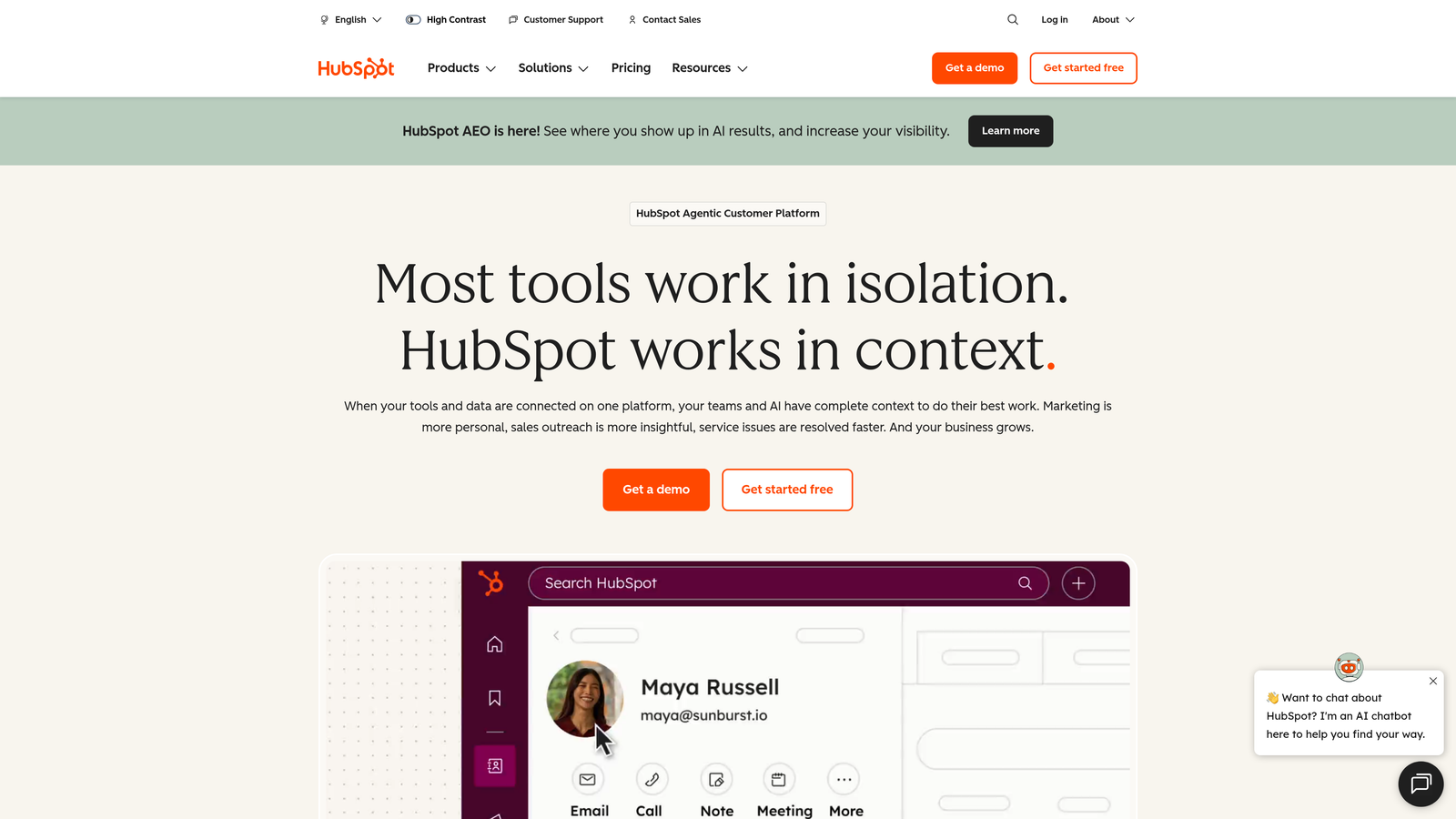
HubSpot Service Hub treats support as one piece of the customer journey, with analytics that connect support interactions to every other touchpoint in your CRM.
Where This Tool Shines
The unified CRM architecture means your support analytics automatically incorporate context from sales history, marketing engagement, and customer success activities. You can see how support issues correlate with deal stages, which marketing campaigns generate support-heavy customers, and how support quality affects renewal rates.
Customer health scoring in HubSpot combines support metrics with broader relationship indicators, giving you a complete picture of account risk and opportunity. This cross-functional view is nearly impossible to achieve with standalone support tools.
Key Features
Unified CRM Analytics: Support data automatically connects to contact records, deals, and customer lifecycle stages.
Customer Health Scoring: Composite scoring that factors support interactions alongside engagement, usage, and relationship data.
Custom Report Builder: Flexible reporting engine that can combine support metrics with any other data in your HubSpot CRM.
Ticket Pipeline Analytics: Visual pipeline reporting showing ticket flow, bottlenecks, and resolution patterns.
Cross-Functional Dashboards: Create shared dashboards that support, sales, and customer success teams all reference.
Best For
Companies already using HubSpot CRM who want support analytics that inform go-to-market strategy. Teams needing tight alignment between support, sales, and customer success functions.
Pricing
Free tools available with basic ticketing and limited reporting. Professional tier at $90 per month per seat includes advanced analytics and custom reporting. Enterprise tier adds predictive analytics and advanced automation.
7. Gorgias
Best for: E-commerce brands tracking how support interactions directly impact revenue and sales
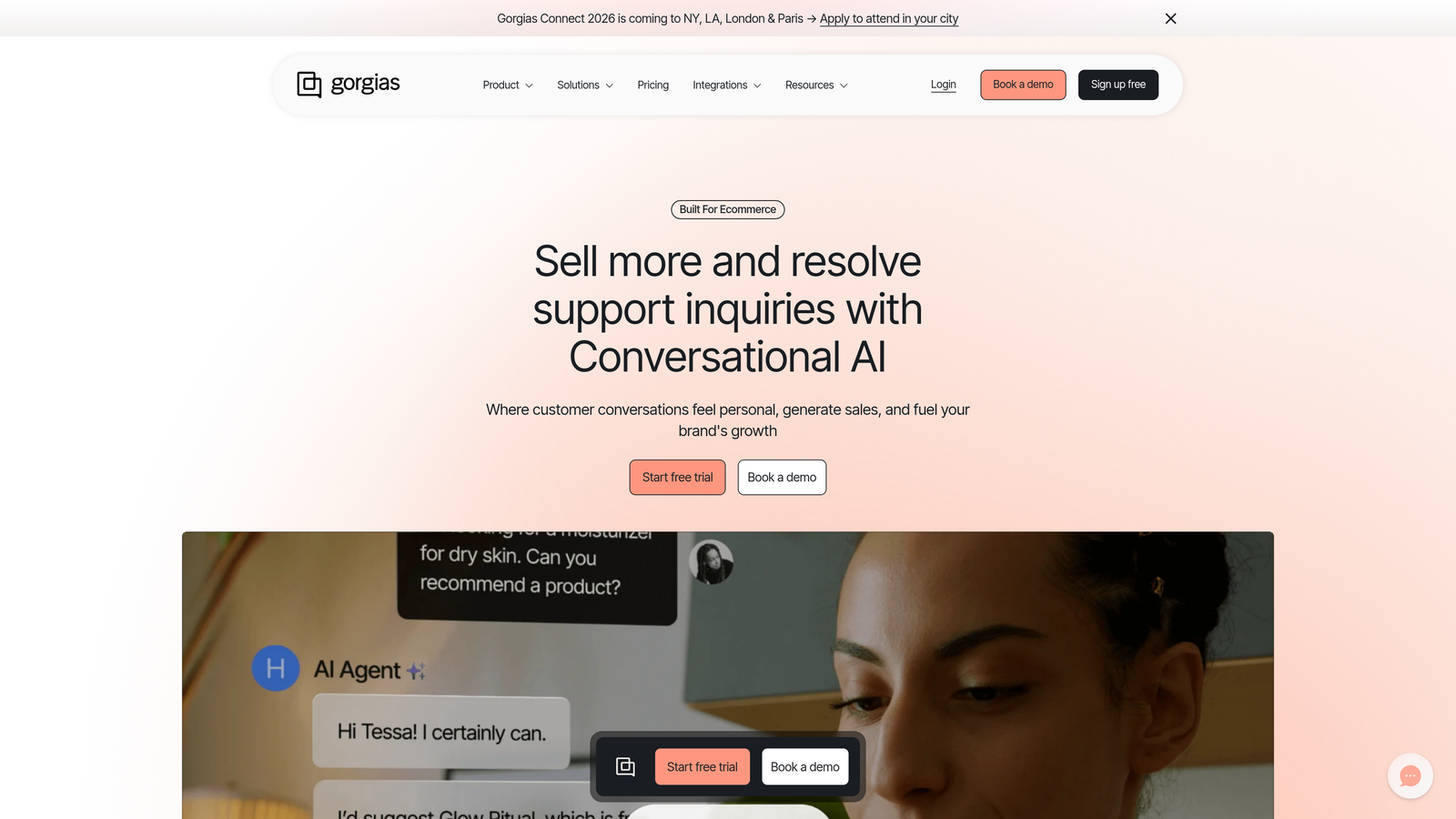
Gorgias is purpose-built for online retail, with analytics specifically designed to show the revenue impact of customer support conversations.
Where This Tool Shines
Gorgias connects support tickets directly to order data from Shopify, BigCommerce, and other e-commerce platforms. You can see which support interactions led to purchases, track the revenue value of conversations, and identify which agents are best at converting support inquiries into sales.
The automation effectiveness tracking shows exactly how self-service rules and chatbots perform compared to human agents—not just in resolution rate, but in customer satisfaction and revenue outcomes. This makes it easy to optimize automation without sacrificing the personal touch that drives conversions.
Key Features
Revenue Statistics: Track sales generated through support conversations, showing the revenue contribution of your support team.
E-commerce Integration Analytics: Deep integration with Shopify and other platforms provides order history, customer lifetime value, and purchase patterns within support analytics.
Agent Revenue Impact: See which team members excel at converting support inquiries into sales and upsells.
Automation Performance: Compare automated vs. human-handled conversations across satisfaction, resolution time, and revenue metrics.
Channel-Specific Analytics: Break down performance by Instagram, Facebook, email, chat, and other channels popular in e-commerce.
Best For
E-commerce brands who view customer support as a revenue function rather than a cost center. Online retailers using Shopify or similar platforms who want support analytics that speak the language of retail metrics.
Pricing
Starter plan at $10 per month covers 50 tickets with basic analytics. Pro plan at $300 per month includes 2,000 tickets and advanced revenue analytics. Growth and Advanced plans scale with volume and add deeper reporting.
8. Kustomer
Best for: Omnichannel teams needing unified customer timelines with AI-powered sentiment analysis
Kustomer organizes analytics around customers rather than tickets, showing complete interaction histories across every channel in a unified timeline.
Where This Tool Shines
Kustomer's timeline view gives you conversation context that ticket-centric platforms miss. You can see how a customer's sentiment evolved across multiple interactions, which channels they prefer, and how different agents handled their account over time.
The AI-powered sentiment analysis runs across all conversations automatically, flagging frustration before it escalates and identifying opportunities for proactive outreach. The Kustomer Query Language lets technical teams build custom reports that would require API access in other platforms.
Key Features
Unified Customer Timeline: Analytics organized by customer journey rather than individual tickets, showing complete interaction history.
AI Sentiment Analysis: Automated sentiment tracking across all channels with trend identification and escalation alerts.
Predictive Insights: Machine learning identifies patterns that predict customer behavior, churn risk, and expansion opportunities.
Kustomer Query Language: Advanced reporting language for building custom analytics without external BI tools.
Real-Time Dashboards: Live team performance monitoring with customizable views for different roles and responsibilities.
Best For
Large support operations managing complex customer relationships across multiple channels. Teams with technical resources who want deep customization in reporting and analytics.
Pricing
Enterprise plan at $89 per user per month includes core analytics. Ultimate plan at $139 per user per month adds AI-powered insights, advanced reporting, and custom integrations.
9. Gladly
Best for: Brands prioritizing customer relationship metrics over traditional ticket-based efficiency measures
Gladly fundamentally reimagines support analytics by tracking people instead of tickets, with metrics centered on relationship quality and lifetime value.
Where This Tool Shines
Gladly's people-centered approach means your analytics show customer relationship health rather than ticket resolution speed. You can see lifetime conversation history, track how relationships evolve over time, and measure agent performance by relationship quality rather than ticket volume.
The customer effort tracking identifies friction points in your support experience—not just how long resolution took, but how many times a customer had to reach out, switch channels, or repeat information. This reveals optimization opportunities that ticket-centric metrics miss entirely.
Key Features
Customer-Centric Metrics: Analytics organized around customer relationships rather than individual support tickets or interactions.
Lifetime Conversation Analytics: Complete interaction history showing relationship evolution and engagement patterns over time.
Agent Quality Scoring: Performance metrics emphasizing relationship building and customer satisfaction over volume efficiency.
Channel Switching Insights: Track how customers move between channels and identify friction points in the omnichannel experience.
Customer Effort Tracking: Measure how much work customers must do to get help, identifying opportunities to reduce friction.
Best For
Premium brands and luxury retailers where customer relationships matter more than ticket throughput. Companies with high customer lifetime values who can justify relationship-focused metrics.
Pricing
Contact for pricing. Enterprise-focused with custom deployment based on team size and requirements.
Making the Right Choice
The best customer support software with analytics depends entirely on what questions you need answered. Are you measuring support as a cost center or a revenue function? Do you need cross-functional intelligence or deep helpdesk reporting?
For teams wanting AI-native intelligence that connects support to broader business outcomes, Halo AI delivers predictive insights that shape strategy beyond the support silo. The continuous learning architecture means your analytics get smarter with every interaction.
Enterprise teams with complex reporting needs and dedicated analytics resources will appreciate Zendesk's depth and customization capabilities. Product-focused SaaS companies benefit from Intercom's engagement-centric approach. Growing teams on a budget find Freshdesk's Freddy AI insights deliver sophistication without complexity.
E-commerce brands should seriously consider Gorgias for its revenue attribution capabilities—seeing exactly how support drives sales changes the conversation about support investment. Companies already using HubSpot CRM gain enormous value from unified analytics across the entire customer journey.
The analytics landscape has shifted from reactive dashboards to predictive intelligence. The platforms that win in 2026 don't just tell you what happened—they forecast what's coming and recommend what to do about it. Your support team shouldn't scale linearly with your customer base. Let AI agents handle routine tickets, guide users through your product, and surface business intelligence while your team focuses on complex issues that need a human touch. See Halo in action and discover how continuous learning transforms every interaction into smarter, faster support.