9 Best Customer Support Team Burnout Solutions in 2026
Discover the 9 best customer support team burnout solutions for 2026, covering AI-powered tools and workforce management platforms designed to reduce repetitive workloads, prevent scheduling overload, and lower turnover. This guide evaluates each solution on automation depth, integration ease, and real workload reduction to help support leaders build sustainable, high-performing teams.
 Grant CooperFounder12 min read
Customer support agents are burning out faster than ever. Repetitive ticket queues, after-hours escalations, and the pressure to respond instantly create a cycle that even the most dedicated teams can't sustain indefinitely. The result: high turnover, degraded customer experiences, and mounting costs for companies that have to constantly rehire and retrain.
The good news? A new generation of tools is purpose-built to take the repetitive, draining work off your team's plate. From AI agents that resolve tickets autonomously to workforce management platforms that prevent scheduling overload, the right stack can fundamentally change what your support team's day looks like. This list covers the top tools for reducing support team burnout in 2026, evaluated on automation depth, ease of integration, agent experience, and real workload reduction.
1. Halo AI
Best for: B2B SaaS teams that want AI-native ticket resolution with continuous learning
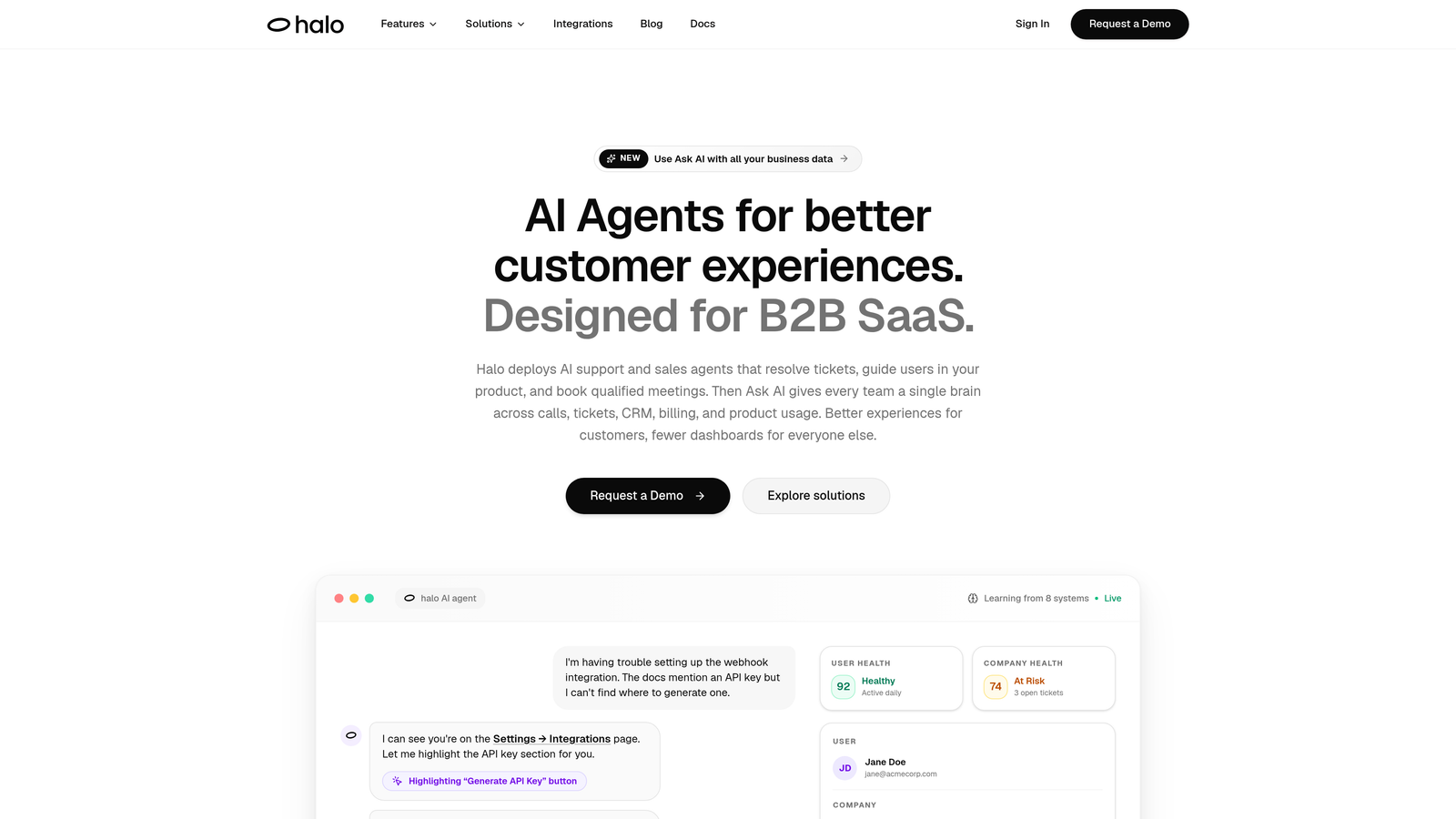
Halo AI is an AI-native customer support platform that deploys intelligent agents to resolve tickets, guide users through your product with page-aware context, and create bug reports automatically.
Where This Tool Shines
What sets Halo apart from bolt-on AI features is its architecture. It's built AI-first, not retrofitted onto an existing helpdesk. That means every resolved ticket makes the system smarter, and your human agents spend their time on genuinely complex issues rather than answering the same onboarding question for the hundredth time.
The page-aware chat widget is particularly valuable: the AI sees exactly what the user sees, so guidance is precise and contextual rather than generic. When something does need a human, the handoff comes with full context so agents aren't starting from scratch. That alone removes one of the most frustrating parts of escalation workflows.
Key Features
Autonomous Ticket Resolution: AI agents handle tier-1 support independently, with continuous learning from past interactions improving accuracy over time.
Page-Aware Chat Widget: The AI understands the user's current page and UI context, delivering precise in-product guidance without generic responses.
Smart Inbox with Business Intelligence: Goes beyond ticket management to surface customer health signals, anomaly detection, and revenue insights directly in the support workflow.
Auto Bug Ticket Creation: Automatically generates and routes bug reports to Linear or your issue tracker, removing a manual step that often falls through the cracks.
Live Agent Handoff: Escalations include full conversation context, so human agents can pick up complex issues without asking customers to repeat themselves.
Deep Integrations: Connects with Slack, HubSpot, Intercom, Stripe, Zoom, PandaDoc, and Fathom for a unified support and business intelligence stack.
Best For
Halo is an ideal fit for B2B SaaS companies running lean support teams who want to reduce ticket volume without expanding headcount. Teams already using Intercom, HubSpot, or Linear will find the integration layer especially practical.
Pricing
Contact for pricing. Visit haloagents.ai for current plans and to request a demo.
2. Zendesk
Best for: Mid-market and enterprise teams that need omnichannel support with deep workflow automation
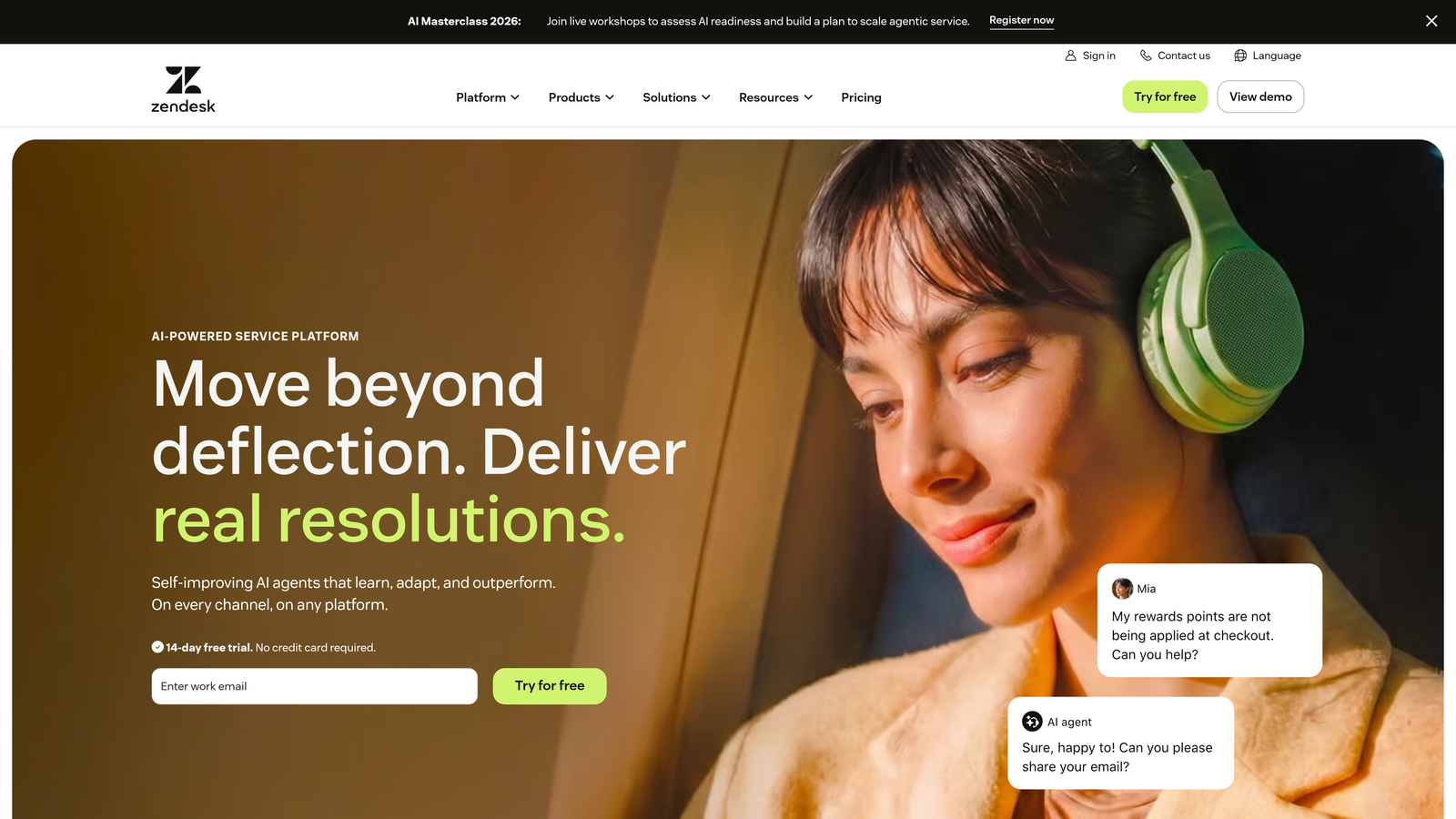
Zendesk is one of the most widely adopted helpdesk platforms, offering omnichannel support management, AI-powered triage, and extensive workflow automation.
Where This Tool Shines
Zendesk's macro and trigger system is genuinely powerful for reducing repetitive manual work. Agents stop spending time on routing decisions, canned response hunting, and status updates because the platform handles those automatically. For teams drowning in volume, that reduction in low-value tasks makes a real difference.
The omnichannel inbox is another major burnout reducer. Instead of toggling between email, chat, social, and voice tools, agents work from a single queue. Less context-switching means less cognitive fatigue by the end of a shift.
Key Features
AI-Powered Triage: Automatically routes and prioritizes incoming tickets, reducing the manual sorting burden on agents.
Macro and Trigger Automation: Pre-built response workflows handle repetitive ticket types without agent involvement.
Omnichannel Inbox: Consolidates email, chat, social, and voice into a single workspace.
Reporting and CSAT Dashboards: Gives managers visibility into workload distribution and agent performance trends.
Large App Marketplace: Hundreds of integrations for extending functionality across your existing stack.
Best For
Teams of 10+ agents managing multi-channel support who need a mature, well-documented platform with strong admin controls and reporting. Zendesk is particularly well-suited for teams with dedicated support operations managers.
Pricing
Suite Team starts at approximately $55/agent/month. Enterprise pricing is available for larger teams with advanced needs.
3. Intercom
Best for: Product-led growth companies looking to deflect tier-1 queries through conversational AI
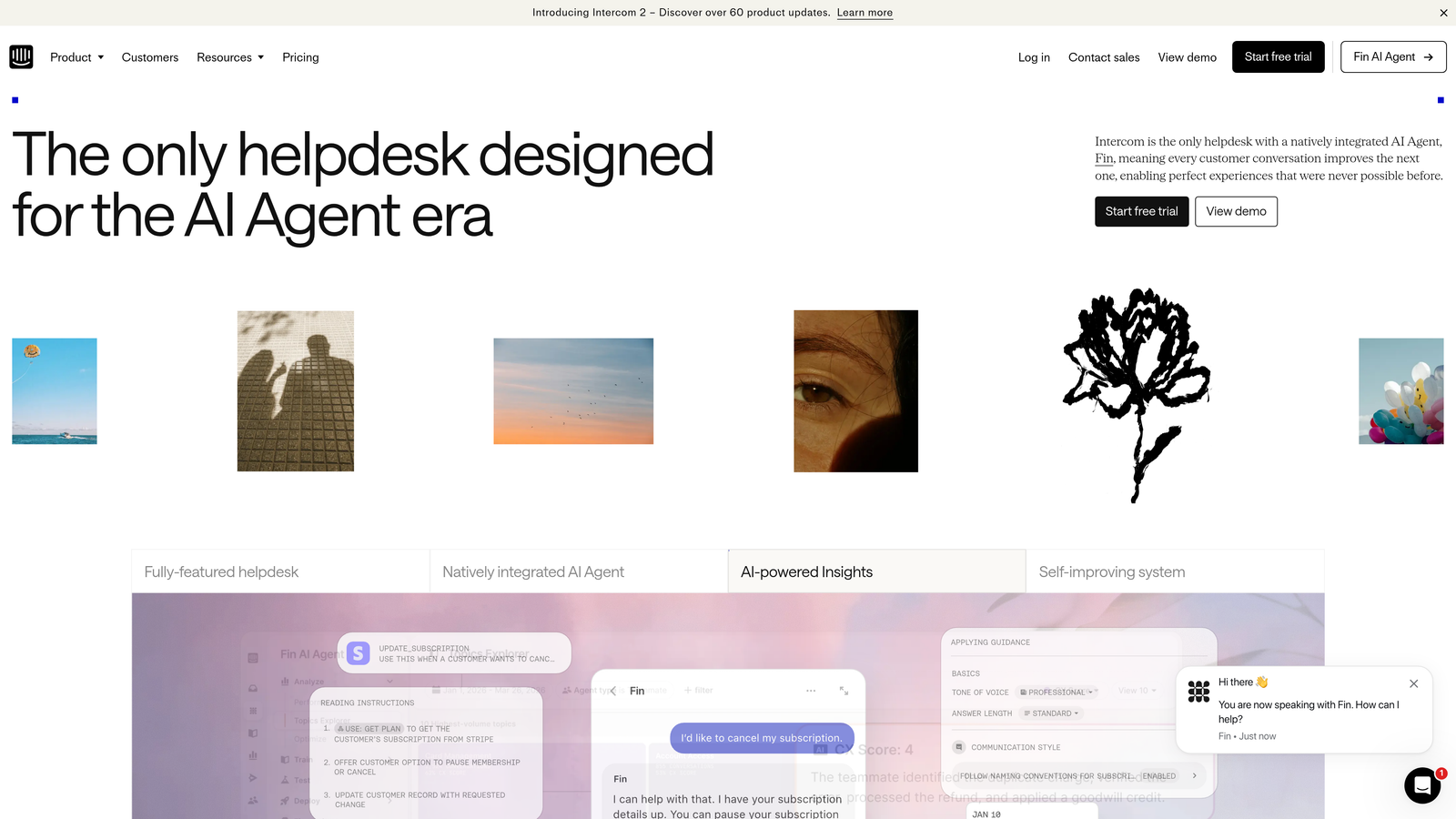
Intercom is a conversational support platform with a built-in AI agent called Fin, designed to deflect common queries and reduce the volume of tickets that ever reach a human agent.
Where This Tool Shines
Fin is one of the more capable native AI agents in the helpdesk space. It handles frequently asked questions, troubleshooting flows, and common how-to queries directly within the messenger — without requiring a separate AI tool or complex setup. For teams where a large portion of tickets are repetitive, that deflection alone can meaningfully reduce daily volume.
Intercom's proactive messaging features add another layer of burnout prevention. Instead of waiting for users to file tickets about known issues, you can push targeted messages that resolve confusion before it becomes a support request.
Key Features
Fin AI Agent: Handles tier-1 queries natively within the Intercom messenger, with no separate AI tool required.
AI-Assisted Reply Suggestions: Surfaces recommended responses and conversation summaries to speed up agent replies.
Proactive Messaging: Reaches users with relevant guidance before they open a ticket.
Product Tours and In-App Guidance: Reduces how-to questions by helping users navigate your product directly.
CRM Integrations: Connects with Salesforce, Stripe, GitHub, and others for context-rich support conversations.
Best For
SaaS companies with a high proportion of repetitive, chat-based support queries. Intercom works especially well when your support and product teams are closely aligned and want to use in-app messaging as a proactive support channel.
Pricing
Starts at approximately $39/seat/month. Fin AI agent usage is billed separately per resolution, so costs scale with deflection volume.
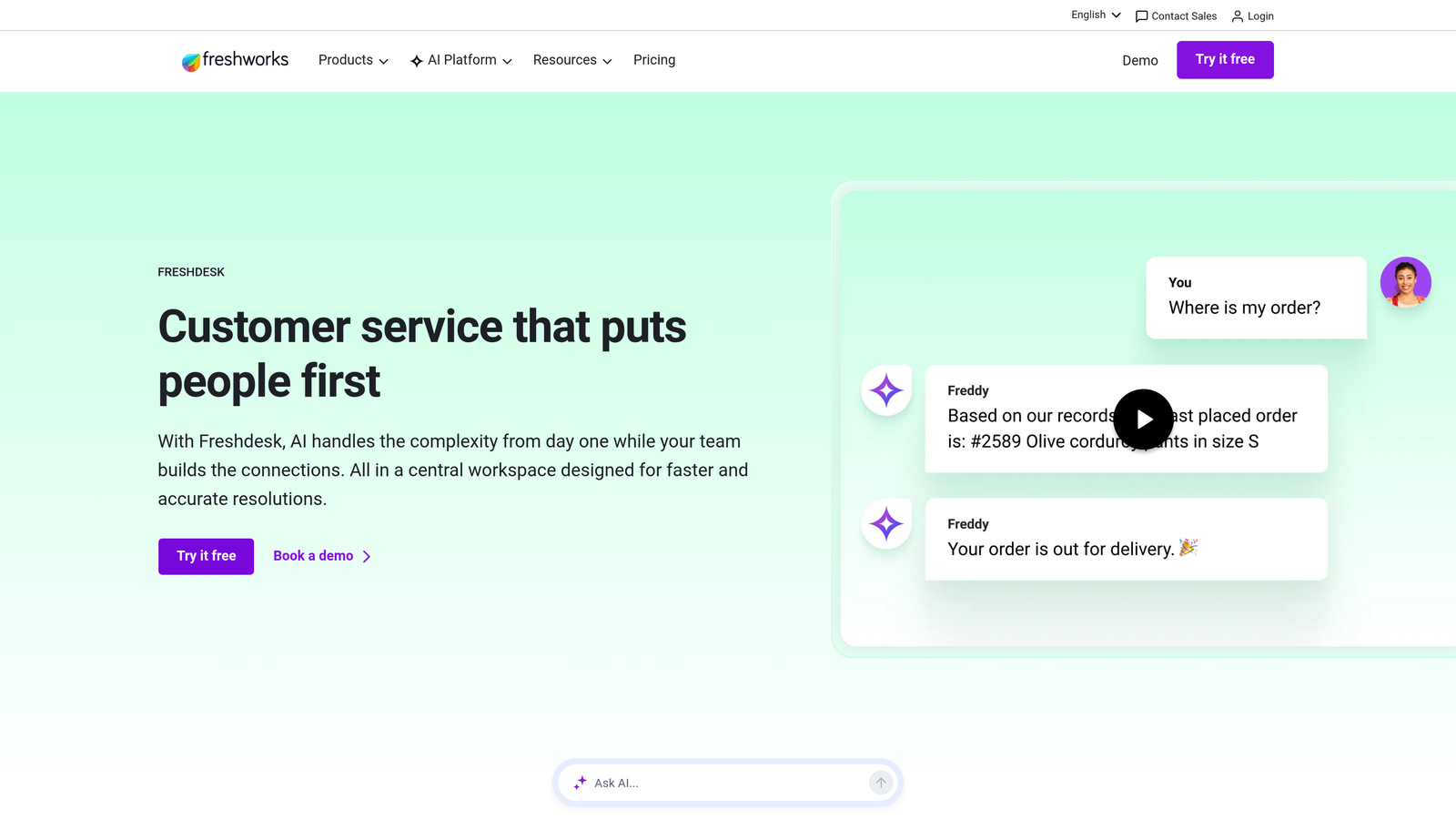
4. Freshdesk
Best for: SMBs and growing teams that want AI-assisted support without enterprise pricing
Freshdesk is an SMB-friendly helpdesk platform with Freddy AI capabilities that reduce cognitive load through ticket summarization, suggested responses, and auto-categorization.
Where This Tool Shines
Freddy AI's ticket summarization feature is a practical burnout reducer. Long, multi-reply threads can take several minutes to read before an agent can even begin responding. Freddy compresses that into a brief summary, cutting the cognitive overhead of getting up to speed on complex tickets.
Freshdesk's collision detection is an underrated feature: it prevents two agents from unknowingly working the same ticket simultaneously, which wastes effort and creates duplicate responses that frustrate customers.
Key Features
Freddy AI Response Suggestions: Recommends replies based on ticket content, reducing the time spent composing responses from scratch.
Ticket Summarization: Condenses long conversation threads into actionable summaries before agents respond.
Auto-Categorization: Automatically tags and routes tickets based on content, removing manual triage work.
Collision Detection: Prevents duplicate agent effort on the same ticket in real time.
Canned Responses and Scenario Automations: Handles repetitive workflows without agent input.
Best For
Startups and SMBs looking for a capable, affordable helpdesk with meaningful AI features. Freshdesk's free tier makes it accessible for very small teams just starting to formalize their support process.
Pricing
Free plan available for basic use. Paid plans start at approximately $15/agent/month, making it one of the more cost-effective options on this list.
5. Assembled
Best for: Support operations teams that need data-driven scheduling and volume forecasting
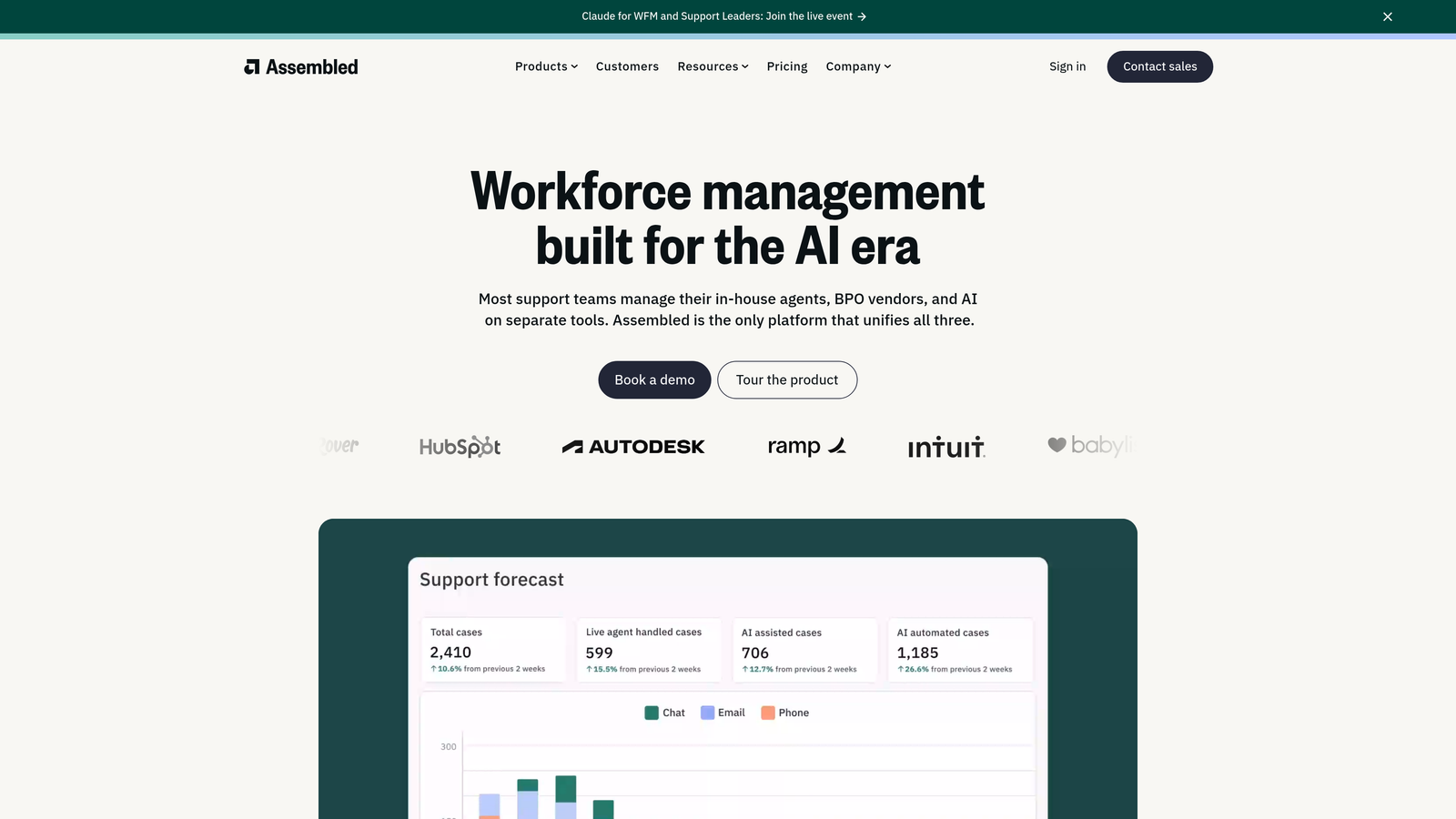
Assembled is a workforce management platform built specifically for support teams, focused on forecasting ticket volume and optimizing agent scheduling to prevent overload.
Where This Tool Shines
Most burnout prevention tools focus on reducing what agents handle. Assembled attacks the problem from the staffing side: making sure the right number of agents are scheduled when ticket volume is actually high. Without forecasting, teams routinely end up understaffed during peak periods, which means individual agents absorb more than their share of load.
The real-time adherence tracking is particularly useful for managers. It surfaces understaffed periods as they happen, allowing quick adjustments before agents hit a wall.
Key Features
Volume Forecasting: Predicts ticket demand based on historical data and trends to inform scheduling decisions.
Automated Schedule Creation: Builds agent schedules aligned with predicted demand, reducing manual planning work for managers.
Real-Time Adherence Tracking: Identifies understaffed periods as they occur so managers can respond immediately.
Helpdesk Integrations: Connects with Zendesk, Salesforce, and other platforms to pull live ticket data.
Manager Dashboards: Provides team capacity and performance visibility in a single view.
Best For
Support teams of 20 or more agents where scheduling inefficiency is a known driver of stress and burnout. Assembled is especially valuable when ticket volume is unpredictable or heavily seasonal.
Pricing
Contact Assembled directly for pricing. Typically positioned for teams of 20+ agents where workforce management ROI is clearest.
6. Guru
Best for: Teams where agents waste significant time hunting for answers across fragmented documentation
Guru is an AI-powered knowledge management platform that surfaces the right answer in context, directly within the tools agents already use.

Where This Tool Shines
One of the most underappreciated sources of support burnout is knowledge fragmentation. Agents who have to search across Confluence, Google Drive, Slack, and a shared inbox just to answer a single ticket spend enormous mental energy on logistics rather than helping customers. Guru eliminates that friction by surfacing relevant knowledge cards contextually inside Zendesk, Slack, and Chrome.
The verification workflow keeps content accurate over time, which matters more than most teams realize. Outdated documentation that leads agents to give wrong answers creates its own cycle of frustration and rework.
Key Features
Contextual Knowledge Cards: AI surfaces relevant answers within Zendesk, Slack, and Chrome based on the current conversation.
Verification Workflows: Ensures knowledge base content stays accurate with regular review cycles and content ownership.
Duplicate Detection: Prevents conflicting answers from coexisting in the knowledge base.
Usage Analytics: Shows which cards are frequently used and which are outdated or underutilized.
Broad Integrations: Connects with Zendesk, Salesforce, Slack, and Microsoft Teams.
Best For
Support teams with more than a handful of agents where knowledge consistency is a challenge. Particularly useful when onboarding new agents who need fast access to institutional knowledge without shadowing senior team members.
Pricing
Starts at approximately $10/user/month. A free trial is available for teams evaluating the platform.
7. Dialpad AI
Best for: Voice-heavy support teams looking to reduce cognitive load during and after calls
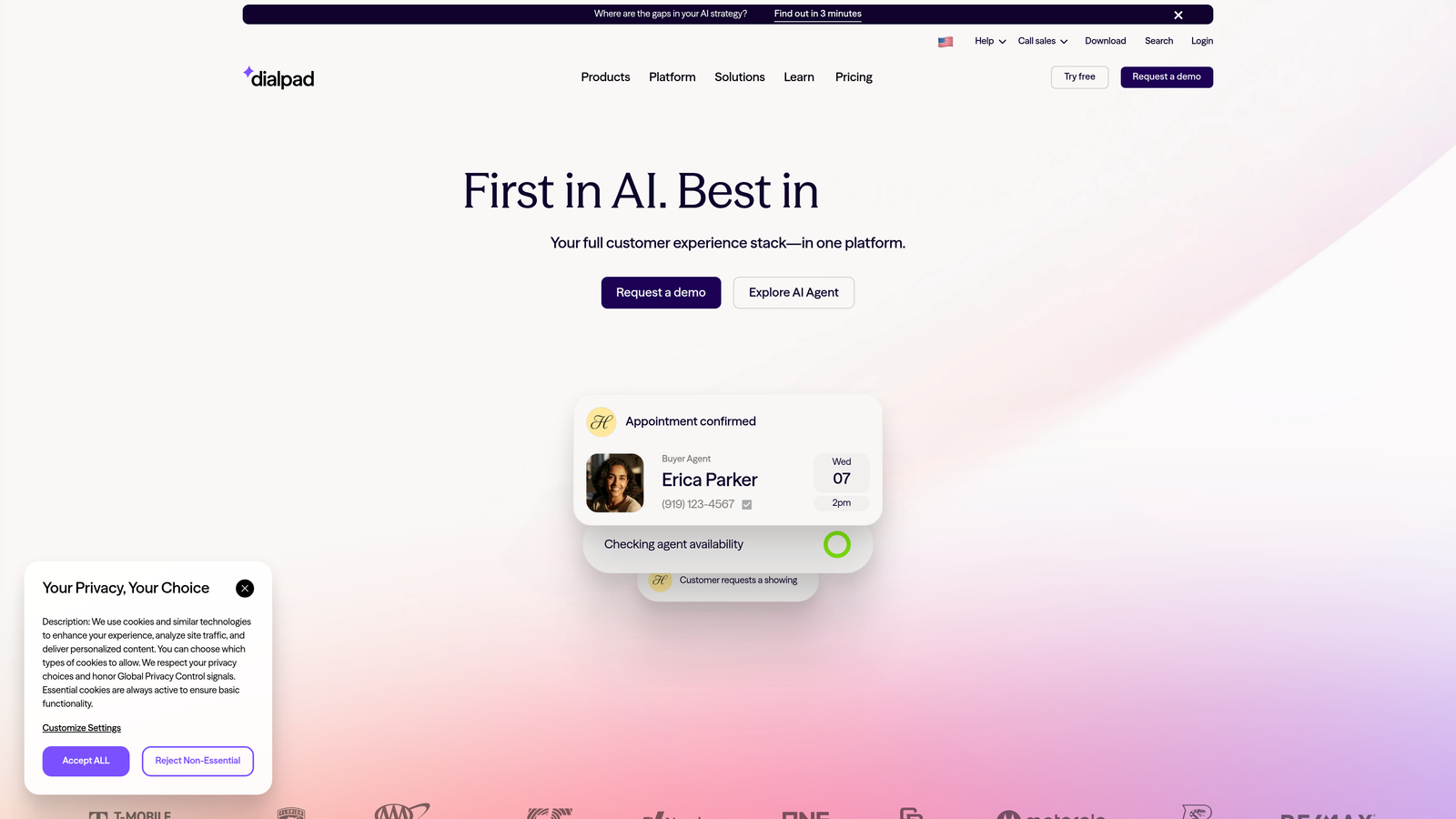
Dialpad AI is a cloud communications platform with real-time AI transcription, live coaching, and sentiment analysis designed to reduce the cognitive load on voice support agents.
Where This Tool Shines
Voice support is particularly draining because agents have to simultaneously listen, respond, take notes, and manage customer emotion in real time. Dialpad's real-time transcription removes the note-taking burden entirely, letting agents focus on the conversation rather than documentation.
The AI-suggested responses that surface during live calls are a genuine differentiator. When a customer asks a complex policy question mid-call, having the answer surfaced automatically prevents the awkward "let me put you on hold to look that up" moment that frustrates both parties.
Key Features
Real-Time Call Transcription: Automatically transcribes calls as they happen, eliminating manual note-taking after each conversation.
AI-Suggested Responses: Surfaces relevant answers and talking points during live calls based on conversation context.
Sentiment Analysis: Flags calls where customer sentiment is declining so supervisors can intervene proactively.
Post-Call Summaries: Auto-generates summaries for CRM logging, removing the post-call admin burden.
CRM and Helpdesk Integrations: Connects with Salesforce, Zendesk, HubSpot, and Slack.
Best For
Support teams with a meaningful volume of inbound phone support, particularly where call quality, compliance, or coaching are priorities alongside burnout reduction.
Pricing
Standard plan starts at approximately $15/user/month. Higher tiers include additional AI and analytics features.
8. Tymeshift (Zendesk WFM)
Best for: Zendesk-native teams that need automated time tracking and workload visibility
Tymeshift is a workforce management tool acquired by Zendesk that provides automated time tracking, schedule adherence monitoring, and workload visibility.
Where This Tool Shines
One of the quieter drivers of burnout is invisible overload: agents who are consistently handling more than their share of volume without managers realizing it. Tymeshift makes that visible through automated time tracking and utilization reports, so managers can redistribute workload before individuals hit breaking point.
Because it's natively integrated with Zendesk, there's no separate login or manual data entry. Time tracking happens automatically based on ticket activity, which removes the resentment that often builds when agents feel like they're being monitored through self-reporting tools.
Key Features
Automated Time Tracking: Tracks agent activity based on Zendesk ticket interactions without requiring self-reporting.
Schedule Adherence Monitoring: Shows in real time whether agents are following their scheduled shifts and break patterns.
Workload and Utilization Reports: Surfaces capacity imbalances across the team before they become burnout risks.
Zendesk-Based Forecasting: Uses native ticket volume data to inform staffing recommendations.
Native Zendesk Integration: No separate login required; lives directly within the Zendesk admin environment.
Best For
Zendesk customers who want workforce management capabilities without adding another vendor to the stack. Tymeshift is the natural choice for teams already invested in the Zendesk ecosystem.
Pricing
Available as an add-on to Zendesk Suite plans. Contact Zendesk directly for current pricing based on your existing subscription tier.
9. Notion AI
Best for: Support teams building and maintaining internal runbooks, SOPs, and escalation playbooks
Notion AI is a general-purpose workspace with AI writing, summarization, and Q&A features that help support teams create and maintain internal documentation more efficiently.
Where This Tool Shines
Poor documentation is a slow-burn burnout driver. When agents can't find reliable answers to edge cases, they either spend time hunting or make judgment calls that create inconsistency and downstream problems. Notion AI's Q&A feature lets agents ask questions in plain language and get answers pulled from internal docs, making the knowledge base actually usable in the moment.
The AI writing and summarization features also reduce the overhead of keeping documentation current. Updating a runbook after a process change takes minutes rather than an afternoon, which means teams are more likely to actually do it.
Key Features
AI Writing and Summarization: Speeds up the creation and updating of SOPs, runbooks, and escalation playbooks.
AI Q&A: Lets agents query internal documentation in plain language and get direct answers without manual searching.
Centralized Workspace: Replaces scattered Google Docs and Confluence pages with a single organized knowledge environment.
Database and Template Structure: Keeps support documentation organized and consistent across teams.
Integrations: Connects with Slack, GitHub, Jira, and Zapier for workflow continuity.
Best For
Support teams of any size where documentation quality is a known problem. Notion AI is particularly useful for early-stage teams that haven't yet formalized their internal knowledge base and need to build it efficiently.
Pricing
Free plan available. The Notion AI add-on starts at approximately $8/member/month on top of base workspace pricing.
Which Tool Is Right for Your Team?
Customer support burnout isn't inevitable. It's a systems problem, and the tools on this list attack it from every angle: AI agents that eliminate repetitive ticket work, workforce management platforms that prevent scheduling overload, knowledge tools that stop agents from hunting for answers, and AI coaching that reduces cognitive load during live interactions.
For most B2B SaaS teams, the highest-leverage starting point is reducing the volume of tickets that ever reach a human agent. That's where an AI-first platform like Halo AI makes an immediate difference, handling tier-1 resolution autonomously while giving your human agents the business intelligence and context they need to handle complex cases well.
If your team is primarily struggling with scheduling and staffing imbalances, Assembled or Tymeshift are worth exploring first. If knowledge fragmentation is the root cause, Guru or Notion AI address that directly. For voice-heavy teams, Dialpad AI reduces the mental load that builds up across a full shift of back-to-back calls.
The most effective approach is usually layered: start with AI-driven ticket deflection to cut volume, then add workforce management and knowledge tooling to support the agents handling what remains. Each tool in this list can function as a standalone improvement, but they compound when combined thoughtfully.
Your support team shouldn't have to scale linearly with your customer base. See Halo in action and discover how continuous learning transforms every interaction into smarter, faster support — so your team can focus on the complex issues that genuinely need a human touch.