9 Best Customer Support Team Productivity Tools in 2026
This guide reviews nine customer support team productivity tools for 2026, covering AI agents, knowledge bases, inbox management, and QA platforms selected for their real impact on team throughput. Whether you're managing a lean SaaS operation or a larger enterprise support team, these solutions help shift from reactive ticket handling to scalable, intelligent service delivery.
 Matt PattoliFounder14 min read
Customer support teams are under more pressure than ever. Ticket volumes keep climbing, customer expectations keep rising, and the headcount budget stays flat. The right productivity tools don't just help your team keep up — they fundamentally change how support operates, shifting the balance from reactive firefighting to intelligent, scalable service delivery.
This list covers nine tools that genuinely move the needle for support teams in 2026. We've included AI agents that resolve tickets autonomously, knowledge base platforms, inbox management systems, async communication tools, and QA platforms. Selection was based on integration depth, ease of deployment, and real impact on team throughput. Whether you're running a lean operation at a growing SaaS company or managing a larger team on Zendesk or Intercom, there's something here worth considering.
Let's get into it.
1. Halo AI
Best for: B2B SaaS teams that want AI-native ticket resolution and product-aware customer guidance
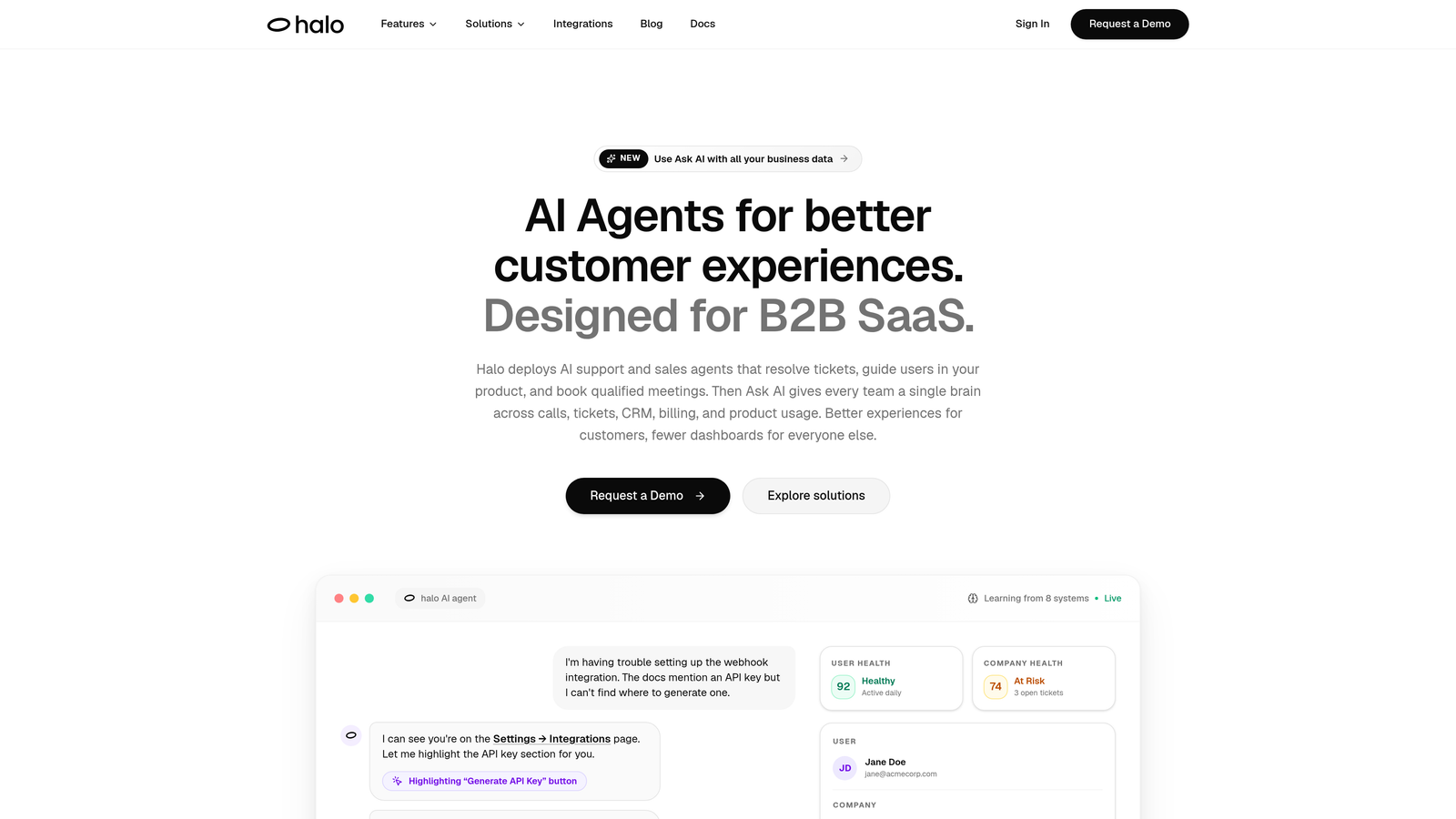
Halo AI is an AI-first customer support platform that deploys intelligent agents to resolve tickets, guide users contextually, and surface business intelligence — all without adding headcount.
Where This Tool Shines
Most support tools layer AI on top of an existing helpdesk. Halo is built AI-first from the ground up, which means it approaches ticket resolution differently. Rather than suggesting replies for a human to send, Halo's agents resolve tickets autonomously — and when a conversation genuinely needs a human, it hands off with full context preserved.
The page-aware chat widget is one of the more distinctive capabilities in this space. The AI agent sees exactly what the user sees on screen, enabling contextual UI guidance rather than generic responses. That's a meaningful difference for SaaS products where support often involves walking users through specific interface elements.
Key Features
Autonomous Ticket Resolution: AI agents handle support tickets end-to-end without requiring human intervention for routine issues.
Page-Aware Chat Widget: The agent understands which page or product state the user is on and provides contextually relevant guidance.
Smart Inbox with Business Intelligence: Surfaces customer health signals, revenue anomalies, and trend detection — turning support data into operational intelligence.
Auto Bug Ticket Creation: Automatically identifies and routes bug reports directly to Linear or your issue tracker of choice.
Live Agent Handoff: Complex issues escalate to human agents with full conversation context intact, so customers never have to repeat themselves.
Deep Integrations: Connects with Linear, Slack, HubSpot, Intercom, Stripe, Zoom, PandaDoc, and Fathom.
Best For
Halo is best suited for B2B SaaS teams that want to automate a meaningful portion of their support volume without sacrificing quality or context. It's particularly strong for product-led companies where in-app guidance and bug detection matter as much as ticket deflection. It's not designed to replace a traditional helpdesk as a system of record — teams that need that infrastructure may want to pair it with a platform like Zendesk.
Pricing
Contact for pricing. Halo is designed for B2B SaaS teams and pricing is scoped to team size and usage. Worth requesting a demo to see the full capability set in context.
2. Zendesk
Best for: Mid-market to enterprise teams needing robust ticketing infrastructure and a large integration ecosystem
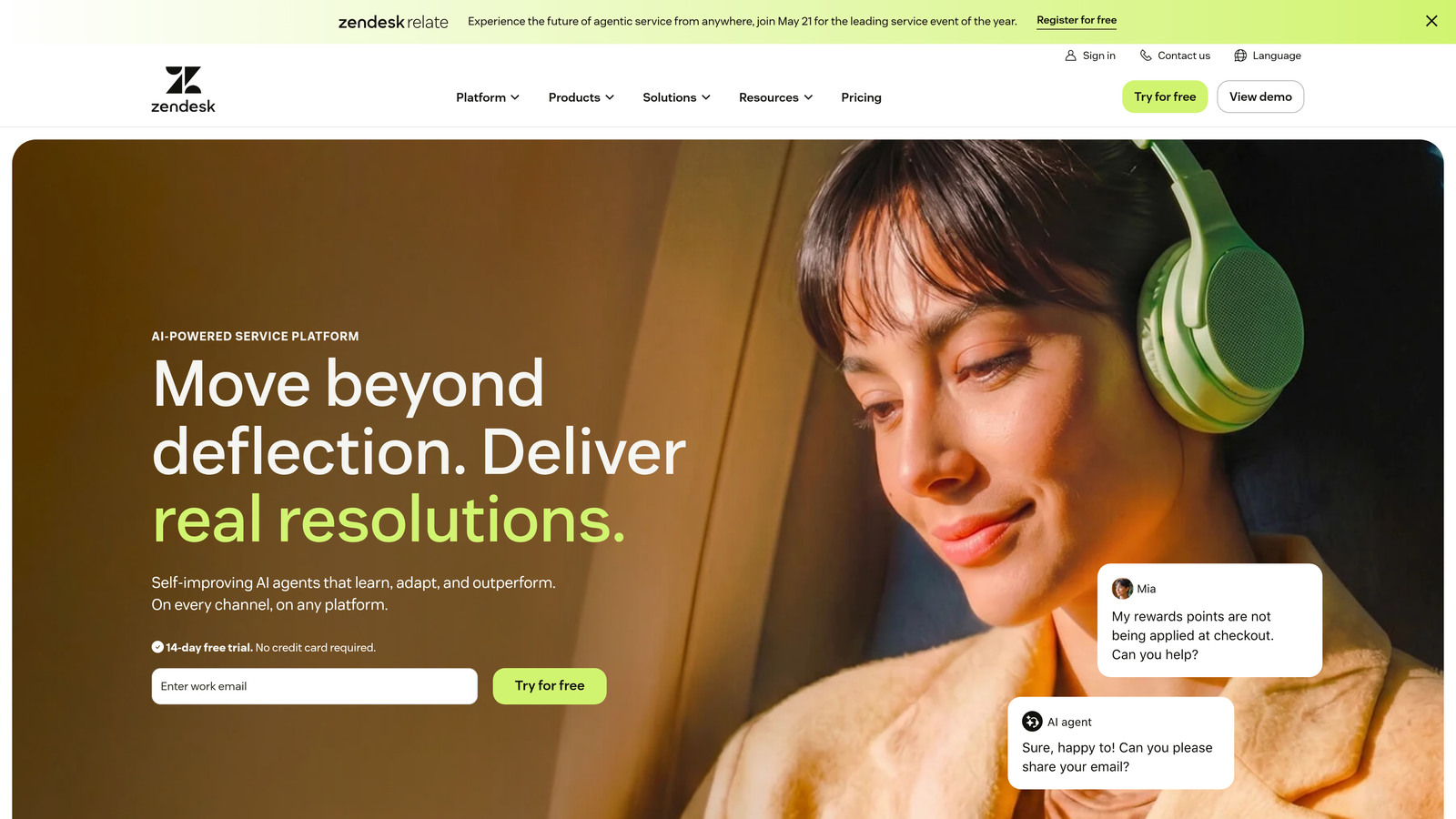
Zendesk is one of the most established helpdesk platforms available, offering advanced ticketing, SLA management, and a broad ecosystem of apps and integrations.
Where This Tool Shines
Zendesk's strength is its infrastructure. If you need complex routing rules, multi-tier SLA policies, escalation workflows, and omnichannel coverage across email, chat, voice, and social — it handles all of it with mature, well-documented tooling. The app marketplace with over 1,000 integrations means you can connect it to virtually any tool in your stack.
Zendesk has been adding AI capabilities steadily, including suggested replies, ticket summarization, and intelligent triage. These are useful additions, though teams looking for fully autonomous ticket resolution may find the AI features more assistive than autonomous at this stage.
Key Features
Advanced Ticket Routing: Configurable routing rules, SLA policies, and escalation logic for complex support operations.
Zendesk AI: Suggested replies, ticket summarization, and intent detection to accelerate agent workflows.
Omnichannel Support: Unified inbox covering email, live chat, voice, and social channels.
App Marketplace: 1,000+ integrations covering CRMs, analytics, communication tools, and more.
Reporting and Dashboards: Robust built-in analytics with custom dashboard capabilities for tracking team performance and SLA adherence.
Best For
Zendesk is the right choice for teams that need a full-featured helpdesk as their primary system of record. It's particularly well-suited to mid-market and enterprise teams with complex routing needs, multiple support channels, and established QA or reporting requirements. Smaller teams may find it more than they need.
Pricing
Suite Team starts at approximately $55/agent/month. Enterprise plans are available with custom pricing. Costs scale with agent count and feature tier.
3. Intercom
Best for: SaaS companies that want in-app conversational support combined with proactive customer messaging
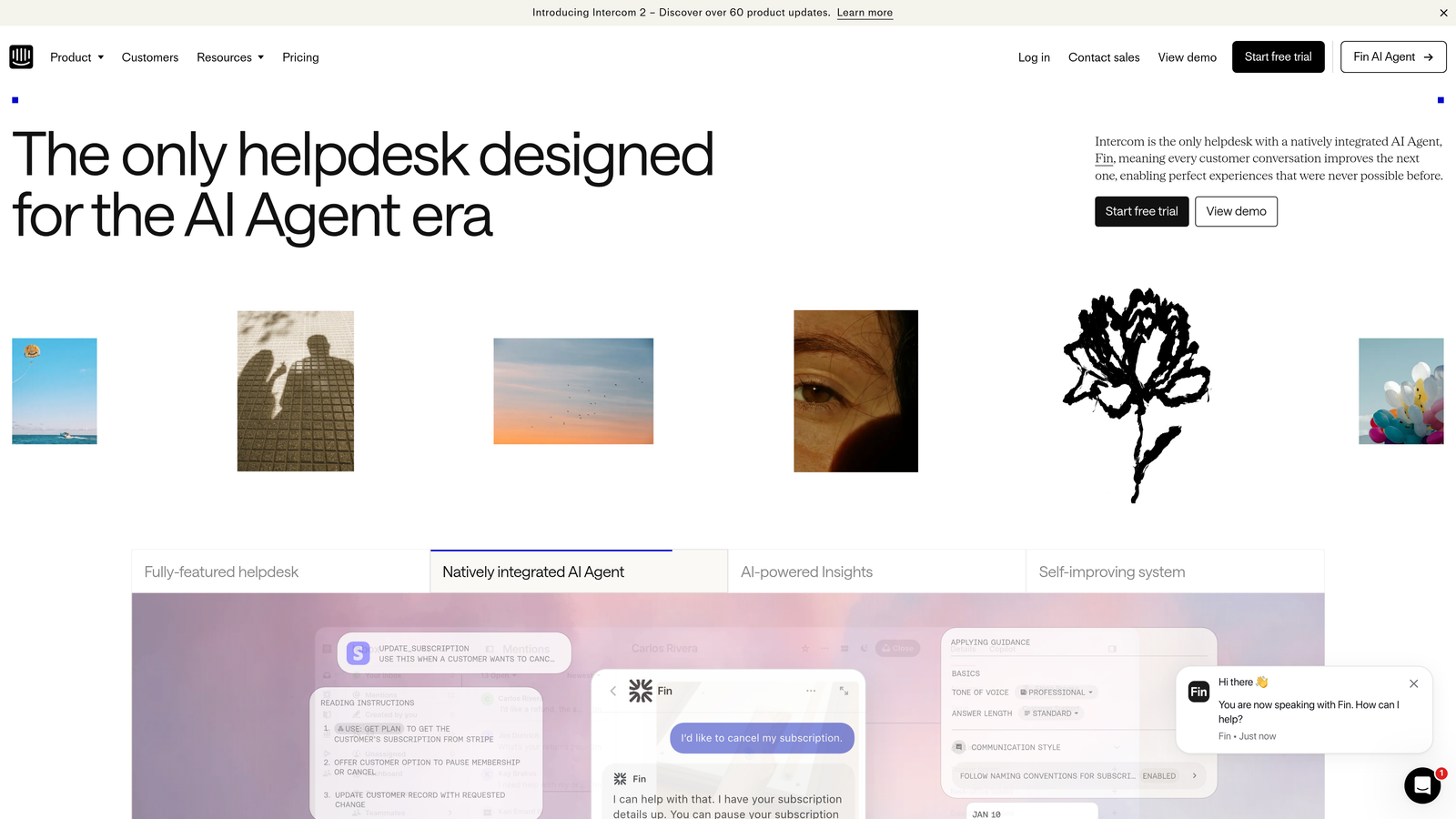
Intercom is a messenger-first customer communication platform with strong in-app chat, proactive outbound messaging, and an AI chatbot called Fin built specifically for SaaS support.
Where This Tool Shines
Intercom excels at the intersection of support and customer engagement. The in-app messenger is polished and widely recognized by SaaS users, and Fin — Intercom's AI chatbot — handles a meaningful portion of common queries autonomously using large language models. The platform also supports proactive messaging, so you can reach customers before they hit a problem.
Where Intercom stands out is the combination of support and customer success tooling in a single platform. Product tours, onboarding flows, and behavioral triggers live alongside the support inbox, making it a strong choice for teams where support and success overlap significantly.
Key Features
Fin AI Chatbot: Handles common support queries autonomously using AI, with escalation to human agents when needed.
In-App Messenger: Polished, customizable chat widget with proactive outbound messaging capabilities.
Shared Inbox: Conversation assignment, tagging, and routing for team collaboration on support queues.
Customer Data Integration: Pulls in user attributes and behavioral data for personalized support experiences.
Product Tours and Onboarding: Built-in tools for in-app guidance and onboarding flows, integrated with the same platform.
Best For
Intercom is well-suited for SaaS companies that want a single platform for in-app support, proactive messaging, and customer onboarding. It's particularly strong for product-led growth companies where the line between support and success is intentionally blurred.
Pricing
Starts at approximately $39/month. Pricing scales significantly with seat count, usage volume, and add-ons. Enterprise contracts are available for larger teams.
4. Freshdesk
Best for: SMBs and growing teams that need omnichannel helpdesk functionality without enterprise complexity or pricing
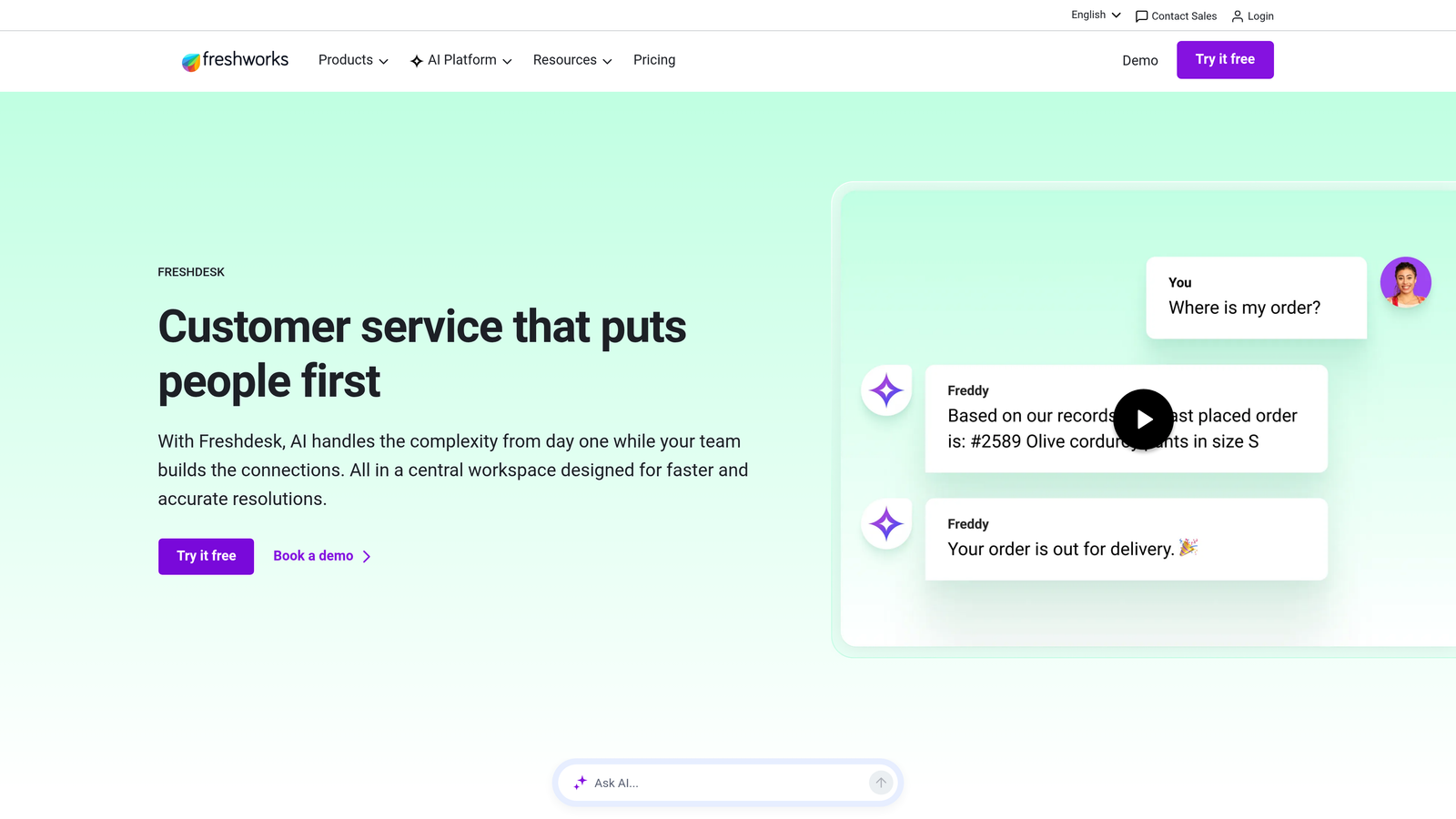
Freshdesk is Freshworks' helpdesk platform and a capable, accessible alternative to Zendesk for teams that want solid omnichannel support without the overhead.
Where This Tool Shines
Freshdesk hits a practical sweet spot: enough functionality to handle a real support operation, without the configuration complexity or price tag of enterprise platforms. The free tier makes it genuinely accessible for early-stage teams, and the paid tiers scale reasonably as teams grow.
Freddy AI — Freshworks' AI layer — handles suggested replies, ticket categorization, and basic automation. It won't replace a dedicated AI agent platform, but it meaningfully reduces manual effort for teams that aren't ready to invest in a standalone AI solution.
Key Features
Freddy AI: AI-assisted suggested replies, ticket categorization, and workflow automation built into the platform.
Omnichannel Inbox: Unified coverage across email, live chat, phone, and social channels.
Collision Detection: Prevents two agents from working the same ticket simultaneously, reducing wasted effort.
Canned Responses and Automations: Pre-built response templates and scenario automations for repetitive workflows.
Free Tier: A functional free plan available for small teams just getting started.
Best For
Freshdesk is a strong fit for SMBs, early-stage SaaS companies, and growing teams that need a reliable omnichannel helpdesk without the complexity or cost of Zendesk. It's also a sensible starting point for teams planning to add AI automation later.
Pricing
Free plan available for up to 10 agents. Paid plans start at approximately $15/agent/month, making it one of the more accessible options in this category.
5. Guru
Best for: Support teams that need verified internal knowledge surfaced in real time, inside their existing workflows
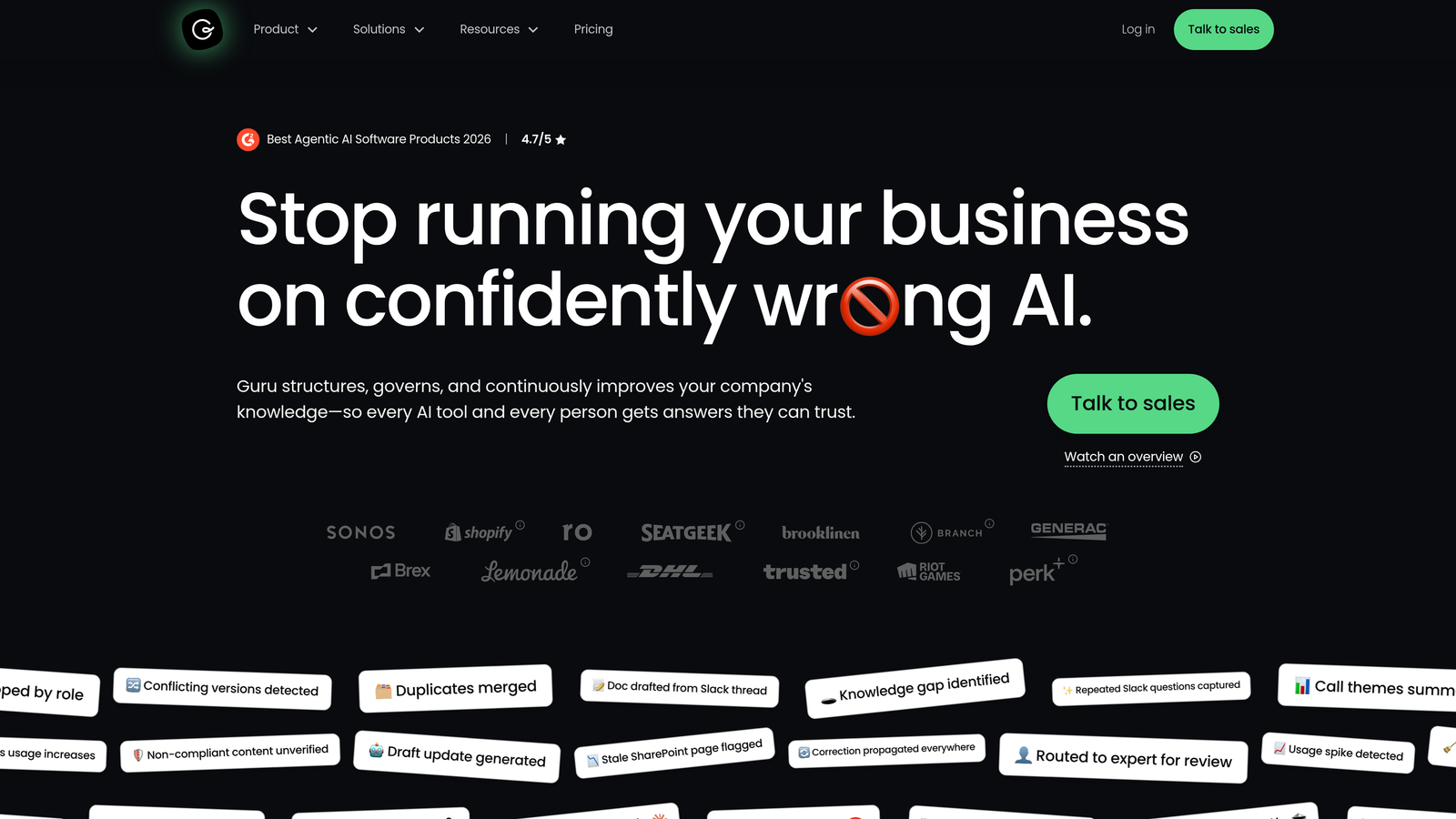
Guru is a knowledge management platform that pushes verified internal knowledge directly to agents in the browser, in Slack, or inside their helpdesk — without requiring a tab switch.
Where This Tool Shines
The core problem Guru solves is information scatter. Support agents often know the answer exists somewhere — in a Notion doc, a Confluence page, a Slack thread from six months ago — but finding it fast enough to help a customer in real time is the challenge. Guru's browser extension and Slack integration surface relevant knowledge cards proactively as agents work, which meaningfully reduces lookup time.
The verification workflow is equally important. Knowledge bases go stale fast, and Guru's system prompts subject matter experts to review and re-verify content on a schedule. That means agents are surfacing answers they can actually trust.
Key Features
AI-Powered Search: Surfaces relevant knowledge cards in real time based on context, without requiring agents to leave their current tool.
Browser Extension and Slack App: Delivers answers to agents wherever they're working, eliminating tab-switching friction.
Knowledge Verification Workflows: Structured review cycles ensure content stays accurate and up to date.
Helpdesk Integrations: Connects with Zendesk, Intercom, Salesforce, and other core tools.
Usage Analytics: Shows which knowledge cards are used most and which are overdue for review or retirement.
Best For
Guru is ideal for support teams of 10 or more agents where knowledge consistency is a real challenge. It's particularly valuable when onboarding new agents frequently or when product knowledge changes fast and keeping documentation current is a persistent problem.
Pricing
Starts at approximately $10/user/month. A free trial is available. Pricing scales with team size and feature tier.
6. Loom
Best for: Technical SaaS support teams that need to reduce back-and-forth on complex, visual issues
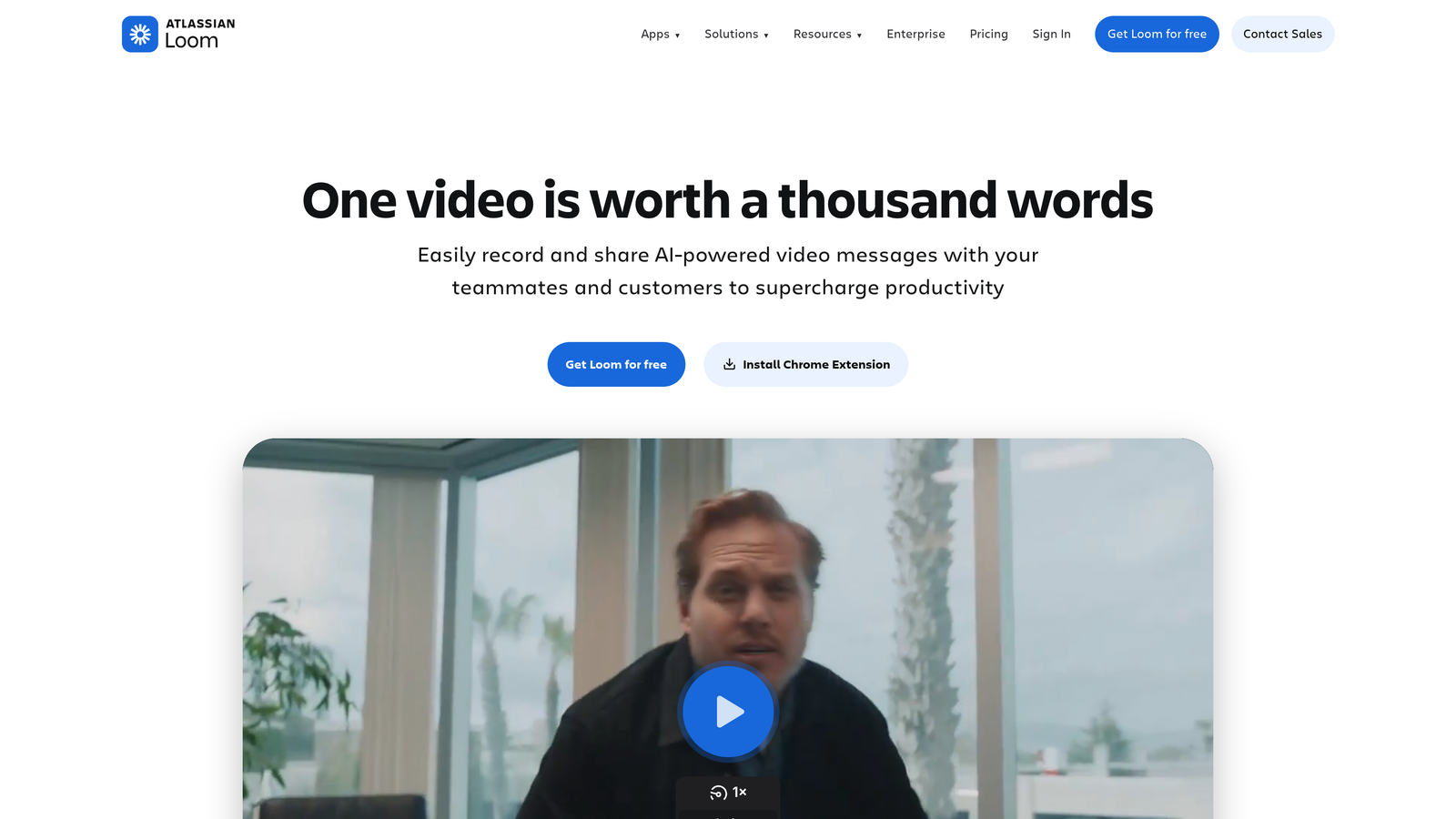
Loom is an async video messaging tool that lets support agents record quick screen walkthroughs and share them instantly via link — no scheduling, no live call required.
Where This Tool Shines
Some support issues are genuinely easier to show than explain in text. A five-paragraph written response to a complex UI question can be replaced with a 90-second Loom recording that walks the customer through exactly what to do. For technical SaaS support, this can dramatically reduce the number of follow-up messages needed to close a ticket.
AI-generated transcripts and summaries make Loom recordings searchable and skimmable — customers can jump to the relevant section rather than watching the whole video. Viewer engagement analytics also tell agents whether the customer actually watched the recording, which is useful context for follow-up.
Key Features
One-Click Recording: Screen and webcam recording shareable instantly via link, with no upload friction.
AI Transcripts and Summaries: Every recording gets an automatically generated transcript and summary for searchability.
Viewer Engagement Analytics: See watch rates and rewatch points to understand how customers are engaging with responses.
Async Collaboration: Comment and reaction tools allow threaded discussion on specific moments in a recording.
Integrations: Connects with Zendesk, Notion, Slack, and other team tools for embedding in existing workflows.
Best For
Loom is most valuable for technical support teams handling complex, visual, or multi-step issues where text explanations create unnecessary back-and-forth. It's also useful internally for recording agent training walkthroughs and process documentation.
Pricing
Free plan available with basic recording limits. Paid plans start at approximately $12.50/creator/month, making it accessible even for small teams.
7. Notion
Best for: Support teams that need a flexible, maintainable hub for internal wikis, runbooks, and escalation playbooks
Notion is a flexible collaborative workspace widely adopted by support teams for building and maintaining internal documentation — from SOPs to escalation flows to onboarding guides.
Where This Tool Shines
Notion isn't a support-specific tool, but it's become a go-to for support teams that need an internal knowledge hub that non-technical team members can actually maintain. The combination of flexible page structure, database views, and easy permissions management makes it practical for teams that need to keep documentation current without a dedicated ops person.
Notion AI assists with drafting new documentation, summarizing long pages, and updating existing content — which helps with the perennial challenge of keeping runbooks and playbooks from going stale. It's not a replacement for a tool like Guru (which surfaces knowledge in real time inside workflows), but it's a strong foundation for the documentation that Guru would surface.
Key Features
Flexible Page and Database Structure: Build wikis, SOPs, runbooks, and project trackers with a flexible, drag-and-drop editor.
Notion AI: Drafts, summarizes, and updates documentation to reduce the manual effort of keeping content current.
Permissions Management: Easy sharing controls to keep internal documentation accessible to the right people.
Database Views: Table, kanban, and calendar views for tracking escalations, projects, and team tasks.
Integrations: Connects with Slack, GitHub, Jira, and other tools via API and native integrations.
Best For
Notion works well for support teams of any size that need a centralized, maintainable documentation hub. It's particularly useful during rapid growth phases when processes are evolving and the team needs a living document system rather than a static wiki.
Pricing
Free plan available for individuals and small teams. Paid plans start at approximately $10/user/month, with team and enterprise tiers available.
8. Klaus (by Zendesk)
Best for: Support teams that need structured QA, AI-assisted conversation scoring, and scalable agent coaching
Klaus is a quality assurance platform built specifically for support teams, enabling structured conversation review and agent coaching workflows at scale. Klaus was acquired by Zendesk in 2024 and continues to operate as a standalone product compatible with multiple helpdesks.
Where This Tool Shines
As support teams grow past five to ten agents, maintaining quality consistency through informal feedback becomes increasingly difficult. Klaus brings structure to that process: reviewers can score conversations against customizable scorecards, leave targeted feedback, and track coaching progress over time — without managing spreadsheets manually.
The AI-assisted scoring layer is particularly useful for teams with high conversation volume. Rather than manually selecting which tickets to review, Klaus can automatically surface conversations that warrant attention based on quality signals, making QA more systematic and less dependent on reviewer availability.
Key Features
AI-Assisted Conversation Review: Automatically scores conversations and surfaces those that need attention, reducing manual QA overhead.
Customizable Scorecards: Build quality rubrics aligned to your team's specific standards and values.
Agent Coaching Workflows: Structured feedback loops with tracking to monitor improvement over time.
Multi-Helpdesk Compatibility: Works with Zendesk, Intercom, Freshdesk, and other helpdesk platforms — not locked to Zendesk.
QA Reporting Dashboards: Team-level and agent-level reporting to identify trends and coaching opportunities.
Best For
Klaus is the right investment for teams where quality consistency matters and manual review processes are breaking down under volume. It's particularly valuable for support managers who want data-driven coaching conversations rather than anecdotal feedback.
Pricing
Contact for current pricing. Following the Zendesk acquisition, pricing details are best confirmed directly. Klaus continues to operate as a standalone product with its own pricing structure.
9. Dashly
Best for: Early-stage SaaS teams that need proactive messaging, chatbot automation, and live chat without enterprise pricing
Dashly is a customer messaging and automation platform that combines live chat, chatbot flows, email campaigns, and a lightweight CRM — positioned as an accessible alternative to Intercom for teams earlier in their growth.
Where This Tool Shines
Dashly's strength is breadth at an accessible price point. For early-stage SaaS teams that need proactive messaging, basic chatbot automation, and a shared support inbox without committing to Intercom's pricing, it covers a lot of ground in a single platform. The visual chatbot builder is approachable for non-technical team members, and the built-in lightweight CRM reduces the need for a separate tool at early stages.
The A/B testing capability for messaging flows is a useful addition for teams that want to optimize their support and engagement sequences without a separate experimentation tool. It won't replace a dedicated CRM or analytics platform as you scale, but it's a practical starting point.
Key Features
Visual Chatbot Builder: Build automated support and lead qualification flows without code, using a drag-and-drop interface.
Live Chat with Agent Inbox: Shared inbox with conversation assignment for team-based support management.
Triggered Campaigns: Behavioral triggers for email and in-app message campaigns based on user actions.
Lightweight CRM: Built-in contact tracking and segmentation for managing customer conversations and cohorts.
A/B Testing: Test messaging flows and sequences to optimize engagement and support outcomes.
Best For
Dashly is best suited for early-stage and bootstrapped SaaS teams that need a capable messaging and automation platform without enterprise-tier investment. It's a practical choice for teams that have outgrown basic email support but aren't ready for Intercom's full feature set or pricing.
Pricing
Starts at approximately $39/month. Pricing scales with contact volume rather than seat count, which can be favorable for small teams with growing user bases.
Which Tool Is Right for Your Team?
The right stack depends on where your team's biggest friction points actually are. Here's a quick way to think about it by use case.
If your priority is AI-native ticket resolution and in-product guidance, Halo AI is the strongest option in this list. It's built specifically for B2B SaaS teams that want autonomous ticket handling, page-aware customer guidance, and business intelligence from support data — not just a faster way to manage a queue.
For enterprise helpdesk infrastructure, Zendesk remains the benchmark. For in-app conversational support combined with proactive messaging, Intercom is the natural choice for SaaS companies. If you need omnichannel helpdesk functionality without the enterprise overhead, Freshdesk offers strong value at accessible pricing.
On the knowledge and documentation side, Guru is the right tool if you need verified knowledge surfaced inside agent workflows in real time. Notion works well as the underlying documentation hub that feeds those knowledge systems. For async visual support on complex technical issues, Loom reduces back-and-forth in ways that text-based tools simply can't match.
Klaus fills the QA and coaching gap that most helpdesks leave open — it's the tool that makes quality consistency scalable as your team grows. And for early-stage teams that need proactive messaging and chatbot automation without enterprise pricing, Dashly covers a lot of ground in a single platform.
Before adding anything new, it's worth auditing your current stack for redundancies. Many teams are paying for overlapping capabilities across two or three tools when a more focused selection would serve them better. Start with your biggest constraint — ticket volume, quality consistency, knowledge scatter, or agent efficiency — and build from there.
Your support team shouldn't scale linearly with your customer base. Let AI agents handle routine tickets, guide users through your product, and surface business intelligence while your team focuses on complex issues that need a human touch. See Halo in action and discover how continuous learning transforms every interaction into smarter, faster support.