9 Best Customer Support Ticket Management Systems in 2026
This guide ranks the 9 best customer support ticket management system options available in 2026, evaluating each on AI automation, integrations, ease of use, and value for B2B teams. Whether you're replacing a legacy helpdesk or building from scratch, it highlights platforms that go beyond basic routing to deliver genuine intelligence and visibility into support volume.
 Matt PattoliFounder13 min read
Managing customer support tickets without the right system is a fast track to burned-out agents, missed SLAs, and frustrated customers. The platform you choose shapes how quickly issues get resolved and how much your team can handle without adding headcount.
This guide covers the top customer support ticket management systems available in 2026, evaluated on automation capabilities, AI features, integrations, ease of use, and value for B2B teams. We've prioritized tools that go beyond basic ticket routing to offer genuine intelligence: systems that learn, escalate appropriately, and give you visibility into what's actually driving support volume.
Whether you're replacing a legacy helpdesk or building your support stack from scratch, here are the best options worth evaluating.
1. Halo AI
Best for: B2B SaaS teams that want autonomous AI ticket resolution without a traditional helpdesk underneath
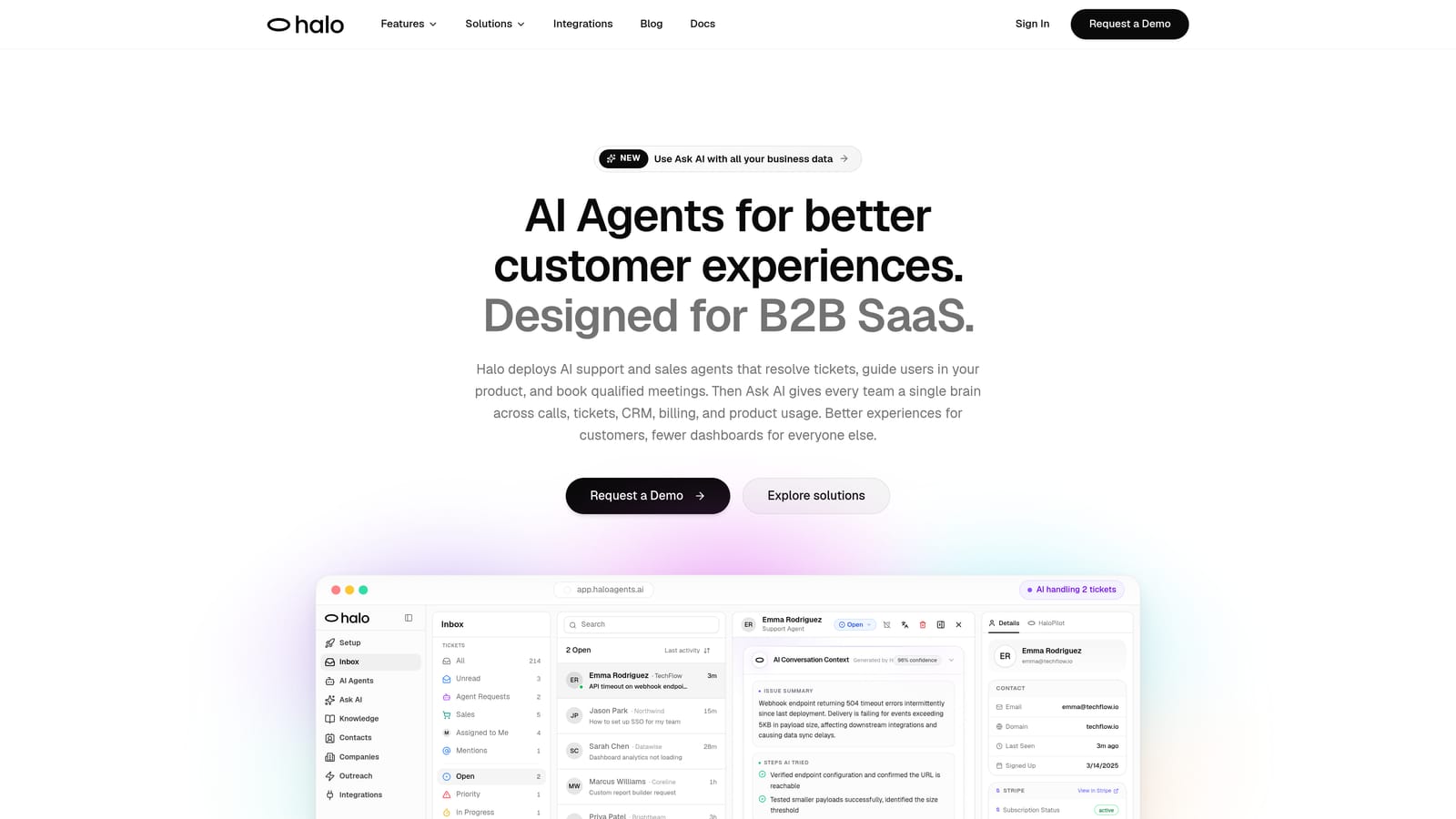
Halo AI is an AI-first customer support platform that deploys autonomous agents to resolve tickets, guide users through your product, and surface business intelligence from every support interaction.
Where This Tool Shines
Most AI features in the helpdesk space are bolt-ons: a suggested reply here, an intent tag there. Halo is built differently. It's designed from the ground up as the primary support layer, not an add-on to an existing system. The AI agents don't just triage or deflect tickets; they resolve them end-to-end, learning continuously from every interaction to get sharper over time.
The page-aware chat widget is a standout capability. Rather than responding to what a user types, Halo's AI understands what the user is actually looking at inside your product, giving context-specific guidance that feels genuinely helpful rather than generic. That context carries through to live agent handoffs, so when a human does need to step in, they're never starting from scratch.
Key Features
Autonomous AI Agents: Resolve tickets end-to-end, not just deflect or triage, with continuous learning from every resolved interaction.
Page-Aware Chat Widget: The AI sees what the user sees inside your product, enabling precise, context-specific guidance rather than generic responses.
Smart Inbox with Business Intelligence: Surfaces customer health signals, anomaly detection, and revenue context alongside support tickets, giving teams visibility beyond just ticket volume.
Auto Bug Ticket Creation: Automatically routes bug reports to Linear or connected project management tools, closing the loop between support and engineering.
Live Agent Handoff: Transfers conversations to human agents with full context preserved, so no customer has to repeat themselves.
Broad Integration Stack: Connects to HubSpot, Slack, Intercom, Stripe, Zoom, PandaDoc, Fathom, and more, fitting into the existing business stack rather than replacing it.
Best For
B2B SaaS companies and product teams that want to scale support without scaling headcount. Particularly well-suited to teams evaluating AI-first platforms rather than augmenting an existing helpdesk with AI layers. Also strong for teams who want support data to feed into product and revenue decisions, not just sit in a ticket queue.
Pricing
Contact for pricing or book a demo at haloagents.ai. Custom pricing reflects the AI-first architecture and integration depth.
2. Zendesk
Best for: Large enterprises needing deep configurability and omnichannel support at scale
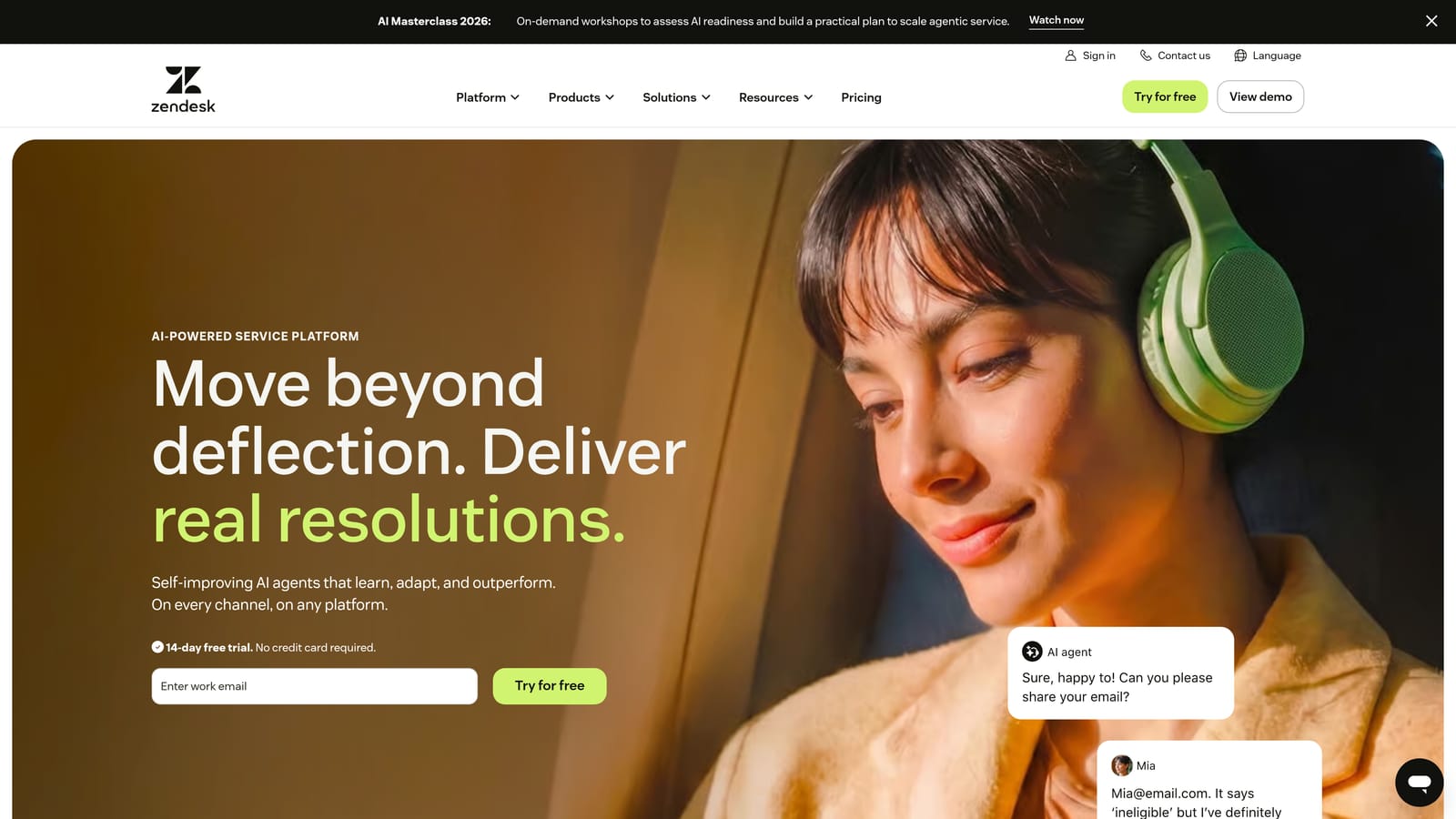
Zendesk is one of the most established helpdesk platforms in the market, offering extensive configurability, a massive app ecosystem, and AI features layered onto a mature ticketing core.
Where This Tool Shines
Zendesk's strength is breadth. It handles email, chat, voice, and social channels in a unified workspace, with workflow triggers, SLA management, and routing logic that can be configured to match complex organizational structures. For enterprises with dedicated admin resources, that configurability is genuinely powerful.
The AI features, including intent detection, suggested replies, and automated triage, have improved meaningfully in recent years. That said, Zendesk AI is an enhancement to the core ticketing system rather than an autonomous resolution layer. Teams looking for AI that handles tickets end-to-end will find it more of a productivity assist than a headcount replacement.
Key Features
Omnichannel Ticket Management: Unified inbox covering email, chat, voice, and social channels.
Zendesk AI: Suggested replies, intent detection, and automated triage to speed up agent workflows.
Configurable Workflows: Triggers, automations, and SLA policies that can be tailored to complex routing requirements.
App Marketplace: Over 1,000 integrations covering CRMs, project management tools, analytics platforms, and more.
Reporting and Analytics: Robust dashboards covering ticket volume, agent performance, CSAT, and SLA compliance.
Best For
Enterprise support teams with dedicated admin resources and complex routing requirements. Also a strong choice for teams that rely heavily on third-party integrations, given the depth of the app marketplace.
Pricing
Suite Team starts at approximately $55/agent/month. Enterprise plans are available with custom pricing. AI features are included in higher-tier plans.
3. Freshdesk
Best for: Mid-market teams wanting omnichannel support with accessible pricing and a usable free tier
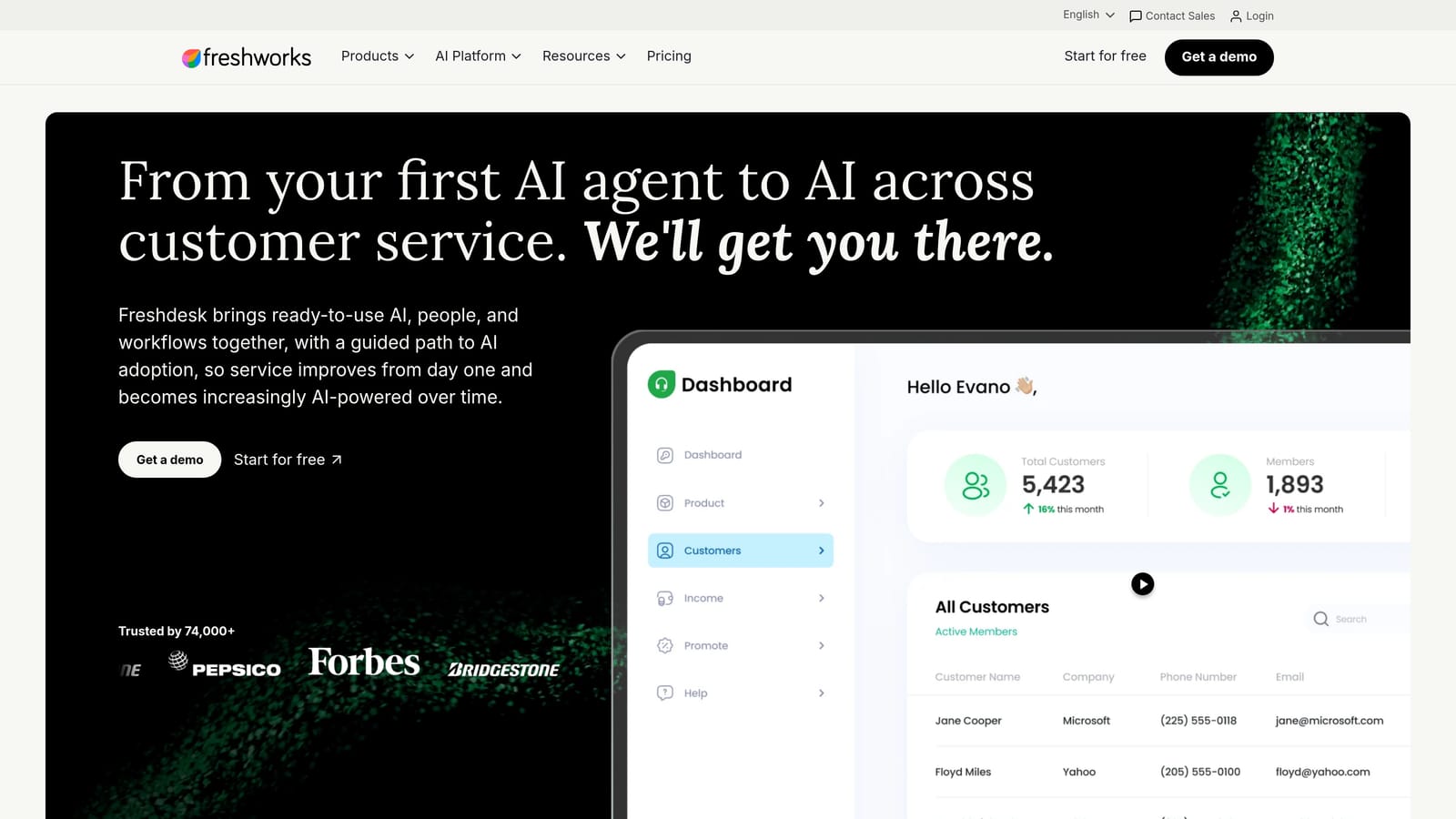
Freshdesk is Freshworks' helpdesk platform, offering omnichannel support, AI-assisted features via Freddy AI, and a pricing structure that makes it competitive for teams that find Zendesk too expensive or complex.
Where This Tool Shines
Freshdesk hits a practical sweet spot for mid-market teams: enough automation and AI assistance to meaningfully reduce agent workload, without the administrative overhead of enterprise platforms. Freddy AI handles auto-triage, suggested responses, and knowledge base article recommendations, keeping agents moving without requiring significant configuration investment.
The collision detection feature is a small but meaningful touch: it prevents multiple agents from working the same ticket simultaneously, a simple problem that causes real friction in shared inbox environments. The free tier is also genuinely functional, not just a trial, making Freshdesk a reasonable starting point for smaller teams building their first structured support process.
Key Features
Omnichannel Inbox: Covers email, chat, phone, and social channels in a unified workspace.
Freddy AI: Auto-triage, suggested responses, and knowledge base article recommendations to accelerate agent workflows.
Collision Detection: Prevents duplicate agent effort by flagging when multiple agents open the same ticket.
Scenario Automations: Multi-step automations triggered by ticket conditions, reducing repetitive manual actions.
SLA Policies: Configurable response and resolution time targets with escalation rules.
Best For
Mid-market support teams looking for a capable omnichannel platform without enterprise-level pricing or complexity. Also a good fit for small teams starting with the free plan and expecting to grow into paid features over time.
Pricing
Free plan available for unlimited agents with limited features. Paid plans start at approximately $15/agent/month.
4. Intercom
Best for: SaaS companies wanting proactive in-product engagement alongside reactive ticket resolution
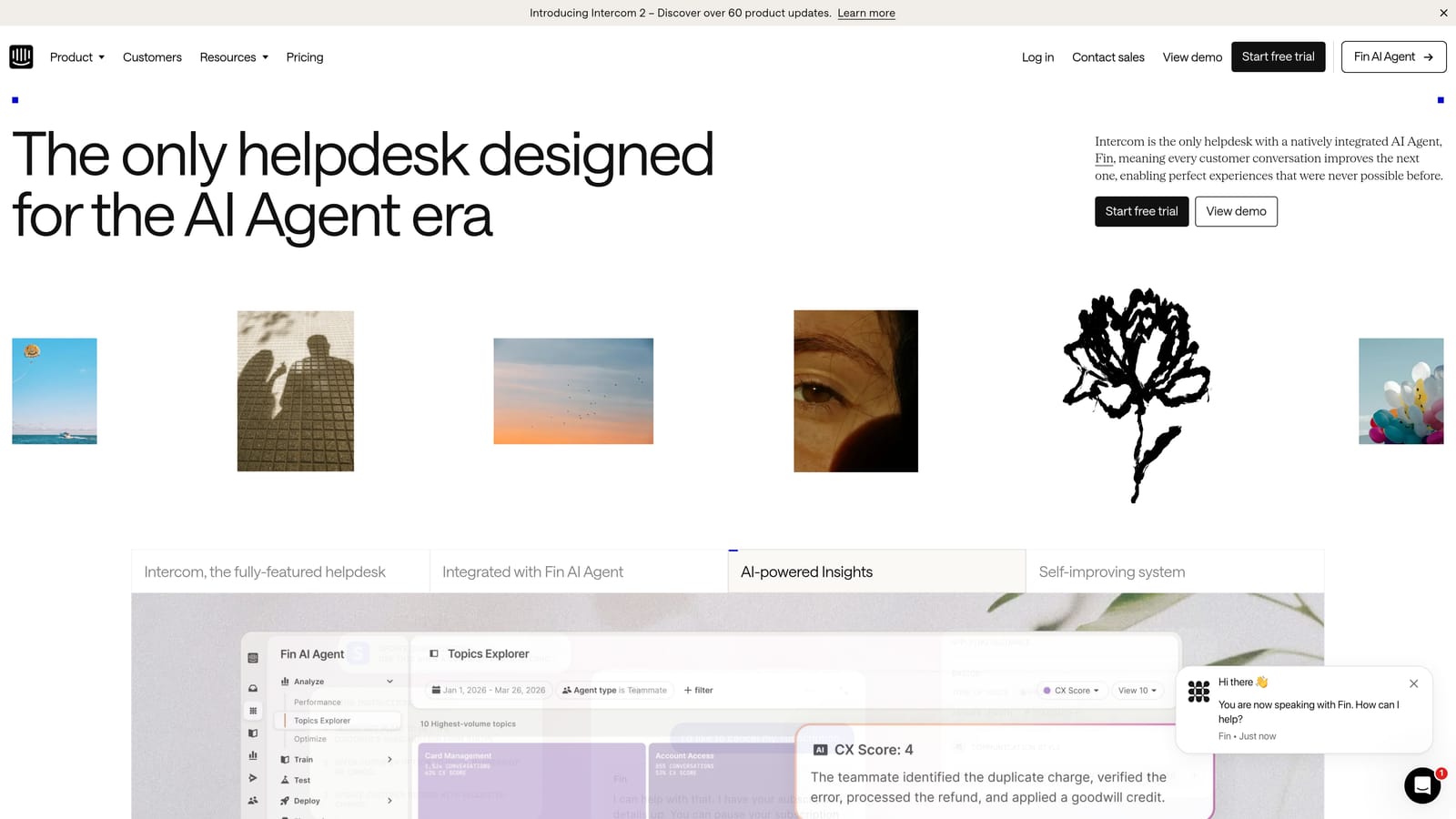
Intercom is a conversation-first platform combining live chat, email support, and in-app messaging with Fin, their generative AI agent built to resolve customer questions before they reach a human.
Where This Tool Shines
Intercom's differentiation has always been about meeting customers where they are inside the product. In-product tours, proactive messages, and behavioral triggers mean teams can address issues before they become tickets. Fin AI extends this by handling common customer questions autonomously, drawing on your knowledge base to resolve rather than just deflect.
The behavioral context Intercom captures on each customer is genuinely useful. Agents see what a customer has done, what plan they're on, and what they've asked before, all within the conversation view. For SaaS teams where customer context is everything, that visibility reduces the back-and-forth that slows resolution times.
Key Features
Fin AI Agent: Generative AI that resolves common customer questions autonomously using your knowledge base and support content.
Unified Inbox: Blends live chat, email, and in-app messaging in a single workspace.
Proactive Messaging: In-product tours and triggered messages that reduce inbound ticket volume before it starts.
Customer Data Platform: Behavioral and product usage context surfaced on every conversation.
Workflow Builder: Visual automation for routing, tagging, assignment, and escalation logic.
Best For
SaaS companies that want both proactive customer engagement and reactive support in a single platform. Particularly strong for product-led growth teams where in-app guidance and support overlap significantly.
Pricing
Starts at approximately $39/seat/month. Fin AI usage is billed separately per resolution, which can add up quickly at scale.
5. Help Scout
Best for: Teams that want clean, email-native shared inbox support without enterprise complexity
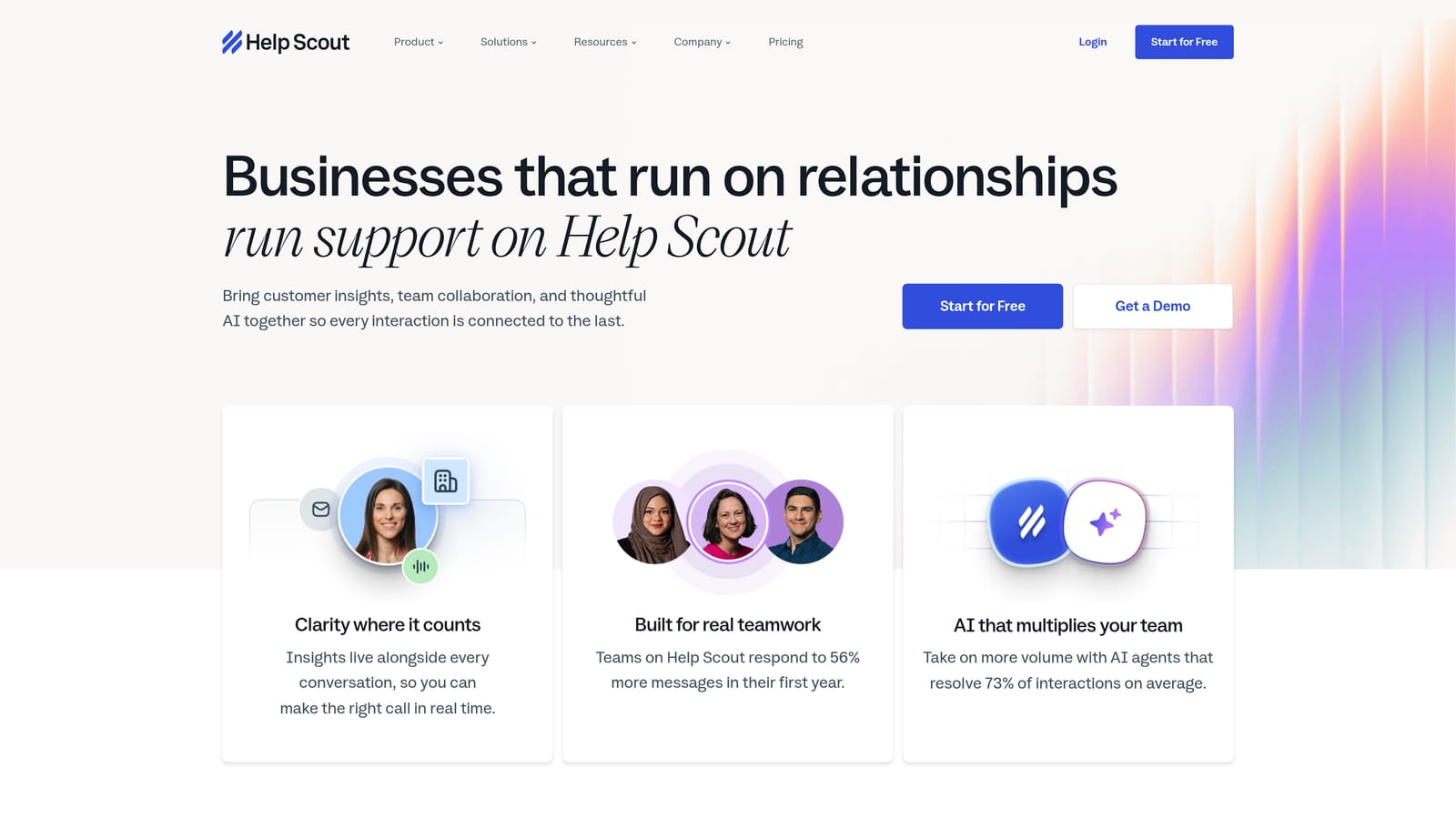
Help Scout is a deliberately simple shared inbox platform built for teams that value straightforward, human-feeling support over feature density and configuration overhead.
Where This Tool Shines
Help Scout's appeal is clarity. The interface is clean, onboarding is fast, and agents can be productive within hours rather than days. There's no per-ticket pricing, no complex licensing tiers for basic features, and no steep learning curve. For teams burned by over-engineered helpdesks, that simplicity is genuinely refreshing.
The included Docs knowledge base and Beacon live chat widget mean teams get a complete self-service layer without additional tools or integrations. AI Summarize and AI Drafts speed up agent responses without requiring significant AI configuration. It's a well-rounded package for teams whose support needs are straightforward.
Key Features
Shared Inbox with Collision Detection: Clean email-native interface with private notes and duplicate-agent prevention.
Docs Knowledge Base: Built-in article builder included on all plans, no separate subscription required.
Beacon Live Chat: In-site chat widget that surfaces relevant knowledge base articles before escalating to an agent.
AI Summarize and AI Drafts: AI tools that summarize long threads and draft responses to speed up agent workflows.
Customer Profiles: Conversation history and app data surfaced alongside each support thread.
Best For
Small to mid-sized teams that prioritize ease of use and quick onboarding over deep configurability. Strong fit for teams that handle most support via email and want a knowledge base included without additional cost.
Pricing
Starts at approximately $22/user/month on the Standard plan. No per-ticket fees.
6. HubSpot Service Hub
Best for: Teams already on HubSpot CRM who want support tickets natively connected to sales and marketing data
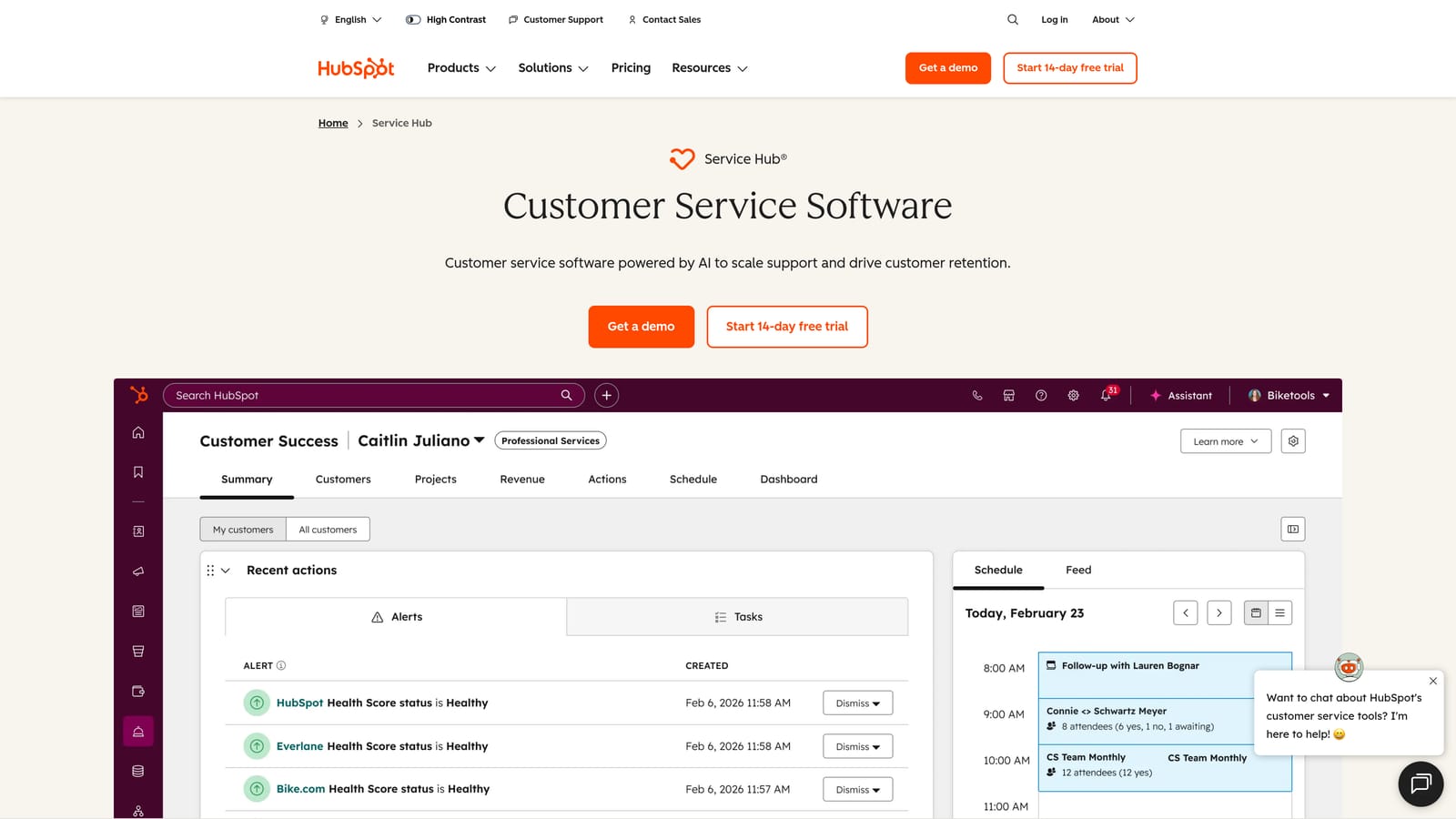
HubSpot Service Hub brings ticket management natively into the HubSpot CRM, giving support agents full contact, deal, and lifecycle context on every customer interaction without any integration overhead.
Where This Tool Shines
The core value proposition is context without friction. When a support ticket comes in, agents immediately see the customer's deal stage, recent activity, marketing history, and previous support interactions, all in one place. For teams where sales, marketing, and support share data, that native integration eliminates the constant tab-switching and CRM-lookup overhead that slows agents down.
Service Hub also includes built-in customer feedback tools: NPS, CSAT, and CES surveys are native to the platform, so teams can measure satisfaction without bolting on a separate survey tool. For teams already paying for HubSpot across other functions, Service Hub often represents strong value relative to a standalone helpdesk.
Key Features
Native CRM Integration: Tickets linked directly to HubSpot contacts, companies, and deals with no integration setup required.
AI Reply Suggestions and Summaries: Available on higher-tier plans to accelerate agent response time.
Customer Portal: Self-service portal where customers can track and manage their own tickets.
SLA Management: Response and resolution time targets with team inbox routing.
Built-in Feedback Surveys: NPS, CSAT, and CES surveys native to the platform, no third-party tool required.
Best For
Teams already using HubSpot for sales and marketing who want support data in the same system. Also a strong choice for teams that want customer feedback built in without adding another tool to the stack.
Pricing
Free tools available with HubSpot account. Paid Service Hub starts at approximately $15/seat/month, scaling to higher tiers for AI features and advanced automation.
7. Jira Service Management
Best for: Technical teams managing both customer-facing support and internal engineering workflows in Atlassian's ecosystem
Jira Service Management is Atlassian's ITSM and service desk platform, connecting customer-facing support tickets directly to engineering workflows in Jira Software.
Where This Tool Shines
For teams where support and engineering work in close proximity, the two-way linking between support tickets and Jira Software issues is a genuine workflow advantage. A customer reports a bug, the support ticket links to the engineering issue, and both teams have visibility without duplicating effort or sending status update emails back and forth.
Incident, problem, and change management workflows are built in, which makes Jira Service Management well-suited to technical support teams handling both external customer issues and internal IT service requests. The AI-powered virtual service agent handles self-service deflection before tickets reach an agent, and Confluence integration means knowledge base articles are connected to the same ecosystem where engineering documentation lives.
Key Features
Two-Way Jira Software Linking: Support tickets link directly to engineering issues, giving both teams shared visibility.
ITSM Workflows: Built-in incident, problem, and change management processes for technical support teams.
AI Virtual Service Agent: Self-service deflection layer that handles common questions before they reach a human agent.
SLA Tracking: Configurable response and resolution targets with escalation rules.
Confluence Integration: Knowledge base articles connected to the same Atlassian ecosystem as engineering documentation.
Best For
Engineering-adjacent support teams and IT service desks already using Atlassian tools. Less intuitive for non-technical support agents who aren't familiar with Jira's interface conventions.
Pricing
Free for up to 3 agents. Paid plans start at approximately $17.65/agent/month.
8. Zoho Desk
Best for: Teams in the Zoho ecosystem looking for competitive pricing and AI-assisted workflow automation
Zoho Desk is a helpdesk platform featuring Zia AI for sentiment analysis and intelligent suggestions, strong workflow automation, and tight integration with Zoho CRM and other Zoho products.
Where This Tool Shines
Zoho Desk's Zia AI brings a useful layer of intelligence to ticket management: sentiment analysis flags frustrated customers before they escalate, tag suggestions reduce manual categorization effort, and anomaly alerts surface unusual spikes in ticket volume. For teams that want AI assistance without moving to a fully AI-native platform, it's a practical middle ground.
The Blueprint workflow automation feature is worth highlighting for teams with multi-step ticket processes. Rather than simple if-then triggers, Blueprint allows teams to define structured process flows with required actions at each stage, which reduces the risk of tickets falling through the cracks during complex resolution paths.
Key Features
Zia AI: Sentiment analysis, tag suggestions, response recommendations, and anomaly alerts built into the helpdesk layer.
Omnichannel Support: Email, chat, phone, and social channels in a unified inbox.
Blueprint Workflow Automation: Structured multi-step process flows that enforce required actions at each stage of ticket resolution.
Zoho CRM Integration: Native connection to Zoho CRM for customer context on every ticket.
Self-Service Portal: Customizable customer portal and knowledge base for self-service deflection.
Best For
Teams already using Zoho CRM or other Zoho products who want a helpdesk that integrates without friction. Also a strong option for cost-conscious teams that need solid AI assistance and workflow automation at a competitive price point.
Pricing
Free plan for up to 3 agents. Paid plans start at approximately $7/agent/month, making it one of the more affordable options on this list.
9. Gorgias
Best for: E-commerce brands on Shopify, Magento, or BigCommerce that need order data inside every support ticket
Gorgias is a support helpdesk purpose-built for e-commerce, pulling live order data directly into tickets so agents can act on orders without switching platforms.
Where This Tool Shines
Gorgias solves a specific and painful problem for e-commerce support teams: the constant context-switching between a helpdesk and an order management system. With native Shopify, Magento, and BigCommerce integrations, order details, shipping status, and customer history appear directly in the ticket view. Agents can issue refunds, cancel orders, or duplicate orders with a single click, without leaving the support interface.
The revenue attribution feature is a differentiator worth noting. Gorgias tracks which support interactions lead to purchases, giving teams visibility into the revenue impact of their support function rather than treating it purely as a cost center. For e-commerce teams making the case for support investment, that data is genuinely useful.
Key Features
Native E-Commerce Order Data: Live Shopify, Magento, and BigCommerce order information surfaced directly in every ticket.
One-Click Order Actions: Refund, cancel, or duplicate orders from within the ticket without switching to the order management system.
Automation Rules and Macros: Pre-built and customizable automations for high-volume e-commerce query types like order status and returns.
Omnichannel Inbox: Email, live chat, SMS, and social DMs in a unified workspace.
Revenue Attribution: Tracks support interactions that lead to purchases, connecting support activity to revenue outcomes.
Best For
E-commerce brands with significant support volume around orders, returns, and shipping. Not well-suited to B2B SaaS support use cases where order data isn't the primary context agents need.
Pricing
Starts at approximately $10/month for the Starter plan (up to 3 agents). Higher plans scale by ticket volume rather than agent count.
Which Tool Is Right for Your Team?
The right choice depends heavily on where your team is today and where you're headed.
If you're a B2B SaaS team that wants AI to genuinely resolve tickets rather than just assist agents, Halo AI is built for exactly that. The page-aware context, continuous learning, and business intelligence layer make it a strong fit for teams that want support to feed into product and revenue decisions, not just close tickets.
If you're an enterprise team with complex routing requirements and a dedicated admin, Zendesk's configurability and marketplace depth are hard to beat. If you're mid-market and price-sensitive, Freshdesk offers solid omnichannel capability at a fraction of the cost. For teams already on HubSpot, Service Hub is the path of least resistance. Engineering-adjacent teams will find Jira Service Management's Atlassian integration invaluable, while e-commerce brands should look seriously at Gorgias.
Help Scout suits teams that want simplicity above all else. Intercom fits SaaS companies blending proactive engagement with reactive support. Zoho Desk is the value pick for teams in the Zoho ecosystem.
Your support team shouldn't scale linearly with your customer base. Let AI agents handle routine tickets, guide users through your product, and surface business intelligence while your team focuses on complex issues that need a human touch. See Halo in action and discover how continuous learning transforms every interaction into smarter, faster support.