9 Best Tools to Fix Disconnected Customer Support in 2026
This guide evaluates the 9 best disconnected customer support tools for 2026, helping B2B teams consolidate fragmented helpdesks, CRMs, and ticketing systems into a unified, automated support stack. Each tool is assessed on connectivity, automation depth, and its ability to bridge gaps between support, product, and customer success teams across varying budgets and team sizes.
 Grant CooperFounder13 min read
If your support team is juggling five different tabs to resolve a single ticket, you already know the problem. Disconnected customer support tools create friction, slow resolution times, and leave customers frustrated. When your helpdesk doesn't talk to your CRM, your chat widget doesn't feed into your ticketing system, and your bug reports live in a separate universe from your product team, everyone loses.
This guide covers the top tools—from unified AI platforms to specialized point solutions—that help B2B teams consolidate, automate, and actually connect their support stack. Whether you're building from scratch or trying to untangle a messy toolset, you'll find options here that fit different team sizes, budgets, and integration needs. Each tool is evaluated on connectivity, automation depth, and how well it bridges the gap between support, product, and customer success.
1. Halo AI
Best for: B2B SaaS teams that want an AI-first support platform with native cross-stack connectivity
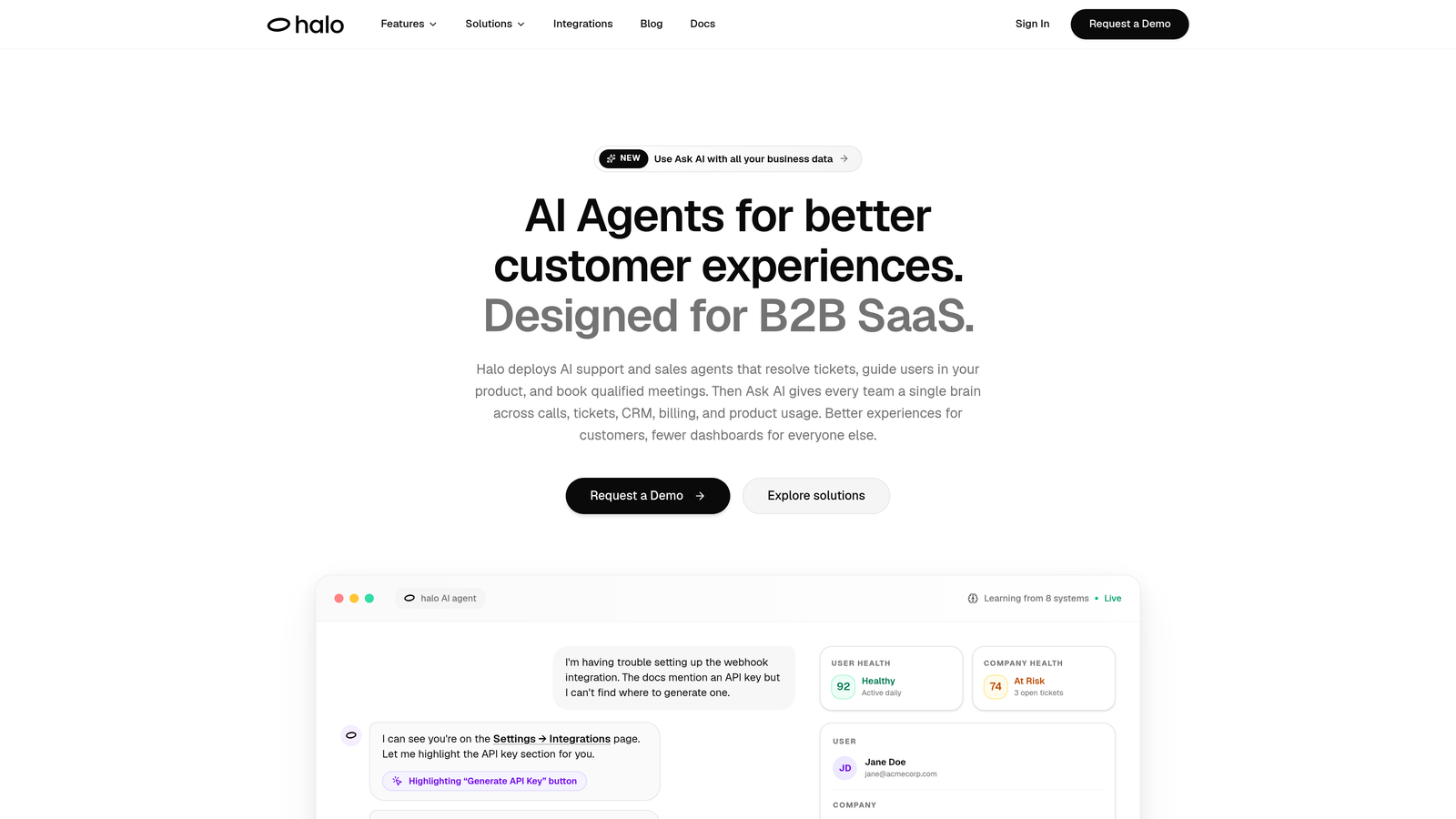
Halo AI is an AI-native customer support platform that unifies ticket resolution, page-aware chat, automated bug reporting, and business intelligence into a single connected system.
Where This Tool Shines
Most helpdesks add AI as an afterthought—a layer of automation bolted onto a ticketing architecture that was never designed for intelligence. Halo is built the other way around. The platform learns from every interaction, continuously improving its ability to resolve tickets, guide users, and surface insights without human intervention.
What sets Halo apart from other tools on this list is its page-aware context engine. The AI agent literally sees what the user sees, which means it can provide visual, step-by-step guidance rather than generic responses. For SaaS products with complex interfaces, this is a meaningful upgrade over traditional chat widgets that operate without any product context.
Key Features
Page-Aware AI Agents: The AI understands which page or feature a user is on, enabling contextual guidance and visual walkthroughs rather than generic responses.
Auto Bug Ticket Creation: When support conversations surface product issues, Halo automatically creates bug tickets and routes them directly to engineering tools like Linear—closing the loop between support and product without manual handoff.
Smart Inbox with Business Intelligence: Beyond standard ticket metrics, the inbox surfaces customer health signals, revenue anomalies, and other signals that typically live in separate analytics tools.
Live Agent Handoff: Complex escalations transfer to human agents with full conversation context preserved, so customers never have to repeat themselves.
Native Integrations: Connects out of the box with Linear, Slack, HubSpot, Intercom, Stripe, Zoom, PandaDoc, and Fathom—covering the full business stack, not just the support stack.
Best For
Halo is the strongest fit for B2B SaaS companies and product-led growth teams that are tired of stitching together five tools to handle one support workflow. It's particularly valuable for teams where the support-to-engineering feedback loop is broken and where customer health signals are getting lost in ticket queues.
Pricing
Contact for pricing at haloagents.ai. Given the platform's AI-first architecture and multi-system integration depth, pricing is tailored to team size and use case.
2. Zendesk
Best for: Large enterprise support teams with complex routing needs and existing tool ecosystems
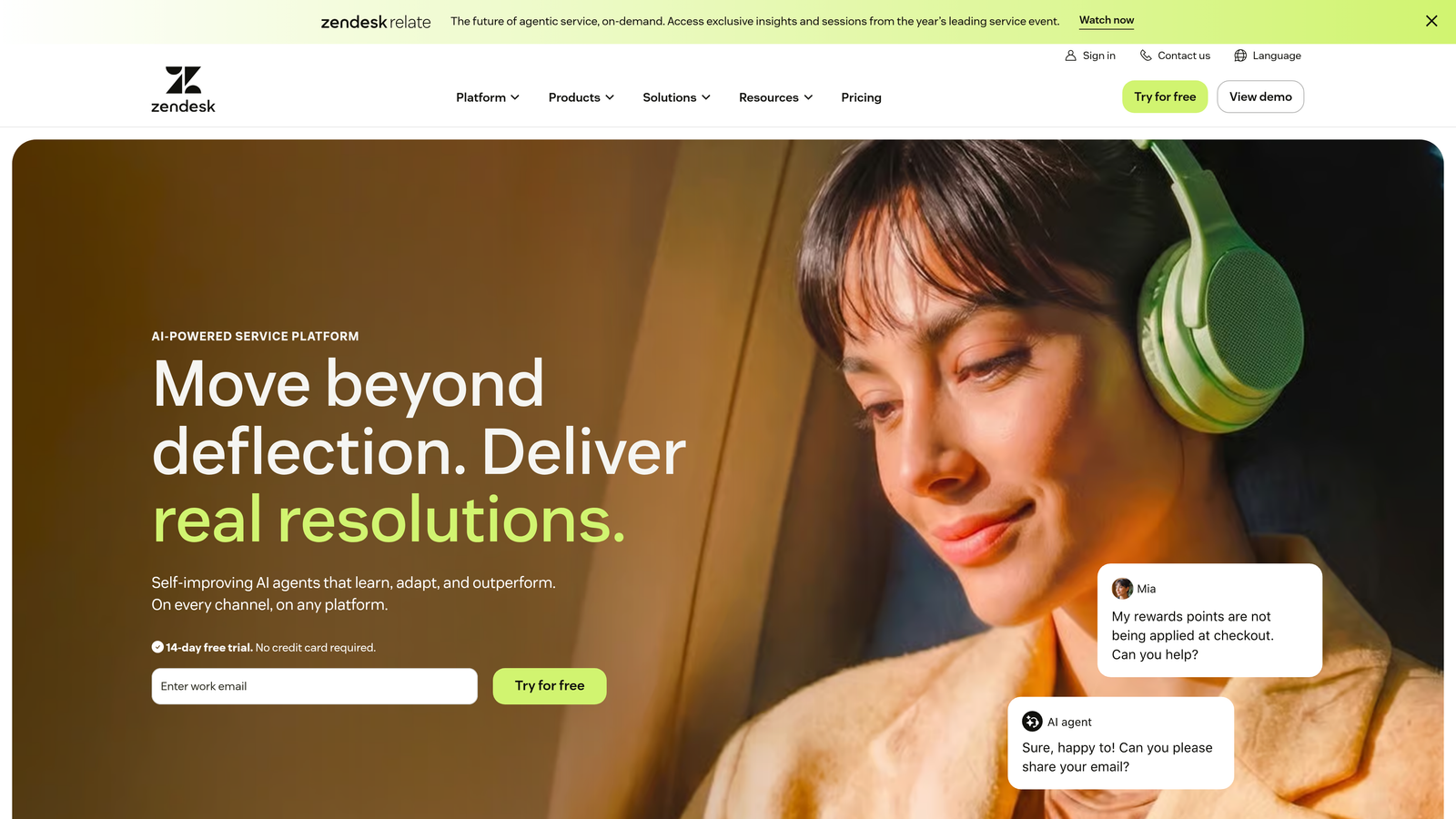
Zendesk is one of the most established helpdesk platforms, offering enterprise-grade ticket management, a massive app marketplace, and AI-powered automation features.
Where This Tool Shines
Zendesk's greatest strength is its breadth. With over 1,500 marketplace integrations, it can connect to almost any tool your team is already using. For enterprise organizations with complex support hierarchies, multi-region teams, and strict SLA requirements, Zendesk provides the workflow infrastructure to manage it all.
The trade-off is that Zendesk's AI capabilities—while improving—are layered onto a traditional ticketing architecture. Teams looking for intelligence baked into every layer of the platform may find themselves doing more configuration work than expected to get the automation they need.
Key Features
1,500+ Marketplace Integrations: An extensive app ecosystem for connecting third-party tools across CRM, communication, and analytics.
Advanced Ticket Routing and SLAs: Sophisticated workflow automation for routing, prioritization, and service level management across large teams.
Zendesk AI: Agent assist tools and automated response capabilities built into the platform.
Multi-Channel Support: Handles email, chat, voice, and social from a unified interface.
Reporting and Analytics: Robust dashboards for tracking team performance and ticket trends.
Best For
Enterprise support teams with established workflows, large agent headcounts, and a need for deep customization. Also a solid choice for teams that need a wide integration marketplace to connect an existing tool stack.
Pricing
Starts at $19/agent/month (Suite Team); enterprise plans are available with advanced features and dedicated support.
3. Intercom
Best for: SaaS companies that want lifecycle-aware messaging combined with in-app support and AI automation
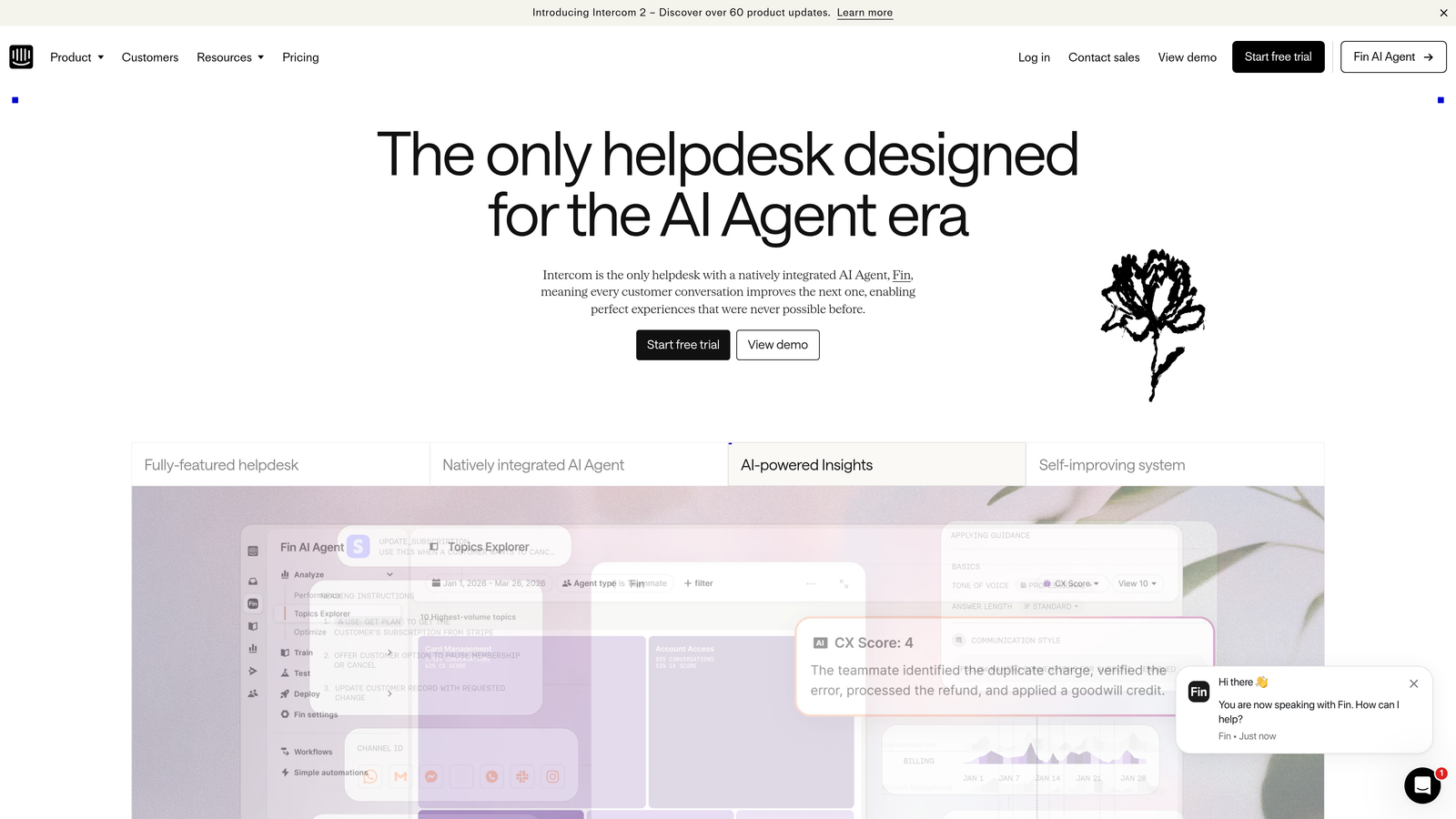
Intercom is a customer messaging platform that combines in-app chat, helpdesk functionality, and AI automation with strong behavioral and lifecycle-aware messaging capabilities.
Where This Tool Shines
Intercom's core advantage is the connection between user behavior and support context. Because the platform tracks user activity, support conversations can be informed by what a customer has done, where they are in their lifecycle, and what they've previously interacted with. This makes proactive support and targeted messaging genuinely useful rather than generic.
Intercom has invested heavily in its Fin AI agent, which handles first-response resolution across a wide range of common questions. For SaaS teams with high inbound volume, Fin can meaningfully reduce the load on human agents—though costs can scale quickly as contact volumes grow.
Key Features
Fin AI Agent: Automated first-response resolution trained on your help content and product knowledge.
Lifecycle-Aware Messenger: In-app chat tied to user behavioral data and lifecycle stage for contextual support.
Shared Inbox: Conversation routing and assignment rules for team collaboration on incoming requests.
Product Tours and Outbound Messaging: Proactive support and onboarding flows that reduce inbound volume before it starts.
CRM and Tool Integrations: Connects with Salesforce, HubSpot, Slack, and other core business tools.
Best For
SaaS companies with a strong product-led motion that want to combine support, onboarding, and proactive messaging in one platform. Best suited for teams where user behavior data is central to the support strategy.
Pricing
Starts at $39/seat/month; Fin AI usage is priced separately on a consumption basis, so costs scale with resolution volume.
4. Freshdesk
Best for: SMBs and growing teams consolidating omnichannel support at accessible price points
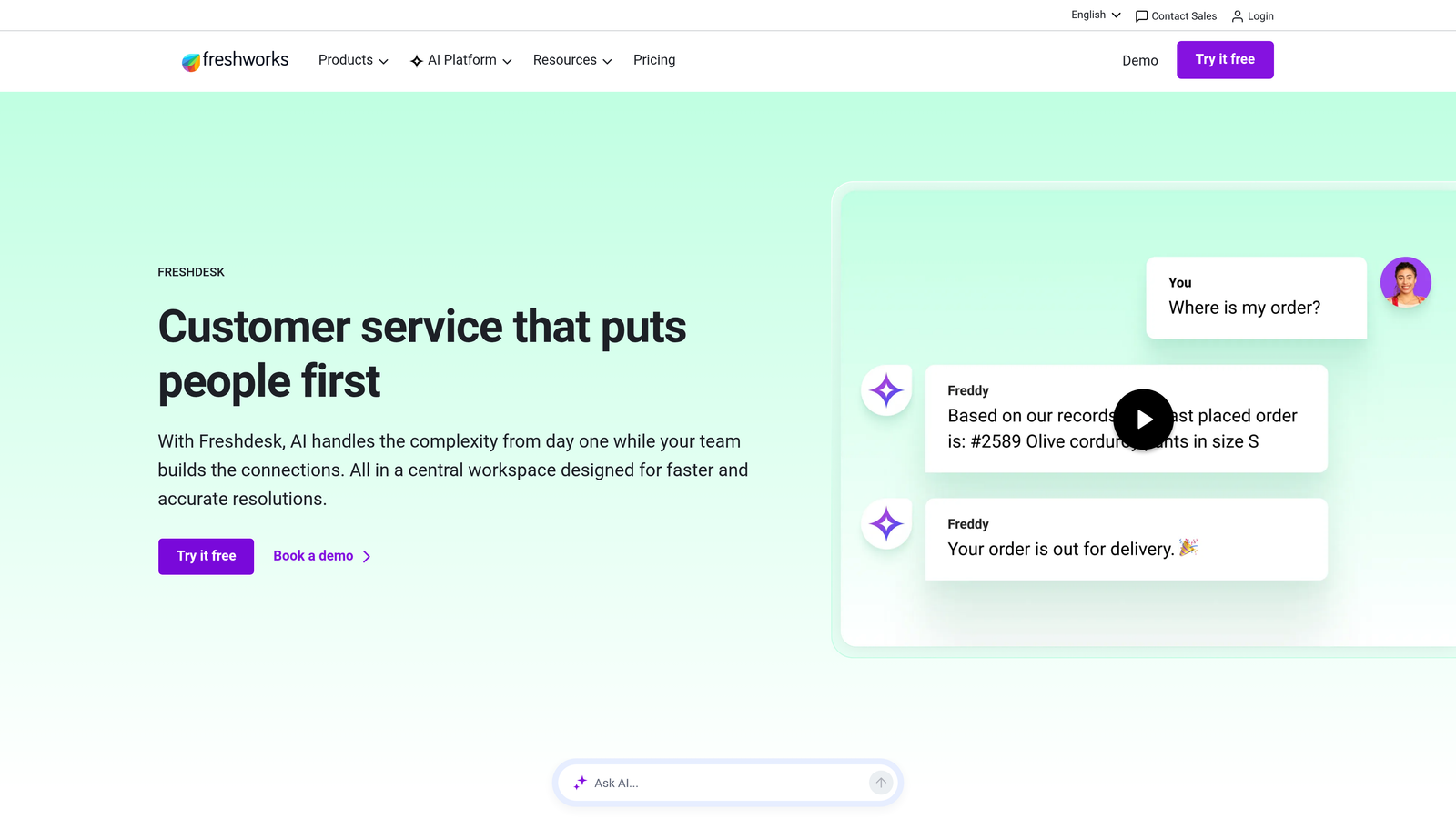
Freshdesk is a Freshworks product offering omnichannel customer support across email, phone, chat, and social, with AI automation and native CRM connectivity built in.
Where This Tool Shines
For teams that are currently managing support across multiple disconnected channels, Freshdesk's unified inbox is a practical first step toward consolidation. Email, phone, chat, and social conversations all flow into a single interface, which eliminates a lot of the context-switching that slows teams down.
The native integration with Freshsales CRM and Freshchat is a genuine advantage for teams that want connectivity without third-party middleware. If you're already in the Freshworks ecosystem, the data flows between products without custom configuration.
Key Features
Unified Omnichannel Inbox: Consolidates email, phone, chat, and social into a single agent workspace.
Freddy AI: Handles ticket categorization, agent assist suggestions, and self-service automation.
Native Freshworks Integration: Direct connectivity with Freshsales CRM and Freshchat without third-party connectors.
Collision Detection: Prevents multiple agents from working on the same ticket simultaneously.
Automation and SLA Management: Customizable rules for routing, escalation, and service level tracking.
Best For
SMBs and mid-market teams that need omnichannel support consolidation without enterprise-level pricing. Especially strong for teams already using or considering other Freshworks products.
Pricing
Free plan available for small teams; paid plans start at $15/agent/month, making it one of the more accessible options on this list.
5. HubSpot Service Hub
Best for: Teams already in the HubSpot ecosystem that want native CRM context on every support interaction
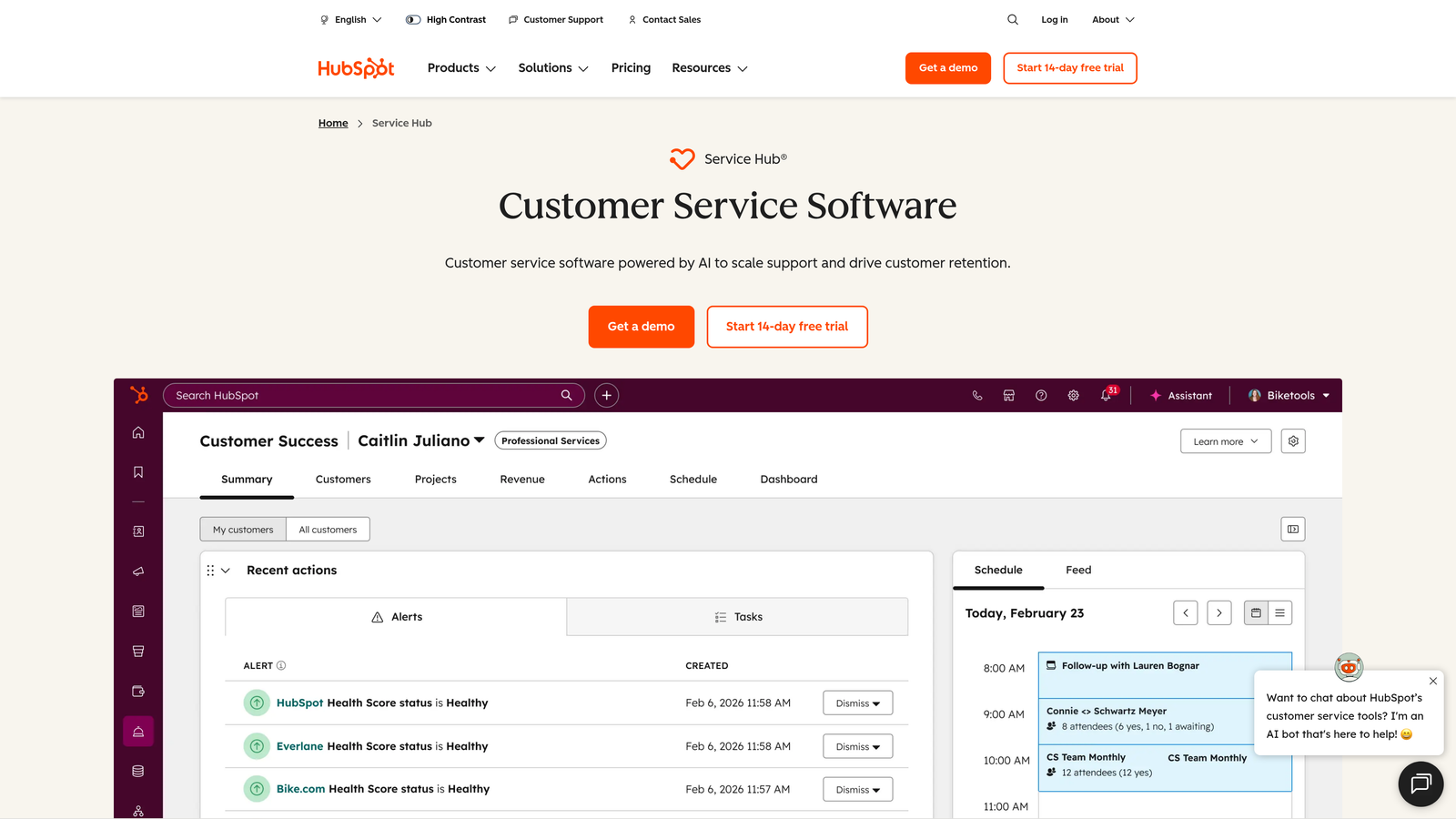
HubSpot Service Hub is HubSpot's customer service product, tightly integrated with its CRM to give support teams full customer context on every ticket without any integration setup.
Where This Tool Shines
The disconnection between support tools and CRM data is one of the most common pain points in B2B support stacks. HubSpot Service Hub eliminates that problem entirely for teams already using HubSpot, because support tickets automatically carry deal history, marketing interactions, and contact data. Agents know who they're talking to before they type a single word.
The seamless handoff between support, sales, and marketing workflows is also a standout capability. When a support conversation reveals an upsell opportunity or a churn signal, that information flows directly into the CRM where the right team can act on it.
Key Features
Native CRM Context: Every ticket automatically surfaces deal history, contact data, and marketing interactions from HubSpot CRM.
Shared Inbox and Ticket Pipelines: Organized inbox with SLA tracking and customizable ticket stages.
Knowledge Base and Customer Portal: Self-service tools that reduce inbound volume and empower customers to find answers independently.
Customer Feedback Surveys: CSAT and NPS surveys tied directly to contact records for closed-loop feedback.
Cross-Team Workflow Handoffs: Built-in connections between support, sales, and marketing workflows within the HubSpot platform.
Best For
Teams already invested in HubSpot for CRM, marketing, or sales. The value compounds significantly when Service Hub is used alongside HubSpot CRM rather than as a standalone product.
Pricing
Free tools available; paid plans start at $15/seat/month (Starter), with more advanced features in Professional and Enterprise tiers.
6. Salesforce Service Cloud
Best for: Large enterprises where Salesforce is already the system of record for customer relationships
Salesforce Service Cloud is enterprise-grade service management fully embedded in the Salesforce ecosystem, giving large organizations a unified view of cases, accounts, and customer relationships.
Where This Tool Shines
For organizations where Salesforce CRM is already central to how the business operates, Service Cloud eliminates the integration gap between support and customer data entirely. Cases are tied directly to accounts and opportunities, which means support agents and account managers are always working from the same customer record.
Einstein AI adds intelligent case classification, next-best-action recommendations, and knowledge suggestions that help agents resolve issues faster. The AppExchange ecosystem also provides extensive customization options for organizations with unique support workflows.
Key Features
CRM-Native Case Management: Cases tied directly to Salesforce accounts, contacts, and opportunities.
Einstein AI: Intelligent case classification, next-best-action suggestions, and knowledge article recommendations.
Omni-Channel Routing: Distributes work across voice, chat, email, and messaging based on agent capacity and skill.
Field Service and Self-Service: Capabilities for field operations and customer-facing self-service portals.
AppExchange Ecosystem: Extensive marketplace for custom integrations and industry-specific solutions.
Best For
Large enterprises with complex support operations where Salesforce is already the system of record. Not the right fit for SMBs or teams without Salesforce expertise, given the implementation complexity and cost.
Pricing
Starts at $25/user/month (Starter Suite); enterprise pricing varies significantly based on features and scale.
7. Zapier
Best for: Non-technical ops teams that need to connect a fragmented support stack without engineering resources
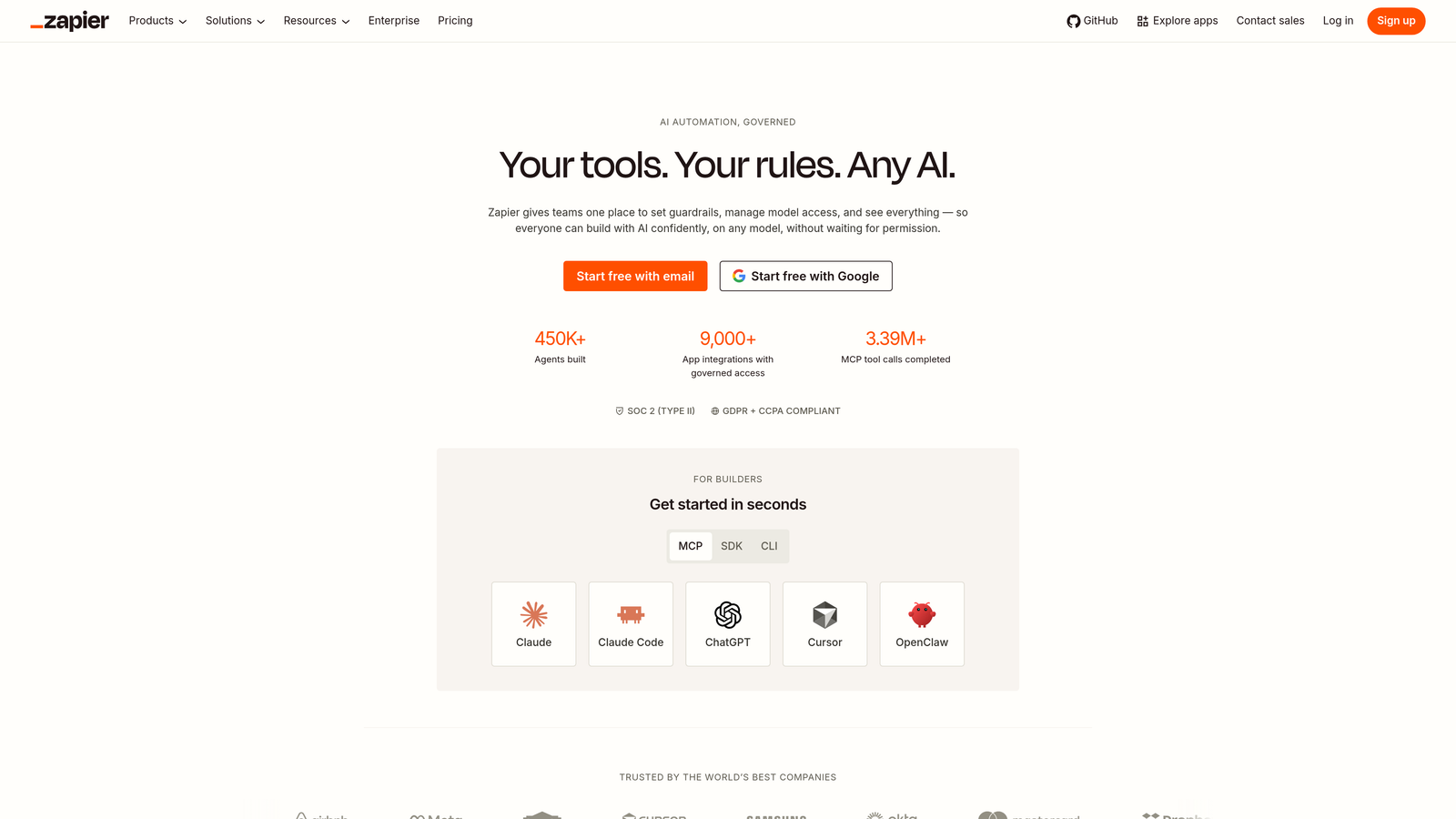
Zapier is a no-code automation platform that acts as connective tissue between otherwise disconnected tools, bridging helpdesks, CRMs, project trackers, and communication apps through trigger-and-action workflows.
Where This Tool Shines
Zapier isn't a support tool. It's the glue that makes a fragmented support stack functional. If your team is using Zendesk for tickets, Linear for bug tracking, Slack for escalations, and HubSpot for CRM, Zapier can connect all of them without a single line of code. That's a meaningful capability for ops teams that can't wait for engineering bandwidth.
The platform's 7,000+ app integrations cover virtually every tool in the modern support stack. Multi-step Zaps with conditional logic allow for surprisingly sophisticated automation, like automatically creating a Linear issue when a Zendesk ticket is tagged as a bug, then posting an update to a Slack channel when that issue is resolved.
Key Features
7,000+ App Integrations: Covers virtually every tool in the modern support and business stack.
Multi-Step Zaps: Chain multiple actions across tools in a single automated workflow.
No-Code Interface: Accessible to non-technical team members without engineering involvement.
Conditional Logic and Filters: Smart routing based on ticket properties, values, or user attributes.
Pre-Built Templates: Ready-made workflow templates for common support-stack connection scenarios.
Best For
Operations and support teams that need to bridge tool gaps quickly without custom development. Most valuable as a stopgap or complement to a primary platform, rather than a long-term substitute for native integration.
Pricing
Free plan available (100 tasks/month); paid plans start at $19.99/month, though costs can scale quickly at high task volumes.
8. Linear
Best for: Engineering teams that receive bug reports and feature requests from customer support
Linear is a fast, opinionated issue-tracking tool built for modern software teams, and increasingly the preferred destination for bugs and feature requests surfaced through customer support conversations.
Where This Tool Shines
The support-to-engineering feedback loop is one of the most commonly broken workflows in SaaS companies. Support agents identify bugs, but without a clean handoff to engineering, those bugs get logged in a shared spreadsheet, buried in a Slack thread, or never reported at all. Linear solves the engineering side of that equation with a fast, structured issue-tracking system that developers actually want to use.
When connected to a support platform like Halo AI, Linear becomes even more powerful because bug tickets can be created automatically from support conversations, with full context attached, without any manual effort from either the support agent or the engineer.
Key Features
Streamlined Issue Tracking: Cycles, projects, and roadmap views that give engineering teams clear visibility into priorities.
Dev Tool Integrations: Native connections with GitHub, GitLab, and Figma for seamless dev workflow alignment.
Slack and Email Notifications: Keeps support and engineering teams informed without requiring everyone to live in Linear.
API and Webhook Support: Enables custom pipelines from support tools to engineering workflows.
Keyboard-First Interface: Designed for engineering velocity, with fast navigation that developers prefer over traditional project management tools.
Best For
Engineering teams at SaaS companies where customer-reported bugs need a reliable, fast path from support conversation to resolved issue. Most impactful when paired with a support platform that can create Linear issues automatically.
Pricing
Free for small teams; paid plans start at $8/user/month, making it one of the most affordable specialized tools on this list.
9. Slack
Best for: Distributed support and engineering teams that need a real-time coordination layer for escalations and alerts
Slack is the team communication platform that often serves as the informal coordination layer for support escalations, engineering alerts, and customer signals across distributed teams.
Where This Tool Shines
Slack isn't a support tool either, but pretending it doesn't play a central role in how most SaaS support teams operate would be dishonest. Escalations get posted to Slack channels. Engineering teams get pinged about critical bugs. Customer success managers get notified when a key account opens a ticket. Slack is where the human coordination happens between all the other tools on this list.
With integrations from virtually every helpdesk platform, Slack can receive real-time alerts from your ticketing system, push notifications when SLAs are at risk, and surface customer signals without anyone having to check a dashboard. Slack Connect also enables direct collaboration with enterprise customers in shared channels, which can be a powerful tool for high-touch support relationships.
Key Features
Channel-Based Messaging: Organized channels for support escalation workflows, team communication, and cross-functional coordination.
Helpdesk Alert Integrations: Receives ticket updates, SLA alerts, and customer signals from connected support tools.
Slack Connect: External collaboration channels with enterprise customers for high-touch support relationships.
Workflow Builder: Lightweight no-code automation for creating structured escalation or notification workflows within Slack.
Search and Archive: Full history of escalation conversations, decisions, and resolutions for future reference.
Best For
Any distributed team where support, engineering, and customer success need to coordinate in real time. Slack works best as a coordination layer on top of a primary support platform, not as a replacement for structured ticket management.
Pricing
Free plan available with limited message history; Pro starts at $7.25/user/month with full history and more integrations.
Which Tool Is Right for Your Team?
Before adding another tool to your stack, it's worth asking a harder question: is your current stack disconnected because you have the wrong tools, or because you have too many of them?
Here's a quick-pick guide based on where your team is today:
If you want AI-first, fully connected support from day one: Start with Halo AI. It's built to unify ticket resolution, bug reporting, business intelligence, and live agent handoff in a single platform that learns continuously and connects to your entire business stack.
If you're a large enterprise with complex routing needs: Zendesk or Salesforce Service Cloud will give you the workflow infrastructure and integration depth to manage high-volume, multi-region operations.
If you're already in HubSpot: Service Hub is the obvious choice. The native CRM context alone eliminates one of the most common disconnection points in B2B support stacks.
If you're an SMB consolidating channels on a budget: Freshdesk offers the best combination of omnichannel coverage and accessible pricing.
If you need to bridge tool gaps without engineering resources: Zapier is your fastest path to connectivity, though it works best as a complement to a primary platform rather than a long-term integration strategy.
If your support-to-engineering feedback loop is broken: Linear and Slack work together as the receiving end of that loop, and they're most powerful when connected to a support platform that can automate the handoff.
The most expensive thing about disconnected customer support tools isn't the software subscriptions. It's the slow resolution times, the duplicated effort, and the customer signals that get lost between systems. Your support team shouldn't scale linearly with your customer base. See Halo in action and discover how continuous learning transforms every interaction into smarter, faster support.