9 Best Tools to Fix Disconnected Support Systems in 2026
Disconnected support tools create costly gaps in B2B SaaS operations — lost context, repeated customer conversations, and blind spots for leadership. This guide reviews the 9 best platforms in 2026 that unify fragmented support stacks, evaluated on integration depth, AI capability, and how effectively they reduce agent context-switching to improve both customer experience and team efficiency.
 Matt PattoliFounder13 min read
When your support stack looks like a patchwork quilt — Zendesk for tickets, Slack for internal comms, a separate CRM, a standalone chatbot, and three browser tabs of customer context — something eventually breaks. Customers repeat themselves. Agents lose context. Bugs go unreported. And leadership has no idea what's actually happening until churn spikes.
Disconnected support tools are one of the most persistent challenges facing B2B SaaS teams today. The good news: the market has matured significantly, and there are now purpose-built platforms designed to unify your support operations rather than add another silo.
The tools below directly address the disconnected support problem — from AI-native platforms that integrate your entire stack, to specialized tools that bridge specific gaps. Each was evaluated on integration depth, AI capability, scalability, and how well it reduces context-switching for support agents.
1. Halo AI
Best for: B2B SaaS teams that want an AI-first platform to unify tickets, product guidance, bug reporting, and business intelligence.
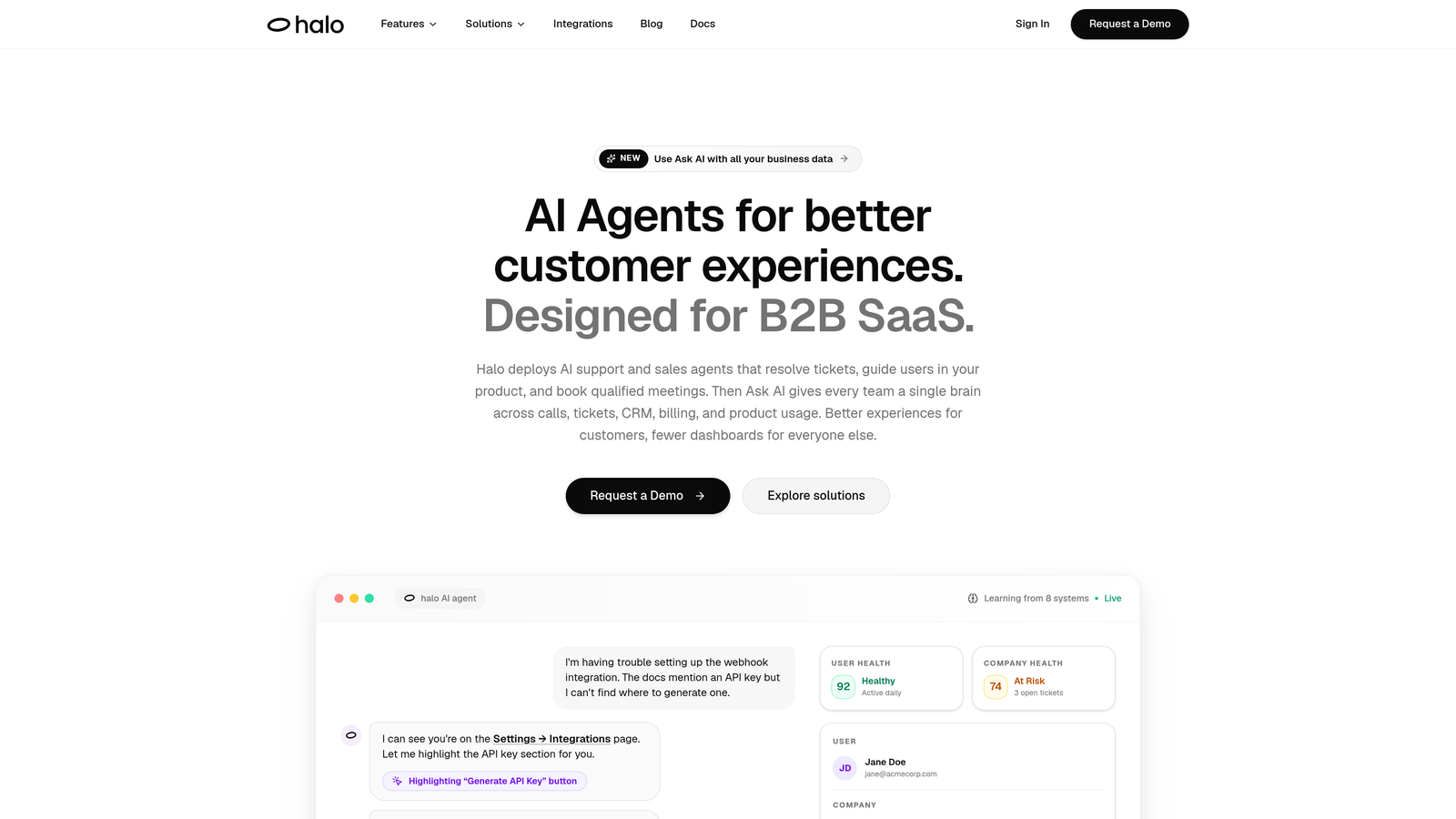
Halo AI is an AI-native customer support platform built to replace the disconnected stack entirely, not patch it.
Where This Tool Shines
Most AI support tools are bolt-ons: you take an existing helpdesk and add an AI layer on top. Halo is architected differently. The AI is the foundation, which means context, routing, and resolution are built in from the start rather than retrofitted. This matters because the context problem — agents not knowing what a user was doing when they hit an issue — is often where disconnected stacks fail most visibly.
The page-aware AI agent is a particularly strong differentiator. It literally sees what the user is looking at inside your product, enabling guidance that's specific to their current state rather than generic help center links. Combined with a smart inbox that surfaces customer health signals and revenue anomalies, Halo moves support from reactive ticket-closing to proactive business intelligence.
Key Features
Page-Aware AI Agents: The AI sees the user's current product context, enabling precise, in-the-moment guidance rather than generic responses.
Auto Bug Ticket Creation: Customer-reported issues route directly to Linear without any manual handoff, closing the support-to-engineering loop automatically.
Smart Inbox with Business Intelligence: Goes beyond ticket management to surface customer health signals, churn indicators, and revenue anomalies in real time.
Native Integrations: Connects out of the box with Linear, Slack, HubSpot, Intercom, Stripe, Zoom, PandaDoc, and Fathom — the tools SaaS teams already use.
Live Agent Handoff: Complex issues escalate to human agents with full conversation context preserved, so customers never have to repeat themselves.
Best For
Product-led SaaS companies that are tired of stitching together five tools to approximate a unified support experience. Especially valuable for teams where support data needs to connect to engineering (Linear), sales (HubSpot), and customer success workflows simultaneously.
Pricing
Contact for pricing at haloagents.ai. Given the platform's integration depth and AI-first architecture, pricing is tailored to team size and use case.
2. Intercom
Best for: Teams that want a unified inbox with a capable AI agent for autonomous ticket resolution.
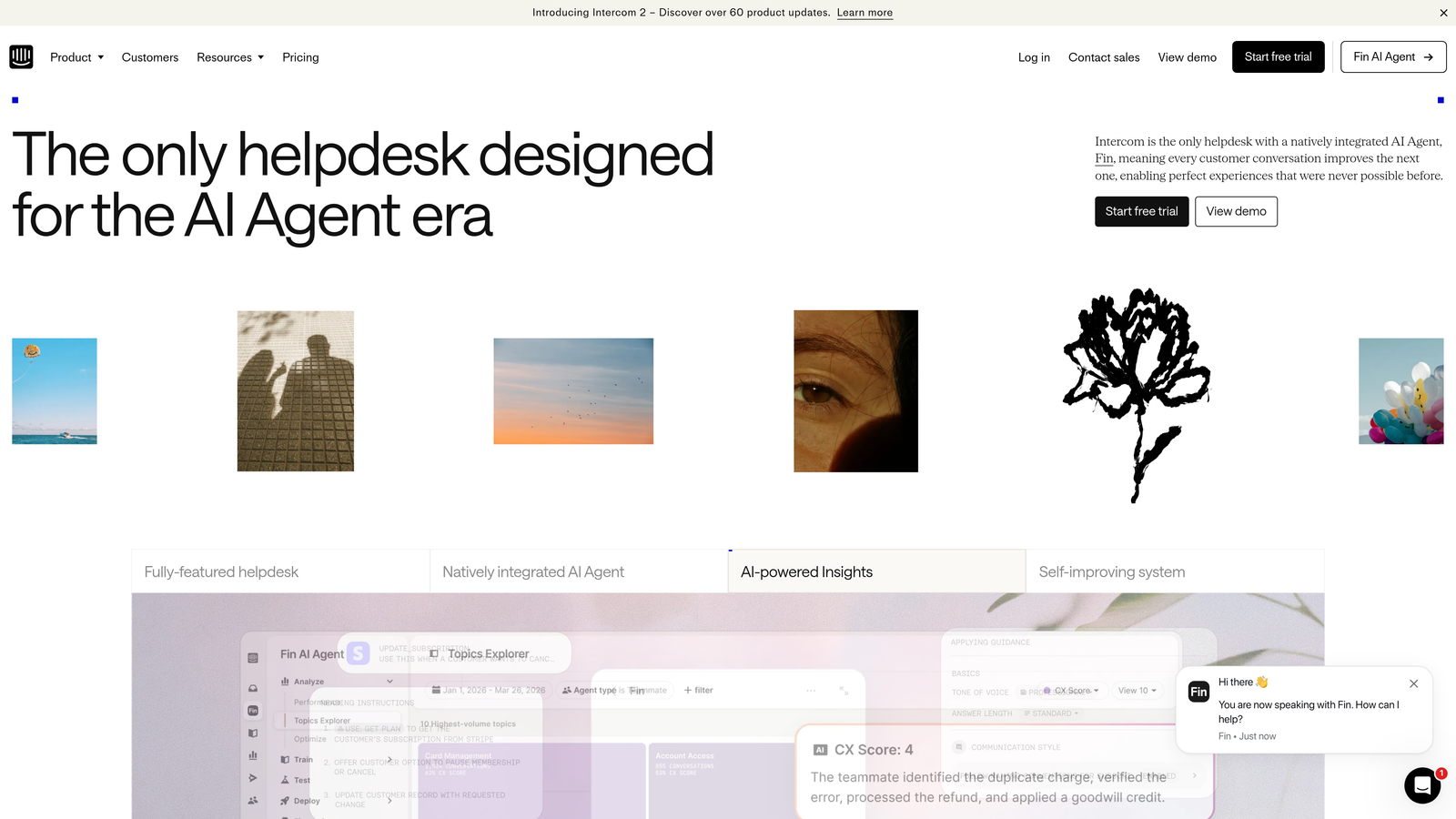
Intercom is a customer messaging platform combining a native AI agent, unified inbox, and proactive messaging in one system.
Where This Tool Shines
Intercom's Fin AI agent handles a meaningful share of support conversations without human involvement, making it a strong option for teams looking to reduce volume without hiring. The unified inbox consolidates chat, email, and in-app messages, which addresses one of the most common disconnection points: agents switching between channels to find conversation history.
Where Intercom is most powerful is for teams already embedded in the Intercom ecosystem. Connecting it to external tools like a CRM or engineering tracker requires configuration, and costs can climb as conversation volume scales. It's best understood as a unified inbox and AI combo rather than a full stack replacement.
Key Features
Fin AI Agent: Autonomously resolves support conversations using your help center and custom knowledge sources.
Unified Inbox: Combines chat, email, and in-app messages into a single agent workspace.
Workflow Automation: Routes and escalates conversations based on rules, tags, and customer attributes.
Built-In Help Center: Create and manage knowledge base articles directly within the platform.
Best For
Growth-stage SaaS companies that prioritize in-app messaging and want AI-assisted resolution without building a separate knowledge base infrastructure. Less suited for teams that need deep CRM or engineering tool integration out of the box.
Pricing
Starts at $39/seat/month; Fin AI is usage-based pricing on top of the base plan.
3. Zendesk
Best for: Enterprise teams that need robust ticketing workflows and access to a large integration marketplace.
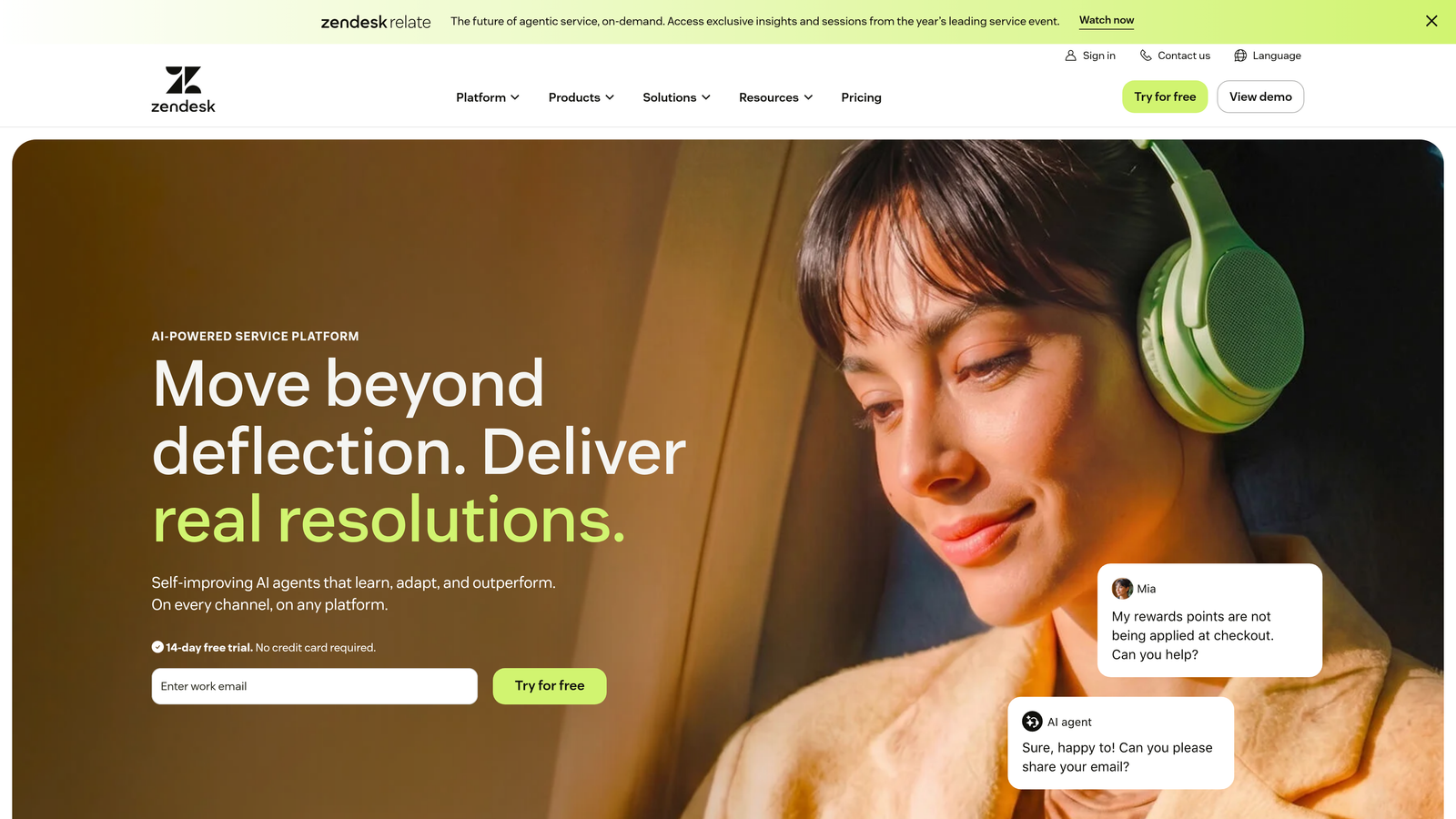
Zendesk is a mature enterprise helpdesk platform with comprehensive ticketing, omnichannel support, and an extensive app ecosystem.
Where This Tool Shines
Zendesk's strength is its reliability and breadth. The ticketing system is battle-tested, the workflow rules are highly configurable, and the marketplace of 1,500+ integrations means it can connect to almost any tool your team uses. For organizations with complex support operations spread across multiple channels, Zendesk provides a stable foundation.
The tradeoff is configuration overhead. Connecting Zendesk to external tools via the marketplace often requires meaningful setup and ongoing maintenance. Teams with dedicated support operations staff can manage this well; smaller teams may find the administrative burden adds up. Pricing has also increased in recent years, making it a more significant investment than it once was.
Key Features
Advanced Ticketing: Highly configurable workflow rules, SLA management, and ticket routing for complex support operations.
1,500+ Marketplace Integrations: Broad connectivity to CRMs, engineering tools, analytics platforms, and more.
Zendesk AI: Suggested replies, intelligent triage, and intent detection to speed up agent responses.
Omnichannel Support: Unified handling of email, chat, voice, and social media conversations.
Best For
Mid-market and enterprise teams with dedicated support operations staff who need a proven, scalable ticketing system and don't mind investing in configuration to get integrations working.
Pricing
Suite plans start from $55/agent/month billed annually.
4. Freshdesk
Best for: SMBs and growing teams that want an affordable all-in-one helpdesk with built-in AI and CRM connectivity.
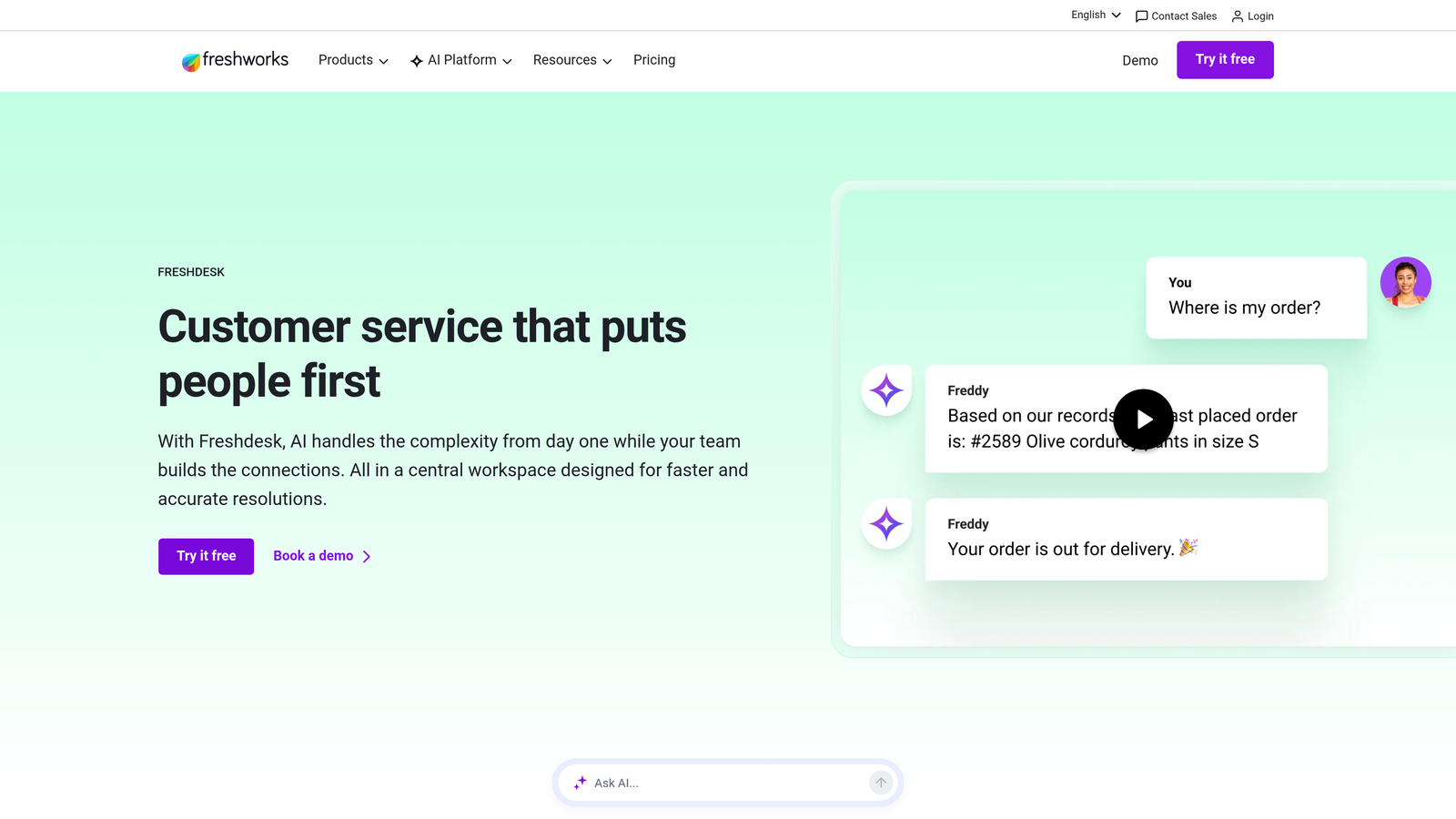
Freshdesk is Freshworks' helpdesk product, offering multichannel support, Freddy AI, and native connections to the broader Freshworks suite.
Where This Tool Shines
Freshdesk's value proposition is strong at the lower end of the market. The combination of a free entry tier, affordable paid plans, and solid multichannel support makes it accessible for teams that can't justify Zendesk's pricing. Freddy AI adds ticket summarization, suggested responses, and auto-triage without requiring a separate AI subscription.
The native integration with Freshsales CRM is a genuine advantage for teams within the Freshworks ecosystem. Rather than configuring a third-party connector, support agents can see customer and deal data directly alongside tickets. Teams outside the Freshworks ecosystem will find the integration story less compelling.
Key Features
Freddy AI: Handles ticket summarization, suggested responses, and auto-triage to reduce manual agent work.
Multichannel Support: Manages email, chat, phone, and social media from a unified workspace.
Native Freshsales Integration: Pulls CRM data into the support view without third-party connectors.
Collision Detection: Prevents two agents from working the same ticket simultaneously.
Best For
SMBs and early-stage SaaS companies that want a capable helpdesk without enterprise pricing, especially if they're already using or considering other Freshworks products.
Pricing
Free plan available; paid plans start from $15/agent/month.
5. Zapier
Best for: Teams that need to automate data handoffs between existing support tools without engineering resources.
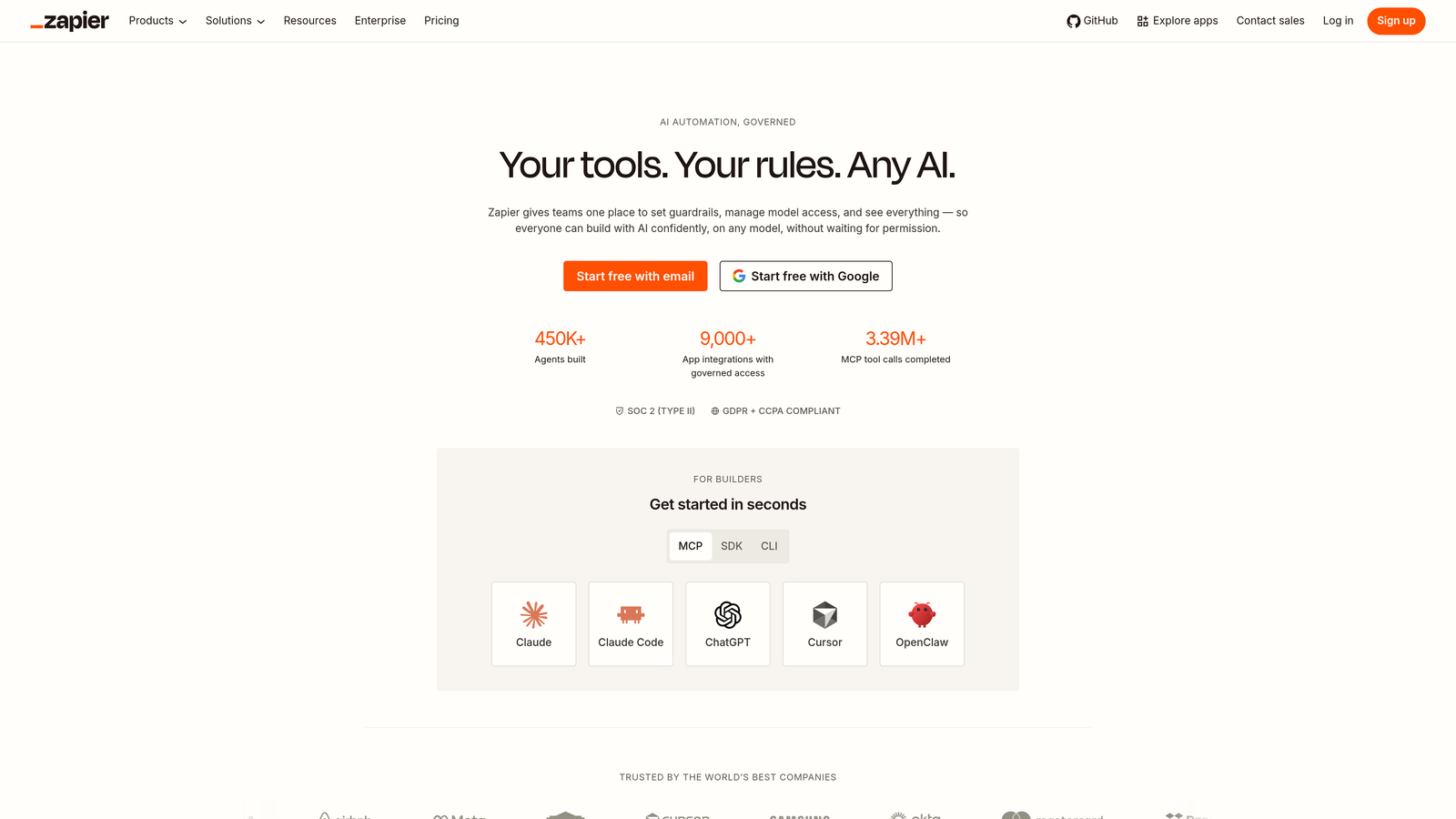
Zapier is a no-code workflow automation platform connecting 7,000+ apps, including virtually every support tool on the market.
Where This Tool Shines
Zapier isn't a support platform — it's the glue that holds a disconnected stack together when consolidation isn't an option. If your team is locked into specific tools for contractual, organizational, or technical reasons, Zapier can automate the data handoffs that would otherwise require manual copy-paste or custom development. New ticket in Zendesk? Automatically create a card in Linear. Customer churns in Stripe? Trigger a Slack alert to the support team.
The honest limitation is that Zapier is a workaround, not a solution. Multi-step zaps can introduce latency, and mission-critical workflows built on Zapier require monitoring to catch failures. It's best used as a bridging layer for specific, lower-stakes automations while you work toward deeper native integration.
Key Features
7,000+ App Integrations: Covers virtually every support, CRM, engineering, and communication tool.
Multi-Step Zaps: Build complex cross-tool workflows without writing code.
No Engineering Required: Non-technical team members can build and maintain automations independently.
Tables and Interfaces: Lightweight data management for teams that need simple structured data alongside their automations.
Best For
Teams with a fragmented stack they can't consolidate in the short term, or those looking to automate specific handoffs (like support-to-engineering or support-to-CRM) as a stopgap while evaluating longer-term solutions.
Pricing
Free plan available; paid plans start from $19.99/month.
6. HubSpot Service Hub
Best for: Teams already using HubSpot CRM that want support, sales, and customer data unified in one place.
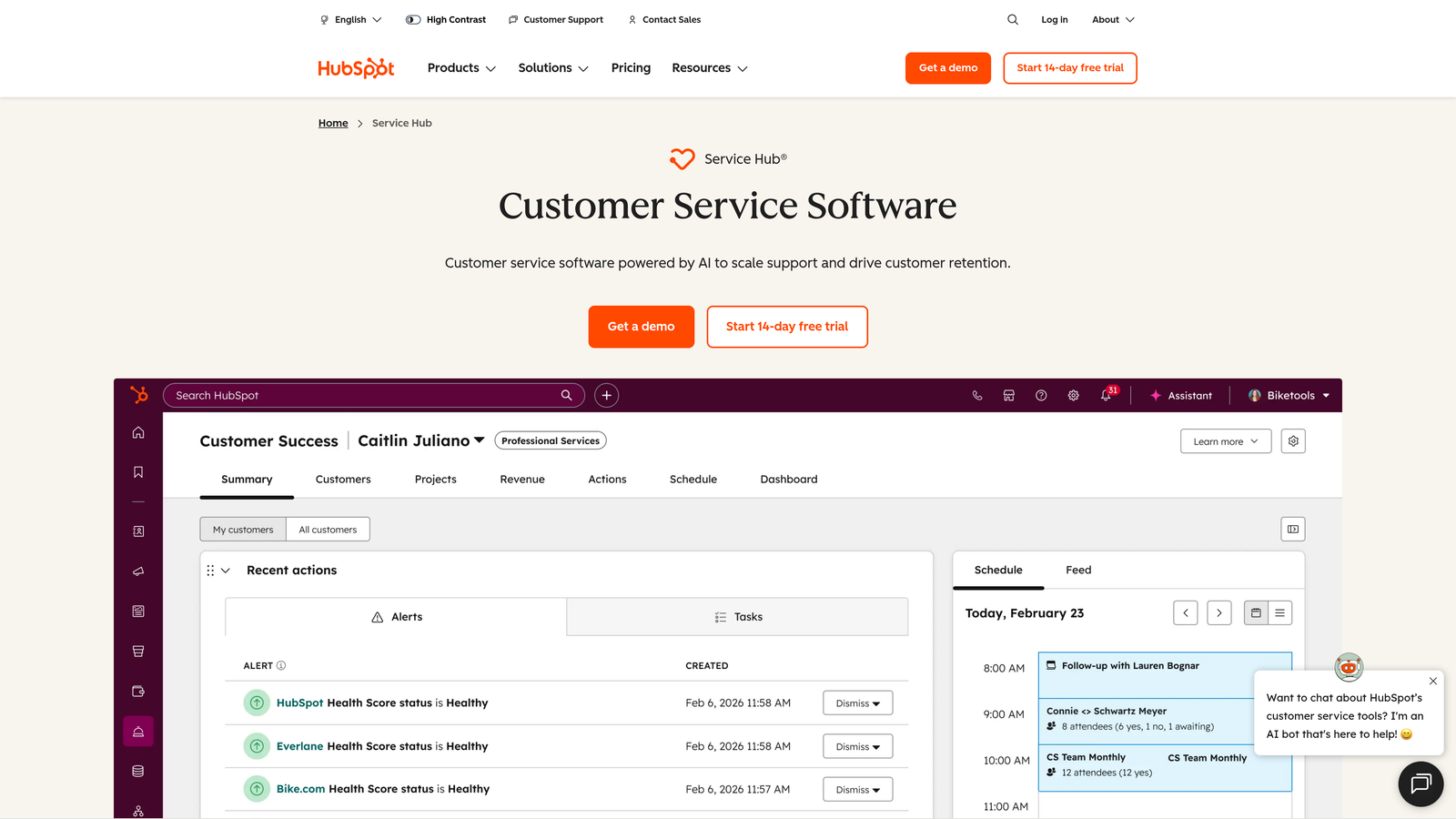
HubSpot Service Hub is a support platform built natively into HubSpot CRM, keeping tickets, contact history, and revenue context in a single system.
Where This Tool Shines
The core advantage of Service Hub is CRM-native support. When a customer submits a ticket, the agent immediately sees their full contact record: deal history, previous conversations, lifecycle stage, and any notes from the sales team. This eliminates one of the most common disconnections in B2B support, where agents have no visibility into the commercial relationship they're serving.
Service Hub is most compelling for teams where support and sales share customer data regularly. For teams that don't use HubSpot CRM, the value proposition weakens considerably — you'd be adopting an entire CRM platform to get a support tool, which is rarely the right trade-off.
Key Features
CRM-Native Ticketing: Tickets, contacts, and deals live in the same HubSpot record for full customer context.
Customer Portal: Self-service portal where customers can track and manage their own support tickets.
Knowledge Base: Built-in article management with SEO optimization included.
Feedback Surveys: NPS, CSAT, and CES surveys tied directly to contact records for longitudinal tracking.
Best For
B2B SaaS companies already using HubSpot CRM where support and sales teams need shared visibility into customer health and history. Less compelling as a standalone support platform for teams outside the HubSpot ecosystem.
Pricing
Free tools available; Starter plans from $15/seat/month.
7. Salesforce Service Cloud
Best for: Large enterprises with complex support operations already running on the Salesforce platform.
Salesforce Service Cloud is an enterprise-grade support platform within the Salesforce ecosystem, featuring Einstein AI and deep CRM integration.
Where This Tool Shines
For organizations where Salesforce CRM is the system of record, Service Cloud eliminates the most painful disconnection of all: the gap between the customer relationship and the support ticket. Einstein AI adds intelligent case classification, routing, and next-best-action recommendations that become more effective as the system accumulates data.
The honest caveat is implementation complexity. Service Cloud is not a tool you deploy in an afternoon. It typically requires dedicated Salesforce administrators and a meaningful implementation investment. The depth of capability is real, but so is the overhead. Teams without existing Salesforce infrastructure should evaluate carefully whether the CRM lock-in is worth the support benefits.
Key Features
Einstein AI: Case classification, intelligent routing, and next-best-action recommendations built on Salesforce data.
360-Degree Customer View: Full Salesforce CRM context available directly within every support case.
Omni-Channel Routing: Intelligent case assignment based on agent skills, availability, and case attributes.
Self-Service Portal: Customer-facing portal for case submission and knowledge base access.
Best For
Enterprise organizations with existing Salesforce infrastructure, dedicated admin resources, and complex support operations that justify the implementation investment. Not recommended for teams without prior Salesforce experience.
Pricing
Starter Suite from $25/user/month; Enterprise tier from $165/user/month.
8. Linear
Best for: Engineering-led SaaS teams that need to close the loop between customer-reported bugs and development resolution.
Linear is a fast, keyboard-first engineering project management tool that bridges the gap between support and development.
Where This Tool Shines
Linear addresses a specific but significant disconnection point: the handoff between a customer reporting a bug and an engineer actually fixing it. In most disconnected stacks, this handoff involves someone manually copying information from a support ticket into a Jira card or GitHub issue, often with context lost in translation. Linear's integrations with support tools — including Halo AI's native Linear integration — allow bug tickets to be created automatically from customer reports.
Linear is not a support tool and shouldn't be evaluated as one. Its value in this list is targeted: if your team struggles with bugs falling through the cracks between support and engineering, Linear is the cleanest solution to that specific problem.
Key Features
Fast Issue Tracking: Keyboard-first interface built for engineering velocity, not support ticket management.
Support Tool Integration: Auto-creates bug tickets from customer reports via integrations with helpdesks and AI platforms like Halo AI.
Cycle and Project Tracking: Gives support teams visibility into when reported bugs are scheduled for resolution.
Slack and GitHub Integrations: Keeps cross-team context flowing without requiring engineers to leave their workflow.
Best For
SaaS product teams where engineering uses Linear and support teams need reliable, automatic bug ticket creation without manual handoffs. Works best as a component of a broader integration strategy rather than a standalone fix.
Pricing
Free for small teams; paid plans from $8/user/month.
9. Segment
Best for: Data-mature teams that need a single source of truth for customer event data flowing to every tool in their stack.
Segment is a customer data platform (CDP) that collects user event data and routes consistent customer context to every downstream tool.
Where This Tool Shines
Segment operates at the infrastructure layer. Rather than fixing disconnected tools at the application level, it addresses the root cause: inconsistent customer data. When every tool in your stack — helpdesk, CRM, analytics, product — pulls from the same event stream, agents stop seeing incomplete customer histories and leadership stops getting contradictory reports from different systems.
The trade-off is that Segment requires technical setup and ongoing data governance. It's not a tool a support manager deploys independently. But for teams at the stage where data inconsistency is actively causing support failures, it's one of the highest-leverage investments available. The 300+ destination integrations mean the data reaches wherever it needs to go.
Key Features
Single Source of Truth: Collects user event data once and distributes it consistently to every connected tool.
300+ Destination Integrations: Sends data to Zendesk, Intercom, Salesforce, HubSpot, and most other platforms in this list.
Customer Profiles: Aggregates full customer history across touchpoints for richer support context.
Privacy and Data Governance: Built-in controls for consent management and data compliance.
Best For
Growth-stage and enterprise SaaS teams with engineering resources who are experiencing data inconsistency across their stack. Most valuable when multiple tools need the same customer context but currently receive it from different, conflicting sources.
Pricing
Free plan up to 1,000 visitors/month; Team plan from $120/month.
Which Tool Is Right for Your Team?
The right answer depends on where your biggest disconnection point actually lives. Before adding another tool to your stack, it's worth auditing what's breaking first. Is it context loss between channels? Bugs falling through the cracks to engineering? Support data that never reaches your CRM? Each of those problems has a different solution.
Here's a quick map to help you orient:
AI-first consolidation: If you want to replace your fragmented stack rather than patch it, Halo AI is the most comprehensive option. Its page-aware agents, native integrations, and business intelligence layer address multiple disconnection points simultaneously rather than one at a time.
Enterprise ticketing: Zendesk for teams that need a proven, configurable helpdesk with broad marketplace connectivity. Salesforce Service Cloud for organizations already running on Salesforce that need deep CRM-to-support integration.
SMB all-in-one: Freshdesk offers the best balance of capability and cost for growing teams that don't need enterprise complexity.
CRM-connected support: HubSpot Service Hub for teams already in the HubSpot ecosystem where sales and support share customer data regularly.
Workflow automation as a bridge: Zapier for teams that can't consolidate platforms right now but need data to flow between existing tools without engineering resources.
Engineering handoff: Linear for closing the loop between customer-reported bugs and development resolution, especially when combined with a support platform that has native Linear integration.
Data unification: Segment for teams where inconsistent customer data across tools is the root cause of support failures.
The teams that solve the disconnected support problem most effectively aren't necessarily the ones that buy the most tools. They're the ones that identify their highest-leverage disconnection point and address it directly. For many B2B SaaS teams, that means starting with an AI-native platform that reduces the number of integrations you need to manage in the first place.
Your support team shouldn't scale linearly with your customer base. Let AI agents handle routine tickets, guide users through your product, and surface business intelligence while your team focuses on complex issues that need a human touch. See Halo in action and discover how continuous learning transforms every interaction into smarter, faster support.