9 Best Enterprise Support Automation Platforms in 2026
Enterprise support teams drowning in ticket volume need an enterprise support automation platform that handles routine inquiries autonomously while intelligently routing complex issues to human agents. This comprehensive guide examines nine leading platforms designed for enterprise scale, comparing their AI capabilities, integration ecosystems, and automation sophistication to help you select the solution that transforms your support operation from reactive firefighting to proactive, data-driven service delivery.
 Matt PattoliFounder12 min read
Enterprise support teams face a challenging equation: ticket volumes grow exponentially while customer expectations for fast, personalized resolution keep climbing. Manual processes that worked at 1,000 tickets per month collapse at 50,000. The right enterprise support automation platform transforms this dynamic, handling routine inquiries autonomously, routing complex issues intelligently, and giving your team the insights to continuously improve. This guide evaluates top platforms built for enterprise scale, examining their automation capabilities, integration ecosystems, and AI sophistication to help you find the right fit for your support operation.
1. Halo AI
Best for: Enterprises seeking AI-native autonomous resolution with continuous learning capabilities
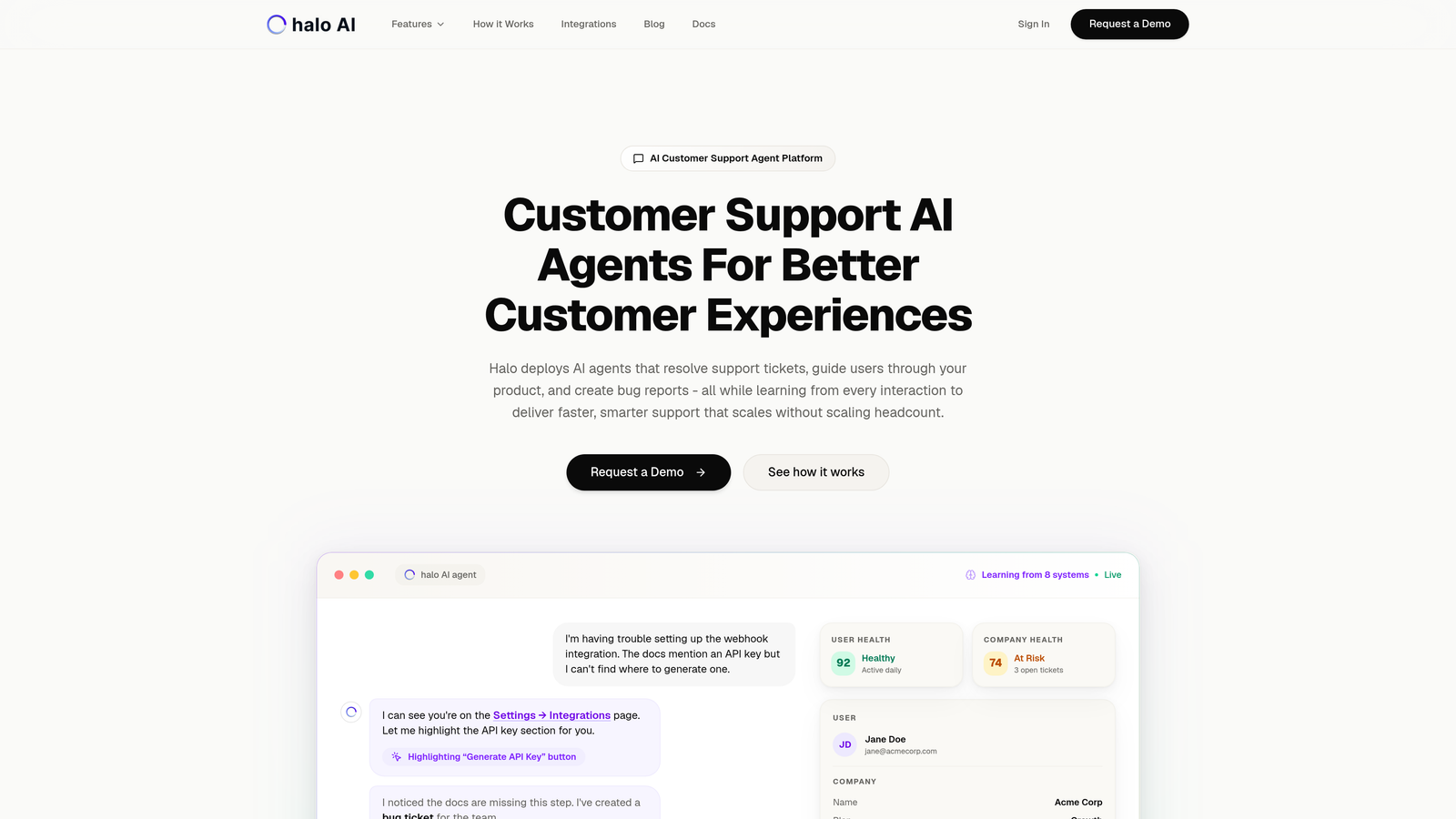
Halo AI represents a different architectural approach to enterprise support automation, built from the ground up as an AI-native platform rather than adding AI features to traditional helpdesk infrastructure.
Where This Platform Shines
The defining characteristic is autonomous ticket resolution without template-based responses. The AI agents learn from every interaction, continuously improving their ability to handle inquiries without human intervention. This means resolution quality improves over time rather than remaining static.
The page-aware chat widget sees exactly what users see in your product, enabling visual guidance that goes beyond text-based support. When a user struggles with a specific interface element, the AI can provide contextual help based on their actual screen state.
Key Features
Autonomous AI Agents: Resolve tickets independently without requiring pre-written templates or decision trees, learning optimal responses through continuous interaction.
Page-Aware Context: Chat widget understands user interface state to provide visual guidance and context-specific help based on what customers actually see.
Business Intelligence Integration: Smart inbox surfaces customer health signals, revenue intelligence, and anomaly detection beyond standard support metrics.
Automatic Bug Reporting: Creates structured bug tickets in Linear from support conversations, streamlining the product feedback loop.
Deep Stack Integration: Connects across Linear, Slack, HubSpot, Intercom, Stripe, Zoom, PandaDoc, and Fathom for unified customer context.
Best For
B2B companies with complex products requiring intelligent context understanding, teams wanting AI that improves autonomously rather than requiring constant retraining, and organizations seeking business intelligence from support interactions beyond basic ticket metrics.
Pricing
Contact for enterprise pricing based on ticket volume and integration requirements.
2. Zendesk Suite Enterprise
Best for: Large organizations needing mature automation with extensive third-party integrations
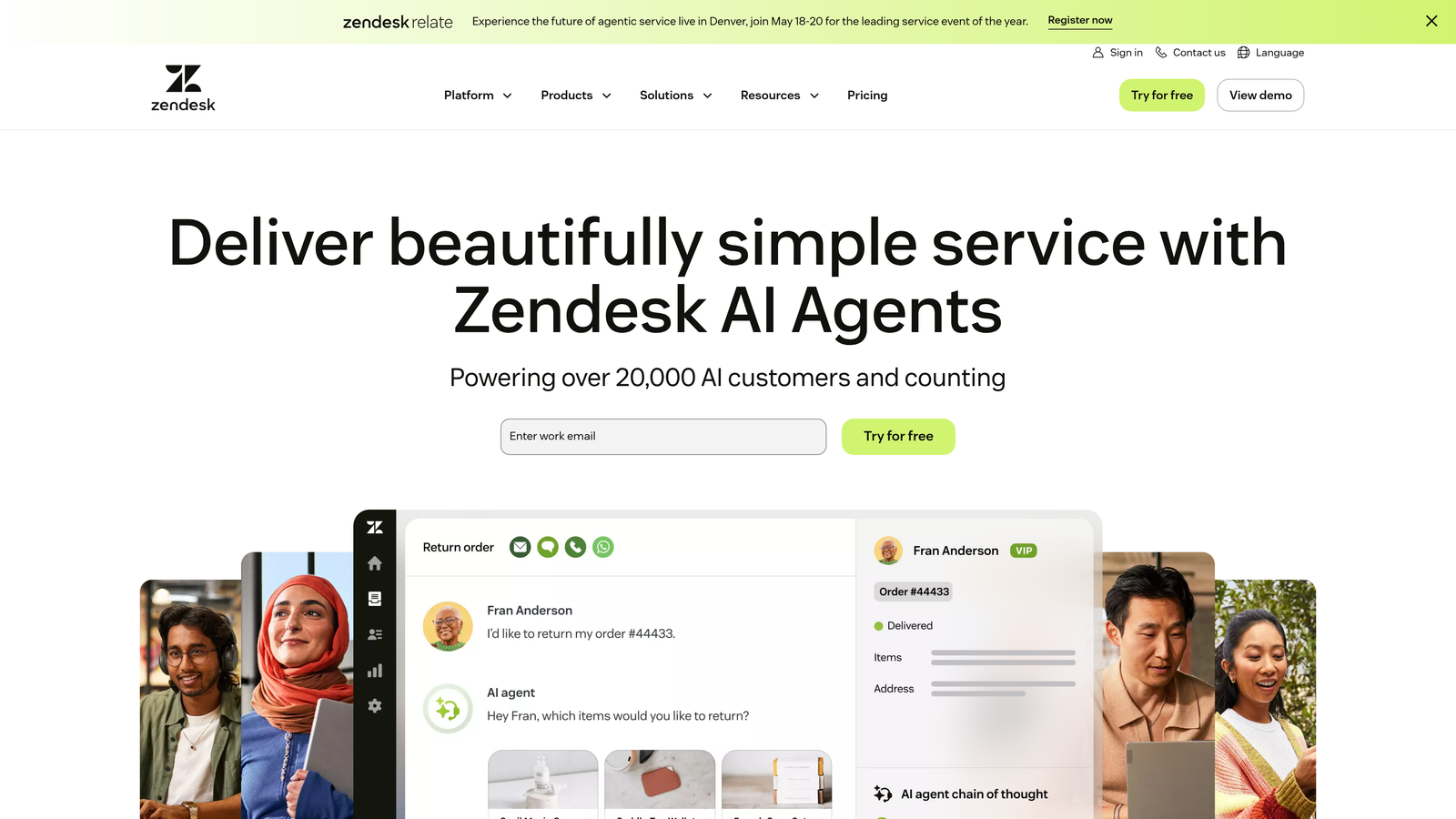
Zendesk Suite Enterprise offers the most established enterprise helpdesk platform with a massive marketplace ecosystem and sophisticated automation capabilities built over years of development.
Where This Platform Shines
The maturity shows in the details. Zendesk's routing rules, SLA management, and workflow automation handle complex enterprise scenarios that newer platforms struggle with. You can build intricate conditional logic for ticket assignment, escalation paths that consider multiple variables, and custom automations that trigger across channels.
The marketplace advantage is substantial. With over 1,000 integrations, virtually any tool in your tech stack can connect to Zendesk. This ecosystem maturity means fewer custom integrations and faster implementation timelines.
Key Features
Advanced Answer Bot: AI-powered self-service that suggests relevant help articles and can resolve simple inquiries before reaching agents.
Sophisticated Routing: Multi-level conditional routing based on ticket properties, customer attributes, agent skills, and workload balancing.
Omnichannel Unified Inbox: Consolidates email, chat, phone, social media, and messaging apps into single agent workspace with consistent workflows.
Custom Analytics: Build tailored dashboards and reports with Explore analytics, tracking custom metrics specific to your support operation.
Marketplace Ecosystem: Access 1,000+ pre-built integrations covering CRM, e-commerce, communication, and productivity tools.
Best For
Enterprises with diverse tool ecosystems requiring extensive integrations, organizations needing proven reliability at massive scale, and teams that value established best practices and extensive documentation.
Pricing
Enterprise plans start at $150 per agent per month, with custom pricing for high-volume deployments.
3. Salesforce Service Cloud
Best for: Organizations already invested in Salesforce ecosystem seeking unified sales and service data
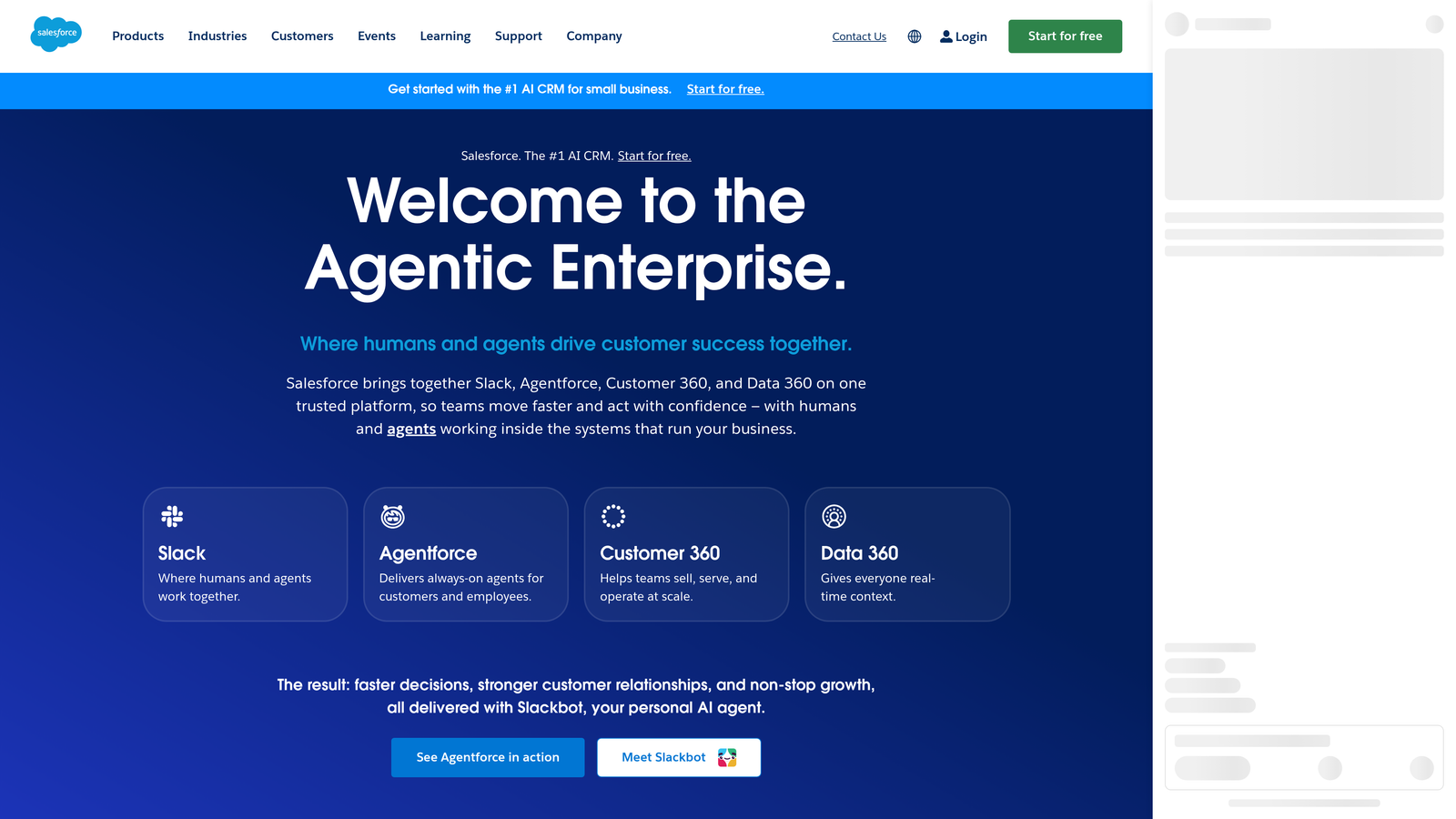
Salesforce Service Cloud provides enterprise service capabilities deeply integrated with the broader Salesforce platform, creating unified customer views across sales, service, and marketing.
Where This Platform Shines
The unified data model is the compelling advantage. Service agents see complete customer history including sales opportunities, marketing engagement, and previous support interactions without switching systems. This context enables more personalized, informed support conversations.
Einstein AI capabilities extend beyond basic automation to predictive case classification, next-best-action recommendations, and intelligent article suggestions based on case context. The AI learns from your specific Salesforce data, becoming more relevant over time.
Key Features
Einstein Case Classification: Automatically categorizes and routes cases based on content analysis, reducing manual triage work and improving routing accuracy.
Unified Customer View: Access complete customer journey across sales, service, and marketing within single interface for full context.
Flow Automation: Visual workflow builder creates sophisticated automations without code, handling complex business processes across departments.
Field Service Integration: Coordinate in-office support with field technicians, managing scheduling, parts, and mobile workforce from unified platform.
Knowledge AI: Suggests relevant articles to agents based on case content and customer context, improving first-contact resolution rates.
Best For
Companies already using Salesforce CRM who want seamless data flow between sales and service, enterprises needing field service capabilities alongside digital support, and organizations requiring extensive customization through the Salesforce platform.
Pricing
Enterprise edition starts at $165 per user per month, with additional costs for Einstein AI features and premium add-ons.
4. Freshdesk Enterprise
Best for: Mid-to-large enterprises seeking comprehensive features at more accessible price points
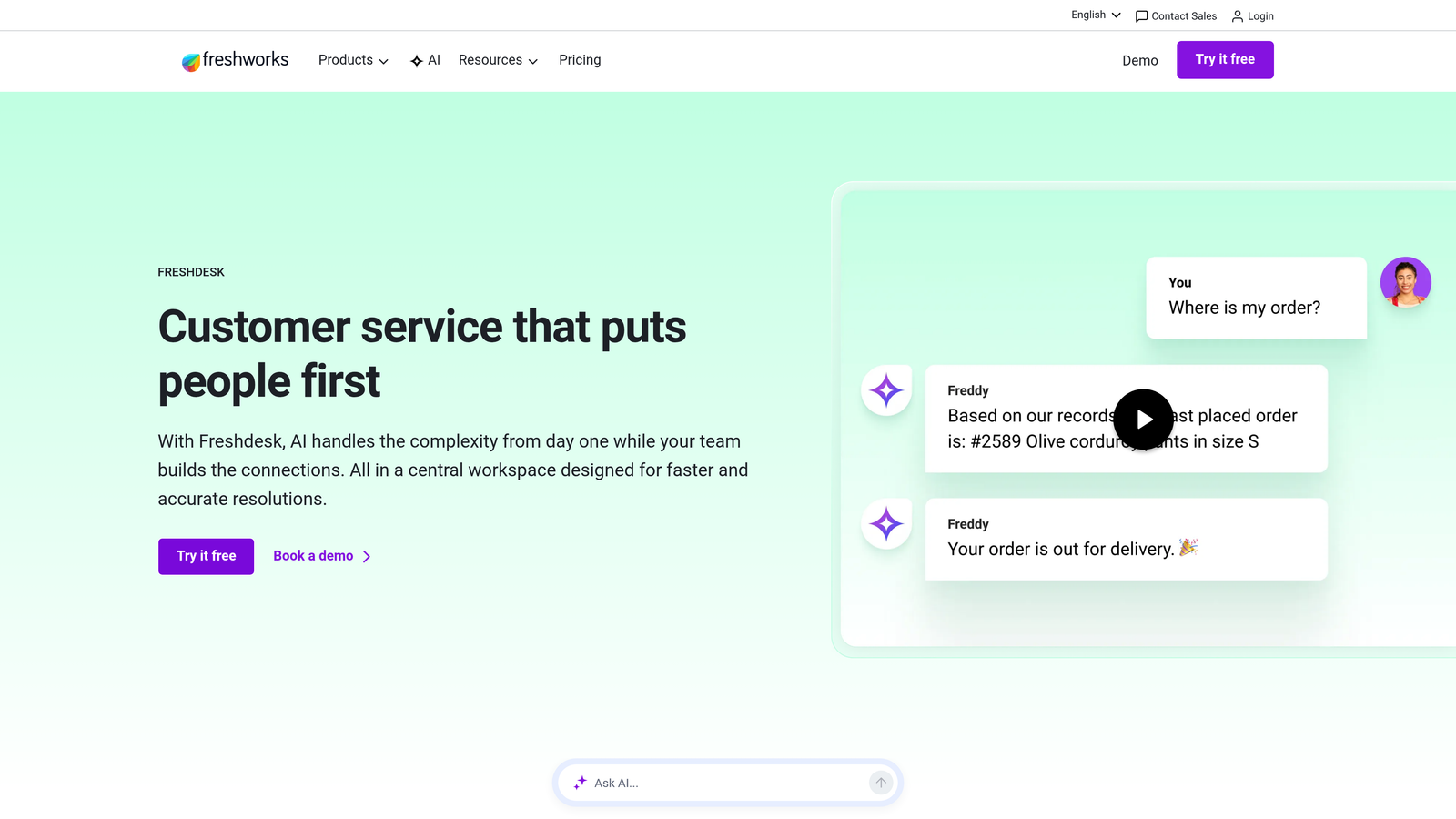
Freshdesk Enterprise delivers robust enterprise capabilities including AI automation, field service management, and multi-brand support at pricing that challenges traditional enterprise platforms.
Where This Platform Shines
The value proposition is straightforward: enterprise-grade features without enterprise-level pricing. Freshdesk includes capabilities that competitors charge premium prices for, making it attractive for cost-conscious organizations that still need sophisticated automation.
Freddy AI handles ticket triage, response suggestions, and agent assistance with surprising sophistication for the price point. The sandbox environments let you test workflow changes before pushing to production, a feature typically reserved for premium tiers elsewhere.
Key Features
Freddy AI Automation: Intelligent ticket classification, priority assignment, and suggested responses that learn from agent actions and resolutions.
Multi-Brand Support: Manage multiple product lines or brands from single platform with separate branding, workflows, and knowledge bases.
Sandbox Testing: Test workflow changes, automation rules, and customizations in isolated environment before deploying to live support operation.
Built-in Field Service: Coordinate on-site service appointments, technician scheduling, and parts management without additional field service software.
Custom Ticket Workflows: Build complex conditional workflows with visual editor, automating routing, escalation, and cross-team collaboration.
Best For
Growing companies transitioning to enterprise-grade support infrastructure, organizations managing multiple brands or product lines, and teams needing field service capabilities without separate platform costs.
Pricing
Enterprise tier starts at $79 per agent per month, significantly lower than traditional enterprise platforms while including comparable features.
5. Intercom
Best for: Product-led growth companies prioritizing in-app messaging and proactive engagement
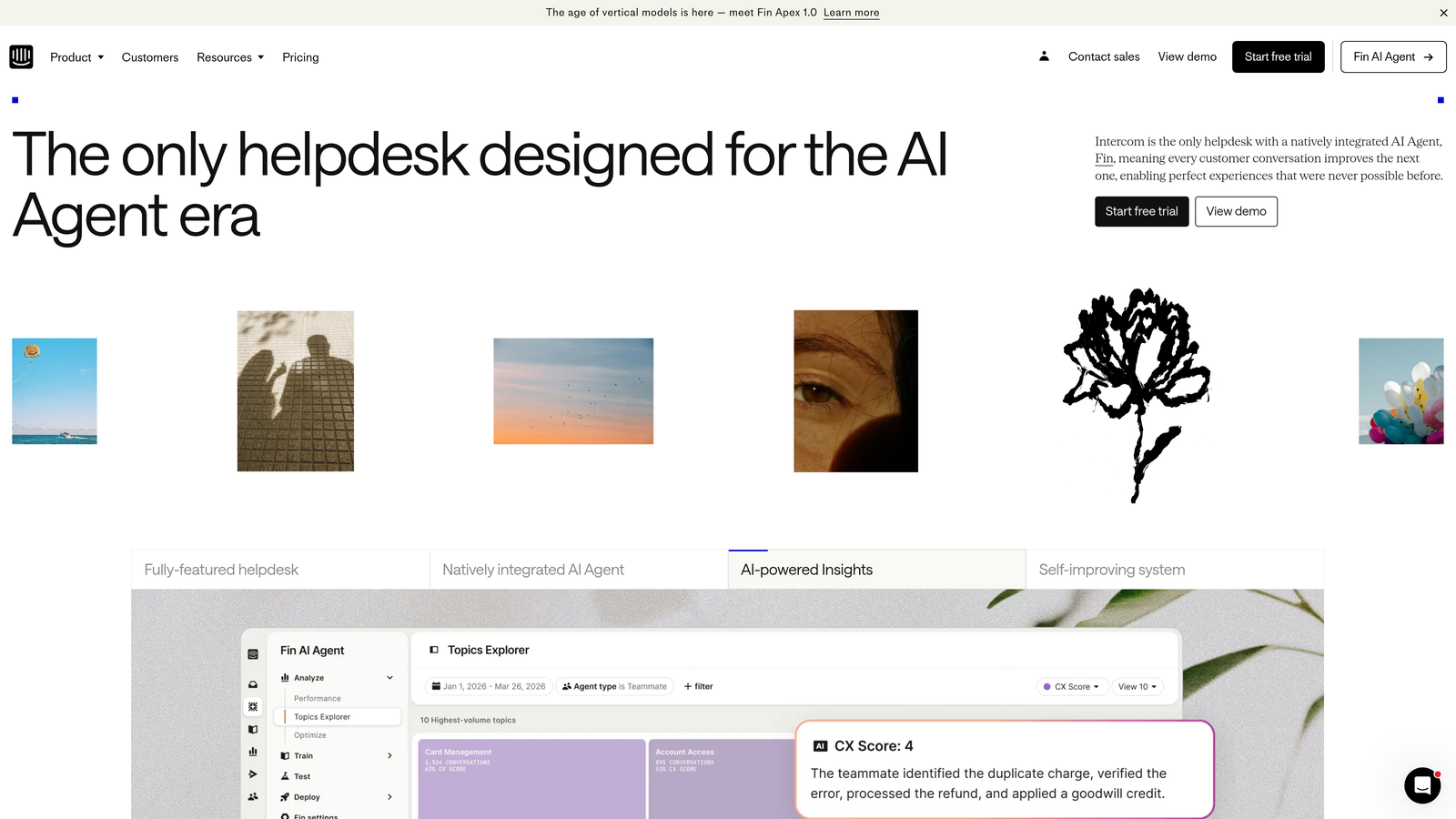
Intercom approaches support through a conversational lens, emphasizing proactive in-app messaging, product tours, and AI-powered resolution within the product experience itself.
Where This Platform Shines
The in-app messenger transforms support from reactive ticket handling to proactive customer engagement. You can trigger contextual messages based on user behavior, guide new users through onboarding flows, and resolve issues before they become support tickets.
Fin AI agent handles resolution directly in the messenger with impressive natural language understanding. Unlike simple chatbots, Fin can understand complex queries, pull information from multiple sources, and provide nuanced responses that feel genuinely helpful.
Key Features
Fin AI Agent: Conversational AI that resolves customer inquiries automatically using your knowledge base and custom data sources with natural dialogue.
Targeted In-App Messaging: Send contextual messages based on user behavior, page visits, or product usage patterns to prevent issues proactively.
Product Tours: Build interactive onboarding flows that guide new users through key features, reducing support volume from confusion.
Resolution Bot Workflows: Create custom automated workflows that qualify issues, collect information, and route complex cases to appropriate teams.
Unified Inbox: Manage conversations across in-app messenger, email, and social channels from single agent workspace with full customer context.
Best For
SaaS companies with in-app support requirements, product-led growth organizations emphasizing user onboarding, and teams wanting to shift from reactive support to proactive customer success.
Pricing
Custom enterprise pricing based on message volume and active users, with significant variation depending on Fin AI usage.
6. ServiceNow Customer Service Management
Best for: Large enterprises needing deep workflow automation and IT service management integration
ServiceNow Customer Service Management extends the company's powerful workflow automation platform to customer service, offering enterprise-grade process management and ITSM integration.
Where This Platform Shines
The workflow engine is unmatched in sophistication. ServiceNow can automate complex multi-department processes that other platforms struggle with, orchestrating actions across customer service, IT operations, field service, and back-office systems from unified workflows.
For enterprises already using ServiceNow for IT service management, the integration is seamless. Customer-facing issues that require IT intervention flow naturally between systems without manual handoffs or duplicate data entry.
Key Features
Advanced Workflow Automation: Build complex cross-departmental processes with visual workflow designer, automating handoffs between customer service, IT, and operations.
ITSM Integration: Native connection to ServiceNow IT Service Management creates seamless workflows when customer issues require IT intervention or infrastructure changes.
Proactive Service: Monitor systems and customer health to identify and resolve issues before customers report them, shifting from reactive to proactive support.
Virtual Agent NLU: Natural language understanding chatbot handles common inquiries and can trigger automated workflows based on conversation context.
Field Service Coordination: Manage field technicians, parts inventory, and service appointments with full integration to customer service workflows.
Best For
Large enterprises with complex multi-department processes, organizations already using ServiceNow for IT operations, and companies requiring sophisticated workflow orchestration across business units.
Pricing
Custom enterprise pricing based on user count and module requirements, typically positioned at premium end of market.
7. Kustomer
Best for: Enterprises prioritizing complete customer timeline visibility and flexible data models
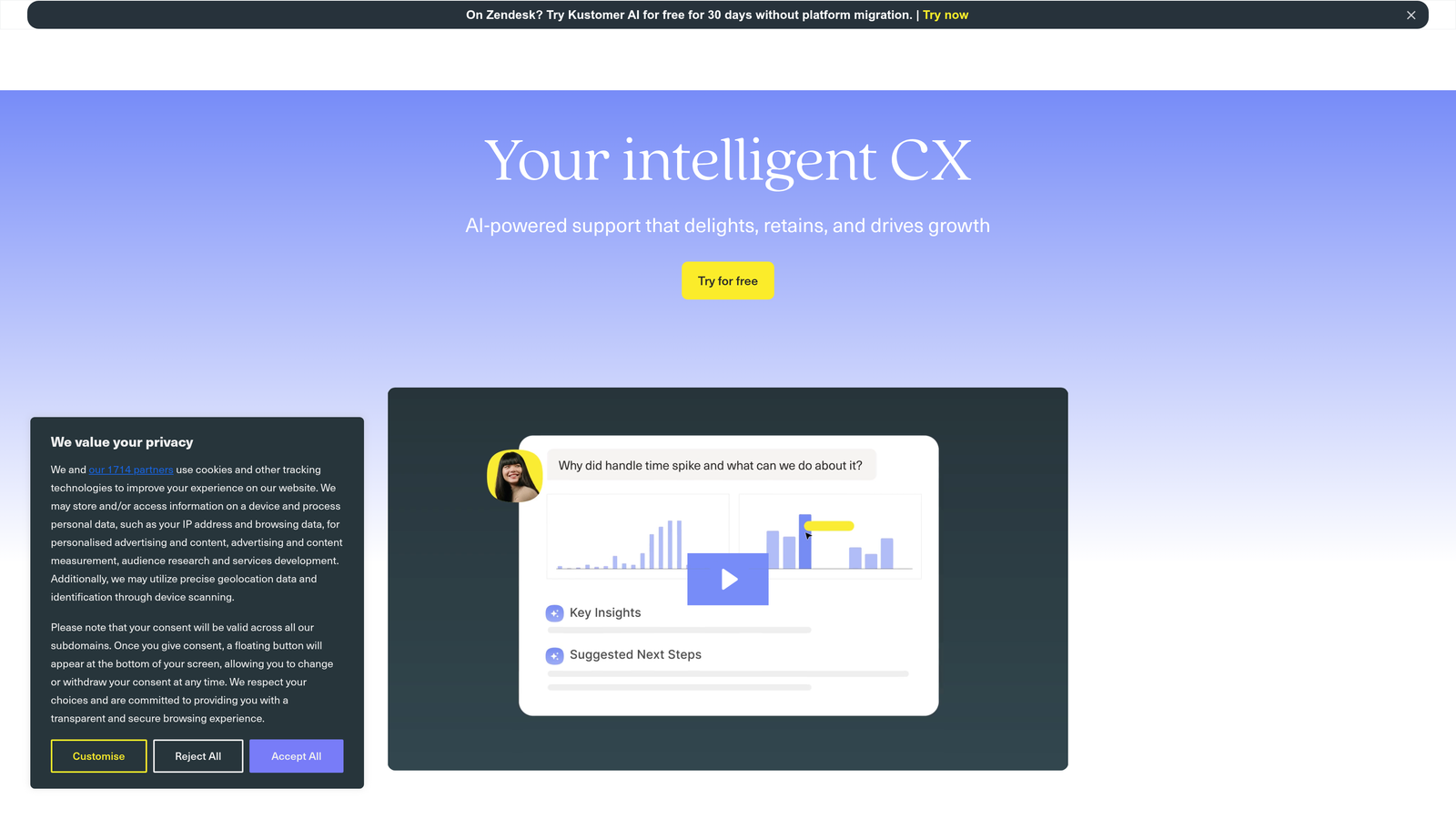
Kustomer reimagines the support interface around complete customer timelines rather than individual tickets, providing agents with full context across all touchpoints and interactions.
Where This Platform Shines
The timeline view changes how agents work. Instead of opening individual tickets in isolation, agents see every customer interaction, purchase, support conversation, and product usage event in chronological order. This context dramatically improves personalization and resolution speed.
The custom objects capability provides unusual data flexibility. You can model your specific business entities—subscriptions, orders, accounts, devices—directly in Kustomer, creating richer customer profiles than standard helpdesk platforms allow.
Key Features
Unified Customer Timeline: Complete chronological view of all customer interactions, purchases, support conversations, and product events in single interface.
AI Sentiment Analysis: Automatically detect customer emotion and frustration levels, prioritizing urgent cases and surfacing at-risk accounts to agents.
Custom Business Objects: Model your specific business entities and relationships within platform, creating flexible data structures beyond standard ticket fields.
Omnichannel Conversation: Manage conversations across email, chat, SMS, social media, and phone from unified interface with consistent customer context.
Flexible Automation: Build business process automations that trigger based on customer attributes, conversation content, or timeline events.
Best For
E-commerce and subscription businesses needing order and subscription context in support conversations, enterprises with complex customer data models, and teams prioritizing relationship continuity over ticket efficiency.
Pricing
Enterprise pricing starts at $89 per user per month, with custom pricing for high-volume deployments and advanced features.
8. Gladly
Best for: Consumer brands emphasizing high-touch, personalized customer experiences
Gladly organizes support around people rather than tickets, creating continuous conversation threads across all channels and prioritizing relationship-building over case closure metrics.
Where This Platform Shines
The people-centered approach eliminates the frustration of explaining issues repeatedly. When a customer contacts support through any channel, agents see the complete conversation history and can continue where the last interaction ended, regardless of channel switching.
Native voice capabilities with screen share set Gladly apart for phone support. Agents can share screens during calls without third-party tools, visually guiding customers through complex processes while maintaining conversation continuity.
Key Features
Radically Personal Profiles: Complete customer view organized by person rather than tickets, showing all interactions and preferences in unified timeline.
Native Voice with Screen Share: Built-in phone support with screen sharing capabilities, enabling visual guidance during calls without additional software.
Cross-Channel Continuity: Customers can switch between email, chat, SMS, and phone mid-conversation while agents maintain full context without transfers.
Built-in Quality Management: Monitor agent performance, conversation quality, and customer satisfaction with native QA tools and coaching workflows.
Hero AI Assistance: AI provides agents with real-time suggestions, relevant knowledge articles, and next-best-action recommendations during conversations.
Best For
Consumer brands where customer lifetime value justifies high-touch support, retail and e-commerce companies prioritizing personalized experiences, and organizations with significant phone support volume needing screen share capabilities.
Pricing
Custom enterprise pricing based on agent count and conversation volume, positioned as premium solution for relationship-focused support.
9. Ada
Best for: Organizations maximizing automated resolution rates across global customer bases
Ada focuses specifically on automated resolution, using AI to handle as many inquiries as possible without human intervention while maintaining quality and personalization.
Where This Platform Shines
The multilingual capabilities are exceptional. Ada handles automated conversations in over 50 languages with native-level quality, making it ideal for global enterprises that would otherwise need localized support teams in every market.
The no-code conversation builder lets business users create and modify automated flows without engineering resources. This accessibility means support teams can iterate on automation strategies quickly, testing and refining approaches based on real performance data.
Key Features
No-Code AI Builder: Visual conversation designer lets non-technical users create and modify automated flows, reducing dependency on engineering teams.
50+ Language Support: Native automated conversations in over 50 languages with consistent quality, eliminating need for regional support teams.
Generative AI Responses: Dynamic response generation based on knowledge base content rather than scripted replies, handling variations and follow-ups naturally.
Helpdesk Integration: Connects to existing platforms like Zendesk and Salesforce, adding automation layer without replacing current infrastructure.
Automation Analytics: Detailed metrics on resolution rates, conversation paths, and automation performance to continuously optimize automated experiences.
Best For
Global enterprises needing multilingual support automation, organizations with high-volume repetitive inquiries suitable for automation, and teams wanting to add AI capabilities to existing helpdesk platforms.
Pricing
Custom enterprise pricing based on conversation volume and automated resolution targets, with pricing scaling as automation rates improve.
Making the Right Choice
The enterprise support automation landscape has evolved beyond simple ticket management to intelligent systems that learn, predict, and act autonomously. Your choice depends less on feature checklists and more on strategic priorities.
If your support operation struggles with repetitive tickets that consume agent time without adding value, platforms with strong autonomous resolution capabilities like Halo AI or Ada can dramatically shift that equation. The key differentiator is whether the AI improves through continuous learning or requires manual retraining.
For organizations deeply invested in specific ecosystems, native integration matters enormously. Salesforce Service Cloud makes sense when your sales and marketing teams already live in Salesforce. ServiceNow becomes compelling when IT operations run on their platform. The unified data model eliminates integration headaches and creates powerful cross-functional workflows.
Consider your support philosophy. Are you optimizing for ticket closure speed or relationship continuity? Platforms like Gladly and Kustomer organize around people and conversations, while traditional helpdesks optimize for case resolution efficiency. Neither approach is wrong, but they serve different customer experience strategies.
The pricing models vary significantly. Freshdesk offers enterprise features at mid-market prices, making it attractive for cost-conscious buyers. Premium platforms like ServiceNow and Salesforce command higher prices but deliver sophisticated capabilities that justify the investment for complex operations.
Think about where your support operation is headed, not just where it is today. If you're moving toward proactive, in-app support, Intercom's messenger-first approach aligns with that direction. If autonomous resolution is the goal, AI-native platforms built for that purpose will scale better than AI features bolted onto traditional helpdesks.
Your support team shouldn't scale linearly with your customer base. Let AI agents handle routine tickets, guide users through your product, and surface business intelligence while your team focuses on complex issues that need a human touch. See Halo in action and discover how continuous learning transforms every interaction into smarter, faster support.