9 Best Tools to Fix Fragmented Customer Support in 2026
Fragmented customer support tools create costly inefficiencies through context-switching, data silos, and missed handoffs that slow resolution times and frustrate customers. This guide evaluates nine unified and AI-native platforms designed to consolidate fragmented support stacks, comparing each on integration depth, automation capability, and their effectiveness at reducing tool-switching for support teams in 2026.
 Grant CooperFounder14 min read
When your support team juggles five different tools just to resolve a single ticket, something is broken. Fragmented customer support stacks create context-switching overhead, data silos, missed handoffs, and inconsistent customer experiences. Agents spend time hunting for information instead of solving problems, and customers feel every second of that delay.
The good news: a new generation of unified and AI-native support platforms is designed specifically to eliminate this fragmentation. Whether you need to consolidate your helpdesk, automate ticket resolution, or get your support data talking to your CRM and product tools, there's a solution built for it.
These tools directly address fragmented support stacks, from AI-first platforms that replace multiple point solutions to purpose-built integrations that make your existing tools work together. Each was evaluated on integration depth, automation capability, and how well it reduces tool-switching for support teams.
1. Halo AI
Best for: B2B SaaS teams that want to replace multiple disconnected support tools with a single AI-native platform.
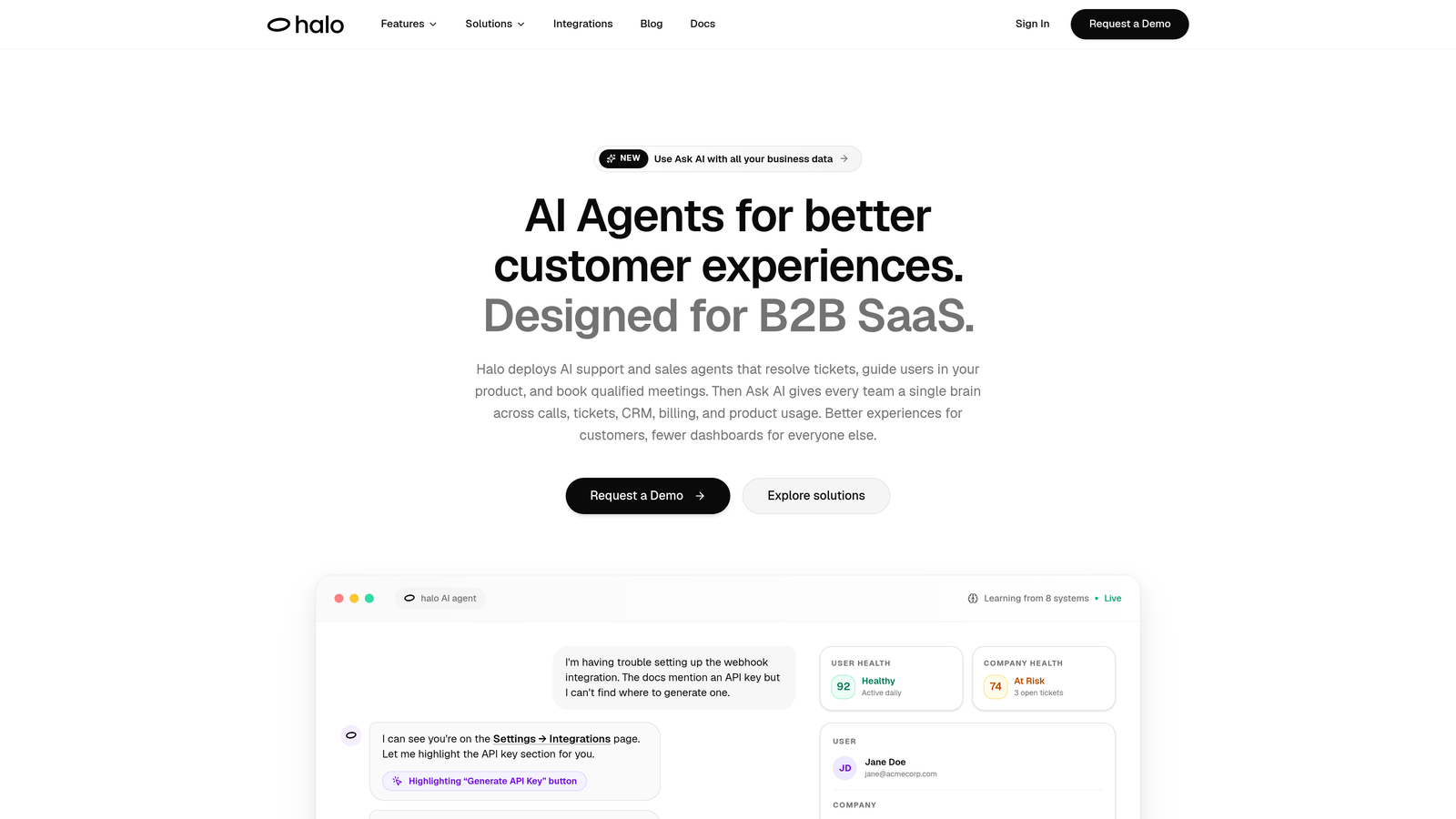
Halo AI is an AI-native customer support platform that resolves tickets autonomously, guides users through your product with page-aware context, and connects to your entire business stack.
Where This Tool Shines
Most helpdesks bolt AI onto an existing inbox. Halo is built the other way around: the AI agent is the core, and everything else, integrations, handoffs, business intelligence, is designed to support autonomous resolution. That architectural difference matters when you're trying to eliminate fragmentation rather than just add another layer to it.
What makes Halo particularly compelling for B2B SaaS teams is the page-aware chat widget. The AI sees exactly what the user is looking at and provides contextual guidance without the agent needing to ask "what page are you on?" That alone eliminates a frustrating back-and-forth that plagues most support interactions.
Key Features
Intelligent AI Agents: Resolves support tickets end-to-end without human intervention, handling routine queries at scale without adding headcount.
Page-Aware Chat Widget: The AI sees what the user sees, enabling contextual UI guidance that's specific to where they are in your product.
Smart Inbox with Business Intelligence: Surfaces customer health signals and revenue anomalies alongside ticket queues, turning support data into actionable business insight.
Automated Bug Ticket Creation: Automatically routes product issues directly to Linear or connected project tools, removing a manual handoff step entirely.
Live Agent Handoff: Escalates gracefully to human agents for complex issues that require judgment, with full context preserved.
Deep Integrations: Connects natively with Linear, Slack, HubSpot, Intercom, Stripe, Zoom, PandaDoc, and Fathom, addressing fragmentation by linking to the tools already in your stack.
Best For
B2B SaaS companies and product teams that are tired of managing separate tools for ticketing, live chat, bug reporting, and CRM context. Particularly well-suited for teams that want AI to handle resolution, not just suggestions, while still maintaining a human escalation path for edge cases.
Pricing
Contact for pricing at haloagents.ai. Given the platform's AI-first architecture and integration depth, it's worth a direct conversation to understand what fits your team's scale.
2. Zendesk
Best for: Enterprise teams that need a mature, omnichannel helpdesk with extensive third-party integrations.
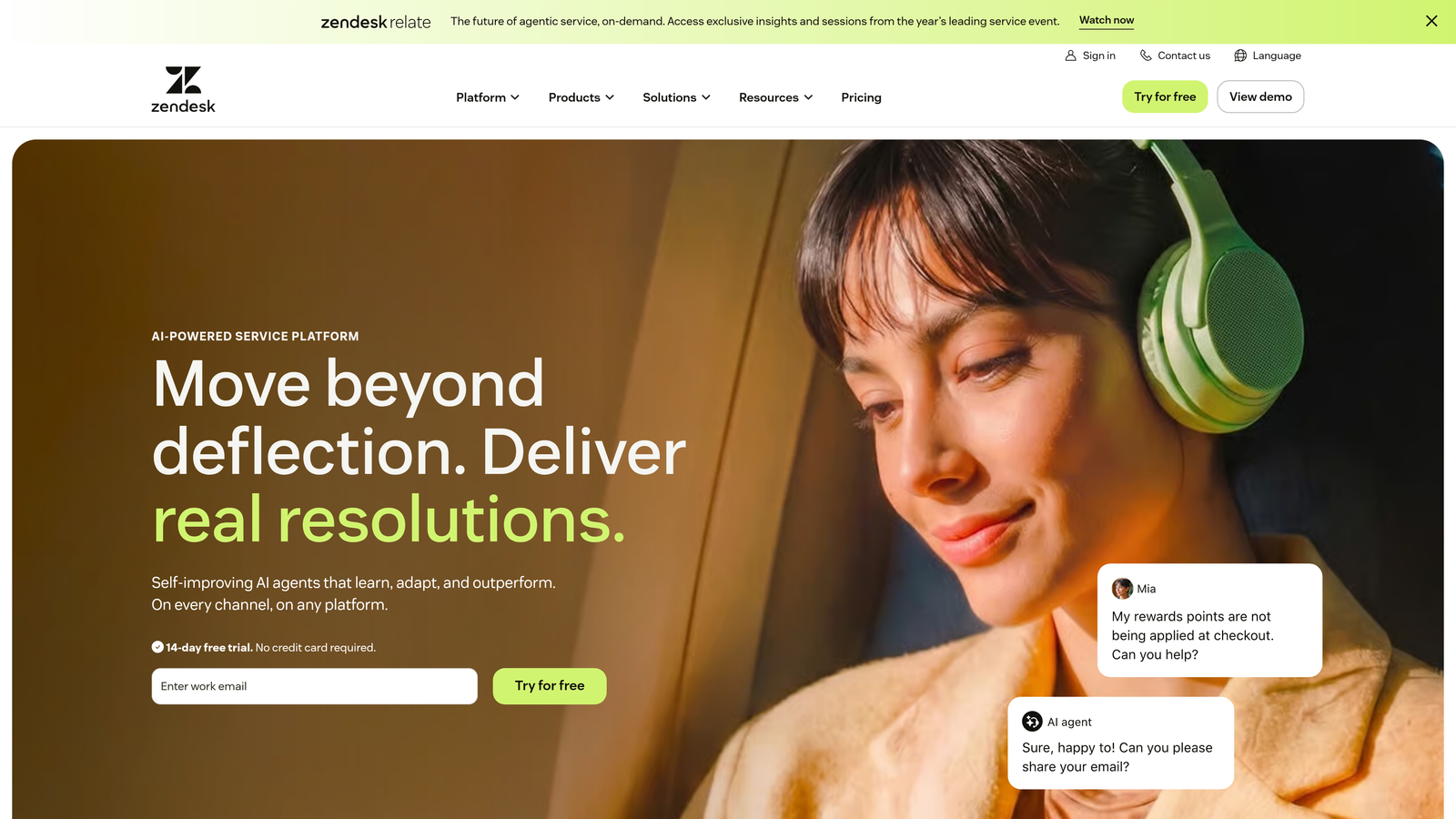
Zendesk is one of the most established helpdesk platforms, offering a broad suite of support channels, automation, and reporting under one roof.
Where This Tool Shines
Zendesk's biggest strength is breadth. Email, chat, voice, social, and messaging all flow into a single platform, and its marketplace of third-party integrations means it can connect to almost anything in your existing stack. For enterprise teams with complex routing requirements and SLA obligations, it's hard to beat the depth of its workflow customization.
That said, Zendesk can itself become a source of complexity for smaller teams. The feature set is vast, and configuring it well often requires dedicated admin time. It's a consolidation tool that works best when you have the resources to implement it properly.
Key Features
Omnichannel Support: Email, chat, voice, social, and messaging unified in one platform with consistent routing and reporting.
Zendesk AI: Automated responses, triage, and agent suggestions built into the ticket workflow.
SLA Management: Robust SLA tracking and advanced reporting dashboards for teams with formal service commitments.
Integration Marketplace: One of the largest app marketplaces in the helpdesk space, covering CRM, analytics, e-commerce, and more.
Custom Workflows: Highly configurable ticket routing rules and automation sequences.
Best For
Mid-market to enterprise support teams with multiple channels to manage and the operational maturity to configure and maintain a complex platform. Less ideal for small teams looking for quick setup without dedicated admin resources.
Pricing
Starts at approximately $19 per agent per month (Suite Team). Enterprise plans vary significantly based on features and agent count, and costs can scale quickly.
3. Intercom
Best for: SaaS companies that want to combine customer support, in-app messaging, and onboarding in a single product.
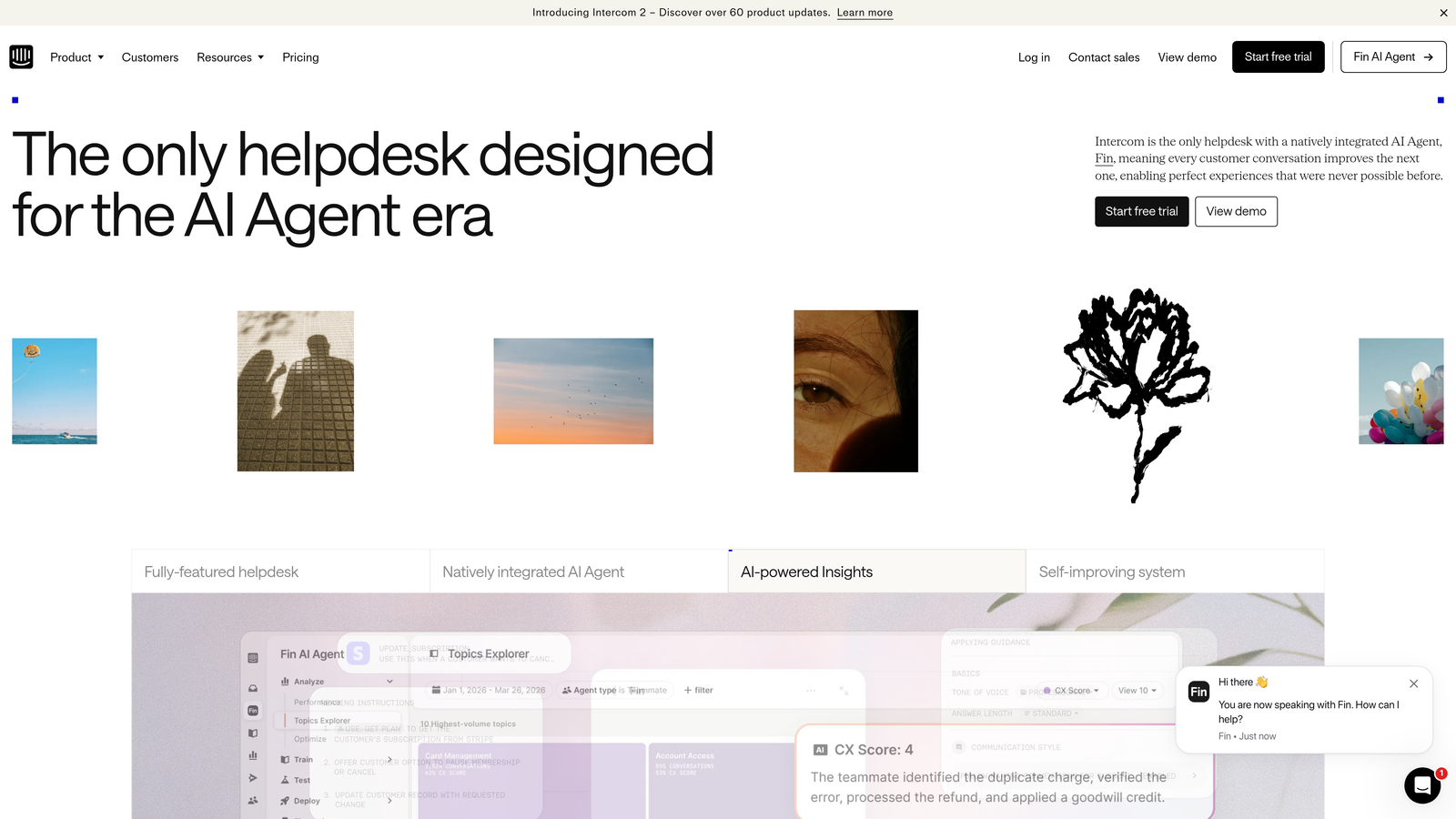
Intercom is a conversational support platform that combines AI-powered ticket resolution, in-app messaging, and customer onboarding in one product.
Where This Tool Shines
Intercom's Fin AI agent handles a meaningful portion of common support queries autonomously, which reduces ticket volume without requiring agents to manually triage every conversation. The combination of support and proactive engagement tools, like product tours and behavioral triggers, makes it a strong fit for SaaS companies that want to reduce churn and support load simultaneously.
The downside is cost. Fin AI usage is billed separately per resolution, which means pricing can be hard to predict at scale. Some teams end up using Intercom alongside Zendesk, which ironically creates the kind of fragmentation they were trying to avoid.
Key Features
Fin AI Agent: Handles common support queries autonomously using your help content as its knowledge base.
In-App Messaging and Product Tours: Proactive support that guides users before they need to contact support.
Unified Inbox: Combines chat, email, and social conversations in a single view.
Customer Data Platform: Segmentation and behavioral triggers for targeted messaging.
AI-Assisted Help Center: Surfaces relevant articles automatically during conversations.
Best For
SaaS companies that want to handle support and customer engagement from one platform, particularly those with a strong focus on in-app user experience and onboarding. Teams with predictable, lower ticket volumes will find the pricing more manageable.
Pricing
Starts at approximately $39 per seat per month. Fin AI usage is billed separately per resolution, so total cost depends on query volume.
4. Freshdesk
Best for: Mid-market teams looking for affordable omnichannel consolidation with room to grow into a broader CRM suite.
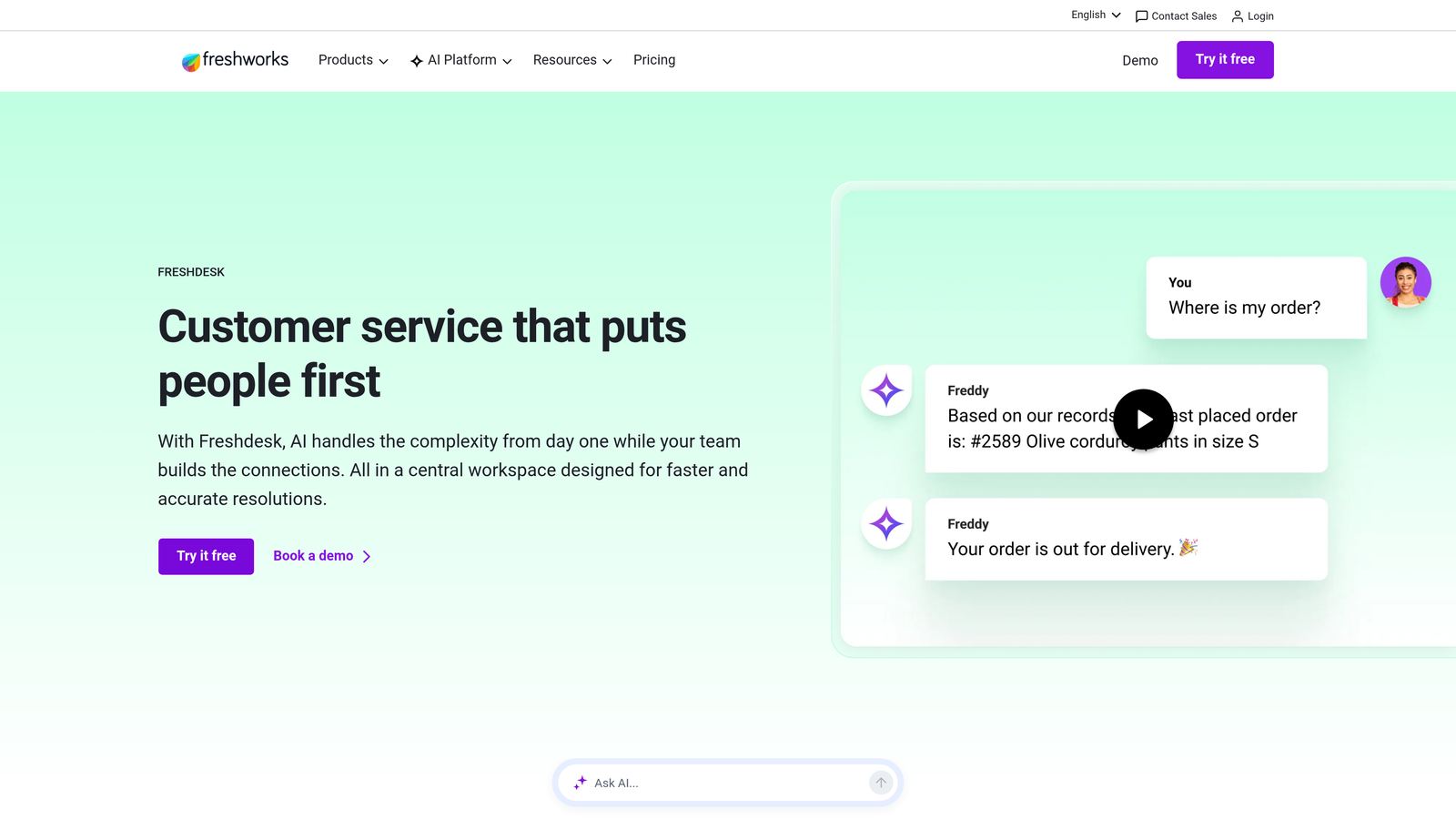
Freshdesk is a mid-market helpdesk from Freshworks that consolidates email, chat, phone, and social support with built-in AI and accessible pricing.
Where This Tool Shines
Freshdesk's strongest argument against fragmentation is the broader Freshworks ecosystem. If your team is also evaluating a CRM (Freshsales) or ITSM tool (Freshservice), consolidating on the Freshworks suite can eliminate multiple vendor relationships and data silos in one move. The unified inbox covers the major channels, and Freddy AI handles the basics of ticket categorization and response suggestions without requiring heavy configuration.
For teams migrating off pure email-based support for the first time, Freshdesk offers a gentler learning curve than Zendesk at a lower entry price point.
Key Features
Unified Inbox: Email, live chat, phone, and social channels in a single view with shared team access.
Freddy AI: Ticket categorization, suggested responses, and workflow automation powered by Freshworks' AI layer.
Built-In Telephony: Voice support via Freshcaller integration without needing a separate phone system.
Shared Ticket Ownership: Team collaboration tools that reduce the "whose ticket is this?" confusion common in fragmented stacks.
Freshworks Suite Integration: Native connections to Freshsales and Freshservice for deeper cross-functional consolidation.
Best For
Growing teams that need omnichannel support without enterprise-level pricing, particularly those open to adopting the broader Freshworks suite for CRM and IT service management consolidation.
Pricing
Free plan available for small teams. Paid plans start at approximately $15 per agent per month, making it one of the more accessible options on this list.
5. Help Scout
Best for: Small to mid-sized teams that want shared inbox, knowledge base, and chat in one tool without enterprise complexity.
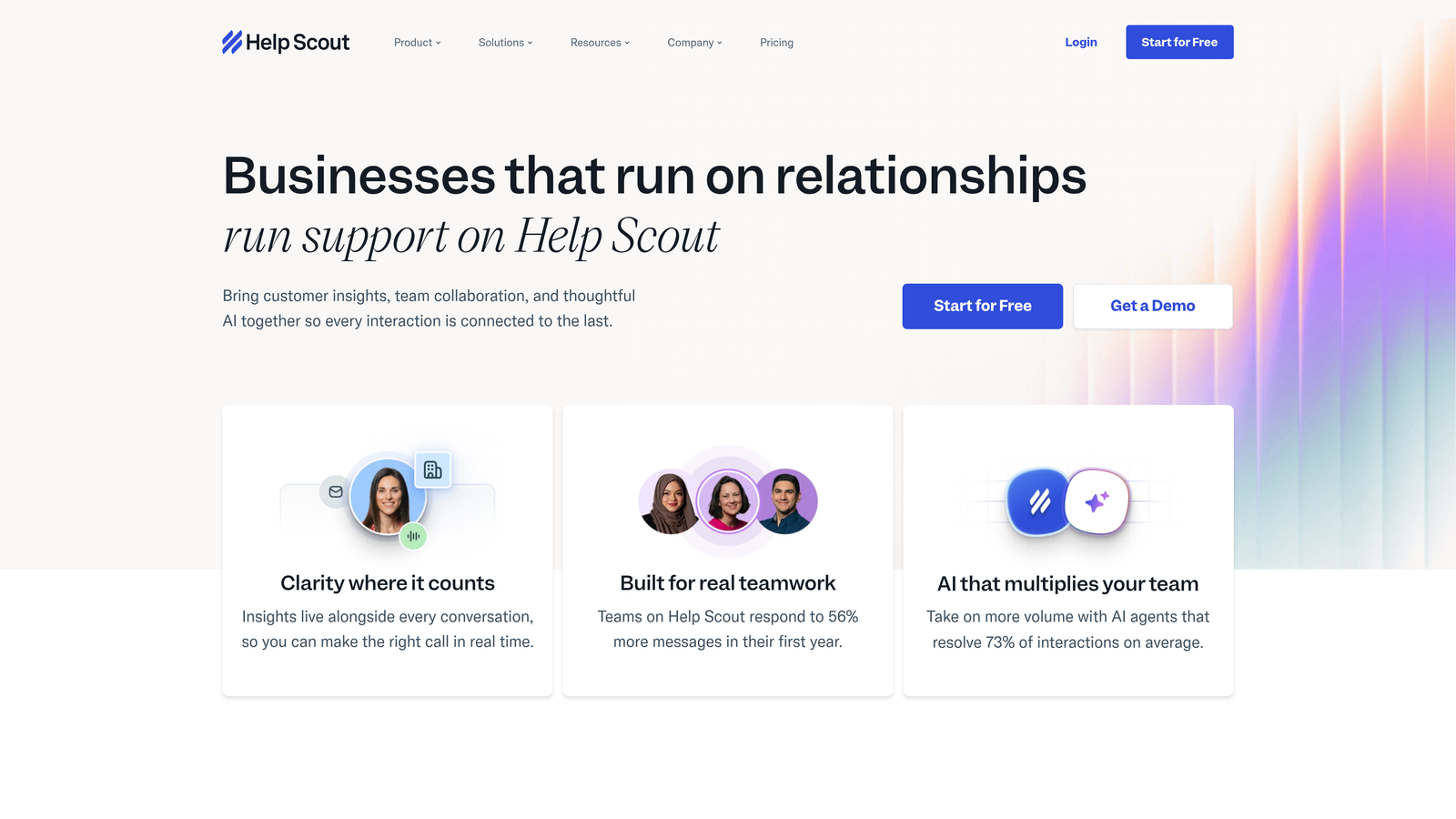
Help Scout is a deliberately simple support platform combining shared inbox, knowledge base (Docs), and chat widget (Beacon) for teams that want consolidation without configuration overhead.
Where This Tool Shines
Help Scout's philosophy is refreshingly straightforward: give support teams a clean, email-like interface that handles the most common support workflows without burying them in settings. The combination of shared inbox, Docs, and Beacon covers the three things most support teams actually need, and the AI Summarize and Drafts features add speed without complexity.
Teams that found Zendesk or Intercom over-engineered for their needs often land on Help Scout as a right-sized alternative. It won't handle high-volume enterprise environments well, but for teams under a few hundred tickets per day, it's hard to argue with the simplicity.
Key Features
Shared Inbox: Clean, email-like interface for collaborative ticket management without the learning curve of traditional helpdesks.
Beacon Chat Widget: Self-service knowledge base surfacing built directly into the chat widget, reducing ticket volume before conversations start.
AI Summarize and AI Drafts: Faster agent responses without requiring agents to learn a complex AI configuration layer.
Customer Profiles: Conversation history across all channels visible in a single customer view.
Straightforward Reporting: Useful metrics without the complexity of enterprise analytics dashboards.
Best For
Small to mid-sized teams that prioritize simplicity and quick onboarding over deep customization. Particularly well-suited for teams where support and customer success roles overlap and agents need a tool that feels like email, not enterprise software.
Pricing
Starts at approximately $22 per user per month on the Standard plan. Pricing is straightforward with no per-resolution AI fees.
6. Front
Best for: Teams where customer support and account management overlap and collaboration inside message threads is critical.
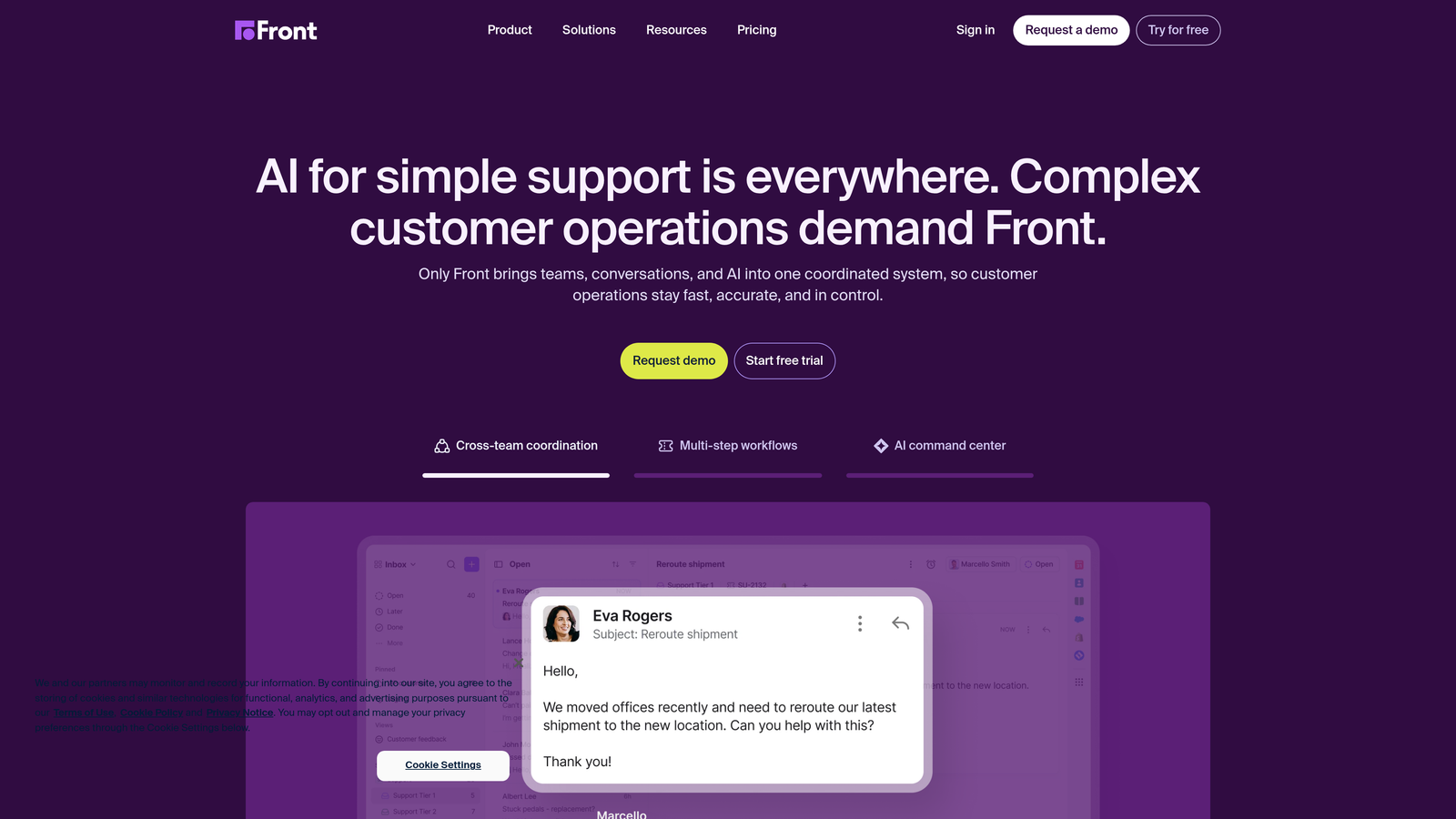
Front is a shared inbox platform that sits between an email client and a helpdesk, designed for teams where support and relationship management blur together.
Where This Tool Shines
Front's core differentiator is the collaboration layer built directly into message threads. Internal comments, @mentions, and shared drafts let support and account management teams work on the same conversation without forwarding emails or switching to Slack. CRM integrations pull customer context directly into each thread, so agents aren't flipping between tabs to find account history.
It's particularly strong for customer success teams that handle a mix of reactive support and proactive relationship management, where a traditional ticketing system feels too transactional and a plain email client doesn't provide enough structure.
Key Features
Collaborative Inbox: Internal comments, @mentions, and shared drafts let teams work together inside individual message threads.
CRM Context in Thread View: Customer data pulled from integrated CRMs appears directly alongside conversations.
AI Drafting and Summarization: Faster response workflows with AI assistance built into the compose experience.
Custom Routing Rules: Workflow automation for support and customer success teams with different routing needs.
Omnichannel View: Email, SMS, social, and live chat in a single unified inbox.
Best For
Customer success and support teams that handle high-value accounts where relationship context matters as much as ticket resolution speed. Less suited for high-volume, transactional support environments.
Pricing
Starts at approximately $19 per seat per month on the Starter plan. Higher tiers unlock more advanced workflow automation and analytics.
7. Gorgias
Best for: E-commerce brands that need order management data and customer support channels unified in one view.
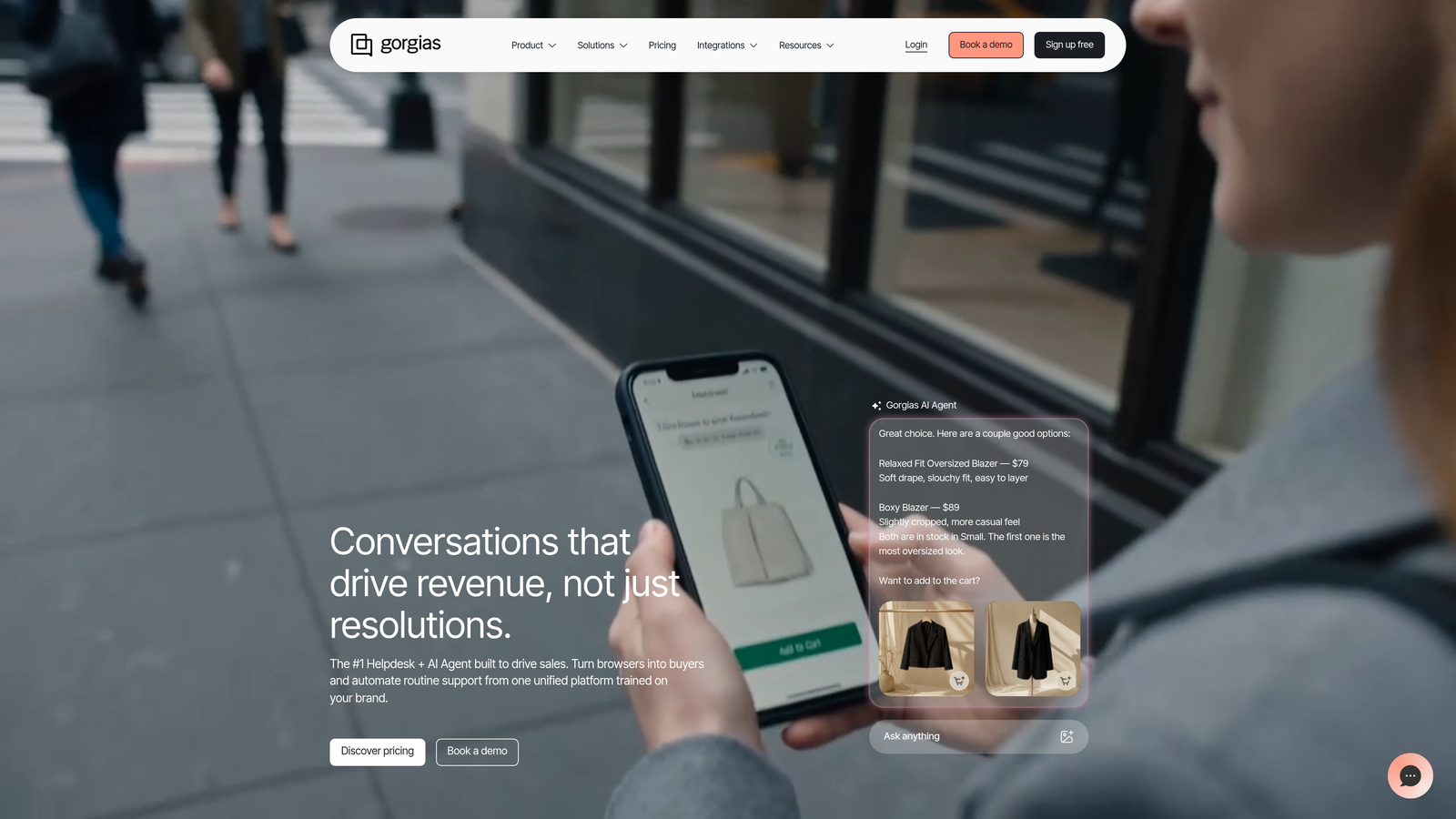
Gorgias is a support helpdesk purpose-built for e-commerce brands, eliminating fragmentation between order management systems and customer support channels.
Where This Tool Shines
If you're running a Shopify, WooCommerce, or Magento store, Gorgias solves a very specific fragmentation problem: agents shouldn't have to switch between your helpdesk and your order management system to answer "where's my order?" The native integrations pull order data, shipping status, and return history directly into every ticket, which dramatically reduces handle time for common e-commerce queries.
The automation engine is also well-matched to e-commerce patterns. Rules that auto-respond to order status questions or route refund requests to the right team are straightforward to configure and can handle a significant share of inbound volume without agent involvement.
Key Features
Native E-Commerce Integrations: Shopify, WooCommerce, and Magento order data appears directly in every ticket view.
Automated E-Commerce Responses: Auto-replies for order status, refund, and tracking queries based on live order data.
Unified Inbox: Email, chat, Instagram, Facebook, and SMS in one view with consistent routing.
Revenue Attribution: Revenue statistics tied to support interactions, showing the business impact of support quality.
Macros and Rules Engine: High-volume automation for repetitive query types common in e-commerce support.
Best For
Direct-to-consumer and e-commerce brands with high ticket volumes driven by order-related queries. Less relevant for pure B2B SaaS teams where order data isn't the primary context needed in a ticket.
Pricing
Starts at approximately $10 per month on the Starter plan (up to 50 tickets). Pricing scales by ticket volume rather than per agent, which suits high-volume e-commerce operations.
8. Kustomer
Best for: High-volume, omnichannel consumer support teams that need full customer history across every interaction in one view.
Kustomer is a CRM-native helpdesk that makes the customer timeline, not the ticket, the primary unit of work, giving agents full cross-channel context in a single view.
Where This Tool Shines
Most helpdesks organize work around tickets. Kustomer organizes work around customers. The customer timeline aggregates every support interaction, purchase, web behavior, and communication into a single scrollable view, which means agents never have to piece together context from multiple systems. For teams handling complex, multi-touch customer relationships, this is a meaningful shift in how support actually gets done.
The built-in CRM also eliminates the need for a separate customer data tool, which is a genuine fragmentation reduction for teams currently running a helpdesk and a CRM side by side.
Key Features
Customer Timeline View: All interactions, purchases, and behaviors aggregated in one chronological view per customer.
Omnichannel Support: Email, chat, voice, social, and messaging with consistent context across every channel.
AI-Powered Routing and Suggestions: Automated workflows, suggested responses, and intelligent routing built into the platform.
Built-In CRM: Eliminates the need for a separate customer data tool by treating customer data as the primary object.
Custom Data Objects: Highly configurable data modeling for complex customer journey mapping specific to your business.
Best For
Enterprise and mid-market teams handling high volumes of omnichannel consumer support where full customer context is essential for resolution quality. The enterprise-focused pricing makes it less accessible for smaller teams.
Pricing
Starts at approximately $89 per user per month, reflecting its enterprise positioning. Best evaluated as a replacement for both a helpdesk and a CRM together.
9. Zapier
Best for: Teams that need their existing support tools to communicate without replacing their entire stack.
Zapier is a no-code automation platform that acts as connective tissue between disconnected support tools, useful for teams that need quick integration wins while evaluating longer-term consolidation.
Where This Tool Shines
Zapier isn't a helpdesk and doesn't pretend to be. Its value in a fragmented support stack is pragmatic: it makes tools that don't natively talk to each other share data without requiring engineering resources. Syncing Zendesk tickets to Slack, creating HubSpot contacts from new support conversations, or routing specific ticket types to Linear are all achievable in an afternoon by a non-technical support ops person.
The important limitation to understand is that Zapier moves data, it doesn't resolve issues. It's automation without intelligence, which makes it a useful bridge while teams evaluate full platform consolidation rather than a permanent solution to fragmentation.
Key Features
6,000+ App Integrations: Connects virtually any combination of support tools including Zendesk, Freshdesk, Intercom, HubSpot, Slack, and Linear.
No-Code Workflow Builder: Accessible to non-technical support ops teams without engineering involvement.
Multi-Step Zaps: Complex cross-tool automation sequences that handle conditional logic and data transformation between systems.
Filters and Formatters: Data transformation between tools to handle field mismatches and format differences.
Tables and Interfaces: Lightweight internal dashboards for support ops teams that need visibility without a full analytics tool.
Best For
Support ops teams that need immediate integration wins between existing tools and can't wait for a full platform migration. Also useful as a complement to any helpdesk on this list for edge-case automations that fall outside native integration capabilities.
Pricing
Free plan available with limited Zaps. Paid plans start at approximately $19.99 per month, scaling based on task volume and feature access.
Which Tool Is Right for Your Team
The right answer depends on where your fragmentation is actually coming from and how much of your stack you're willing to replace.
If you want to go AI-first and eliminate multiple tools at once: Halo AI is the strongest option for B2B SaaS teams. It handles ticket resolution autonomously, connects to your existing business stack, and surfaces intelligence beyond just support metrics. It's built to be the connective layer, not another inbox to manage.
If you need enterprise-grade omnichannel with deep customization: Zendesk or Kustomer. Zendesk for teams that need workflow flexibility and a large integration marketplace; Kustomer for teams where full customer context across every touchpoint is the primary need.
If you want support plus customer engagement in one SaaS-focused tool: Intercom, particularly if in-app messaging and product tours are part of your support strategy.
If you're a growing team that needs simplicity and affordability: Freshdesk or Help Scout. Freshdesk if you might expand into the broader Freshworks suite; Help Scout if you want the simplest possible setup that just works.
If your fragmentation is specifically between support and account management: Front handles that overlap better than most traditional helpdesks.
If you run an e-commerce operation: Gorgias is the clear choice for consolidating order data and support channels.
If you're not ready to replace your stack but need tools to communicate: Start with Zapier while you evaluate longer-term consolidation options.
Your support team shouldn't scale linearly with your customer base. Let AI agents handle routine tickets, guide users through your product, and surface business intelligence while your team focuses on complex issues that need a human touch. See Halo in action and discover how continuous learning transforms every interaction into smarter, faster support.