7 Best Freshdesk AI Alternatives for Smarter Customer Support in 2026
Explore the top Freshdesk AI alternatives for B2B support teams seeking more than a traditional helpdesk with bolt-on automation—this guide compares seven platforms built with AI at their core, helping growing SaaS companies achieve smarter ticket resolution, better product insights, and scalable support without proportionally increasing headcount.
 Matt PattoliFounder13 min read
Freshdesk has served as a reliable helpdesk for thousands of support teams, but something has shifted. B2B buyers now expect instant, intelligent resolution, not a ticket queue with a 24-hour SLA. Product teams want support tooling that surfaces bug patterns and feature signals, not just closes conversations. And growing SaaS companies need support that scales without proportionally scaling headcount.
Freshdesk's AI offering, Freddy AI, is a capable addition to the platform. But it's exactly that: an addition. It layers intelligence onto a traditional helpdesk architecture rather than building from the ground up with AI at the core. Teams often find that Freddy requires significant knowledge base configuration before delivering meaningful automation, and the most useful AI features are gated behind higher pricing tiers.
This creates a real evaluation moment for B2B teams. The question isn't just "which tool has better AI features?" It's a more fundamental architectural question: do you need incremental AI improvements on top of your existing helpdesk, or do you need a platform where AI is the foundation, not the add-on?
The distinction matters. AI-native platforms design their data models, resolution logic, and workflows around AI from day one. Bolt-on AI layers intelligence onto existing ticket and inbox structures, which can limit how deeply the system learns and how autonomously it can act.
This guide covers seven of the strongest Freshdesk AI alternatives available in 2026, ranging from AI-first platforms built for autonomous resolution to specialized tools that excel in specific use cases. Whether you're a mid-market SaaS team looking to eliminate ticket backlogs or an enterprise operation with complex routing requirements, there's a purpose-built option here worth evaluating.
1. Halo AI
The Challenge It Solves
Most support platforms treat AI as a faster way to route tickets to humans. Halo AI is built around a different premise: that AI should resolve tickets autonomously, learn from every interaction, and surface business intelligence that goes well beyond support operations. It's designed specifically for B2B SaaS teams that want support to scale without adding headcount every time the customer base grows.
The Strategy Explained
Halo's AI agents handle ticket resolution end-to-end, not just triage. The platform's page-aware chat widget is a genuine architectural differentiator: it sees what the user sees in real time, allowing it to provide contextual UI guidance rather than generic help article links. When a user is stuck on a specific screen, Halo knows exactly where they are and responds accordingly.
Auto bug ticket creation connects support directly to engineering workflows. When a support interaction reveals a product bug, Halo automatically generates a structured bug report and routes it through Linear, eliminating the manual handoff friction that typically slows product teams down. Teams interested in how this works can explore the mechanics of automated bug report creation in more detail.
The smart inbox goes beyond conversation management. It surfaces customer health signals, revenue intelligence, and anomaly detection, turning support data into product and revenue operations insights. Integrations span the full business stack: Linear, Slack, HubSpot, Intercom, Stripe, Zoom, PandaDoc, and Fathom.
Implementation Steps
1. Connect Halo to your existing helpdesk and CRM to give the AI agent immediate context on your customer base and product.
2. Configure the page-aware widget across your product surfaces, mapping the UI contexts where users most commonly need guidance.
3. Set escalation thresholds for live agent handoff so complex or high-value issues route to humans while routine tickets resolve autonomously.
4. Review smart inbox signals weekly to identify bug patterns, churn risk indicators, and feature request clusters emerging from support data.
Pro Tips
Don't treat Halo as a replacement for your knowledge base. Treat it as the layer that makes your knowledge base intelligent. The more product context you feed the system early, the faster the continuous learning loop compounds. Teams that invest in initial configuration typically see autonomous resolution rates climb significantly as the AI learns from real interactions over the first few weeks.
2. Intercom with Fin AI
The Challenge It Solves
Teams already invested in Intercom's messaging ecosystem face a specific problem: they want AI-powered resolution without abandoning the product tours, onboarding flows, and conversation routing they've built over time. Switching platforms entirely carries significant migration cost. Intercom's Fin AI agent addresses this by adding autonomous resolution capabilities within the existing Intercom infrastructure.
The Strategy Explained
Fin AI is Intercom's answer to the growing demand for automated ticket resolution. It handles common queries by drawing on your existing Intercom articles and knowledge content, escalating to human agents when it encounters complexity outside its confidence threshold. For teams already running Intercom as their primary customer communication layer, Fin represents a lower-friction path to AI-assisted support than a full platform migration. Teams weighing this decision may also find value in reviewing Intercom alternatives for support before committing to the upgrade path.
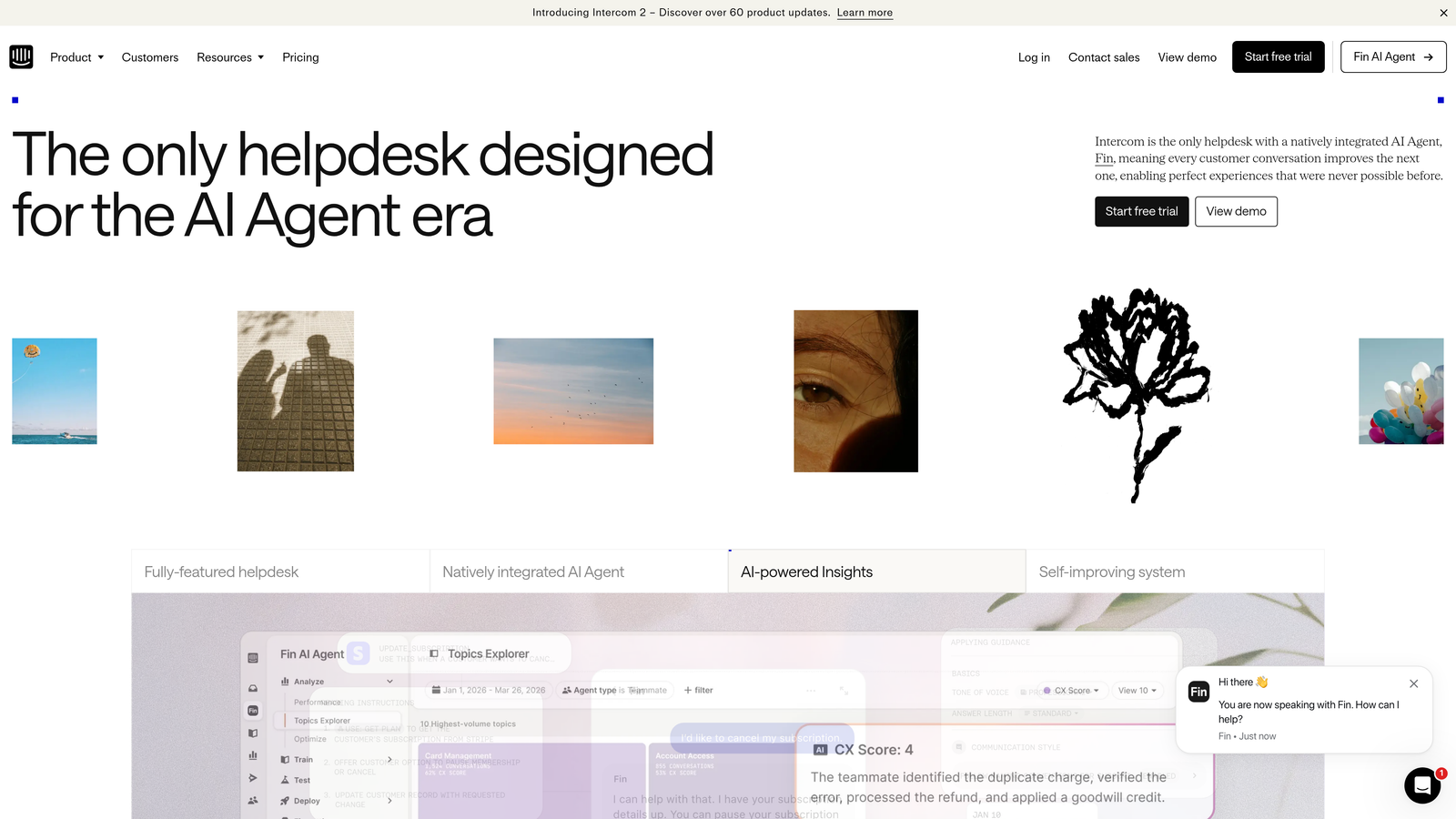
Intercom's broader platform strengths, including product tours, in-app messaging, and a mature ecosystem of integrations, remain intact alongside Fin. This makes it a strong fit for product-led growth companies where support, onboarding, and engagement are tightly intertwined.
The trade-off is architectural. Fin is built on top of Intercom's messaging-first foundation rather than designed as a native AI resolution engine. Teams that need deep autonomous operation or support-to-engineering workflows may find the ceiling lower than with AI-first alternatives.
Implementation Steps
1. Audit your existing Intercom article library and identify gaps in coverage that would prevent Fin from resolving common queries accurately.
2. Configure Fin's resolution scope, defining which topic categories it handles autonomously versus which route immediately to human agents.
3. Set up conversation data monitoring to track Fin's resolution rate over the first 30 days and identify where it's consistently failing to resolve.
Pro Tips
Fin performs best when your knowledge content is well-structured and regularly maintained. If your Intercom articles are outdated or sparse, Fin's resolution quality will reflect that directly. Treat a content audit as a prerequisite, not an afterthought, before activating Fin at scale.
3. Zendesk AI
The Challenge It Solves
Large support organizations often struggle with routing complexity. When you have dozens of agents, multiple product lines, strict compliance requirements, and high ticket volumes, the coordination overhead alone can consume significant operational capacity. Zendesk AI addresses this through intelligent triage, agent assist features, and automation breadth designed for enterprise-scale support operations.
The Strategy Explained
Zendesk's AI capabilities are part of their Intelligent CX suite, covering automated ticket classification, suggested responses for agents, and workflow automation across complex routing scenarios. For large teams, the agent assist features can meaningfully reduce handle time by surfacing relevant knowledge and suggested replies within the agent workspace. Teams evaluating this space should also consider the broader landscape of Zendesk AI alternatives to ensure they're choosing the right fit for their scale.
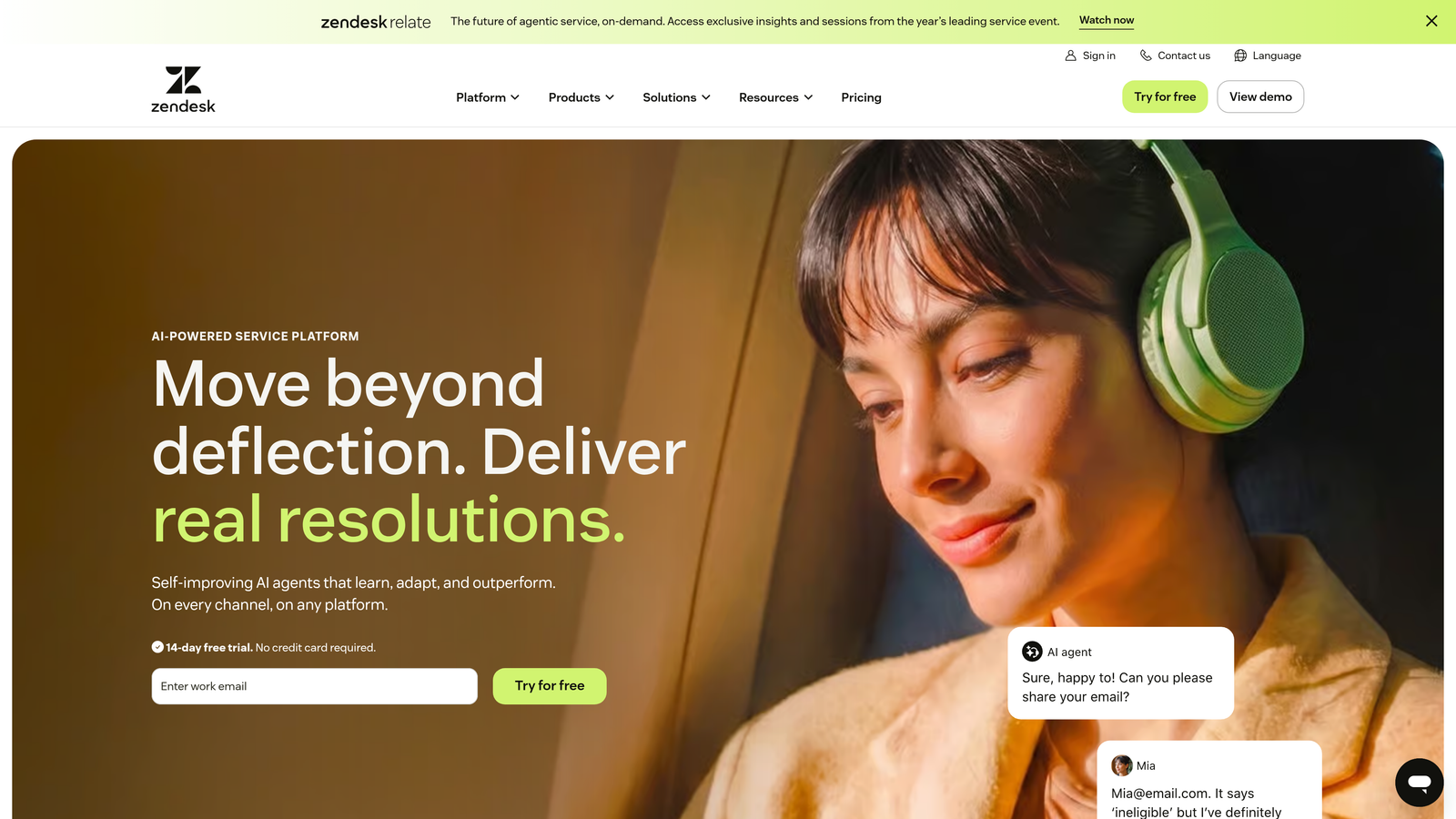
Zendesk's compliance and security posture makes it a natural fit for enterprise buyers with data residency requirements or regulated industry constraints. The platform's depth across omnichannel support, including voice, email, chat, and social, is difficult to match at this scale.
The honest trade-off for mid-market SaaS teams is cost and complexity. Zendesk's enterprise capabilities come with enterprise pricing and implementation overhead. Teams that don't need that level of routing sophistication often find themselves paying for features they'll never use while navigating a configuration burden that slows time to value.
Implementation Steps
1. Map your ticket routing logic before implementation. Zendesk AI works best when the underlying routing rules are clearly defined, not discovered during setup.
2. Identify the highest-volume, most repetitive ticket categories as the first automation targets rather than trying to automate everything simultaneously.
3. Train agents on the assist features early. Adoption of AI suggestions within the agent workspace requires deliberate change management, not just feature enablement.
Pro Tips
Zendesk AI delivers the most value at scale. If you're under a certain ticket volume threshold, the ROI case becomes harder to justify against the implementation investment. Be honest about whether your operation is genuinely enterprise-complexity or whether a leaner AI-first platform would serve you better.
4. Tidio with Lyro AI
The Challenge It Solves
Smaller support teams face a particular tension: they want AI-powered automation to handle routine queries without the enterprise pricing and implementation complexity that typically comes with it. Tidio's Lyro AI agent is built specifically for this segment, offering accessible AI chat automation with low setup friction and pricing that doesn't require a procurement process.
The Strategy Explained
Lyro handles common, repetitive queries through conversational AI, drawing on your existing FAQ and knowledge content to resolve customer questions without human involvement. Setup is intentionally streamlined, making it possible for small teams to go from installation to active AI resolution in a short timeframe. Understanding the full range of customer support AI benefits can help smaller teams set realistic expectations before committing to any platform.
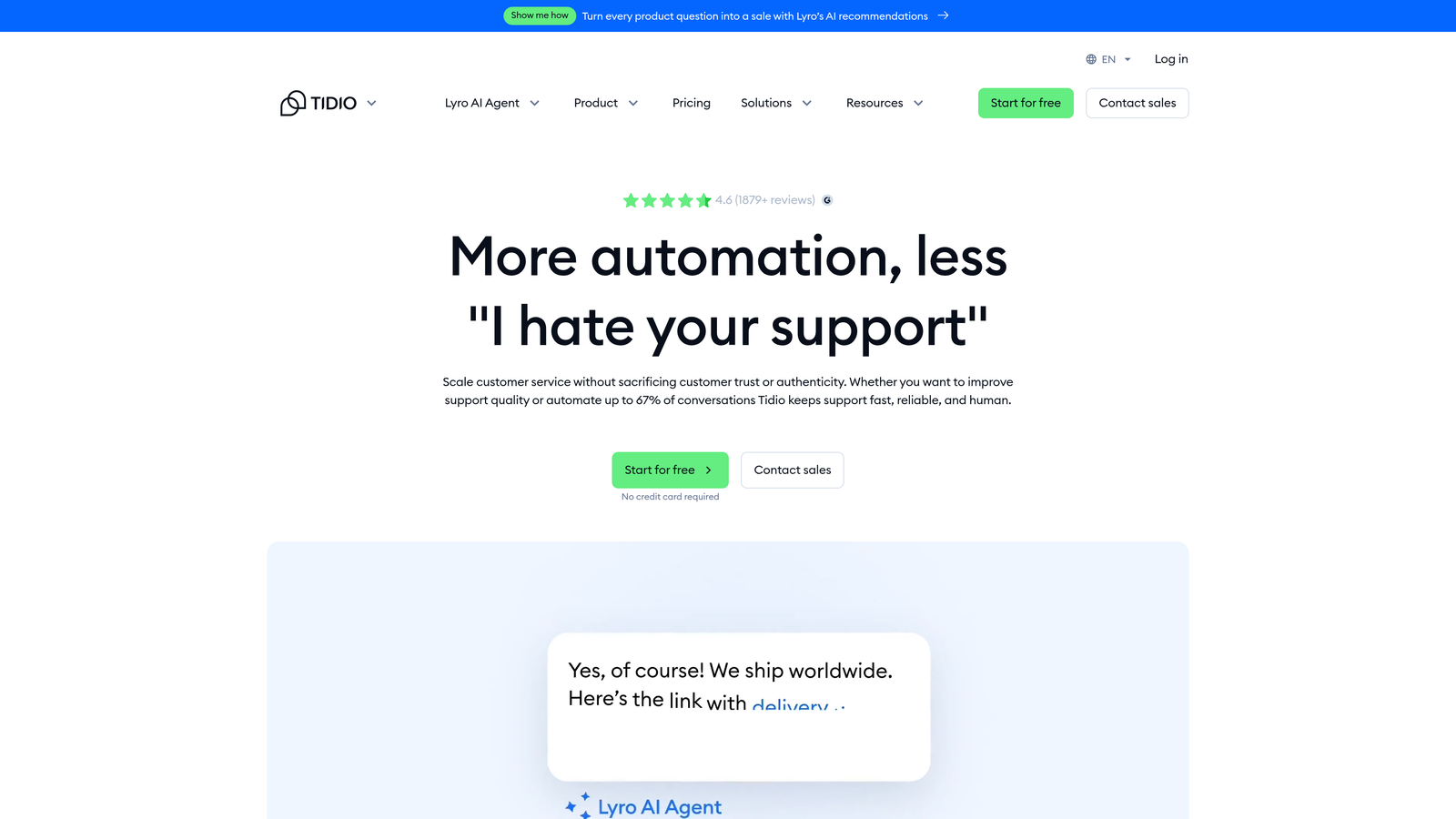
Tidio's broader platform includes live chat, email, and basic automation flows alongside Lyro, giving smaller teams a consolidated customer communication tool without the overhead of an enterprise suite.
The limitations become apparent as teams grow. Integration depth with CRM systems, project management tools, and billing platforms is more limited than enterprise-tier alternatives. Business intelligence capabilities are basic compared to platforms like Halo AI that surface customer health signals and revenue intelligence from support data. Tidio is a strong starting point, but teams with complex integration requirements or product intelligence needs may outgrow it.
Implementation Steps
1. Compile your most frequently asked customer questions and ensure they're covered in your knowledge content before activating Lyro.
2. Set Lyro's confidence threshold conservatively at first, allowing it to escalate to human agents when uncertain rather than risking poor autonomous responses.
3. Review unresolved conversations weekly to identify knowledge gaps and expand Lyro's coverage incrementally.
Pro Tips
Tidio works best for teams where the majority of support volume is genuinely repetitive and low-complexity. If your support interactions regularly involve account-specific context, billing details, or multi-step troubleshooting, you'll hit Lyro's ceiling quickly. Know your ticket complexity distribution before committing to the platform.
5. Help Scout
The Challenge It Solves
Not every team wants autonomous AI resolution. Some support organizations, particularly those in industries where relationship quality and human judgment matter deeply, want to keep humans central to every interaction while using AI to reduce the manual effort that slows agents down. Help Scout is built for exactly this philosophy.
The Strategy Explained
Help Scout's AI features are deliberately assistive rather than autonomous. AI-assisted draft replies give agents a starting point they can review and personalize before sending. Conversation summaries reduce the time agents spend reading thread history before responding. These features accelerate human agents without replacing the human judgment at the center of each interaction. Teams exploring this assistive model should also consider how a structured automated support handoff system can complement human-first workflows.
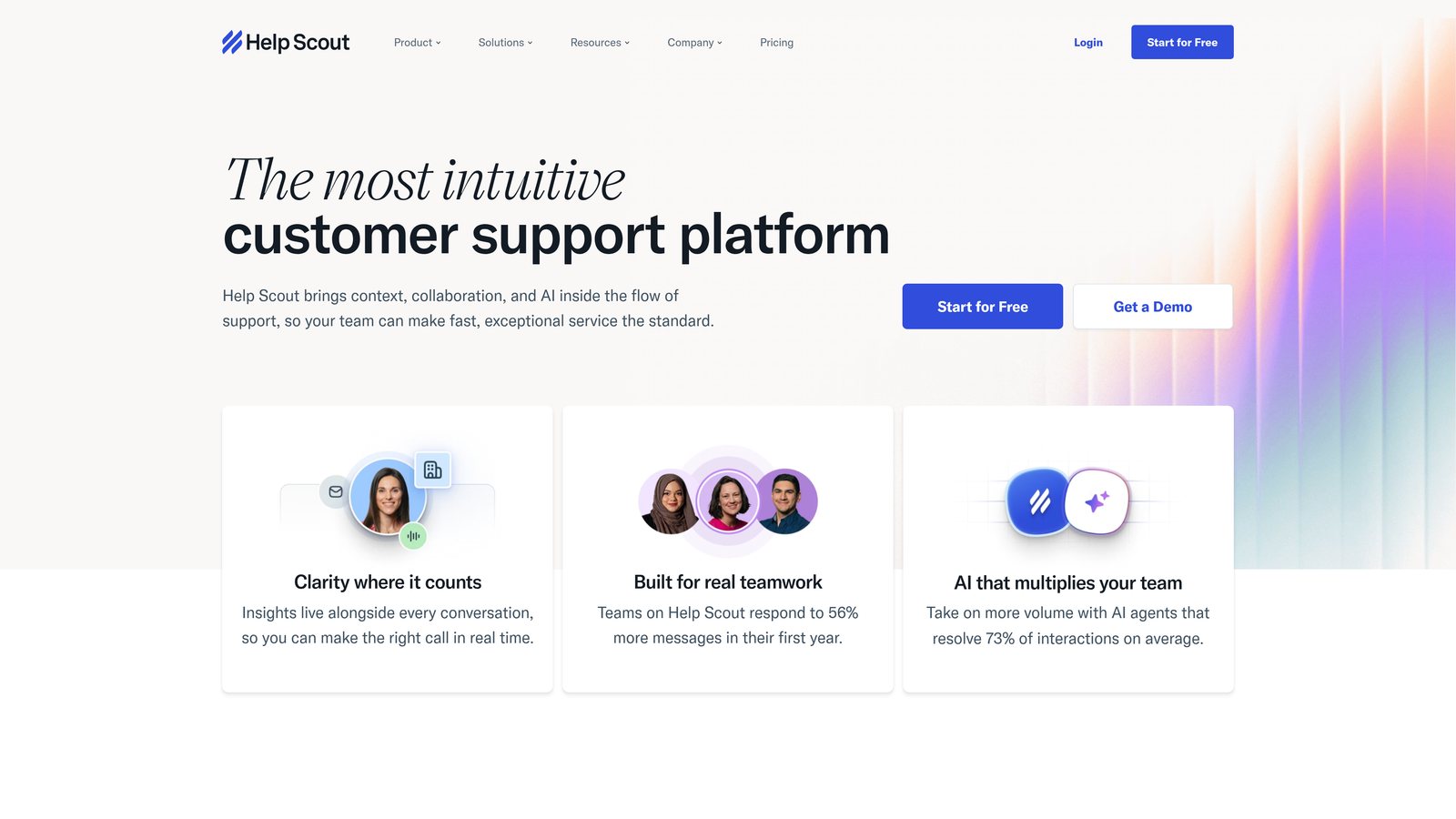
The shared inbox experience is Help Scout's core strength, designed to make collaborative support feel natural across a team. Collision detection, private notes, and conversation assignment workflows are mature and well-executed.
The honest limitation is that Help Scout isn't built for teams seeking meaningful autonomous resolution rates. If your goal is to have AI handle a significant portion of tickets without human involvement, Help Scout's philosophy is misaligned with that objective. It's a tool for making human agents faster and better, not for replacing the human layer with AI agents.
Implementation Steps
1. Identify the specific manual tasks consuming the most agent time, such as writing initial replies or reading long thread histories, and prioritize AI assist features for those workflows first.
2. Configure shared inbox routing to ensure AI-drafted replies are reviewed by the right agent tier before sending.
3. Collect agent feedback on AI draft quality regularly and use it to refine your knowledge documentation, which feeds draft quality over time.
Pro Tips
Help Scout rewards teams that invest in strong documentation and process clarity. The AI assist features amplify what's already in your knowledge base. If your internal documentation is fragmented or inconsistent, the AI drafts will reflect that. A documentation audit before rollout pays dividends quickly.
6. Kustomer
The Challenge It Solves
Support teams often lack full customer context at the moment of a conversation. An agent might see the current ticket without knowing the customer's purchase history, previous support interactions, subscription tier, or recent product activity. Kustomer addresses this by putting CRM-level customer data at the center of every support conversation, giving agents and AI a richer context layer to work from.
The Strategy Explained
Kustomer is built as a CRM-first support platform, which means customer profiles, interaction history, and data attributes are first-class objects in the system rather than secondary lookups. AI features assist with routing and suggested replies based on these customer profiles, making the automation more context-aware than platforms that treat all tickets as equivalent regardless of who sent them. For teams evaluating this kind of data-rich approach, exploring the full spectrum of AI helpdesk alternatives can surface options worth comparing side by side.
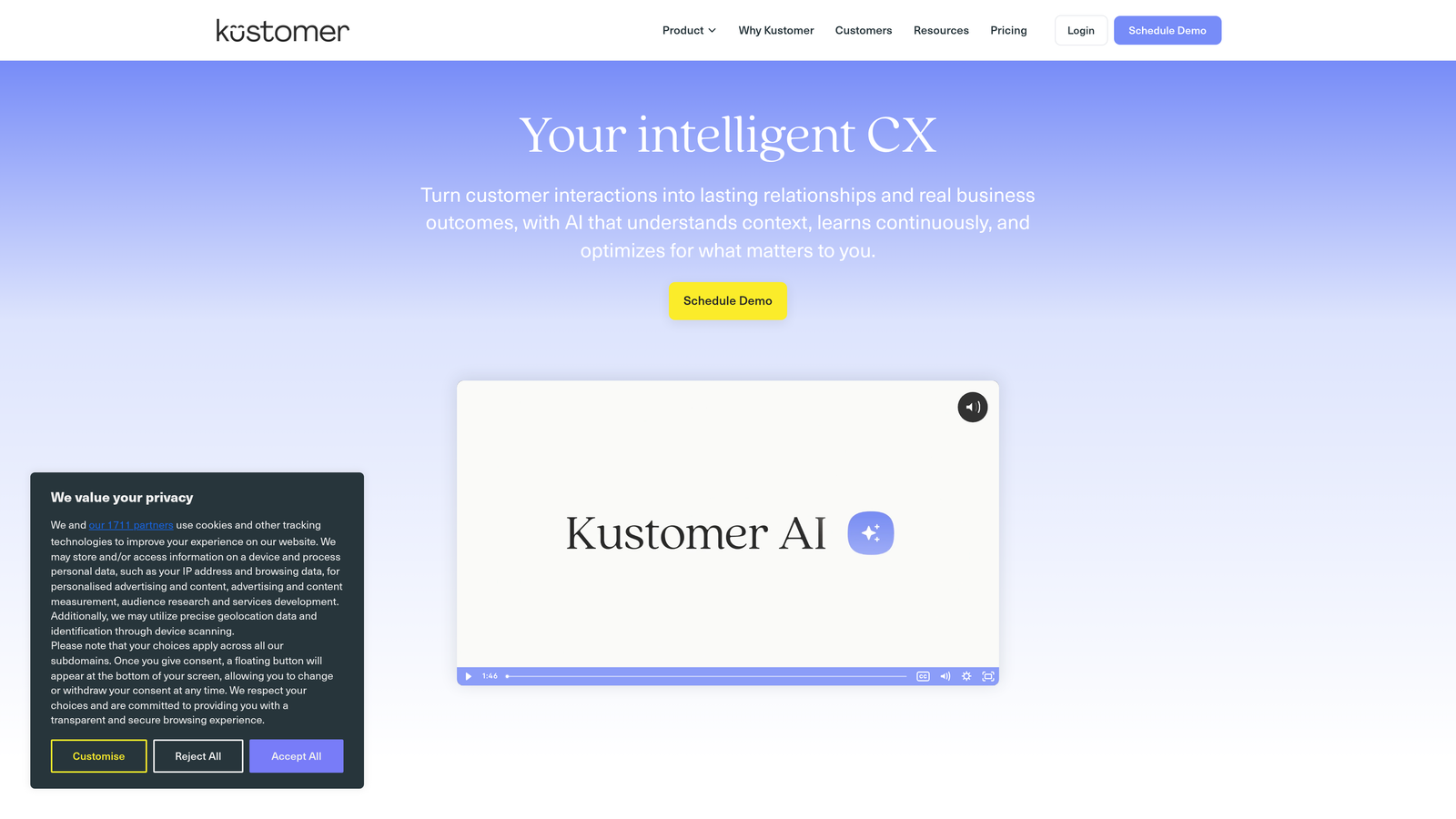
For teams where customer lifetime value, subscription status, or behavioral history should meaningfully influence how support interactions are handled, Kustomer's data model is a genuine differentiator. High-value customers can be routed differently, responses can be personalized based on account history, and AI suggestions can factor in customer context rather than just ticket content.
The trade-off is that Kustomer's strength is data richness and context, not autonomous resolution depth. Teams looking for high-volume autonomous ticket resolution without human review may find the AI capabilities more assistive than autonomous.
Implementation Steps
1. Define the customer data attributes that should influence support routing and response, such as subscription tier, account age, or recent product activity, before configuring Kustomer's workflows.
2. Connect Kustomer to your CRM and billing systems early in implementation to populate customer profiles with the context that makes the AI routing meaningful.
3. Build tiered routing rules that treat different customer segments differently, using the data richness Kustomer provides as the basis for differentiated support experiences.
Pro Tips
Kustomer's value compounds as the customer data in the system grows. Teams that migrate from a data-poor helpdesk may not see the full benefit immediately. Plan for a data enrichment phase as part of your implementation timeline, not just a technical setup phase.
7. Drift (Salesloft)
The Challenge It Solves
Some B2B teams don't draw a clean line between support and sales. Expansion revenue, upsell opportunities, and renewal conversations can surface through support interactions, and losing that signal to a pure support workflow is a missed revenue opportunity. Drift, now part of Salesloft, is built for teams that want conversational AI to operate across both support and revenue motions simultaneously.
The Strategy Explained
Drift's AI playbooks and intelligent routing were originally designed for sales qualification and are now applied to support contexts where revenue intent matters. When a customer interaction signals an upsell opportunity or renewal risk, Drift can route that conversation to the right revenue team member rather than treating it as a standard support ticket. Teams that want to understand how conversational AI creates value across both support and sales contexts can explore the broader conversational AI benefits that apply to this blended motion.
For teams where support is genuinely intertwined with account management and revenue operations, this blended motion can create real efficiency. The AI handles initial qualification and routing, humans step in for the conversations with commercial implications, and the handoff between support and sales happens within a single platform.
The honest caveat is that Drift is not optimized for pure support operations. Teams whose primary goal is autonomous ticket resolution, bug tracking, or product intelligence will find that Drift's architecture is oriented toward a different set of outcomes. It's a strong fit for revenue-focused teams blending sales and support, and a weaker fit for product-led SaaS teams focused on support quality and efficiency metrics.
Implementation Steps
1. Map the specific support interaction types that frequently carry revenue signals, such as renewal questions, pricing inquiries, or upgrade requests, and build Drift playbooks around those scenarios first.
2. Define clear handoff criteria between AI-handled support interactions and human-handled revenue conversations so routing is consistent and predictable.
3. Align your support and sales teams on the shared platform before launch. Drift's value depends on both teams operating within the same conversational workflow.
Pro Tips
Don't deploy Drift as a pure support replacement without acknowledging its sales DNA. The platform performs best when you lean into the revenue motion rather than trying to suppress it. Teams that treat Drift as a support tool with revenue features tend to underutilize it. Teams that treat it as a revenue tool with support capabilities tend to get more from the investment.
Your Implementation Roadmap
Evaluating a Freshdesk AI alternative isn't just a feature comparison exercise. It's a decision about what kind of support infrastructure you're building for the next two to three years.
Start by being honest about your primary constraint. If your challenge is ticket volume overwhelming a small team, you need autonomous resolution depth. If your challenge is agent efficiency and response quality, assistive AI may be sufficient. If your challenge is connecting support data to product and revenue operations, you need a platform with business intelligence built in, not bolted on.
For teams choosing between incremental improvements and a fundamentally smarter foundation, the architectural question matters most. Bolt-on AI will improve your existing workflows. AI-first platforms will change what your support operation is capable of.
A practical evaluation approach: identify your three highest-volume ticket categories, run a 30-day pilot with your shortlisted platform focused specifically on those categories, and measure autonomous resolution rate, agent time savings, and integration reliability. Don't evaluate on demos alone.
For B2B SaaS teams that want support to scale without scaling headcount, that want page-aware AI guidance rather than generic help links, and that want support data to surface product and revenue intelligence, Halo AI is built for exactly that architecture. See Halo in action and discover how continuous learning transforms every interaction into smarter, faster support.