9 Best Freshdesk Automation Tools to Streamline Support in 2026
Freshdesk's built-in automation handles basic tasks, but scaling support teams need specialized freshdesk automation tools that go beyond ticket routing. This guide reviews nine powerful integrations—from AI-powered ticket resolution to workflow orchestration platforms—that help support teams reduce response times, automate repetitive inquiries, and build sophisticated workflows without overwhelming your staff.
 Matt PattoliFounder11 min read
Freshdesk's native automation features handle basic ticket routing and canned responses, but growing support teams quickly hit the ceiling. When ticket volumes spike, customer expectations rise, and your team struggles to maintain quality at scale, you need purpose-built automation tools that extend what Freshdesk can do.
This guide covers the most effective automation tools that integrate with Freshdesk—from AI-powered ticket resolution to workflow orchestration platforms. Whether you're looking to reduce first response times, automate repetitive inquiries, or build sophisticated multi-step workflows, these tools help support teams do more without burning out.
1. Halo AI
Best for: Teams wanting autonomous AI agents that resolve tickets and learn continuously
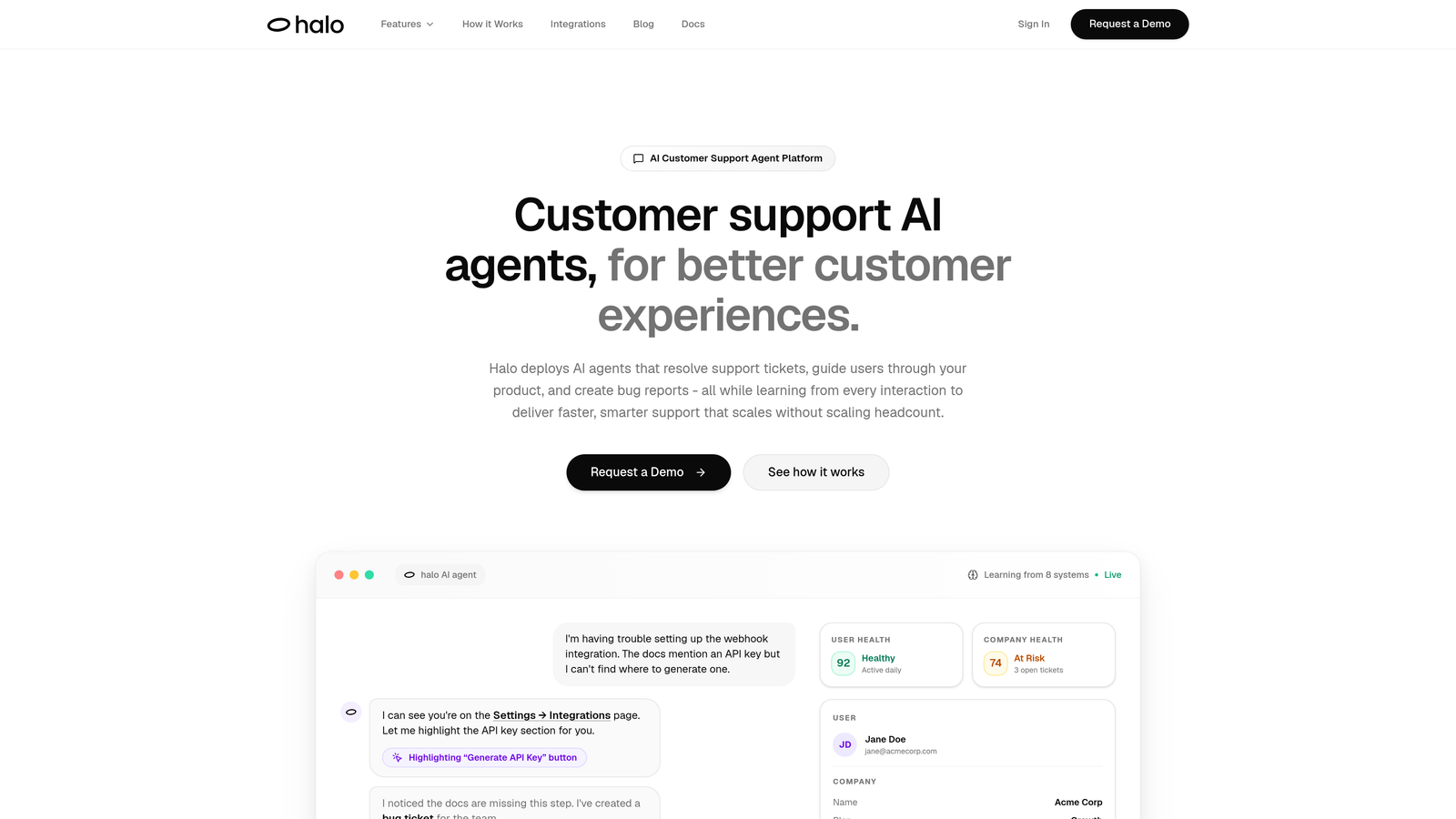
Halo AI deploys intelligent agents that don't just route tickets—they actually resolve them while learning from every interaction.
Where This Tool Shines
Unlike traditional automation that follows rigid if-then rules, Halo AI understands context. Its page-aware chat widget sees exactly what users see on your product, enabling it to provide visual guidance that goes beyond generic responses.
The platform's continuous learning architecture means every resolved ticket makes the system smarter. Your AI agents improve over time without manual rule updates, adapting to new product features and customer patterns automatically.
Key Features
Autonomous Ticket Resolution: AI agents handle routine inquiries end-to-end, reducing ticket backlog without expanding headcount.
Page-Aware Context: The chat widget understands exactly where users are in your product, providing relevant visual guidance and troubleshooting.
Continuous Learning: Every customer interaction trains the system, creating a knowledge base that grows smarter with use.
Auto Bug Ticket Creation: Automatically identifies technical issues and creates tickets in Linear or your dev tracking tool.
Multi-System Integration: Connects to Slack, HubSpot, Stripe, Intercom, Zoom, and more for comprehensive business intelligence.
Best For
B2B SaaS companies and product teams looking to scale support without scaling headcount. Particularly valuable for teams currently using Freshdesk who need intelligent automation that goes beyond basic routing and canned responses.
Pricing
Contact for custom pricing based on ticket volume and integration requirements.
2. Freshdesk Native Automations
Best for: Teams wanting to maximize built-in capabilities before adding third-party tools
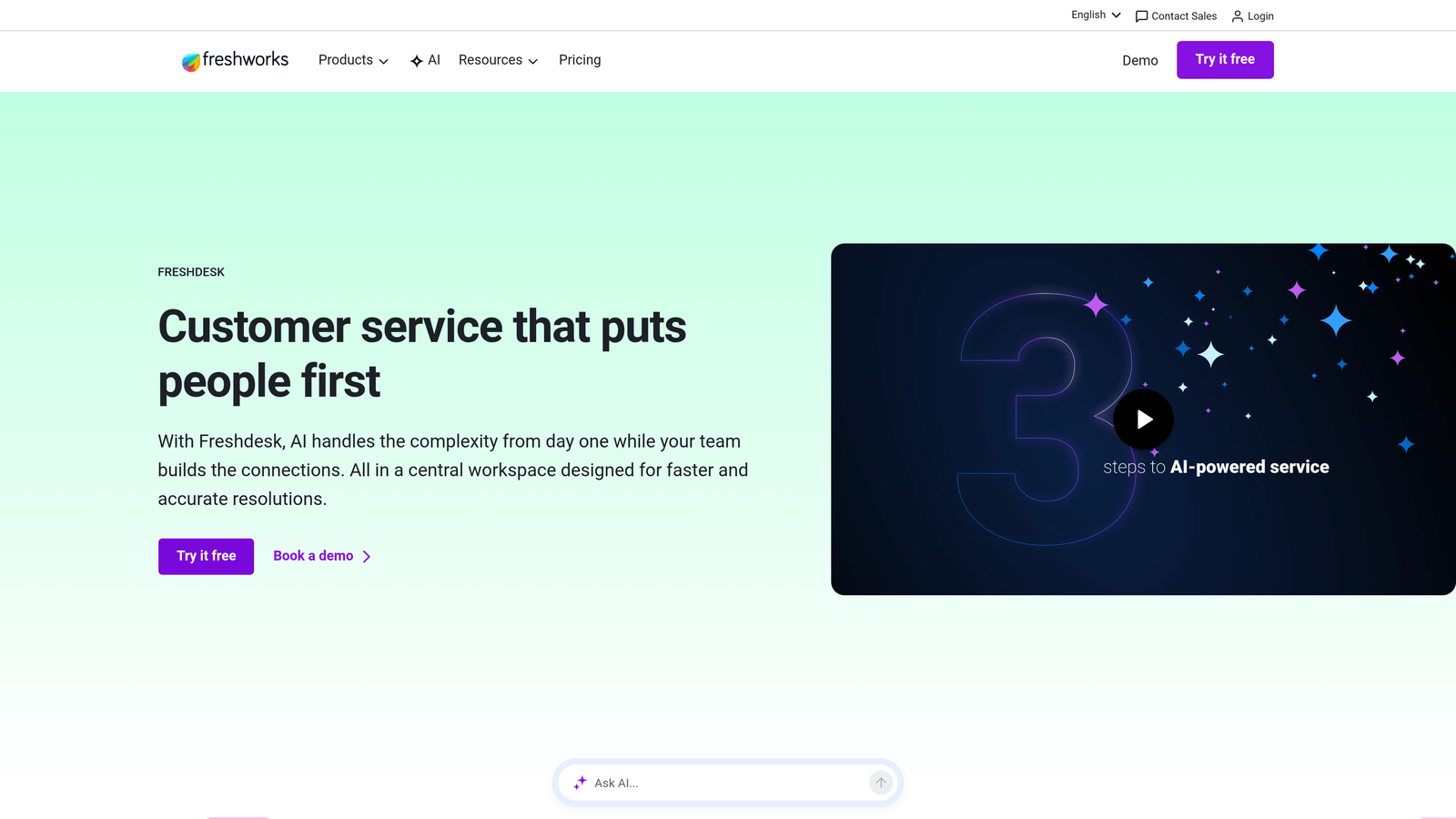
Freshdesk Native Automations includes scenario automations, dispatch rules, and time-triggered actions built directly into the platform.
Where This Tool Shines
The biggest advantage is zero integration overhead. You're working within the same interface your team already knows, with no API connections to maintain or additional logins to manage.
For straightforward automation needs—routing tickets by keyword, auto-assigning based on agent skills, or triggering follow-ups after specific time periods—native automations handle the job without complexity.
Key Features
Scenario Automations: Create multi-step workflows triggered by ticket events like status changes or customer responses.
Dispatch Rules: Automatically route tickets to the right agent or group based on criteria like product category or priority level.
Time-Triggered Actions: Set up automations that fire after specific time periods for SLA management and follow-up reminders.
Canned Responses: Build a library of templated replies for common questions with placeholder variables for personalization.
Ticket Templates: Standardize ticket creation with pre-filled fields and default values.
Best For
Teams just starting with automation or those with straightforward routing and response needs. Works well for smaller support operations that don't require complex cross-platform workflows.
Pricing
Included with all Freshdesk plans. Free tier available with basic features, paid plans start at $15 per agent per month.
3. Zapier
Best for: No-code cross-platform workflows connecting Freshdesk to thousands of apps
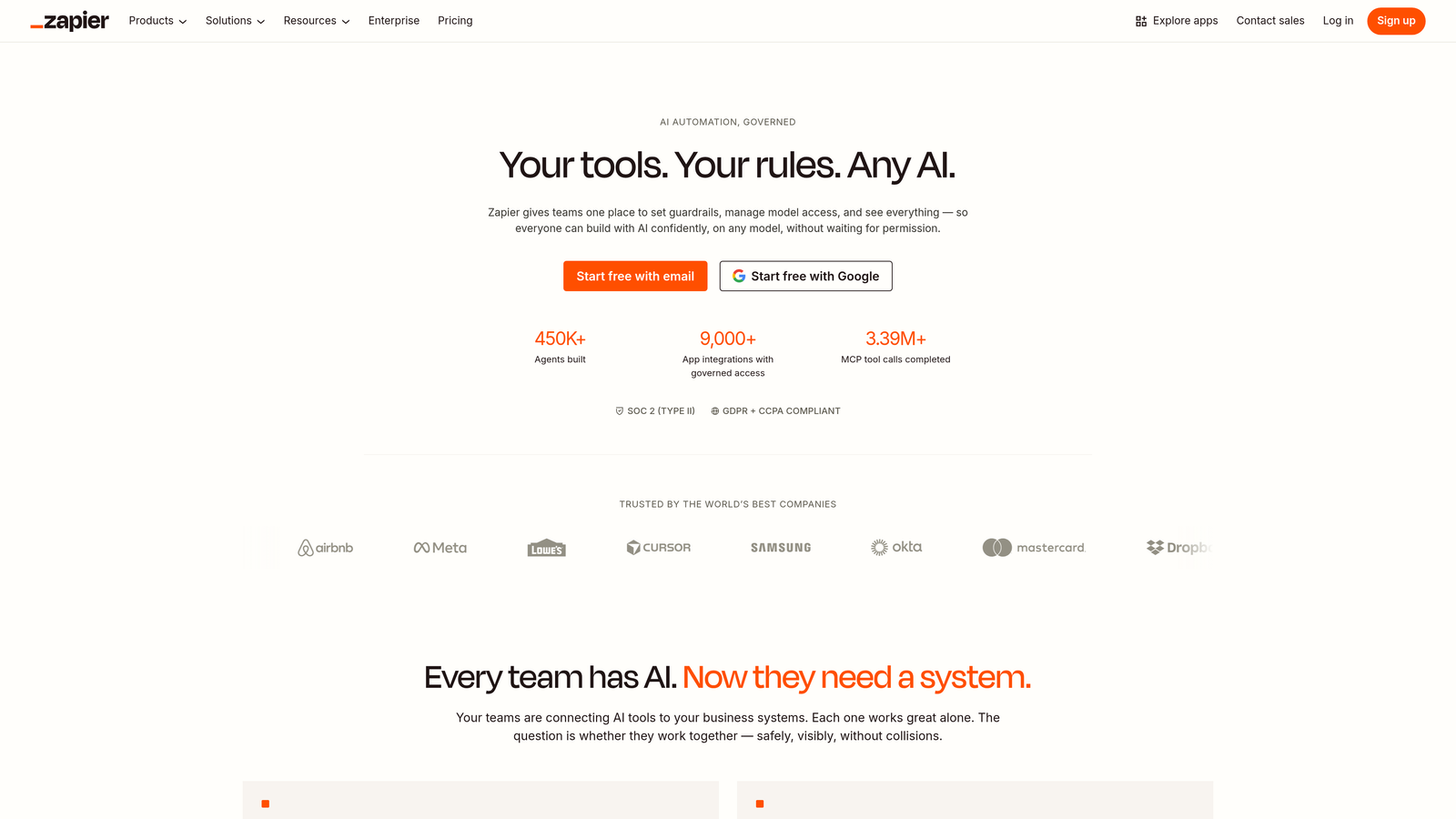
Zapier enables you to build automated workflows (called Zaps) that connect Freshdesk to over 6,000 other applications without writing code.
Where This Tool Shines
Zapier's massive app ecosystem means you can connect Freshdesk to virtually any tool your business uses. Need to create a Slack notification when high-priority tickets arrive? Add new customers to your CRM when they submit their first ticket? Zapier handles these connections with pre-built templates.
The platform's user-friendly interface makes automation accessible to non-technical team members. Support managers can build and modify workflows without involving developers, reducing bottlenecks and iteration time.
Key Features
6,000+ App Integrations: Connect Freshdesk to practically any business tool including CRMs, project management platforms, and communication apps.
Pre-Built Templates: Start with tested Zap templates for common Freshdesk workflows, then customize to your needs.
Multi-Step Workflows: Chain multiple actions together with filters, paths, and conditional logic for sophisticated automation.
Scheduled Triggers: Run Zaps on a schedule or trigger them via webhooks for maximum flexibility.
No-Code Builder: Visual interface requires zero programming knowledge—if you can click through a form, you can build Zaps.
Best For
Support teams needing to connect Freshdesk to their broader tech stack without technical resources. Ideal for organizations that prioritize speed of implementation and ease of use over advanced customization.
Pricing
Free tier available with 100 tasks per month. Paid plans start at $19.99 per month, scaling based on task volume and premium features.
4. Make (formerly Integromat)
Best for: Complex workflows requiring granular control and advanced data transformation
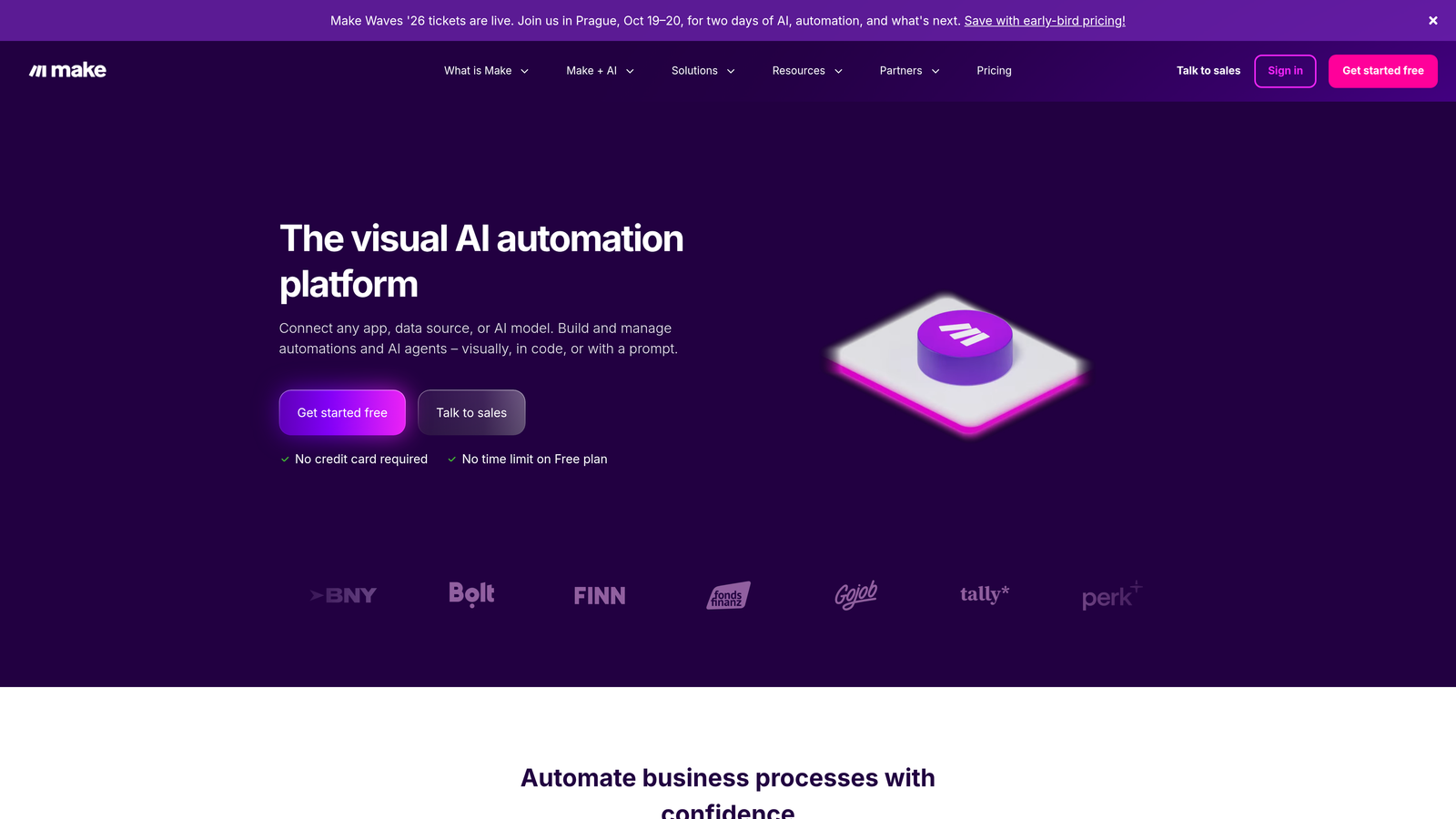
Make offers visual automation building with more sophisticated branching logic and data manipulation than typical no-code platforms.
Where This Tool Shines
Make's visual scenario builder shows your entire workflow as a flowchart, making complex logic easier to understand and debug. You can see exactly how data flows from one module to the next, with branching paths and error handling clearly mapped.
The platform excels at data transformation. Need to parse ticket descriptions for specific information, reformat data before sending it to another system, or aggregate multiple API responses? Make's built-in functions handle these operations without custom code.
Key Features
Visual Scenario Builder: Drag-and-drop interface displays workflows as interactive flowcharts for intuitive design and troubleshooting.
Advanced Branching: Create sophisticated conditional logic with multiple paths, filters, and routers for complex decision trees.
Data Transformation Tools: Built-in functions for parsing, formatting, and manipulating data between systems without writing code.
HTTP/Webhook Modules: Connect to any API or service, even those without pre-built integrations.
Cost-Effective Operations: Generally offers more operations per dollar compared to competitors, making it budget-friendly for high-volume automation.
Best For
Teams with moderately complex automation needs who want more control than Zapier offers but don't need enterprise-grade governance. Great for operations managers comfortable with logical thinking who want visual feedback on workflow structure.
Pricing
Free tier available with 1,000 operations per month. Paid plans start at $9 per month, scaling based on operations and features.
5. Workato
Best for: Enterprise teams requiring robust governance, security controls, and AI-powered automation
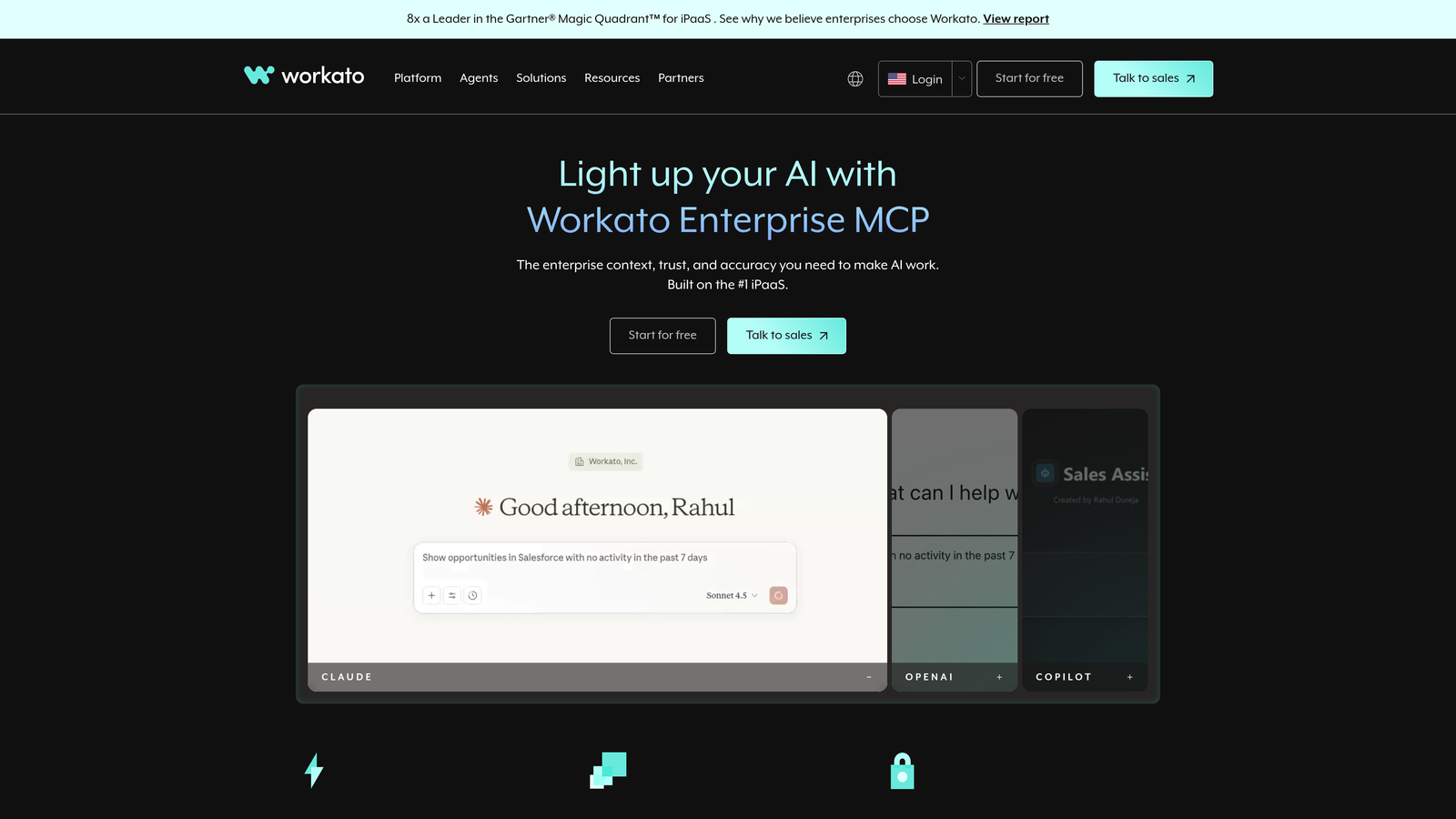
Workato provides enterprise-grade integration and automation with sophisticated security features and AI-powered recipe suggestions.
Where This Tool Shines
Workato's AI capabilities analyze your existing workflows and suggest optimizations or entirely new automation opportunities you might have missed. This proactive approach helps teams discover efficiency gains they didn't know were possible.
Enterprise security and compliance features set Workato apart. Role-based access controls, detailed audit trails, and SOC 2 compliance make it suitable for regulated industries where data governance matters as much as automation capability.
Key Features
AI-Powered Suggestions: Machine learning analyzes your automation patterns and recommends new recipes to improve efficiency.
Enterprise Security Controls: Role-based access, audit trails, data encryption, and compliance certifications for regulated industries.
Deep API Connectors: Pre-built connectors access full API capabilities of popular platforms, not just surface-level actions.
Workbot Integration: Bring automation into Slack and Microsoft Teams with conversational interfaces for approvals and notifications.
Governance Features: Centralized recipe management, version control, and deployment pipelines for teams managing hundreds of automations.
Best For
Large enterprises with complex integration requirements, strict compliance needs, or teams managing extensive automation portfolios. Particularly valuable for organizations in healthcare, finance, or other regulated sectors.
Pricing
Custom enterprise pricing based on connector usage and feature requirements. Contact sales for quotes.
6. Freddy AI (Freshworks)
Best for: Freshdesk users wanting native AI assistance without third-party integrations
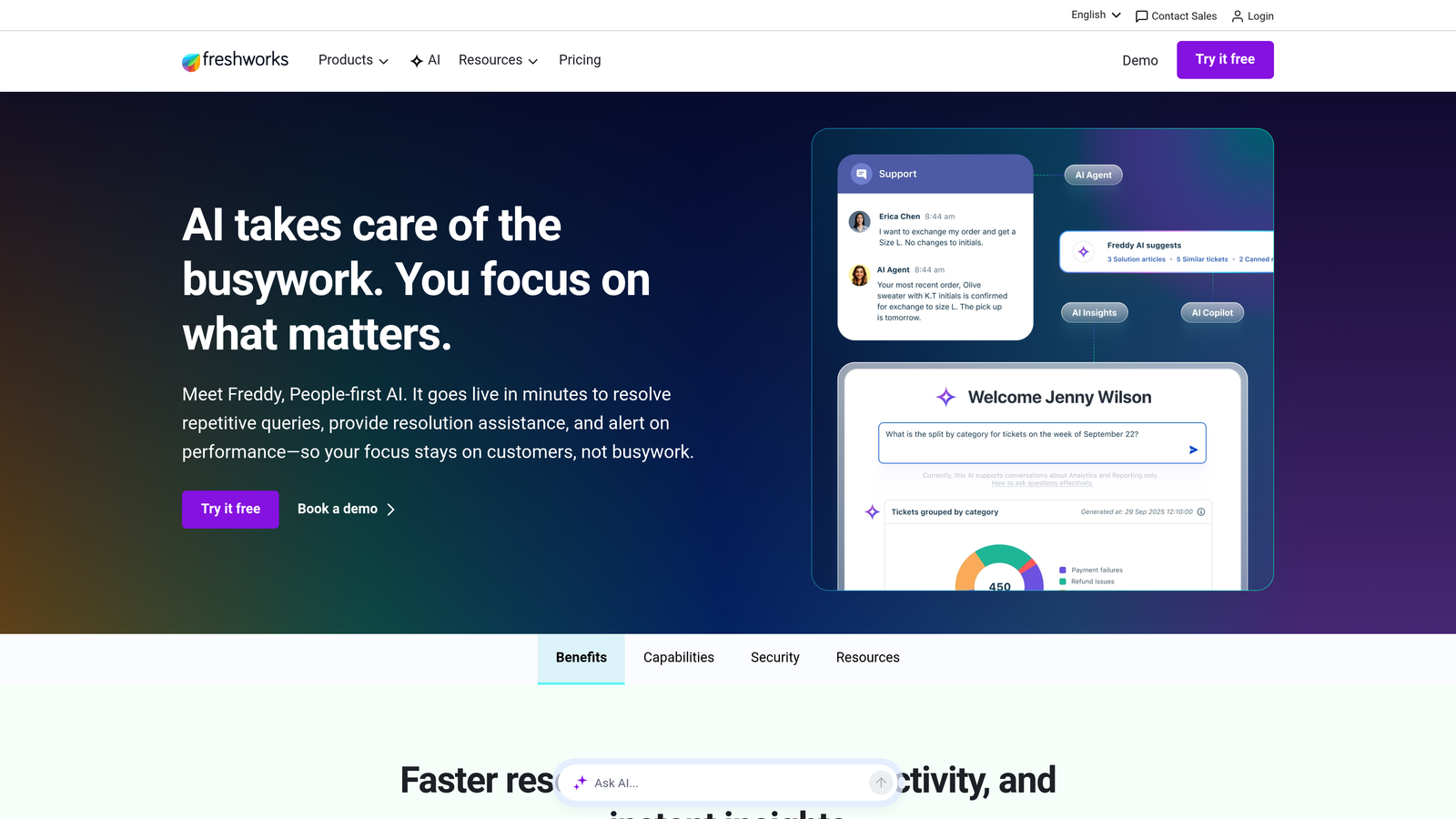
Freddy AI is Freshworks' built-in AI assistant offering predictive suggestions, agent support, and automated categorization across the Freshworks product suite.
Where This Tool Shines
Freddy AI works seamlessly within your existing Freshdesk interface with zero setup required. Agents see AI-powered suggestions right in their ticket view, making adoption frictionless compared to switching between multiple tools.
The predictive ticket fields feature learns from historical data to auto-suggest categories, priorities, and tags as new tickets arrive. This reduces manual data entry and improves ticket organization consistency across your team.
Key Features
Predictive Field Suggestions: AI analyzes ticket content and automatically suggests appropriate categories, priorities, and custom field values.
Agent Assist: Provides response recommendations based on similar past tickets, helping agents reply faster with consistent quality.
Automated Categorization: Classifies tickets by topic, intent, and urgency without manual tagging.
Sentiment Analysis: Detects customer emotion in ticket messages to help agents prioritize and adjust their tone accordingly.
Native Integration: Works within Freshdesk with no API connections or separate logins required.
Best For
Teams already committed to the Freshworks ecosystem who want AI capabilities without managing additional vendors or integrations. Works best for organizations on Freshdesk Pro or Enterprise plans.
Pricing
Included with Freshdesk Pro and Enterprise plans. No additional per-agent fees for basic Freddy AI features.
7. Tray.io
Best for: Technical teams needing API-level control and enterprise workflow orchestration
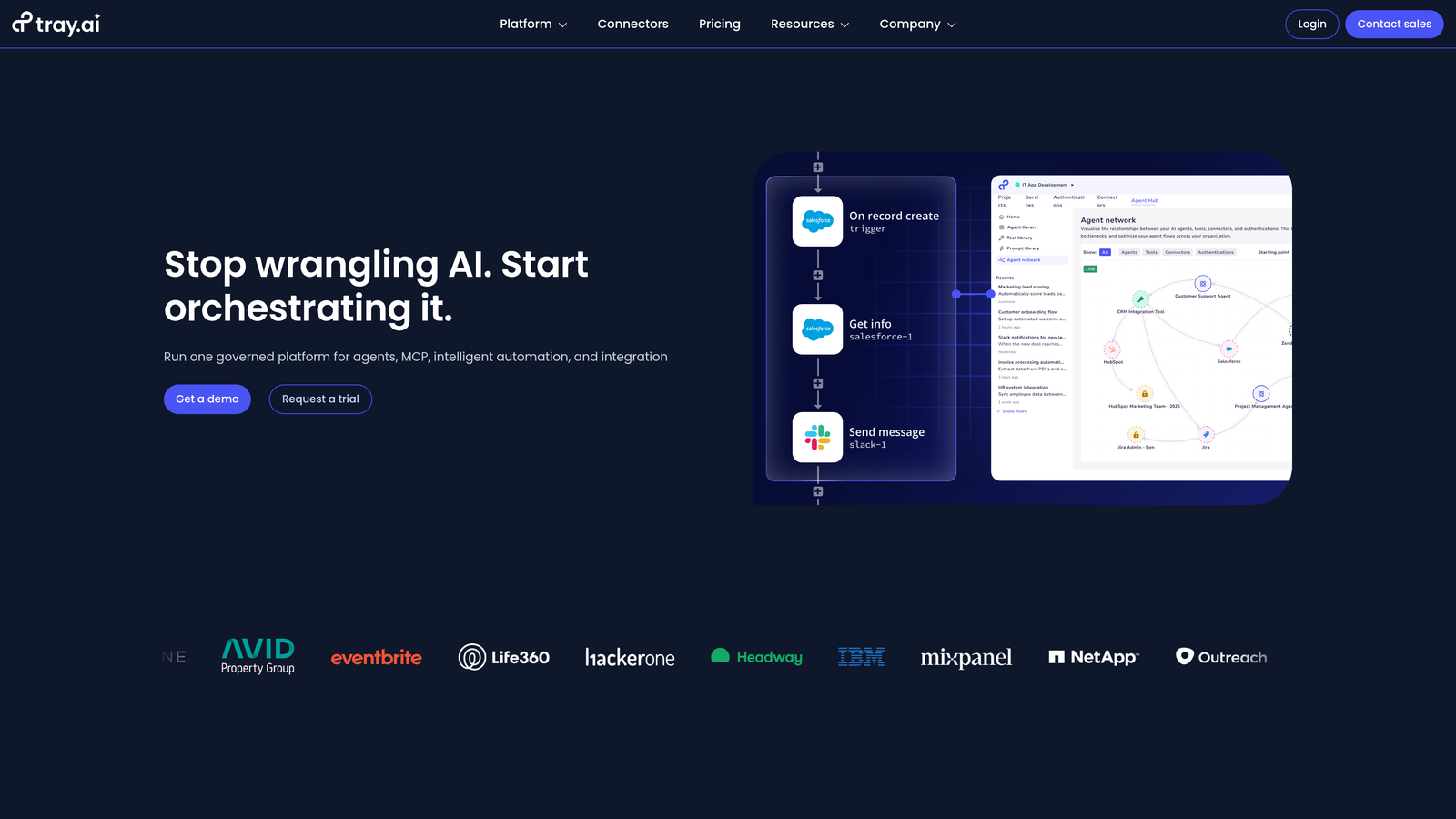
Tray.io is a low-code automation platform designed for technical users who need full API flexibility and sophisticated data processing capabilities.
Where This Tool Shines
Tray.io's API-first architecture gives you complete access to every endpoint and parameter that Freshdesk and your other tools expose. When pre-built connectors limit what you can do, Tray.io lets you build exactly what you need.
The platform's reusable workflow components mean your team can build a library of tested automation blocks that other team members can incorporate into new workflows. This reduces duplication and maintains consistency across your automation infrastructure.
Key Features
API-First Architecture: Full access to every API endpoint with custom authentication, headers, and parameter handling.
Reusable Components: Build workflow modules once, then reference them across multiple automations for consistency and efficiency.
Real-Time Data Processing: Handle streaming data and real-time events with low-latency processing for time-sensitive workflows.
Advanced Authentication: Support for OAuth 2.0, JWT, API keys, and custom authentication schemes for connecting to any system.
Enterprise Scalability: Architecture designed to handle high-volume automation workloads without performance degradation.
Best For
Organizations with technical resources (developers or technical operations teams) who need maximum flexibility and control. Ideal for complex B2B workflows that require custom logic beyond what no-code tools offer.
Pricing
Custom enterprise pricing based on workflow complexity and usage volume. Contact sales for detailed quotes.
8. Automate.io
Best for: Budget-conscious teams needing simple one-to-one app connections
Automate.io focuses on straightforward automation with quick setup and affordable pricing for basic integration needs.
Where This Tool Shines
Automate.io's bot-based approach simplifies automation creation. Each bot handles a specific trigger-action pair, making it easy to understand what each automation does at a glance.
The platform's pricing structure is particularly friendly for small teams or those just starting with automation. You get meaningful functionality at price points well below enterprise platforms, making it accessible for bootstrapped startups or cost-conscious operations.
Key Features
Simple Bot Creation: Each automation is a discrete bot with clear trigger-action logic, reducing complexity.
200+ App Integrations: Covers popular business tools including Freshdesk, CRMs, email marketing platforms, and productivity apps.
Multi-Step Workflows: Chain multiple actions together for more sophisticated automation sequences.
Affordable Pricing: Lower entry price points compared to Zapier or Make for similar basic functionality.
Quick Setup: Minimal learning curve means teams can start automating within hours, not days.
Best For
Small businesses, startups, or teams with limited budgets who need basic Freshdesk automation without complex requirements. Great for straightforward use cases like syncing data between two apps or triggering simple notifications.
Pricing
Free tier available with 300 actions per month. Paid plans start at $9.99 per month, scaling based on action volume.
9. n8n
Best for: Privacy-focused organizations requiring full data control and self-hosting capabilities
n8n is an open-source workflow automation tool offering self-hosted deployment for organizations that need complete data sovereignty.
Where This Tool Shines
n8n's self-hosting option means your automation workflows and the data they process never leave your infrastructure. For organizations in regulated industries or those handling sensitive customer information, this level of control is non-negotiable.
The fair-code license gives you access to the source code, allowing your development team to customize nodes, add features, or troubleshoot issues without being locked into a vendor's roadmap. This flexibility matters when your automation needs evolve beyond what standard platforms offer.
Key Features
Self-Hosted Deployment: Run n8n on your own servers with complete control over data, security, and compliance.
Fair-Code License: Source code access enables customization and transparency while maintaining sustainable development.
400+ Integrations: Pre-built nodes for popular apps including Freshdesk, with active community contributing new integrations regularly.
Custom Node Development: Build your own nodes in JavaScript when you need connections or functionality not available in the standard library.
Full Data Sovereignty: Your workflow data never touches third-party servers, ensuring compliance with strict data residency requirements.
Best For
Organizations with technical resources and strict data privacy requirements. Particularly valuable for companies in healthcare, finance, or government sectors where data residency and compliance dictate technology choices.
Pricing
Free for self-hosted deployments. Cloud-hosted plans start at $20 per month for teams preferring managed infrastructure.
Finding Your Automation Match
The right Freshdesk automation tool depends on where you're starting and where you need to go. If you're just beginning, Freshdesk's native automations handle basic routing and responses without additional cost or complexity.
For teams ready to move beyond basic automation, the decision splits based on your primary need. Want AI agents that actually resolve tickets autonomously? Halo AI's continuous learning architecture delivers resolution, not just routing. Need to connect Freshdesk to your broader tech stack? Zapier offers the widest app ecosystem with minimal learning curve, while Make provides more granular control for complex workflows.
Enterprise teams should evaluate Workato or Tray.io based on whether governance features or API-level control matters more. Budget-conscious operations can start with Automate.io's affordable pricing, and privacy-focused organizations benefit from n8n's self-hosted approach.
The automation landscape continues evolving toward intelligence over simple if-then logic. Tools that learn from interactions and provide contextual responses increasingly outperform rigid rule-based systems as customer expectations rise and ticket complexity grows.
Your support team shouldn't scale linearly with your customer base. Let AI agents handle routine tickets, guide users through your product, and surface business intelligence while your team focuses on complex issues that need a human touch. See Halo in action and discover how continuous learning transforms every interaction into smarter, faster support.