9 Best Freshdesk Alternatives & Automation Platforms in 2026
While Freshdesk offers solid workflow automation and AI assistance, growing support teams often need more sophisticated capabilities than basic routing rules and response suggestions. This guide compares Freshdesk vs automation platforms that deliver truly autonomous ticket resolution, advanced AI learning, seamless cross-platform integrations, and intelligent routing that adapts to complex customer scenarios—helping you determine whether it's time to upgrade from assisted automation to fully autonomous support operations.
 Matt PattoliFounder12 min read
Freshdesk's workflow automations and Freddy AI have helped countless teams streamline their support operations. But as customer expectations evolve and ticket volumes grow, many teams find themselves hitting limitations: basic routing rules that can't handle nuanced scenarios, AI that suggests responses rather than resolving tickets autonomously, and integrations that require constant manual oversight. The question isn't whether you need automation—it's whether your current platform can deliver the intelligent, autonomous support your team actually needs.
We've evaluated dozens of customer support platforms to identify the solutions that go beyond basic automation. Our selection criteria focused on four key areas: depth of AI automation (can it resolve tickets independently or just assist agents?), integration flexibility (does it connect across your entire business stack?), learning capabilities (does it improve with every interaction?), and transparent pricing that scales with your needs. Here are the top platforms transforming customer support in 2026.
1. Halo AI
Best for: Teams seeking autonomous AI agents that resolve tickets and learn continuously from interactions
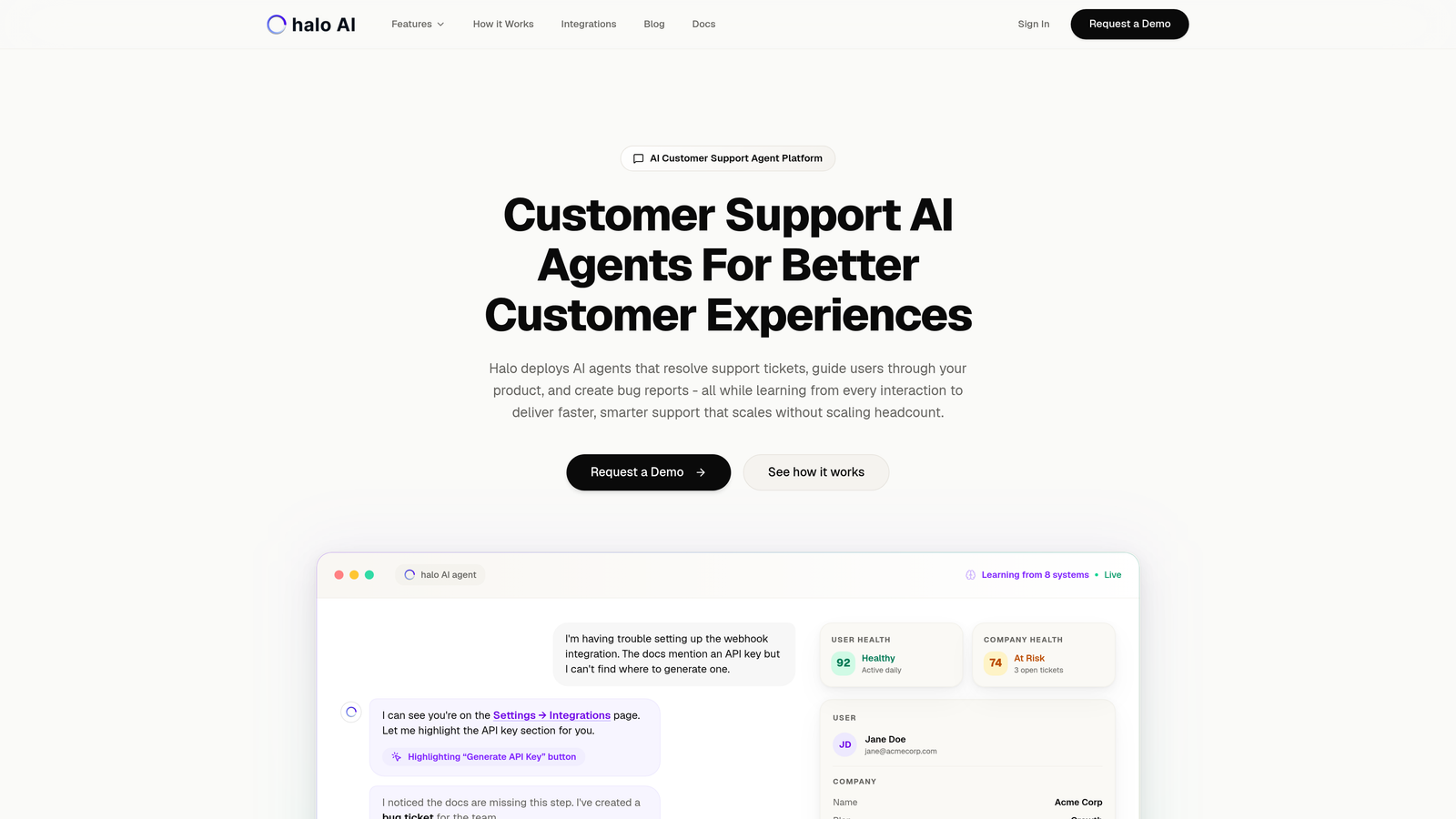
Halo AI represents a fundamental shift from AI-assisted support to AI-native support—agents that don't just suggest responses but autonomously resolve tickets while understanding the full context of what users see on your product.
Where This Tool Shines
Unlike platforms that bolt AI onto existing helpdesk infrastructure, Halo operates as an AI-first architecture. Its agents see your product pages the same way users do, enabling them to provide visual guidance through complex UI flows rather than generic text instructions.
The platform's continuous learning system means every interaction—whether resolved by AI or escalated to humans—feeds back into the knowledge base. Your support gets smarter with each ticket, not just faster.
Key Features
Autonomous AI Agents: Resolve support tickets independently without human intervention for routine issues.
Page-Aware Context: Chat widget understands what users see on screen to provide visual UI guidance through your product.
Business Intelligence Analytics: Smart inbox surfaces customer health signals, revenue intelligence, and anomaly detection beyond traditional support metrics.
Engineering Integration: Automatically creates bug tickets in Linear when issues are detected, connecting support directly to product development.
Intelligent Escalation: Seamlessly hands off complex issues to human agents with full context and conversation history.
Best For
B2B SaaS companies and product teams that need support to scale without scaling headcount. Particularly valuable for teams currently using Zendesk, Freshdesk, or Intercom who want autonomous resolution capabilities rather than just agent assist features.
Pricing
Contact for pricing based on ticket volume and feature requirements.
2. Intercom
Best for: Product-led companies wanting conversational support with proactive user engagement
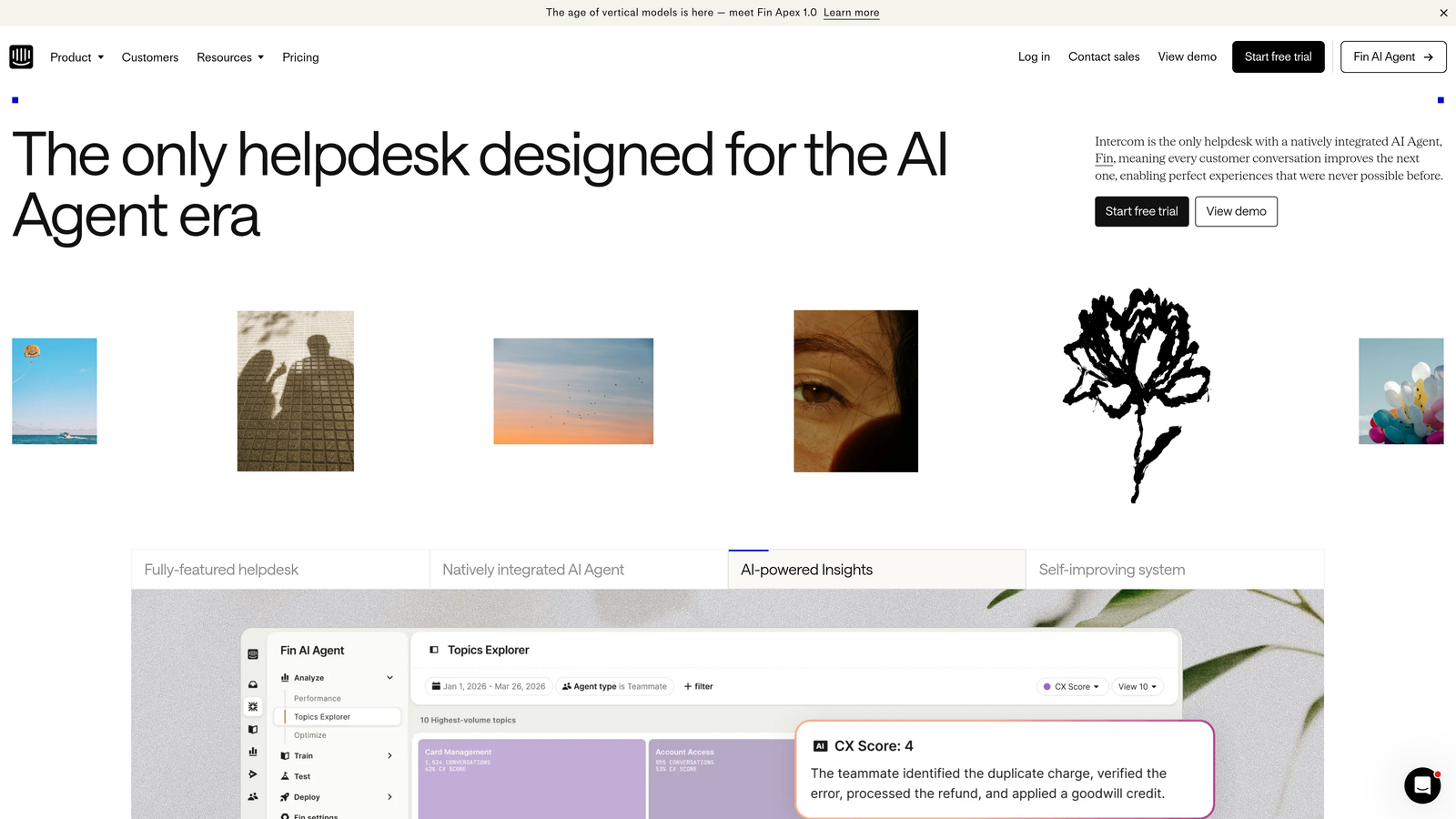
Intercom combines customer messaging, automation, and its Fin AI agent to create a conversational support experience that reaches users before they even ask for help.
Where This Tool Shines
Intercom excels at proactive engagement. Its product tours and targeted messaging let you guide users through features before confusion turns into support tickets. The platform feels less like a traditional helpdesk and more like an integrated communication layer across your product.
Fin AI brings genuine automation to this conversational approach, resolving common questions instantly while maintaining Intercom's signature friendly tone. The unified inbox brings together messages from chat, email, and social channels into a single workflow.
Key Features
Fin AI Agent: Answers customer questions automatically using your knowledge base and help content with natural language understanding.
Proactive Messaging: Trigger targeted messages and product tours based on user behavior and lifecycle stage.
Custom Bot Builder: Create conversation flows and automated workflows without coding.
Omnichannel Inbox: Manage conversations from chat, email, SMS, and social media in one unified workspace.
Resolution Bot: Suggests help articles during conversations and can mark tickets resolved when users confirm their issue is fixed.
Best For
Product-led SaaS companies that want to blend marketing, sales, and support into a unified customer communication strategy. Teams that value proactive engagement over reactive ticket management.
Pricing
Starts at $39 per seat monthly for core features. Fin AI priced separately per resolution, with volume-based pricing available.
3. Zendesk
Best for: Enterprise teams needing extensive customization and a massive integration ecosystem
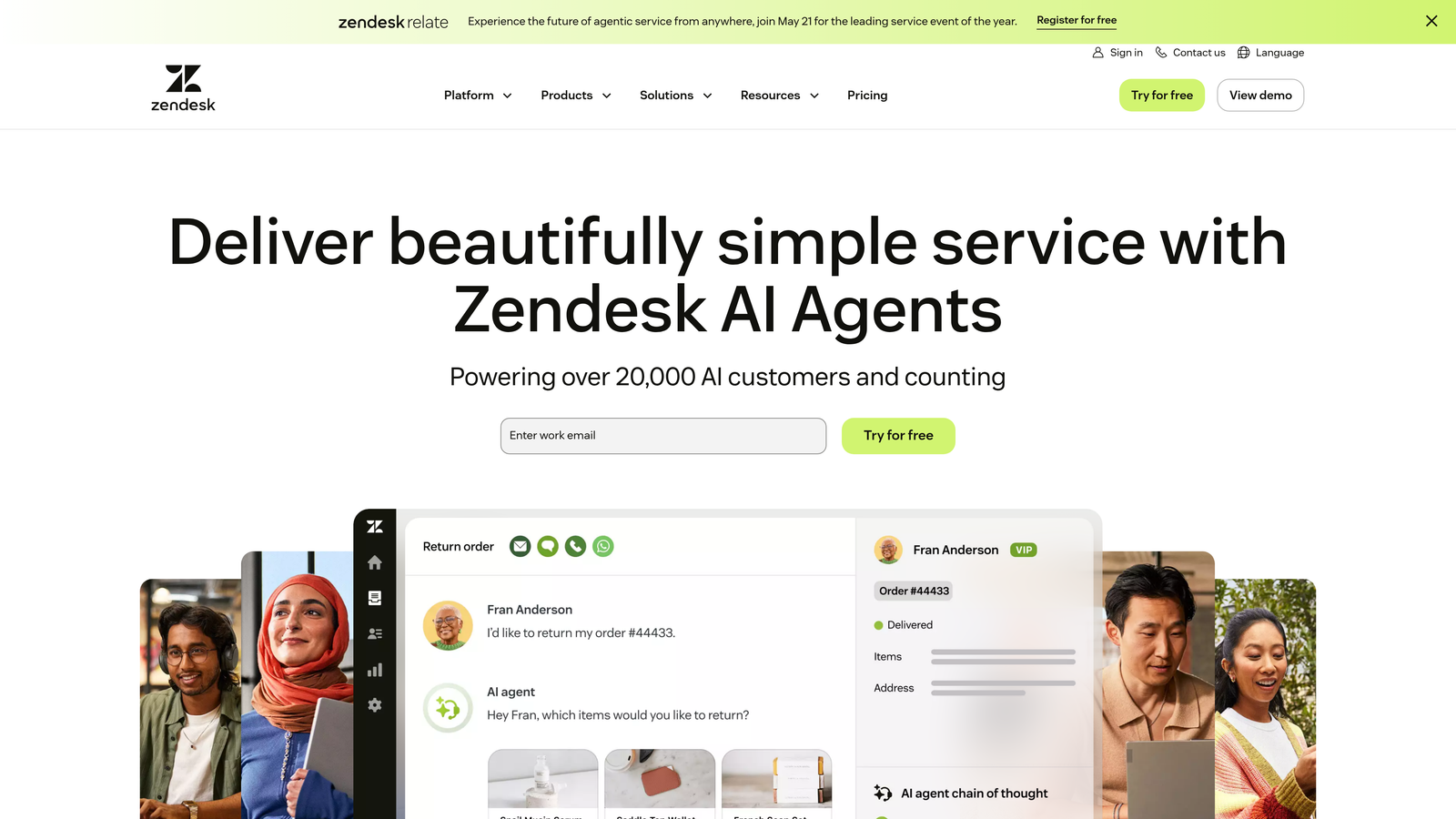
Zendesk has built the most comprehensive helpdesk ecosystem in the market, with 1,500+ integrations and deep workflow automation capabilities that can handle virtually any support scenario.
Where This Tool Shines
When you need to build complex, multi-step automations across departments, Zendesk's trigger and automation engine delivers. You can create sophisticated routing rules, escalation paths, and conditional workflows that would require custom development in simpler platforms.
The marketplace is genuinely massive. Whatever tool your team uses—from obscure project management systems to niche CRMs—there's likely a Zendesk integration for it. This makes it the safe choice for enterprises with complex tech stacks.
Key Features
Advanced Automation: Triggers, automations, and macros create sophisticated workflows for ticket routing, updates, and escalations.
AI Agent Assist: Suggests responses and knowledge base articles to agents during conversations, with sentiment analysis and intent detection.
Marketplace Integrations: Over 1,500 pre-built integrations covering CRM, project management, communication, and business intelligence tools.
Explore Analytics: Customizable reporting dashboards with deep filtering and data export capabilities.
Multi-Brand Support: Manage multiple help centers and brands from a single Zendesk instance with separate workflows and branding.
Best For
Enterprise support teams managing high ticket volumes across multiple brands or departments. Organizations with complex workflows requiring extensive customization and integration capabilities.
Pricing
Suite Team plan starts at $55 per agent monthly. Enterprise plans with advanced features available at higher tiers.
4. HubSpot Service Hub
Best for: Companies already using HubSpot CRM wanting unified customer data across sales and support
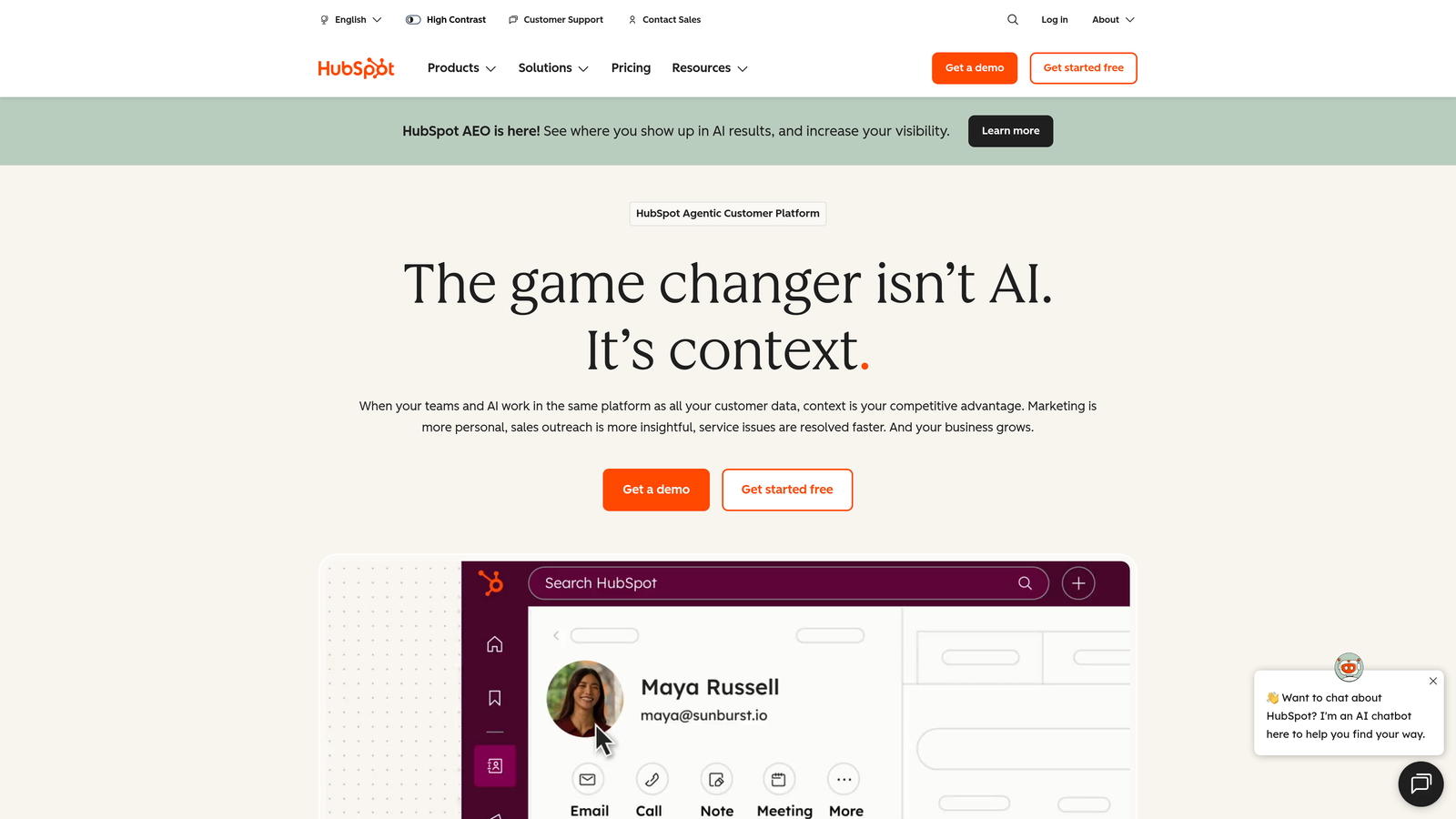
HubSpot Service Hub transforms customer support from an isolated function into an integrated part of your entire customer lifecycle, with seamless connections to marketing and sales data.
Where This Tool Shines
The unified customer timeline is HubSpot's killer feature. Support agents see every marketing email, sales call, and previous support interaction in one chronological view. This context dramatically improves resolution quality because agents understand the full customer relationship.
For teams already in the HubSpot ecosystem, Service Hub eliminates the data silos that plague most organizations. Your support metrics flow directly into the same reporting dashboards as sales and marketing data.
Key Features
Unified Customer Timeline: Complete view of all customer interactions across marketing, sales, and support in a single interface.
Ticket Automation Workflows: Create automated ticket routing, assignment, and follow-up sequences based on properties and behaviors.
Customer Portal: Self-service portal where customers can submit tickets, track progress, and access knowledge base articles.
Native CRM Integration: Automatic syncing of support data with contact records, deals, and company information in HubSpot CRM.
Conversation Intelligence: Track common support themes and customer sentiment across all interactions.
Best For
Companies already using HubSpot for marketing or sales who want to extend that ecosystem to customer support. Teams that value unified reporting and customer data over best-in-class helpdesk features.
Pricing
Free tier available with basic ticketing. Professional tier starts at $90 monthly for advanced automation and reporting features.
5. Zoho Desk
Best for: Budget-conscious teams wanting AI features and automation without enterprise pricing
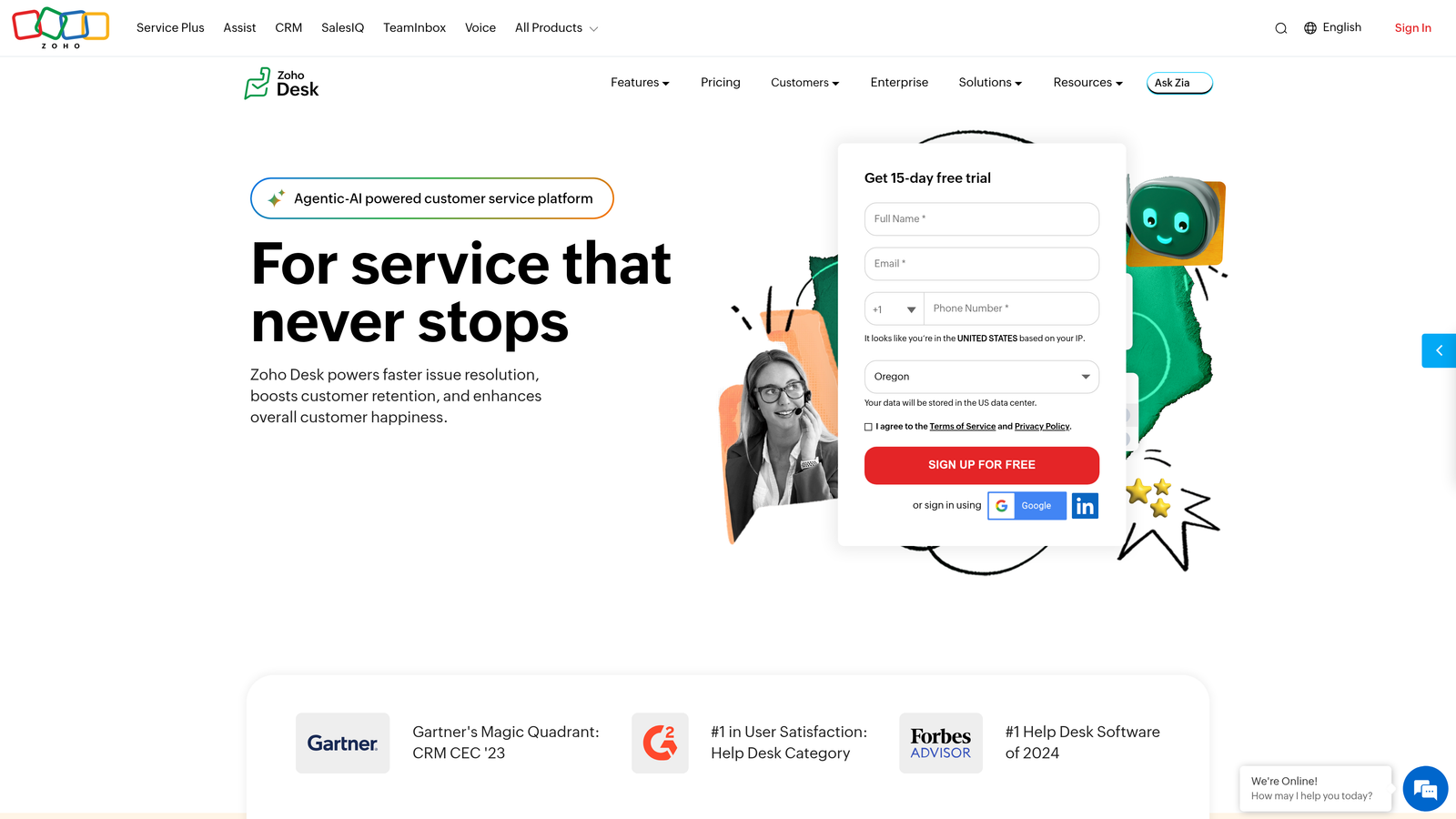
Zoho Desk delivers surprisingly sophisticated automation and AI capabilities at price points that make enterprise features accessible to growing teams.
Where This Tool Shines
Zia, Zoho's AI assistant, brings intelligent ticket classification and sentiment analysis to plans that cost a fraction of competitor pricing. The system learns from your ticket patterns to automatically categorize incoming requests and flag negative sentiment for priority handling.
Blueprint automation lets you design multi-step workflows visually, ensuring tickets follow consistent processes across your team. For companies already using Zoho's suite of business apps, the deep integration creates a unified workspace without integration headaches.
Key Features
Zia AI Assistant: Automatically classifies tickets, detects sentiment, suggests responses, and identifies anomalies in support patterns.
Blueprint Workflows: Visual workflow designer for creating multi-stage ticket processes with conditional logic and approvals.
Multi-Department Support: Separate help centers, teams, and workflows for different departments within a single instance.
Zoho Suite Integration: Native connections to Zoho CRM, Projects, Analytics, and other Zoho applications.
Customizable Ticket Fields: Extensive custom field options and layout controls for tailoring the interface to your needs.
Best For
Growing support teams that need AI and automation features but can't justify enterprise helpdesk pricing. Companies already invested in the Zoho ecosystem looking for seamless integration.
Pricing
Free plan for up to 3 agents. Standard plan starts at $14 per agent monthly, with Professional at $23 bringing Zia AI features.
6. Help Scout
Best for: Teams prioritizing human connection with AI enhancement rather than full automation
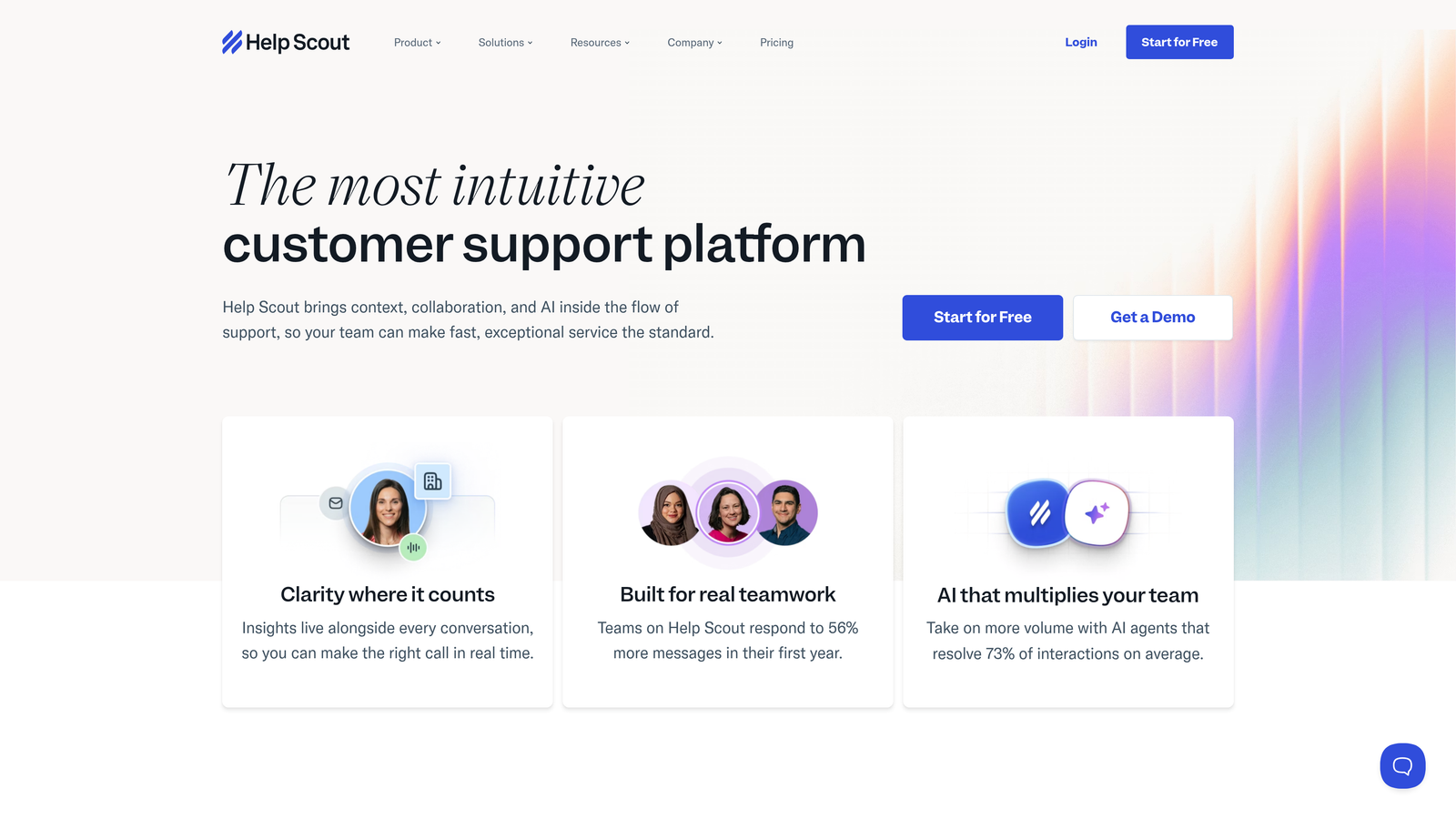
Help Scout takes a deliberately human-centered approach to customer support, using AI to enhance agent productivity rather than replace human interaction.
Where This Tool Shines
Help Scout's interface feels refreshingly simple after using enterprise helpdesks. The shared inbox model works like email but with collaboration features that prevent duplicate responses and lost context. Agents can focus on conversations rather than navigating complex ticketing systems.
The AI features strike a careful balance—drafting responses and summarizing long threads to save time, but keeping humans in control of every interaction. The Beacon widget provides embedded support without feeling intrusive, matching your site's design seamlessly.
Key Features
AI Drafts and Summarization: Automatically generates response drafts based on conversation context and summarizes long email threads.
Beacon Widget: Embeddable support widget that adapts to your site design and provides search, messaging, and article suggestions.
Workflows: Automated actions triggered by conversation events, customer properties, or manual tags.
Docs Knowledge Base: Integrated help center with article suggestions during conversations and public/private article options.
Collision Detection: Prevents multiple agents from responding to the same conversation with real-time awareness.
Best For
Small to medium support teams that want to maintain personal customer relationships while gaining efficiency through smart automation. Companies transitioning from basic email support to a proper helpdesk.
Pricing
Standard plan starts at $20 per user monthly. Plus plan at $40 adds advanced features and increased email volume.
7. Gorgias
Best for: E-commerce brands needing deep integration with Shopify, BigCommerce, and Magento
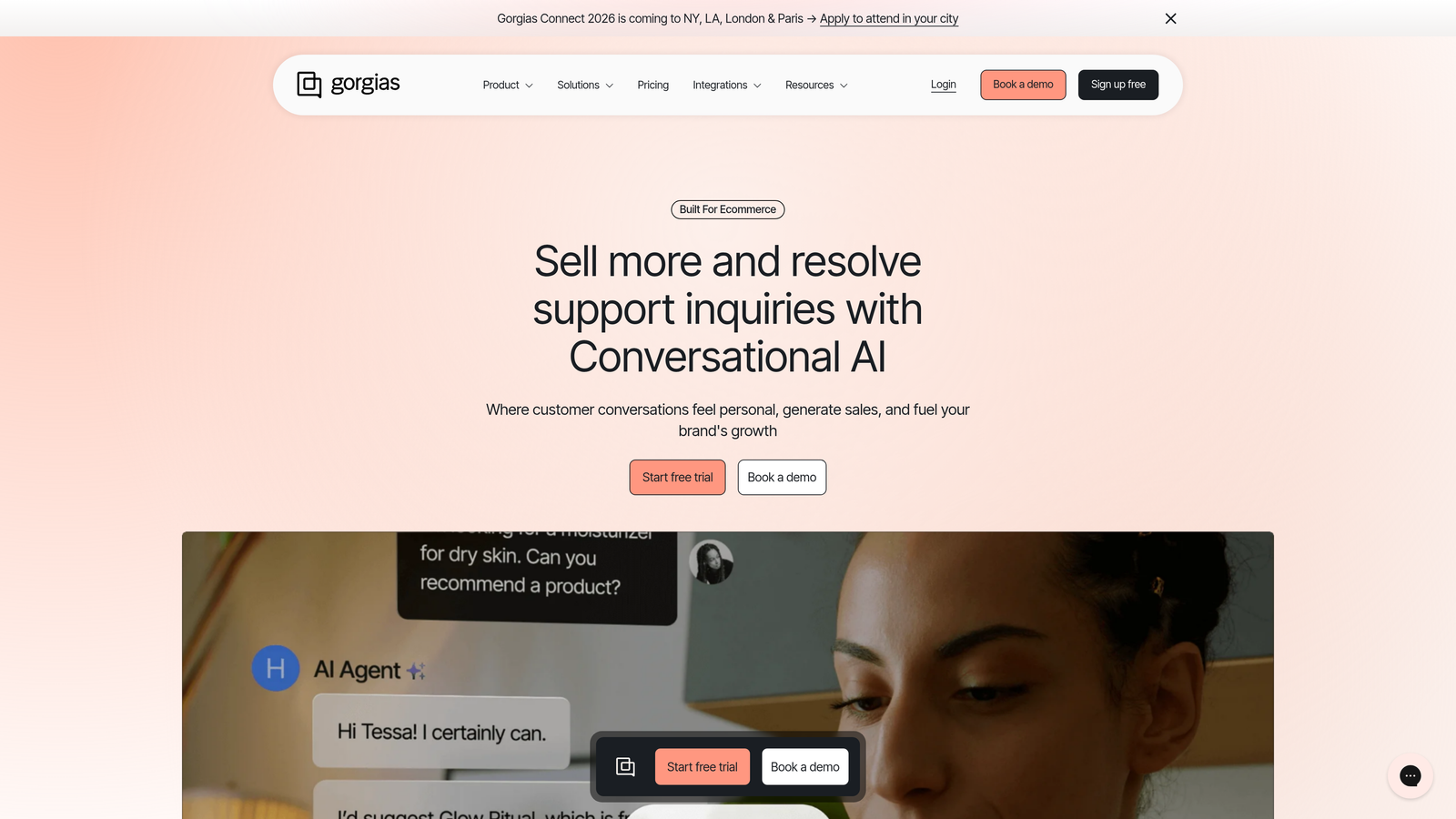
Gorgias was built specifically for e-commerce support, with native integrations that pull order data, shipping information, and customer history directly into support conversations.
Where This Tool Shines
When a customer asks "where's my order?", Gorgias agents see the order details, shipping status, and tracking information without switching tabs. Macros can include variables like order numbers and product names, creating personalized responses at scale.
The platform tracks revenue generated from support conversations, showing which interactions led to additional purchases or prevented cancellations. This transforms support from a cost center into a measurable revenue channel.
Key Features
E-commerce Platform Integration: Native connections to Shopify, BigCommerce, Magento with automatic order data sync and customer history.
Dynamic Macros: Response templates that automatically populate with customer-specific data like order numbers, shipping status, and product details.
Revenue Attribution: Track sales generated from support conversations and measure support's impact on customer lifetime value.
Social Media Support: Manage Instagram, Facebook, and other social channel messages alongside email and chat in one inbox.
Automation Rules: Create automated responses and actions based on order status, customer tags, and message content.
Best For
E-commerce brands running on Shopify, BigCommerce, or Magento who need order management integrated directly into support workflows. Teams that want to measure support's revenue impact.
Pricing
Starts at $10 monthly for 50 tickets. Growth plans scale with ticket volume, with custom enterprise pricing for high-volume stores.
8. Kustomer
Best for: Brands wanting complete customer timeline visibility across all channels and touchpoints
Kustomer reimagines the helpdesk as a customer relationship platform, organizing conversations around people rather than isolated tickets.
Where This Tool Shines
Kustomer's timeline view shows every interaction a customer has had with your brand—purchases, support conversations, website visits, email clicks—in chronological order. This customer-centric approach means agents understand context immediately without digging through multiple systems.
The platform's business process automation goes beyond simple ticket routing. You can build complex workflows that span multiple departments, trigger actions in external systems, and adapt based on customer data from integrated platforms.
Key Features
Unified Customer Timeline: Complete chronological view of all customer interactions, purchases, and touchpoints across every channel.
Business Process Automation: Advanced workflow builder for multi-step processes involving multiple teams and external systems.
AI-Powered Routing: Intelligent conversation assignment based on agent skills, capacity, customer value, and historical context.
Omnichannel Management: Handle conversations from email, chat, SMS, voice, and social media as continuous threads rather than separate tickets.
Custom Objects: Extend the platform with custom data structures specific to your business model and processes.
Best For
Enterprise brands with complex customer journeys spanning multiple channels and departments. Organizations that need deep customization and workflow automation beyond standard helpdesk capabilities.
Pricing
Enterprise-focused pricing model. Contact Kustomer for custom quotes based on volume and feature requirements.
9. Front
Best for: Teams transitioning from shared email inboxes to collaborative support workflows
Front bridges the gap between email and helpdesk software, giving teams the familiar email interface they're comfortable with while adding collaboration and automation features.
Where This Tool Shines
Front feels like Gmail with superpowers. Teams can comment internally on messages, assign conversations to specific people, and create rules for automatic routing—all while customers just see normal email responses. This makes adoption dramatically easier than forcing teams to learn complex ticketing systems.
The analytics dashboard reveals patterns hiding in your inbox: which team members handle the most volume, average response times, and conversation trends. Integrations with CRM and project management tools let you create tasks or update records without leaving your inbox.
Key Features
Shared Inboxes: Team email accounts with internal collaboration, assignment, and conversation ownership.
Internal Comments: Discuss customer issues privately within email threads before responding externally.
Automated Rules: Create workflows that route messages, assign conversations, and trigger actions based on sender, subject, or content.
Team Analytics: Track response times, conversation volume, and individual performance across all shared inboxes.
CRM and Tool Integrations: Connect to Salesforce, HubSpot, Asana, and other platforms to create records and update data from conversations.
Best For
Teams currently using shared Gmail or Outlook inboxes who want collaboration features without abandoning the email workflow. Small to medium businesses prioritizing ease of adoption over complex helpdesk features.
Pricing
Starter plan at $19 per seat monthly for basic features. Growth plan at $59 adds advanced automation and analytics.
Finding Your Perfect Automation Match
The right platform depends on where you're heading, not just where you are today. If you're seeking autonomous AI that resolves tickets independently while learning from every interaction, Halo AI delivers intelligence that compounds over time. Enterprise teams managing complex workflows across departments will find Zendesk's extensive automation and integration ecosystem hard to beat.
E-commerce brands should look at Gorgias for its deep shopping platform integration and revenue tracking capabilities. Budget-conscious teams can get sophisticated AI features through Zoho Desk without enterprise pricing. Companies already invested in HubSpot gain massive value from Service Hub's unified customer data across marketing, sales, and support.
The fundamental question isn't which platform has the most features—it's which approach to automation aligns with your support philosophy. Do you want AI that assists agents or AI that resolves tickets autonomously? Do you need deep customization or rapid deployment? Are you optimizing for human connection or maximum efficiency?
Your support team shouldn't scale linearly with your customer base. Let AI agents handle routine tickets, guide users through your product, and surface business intelligence while your team focuses on complex issues that need a human touch. See Halo in action and discover how continuous learning transforms every interaction into smarter, faster support.