7 Best Help Scout AI Alternatives for Smarter Customer Support in 2026
This guide evaluates seven of the best Help Scout AI alternatives for B2B product teams and support leaders, comparing each on AI capability depth, integration breadth, contextual awareness, and scalability. Whether you're hitting Help Scout's AI ceiling or exploring options for the first time, you'll find a clear, practical framework for choosing the right helpdesk in 2026.
 Matt PattoliFounder12 min read
Help Scout has long been a favorite for small and mid-sized teams that value clean, human-centered support. But as customer expectations shift toward instant, always-on resolution, many B2B teams are finding that Help Scout's AI capabilities aren't keeping pace. If you're fielding hundreds of tickets per week, managing multiple product lines, or trying to scale support without scaling headcount, you may be hitting a ceiling.
The good news: the AI-powered helpdesk landscape has matured significantly. Today's alternatives don't just automate replies. They understand context, learn from every interaction, surface business intelligence, and hand off to humans seamlessly when complexity demands it.
This guide breaks down seven of the best Help Scout AI alternatives, evaluating each on the criteria that matter most to B2B product teams and support leaders: depth of AI capability, integration breadth, contextual awareness, and scalability. Whether you're migrating from Help Scout or evaluating options for the first time, you'll leave with a clear picture of what's available and how to choose the right fit for your team.
1. Halo AI — AI-First, Context-Aware Support Platform
The Challenge It Solves
Most helpdesks treat AI as a layer added on top of an existing ticketing system. The result is a patchwork experience where AI suggestions feel disconnected from the actual customer context. Teams end up with half-automated workflows that still require significant manual intervention, defeating the purpose of automation entirely.
The Strategy Explained
Halo AI takes a fundamentally different approach: AI is the foundation, not a feature. Its page-aware chat widget can see exactly what a user is looking at, enabling guidance that's specific to the customer's current screen rather than generic documentation links. The platform's intelligent agents resolve tickets autonomously, create bug reports automatically, and hand off to live agents only when the complexity genuinely warrants human attention.
What separates Halo from other alternatives is what happens beyond ticket resolution. The smart inbox surfaces business intelligence signals, including customer health indicators, revenue anomalies, and product friction patterns, turning your support function into a strategic asset rather than a cost center. Deep integrations across Linear, Slack, HubSpot, Intercom, Stripe, Zoom, PandaDoc, and Fathom mean the platform connects to your entire business stack from day one.
Implementation Steps
1. Map your current ticket categories and identify which query types are high-volume and repetitive versus complex and escalation-prone.
2. Connect Halo to your existing tools using native integrations, prioritizing your CRM, billing system, and engineering workflow first.
3. Deploy the page-aware chat widget across your product and configure the AI agent with your knowledge base and resolution playbooks.
4. Review the smart inbox analytics weekly to identify emerging customer health signals and product friction patterns your team should act on.
Pro Tips
Don't just migrate your existing knowledge base content. Use Halo's learning capabilities to let the AI improve from real interactions over time. The platform gets meaningfully smarter with each resolved ticket, so the earlier you deploy, the faster you build a compounding advantage over static helpdesk setups.
2. Intercom — Conversational AI with Sales-Support Hybrid Workflows
The Challenge It Solves
Teams running combined sales and support motions often struggle with tools that treat these functions as completely separate. When a prospect asks a pre-sales question and a customer asks a support question in the same channel, context gets lost and handoffs become messy. Intercom was built to bridge this gap.
The Strategy Explained
Intercom's Fin AI agent handles common support queries by drawing on your existing knowledge base, help articles, and conversation history. It's genuinely capable for teams already embedded in the Intercom ecosystem, where the platform's messenger, CRM data, and product tours all live together. The conversational interface feels natural, and Fin can escalate to human agents with full context preserved.
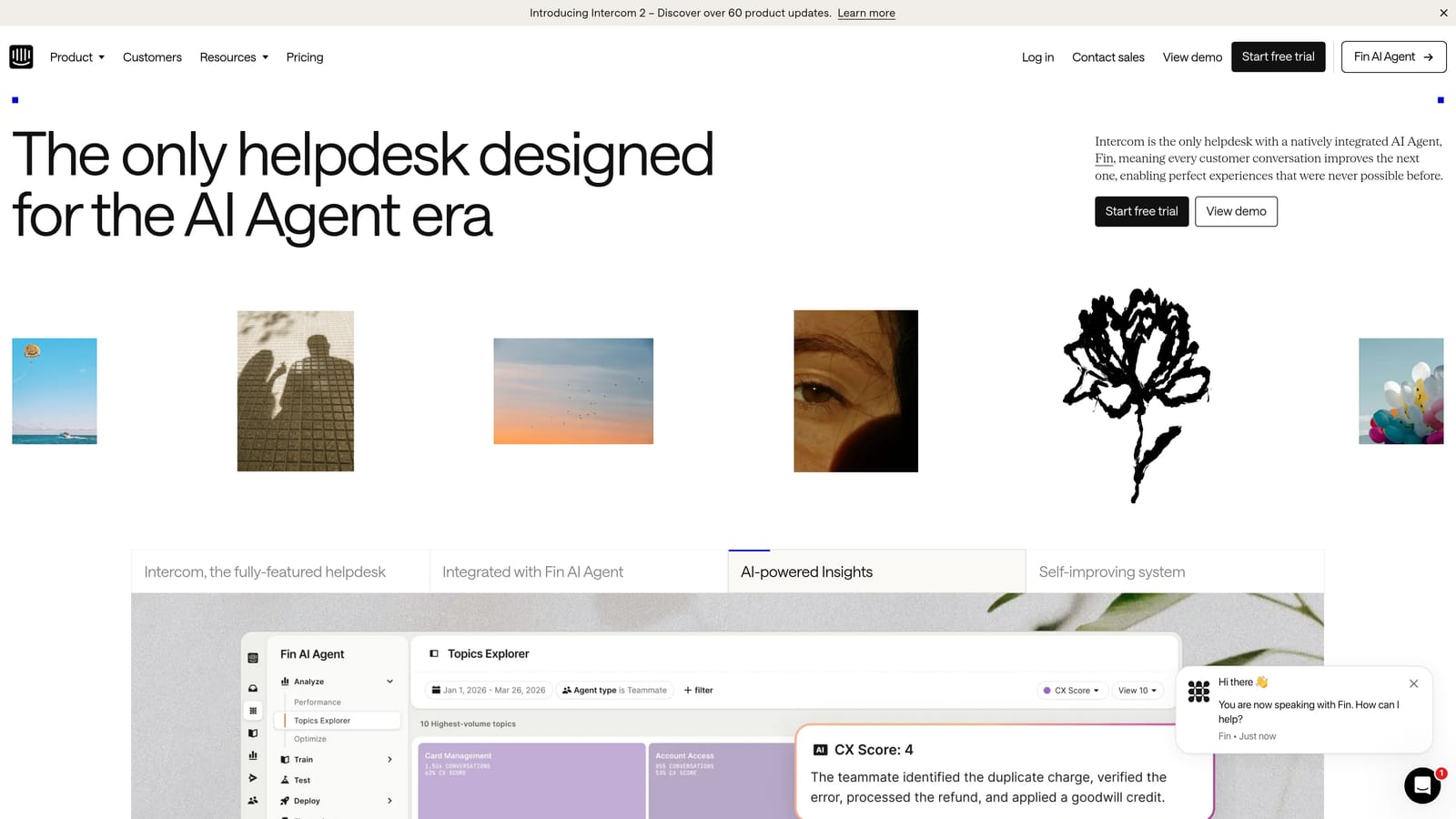
The trade-off is that Intercom's strength is its ecosystem coherence, not deep AI autonomy. Teams that aren't already using Intercom for sales or onboarding may find the platform's pricing model difficult to justify purely for support. And for complex B2B support scenarios requiring deep product integrations, Fin's capabilities can feel limited compared to purpose-built AI support platforms.
Implementation Steps
1. Audit your existing Intercom usage to determine whether you're already leveraging the messenger, inbox, and product tours before adding Fin.
2. Structure your help center content specifically for AI retrieval, using clear question-and-answer formats rather than long-form articles.
3. Configure escalation rules so Fin hands off gracefully to human agents for queries involving billing disputes, account changes, or multi-step troubleshooting.
Pro Tips
Intercom works best when your sales and support teams share the same workspace. If your support team operates independently with its own tooling, you may pay for ecosystem features you never use. Evaluate total platform cost against the features your support team specifically needs.
3. Zendesk — Enterprise-Grade AI with Deep Customization
The Challenge It Solves
Large enterprise teams often face a different problem than smaller B2B companies. The challenge isn't ticket volume alone; it's routing complexity, compliance requirements, multi-brand management, and the need for deeply customized workflows that off-the-shelf tools can't accommodate. Zendesk was built for this level of operational complexity.
The Strategy Explained
Zendesk's AI capabilities span intelligent triage, automated routing, intent detection, and agent assist features that surface relevant knowledge during live conversations. The platform's customization ceiling is genuinely high. Organizations with dedicated support operations teams can build sophisticated automation rules, custom reporting dashboards, and complex escalation trees that match their specific business logic.
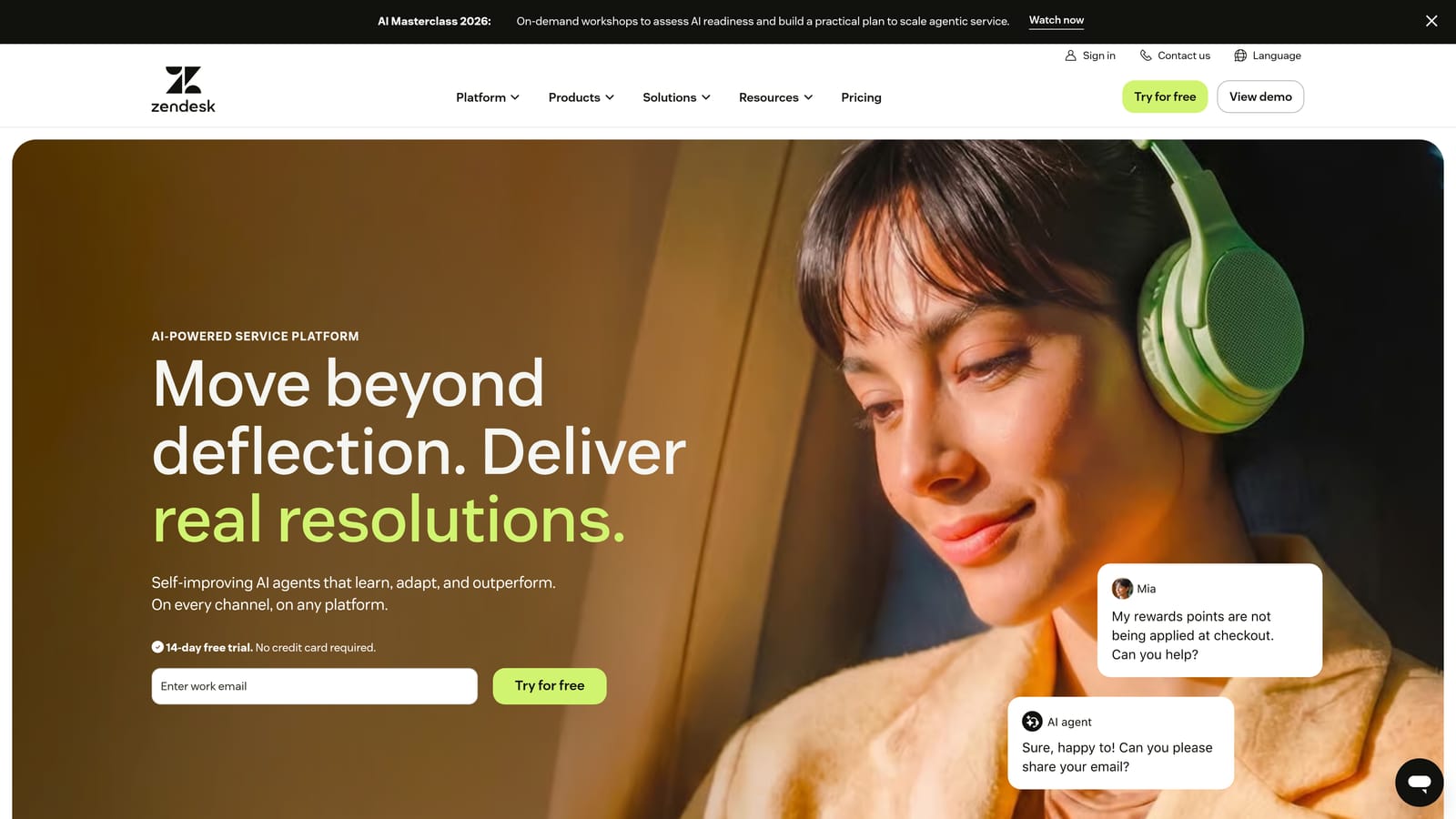
The honest trade-off is setup investment. Zendesk is not a platform you deploy in a week and hand to a small team. Realizing its full AI potential typically requires dedicated admin resources, ongoing configuration work, and a willingness to invest in training. For teams without that operational capacity, Zendesk can become an expensive tool that's only partially utilized.
Implementation Steps
1. Define your routing logic in detail before configuring Zendesk, mapping every ticket type to the appropriate team, priority level, and SLA requirement.
2. Use Zendesk's AI triage features to automatically tag and route incoming tickets, reducing manual sorting time for your team.
3. Invest in admin training or a Zendesk implementation partner if your team doesn't have dedicated operations resources.
Pro Tips
Zendesk's marketplace of third-party integrations is extensive, but integration quality varies significantly. Vet any integration carefully before building workflows that depend on it, and prioritize native integrations wherever possible to avoid brittleness.
4. Freshdesk — Affordable AI for Growing Mid-Market Teams
The Challenge It Solves
Mid-market teams often find themselves caught between outgrowing basic helpdesks and not yet needing enterprise-level complexity. They want meaningful AI assistance without a six-month implementation project or enterprise pricing that doesn't match their current scale. Freshdesk was designed to occupy exactly this space.
The Strategy Explained
Freshworks' Freddy AI powers Freshdesk's automation layer, providing auto-triage, suggested replies, and canned response recommendations that help agents work faster without replacing them entirely. The platform's pricing tiers are genuinely accessible compared to enterprise alternatives, making it a practical step up for teams that have outgrown basic shared inboxes but aren't ready for Zendesk-level complexity.
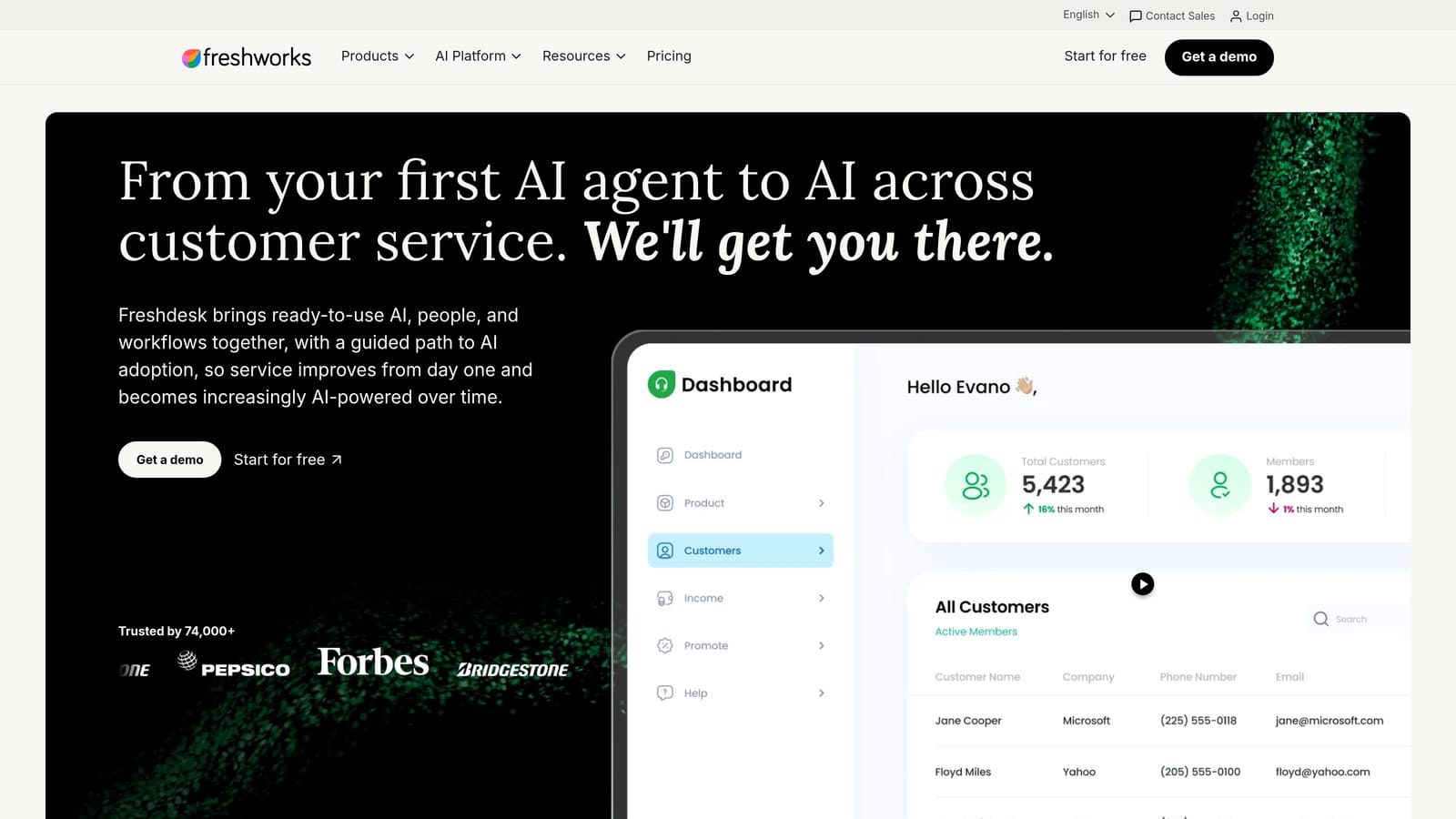
Freddy AI's capabilities are solid for common support scenarios: routing tickets, suggesting knowledge base articles, and drafting response templates. Where it shows limits is in deep contextual awareness and autonomous resolution. Freddy assists agents rather than replacing them for complex queries, which is appropriate for many mid-market teams but may fall short for organizations targeting significant ticket deflection.
Implementation Steps
1. Start with Freddy's auto-triage and routing features before enabling suggested replies, giving your team time to validate AI accuracy before relying on it for customer-facing content.
2. Build out your knowledge base thoroughly before activating AI-assisted responses, since Freddy's suggestion quality depends heavily on the content it can draw from.
3. Set up reporting to track which Freddy suggestions your agents accept versus modify, using that data to improve your knowledge base content over time.
Pro Tips
Freshdesk's value proposition is strongest when you're consolidating from multiple disconnected tools into a single platform. If you're already running a reasonably organized helpdesk and primarily need deeper AI autonomy, evaluate whether Freshdesk's AI capabilities match your specific deflection goals.
5. Tidio — Fast AI Deployment for SMB and E-Commerce Teams
The Challenge It Solves
Small teams and e-commerce businesses often have a specific problem: high volumes of repetitive, predictable queries that consume agent time without requiring genuine human judgment. Questions about order status, return policies, shipping timelines, and account access follow predictable patterns that AI handles well when configured correctly.
The Strategy Explained
Tidio's Lyro AI chatbot is designed for fast deployment with minimal configuration. For SMB teams and e-commerce operators dealing with high volumes of predictable query types, Lyro can deflect a meaningful portion of incoming conversations without requiring the setup investment that enterprise platforms demand. The interface is approachable for teams without dedicated technical resources.
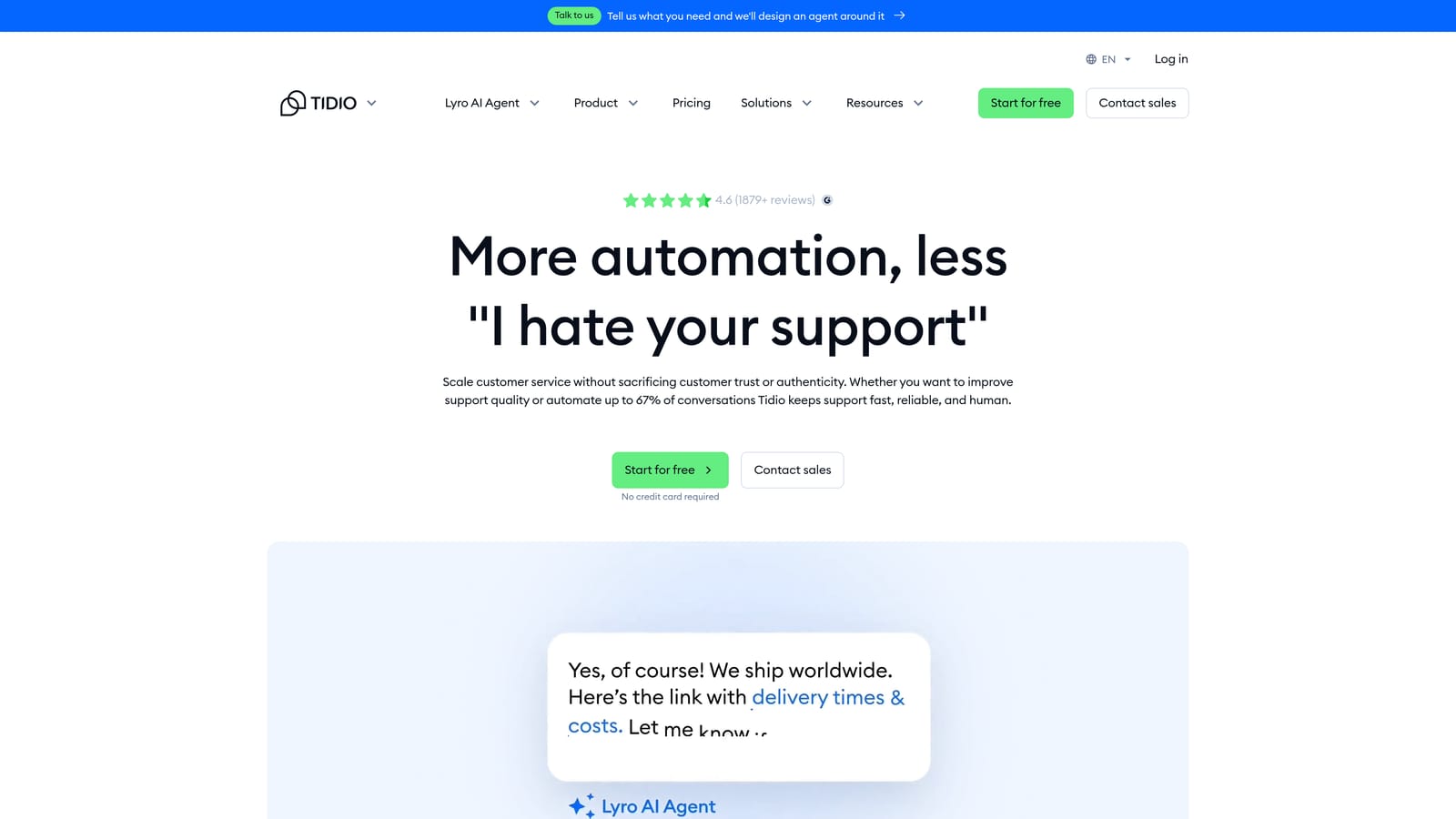
The honest limitation is that Tidio is optimized for simpler query patterns. Complex B2B support environments, where customers ask multi-part questions about technical integrations, billing disputes, or product-specific troubleshooting, can quickly exceed Lyro's effective range. For those scenarios, Tidio's escalation paths are less sophisticated than purpose-built B2B platforms.
Implementation Steps
1. Categorize your top 20 most common query types and assess what percentage are genuinely answerable without human judgment.
2. Configure Lyro's responses specifically for those high-volume, predictable categories before expanding to more complex scenarios.
3. Set clear escalation triggers so customers with complex or sensitive issues reach a human agent quickly rather than cycling through chatbot responses that don't resolve their problem.
Pro Tips
Tidio works best as a first-line deflection layer rather than a comprehensive support solution. If your query mix is predominantly simple and repetitive, the speed of deployment and accessible pricing make it worth evaluating. If your customers regularly ask nuanced, multi-step questions, plan for significant human agent involvement alongside the AI.
6. Kustomer — CRM-Native Helpdesk with Unified Customer Timelines
The Challenge It Solves
High-volume consumer brands often struggle with fragmented customer data. A customer contacts support via email, then live chat, then social media, and each interaction exists in a separate silo. Agents waste time piecing together context that should be immediately visible, leading to frustrating experiences for customers who have to repeat themselves repeatedly.
The Strategy Explained
Kustomer's core differentiator is its CRM-native architecture, which unifies every customer touchpoint into a single chronological timeline. Agents see the complete customer history, including purchases, previous support interactions, and behavioral data, before they type a single response. Its AI layer adds intent detection and routing that directs conversations to the right team based on what the customer is actually trying to accomplish.
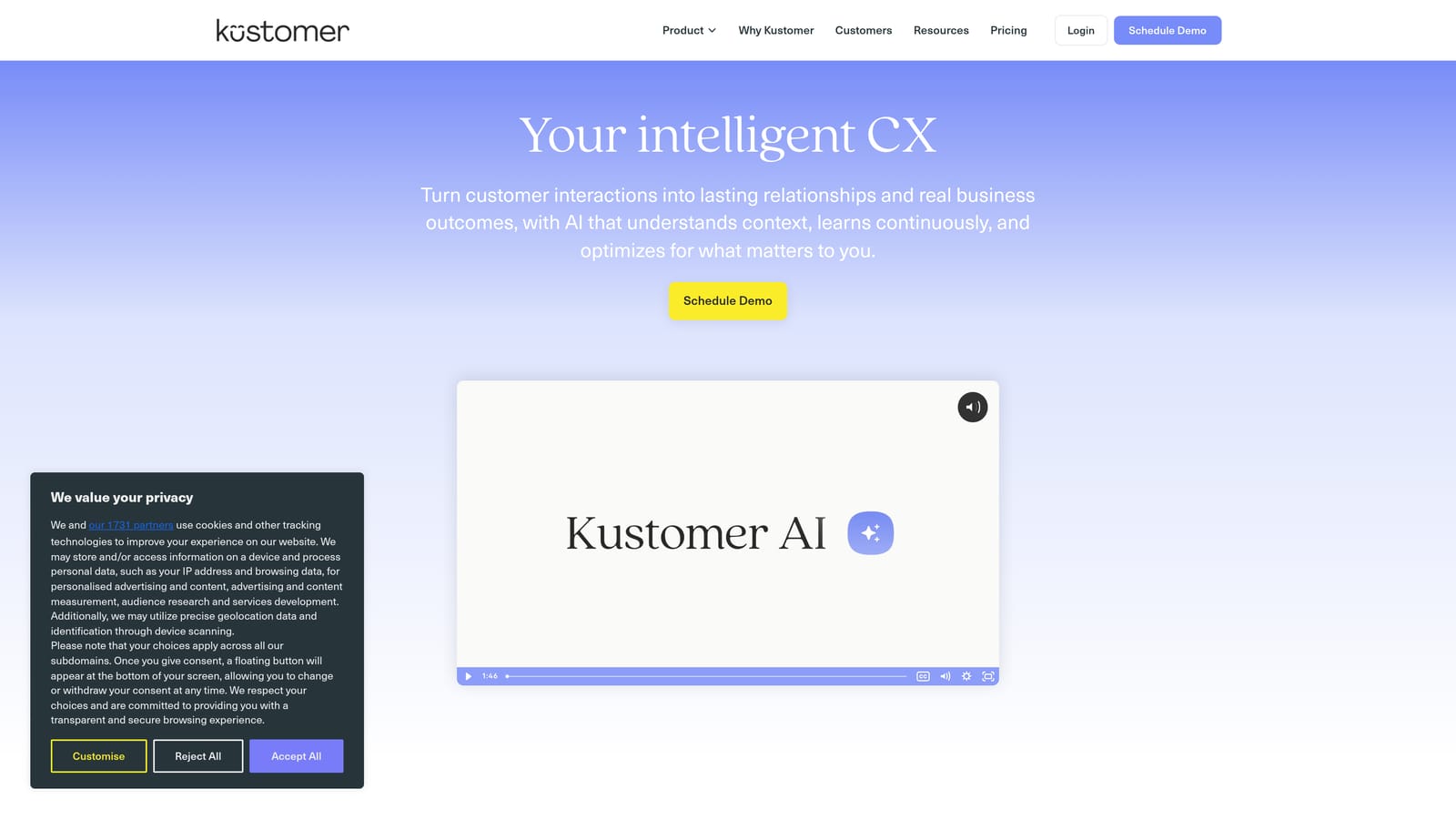
For pure B2B SaaS environments, Kustomer's strengths may not align perfectly with your needs. Its architecture is optimized for high-volume B2C and D2C scenarios where purchase history and transactional data are central to support context. B2B teams dealing with complex technical queries, multi-stakeholder accounts, and deep product integrations may find that Kustomer's CRM focus doesn't map cleanly to their support model.
Implementation Steps
1. Evaluate whether unified customer timelines are your primary pain point before committing to Kustomer's architecture, since its value proposition centers on this capability.
2. Map your customer data sources and confirm they can integrate cleanly with Kustomer's timeline model before beginning migration.
3. Configure intent-based routing rules using Kustomer's AI to direct conversations appropriately from day one, reducing manual routing overhead.
Pro Tips
Kustomer is worth serious evaluation if your support team spends significant time searching across multiple systems to reconstruct customer context. If your primary challenge is AI autonomy and ticket deflection rather than data unification, other platforms on this list may be a stronger match.
7. How to Choose the Right Help Scout Alternative
The Challenge It Solves
Evaluating six different platforms with overlapping feature sets and varying pricing models is genuinely difficult. Without a clear framework, teams often default to the most familiar name or the lowest price point, rather than the platform that best matches their specific support architecture and growth trajectory.
The Strategy Explained
Start with four evaluation dimensions that separate platforms meaningfully: AI architecture depth, integration breadth, contextual awareness, and pricing model alignment.
AI Architecture Depth: Is AI a core architectural layer or a feature added to an existing helpdesk? Platforms built AI-first from the ground up behave fundamentally differently from those that added AI capabilities to legacy ticketing infrastructure. If autonomous ticket resolution is your goal, this distinction matters enormously.
Integration Breadth: Support doesn't happen in isolation. Your platform needs to connect to your CRM, billing system, product analytics, and engineering workflow tools. Evaluate not just whether integrations exist, but how deep they go. A surface-level integration that passes basic data is very different from one that enables bidirectional actions.
Contextual Awareness: Can the platform see what your customer sees? Does it understand which page a user is on, what they've already tried, and what their account status is? Context-aware AI resolves queries faster and more accurately than AI operating with generic knowledge base access alone.
Pricing Model Alignment: Some platforms charge per seat, others per conversation, others by feature tier. Model your expected usage against each pricing structure at your current scale and your projected scale in 18 months. A platform that's affordable today may become expensive quickly as your team or volume grows.
Implementation Steps
1. Audit your current ticket volume by category, your escalation rate, and the integrations your team uses daily. These three inputs define your baseline requirements.
2. Build a shortlist of two or three platforms that match your AI architecture preference and integration needs, then request demos focused specifically on your highest-volume ticket types.
3. Before committing to migration, document your current knowledge base structure, your routing logic, and your escalation playbooks. Clean, organized content makes every AI platform perform better from day one.
4. Run a parallel pilot if possible, routing a subset of tickets through the new platform while maintaining your existing system, to validate AI accuracy and escalation behavior before full cutover.
Pro Tips
Don't evaluate platforms based on feature lists alone. The gap between what a platform claims to do and what it does reliably in your specific environment can be significant. Prioritize hands-on testing with your actual ticket types over vendor-curated demos using ideal scenarios.
Putting It All Together
Choosing a Help Scout alternative isn't just about finding a tool with more features. It's about finding an architecture that matches where your support operation is headed.
If your team is still handling tickets manually with occasional AI suggestions, a Freshdesk or Zendesk upgrade may be sufficient. Intercom is a strong fit if your sales and support motions are tightly coupled. Tidio works well for SMB teams with high volumes of predictable queries. Kustomer shines when unified customer timelines are the primary pain point.
But if you're building toward autonomous support that learns, adapts, and surfaces business intelligence beyond ticket resolution, you need a platform designed AI-first from the ground up.
Halo AI was built specifically for that scenario. It doesn't bolt AI onto an existing helpdesk. It starts with AI as the foundation, adding page-aware context, deep integrations across the modern SaaS stack, and business intelligence that turns your support function into a strategic asset rather than a reactive cost center.
Start by auditing your current ticket volume, your team's escalation rate, and the integrations you rely on most. Then map those requirements against the platforms above. The right alternative won't just replace Help Scout. It will unlock capabilities your team didn't know were possible.
Your support team shouldn't scale linearly with your customer base. Let AI agents handle routine tickets, guide users through your product, and surface business intelligence while your team focuses on complex issues that need a human touch. See Halo in action and discover how continuous learning transforms every interaction into smarter, faster support.