9 Best Helpdesk Automation Platforms: Pricing Compared for 2026
This comprehensive guide compares helpdesk automation platform pricing across nine leading solutions for 2026, helping businesses navigate per-agent, per-resolution, and flat-rate pricing models. The analysis evaluates automation capabilities, AI features, integration options, and total cost of ownership for teams from startups to enterprise, making it easier to select the right helpdesk automation platform pricing structure without complex calculations.
 Matt PattoliFounder12 min read
Choosing a helpdesk automation platform means balancing capabilities against budget—and pricing models vary wildly across the market. Some charge per agent, others per resolution, and a few offer flat-rate plans that scale with your business. This guide breaks down leading platforms with transparent pricing analysis, so you can find the right fit without spreadsheet gymnastics.
We've evaluated each tool based on automation depth, AI capabilities, integration flexibility, and total cost of ownership for teams ranging from startups to enterprise organizations. Here are the top helpdesk automation platforms for 2026.
1. Halo AI
Best for: Teams seeking AI-first automation that learns continuously and scales without adding headcount
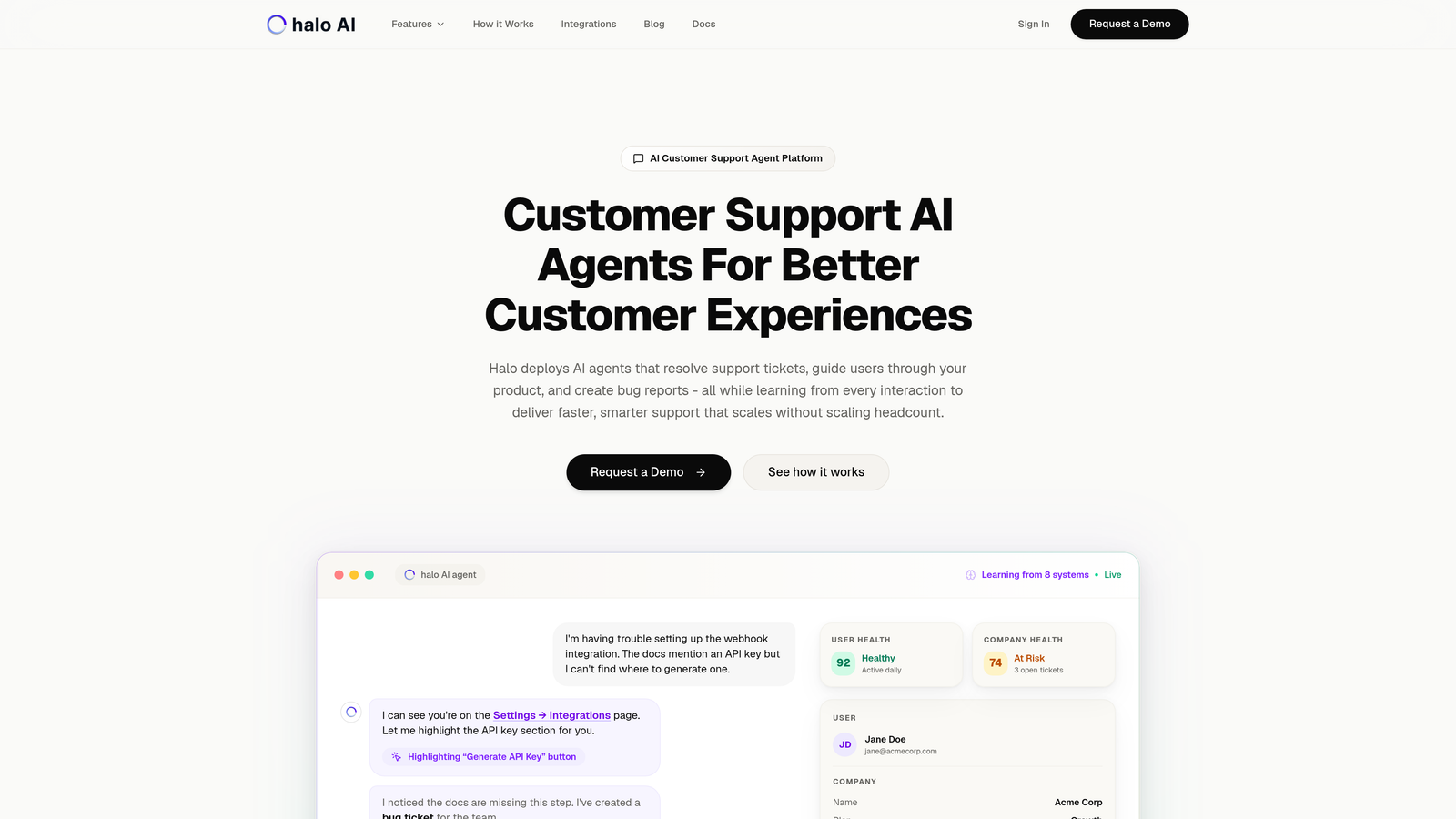
Halo AI is an AI-first helpdesk automation platform where intelligent agents resolve tickets autonomously while learning from every interaction.
Where This Tool Shines
Unlike traditional helpdesks with AI bolted on, Halo was built from the ground up for autonomous operation. The platform's AI agents don't just route tickets—they resolve them, learning from each interaction to improve future responses.
The page-aware chat widget sees what users see, providing contextual guidance that adapts to where customers are in your product. This visual understanding eliminates the back-and-forth typical of standard chatbots that lack interface awareness.
Key Features
Autonomous AI Agents: Handle ticket resolution independently with escalation to human agents only when complexity demands it.
Page-Aware Widget: Provides visual UI guidance based on exactly what the user is viewing in your application.
Smart Inbox Intelligence: Surfaces business insights beyond support metrics, including customer health signals and revenue intelligence.
Auto Bug Creation: Automatically generates detailed bug reports and routes them to your development workflow.
Multi-System Integration: Connects across your entire stack including Linear, Slack, HubSpot, Intercom, Stripe, Zoom, and PandaDoc.
Best For
B2B companies and product teams who want support automation that improves over time rather than requiring constant manual tuning. Particularly valuable for teams using multiple business systems who need unified intelligence across their stack.
Pricing
Contact for pricing. Uses a usage-based model that scales with resolution volume rather than agent count, aligning costs with actual automation value delivered.
2. Zendesk
Best for: Enterprise organizations requiring comprehensive omnichannel support with extensive customization options
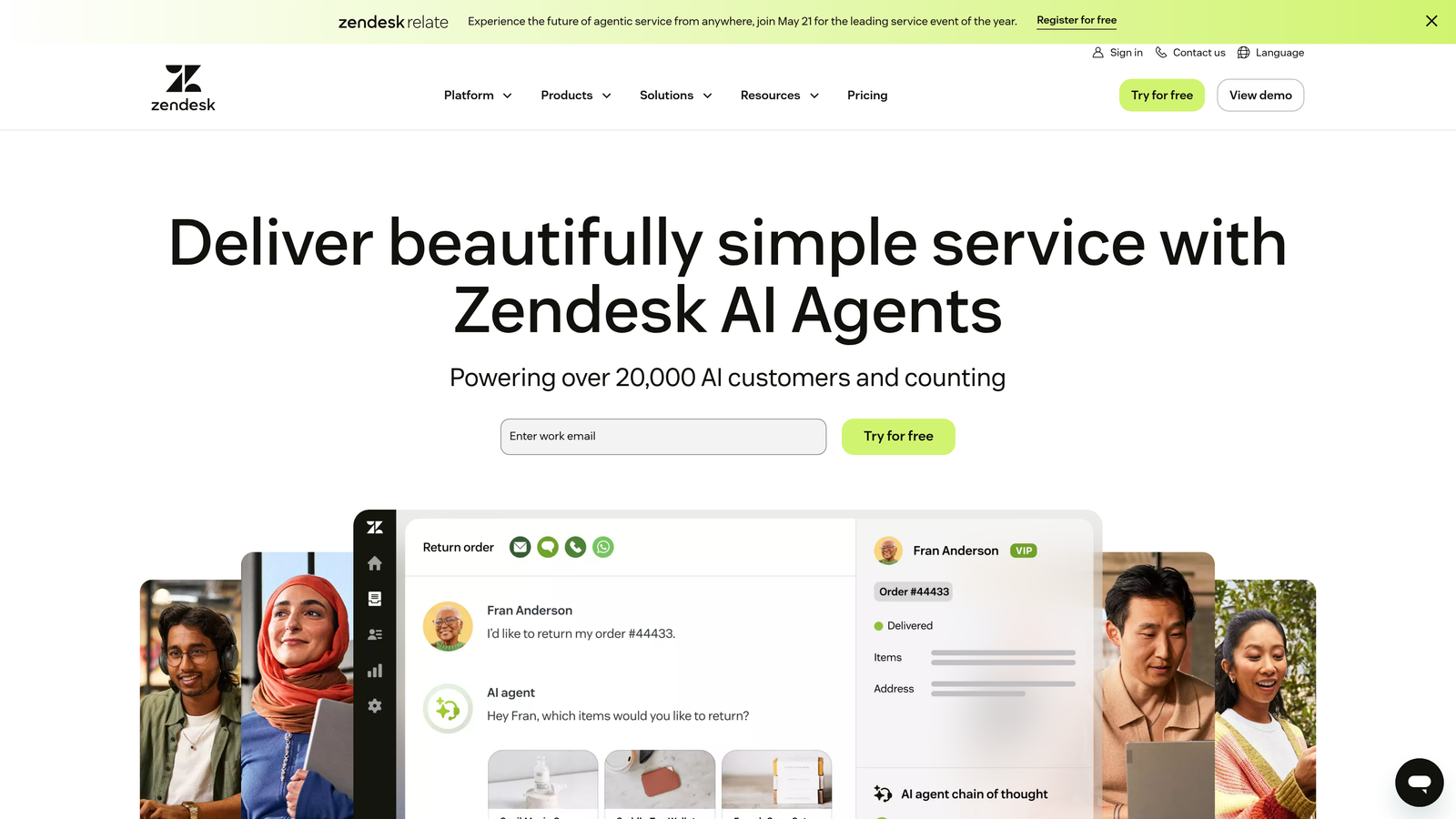
Zendesk is an enterprise-grade customer service platform with a comprehensive automation suite and AI-powered agent assistance.
Where This Tool Shines
Zendesk dominates the enterprise helpdesk market for good reason—its automation capabilities are extensive and battle-tested across thousands of large organizations. The platform handles complex routing scenarios, multi-brand support, and sophisticated SLA management that smaller tools struggle with.
The marketplace ecosystem offers hundreds of pre-built integrations, making it easier to connect Zendesk to legacy systems and specialized tools. For teams managing high ticket volumes across multiple channels, the robust reporting and analytics provide visibility that justifies the premium pricing.
Key Features
Advanced AI Bots: Automate responses and route tickets intelligently based on content analysis and historical patterns.
Omnichannel Ticketing: Unified inbox for email, chat, phone, social media, and messaging apps with consistent automation rules.
Marketplace Integrations: Over 1,000 apps and integrations covering everything from CRMs to project management tools.
Workflow Automation: Create complex macros and triggers that handle multi-step processes without manual intervention.
Enterprise Analytics: Deep reporting on team performance, customer satisfaction, and operational efficiency with customizable dashboards.
Best For
Large enterprises with complex support operations spanning multiple brands, channels, and regions. Teams with dedicated Zendesk administrators who can maximize the platform's extensive customization capabilities.
Pricing
Starts at $55/agent/month for Suite Team. Advanced AI automation requires an additional add-on starting at $50/agent/month, which can significantly increase total cost for teams relying heavily on AI features.
3. Freshdesk
Best for: Small to mid-sized teams wanting robust automation without enterprise-level pricing commitments
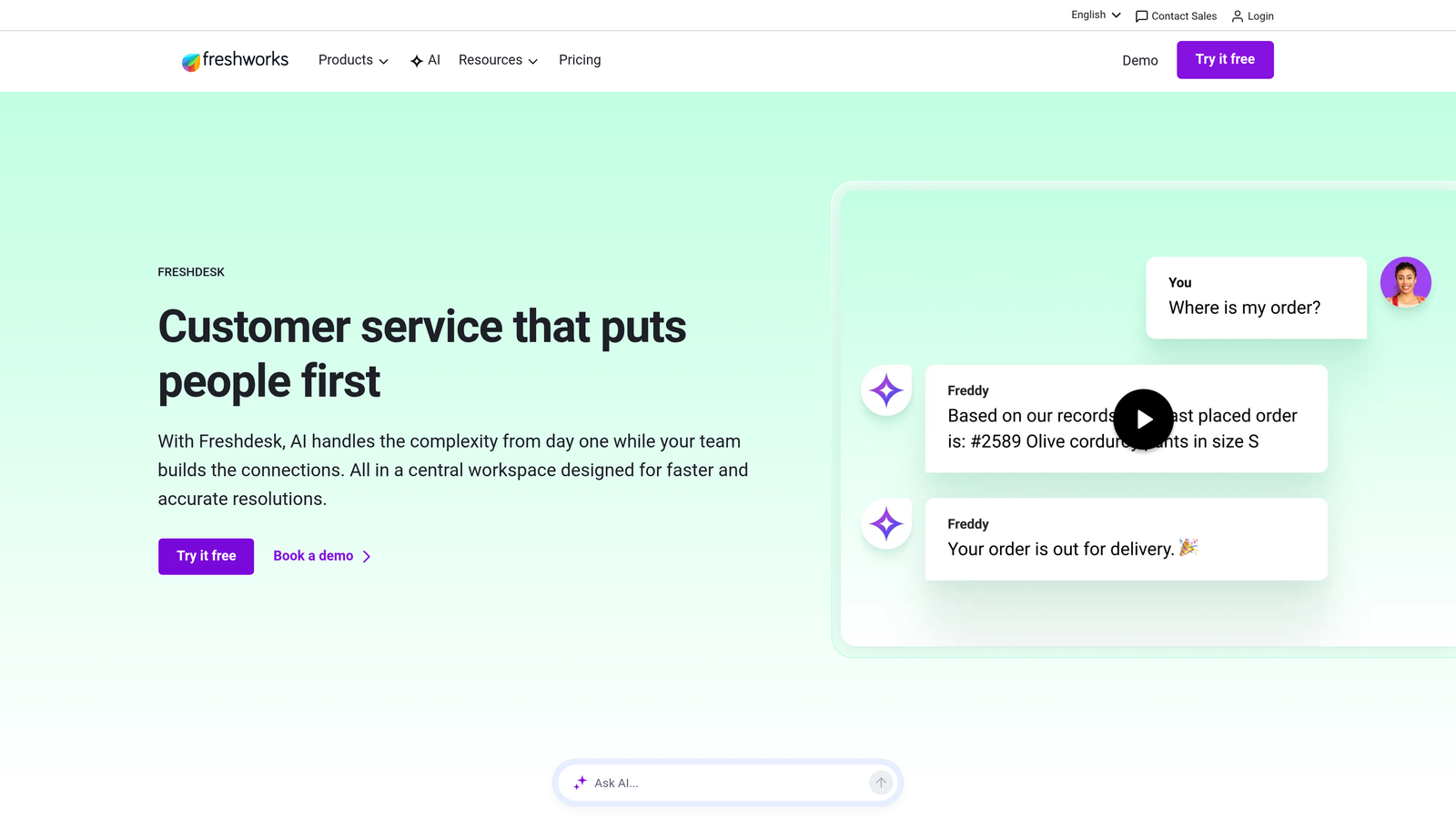
Freshdesk is a cloud-based helpdesk with AI-powered automation features and a generous free tier for small teams.
Where This Tool Shines
Freshdesk's sweet spot is delivering enterprise-class features at SMB-friendly prices. The free tier genuinely supports up to 10 agents with core automation capabilities, making it ideal for startups testing helpdesk automation before committing budget.
Freddy AI, Freshdesk's automation engine, handles common queries surprisingly well for the price point. The self-service portal builder lets teams create knowledge bases that deflect tickets before they reach agents, reducing overall support load without additional cost.
Key Features
Freddy AI: Suggests automated responses, predicts ticket fields, and identifies trends in support requests.
Intelligent Routing: Assigns tickets based on agent skills, workload, and round-robin distribution with customizable rules.
Self-Service Portal: Build branded knowledge bases with articles, FAQs, and community forums to deflect routine questions.
Team Collaboration: Internal notes, parent-child ticketing, and shared ownership for complex issues requiring multiple agents.
SLA Management: Set response and resolution time targets with automated escalations when deadlines approach.
Best For
Growing companies that need professional helpdesk automation but aren't ready for enterprise pricing. The free tier works well for very small teams, while paid plans scale affordably as support volume increases.
Pricing
Free tier supports unlimited tickets for up to 10 agents. Paid plans start at $15/agent/month (Growth) with advanced automation, rising to $79/agent/month (Enterprise) for AI-powered features and custom reports.
4. Intercom
Best for: Product-led companies prioritizing conversational support and proactive customer engagement
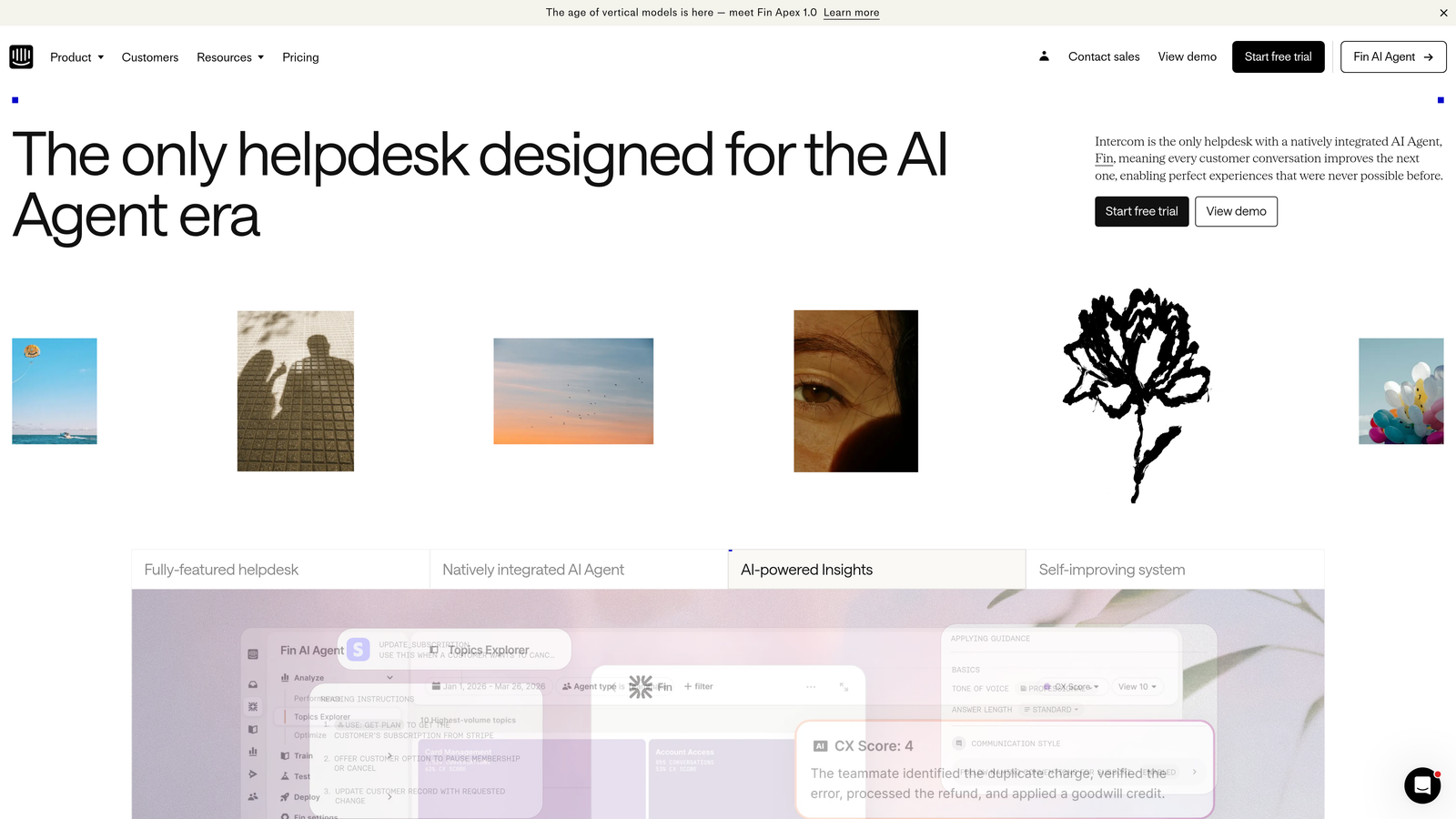
Intercom is a conversational support platform with Fin AI agent for automated customer interactions across channels.
Where This Tool Shines
Intercom excels at proactive, context-aware communication that feels natural rather than robotic. The Messenger widget integrates seamlessly into web and mobile apps, allowing customers to continue conversations across sessions without losing context.
Fin AI represents a different approach to automation—it charges per resolution rather than per seat, which can be cost-effective for teams with high automation rates. The AI agent handles entire conversations from start to finish, not just canned responses to specific keywords.
Key Features
Fin AI Agent: Autonomous AI that resolves customer questions using your knowledge base and product data with human-like conversation flow.
Messenger Widget: Persistent chat interface that maintains conversation history and integrates product tours and onboarding flows.
Proactive Messaging: Trigger targeted messages based on user behavior, page visits, or lifecycle stage to prevent issues before they arise.
Product Tours: Guide users through features with interactive walkthroughs that reduce support volume for new functionality.
Unified Customer Data: Single view of customer interactions across support, marketing, and product engagement.
Best For
SaaS companies with strong product-led growth strategies who want support integrated directly into the user experience. Teams that value proactive engagement and in-app messaging over traditional email ticketing.
Pricing
Starts at $39/seat/month for Essential features. Fin AI costs an additional $0.99 per resolution, which can add up quickly but may still be cheaper than hiring additional agents for high-volume teams.
5. HubSpot Service Hub
Best for: Companies already using HubSpot CRM who want unified customer data across sales, marketing, and support
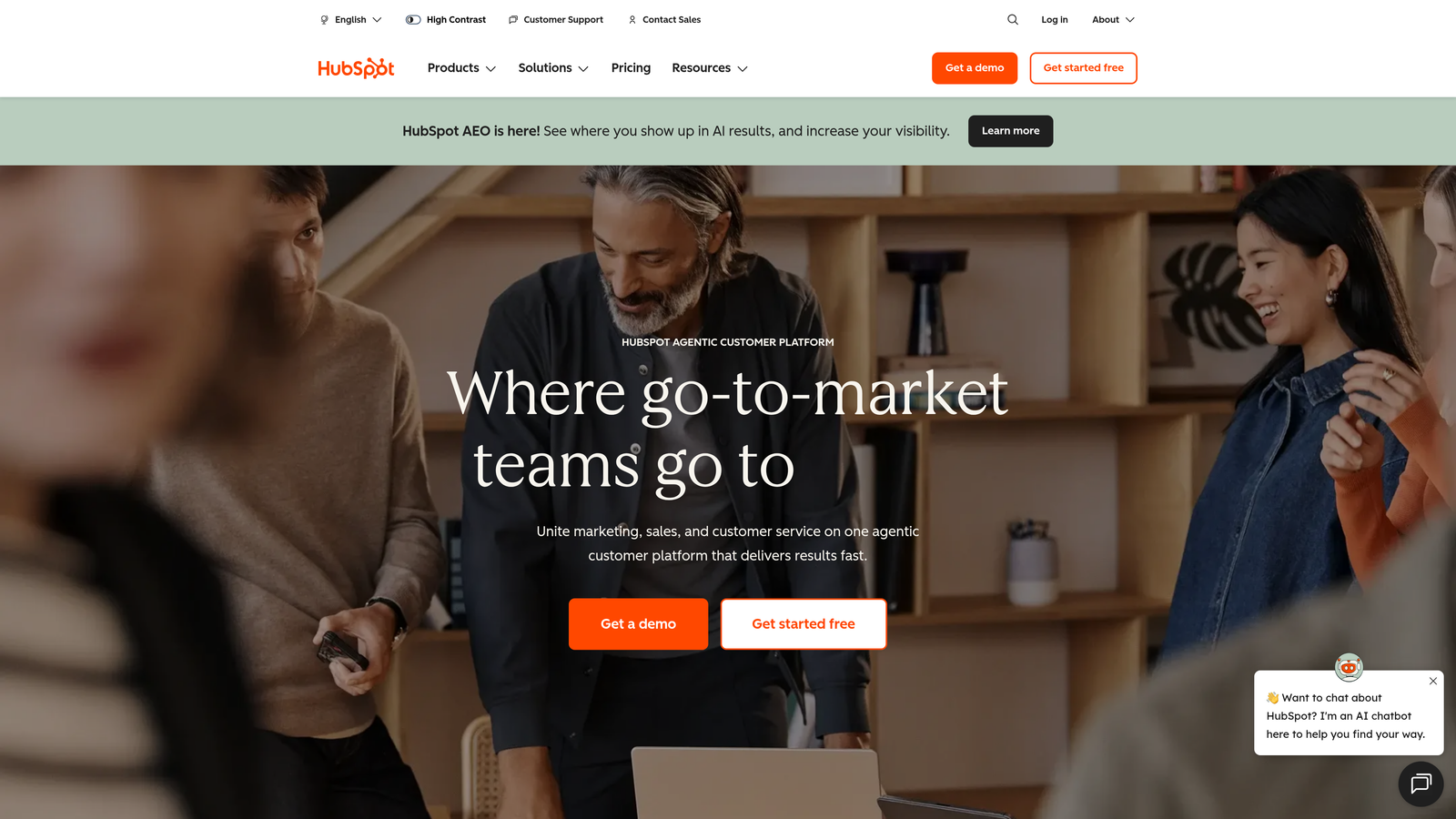
HubSpot Service Hub is customer service software integrated with HubSpot's CRM platform for unified customer data and automation.
Where This Tool Shines
The native CRM integration is HubSpot Service Hub's killer feature—support agents see complete customer history including sales interactions, marketing engagement, and previous support tickets without switching platforms. This context enables more personalized, efficient support.
For teams already invested in HubSpot's ecosystem, Service Hub eliminates data silos that plague companies using separate sales, marketing, and support tools. The conversational bots leverage the same contact database, ensuring consistent automation across all customer touchpoints.
Key Features
CRM Integration: Native access to customer lifecycle data, deal history, and marketing interactions within support tickets.
Conversational Bots: Automate ticket creation, qualify leads, and route conversations based on CRM data and behavioral triggers.
Knowledge Base: SEO-optimized help articles that integrate with chatbots to deflect common questions automatically.
Customer Feedback: Survey tools that measure satisfaction and feed data back into CRM for customer health scoring.
Shared Inbox: Team email management with assignment rules, collision detection, and internal notes.
Best For
Companies already using HubSpot for sales or marketing who want to consolidate their tech stack. The unified platform approach works best when you're committed to the entire HubSpot ecosystem.
Pricing
Free tools include basic ticketing and live chat. Starter plan begins at $20/month for two users. Professional tier starts at $100/seat/month with advanced automation and custom reporting.
6. Help Scout
Best for: Small teams prioritizing simplicity and transparent pricing over complex enterprise features
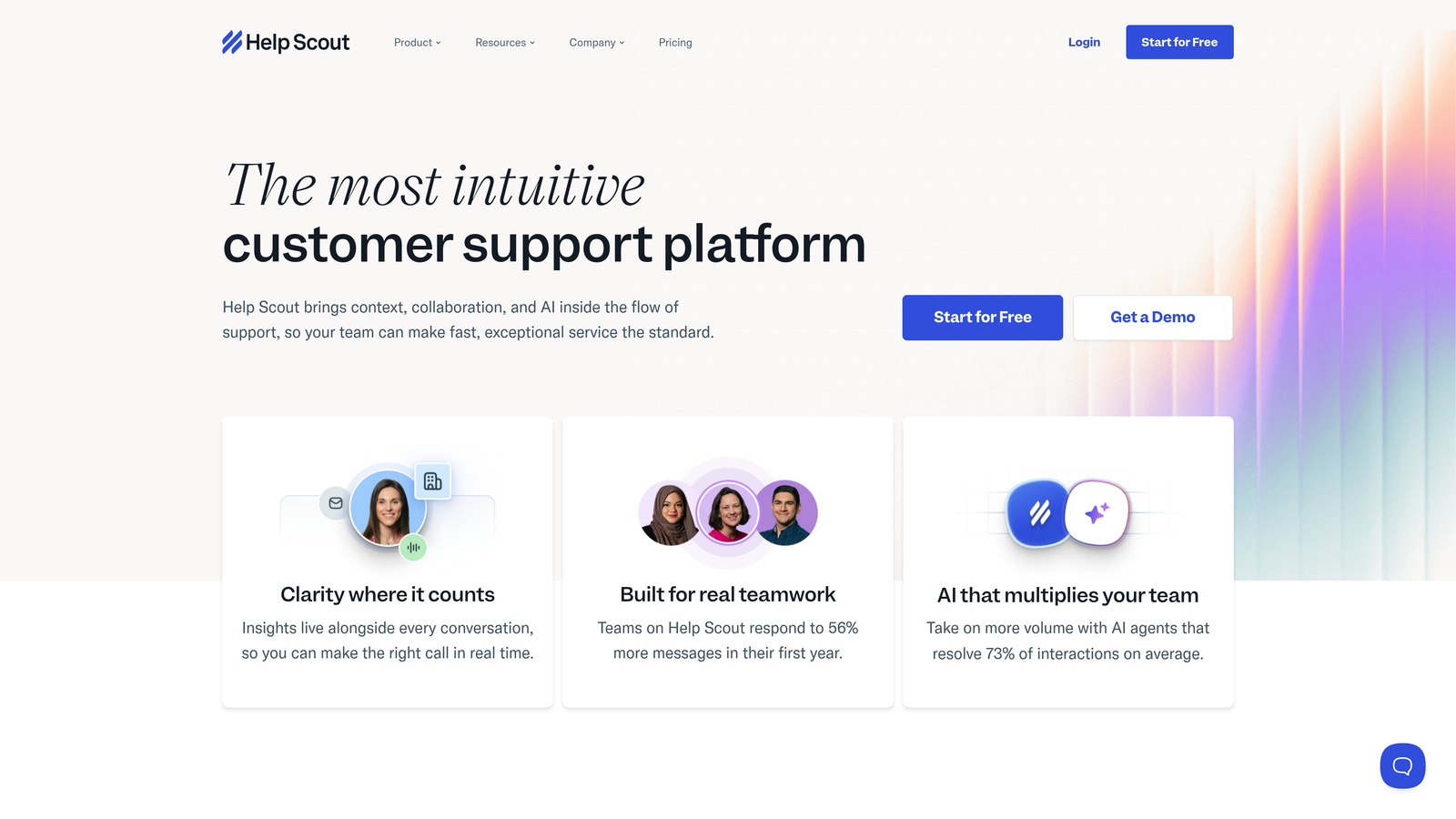
Help Scout is a simple, human-focused helpdesk with transparent pricing and automation features designed for small teams.
Where This Tool Shines
Help Scout deliberately avoids feature bloat, focusing instead on doing the essentials exceptionally well. The interface feels more like email than a traditional ticketing system, reducing training time and making it approachable for non-technical teams.
The collision detection prevents duplicate responses when multiple agents view the same conversation, a surprisingly rare feature in this price range. Automated workflows handle routine tasks without requiring complex rule configuration, making automation accessible to teams without dedicated admins.
Key Features
Shared Inbox: Email-like interface with conversation threading, saved replies, and collision detection to prevent duplicate responses.
Docs Knowledge Base: Clean, searchable help center that integrates with the Beacon widget for contextual self-service.
Beacon Widget: Embeddable chat and search widget that surfaces relevant help articles before customers contact support.
Automated Workflows: Simple automation for common tasks like tagging, assignment, and canned responses without complex rule builders.
Customer Ratings: One-click satisfaction surveys that track team performance without overwhelming customers.
Best For
Small support teams that value ease of use and straightforward pricing over extensive customization. Companies that want professional helpdesk capabilities without enterprise complexity or cost.
Pricing
Standard plan at $25/user/month includes core features and basic automation. Plus plan at $50/user/month adds advanced reporting, custom fields, and priority support. No hidden fees or usage-based charges.
7. Zoho Desk
Best for: Cost-conscious teams already using Zoho's business suite who need context-aware automation
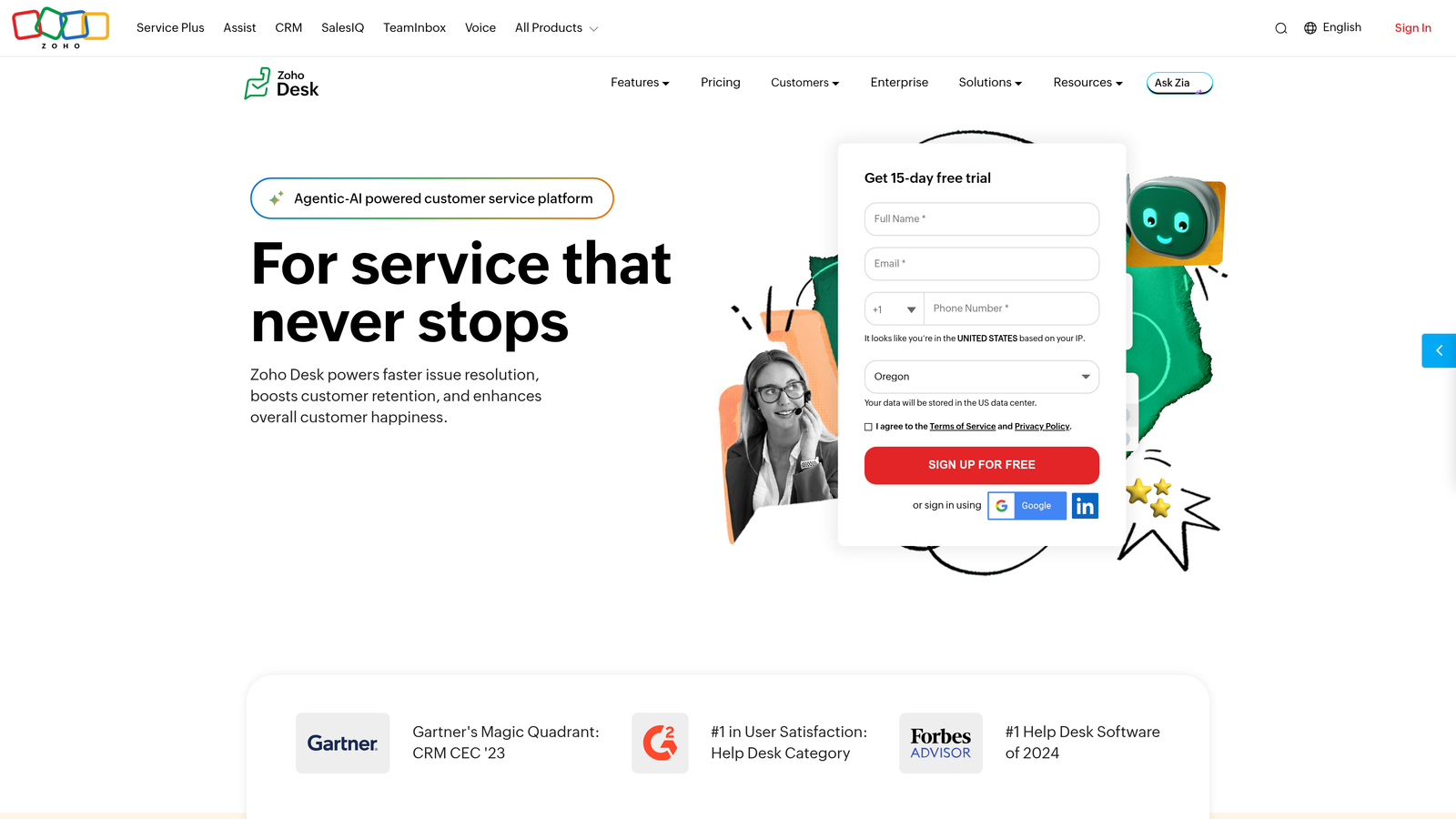
Zoho Desk is context-aware helpdesk software with AI assistant Zia and competitive pricing for Zoho ecosystem users.
Where This Tool Shines
Zoho Desk punches well above its price point, offering enterprise features like AI-powered automation and multi-channel management at SMB prices. Zia, the AI assistant, predicts ticket sentiment, suggests responses, and identifies anomalies in support patterns.
The contextual customer information panel pulls data from across the Zoho ecosystem, giving agents a complete view of customer interactions without manual lookup. For teams already using Zoho CRM, Books, or other Zoho products, the tight integration creates efficiency gains that justify the platform investment.
Key Features
Zia AI Assistant: Predicts ticket fields, suggests responses, detects sentiment, and identifies support trends automatically.
Multi-Channel Management: Unified interface for email, phone, chat, social media, and web forms with consistent automation rules.
Contextual Data: Sidebar shows customer information from Zoho CRM, purchase history, and previous interactions without switching apps.
Blueprint Automation: Visual process builder for complex workflows with conditional logic and multi-step approvals.
Zoho Integration: Native connections to 40+ Zoho apps including CRM, Analytics, Projects, and Books for unified business data.
Best For
Small to mid-sized businesses already invested in the Zoho ecosystem. Teams that need sophisticated automation capabilities but can't justify Zendesk or Salesforce Service Cloud pricing.
Pricing
Free tier supports up to 3 agents with basic features. Standard plan at $14/agent/month includes automation and Zia AI. Enterprise plan at $40/agent/month adds advanced customization and multi-brand support.
8. Gorgias
Best for: E-commerce businesses running on Shopify, BigCommerce, or Magento who need order-aware support automation
Gorgias is an e-commerce-focused helpdesk with deep Shopify integration and ticket-volume-based pricing.
Where This Tool Shines
Gorgias was built specifically for e-commerce, and that focus shows in features traditional helpdesks don't offer. Agents can view order details, process refunds, and update shipping information directly within support tickets without opening the e-commerce admin panel.
The revenue attribution tracking connects support interactions to sales, helping teams quantify the ROI of customer service. Automated responses handle common e-commerce queries like "Where's my order?" by pulling real-time shipping data and responding without agent involvement.
Key Features
E-Commerce Integration: Native connections to Shopify, BigCommerce, Magento with order management, refunds, and shipping updates in-ticket.
Order Automation: Automatically respond to shipping inquiries, return requests, and product questions using order data and inventory status.
Revenue Attribution: Track which support conversations lead to purchases and measure customer service impact on sales.
Social Commerce: Manage Instagram, Facebook, and SMS conversations alongside email with unified automation rules.
Macros for E-Commerce: Pre-built response templates for common scenarios like damaged items, late deliveries, and sizing questions.
Best For
Online retailers with high support volumes driven by order inquiries, shipping questions, and product issues. The ticket-based pricing works well for seasonal businesses with fluctuating support demand.
Pricing
Starts at $10/month for 50 tickets, scaling based on volume. Pro plan at $360/month covers 2,000 tickets. Unlike per-agent pricing, this model can be more cost-effective for small teams handling high ticket volumes.
9. Kustomer
Best for: Enterprise teams needing CRM-powered support with complete customer timeline visibility
Kustomer is a CRM-powered customer service platform with timeline view and omnichannel automation capabilities.
Where This Tool Shines
Kustomer's timeline view fundamentally changes how agents interact with customer data. Instead of seeing individual tickets, agents see a chronological stream of every customer interaction across all channels, providing context that traditional ticket-centric systems miss.
The custom objects feature lets teams model their specific business data within Kustomer, creating automation rules based on product usage, subscription status, or any other business metric. This flexibility supports complex use cases that generic helpdesks can't handle without extensive customization.
Key Features
Timeline View: Chronological display of all customer interactions, purchases, and activities across channels in a single unified stream.
Omnichannel Conversations: Manage email, chat, phone, SMS, and social media in threaded conversations that maintain context across channels.
AI-Powered Routing: Intelligent assignment based on agent skills, customer value, conversation complexity, and workload balancing.
Custom Objects: Define business-specific data models and create automation rules based on your unique workflow requirements.
Enterprise Security: SOC 2 Type II compliance, HIPAA readiness, and granular role-based access controls for regulated industries.
Best For
Large enterprises with complex customer relationships spanning multiple products, services, and touchpoints. Companies in regulated industries requiring advanced security and compliance features.
Pricing
Enterprise pricing starts at $89/user/month with annual commitment. Custom quotes required for specific feature sets, integrations, and volume discounts. Implementation and training typically add significant upfront costs.
Making the Right Choice
The helpdesk automation market in 2026 reveals three dominant pricing models, each with distinct cost implications. Per-agent pricing (Zendesk, Freshdesk, Help Scout, Zoho Desk, Kustomer) works best for teams with stable headcount but can become expensive as you scale. Usage-based models (Gorgias, Intercom's Fin AI) align costs with actual support volume, benefiting seasonal businesses or those with fluctuating demand. Hybrid approaches combining base fees with AI usage charges require careful calculation of cost-per-resolution rather than just sticker price.
Hidden costs matter significantly. Zendesk's Advanced AI requires an additional $50/agent/month on top of base pricing. Intercom charges $0.99 per Fin AI resolution beyond seat costs. Many platforms charge extra for premium integrations, advanced reporting, or multi-brand support. Calculate total cost of ownership including these add-ons, not just the advertised starting price.
For budget-conscious startups, Freshdesk's free tier and Zoho Desk's low entry pricing provide genuine automation capabilities without initial investment. Mid-market teams benefit from Help Scout's transparent pricing or HubSpot's unified platform approach if already using their CRM. E-commerce businesses should evaluate Gorgias's ticket-based model against traditional per-agent pricing to find the better fit for their support patterns.
Enterprise organizations weighing Zendesk, Kustomer, or similar platforms should request detailed quotes including all required add-ons, implementation costs, and training expenses. The cheapest per-seat price often becomes the most expensive option once you factor in the AI automation features that make these platforms valuable.
Your support team shouldn't scale linearly with your customer base. Let AI agents handle routine tickets, guide users through your product, and surface business intelligence while your team focuses on complex issues that need a human touch. See Halo in action and discover how continuous learning transforms every interaction into smarter, faster support.