11 Best Helpdesk Automation Software for Scaling Support in 2026
Support teams struggling with repetitive tickets and 24/7 customer expectations need helpdesk automation software that goes beyond basic chatbots. This comprehensive guide evaluates 11 leading platforms based on AI capabilities, integration options, implementation ease, and scalability—helping startups handling their first thousand tickets and enterprises managing millions of interactions find solutions that match their specific workflow, budget, and support complexity requirements.
 Matt PattoliFounder15 min read
Support teams are drowning in repetitive tickets while customers expect instant, accurate responses around the clock. Helpdesk automation software bridges this gap by handling routine inquiries, routing complex issues to the right agents, and providing self-service options that actually work. But with dozens of platforms claiming to transform your support operations, choosing the right one requires cutting through the noise.
This guide evaluates top helpdesk automation tools based on AI capabilities, integration depth, ease of implementation, and real-world scalability. Whether you're a growing startup handling your first thousand tickets or an enterprise managing millions of customer interactions, you'll find options that match your team's workflow and budget.
1. Halo AI
Best for: Teams wanting AI agents that autonomously resolve tickets while continuously learning from every interaction
Halo AI represents a fundamentally different approach to helpdesk automation—built AI-first rather than bolting intelligence onto traditional ticketing systems.
Where This Tool Shines
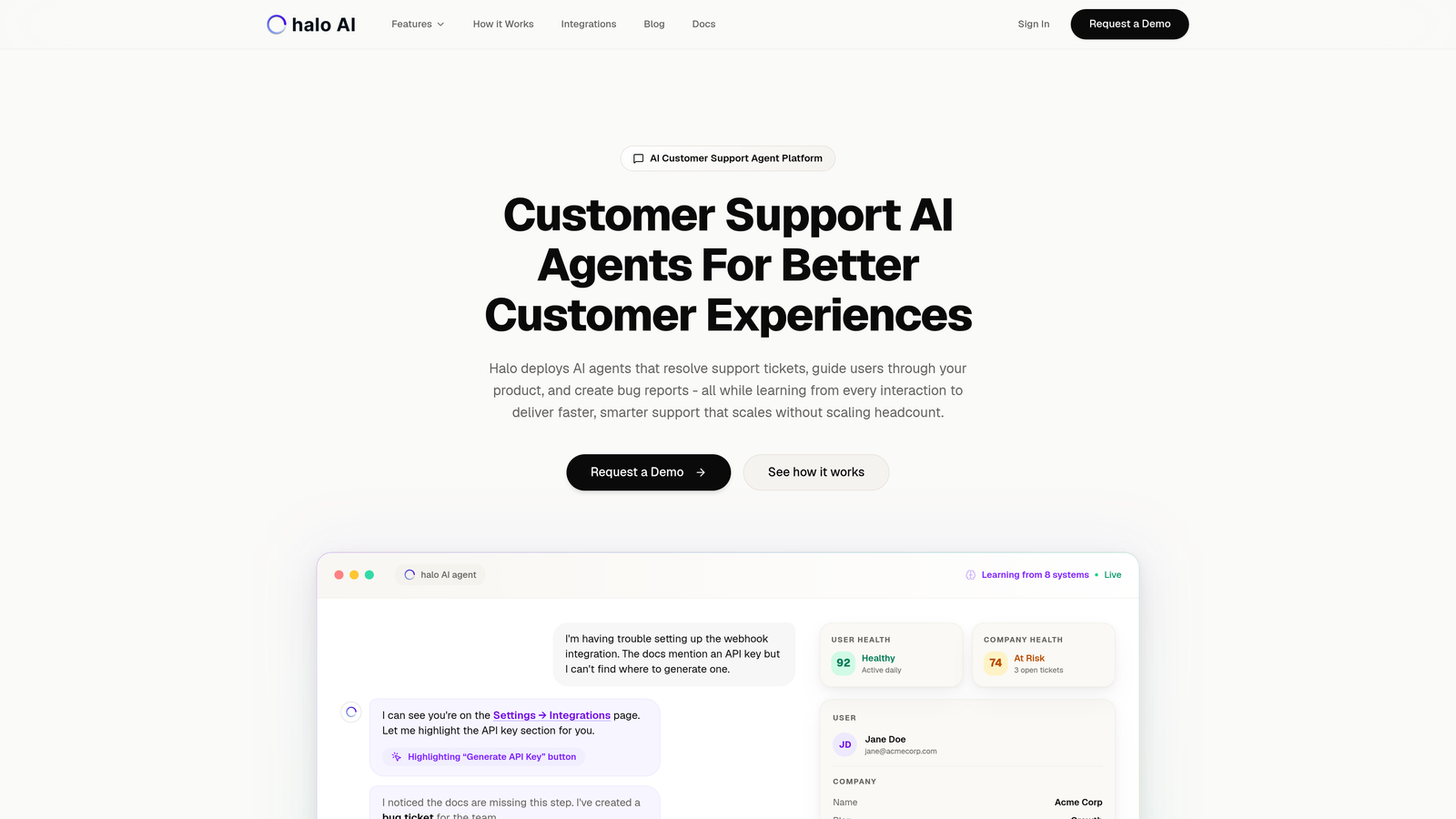
Unlike conventional helpdesks that require extensive rule configuration, Halo deploys intelligent agents that learn from every customer interaction. The platform doesn't just automate responses; it understands context by seeing what users see on your product pages, providing visual UI guidance that traditional chatbots can't match.
The business intelligence layer goes beyond support metrics. Halo surfaces customer health signals, revenue intelligence, and anomaly detection across your entire business stack—turning your support channel into a strategic data source rather than just a cost center.
Key Features
Autonomous AI Agents: Resolve support tickets independently without requiring manual rule creation, learning optimal responses from successful interactions.
Page-Aware Chat Widget: Provides context-specific help by understanding exactly what users see on screen, enabling visual step-by-step guidance through complex workflows.
Smart Inbox with BI Analytics: Aggregates business intelligence from support interactions, identifying patterns in customer behavior, product usage, and revenue signals.
Auto Bug Ticket Creation: Automatically generates detailed bug reports in Linear when support interactions reveal product issues, complete with reproduction steps and user context.
Live Agent Handoff: Seamlessly escalates complex issues to human agents with full conversation context and customer history.
Best For
B2B SaaS companies and product teams seeking autonomous support that scales without adding headcount. Particularly valuable for teams using modern tech stacks including Zendesk, Freshdesk, Intercom, Linear, Slack, HubSpot, Stripe, and similar tools who want deep integration across their entire business ecosystem.
Pricing
Contact for pricing. The platform typically appeals to growing companies prioritizing intelligent automation over seat-based scaling models.
2. Zendesk
Best for: Enterprise organizations requiring comprehensive omnichannel support with extensive customization capabilities
Zendesk remains the heavyweight champion of traditional helpdesk platforms, offering depth and breadth few competitors can match.
Where This Tool Shines
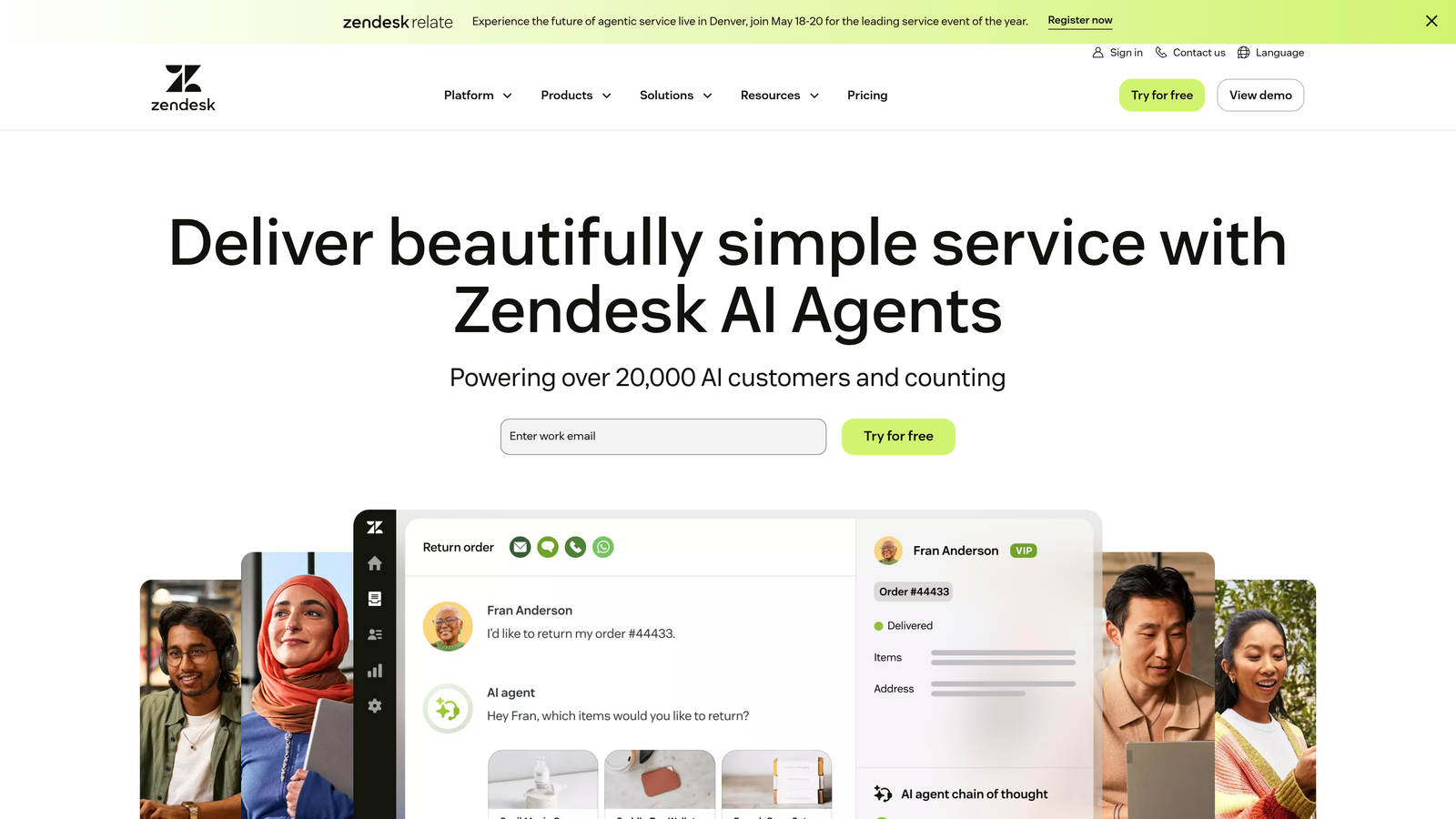
When you need to manage support across email, chat, phone, social media, and messaging apps from a single interface, Zendesk delivers. The platform handles complexity well—multiple brands, international teams, intricate SLA requirements, and custom workflows that would break simpler systems.
The marketplace ecosystem provides thousands of integrations and apps. If you need specialized functionality, someone has probably built a Zendesk app for it. This extensibility makes it adaptable to virtually any business requirement.
Key Features
Omnichannel Ticket Management: Unified inbox consolidating customer interactions from email, chat, phone, social media, and messaging platforms into single customer views.
Answer Bot: AI-powered automation suggests relevant help articles and can resolve simple inquiries without agent intervention.
Advanced Routing and SLA Management: Sophisticated rules engine directs tickets to appropriate teams based on skills, workload, priority, and business hours with automatic escalation.
Extensive App Marketplace: Access to thousands of pre-built integrations and custom apps extending platform functionality for specialized workflows.
Custom Analytics and Reporting: Build detailed dashboards tracking resolution times, agent performance, customer satisfaction, and custom metrics aligned with business goals.
Best For
Large enterprises with complex support operations spanning multiple channels, brands, and global teams. Organizations with dedicated support operations teams who can leverage the platform's depth and customize workflows extensively.
Pricing
Starts at $55 per agent per month for Suite Team. Enterprise pricing scales significantly higher but includes advanced features like sandbox environments and custom roles.
3. Freshdesk
Best for: Growing teams seeking powerful automation without overwhelming complexity or enterprise-level pricing
Freshdesk strikes an appealing balance between capability and usability, making advanced helpdesk features accessible to teams of all sizes.
Where This Tool Shines
The platform's strength lies in its approachable interface that doesn't sacrifice power. Teams can start with basic ticket management and progressively adopt automation, AI assistance, and workflow customization as they grow. The learning curve stays manageable even as you unlock advanced capabilities.
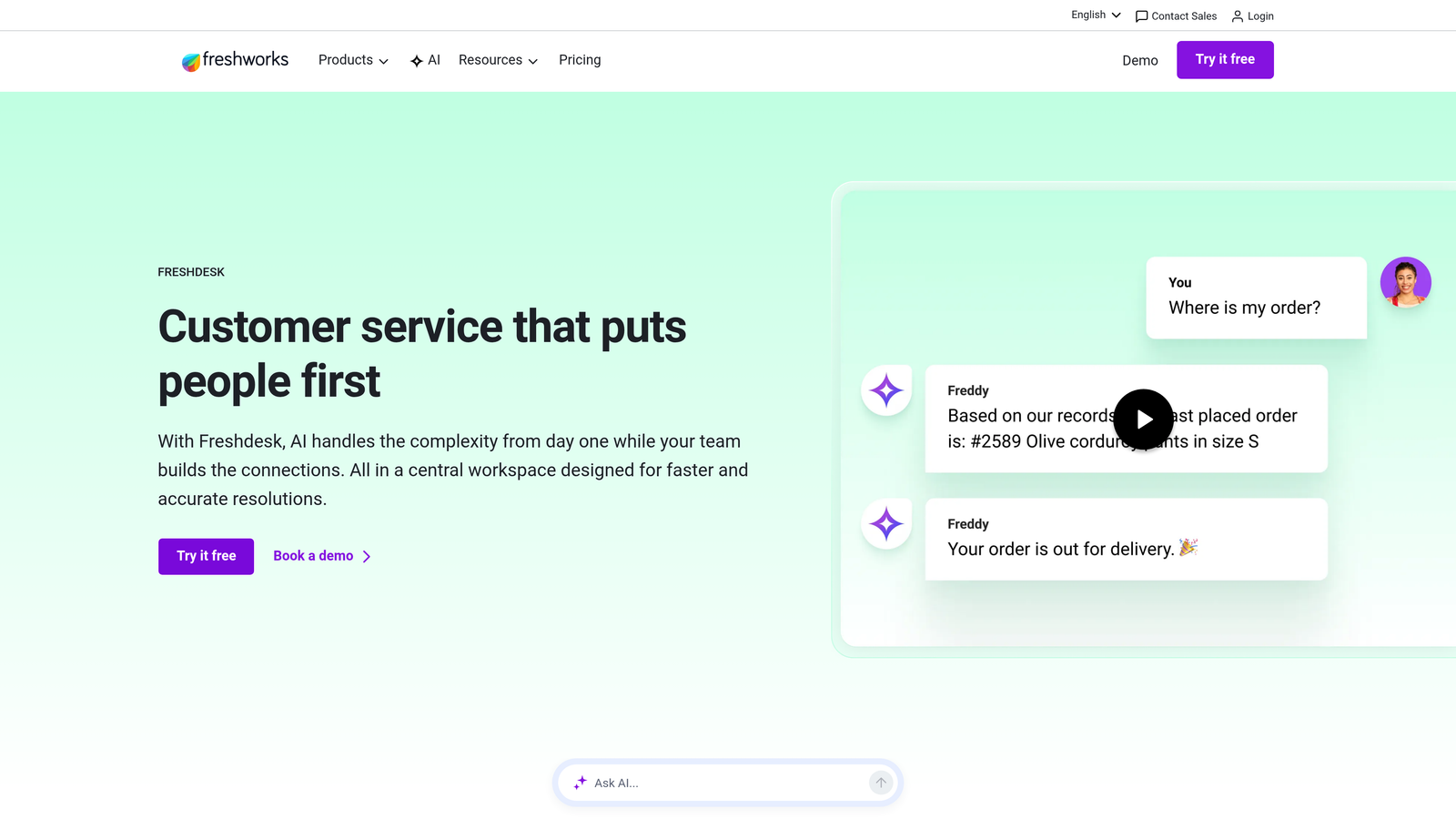
Freddy AI provides intelligent automation without requiring extensive training. The system suggests responses, categorizes tickets, and identifies urgent issues using machine learning that improves with use. Implementation typically takes days rather than months.
Key Features
Freddy AI: Machine learning assistant that automates ticket assignment, suggests responses based on historical data, and identifies sentiment to prioritize urgent issues.
Scenario Automations: Visual workflow builder creating if-then rules for ticket routing, escalation, and response without coding knowledge.
Team Inbox with Collision Detection: Prevents multiple agents from simultaneously working on the same ticket, displaying real-time indicators when colleagues are viewing or responding.
Self-Service Portal Builder: Drag-and-drop knowledge base creation with AI-powered search helping customers find answers before creating tickets.
Multi-Channel Support: Manage email, phone, chat, social media, and messaging conversations from a unified interface with consistent workflows across channels.
Best For
Mid-market companies and scaling startups that have outgrown basic ticketing but aren't ready for enterprise complexity. Teams wanting quick implementation with room to grow into advanced automation over time.
Pricing
Free tier available for up to 10 agents with basic features. Growth plan starts at $15 per agent per month, making it accessible for budget-conscious teams.
4. Intercom
Best for: Product-led companies wanting conversational support deeply integrated with in-app messaging and user engagement
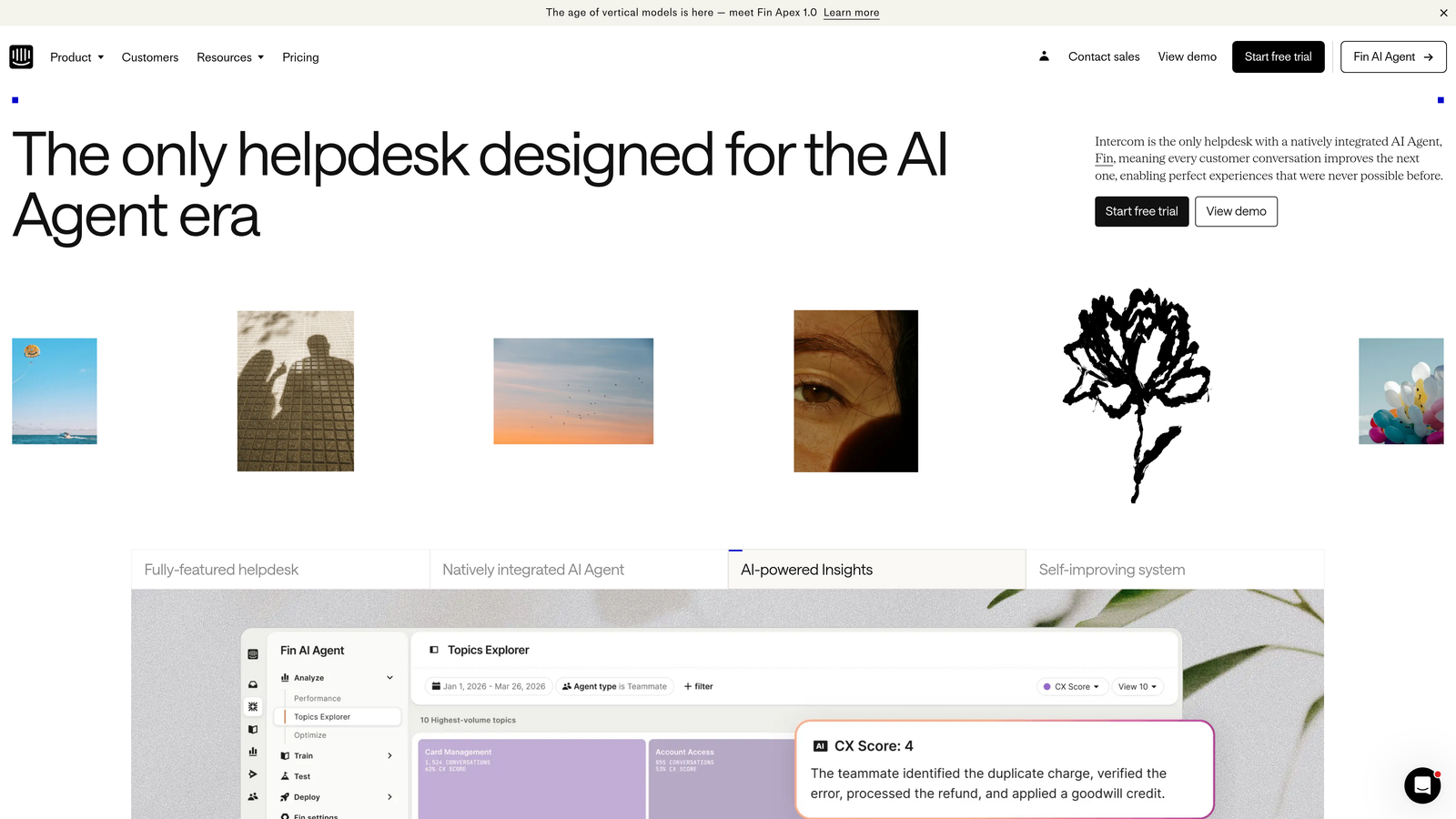
Intercom pioneered the shift from traditional ticketing to conversational support, and the platform continues evolving toward AI-driven resolution.
Where This Tool Shines
The platform excels at proactive support—reaching customers at critical moments in their product journey rather than waiting for them to encounter problems. In-app messaging feels native to your product, and the ability to trigger targeted messages based on user behavior creates opportunities for preemptive help.
Fin AI represents Intercom's serious investment in autonomous resolution. The AI agent can handle complete conversations independently, escalating to humans only when necessary. Unlike basic chatbots, Fin understands context and maintains conversation flow naturally.
Key Features
Fin AI Agent: Autonomous AI that resolves customer inquiries end-to-end by understanding your help content and product documentation, with transparent confidence scoring.
In-App Messaging and Product Tours: Embed contextual help, announcements, and guided walkthroughs directly in your application without requiring customer support tickets.
Proactive Support Campaigns: Trigger automated messages based on user behavior, lifecycle stage, or product usage patterns to prevent issues before they arise.
Custom Bots and Workflows: Build conversation flows that qualify leads, gather information, route to appropriate teams, or resolve common issues through guided self-service.
Resolution Reports and Analytics: Track AI performance, human agent efficiency, and customer satisfaction with detailed breakdowns of resolution paths and bottlenecks.
Best For
SaaS companies with product-led growth strategies where support and user engagement blur together. Teams wanting to reduce ticket volume through proactive in-app guidance and AI-first resolution.
Pricing
Starts at $39 per seat per month for essential features. Fin AI is priced per resolution, which can significantly impact total cost depending on conversation volume.
5. HubSpot Service Hub
Best for: Companies already using HubSpot CRM wanting unified customer data across marketing, sales, and support
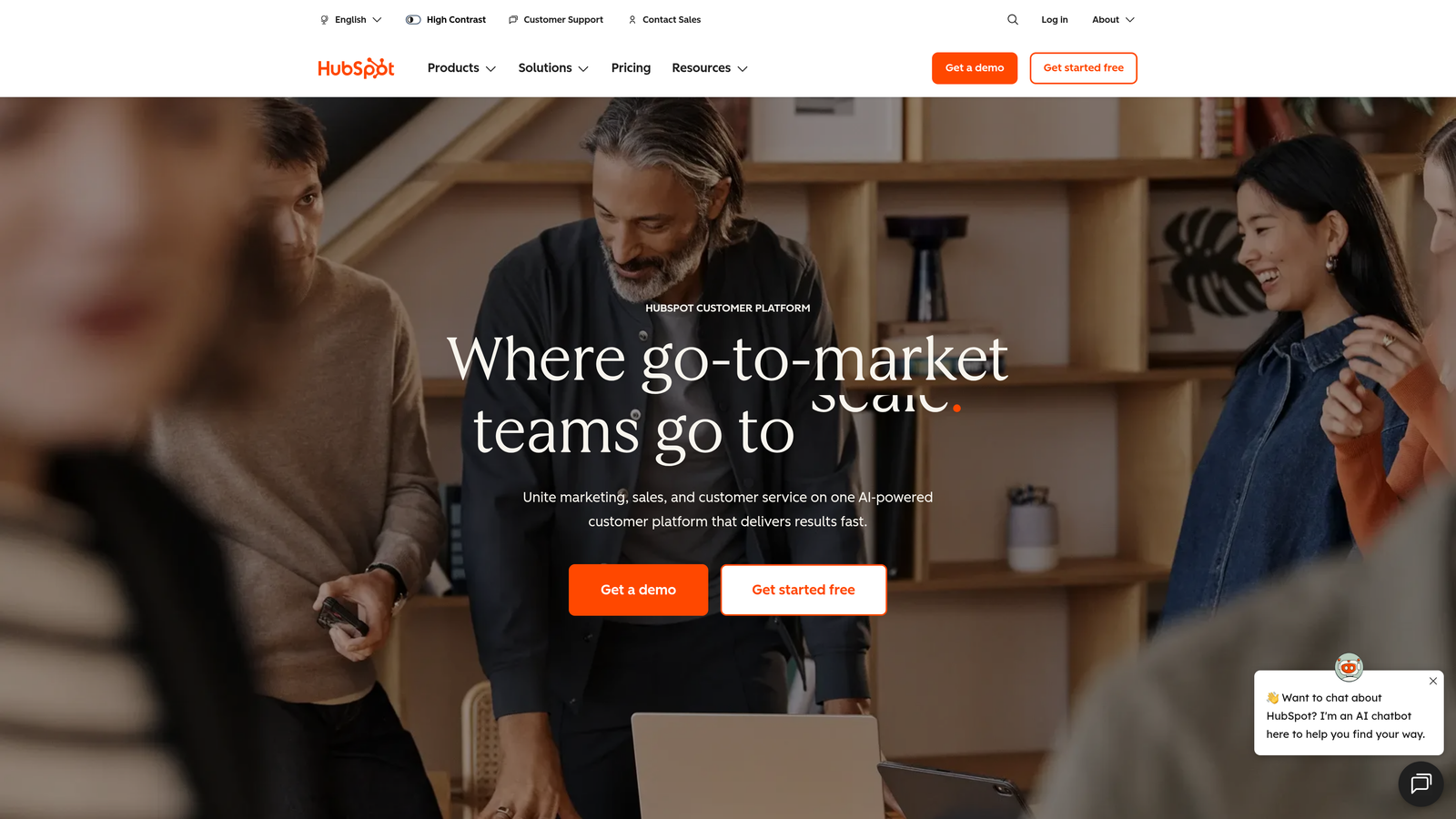
HubSpot Service Hub brings the company's signature ease-of-use to customer support while leveraging native CRM integration as its competitive advantage.
Where This Tool Shines
When your support team can see every marketing interaction, sales conversation, and product usage pattern without switching systems, context becomes effortless. Service Hub eliminates the data silos that plague most support operations by living inside the same platform as your other customer-facing teams.
The platform's strength isn't just technical integration but organizational alignment. Support agents access the same customer timeline as sales reps, creating continuity that customers notice. Ticket resolution becomes faster when agents don't need to ask for information already captured elsewhere.
Key Features
Native CRM Integration: Complete customer history including marketing campaigns, sales deals, support tickets, and custom properties accessible without switching platforms or syncing data.
Ticket Pipelines and Automation: Visual workflows automating ticket routing, escalation, and follow-up with triggers based on CRM properties and customer lifecycle stages.
Knowledge Base with AI Search: Self-service portal featuring intelligent search that learns from customer queries and suggests relevant articles before ticket creation.
Customer Feedback Surveys: Automated CSAT and NPS surveys sent after ticket resolution, with responses feeding directly into customer records for trend analysis.
Conversation Intelligence: Call recording, transcription, and analysis helping managers identify coaching opportunities and track support quality at scale.
Best For
Organizations already invested in HubSpot's ecosystem for marketing and sales. Companies prioritizing unified customer data and cross-team visibility over specialized support features.
Pricing
Free tools available with basic ticketing and live chat. Starter tier begins at $20 per month for two users, scaling to Professional and Enterprise tiers with advanced automation.
6. Zoho Desk
Best for: Multi-department organizations wanting context-aware support with AI assistance at competitive price points
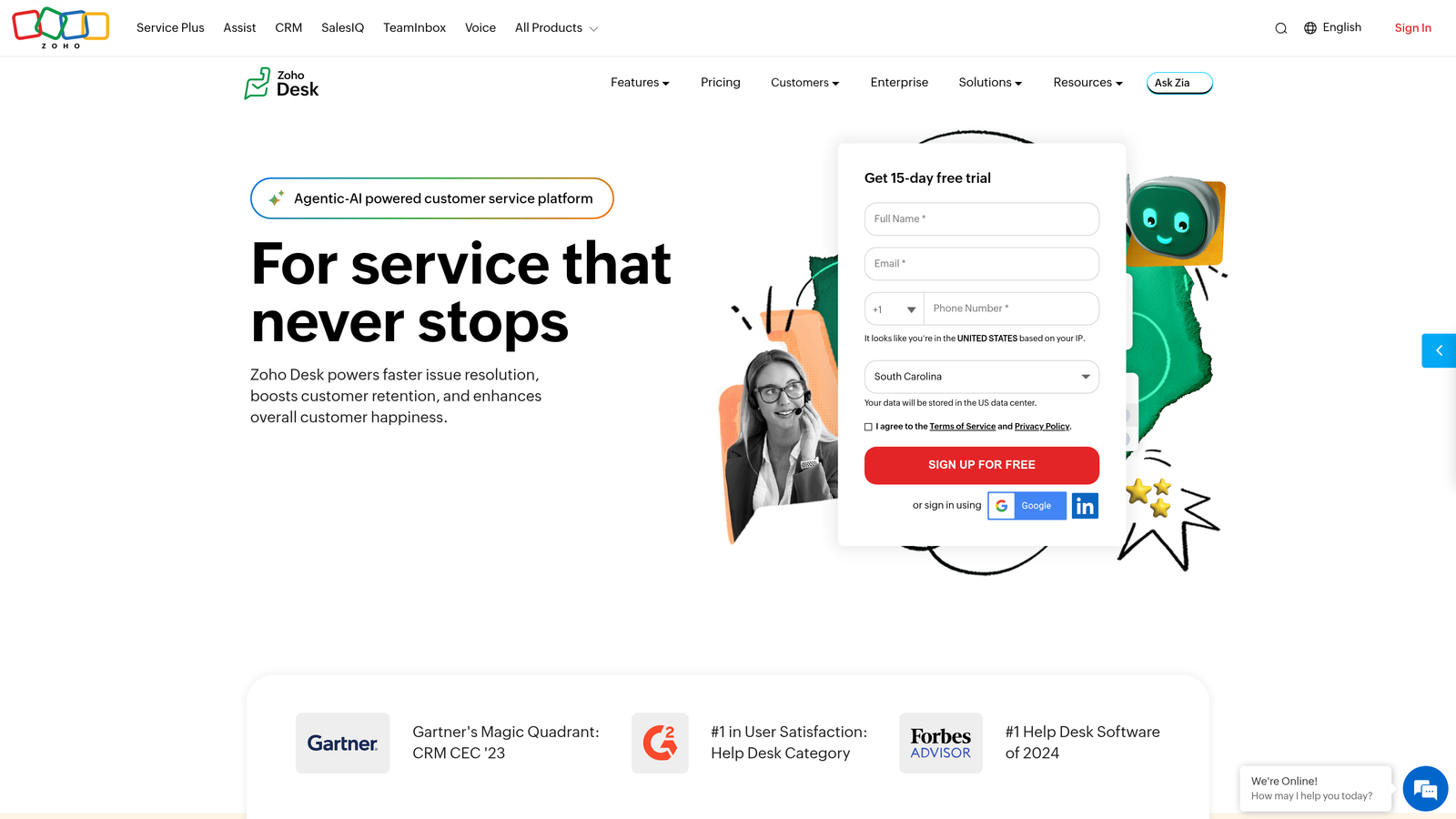
Zoho Desk delivers enterprise-grade capabilities without enterprise pricing, backed by the extensive Zoho ecosystem integration.
Where This Tool Shines
Zia, Zoho's AI assistant, brings surprising intelligence to routine support tasks. The system analyzes sentiment in real-time, flags tickets requiring urgent attention, and suggests responses based on historical patterns. Unlike simpler automation, Zia considers context across your entire Zoho ecosystem when making recommendations.
The platform handles complex organizational structures well. Multi-department management, customizable work modes, and sophisticated routing make it viable for organizations where support spans multiple products or business units. Blueprint automation creates visual process flows that maintain consistency across teams.
Key Features
Zia AI: Intelligent assistant providing sentiment analysis, response suggestions, anomaly detection, and ticket tagging based on machine learning from your support history.
Blueprint Process Automation: Visual workflow designer creating standardized processes for ticket resolution with conditional logic, approvals, and cross-team handoffs.
Multi-Department Management: Separate help centers, ticket views, and workflows for different departments or products while maintaining unified reporting and analytics.
Work Modes for Prioritization: Customizable agent views filtering tickets by criteria like urgency, customer tier, or product area to help teams focus on highest-impact work.
Zoho Ecosystem Integration: Native connections to Zoho CRM, Projects, Analytics, and other Zoho applications creating seamless data flow without middleware.
Best For
Organizations already using Zoho applications who want deep integration across their business suite. Companies with complex departmental structures requiring customized workflows and separate help centers under one platform.
Pricing
Free for up to three agents with basic features. Standard tier starts at $14 per agent per month, making it one of the most cost-effective options with AI capabilities.
7. Help Scout
Best for: Teams prioritizing personal customer relationships while still benefiting from automation efficiency
Help Scout deliberately avoids the complexity that bogs down many helpdesks, focusing instead on making support feel human even when automated.
Where This Tool Shines
The platform's philosophy centers on removing friction without removing personality. The shared inbox feels like email—familiar and straightforward—but includes collaboration features that prevent duplicate responses and lost context. Saved replies automate common responses while allowing personalization before sending.
Beacon, their embedded help widget, strikes a balance between self-service and human support. Customers can search your knowledge base, browse docs, or start a conversation from the same interface. The transition from self-help to agent assistance feels natural rather than jarring.
Key Features
Shared Inbox with Saved Replies: Email-style interface where teams collaborate on customer conversations using templated responses customizable before sending.
Beacon for Embedded Help: Customizable widget providing knowledge base search, contact forms, and live messaging in a unified interface matching your brand.
Docs Knowledge Base: Clean, searchable documentation system with analytics showing which articles help customers and where knowledge gaps exist.
AI Summarize and Assist: Recent AI additions that summarize long conversation threads and suggest response improvements while maintaining the human touch.
Customer Satisfaction Ratings: Simple post-conversation surveys measuring support quality with detailed feedback helping identify improvement areas.
Best For
Small to mid-sized teams where maintaining personal customer relationships matters more than handling massive ticket volumes. Companies wanting simplicity and ease of use without sacrificing essential automation.
Pricing
Starts at $20 per user per month with all core features included. No free tier, but the pricing remains straightforward without complex feature gating.
8. Gorgias
Best for: E-commerce businesses needing deep Shopify, BigCommerce, or Magento integration for order-related support
Gorgias built their entire platform around the specific needs of online retailers, making it the obvious choice for e-commerce support teams.
Where This Tool Shines
When a customer asks about their order status, refund, or shipping, agents see complete order details directly in the ticket without switching tabs. The platform pulls real-time data from your e-commerce platform, payment processor, and shipping carriers, displaying everything in one view.
Macros go beyond simple templates by incorporating dynamic variables. An agent can trigger a macro that automatically pulls the customer's order number, shipping status, and tracking link into a personalized response. Revenue statistics tracking shows which support interactions lead to sales, helping justify support as a revenue driver rather than pure cost center.
Key Features
Native E-commerce Platform Integrations: Deep connections to Shopify, BigCommerce, Magento displaying order history, customer lifetime value, and purchase patterns within tickets.
Order Management Within Tickets: Agents can process refunds, modify orders, update shipping addresses, and manage returns directly from the helpdesk without accessing separate admin panels.
Macros with Dynamic Variables: Automated responses that pull real-time data like order numbers, tracking links, and product details into personalized customer messages.
Revenue Statistics Tracking: Analytics connecting support interactions to sales outcomes, showing which conversations drive purchases and measuring support's revenue impact.
Social Media Support: Manage Instagram, Facebook, and other social media customer inquiries alongside email and chat in a unified queue.
Best For
E-commerce businesses of any size where most support questions relate to orders, shipping, returns, and product inquiries. Particularly valuable for brands with active social media presence requiring integrated social commerce support.
Pricing
Starts at $10 per month for 50 tickets, scaling based on ticket volume rather than agent seats. This model can be cost-effective for small teams handling moderate volumes.
9. Kayako
Best for: Organizations wanting complete customer journey visibility across all touchpoints and channels
Kayako differentiates itself through SingleView, a unified customer timeline that transforms how agents understand context.
Where This Tool Shines
SingleView presents every customer interaction—across email, chat, social media, and phone—in chronological order on a single screen. Agents see not just support history but the complete relationship timeline, making it easier to understand recurring issues or identify patterns.
The Collaborators feature brings internal teams into customer conversations without exposing backend discussions. When a support ticket requires input from engineering, product, or sales, those teams can contribute directly in the ticket with comments visible only internally. This eliminates the email chains and Slack threads that typically fragment support collaboration.
Key Features
SingleView Customer Timeline: Chronological display of all customer interactions across channels, providing complete context before agents respond to new inquiries.
Collaborators for Team Input: Internal collaboration system allowing cross-functional teams to contribute to ticket resolution with comments and context invisible to customers.
Journey-Based Automations: Workflows triggered by customer behavior patterns and interaction history rather than just individual ticket properties.
Help Center with Search: Self-service knowledge base featuring search functionality and article suggestions based on common customer questions.
Live Chat Integration: Real-time messaging that converts seamlessly to tickets when conversations require follow-up or involve multiple interactions.
Best For
Companies with complex customer journeys spanning multiple touchpoints where understanding full context significantly improves resolution quality. Teams requiring strong internal collaboration on customer issues.
Pricing
Contact for pricing. The platform typically targets mid-market and enterprise customers with more complex support requirements.
10. Front
Best for: Teams transforming email-based support into collaborative workflows without abandoning familiar inbox paradigms
Front reimagines the shared inbox by adding collaboration, automation, and analytics while maintaining the simplicity that makes email universally understood.
Where This Tool Shines
The platform acknowledges that many teams still handle significant support volume through email and builds around that reality rather than forcing migration to unfamiliar interfaces. The shared inbox looks and feels like email but adds features that prevent the chaos typical of shared email accounts.
Internal comments transform how teams collaborate on customer issues. Instead of forwarding emails or creating separate threads, agents discuss responses directly in the conversation thread with comments invisible to customers. When multiple people need to weigh in before responding, this context stays attached to the original inquiry.
Key Features
Shared Inbox Collaboration: Team email management preventing duplicate responses through assignment, collision detection, and conversation ownership while maintaining familiar email interface.
Internal Comments and Assignments: Private team discussions within customer conversation threads, allowing collaboration without exposing internal deliberation to customers.
Rules-Based Automation: Automatic routing, tagging, and assignment based on sender, subject line, content, or custom criteria streamlining repetitive triage work.
SLA Tracking: Monitor response and resolution times with automatic escalation when tickets approach deadline thresholds.
Analytics and Team Performance: Dashboards tracking individual and team metrics including response times, resolution rates, and workload distribution.
Best For
Teams heavily reliant on email for customer communication who want collaboration and automation without abandoning the inbox paradigm. Organizations where support, sales, and success teams all need shared visibility into customer conversations.
Pricing
Starts at $19 per seat per month for core features. Growth and Scale tiers add advanced automation, analytics, and integrations at higher price points.
11. Kustomer
Best for: High-volume support operations requiring CRM-level customer data alongside traditional helpdesk capabilities
Kustomer positions itself as a customer service CRM rather than a traditional helpdesk, emphasizing complete customer context over ticket-centric workflows.
Where This Tool Shines
The timeline view presents customer interactions, purchases, account changes, and support history in a unified chronological feed. Agents see the complete customer story rather than isolated tickets, making it easier to identify patterns and provide proactive support.
KIQ AI handles routine automation while the platform's business process automation capabilities create sophisticated workflows for complex scenarios. Custom objects and attributes let you model your specific business data within the platform, going beyond standard customer and ticket properties to track whatever matters for your operation.
Key Features
Customer Timeline Across Channels: Unified view displaying all customer interactions, transactions, and account activities regardless of channel or touchpoint in chronological order.
KIQ AI for Automation: Machine learning system automating routing, suggesting responses, and identifying opportunities for deflection based on conversation patterns.
Business Process Automation: Sophisticated workflow engine creating multi-step processes with conditional logic, approvals, and cross-system actions.
Sentiment Analysis: Real-time emotion detection in customer messages helping prioritize urgent or frustrated customers for immediate attention.
Custom Objects and Attributes: Flexible data model allowing teams to track business-specific information beyond standard customer and ticket fields.
Best For
Enterprise organizations handling high conversation volumes where complete customer context significantly impacts resolution quality. Companies needing to track complex customer data beyond what traditional helpdesks support.
Pricing
Starts at $89 per user per month, positioning it at the higher end of the market but including enterprise-grade capabilities in base pricing.
Making the Right Choice
The right helpdesk automation platform depends less on feature checklists and more on how it aligns with your specific support philosophy and technical ecosystem.
For AI-first autonomous resolution that learns continuously, Halo AI delivers intelligent agents that handle tickets independently while surfacing business intelligence across your entire stack. Teams wanting support that scales without adding headcount find the platform's learning capabilities particularly valuable.
Enterprise teams managing complex omnichannel operations across global teams typically gravitate toward Zendesk's depth and extensive marketplace. E-commerce businesses handling order-related inquiries benefit most from Gorgias's native integrations with Shopify and similar platforms.
Budget-conscious growing teams often find Freshdesk's balance of power and affordability compelling, while HubSpot Service Hub makes obvious sense for organizations already invested in that ecosystem. Zoho Desk provides similar ecosystem advantages for Zoho users at even more competitive pricing.
Start your evaluation by identifying your primary need. Is it reducing ticket volume through AI resolution? Managing complex workflows across departments? Integrating deeply with your e-commerce platform? Maintaining personal customer relationships at scale? Let that priority guide your shortlist, then evaluate integration depth with your existing tools before committing.
Your support team shouldn't scale linearly with your customer base. Let AI agents handle routine tickets, guide users through your product, and surface business intelligence while your team focuses on complex issues that need a human touch. See Halo in action and discover how continuous learning transforms every interaction into smarter, faster support.