9 Best Helpdesk Automation Software in 2026 (Reviewed & Ranked)
Comprehensive helpdesk automation software reviews covering nine top platforms for 2026, evaluated on automation depth, integrations, and real-world performance. Whether your B2B or SaaS support team needs AI-first ticket routing, automated resolution, or smarter triage, this ranked guide helps you identify the right tool to reduce manual workload and improve response times without sacrificing quality.
 Grant CooperFounder12 min read
If your support team is drowning in repetitive tickets, slow response times, and manual triage, helpdesk automation software is no longer optional. It's a competitive necessity. The right platform can resolve common issues without human intervention, route complex tickets intelligently, and give your team the breathing room to handle work that actually requires judgment.
But the market is crowded. Some tools bolt automation onto legacy helpdesk systems. Others are built AI-first from the ground up. A few are genuinely transformative; many are just glorified macros.
This review covers nine helpdesk automation platforms worth your attention in 2026. Each has been evaluated on automation depth, integration ecosystem, ease of deployment, and real-world utility for B2B and SaaS support teams. Whether you're replacing an existing helpdesk or adding an AI layer on top of one, there's an option here for your stack.
1. Halo AI
Best for: B2B SaaS teams that want AI-native ticket resolution with deep product and business context.
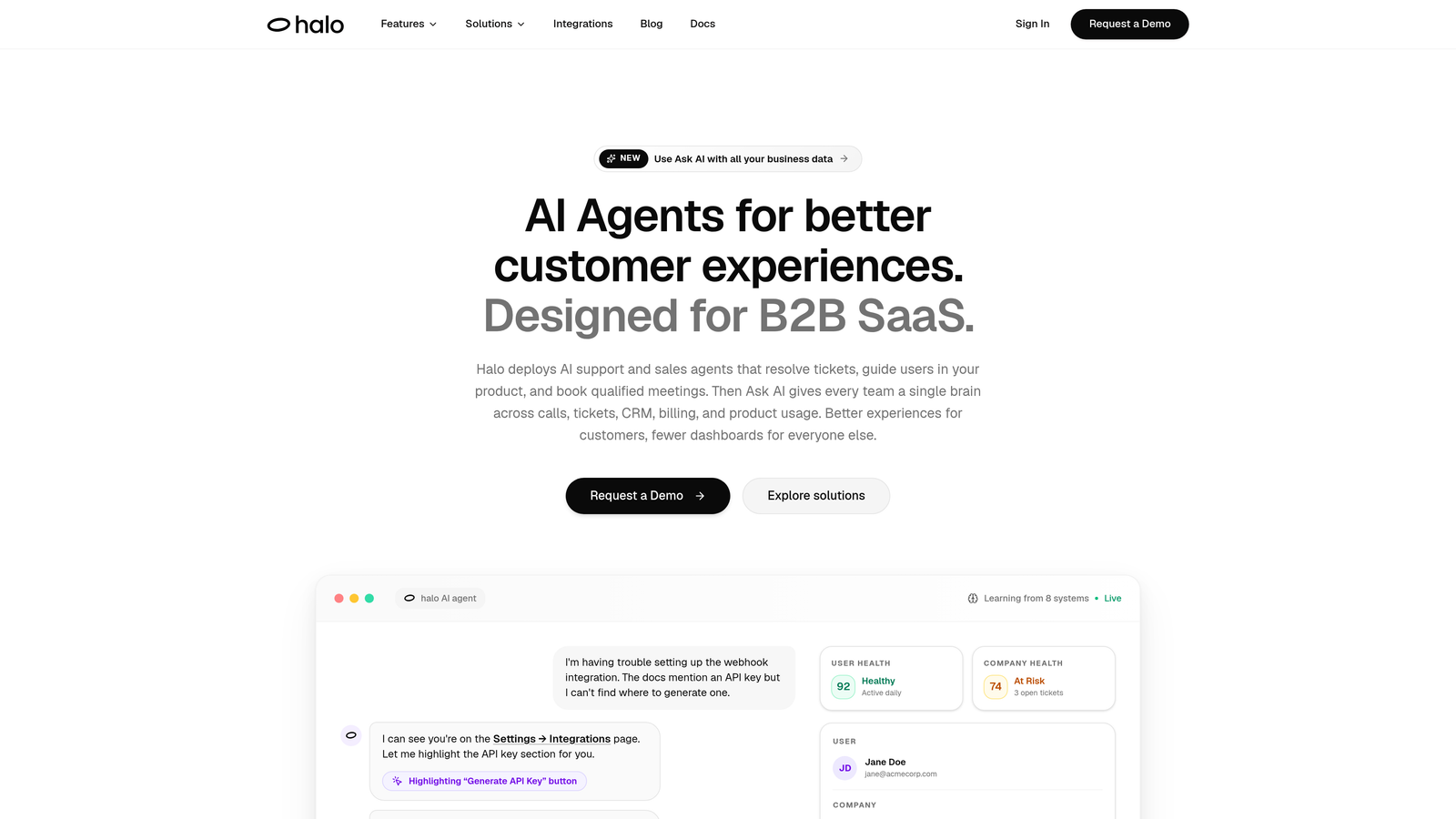
Halo AI is an AI-first customer support platform that deploys intelligent agents to resolve tickets, guide users through your product, and surface business intelligence from every interaction.
Where This Tool Shines
Most helpdesk tools automate the routing. Halo automates the resolution. Its page-aware AI agents understand exactly where a user is in your product at the moment they reach out, which means they can provide contextual guidance and visual UI walkthroughs rather than generic knowledge base links. That's a meaningful difference when your users are confused mid-workflow.
The continuous learning architecture is another standout. Every resolved ticket feeds back into the system, making future responses smarter and more accurate over time. This isn't a static chatbot you configure once and forget. It's a support layer that compounds in value the longer it runs.
Key Features
Page-Aware AI Agents: The agent sees what the user sees, enabling contextual guidance and visual UI support rather than generic article suggestions.
Autonomous Ticket Resolution: AI handles common queries end-to-end, with smart escalation to live agents when complexity warrants human judgment.
Auto Bug Ticket Creation: Automatically generates and routes bug reports to tools like Linear, keeping engineering informed without manual handoffs.
Smart Inbox with Business Intelligence: Surfaces customer health signals, revenue anomalies, and trend detection alongside standard support metrics.
Broad Integration Ecosystem: Connects natively to Zendesk, Intercom, Freshdesk, Slack, HubSpot, Stripe, Linear, Zoom, PandaDoc, and Fathom.
Best For
B2B SaaS companies that want to scale support capacity without scaling headcount. Particularly well-suited for product-led teams where in-product context is critical to resolving tickets accurately and quickly.
Pricing
Contact for pricing. Halo is designed for B2B SaaS teams and offers custom plans based on team size and support volume.
2. Zendesk
Best for: Enterprise teams that need deep workflow automation and an extensive integration marketplace.
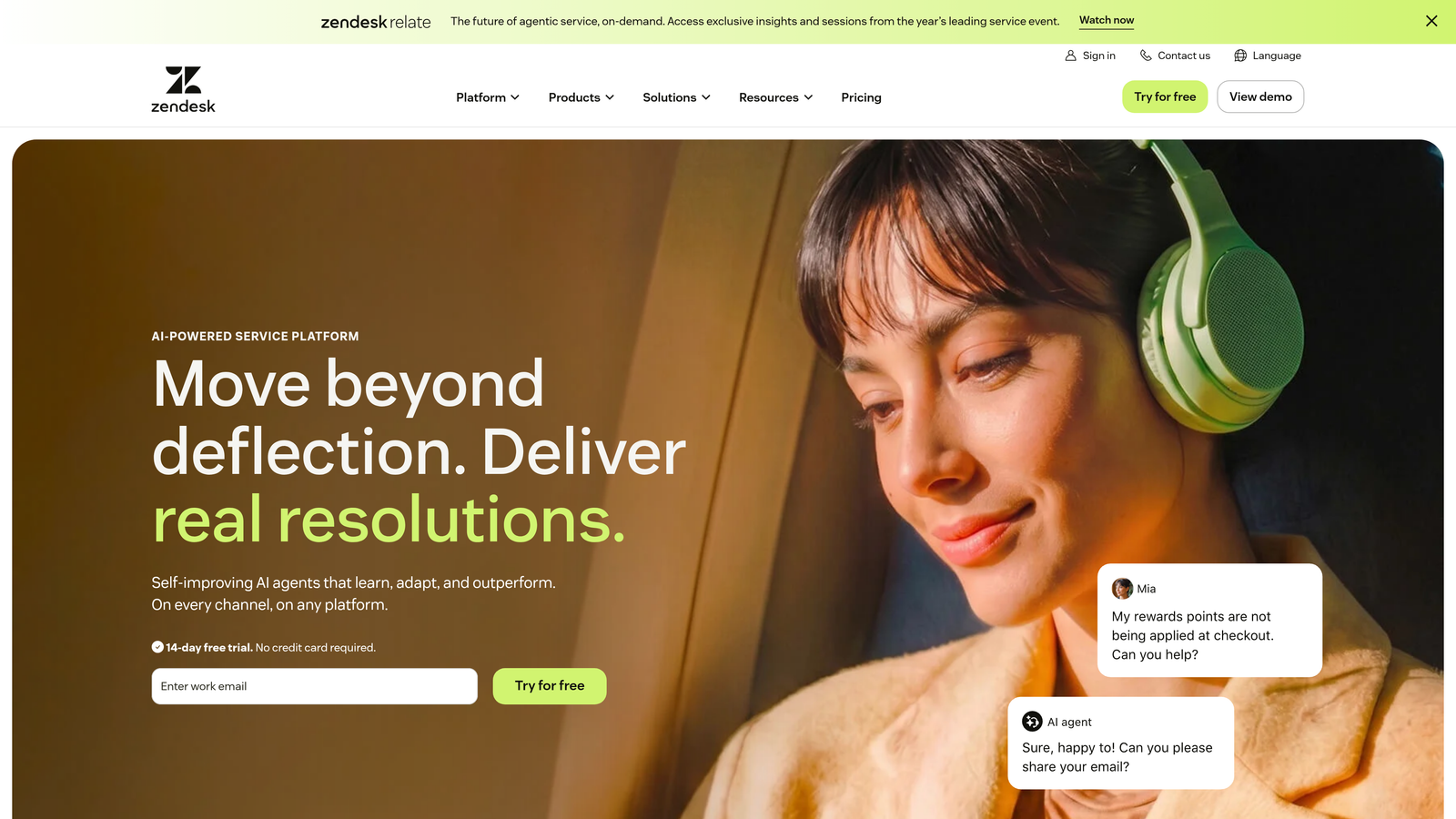
Zendesk is one of the most established helpdesk platforms on the market, with powerful automation tools and a mature AI suite built on top of a robust ticketing foundation.
Where This Tool Shines
Zendesk's automation depth is hard to match. Triggers, automations, and macros give administrators granular control over how tickets move through the system. For teams with complex routing logic, SLA requirements, and multi-tier escalation paths, this level of configurability is genuinely valuable.
The Zendesk AI suite adds intelligent triage and ticket classification on top of that foundation. It's not an AI-first architecture, but for teams already invested in Zendesk's ecosystem, the AI layer adds meaningful automation without requiring a platform switch.
Key Features
Triggers, Automations, and Macros: Rule-based ticket handling with fine-grained control over conditions and actions.
Zendesk AI Suite: Intelligent triage, ticket classification, and AI-assisted agent suggestions.
Omnichannel Support: Unified inbox across email, chat, voice, and social channels.
1,000+ Marketplace Integrations: One of the largest app ecosystems in the helpdesk category.
Advanced Analytics: Customizable reporting dashboards for volume, resolution time, and agent performance.
Best For
Mid-market to enterprise teams with complex support operations and the administrative resources to configure and maintain a sophisticated helpdesk environment. Less ideal for lean teams that need quick deployment.
Pricing
Suite Team starts at $55/agent/month billed annually. Costs scale significantly at the enterprise tier, making total cost of ownership an important consideration.
3. Freshdesk
Best for: SMB and mid-market teams that want solid AI-assisted automation at a competitive price point.
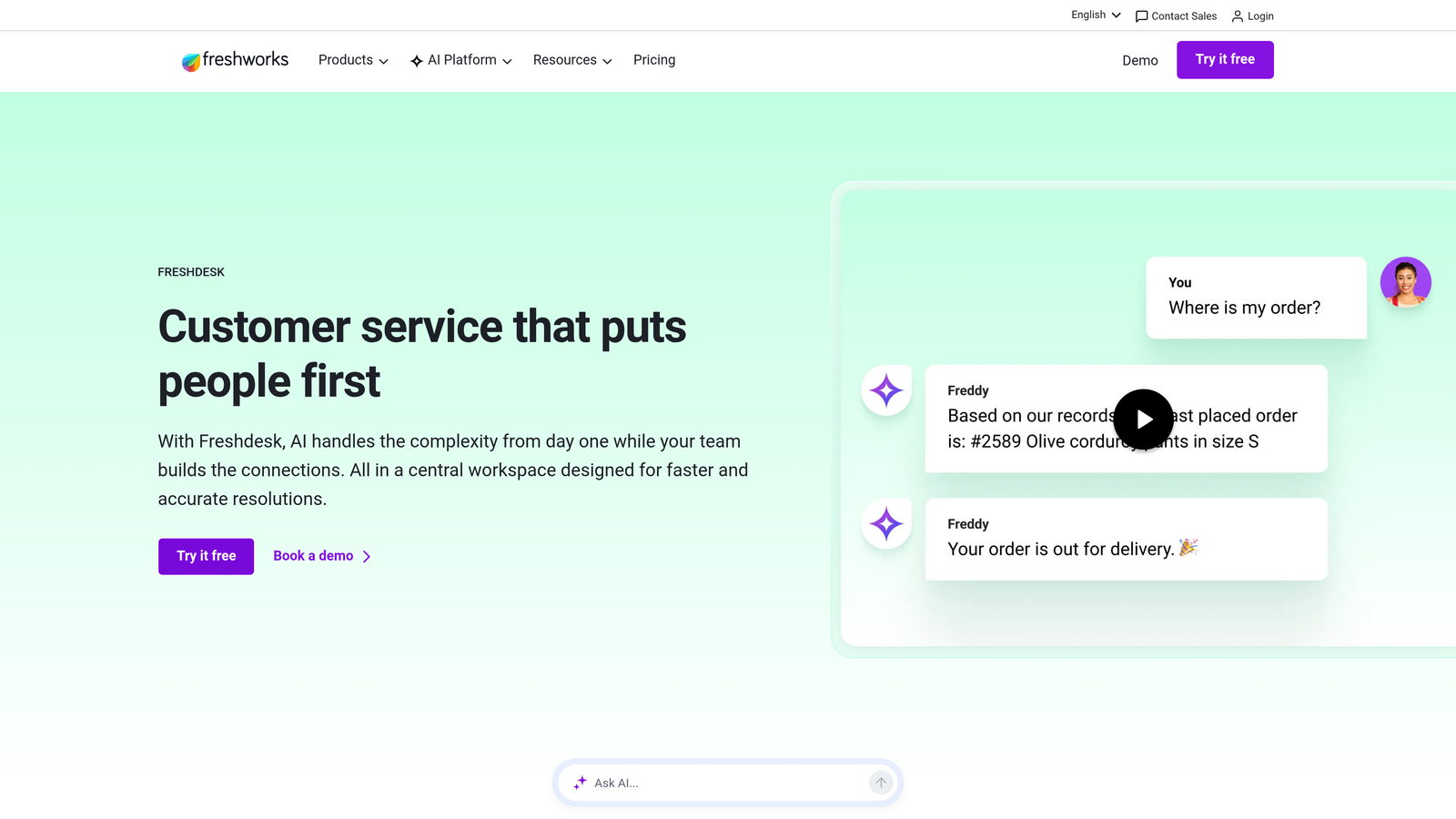
Freshdesk is a mid-market helpdesk from Freshworks with Freddy AI built in for automated ticket handling, smart suggestions, and workload management.
Where This Tool Shines
Freshdesk hits a sweet spot between capability and cost. Freddy AI handles ticket summarization, auto-assignment, and reply suggestions in a way that genuinely reduces agent effort without requiring a large implementation project. For teams migrating from email-based support, it's one of the more accessible upgrades available.
Collision detection is a small but practically useful feature: it prevents two agents from drafting responses to the same ticket simultaneously, which is a surprisingly common problem in shared inbox environments.
Key Features
Freddy AI: Handles ticket summarization, auto-assignment, and suggested replies to reduce manual agent work.
Automated Workflows: Routing and escalation rules based on ticket properties, customer segments, or time conditions.
Collision Detection: Flags when multiple agents are working the same ticket to prevent duplicate responses.
Multilingual Support: Automated knowledge base and response handling across multiple languages.
Free Tier: Available for small teams getting started without a budget commitment.
Best For
SMB and mid-market support teams that want a Zendesk-comparable feature set at a lower price point. Also a strong choice for teams that need multilingual support capabilities out of the box.
Pricing
Growth plan starts at $15/agent/month. A free plan is available for small teams with basic needs.
4. Intercom
Best for: Product-led growth companies that want autonomous in-app support with natural human handoff.
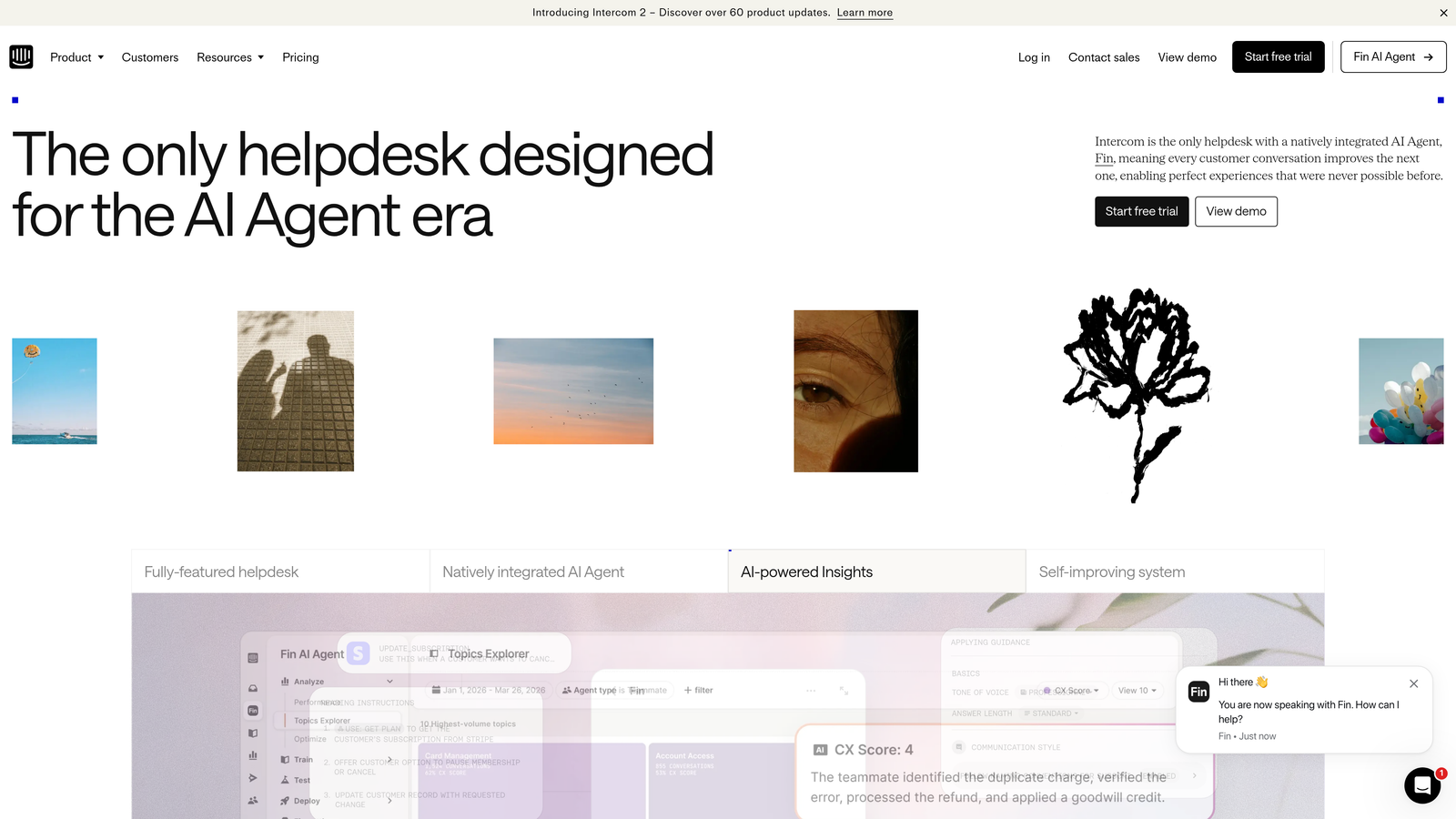
Intercom is a customer messaging platform with Fin, its AI agent, designed for autonomous in-app support resolution and seamless escalation to human agents when needed.
Where This Tool Shines
Fin is one of the more capable AI agents in the market for handling inbound queries autonomously. It draws from your knowledge base and conversation history to resolve questions without agent involvement, and the handoff to a live agent when it can't resolve something is smooth enough that customers rarely notice the transition.
Intercom's in-app messaging context also gives it an edge for SaaS products. Because it's embedded in the product experience, it can respond to user behavior proactively, triggering support flows before users even reach out.
Key Features
Fin AI Agent: Autonomous query resolution using your knowledge base, with transparent handoff to human agents for complex issues.
In-App Messaging: Product-native support context that understands where users are and what they're doing.
Conversation Routing: Automated assignment based on topic, team, or customer segment.
Proactive Support Flows: Triggered by user behavior to address issues before they become tickets.
AI-Assisted Reply Drafting: Helps agents compose responses faster in the shared inbox.
Best For
SaaS companies with product-led growth motions where in-app support context matters. Also strong for teams that want to reduce inbound volume through proactive engagement.
Pricing
Essential plan starts at $29/seat/month. Fin AI usage is billed per resolution, so costs scale with volume.
5. HubSpot Service Hub
Best for: B2B teams already on HubSpot CRM that want ticket automation tied directly to sales and lifecycle data.
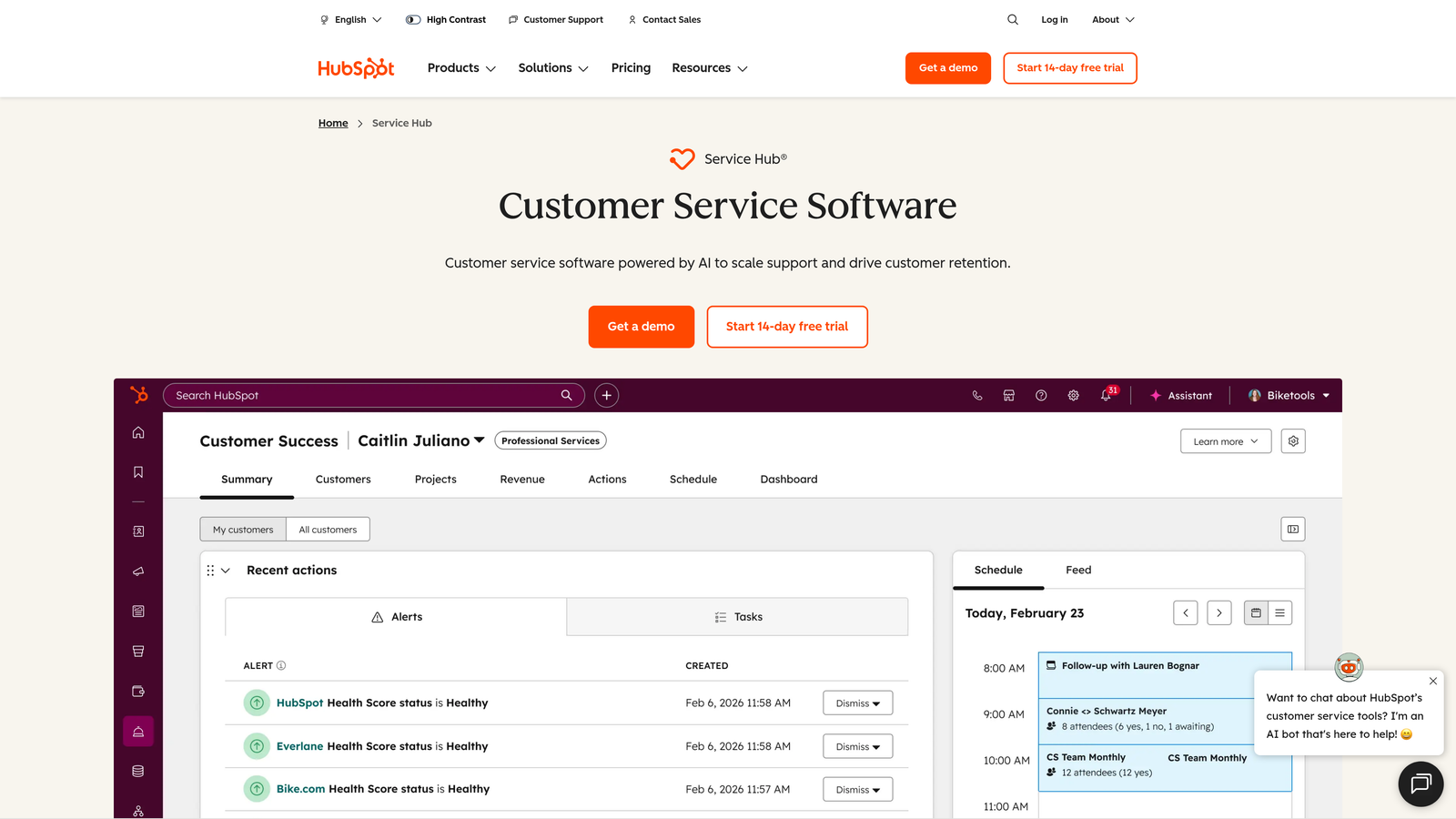
HubSpot Service Hub is a CRM-native helpdesk that connects ticket automation directly to contact, deal, and lifecycle records for B2B teams running on HubSpot.
Where This Tool Shines
The core advantage here is context. When a support ticket comes in, your agent can immediately see the customer's deal stage, open invoices, recent product activity, and previous support history, all without switching tools. For B2B teams where support and sales overlap frequently, this eliminates a lot of manual lookup and cross-team communication.
The automation layer is solid for standard use cases: SLA management, escalation rules, and chatbot flows are all native. It's not the deepest automation engine in this list, but for HubSpot-native teams, the integration value more than compensates.
Key Features
CRM-Tied Ticket Automation: Triggers and workflows that reference contact, deal, and lifecycle data directly.
AI Chatbot Builder: Visual builder for automated chat flows with live agent handoff.
SLA Management: Automated escalation rules based on response and resolution time targets.
Knowledge Base with AI Suggestions: Content recommendations to help agents and customers find answers faster.
Automated Feedback Workflows: CSAT surveys triggered post-resolution with automated follow-up sequences.
Best For
B2B companies where the HubSpot CRM is already the system of record for sales and marketing. Teams not on HubSpot will likely find better value elsewhere.
Pricing
Starter from $15/month. Professional from $90/seat/month, which is where most of the meaningful automation features become available.
6. Zoho Desk
Best for: Cost-conscious teams that want AI-assisted support with strong multichannel coverage.
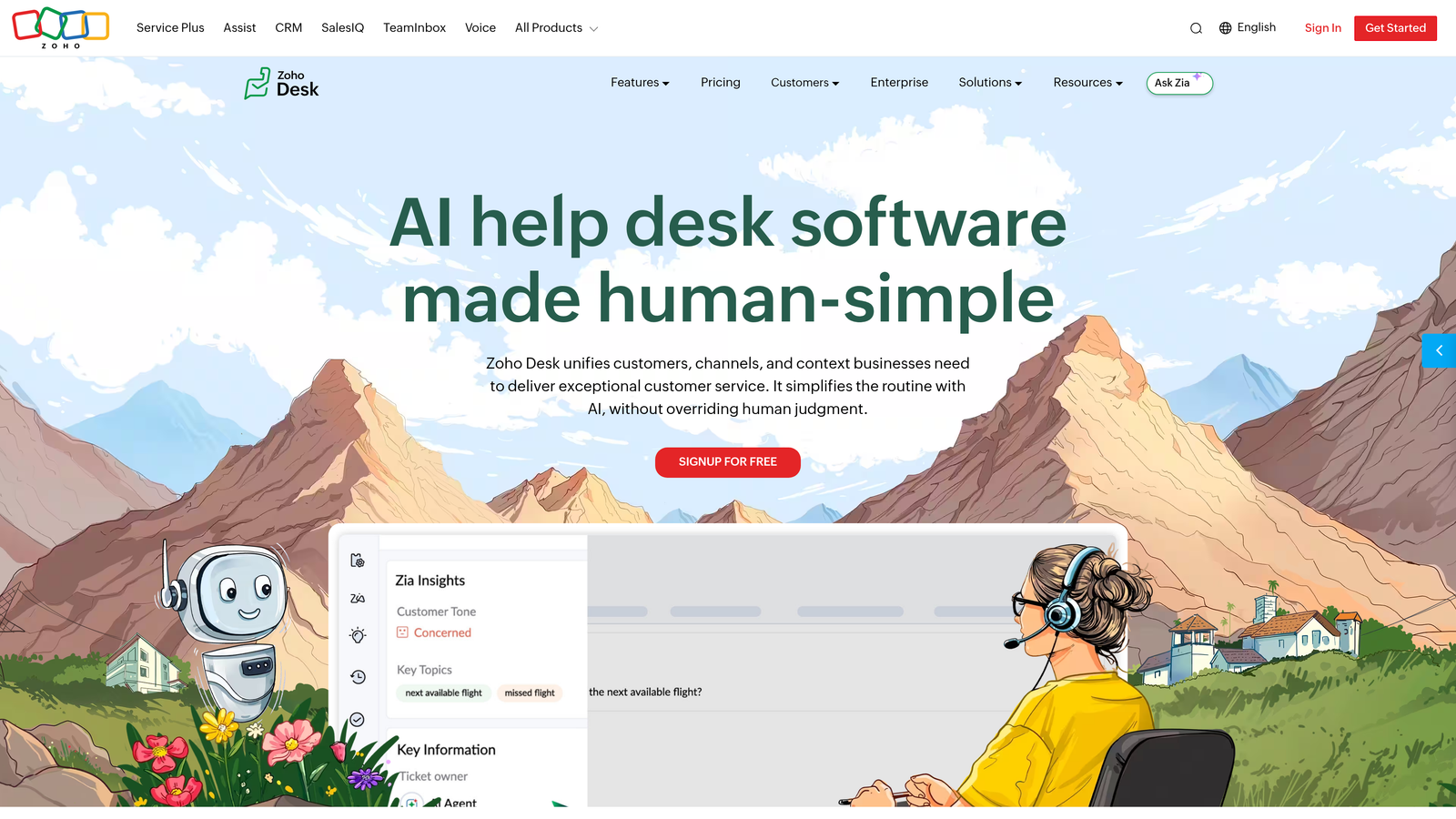
Zoho Desk is a multichannel helpdesk with Zia AI for sentiment analysis, anomaly detection, and automated response suggestions, offered at a competitive price point relative to comparable platforms.
Where This Tool Shines
Zia's anomaly detection is a genuinely useful feature that doesn't get enough attention. It flags unusual spikes in ticket volume or changes in sentiment patterns, which can signal product issues, outages, or customer experience problems before they escalate. For lean support teams that can't monitor dashboards constantly, this kind of proactive alerting is practically valuable.
Blueprint workflow automation is another strength. It lets teams standardize support processes with defined stages, required actions, and conditional logic, which is useful for compliance-sensitive industries or teams with strict process requirements.
Key Features
Zia AI: Sentiment analysis, tag suggestions, and automated response recommendations based on ticket content.
Blueprint Workflow Automation: Structured process automation with defined stages and conditional logic.
Multichannel Support: Email, chat, phone, social, and web forms in a unified interface.
Zoho Ecosystem Integration: Deep native connection to Zoho CRM, Zoho Analytics, and the broader Zoho suite.
Anomaly Detection: Automated alerts for unusual ticket volume or sentiment shifts.
Best For
Teams already in the Zoho ecosystem, or cost-conscious organizations that need multichannel support with AI features without the price tag of Zendesk or Salesforce.
Pricing
Standard plan from $14/agent/month. A free plan is available for up to three agents.
7. Salesforce Service Cloud
Best for: Enterprise organizations deeply invested in the Salesforce ecosystem needing omnichannel automation at scale.
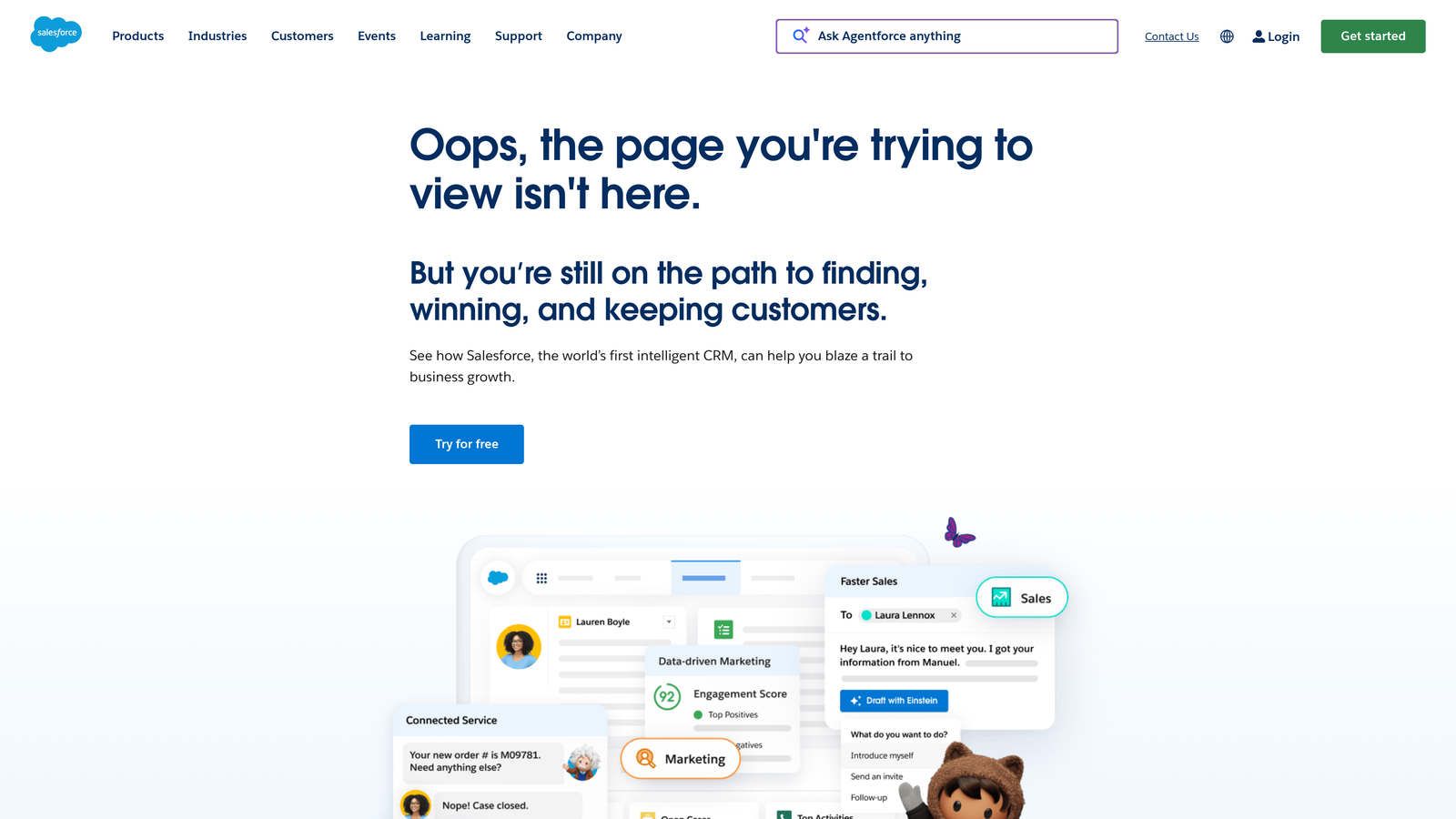
Salesforce Service Cloud is an enterprise-grade service platform with Einstein AI for case classification, omnichannel routing, and automation built on top of full Salesforce CRM data.
Where This Tool Shines
When your support operation is enterprise-scale and your CRM is Salesforce, Service Cloud is the natural fit. Einstein AI's case classification and next-best-action recommendations draw on the full depth of Salesforce data, which means automation decisions are informed by account history, contract value, product usage, and more.
The omnichannel routing engine is sophisticated enough to handle complex routing scenarios across large agent teams. Field service capabilities and self-service portal options also make it one of the more complete enterprise platforms in this list.
Key Features
Einstein AI: Case classification, next-best-action recommendations, and predictive routing powered by Salesforce data.
Omnichannel Routing: Intelligent case distribution across all support channels and agent teams.
Salesforce-Powered Automation Flows: Automation logic that references the full Salesforce CRM data model.
Self-Service Portal: Customer-facing portal for case submission, knowledge access, and account management.
Tableau Analytics Integration: Advanced reporting and visualization built on Tableau's analytics engine.
Best For
Enterprise support organizations where Salesforce is the system of record. Significant implementation investment is required, so it's best suited for teams with dedicated Salesforce administrators.
Pricing
Starter Suite from $25/user/month. Enterprise tier from $165/user/month, with additional costs for Einstein AI features and implementation services.
8. Help Scout
Best for: Small to mid-sized teams that want clean, effective shared inbox automation without configuration overhead.
Help Scout is a lightweight shared inbox platform with AI drafts and straightforward workflow automation, built for teams that prioritize simplicity and fast deployment over deep configurability.
Where This Tool Shines
Help Scout's value proposition is clarity. Where Zendesk and Freshdesk can overwhelm teams with configuration options, Help Scout delivers a clean, intuitive interface that most agents can use effectively within hours of onboarding. If your team has been burned by over-engineered helpdesk implementations, this is worth a serious look.
The AI Drafts feature is practical rather than flashy: it suggests reply drafts based on conversation context, which speeds up agent response time without requiring a full AI agent deployment. For teams not ready to commit to autonomous resolution, it's a useful middle ground.
Key Features
AI Drafts: Suggested reply drafts generated from conversation context to reduce agent composition time.
Workflow Automation: Rule-based automation for tagging, assignment, and status changes without complex configuration.
Beacon Live Chat: Embeddable chat widget with integrated self-service knowledge base access.
Built-In CSAT Surveys: Customer satisfaction collection without third-party integrations.
Minimal Configuration Required: Designed for fast deployment with sensible defaults out of the box.
Best For
Small to mid-sized teams that find enterprise helpdesks overcomplicated for their needs. Also a strong fit for teams transitioning from email-based support who want a structured but approachable upgrade.
Pricing
Standard plan from $22/user/month. Plus plan from $44/user/month with additional features and reporting depth.
9. Tidio
Best for: Small businesses and e-commerce teams that need fast AI chat deployment at an accessible price point.
Tidio is a chat-first support platform with Lyro AI for automated FAQ resolution, designed for quick deployment and accessible pricing for smaller teams.
Where This Tool Shines
Tidio's biggest advantage is speed to value. The visual chatbot flow builder lets non-technical users create custom automation sequences without developer involvement, and Lyro AI handles common FAQ resolution autonomously from day one. For small teams that need something running quickly, the learning curve here is genuinely low.
The e-commerce integration story is also strong. Native connections to Shopify and WooCommerce mean customer-facing automation can reference order status, product details, and purchase history, which covers a large share of common support queries in that context.
Key Features
Lyro AI Chatbot: Autonomous FAQ and common query resolution without manual configuration of every response.
Visual Flow Builder: Drag-and-drop automation sequence builder accessible to non-technical users.
Live Chat with AI Handover: Smooth transition from Lyro AI to a live agent when queries exceed automation capability.
E-Commerce Integrations: Native connections to Shopify, WooCommerce, and other platforms for order-aware support.
Multichannel Reach: Email and Messenger support alongside live chat in a unified interface.
Best For
Small businesses and e-commerce teams that need affordable AI chat automation without enterprise complexity. Less suited for B2B SaaS teams with complex support workflows or deep integration requirements.
Pricing
Free plan available. Lyro AI from $29/month. Growth plan from $59/month, making it one of the most accessible options in this list.
Which Tool Is Right for Your Team?
The honest answer is that the best helpdesk automation software depends heavily on your team's size, existing stack, and how far you want to push autonomous resolution.
If you're a B2B SaaS team that wants genuine AI-native support, not a rules engine with AI branding, Halo AI stands apart. The page-aware context, continuous learning architecture, and business intelligence layer make it the most complete option for teams that want support to actively contribute to product and revenue insights, not just close tickets.
For enterprise organizations already running on Salesforce, Service Cloud is the logical choice. The Einstein AI layer is most valuable when it can draw on the full depth of your CRM data, and that's only possible if Salesforce is already your system of record.
Teams on HubSpot will find Service Hub the most practical option for the same reason: the CRM-native ticket automation removes the integration overhead that would otherwise make a standalone helpdesk less effective.
For teams that want simplicity: Help Scout delivers clean, effective automation without the configuration overhead of enterprise platforms. It's the right call for teams that have been burned by over-engineered implementations.
For cost-conscious mid-market teams: Freshdesk and Zoho Desk both offer competitive AI-assisted automation at price points well below Zendesk and Salesforce. Freshdesk is the stronger general-purpose choice; Zoho Desk is worth prioritizing if you're already in the Zoho ecosystem.
For e-commerce and small business: Tidio's accessible pricing and fast deployment make it a practical starting point, though teams that grow into more complex B2B support needs will likely outgrow it.
Your support team shouldn't scale linearly with your customer base. Let AI agents handle routine tickets, guide users through your product, and surface business intelligence while your team focuses on complex issues that need a human touch. See Halo in action and discover how continuous learning transforms every interaction into smarter, faster support.