9 Best Helpdesk Automation Tools to Streamline Support in 2026
Helpdesk automation tools solve the growing disconnect between customer expectations for instant support and team capacity by automating repetitive tickets, intelligently routing complex issues, and enabling support staff to focus on problems requiring human expertise. This guide evaluates the nine best helpdesk automation platforms for 2026 based on AI capabilities, integration options, implementation ease, and proven impact on resolution times.
 Matt PattoliFounder12 min read
Support teams are drowning in repetitive tickets while customers expect instant resolutions. The gap between what's humanly possible and what customers demand keeps widening. Helpdesk automation tools bridge this gap by handling routine inquiries, routing complex issues intelligently, and freeing your team to focus on work that actually requires human judgment.
But with dozens of options claiming to revolutionize your support workflow, choosing the right tool matters. We evaluated these platforms based on AI capabilities, integration depth, ease of implementation, and real-world impact on resolution times. Here are the top helpdesk automation tools worth your attention in 2026.
1. Halo AI
Best for: Teams seeking autonomous AI agents that resolve tickets and learn continuously from every interaction.
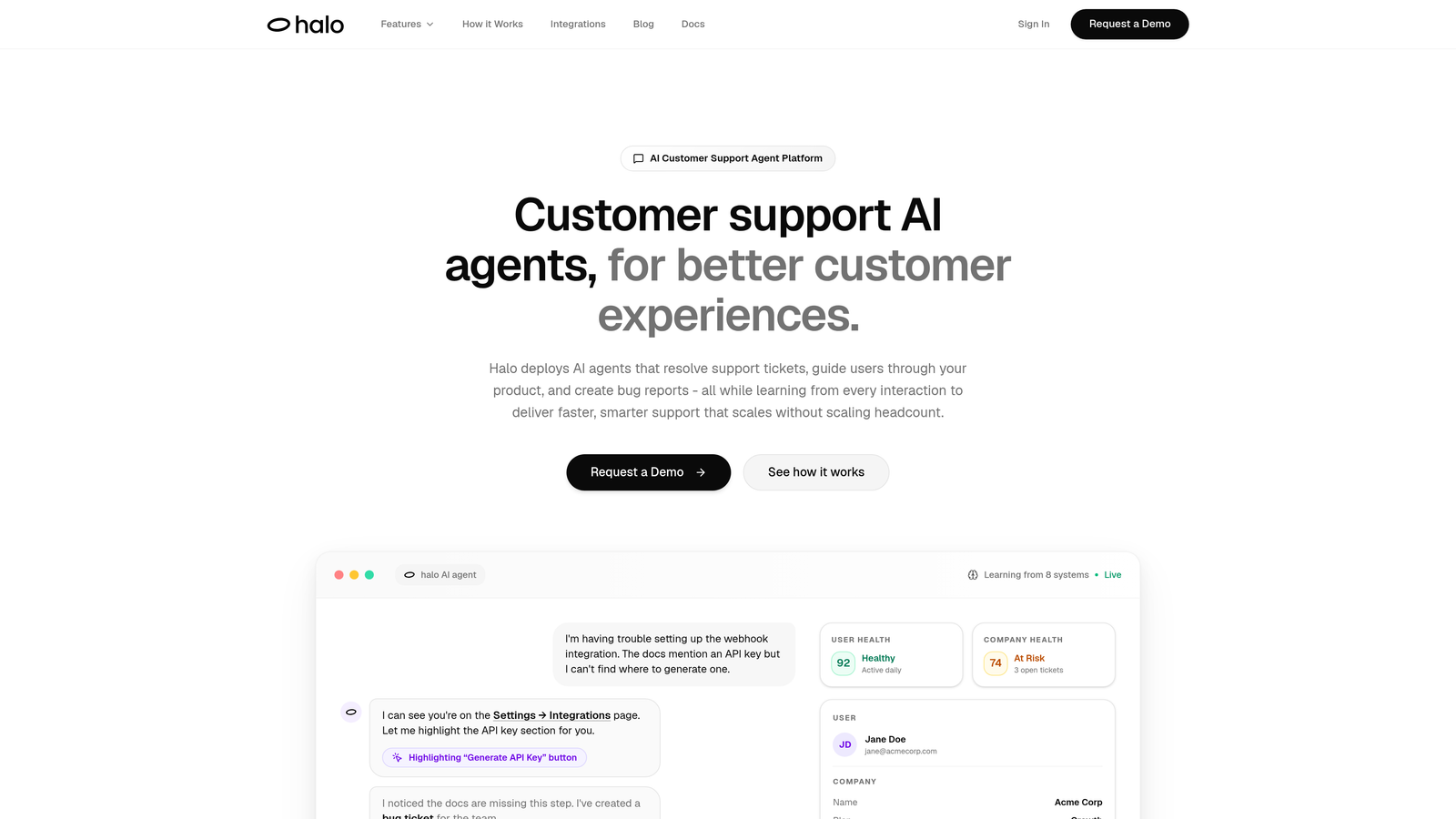
Halo AI is an AI-native customer support platform built from the ground up for autonomous operation, not retrofitted onto traditional helpdesk architecture.
Where This Tool Shines
Unlike bolt-on AI features added to existing helpdesks, Halo deploys intelligent agents that actually resolve tickets without human intervention. The platform's page-aware context means it sees exactly what your users see, enabling visual guidance through your product interface rather than generic text responses.
What sets Halo apart is continuous learning. Every interaction trains the system to handle similar issues better next time. The smart inbox doesn't just organize tickets—it surfaces business intelligence like customer health signals and revenue insights that traditional support tools miss entirely.
Key Features
Autonomous AI Agents: Resolve support tickets end-to-end without human intervention, handling everything from password resets to product questions.
Page-Aware Chat Widget: Sees what users see on your interface, providing visual guidance and contextual help based on their actual screen.
Smart Inbox with Business Intelligence: Goes beyond ticket management to detect customer health signals, revenue anomalies, and support trends.
Automatic Bug Ticket Creation: Converts support conversations into properly formatted bug reports in your project management system.
Seamless Live Agent Handoff: Escalates complex issues to humans with complete context transfer, so agents never ask customers to repeat themselves.
Best For
B2B SaaS companies and product teams looking to scale support without scaling headcount. Particularly valuable for teams using helpdesks like Zendesk, Freshdesk, or Intercom who want AI that actually resolves issues rather than just suggesting articles.
Pricing
Contact for pricing. Scales based on resolution volume rather than agent seats, which can significantly reduce costs for high-ticket-volume teams.
2. Zendesk
Best for: Enterprise organizations needing sophisticated workflow automation across multiple support channels and departments.
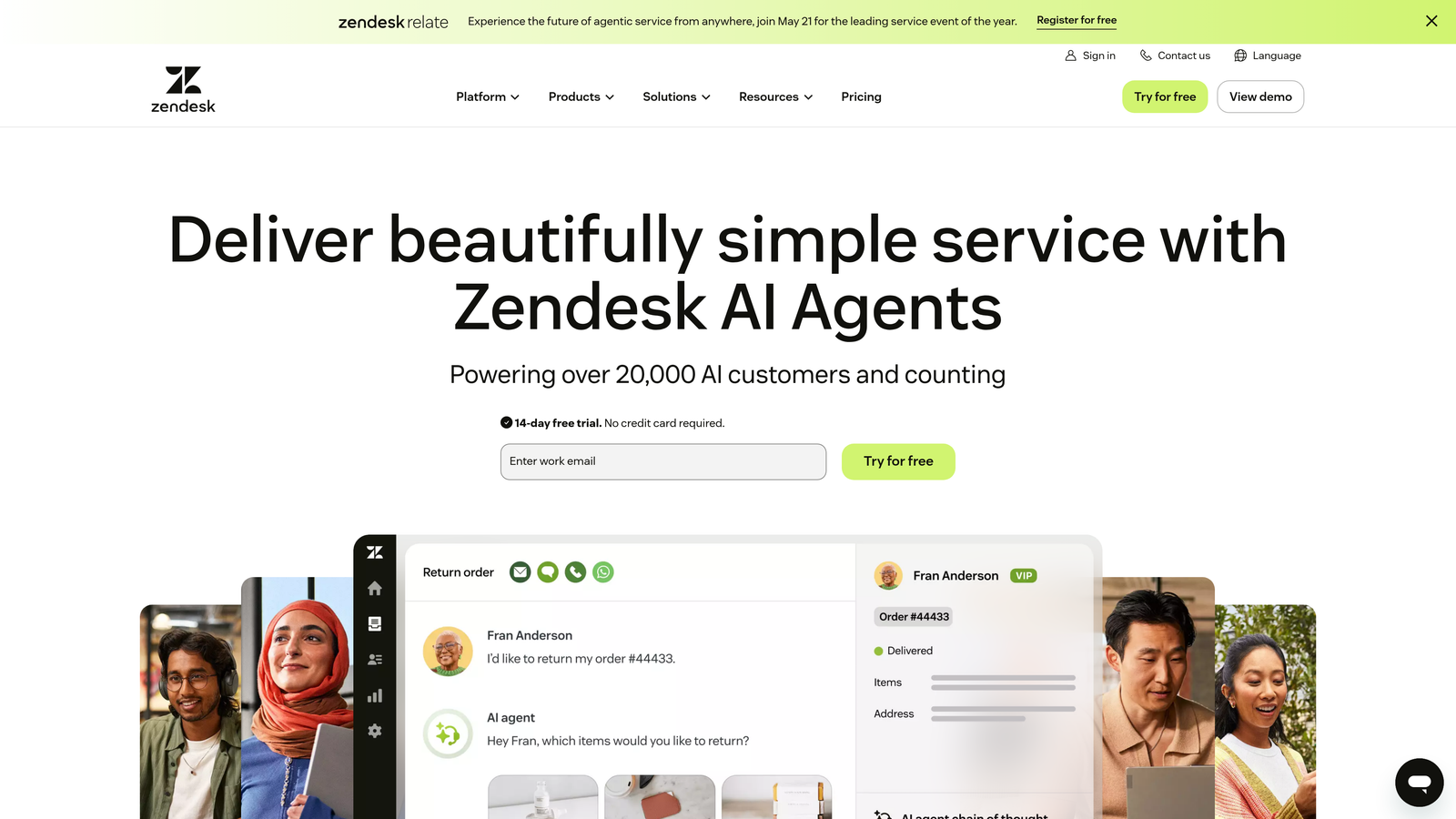
Zendesk is the enterprise-grade helpdesk platform that pioneered many automation features now considered standard across the industry.
Where This Tool Shines
Zendesk's trigger and automation workflow builder handles complex multi-step processes that would overwhelm simpler platforms. You can create intricate conditional logic for ticket routing, escalation, and follow-up that adapts to virtually any support scenario.
The platform's Answer Bot uses machine learning to deflect common inquiries before they reach your team. With over 1,000 marketplace integrations, Zendesk connects to nearly every business tool your company already uses, creating a unified support ecosystem.
Key Features
Advanced Workflow Builder: Create sophisticated trigger-based automations with conditional logic, time delays, and multi-step sequences.
Answer Bot with ML: Deflects tickets by suggesting relevant knowledge base articles, learning which suggestions work best over time.
Omnichannel Routing: Automatically routes conversations from email, chat, phone, social media, and messaging apps based on agent skills and availability.
Analytics Dashboards: Track resolution times, agent performance, customer satisfaction, and automation effectiveness with customizable reports.
Extensive Integration Marketplace: Connect to CRMs, project management tools, communication platforms, and business intelligence systems.
Best For
Large enterprises with complex support operations spanning multiple departments, brands, or regions. Teams that need deep customization and can invest time in building sophisticated automation workflows.
Pricing
Starts at $55 per agent per month for Suite Team. Enterprise pricing scales significantly higher but includes advanced features and dedicated support.
3. Freshdesk
Best for: Growing teams wanting powerful automation without enterprise complexity or cost.
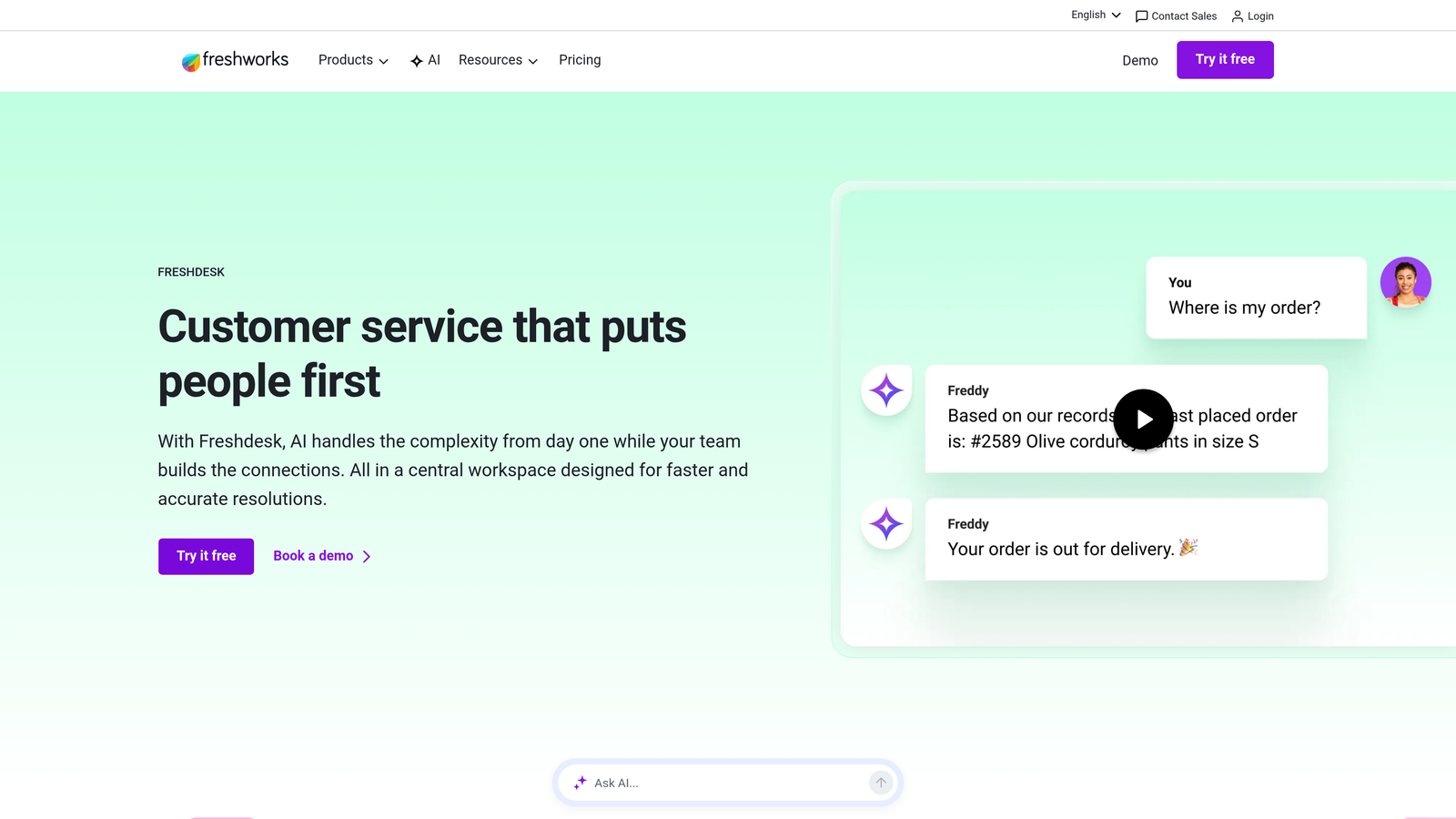
Freshdesk is the user-friendly helpdesk that makes automation accessible to teams without dedicated IT resources or extensive training budgets.
Where This Tool Shines
Freddy AI, Freshdesk's automation engine, handles auto-triage and suggests responses based on ticket content and historical patterns. The interface stays intuitive even as you add automation complexity, making it easier for new team members to understand and maintain workflows.
Scenario automations let you build multi-step processes visually without writing code. The platform strikes a balance between capability and usability that appeals to mid-market companies scaling beyond basic helpdesk needs.
Key Features
Freddy AI Auto-Triage: Automatically categorizes and prioritizes incoming tickets, suggesting relevant responses to agents.
Scenario Automations: Build multi-step workflows that trigger based on ticket properties, customer data, or time-based conditions.
Canned Responses and Templates: Create reusable response templates with variables for personalized bulk communication.
SLA Management: Set service level agreements with automatic escalation when tickets approach deadline violations.
Team Inbox with Collision Detection: Prevents multiple agents from working on the same ticket simultaneously.
Best For
Small to mid-sized companies experiencing rapid growth who need automation that scales with them. Teams that value ease of use and quick implementation over deep enterprise customization.
Pricing
Free tier available for basic features. Growth plan starts at $15 per agent per month, with Pro and Enterprise tiers adding advanced automation capabilities.
4. Intercom
Best for: Product-led companies wanting conversational support integrated with proactive user engagement and onboarding.
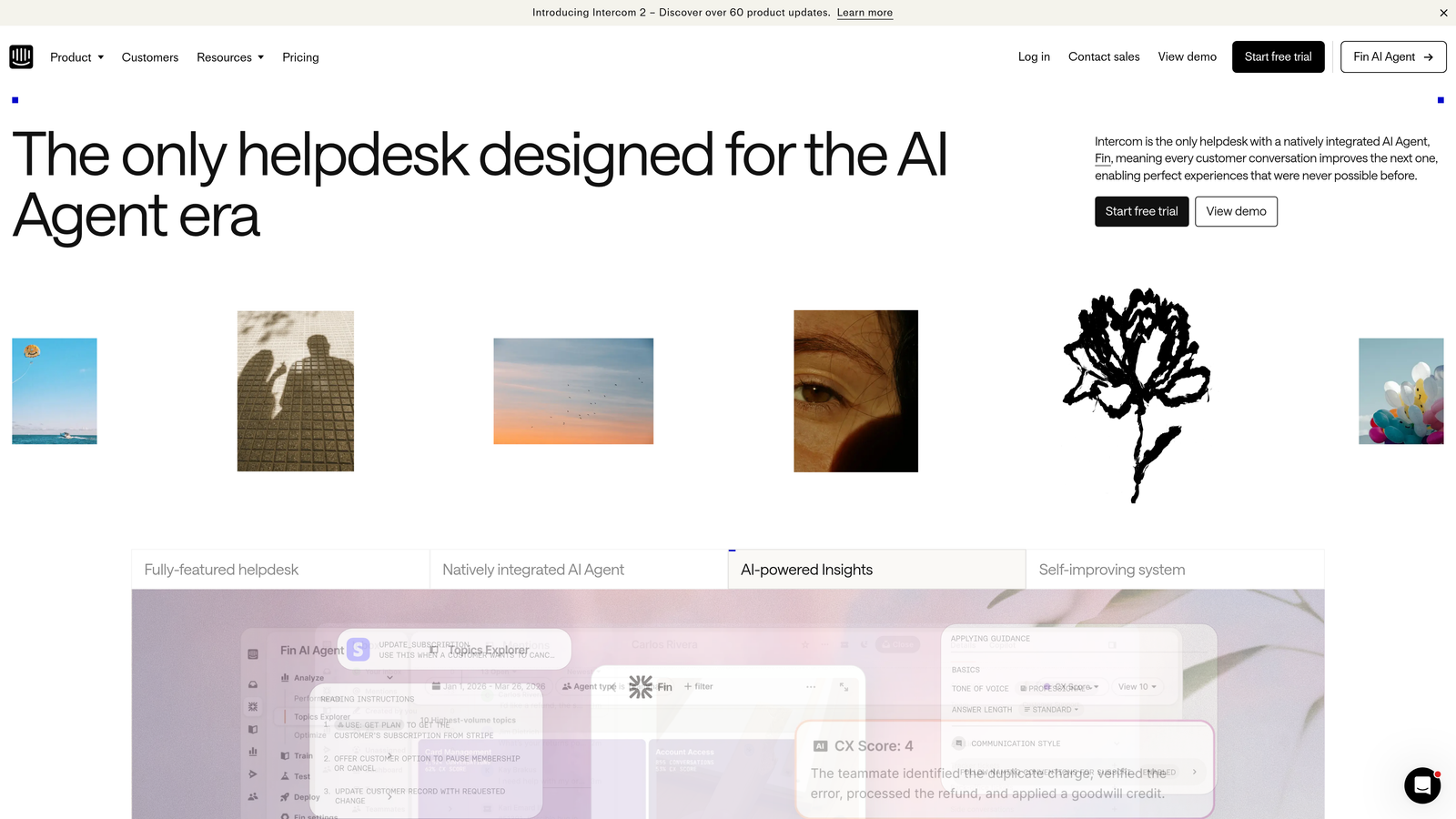
Intercom is the conversational support platform that blends AI-powered resolution with proactive messaging and product tours.
Where This Tool Shines
Fin, Intercom's AI agent, handles conversations autonomously rather than just suggesting articles. It engages users naturally, asks clarifying questions, and resolves issues through multi-turn conversations that feel surprisingly human.
The platform excels at proactive support. You can trigger automated messages based on user behavior, send product tours to new users, and engage customers at critical moments in their journey. This prevents tickets before they happen.
Key Features
Fin AI Agent: Conducts autonomous conversations to resolve customer inquiries without human intervention, learning from each interaction.
Proactive Messaging: Trigger automated outreach based on user behavior, page visits, or product usage patterns.
Product Tours: Guide users through features with interactive walkthroughs that reduce support burden from confused customers.
Visual Bot Builder: Create custom conversation flows with branching logic and conditional responses.
Resolution Reporting: Track AI performance with detailed metrics on resolution rates, conversation quality, and customer satisfaction.
Best For
SaaS companies with product-led growth strategies who view support as part of the user experience rather than a separate function. Teams wanting to blend reactive support with proactive engagement.
Pricing
Starts at $39 per seat per month for basic features. Fin AI is priced separately per resolution, which can add significant cost for high-volume teams.
5. HubSpot Service Hub
Best for: Companies already using HubSpot CRM who want unified customer data across sales, marketing, and support.
HubSpot Service Hub is the service automation platform that leverages HubSpot's CRM foundation to provide complete customer context.
Where This Tool Shines
The native CRM integration means support agents see every customer interaction—sales calls, marketing emails, previous tickets, deal status—in one unified timeline. This context enables more personalized, informed responses without switching between systems.
Conversation intelligence automatically creates tickets from chat, email, or phone conversations. The knowledge base includes built-in SEO optimization, turning your help content into a lead generation channel rather than just a support resource.
Key Features
Native CRM Integration: Access complete customer timeline including sales interactions, marketing engagement, and support history.
Conversation Intelligence: Automatically create tickets from conversations across channels, with smart routing based on CRM properties.
SEO-Optimized Knowledge Base: Publish help articles that rank in search engines, attracting potential customers while deflecting support tickets.
Customer Feedback Automation: Send NPS surveys and feedback requests automatically based on ticket resolution or customer milestones.
CRM-Based Routing: Route tickets based on customer properties like deal size, subscription tier, or account owner.
Best For
Companies invested in the HubSpot ecosystem who want support data flowing into the same system as sales and marketing. Teams that value unified customer data over best-in-class support-specific features.
Pricing
Free tools available with basic functionality. Starter plan at $45 per month for two users, with Professional and Enterprise tiers scaling based on features and user count.
6. Zoho Desk
Best for: Budget-conscious teams wanting AI-powered automation with strong integration to broader business tools.
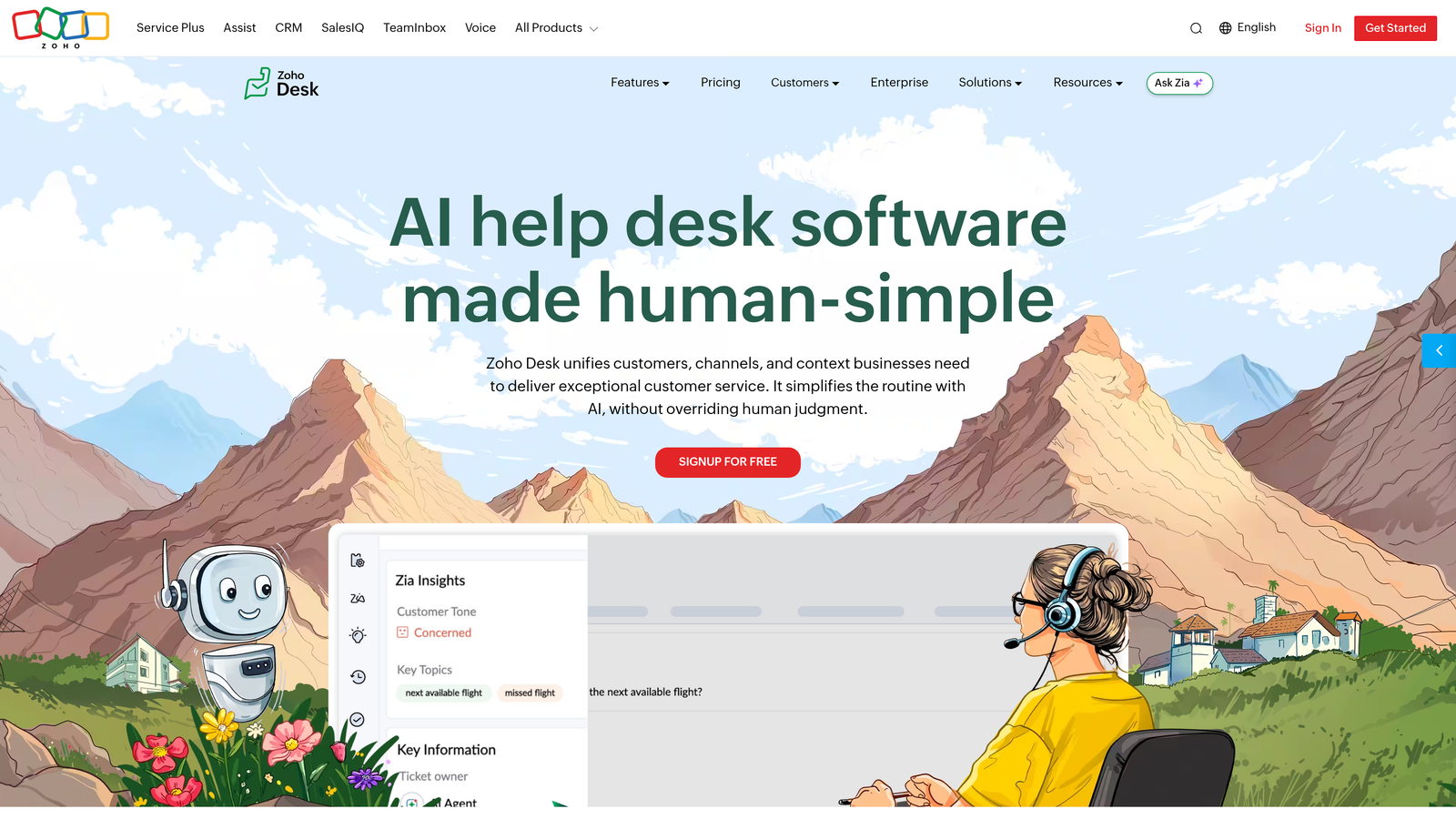
Zoho Desk is the context-aware helpdesk featuring Zia AI assistant, offering enterprise-level automation at mid-market pricing.
Where This Tool Shines
Zia AI analyzes sentiment in customer messages, helping agents prioritize emotionally charged tickets before they escalate. The AI suggests responses based on historical ticket resolutions, speeding up agent workflows without requiring extensive setup.
Blueprint workflow automation lets you map complex support processes visually. The deep integration with Zoho CRM and other Zoho applications creates a comprehensive business platform if you're already using their ecosystem.
Key Features
Zia AI Sentiment Analysis: Detects customer emotion in tickets and flags potentially escalating situations for priority handling.
Blueprint Workflow Automation: Design multi-stage support processes with visual workflow mapping and conditional logic.
Contextual Ticket Views: Display complete customer history including past tickets, purchases, and interactions across Zoho apps.
Multi-Department Support: Manage tickets across different departments or brands from a single interface with separate workflows.
Zoho Ecosystem Integration: Connect seamlessly to Zoho CRM, Projects, Analytics, and other Zoho business applications.
Best For
Small to mid-sized businesses using or considering the Zoho ecosystem. Teams that need sophisticated automation features but can't justify enterprise helpdesk pricing.
Pricing
Free for up to three agents. Standard plan at $14 per agent per month, with Professional and Enterprise tiers adding advanced AI and automation features.
7. Help Scout
Best for: Teams prioritizing personal customer relationships while automating repetitive tasks behind the scenes.
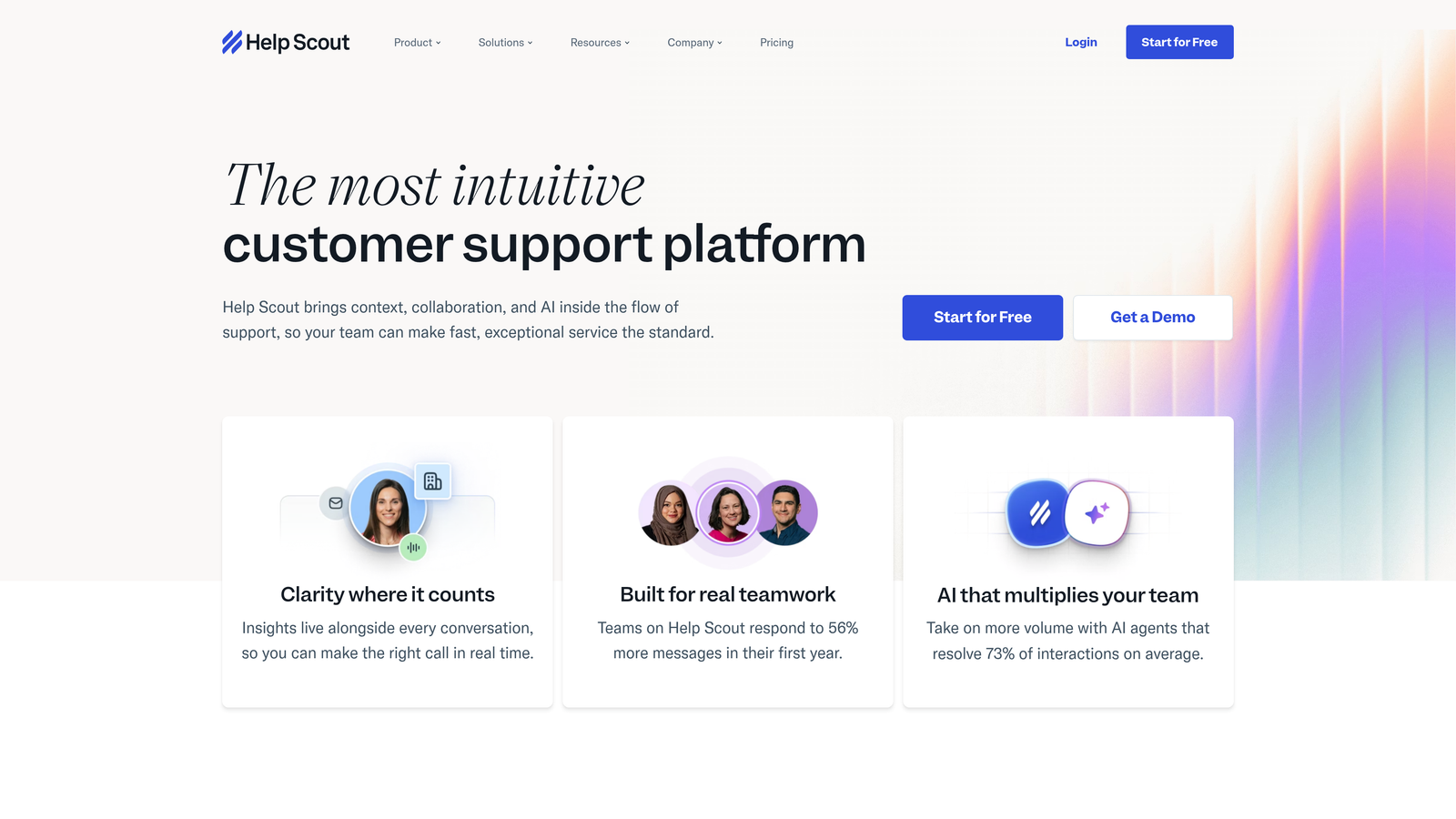
Help Scout is the human-focused helpdesk that automates workflows without sacrificing the personal touch customers expect.
Where This Tool Shines
Help Scout's philosophy centers on making automation invisible to customers. Saved replies use variables for personalization, so automated responses feel hand-crafted. The Beacon widget embeds help content and chat directly into your product, providing contextual assistance without feeling like a traditional support widget.
Workflows handle automatic tagging, assignment, and follow-up while maintaining the appearance of one-on-one communication. The platform deliberately avoids ticket numbers and support jargon, treating every conversation like personal correspondence.
Key Features
Beacon Embedded Widget: Provide contextual help, knowledge base search, and chat directly within your product interface.
Saved Replies with Variables: Create reusable responses that automatically personalize with customer name, product details, and account information.
Workflow Automation: Automatically tag, assign, and route conversations based on content, customer properties, or team availability.
Docs Knowledge Base: Publish help articles with automatic suggestions during conversations, deflecting tickets before they're created.
Customer Profiles: View complete conversation history and customer data in a clean, focused interface.
Best For
Customer-centric companies that view support as relationship building rather than ticket processing. Teams that want automation efficiency without corporate helpdesk feel.
Pricing
Starts at $20 per user per month for Standard plan. Plus and Company tiers add advanced features and higher usage limits.
8. Front
Best for: Teams managing shared email addresses who want automation without losing the personal feel of individual communication.
Front is the collaborative inbox platform that automates shared email management while maintaining personal sender addresses.
Where This Tool Shines
Front solves the shared inbox problem elegantly. Multiple team members can manage support@yourcompany.com, but emails still send from individual addresses, preserving personal relationships. The rules engine automatically routes, tags, and assigns conversations based on content or sender.
Internal comments and @mentions enable team collaboration directly within email threads without cluttering customer-facing communication. This keeps context centralized while maintaining the simplicity of email.
Key Features
Shared Inboxes with Individual Sending: Manage team email addresses while sending from personal addresses to maintain relationship continuity.
Rules Engine: Automatically route, tag, assign, and archive emails based on sender, content, or custom conditions.
Internal Collaboration: Add comments and @mention teammates within email threads visible only to your team.
SLA Tracking: Set response time goals and track performance with automatic alerts when emails approach deadlines.
Business Tool Integrations: Connect to CRMs, project management platforms, and communication tools to centralize work.
Best For
Teams that live in email but need better collaboration and automation. Companies wanting to maintain the personal feel of email while adding helpdesk-like organization.
Pricing
Starts at $19 per seat per month for Starter plan. Growth and Scale tiers add advanced automation, analytics, and integrations.
9. Kayako
Best for: Support teams needing complete customer journey visibility across channels to inform automated responses.
Kayako is the unified customer service platform featuring SingleView technology that combines customer journey data for context-rich automation.
Where This Tool Shines
SingleView creates a unified timeline of every customer interaction across email, chat, phone, and social media. This complete journey context enables smarter automation—workflows can trigger based on customer history, not just the current message.
The visual workflow builder creates automated processes that consider the full customer relationship. Live chat includes proactive engagement triggers based on browsing behavior, preventing issues before customers reach out.
Key Features
SingleView Customer Timeline: Display complete customer journey across all channels in a unified, chronological view.
Visual Workflow Builder: Create automated processes with drag-and-drop interface and conditional logic based on customer data.
Proactive Live Chat: Trigger chat invitations based on page visits, time on site, or behavioral patterns.
Smart Search Help Center: Provide knowledge base with intelligent search that learns from customer queries and article usage.
Multi-Channel Threading: Automatically combine conversations from different channels into single threads when they involve the same customer.
Best For
Companies with complex customer journeys spanning multiple touchpoints. Teams that need automation informed by complete customer context rather than isolated ticket data.
Pricing
Contact for pricing. Offers both cloud-hosted and on-premise deployment options for companies with specific data residency requirements.
Making the Right Choice
The helpdesk automation landscape has evolved beyond simple ticket routing. Today's tools range from AI-native platforms that autonomously resolve issues to collaborative inboxes that make automation invisible to customers.
If you're seeking truly autonomous support that learns continuously, Halo AI's agent-first architecture delivers resolution without the constant rule-tweaking other platforms require. For enterprise complexity spanning multiple departments and channels, Zendesk's sophisticated workflow capabilities remain the standard. Growing teams on tighter budgets will find Freshdesk's balance of power and usability compelling, while product-led companies benefit from Intercom's blend of reactive support and proactive engagement.
The key differentiator isn't features—most platforms offer similar automation building blocks. What matters is how the automation aligns with your support philosophy. Do you want invisible automation that preserves personal relationships? Help Scout or Front excel here. Need complete customer journey context? Kayako's SingleView approach makes sense. Already invested in a broader ecosystem? HubSpot or Zoho Desk integrate seamlessly.
Consider your current pain points specifically. If you're drowning in repetitive tickets that follow predictable patterns, AI-powered resolution from Halo or Intercom's Fin will deliver immediate impact. If your challenge is routing complexity across specialized teams, Zendesk or Freshdesk's workflow builders provide the control you need. For teams where email remains central, Front's collaborative approach feels natural.
Your support team shouldn't scale linearly with your customer base. Let AI agents handle routine tickets, guide users through your product, and surface business intelligence while your team focuses on complex issues that need a human touch. See Halo in action and discover how continuous learning transforms every interaction into smarter, faster support.